Customer Ratings & Reviews






- Model:
- DJ 2855E/588S5A#B1H
- SKU:
- 10187366
Rating by feature
- Value
Rating 4.4 out of 5 stars
- Quality
Rating 4.3 out of 5 stars
- Ease of Use
Rating 4.2 out of 5 stars

Simple Printer...
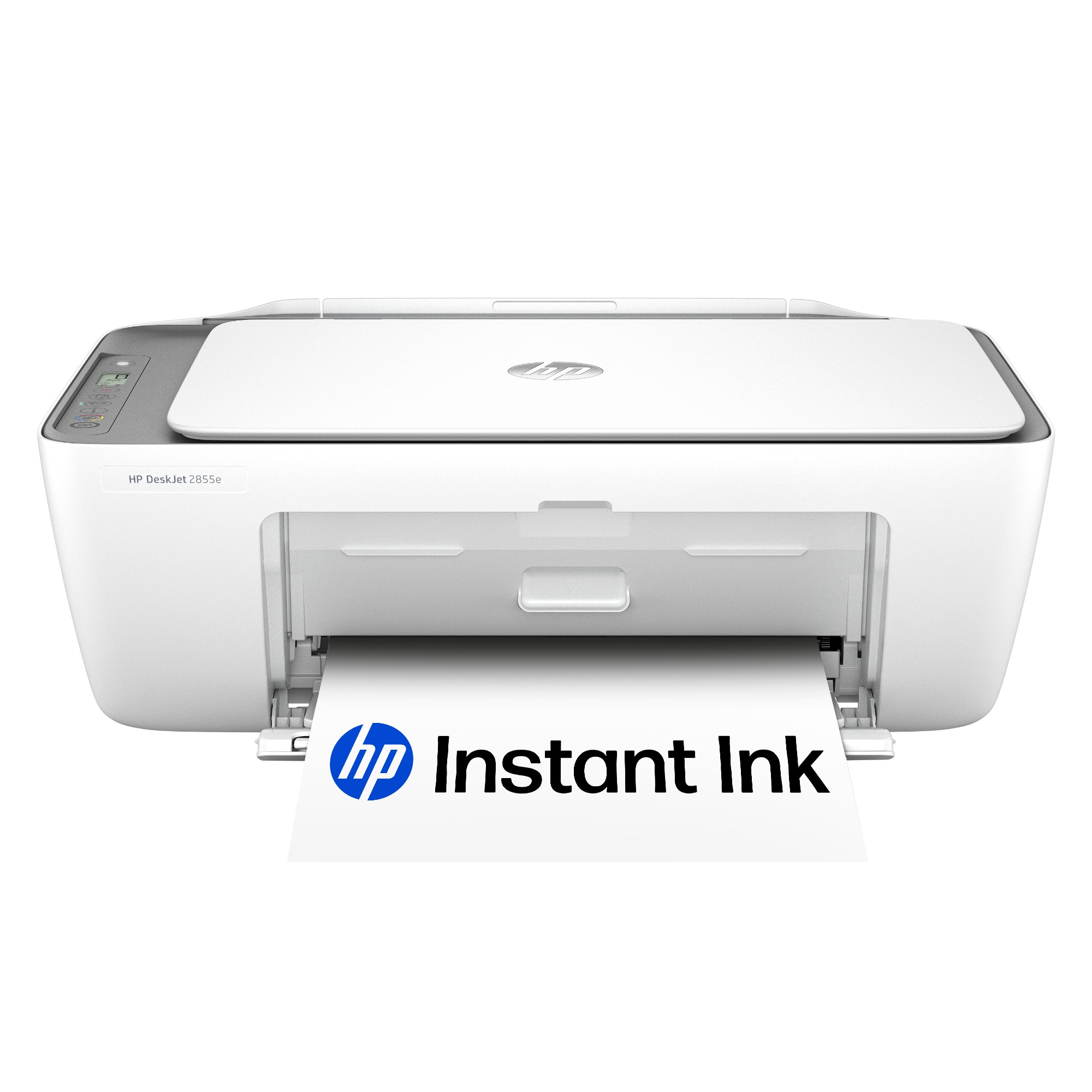
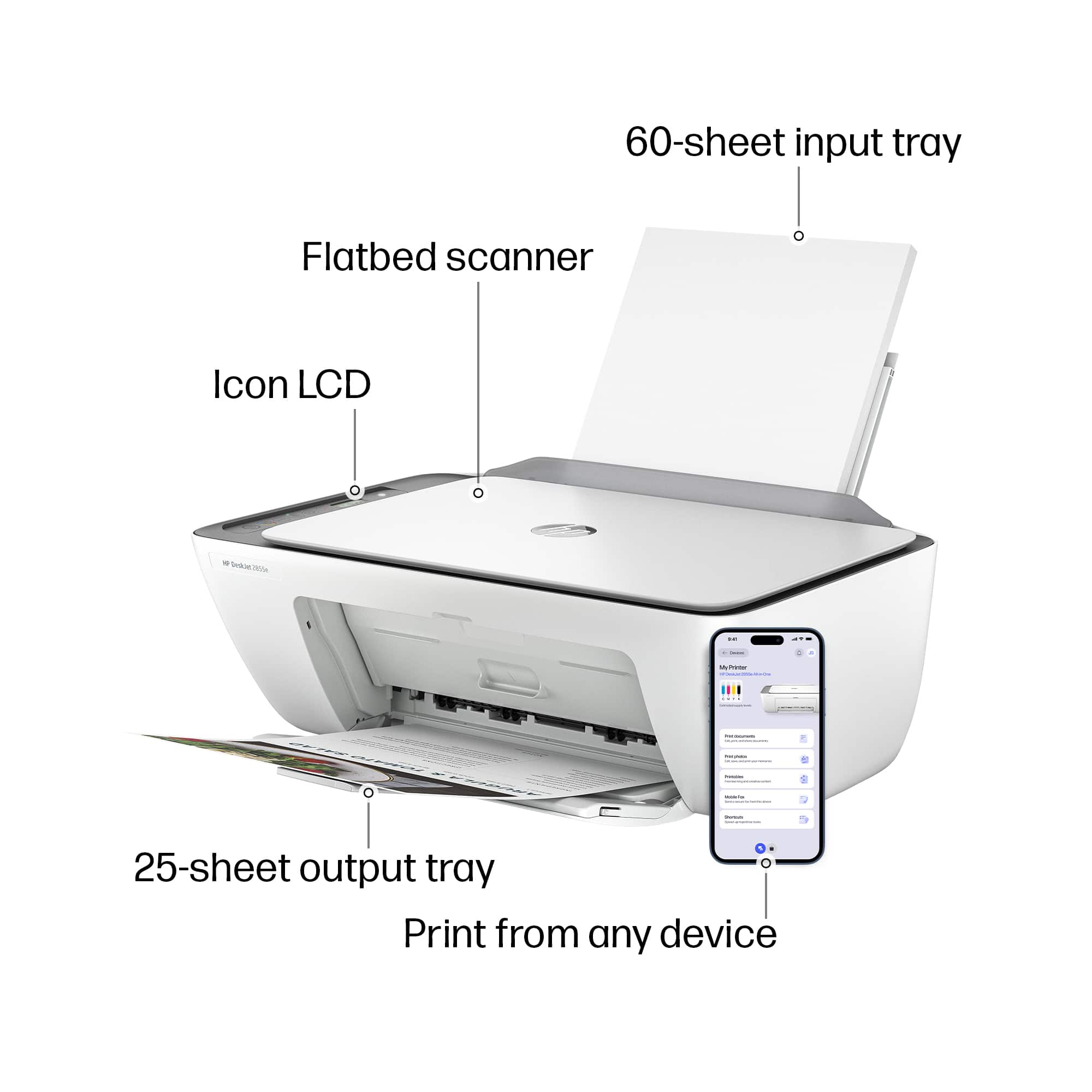
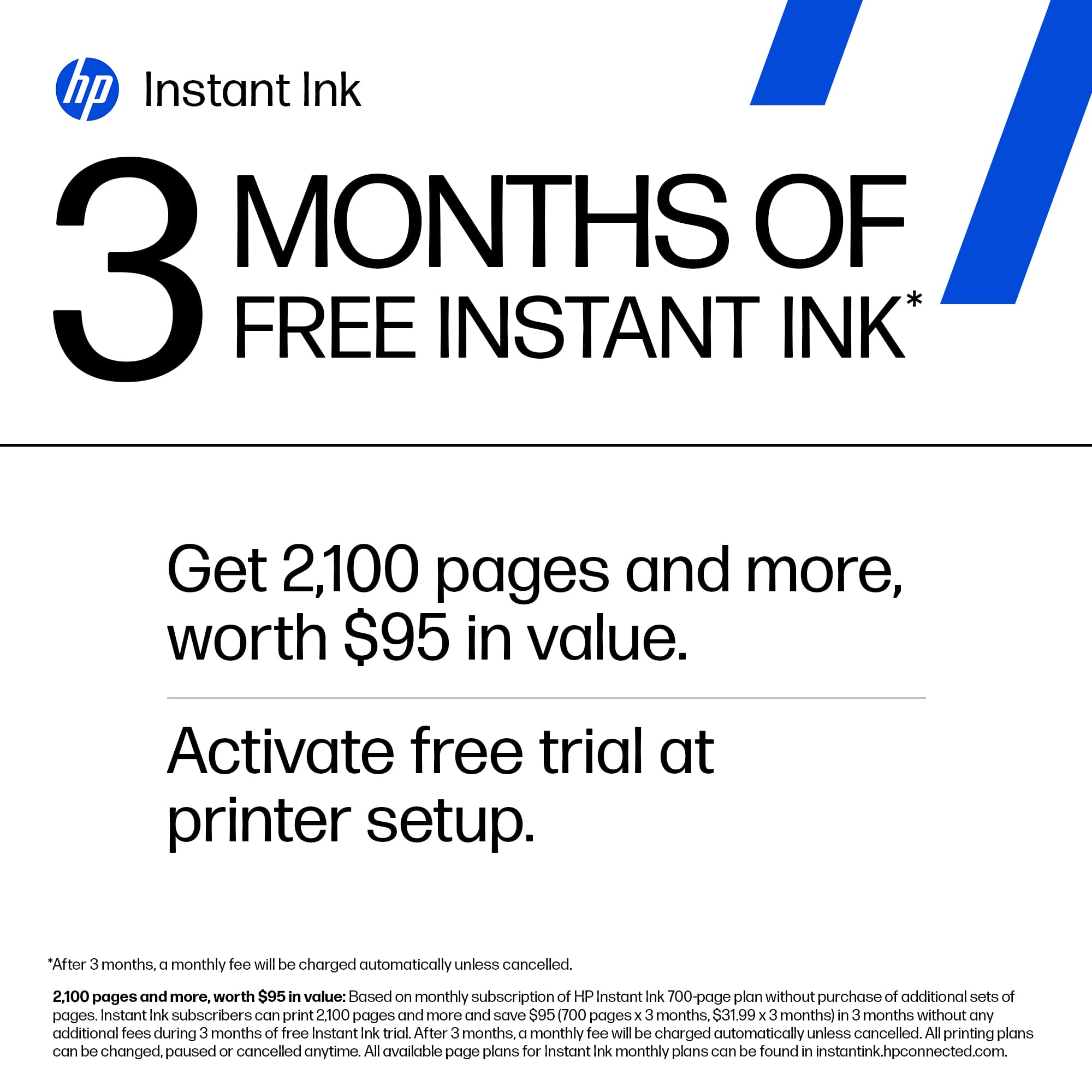
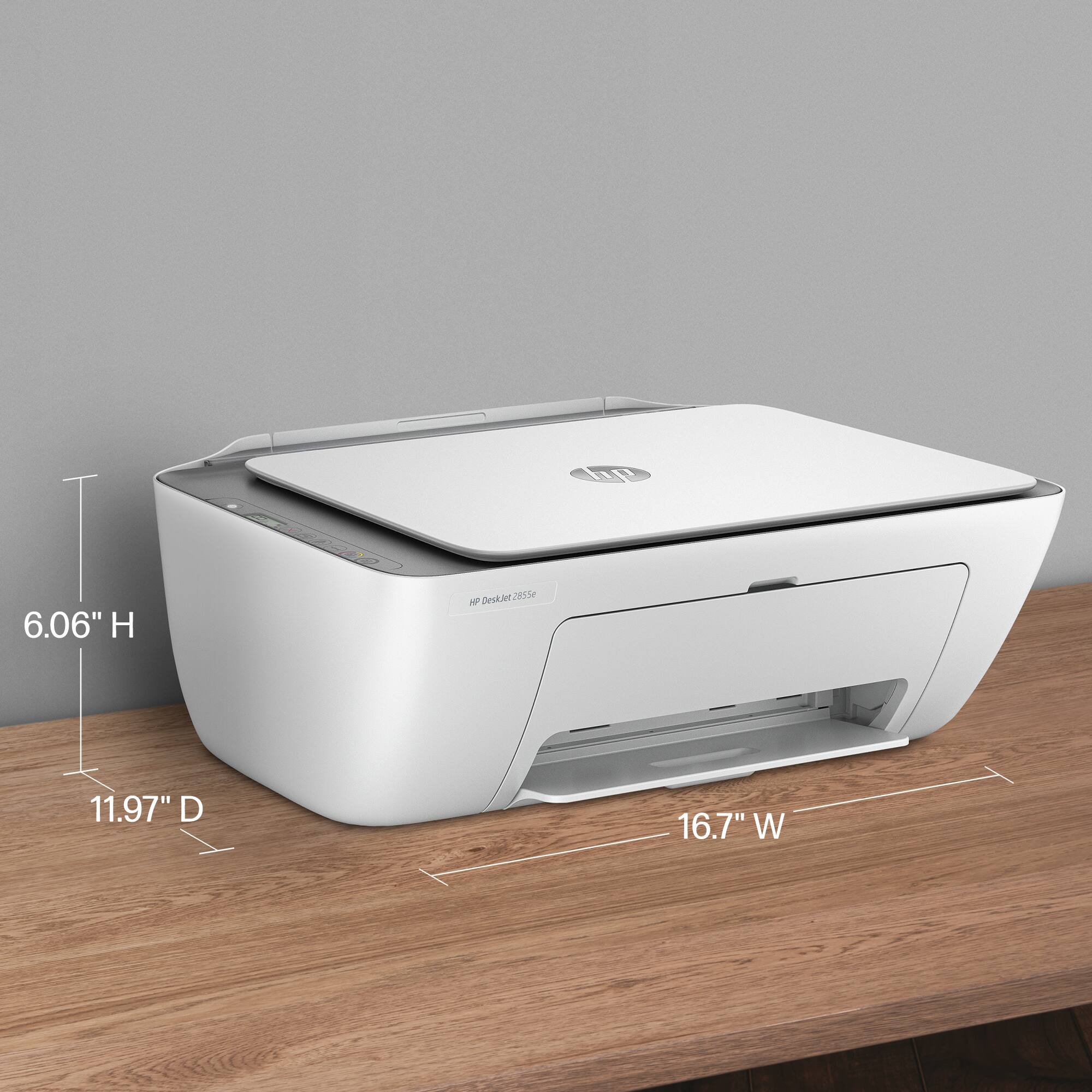
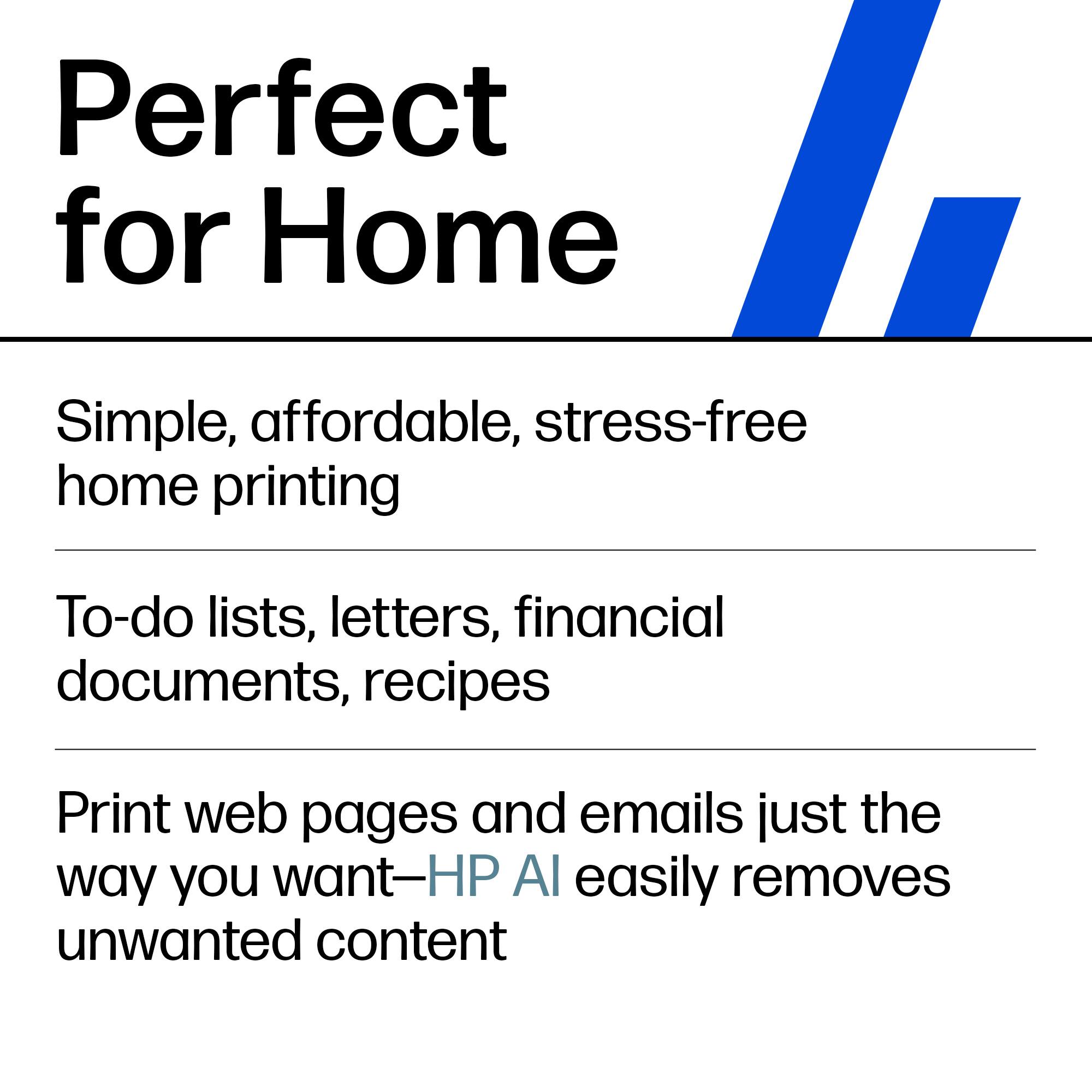
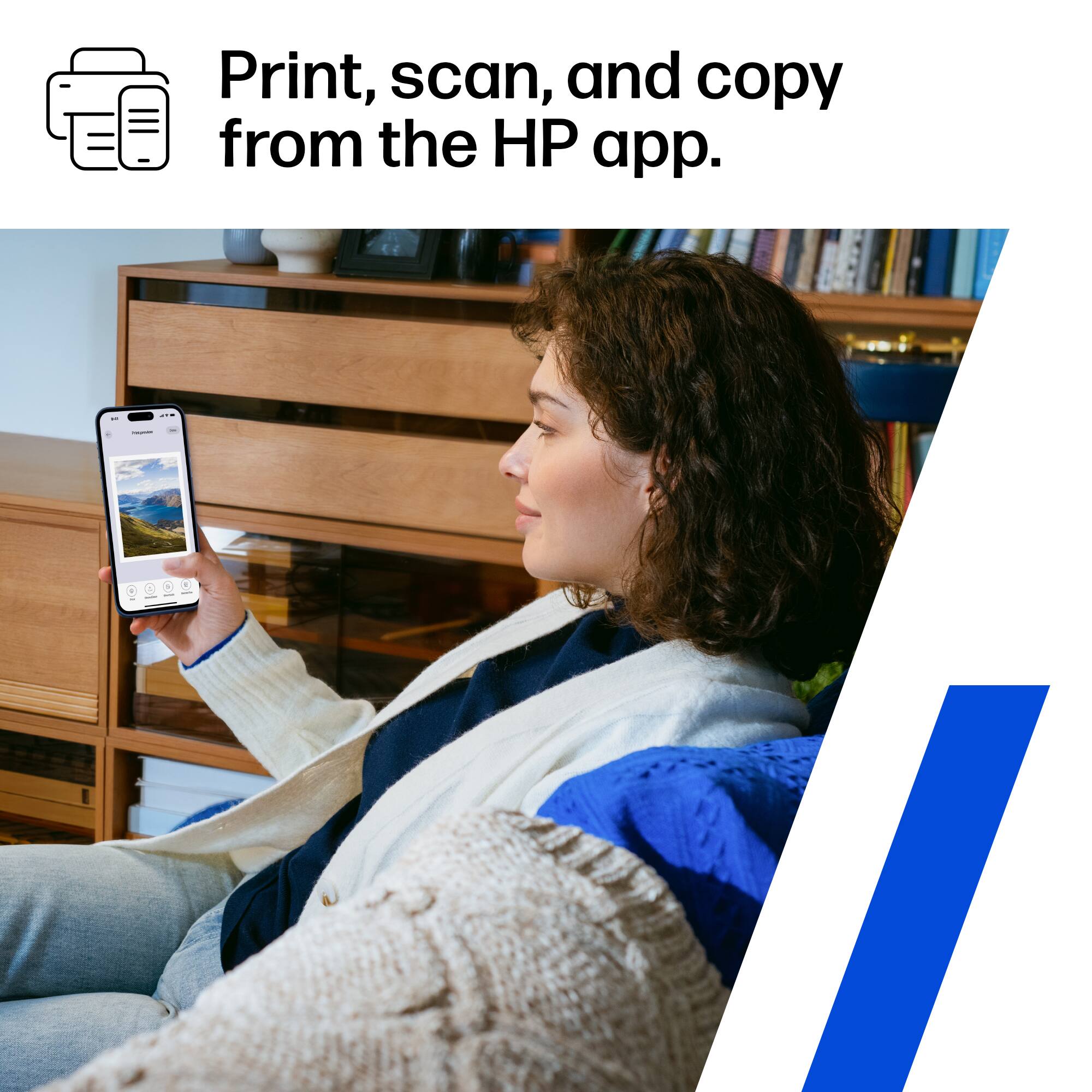
|Posted .This reviewer received promo considerations or sweepstakes entry for writing a review.The HP2855e is a great for home or a super small office Multifunction device. Size is decent. Not too big. Appearance is white and more modern look. Setup was super easy. I initially could not figure out which ink cartridge went where but I took my time and figured it out. Downloaded the HP Android app from play store. Followed the step by step instructions and I was all set up. Setup via Windows 11 was super easy as well. Searched for printer via device setup and I was all set. Comes with limited free ink - 3 months. Printing via Windows is super easy. Printing via the android app is easy as well. I am now used to HP's app so scanning and printing is easier for me to navigate. My kid uses it for school and he has no issues with it. Super simple straight forward printer to use. Great for students and for small home office use. Overall pretty good printer. Anyway for the functions I used it for and for what my kid needs to use it for for his school this works just fine. I would recommend it for what it is advertised for.
I would recommend this to a friendGreat all in one printer for home or school.
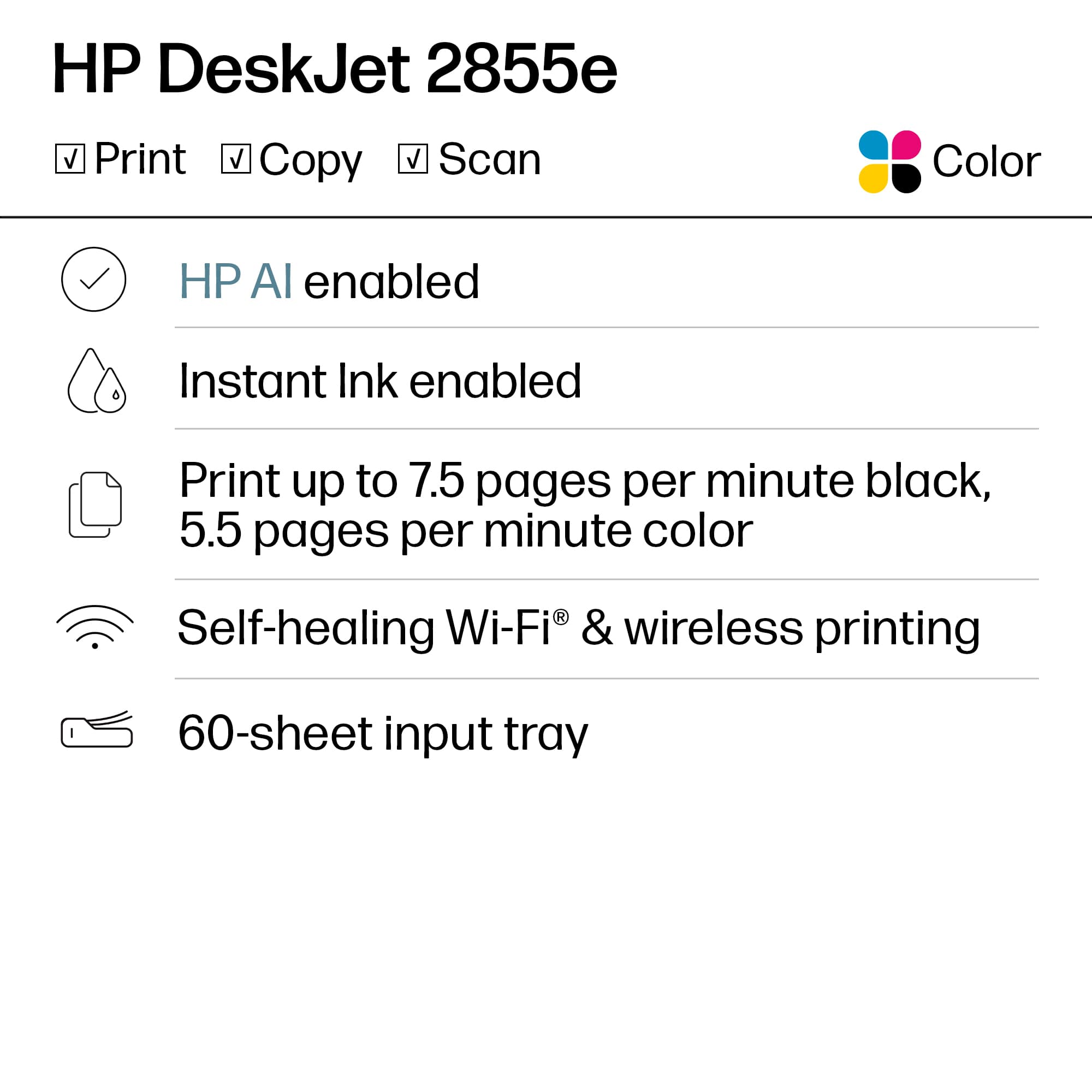
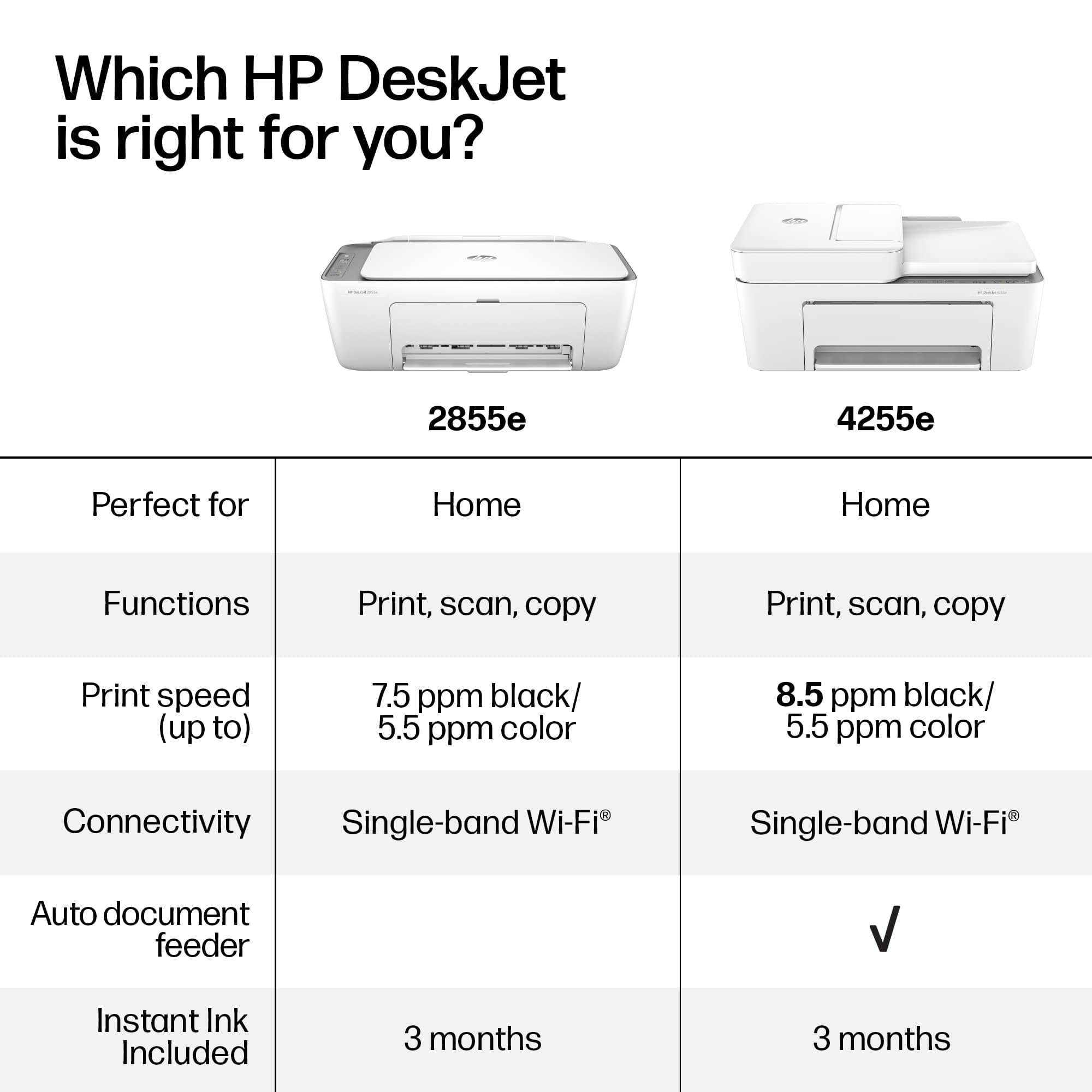
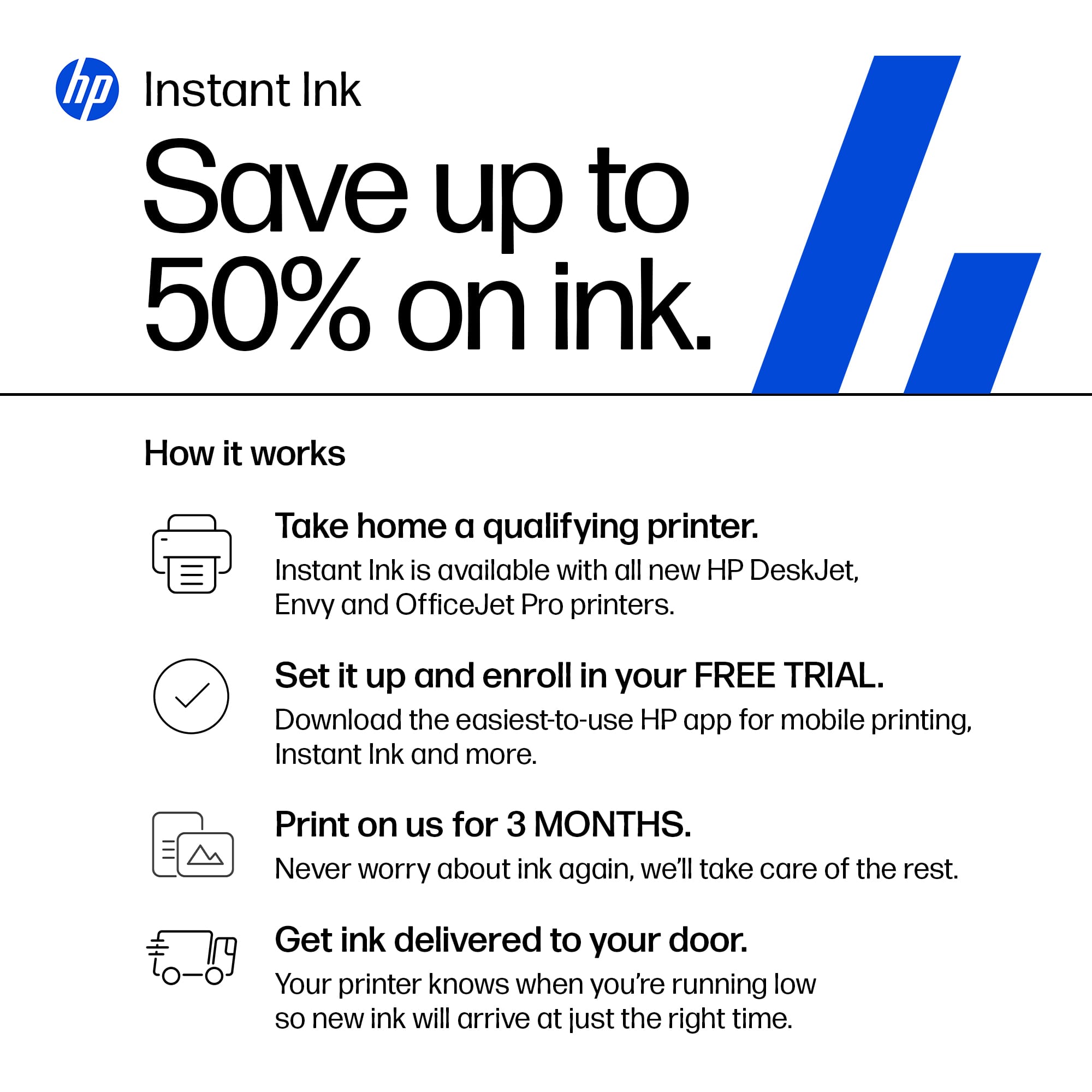
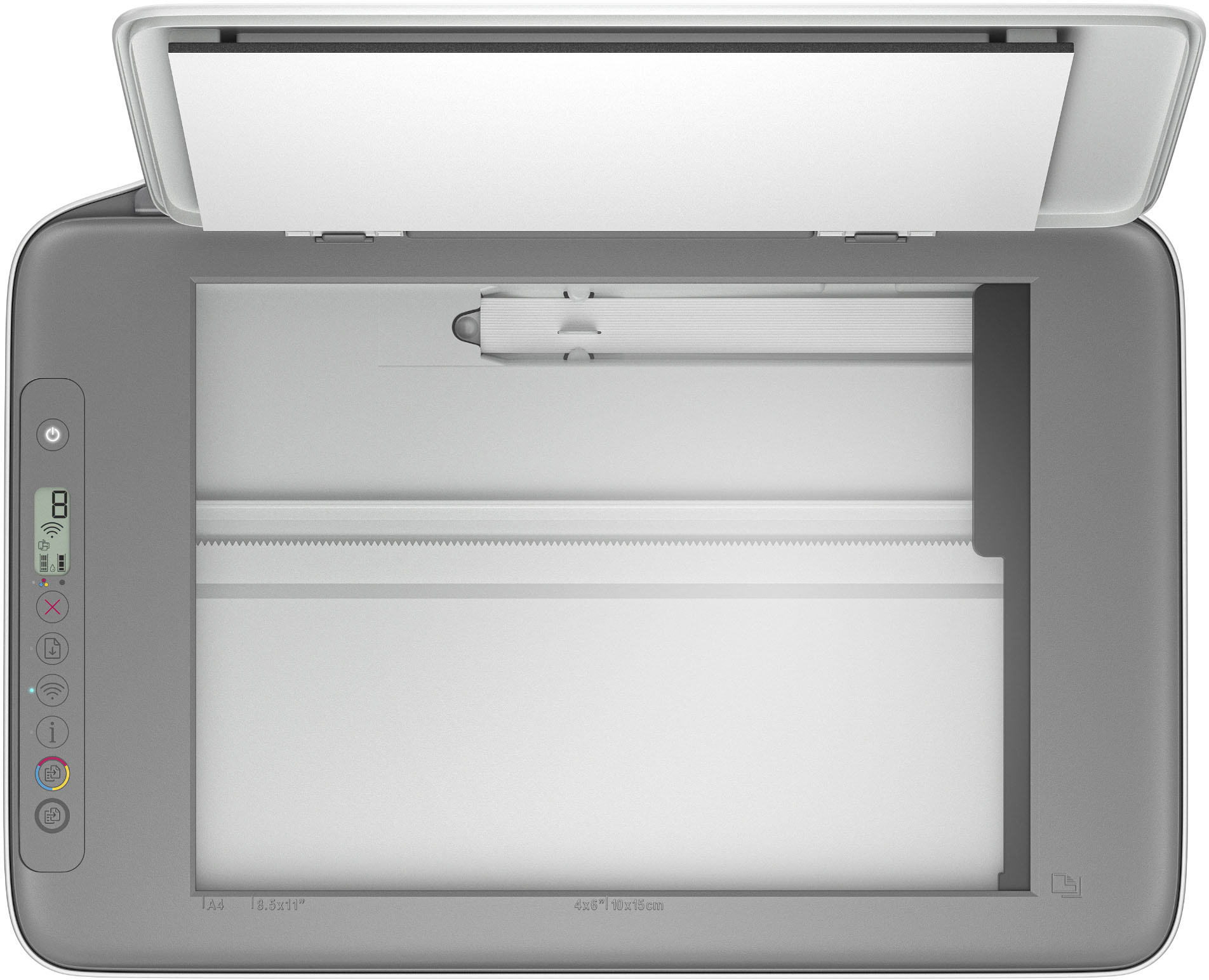
|Posted .This reviewer received promo considerations or sweepstakes entry for writing a review.This HP DeskJet 2855e Wireless Printer, Scanner and Copier is a great piece of equipment to have for home or school. It copies and prints in black and white, or in color. The scanner is a flatbed scanner that scans a clear and accurate image of text, photos, business cards, and more. The printer takes two HP ink cartridges, one black, and one color. Setting it up: Setup was very easy, and took no longer than 5 minutes. I downloaded the HP application as per the setup guide, and followed all the steps. I didn’t even have to use a computer to do setup. I used my smartphone. It also seamlessly connected to my home WiFi. Ease of use: One of the greatest things about this device, is that it is simple to use. There are no complicated settings, although there is advanced functionality and printing. Scanning/copying: The flatbed scanner is as easy as opening a top, laying the page you want to scan or copy face down, and either pushing a button on the interface or in the application. You can scan to various file formats as well. Printing: The great thing about printing with this printer, is that it gives you options on quality, number of copies, size, and paper type. Pros: This printer does everything a student or home user needs. This is simple to operate. It’s wireless, so it can be used by everyone on the WiFi network. You don’t have to hook it to a computer. It can be placed anywhere in the home that has a good WiFi connection. You can use HP Instant Ink with this printer. Cons: It’s not slow, but it’s not super fast either. Summary: It is a good all in one printing device that is great for home or school.
I would recommend this to a friendPrint essentials
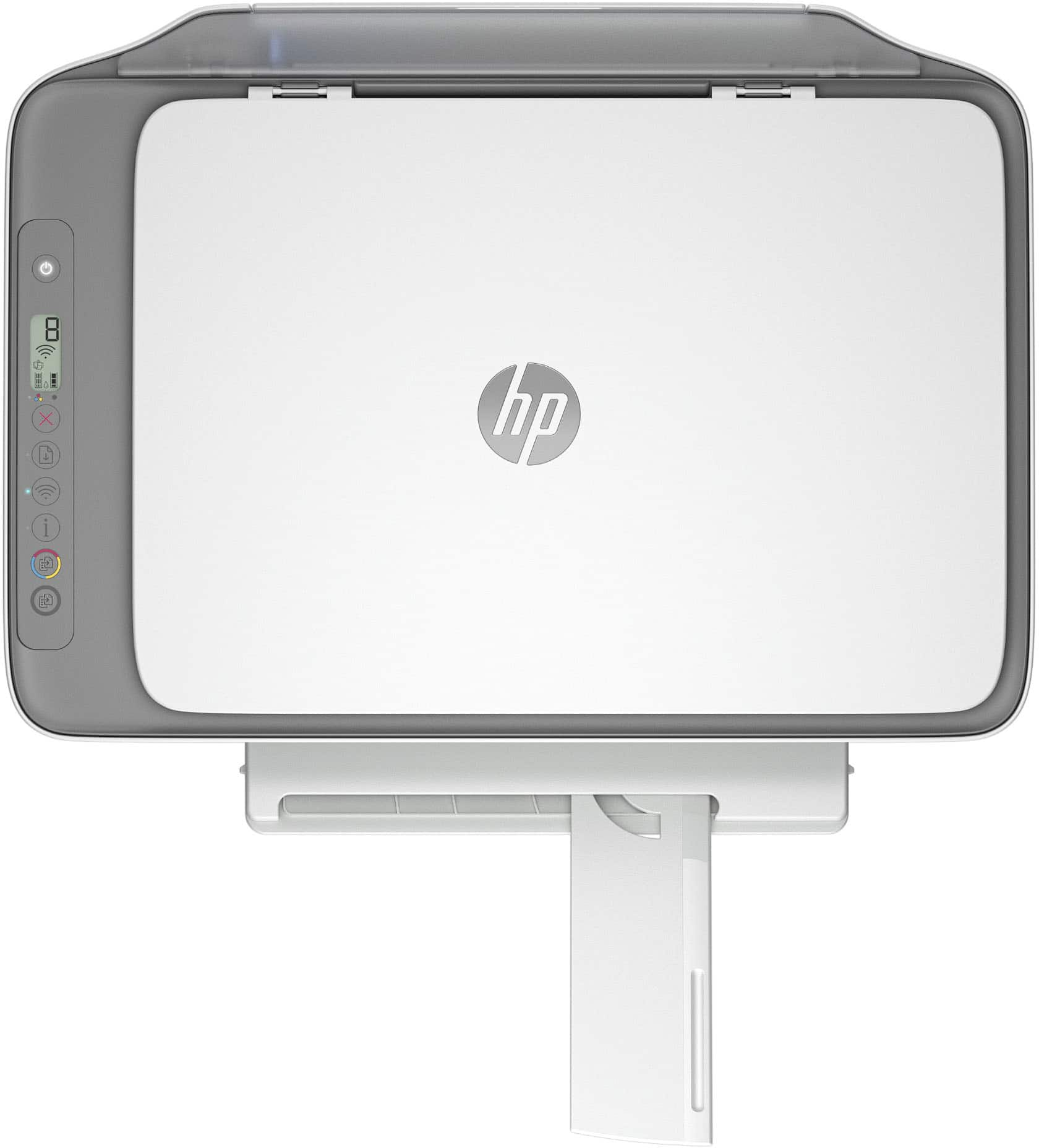
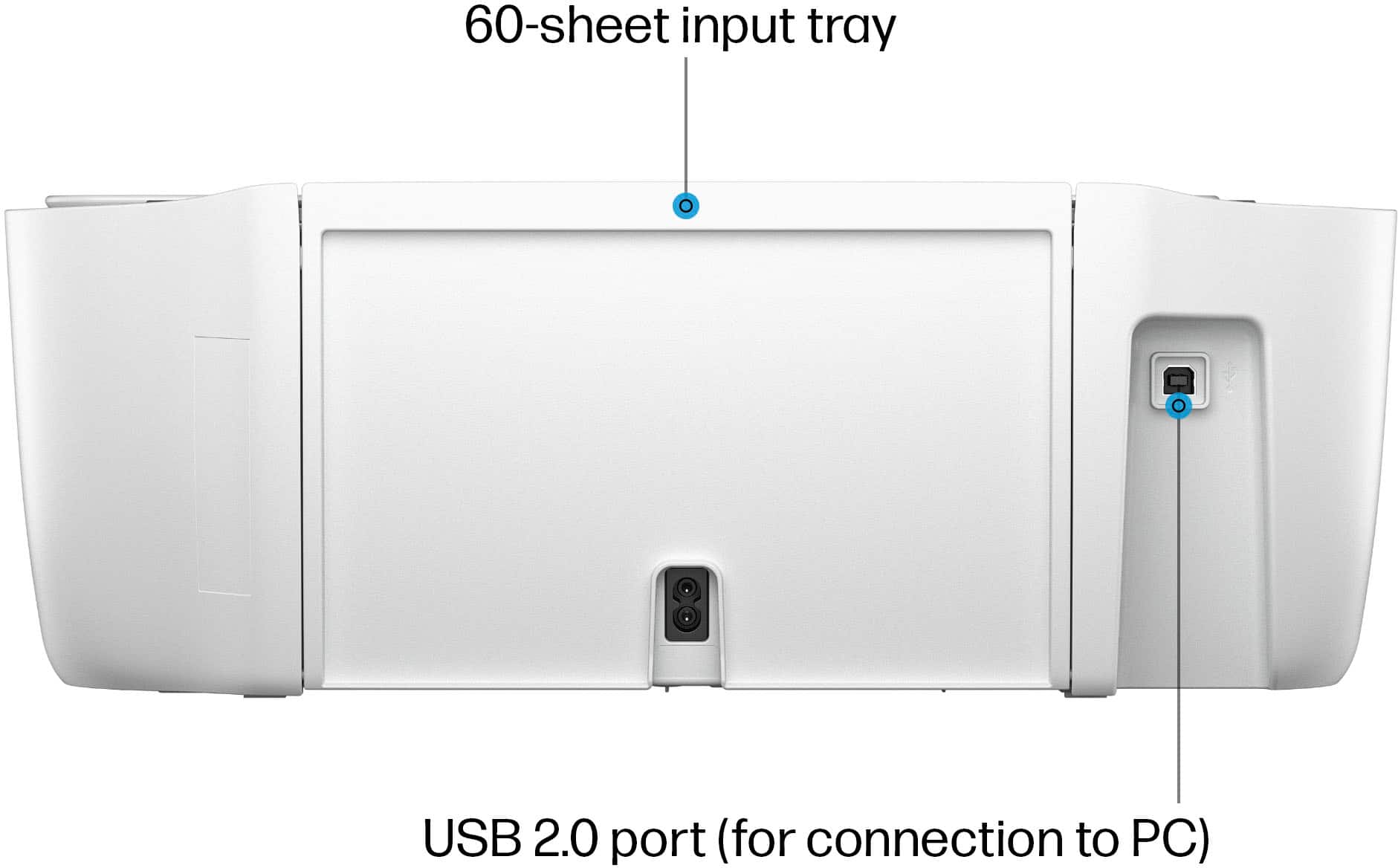
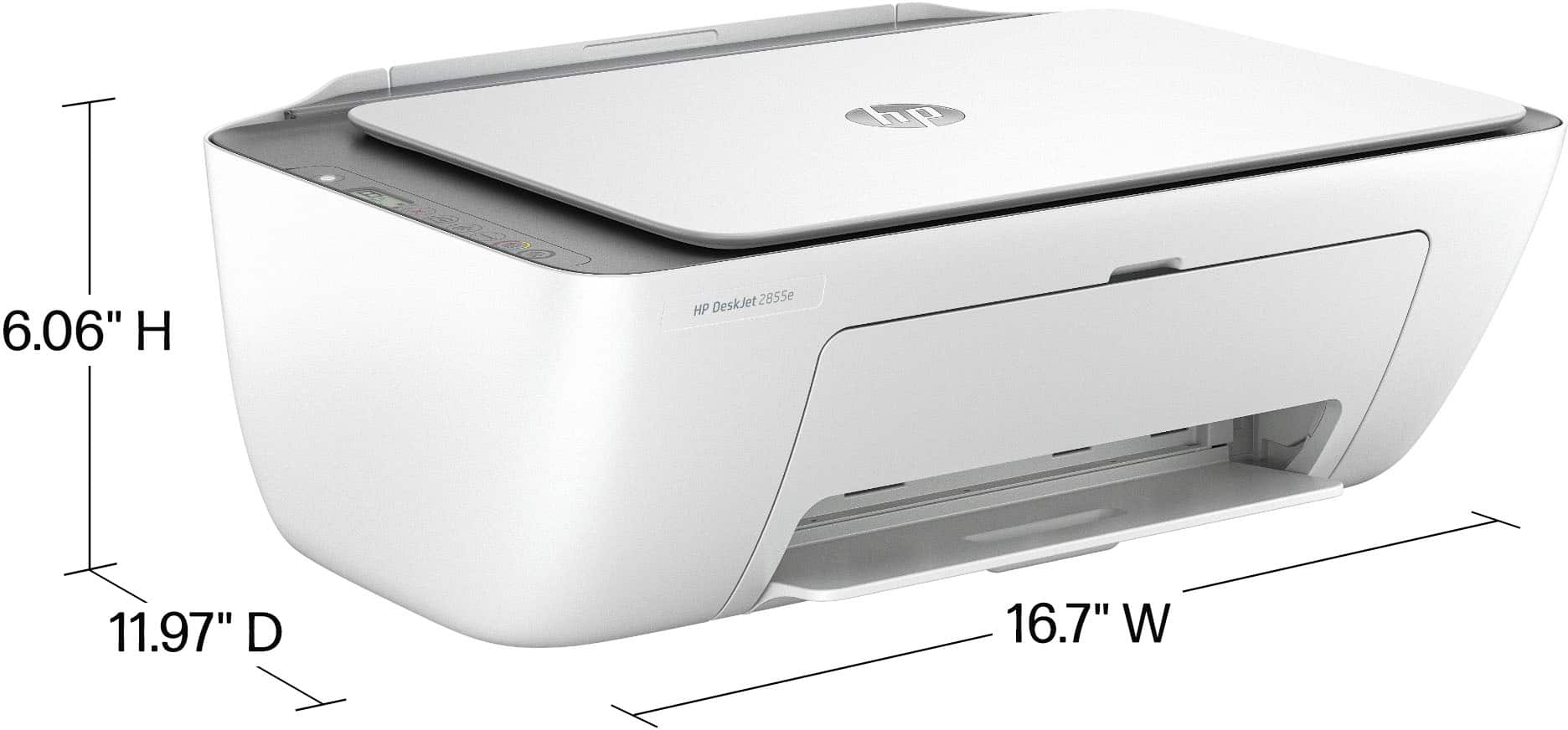
|Posted .This reviewer received promo considerations or sweepstakes entry for writing a review.The printer marker has gotten more complex. Different forms of ink, huge LED touchpad screens with lots of different options and features, there are a lot of things to consider. For some, some of that may be too much. Some people just want a simple printer. For them, the HP DeskJet 2855e meets their requirements. Setup for the DeskJet 2855e was pretty simple. Download the app, connect to the printer, connect it to wifi, install the ink cartridges, and bam, you're set to go. I also had to create an account for HP+ to print from anywhere, I feel like that should be accomplishable without signing up for a program, but that's not a major deal. That program also provides you 3 months worth of ink for free, seeing as I don't print a ton, I'll see how that works out. Design is simple. Slide the paper through the back for printing, lift the top to scan/copy. The printer is relatively small, so it won't take up a ton of space. The overall look is basic. No huge screen, not a million buttons, it's not made to stand out, it's made to print. As for printing quality, it's solid. Using ink over laser, it obviously takes longer to print. Printing anything other than words, it's, ok. It gets the job done, but I wouldn't print a picture book using this printer. The DeskJet 2855e doesn't have the flash and flair some of the other printers in the market have, but if you're looking at this printer, you know that already, and are more than likely trying to avoid all the extras. For those who want a simple printer, this is it.
I would recommend this to a friendGreat Printer
||Posted . Owned for 1 month when reviewed.This reviewer received promo considerations or sweepstakes entry for writing a review.Great price, quality and accurate delivery! At the beginning I was concerned about the price, but once I had it with me, I realized how good it is. I love the size, color, and it is easy to use at work.
I would recommend this to a friendGreat Little Scanner/Inkjet w/3Months Instant Ink
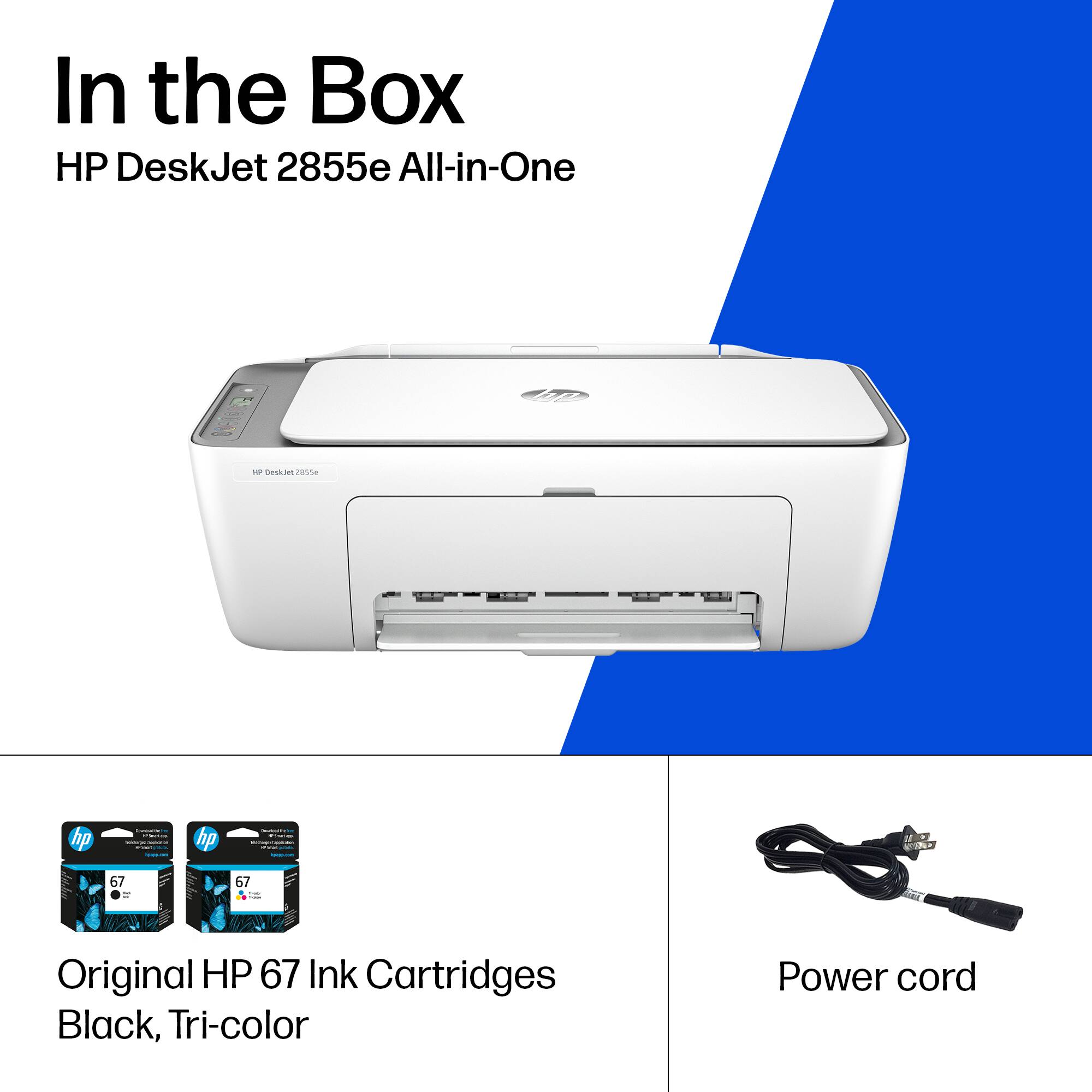
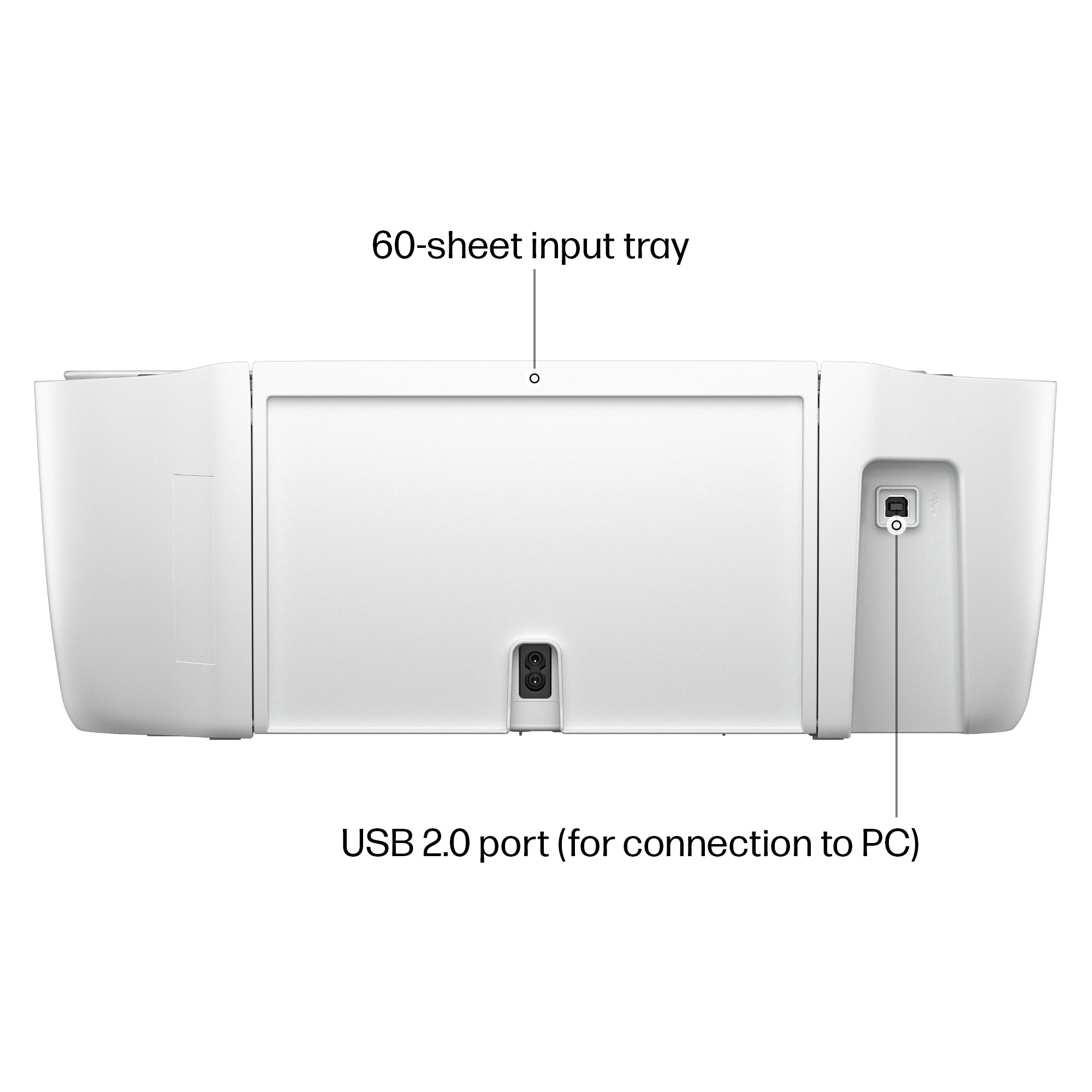
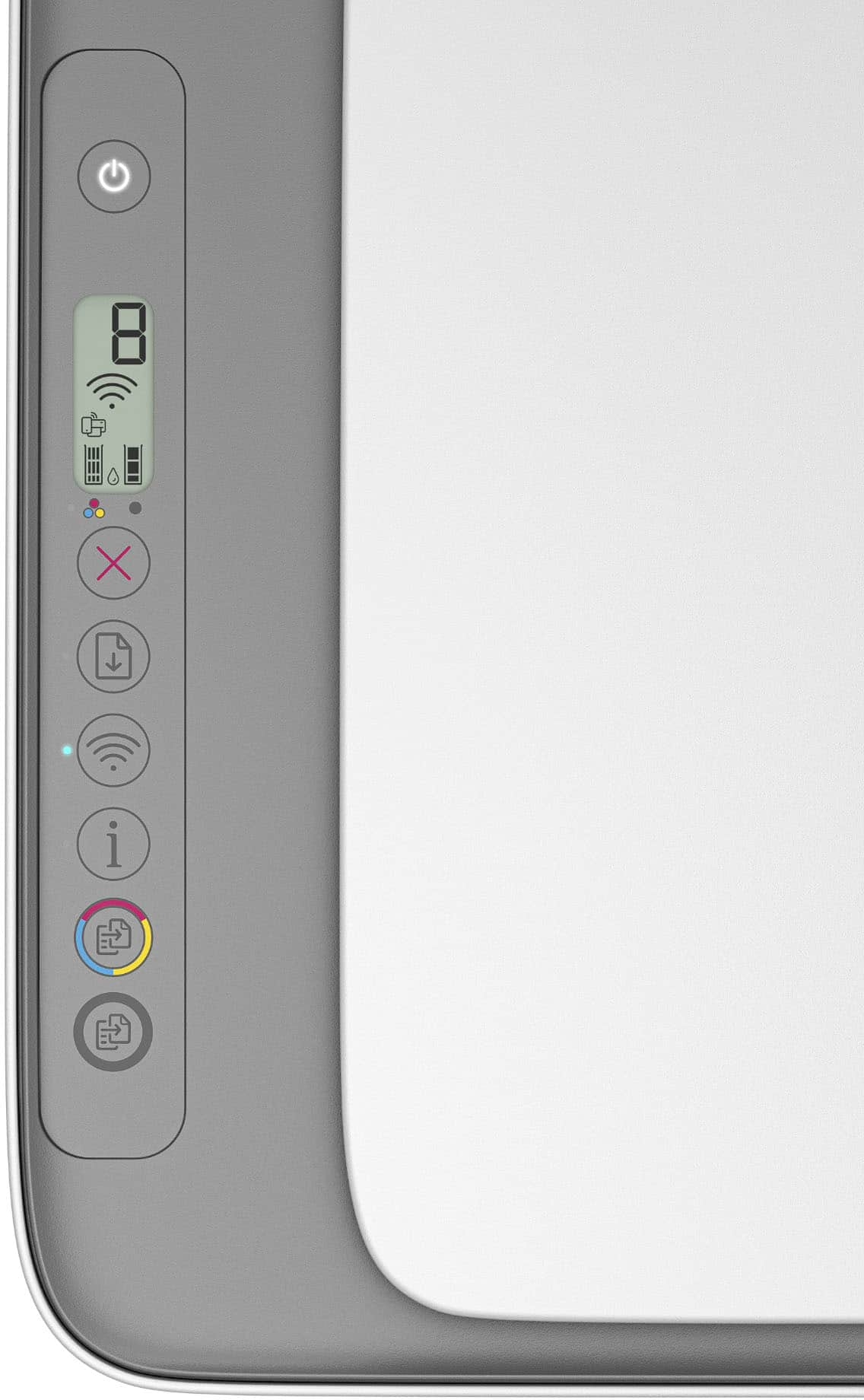
|Posted .This reviewer received promo considerations or sweepstakes entry for writing a review.First impressions - when opening the box, I was greeted with a well packed printer from HP. I have included a few pictures for reference of what is included in the box. There is a color cartridge, a black cartridge and warranty and quick setup literature. A long power cord is included for power which is much appreciated. After removing the shipping tape, some peel off plastic covers and checking the setup guide - I plugged the printer in and installed the ink cartridges. Easy Setup - The software and driver package can be downloaded from HP which will walk you through setting up the wifi on the printer ( it broadcasts a generic network of it's own for setup ). The software will prompt you to connect to the printer's wifi for initial configuration, then attach it to the wireless network of your choice. Hard Setup - For the I.T. Inclined, you can optionally connect the printer's setup network, substitute .1 at the end of the IP Address you receive and put that in a web browser to access the web server setup based configuration. That also allows you to set a wireless network, turn on and off various printing protocols and enable or disable web based scanning. I went with this route to see if it was possible and was pleasantly suprised at the web interface and options. Overall Use - Once setup, I noted that the printer has various printing protocols enabled to allow it to be found by windows, mac and android devices. I had no issue on windows, mac or on an Apple phone using airprint. It all worked seamlessly. Color - It prints basic color quickly. I sent a few photos along at highest photo quality and the results were out in under 60 seconds each. Notably these are prints that "choke" our megatank inkjet and take up to two minutes each on another printer. Text and text with graphics process and print without any noticable delay. Scanning - Easy to use and adjust resolution and what formats to save output in. The printer also has a color and B&W Copy button. This is always more useful than I think it will be and saves a lot of time to make a quick copy of something without involving a computer ! Onboard Display - The onboard screen provides minimal info on printer status other than wifi state and a counter. What I love- - Supported Formats - Letter; legal; 4 x 6 in; 5 x 7 in; 8 x 10 in; No. 10 envelopes - I was able to print from every device we own. - 60 Sheet capacity which is generous enough for occasional printing. Could be improved - - The price of genuine ink tanks
I would recommend this to a friendPrinter
||Posted . Owned for 1 month when reviewed.This reviewer received promo considerations or sweepstakes entry for writing a review.Does what I need it for Easy set up very easy to use
I would recommend this to a friendMattie
||Posted . Owned for 2 weeks when reviewed.This reviewer received promo considerations or sweepstakes entry for writing a review.easy set up. works great, good ink quality and easy to use. great price and fast delivery. Alway happy to do business with Best Buy.
I would recommend this to a friendReliable All-in-One Printer for Home and Office Us
||Posted . Owned for 3 weeks when reviewed.This reviewer received promo considerations or sweepstakes entry for writing a review.The printer is compact, quiet, and fits nicely in small spaces. Overall, it delivers reliable performance and excellent value for the price.
I would recommend this to a friendGood Printer - Instant Ink is Creepy
||Posted . Owned for 4 months when reviewed.This reviewer received promo considerations or sweepstakes entry for writing a review.A solid, really lightweight printer that does a good job as long as you're paying attention. Regular black and white printing on plain paper, no problem. Color printing, same. But if you plan on printing pictures, you need to make sure to adjust your settings so it prints them properly. Printing as normal will lead to less than desirable results. I have my printer stashed in my closet until I need it since I don't have a lot of room. A NOTE ON INSTANT INK - If you get the trial period, that's great, but know that once it's over you CANNOT use the ink cartridges they send you. Wild, but true. They simply stop working and you have to purchase separate ink cartridges in order to print. Instant Ink also monitors how many pages you use, which is kind of creepy, and you're only allowed a certain amount based on what subscription model you've chosen. If you want to avoid the Big Brother stuff, just buy regular ink cartridges and paper and print normally.
I would recommend this to a friendeasy product, great value
||Posted . Owned for 2 weeks when reviewed.This reviewer received promo considerations or sweepstakes entry for writing a review.easy to set up, easy to use, small and lightweight so it was easy to move around the house. love it and print quality is great.
I would recommend this to a friendBuyone
||Posted . Owned for 3 weeks when reviewed.This reviewer received promo considerations or sweepstakes entry for writing a review.Easy setup prints very well great price Would recommend for home printer
I would recommend this to a friendHP printer
||Posted .This reviewer received promo considerations or sweepstakes entry for writing a review.Easily setup. Prints well but slightly slow. Fits well on any desk
I would recommend this to a friendPrinter review
||Posted . Owned for 1 month when reviewed.This reviewer received promo considerations or sweepstakes entry for writing a review.Easy to setup and printing from my devices works as advertised.
I would recommend this to a friendRecommended
||Posted . Owned for 11 months when reviewed.This reviewer received promo considerations or sweepstakes entry for writing a review.Good performance, easy to setup, one of the best in this price range
I would recommend this to a friendPrinter!
||Posted .This reviewer received promo considerations or sweepstakes entry for writing a review.I love this product. It works perfectly and was easy to set up
I would recommend this to a friendMs.
||Posted . Owned for 3 weeks when reviewed.This reviewer received promo considerations or sweepstakes entry for writing a review.My new Printer works great. It is quiet and quick! And it's so easy to use. I love it!
I would recommend this to a friendQueens
||Posted . Owned for 2 months when reviewed.This reviewer received promo considerations or sweepstakes entry for writing a review.I love this printer. Easy to set up and ready to use. Print is clear and quick. Light weight and quiet when printing.
I would recommend this to a friendDeskjet 2855e
||Posted .This reviewer received promo considerations or sweepstakes entry for writing a review.This printer works well for the most part .Printing is nice and crisp even in color. The two-sided printing is not as easy as other printers I've used. It means getting the first side and waiting for the print app to tell you to put the page in backwards so the other side prints, which is not very user friendly. That is the only complaint I have.
I would recommend this to a friendHP printers are my forever printer
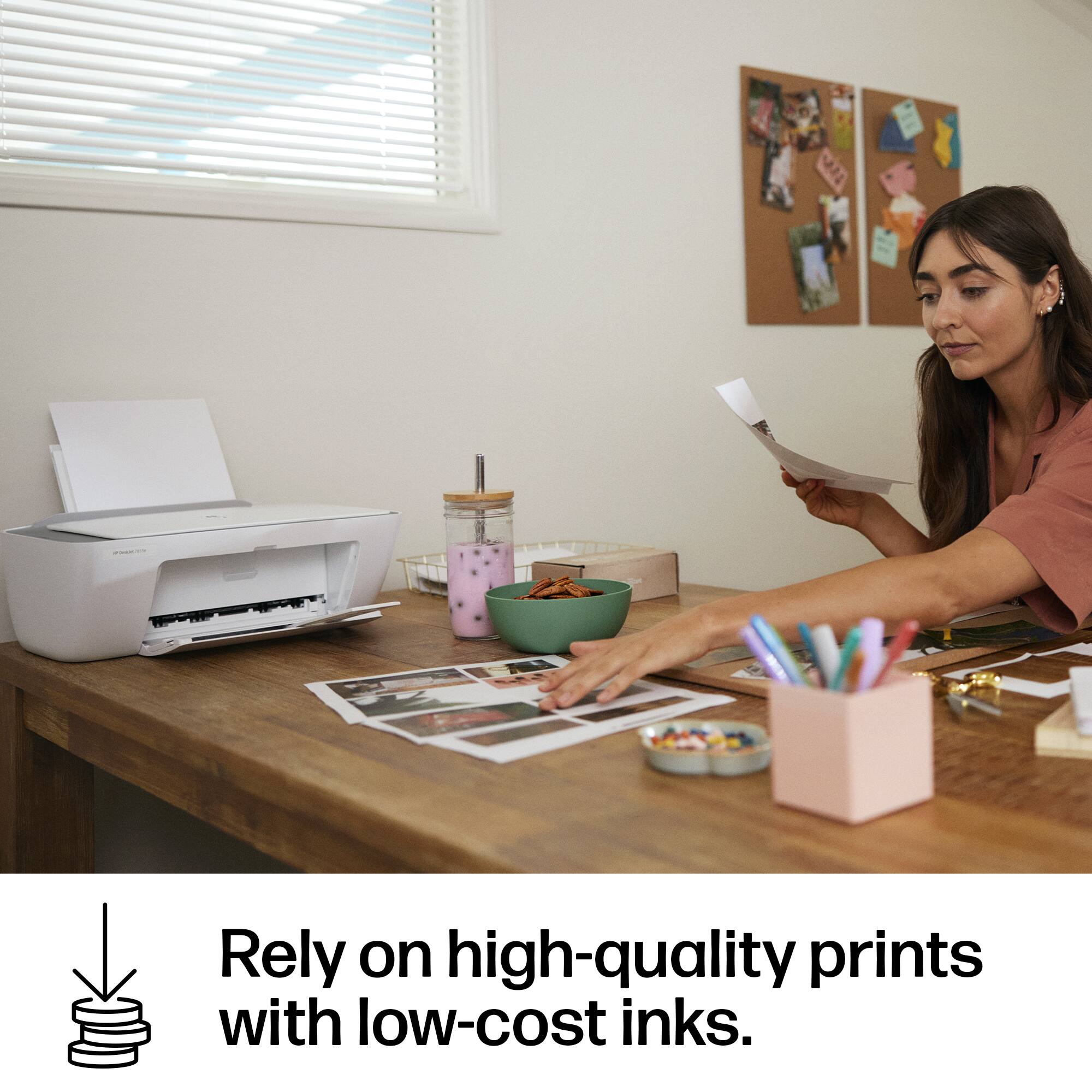
||Posted . Owned for 3 weeks when reviewed.This reviewer received promo considerations or sweepstakes entry for writing a review.I love HP, and this printer is no exception. This is my first Deskjet, and it prints very well. The color is great. I have used photo paper, and the prints came out super clear; I am very impressed. It is perfect for home use. I love the printables. I am a crafty person, so I use it almost every day. Paper doesn't jam, and I like that it's a backloader. It's a very quiet printer. It doesn't shake the desk. I wish I could find a 67XX cartridge as the original black ink showed that you could use a regular 67 67x and 67xx. I definitely would recommend the HP DeskJet 2855e. For the price it is a super great printer.
I would recommend this to a friendJust Right
||Posted . Owned for 3 weeks when reviewed.This reviewer received promo considerations or sweepstakes entry for writing a review.I'm pleased with my HP-DeskJet 2855e printer. It doesn't take up much space. The printed pages are clear. The instant Ink program is working for me.
I would recommend this to a friend