Customer Ratings & Reviews
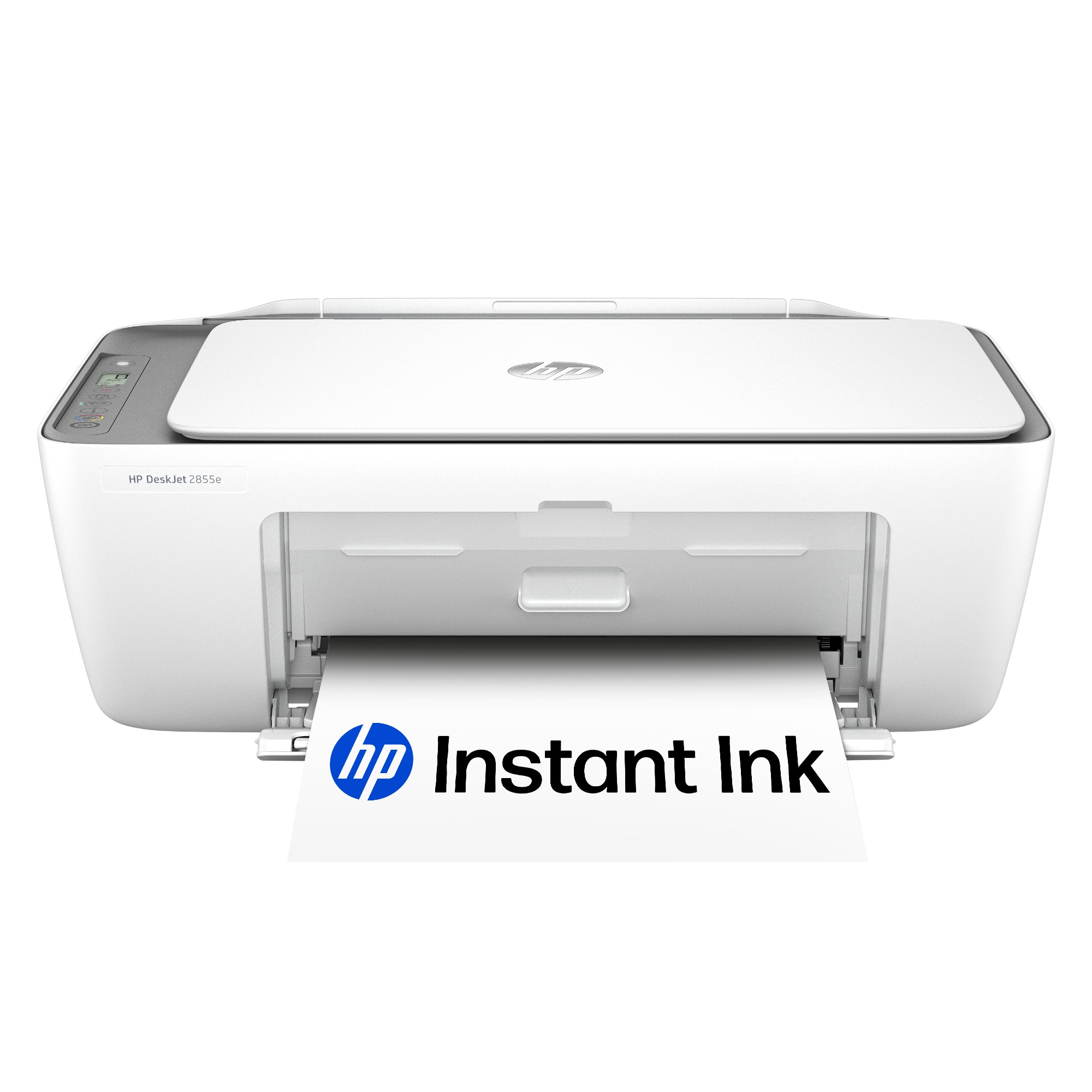






- Model:
- DJ 2855E/588S5A#B1H
- SKU:
- 6574145
Rating by feature
- Value
Rating 4.4 out of 5 stars
- Quality
Rating 4.3 out of 5 stars
- Ease of Use
Rating 4.2 out of 5 stars
Customers are saying
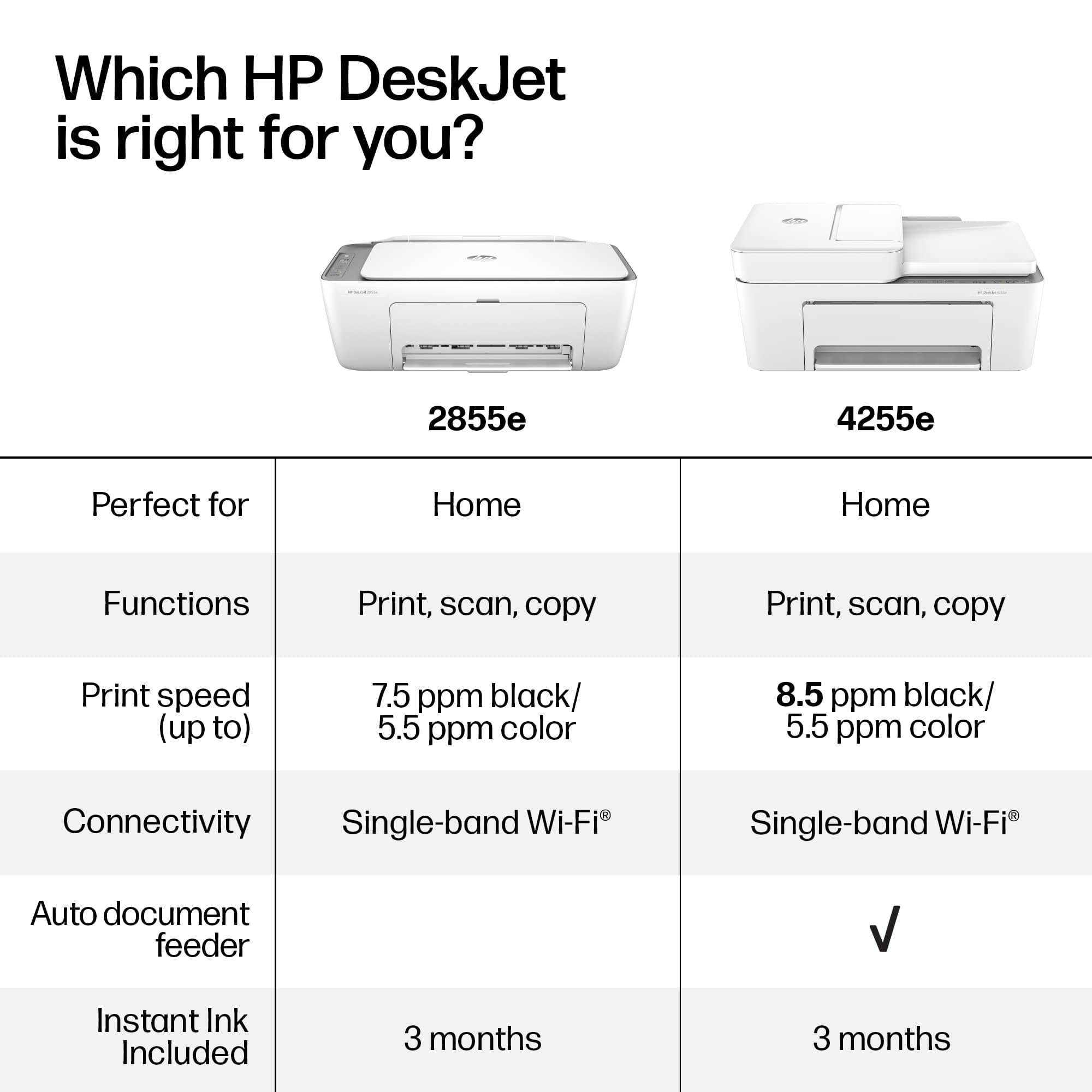
Customers often highlight the DeskJet 2855e for its ease of use, overall performance, and print quality. Its compact size and straightforward setup are also appreciated, along with its wireless connectivity. Users find the printer to be quiet, lightweight, and a great value for the price.
This summary was generated by AI based on customer reviews.
- Pros mentioned:Overall performance
Excellent
||Posted .This reviewer received promo considerations or sweepstakes entry for writing a review.My HP printer is working fine, not a proper work place but it will do.
I would recommend this to a friend I liked it
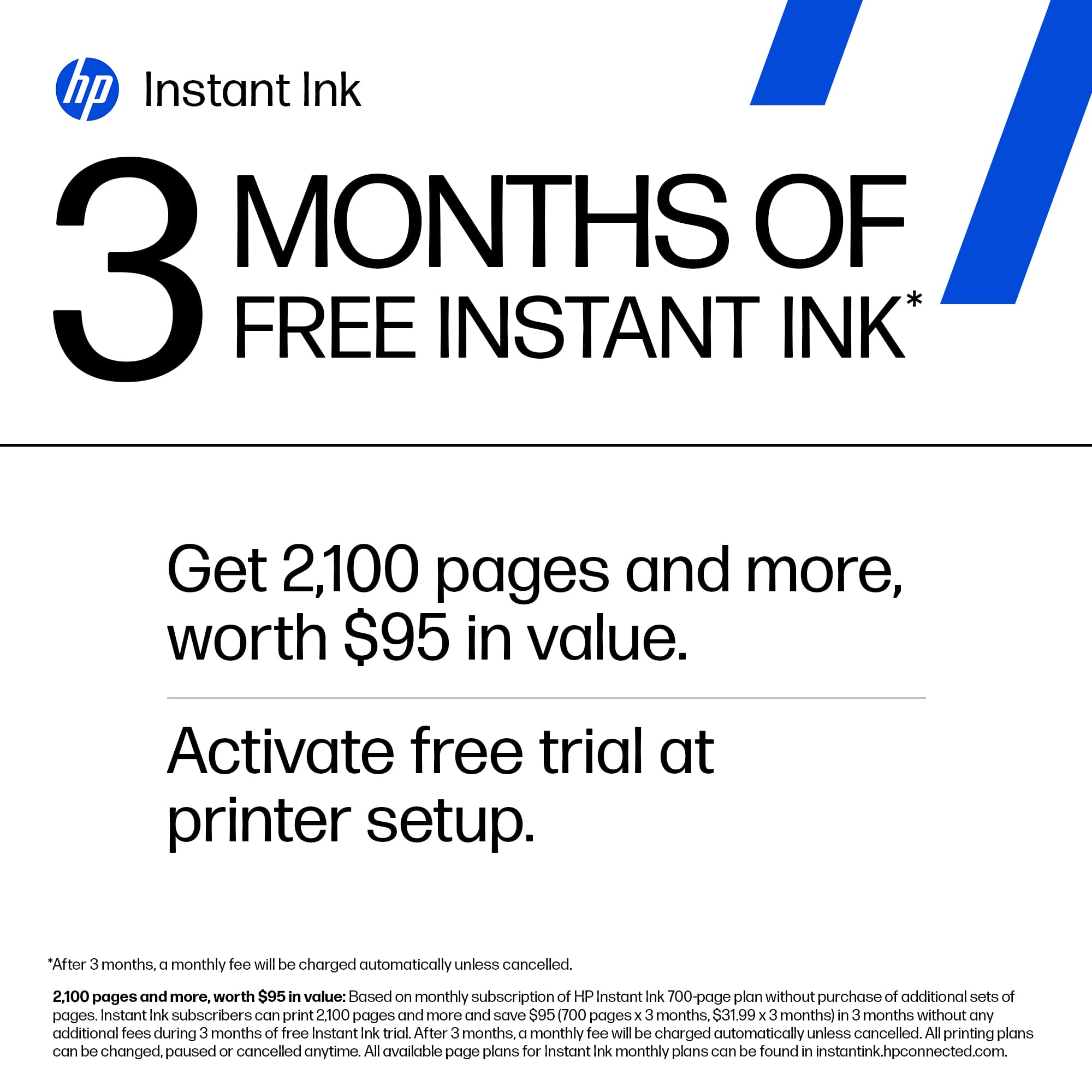
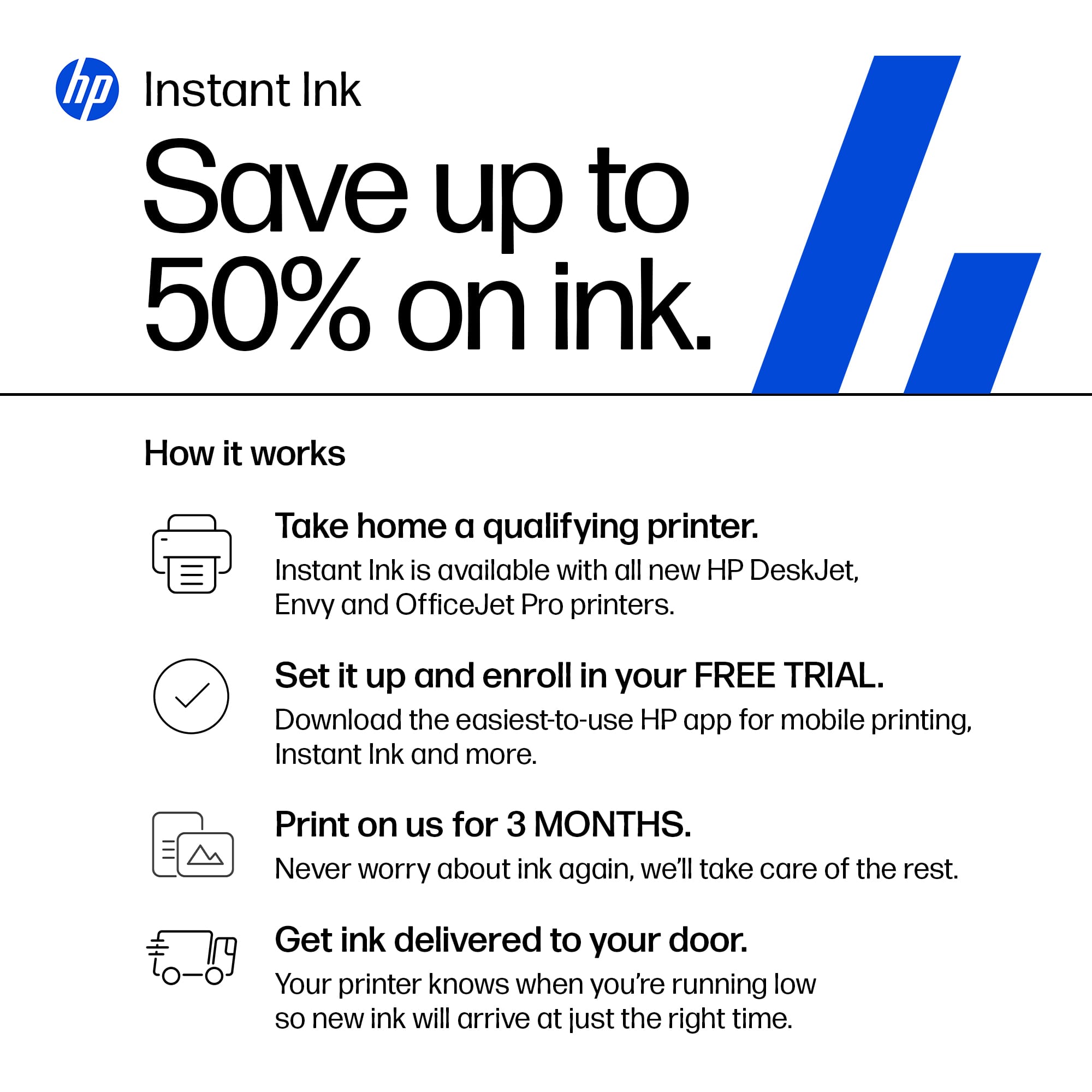
||Posted .This reviewer received promo considerations or sweepstakes entry for writing a review.I liked it , and also I like hp+ feature , getting ink and paper delivered to my home every time for 4 months trial and then for like 12 dollars in total , that’s is awesome
I would recommend this to a friend- Pros mentioned:Print quality
Good !!
||Posted .This reviewer received promo considerations or sweepstakes entry for writing a review.Good printer, fast and conect easy I like this and recommend
I would recommend this to a friend meh
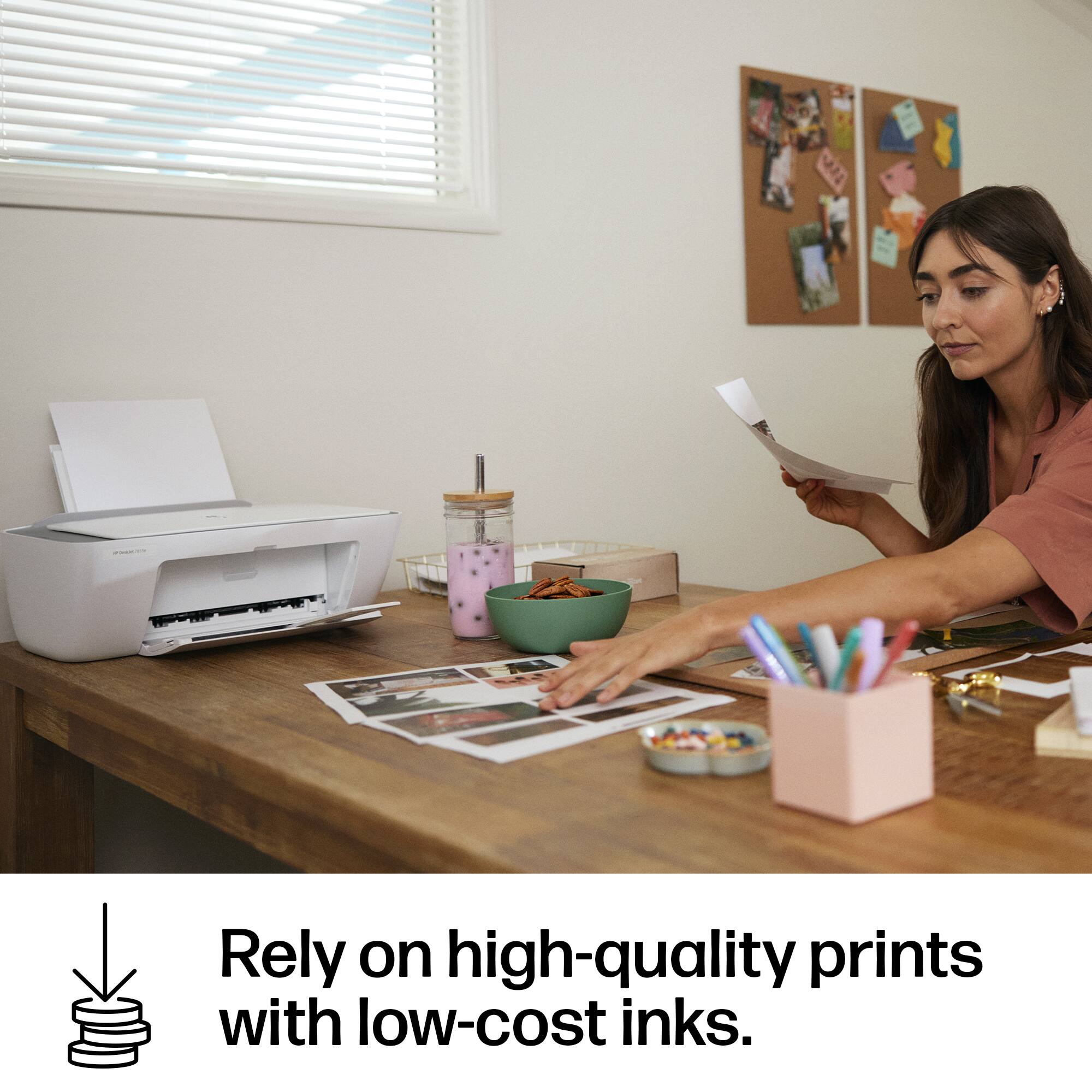
||Posted . Owned for 1 month when reviewed.This reviewer received promo considerations or sweepstakes entry for writing a review.probably one of the cheapest printers out there but honestly you’re better off buying something else. i would give this a 5 star if it weren’t so slow sometimes especially when you first start it, the cartridges it came with doesn’t really last long if you plan to print a lot of pages.
No, I would not recommend this to a friendSteveB
||Posted .This reviewer received promo considerations or sweepstakes entry for writing a review.The delivery was on time & packaged nice. This is a great buy for a great price.
I would recommend this to a friendGood
||Posted . Owned for 1 month when reviewed.This reviewer received promo considerations or sweepstakes entry for writing a review.I’ve been using this printer for a while now, and it has been very helpful. It’s perfect for home use – simple, reliable, and efficient. The price is also great for what you get. Highly recommend!
I would recommend this to a friendBad printer will not connect to Wi-Fi
||Posted . Owned for 1 month when reviewed.This reviewer received promo considerations or sweepstakes entry for writing a review.Could not get this printer to connect with Wi-Fi even call customer service they could not get connected.
No, I would not recommend this to a friendI Love Best Buy
||Posted . Owned for 3 weeks when reviewed.This reviewer received promo considerations or sweepstakes entry for writing a review.I really needed a printer because I am 66 and going back to school. This HP Printer has made things so much easier. TY Best Buy
I would recommend this to a friend- Pros mentioned:Ease of use, Print quality, Setup
Great affordable home printer that’s easy to use
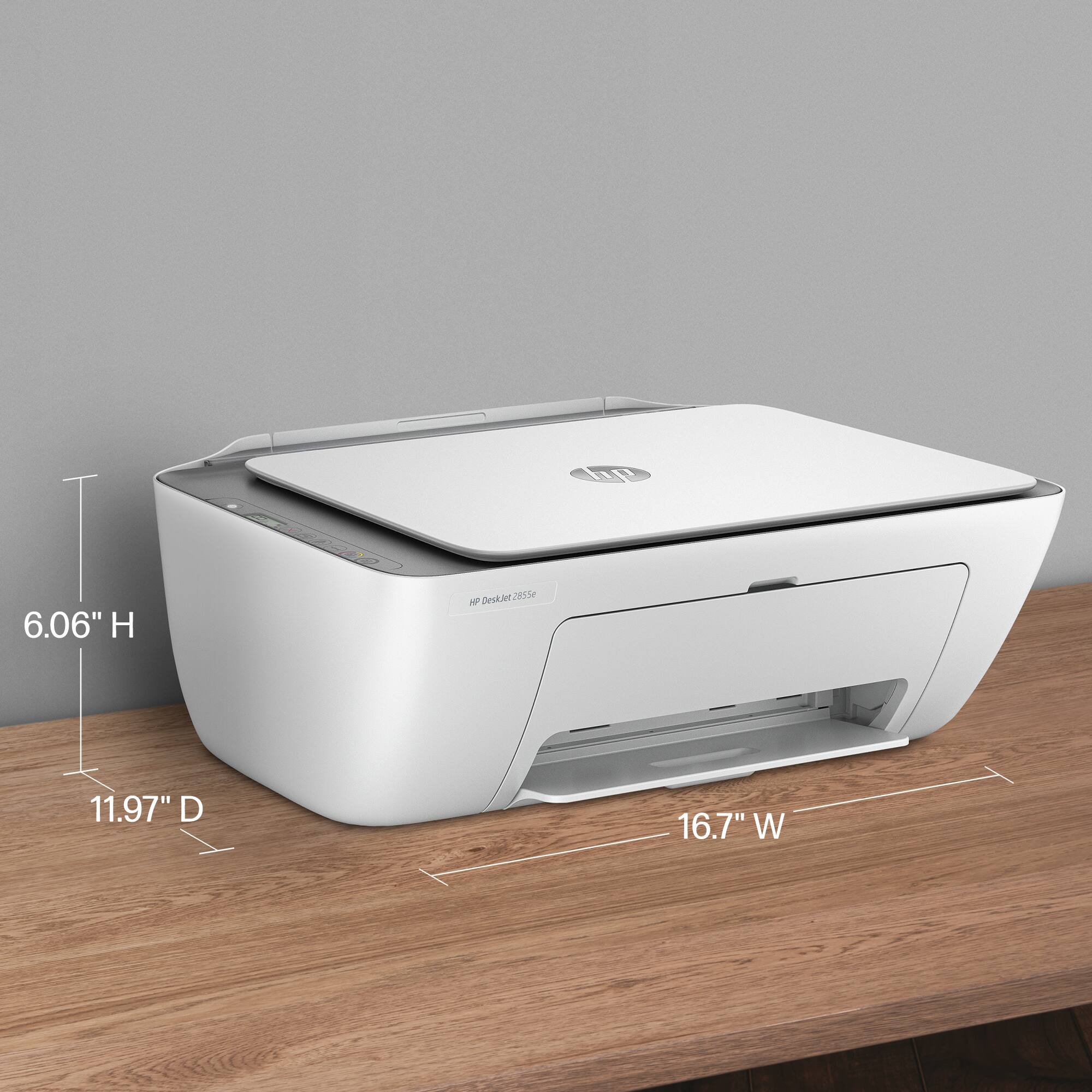
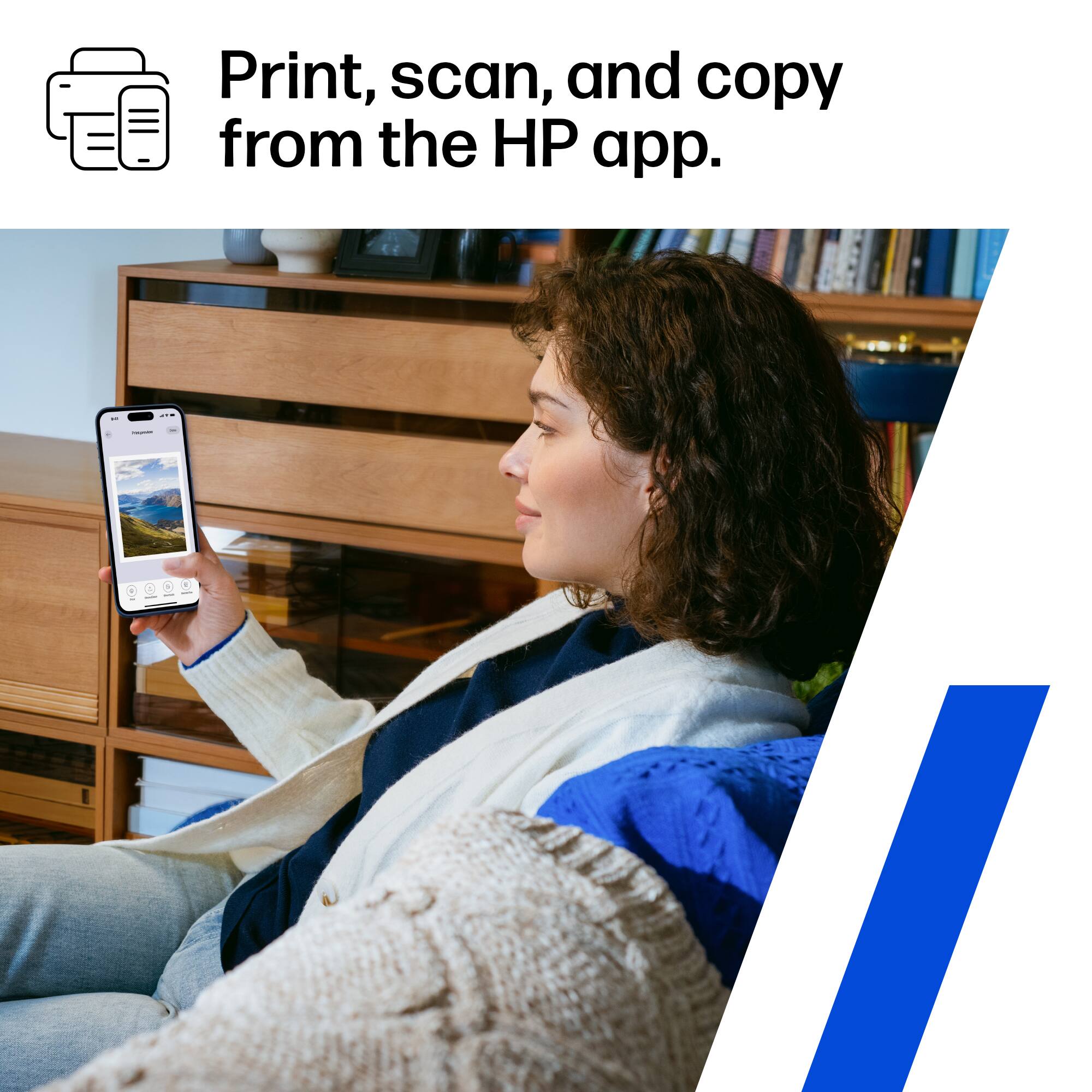
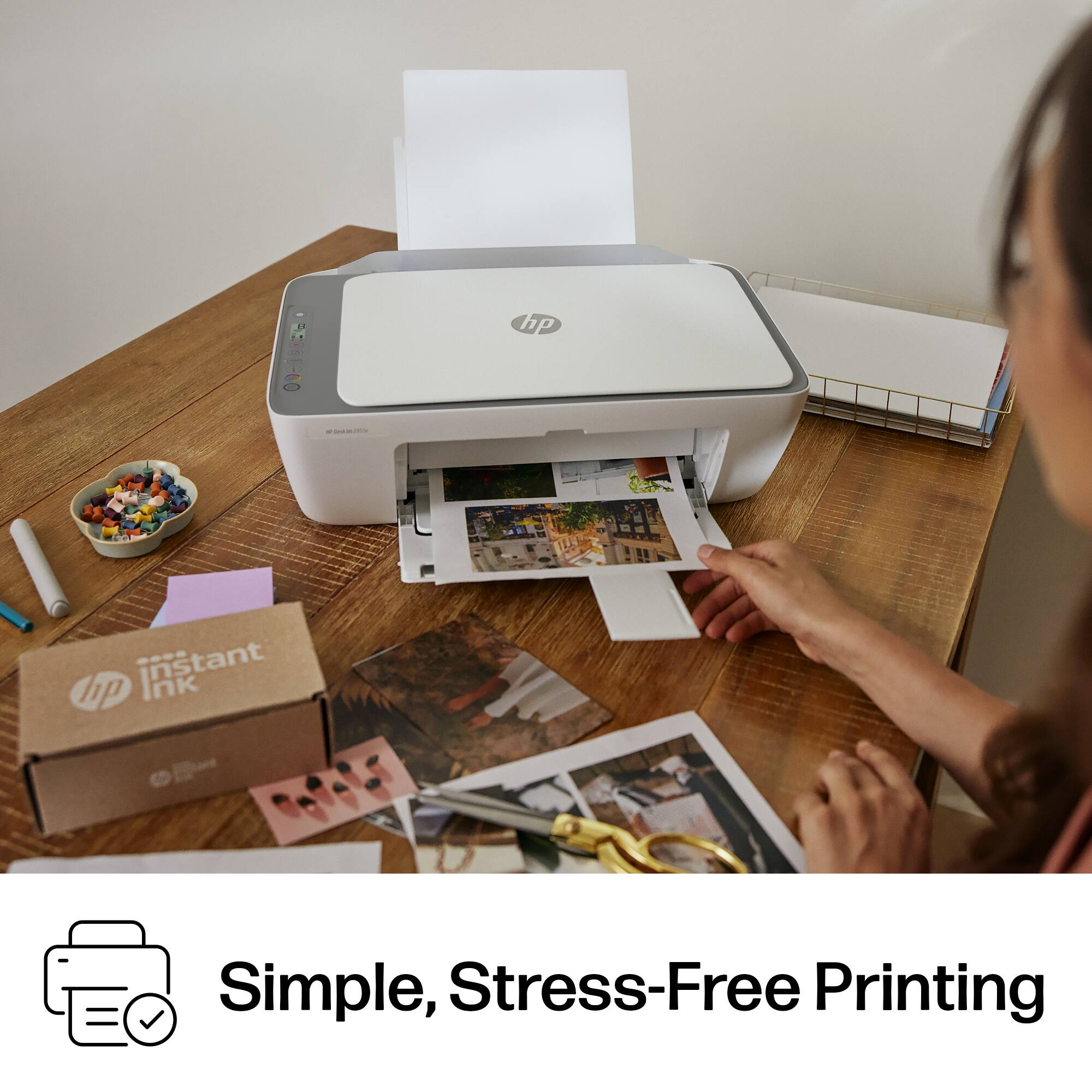
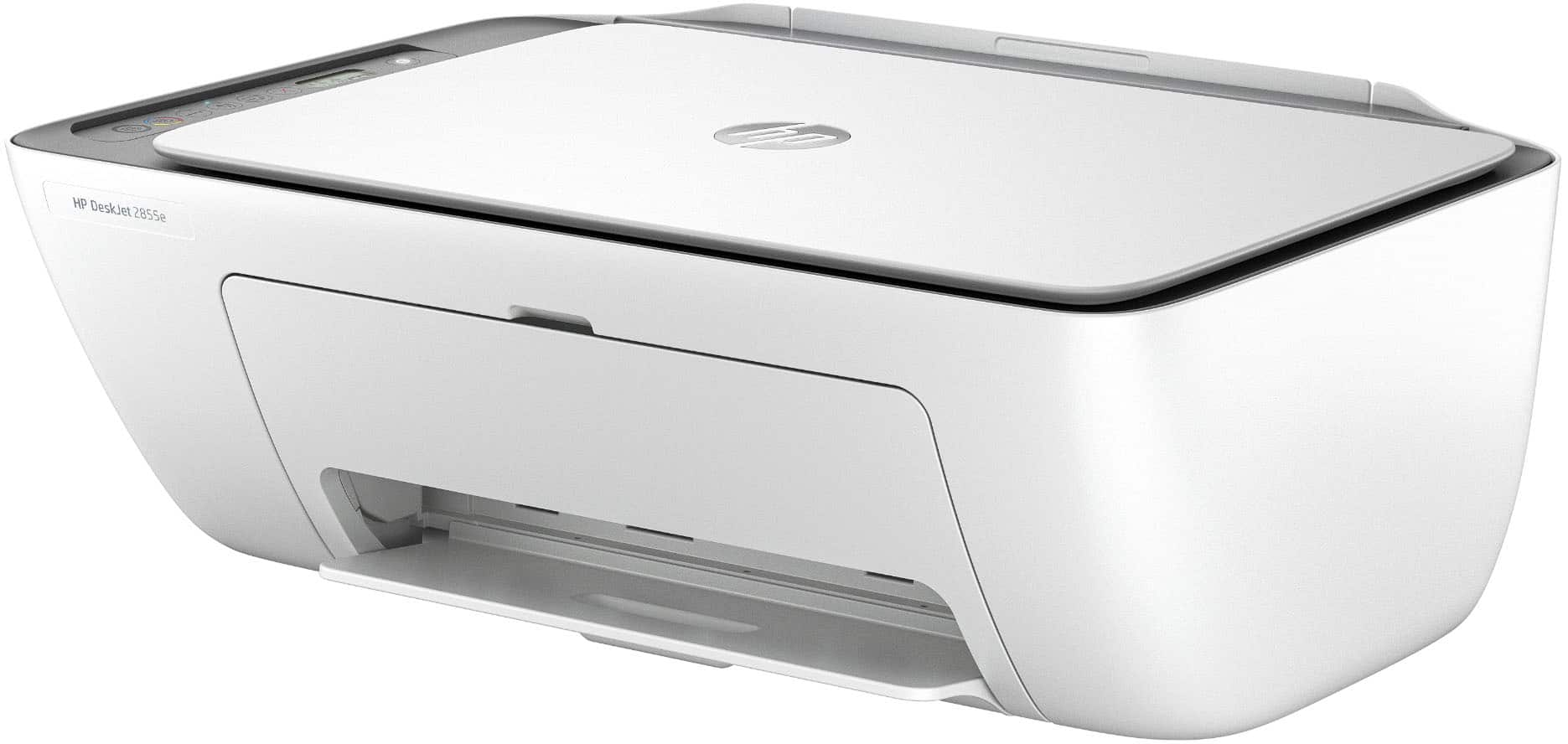
||Posted . Owned for 1 month when reviewed.This reviewer received promo considerations or sweepstakes entry for writing a review.I picked up the HP DeskJet 2855e mainly for basic home printing, and it has honestly been a great little printer so far. Setup was surprisingly simple using the HP Smart app. Within a few minutes I had it connected to Wi-Fi and printing from both my laptop and my phone. The print quality is really good for everyday documents, homework, labels, and occasional color prints. I also like that it can print, scan, and copy, which makes it useful for a small home office or student setup. The printer is compact and lightweight, so it doesn’t take up much space on a desk. One of the biggest perks is the Instant Ink trial that comes with it, which means you don’t have to worry about buying ink right away. For light printing at home, that’s a really convenient bonus. Overall, if you’re looking for a budget-friendly wireless printer that’s easy to set up and works reliably for everyday printing, this is a great option. It’s perfect for home use, students, or anyone who needs an affordable all-in-one printer. Pros Very easy setup with the HP Smart app Good print quality for documents and color pages Wireless printing from phone or laptop Compact size for small desks Includes Instant Ink trial Cons Print speed is a little slow for large jobs Best for light home use rather than heavy printing Overall: Great value and very convenient for everyday printing needs.
I would recommend this to a friend Handy for home use
||Posted .This reviewer received promo considerations or sweepstakes entry for writing a review.Arrived on time well packaged with instructions for use and link to support if needed
I would recommend this to a friendDon’t buy it
||Posted .This reviewer received promo considerations or sweepstakes entry for writing a review.Piece of trash/ I downloaded the HP smart app and unable to connect the printer to my Mac/ help and support don’t work/ don’t waste your money or time.
No, I would not recommend this to a friendMy Printer
||Posted . Owned for 1 month when reviewed.This reviewer received promo considerations or sweepstakes entry for writing a review.Replaced my old bulky printer and now have a scanner at a great price!!
I would recommend this to a friend- Pros mentioned:Ease of use, Print quality

Simple and Easy Printing
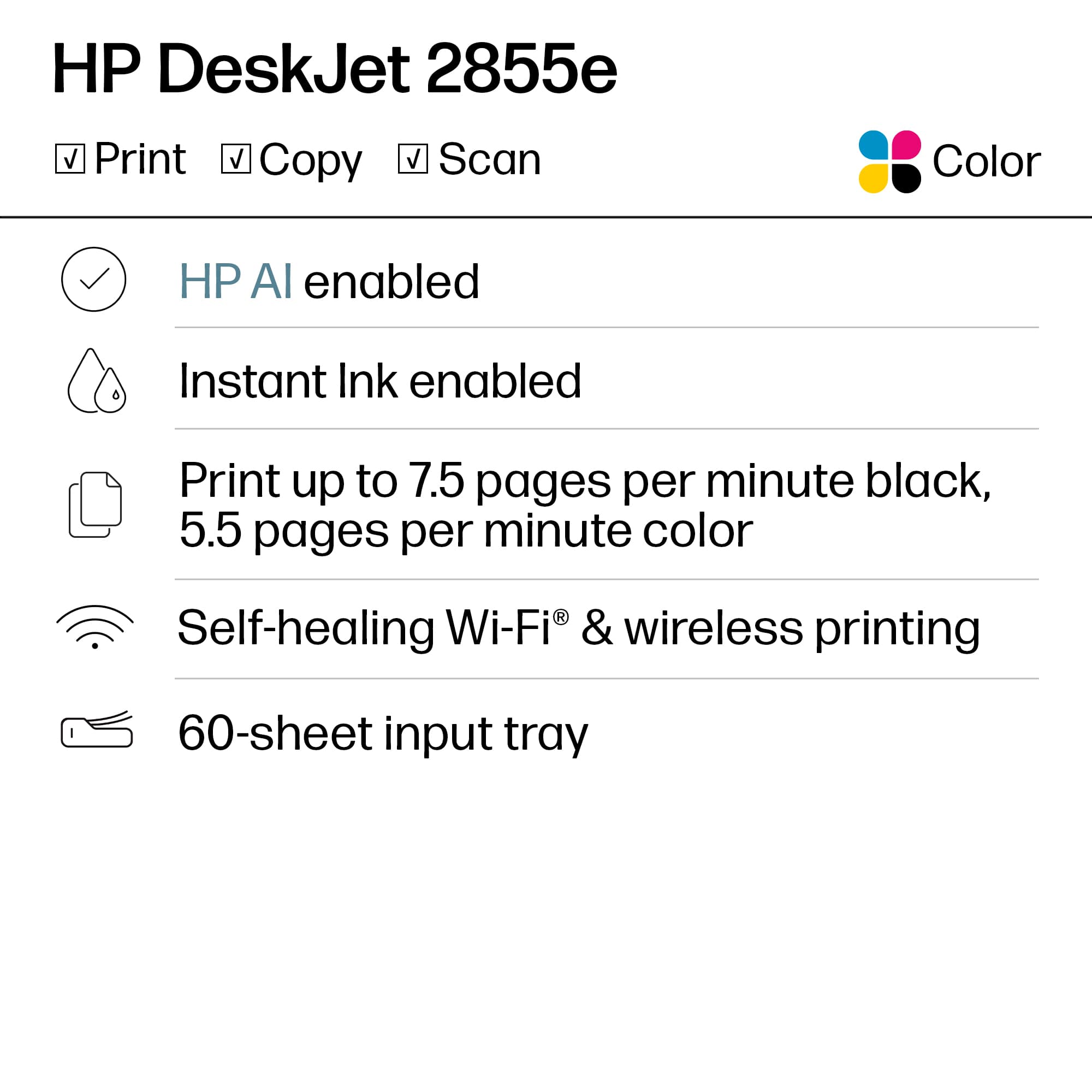
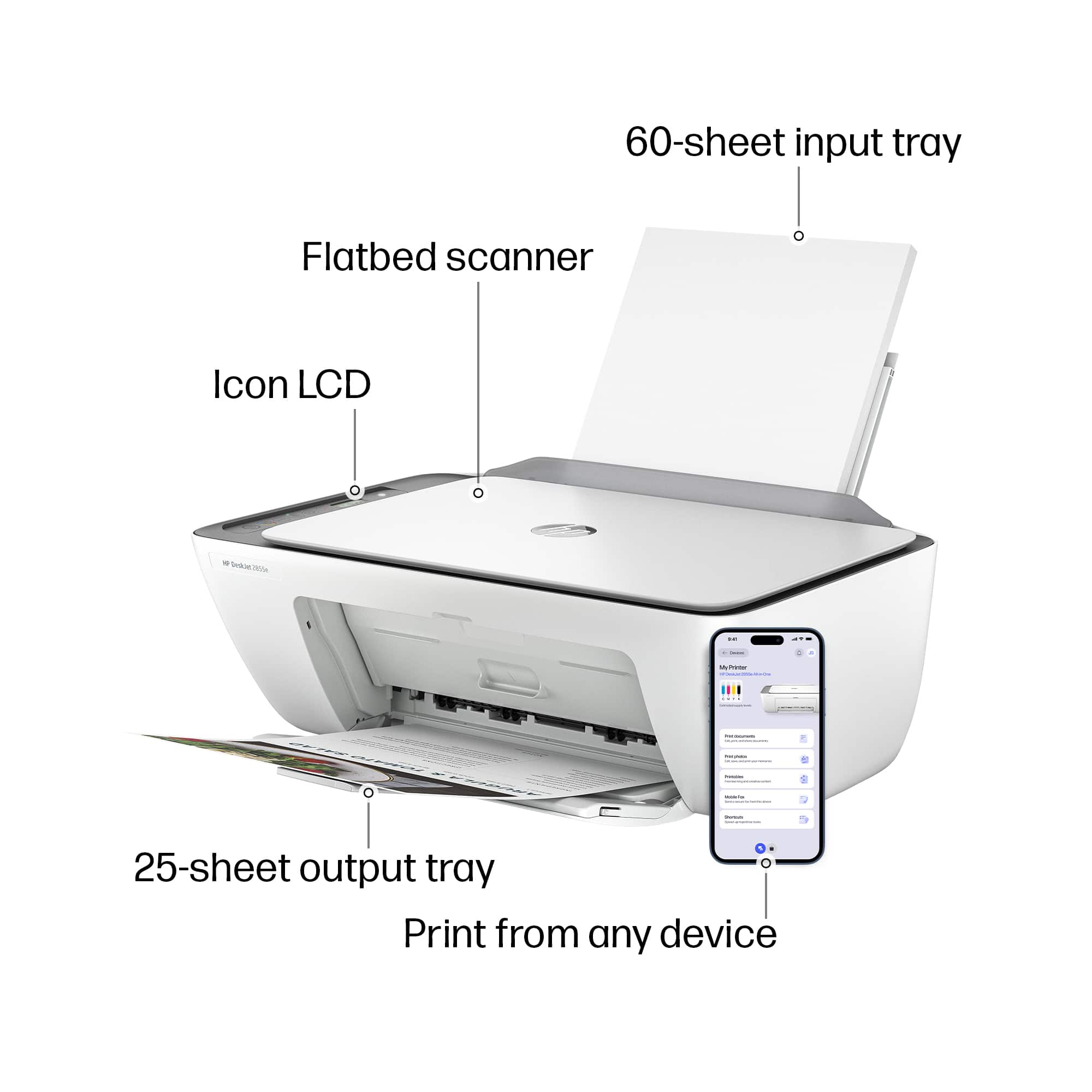
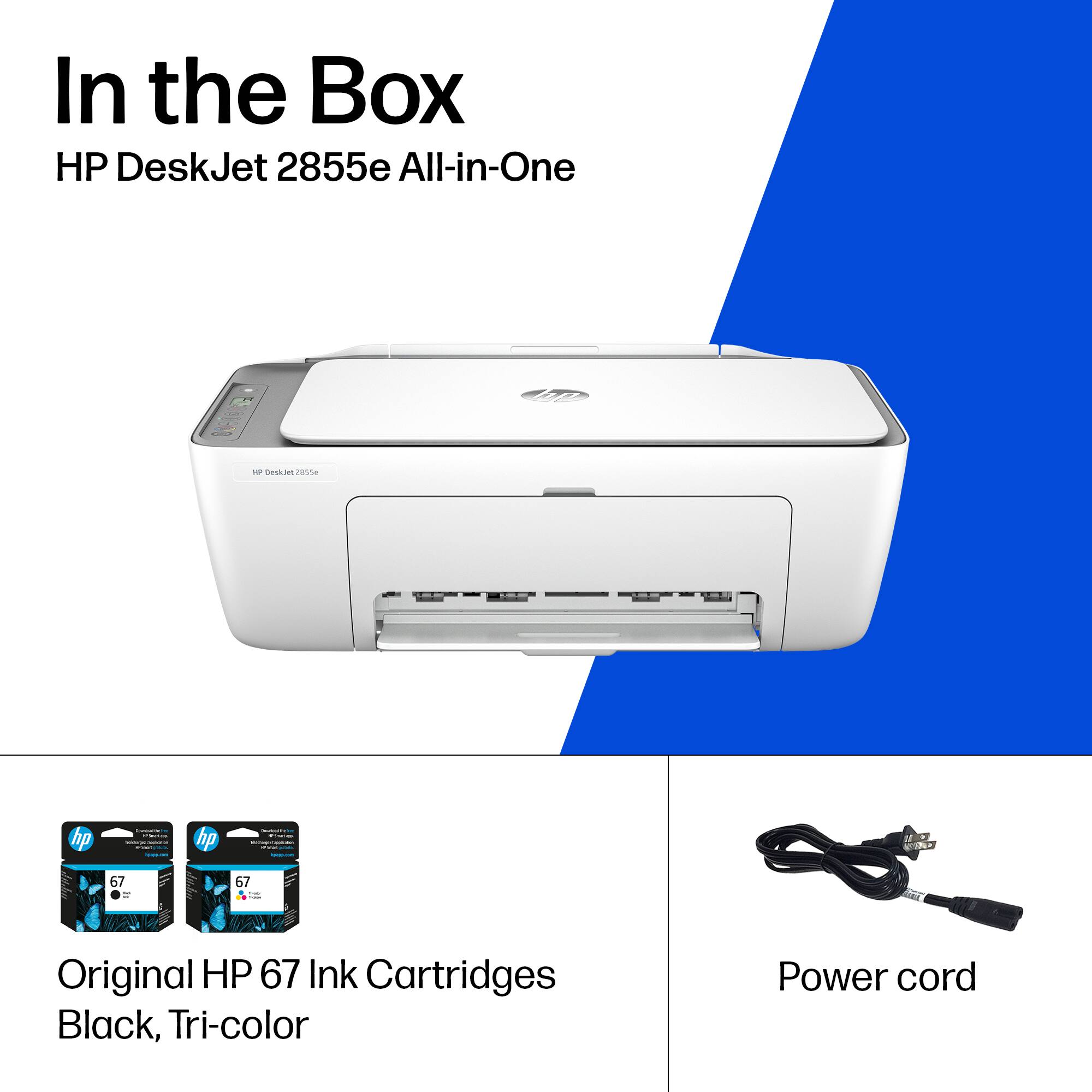
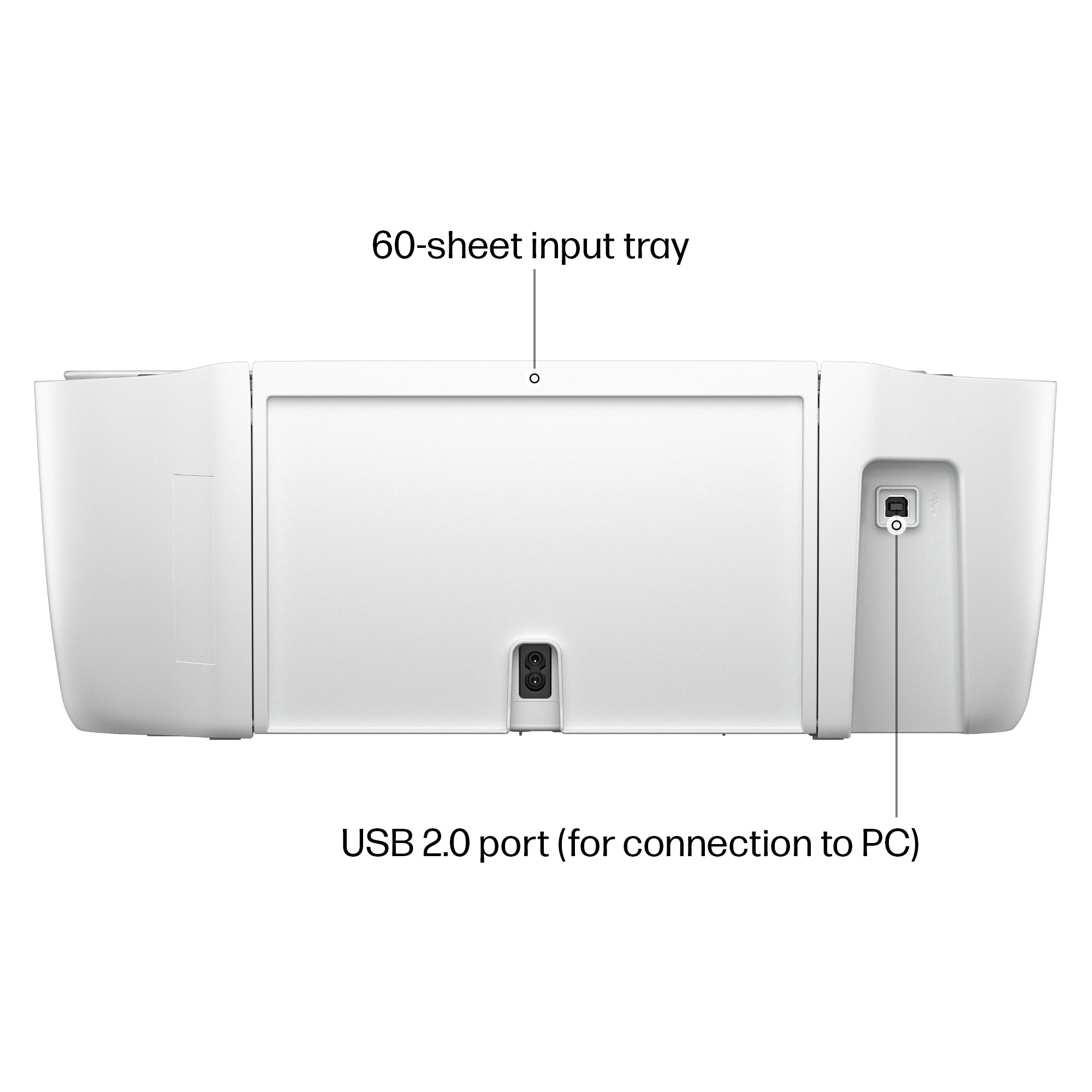
|Posted .This reviewer received promo considerations or sweepstakes entry for writing a review.--- SETUP --- To set up this printer, download the HP Smart app to your phone. Connect the printer with the included power cable, turn it on, and the app will automatically find the printer for you. Follow the app instructions to complete setup. No PC required for setup or use. --- FEATURES --- All in one printer with 5.5 color pages per minute, 7.5 mono pages per minute, holds up to 60 papers in tray, holds up to 25 printed pages in output tray, mobile and PC printing, print from anywhere with link from app, 1200 x 1200 scanner resolution, auto-shut off, photo printing, 1 black cartridge and 1 color cartridge included, HP Instant Ink compatible. --- EXPECTATIONS and PERFORMANCE --- Setting up this printer is easy, but I ran into a problem where the app would indicate that my password was incorrect to connect to WiFi even though it wasn’t. After a close and reopening of the app, the app didn’t ask me to setup again, it just accepted that setup had been completed. The app can guide you on how to install the ink. The ink holders will move to the center of the printing area for you to install the ink. All you have to do is push the ink cartridges in until you hear an obvious click. After you complete app setup and run the alignment pages, you can use the app to replace an existing printer to your instant ink account or add the printer to your instant ink account. If you add this as a second printer, you are given a 3 month trial. If you replace it, your subscription continues as normal. The printer itself does a very good job at printing text. The text comes out clear and crisp in both, color and monochromatic. As far as printing colored documents or pictures, I chose to print in the highest quality for photos and the photos themselves come out pretty crisp as well. Photos were printed on regular white paper. If you have an instant ink account, you can print as much color as you want, as you are only deducted the # of pages you print, not the type of ink you use, which is great if you print a lot of color documents. I used the scanning bed to test the scan. Using your phone and the HP app, you can scan from your mobile device. The app gives you a preview of the scan, but once you actually save the scanned image, it loses quality compared to the image that you scanned. Scanning text works ok, but scanning images isn't a go for this printer. One of my most noticeable and favorite things about this printer is how silently it prints. It is one of the most quiet printers I have ever used, and it is perfect for late-night printing. --- APPROVAL --- This printer is ideal for small home needs, such as the occasional document printing or even a family or pet photo print here or there. I wouldn’t recommend it for scanning, though. College students or a less tech savvy inclined person will appreciate its ease of use.
I would recommend this to a friend - Pros mentioned:Ease of use, Print quality, Size
Quality Prints but Subpar Scans
|Posted .This reviewer received promo considerations or sweepstakes entry for writing a review.This is a great budget printer for someone who needs something simple but provides quality printouts. The quality of the output is great, and the colors are true and vibrant to the original. When used under the “best” setting, the prints are almost photo quality. Construction The unit is extremely lightweight and easy to move around. Some parts of it feel flimsy but they are tougher than they feel. The main part that feels this way is the output tray, it feels jammed whenever I am pulling it down and like it might break, but it takes some tough love and just snaps down with a little force. The buttons also have a budget feel to them and make a loud click but work just fine. Besides that, it is a compact unit that does not take up much space. Set-Up Setup is a breeze. Once it is plugged in and the HP Smart app is downloaded to a phone or computer, it will give step by step instructions to follow and complete the process and connect it to the network. It took me less than ten minutes to get it going. Print The print quality is exceptional as noted above. Words are printed with clarity and crispness. Colors are true to the screen. Nothing is strayed or frayed. The “best” setting makes a beautiful printout with increased saturation and vividness. Time from click to print is about ten seconds with the “normal” quality setting. Ink The included ink cartridges do drain fast. I have printed about 10 pages and my color ink levels are estimated at around halfway drained already, while a fourth of my black has been used. HP has a monthly subscription included that replenishes the ink automatically by shipping it out to you as needed with the first three months being free. The printer sends the information to the account, so HP knows how many pages you have printed as the subscription is determined by page usage. There are also options for higher yield ink so that it does not finish as fast for those that prefer not to subscribe. Scans The scan is only done through the flatbed, and it is subpar. There is a grainy quality to them and a textured appearance even when set to the highest resolution. App The HP Smart app is great for many reasons. It gives the ink levels right up front so that it is easy to keep track of. I can easily print from my computer or phone. Along with that it allows for faxes to be sent free, a great addition as I need it occasionally and have no other way of doing so. Along with that there are other uses for it, such as allowing scans to be done through the phone’s camera. So far, the app has not given me any pop-ups or annoying pushiness to use their ink subscription services. Extras HP has made the printer with self-healing Wi-Fi that prevents its printer from losing connection to the network as is the frustrating case with some printers. I really like that about HP because I have had many printers with such issues. Conclusion I really like this printer for occasional use. Its print quality is great, but it uses up ink too quickly in my opinion. I do not recommend this for anyone who plans to use it to scan anything where the quality is important, such as photos. Besides that, it is a great budget-friendly printer.
I would recommend this to a friend - Pros mentioned:Print quality, Setup, Size
Decent Home Printer
|Posted .This reviewer received promo considerations or sweepstakes entry for writing a review.This Deskjet 2855e is a compact capable printer for light home printing needs. Setup Setting up the hardware was fairly easy. The printer is nicely wrapped in plastic so I was not afraid of breaking anything as I pulled it out of the box. Other components are taped onto it, and all I needed was to attach the power wire. After that, I placed the ink cartridges in, which was easy to put. Installation This was very challenging. I probably ran installation around 15 times to get it right--yes 15. HP Smart easily detected the printer and hooked it up to my wifi, but the installation stops after that step. I switched installation between HP Smart and directly from windows settings (add printer option) using WPS direct and manual IP address adding but the connection won't go through. I suspect that it has something to do with 2.4ghz and 5ghz wifi signals, which, like my IOT devices that I set up has a hard time connecting with the network, where I suspect the printer communicates only using 2.4ghz. This was most of the pain, and it was brutal. Luckily it went through after the nth try. Print Output Aligning was not that hard, as the scanning feature is easy so that I can align the heads. Printing was fairly fast and the quality is pretty good for a Deskjet output-- it was comparable to my LaserJet printer. One issue I had though was, there is almost no extension tray that holds the printed pages. It just throws them all out of the printer and onto the table. Luckily it I placed on a longer table, if not, it will just be throwing documents to the ground. Also, paper tends to double up every so often as it feeds onto the printer. It's a bit of a nuisance. Good thing is that the print speed is pretty fast. Software HP Smart has been a great tool for printing and I am glad it is integrated in this Deskjet model. As long as everything is set up, remote printing and ink replenishment is automatic. The app itself helps with printer tools like diagnostics and status. With the app on my phone and my tablet, I can easily print my documents from my devices. This is a good printer for home use. It is not too complicated and is fairly easy to use—just have some patience with its quirks!
I would recommend this to a friend Don’t buy this modle
||Posted . Owned for 1 month when reviewed.This reviewer received promo considerations or sweepstakes entry for writing a review.Worked great for 2 days now everyday it takes a call to HP and an hour to get it working then the next day it won’t work again
No, I would not recommend this to a friendMs
||Posted .This reviewer received promo considerations or sweepstakes entry for writing a review.It has not worked properly since i got it. I will not buy this printer again
No, I would not recommend this to a friendVery Disappointed!!!
||Posted .This reviewer received promo considerations or sweepstakes entry for writing a review.Not please or happy, the set it being wireless so be able to set itself up. In this day and age ? I still can’t connect its wireless connection to make a copy . Very disappointed!!!
No, I would not recommend this to a friend- Pros mentioned:Ease of use, Setup, Size
Perfect Printer for Everyday Use
||Posted .This reviewer received promo considerations or sweepstakes entry for writing a review.I purchased the HP DeskJet 2855e Wireless All-In-One Inkjet Printer for my mom, and it turned out to be the perfect choice. Setup was quick and simple, and the wireless connection makes it easy for her to print from her laptop and phone without any hassle. It’s compact, quiet, and ideal for everyday printing, scanning, and copying. The 3 months of Instant Ink (plus the bonus month with the code) is a great value — she doesn’t have to worry about running out of ink anytime soon. This printer is exactly what she needed for home. Reliable, affordable, and user-friendly — highly recommend it!
I would recommend this to a friend - Pros mentioned:Overall performance, Print quality, Setup
Affordable and Reliable Printer for Home Use
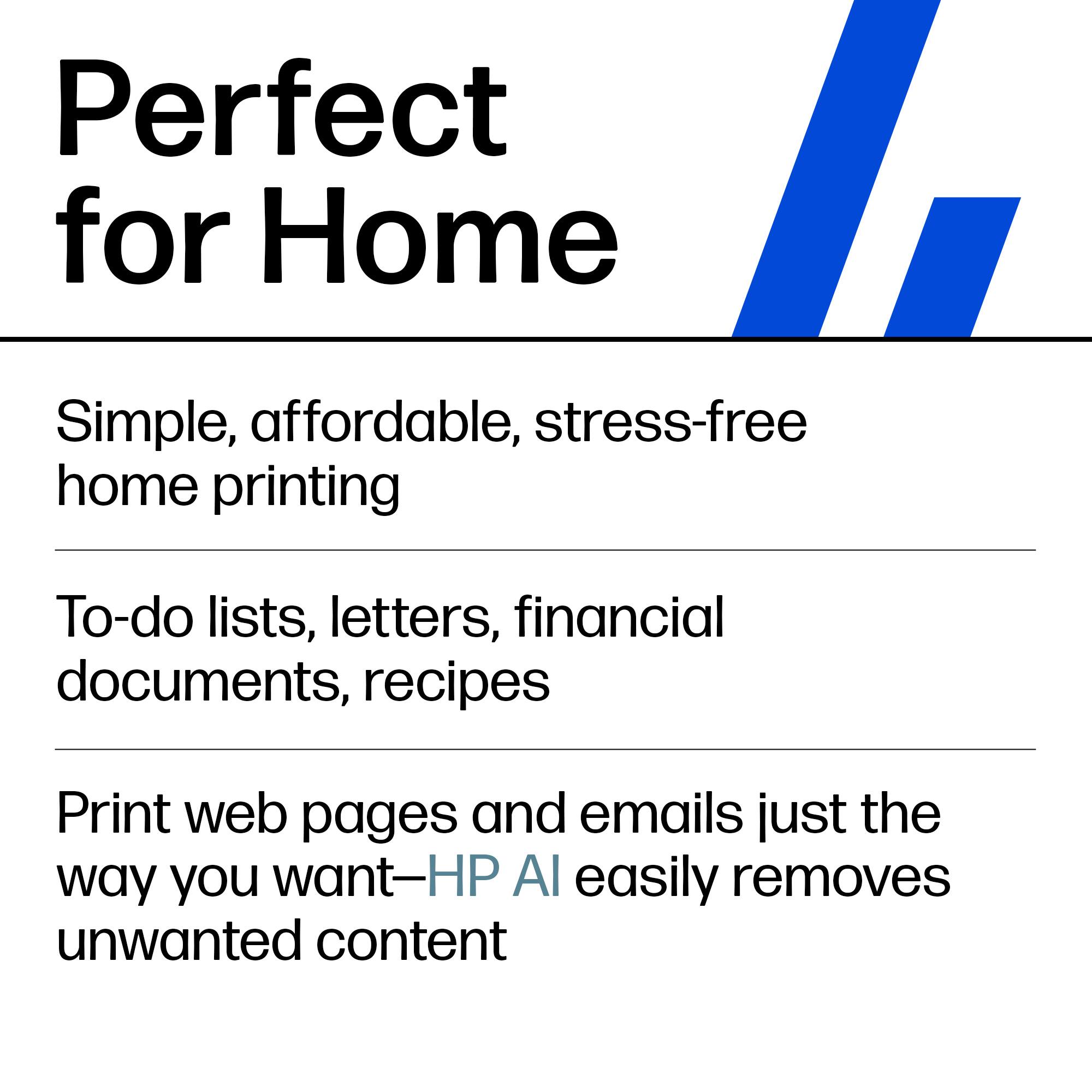
||Posted . Owned for 1 year when reviewed.This reviewer received promo considerations or sweepstakes entry for writing a review.The HP DeskJet 2855e is a compact and budget-friendly printer that’s perfect for everyday home printing needs. It offers decent print quality for documents and photos, and setup is quick and straightforward. The wireless functionality makes printing from multiple devices easy, and HP+ integration adds cloud printing convenience. While it’s not designed for heavy-duty use, it’s a solid choice for students or home offices looking for an efficient, no-fuss printer.
I would recommend this to a friend