Customer Ratings & Reviews






- Model:
- B63JSA#B1H
- SKU:
- 6638831
Rating by feature
- Value
Rating 4.5 out of 5 stars
- Quality
Rating 4.5 out of 5 stars
- Ease of Use
Rating 4.5 out of 5 stars
Customers are saying
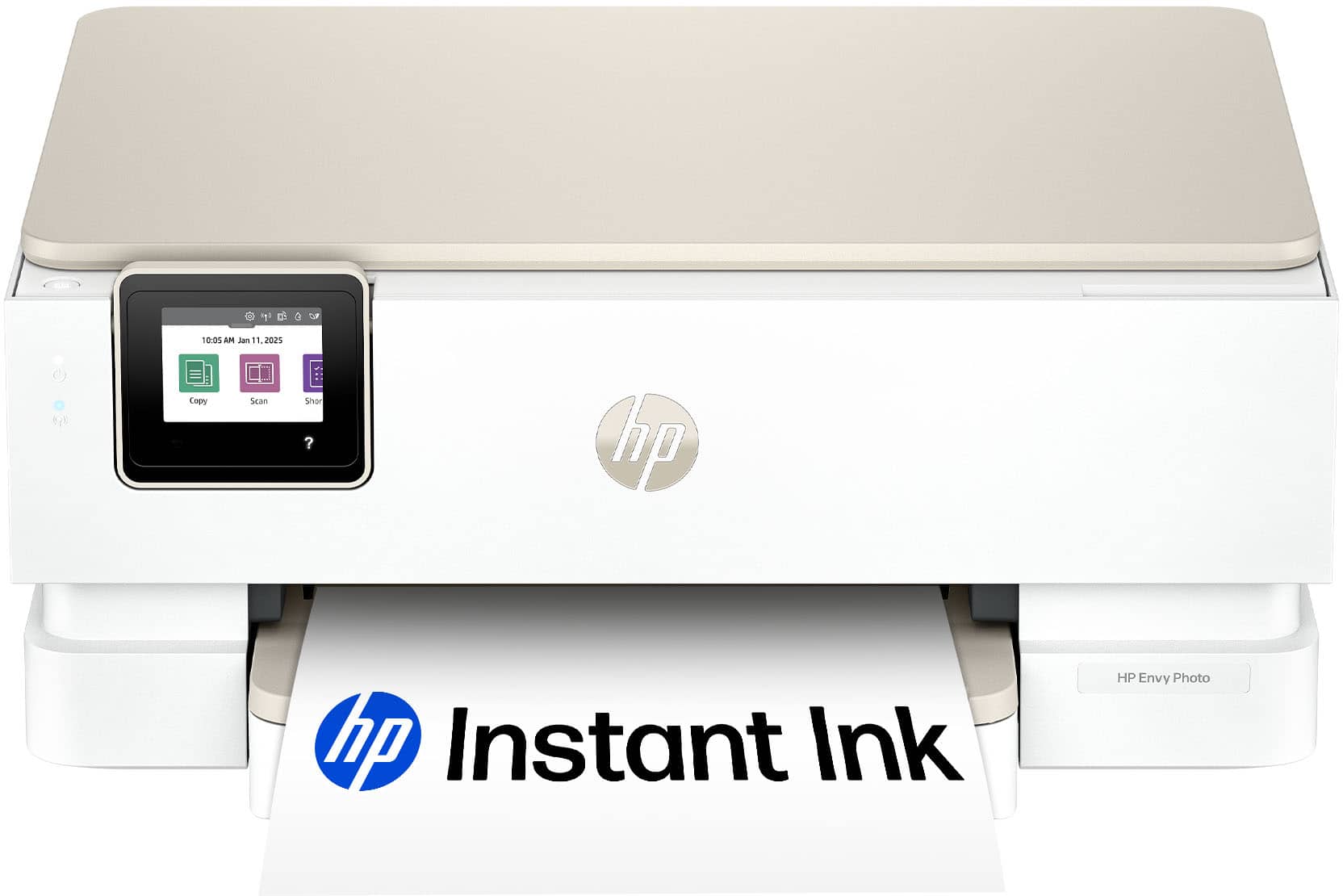
Customers admire the Envy Photo 7275 for its fantastic print quality, simple setup, and easy connectivity. Users also appreciate its quiet operation and the usability of the HP Smart app. However, some customers have noted that the printer is large.
This summary was generated by AI based on customer reviews.
Works Good
||Posted . Owned for 1 month when reviewed.This reviewer received promo considerations or sweepstakes entry for writing a review.The Lenovo Yoga has met all my expectations. Easy to use.
I would recommend this to a friend- Pros mentioned:App usability, Noise level, Print quality

Great photo printer. Revamped app is better.
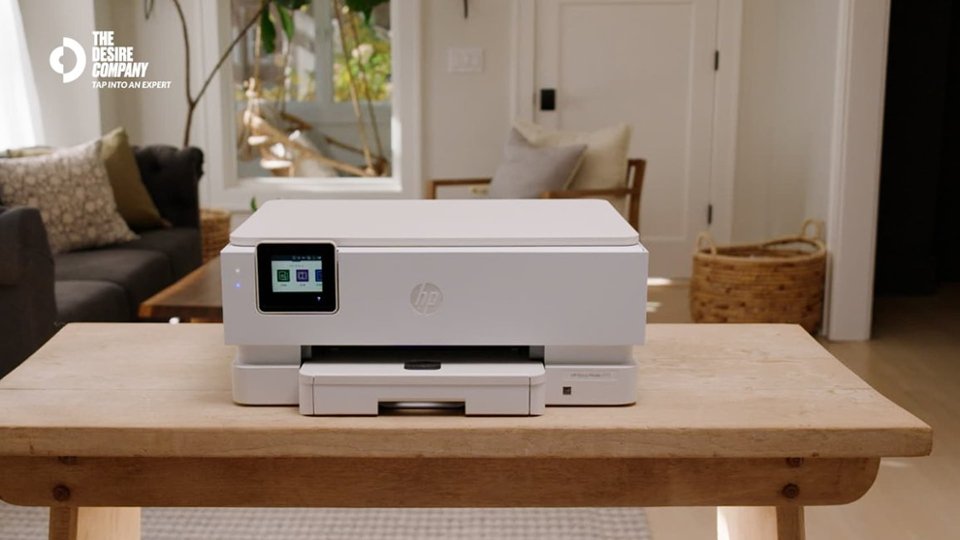
|Posted .This reviewer received promo considerations or sweepstakes entry for writing a review.Looks like HP revamped their phone app.... yeah. Will get to that later Setup on this printer was super simple. Plug in. Download the app off of google play (for me already installed). Then follow the step by step process, register your printer, sign up for optional 4 months of free instant ink and you are in. Packaging is different from other HP printers in the past. They used less material. Which is good. Physical setup with the link is easy but a little tricky. It is not 100% clear which slot is supposed to be the black cartridge and which is supposed to be the color. You have to make sure you look at the instructions clearly because it was not labeled on the printer itself. Physical appearance is nice. Clean classic off white look. Unsigned in using my HP account and I was pretty much in. Scan to Google drive was fixed with this printer. I had issues on another printer I had. So the big facelift of the app is the biggest difference here. They completely revamped the app. I think they made it more user friendly. Which is good. The other neat part of this printer is that the paper tray allows for photo printer and regular paper to be loaded at the same time. No need to unload and reload. Printing 4x6 came out nice on picture gloss paper. It dried quickly and did not smudge. Print speed is fast. Noise is low. Overall good printer. HP did some redesign and put more time into their app so it is a better experience.
I would recommend this to a friend - Pros mentioned:Connectivity, Print quality, Setup ease
A Friendly Workhorse for Your Home Office
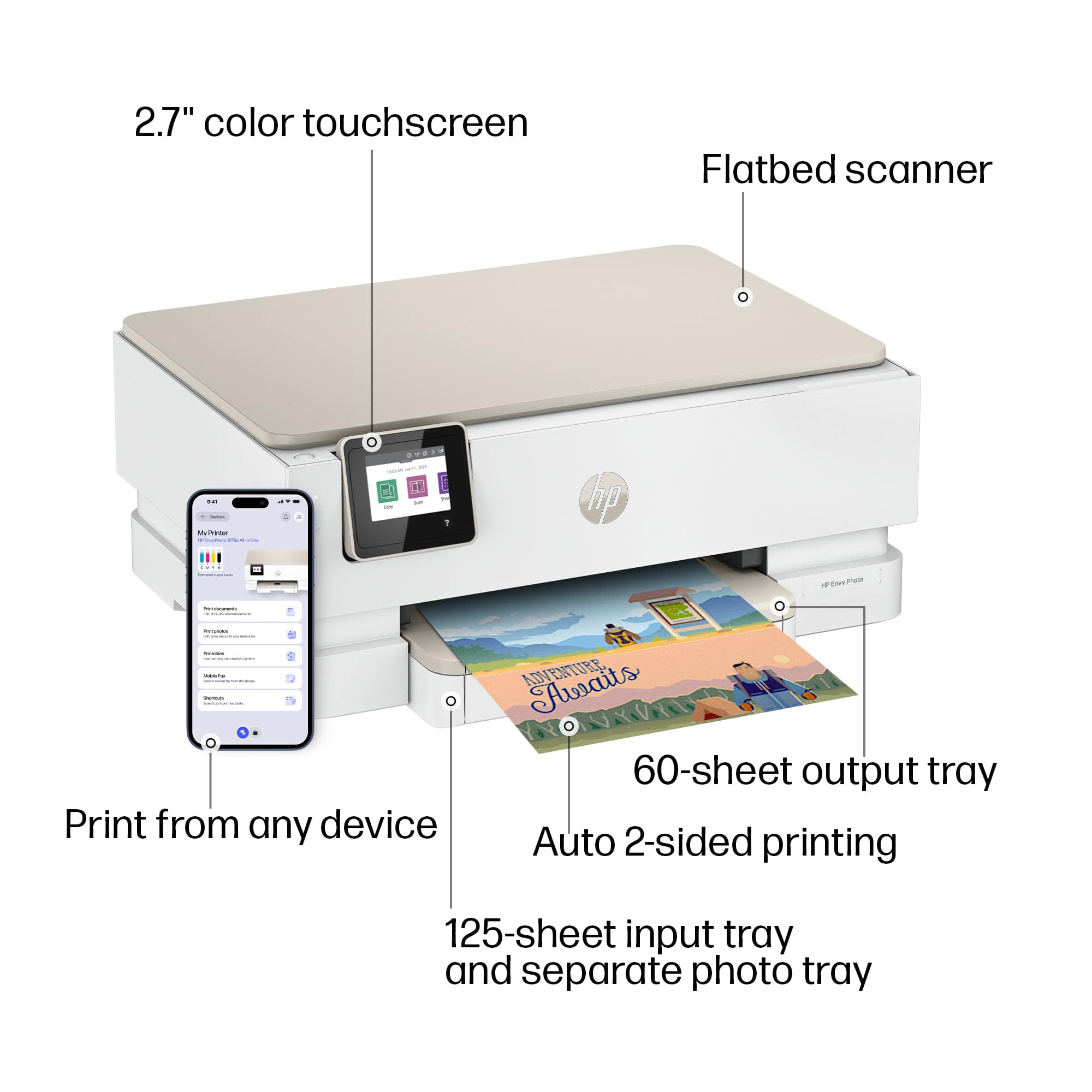
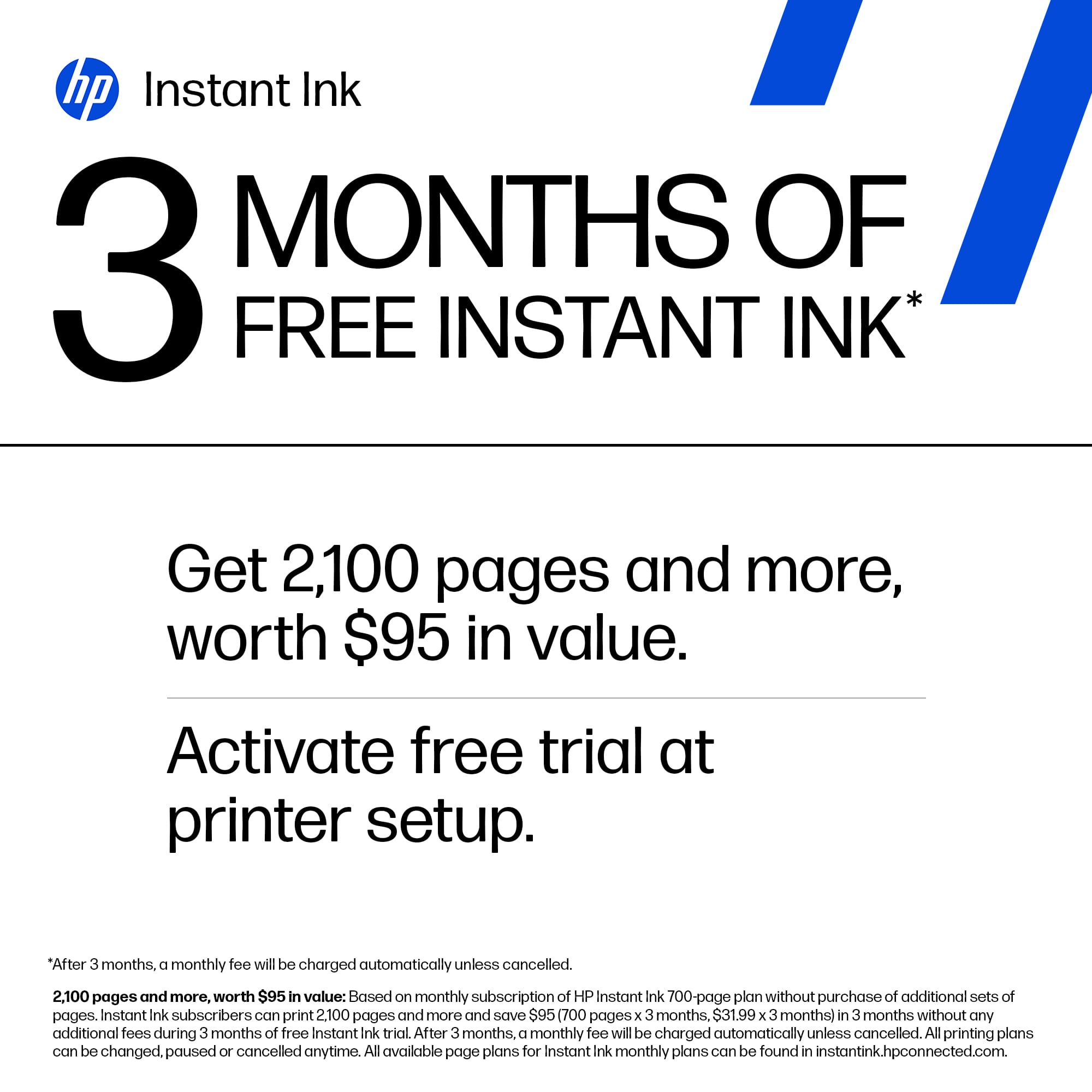
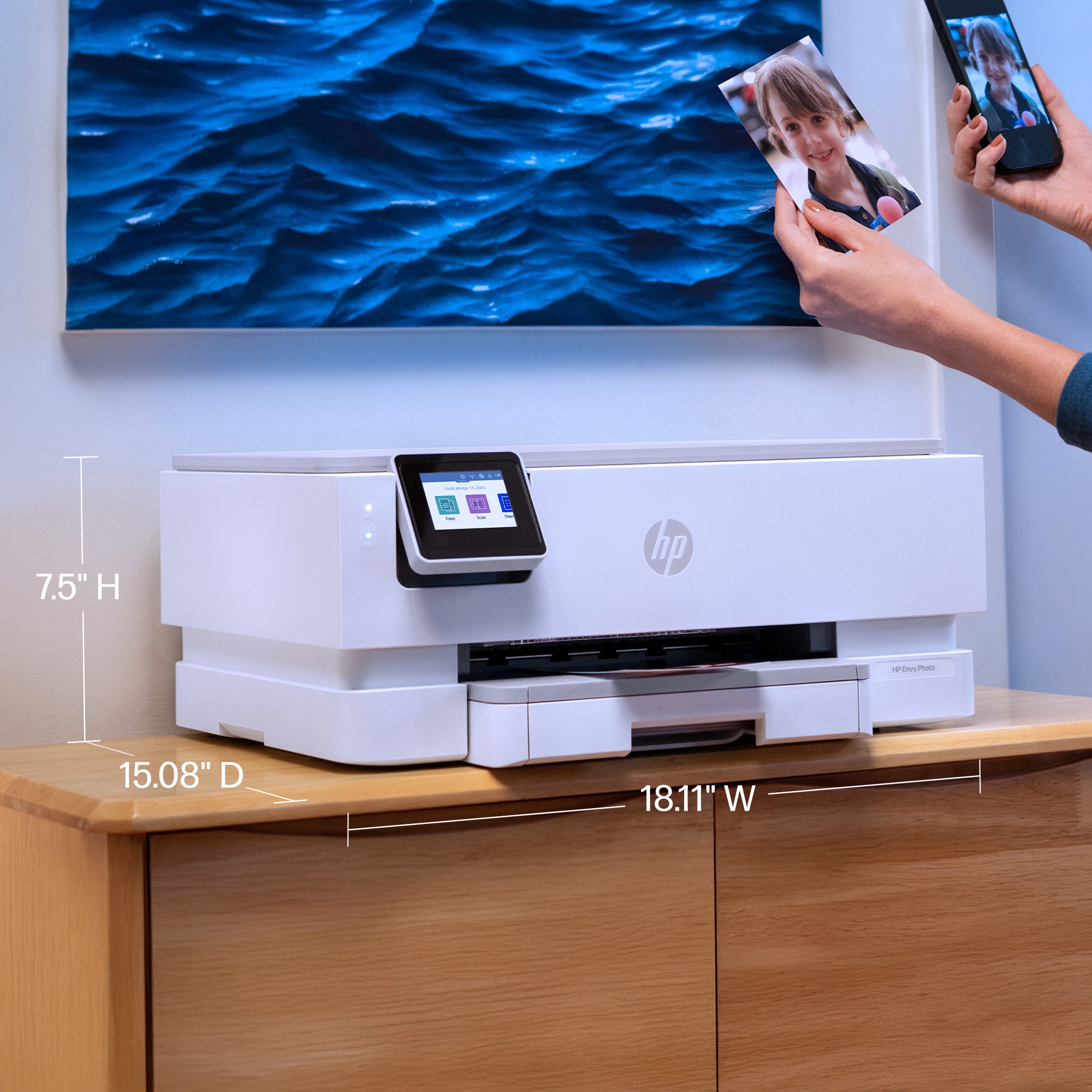
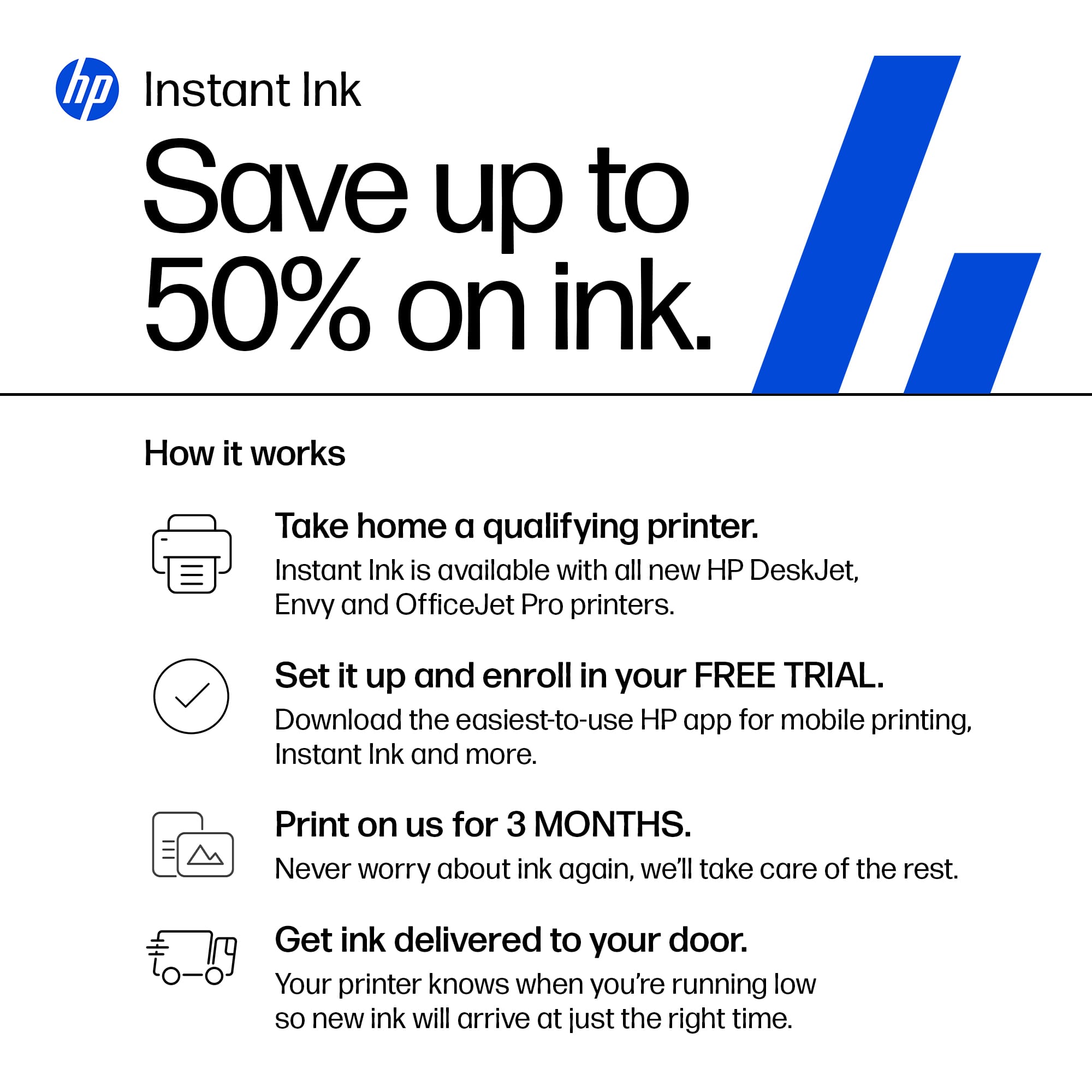
|Posted .This reviewer received promo considerations or sweepstakes entry for writing a review.First Impressions: A Printer That Tries to Do It All If you’ve ever wished your home printer could juggle work reports, school assignments, and family photo albums without breaking a sweat, the HP Envy Photo 7275 might just be your new best friend. It’s designed to be a one-stop shop for printing, scanning, and copying — all wrapped in a sleek, modern shell that won’t look out of place next to your laptop or coffee mug. Setup is refreshingly straightforward, and with built-in Wi-Fi and ethernet, it plays nice with just about any device you throw at it. Whether you're printing from your phone or your desktop, the connection feels smooth and reliable. Design: Sleek, Smart, and Surprisingly Spacious Let’s talk size. The Envy Photo 7275 isn’t tiny — it’s got a bit of heft — but it uses that space wisely. Dual paper trays mean you can load plain paper and photo stock at the same time, which is a game-changer if you’re switching between tasks often. It’s a thoughtful touch that makes everyday use feel less like a chore. Visually, it’s clean and modern. It won’t win any design awards, but it blends in nicely with most home office setups. If you’ve got a dedicated desk or corner, it’ll fit right in. Print Quality: Sharp Text, Lush Photos This is where the 7275 really shines. Text documents come out crisp and professional-looking, and photo prints are vibrant with surprisingly accurate colors. If you dabble in photography or just want your vacation shots to look great on paper, you’ll be pleased. Speed-wise, it’s not the fastest printer on the block, but it’s consistent. You won’t be waiting forever, and the results are worth the short pause. The companion software adds some nice functionality, though it can be a little moody at times — nothing deal-breaking, just the occasional hiccup. Ink: A Love-Hate Relationship Here’s the catch: the dual cartridge system. It uses one black and one tri-color cartridge, which means if you run out of magenta, you’re replacing the whole color cartridge — even if cyan and yellow are still full. That can get pricey over time. HP tries to soften the blow with a three-month free ink subscription, which is a nice perk for light users. If you print occasionally, this might be enough to keep costs manageable. Heavy users, though, might want to crunch the numbers before committing. Print From Anywhere Whether you’re printing a recipe from your phone or scanning a contract to your laptop, the Envy Photo 7275 makes it easy. The mobile app is intuitive and lets you manage print jobs remotely — perfect for multitaskers or anyone who’s constantly bouncing between devices. There are occasional software glitches, but overall, it’s a big step up from the clunky interfaces of older models. Scanning: Fast, Clear, and Reliable The built-in scanner is no slouch. It’s quick, delivers clean scans, and handles everything from receipts to multi-page documents with ease. If you’re digitizing old photos or archiving paperwork, it’s more than up to the task. Price: Worth the Investment? At its price point, the HP Envy Photo 7275 offers solid value. You’re getting a versatile, well-rounded machine that handles most home office and personal printing needs with style. The ink system might be a sticking point for some, but the overall package is compelling — especially for light to moderate users. Final Verdict: A Capable Companion With a Few Quirks The HP Envy Photo 7275 isn’t perfect, but it’s pretty darn close for the average home user. It prints beautifully, scans reliably, and connects effortlessly. If you can live with the cartridge setup and occasional software hiccup, you’ll find a lot to love here. For families, freelancers, and photo lovers alike, it’s a smart, stylish choice that delivers where it counts.
I would recommend this to a friend - Pros mentioned:Print quality, Setup ease
Great Printer for Photo Fun & Everyday Printing
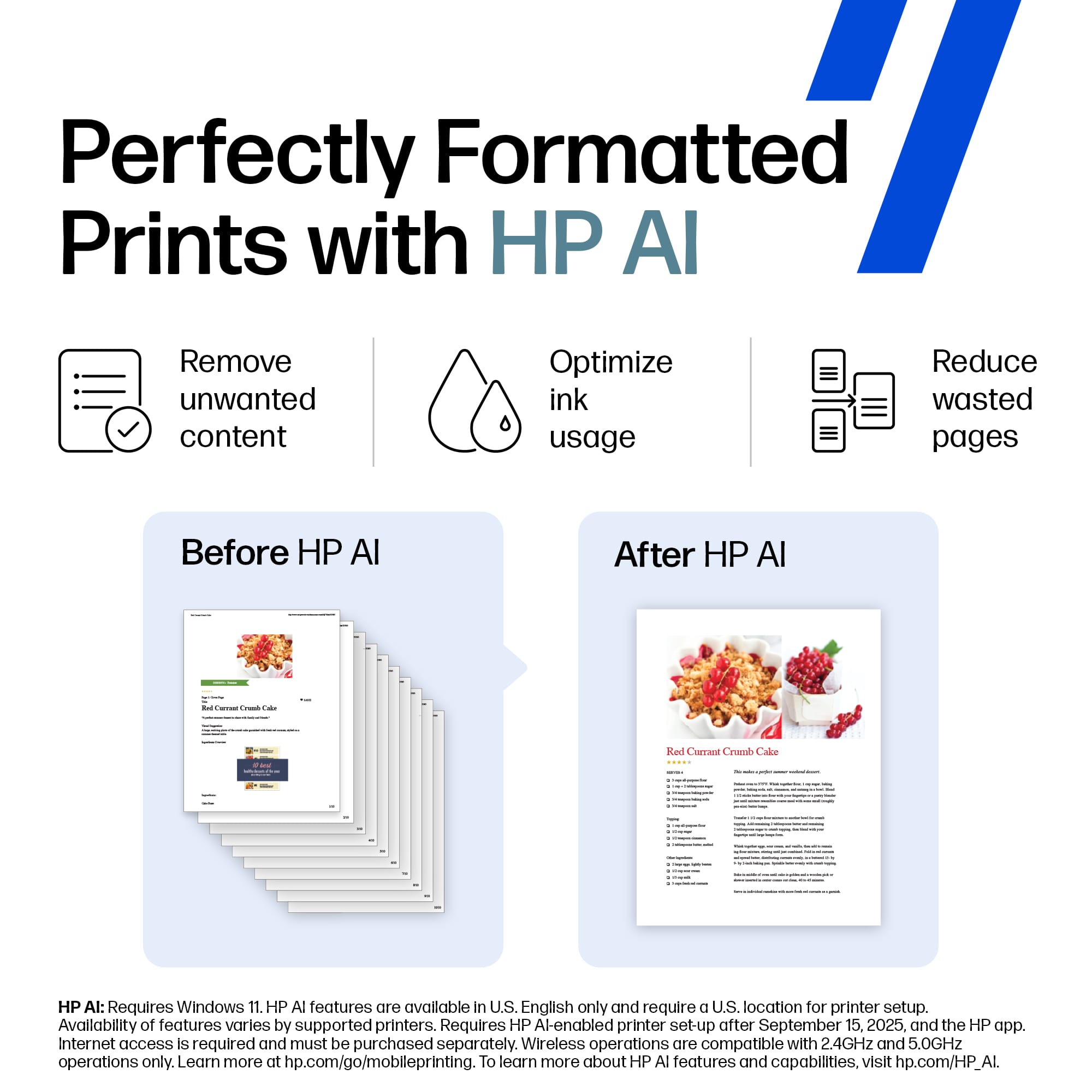
|Posted .This reviewer received promo considerations or sweepstakes entry for writing a review.I was excited to receive this new HP Envy Photo 7275 Wireless AI-Enabled All-in-One Printer. I was ready to try it out on some of my newest photos that I wanted to give to a friend who is retiring soon. Unfortunately, the first HP Envy unit that I received had issues that required me to contact a very helpful HP Tech Support person and after he thoroughly checked it remotely, decided that the unit needed to be replaced. The new replacement unit arrived quickly and in perfect condition. Installing the inks and aligning the printheads was a piece of cake. A test page printout showed all was well with this unit. The wireless connection setup for it on my laptop was a little bumpy since the HP Smart application that I had previously installed and setup kept trying to connect to the old unit's IP address. After a couple of attempts to get it to recognize the new unit, I finally got smart myself and deleted the application from my laptop, restarted the laptop, and reinstalled the application. This cleared the slate and the HP Smart app quickly found and wirelessly connected to my new unit giving me full control. With that out of the way, I was able to quickly get down to printing several pictures which came out looking pretty decent for a 2 cartridge, 4-color consumer photo printer. I do fine art photography and am rather discerning when it comes to color profiles and color matching. The HP Envy Photo 7275 will not print totally color-correct fine art photos, but it will do a more than acceptable job for the fun and family photos that most people take with their phones and compact digital cameras on plain paper or on a variety of photo paper sizes and types. It also does a great job printing double-sided plain paper documents in black and in color. Add to that the ability to scan, copy and fax pictures and documents and you have a fully functional and useful machine. But wait, there's more - HP now has integrated AI capability into this printer's software taking it a step above the norm. You can now download, edit, and rearrange content to your own specifications before you print. I have yet to play with these features. The HP Envy Photo 7275 Wireless AI-Enabled All-in-One Inkjet Photo Printer will do just about every fun, creative print task you can come up with and every everyday printing task you need to do extremely well. Another fine product from HP.
I would recommend this to a friend - Pros mentioned:Connectivity, Print quality
Cool Features and Great Print Quality
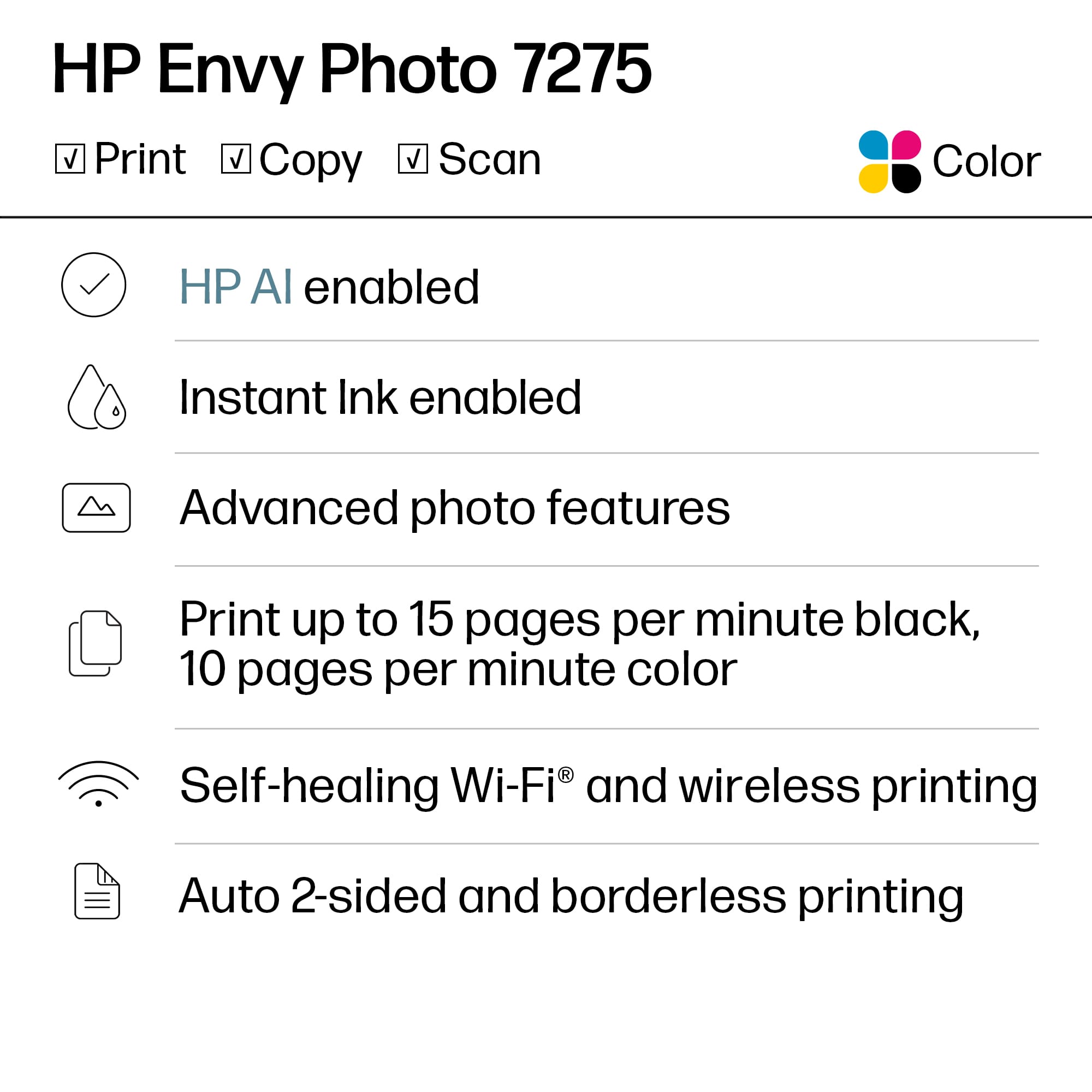
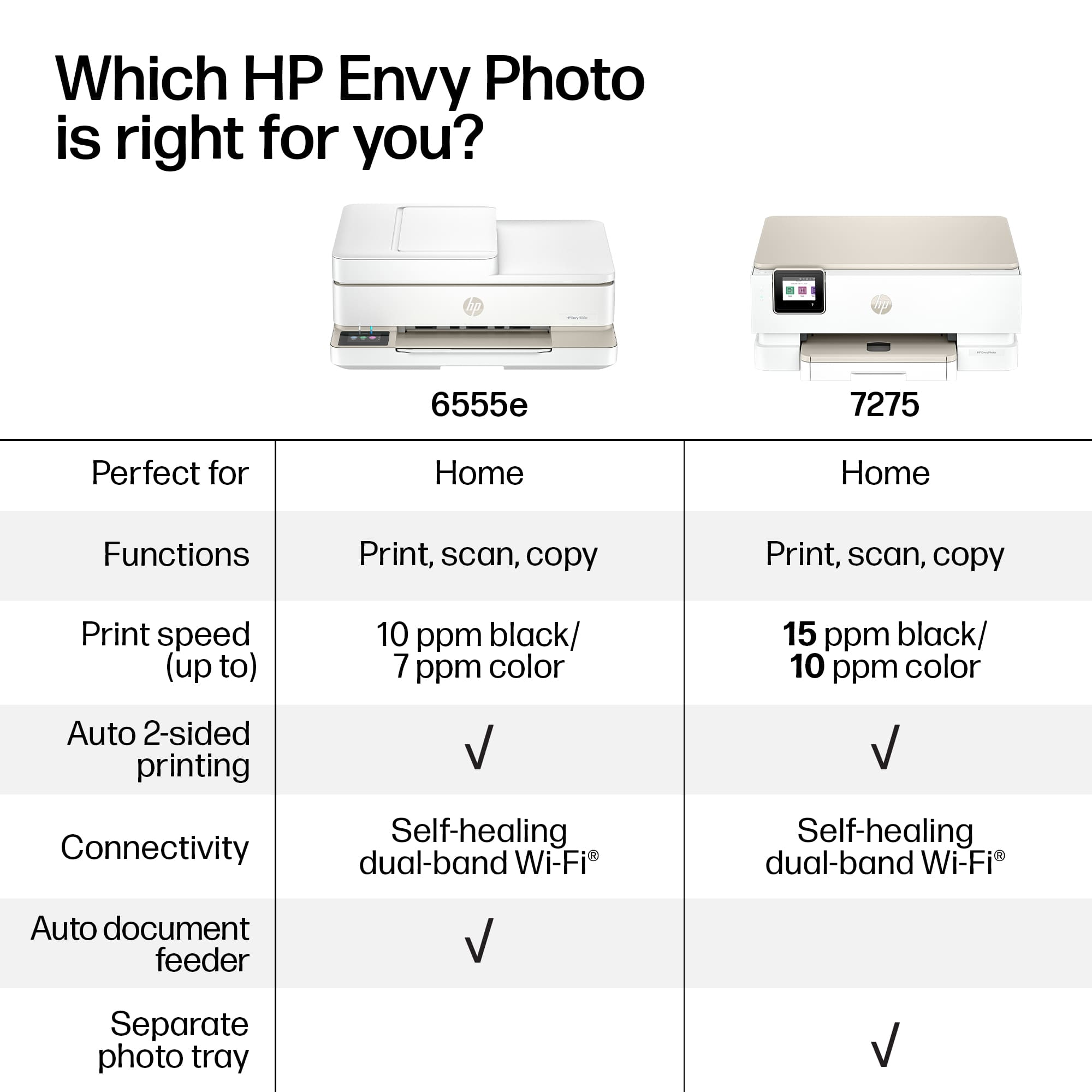
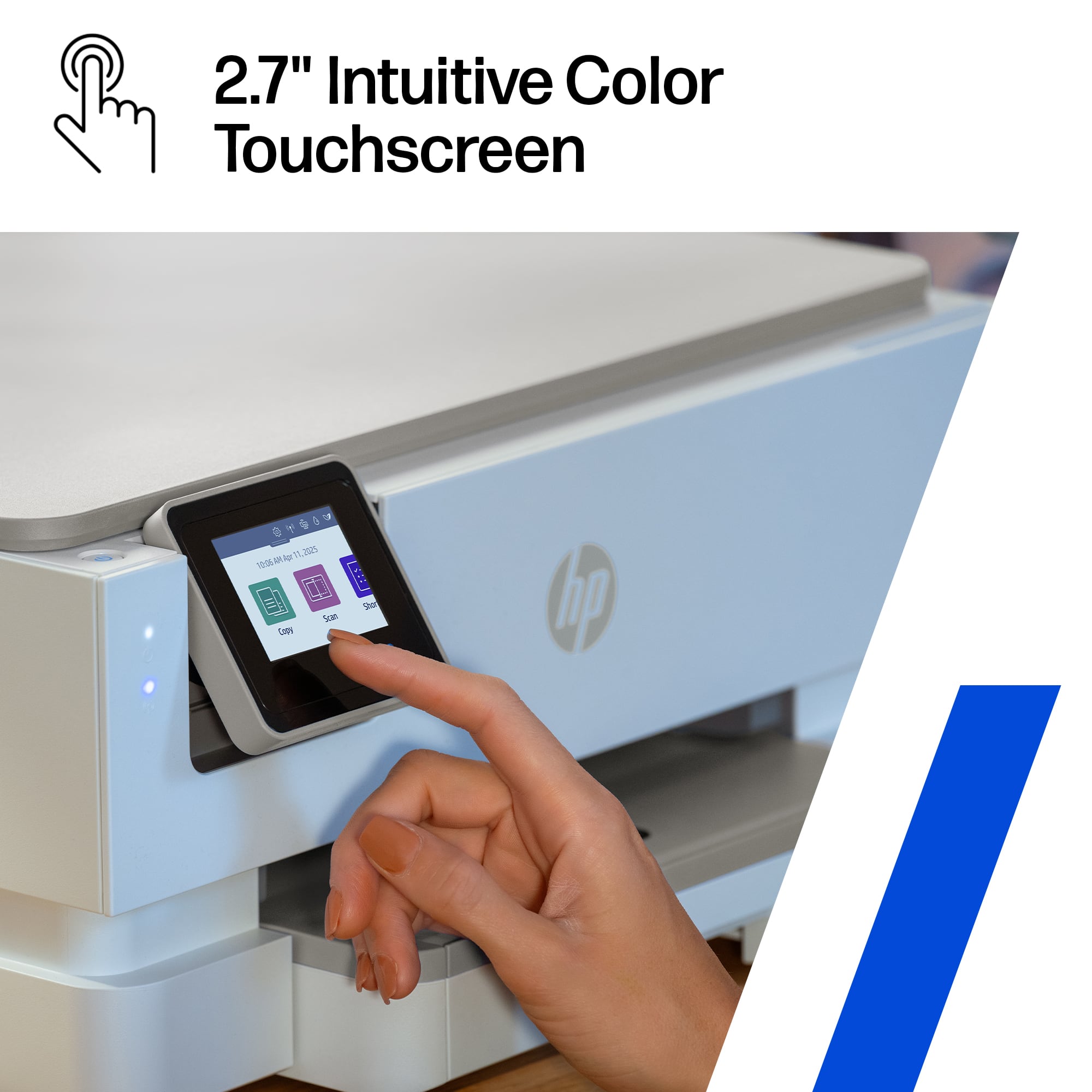
|Posted .This reviewer received promo considerations or sweepstakes entry for writing a review.The HP Envy Photo 7275 All in One Printer is a reliable option for families and home offices who need to be able to handle both document and photo printing. It delivers sharp text and vibrant photos. It’s great for work projects and personal snapshots. Print speeds are pretty typical for its class at about 15 pages per minute in black and 10 in color. Feature wise, the 7275 checks all of the needed features, including borderless printing, both wired and wireless networking, and 2 sided printing. The dedicated photo tray is cool, letting you keep 4 x6 or 5 x 7 photo paper and regular printer paper loaded at the same time. The LCD touchscreen is bright and intuitive, making setup and day-to-day use easy for everyone. I loaded up some glossy HP 4 x 6 paper and spit out some great shots taken on my phone over the weekend. The HP Instant Ink program is a helpful perk, automatically sending new cartridges when ink runs low and potentially lowering costs at about $0.12/page. However, if you plan to buy cartridges yourself note that high yield replacements are around $130 – probably about twice the cost of Instant Ink program. The Envy Photo 7275 is a strong all around printer for both office work and photo projects. Although it’s a great printer for my family’s needs, always consider your own print volume and feature needs to determine if this is the right printer for you!
I would recommend this to a friend - Pros mentioned:Connectivity, Print quality
Great photo printer and more
|Posted .This reviewer received promo considerations or sweepstakes entry for writing a review.I’ve always wanted a printer that does really good photos. Because I often gift friends and family a nice photo that I’ve taken of them. And I don’t want to go anywhere to have it professionally done and I don’t like sending it out to other places waiting for it to return. This printer does really good photos, especially if your resolution is top-notch. Once I set it up, I was able to connect it to my Wi-Fi within minutes and downloaded the app to do a test print. The cartridges are really small and I will probably buy a few backup colors because I’m not sure how long the two cartridges that came with the printer will last. So after poking around, I decided to start with a small photo and the details were perfect. I will say choose a better top paper quality to get an even better quality of print. The copy function is nice, but I rarely ever use it. It’s not too loud because the printer is in the office and I can set it and forget it or print it and forget it to come back and my work is done within minutes.
I would recommend this to a friend - Pros mentioned:Print quality
A.I. Print Enhancements and Excellent Photo Prints
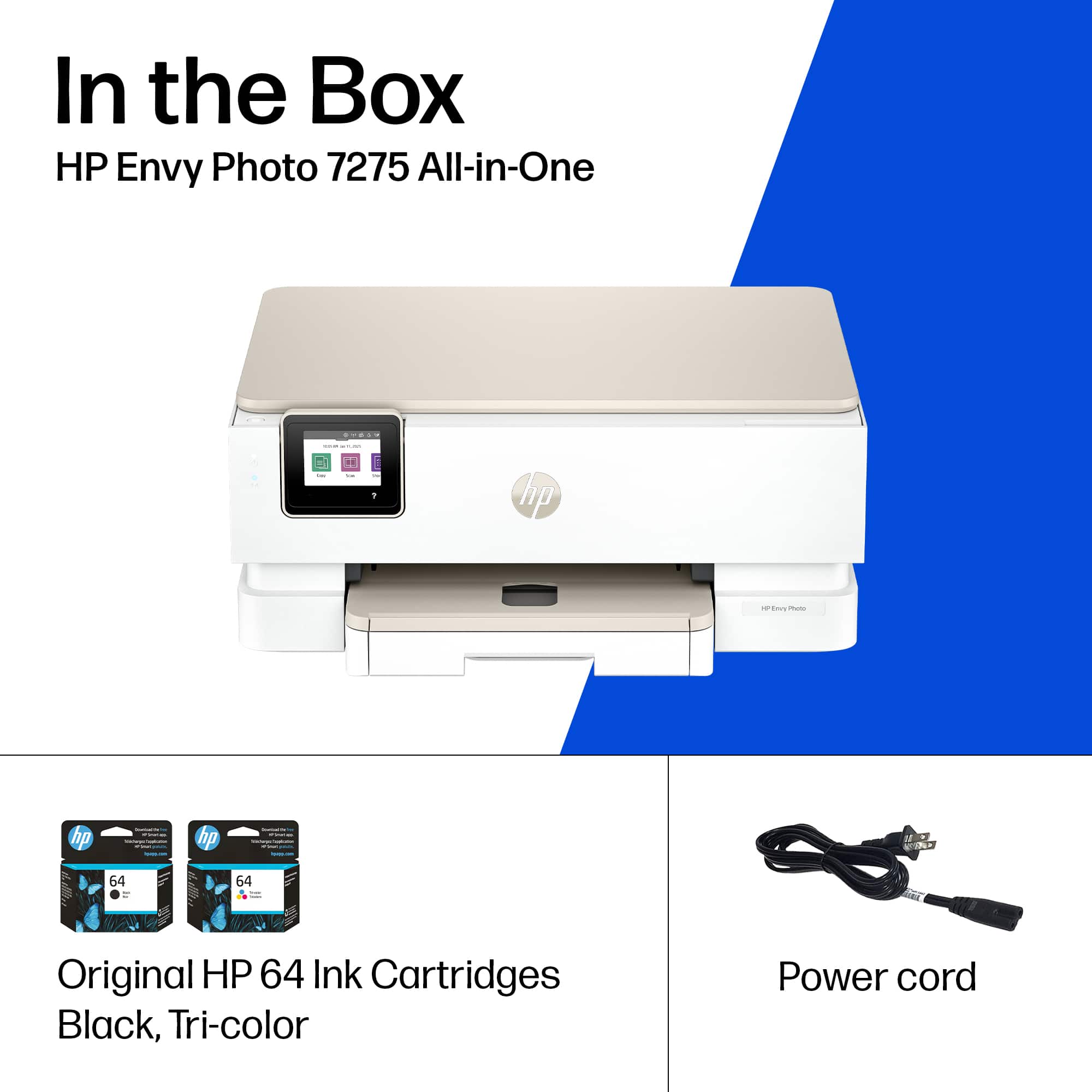
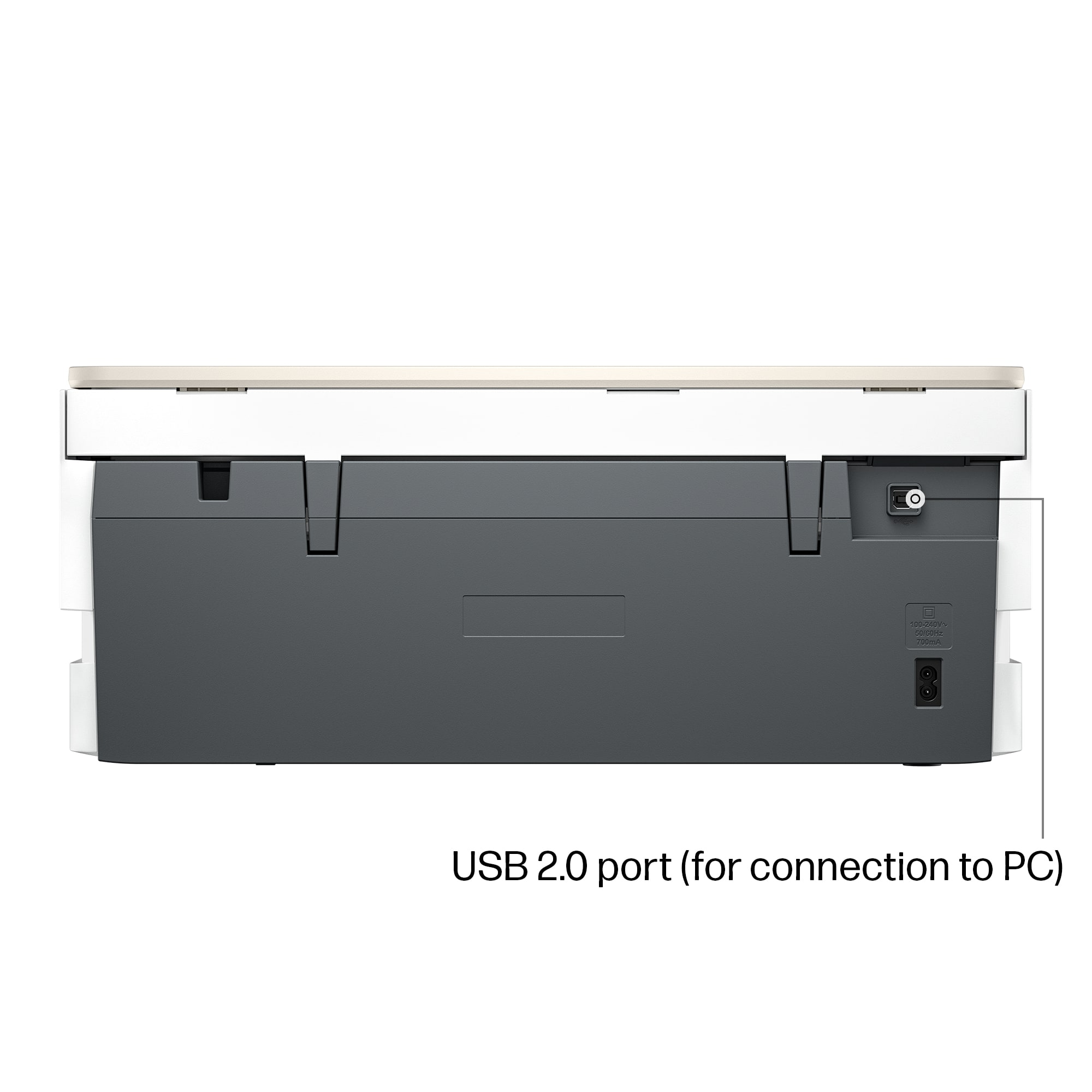
|Posted .This reviewer received promo considerations or sweepstakes entry for writing a review.The HP Photo Envy 7275 is a solid printer. It comes with impressive features including A.I. print assistance, self-healing wi-fi, and a dedicated photo tray. Photo prints look great. Print speed is impressive. Scanning features work well. Users should know that while there is a USB 2.0 port on the back, the 7275 is designed for Wi-Fi connections. There is no USB 2.0 cable in the box. The initial cartridges included with the printer will not last particularly long (I went through one-third of the color ink after printing 6 4X6 prints and one-tenth of the black after printing a few documents). Still, the printer does an excellent job with photos and standard text only print documents. I think the set-up process is a bit more complicated than it needs to be, one or two of my prints suffered from lines through colored objects, and I am not convinced HP’s subscription ink service is worth the hassle, but I like this printer. The fact that it comes with a solid flatbed scanner is a bonus. Setup: Inside the box, you get the printer, the power cable, and two set up HP 64 ink cartridges. There is a lot of tape designed to secure the printer in shipping that will need to be removed. The printer has a setup process that involves setting up an HP app on either your Android or Apple smart phone. You scan a QR code to start the process and the HP app will walk you through the entire process. The printer is synchronized to an account created with HP. Later, when I added the printer to my Windows 11 PCs, the setup process downloaded a Windows App where you could turn on or off A.I. assisted printing. As with any new printer, the setup process will print out an alignment page, but, as part of the A.I. assistance, the printer will not have you scan the print to confirm alignment. The process works well enough, but I noticed some print defects after my initial setup which necessitated me running the alignment assistant later. The Setup process strongly pushed HP E-Ink subscription service. You can avoid or cancel out, but the application tried to set up E-Ink by default. But this feels needlessly complicated. I just want to add a printer in Windows and then have necessary software installed at that time. Linking the printer to an account might make web based and mobile printing a bit simpler, but I still prefer a PC centric approach. The more my devices require an always on internet connection or push for a subscription, the leerier I become. I have enough subscriptions. Experience: Photo prints work well. The separate photo tray for 4x6 or 5x7 prints is a nice feature. The HP app on iPhone and Android did a decent job of automatically cropping photos for the best print. You could further refine and customize prints from the application, and it all worked well. I was also impressed with photo prints from Windows. This may be in part related to the A.I. printing, but I did not have to worry about white bars around photos or other misalignments that I can often see when I do prints on other printers from the default Windows print tool. Document prints were a bit of a mixed bag. I do not care how many times I ran alignment; there were still some faint streaks through solid colors with what should be a clean print head. I also noticed some dark lines in solid colors that should not have been present. Some of these quirks got better with alignment and cleaning, but some did not. I am not sure this critique is worth going into too much as I am sure the print quality will be fine for most people, but, although good, it was not a perfect experience. Users who require physical LAN connections for their devices should note that there is no LAN port included on this device. HP is solidly committed to Wi-Fi and the USB-2.0 port on the back feels like an afterthought. Also, there is no document feed scanner. As noted above, the ink cartridges that come with the printer will not last exceptionally long. HP is strongly pushing a subscription service. If you choose to get cartridges on your own, you will need the HP 64 cartridge. The cartridges come in standard and xl sizes. Conclusion: This is a good printer. The scanner did an excellent job for a multi-function device. Some users may lament the lack of a dedicated LAN port or a document feed scanner. I am sick of subscriptions. The idea of buying a printer with just enough ink to test, but not enough to last any significant amount of time is a bit frustrating. It is one thing to give users an option to subscribe to an instant ink delivery service, it is another thing to force it on the buyer. I have some concerns about the lines that appeared through some of my prints. The more time spent cleaning new print heads or troubleshooting alignment, the more ink I wasted. Still, at the end of the day, I like this printer enough to recommend it. Photos looked great. I wish the dedicated photo tray held more sizes of prints, but this is a good start. 4/5
I would recommend this to a friend - Pros mentioned:Noise level, Print quality, Setup ease
HP Printer7200 series
||Posted . Owned for 1 week when reviewed.This reviewer received promo considerations or sweepstakes entry for writing a review.I’m very satisfied with this printer. The setup was straightforward and only took a few minutes, with clear instructions and easy wireless connectivity. Print quality is excellent for both documents and color images. The printer operates quietly and prints at a good speed, which is ideal for home or small office use.
I would recommend this to a friend Best Everyday Printer!
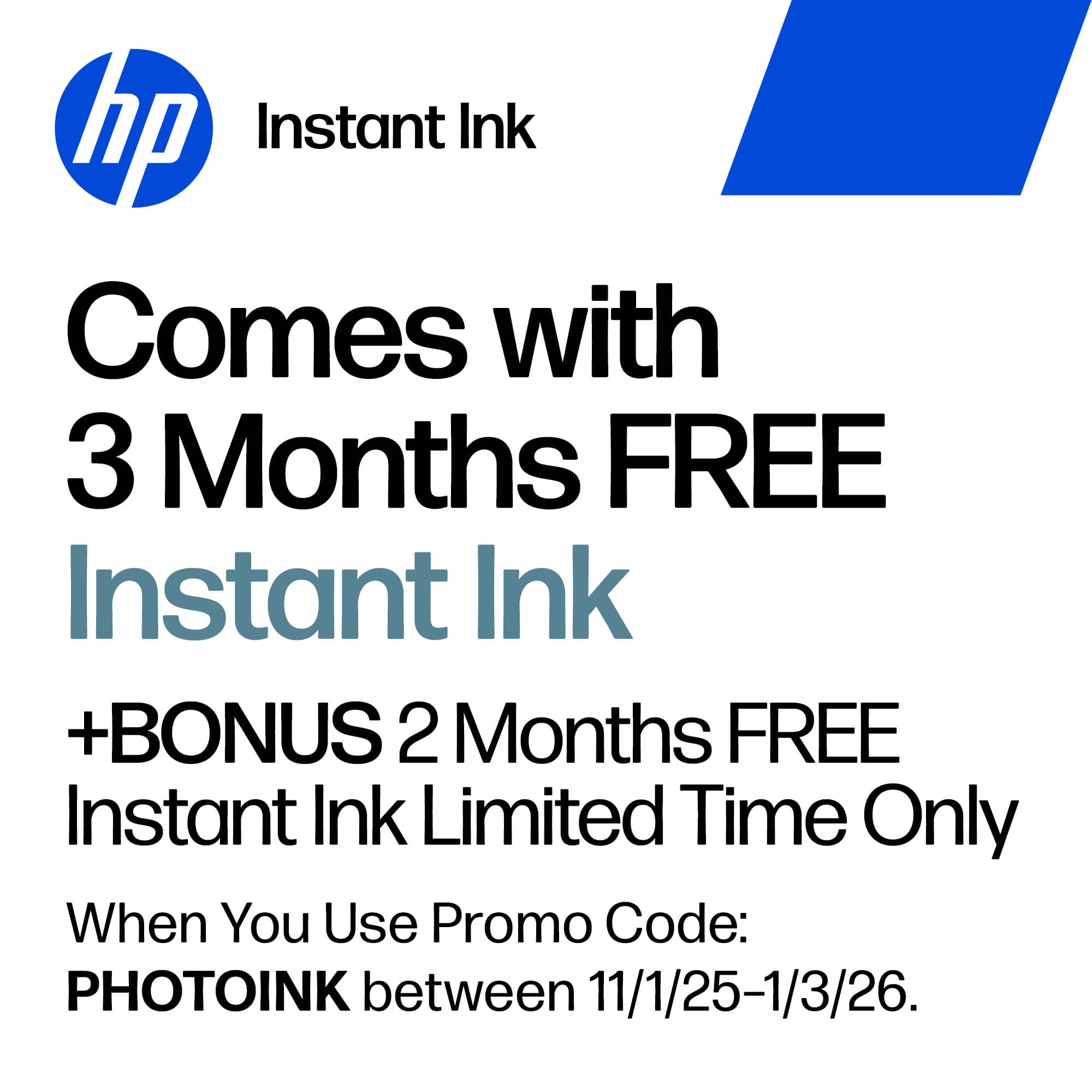
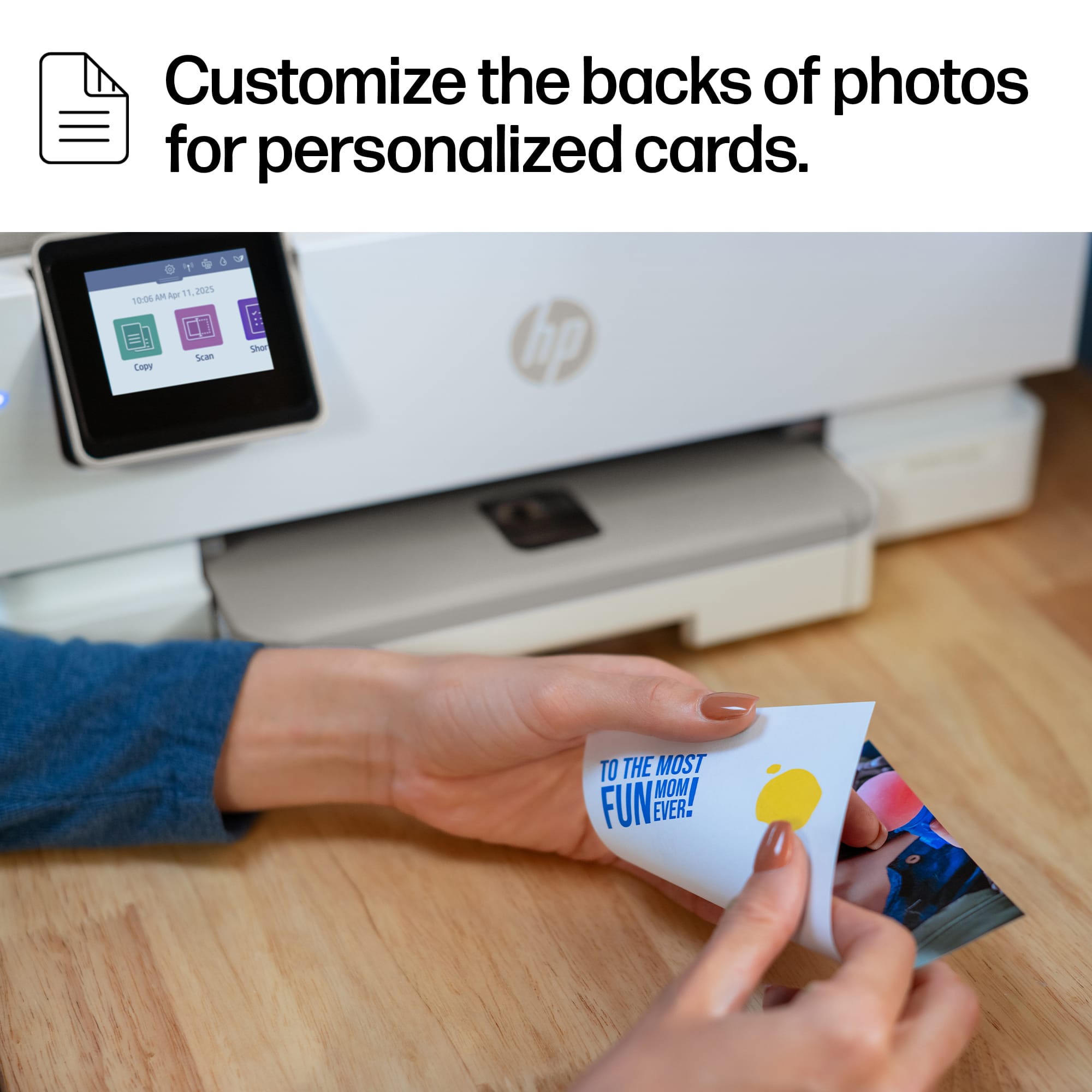
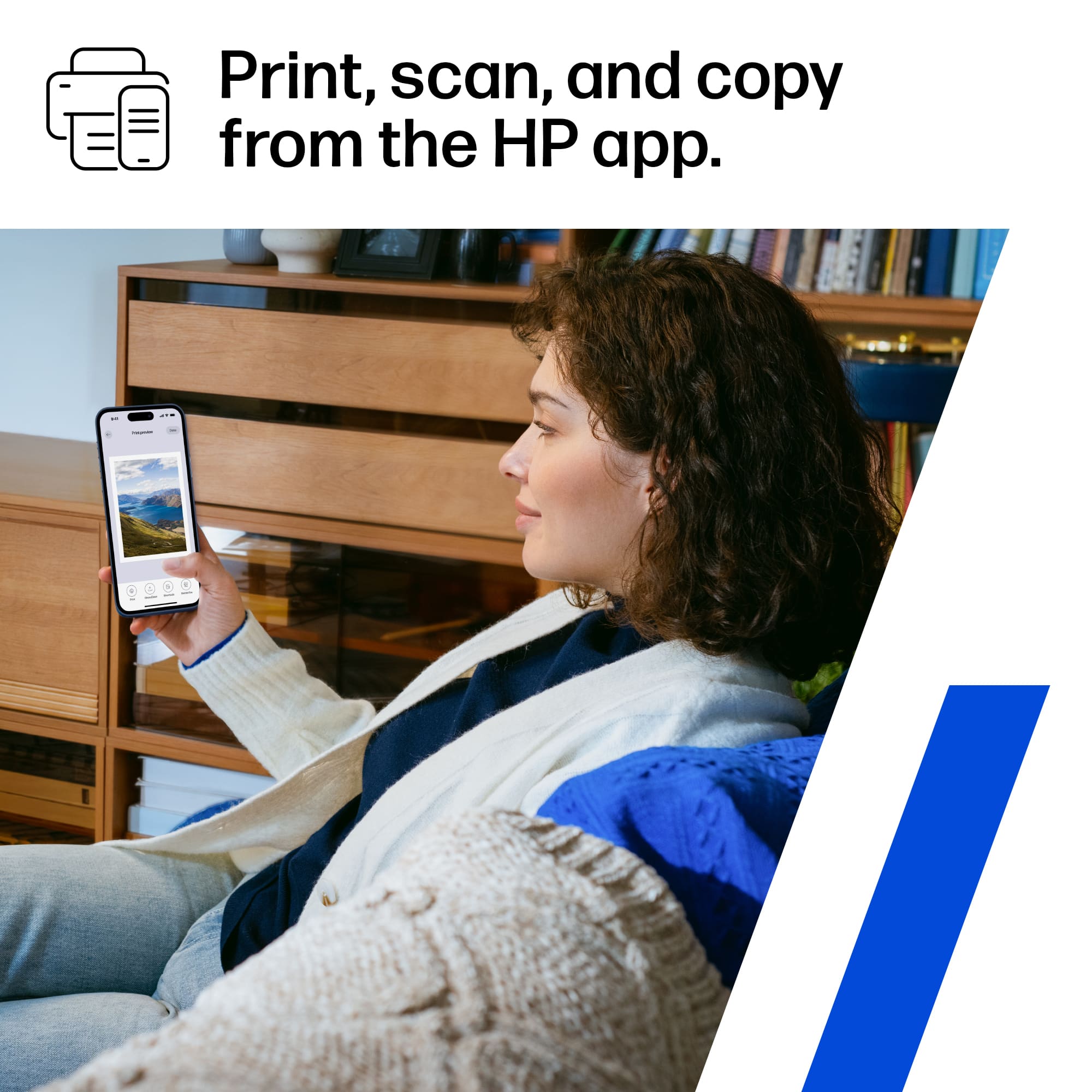
|Posted .This reviewer received promo considerations or sweepstakes entry for writing a review.I've been using the HP Envy Photo 7275 for about two weeks now, and here’s my take on it for those considering a new printer for their home or office. Setting it up was pretty easy. The big color touchscreen is really helpful. I didn’t have to struggle with confusing instructions or lots of steps just to connect it to my Wi-Fi. The wireless connection has been really reliable, and I haven’t had any issues with it dropping. The print quality has been amazing. My photos look great, almost as good as they do on the screen. If you enjoy taking photos or want to print out family pictures, this printer is a solid choice. I've printed all sorts of things, from vacation pictures to custom birthday cards. The printer can do two-sided printing on photos, which saves paper and is perfect for cards. The dedicated photo tray helps a lot. It makes the process smooth without needing to change paper types all the time. It handles different printing tasks without any problem, whether you’re printing a school report or a colorful photo. The HP Instant Ink program has been a pleasant surprise. New ink arrives at my doorstep before I even run out, which is super convenient. I am starting with a three month free trail, and with the code "PHOTOINK," you get two extra months. It’s been great for saving some bucks, and I don’t have to make unexpected trips to the store for ink. I also love how easy it is to print directly from my phone with the HP app. This has been super useful, whether I’m printing a boarding pass last minute or scanning a form I need to email, it's been really easy and fast. As someone who likes to think about being environmentally friendly, I appreciate that this printer is made using some recycled plastic. More tech companies should do this sort of thing. It is recommended to use HP’s ink cartridges to get the best results instead of cheaper cartridges from other brands. After two weeks with this printer, I’d give it a 5 stars. It’s not just a printer; it’s a reliable tool that fits well into my daily routine, helping with both work and fun projects. If you want a printer that’s high-quality and easy to use, the HP Envy Photo 7275 is a great option.
I would recommend this to a friend- Pros mentioned:Print quality, Setup ease
Works Well and Easy Set Up!
||Posted . Owned for 1 week when reviewed.This reviewer received promo considerations or sweepstakes entry for writing a review.My old printer died just when i needed to print labels for product. I usually love Canon but since I needed a printer now that I could carry home this HP Envy Photo 7275 was the winner. Reviews said easy set up and they were not kidding. Started with the quick setup guide and finished set up with the HP app. I was printing in minutes. Print quality is good especially for my labels. This printer comes with the instant ink program where you choose your plan then your printer tracks usage and sends you ink when needed. That’s a whole different review but I love the idea and it’s in trial right now. So far so good.
I would recommend this to a friend - Pros mentioned:Print quality, Setup ease
Nice abilities
||Posted . Owned for 1 week when reviewed.This reviewer received promo considerations or sweepstakes entry for writing a review.I wanted the 2 sided printing and this works well. It also is good for pictures. Set up is quick. I did have an issue connecting it to the computer but customer service was great. Actually surprised it didn’t prompt me to do an update the carrier for the printed result does not seem as study as my last one and it does not automatically pop out. When I am printing from my phone or other devices from another room I need to pull out the printed paper catcher first or leave it out otherwise the paper lands on the floor.
I would recommend this to a friend Nice all in one printer
|Posted .This reviewer received promo considerations or sweepstakes entry for writing a review.The HP Envy 7275 is a great all in one printer for personal or small office home use. Having a teen in high school a home printer is a must for everyday task related to schoolwork. He also is in to photography and screen printing for clothes, so this model is a step up for him from our other basic printer. Even though the younger generation, use mostly digital, it seems having physical photos is making a comeback as he loves being able to print physical photos from his phone with AirPrint. Setting up the printer is done pretty much completely with the HP app and to me that’s a good thing compared to using the screen on the printer. Using a printer with an app, even factory apps use to suck, but HP has drastically improved the experience as the app really does make the experience almost idiot proof. From the setup process like connecting the printer to your WiFi, to printing from your phone tablet or computer it’s all extremely easy with the app. The HP Envy 7275 is a nice all in one printer that’s made all the better by the app.
I would recommend this to a friend- Pros mentioned:Connectivity, Print quality
Great Printer
||Posted . Owned for 1 week when reviewed.This reviewer received promo considerations or sweepstakes entry for writing a review.Awesome Printer. Always had Hp but decided to try something different. Unfortunately, thag didnt work oit so went back to Hp with a frw bucks more. So far works grest and the quality has been excellent. Connects to all devices with no issues and the hp app works perfectly.
I would recommend this to a friend - Pros mentioned:Noise level, Print quality, Setup ease
Fast and Easy
||Posted . Owned for 2 weeks when reviewed.This reviewer received promo considerations or sweepstakes entry for writing a review.Easy to set up. Super quiet and good speed of printing.
I would recommend this to a friend - Pros mentioned:Print quality
Great HP Printer.
||Posted .This reviewer received promo considerations or sweepstakes entry for writing a review.Only owned 2 weeks at review. I had excellent service from my old PSC Envy 4512. 12 years of great service. Replaced only because no longer can get software/support. I really like this 7200 PSC. I use it 75% for my hobby business and it is in my working garage. I am on hiatus for the holidays however so far this printer works great. I needed internal paper trays and reasonable priced cartridges (HP 64). It is as fast and responsive as my old one. Printed illustrated instructions are clear and crisp. Shipping labels print fine. So far very well. Hopefully I turned off the "free ink" thing. Not a fan. Now to bypass to use 3rd party cartridges like my old one.
I would recommend this to a friend - Pros mentioned:Print quality, Setup ease
The best printer
||Posted . Owned for 1 week when reviewed.This reviewer received promo considerations or sweepstakes entry for writing a review.Love this printer excess my needs, print out nice photos, & printing is so easy. Would recommend this to all my friends.
I would recommend this to a friend - Pros mentioned:Connectivity, Setup ease
Great printer.
||Posted . Owned for 3 weeks when reviewed.This reviewer received promo considerations or sweepstakes entry for writing a review.This printer is exactly what I needed. Nothing fancy so its easy to operate. I like that I can print straight off my phone also.
I would recommend this to a friend - Pros mentioned:Print quality, Setup ease
Very happy with it
||Posted .This reviewer received promo considerations or sweepstakes entry for writing a review.So far so good. Easy to setup and use. Quality is on point. Hopefully the ink lasts a while.
I would recommend this to a friend - Pros mentioned:Noise level
Easy replacement printer
||Posted . Owned for 1 week when reviewed.This reviewer received promo considerations or sweepstakes entry for writing a review.My old HP printer finally bit the dust, so I purchased a new one that had the same functions last week. I put off installing it only because I feared unexpected problems. To my surprise, it was so easy that I even installed the toner cartridges and did a test run flawlessly! Yesterday I actually printed a two-sided document and it was so quiet and actually paused to make sure the ink was dry on the first side. Amazing!
I would recommend this to a friend - Pros mentioned:Print quality, Setup ease
great purchase
||Posted . Owned for 2 weeks when reviewed.This reviewer received promo considerations or sweepstakes entry for writing a review.This was extremely easy to set up and prints beautifully.
I would recommend this to a friend