Customer Ratings & Reviews


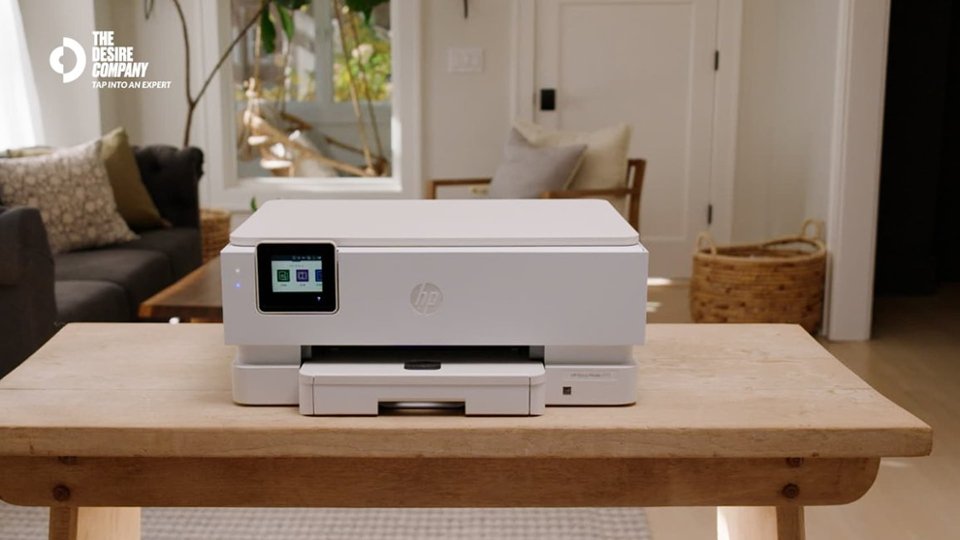




- Model:
- B63JSA#B1H
- SKU:
- 6638831
Rating by feature
- Value
Rating 4.5 out of 5 stars
- Quality
Rating 4.5 out of 5 stars
- Ease of Use
Rating 4.4 out of 5 stars
Customers are saying
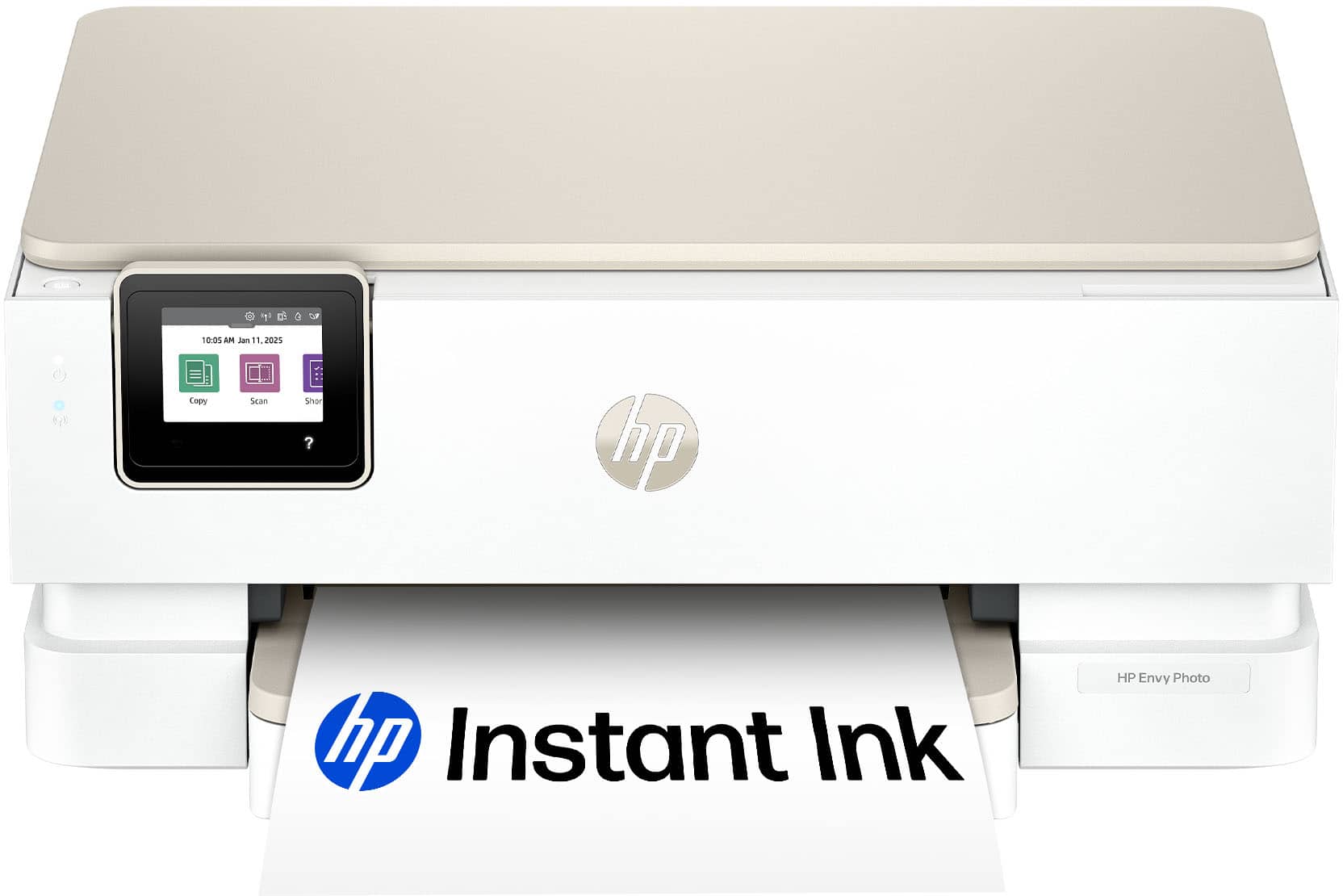
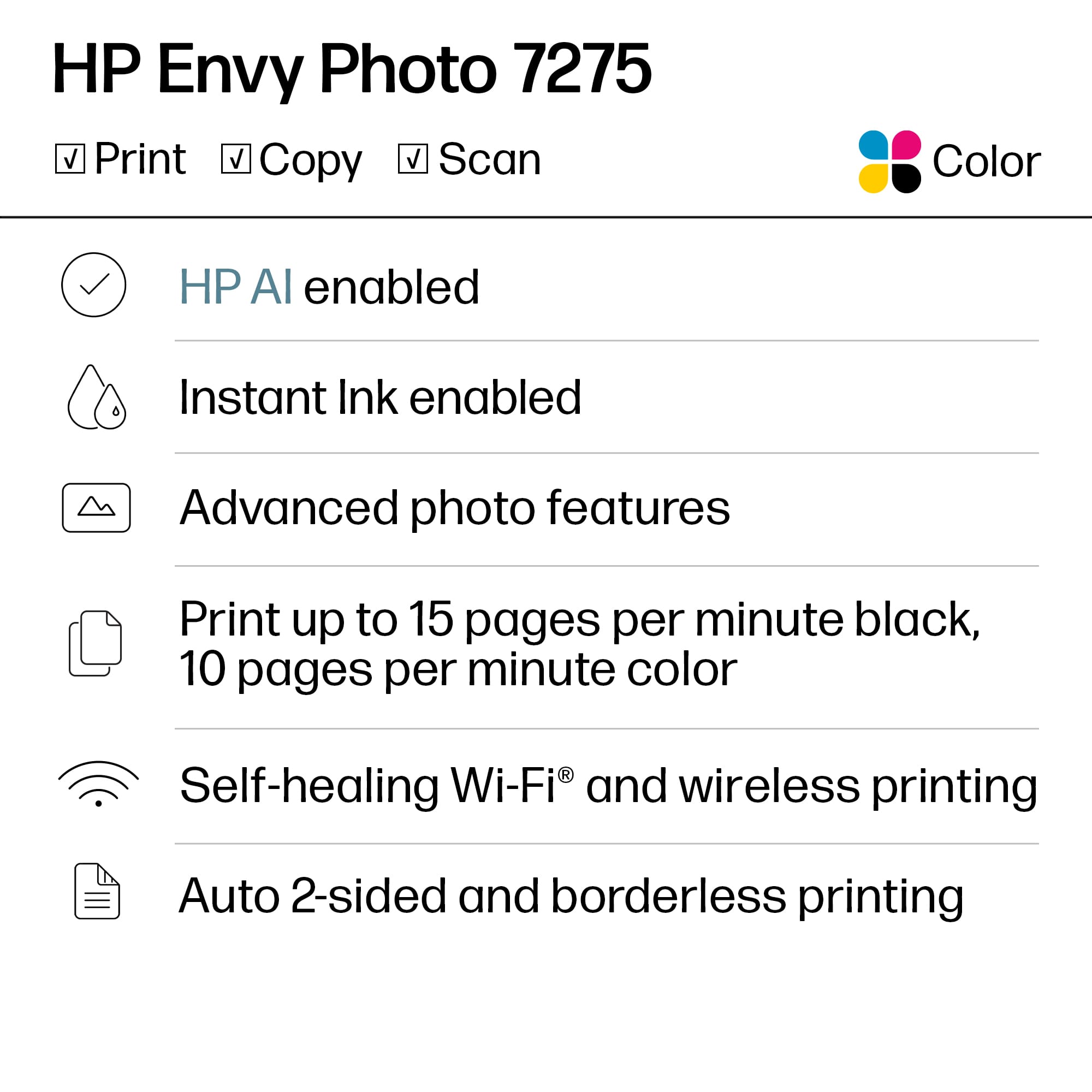
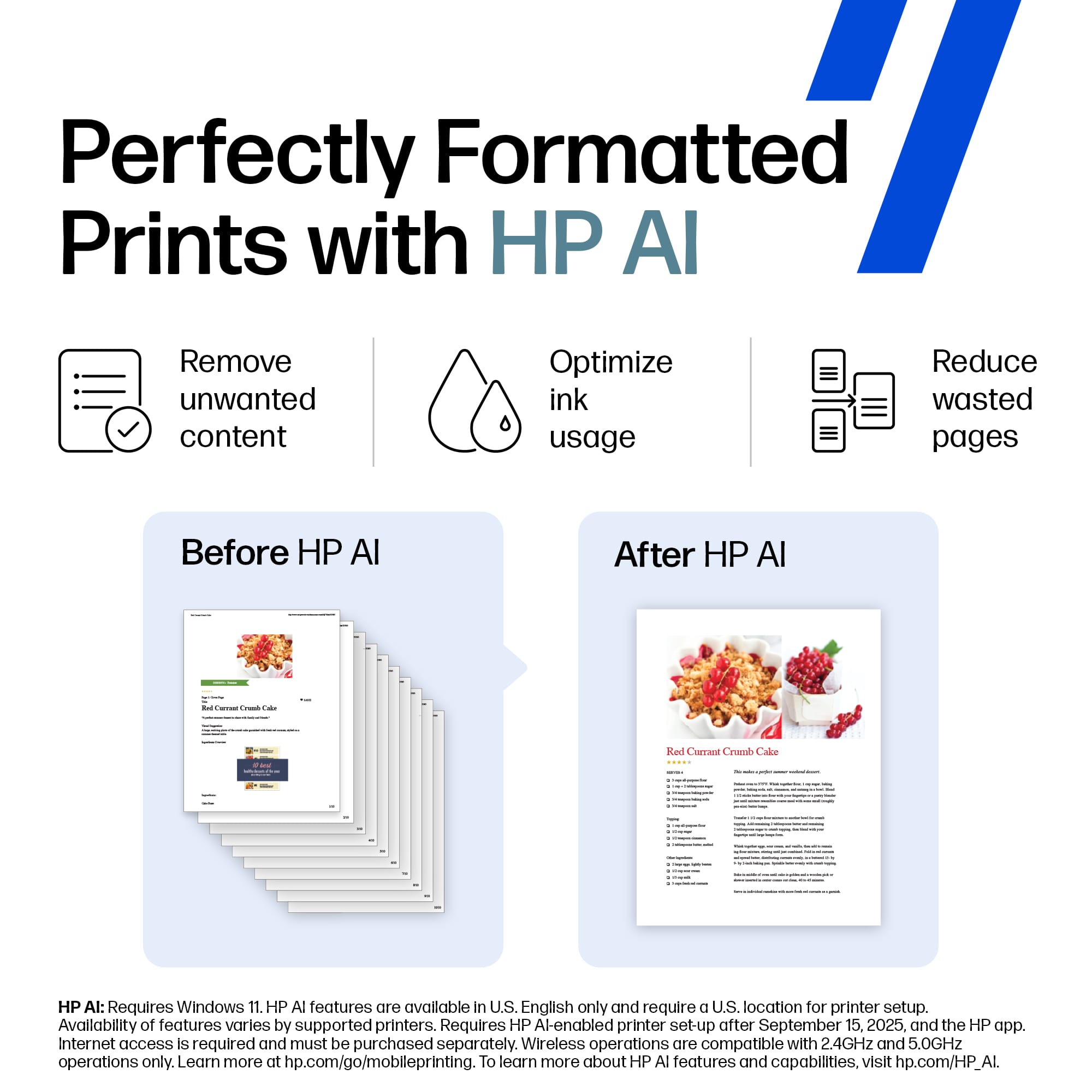
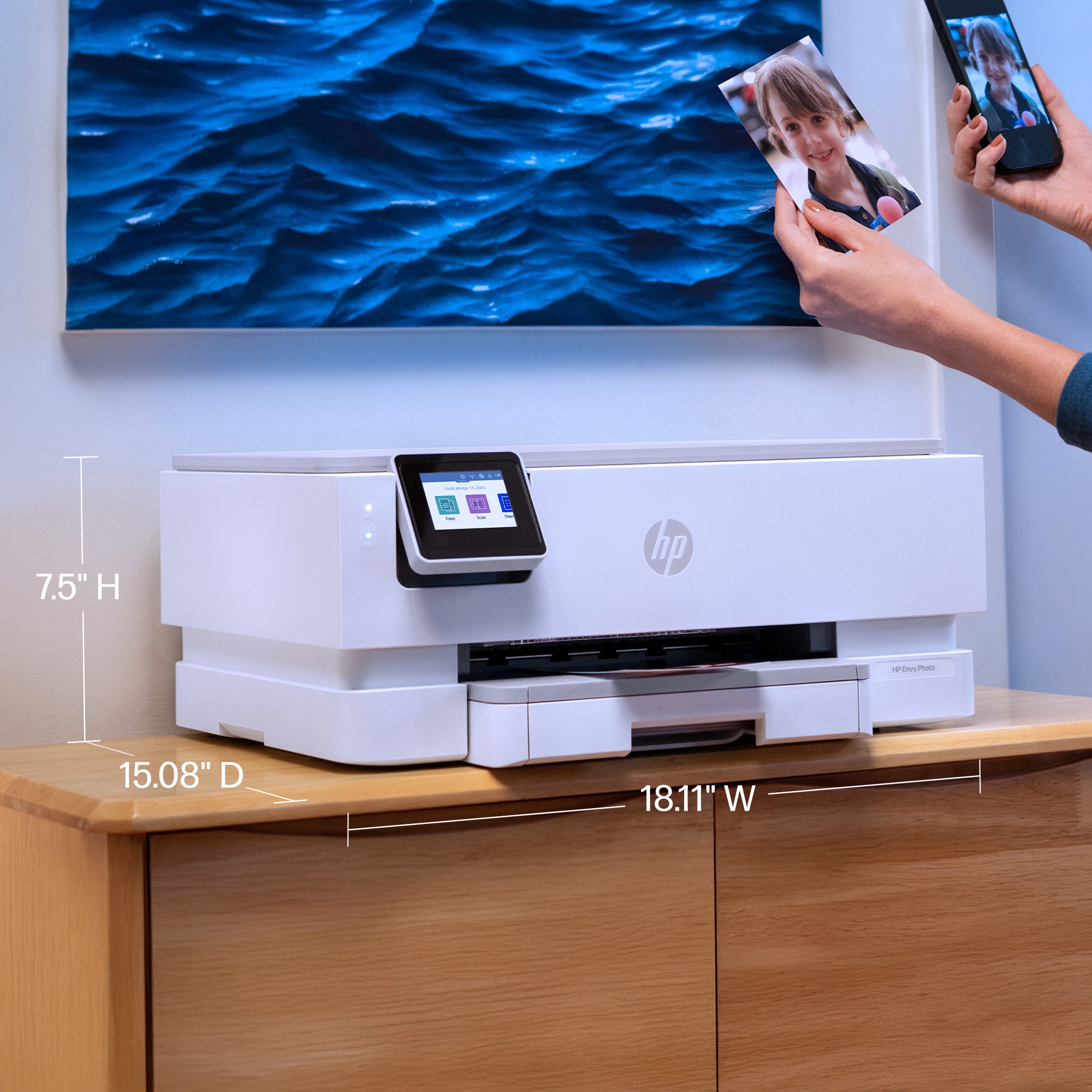
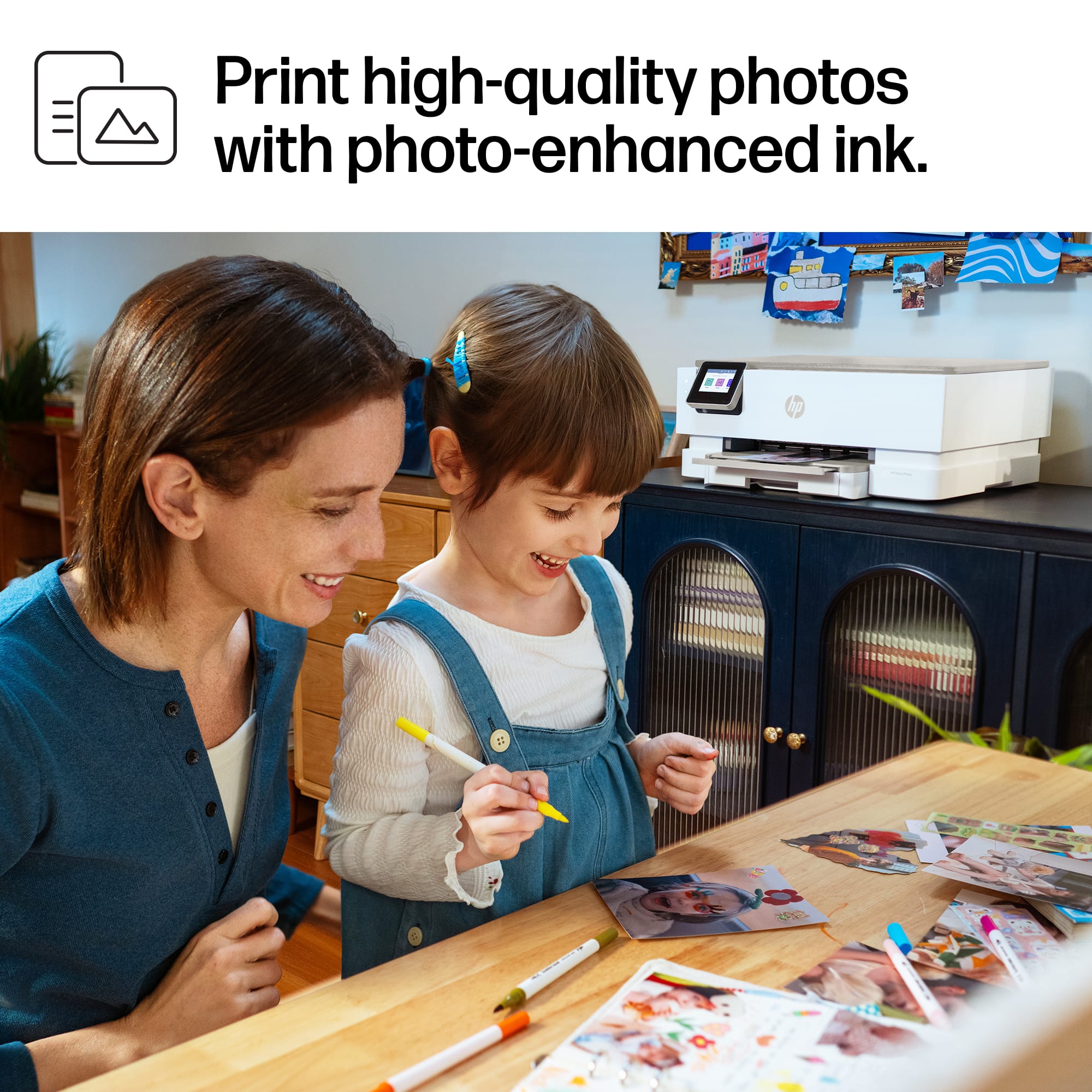
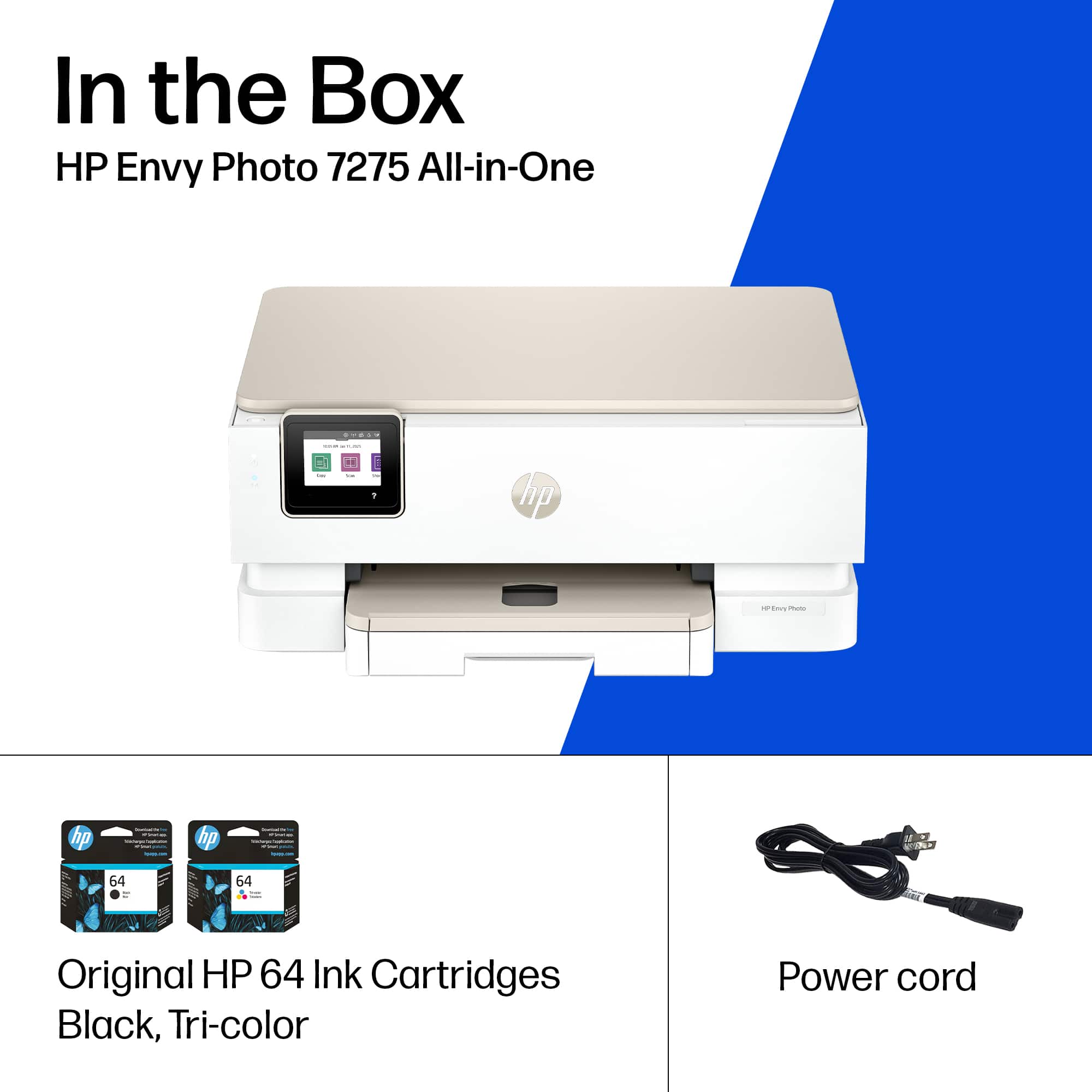
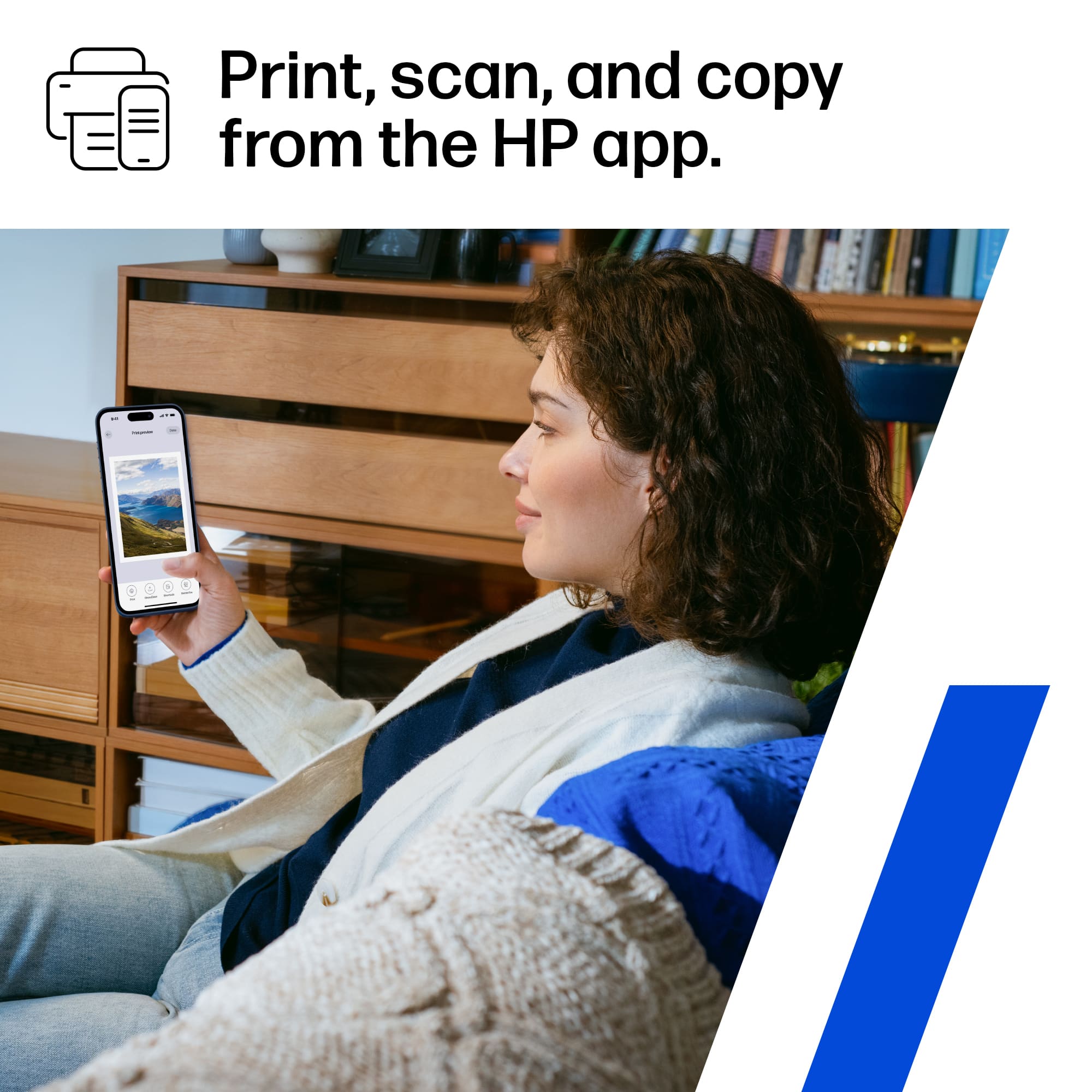
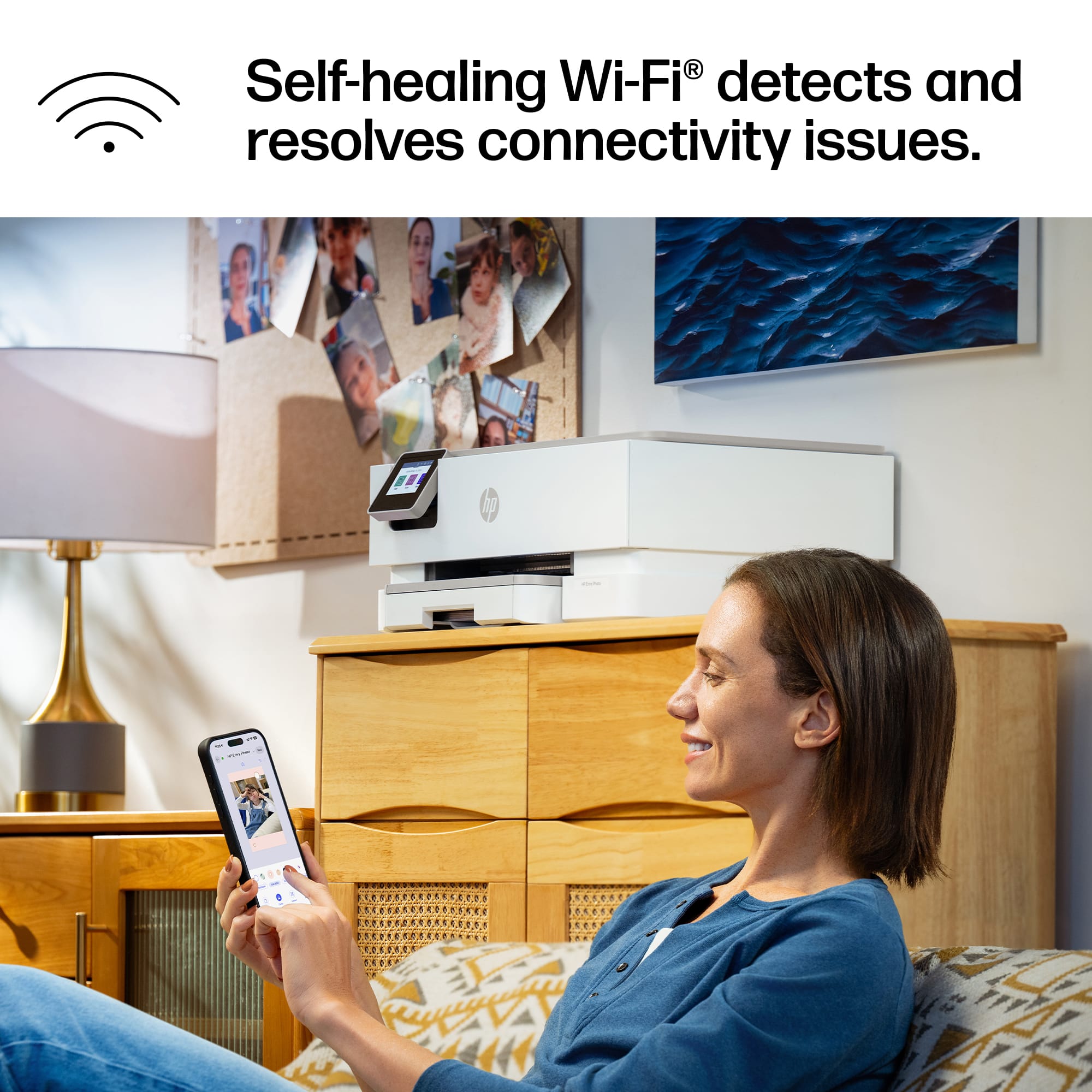
Customers admire the Envy Photo 7275 for its fantastic print quality, simple setup, and easy connectivity. Users also appreciate its quiet operation and the usability of the HP Smart app. However, some customers have noted that the printer is large.
This summary was generated by AI based on customer reviews.

Super easy to use and set up, great features!
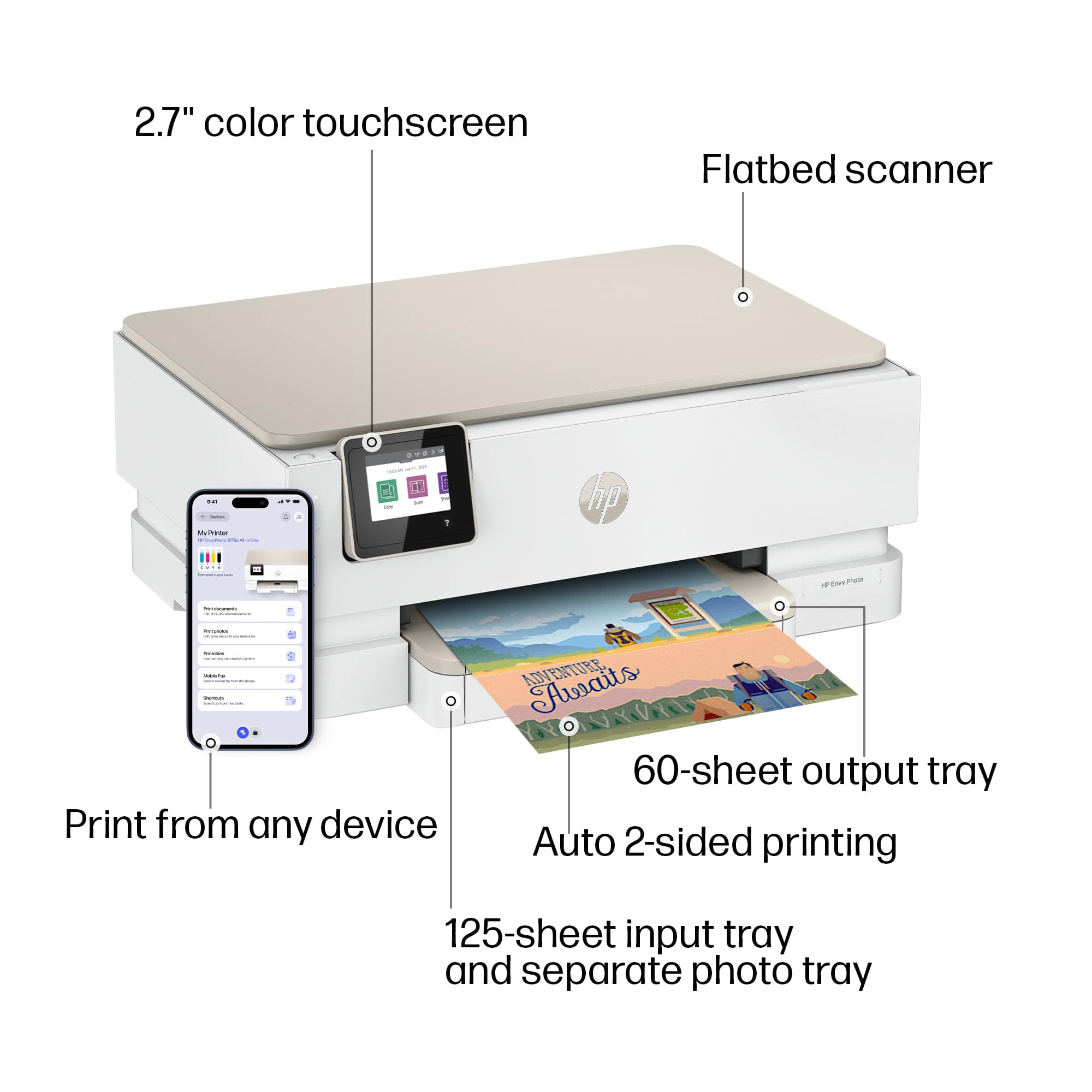
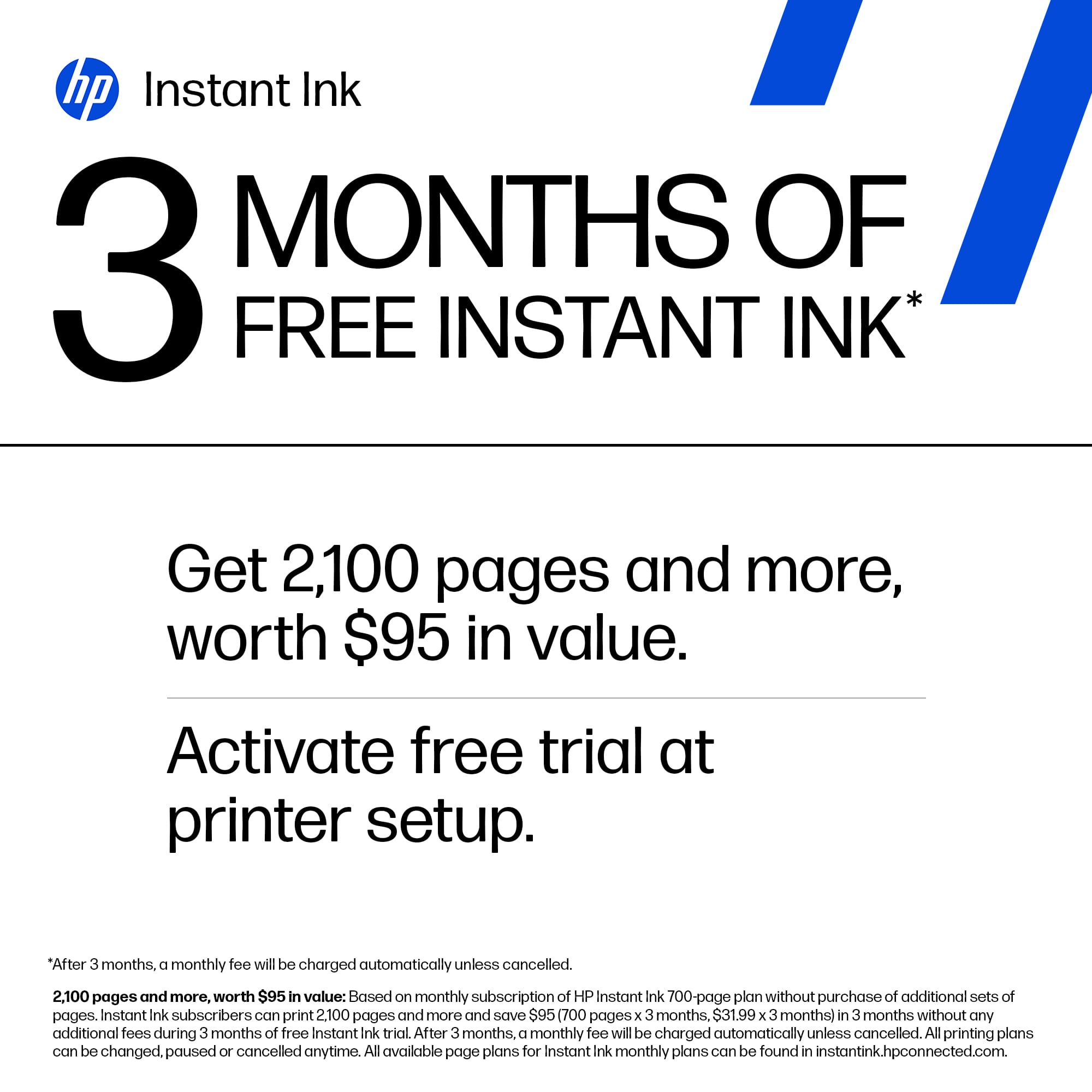
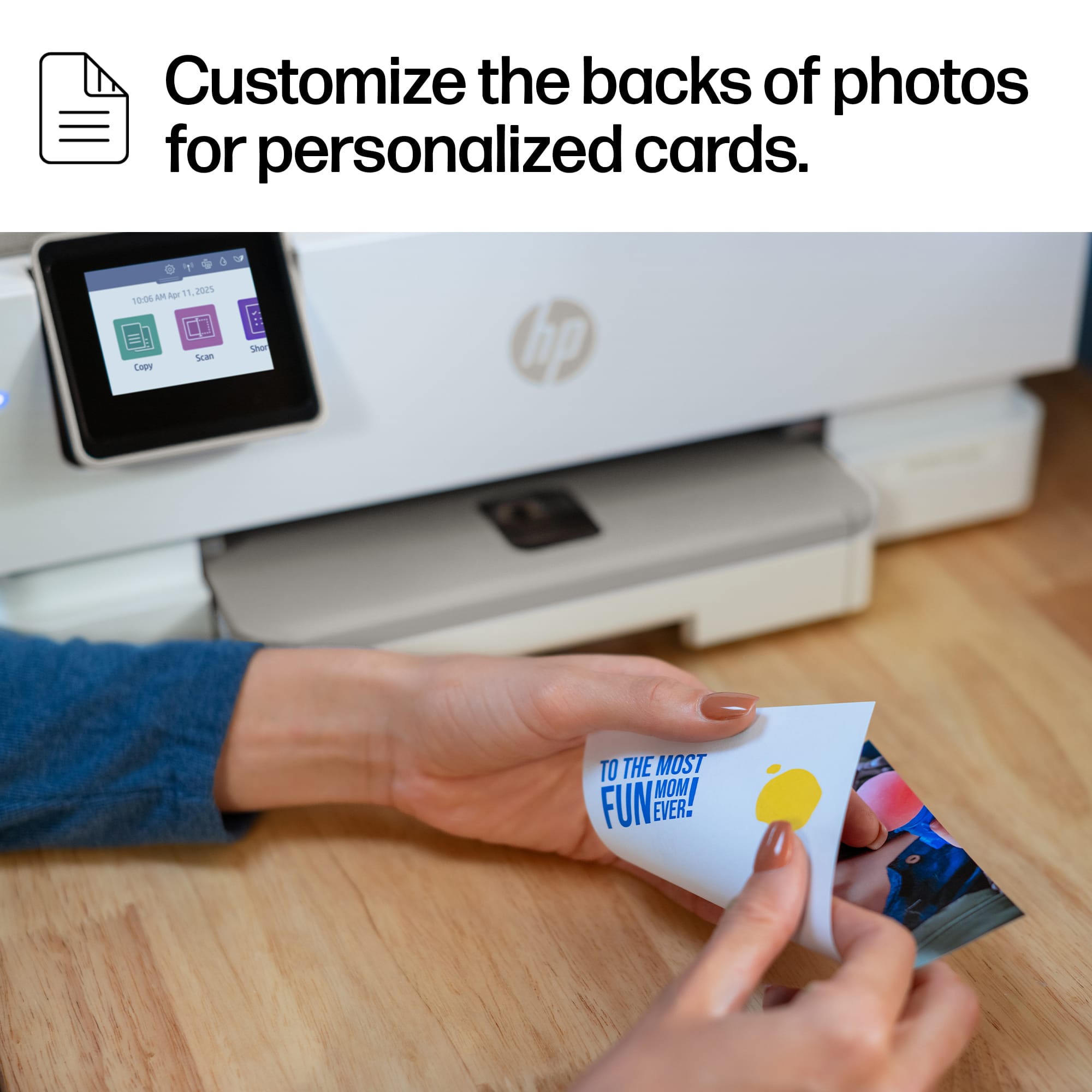
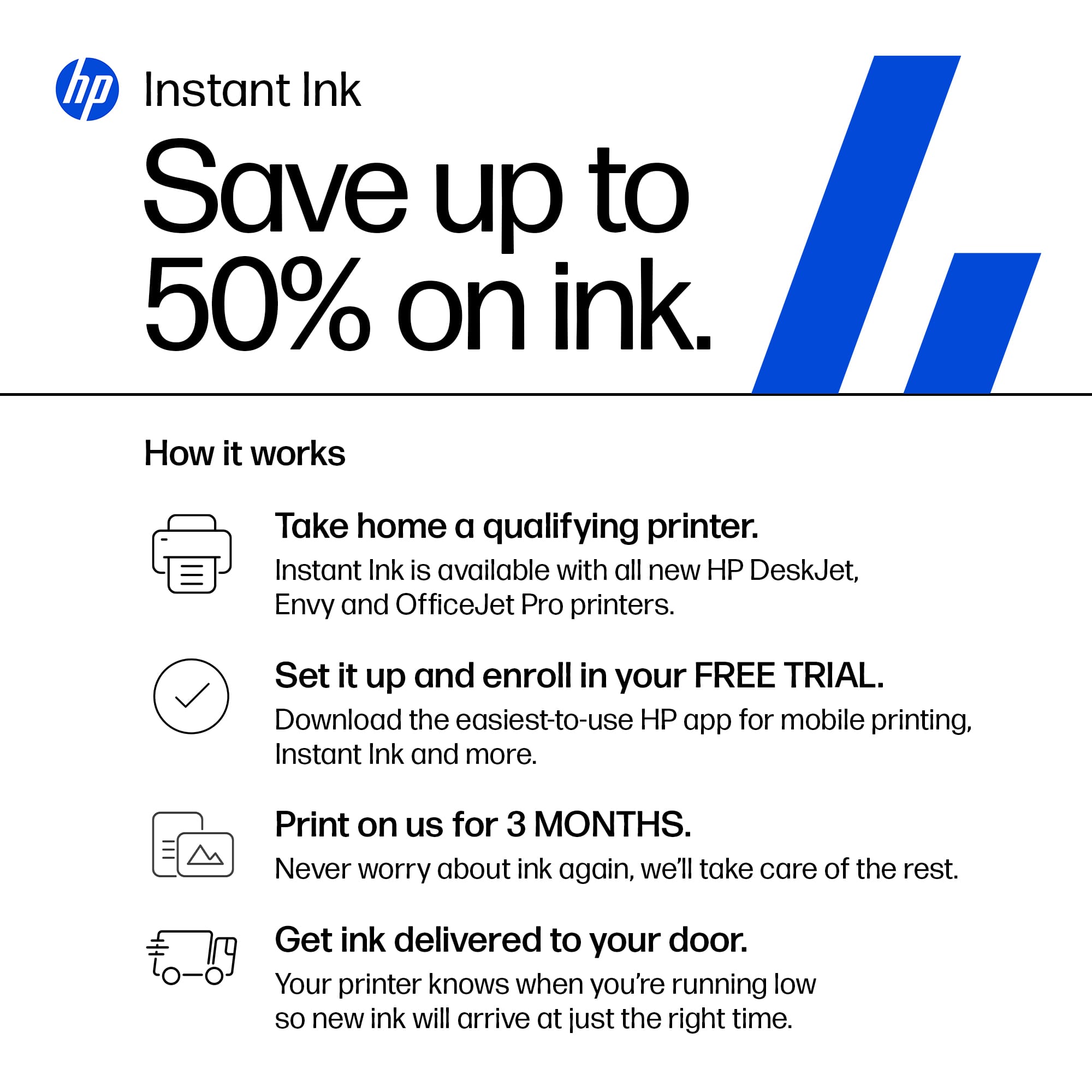
|Posted .This reviewer received promo considerations or sweepstakes entry for writing a review.In my opinion, printer tech has come a long way in the last 10 years. At least when it comes to HP. This little printer has so many cool features, and it's so easy to use. I remember when setting up a printer was a painful chore, and it never worked right the first few times, and even after getting it working it was a pain to get it to print how you wanted it to and you were lucky if it printed the page you wanted or were looking at when you hit print. Even at my work, half the time I print something it's formatted incorrectly, or it tries to print an entire book instead of just the page I'm trying to print. But this HP ENVY PHOTO 7275 ALL-IN-ONE PRINTER has really impressed me! 1st of all it ships in a well designed box that protected the printer very well. It was easy to unpack, and set up was intuitive. The in printer touch screen displayed an QR code to scan, and it also listed the web address to go to to start the set up. I chose the web address version of the set up, and simply followed a series of easy to do prompts, and my printer was set up in less than 10 minutes. The print quality is amazing, even when printing photos etc. As a bonus, the printer includes 3 months worth of free printer ink. The printer itself is well designed and very compact. It's also made from mostly recycled materials which is nice to see these days. Using the downloaded app makes changing settings super easy and intuitive. And the best thing is it connects over WiFi so I don't have to have it sitting right next to my PC, I can literally place it across the room. The paper tray has easily movable side guards to keep what ever sized paper being used in the center, and there are handy measurement marks to let you know where to set them for common paper sizes. Also nice is I can link my phone to the printer and print from my phone as well. And it has the ability to print on both sides of the page as well. Overall this printer is an amazing bargain. I can't imagine being able to squeeze any more features, or to make it any easier to use. It does everything I need it to do and then some!
I would recommend this to a friendGood for home and small office use.
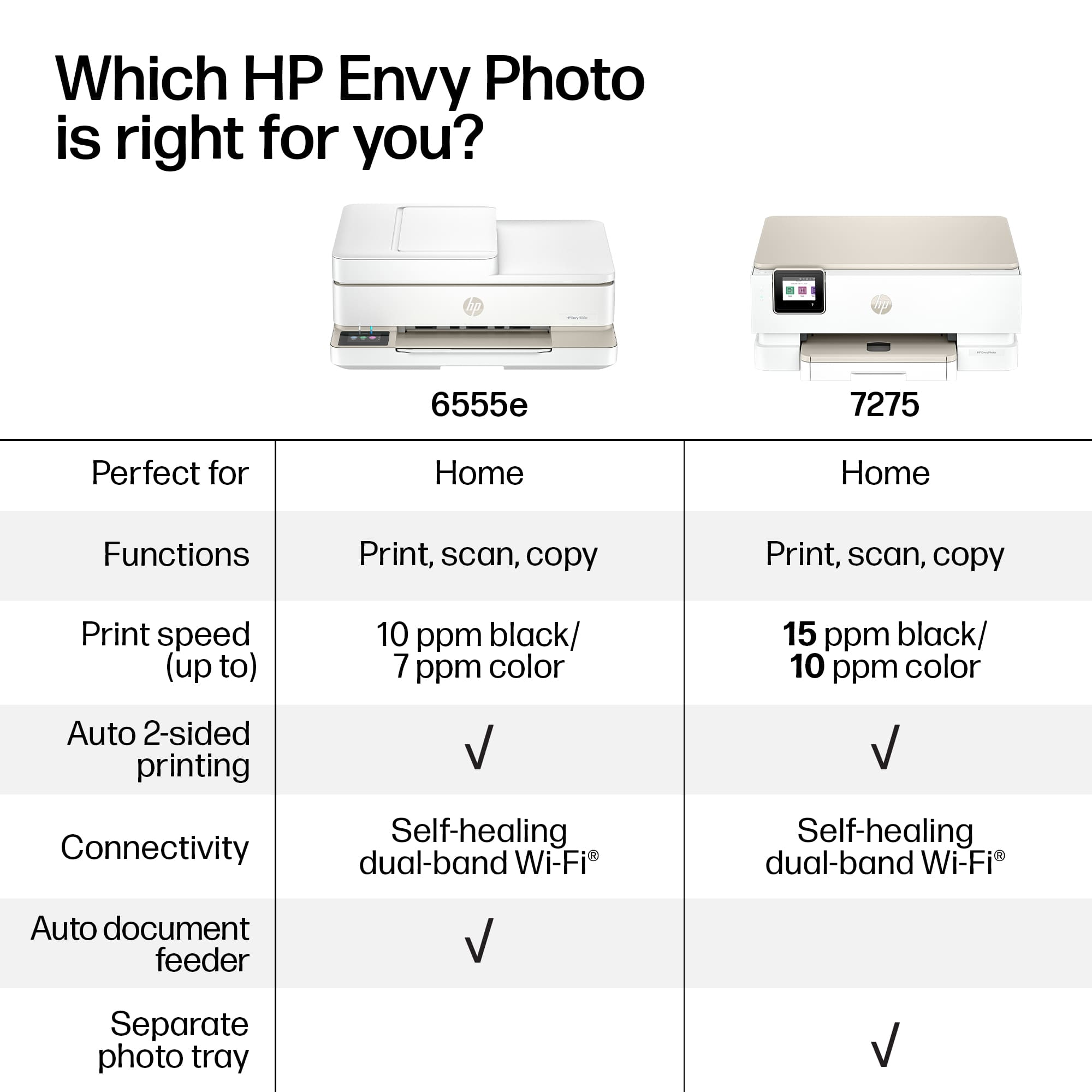
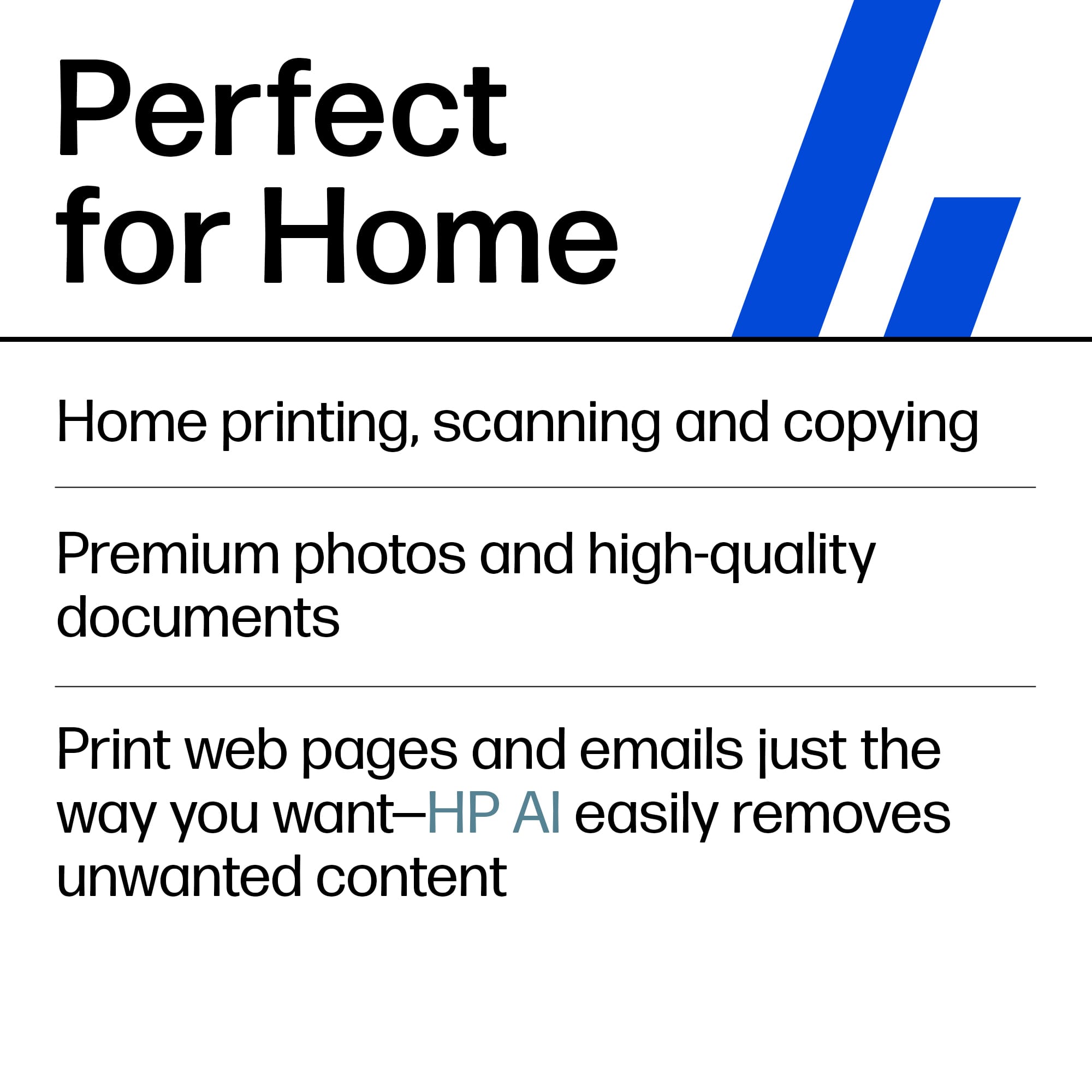
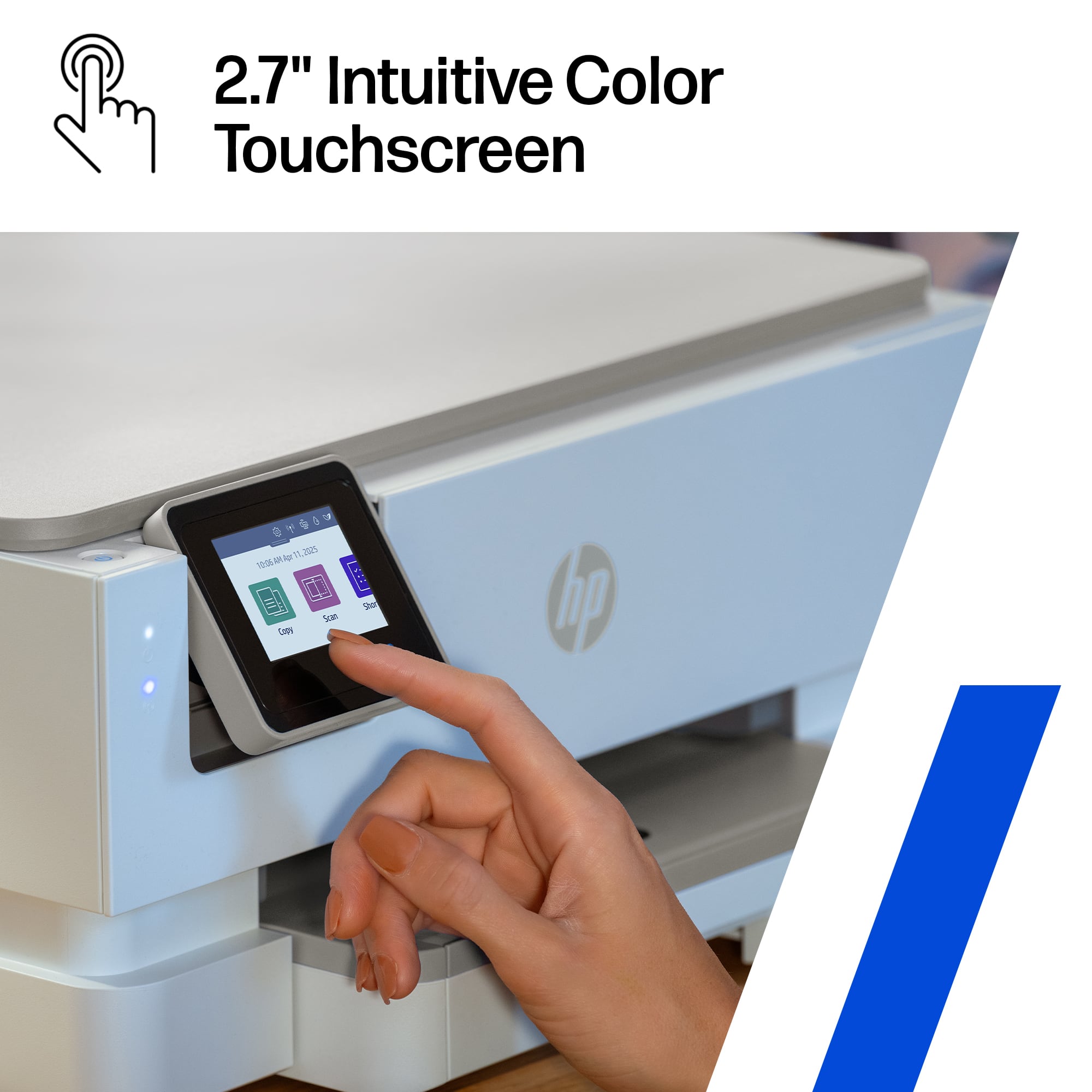
|Posted .This reviewer received promo considerations or sweepstakes entry for writing a review.The HP Envy 7275 is a sleek & capable all-in-one printer ideal for light dutt printing needs. It has printing, scanning, and copying features and connects easily to home wifi networks and cell phones. The touchscreen interface is easy to navigate but it’s a touch small, which can make moving through menus a bit finicky for users with big hands. The build feels solid for a printer in this price range—sturdy enough for regular home use but not meant for heavy-duty office workloads.Text documents come out crisp, and color images are vibrant with good detail, especially on photo paper. It handles everyday tasks like school projects and small office documentd easily. The printing speed is average, but it is fairly quiet and not obnoxiously slow. It uses a lot of ink, and the cartridges are expensive. You are pushed to sign up for the ink subscription service. Pros Excellent print and photo quality Easy wireless setup and printing from cell phones Compact- fits into most spaces. Cons Ink can be expensive without a subscription Not ideal for high-volume printing Small touchscreen
I would recommend this to a friend