Customer Ratings & Reviews

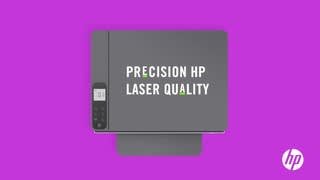
- Model:
- 5HG92A#BGJ
- SKU:
- 6401101
Rating by feature
- Value
Rating 4.2 out of 5 stars
- Quality
Rating 4.3 out of 5 stars
- Ease of Use
Rating 4.2 out of 5 stars
Customers are saying
Customers value the excellent print quality, ease of use, and compact size of the Neverstop MFP 1202w Wireless Black-And-White All-In-One Laser Printer. Many appreciate the printer's quiet operation and straightforward setup process. However, some users have expressed concerns regarding the paper tray's design and the printer's overall reliability. A few customers also mentioned the lack of fax capabilities and the printer's price point.
This summary was generated by AI based on customer reviews.
- Pros mentioned:Ease of use, Print quality
printer
||Posted .This reviewer received promo considerations or sweepstakes entry for writing a review.At first, make sure you get an extra inks and warrantly for this printer. The printer is heavy once you get it out of the box. Make sure you read the diretions to set up the printer, if you dont then make an phone call to HP Tech Support. It does print fast and also easy to do on the iphone too.
I would recommend this to a friend - Pros mentioned:Print quality
Home Office
||Posted . Owned for more than 2 years when reviewed.This reviewer received promo considerations or sweepstakes entry for writing a review.Excellent product, great for business, crafts, and everyday use.
I would recommend this to a friend - Pros mentioned:Ease of use, Size, Toner
Printer
||Posted . Owned for 1 month when reviewed.This reviewer received promo considerations or sweepstakes entry for writing a review.Easy to work with snall compact reliable n toner inexpensive
I would recommend this to a friend - Pros mentioned:Print qualityCons mentioned:Paper tray
Excellent print quality, 40 pages a minute
||Posted . Owned for 1 month when reviewed.This reviewer received promo considerations or sweepstakes entry for writing a review.The printer is fast and the quality is excellent. My complaint is that the directions are not clear. Also if you want to do envelopes or labels you have to remove the entire paper stack because there is no dedicated tray. I would recommend this product.
I would recommend this to a friend - Pros mentioned:Ease of use, Print quality
Good printer, not w/l with 5GHz
||Posted . Owned for 3 weeks when reviewed.This reviewer received promo considerations or sweepstakes entry for writing a review.Good little printer, unfortunately couldn't set up as wireless as one location, as it wouldn't connect to the 5GHz modem. But for the good side, excellent print-outs, scanner was easy to use, and it was quick-to-respond.
I would recommend this to a friend - Pros mentioned:Print quality, Toner
Quality printer that is a powerhouse!
||Posted . Owned for less than 1 week when reviewed.This reviewer received promo considerations or sweepstakes entry for writing a review.Purchased for my small business. Upgraded after the last HP drum head went. Learned quickly that cheap printers don't last. This one is just like the name says: Neverstop! It prints a ton fast. It's ideal for the person who needs to quick quantity with a good quality. Downside, it's only black/white, no color. Upside, toner is cheap - no more high priced cartridges! Yes, I recommend.
I would recommend this to a friend - Pros mentioned:Ease of use, Print quality
Great printer so far
||Posted . Owned for 3 weeks when reviewed.This reviewer received promo considerations or sweepstakes entry for writing a review.Easy to set up. Attractive with clean lines. Flat top surface comes in handy to place things as long as just printing and don’t have to open. Doesn’t take up much space. Much quicker to print than old ink jet printer. Haven’t used it enough to judge it’s use of ink, but expect it will be great not having to buy cartridges all the time.
I would recommend this to a friend Pretty good
||Posted . Owned for more than 2 years when reviewed.This reviewer received promo considerations or sweepstakes entry for writing a review.Toner is a bit odd to refill. If after you refill the toner and the indicater light doesnt show full your drum need to be changed. And difficult to setup if you want to use this printer hardwired.
I would recommend this to a friend- Pros mentioned:Ease of use, Print quality
Laser is better than ink jet hands down.
||Posted . Owned for 1 month when reviewed.This reviewer received promo considerations or sweepstakes entry for writing a review.5 Stars All The Way. I decided to get a laser printer after my disappointment with my last ink jet. What a difference this HP printer is. The set up was a breeze. The printing is faster. It saves me a bundle on the ink. I am one happy camper on this one and you will also be one.
I would recommend this to a friend - Pros mentioned:Ease of useCons mentioned:Reliability
Solid printer - great for light use at home
||Posted . Owned for 2 months when reviewed.This reviewer received promo considerations or sweepstakes entry for writing a review.Used a HP Laserjet 4 for years, and it finally died. replaced it with this one, working fine. Not sure this would be great for heavy use, but occasional use at home, kids for school, etc.. no problem
I would recommend this to a friend - Pros mentioned:Print quality, Size, TonerCons mentioned:Fax

Small footprint, solid performance
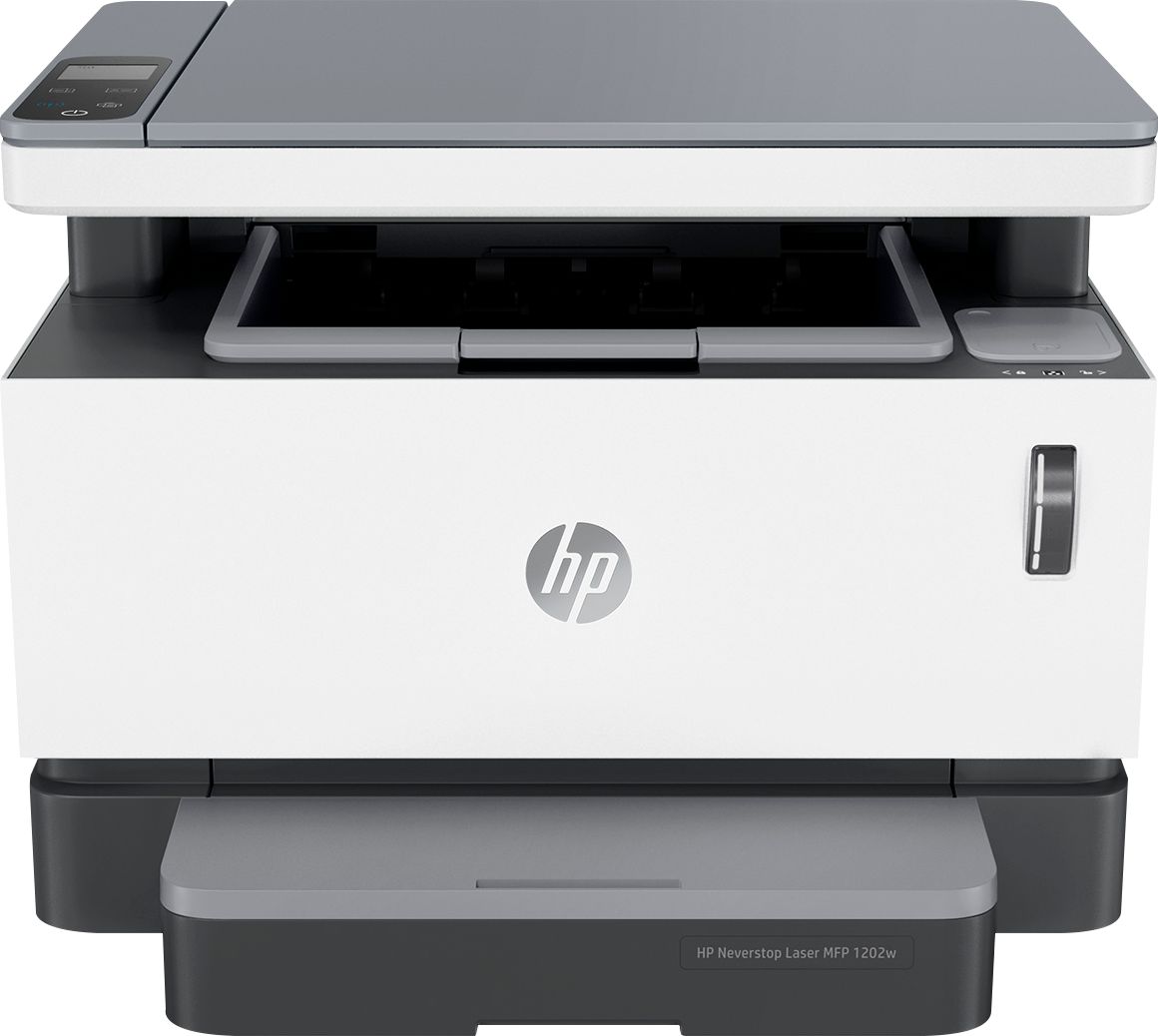
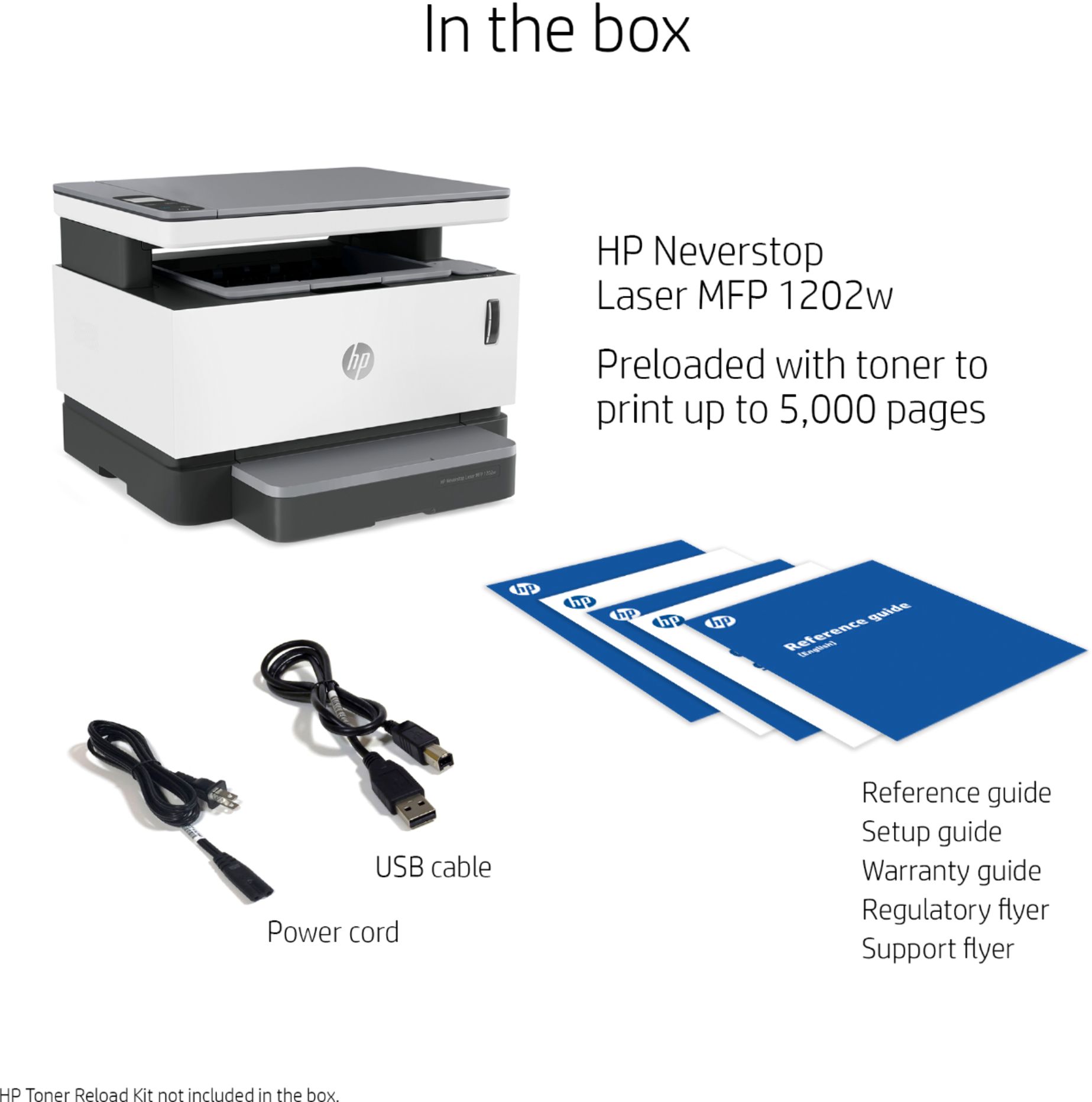
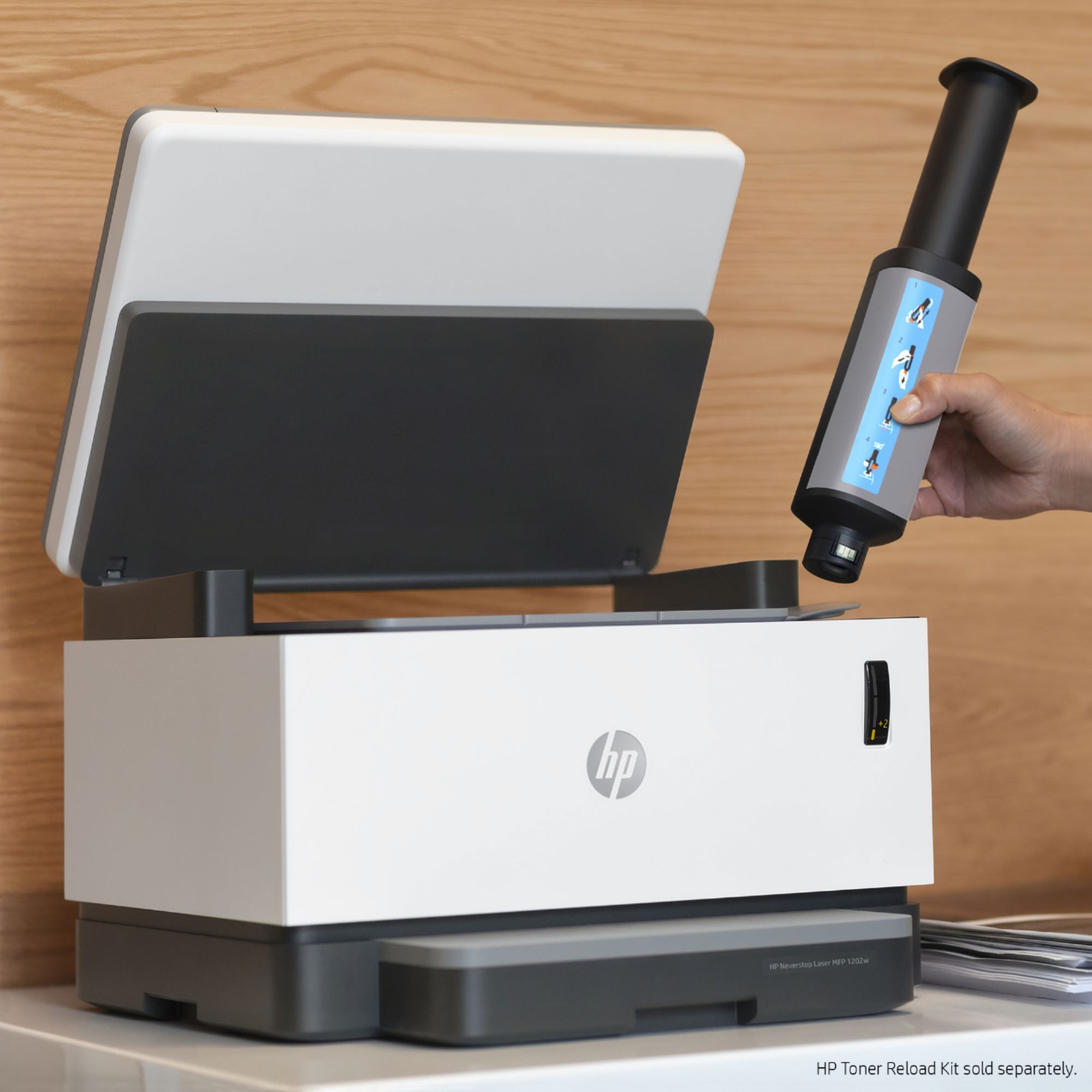
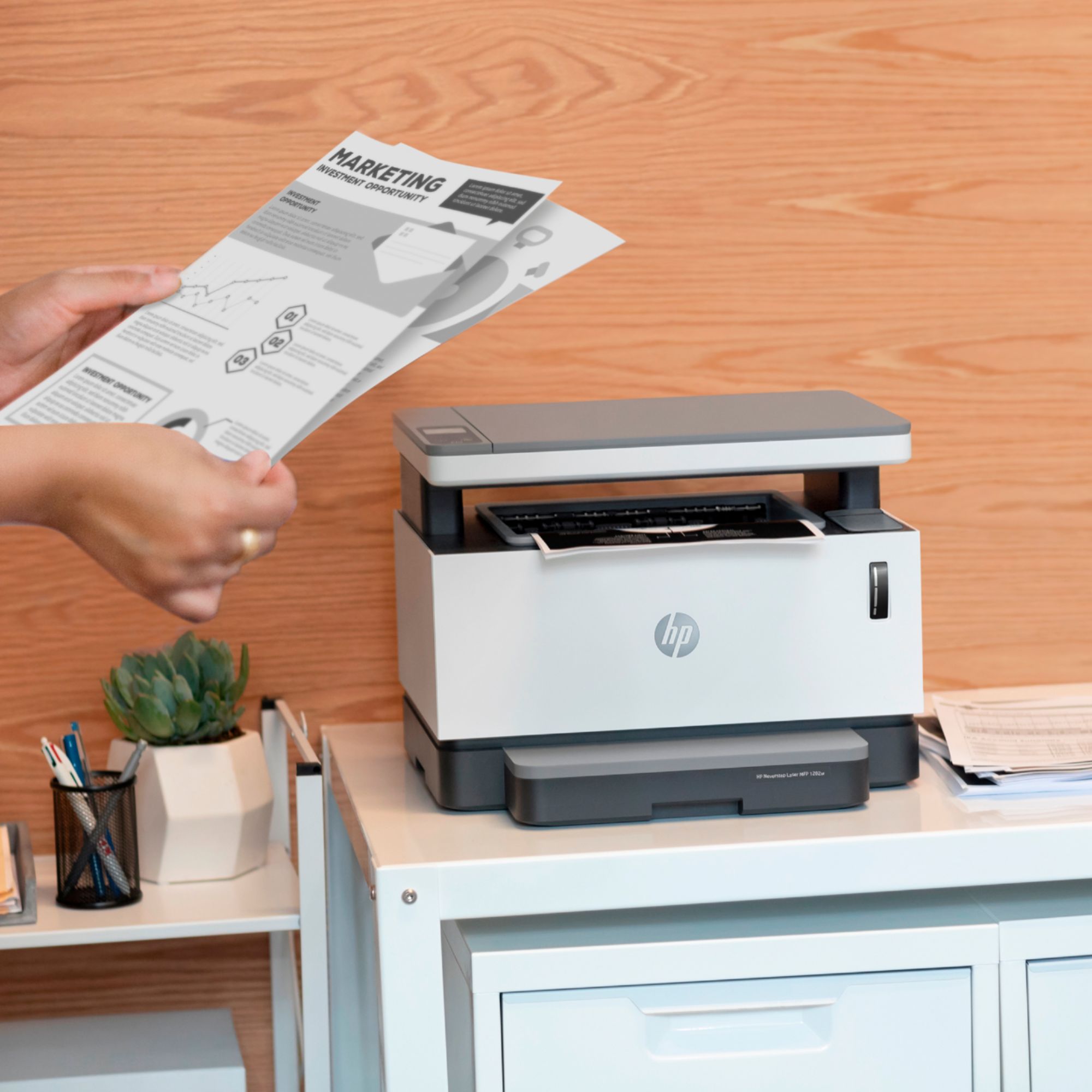
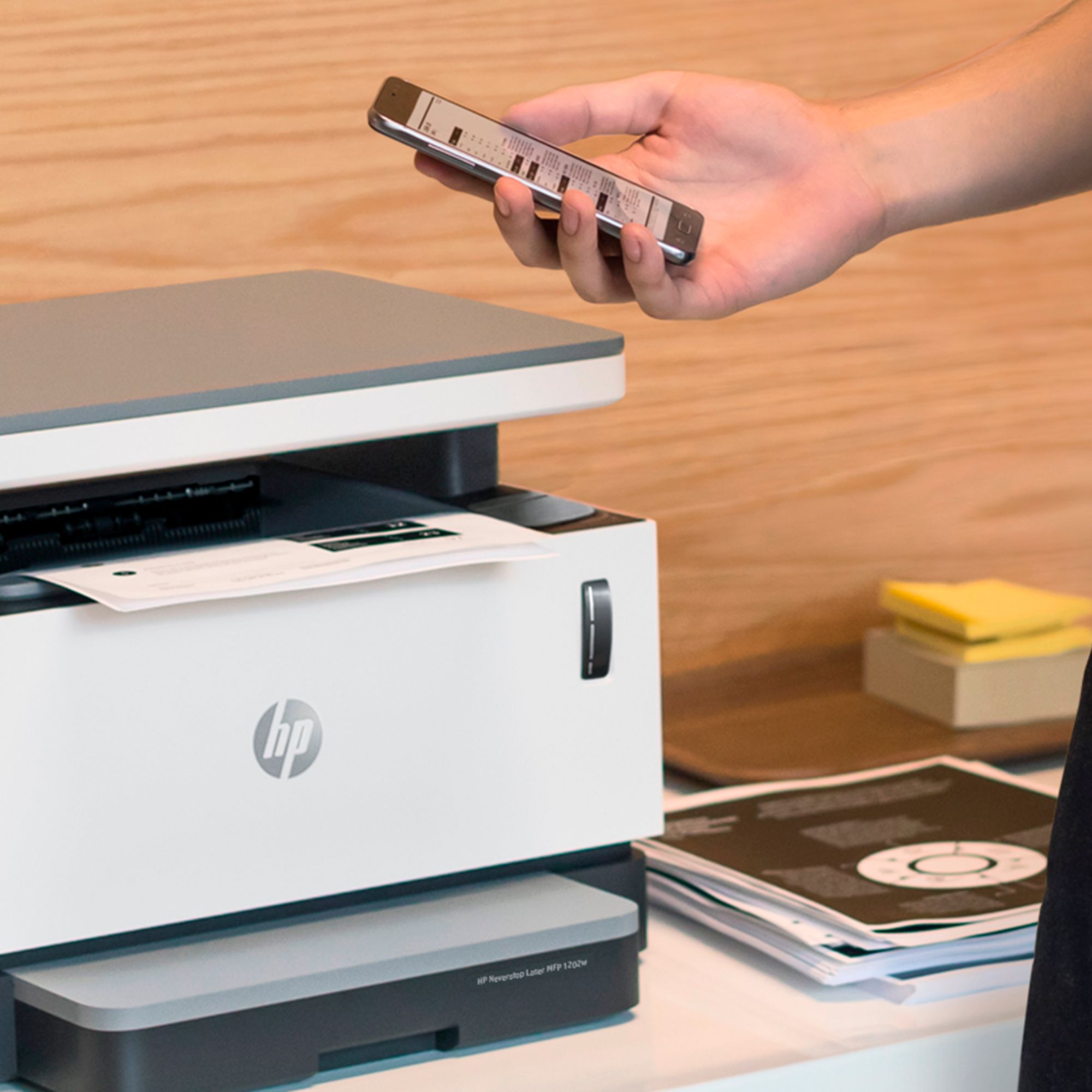
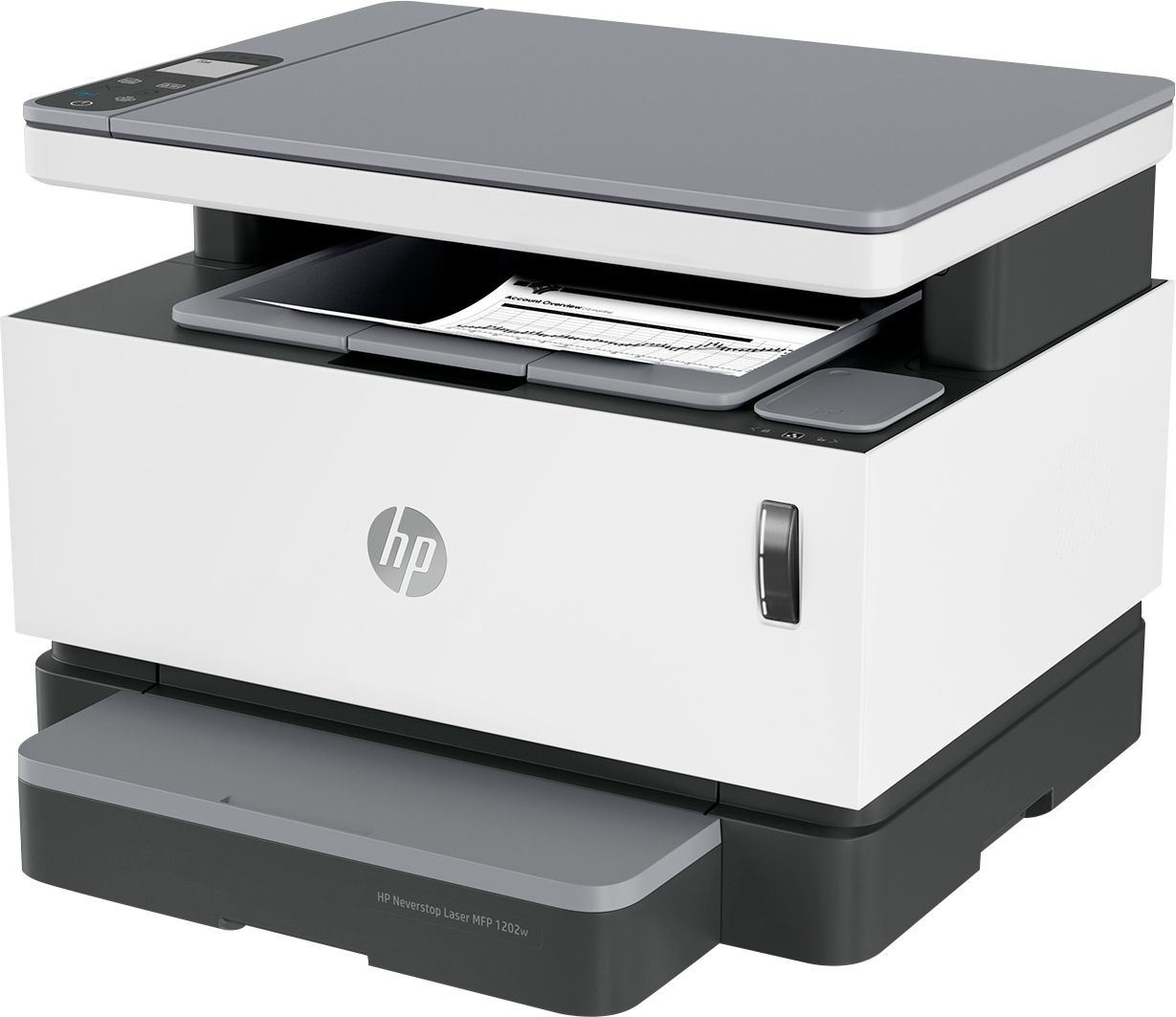
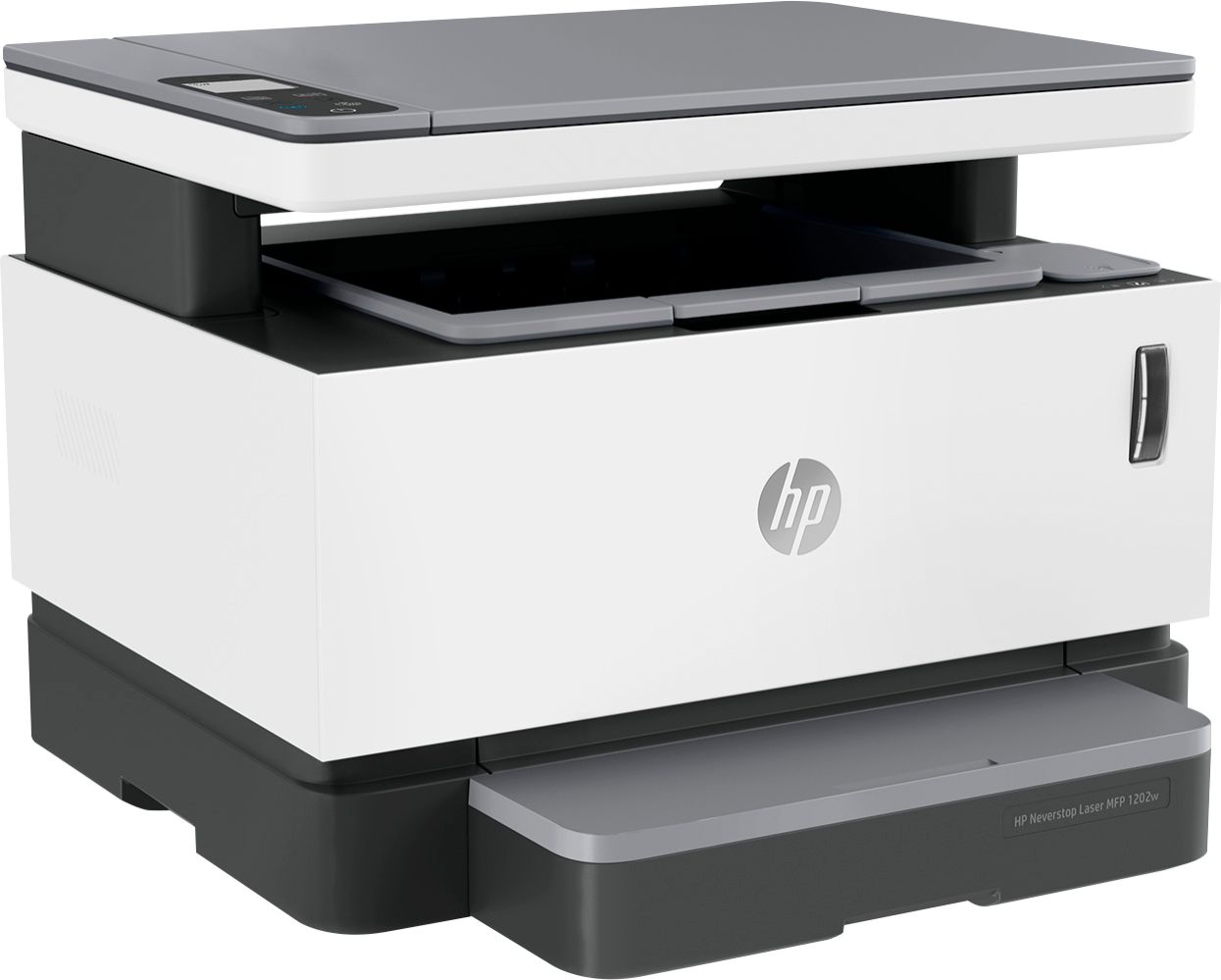
|Posted .This reviewer received promo considerations or sweepstakes entry for writing a review.The overall size and footprint of this HP is fairly compact and doesn’t require a lot of space. It’s comparable to a medium-sized home inkjet printer. The scanning bed is raised and sits above the paper return bin. The paper source bin is located on the bottom front. Rather than removable trays, the paper slides into a single 150 sheet capacity paper bin and a plastic cover snaps over it to hide the paper completely. It looks like a protruding paper tray but it isn’t. The power cord is approximately 5-feet long which is a bit short. I had to raid my computer parts for a longer cord so it could reach the power outlet on the other side of the desk. The hardware setup was relatively simple despite a pretty bad setup guide. Even calling the guide marginally helpful is a stretch. It contains very little useful information that didn’t answer several setup issues that I ran into. Even the pictographs were incorrect. The illustrations show the scanning bed tilted back at a 70-degree angle. In reality, it tilts back no farther than 10-degrees at most. If someone attempts to force it back as far as depicted in the illustration, they’ll likely damage it. Connectivity options include wifi, wifi direct or USB (type A) connectivity. I prefer wifi, so that’s how I configured it out of the box. The printer has no touchscreen or hardware buttons that can be used to configure wifi. The monochrome LCD screen is basic and printer management tasks are performed through the HP Smart app. The printer can also be managed through a web browser interface after it’s connected to wifi. I installed the HP Smart app on my smartphone and tablet and ran into the same problem on both. I could connect to the printer fine via wifi direct but the printer would not connect to my home wifi. I’d enter the wifi setup screen, select my SSID, enter my password and hit connect. The app would indicate the printer was connecting to wifi but a few moments later would display an error stating it could not connect. I verified that my router and wifi settings were compatible and kept repeatedly trying to connect for a solid half-hour. Just as I was just about to give up and connect using the included USB cable, the printer finally connected to my home wifi through the app on one final attempt. The printer has worked pretty well after I finally got it functional. I added it to a Windows 10 PC and allowed the OS to install the drivers automatically. Not only did it install the drivers but it installed the Windows version of the HP Smart app as well. The illuminated toner level indicator on the front of the printer is useful and provides an instant and easily viewable toner status. Toner and printer status can also be monitored through the app. I included a photo of the LCD screen and button panel. A four-page multi-language reference guide is included to aid with deciphering the buttons and indicator lights. All other guides, including the user guide, can be downloaded from the printer’s support page on HP’s site. Despite my early connection woes, wifi connectivity has been rock-solid since it finally connected that first time. Print quality is very good and even better than some of the expensive high volume business class laser printers that I use daily. Text and grid lines are crisp and clean with no jaggies or other artifacts. Print speed is sufficiently fast. Graphics quality depends on the content being printed. Monochrome charts, diagrams and images look very nice and on most occasions are identical to the source material. Colorful photographs and heavily detailed color graphics tend to look a little worse due to the limitations of printing in monochrome. It doesn’t matter whether it’s this consumer grade monochrome MFP or a $5,000 business class MFP. That type content is best printed on a color laser or inkjet printer because only so much detail can be reliably reproduced in monochrome. Noise levels during printing are moderate and never reach the point of being annoying or disruptive. The printer does not generate any noticeable heat in the surrounding environment during heavy printing. Scan quality is also pretty good. Text, graphics and photos are clear, sharp and good for everyday use. Scanning can be performed through the HP app or a computer’s native scanning app. The scan resolution is adjustable from 200dpi to 300dpi in the phone/tablet app and 75dpi to 600dpi in the desktop app. It also has a card copy/scan feature. Scans can be exported to PDF, JPF, TIFF, PNG and RAW formats. There is no automatic document feeder, so all scanning and copying must be done individually from the scanning glass. I haven’t owned this HP long enough to rate long-term durability or how frequently it cycles through consumables. Toner replenishment seems very simple and cost effective when compared to traditional toner cartridges. I am eager to try the new HP toner refill kits. If they are reliable, inexpensive and as easy to use as they seem, they could potentially be a true game changer. It would finally offer an affordable inkjet for everyone. The printers themselves are usually affordable but the price of supplies typically end up costing way more than the device in the long run. Replacing all four toner cartridges at once in my small office HP color LaserJet costs $100 more than the price of the printer. That’s just a one time full replacement, not a cumulative total. That’s also absurd. This HP 1202w is a good performing multifunction. It doesn’t really have any fancy bells and whistles or sought-after extra features. Even the “duplexing” is manual. It is, however, quite capable at what it does. That is print, scan and copy very well, although it doesn’t have fax capability. The lack of fax capability and an ADF isn’t a big deal for personal use or a home office but could potentially be an issue for business users, especially in busy offices. Who wants to manually copy a 20-30 page document one sheet at a time? For those who can survive without an ADF or fax capability, it’s hard to go wrong with this choice. The prospect of super-quick inexpensive toner replenishment makes it that much more enticing.
I would recommend this to a friend - Pros mentioned:Ease of use, Print quality, Wireless
Love it
||Posted . Owned for 3 weeks when reviewed.This reviewer received promo considerations or sweepstakes entry for writing a review.Amazing! Wireless connectivity, fast printing, easy set up
I would recommend this to a friend - Pros mentioned:Print quality, Toner
Great printer
||Posted . Owned for 3 weeks when reviewed.This reviewer received promo considerations or sweepstakes entry for writing a review.Great printer for the price!! Fast and the toner drum lasts to print a lot more than I expected!! It’s only black and white but that’s what I needed it for. Really happy with this printer!!
I would recommend this to a friend - Pros mentioned:Print quality
Quality HP printer
||Posted . Owned for 1 week when reviewed.This reviewer received promo considerations or sweepstakes entry for writing a review.The printer is nice, has a small footprint, prints many sheets right out of the box and is relatively quiet for a laser printer. The scanner portion is lacking a little but will absolutely suffice in a pinch.
I would recommend this to a friend - Pros mentioned:Ease of use, Print quality
No Good for Envelopes
||Posted . Owned for less than 1 week when reviewed.This reviewer received promo considerations or sweepstakes entry for writing a review.Print Quality is great. Speed is great. It is fairly easy to set up. Definitely worth the money if you are just printing regular sheets of letter sized paper. Unfortunately, if you need to print envelopes, you should look elsewhere. I use my printer primarily for printing envelopes, and the feed tray on this unit is not well designed for the task. Most envelopes come out crooked and unprofessional looking. I have tried to make this unit work for my purposes, but have not been able to do so satisfactorily.
I would recommend this to a friend - Pros mentioned:Print quality, Wireless
No more inkjet for me
||Posted . Owned for less than 1 week when reviewed.This reviewer received promo considerations or sweepstakes entry for writing a review.A little finicky at times but setting it up using the HP Smart app makes setting up a breeze. Printouts come out fast and I'm looking forward to a long relationship with this printer.
I would recommend this to a friend Great Value, wonderful printer
||Posted . Owned for 1 week when reviewed.This reviewer received promo considerations or sweepstakes entry for writing a review.ou can use the app to link the printer to your network or do it with a USB cable plugged into your laptop (or Ethernet) and the installer. Since I typically put my printers on Ethernet; this is great thing to have on this printer and definitely a plus over my old printer. Printing pages out was about the same as my old printer... sometimes it actually takes longer to recover from sleep vs my old printer and the print speed isn't anything earth shattering (really doesn't matter for home use though) when you figure the "class" of this printer. Now that "class" word is important because here is where things take a turn for the worse. I specifically waited for this printer to go on sale before I publish my review; because the value of an item does weigh into the overall review. Sure this printer is "fine" just as most any printer is "fine" for printing regular black and white documents. I wanted to see where this printer would land from a pricing standpoint considering that the toner is being marketed as so "cheap". I was able to find the toner refill pack at $28 for 2 refills promising 5000 pages of printing which comes out to an earth shattering 0.56 CENTS per page. That is great for someone who prints A TON but pretty irrelevant for the average user. I definitely have a "heavier printing load" vs the "average user" and while reviewing my printing usage over the past couple years while preparing this review; I noticed that on my Ricoh professional color duplex laser I have only printed 329 pages in the past 2 years. However out of my my old main printer I have printed around 1000 pages in the same time frame (meaning I printed around 1300 pages in 2 years). So thinking about this; a normal cartridge in a regular laser would still last me more than 2 years (as it has, because my last cartridge was purchased in 2016 according to my order history). Therefore this printer wouldn't "save" me any money really because the cost of the printer is 3x that of similar featured printers and it would take me 10 years to use enough ink to level out the cost. Now there is a "green" element to this printer and I think that is the strongest suite of the printer; it is definitely greener than other printers where you would just toss out a cartridge every 1500 pages drum and all (atleast most include a drum also) if you didn't take care to recycle them. However you could recycle your used cartridge or even purchase recycled cartridges for other cheaper lasers and spend even less overall on toner than you will with this printer. This is the biggest "problem" that I have with this entire concept; the price of the printer is so high that the end user would never save money. If you are the type of user to print 5000-10000 pages a year; then you would have a bigger, faster and more featured printer (probably a color auto duplexing laser as well) with a much larger paper tray (150 sheets is nothing and shows that this is for home / home office use only) because you would likely be printing out lots of documents and not want to reload the paper tray every 1/3 of a ream. This printer is also not devoid of having a cartridge; they have just spun the idea that has already existed for years (to refill your toner cartridge) instead of purchasing a new one. Since the Drum of most modern lasers lasts for 10-20k pages at least there is no reason to replace a drum with only 1500 pages printed on it (as many of the cheap lasers force you to do). So instead you "refill" the cartridge yourself with this kit directly through the top of the printer. However the estimated life of the drum is around 20k pages and then you will have to buy one. I cannot find one for sale in the USA however pricing in other countries suggests that the drum is around $62. So this means that the only way this printer is a good value is if you happen to only purchase OEM cartridges and you happen to print a large number of pages but only in small batches (like say 25-50 pages a day) so you wouldn't be refilling paper constantly. I also am a bit upset about how HP is classing this printer as an "upto 20000 page per month duty cycle" (only found on HP's website) which is completely over-inflated. HP's own Laserjet Pro MP521DN is only rated for 6000 pages per month and its a professional grade laser printer that costs 3x as much as this (or more) and takes cartridges that cost as much as this printer. It also has an 1100 page capacity option so... how it would it have less than 1/3 the duty cycle of this home printer? Its clear that this model is way overstated just to try to justify its price tag. All in all this printer "works" for a home printer but you shouldn't buy it unless you fit into a very niche market of printing 25-100 pages a day of basic single sided monochrome sheets. If you print more then a faster printer with a bigger paper capacity would be more suited to you... if you print less (like 1-50 a week) then you should look at a cheaper printer as there are many lasers on the market that are 1/3 or 1/4 of this price with a 1500-2500 page capacity. This would still take you 6 months to 4 years to use a single cartridge and you would have to buy multiple cartridges (at full price and OEM first party cartridges) before you would catch this printers base MSRP. If you purchase recycled cartridges or refill your cartridges then you would never be able to spend as much as the base cost of this printer alone. Making it a horrible value for anyone who isn't in the aforementioned niche.
I would recommend this to a friend- Pros mentioned:Toner
Outstanding functionality and value
||Posted . Owned for 1 week when reviewed.This reviewer received promo considerations or sweepstakes entry for writing a review.This is an excellent design. Toner refill is easy and efficient. Setup is quite straightforward. Easily configured in our case hardwired to one desktop and connected via wireless to a desktop on another floor, a laptop, and multiple iPads. For the price, an excellent value. Highly recommended.
I would recommend this to a friend - Pros mentioned:Ease of use, Toner
Nice small office laser printer.
||Posted . Owned for 1 month when reviewed.This reviewer received promo considerations or sweepstakes entry for writing a review.The Neverstop MFP 12020W works great if you do not need to do a lot of scanning where a continuous feed would be better. The toner is very reasonable. Easy to use and setup. Economical.
I would recommend this to a friend - Pros mentioned:Ease of use, Toner
LOVE IT! Excellent! Would buy again!
||Posted . Owned for 1 week when reviewed.This reviewer received promo considerations or sweepstakes entry for writing a review.Bought this and the ease of set up was fantastic. HP knows what they are doing. Very user friendly. The HP Smart application is a necessity. Download it for ease of use on laptop or cellphone. Scanning is a breeze, copying great. Love having TONER, no more ink cartridges! Yea!!!
I would recommend this to a friend