Customer Ratings & Reviews





- Model:
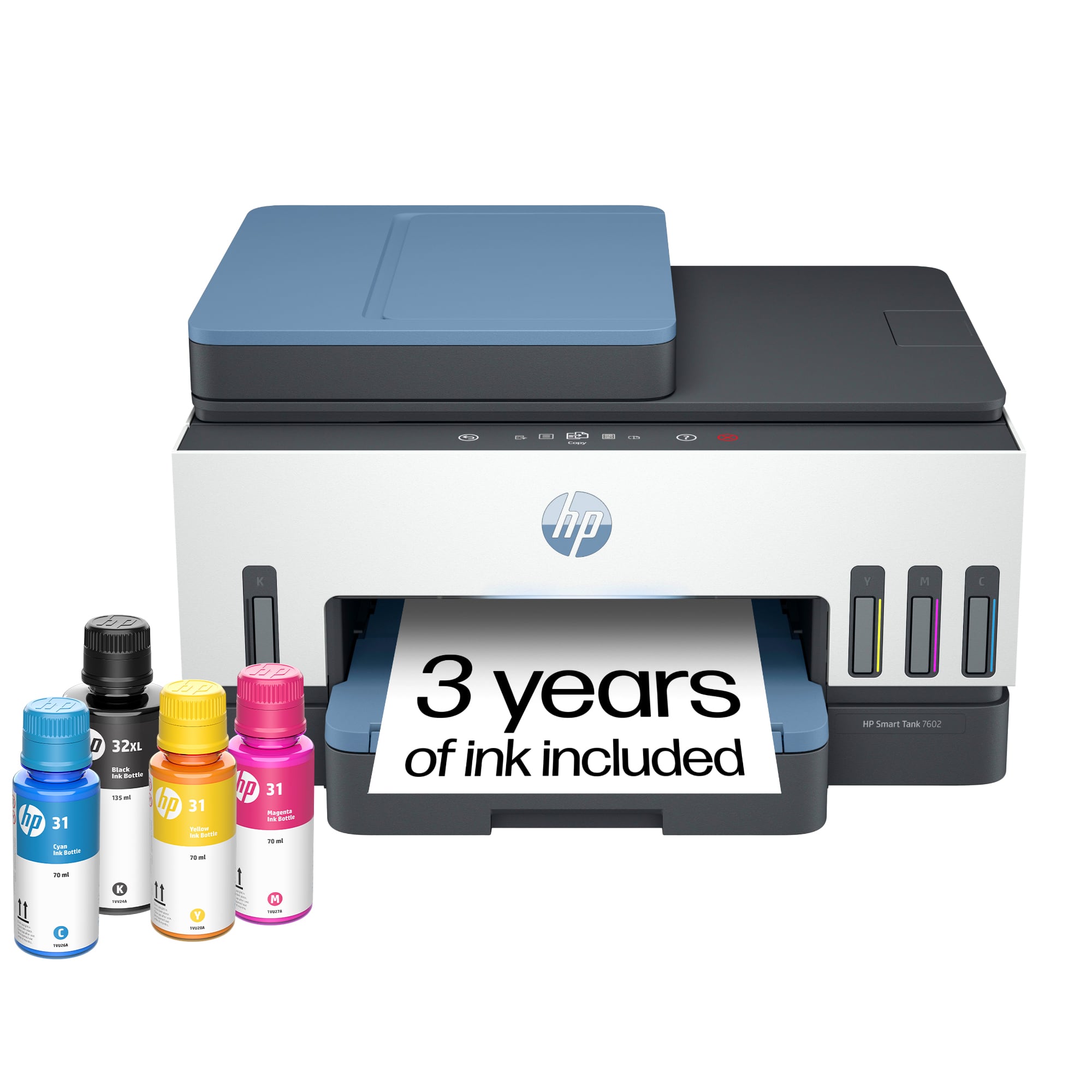
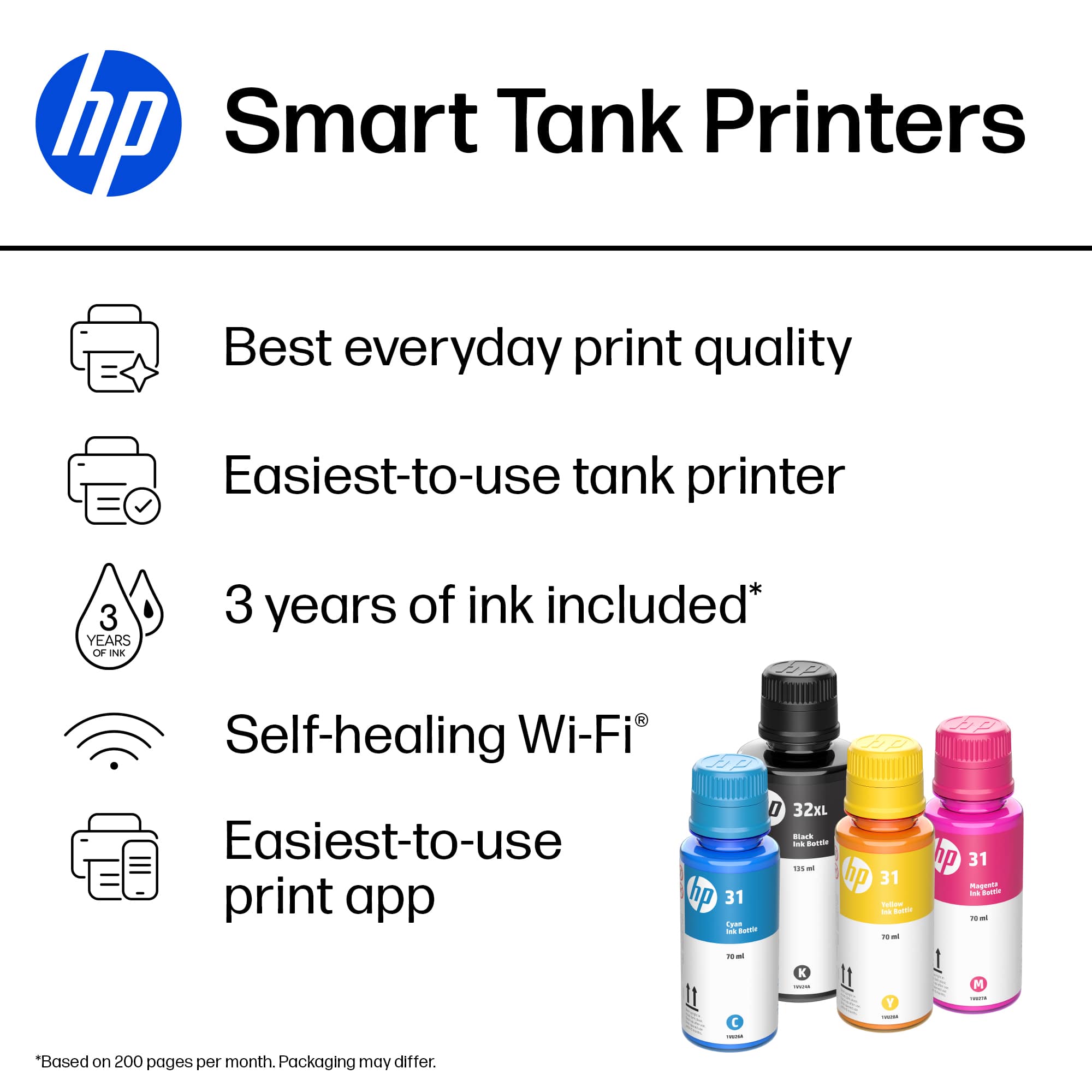
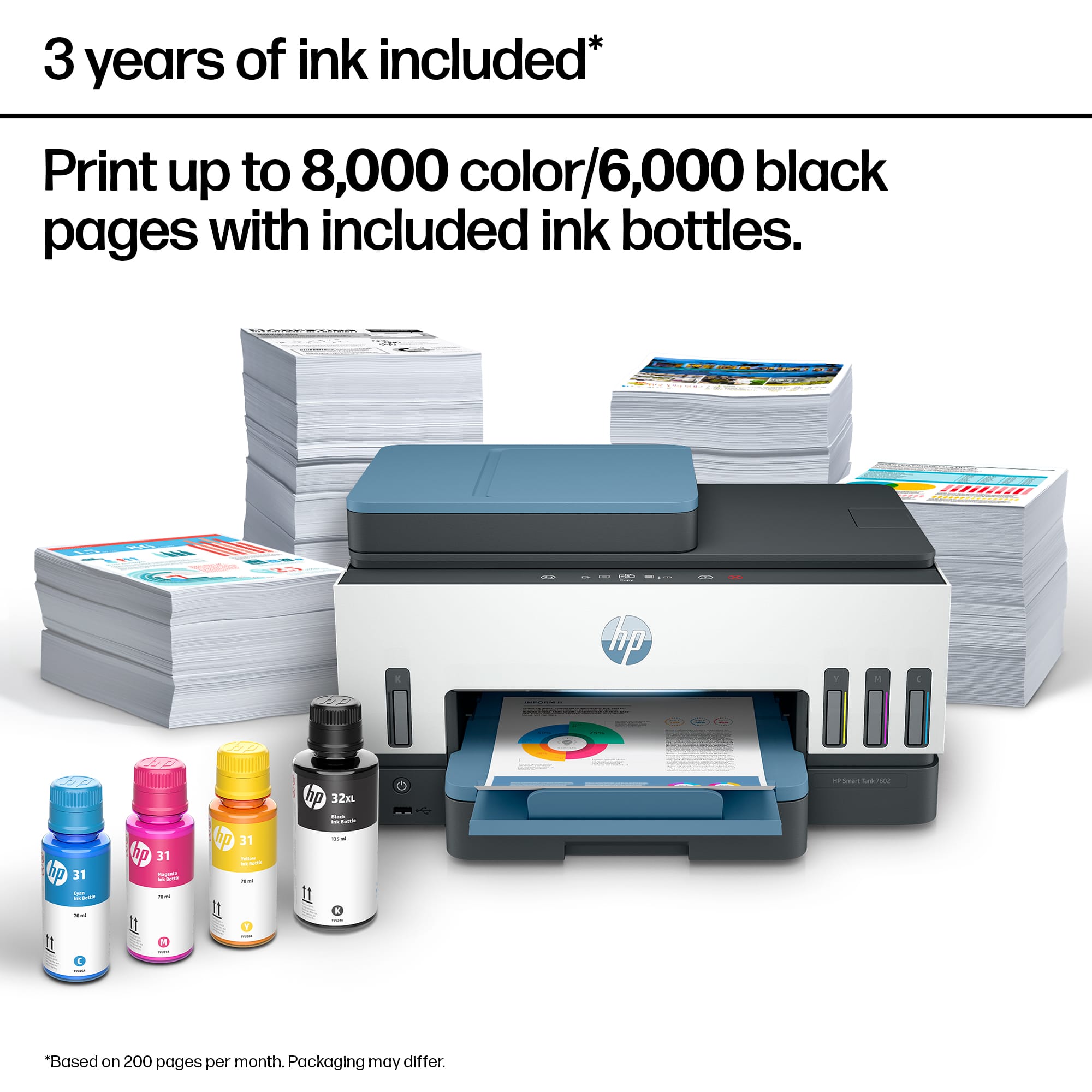
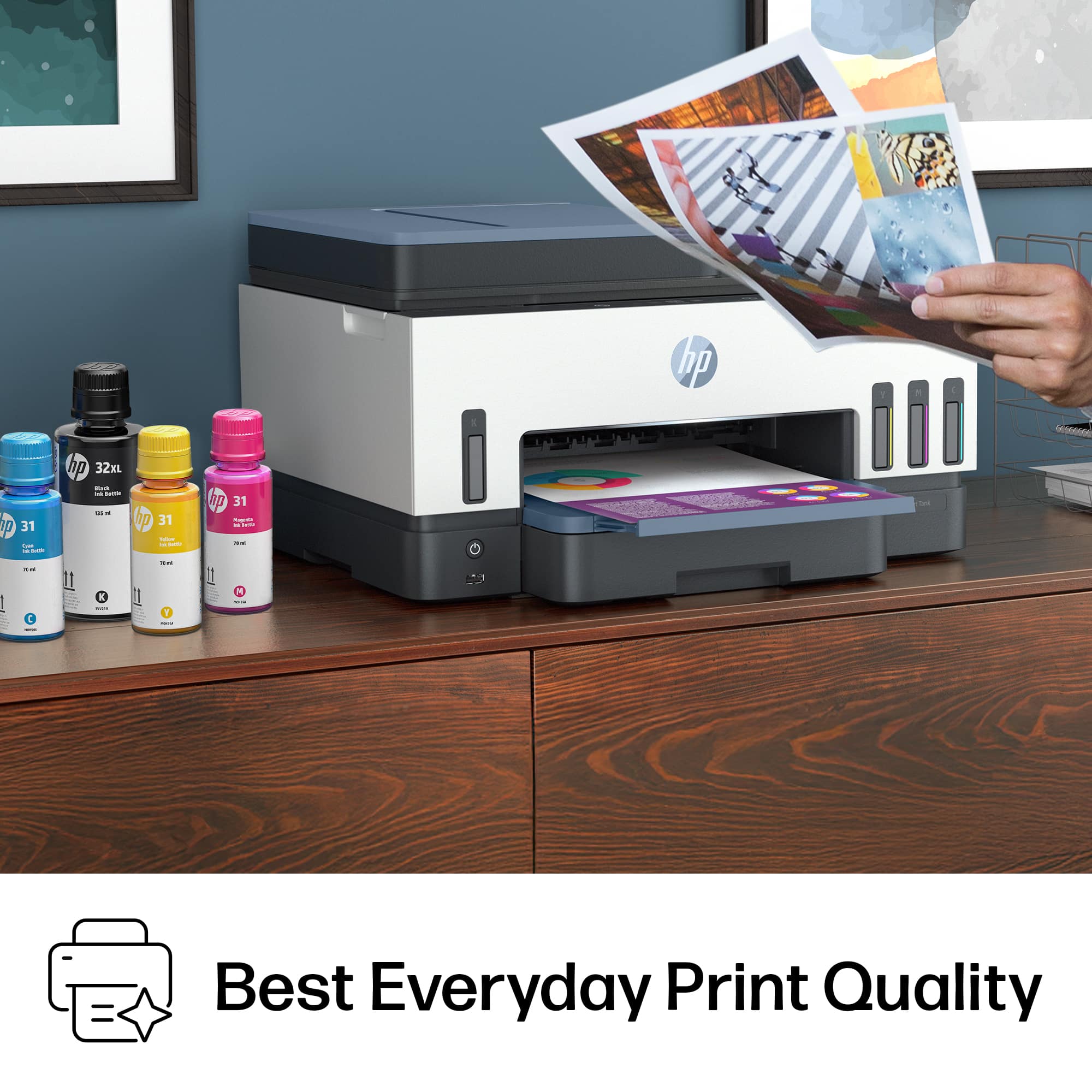
- HP SMART TANK 7602/28B98A#B1H
- SKU:
- 10757547
Rating by feature
- Value
Rating 4.4 out of 5 stars
- Quality
Rating 4.5 out of 5 stars
- Ease of Use
Rating 4.4 out of 5 stars
- Pros mentioned:Print quality
My Review on HP - Smart Tank 7602 Wireless
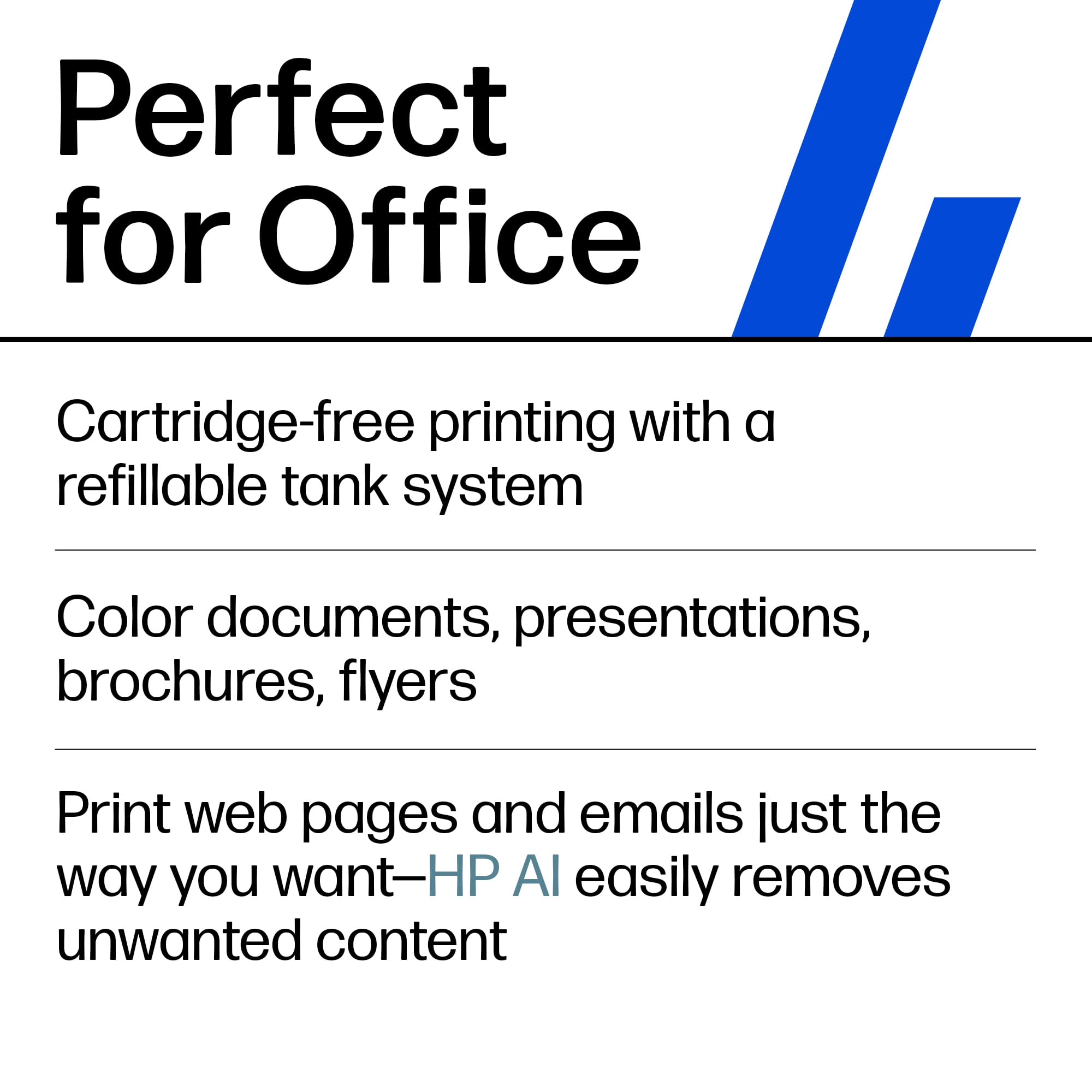
||Posted . Owned for 1 month when reviewed.This reviewer received promo considerations or sweepstakes entry for writing a review.The printer has multiple useful features; a scanner, printing, smooth color schemes, and overall quality. The printer is great. I also love the 2 year ink package advantage. It's my first time trying liquid, I'm normally use to ink cartridges.
I would recommend this to a friend - Pros mentioned:Ease of use
Gary’s HP
||Posted . Owned for 3 weeks when reviewed.This reviewer received promo considerations or sweepstakes entry for writing a review.Excellent printer easy to set up and makes great copies.
I would recommend this to a friend - Pros mentioned:Overall performance
Satisfied customer
||Posted . Owned for 1 month when reviewed.This reviewer received promo considerations or sweepstakes entry for writing a review.Nice product. Will definitely recommend this. One satisfied customer
I would recommend this to a friend - Pros mentioned:Ease of use
Just what I needed and wanted
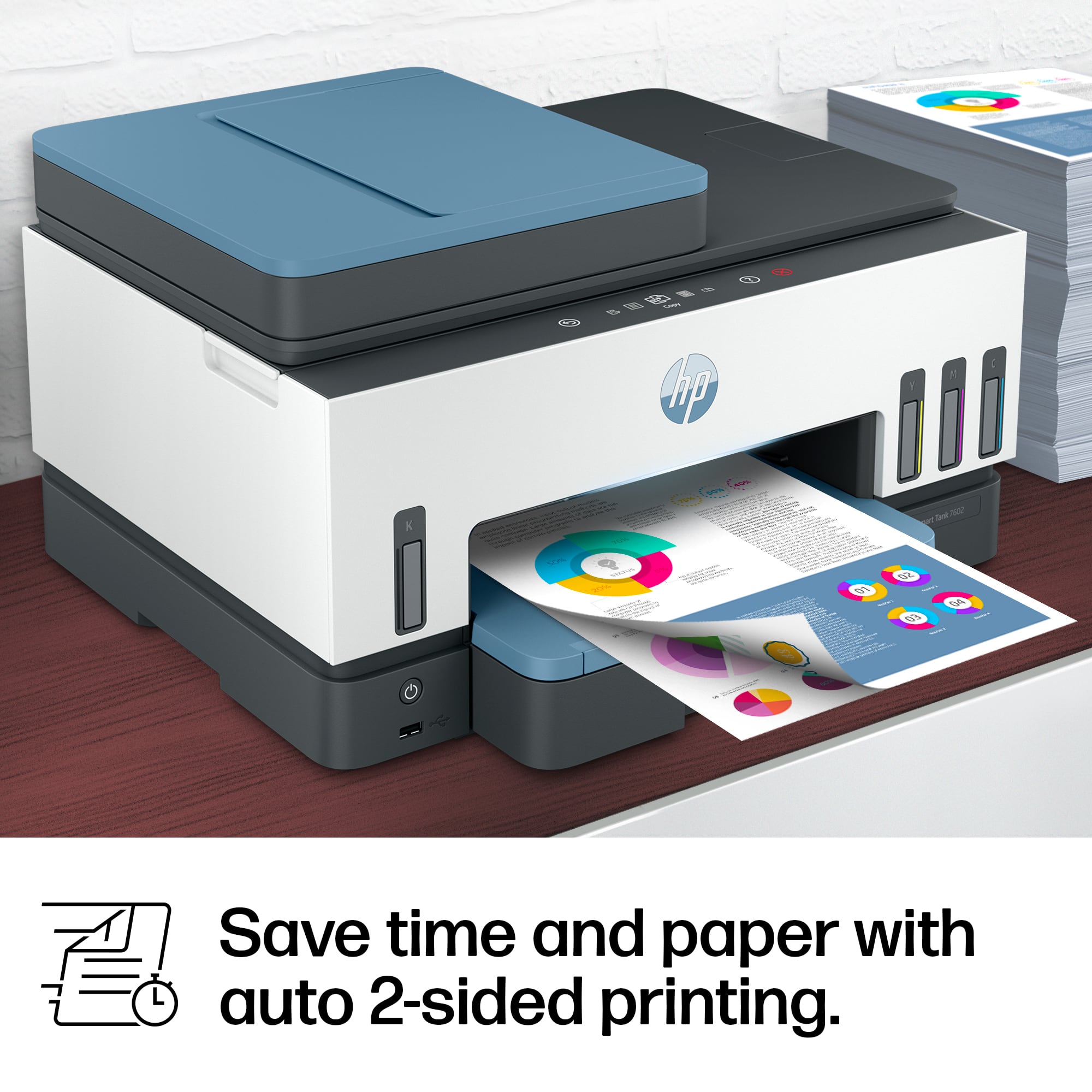
||Posted . Owned for 3 weeks when reviewed.This reviewer received promo considerations or sweepstakes entry for writing a review.This printer is the best I have purchased. It was a quick and easy set up when your install app. Fast printing and also quite. I mostly enjoy the double sided printing.
I would recommend this to a friend HP Smart Tank 7602
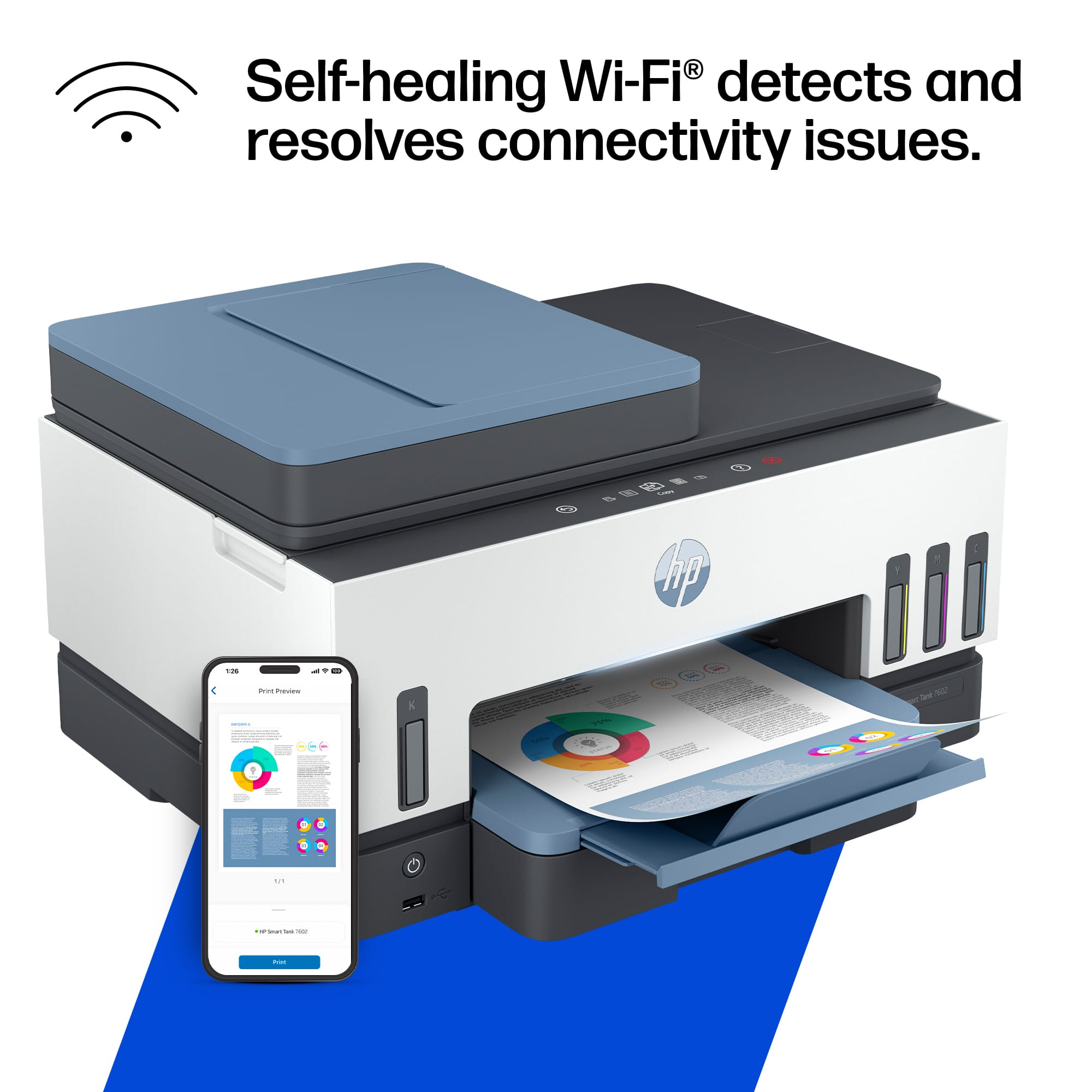
||Posted .This reviewer received promo considerations or sweepstakes entry for writing a review.Great printer tank ink refills in bottle economical, had some issues with scan feature and wifi drop connection HP call in required
I would recommend this to a friend- Pros mentioned:Print quality
Hp printer
||Posted . Owned for 3 months when reviewed.This reviewer received promo considerations or sweepstakes entry for writing a review.I bought this printer for my office and I am very happy with this purchase, it really prints all my work perfectly, I would recommend you buy it.
I would recommend this to a friend - Pros mentioned:Print quality
Great printer
||Posted . Owned for 3 weeks when reviewed.This reviewer received promo considerations or sweepstakes entry for writing a review.Printer makes great quality images and fine printing. I would highly recommend for daily use. The photo is a book I’m writing
I would recommend this to a friend - Pros mentioned:Print quality
Hp printer
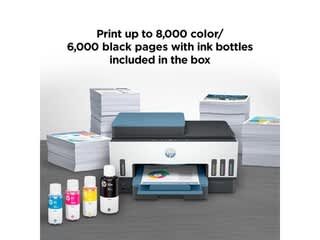
||Posted . Owned for 3 weeks when reviewed.This reviewer received promo considerations or sweepstakes entry for writing a review.This is the best printer I ever had ,ink is for 2 years very good printing love the model small version but very efficient, i would recommend it to every body
I would recommend this to a friend - Pros mentioned:Print quality
Awaome!!
||Posted . Owned for 1 month when reviewed.This reviewer received promo considerations or sweepstakes entry for writing a review.This printer is lightweight so technically you can move it around anywhere anytime you need it it prints true to color. It’s just awesome all around. 
I would recommend this to a friend - Pros mentioned:Ease of use
HP smart tank 7602
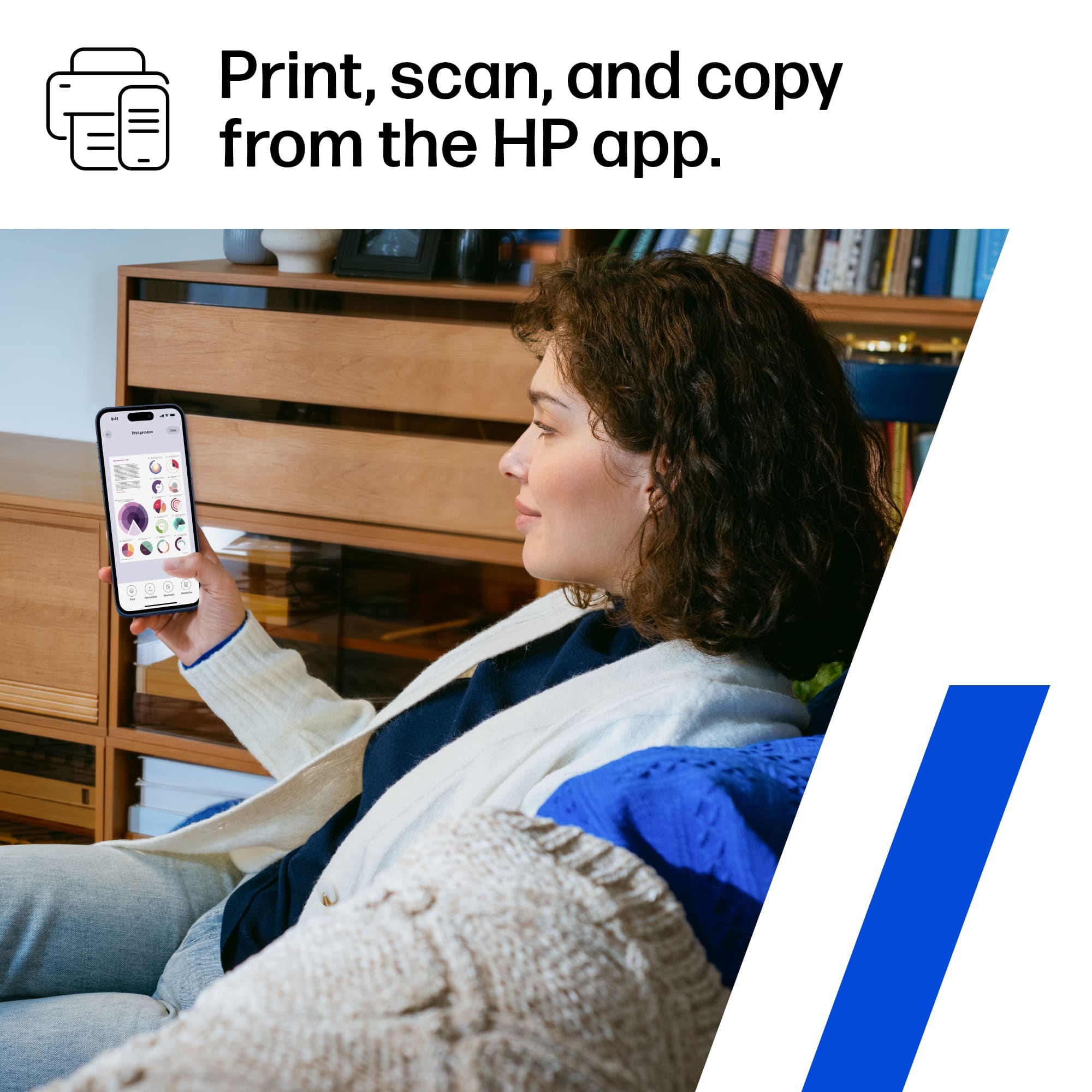
||Posted . Owned for 1 month when reviewed.This reviewer received promo considerations or sweepstakes entry for writing a review.It’s all in one printer and easy to set up.it’s super cool.No issues since I bought it .Just download the HP smart and you are good to go!
I would recommend this to a friend - Pros mentioned:Ease of use
Above & Beyond
||Posted . Owned for 1 month when reviewed.This reviewer received promo considerations or sweepstakes entry for writing a review.HP always gives us a very good impression. I am very satisfied with the printer. It is very easy to install and operate.
I would recommend this to a friend Director of Sales and Marketing
||Posted . Owned for less than 1 week when reviewed.This reviewer received promo considerations or sweepstakes entry for writing a review.Very nice and a great menu feature. I am hopeful that the bottle ink style is better than the ink jet printer.
I would recommend this to a friend- Pros mentioned:Print quality
Great printer
||Posted . Owned for 1 month when reviewed.This reviewer received promo considerations or sweepstakes entry for writing a review.What a game changer! This printer does even more than I expected plus the fact I get many more pages printed.
I would recommend this to a friend - Pros mentioned:Print quality
Best on market printer+++++
||Posted . Owned for 1 month when reviewed.This reviewer received promo considerations or sweepstakes entry for writing a review.Best ever printer on market, really effective efficient and quiet, ++++++
I would recommend this to a friend - Pros mentioned:Print quality
Hp smart tank7602
||Posted . Owned for 1 month when reviewed.This reviewer received promo considerations or sweepstakes entry for writing a review.Love it, finally, no more cartridges! And a ton of ink to start out with.
I would recommend this to a friend - Pros mentioned:Print quality
Highly recommend
||Posted . Owned for 1 week when reviewed.This reviewer received promo considerations or sweepstakes entry for writing a review.Just as described, good to finally have a printer that doesn’t glitch and prints good quality
I would recommend this to a friend - Pros mentioned:Ease of use
Felix G
||Posted . Owned for 3 weeks when reviewed.This reviewer received promo considerations or sweepstakes entry for writing a review.So far a nine printer for home office, easy to install and great start kit . So far its being doing great.
I would recommend this to a friend Printer worth the money
||Posted . Owned for 3 weeks when reviewed.This reviewer received promo considerations or sweepstakes entry for writing a review.Testing and using this printer has been excellent. So far, no complaints.
I would recommend this to a friend- Pros mentioned:Print quality
Only printer you will ever need
||Posted . Owned for 2 weeks when reviewed.This reviewer received promo considerations or sweepstakes entry for writing a review.Amazing printer! Bought one last year for the office hadn’t run out of ink yet!
I would recommend this to a friend - Pros mentioned:Overall performance, Print quality, Setup

Overall great printer with a few minor issues
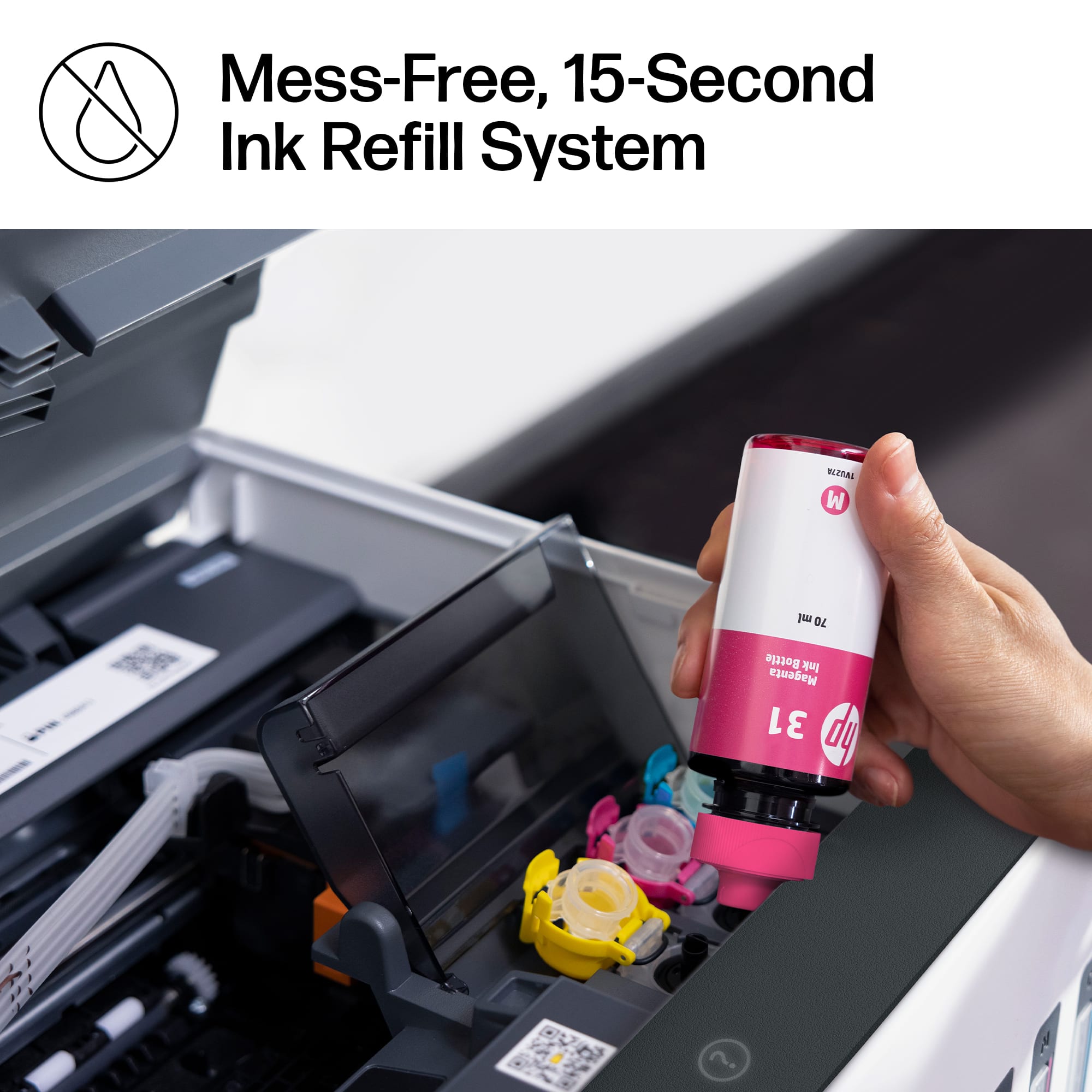
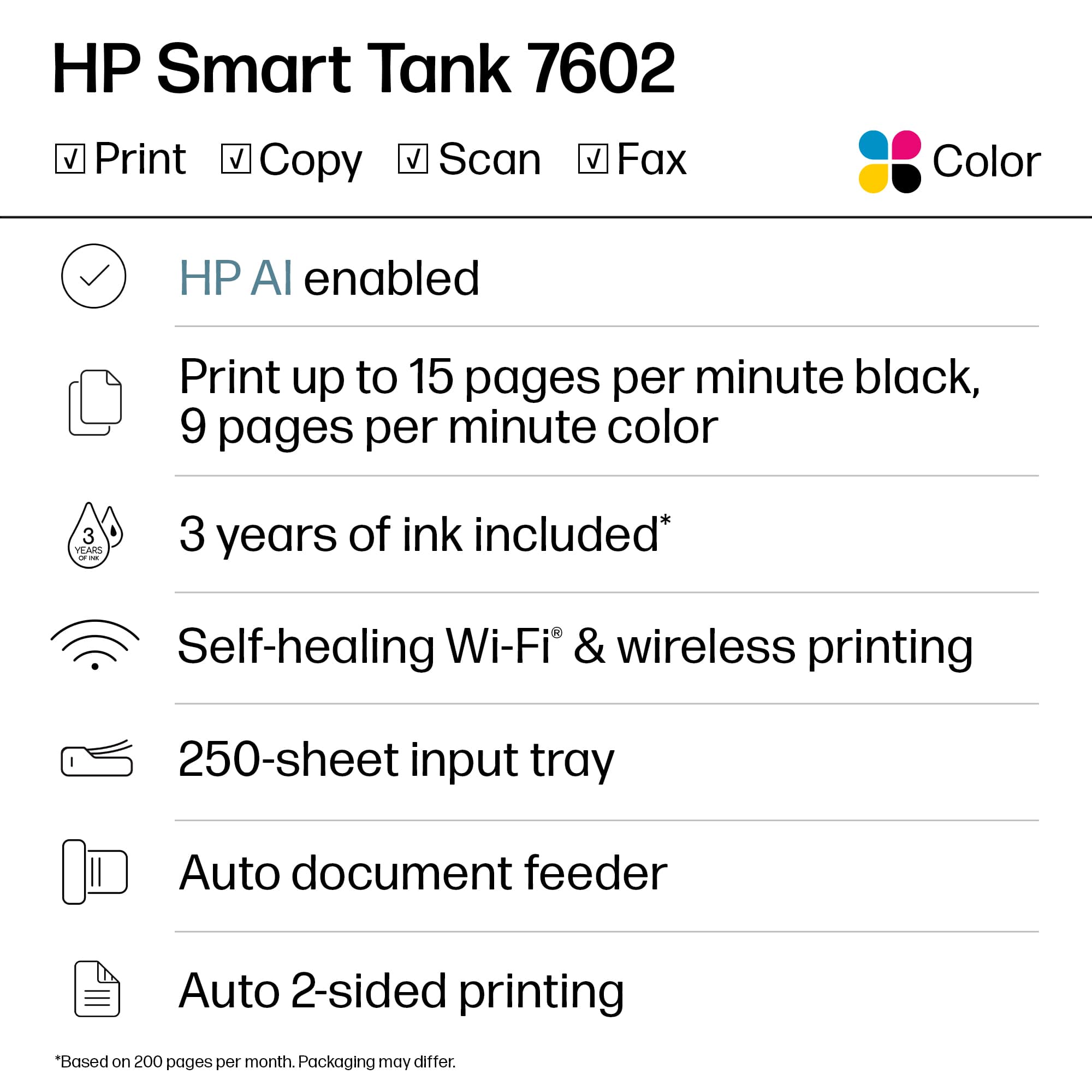
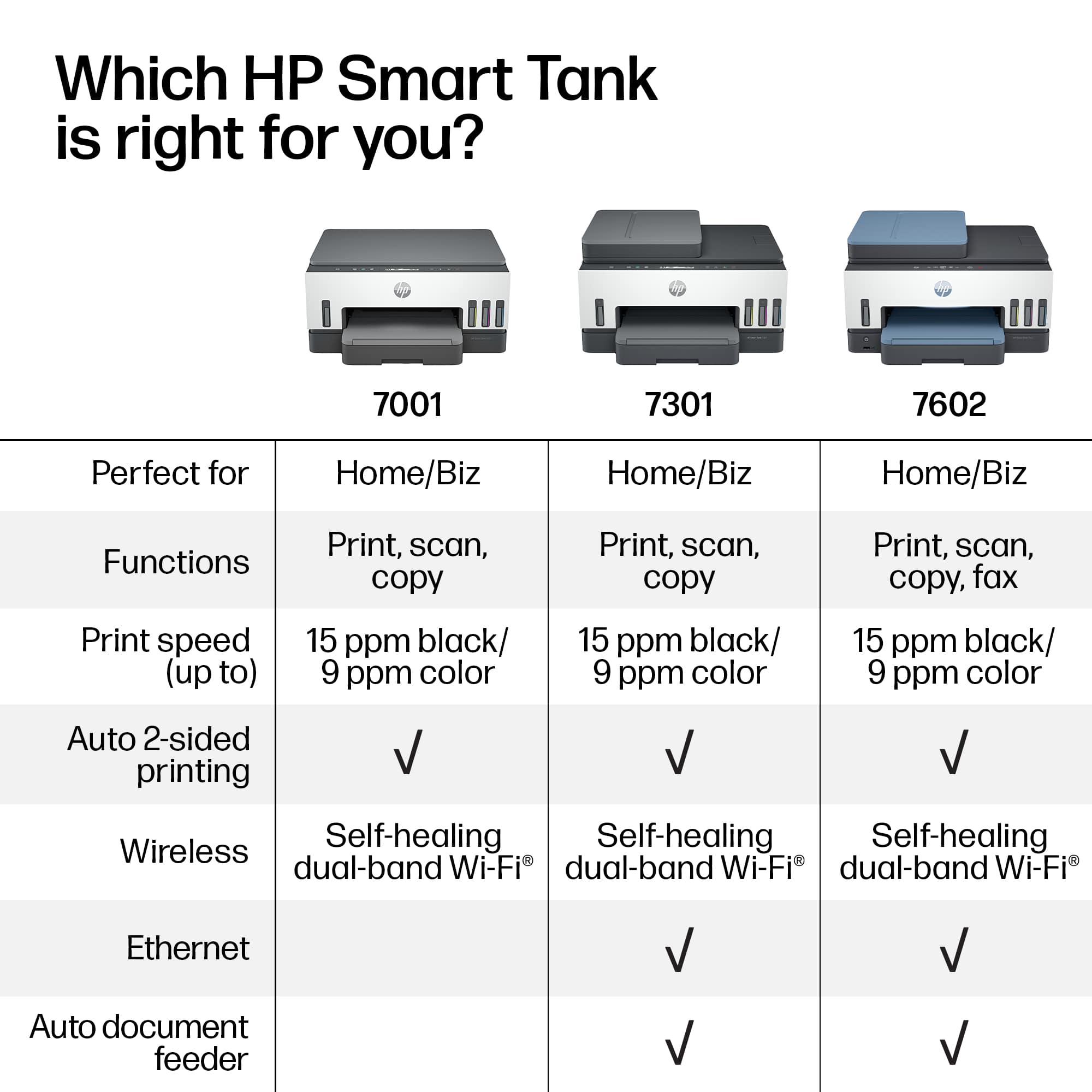
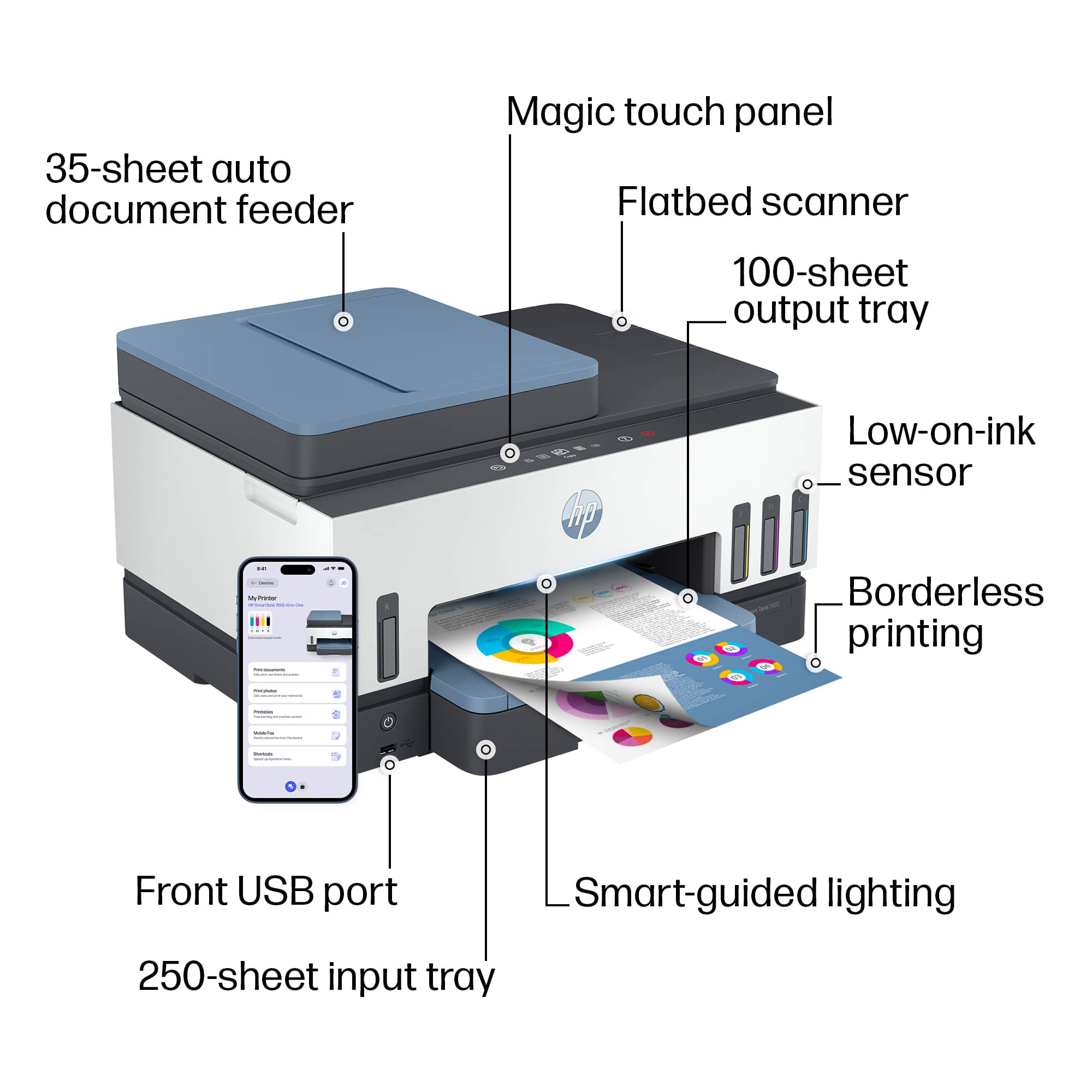
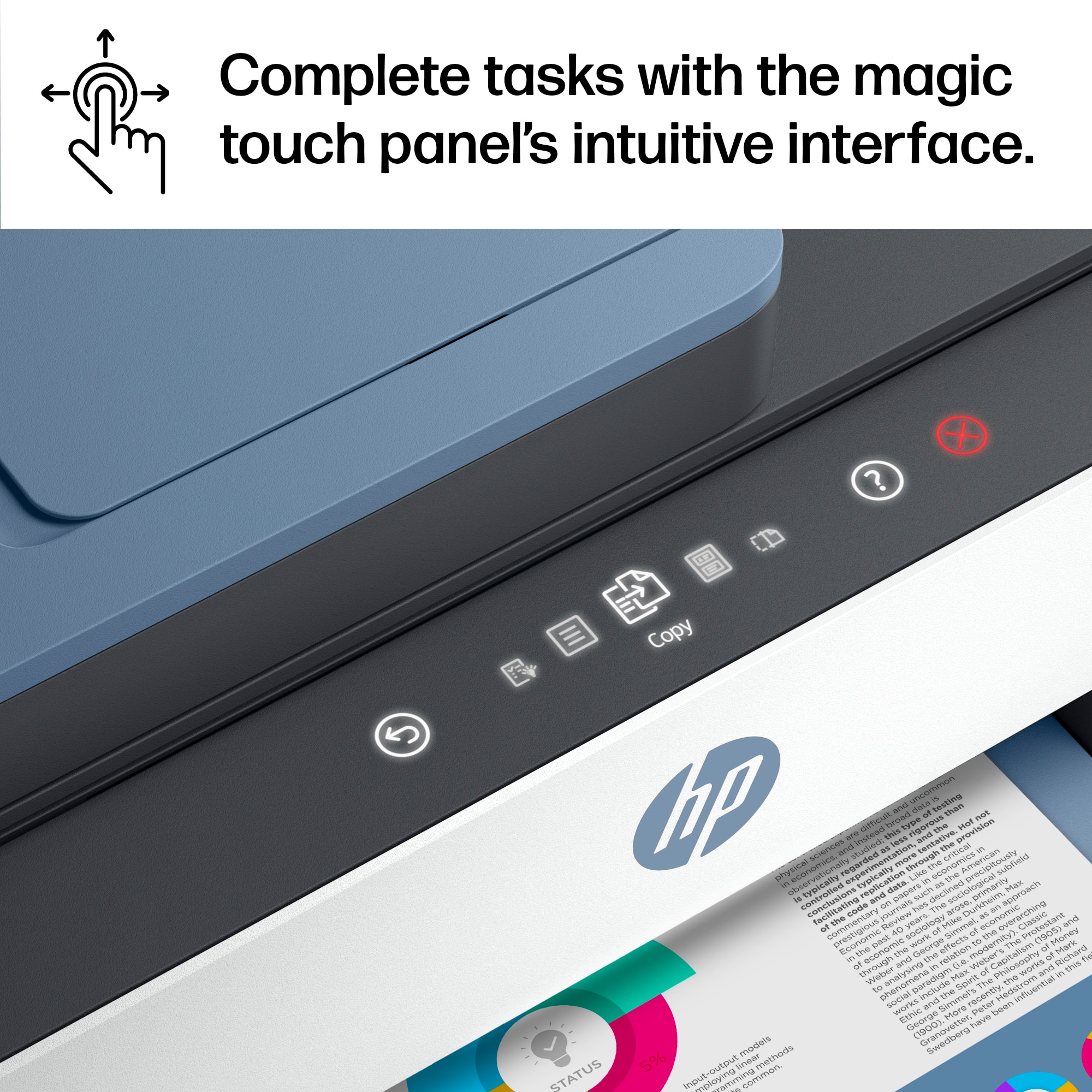
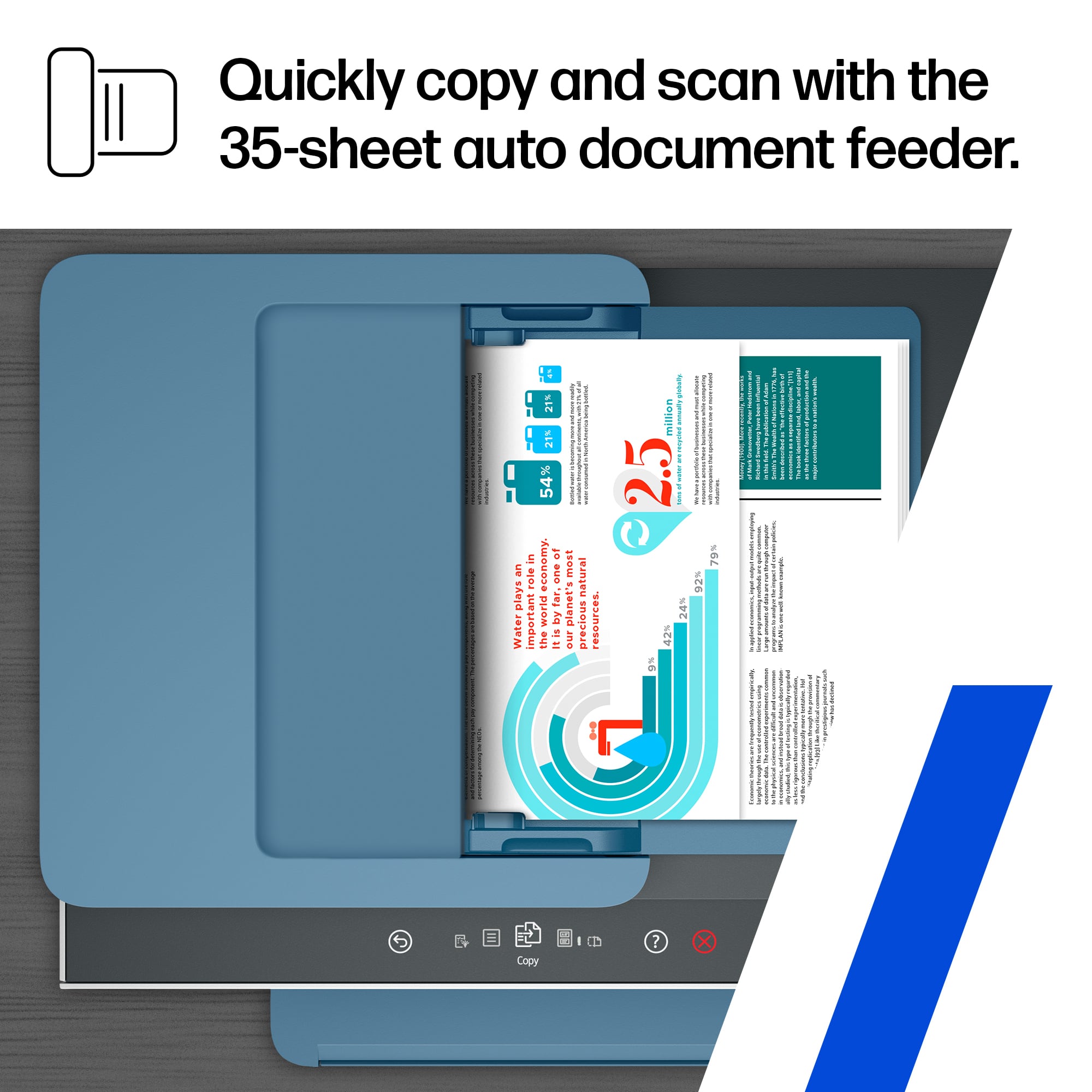
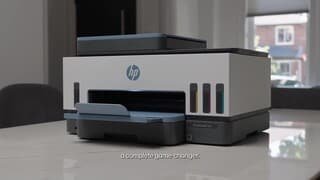
|Posted .This reviewer received promo considerations or sweepstakes entry for writing a review.Summary: - Pros: An overall great all-in-one printer, perfect for a home office or a small office! Very aesthetically pleasant, very responsive and intuitive interface. Printing through Wifi works great. Good quality printing. Copying/Scanning multiple pages at a time is a time-saver. You can't really go wrong! - What could be better: It could be a bit faster. It doesn't have an option to copy "from" a 2-sided sheet (it can only copy from a 1-sided sheet to either a one or two-sided sheet). Black ink smudges with a highlighter. Details: - This printer is very aesthetically pleasing and does not occupy a lot of space. - The setup was very easy when following the instructions in the app. The app has a lot of animations showing you exactly what you're supposed to do. It shows you everything starting with how to properly unpack it. The extra steps on this printer that I hadn't done on other printers was to fill the ink tanks with the provided ink bottles. However, this was surprisingly easy to do and indeed there's NO chance to spill the ink in the provided bottles due to the very clever mechanism! As an added bonus, the process to fill the ink tanks is very ADHD-friendly according to my wife, who is an expert therapist in ADHD. This because it provides a lot of sensory feedback such as the visuals and the sounds. - I love the fact that you can actually see how much ink of every color is left in the tank directly from the front of the printer! No more guessing on when you might run out of ink! - The printing is as good as one can expect. I only tested in letter sized paper (no photos). The blacks and colors are vivid. For copies, they come out as good as the original. - I really like the touch interface! It's very modern, very responsive to the touch and most importantly very intuitive. It is Not cluttered with many things you might never need or want to know. Just a few options of what you need: copy, ID card copy, scan, fax, shortcuts and menu (allowing you to configure a few settings). And it's really informative. For example, when trying to scan, you can select to email, save to a network drive or a USB port. When I selected the "email" option, it displayed a message saying I first need to configure the output email settings either through the app or through an IP address that it provided. That takes out the guesswork of what to do! - I was pleasantly surprised there was an "ID card copy" option! When selecting it, it guides you through the process of first placing one side of the ID, then the other side. And both sides come on the same side of the one sheet of paper! Genius! In other printers, I had to either use 2 sheets of paper, or re-feed the same piece of paper to accomplish this. - Copying/Scanning multiple sheets is super easy by simply placing the sheets to copy in the document feeder input tray. For copying, you have 2 options: "1 -> 1 sided" or "1 -> 2 sided". I was a bit disappointed there wasn't a "2 -> 2 sided" option as I often have 2-sided documents that I want to copy. - The printing speed was good enough for me although the speed I experience were much slower than what the specs said. The specs say "Fast printing with up to 15ppm Black and 9ppm Color". That would mean 4 secs for black prints and almost 7 seconds for color prints. I wonder if those speeds can be attained with lower/draft quality. With the default settings, it took about 12 seconds to print one color sheet of paper, on one side. - Here's the "approximate" times I experienced when copying: 12 seconds to copy 1 page 40 seconds to copy 3 pages selecting "1 -> 1 sided" (i.e. this results in using 3 sheets to copy 3 pages) 90 seconds to copy 4 pages selecting "1 -> 2 sided" (i.e. this results in using 2 sheets on both sides to copy 4 pages) - One thing some might find cute, or even useful, but I dislike is the printer's "status light". I prefer having very discrete lights, ideally with the option to completely turn them off. This only for home office where you might actually sleep near or in the office. Even the smallest lights are bright at night. The printer's status light is in the front, right over the space where the prints come out, and it's in the shape of a long line. When the printer is on but not in use, the status light oscillates between a big and a small line, as if it was breathing or sleeping. While cute, I would prefer to have the option to turn them off but I couldn't find any. - Something to know: Black ink smudges with a highlighter. I tried this on sheets I had printed 2 days before, so the ink was clearly dry, and the black ink still smudges. If you don't/won't use a highlighter or don't care about the smudges or that your highlighter will get a bit dirty with black ink, then this shouldn't be an issue.
I would recommend this to a friend
















