Customer Ratings & Reviews


- Model:
- U112020
- SKU:
- 10735578
Rating by feature
- Value
Rating 4.3 out of 5 stars
- Quality
Rating 4.3 out of 5 stars
- Ease of Use
Rating 4.3 out of 5 stars

Decent Robot For Homes Sans Kids - App needs Work
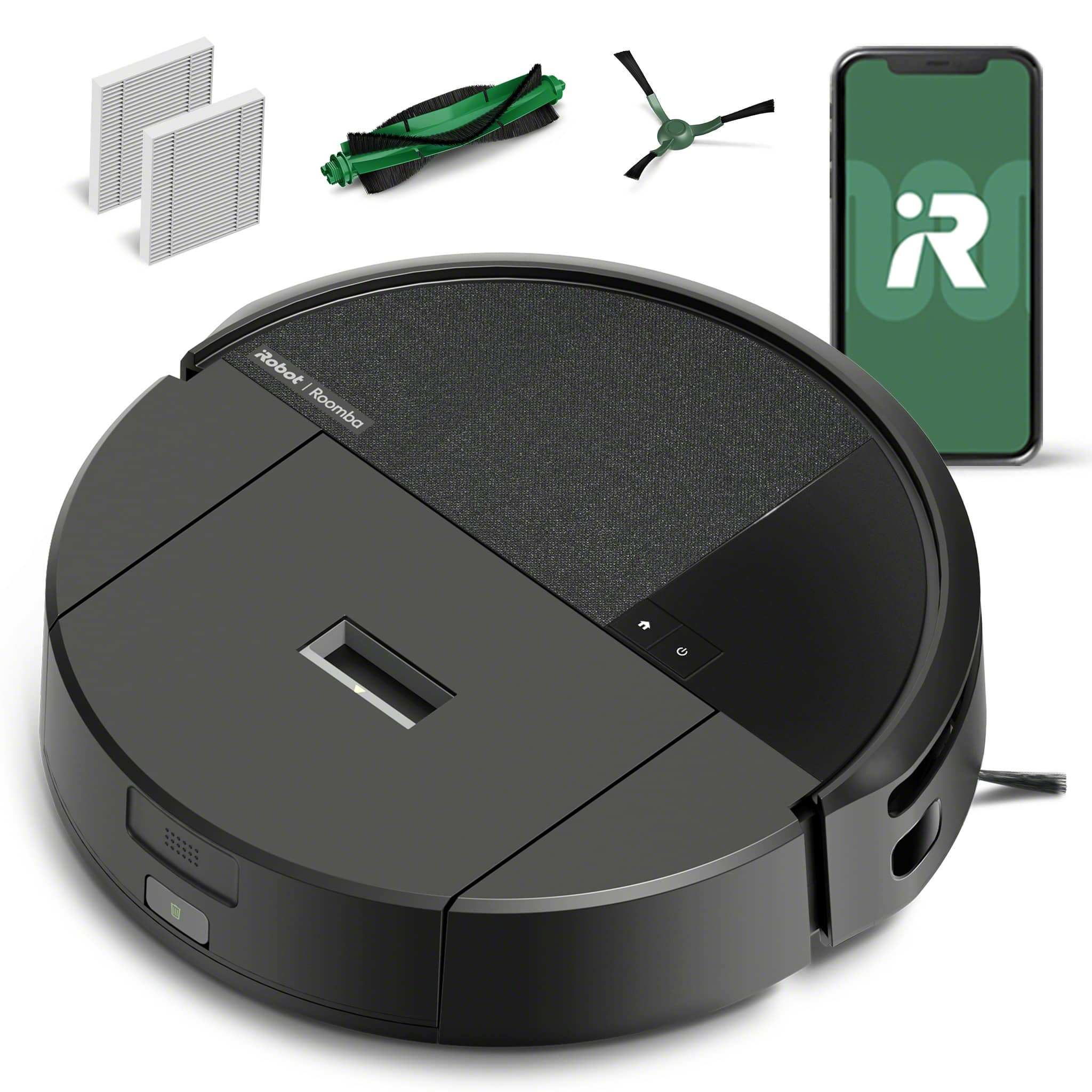
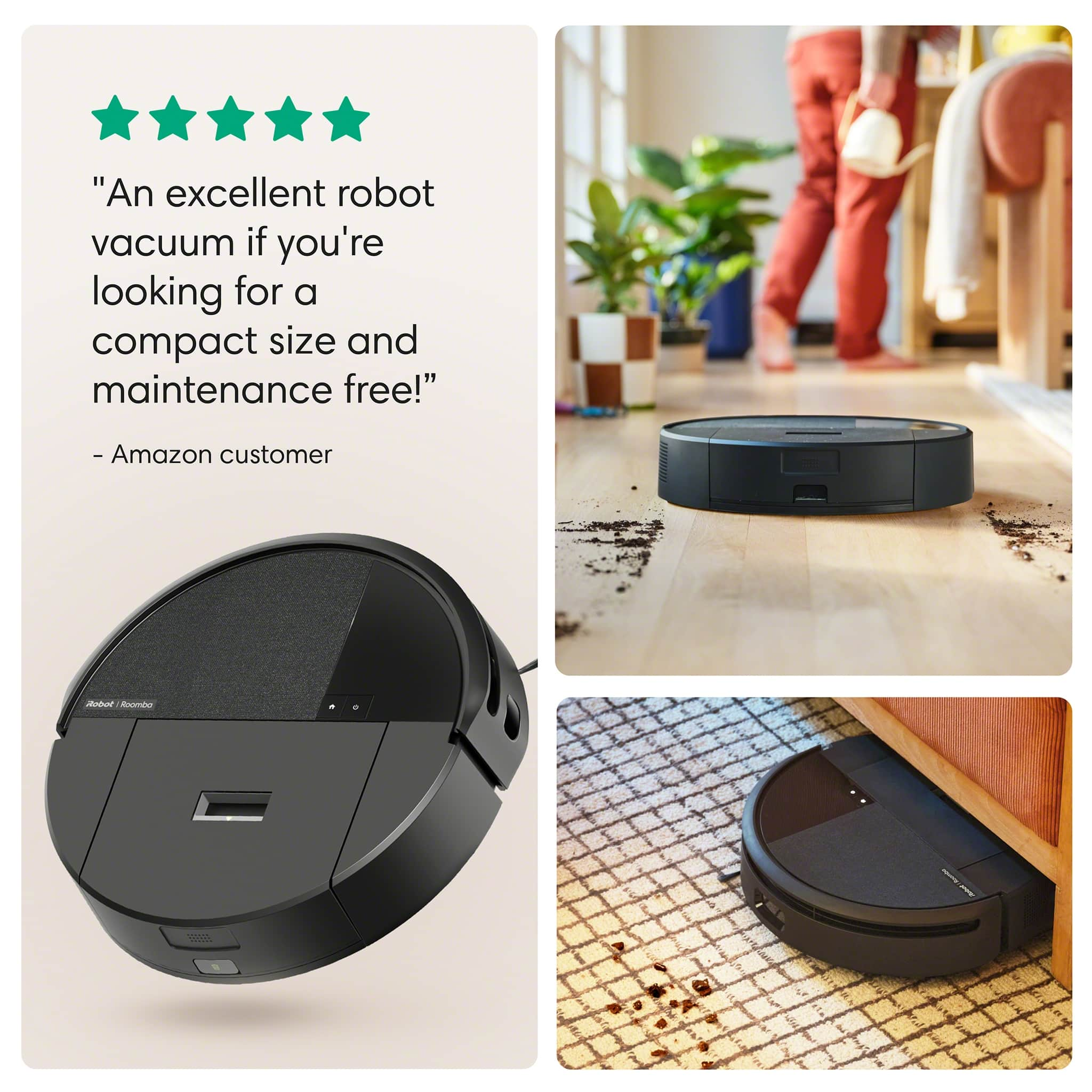
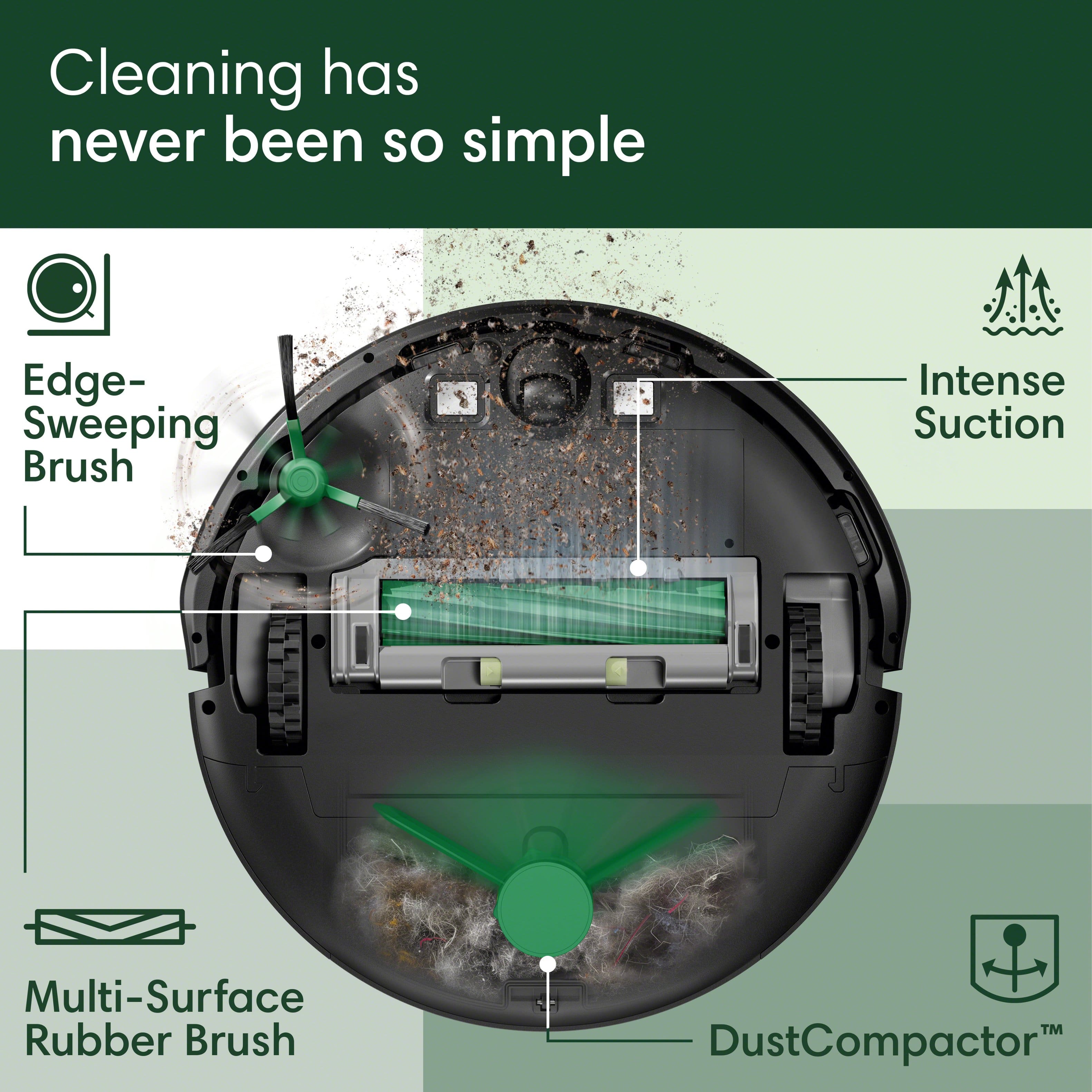
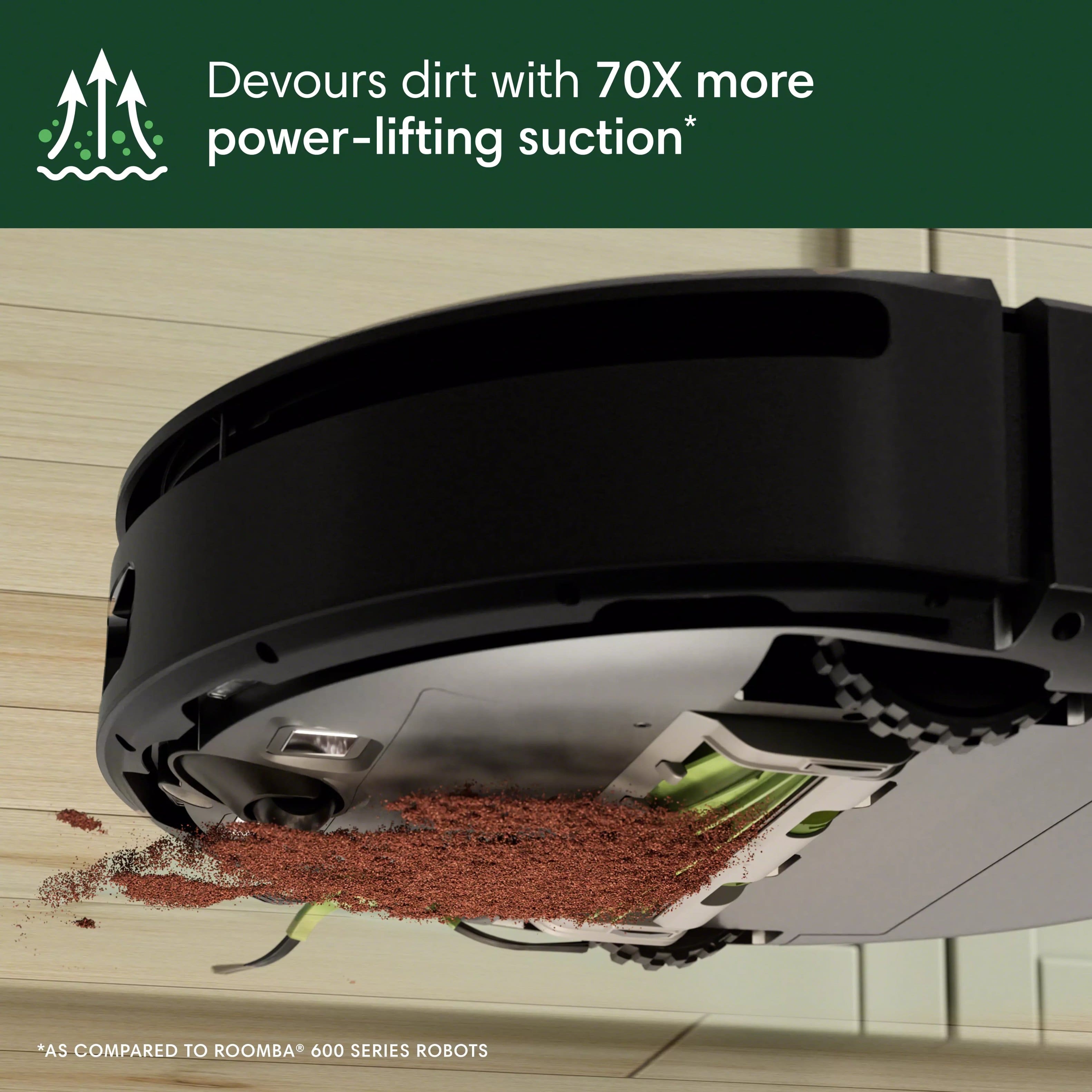
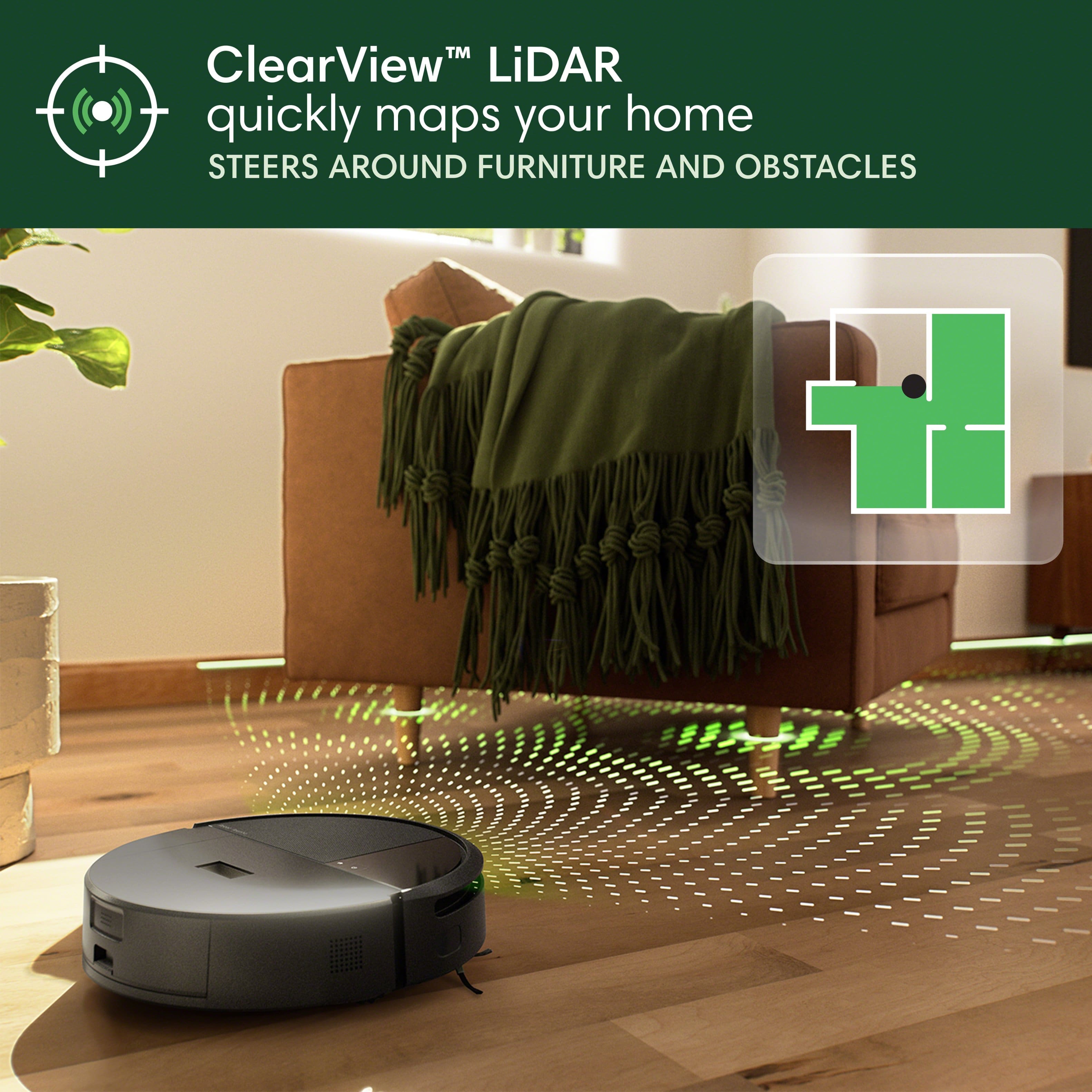
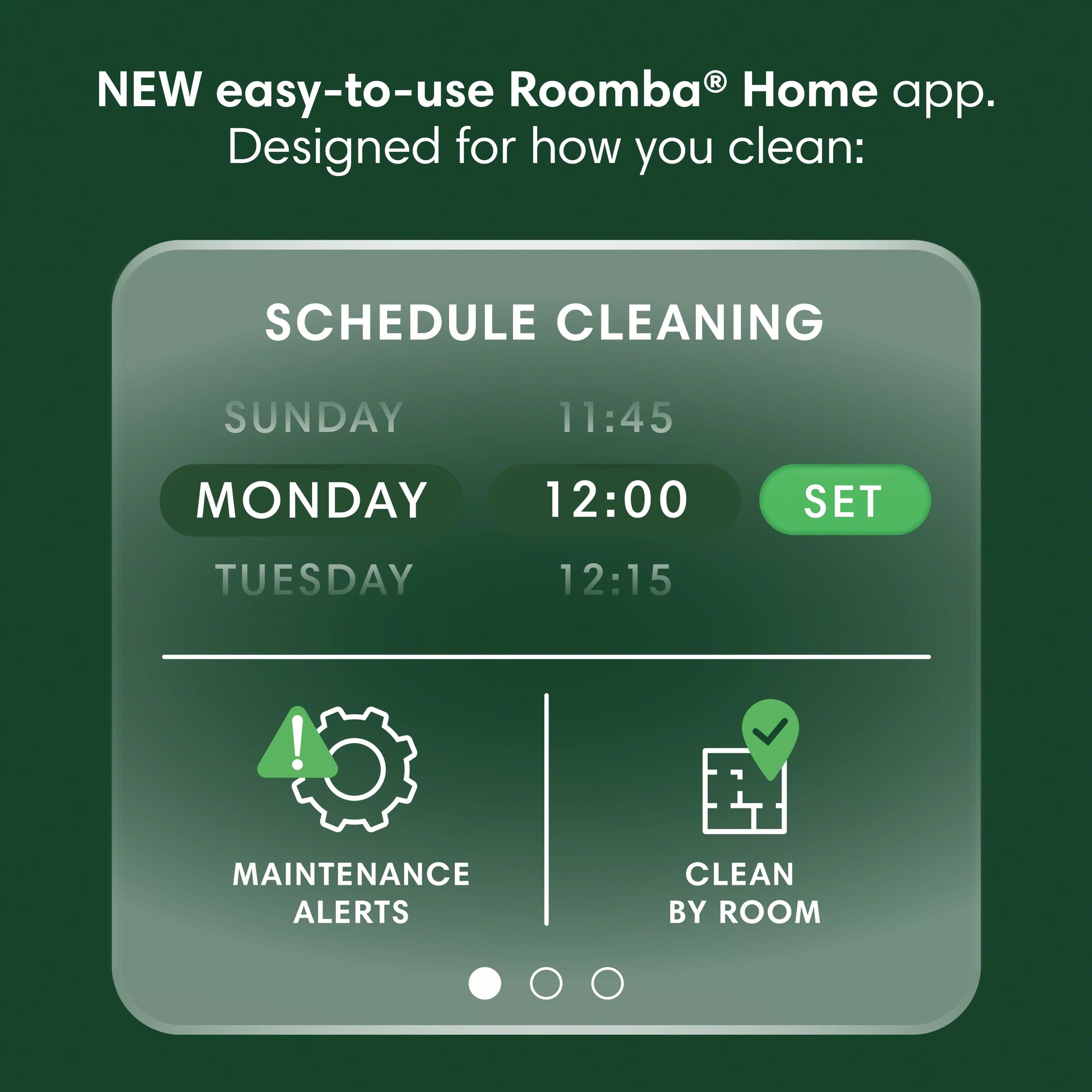
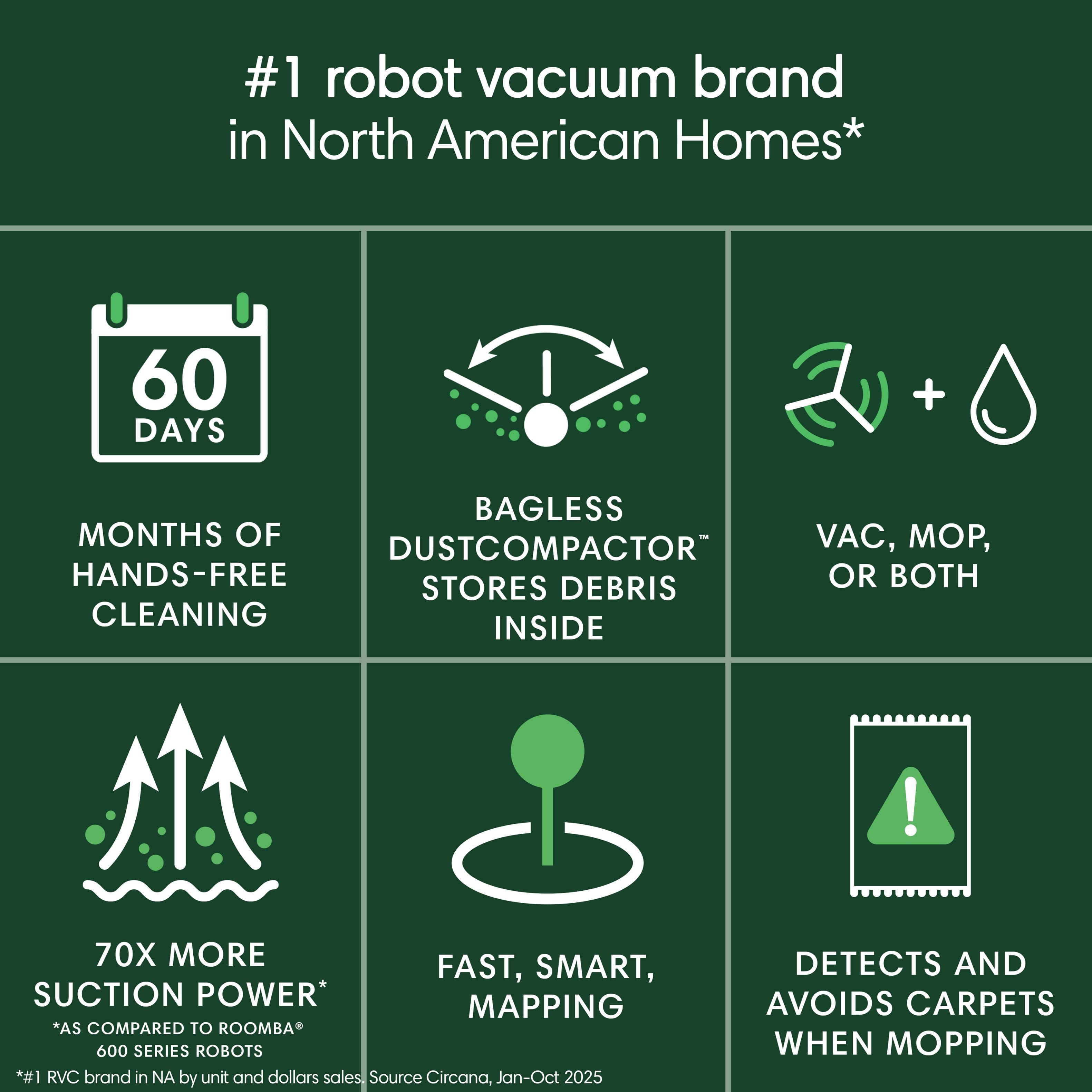
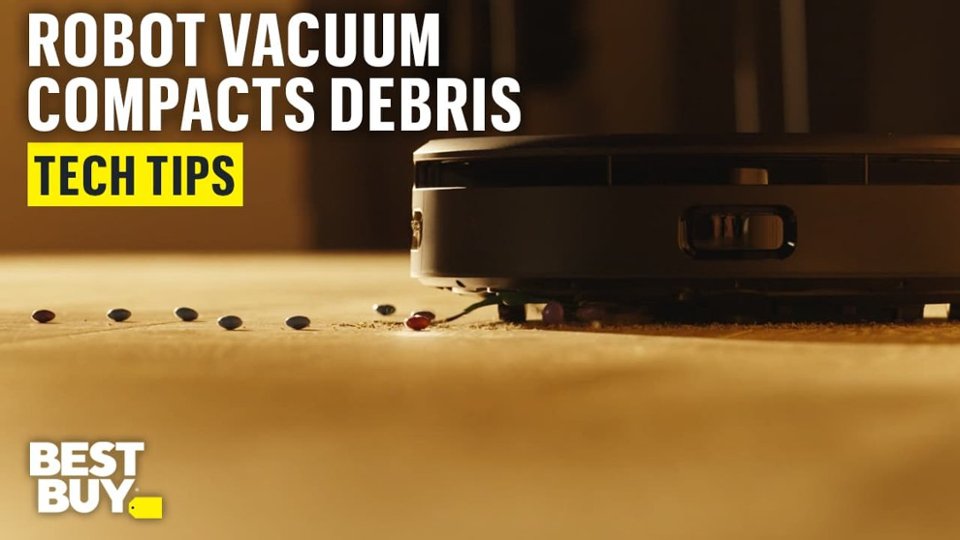
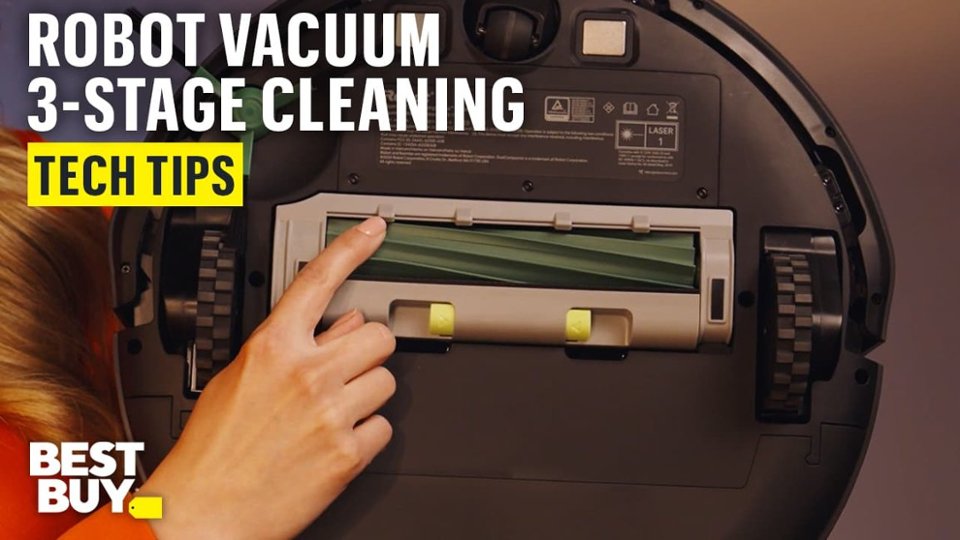
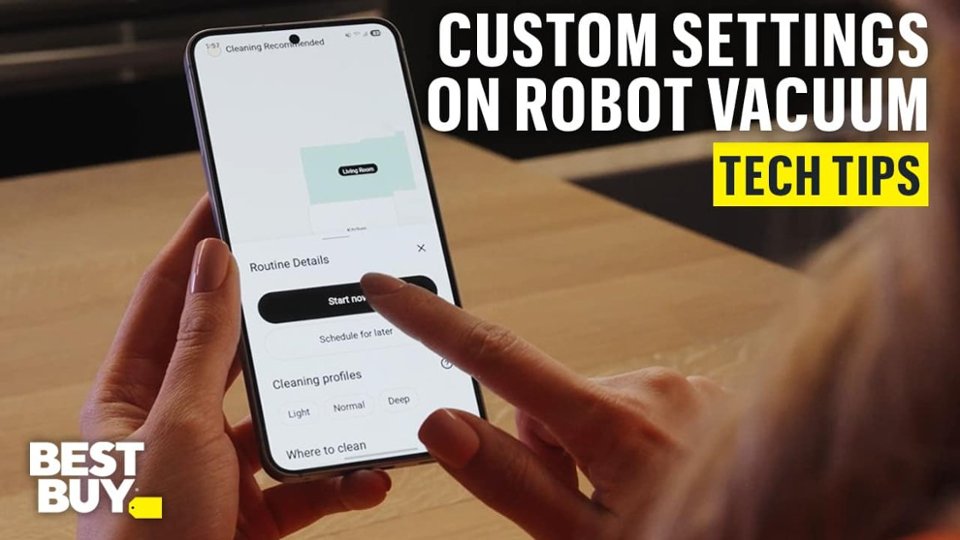
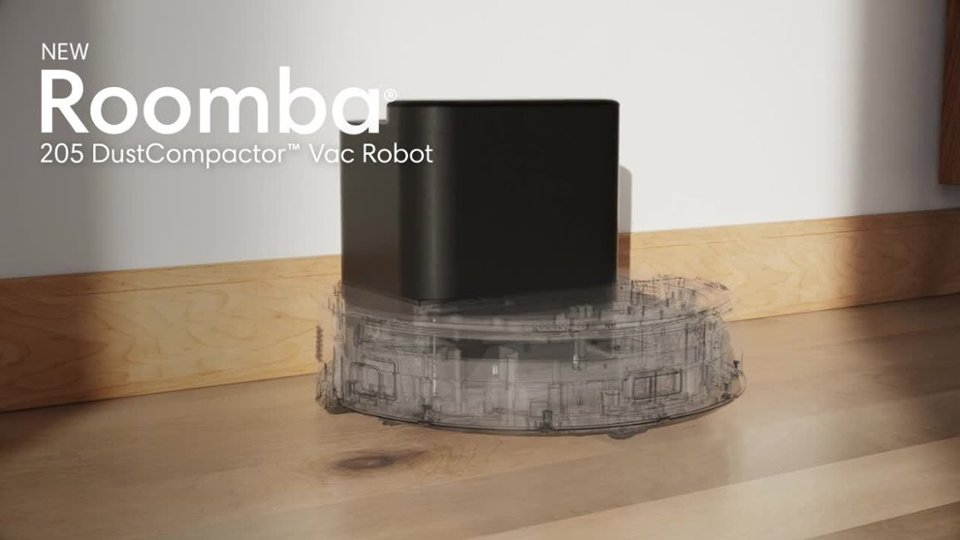
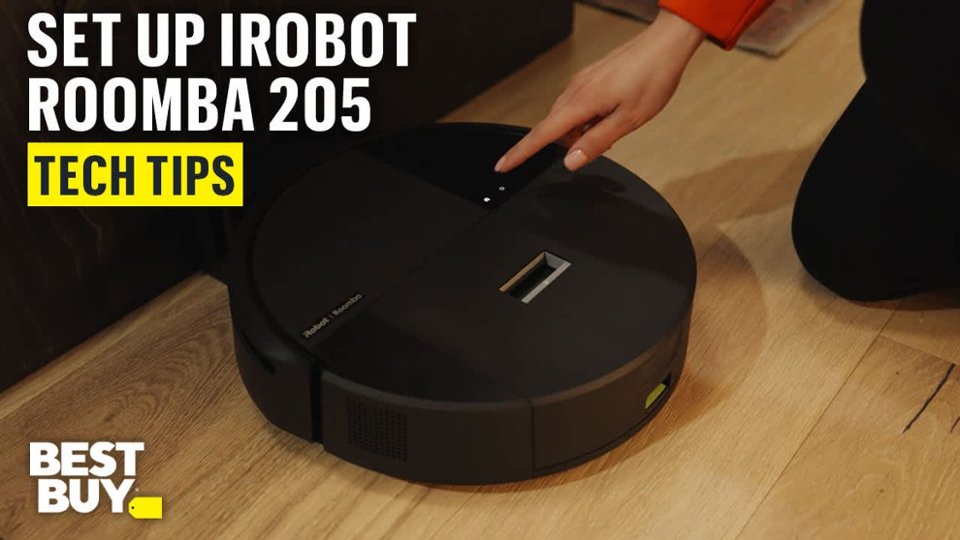
|Posted .This reviewer received promo considerations or sweepstakes entry for writing a review.The iRobot Roomba 205 DustCompactor is a robo vacuum with a slight twist. We’re back to having to empty the bin on the robot versus having a base that vacuums it out into bags for us. But is this really a step backwards? We’ll see. Unboxing the robot, one’s presented with a device in iRobot’s familiar round form factor. This robot looks particularly plain compared to some others, and doesn’t have anything that particularly stands out. It comes with a charging base - still need those and the footprint that they take up. So, if you’ve been a long time robovac user, nothing new on that front. Set up was where I first noticed a difference. This robot doesn’t work with my existing iRobot app. And in the process of figuring this out, I noticed that it’s now gained the “classic” moniker. Setup otherwise proceeds as before, you’d pair the robot, do a firmware update, then do some initial mapping runs. Unfortunately, the new app struggles even more than the classic one did with this. Pairing still worked flawlessly but getting an actual map still took several attempts and annotating it to split my first floor into rooms was still a pain. As with the last time I onboarded an iRobot vacuum, I decided after two failed mapping runs to just let it map and vacuum at the same time. It takes longer, but at least the robot is being productive while the app figures things out. During this vacuum run, one quickly sees a plus and minus of the 205 DustCompactor. On the plus side, suction is definitely improved with this model. I’m not sure if it’s part of what’s needed to “compact” things, but that’s definitely an improvement I can get behind - less need to clean up after the robot. I’m already annoyed with our pre-cleaning for the house cleaner. However, a minus cropped up - with great suction comes greater battery consumption - runtime on a full charge has definitely gone down. Before, my previous Roomba needed one charging break to over the first floor (and just the part I actually section off for the Roombas). Now, there’s two charging runs. Things take longer to complete, but on the upside, I don’t need to do a manual follow up pass. . .as much - there’s still a size limit and some legos and other toys still get caught or end up stopping the robot as I’d find out over the next week. It’s been several years since I had a robot where one empties the bin directly so memory doesn’t serve me well on how often I needed to empty things. I get the sense that compacting definitely is increasing the relative storage for the same size robot but given that non-compatactable stuff is a big part of the mess in my household, I don’t really much of a benefit here and this ends up being one where I need to manually empty the robot almost the same was when I had a non-compacting non-vacuum base before children. So, for a kidless household, this could be a compact improvement that saves on the need to buy Roomba specific bags. But for us, let’s just say the kids have now picked up a new chore. In all, the Roomba gets a solid four stars but the annoyances with the app, even after it actually got a map completed, cause me to drop this to a 3. Unfortunately, the app is pretty integral to normal use of the robot and so I don’t feel right rating this without consideration of the primary user interface.
I would recommend this to a friendDecent vacuum/sweeper
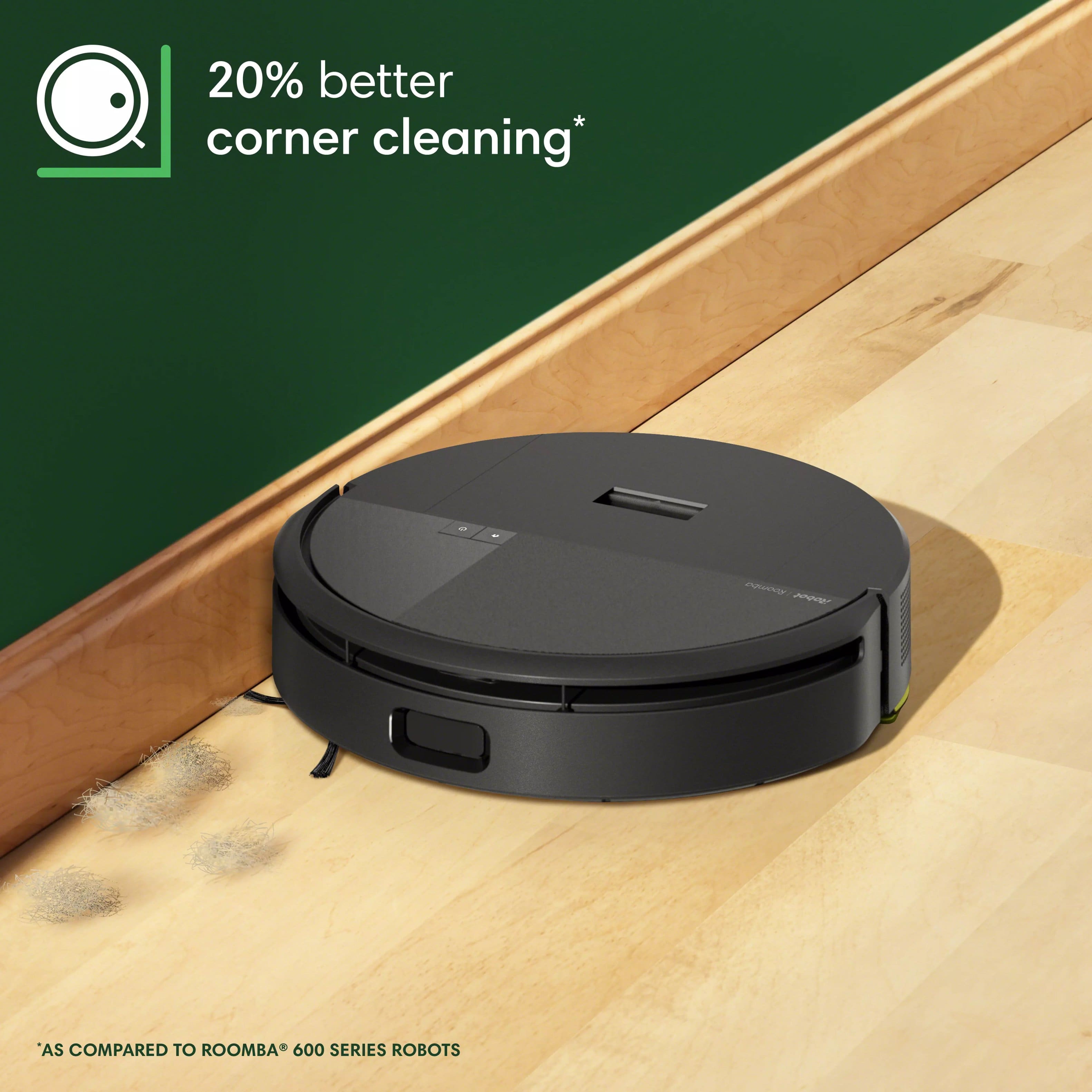
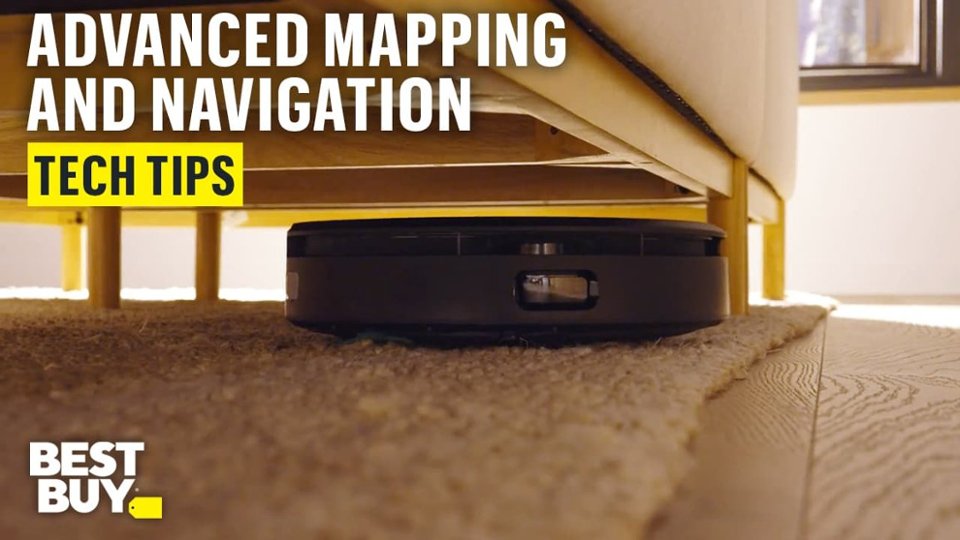
|Posted .This reviewer received promo considerations or sweepstakes entry for writing a review.The iRobot - Roomba 205 DustCompactor Robot Vacuum turned out to be somewhat of a mixed bag for me. The setup seemed simple enough, but I was a bit confused by the power button initially and ended up draining the battery instead of charging it. When I went to perform a cleaning a second time, again the battery was dead and unable to vacuum. The charging base is rather light and small, so it’s easy to get knocked around from its original position, which is not necessarily a good thing. After some initial stumbles, I was able to successfully load the app on my iPhone, update the firmware, and start the mapping of areas to clean. Of course, I had to name it “Rosie” in honor of the futuristic maid on the Jetsons cartoon back in the early 60’s. Vacuum suction has four settings and the number of cleaning passes can be set to 1 or 2 passes. It did a good job of mapping the house, but it did seem to get hung up on some of our Ruggable rugs, especially at the corners. However, it did an overall good job of sweeping and vacuuming and I was surprised to see how much dust and debris were collected in the dust bin. Emptying the bin can be a bit messy but that’s to be expected without any kind of bag. Through no fault of its own, the Roomba 205 was unable to clean under the dining table, simply because it couldn’t navigate through the forest of chair legs. Unfortunately, it’s an area of the floor where a lot of crumbs are found, especially with what falls from our year-and-a-half grandson. It did a terrific job cleaning under our sectional sofa, and I surmise that’s where most of the dust and pet hair were vacuumed up. I did notice some scratches on the top of Roomba after cleaning, probably from scraping some of the lower wood portions of the sofa…no doubt battle scars! It’s relatively quiet in operation and it didn’t seem to bother our two dogs, and they didn’t seem to bother it either, which is a good thing. I would be hesitant to have it clean while I am away, not at least until I get some history under my belt of how well it cleans on a consistent basis. I suspect if you are OCD like me, it will be nice to have the Roomba do a quick cleaning on a frequent basis, but it won’t replace a good thorough cleaning with a hand vacuum to get in the corners and under the dining table.
I would recommend this to a friendBrand response from iRobot Team
Posted .Hello, thank you for taking the time to share your feedback about the Roomba 205. We’re thrilled you are loving your new robot. Three cheers for clean floors!

Impressed!
Posted .This reviewer received promo considerations or sweepstakes entry for writing a review.This is my first robot vacuum and I am thoroughly impressed! I love the idea of the dust compactor since I don't have a lot of extra room for some of the larger docks. Easy set up using the quick start guide printed right on the box. After super quick mapping, my robot was out on its first mission to the kitchen and picked up all the crumbs, including flour I had dropped on the floor from dinner prep. I am loving not having to drag out the upright vacuum and do it myself. Even the kids are planning the next mission and watching the maps. I'm excited that I can get clean floors while spending time on something else.
I would recommend this to a friendI Wanted To Like This.
|Posted .This reviewer received promo considerations or sweepstakes entry for writing a review.I really liked one of my older versions of this robot. So I was super excited when I seen it, and couldn't wait for it to come to my house! I wasted a lot of time trying to program it to my app, because I was looking for a card that had the Scan code, but it was actually on a box inside the box it came in. I originally downloaded the iRobot app, and it wasn't the one for the particular robot I had. I have multiple products that does a lot of different things from the same company, and they're all on one app. I didn't have issues trying to get the robot to charge because it was dead when it arrived. After finally getting everything set up, and Bluetoothing it to my phone and Wi-Fi, I set up the rooms for it to clean and it was off! For the most part you've done a really good job with a deep cleaning feature, the problem is, I couldn't get it to go down the hallway where my front door is. I restarted and sent it off again, but for some reason it would not go down that entryway. Finally I ended up getting it to go down the entryway, that didn't have anything in it to block the robot from doing his job, but it just would not clean the entire floor. I delayed my review for an extra couple days to see if it was anything I was doing wrong, and I don't think it's me. I really hope whatever glitches they have in the app is updated and fixed, because I really love my older version of this robot, and I wanted to have one downstairs and one upstairs.
I would recommend this to a friendBrand response from iRobot Team
Posted .We appreciate you taking the time to provide feedback on the Roomba 205. We're sorry to hear about the difficulties you are experiencing. Please reach out to https://homesupport.irobot.com/s/contact-support-info, so we may properly diagnose your issue.
IRobot
Posted .This reviewer received promo considerations or sweepstakes entry for writing a review.Works great. cleans very well. Love the Automation features.
I would recommend this to a friendBrand response from iRobot Team
Posted .Hello, thank you for taking the time to share your feedback about the Roomba 205. We’re thrilled you are loving your new robot. Three cheers for clean floors!
Satisfied long time customer
Posted .This reviewer received promo considerations or sweepstakes entry for writing a review.I'm a long-time Roomba owner and am happy with this purchase so far. I bought this as an upgrade for my 'experienced' 600 series robot and am impressed with the improved cleaning power after a few runs. The new mapping system took a fraction of the time to create a map of my house, and I love the new app where you can follow the path of the robot while it cleans.
I would recommend this to a friendSingle Brush Failure
Posted .This reviewer received promo considerations or sweepstakes entry for writing a review.With three dogs and hair galore, my older Romba was being overwhelmed. This seemed perfect, but failed to pick up hair my older unit handled with ease, the difference is two brushes vs one.
No, I would not recommend this to a friendBrand response from iRobot Team
Posted .We appreciate you taking the time to provide feedback on the Roomba 205. We're sorry to hear about the difficulties you are experiencing. Please reach out to https://homesupport.irobot.com/s/contact-support-info, so we may properly diagnose your issue.