Customer Ratings & Reviews
- Model:
- JUA365
- SKU:
- 10757578
Rating by feature
- Value
Rating 4.3 out of 5 stars
- Quality
Rating 4.6 out of 5 stars
- Ease of Use
Rating 4.6 out of 5 stars
Would recommend to anyone needing a splitter.
||Posted . Owned for 1 month when reviewed.This reviewer received promo considerations or sweepstakes entry for writing a review.Works exactly as detailed and expected. No issues.
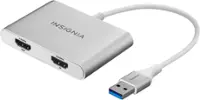
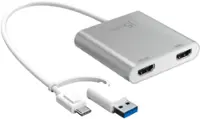
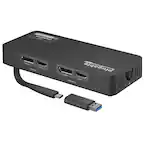
I would recommend this to a friendJ5CREATE - USB 3.0 to dual HDMI Multi Adaptor
||Posted . Owned for 3 weeks when reviewed.This reviewer received promo considerations or sweepstakes entry for writing a review.EASY TO USE AND PLUG N PLAY. WORKED GREAT. This item worked well and is simple to use. MS update disabled my video adaptor and I needed a way to get into Windows the correct the display settings. Bios would not do it and lower res (safe mode) would not display. but this allowed me to get windows up and correct the settings. I'm now using it to drive a second monitor. WORKS GREAT!
I would recommend this to a friend3 Screens Even for Apple Macs
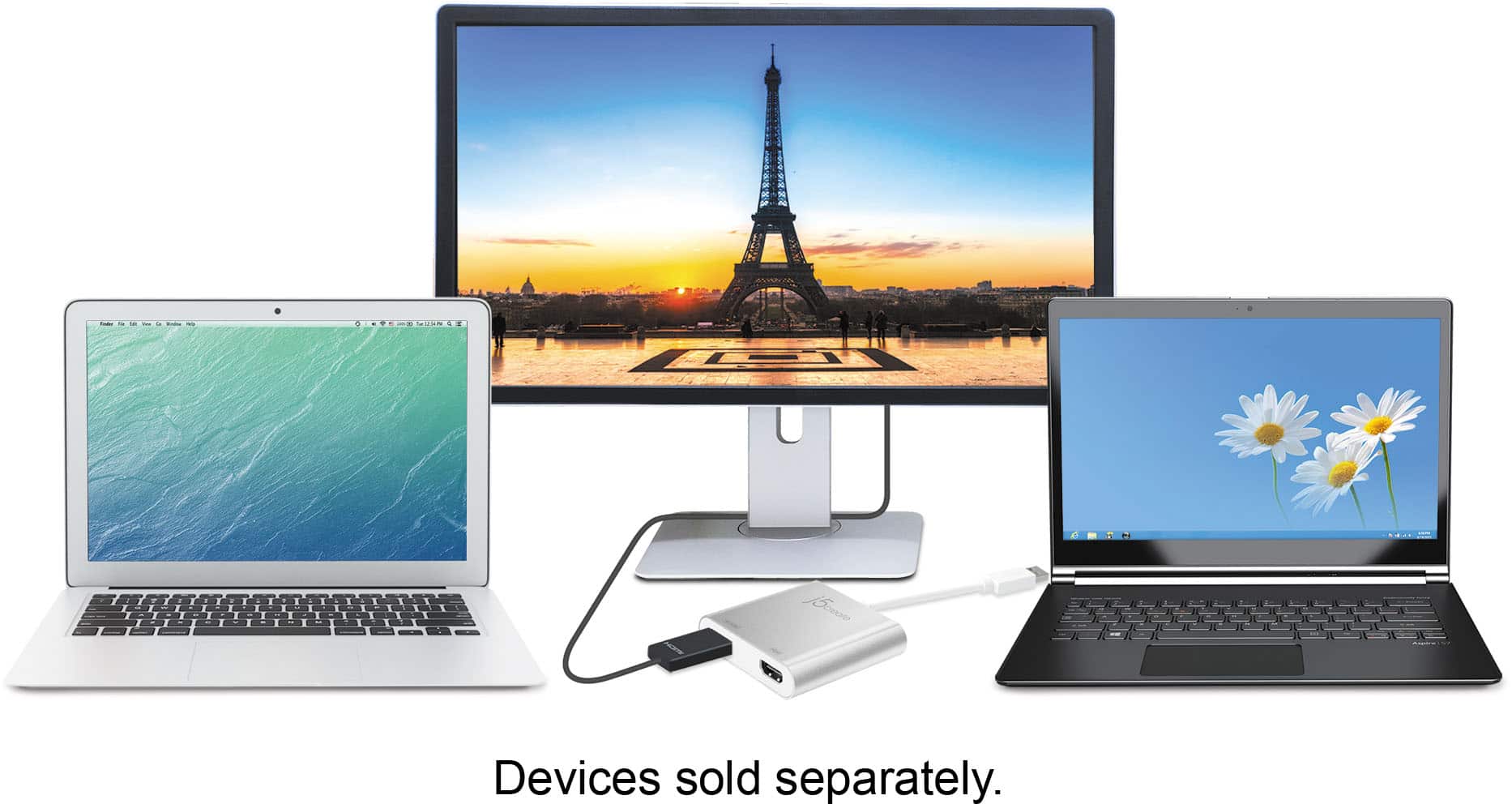
||Posted . Owned for 1 month when reviewed.This reviewer received promo considerations or sweepstakes entry for writing a review.So, I run IT for a company and we require a lot out of our sales team, so we have Macs that need a total of 3 screens. If you know Macs, you know that's not possible using their internal hardware. With this, I was able to setup two 4k monitors on each side with a 2k monitor in the middle within a couple of minutes and a download. Great product! I ordered 5 about 8 months ago, one did go out but it was covered under warranty and bam, my team is in business. So, if you're one of those people who really really want 3 screens with their Mac Mini, get this.
I would recommend this to a friendGreat device
||Posted . Owned for 3 weeks when reviewed.This reviewer received promo considerations or sweepstakes entry for writing a review.It's straightforward to install on both Windows and Mac. I have it connected to a 4 input KVM and it works well. It's good quality, I've never used j5create, but I like the quality of this product. I would buy more products from them. It's a bit pricier than I would normally pay for this item, but definitely a good quality, good working product.
I would recommend this to a friendBrand response from J5create Team
Posted .Thank you so much for the 5 star review on the JUA365. I'm excited to hear it is working to your expectations. If you ever come across any issues, please feel free to contact the support team on the packaging and a specialist will be glad to help.
Gratefully,
j5create
So cool
||Posted .This reviewer received promo considerations or sweepstakes entry for writing a review.I love this thing... I plug it into the USB port and all of a sudden I have two giant monitors from my laptop... best purchase I have made for my home office! Set up was easy and the device performed as advertised... I am super happy with it.
I would recommend this to a friendBrand response from J5create Team
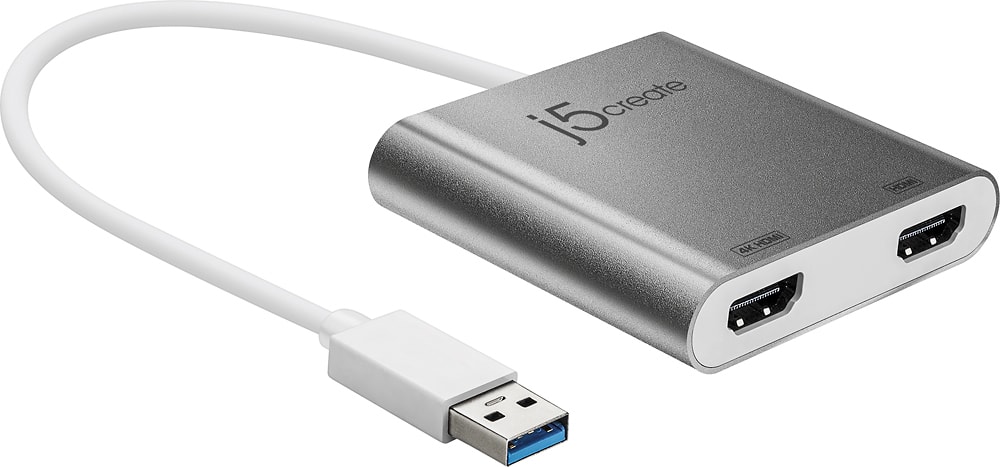
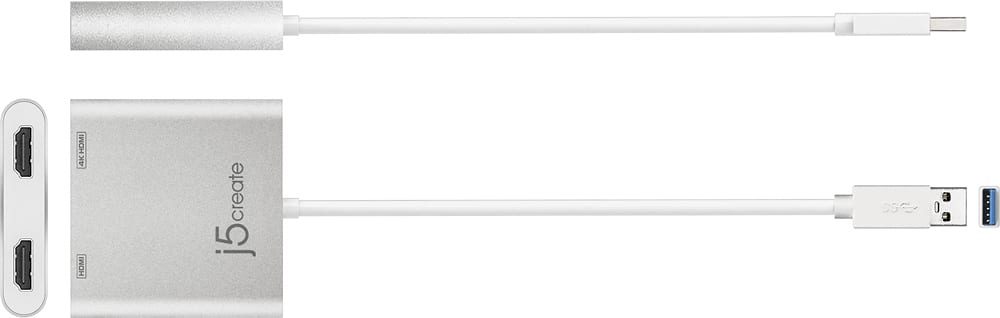
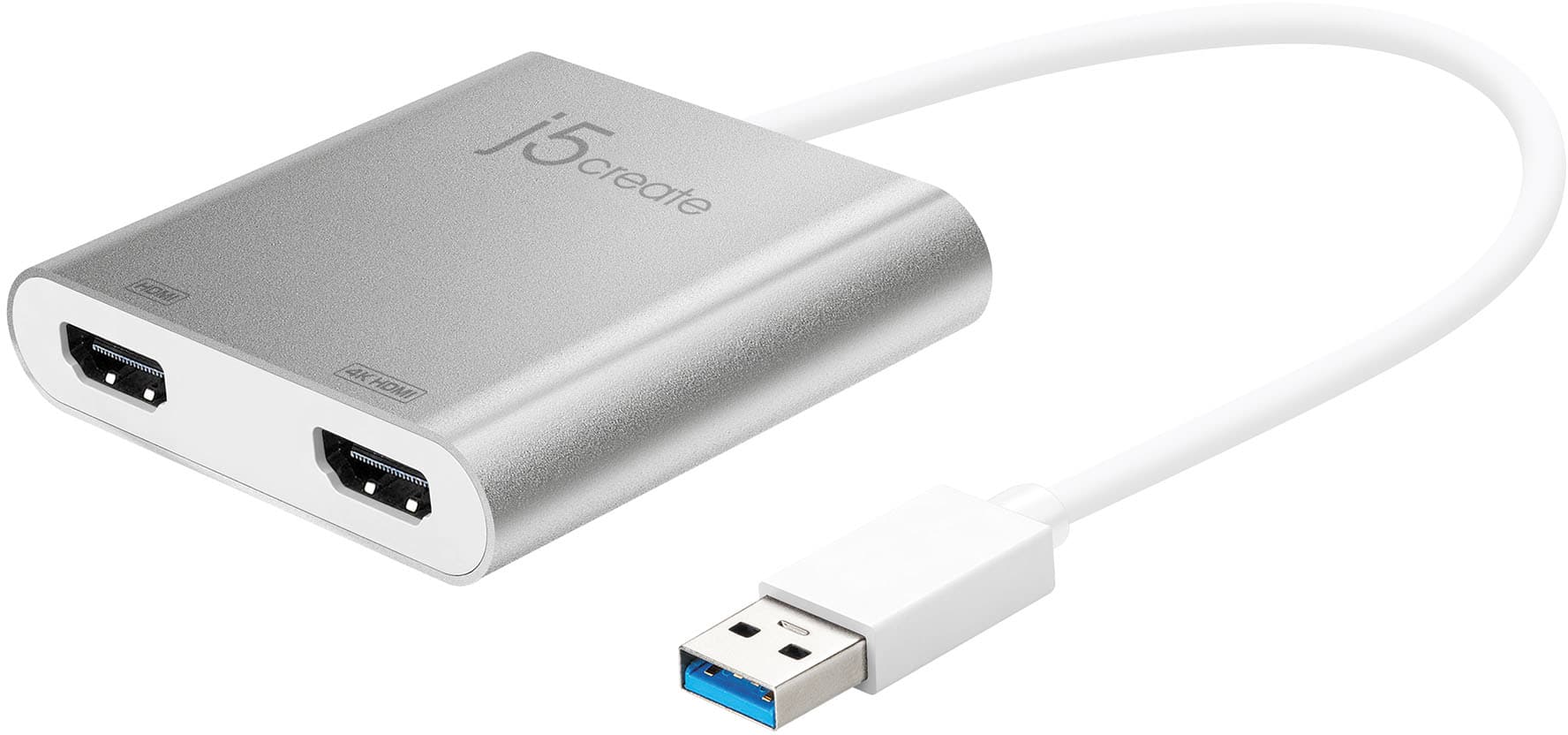
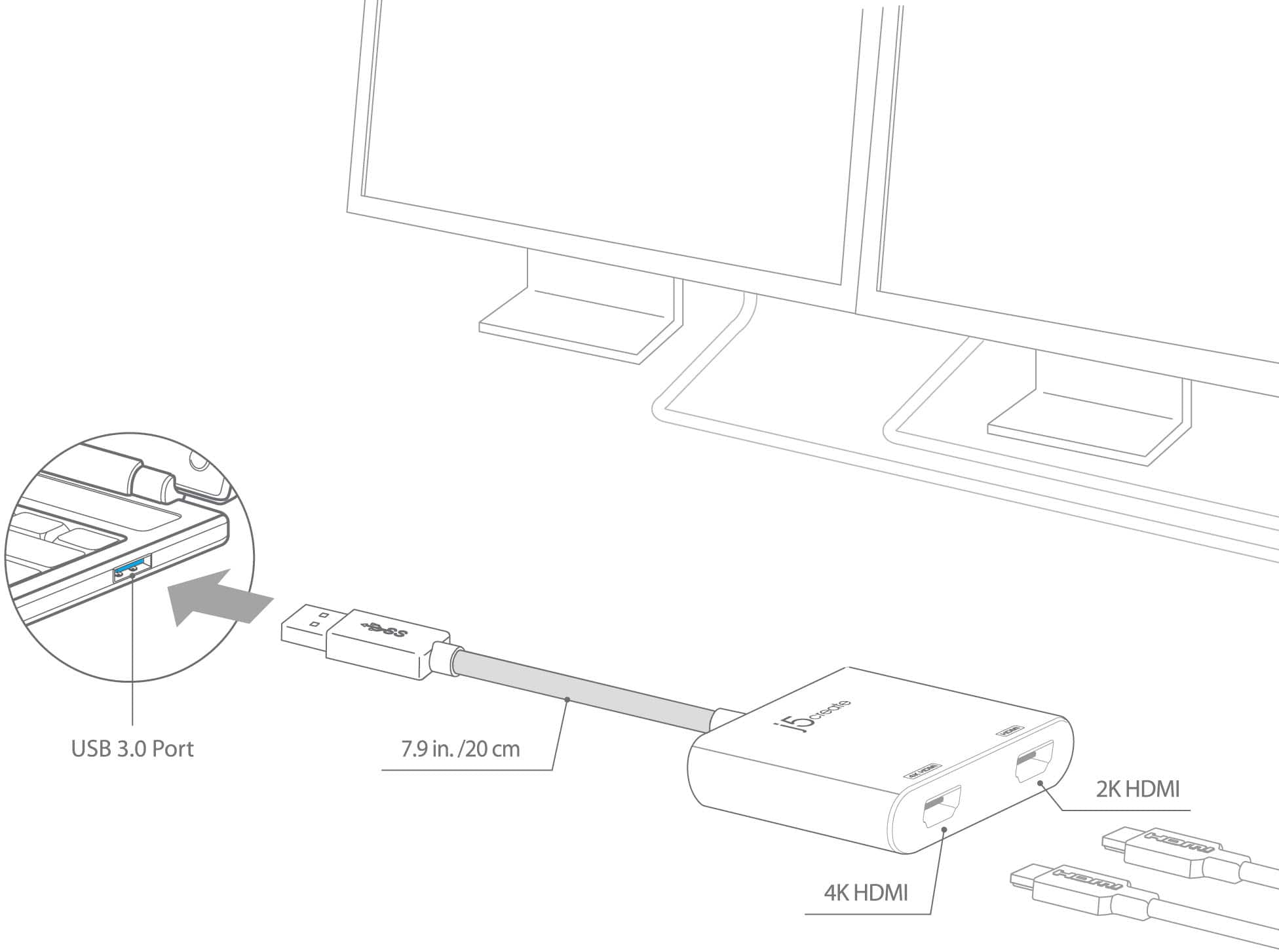
Posted .One of the HDMI ports can output resolutions up to 4K, while the other can output resolutions up to 2048 x 1152.
Super helpful!
||Posted . Owned for 1 month when reviewed.This reviewer received promo considerations or sweepstakes entry for writing a review.Perfect to be able to use both of my monitors when working on my laptop! Sometimes can be a little finicky and might have to unplug and plug back in. But then it works great! No lag!
I would recommend this to a friendLifesaver
||Posted . Owned for 1 month when reviewed.This reviewer received promo considerations or sweepstakes entry for writing a review.This has been a life-saver while I am waiting to rebuild my desktop. Unboxing was simple. I had no problem connecting my laptop to my two external monitors. Extending the desktop was no problem under Windows OS. The windows to look at not an issue. Can't to use on desktop once I have finished rebuilding. Did job it is designed to do.
I would recommend this to a friendBrand response from J5create Team
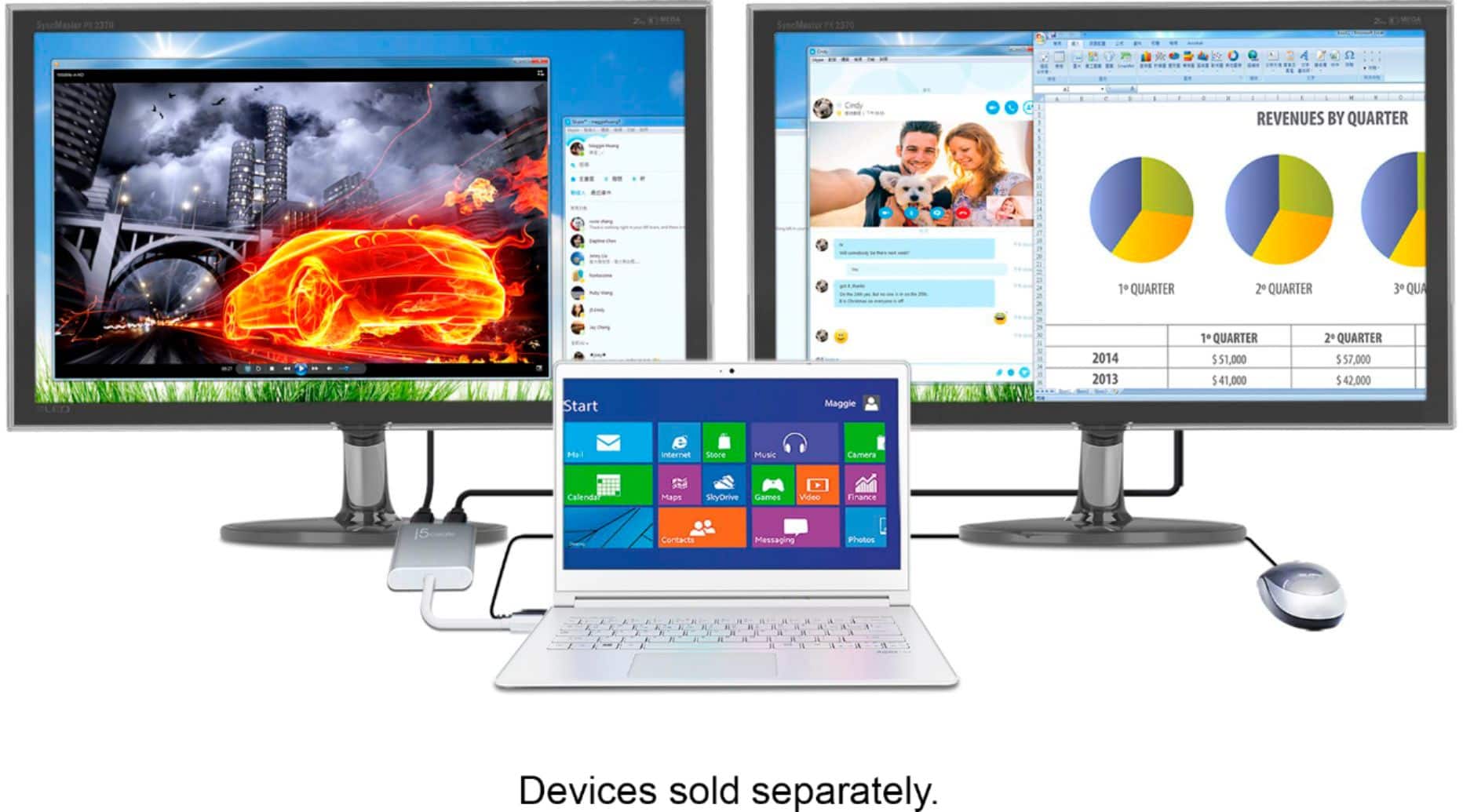
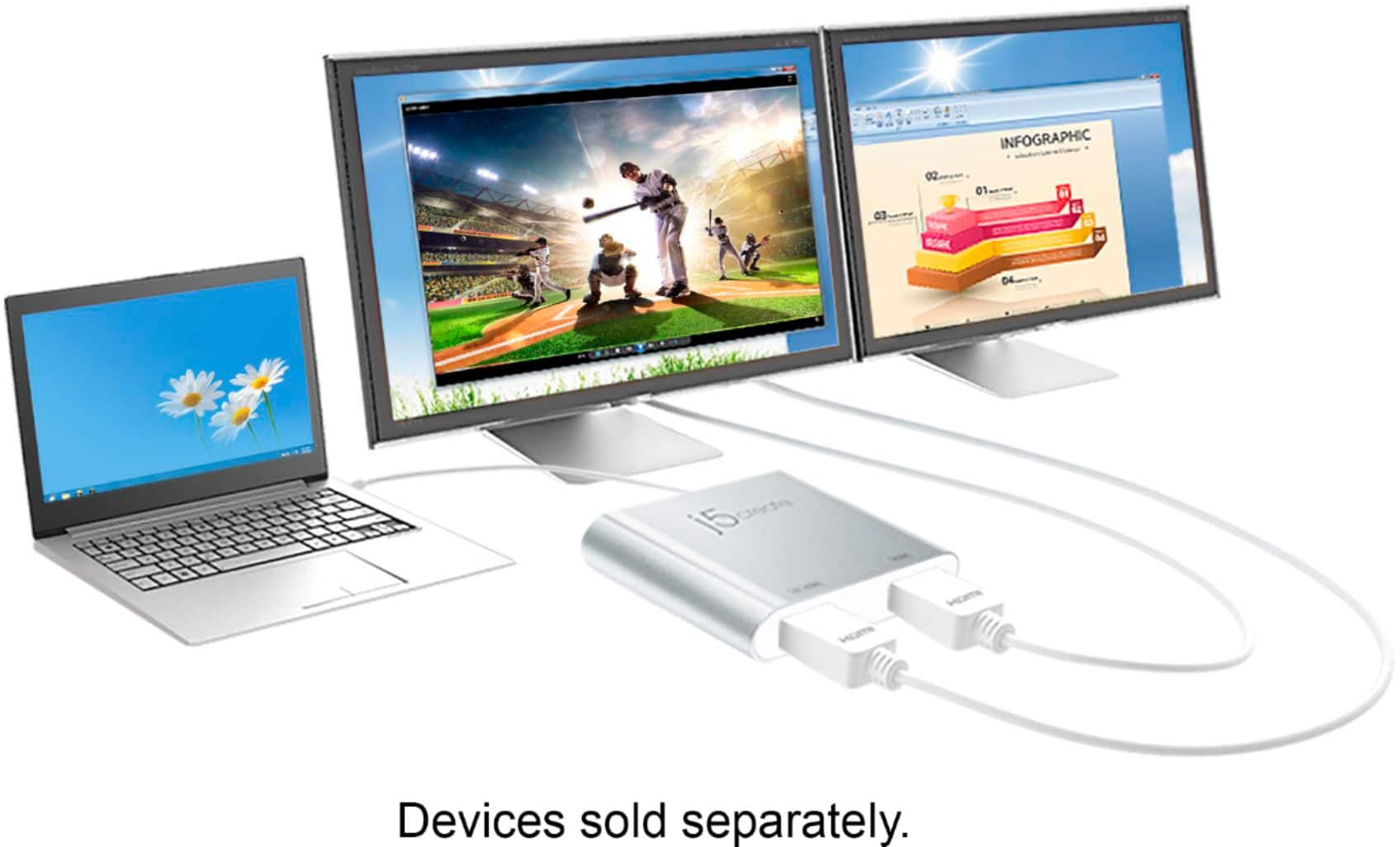
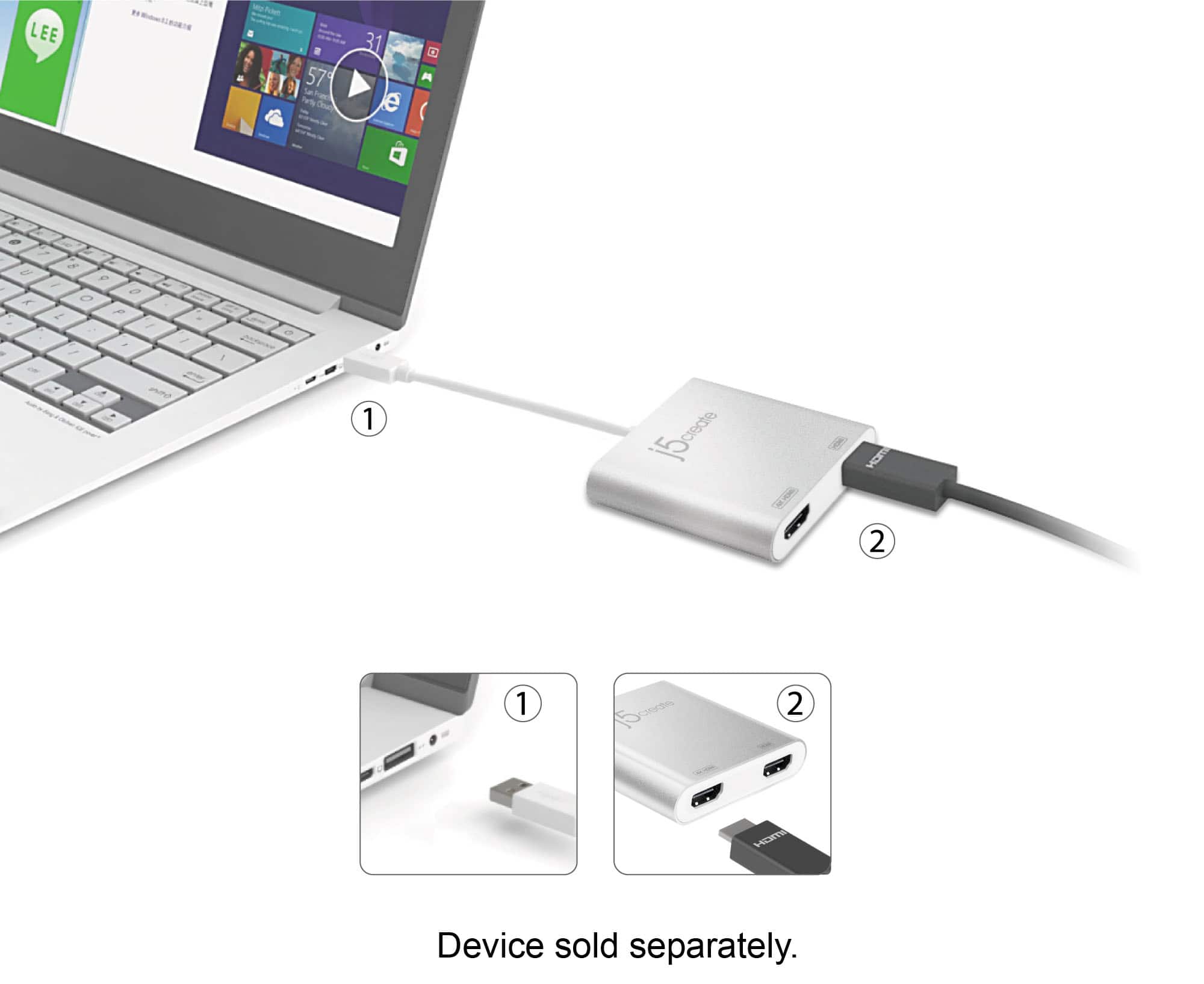
Posted .With Windows 10 you can quickly install the driver with a simple USB plug-in. Afterwards, connect the device to your monitors using HDMI cables and then you will have a dual-display workstation.
Works Perfectly!
||Posted . Owned for 3 weeks when reviewed.This reviewer received promo considerations or sweepstakes entry for writing a review.I bought a second monitor with HDMI connection so I had to find a way to connect both monitors to my laptop for work. The j5create - USB 3.0 to Dual HDMI Multi-Monitor Adapter works PERFECTLY! I don't have much to offer in terms of specs or how well the product performs relative to others. I just know it has been serving its purpose since the day I received and installed it!
I would recommend this to a friendBrand response from J5create Team
Posted .Hi Adrianne!
Fantastic! I'm glad to hear that the JUA365 has expanded your set up and made things a little better for you. If you ever have any questions regarding your device, please don't hesitate to contact us and we would be more than happy to assist you. Our information can be found on the back of all of our product boxes and on our website under the support tab. There you can find links to our livechat, phone, and ticketing services.
Thanks,
j5create
Worth the price
||Posted . Owned for 1 month when reviewed.This reviewer received promo considerations or sweepstakes entry for writing a review.This product worked like a charm right out of the box. It drives two external monitors allowing me to expand my screen across both monitors. Compared to the glitches I have with my docking station at work - this product has worked flawlessly at home. I thought the price was a bit steep but the quality has been excellent so I couldn’t be happier with the purchase.
I would recommend this to a friendBrand response from J5create Team
Posted .Hello,
Glad to hear that you feel that the JUA365 is a quality product at a fair price. We appreciate you taking your time to post a review online about your experience with the JUA365.
Thank you,
j5create
Fantastic Device
||Posted .This reviewer received promo considerations or sweepstakes entry for writing a review.I recently added two monitors to my computer. Went thru issues trying to get them to work. Called HP support and they were helpless. After spending a whole day trying to get them to work, I googled some other options, and came across this device. Went in a purchased one and boom both monitors were working. I did have to call there tech support to get them properly aligned. Turned out my old monitor was still in the registry, so my computer was showing I had three monitors. Deleted the one I was no longer using and it work perfectly. Was on the phone with there tech for about 10 minutes whom diagnosed and remedied the issues. Perfect device. I recently recommended it to a friend who was upgrading to dual monitors. Had it up and running in a matter of minutes. Great device, easy to use, and great tech support if needed.
I would recommend this to a friendBrand response from J5create Team
Posted .Great tech support is very important to us and we're excited to hear the JUA365 and our service team was a positive experience for you!
Cordially,
j5create
Great!
||Posted . Owned for 1 month when reviewed.This reviewer received promo considerations or sweepstakes entry for writing a review.This product works great! Highly recommend if you need a affordable option to have two displays.
I would recommend this to a friendIt’s great!
||Posted .This reviewer received promo considerations or sweepstakes entry for writing a review.It works wonderfully! Now I am able to utilize my desk computer monitors in the way I had envisioned.
I would recommend this to a friendAwesome
||Posted . Owned for 1 month when reviewed.This reviewer received promo considerations or sweepstakes entry for writing a review.It works with my drawing tablet, laptop & monitor. Allows me to have different tabs open on different screens while im drawing on clip studio paint.
I would recommend this to a friendHDMI - A Simple Solution For Epson Projector
||Posted . Owned for 1 month when reviewed.This reviewer received promo considerations or sweepstakes entry for writing a review.If you are needing a quick solution for your Epson Projector, the HDMI Adapter is the best choice. Easy connection and I guarantee that your projector will operate as designed.
I would recommend this to a friendMulti Monitor Adapter
||Posted . Owned for 1 month when reviewed.This reviewer received promo considerations or sweepstakes entry for writing a review.We needed an adapter that would allow us to use multiple screens at the same time. This was very affordable and worked as stated. I highly recommend.
I would recommend this to a friendGreat option for WFH set up
||Posted . Owned for 3 weeks when reviewed.This reviewer received promo considerations or sweepstakes entry for writing a review.This adapter is a godsend! I had been looking for something to extend my screen display for my WFH set up. The problem was my computer had one HDMI output, one DisplayPort Output, and the USBs. I needed to extend to 3 screens. This device works really well to allow me to use all 3 screens with only using one HDMI port and one USB. I do have one issue and that is that sometimes the screens freeze. I have to unplug and plug back in maybe once or twice a week. For someone on my computer 40 hours a week, that is more than okay. I would still definitely recommend.
I would recommend this to a friendAdd more monitors!
||Posted . Owned for 1 year when reviewed.This reviewer received promo considerations or sweepstakes entry for writing a review.Works seemlessly. Bought two to extend my pc on to four additional screens. Easily installed driver if needed.
I would recommend this to a friendGreat purchase
||Posted . Owned for 1 year when reviewed.This reviewer received promo considerations or sweepstakes entry for writing a review.Works well quality is good easy to use just follow instructions
I would recommend this to a friendEasy and effective
||Posted . Owned for 10 months when reviewed.This reviewer received promo considerations or sweepstakes entry for writing a review.Very simple but works great for my dual screen set up
I would recommend this to a friendj5create USB 3.0 to Dual HDMI Multi-Monitor Adapt
||Posted . Owned for 1 month when reviewed.This reviewer received promo considerations or sweepstakes entry for writing a review.Affordable Multi-Monitor Solution: It’s an excellent option for users who need additional screens without upgrading their graphics card or docking station. Compact and Portable: Perfect for remote workers or those frequently on the go. Reliable Performance: Smooth operation for general tasks such as office work, browsing, or light media consumption.
I would recommend this to a friend