Customer Ratings & Reviews


- Model:
- F0EM0003US
- SKU:
- 6365785
Rating by feature
- Value
Rating 4.6 out of 5 stars
- Quality
Rating 4.6 out of 5 stars
- Ease of Use
Rating 4.6 out of 5 stars
Customers are saying
Customers are positive about the A540-24API's touch screen, ease of use, and overall quality. Many appreciate its design and size, finding it compact and suitable for their needs. The speed of the solid-state drive is also frequently praised. However, some customers mention limited storage space and a desire for more ports.
This summary was generated by AI based on customer reviews.
- Pros mentioned:Quality, Speed, Touch screenCons mentioned:Ports
Great Home computer, that's Fast.
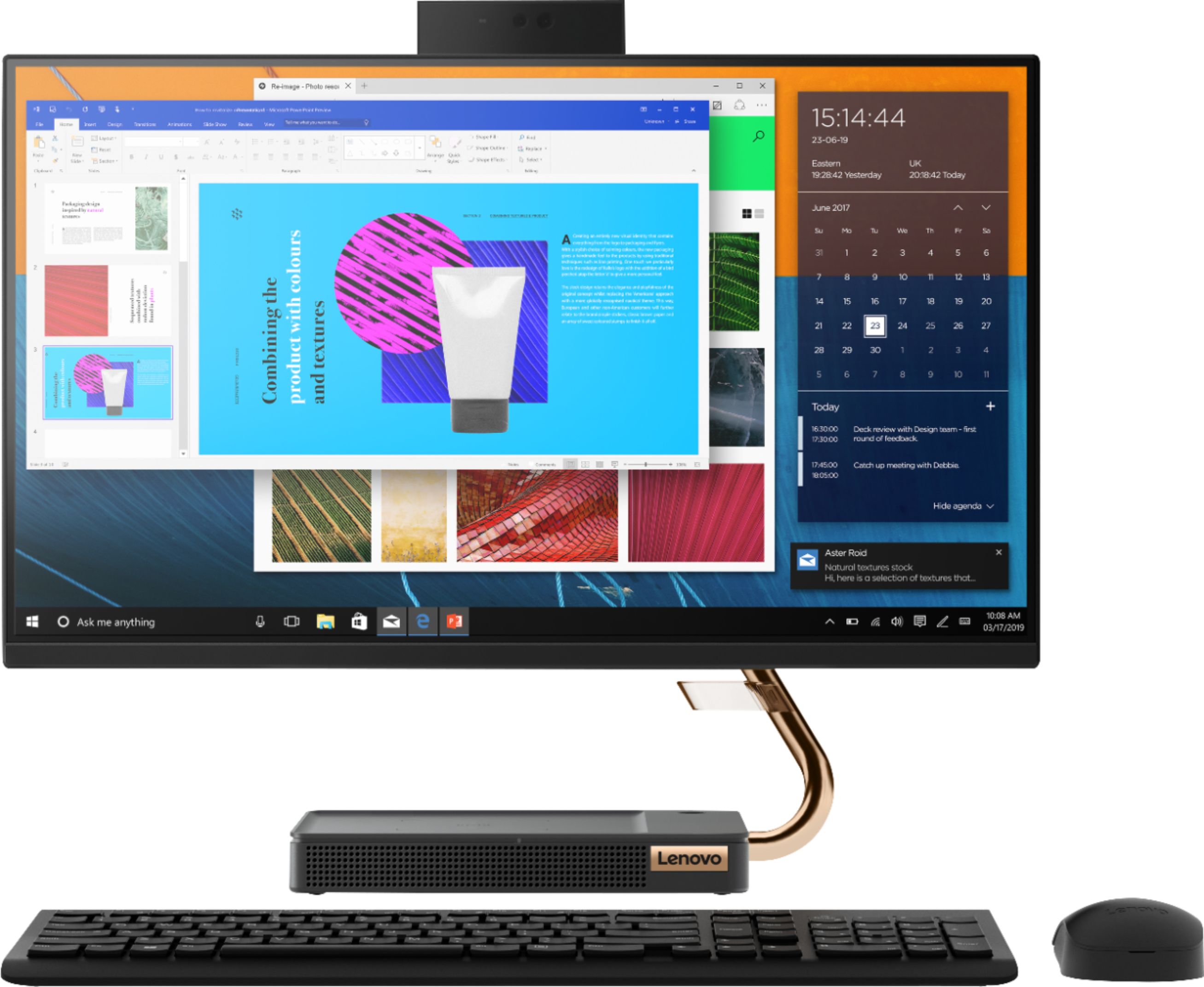
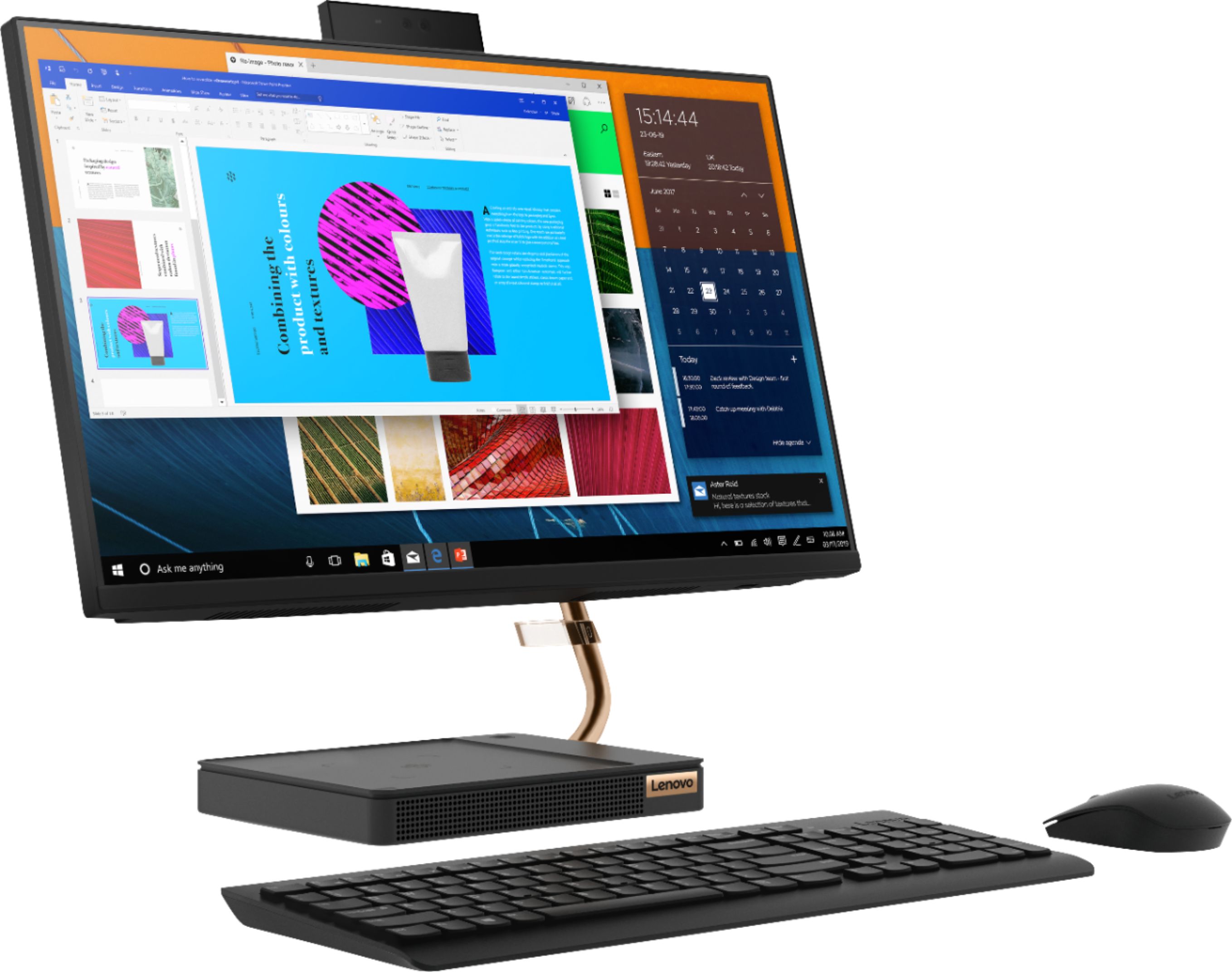
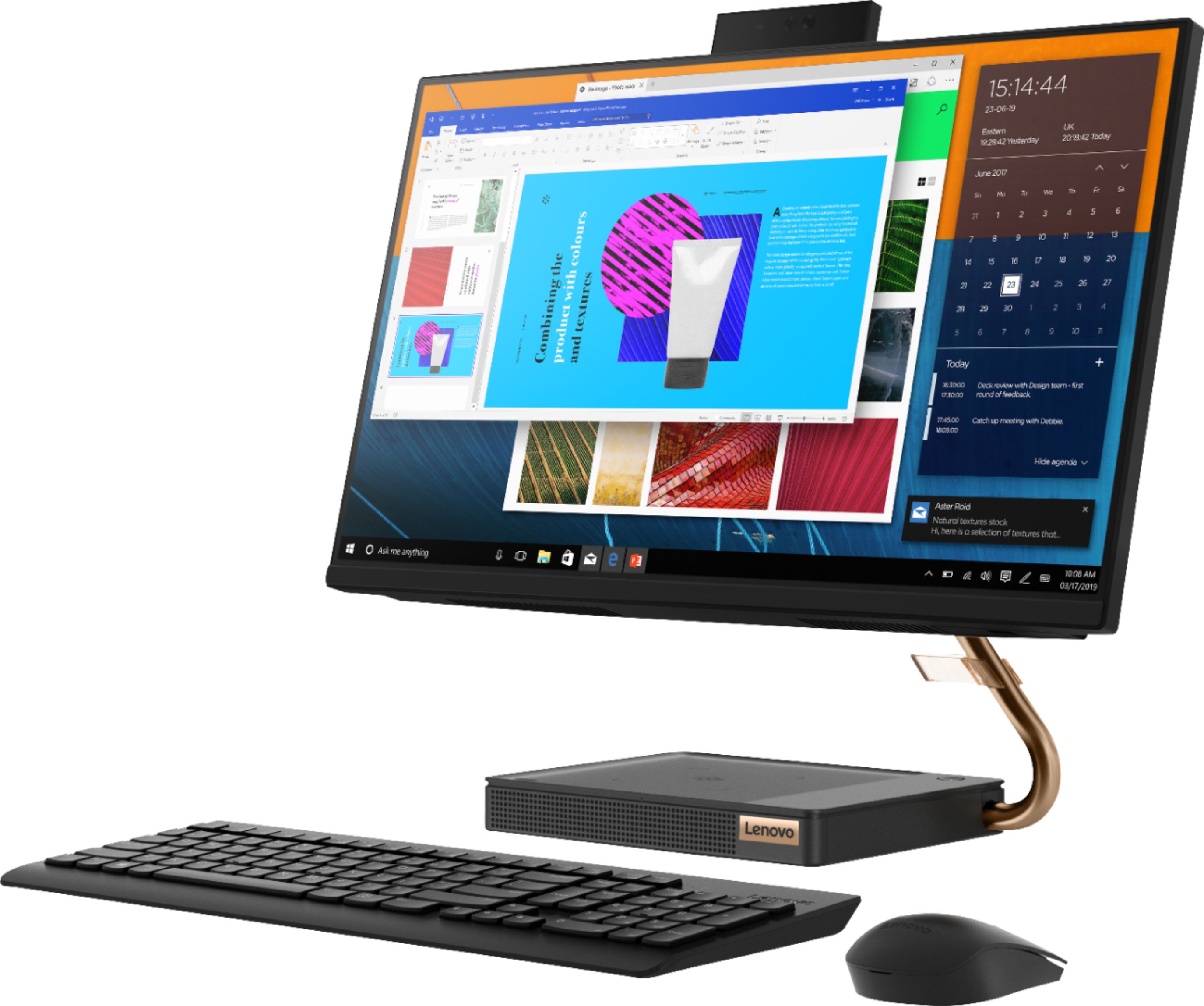
||Posted . Owned for 1 month when reviewed.This reviewer received promo considerations or sweepstakes entry for writing a review.This is the first AMD computer I bought, it has an Apple like feel to it in regards to the speed of selecting apps and the touch function. It has a sleek elegant mouse and keyboard (there's a usb dongle dont loose it). AIO computer are great because you make things real simple to connect. So theres only 1 power cord to connect. Its recieves wireless internet so you can technically pick it up and relocate it where with little effort. I bought it during black friday @$500 great value
I would recommend this to a friendBrand response from Lenovo Product Expert
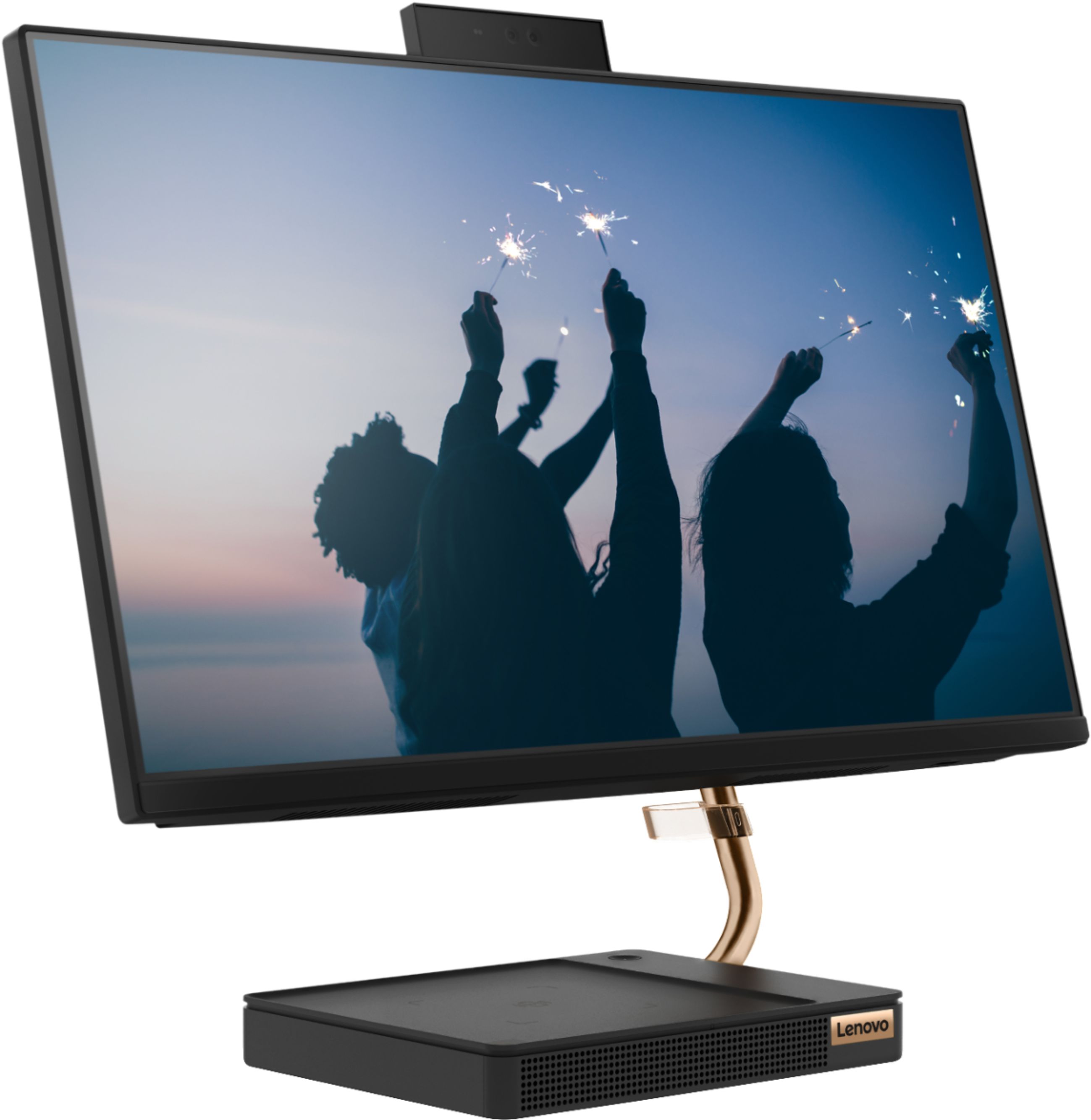
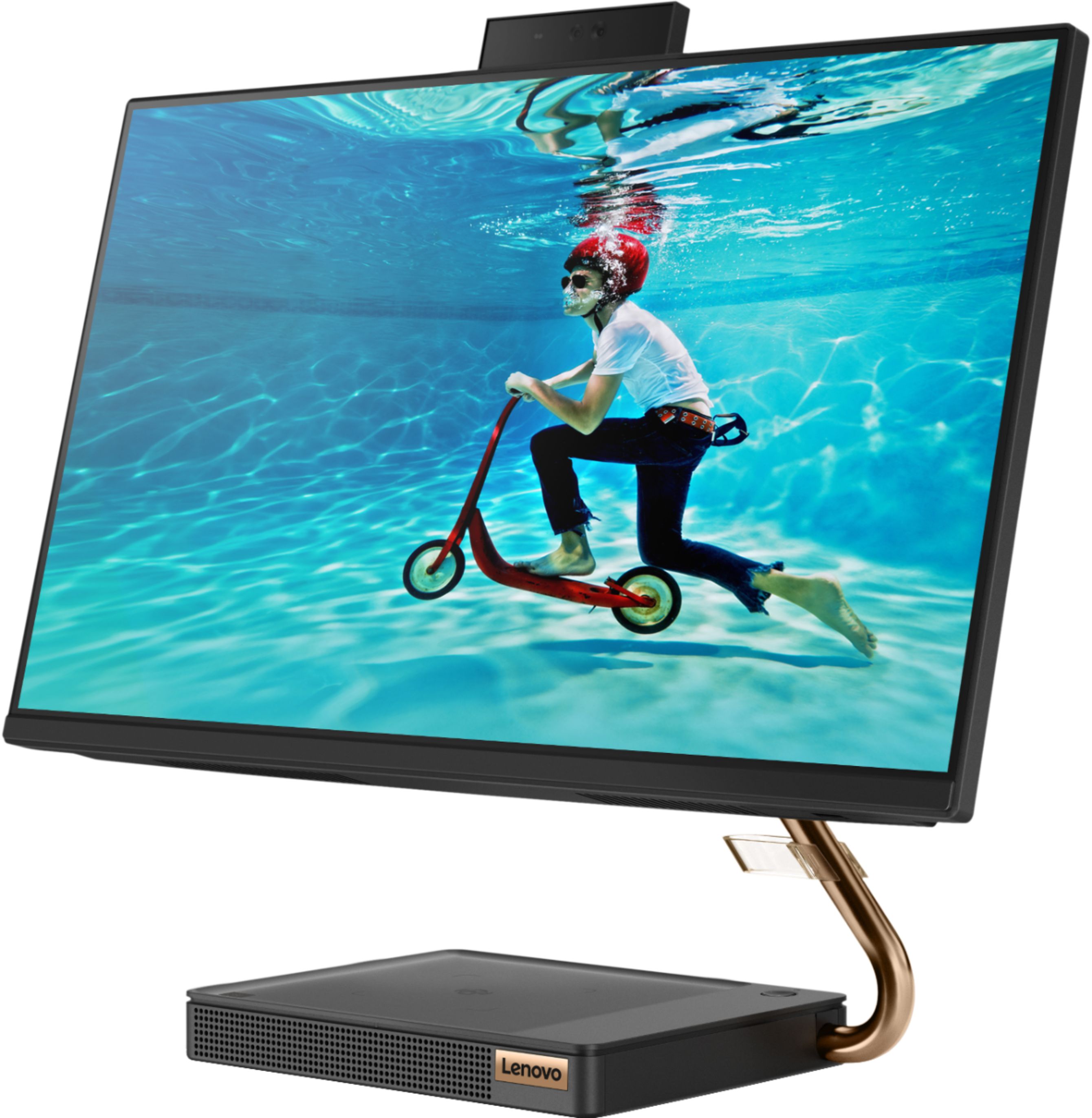
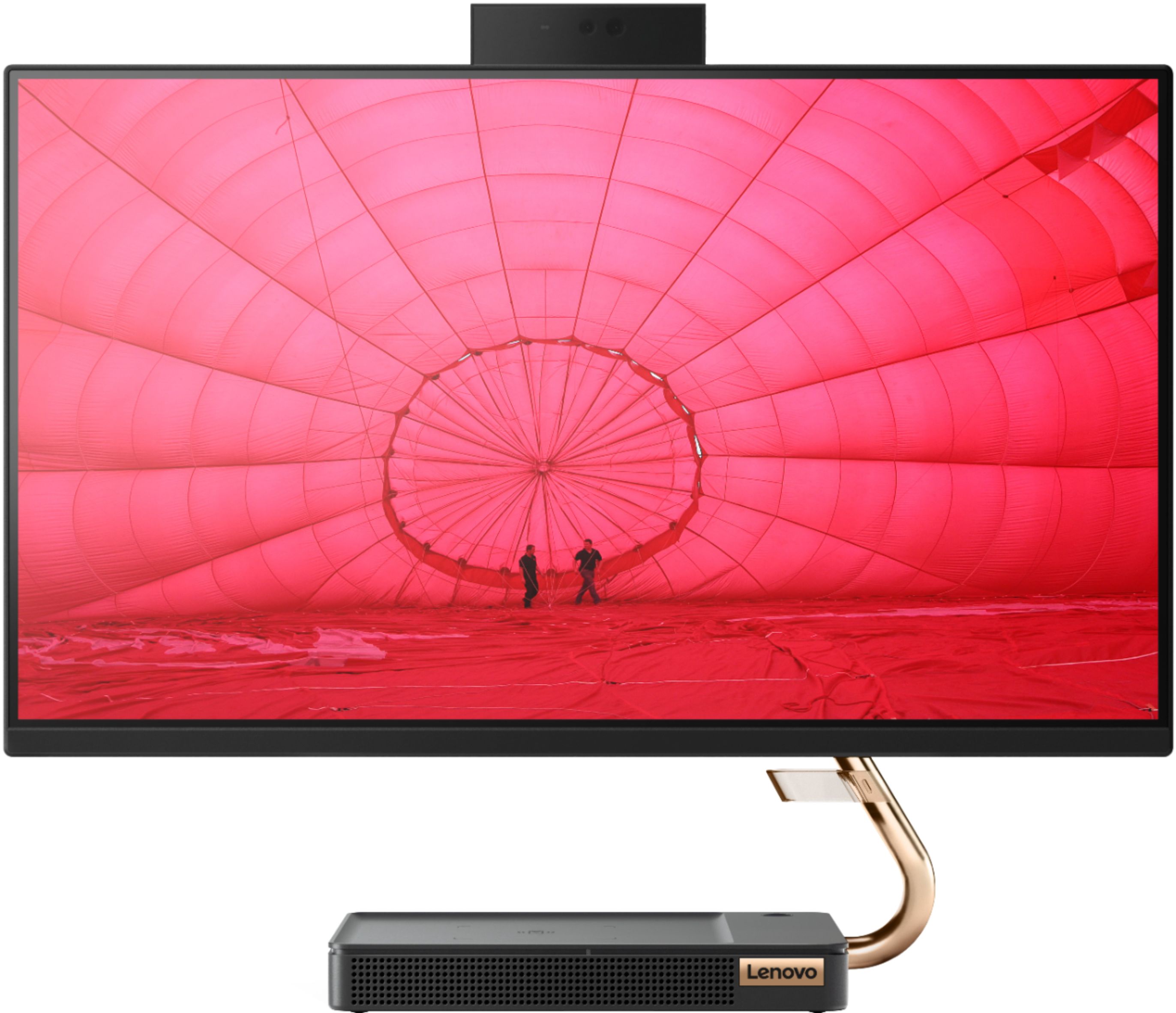
Posted .Thank you for choosing the Lenovo IdeaCentre A540-24 All-In-One system. We are pleased to hear that the value, features and performance of the IdeaCentre A540-24 AIO meets your computing needs so well. Taking its cue from nature, the stylish IdeaCentre A540 is inspired by the cypress tree: perfectly balanced and durable. Sacrificing nothing on performance, this all-in-one PC is an attractive addition to your home or office. With up to 93-percent screen-to-body ratio and thin, narrow bezels, the A540 minimizes visual distractions and gives you more to enjoy than a regular 24-inch display. To enhance your viewing experience even further, the A540 ships with FHD resolution.

- Pros mentioned:Touch screen
Super fast! Responsive!
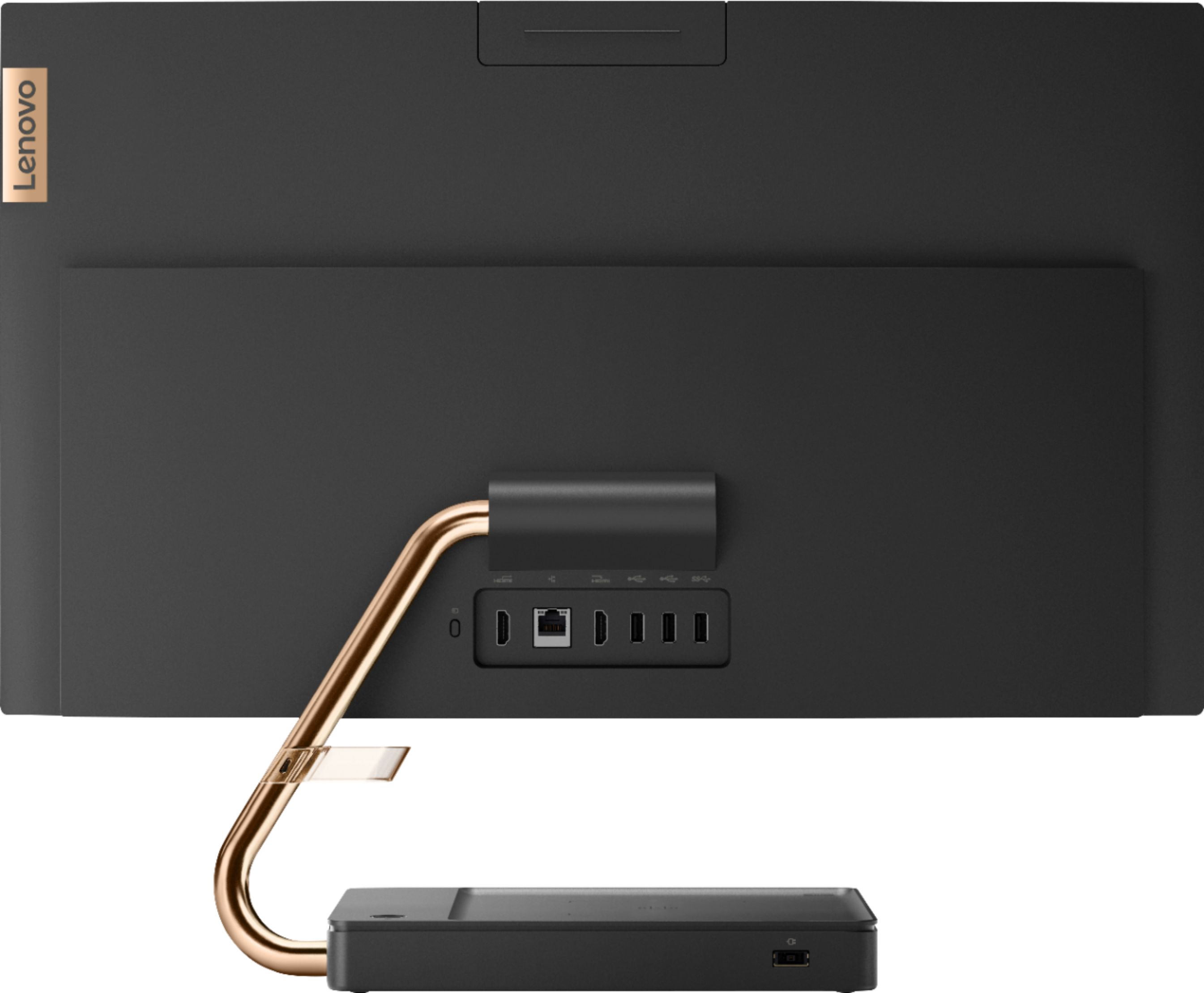
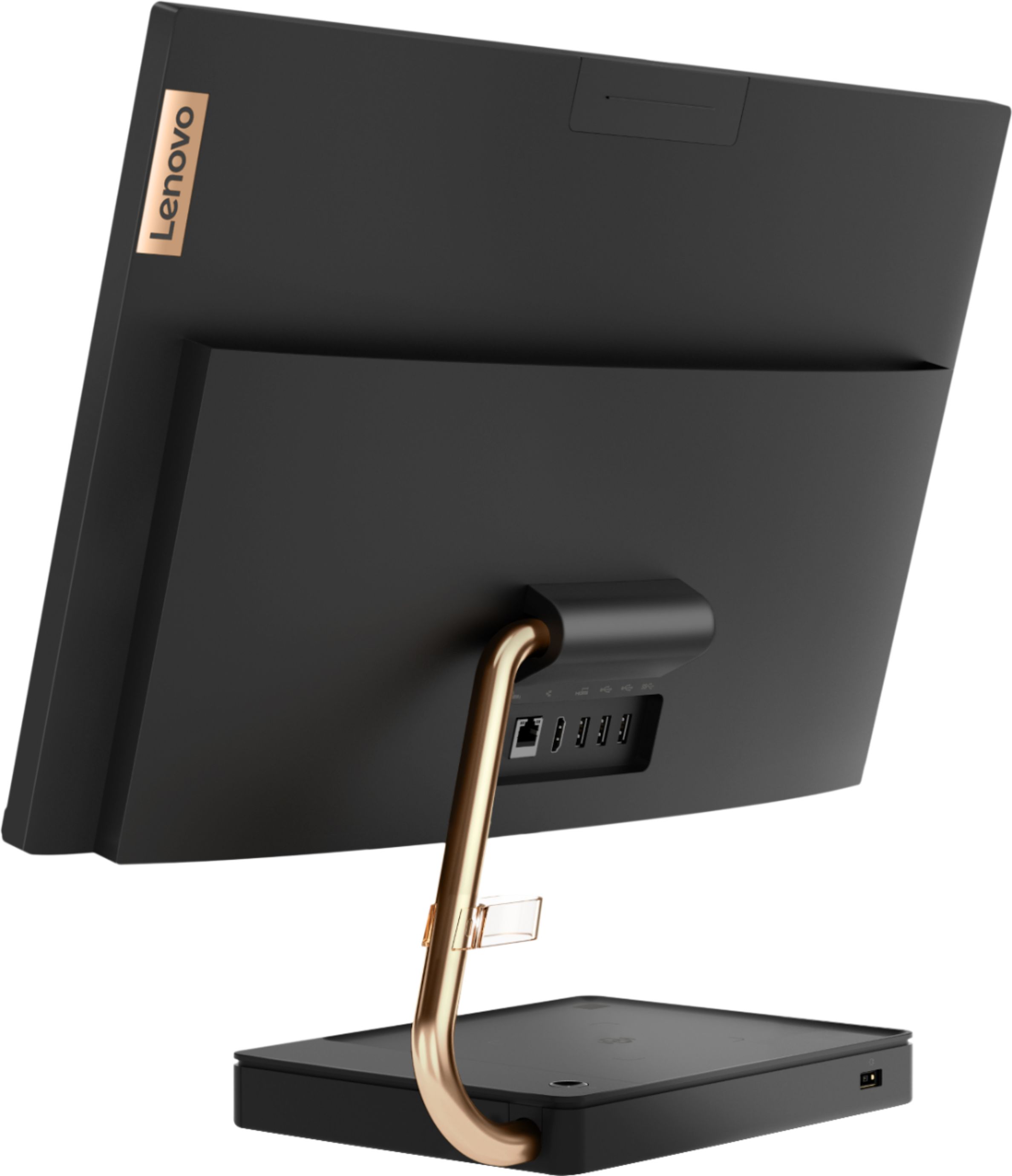
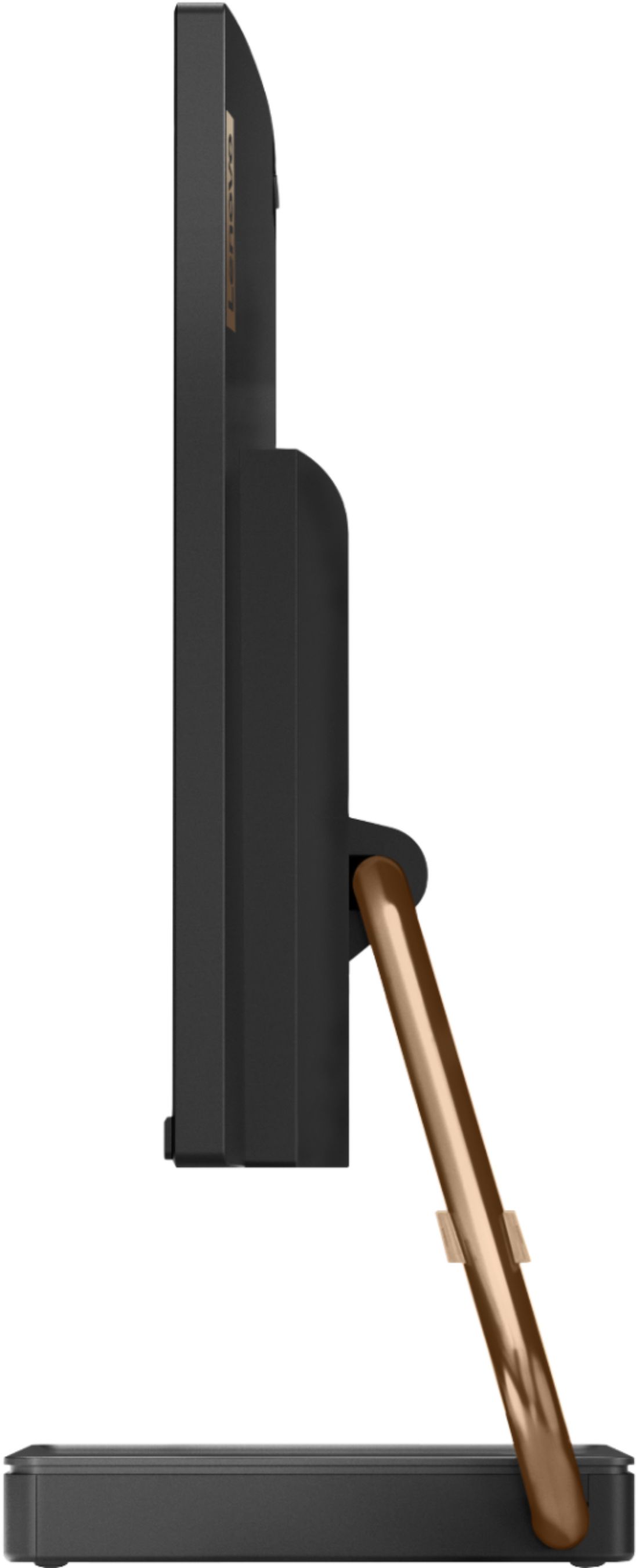
||Posted . Owned for less than 1 week when reviewed.This reviewer received promo considerations or sweepstakes entry for writing a review.Futuristic look! Excellent speed for work and home use! Having a SSD hard drive is very fast during boot up and opening programs/apps. Touch screen is responsive. Multi tasking is smooth with 8 meg of ram. Gave it 4 stars since all the USB is behind and side of the monitor. Lenovo should of put at least 2 of them on the front of the base.
I would recommend this to a friendBrand response from Lenovo Product Expert
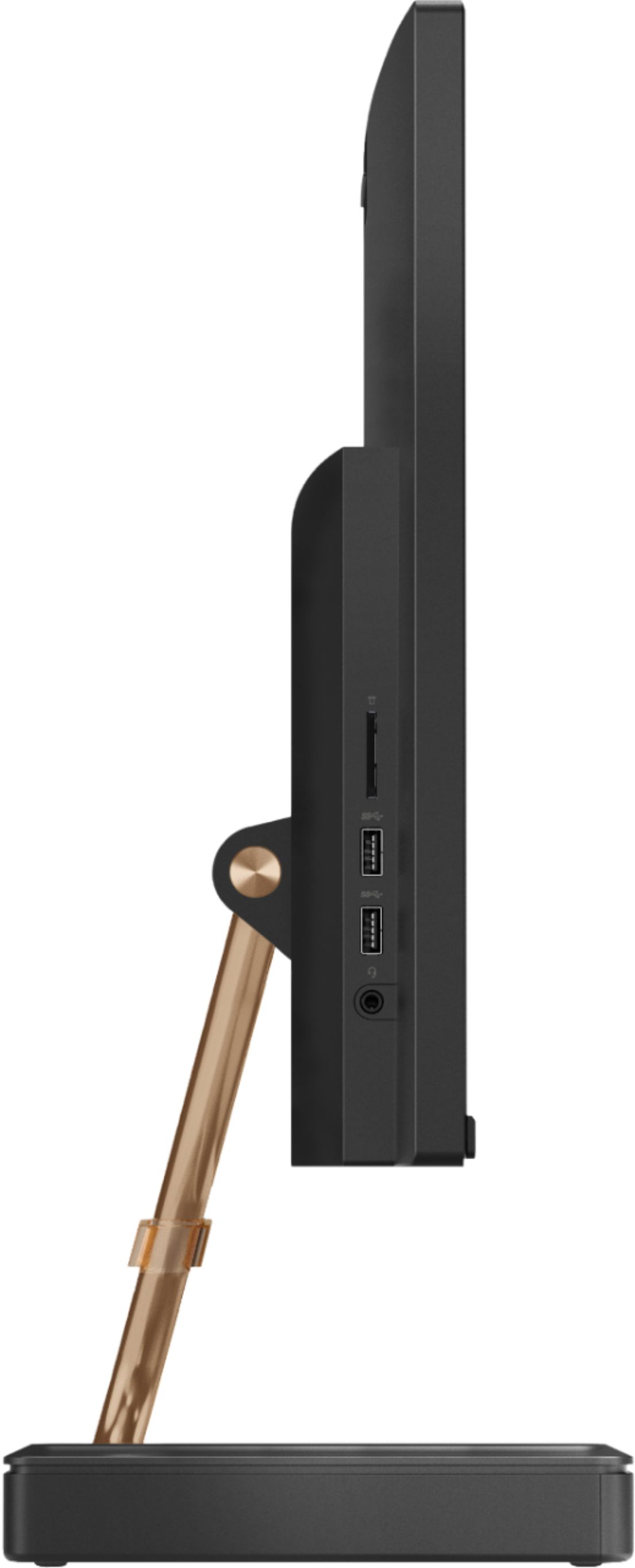
Posted .Thank you for choosing the Lenovo IdeaCentre A540-24 All-In-One system. This model number F0EM0003US, has two additional USB port on the left side of the screen, along with the 3 in 1 SD card reader that is compatible with SD, SDHC, SDXC smart cards and the 3.5mm headset jack. Taking its cue from nature, the stylish IdeaCentre A540 is inspired by the cypress tree: perfectly balanced and durable. Sacrificing nothing on performance, this all-in-one PC is an attractive addition to your home or office. With up to 93-percent screen-to-body ratio and thin, narrow bezels, the A540 minimizes visual distractions and gives you more to enjoy than a regular 24-inch display. To enhance your viewing experience even further, the A540 ships with FHD resolution.
Love it!
||Posted . Owned for 3 weeks when reviewed.This reviewer received promo considerations or sweepstakes entry for writing a review.I’ve been eyeing computers/all in ones for a few months now and I was pretty set on a different computer before I saw this one in store. I was hesitant about it because I am someone who HAS to read reviews to know what people think of products before I buy them and this one has none, so it was a gamble. I absolutely love my new computer. Not only is it beautiful and very aesthetically pleasing, but it runs great for everything I wanted it to; casual gaming and typical work/school use. I’ve not run into any problems so far and set up was a breeze.
I would recommend this to a friendBrand response from Lenovo Product Expert
Posted .Thank you for choosing the new Lenovo IdeaCentre A540-24 All-In-One system. We are pleased to hear that the features and performance of the IdeaCentre A540-24 AIO meets your computing needs so well. With up to 93-percent screen-to-body ratio and thin, narrow bezels, the A540 minimizes visual distractions and gives you more to enjoy than a regular 24-inch display.
Sleek, Compact and fast
||Posted . Owned for 1 month when reviewed.This reviewer received promo considerations or sweepstakes entry for writing a review.This is a awesome all in one! Right out the box it was super easy to setup. Once I turned it on the install was even easier just following all the prompts. I was completely set up in at least 10-15mins tops. It is a super fast computer as I use it to work from home and multiple screens are always open and I am yet to have any issues. Only thing I keep forgetting to do is turn off my wireless mouse and keyboard- wish it would turn off automatically. But even with that my mouse is still on day one batteries(I changed out the regular batteries it came with to rechargeable)
I would recommend this to a friendBrand response from Lenovo Product Expert
Posted .Thank you for choosing the Lenovo IdeaCentre A540-24 All-In-One system. We are pleased to hear that the ease of setup, features and performance of the IdeaCentre A540-24 AIO meets your computing needs so well. Taking its cue from nature, the stylish IdeaCentre A540 is inspired by the cypress tree: perfectly balanced and durable. Sacrificing nothing on performance, this all-in-one PC is an attractive addition to your home or office. With up to 93-percent screen-to-body ratio and thin, narrow bezels, the A540 minimizes visual distractions and gives you more to enjoy than a regular 24-inch display. To enhance your viewing experience even further, the A540 ships with FHD resolution.
- Pros mentioned:Speed, Touch screen
Great for home office!
||Posted . Owned for 3 weeks when reviewed.This reviewer received promo considerations or sweepstakes entry for writing a review.really great all in one, pretty fast, awesome not having to deal with cords! Great screen!!
I would recommend this to a friend Great desktop but....
||Posted . Owned for 1 month when reviewed.This reviewer received promo considerations or sweepstakes entry for writing a review.I really love this desktop but I'm having trouble with the Webcam. When I'm on zoom meetings the picture quality is horrible. I'm having no luck getting help with Lenovo support. If I don't get help soon I'll have to return it because the main purpose was to use it for zoom meetings.
I would recommend this to a friendBrand response from Lenovo Product Expert
Posted .We are sorry to hear that you are having issues with the webcam on your Lenovo IdeaCentre A540-24 All-In-One system. Try your webcam without connecting to any video conferencing APP. Here is a link to instructions for opening your webcam without any other APP running: https://support.microsoft.com/en-us/help/4028647/windows-open-the-camera-in-windows-10. Make a short video recording to check the quality of the webcam. Save the file to your desktop. Then double click on the file to play it back. If the video quality is better than what you get while using any video conferencing APPs, the problem lies with the specific APP and you should consult the APP's troubleshooting web page. If the quality of the video playback is as bad as you see with your video conferencing APPs, then check to be sure you have the latest version of Windows 10 on your computer. Then update all of the BIOS files and drivers up to that latest version of Windows 10. You can easily accomplish this by scanning the computer with the Lenovo Utility software available on this computer. This system has Lenovo utilities installed to help maintain the health of the device and keep the operating system software up to date. Type "Lenovo Vantage" in the Cortana Search window (if Lenovo Vantage is not installed on your device, you can download the APP and install it now). Select Lenovo Vantage from the list. In the window that opens, click on "Health and Support". In the expanded menu, select "Hardware Scan" In the window that opens, select "Run Quick Tests". This will scan your entire system for errors. Follow any directions that may pop up. If the problem continues after this scan, now click on "System Update". First select Windows update from the menu. Scan your system to be sure you have the latest version of Windows 10. Once that scan is complete, select "Additional Updates". This will scan your device to be sure there are no new BIOS/Driver updates needed. Follow any instructions that may pop up. If the issue still continues after these updates, we recommend you call Lenovo Tech Support at: 877-453-6686 for additional help.
Great computer for first timer tween...
||Posted . Owned for 3 weeks when reviewed.This reviewer received promo considerations or sweepstakes entry for writing a review.The screen is nice and large. The "touch" is quick to respond. Love the fact that there are ZERO cords laying around for little feet to trip over. There is a clip on the arm where you can attach any cords for extras...perfect idea... I would have liked the keys on keyboard to be a little larger and more responsive - yet - works perfectly and good for little fingers.
I would recommend this to a friendBrand response from Lenovo Product Expert
Posted .Thank you for choosing the Lenovo IdeaCentre A540-24 All-In-One system. The only cord the IdeaCentre A540-24 AIO uses is the power cord. The keyboard and mouse are wireless. Taking its cue from nature, the stylish IdeaCentre A540 is inspired by the cypress tree: perfectly balanced and durable. Sacrificing nothing on performance, this all-in-one PC is an attractive addition to your home or office. With up to 93-percent screen-to-body ratio and thin, narrow bezels, the A540 minimizes visual distractions and gives you more to enjoy than a regular 24-inch display. To enhance your viewing experience even further, the A540 ships with FHD resolution.
- Pros mentioned:Touch screen
Not bad
||Posted . Owned for less than 1 week when reviewed.This reviewer received promo considerations or sweepstakes entry for writing a review.I didn't care about touch screen, but now I kinda like it. Not a bad PC and it can be upgraded which is a plus. Worth the money yes it's decent
I would recommend this to a friend - Pros mentioned:Touch screen
Great computer for the price
||Posted . Owned for 3 weeks when reviewed.This reviewer received promo considerations or sweepstakes entry for writing a review.My 10 y.o. Daughter loves her Christmas gift and I received extra kisses because it’s touch screen. Great buy!
I would recommend this to a friendBrand response from Lenovo Product Expert
Posted .Thank you for choosing the Lenovo IdeaCentre A540-24 All-In-One system for your daughter. We are pleased to hear that the features and performance of the IdeaCentre A540-24 AIO meets your daughter's computing needs so well.
- Pros mentioned:Touch screen
Love this computer
||Posted . Owned for 1 month when reviewed.This reviewer received promo considerations or sweepstakes entry for writing a review.Perfect size and function for what I need. Camera quality isn't great but I haven't played with it. Love this computer.
I would recommend this to a friendBrand response from Lenovo Product Expert
Posted .The Lenovo IdeaCentre A540-24 All-In-One system model number F0EM0003US, ships with a Infrared (IR) camera with a FHD 1080p resolution, for crystal clear video conferencing and facial recognition Windows Hello security. If you are getting less than expected performance from your webcam, first, be sure you have the latest version of Windows 10 on the computer. Then update all of the BIOS files and drivers, including the video drivers for the webcam, up to that latest version of Windows 10. You can easily accomplish this by scanning the computer with the Lenovo Utility software available on this computer. This system has Lenovo utilities installed to help maintain the health of the device and keep the operating system software up to date. Type "Lenovo Vantage" in the Cortana Search window (if Lenovo Vantage is not installed on your device, you can download the APP and install it now). Select Lenovo Vantage from the list. In the window that opens, click on "Health and Support". In the expanded menu, select "Hardware Scan" In the window that opens, select "Run Quick Tests". This will scan your entire system for errors. Follow any directions that may pop up. If the problem continues after this scan, now click on "System Update". First select Windows update from the menu. Scan your system to be sure you have the latest version of Windows 10. Once that scan is complete, select "Additional Updates". This will scan your device to be sure there are no new BIOS/Driver updates needed. Follow any instructions that may pop up. If the issue still continues after these updates, we recommend you call Lenovo Tech Support at: 877-453-6686 for additional help.
- Pros mentioned:Touch screen
Love my Lenovo All-in-One!
||Posted . Owned for 1 month when reviewed.This reviewer received promo considerations or sweepstakes entry for writing a review.Works great! Large clear screen! Good speakers, mic, camera! What’s not love?
I would recommend this to a friendBrand response from Lenovo Product Expert
Posted .Thank you for choosing the Lenovo IdeaCentre A540-24 All-In-One system. We are pleased to hear that the features and performance of the IdeaCentre A540-24 AIO meets your computing needs so well. Taking its cue from nature, the stylish IdeaCentre A540 is inspired by the cypress tree: perfectly balanced and durable. Sacrificing nothing on performance, this all-in-one PC is an attractive addition to your home or office. With up to 93-percent screen-to-body ratio and thin, narrow bezels, the A540 minimizes visual distractions and gives you more to enjoy than a regular 24-inch display. To enhance your viewing experience even further, the A540 ships with FHD resolution.
- Pros mentioned:Ease of use
Ready for WFH and School
||Posted . Owned for 3 weeks when reviewed.This reviewer received promo considerations or sweepstakes entry for writing a review.Absolutely Great for Working from Home and Going to school virtually to gaming
I would recommend this to a friend Love it
||Posted . Owned for 1 month when reviewed.This reviewer received promo considerations or sweepstakes entry for writing a review.I absolutely love this computer I use it to operate my business. Definitely worth every penny
I would recommend this to a friendBrand response from Lenovo Product Expert
Posted .Thank you for choosing the Lenovo IdeaCentre A540-24 All-In-One system for your business. We are pleased to hear that the value and performance of the IdeaCentre A540-24 AIO meets your business computing needs so well. Taking its cue from nature, the stylish IdeaCentre A540 is inspired by the cypress tree: perfectly balanced and durable. Sacrificing nothing on performance, this all-in-one PC is an attractive addition to your home or office. With up to 93-percent screen-to-body ratio and thin, narrow bezels, the A540 minimizes visual distractions and gives you more to enjoy than a regular 24-inch display. To enhance your viewing experience even further, the A540 ships with FHD resolution.
I love it
||Posted . Owned for 2 weeks when reviewed.This reviewer received promo considerations or sweepstakes entry for writing a review.It works perfectly for my kids school. My kids rather use the computer without the keyboard.
I would recommend this to a friendNo Web-cam
||Posted . Owned for 10 months when reviewed.This reviewer received promo considerations or sweepstakes entry for writing a review.The product specs say the system has built-in webcam however, this monitor does not have a built-in webcam.
I would recommend this to a friendBrand response from Lenovo Product Expert
Posted .The Lenovo IdeaCentre A540-24 All-In-One system, model number F0EM0003US, has a hide-away 1080p + IR Webcam with Windows Hello Facial Recognition capability. Here is a link to this model's User Guide which illustrates the location and function of the built in webcam: https://files.bbystatic.com/5QgFAT2pKaoxC%2FEllGZefQ%3D%3D/7651CCD9-5A47-43DA-AE28-7C2F6DCC2B4B.pdf
- Pros mentioned:QualityCons mentioned:Storage
Good but that's expected!
Posted .This reviewer received promo considerations or sweepstakes entry for writing a review.This product works as described. Over the years, just like any desktop or laptop they just having their issues. Good for every day use, and browsing. Never used to stream games. But I have used it for work from home. In the long run, this is an ideal family computer but not for those looking for content creating that requires high def, space for storage or photoshop. Good brand, quality and great all in one.
I would recommend this to a friend - Pros mentioned:Design, Ease of use, Speed
All around great computer
||Posted . Owned for 1 month when reviewed.This reviewer received promo considerations or sweepstakes entry for writing a review.Pros: Easy to use and set up Very fast Good for gaming Touch screen works great Nice look and design Nice wireless keyboard and mouse Great price Cons: What cons? My computer keyboard had problems with buttons sticking like the space bar. My wife emailed the company and they quickly sent us a new one and it works great. I love this computer and am very happy with this purchase after using it for over a month. This is my first Lenovo and I will definitely buy another Lenovo computer in the future.
I would recommend this to a friendBrand response from Lenovo Product Expert
Posted .Thank you for choosing the Lenovo A540-24 All-In-One system. We are pleased to hear that the easy setup, features and performance of the IdeaCentre A540-24 AIO meets your computing needs so well. Taking its cue from nature, the stylish IdeaCentre A540 is inspired by the cypress tree: perfectly balanced and durable. Sacrificing nothing on performance, this all-in-one PC is an attractive addition to your home or office. With up to 93-percent screen-to-body ratio and thin, narrow bezels, the A540 minimizes visual distractions and gives you more to enjoy than a regular 24-inch display. To enhance your viewing experience even further, the A540 ships with FHD resolution.
- Pros mentioned:Design, Ease of use, Speed
Outstanding PC
||Posted . Owned for 2 months when reviewed.This reviewer received promo considerations or sweepstakes entry for writing a review.I bought this for my wife (Christmas 12/19) , and it was only $549.00, huge discount for holidays. Set it up and its amazing how fast this machine is. I'm a Mac guy and I find this not only as fast, but easy to use, with the windows 10 set up. I find myself playing on here more then my mac. Super job Lenovo, style, touchscreen, & design and comes with mouse and keyboard, what's not to like. Maybe you have a winner here!
I would recommend this to a friendBrand response from Lenovo Product Expert
Posted .Thank you for choosing the Lenovo IdeaCentre A540-24 All-In-One system for your wife. We are pleased to hear that the value, features and performance of the IdeaCentre A540-24 AIO are working out so well. Taking its cue from nature, the stylish IdeaCentre A540 is inspired by the cypress tree: perfectly balanced and durable. Sacrificing nothing on performance, this all-in-one PC is an attractive addition to your home or office. With up to 93-percent screen-to-body ratio and thin, narrow bezels, the A540 minimizes visual distractions and gives you more to enjoy than a regular 24-inch display. To enhance your viewing experience even further, the A540 ships with FHD resolution.
- Pros mentioned:Design, Touch screen
Good overall value but light on CPU power
||Posted . Owned for 7 months when reviewed.This reviewer received promo considerations or sweepstakes entry for writing a review.My quick take after 6 months of use: PROS + sleek and stylish design that used to be rare in this price range + HUGE touch screen for the money, plus it's anti-glare / matte + 256 GB ssd goes a long way towards this machine's agility + rich and powerful audio from the integrated speakers + all-in-one design saves cord clutter BIGLY + decent connectivity from ports on side and back + lightweight and easy to move + very energy efficient / low power consumption CONS - webcam is pretty abysmal - video is dark, grainy, and off-color - screen tilts but does not adjust position vertically. - no button-based monitor brightness / contrast adjustments, have to use the software on computer. - no optical drive integrated into the backside. - not a fan of the included flattish keyboard & mouse; using my old Logitech wireless combo instead - the processor (AMD 2nd Gen Ryzen 3, 3200GE) is basically on par with an Intel Core i3 model, which means it can fall a bit short more easily under moderate to high usage. - overall system performance is OK, but CPU performance is the notable laggard. the SSD and 8 GB RAM help mask deficiencies, but not completely. OVERALL Cheap and easy way to get into the all-in-one desktop game, should provide 3-5 years of acceptable service. Added perks of being stylish, energy efficient, and offering great sound. Personally though, I would be willing to trade away a couple of inches of the huge screen size, the pathetic webcam, and the keyboard/mouse for a step-up CPU (AMD Ryzen 5-series) and built-in optical drive... and then purchase my own webcam separately. To me, that would be a better system for the long-run.
I would recommend this to a friendBrand response from Lenovo Product Expert
Posted .The Lenovo IdeaCentre A540-24 All-In-One System, model number F0EM0003US, ships with a 720p IR webcam with Windows Hello facial Recognition capability. This model ships with the 4-Core AMD Ryzen 3 3200GE processor with a speed of 3.3GHz. This powerful processor is supported by 8GB DDR4-2666MHz RAM and a 256GB M.2 2280 NVMe TLC OPAL solid state hard drive. This system can handle many of today's most demanding software, stream internet based videos with 5G 802.11AC WiFi, which is up to 3X faster than standard 802.11n WiFi. If you are getting less than expected performance, be sure any software you installed is compatible with Windows 10. There is no need to install Microsoft Office software. The software is already part of the operating system, you just need to activate the software with a purchased product key. If you have installed a copy of Microsoft Office, this is conflicting with the existing copy on the system and this will slow your system down. If you have installed a 3rd party anti-virus program, be sure that Windows Defender is turned off and that the trial version of McAfee Anti-Virus software is uninstalled. There can only be one anti-virus program on the system. You may need to restore your system to original factory default settings if any of the programming errors have occurred. You can do that by typing "restore" in the Cortana search window. Just click on the magnifying glass icon at the bottom left of your Windows 10 Desktop. Click on "Reset This PC" Then click on "Get Started" and follow the on screen directions to restore to factory defaults. If the problem persists, we recommend you contact Lenovo Tech Support at: 877-453-6686.
- Pros mentioned:Design, Speed
Fantastic Performance and Beauty on a budget
||Posted . Owned for less than 1 week when reviewed.This reviewer received promo considerations or sweepstakes entry for writing a review.Got this machine for $499.99, $230 off of $729.99. The new AMD Ryzen 3 3200GE processor has pure performance that is not to be ignored for a computer in this price range. Has awesome features such as JBL integrated speakers that are loud, Windows Hello Face Recognition, SSD, 8GB of DDR4. The design of this machine is gorgeous and with the gold holding the touchscreen monitor is well thought of. Lenovo has gone far and beyond to make a great replacement of the A520 from over a year ago. Highly recommend this PC if your looking for something that is unordinary and modern and something to show off in your home.
I would recommend this to a friendBrand response from Lenovo Product Expert
Posted .Thank you for choosing the Lenovo IdeaCentre A540-24 All-In-One system. We are pleased to hear that the value, features and performance of the IdeaCentre A540-24 AIO meets your computing needs so well. Taking its cue from nature, the stylish IdeaCentre A540 is inspired by the cypress tree: perfectly balanced and durable. Sacrificing nothing on performance, this all-in-one PC is an attractive addition to your home or office. With up to 93-percent screen-to-body ratio and thin, narrow bezels, the A540 minimizes visual distractions and gives you more to enjoy than a regular 24-inch display. To enhance your viewing experience even further, the A540 ships with FHD resolution.