Customer Ratings & Reviews
- Model:
- 27GS50FX-B.AUSQ
- SKU:
- 6599421
Rating by feature
- Display Quality
Rating 4.7 out of 5 stars
- Ease of Use
Rating 4.8 out of 5 stars
- Features
Rating 4.7 out of 5 stars
Customers are saying
Customers highly value the UltraGear 27" monitor for its exceptional picture quality, fast refresh rate, and overall performance. Many find it to be a great value for the price, with easy setup. Users also appreciate the monitor's vibrant colors and suitable size for various workspaces, contributing to awesome graphics and smooth frame rates.
This summary was generated by AI based on customer reviews.
less is more.
||Posted . Owned for 2 months when reviewed.This reviewer received promo considerations or sweepstakes entry for writing a review.It’s a perfect for small spaces. It has very good quality sharpness.
I would recommend this to a friendnice
||Posted . Owned for 1 month when reviewed.This reviewer received promo considerations or sweepstakes entry for writing a review.So nice I bought it twice. Dual.monitor setup. Looks great
I would recommend this to a friendGreat price
||Posted . Owned for 1 month when reviewed.This reviewer received promo considerations or sweepstakes entry for writing a review.It’s a really good monitor brings sound and the visual quality is actually amazing
I would recommend this to a friendMonitoring screen
||Posted . Owned for 3 weeks when reviewed.This reviewer received promo considerations or sweepstakes entry for writing a review.Working great, easy to install great screen will recommend to others
I would recommend this to a friendAwesomeness
||Posted . Owned for 3 weeks when reviewed.This reviewer received promo considerations or sweepstakes entry for writing a review.My son loves it and is enjoying it wholly! Awesome monitor
I would recommend this to a friendLg ultra gear
||Posted . Owned for 1 week when reviewed.This reviewer received promo considerations or sweepstakes entry for writing a review.This is by far the best monitor ive used for gaming !
I would recommend this to a friendCan't hear anything.
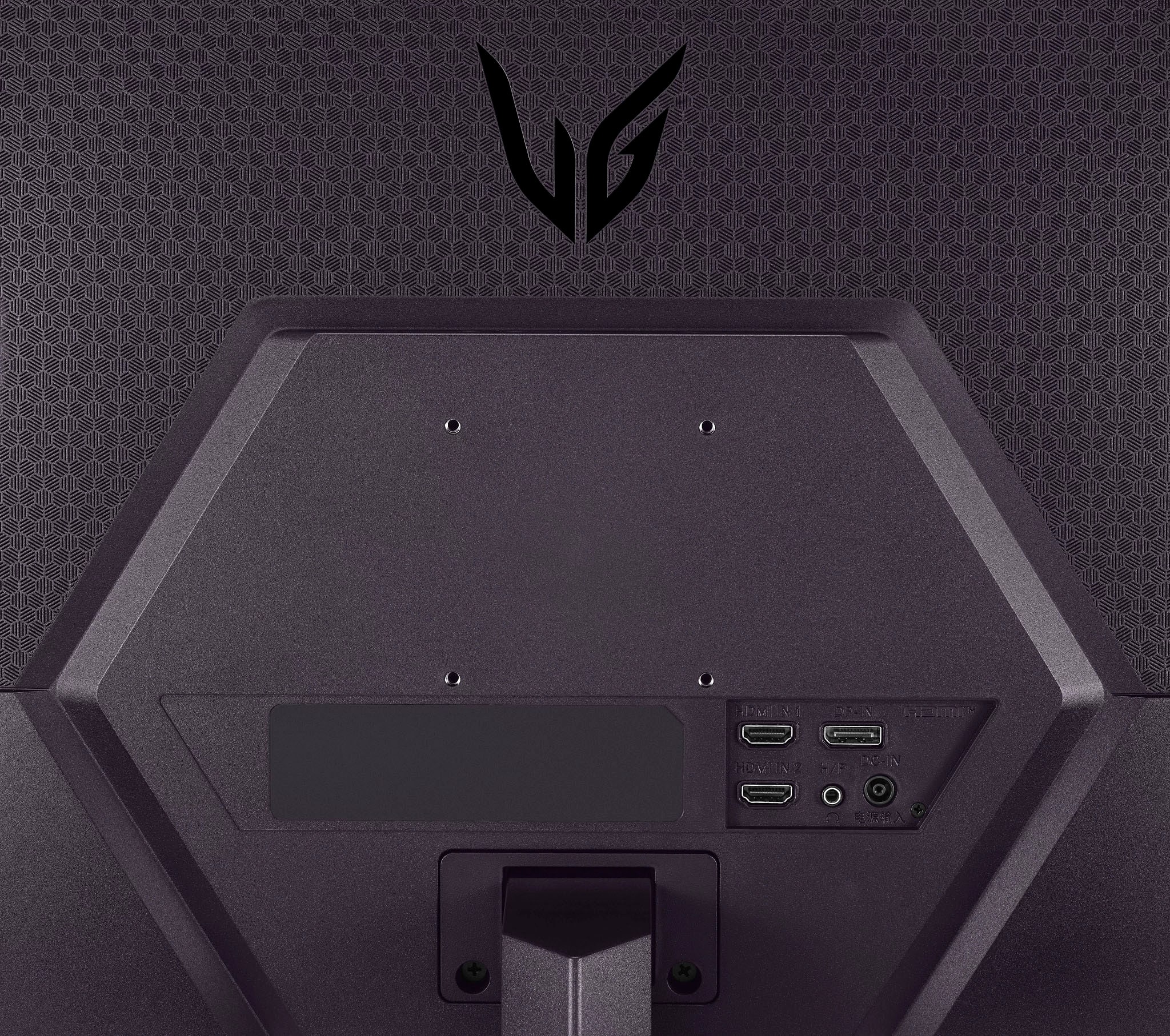
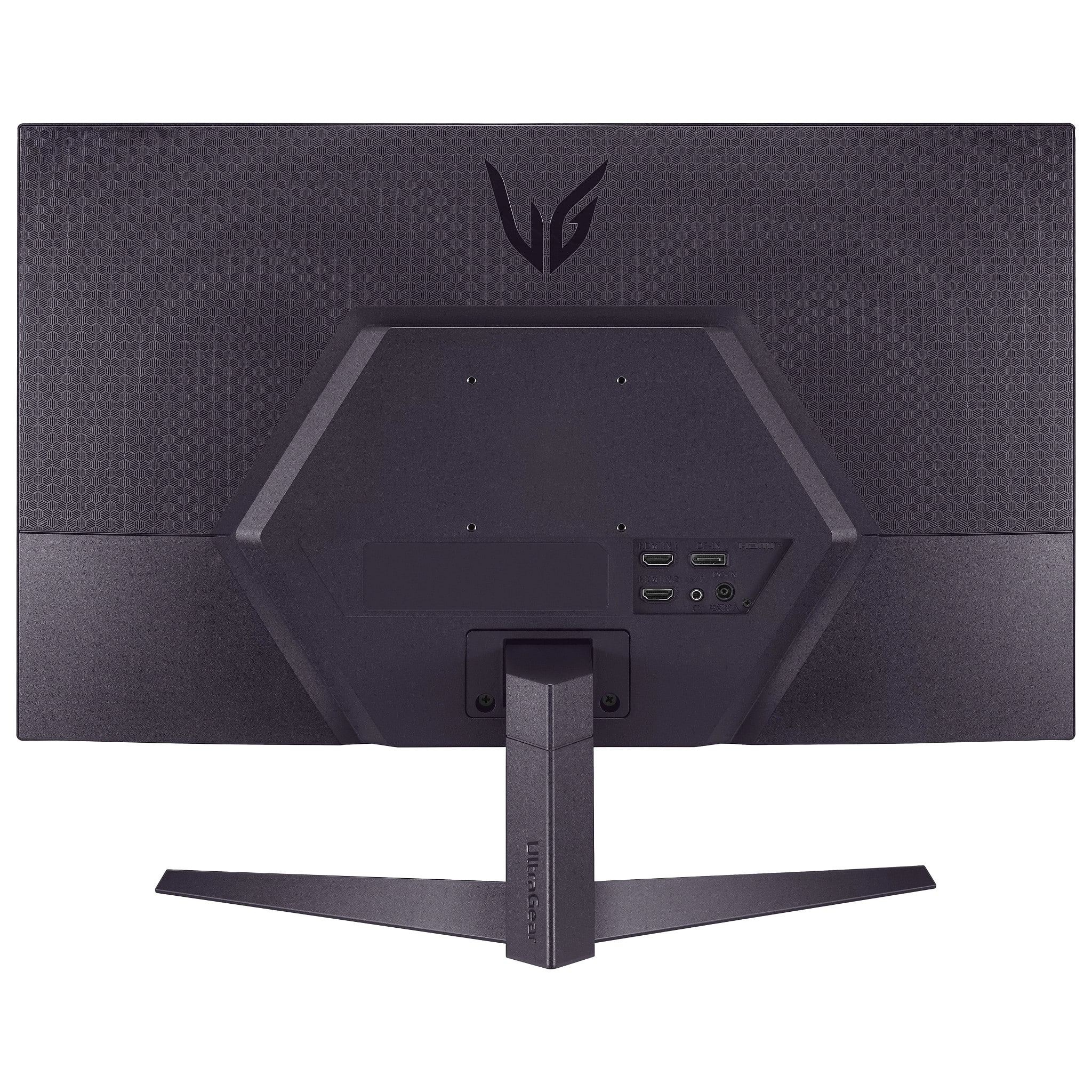
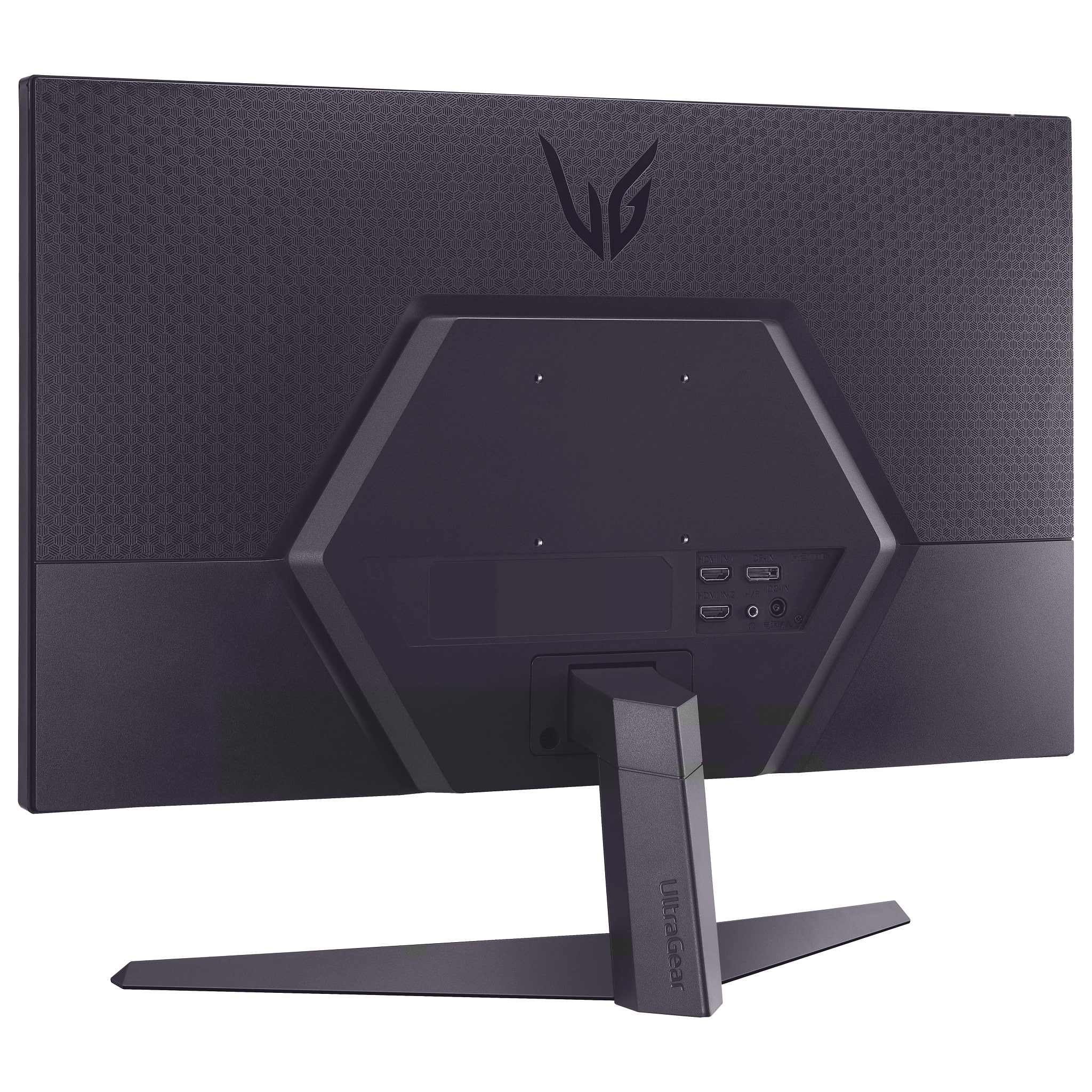
||Posted . Owned for 1 month when reviewed.This reviewer received promo considerations or sweepstakes entry for writing a review.I did not realize it does not have internal speakers. I purchased an external speaker for it, and it does not work.
No, I would not recommend this to a friendBrand response from LG Digital Customer Care
Posted .Hi there. Thank you for sharing your experience with your 27GS50FX-B.AUSQ monitor. We understand your situation and how important it is to have a seamless audio experience. Since this model does not include built-in speakers, we recommend checking that your external speaker is properly connected to the correct audio output on your device. Please verify that the cable connections are secure and that the audio settings on both your device and the speaker are correctly configured.
LG Monitors – Troubleshooting No Audio or Low Volume - https://www.lg.com/us/support/help-library/lg-monitors-troubleshooting-no-audio-or-low-volume--20150872235266
Please send us a private message on Social Media @LGUSSupport, and our team will be more than happy to explore further solutions with you. We appreciate your patience.
—Renzo
Not bad
||Posted . Owned for 1 month when reviewed.This reviewer received promo considerations or sweepstakes entry for writing a review.Is good working very good but the description say 5 ms but is 1 ms
I would recommend this to a friend- Pros mentioned:Picture quality
Not lg quality
||Posted . Owned for 1 month when reviewed.This reviewer received promo considerations or sweepstakes entry for writing a review.Ok picture, horrible settings, not what I was expecting.
No, I would not recommend this to a friendBrand response from LG Digital Customer Care
Posted .Hi, Tasha. Thank you for sharing your thoughts about the LG Monitor (27GS50FX-B) model. We understand that the picture quality and settings did not meet your expectations. We strive to provide high-quality products that exceed our customer's needs and expectations. To enhance your viewing experience, we recommend adjusting the display settings such as brightness, contrast, and color temperature in the on-screen menu to better suit your preferences. You can also explore the "Game Mode" or other preset modes for optimized performance. For more help, you may visit https://www.lg.com/us/support/help-library/lg-tv-picture-quality-and-optimization--20152175493545.
If you need additional assistance with settings or have any questions about the unit, please send us a private message on social media @LGUSSupport. Our team would be happy to help you achieve the best experience with your monitor.
We appreciate your time and feedback. ^Juvy
- Pros mentioned:Price
Great monitor
Posted .This reviewer received promo considerations or sweepstakes entry for writing a review.Exactly as advertised, very happy with purchase. Good price too
I would recommend this to a friend