Customer Ratings & Reviews

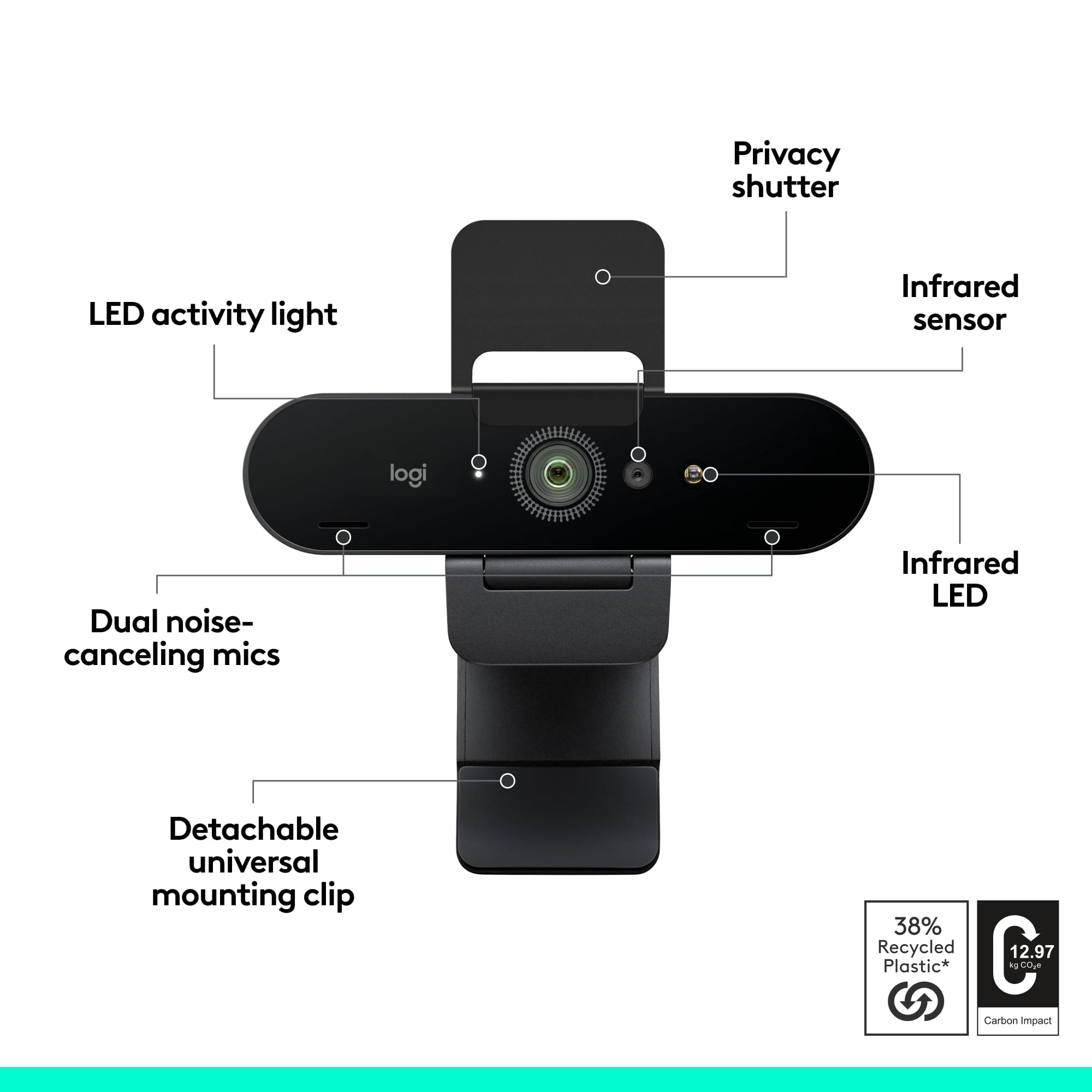




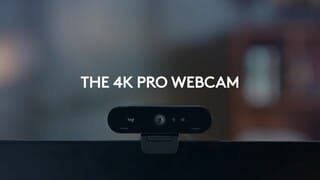
- Model:
- 960-001390
- SKU:
- 11294660
Rating by feature
- Value
Rating 4.4 out of 5 stars
- Quality
Rating 4.7 out of 5 stars
- Ease of Use
Rating 4.7 out of 5 stars
Webcam
||Posted . Owned for 3 weeks when reviewed.This reviewer received promo considerations or sweepstakes entry for writing a review.Very simple setup with great picture quality. I have used ot several times now with no issues on a tripod setup and on my laptop. The optional view angles are a nice feature allowing close and wide angle shots for demos. I would recommend this camera.
I would recommend this to a friendBrand response from Logitech
Posted .Hey! Thanks for your detailed review of the Logitech 4K Pro Webcam! We appreciate you highlighting the easy setup, great picture quality, and mentioning no issues encountered on various setups. We'll also forward your feedback about the value of the multiple view angles to the product team.
FaceID
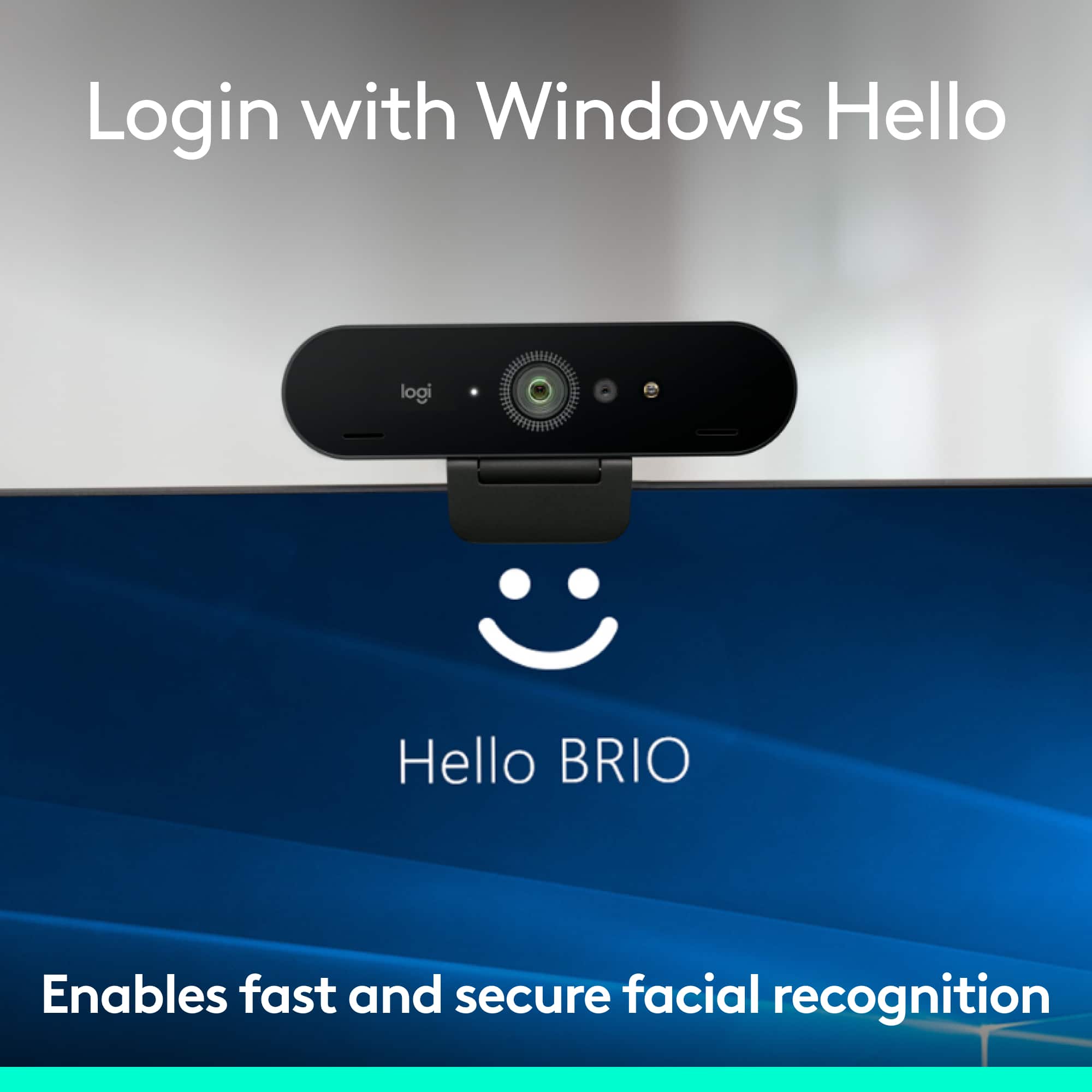
||Posted .This reviewer received promo considerations or sweepstakes entry for writing a review.It has a wonderul picture quality for discord and twitch. Plus is that you can unlock your pc with your face if it’s plugged in and never had problems with it not detecting me to unlock
I would recommend this to a friendBrand response from Logitech
Posted .Hey! Your review is a valuable part of our development. We’re glad our product is working well for you. Thank you for your support.

Crystal Clear Video and Audio
||Posted . Owned for 11 months when reviewed.This reviewer received promo considerations or sweepstakes entry for writing a review.The 4K video quality is outstanding—sharp and professional looking. The noise-canceling mic makes my voice sound clear without background noise. Easy to set up and works great for meetings and streaming. Worth the price if you want top quality.
I would recommend this to a friendBrand response from Logitech
Posted .Thank you for your detailed feedback. We’re delighted to know the 4K video performance, noise-canceling microphone, and simple setup have provided the professional quality you expected, making it a worthwhile choice for meetings and streaming.
Excellent webcam, great quality
||Posted .This reviewer received promo considerations or sweepstakes entry for writing a review.Purchased this device for video conferencing at work, the unit works excellently and provides fantastically clear video for all connected to the call. Easy to setup and easy to operate.
I would recommend this to a friendGreat Webcam
||Posted . Owned for 2 months when reviewed.This reviewer received promo considerations or sweepstakes entry for writing a review.Really great webcam. Most built-in laptop cameras are garbage. I was setting up a new home office recently and decided to invest in a better camera to improve my remote work calls. This camera was super easy to set up. I have had zero issues with it for 2 months so far, and I no longer look like I'm trying to jump on a video call from a 2006 Razr phone.
I would recommend this to a friendGreat Webcam!
||Posted . Owned for 1 month when reviewed.This reviewer received promo considerations or sweepstakes entry for writing a review.Easy to install, easy to use, crystal clear imaging.
I would recommend this to a friendBrand response from Logitech
Posted .That's fantastic to hear! We're thrilled you're so pleased with your Logitech 4K Pro Webcam.
It's great to know you found it easy to install and easy to use, and we're especially happy that the crystal clear imaging is making a big difference for you. That's exactly what we aim for with our 4K quality!
Thanks for the great feedback!
Plug and play, no issues
||Posted . Owned for less than 1 week when reviewed.This reviewer received promo considerations or sweepstakes entry for writing a review.Was using a cheap 720p webcam I bought off eBay when supply was short during COVID. Company went hybrid so I decided to finally upgrade my webcam since I knew I was going to have to use one in the near future anyways. Setup was easy and my computer detected the webcam instantly. Picture quality is miles better than what I was using before and my coworkers have complimented both the quality of the video as well as audio.
I would recommend this to a friendGreat cam despite of background lighting
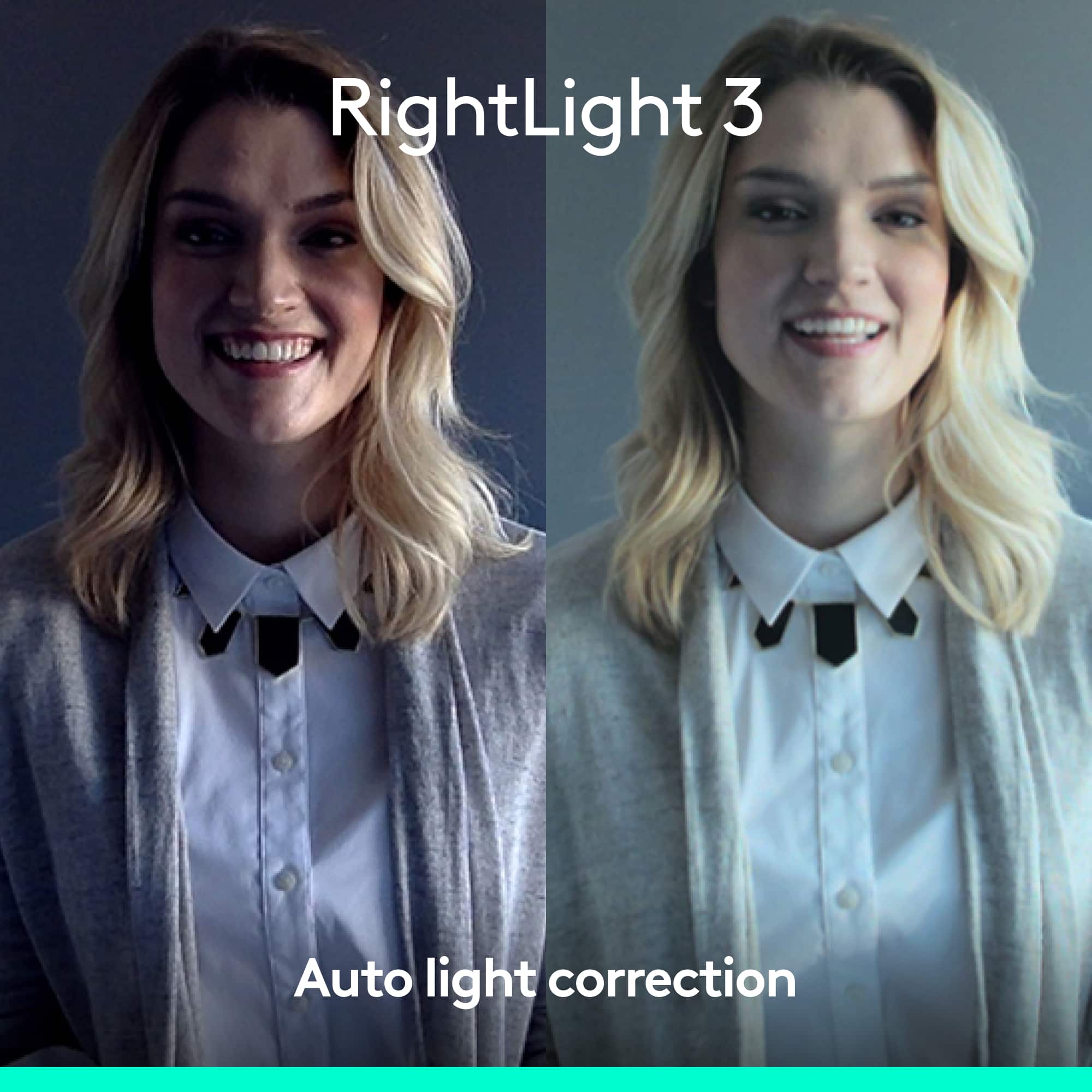
||Posted . Owned for 1 month when reviewed.This reviewer received promo considerations or sweepstakes entry for writing a review.This was an addition for my computer for all my video interviews via zoom & microsoft. I tried the cam with dim lighting and it did an amazing job. Picture looks clear as if there wasnt any dim lighting in background. It has a very wide view so the person from opposite end can see you in a perfect shot. Not sure if it may need a background lighting perhaps i may consider one not sure.
I would recommend this to a friendBrand response from Logitech
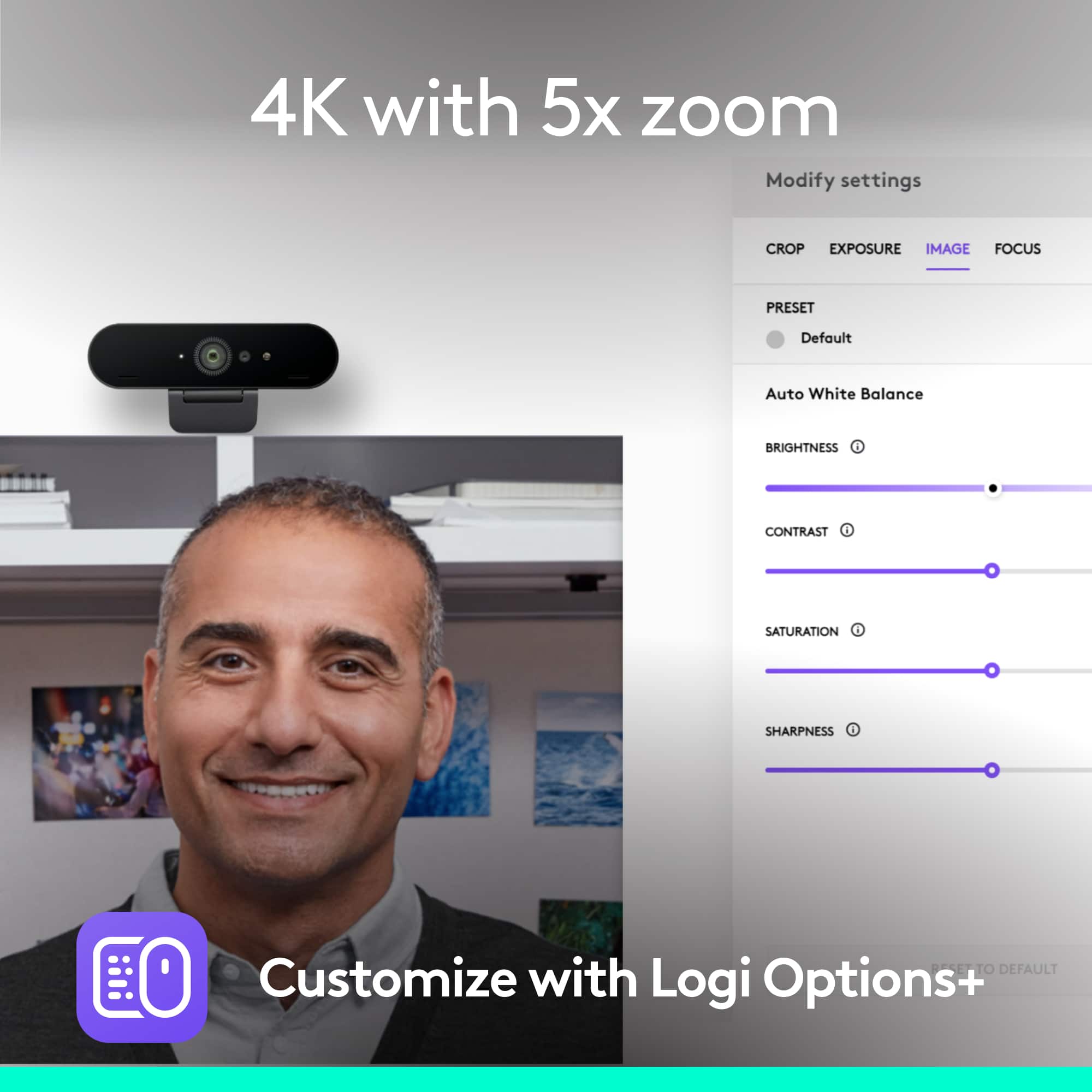
Posted .Hello, So glad to hear how much you're liking the 4K Pro Webcam---your feedback is greatly appreciated. If you haven't done so already, I highly recommend using Logitech's Logi Tune software. Logi Tune simplifies personal device control and customization on select models, including Logitech 4K Pro webcam. The mini app works unobtrusively on your screen for uninterrupted video collaboration, providing zoom in/out, color presets, color adjustments, set manual focus, and enables easy download of firmware updates. Here's a link to the download: https://support.logi.com/hc/en-us/articles/4402711293335-Download-4K-Pro-Webcam. Hope that you found this helpful and that all continues to go well. Thank you for choosing Logitech. - Richard from Logitech
Excellent
||Posted . Owned for 2 months when reviewed.This reviewer received promo considerations or sweepstakes entry for writing a review.The features of the fov are really good and useful, would need some lighting to get that professional grade finalized, but it is worth it really good quality.
I would recommend this to a friendBrand response from Logitech
Posted .Thank you for your valuable feedback on the Logitech 4K Pro Webcam. We're glad to hear that you appreciate the impressive features and image quality. Your suggestion about additional lighting for professional-grade results is noted. We strive to continuously improve our products, and your input is invaluable in helping us achieve that goal.
Nice
||Posted .This reviewer received promo considerations or sweepstakes entry for writing a review.Really easy setup. Video and audio quality is great.
I would recommend this to a friendBrand response from Logitech
Posted .Hey! Thanks for sharing your experience with the Logitech 4K Pro Webcam! We're happy to hear you found the setup easy and are impressed with the video and audio quality.
Good facecam
||Posted . Owned for 1 week when reviewed.This reviewer received promo considerations or sweepstakes entry for writing a review.Really good camera. Before you buy it make sure ur pc can run 4k otherwise this is pretty muck a useless camera. You dont need external software for it but you need external software to mess eith the specifics of it. Pretty good camera and is easy to set up. I like it
I would recommend this to a friendEasy and Competent
||Posted . Owned for 3 weeks when reviewed.This reviewer received promo considerations or sweepstakes entry for writing a review.When I got this camera a month ago it had no directions. The only thing it write up said, "Plug it in". I did and that was literally it. The adjustments are easy to do. One small issue is that the adjustments went to my Logitech hub and it took me a minute or two to figure that out. I've been using it in a lot (too many) Zoom meetings with not an issue on both sound and picture. Love the Windows Hello. It too was seamless. One start down on value because of the price.
I would recommend this to a friendLooksh Great Shounds Harsh
||Posted .This reviewer received promo considerations or sweepstakes entry for writing a review.If you need a solution for the camera, the 4k quality is pretty good. If you need sound, be prepared to add-on. From a straight picture sending quality perspective, this camera is great. The challenges associated with it are the built-in microphone and the included software. Both of which need some serious tending to. From a sound standpoint, the microphone heavily emphasizes sibilance (your 's' sounds) and makes the person speaking sound like they have a lisp. This stopped me from using it as a sound source for WebEx meetings and instead I must use an external microphone adding to work surface clutter and setup complication for use on the road. The added on software for background replacement comes with no instructions and isn't intuitive in its use. Getting it to transmit has been challenging, to say the least. It's not ready for prime time.
I would recommend this to a friendStreamingleaf
||Posted . Owned for 6 months when reviewed.This reviewer received promo considerations or sweepstakes entry for writing a review.Great video quality on this 4k video camera. Does have auto focus and auto exposure. The field of view can be set at 65, 78 or 90 degrees. Also has HDR capability which works with the new Windows 11. You can use the Zoom feature with the camera works well with pictures and video. It has three camera modes which are default, streaming and video call with the ability to set your own camera modes with zooming and focus/exposure. Not a bad camera the price is a little high. But, with the right adjustments is a decent camera for streaming.
I would recommend this to a friendexcellent high quality images
||Posted .This reviewer received promo considerations or sweepstakes entry for writing a review.easy to use and set up high quality images I wish it came with effects software and privacy shades like the old Logitech web cam I used to have
I would recommend this to a friendGreat 4K Webcam
||Posted . Owned for less than 1 week when reviewed.This reviewer received promo considerations or sweepstakes entry for writing a review.Very clear, easy to use. Simple setup with Zoom and GTM. Great wide angle to capture whole room if necessary.
I would recommend this to a friendWebcam review
||Posted .This reviewer received promo considerations or sweepstakes entry for writing a review.Excellent webcam. Offers good image quality recommend buying it, good product.
I would recommend this to a friendBrand response from Logitech
Posted .Your feedback means a lot to us. We’re glad the Logitech 4K Pro Webcam is serving you well and helping you get things done. Thanks for choosing Logitech!
Webam Wonderful
||Posted . Owned for 2 weeks when reviewed.This reviewer received promo considerations or sweepstakes entry for writing a review.I have the honor of doing a Zoom class to Veterans. The use of the Logitech-4K Pro Webcam has been a major upgrade of my presentations. Easy to plug in and you're ready to go!
I would recommend this to a friendBrand response from Logitech
Posted .Your feedback means a lot to us, and we’re so glad to hear you’re enjoying your Logitech device. We work hard to create products that make life easier and more enjoyable, and it’s great to know we hit the mark. Thanks again for your support!
Great camera - mount could be better
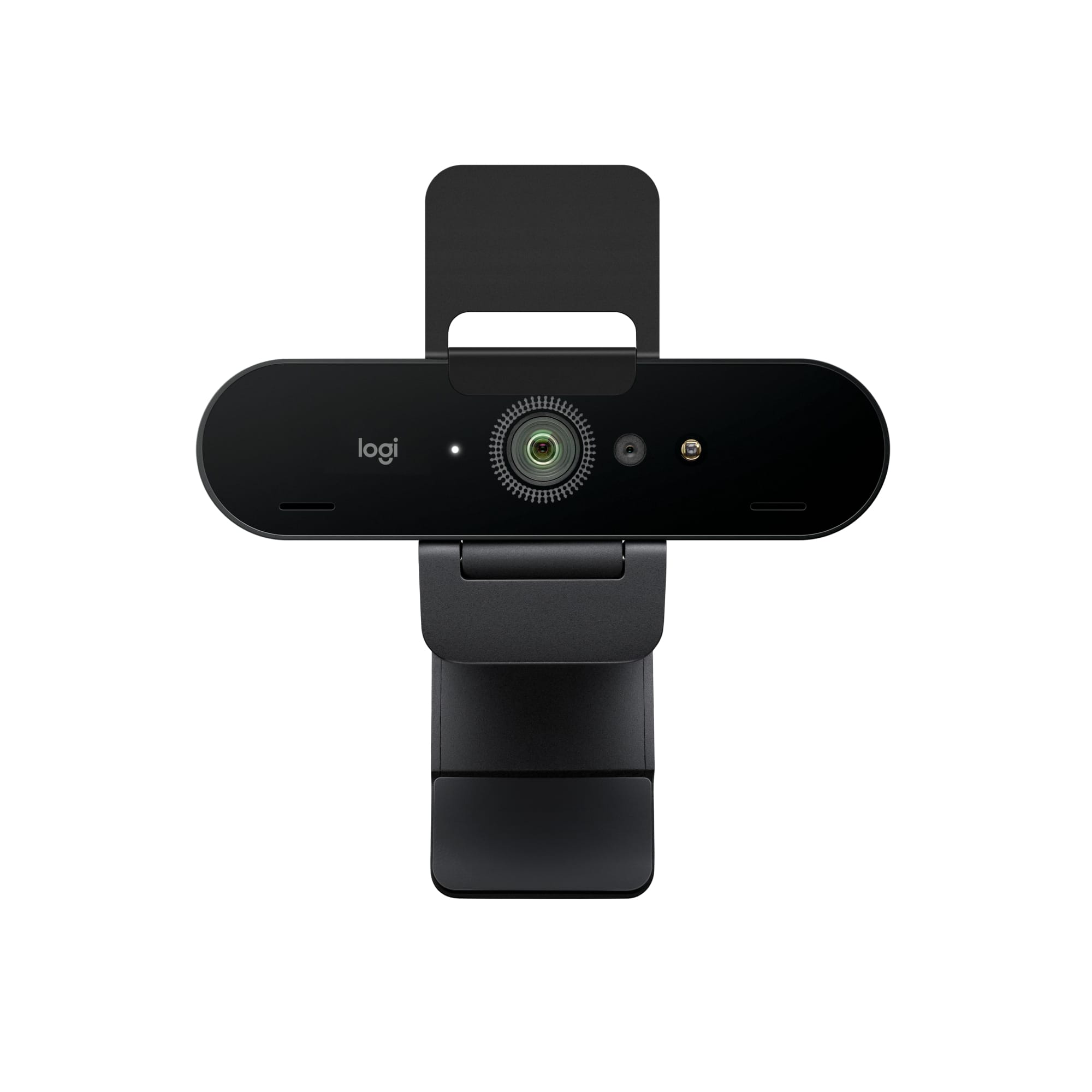
||Posted . Owned for 2 weeks when reviewed.This reviewer received promo considerations or sweepstakes entry for writing a review.I chose the 4K Pro Webcam (Brio) because it had the smallest height dimension. I have limited space between the top of my desk monitor and a shelf above. The mount seems a bit delicate but works fine since I'm not moving the monitor or touching the camera regularly. The camera quality itself is great. I took the time to play with the settings to get the picture I want and was very happy with the result even though I am not using any auxiliary lighting.
I would recommend this to a friendNice quality camera.
||Posted . Owned for 1 month when reviewed.This reviewer received promo considerations or sweepstakes entry for writing a review.I needed a new webcam for meetings. It is expensive (I managed to get this one on sale) but it works great. The software makes it extremely easy too adjust the camera settings and view, making it versatile for many applications. Nice clear picture and sound which I feel makes for a more professional atmosphere in meetings. I also like that it also works with Windows Hello for quick and easy sign in to the desktop (which factors into the price). I use it in two different settings, one for personal meetings where it rests on top of my monitor and the other setting is for larger meetings where we attach it to tripod in room so we can fit multiple people in the view. This leads me to my only dislike and that is the mounting system, I wish the tripod mount and the monitor clip were integrated (like the Anker c300) so I don't have to pull it apart when I frequently switch from one setting to the other. I'm afraid something will eventually break or get lost in the shuffle. If you want one of the best cameras on the market then give this one a chance.
I would recommend this to a friendBrand response from Logitech
Posted .Hello Talon4, Very glad to hear how great you're finding the 4K Pro Webcam to be with this very comprehensive and insightful 5-star review. If you should come across any issues, here's a link to the product support page where you'll find troubleshooting FAQs, software downloads, warranty information, and more: https://support.logi.com/hc/en-us/articles/4402711286295-Getting-Started-4K-Pro-Webcam. Hope that you found this helpful and that all continues to go well. Thank you for choosing Logitech. - Richard from Logitech