Customer Ratings & Reviews





- Model:
- 960-001390
- SKU:
- 11525476
Rating by feature
- Value
Rating 4.4 out of 5 stars
- Quality
Rating 4.7 out of 5 stars
- Ease of Use
Rating 4.7 out of 5 stars
- Pros mentioned:Image quality
Excellent video makes you look like a pro, easily.
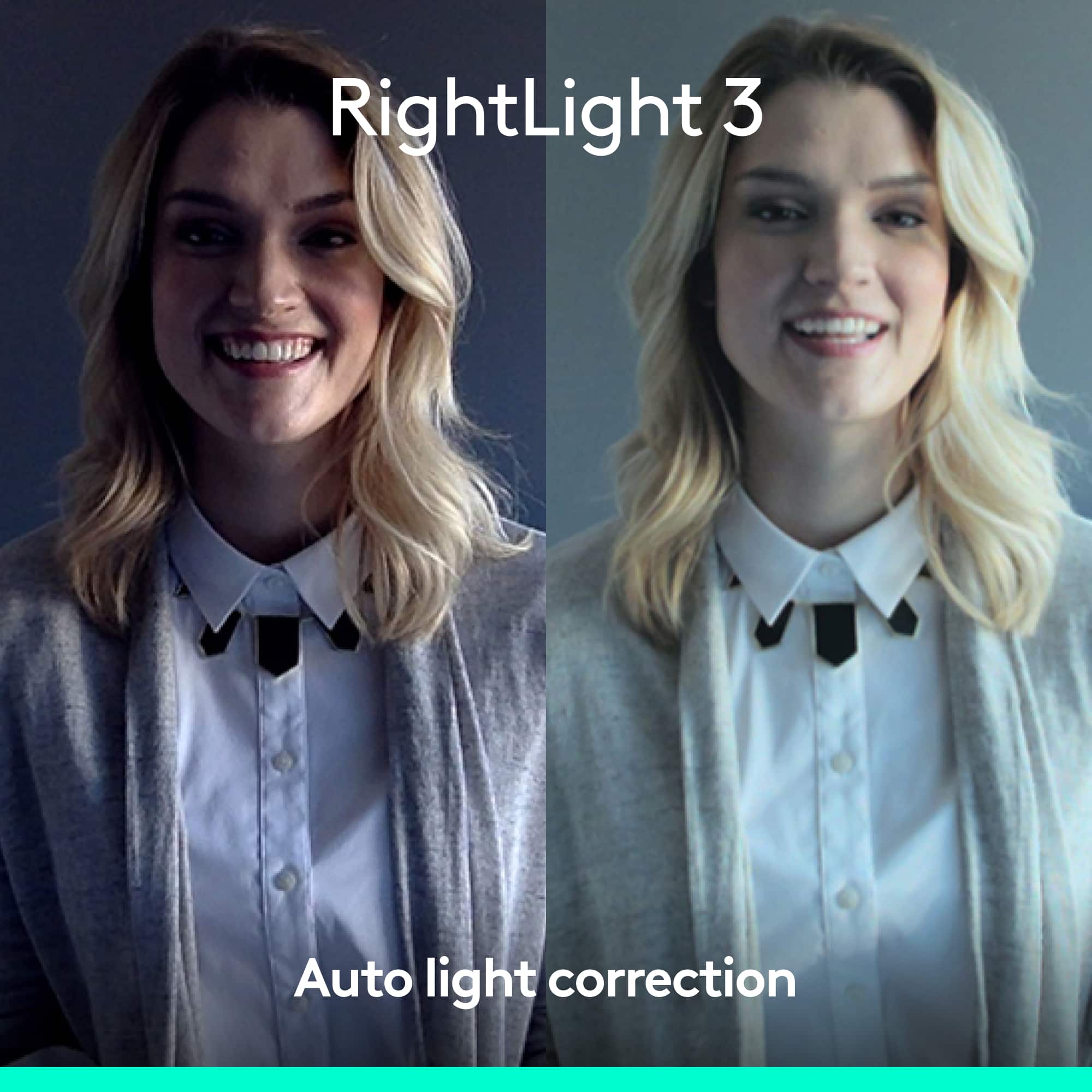
||Posted .This reviewer received promo considerations or sweepstakes entry for writing a review.Crisp visuals, good audio pickup, makes me look like an actual professional on Zoom calls. It's expensive, but it's well worth it if you regularly present to outside or high-stakes audiences via video call, or just want to look decent in imperfect lighting conditions (and excellent in good ones.) It's a major step up from my C922, which is my backup webcam; comparing image quality from the two of them, it's night and day, and forget about comparing this to the quality of my laptop's built-in webcam. At this point, my colleagues come over to my office to borrow this whenever they've got a high-stakes call coming up. Worth it.
I would recommend this to a friend - Pros mentioned:Image quality
Great but incompatible with Dell All-in-One
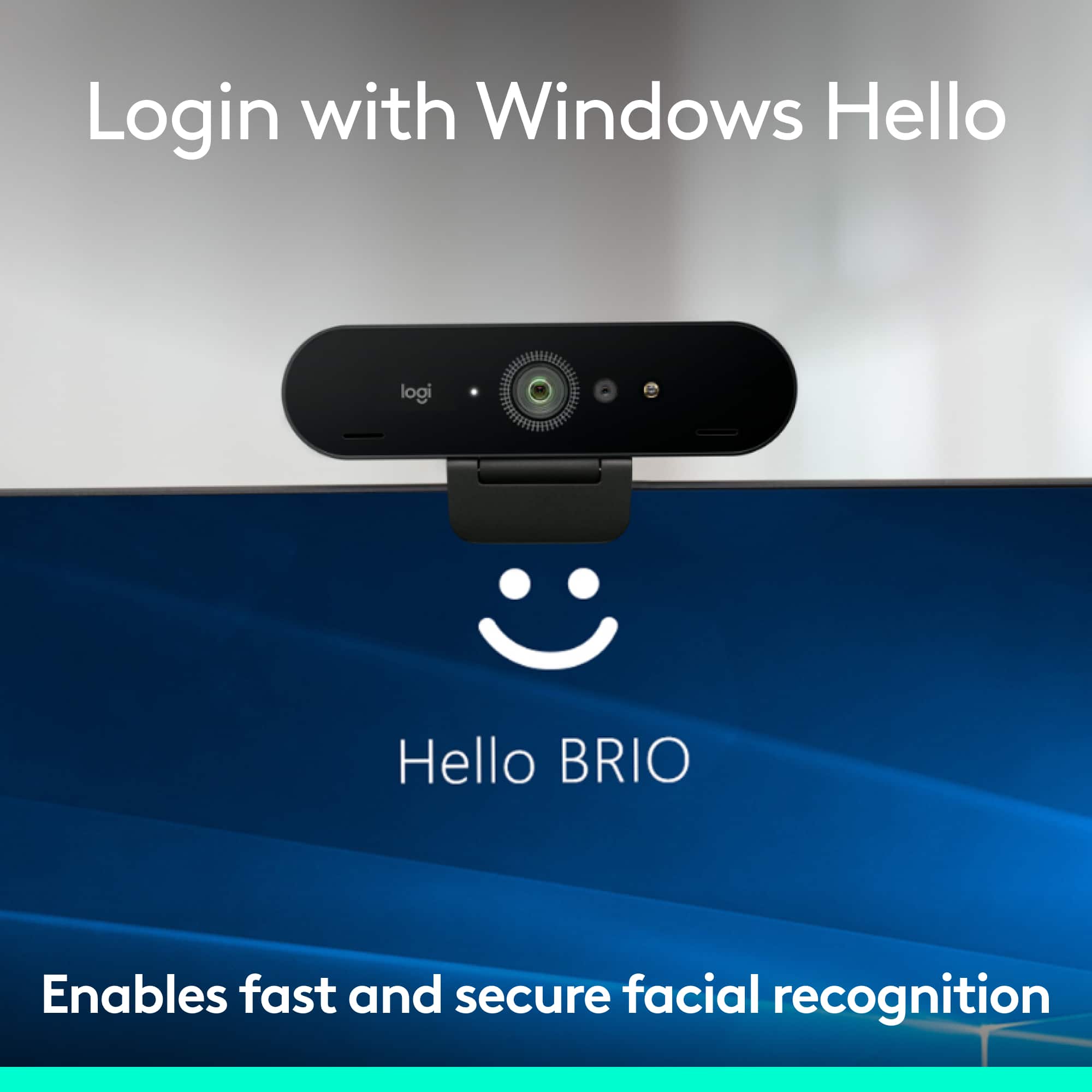
||Posted . Owned for 1 month when reviewed.This reviewer received promo considerations or sweepstakes entry for writing a review.Good quality picture and sound, but couldn't use as replacement for built-in webcam on Dell Inspiron 27-inch all-in-one PC. The camera video quality is really good, and the picture was bright and sharp in more lighting situations than my PC or laptop cameras. The mics seemed fine on my test video calls. The price seemed steep to me until I started cross-shopping it with other Windows Hello capable webcams. I wanted to replace the built-in Windows Hello webcam in my Dell Inspiron 27 because the built-in webcam was mounted at the bottom of the monitor and pointed up my nose in video calls. The Dell refused to recognize the Logitech as the primary webcam after the built-in webcam was disabled. It would work until the PC was rebooted, then the PC would report that no camera was installed. Windows Hello login failed as a result. Even after installing the Logitech camera management software utility and upgrading the firmware on the camera and drivers on the PC it still didn;t work past one reboot. The camera worked fine on my older HP laptop, so I'm blaming the Dell PC for the issues. Unfortunately I had to return the camera, but the return process was super easy with Best Buy,
I would recommend this to a friendBrand response from Logitech
Posted .Hi JimK,
Thank you for your four-star review! It is greatly appreciated. Continue to enjoy your device. If you ever need assistance, please contact Logitech Support on the website.
LaShonda from Logitech
- Pros mentioned:Image quality
Best Webcam for streaming
||Posted . Owned for 3 weeks when reviewed.This reviewer received promo considerations or sweepstakes entry for writing a review.By far the best webcam for streaming. This is a quality cam! Fantastic picture quality. I have used this cam for over 5 years. I have tried several other more expensive cams. But this cam beats them all. Excellent quality and good price.
No, I would not recommend this to a friendBrand response from Logitech
Posted .Thank you for your enthusiastic review of the Logitech 4K Pro Webcam! We're thrilled you consider it the best webcam for streaming and appreciate your comments on its fantastic picture quality. We're especially pleased to hear it has served you well for over five years and has outperformed more expensive alternatives. We appreciate your kind words about its quality and value.

- Pros mentioned:Image quality, Setup
Great camera
||Posted . Owned for 2 months when reviewed.This reviewer received promo considerations or sweepstakes entry for writing a review.Great camera and great quality. Very easy to setup and works great on windows.
I would recommend this to a friendBrand response from Logitech
Posted .Hey there! Thanks for the awesome review of the Logitech 4K Pro webcam! We're thrilled to hear that you're impressed with the image quality and ease of use. We put a lot of effort into making our webcams user-friendly and compatible with a variety of platforms, so it's great to hear that it's working flawlessly on Windows for you.
- Pros mentioned:Ease of use, Image quality
Great webcam for video calls.
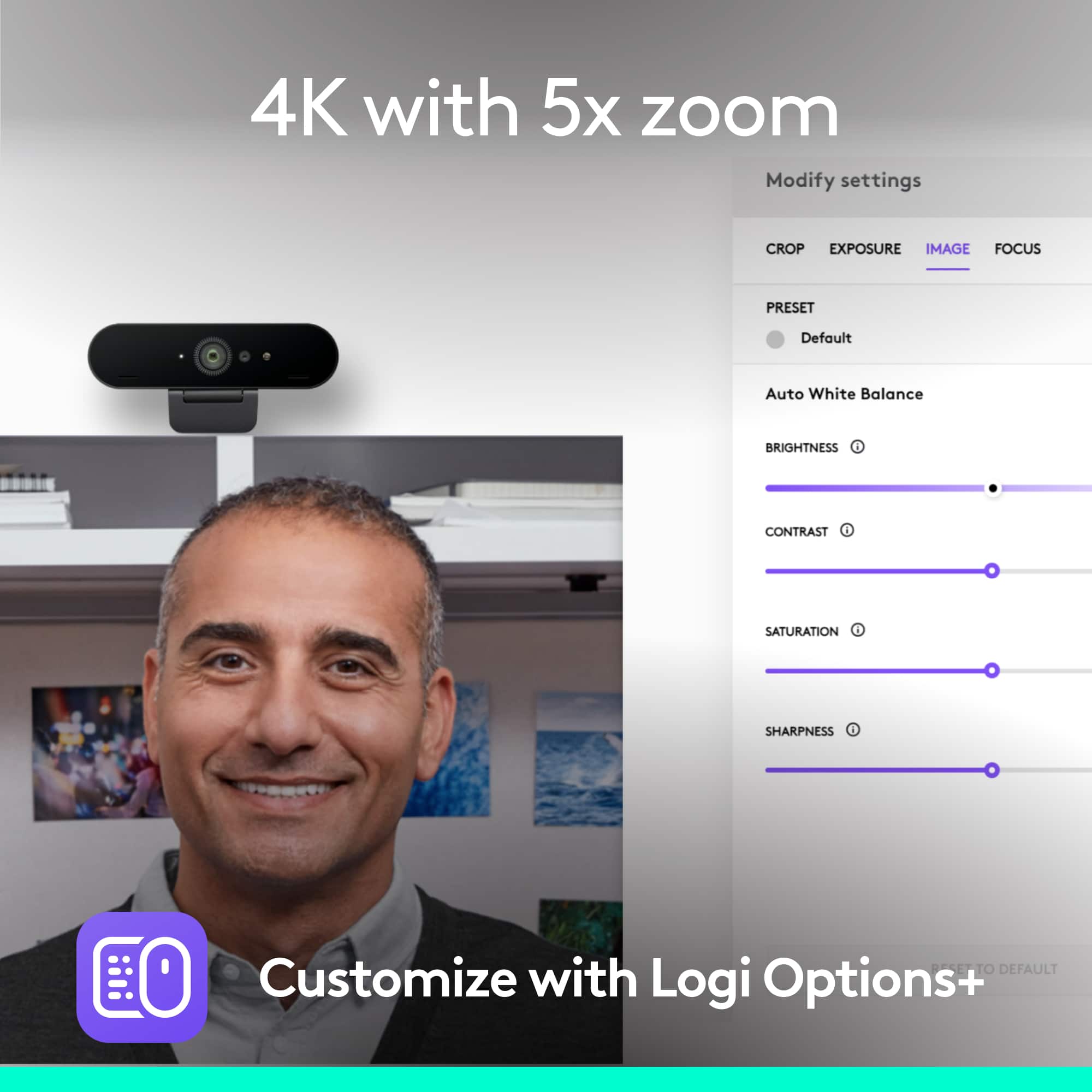
||Posted . Owned for 3 weeks when reviewed.This reviewer received promo considerations or sweepstakes entry for writing a review.Easy to set up and use for video calls. Quality is superb, and it offers a lot of control in terms of how to adjust the image. Also integrated into Logitech Gaming Software, so I didn't have to install any additional software, which is a win for me.
I would recommend this to a friend - Pros mentioned:Image quality, Setup
PC Camera
||Posted . Owned for 4 months when reviewed.This reviewer received promo considerations or sweepstakes entry for writing a review.I was in need of a camera for my PC and hands down the best camera quality ive seen for a computer. The quality is smooth and the setup is really easy and adjustable. Very good product
I would recommend this to a friend - Pros mentioned:Field of view, Setup
GREAT upgrade...easy setup...easy to use
||Posted . Owned for 1 week when reviewed.This reviewer received promo considerations or sweepstakes entry for writing a review.Great upgrade for both my laptop and WFH desktop...compatible with both MacOS and WIN10. Super easy setup and easy to customize field of view, etc. Looked at all the options for a while and very happy with final choice.
I would recommend this to a friend - Pros mentioned:Ease of use, Image quality
Great webcam
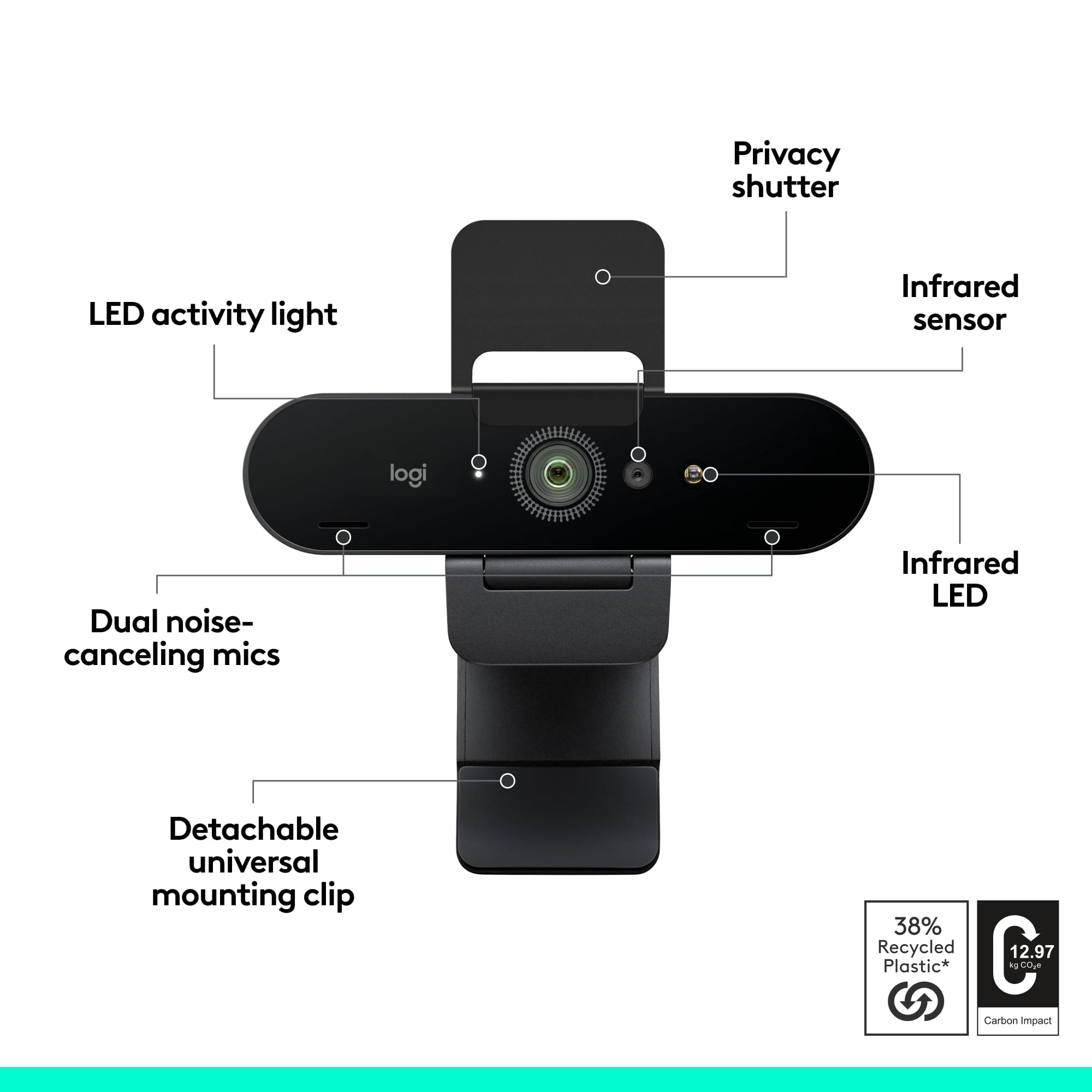
||Posted . Owned for 8 months when reviewed.This reviewer received promo considerations or sweepstakes entry for writing a review.Great webcam and easy to set-up. Good quality picture and there has not been any issues with it thus far. I just wish the cover was built into the webcam and not detachable.
I would recommend this to a friend - Pros mentioned:Image quality
Very good camera
||Posted . Owned for 6 months when reviewed.This reviewer received promo considerations or sweepstakes entry for writing a review.Very good camera for video calls and streaming. Great quality
I would recommend this to a friendBrand response from Logitech
Posted .Glad to hear that! It’s great the camera is delivering high-quality video for both calls and streaming.
- Pros mentioned:Ease of use, Image quality
Easy Peasy!
||Posted .This reviewer received promo considerations or sweepstakes entry for writing a review.Crisp, clear, and so easy to use with different computers--so far with a MacBook Air and iMac desktop. A major improvement to the built-in cameras on both devices. Worth every penny. Used for online teaching via Zoom during day or night.
I would recommend this to a friend - Pros mentioned:Image quality
Great camera
||Posted . Owned for 9 months when reviewed.This reviewer received promo considerations or sweepstakes entry for writing a review.Camera quality is awesome, and works great for live streams
I would recommend this to a friendBrand response from Logitech
Posted .Glad to hear that! Awesome camera quality and smooth live streaming performance are exactly what we aim for. Thanks for sharing your experience!
- Pros mentioned:Image quality
Best Webcam out there
||Posted . Owned for 1 month when reviewed.This reviewer received promo considerations or sweepstakes entry for writing a review.great quality webcam. Resolution is the best at real 4k. Colors very good and low light good also. Works great with macbook pro and windows 10 laptop. No problems with zoom, slack, YouTube streaming or Skype. Quality is professional, much better than brand less cams out there.. Download the logitech software to tweak the settings as needed. Can you choose between ultra wide to capture everything or a more restricted angle. The microphone is good not great at filtering out background noise. Strongly recommended, you won't be disappointed.
I would recommend this to a friendBrand response from Logitech
Posted .Hello customer, thank you so much for this fantastic review of the 4k Pro Webcam! If you ever have any issues with the product, please feel free to visit our support site, where you can find troubleshooting tips and tricks as well as warranty information. Thank you for being a Logitech customer!
- Pros mentioned:Image quality
Works so much better than $40 cameras
||Posted . Owned for less than 1 week when reviewed.This reviewer received promo considerations or sweepstakes entry for writing a review.Wow! Fantastic! We have been using the $40 Microsoft web cameras, but they often flickered and show as extra bright and then go extra dark within 1 second. The controls within the camera app on Windows 10/11 to fix this are dismal. This Brio 4K Pro really fixed all of that! This has a few more controls, but it never seems to flicker. This has a few basic camera controls in the basic set up, but they really make a difference and help! This was 4x the cost of the $40 webcam, but if you need this for professional reasons, it is worth it. Wish we would have bought this years ago.
I would recommend this to a friend - Pros mentioned:Image quality
Great product
||Posted . Owned for 7 months when reviewed.This reviewer received promo considerations or sweepstakes entry for writing a review.Perfect for remote work, and great camera quality.
I would recommend this to a friendBrand response from Logitech
Posted .We appreciate you taking the time to share your experience. Knowing our product is working well for you makes all the difference. Thanks for being with Logitech.
- Pros mentioned:Field of view, Image quality
Exceeds Expectations
||Posted . Owned for 3 weeks when reviewed.This reviewer received promo considerations or sweepstakes entry for writing a review.After remote working for six months, I decided it was time for a webcam update. And what a difference! Wider angle, autofocus and much higher quality. A worthy upgrade.
I would recommend this to a friendBrand response from Logitech
Posted .Hello, I am so glad to hear you are loving the webcam! Thank you for being a Logitech customer and taking the time to write this review. We really appreciate it!
- Pros mentioned:Ease of use, Image quality
Camera Review
||Posted . Owned for 3 weeks when reviewed.This reviewer received promo considerations or sweepstakes entry for writing a review.Easy to use and very good quality. I’ve always been a fan of Logitech and this just puts the cherry on top.
I would recommend this to a friend - Pros mentioned:Image quality
Great quality and easy
||Posted . Owned for 1 month when reviewed.This reviewer received promo considerations or sweepstakes entry for writing a review.Great quality for a webcam. Mind you this is my first time using/owning a webcam. My only grip with this webcam if the mount had a better thread to mount onto other joby/tripod mounts. Other than that it works great and logitech softwar makes it really easy to use.
I would recommend this to a friendBrand response from Logitech
Posted .We're glad to hear that you're enjoying the product and that the Logitech software makes it easy to use. We'll take your suggestion about the mount into consideration for future product development.
- Pros mentioned:Setup
Outstanding Quality and Value
||Posted .This reviewer received promo considerations or sweepstakes entry for writing a review.Setting it up on my PC was quick and easy, and it works flawlessly. Overall, this webcam is a fantastic investment for anyone looking to upgrade their video audio conferencing experience. Highly recommended for both personal and professional use!
I would recommend this to a friendBrand response from Logitech
Posted .The Logitech 4K Pro Webcam is a fantastic choice for anyone looking to elevate their video conferencing and streaming experience. Its stunning 4K resolution, sharp autofocus, and excellent low-light performance ensure you always look your best.
- Pros mentioned:Image quality
Logitech 4K Pro Desktop Webcam
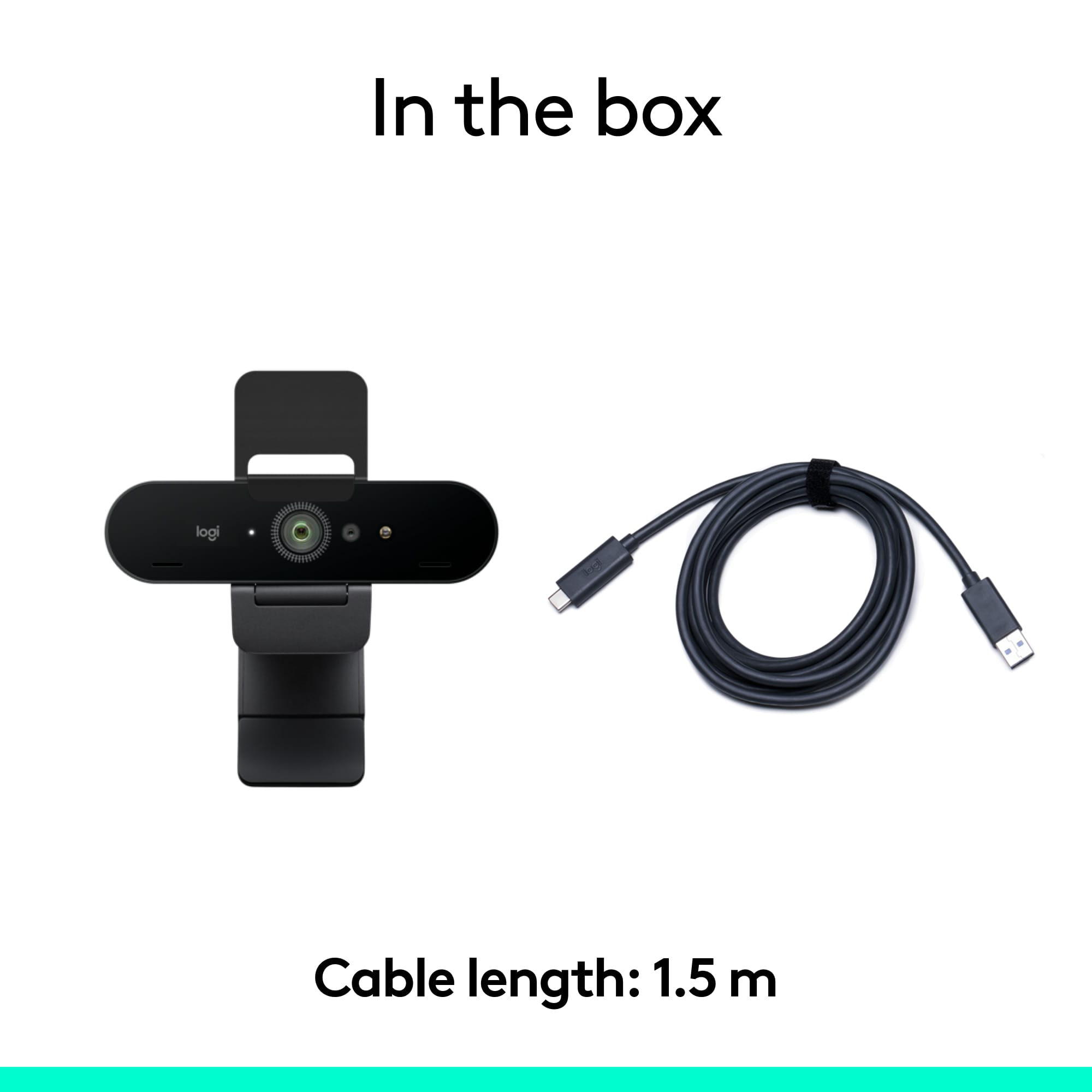
||Posted . Owned for 2 months when reviewed.This reviewer received promo considerations or sweepstakes entry for writing a review.I am not sure what the "pro" is in the name for, but it is definitely better than the rest of the Logitech webcams available, or any other webcam available. The Logitech 4K Pro offers a crystal clear image with automatic balancing. It can view up to 90 degrees of the subject you're pointing to. It has a USB-C 3.0 detachable cable, which is very welcome. It needs Logitech's software to gain full functionality, but it's not required. It will display 4K at 30fps, 1080p at 60/30fps and the oddly 720p and below only at 30fps. Overall, this is the best option for a 4K webcam. As for the microphone, it will work, but for better quality I suggest you look somewhere else, like a Yeti Nano. Last, it works with Windows Hello -- A sign-in feature of Windows 10.
I would recommend this to a friend - Pros mentioned:Image quality
Great for very bright and very dim spaces
||Posted . Owned for 3 weeks when reviewed.This reviewer received promo considerations or sweepstakes entry for writing a review.The image quality is extremely good on this camera, including the audio. I purchased this one to use with my office desktop on my standing desk. I was very surprising how well the camera adjusted as I have fluorescent lighting directly above me and two brightly lit windows behind me. Yet it would look with this camera that I have a soft but bright focus on my face. I say this is specific to this camera as a previous logitech camera required that I close my blinds behind me otherwise I'd be completely washed out. Highly recommend it and downloading the software with it. It wasn't as plug and play friendly without the software.
I would recommend this to a friend