Customer Ratings & Reviews





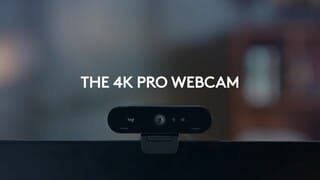
- Model:
- 960-001390
- |
- SKU:
- 11525476
Customer reviews
Rating 4.7 out of 5 stars with 2347 reviews
(2,347 customer reviews)Rating by feature
- Value4.4
Rating 4.4 out of 5 stars
- Quality4.7
Rating 4.7 out of 5 stars
- Ease of Use4.7
Rating 4.7 out of 5 stars
Rated 5 out of 5 stars
Pretty Good
||Posted . Owned for 1 month when reviewed.This reviewer received promo considerations or sweepstakes entry for writing a review.I needed a webcam for some zoom meetings and I founded this one, tried it, after that I was simply satisfied.
This review is from Logitech - 4K Pro 4096 x 2160 Webcam with Noise-Canceling Mic - Black
I would recommend this to a friendRated 5 out of 5 stars
Great webcam for anyone who wants to stream!
||Posted . Owned for 1 month when reviewed.This reviewer received promo considerations or sweepstakes entry for writing a review.It is a fantastic little 4K webcam. It does do 4K at 60FPS, and anything below will also do 60FPS. Currently there are very little software that will support 4K webcams, but if you are looking towards the future this is a fantastic webcam.
This review is from Logitech - 4K Pro 4096 x 2160 Webcam with Noise-Canceling Mic - Black
I would recommend this to a friendRated 5 out of 5 stars
LOGITECH WEB CAM PURCHASED FOR ZOOMING A WEDDING
||Posted . Owned for 3 weeks when reviewed.This reviewer received promo considerations or sweepstakes entry for writing a review.I purchased this webcam to put on a tripod and zoom a friend's wedding. I did have some issues with over exposure when I used it outdoors. I was not able to compensate for this but overall the camera is great !
This review is from Logitech - 4K Pro 4096 x 2160 Webcam with Noise-Canceling Mic - Black
I would recommend this to a friendRated 5 out of 5 stars
Nice cam!
||Posted . Owned for 1 week when reviewed.This reviewer received promo considerations or sweepstakes entry for writing a review.Easy set up, but it took me a little while to get to the core settings. I had to watch a few youtube vidieos to identify the soft I needed to download.
This review is from Logitech - 4K Pro 4096 x 2160 Webcam with Noise-Canceling Mic - Black
I would recommend this to a friendRated 5 out of 5 stars
LG camera
||Posted . Owned for 1 month when reviewed.This reviewer received promo considerations or sweepstakes entry for writing a review.Works great for my needs. Although, I only use it to Zoom and unlock my windows computer. It works well within the LG community and offers a few options.
This review is from Logitech - 4K Pro 4096 x 2160 Webcam with Noise-Canceling Mic - Black
I would recommend this to a friendBrand response from Logitech
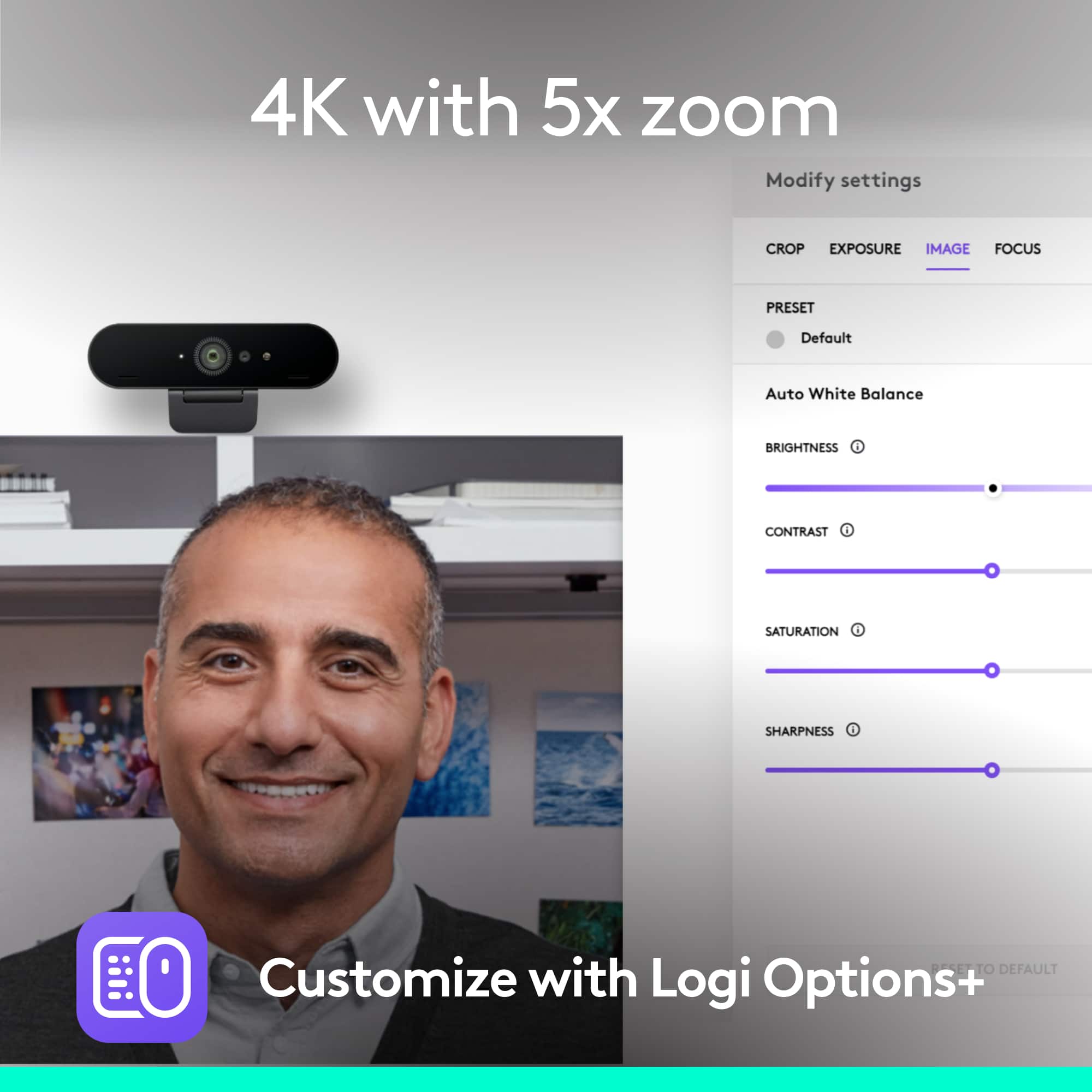
Posted .Hello, So glad to hear how great the 4K Pro Webcam has been working for you and your Zoom meetings. If you haven't done so already, I highly recommend using Logitech's Logi Tune software. Logi Tune simplifies personal device control and customization on select models, including Logitech 4K Pro webcam. The mini app works unobtrusively on your screen for uninterrupted video collaboration, providing zoom in/out, color presets, color adjustments, set manual focus, and enables easy download of firmware updates. Here's a link to the download: https://support.logi.com/hc/en-us/articles/4402711293335-Download-4K-Pro-Webcam. Hope that you found this helpful and that all continues to go well. Thank you for being a Logitech customer. - Richard from Logitech
Rated 5 out of 5 stars
DA
||Posted . Owned for 3 weeks when reviewed.This reviewer received promo considerations or sweepstakes entry for writing a review.Highly recommended from friend and it does not disappoint
This review is from Logitech - 4K Pro 4096 x 2160 Webcam with Noise-Canceling Mic - Black
I would recommend this to a friendBrand response from Logitech
Posted .Hi! Thanks for the feedback on the Logitech 4K Pro! It's great to hear that a friend's recommendation proved to be a positive experience for you.
Rated 5 out of 5 stars
Nice quality and easy to set up and use.
||Posted . Owned for 3 weeks when reviewed.This reviewer received promo considerations or sweepstakes entry for writing a review.As I am working from my home office and my desktop computer does not have a built in camera and microphone, I turned to Best Buy for an external device. I was most happy that the product I chose was available for outdoor pickup.
This review is from Logitech - 4K Pro 4096 x 2160 Webcam with Noise-Canceling Mic - Black
I would recommend this to a friendRated 5 out of 5 stars
Top Windows Hello webcam at a reduced price
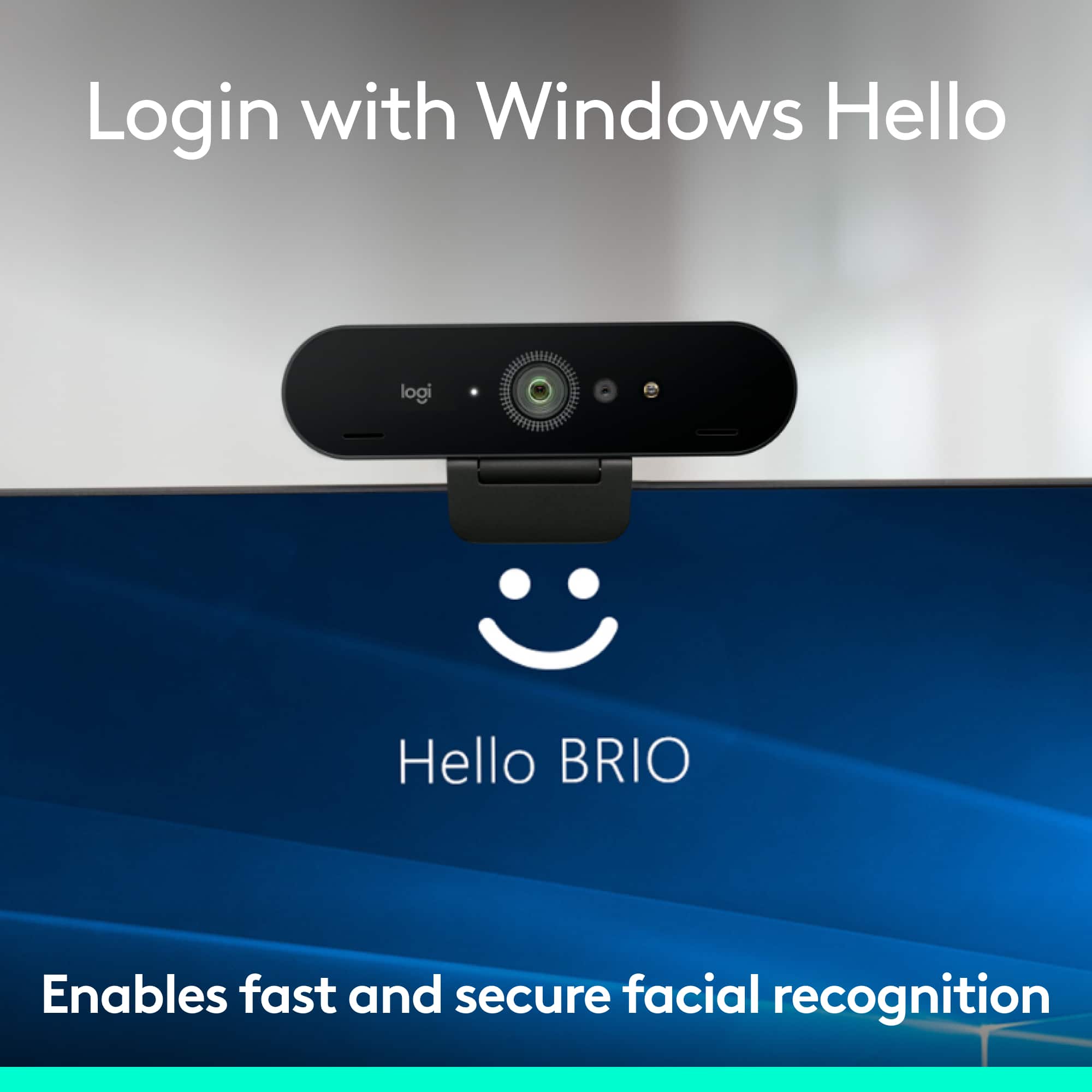
||Posted . Owned for 1 month when reviewed.This reviewer received promo considerations or sweepstakes entry for writing a review.Top webcam at a reduced price. Simple plug and play, but you can choose to make adjustments easily. One of the few quality webcams compatible with Windows Hello, great feature.
This review is from Logitech - 4K Pro 4096 x 2160 Webcam with Noise-Canceling Mic - Black
I would recommend this to a friendRated 5 out of 5 stars
Great cam
||Posted . Owned for 1 month when reviewed.This reviewer received promo considerations or sweepstakes entry for writing a review.Excellent choice for my son to use for his gaming experience. Would recommend to others.
This review is from Logitech - 4K Pro 4096 x 2160 Webcam with Noise-Canceling Mic - Black
I would recommend this to a friendRated 5 out of 5 stars
Logitech
||Posted . Owned for 2 weeks when reviewed.This reviewer received promo considerations or sweepstakes entry for writing a review.Excellent webcam and perfect for work and streaming
This review is from Logitech - 4K Pro 4096 x 2160 Webcam with Noise-Canceling Mic - Black
I would recommend this to a friendBrand response from Logitech
Posted .Hello! Thanks for letting us know about your experience with the Logitech 4K Pro webcam! It's great to hear it's excellent quality and perfect for both work and streaming.
Rated 5 out of 5 stars
camera quality is great
||Posted . Owned for 6 months when reviewed.This reviewer received promo considerations or sweepstakes entry for writing a review.4k at only 30fps. 1080p up to 90fps 1440 up to 60fps.
This review is from Logitech - 4K Pro 4096 x 2160 Webcam with Noise-Canceling Mic - Black
I would recommend this to a friendBrand response from Logitech
Posted .Hi there! Thanks for the detailed feedback on the 4K Pro webcam's video resolution options! It's helpful to know you appreciate the range of resolutions and frame rates it offers, providing flexibility for different needs - from crisp 4K quality to high frame rates at lower resolutions.
Rated 5 out of 5 stars
Works well for windows Hello
||Posted . Owned for 1 week when reviewed.This reviewer received promo considerations or sweepstakes entry for writing a review.Works well for enabling windows hello logins which was my primary use case for this product
This review is from Logitech - 4K Pro 4096 x 2160 Webcam with Noise-Canceling Mic - Black
I would recommend this to a friendRated 5 out of 5 stars
Great Webcam
||Posted . Owned for 1 month when reviewed.This reviewer received promo considerations or sweepstakes entry for writing a review.Excellent webcam, use it at work to monitor machines in real time with OBS. Can’t speak on its effectiveness for zoom calls, plenty of resolution for diagnosing machine issues.
This review is from Logitech - 4K Pro 4096 x 2160 Webcam with Noise-Canceling Mic - Black
I would recommend this to a friendRated 4 out of 5 stars
Noise Cancellation Mic on Webcam
||Posted . Owned for 3 weeks when reviewed.This reviewer received promo considerations or sweepstakes entry for writing a review.Everything was fine with this Webcam except it does not have TRUE noise Cancellation Mic. I can still hear some background noises with the webcam.
This review is from Logitech - 4K Pro 4096 x 2160 Webcam with Noise-Canceling Mic - Black
I would recommend this to a friendRated 5 out of 5 stars
Great product
||Posted . Owned for 7 months when reviewed.This reviewer received promo considerations or sweepstakes entry for writing a review.I traded and upgraded from the c922 and I have it still. This is great for both sharing your desktop assignments in a group or streaming video. Recently used it for a conference with my buddy and I think it is great.
This review is from Logitech - 4K Pro 4096 x 2160 Webcam with Noise-Canceling Mic - Black
I would recommend this to a friendRated 5 out of 5 stars
excellent camera for desktop
||Posted . Owned for 9 months when reviewed.This reviewer received promo considerations or sweepstakes entry for writing a review.i wired this to my system and it performs flawlessly. best buy had a great price comparison for me on it. so i jumped.
This review is from Logitech - 4K Pro 4096 x 2160 Webcam with Noise-Canceling Mic - Black
I would recommend this to a friendRated 5 out of 5 stars
Good Buy
||Posted .This reviewer received promo considerations or sweepstakes entry for writing a review.I bought this as a replacement for my 4-year-old Logitech C920, which stopped working. Use it every day, and it works flawlessly with Google Meet, Microsoft Teams, and Zoom
This review is from Logitech - 4K Pro 4096 x 2160 Webcam with Noise-Canceling Mic - Black
I would recommend this to a friendRated 5 out of 5 stars
A fantastic webcam for a hybrid work setting
||Posted . Owned for 1 month when reviewed.This reviewer received promo considerations or sweepstakes entry for writing a review.It’s an excellent webcam for people who need to work from home occasionally. High quality, no complaints.
This review is from Logitech - 4K Pro 4096 x 2160 Webcam with Noise-Canceling Mic - Black
I would recommend this to a friendRated 5 out of 5 stars
Works for Windows Hello
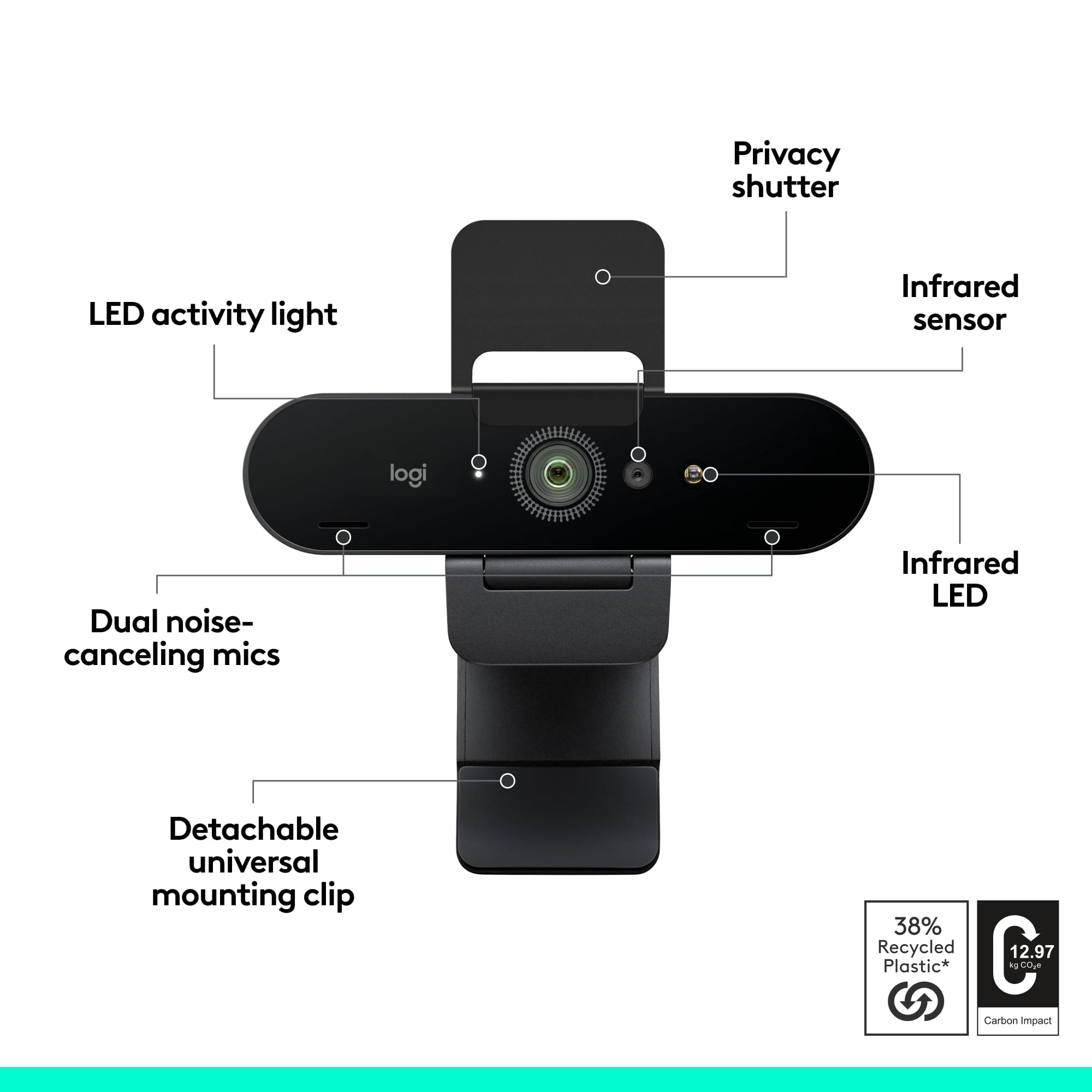
||Posted .This reviewer received promo considerations or sweepstakes entry for writing a review.I had a C920 and bought this for one reason only, to use facial recognition in Windows Hello on Windows 10. It works great for that and also has a flip down lens cover for the paranoid. It's pretty pricey and the video quality is NOT noticeably better than the 920.
This review is from Logitech - 4K Pro 4096 x 2160 Webcam with Noise-Canceling Mic - Black
I would recommend this to a friend- Pros mentioned:Image quality
Rated 4 out of 5 stars
Great
||Posted .This reviewer received promo considerations or sweepstakes entry for writing a review.I love it and records perfectly great pictures n worth the price
This review is from Logitech - 4K Pro 4096 x 2160 Webcam with Noise-Canceling Mic - Black
I would recommend this to a friend