Customer Ratings & Reviews
- Model:
- 914-000033
- SKU:
- 10434160
Rating by feature
- Value
Rating 4.5 out of 5 stars
- Quality
Rating 4.6 out of 5 stars
- Ease of Use
Rating 4.5 out of 5 stars
As good (in most ways) as Pencil, better in some
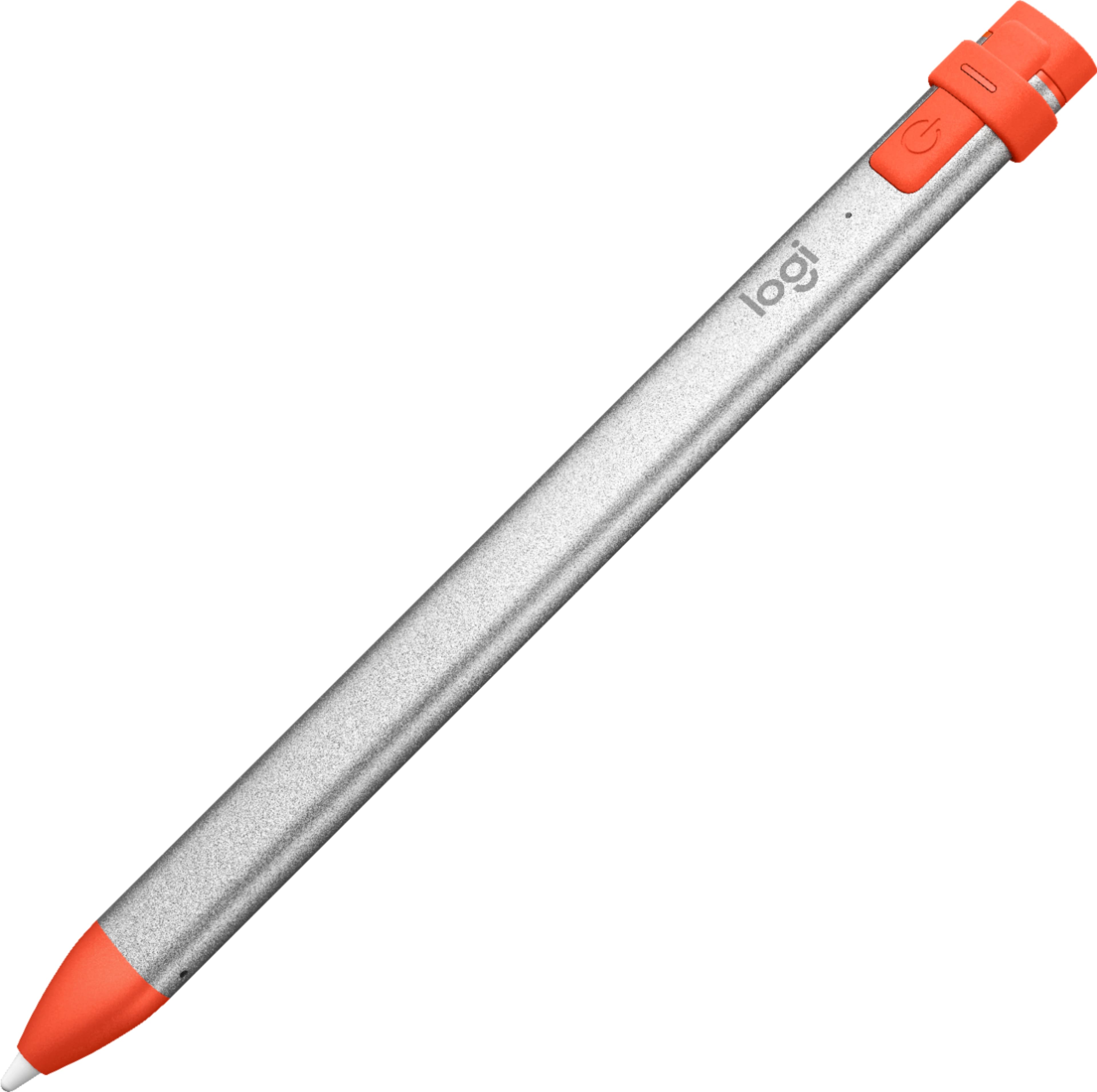
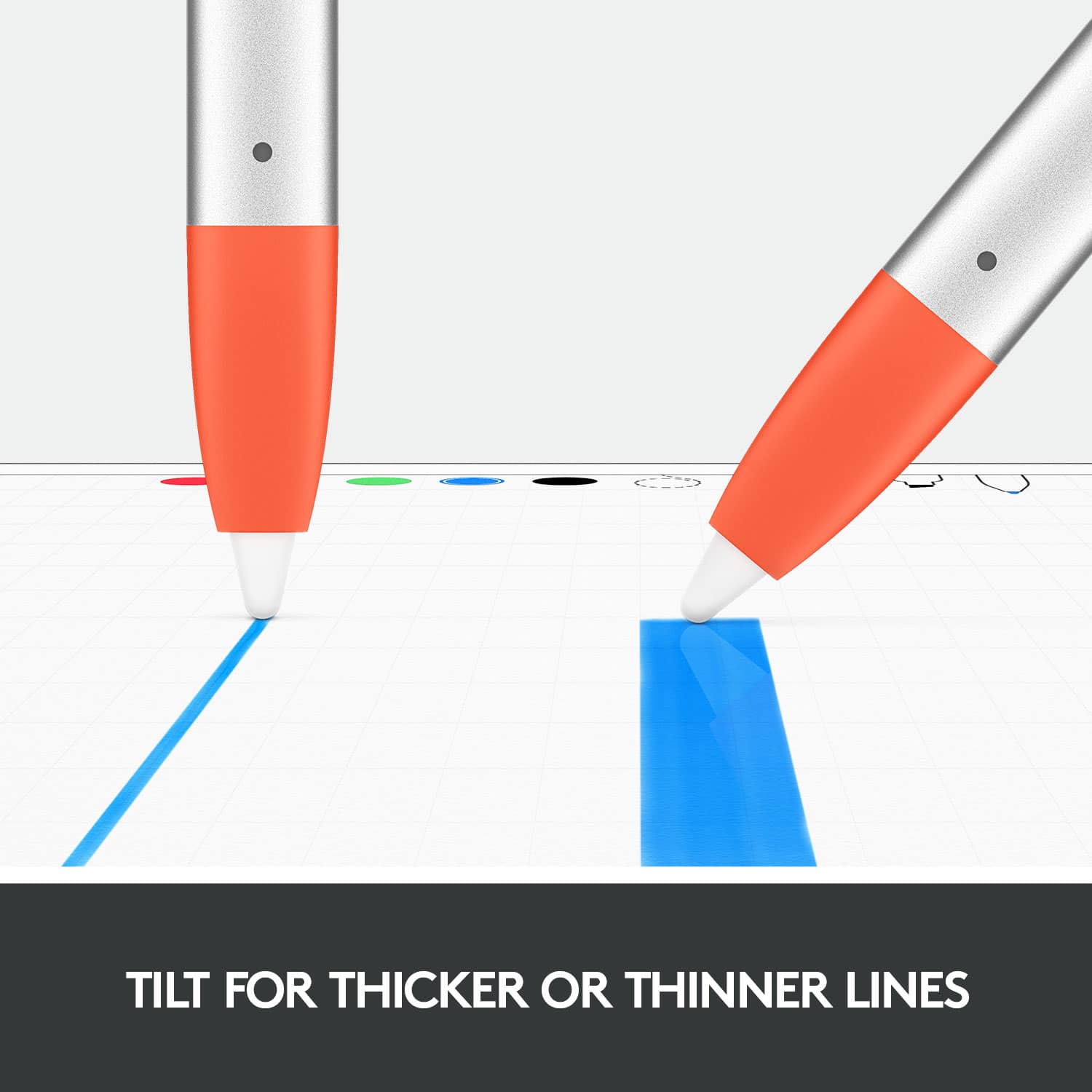
||Posted .This reviewer received promo considerations or sweepstakes entry for writing a review.It's nearly as good as the Apple Pencil, all it lacks is pressure sensitivity. If you aren't an artist this is probably fine. In return for that omission you get: -better, more durable construction. I don't worry about this floating loose in my bag. -a design that doesn't roll off a table. -a much better designed charging connector. -no issues pairing or staying paired. -and finally a much better price tag, particularly when it's on sale.
I would recommend this to a friendExcellent - I use this everyday to teach
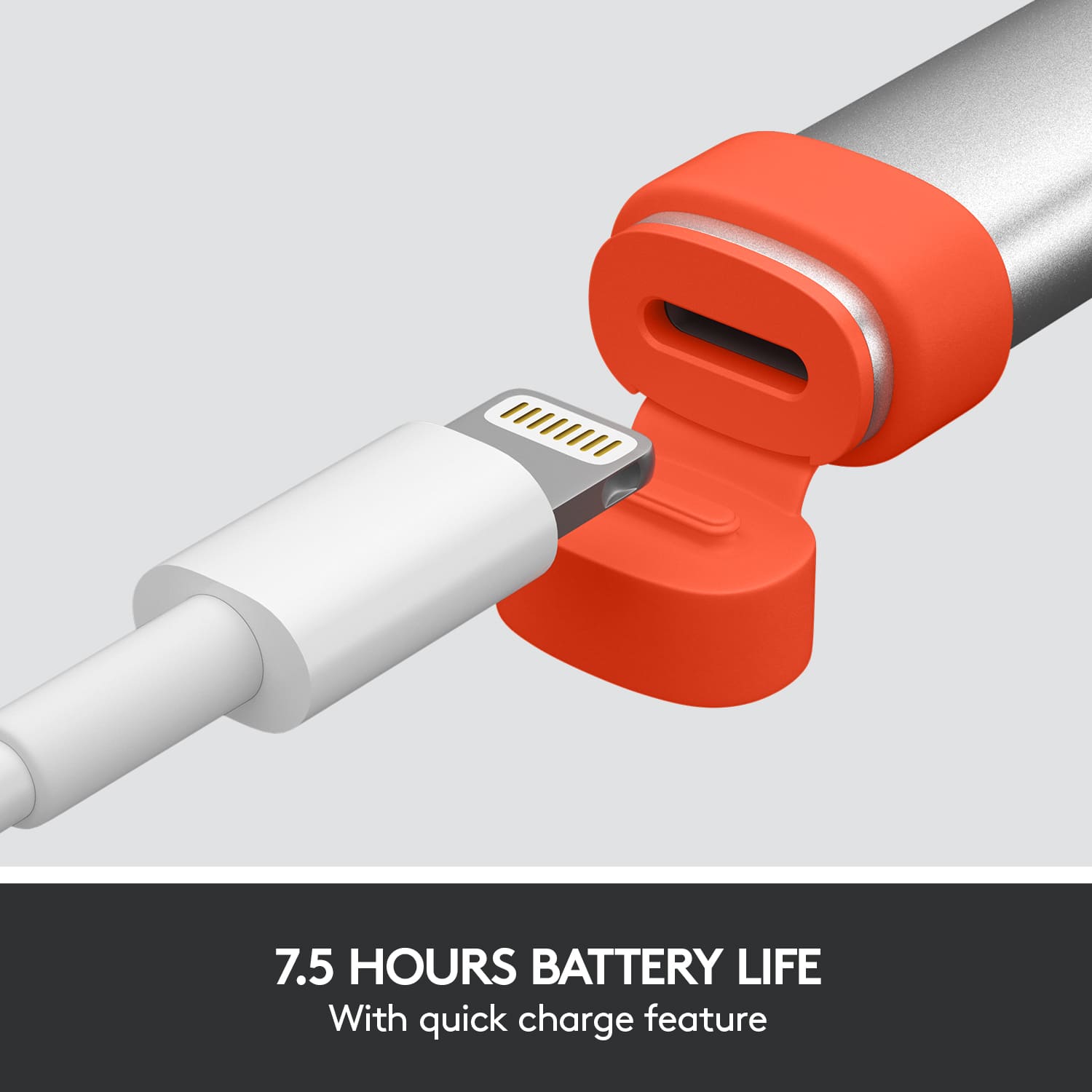
||Posted . Owned for 1 month when reviewed.This reviewer received promo considerations or sweepstakes entry for writing a review.So... I set up my iPad to my tv to teach my son Algebra from home and needing something sturdy and Comfortable to use. I have not been disappointed. Easy to charge (direct lightning port). Works beautifully and in the rare free time in get to sketch... simply awesome!! I honestly would recommend this over the Old Apple Pencil (haven’t tried the new one). Works great.
I would recommend this to a friendWorks as advertised
||Posted .This reviewer received promo considerations or sweepstakes entry for writing a review.I do not like this pencil but it works as advertised. I started with an apple pencil. I loved the apple pencil but it stopped working after a year. If I'd started with this pencil I might feel differently. I'm using a different pencil that I like better, but it's just a preference. Turns out I like my pencils round.
I would recommend this to a friendBrand response from Logitech
Posted .We appreciate you taking the time to share your honest feedback on the Logitech Crayon. It's helpful to know that while it works as advertised, you personally prefer the feel of a rounder pencil.
Customer preferences like yours are important, and we value your comparison to the Apple Pencil and other models.
Good Apple Pencil alternative
||Posted . Owned for 4 months when reviewed.This reviewer received promo considerations or sweepstakes entry for writing a review.While it doesn’t have the pressure sensitivity of the Apple Pencil, it also costs as much as 50% less. Works great on the 9.7 inch iPad as well as the iPad Air 3. It’s also really easy to charge with a standard lightening cable.
I would recommend this to a friendDoes exactly what I expected
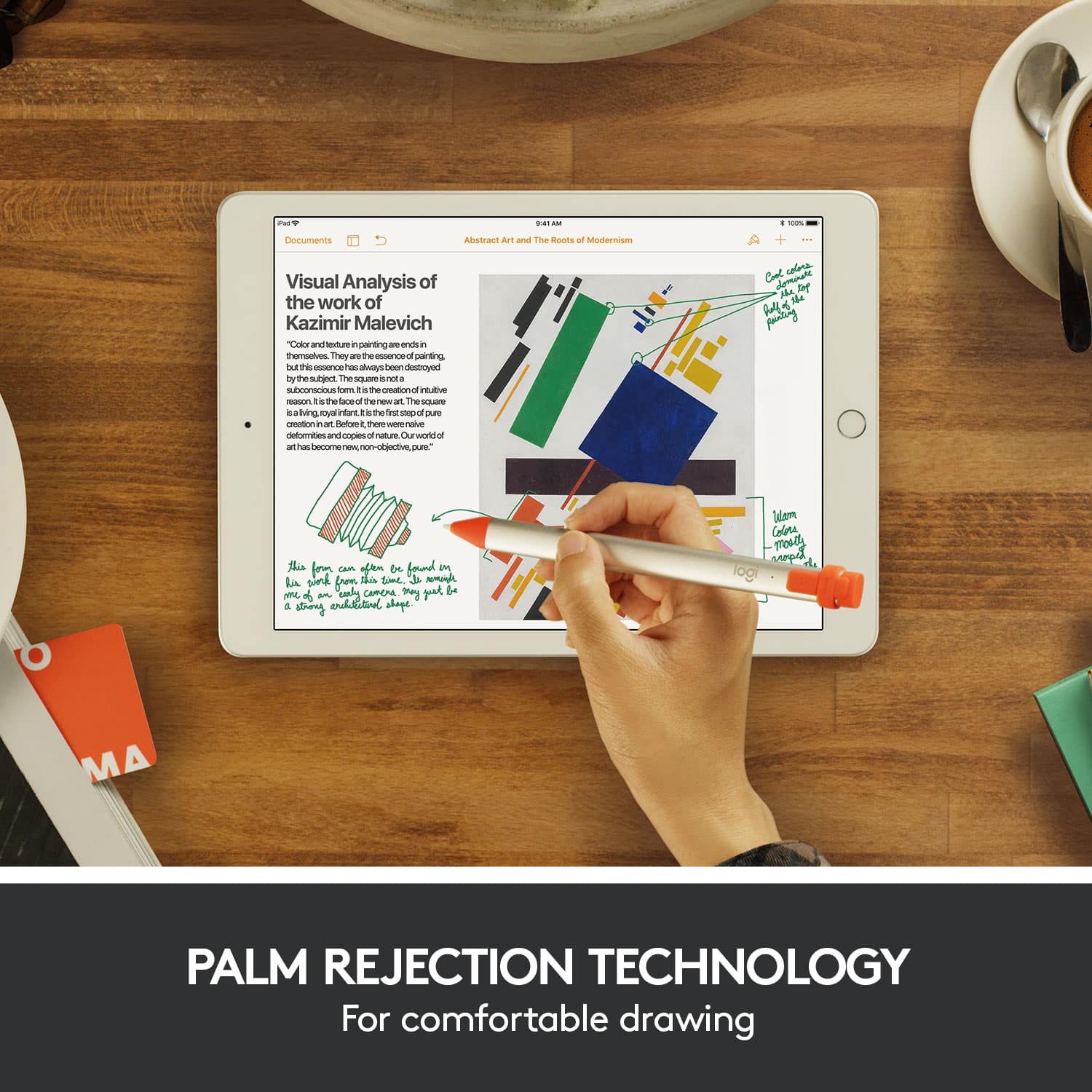
||Posted . Owned for 1 month when reviewed.This reviewer received promo considerations or sweepstakes entry for writing a review.Pros Great handwriting ability Decent battery life Easy charging Cons Shape feels a little... Odd at first, but I got used to it over time Battery isn't quite where I'd like it to be (I can get a full day, but 2 days would be ideal since it uses the iPad's charger) Not all apps work with the palm rejection, but that's an app problem, not a hardware problem
No, I would not recommend this to a friendGreat Alternative Pen For Apple iPads
||Posted . Owned for 1 month when reviewed.This reviewer received promo considerations or sweepstakes entry for writing a review.Easy to use, not as many features as the Apple pencil 2 but great for it's price. My gf loves to use it for writing and scribbling, makes using the iPad Mini fun to work with. I highly recommend.
I would recommend this to a friendPencil for iPad
||Posted .This reviewer received promo considerations or sweepstakes entry for writing a review.Bought this for $25.00 cheaper than the Apple Pencil. Works well with my iPad latest gen. Not iPad Pro. Does everything I need, so far so good, battery life not a problem(shorter between charges than Apple). If you don’ need pressure sensitive, get this pencil.
I would recommend this to a friendGreat non-Apple pen.
||Posted . Owned for 3 weeks when reviewed.This reviewer received promo considerations or sweepstakes entry for writing a review.Great price and utility. Ease of use and rechargeable battery adds to its convenience.
I would recommend this to a friendBrand response from Logitech
Posted .Hi! Thanks for the great review of the Logitech Crayon Digital Pencil! We're thrilled you love the affordability, ease of use, and rechargeable battery. It's a great option for Apple iPad users looking for a non-Apple pen.
Quite nice and worth it!
||Posted . Owned for less than 1 week when reviewed.This reviewer received promo considerations or sweepstakes entry for writing a review.Writing this review with the Logitech crayon actually. it does feel nice compared to the Apple Pencil (first generation). The feel of it in hand, and the grip is quite nice, which allows you to write more naturally. The Apple Pencil is nice and my first writing stylus for my iPad, but this Logitech Crayon does feel like a better product in some ways. Charging the Crayon’s battery is safer too if you don’t get that Apple external charger for the Pencil. This is a worthwhile alternative if you want a stylus that is cheaper to the Apple Pencil. I am not dismissing the Apple product, but saying if cost is an issue, and you want an enjoyable writing experience, then the Logitech Crayon is worth the investment.
I would recommend this to a friendPerfect low-cost alternative to Apple Pencil
||Posted . Owned for 1 week when reviewed.This reviewer received promo considerations or sweepstakes entry for writing a review.Excellent device. Definitely a solid alternative to the Apple Pencil. I had both, but wasn’t using the pencil much so I went with the cheaper option. No complaints on performance. Only thing missing is the magnetic attachment to the IPad.
I would recommend this to a friendGreat alternative to Apple Pencil
||Posted .This reviewer received promo considerations or sweepstakes entry for writing a review.The Logitech Crayon does almost everything the Apple Pencil does (except for pressure sensitivity) for a much lower price, and has one huge advantage: it can work with every iPad that Apple currently sells seamlessly (i.e. you can use it on multiple tablets without having to pair).
I would recommend this to a friendGreat Alternative to Apple Pencil
||Posted . Owned for 4 months when reviewed.This reviewer received promo considerations or sweepstakes entry for writing a review.I have been using this Logitech Crayon for several months now with my iPad. I use it for navigating the device, using Affinity Photo and even some games. I've found it to be very responsive and accurate. Once you set it up, all you ever have to do is turn it on and it's automatically connected with nothing else to do. Just be sure to keep Bluetooth on. I typically only have to charge it every two weeks. I have no idea how long it takes to actually charge up to 100%, but I usually just leave it plugged in for about an hour. If you have an iPad with a more recent version of iPad OS, this Crayon is compatible with Apple's Handwriting feature which turns your handwritten letters into typed text. Overall I highly recommend this Crayon as a less-expensive alternative to Apple's Pencil for the iPad.
I would recommend this to a friendGreat replacement for years of squishy tip stylus
||Posted . Owned for 5 months when reviewed.This reviewer received promo considerations or sweepstakes entry for writing a review.Great for writing casual drawing. This is a much more interactive, better option for writing/drawing on the iPad than the cheap stylus you can buy on Amazon. I’ve been writing notes in the iPad since my iPad 2 days and wasted too much $ replacing so many of the stylus with the squishy tips that dies too soon…even with the ones where you can replace the squishy tips. This is a much better option for performance vs those squishy tips stylus, and will likely save you hassle from having to replace those stylus all the time and maybe even saving $ if you use them all the time for notes like me! Also, cheaper than Apple Pencil…which I felt was unnecessary for my use case of writing and casual drawing.
I would recommend this to a friendWorks perfectly
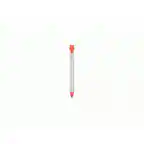
||Posted . Owned for 1 month when reviewed.This reviewer received promo considerations or sweepstakes entry for writing a review.Excellent addition to the iPad lineup. Quite a bit cheaper than the Apple pencil and works just as well. Charges quickly and lasts a long time. I like that it doesn't roll away when you set it down and the orange highlights make sure it catches your eye.
I would recommend this to a friendWorks well
||Posted . Owned for 9 months when reviewed.This reviewer received promo considerations or sweepstakes entry for writing a review.Works well. It doesn't have the pressure sensitive features like the apple pencil, but that hasn't been an issue. Our son uses it for school and reports that it's comfortable and easy to hold. Great product for the price.
I would recommend this to a friendPerfect stylus for 5th Gen iPad Pro- 12.9"
||Posted . Owned for 2 months when reviewed.This reviewer received promo considerations or sweepstakes entry for writing a review.I received my first tablet in Feb/March 2022, the 5th Gen iPad Pro - 12.9" and altjough I've used other apple produxts for decades I needed so.e advice on what proprietary accessories were necessary to have and which available options were compatible with the tablet and would meet my needs without too much compromise. Basically a family member generously tried to ourxhase the items through my wireless provider and they were seriously scammed through the store front. I won't bore tou with details but would like to tell peope about it so they don't have the same thing happen- but Best Buy Customer Service to the rescue. I had done some research and knew I wanted a stylus (I am using a $1 version now while reviewing on my phone) but was told that the iPad was dofferent and wouldn't work with any stylus like other products. After the disaster of the over priced, used item my mother purchased I knew I didn't want another stylus that had to be xharged separately from the tablet. Basically I wanted the option to charge the device using a USB port drawing off of the tablets battery or to charge separately if I needed / wanted and I fifured if ai had to pay more than $10 it should have a unique feature like a really small tip to use when adding small details to correct a photo or something; for whatever reason there is not anything Ive found aside from the expensive models with a tip muxh smaller than a #2 pencil eraser. This Logitech stylus met all the requirements I wanted and it cost less than the Apple version. It can also magnetically (?) attach to the hard case so it doesn't get lost or dropped. Two more things that seemed to be important to pope whove used these items before. I'm not speaking from experience w/part 1 but apparently these styluses / styli (?)needed ro be paired via ue toith to your device takingup time and making it difficult to share with someone nearby who may need to borrow it for a minute. Lastly, I am extremely happy with my devices and had no thoughts of returning them but when I initially set up my iPad I wasnt thinking and used my dollar store stylus to type over the plastic screen overlay and it worked flawlessly. I couldnt imagine it causing any damage if I did it again but read upon it to make sure there werent any weird magnets or code that would render my new ttablet inneffective and the only replies I received were that I must have been mistaken nd used the correct one (even though I hadn't bought it yet). So, I am clearly not an expert and am not advising anything to anyone about using a non-standard product. Hkwever if it were an "energency" and it was all you had, it might be okay to try it out if yiu have a screen protector on your device. I upgraded to the Best Buy glass screen protector and had them install it (best decision) and regardless, I love the recommended stylus and havent had any issues. I just make sure to xlean the screen often and when I do, I clean the stylus to extend the life of it as well.
I would recommend this to a friendApple Pencil alternative
||Posted . Owned for 3 weeks when reviewed.This reviewer received promo considerations or sweepstakes entry for writing a review.This is a pretty cool, basic function, Apple Pencil alternative. It works on any device listed in their description without having to sync it. I can use it on multiple iPads without the need to sync each one. It does not work on the iPhone, no big deal as they never claimed that it did. Also, it does not attach magnetically like the Apple Pencil. I’m not sure if Logitech ever advertised either way on the magnetic attachment feature. If you need a basic device to take notes on your iPads and don’t want to spend extra for Apple, this is it.
I would recommend this to a friendApple Pencil alternative
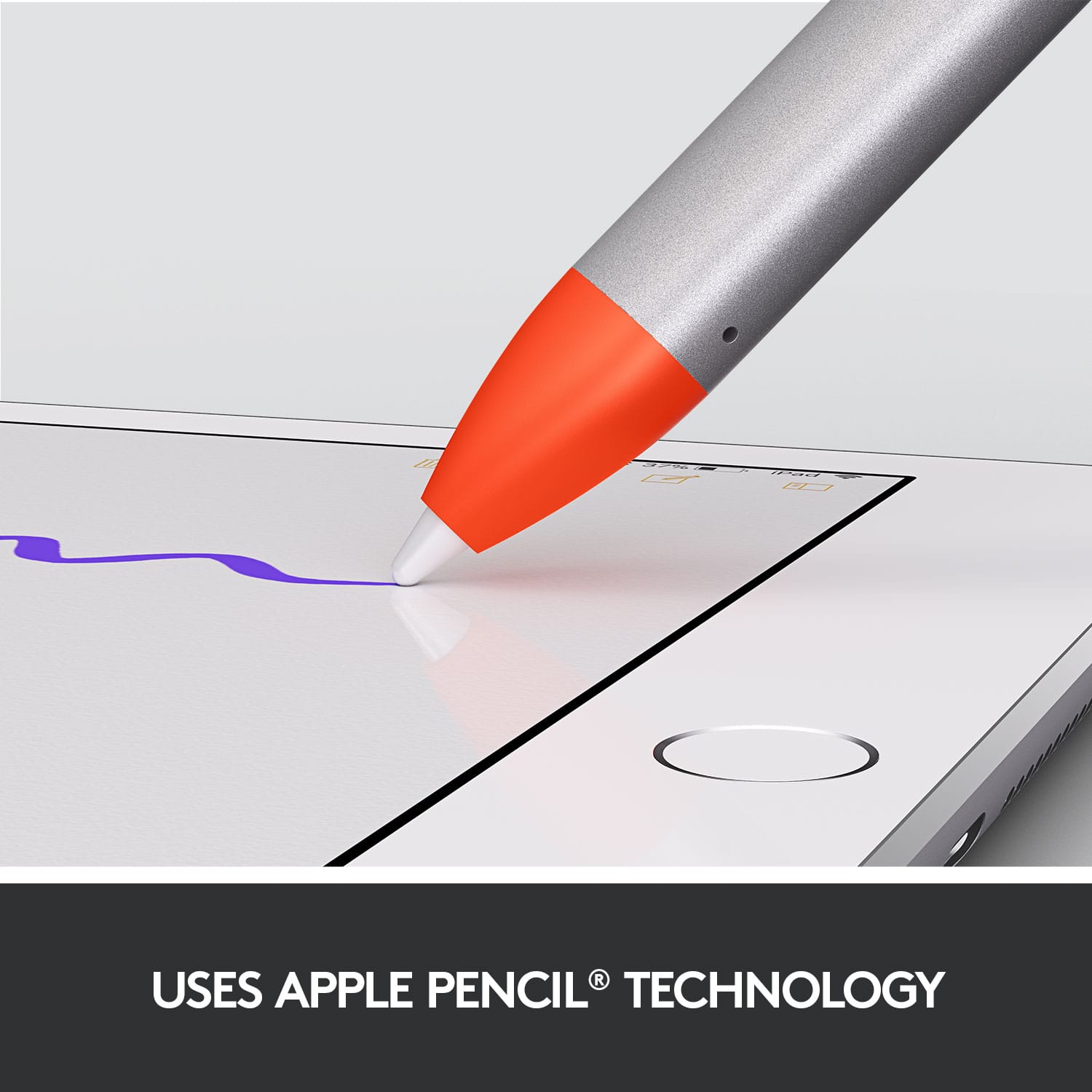
||Posted . Owned for 3 weeks when reviewed.This reviewer received promo considerations or sweepstakes entry for writing a review.It’s worked great for me so far. I don’t need pressure sensitivity so this was a cheaper alternative. The shape makes it actually easier to hold than the Apple Pencil 2 and actually uses the exact same tip so precision isn’t an issue.
I would recommend this to a friendGreat alternative.
||Posted . Owned for 1 month when reviewed.This reviewer received promo considerations or sweepstakes entry for writing a review.Never had a regular apple pencil, but with that price tag I never will. This works as expected, and even thought I thought the design might be a little uncomfortable it actually fits in my hand perfectly and doesn't roll anywhere when laying on my desk. I also love that is charges using the same lightning style cable as my Iphone and otherwise is completely wireless.
I would recommend this to a friendGood alternative to the Apple Pencil
||Posted . Owned for less than 1 week when reviewed.This reviewer received promo considerations or sweepstakes entry for writing a review.It's not the Apple Pencil, but for $60 less than the Apple brand, it's pretty good. The best part is that it works with both my 4th generation iPad Pro 12.9 (2020) and my iPad mini 5th gen (2019), and the Apple Pencil doesn't have that ability, since the first gen works with the iPad mini only, and the second gen works with the pro only.
I would recommend this to a friendBrand response from Logitech
Posted .Hi Nash723,
Thank you for your five-star review! It is greatly appreciated. Continue to enjoy your device. If you ever need assistance, please contact Logitech Support on the website.
LaShonda from Logitech