Customer Ratings & Reviews
- Model:
- 914-000070
- SKU:
- 10735845
Rating by feature
- Value
Rating 4.6 out of 5 stars
- Quality
Rating 4.7 out of 5 stars
- Ease of Use
Rating 4.7 out of 5 stars
Nice accessory for tablet.
||Posted . Owned for 3 weeks when reviewed.This reviewer received promo considerations or sweepstakes entry for writing a review.Given as a gift and she loved it. Said it also works with Apple tablet.
I would recommend this to a friendExtremely disappointed
||Posted .This reviewer received promo considerations or sweepstakes entry for writing a review.What good is a stylus if it can’t take you home? I cannot swipe from bottom to go home, can’t swipe from top to see menu, can’t swipe from bottom right corner to take screenshot, nor can I swipe from bottom left corner to open Quick Notes. If I still have to use my finger to do these things, then this thing is useless.
No, I would not recommend this to a friendBrand response from Logitech
Posted .We’re really sorry to hear about your experience with the Logitech - Crayon Digital Pencil for All Apple iPads. That’s not what we aim for. Please contact us at [email protected] with your name and country, so we can assist you directly.

Tablet pen
||Posted . Owned for 1 month when reviewed.This reviewer received promo considerations or sweepstakes entry for writing a review.it’s very difficult to use per precise use on the Apple iPad
No, I would not recommend this to a friendBrand response from Logitech
Posted .We regret that the Logitech - Crayon Digital Pencil didn’t work as expected. Our team would like to make this right—please email us at [email protected] with your details, so we can assist you directly.
Nice Upgrade
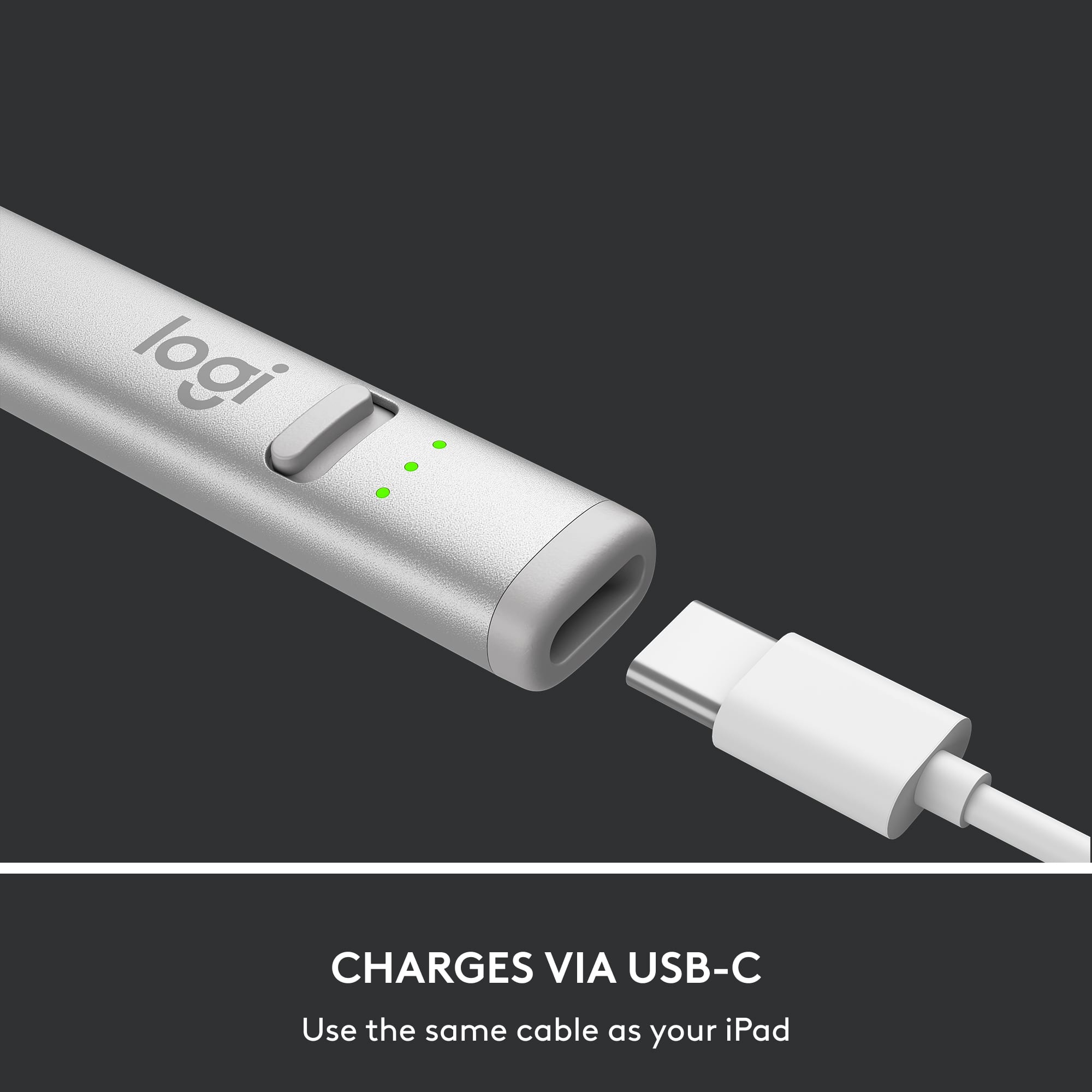
||Posted . Owned for 1 week when reviewed.This reviewer received promo considerations or sweepstakes entry for writing a review.The pencil works well with my daughters new ipad 10 gen and its great to finally have usb c charging port on it now all my devices share one charger
I would recommend this to a friendAmazing product
||Posted . Owned for less than 1 week when reviewed.This reviewer received promo considerations or sweepstakes entry for writing a review.I got this instead of the brand apple pen and it works amazing. I absolutely love it! saved myself some money and works just as great.
I would recommend this to a friend
Excellent Stylus at the right price
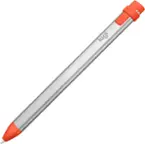
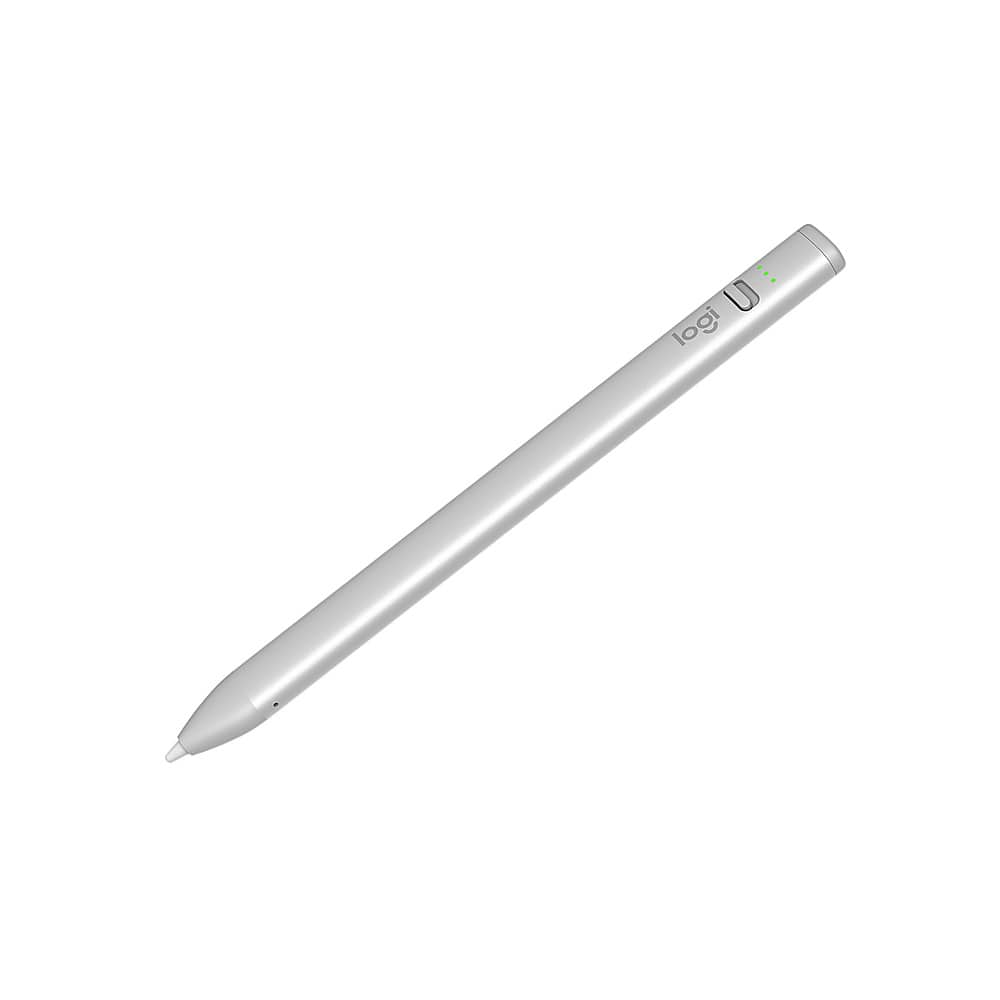
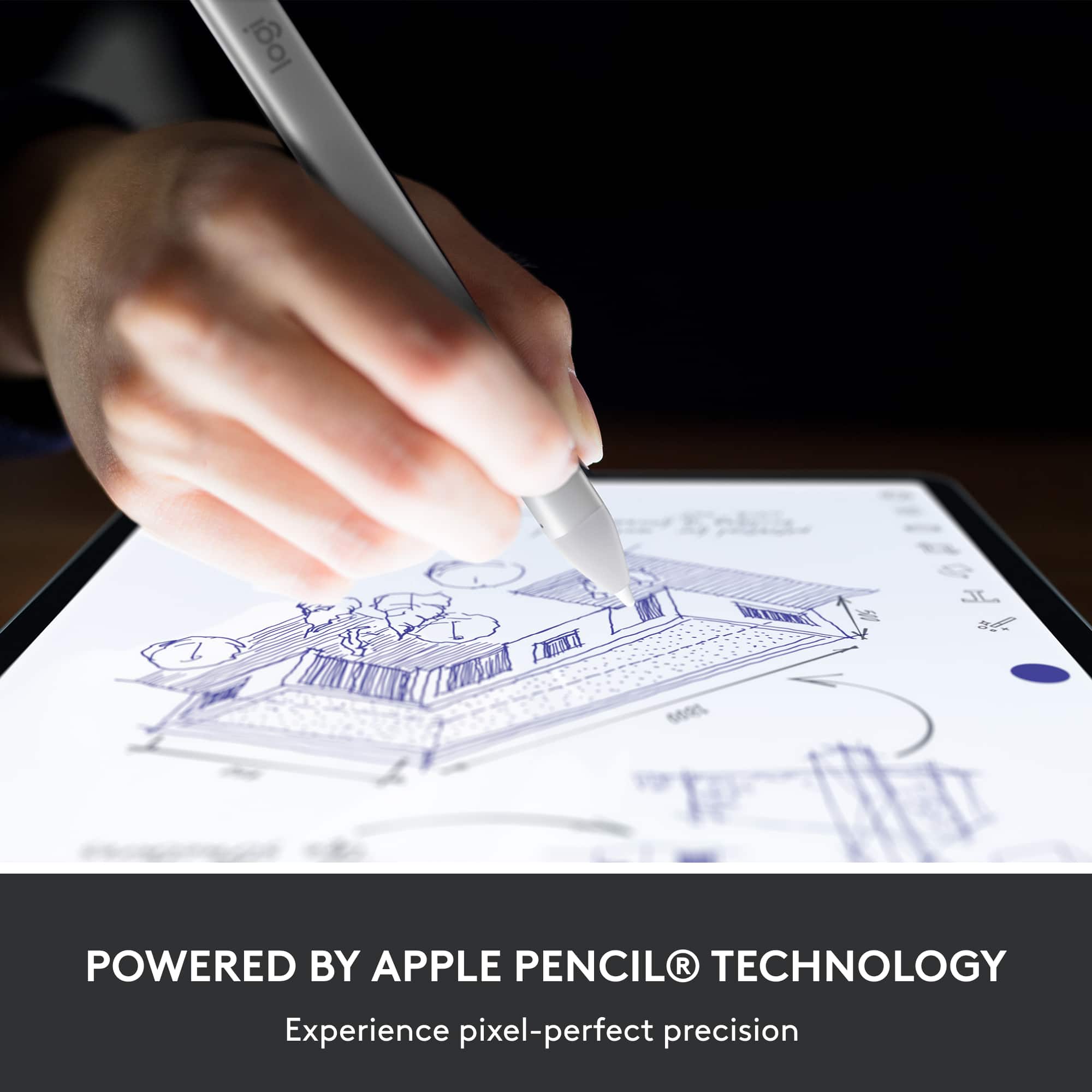
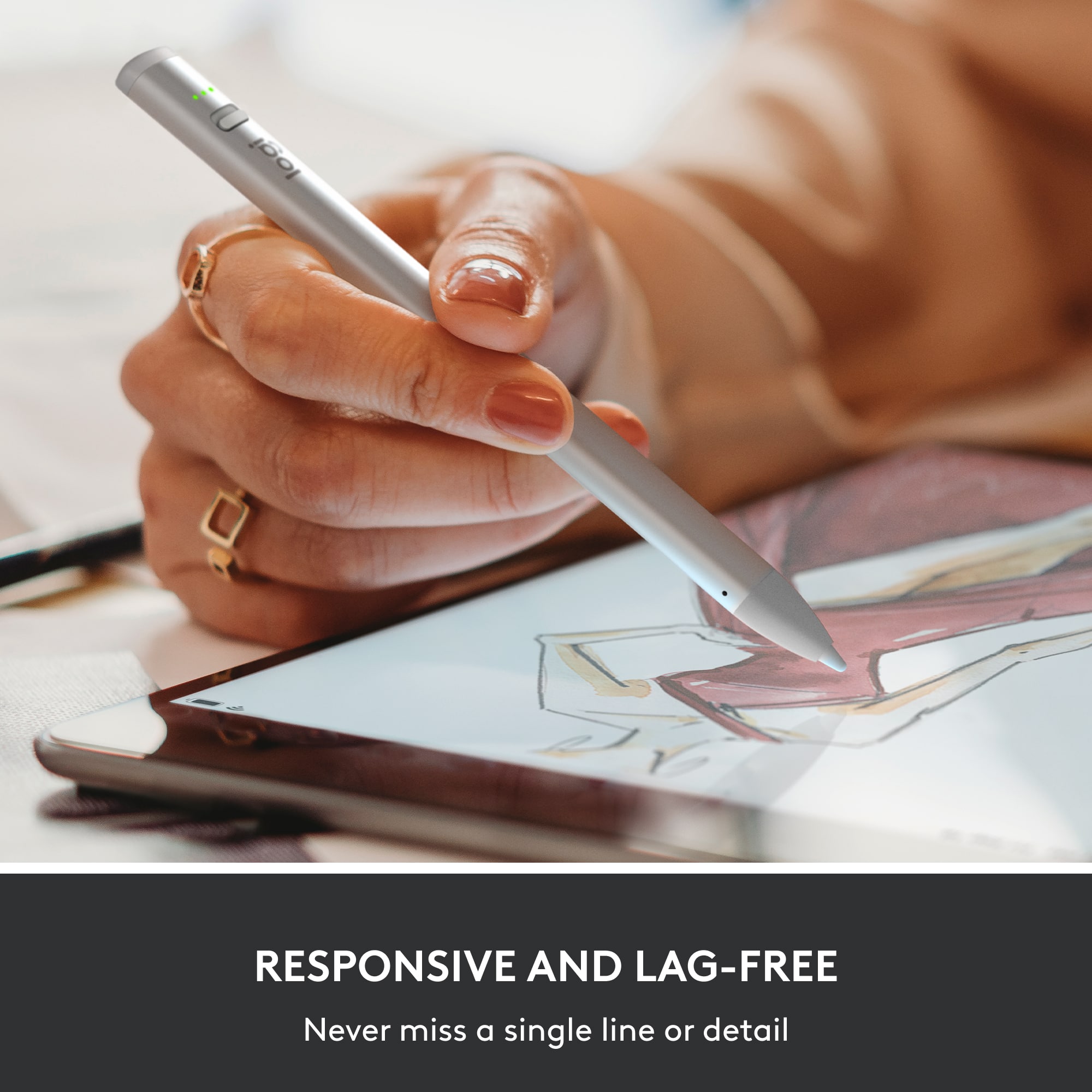
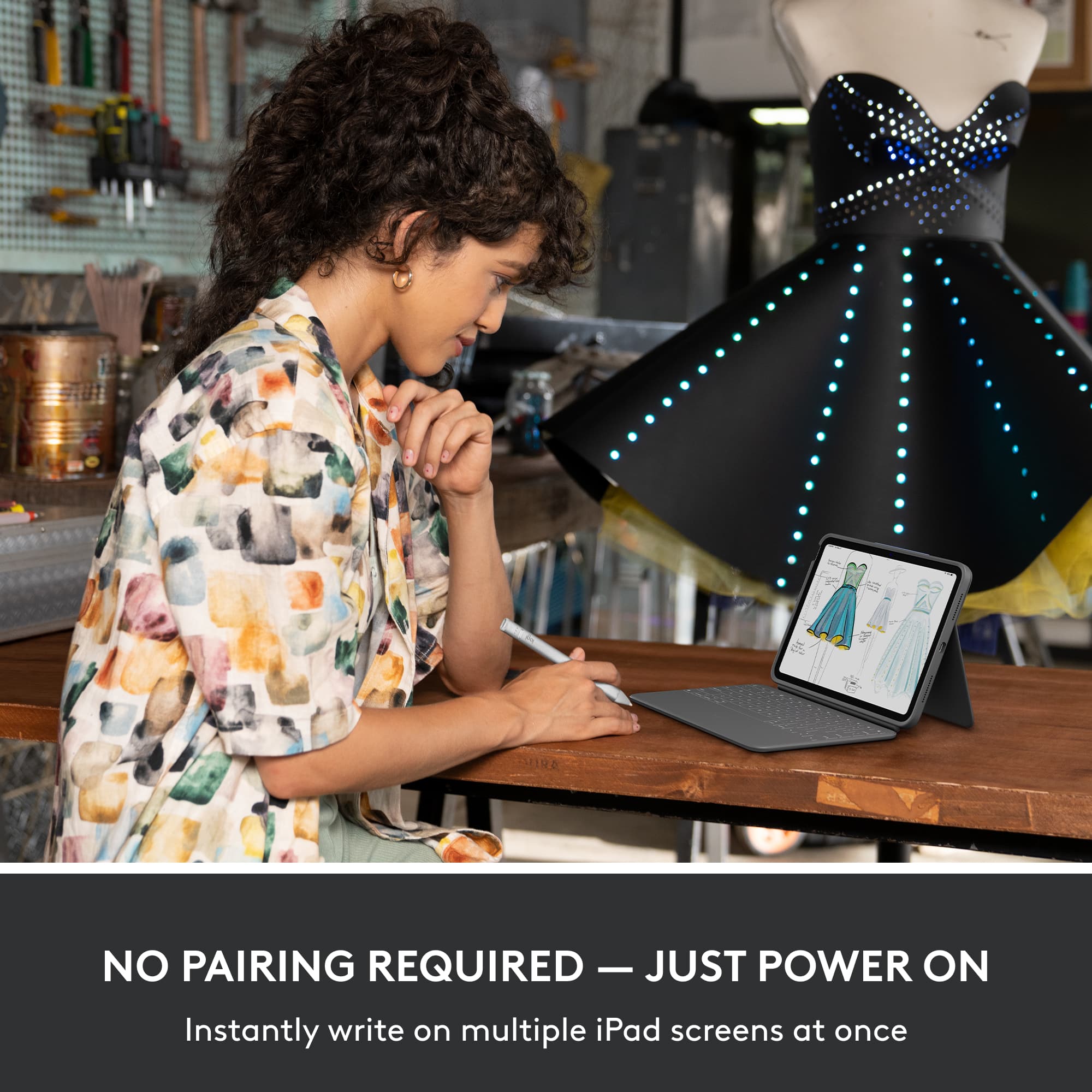
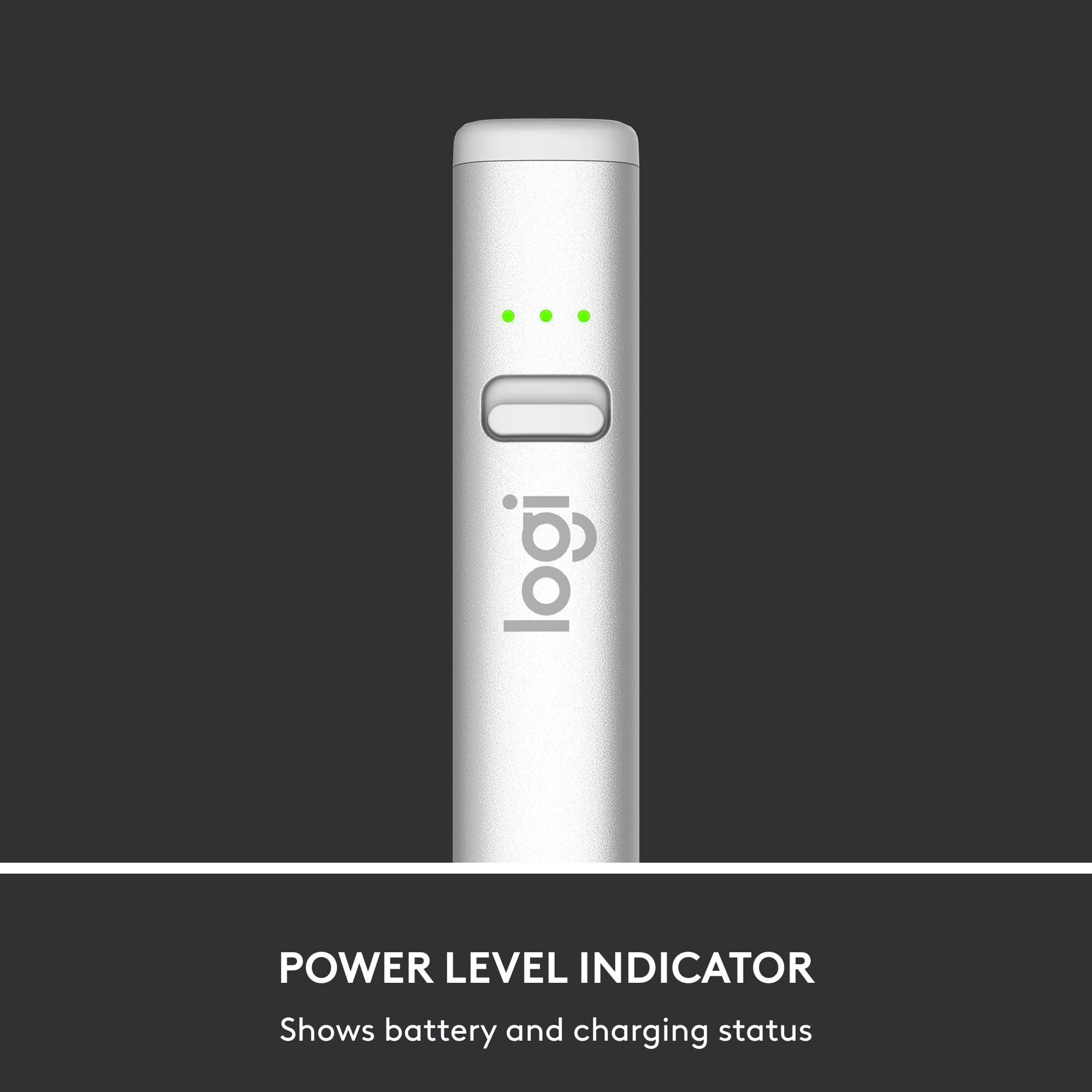
|Posted .This reviewer received promo considerations or sweepstakes entry for writing a review.I've been wanting to get a stylus for my ipad pro ever since I bought it, but since I'm not a professional artist or designer I couldn't really justify dropping more than a bill on one. Thankfully this came along and I've gotta say I love this thing. So what does logitech give you for half the price? The new stylus' big update here is usb-c charging. That's a huge deal for me since literally every piece of rechargeable tech I have uses type-c. There's 3 leds that indicate your charge level. Above the leds is the power switch. I've been using this pretty hard for three days and the battery life seems to be pretty great. I'm still at two lights and haven't had to charge it yet. So aside from usb-c what's the big deal? No pairing required. Just flip the power switch and go to to town on your compatible ipad. I love that as some bluetooth pairing can be finicky on ios. I also love that I can use it on both the ipad pro 2018 and the standard ipad I have. As I said I'm not a professional artist, but I have tested this on a wide range of drawing, drafting, and design apps. I'm impressed. The one feature this is missing from more expensive options is pressure sensitivity. The crayon doesn't have it, but it doesn't matter to me. This thing is perfect for taking notes and casual art. Honestly it's probably perfect for a lot of professionals, but your mileage may vary. It's worth noting though that if your app requires pressure sensitivity, or if it has a pressure sensitivity setting, you may have to disable it before your brushes will work. I had to do this with only one app, but it's something I think people should know. Otherwise this is a fantastic stylus. Super accurate down to the pixel. There are no issues using this with a screen protector either. I have some super cheap glass screen protector and it still works flawlessly. It's also just super comfortable in the hand. It's shaped more like a carpenter's pencil, and the added width makes it very comfy in the hand. It's great. If you're not looking to spend twice the price for a single "pro" feature, this is the stylus for you. I've been using it nonstop. It's great.
I would recommend this to a friendGet the Apple Pencil
||Posted . Owned for 1 month when reviewed.This reviewer received promo considerations or sweepstakes entry for writing a review.Not a fan. Replaced it with an apple pencil. save yourself a headache.
No, I would not recommend this to a friendBrand response from Logitech
Posted .We're sorry to hear the Logitech Crayon didn't meet your expectations and that you preferred the Apple Pencil. We understand that it wasn't the right fit for your needs, and we apologize for any inconvenience this caused. We appreciate you sharing your experience.
Gift for daughter
||Posted . Owned for 1 week when reviewed.This reviewer received promo considerations or sweepstakes entry for writing a review.It was gift for my daughter and she loves it. It’s so easy to use and cheaper than the apple pen.
I would recommend this to a friendGreat Pen
||Posted . Owned for 1 week when reviewed.This reviewer received promo considerations or sweepstakes entry for writing a review.Daughter luvs it.. it was a great investment as she loves to draw and color on her ipad
I would recommend this to a friendPen
||Posted . Owned for 3 weeks when reviewed.This reviewer received promo considerations or sweepstakes entry for writing a review.Easy to use and so far no problems. I would recommend it to my friends and or family.
I would recommend this to a friendFunctional not fabulous
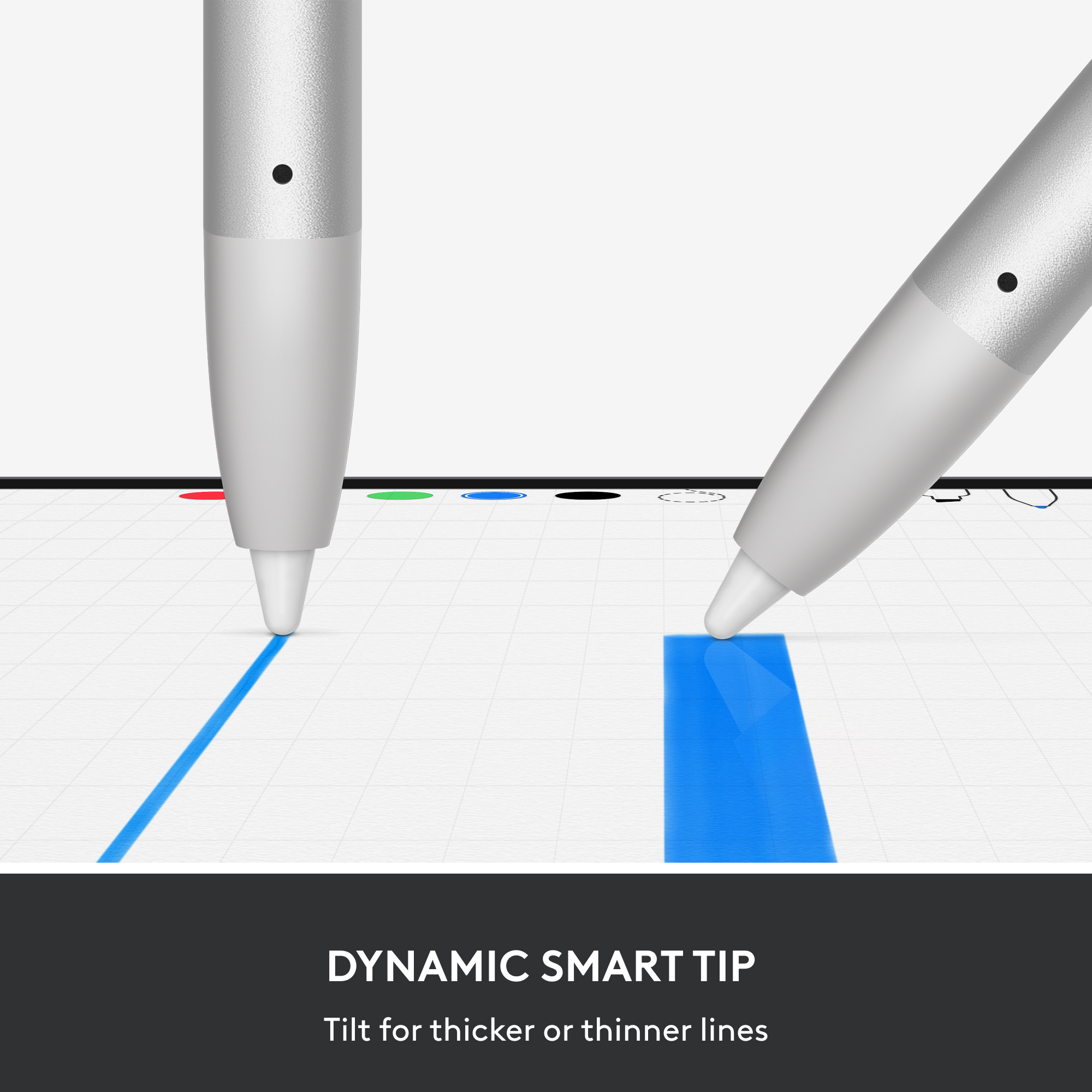
||Posted .This reviewer received promo considerations or sweepstakes entry for writing a review.It does not appear to be able to increase and decrease line width with varied applied pressure. This is a serious disappointment. So it works and is functional not fabulous.
No, I would not recommend this to a friendGood buy for the right user
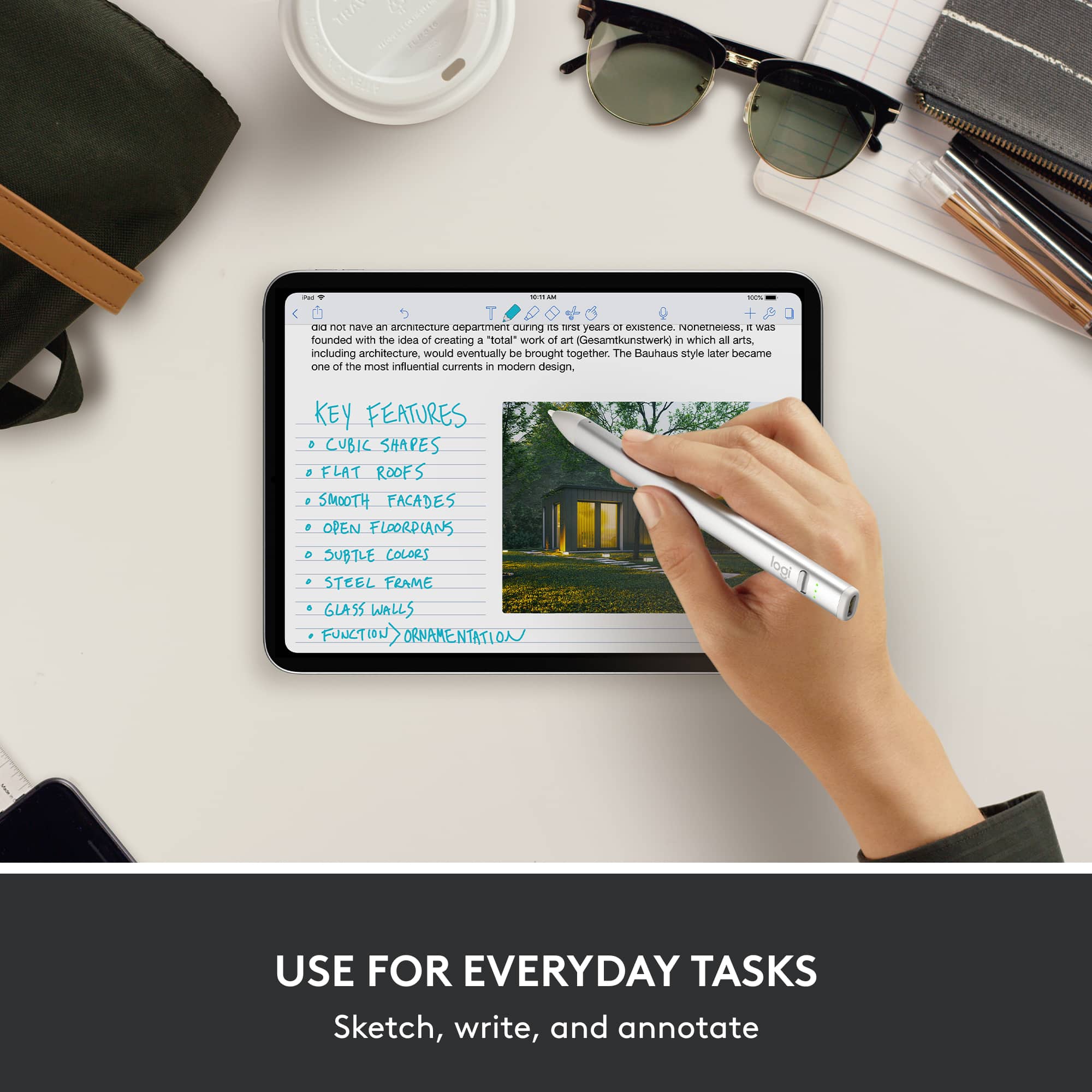
||Posted . Owned for 1 week when reviewed.This reviewer received promo considerations or sweepstakes entry for writing a review.A good alternative to the Apple Pencil for someone mostly just note taking or general stylus use. Wish the charge lasted longer
I would recommend this to a friendTablet pen
||Posted . Owned for 2 weeks when reviewed.This reviewer received promo considerations or sweepstakes entry for writing a review.Great pen. Little one loves drawing on the tablet. Cheaper than ipad pen.
I would recommend this to a friendThe updated Logitech crayon with USB port is proba
||Posted . Owned for 2 weeks when reviewed.This reviewer received promo considerations or sweepstakes entry for writing a review.The updated Logitech crayon with USB port is probably the best stylus for the 10th generation iPad because you do not need to use a dongle to charge it, unlike the first generation Apple Pencil if you’re using the Logitech crayon for notetaking; this is far superior to the first generation, Apple Pencil if not, I think you should seek a different digital pen.
I would recommend this to a friendWorks Great!
||Posted . Owned for 1 week when reviewed.This reviewer received promo considerations or sweepstakes entry for writing a review.It works great with my iPad! And it’s cheaper than Apple Pencil!
I would recommend this to a friendWorks great
||Posted . Owned for 2 weeks when reviewed.This reviewer received promo considerations or sweepstakes entry for writing a review.Works great kids use it all the time. Sale charger as the ipad
I would recommend this to a friendExpensive but good
||Posted . Owned for 1 month when reviewed.This reviewer received promo considerations or sweepstakes entry for writing a review.Girlfriend absolutely loves this, she uses it to draw!
I would recommend this to a friendPen
||Posted . Owned for less than 1 week when reviewed.This reviewer received promo considerations or sweepstakes entry for writing a review.Works get on generation 5 iPad but didn’t work on older model other than that work good my son loves it
I would recommend this to a friendApple pen
||Posted . Owned for 1 week when reviewed.This reviewer received promo considerations or sweepstakes entry for writing a review.Works very well. My daughter loved it for Christmas!
I would recommend this to a friendGreat!
||Posted .This reviewer received promo considerations or sweepstakes entry for writing a review.Awesome, such a great product and totally worth it
I would recommend this to a friend