Customer Ratings & Reviews

- Model:
- 910-006160
- SKU:
- 11067181
Rating by feature
- Value
Rating 4.4 out of 5 stars
- Quality
Rating 4.8 out of 5 stars
- Ease of Use
Rating 4.8 out of 5 stars
TOO SMOOTH
||Posted . Owned for 1 week when reviewed.This reviewer received promo considerations or sweepstakes entry for writing a review.This mouse is amazing, scroll wheel feels so fluid like on the hyper scroll, all buttons feel satisfying yet sturdy, the RGB is really nice as well
I would recommend this to a friendAmazing mouse
||Posted . Owned for 8 months when reviewed.This reviewer received promo considerations or sweepstakes entry for writing a review.I’ve been using variants of the G502 for years and this is by far my favorite mouse for gaming. It’s light and feels good.
I would recommend this to a friend
Amazing mouse, lightweight, responsive, functional
|Posted . Owned for 1 month when reviewed.This reviewer received promo considerations or sweepstakes entry for writing a review.After using the baseline G502 wired mouse for years, i was finally ready to upgrade, and couldnt be happier
I would recommend this to a friendGreat success
||Posted . Owned for 1 month when reviewed.This reviewer received promo considerations or sweepstakes entry for writing a review.This mouse lives up to its reputation. Only thing I would add is a few more thumb buttons. Love it.
I would recommend this to a friendBrand response from Logitech
Posted .Thank you for your insightful review of the Logitech - G502 X PLUS LIGHTSPEED. We are delighted to hear it meets your expectations for high performance.
Almost Perfect Mouse
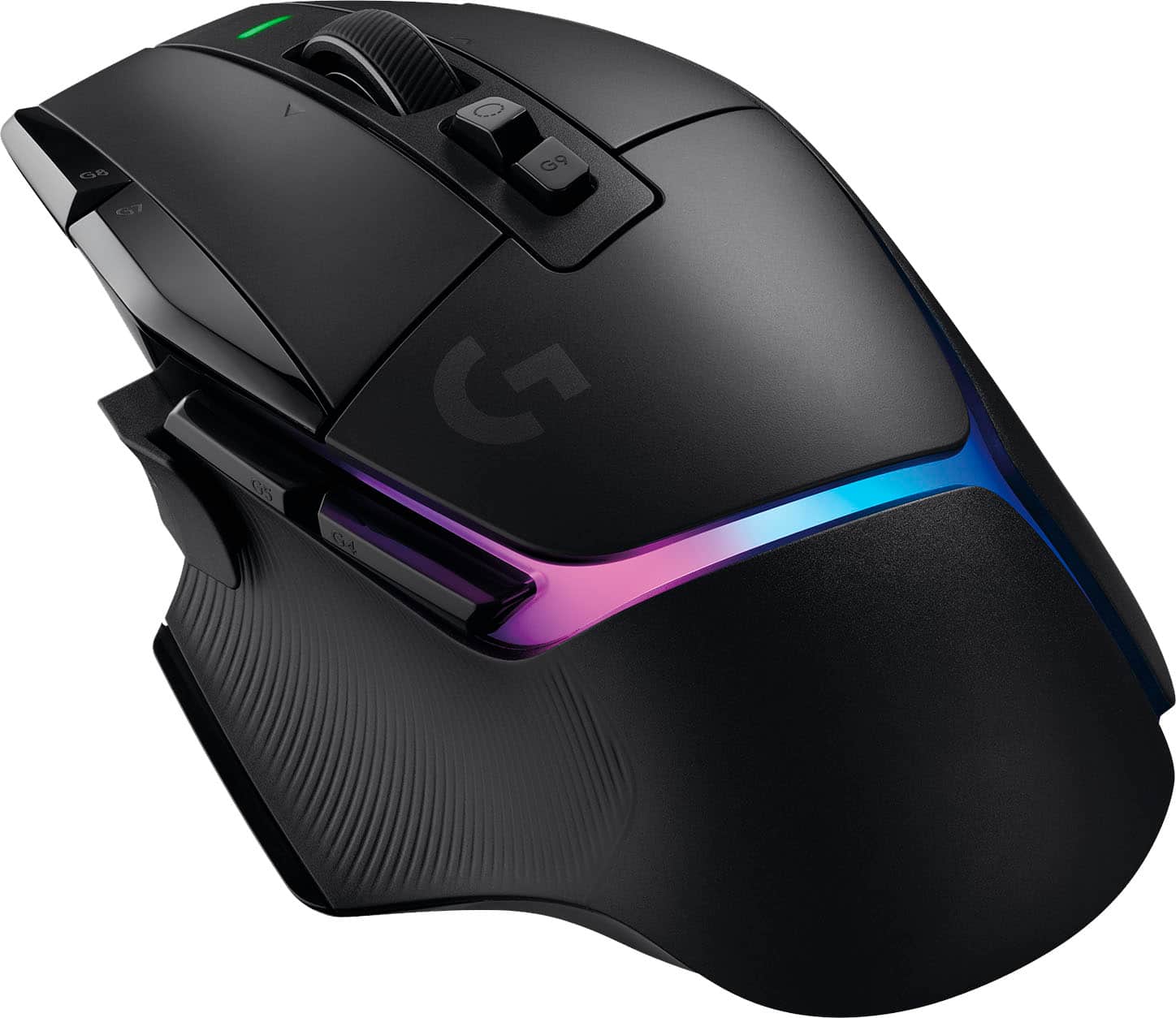
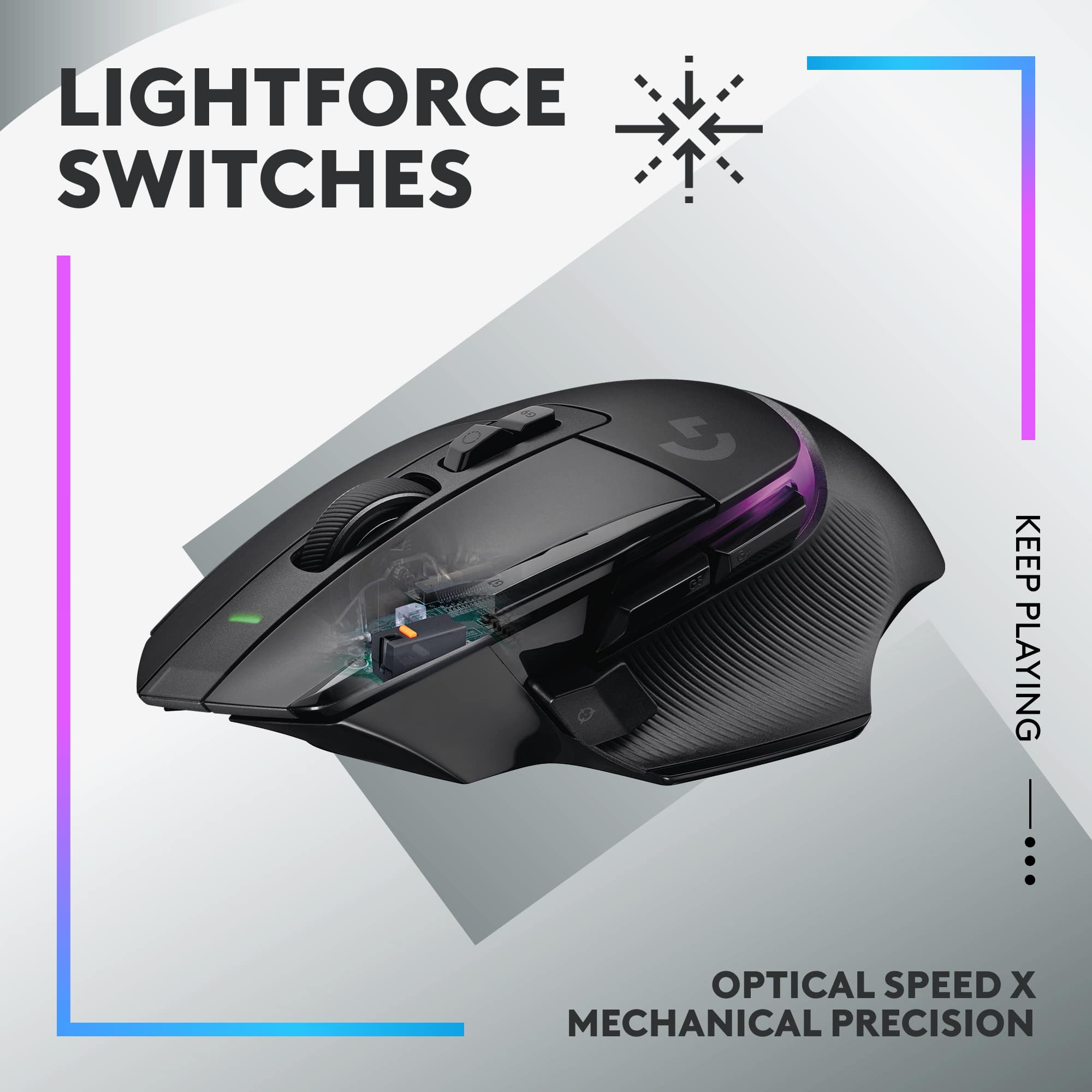
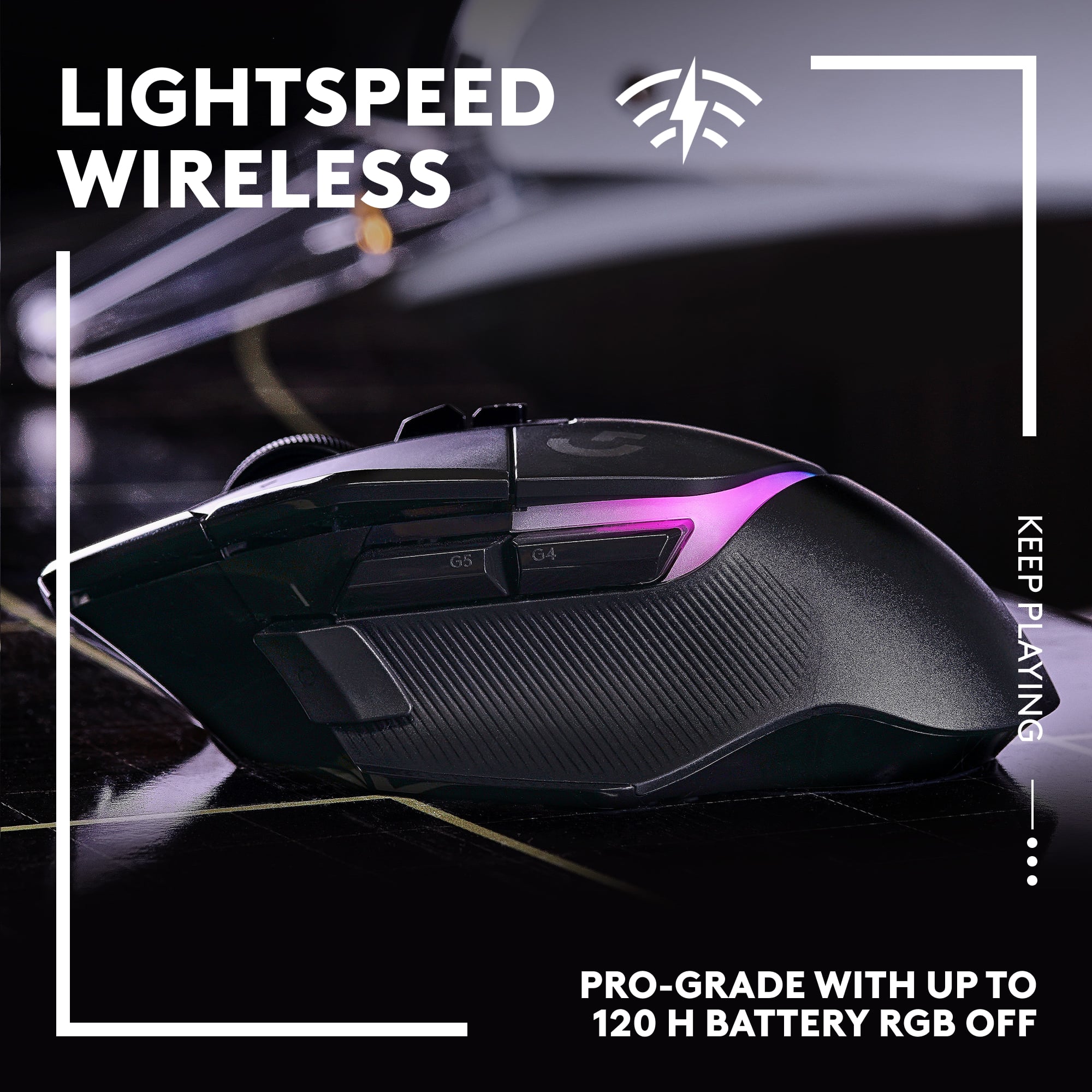
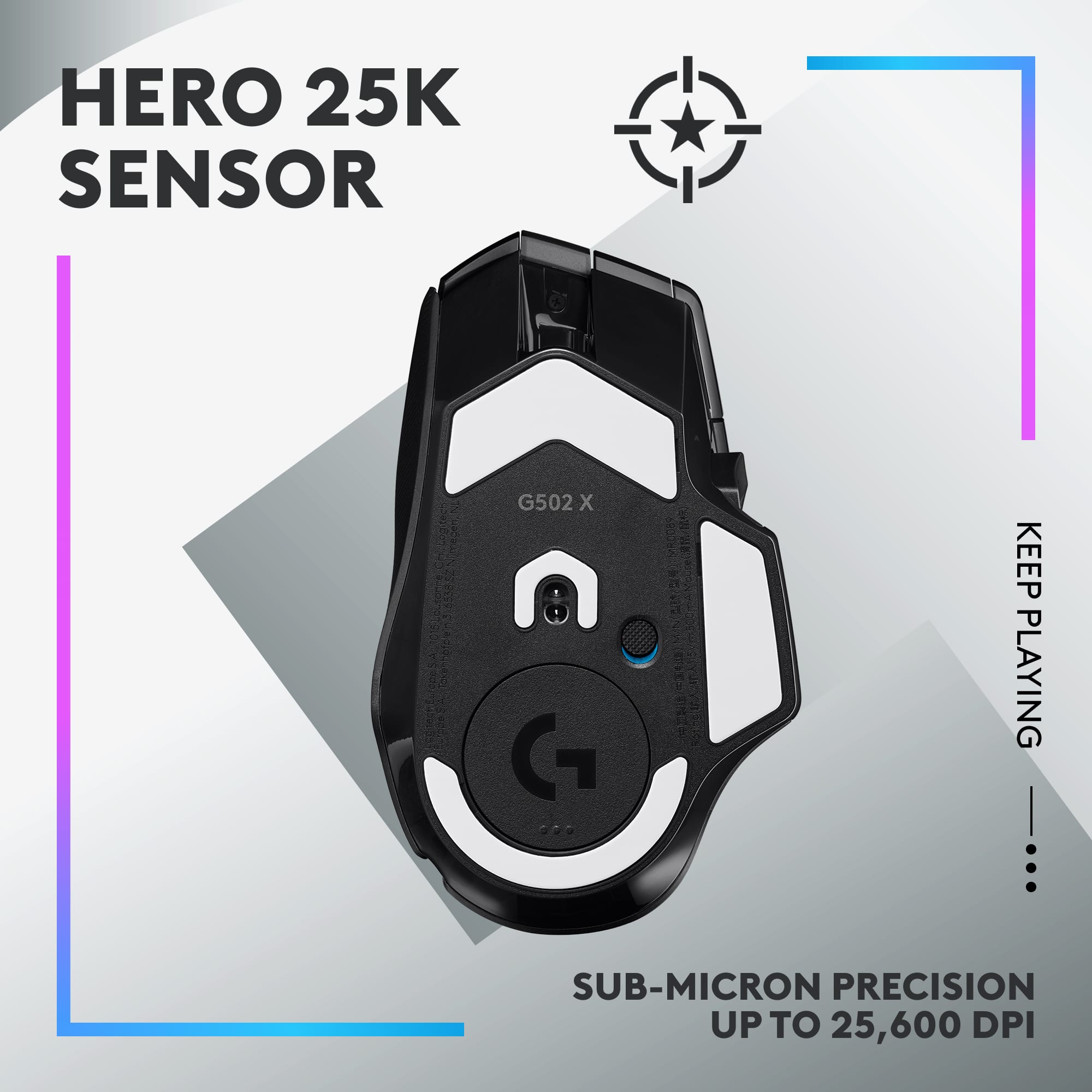
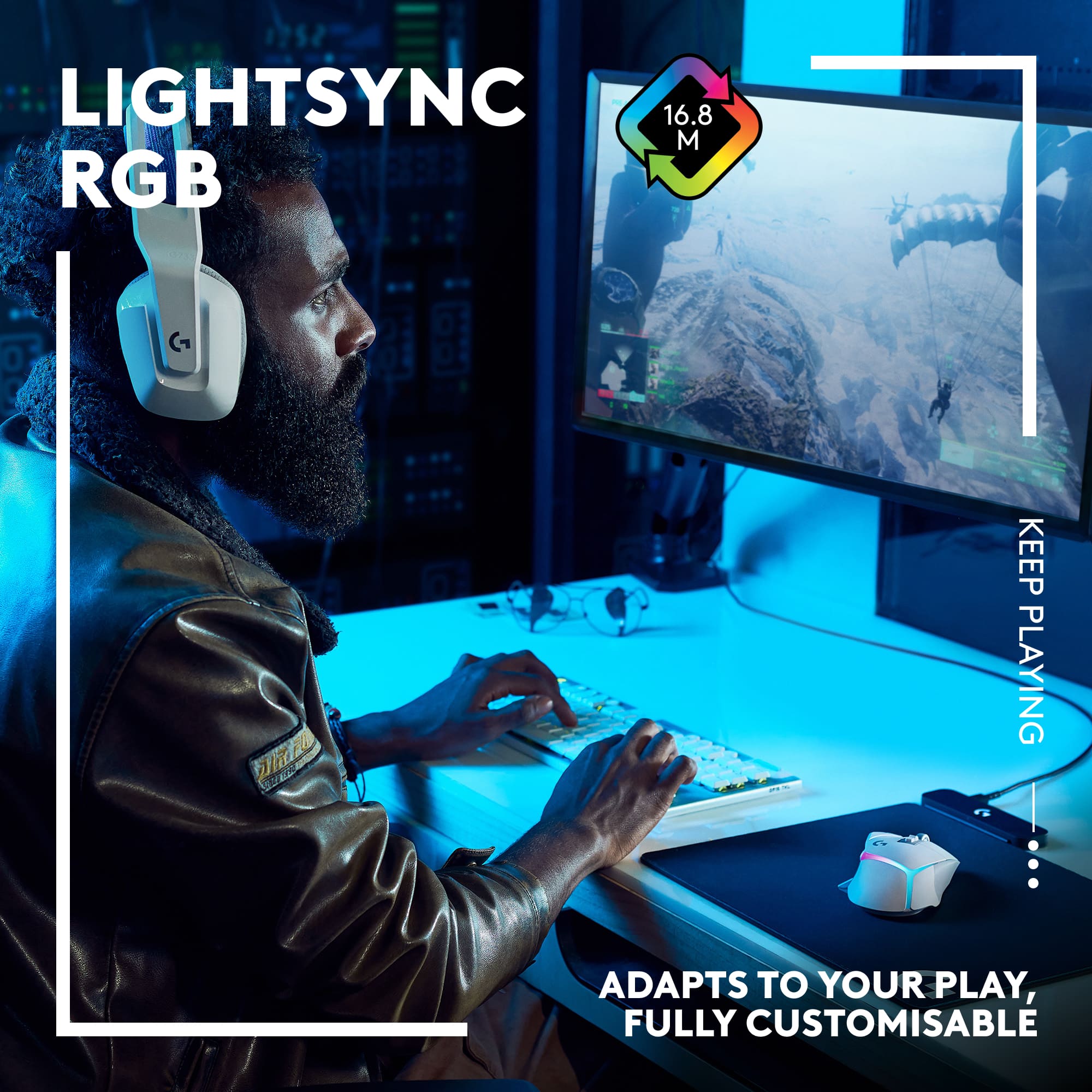
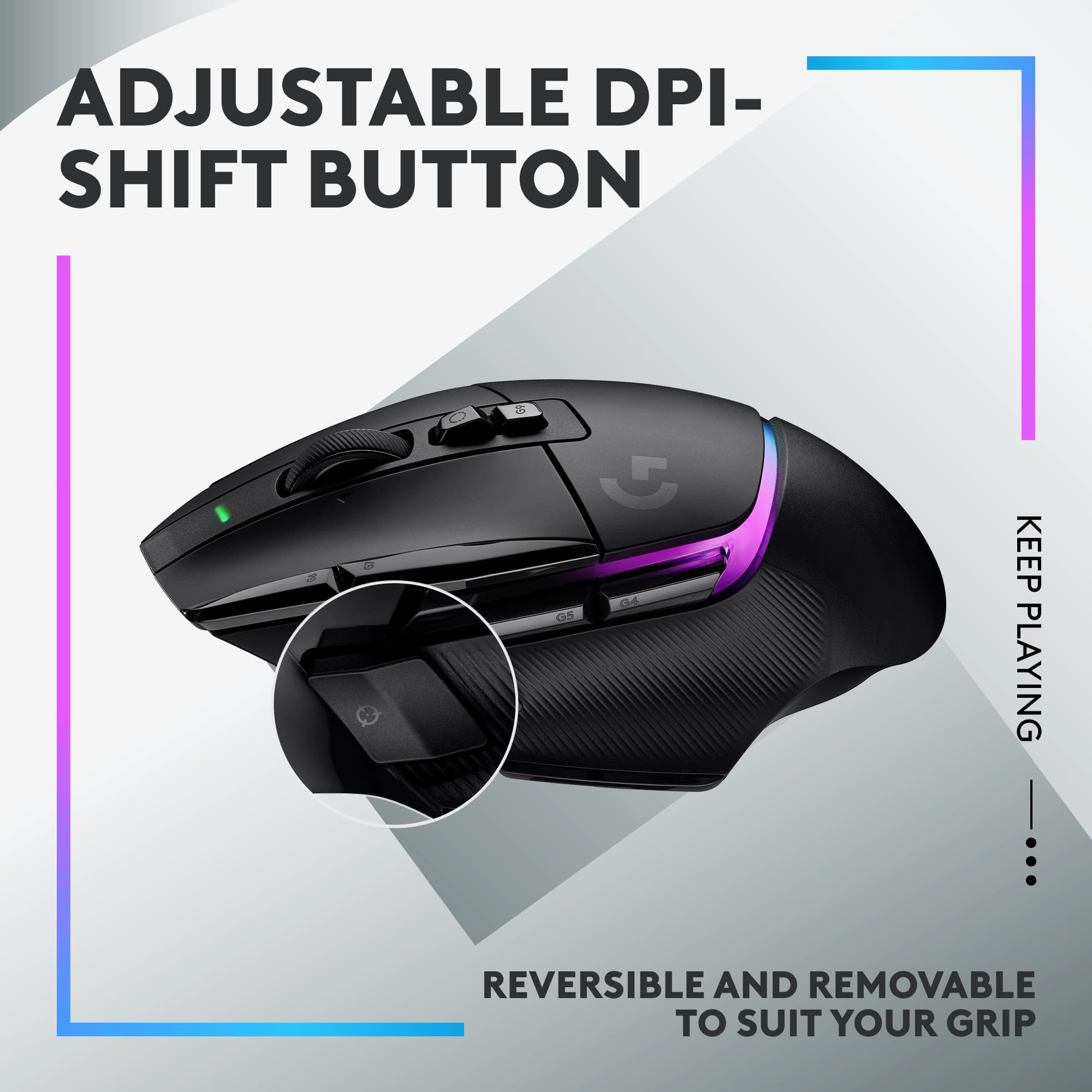
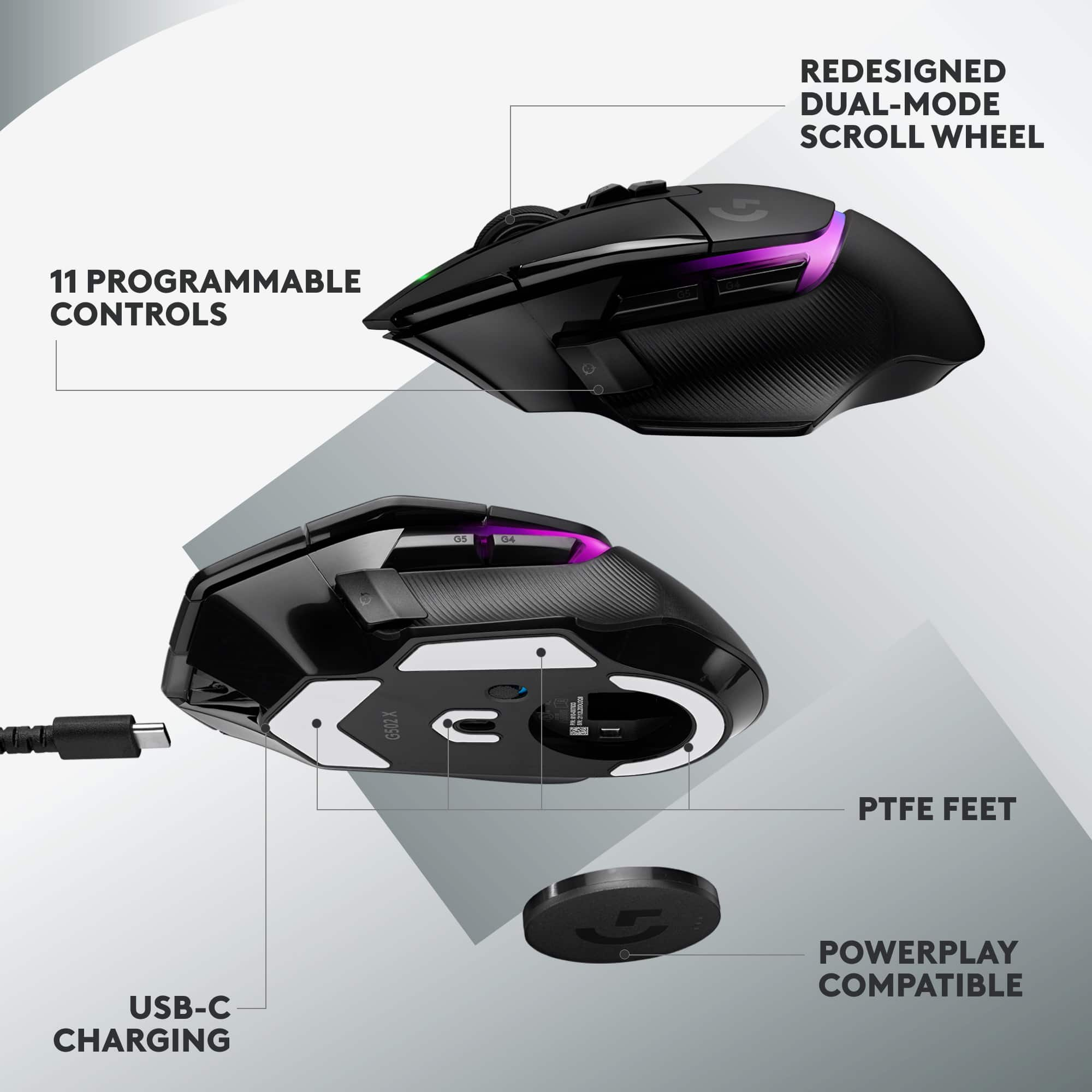
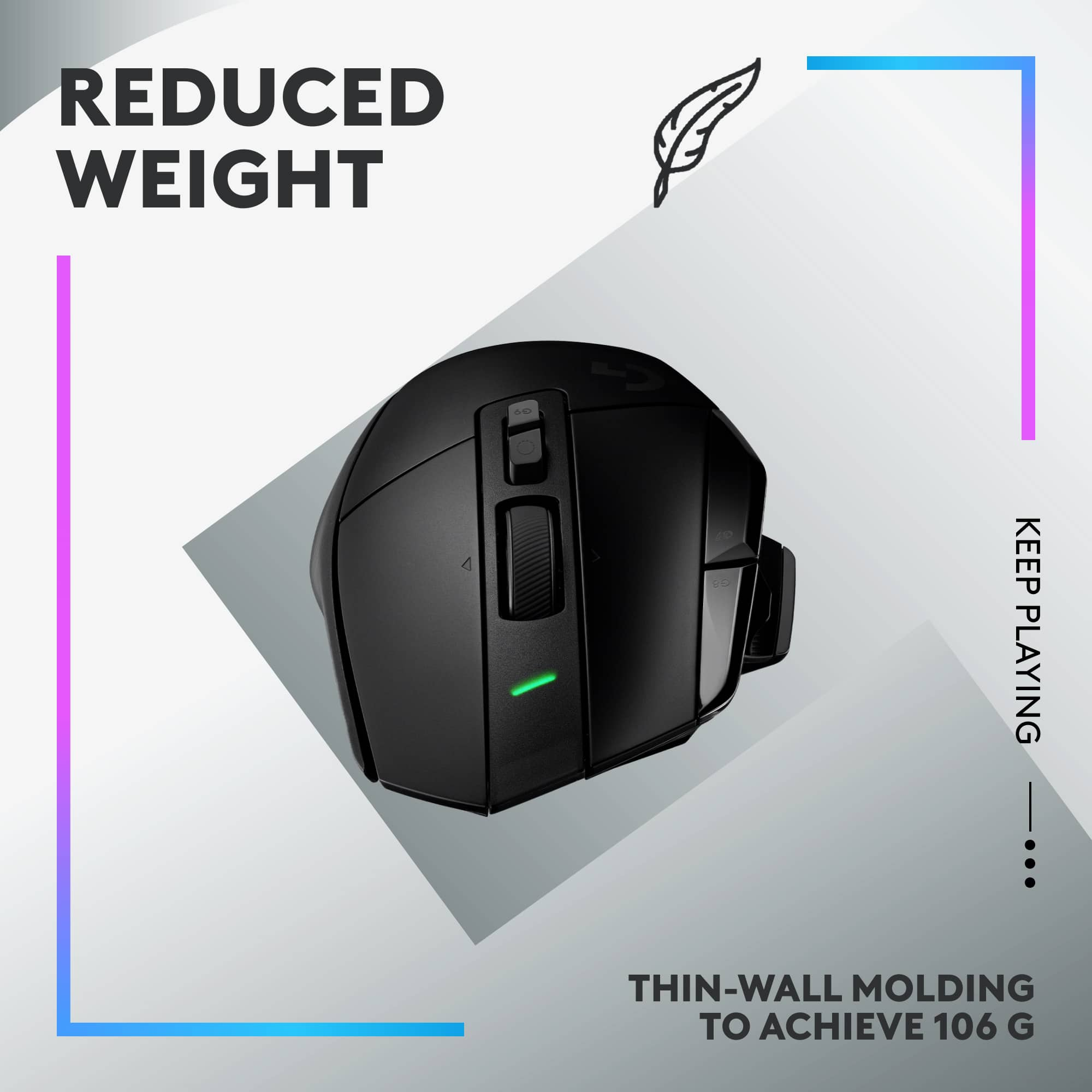
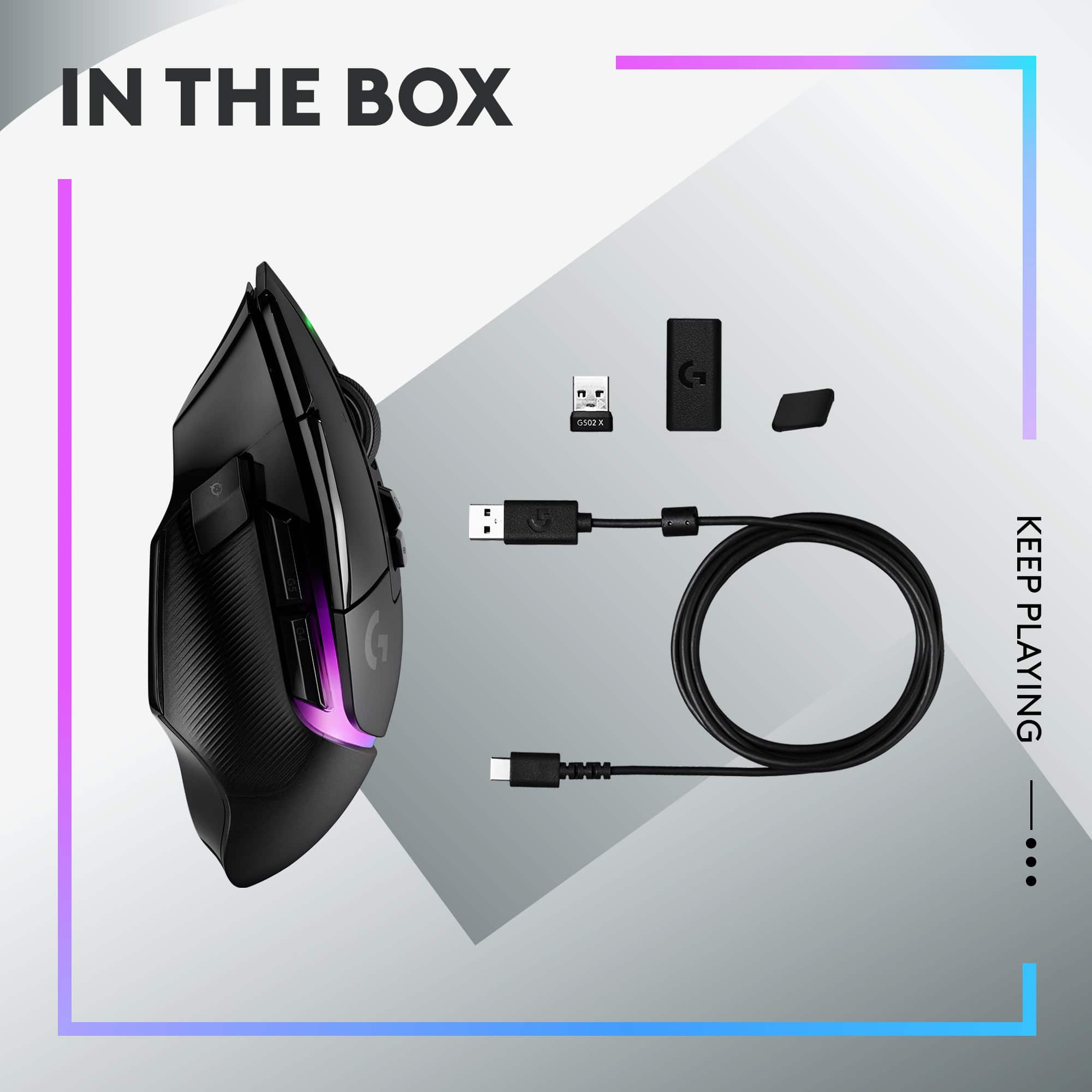
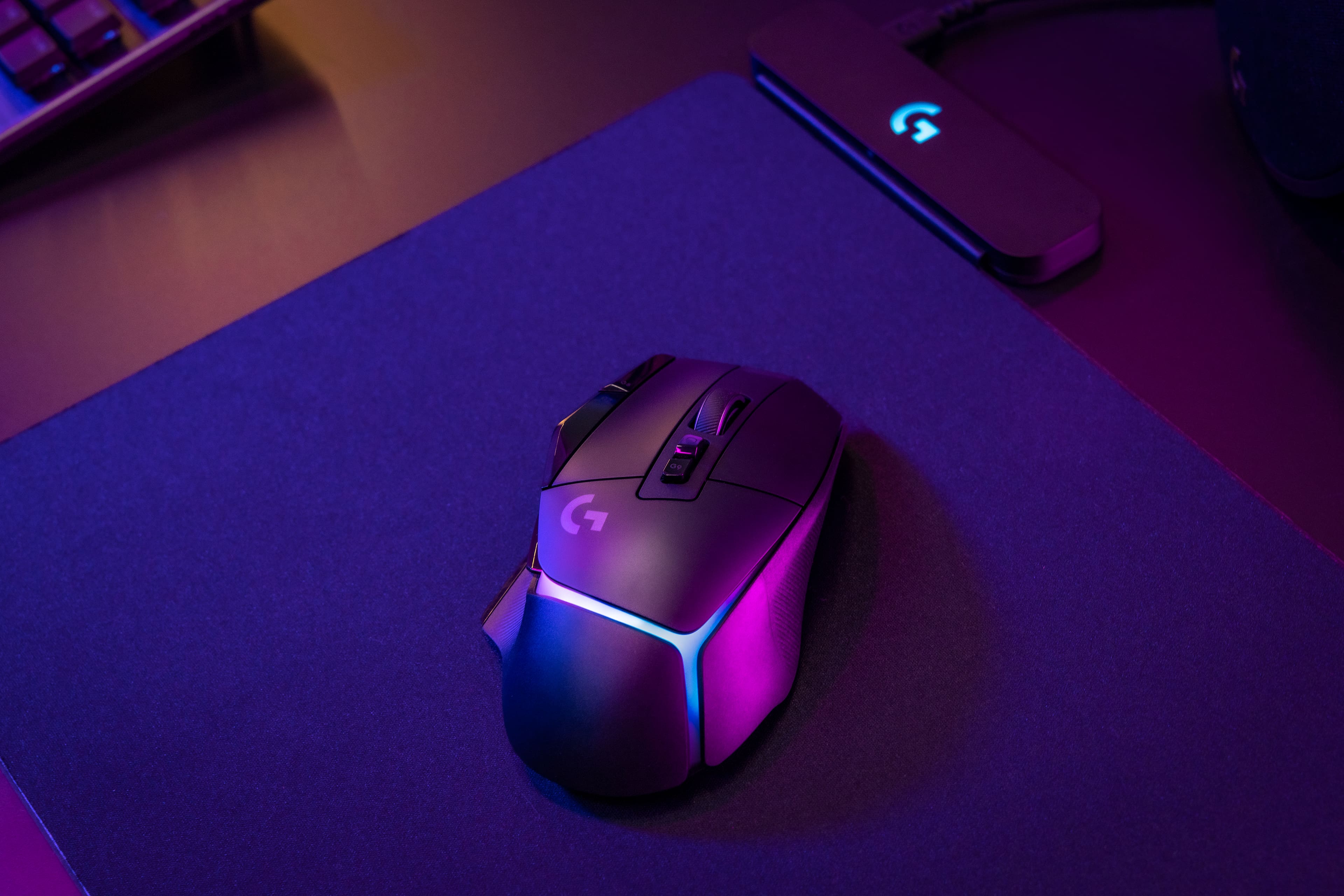
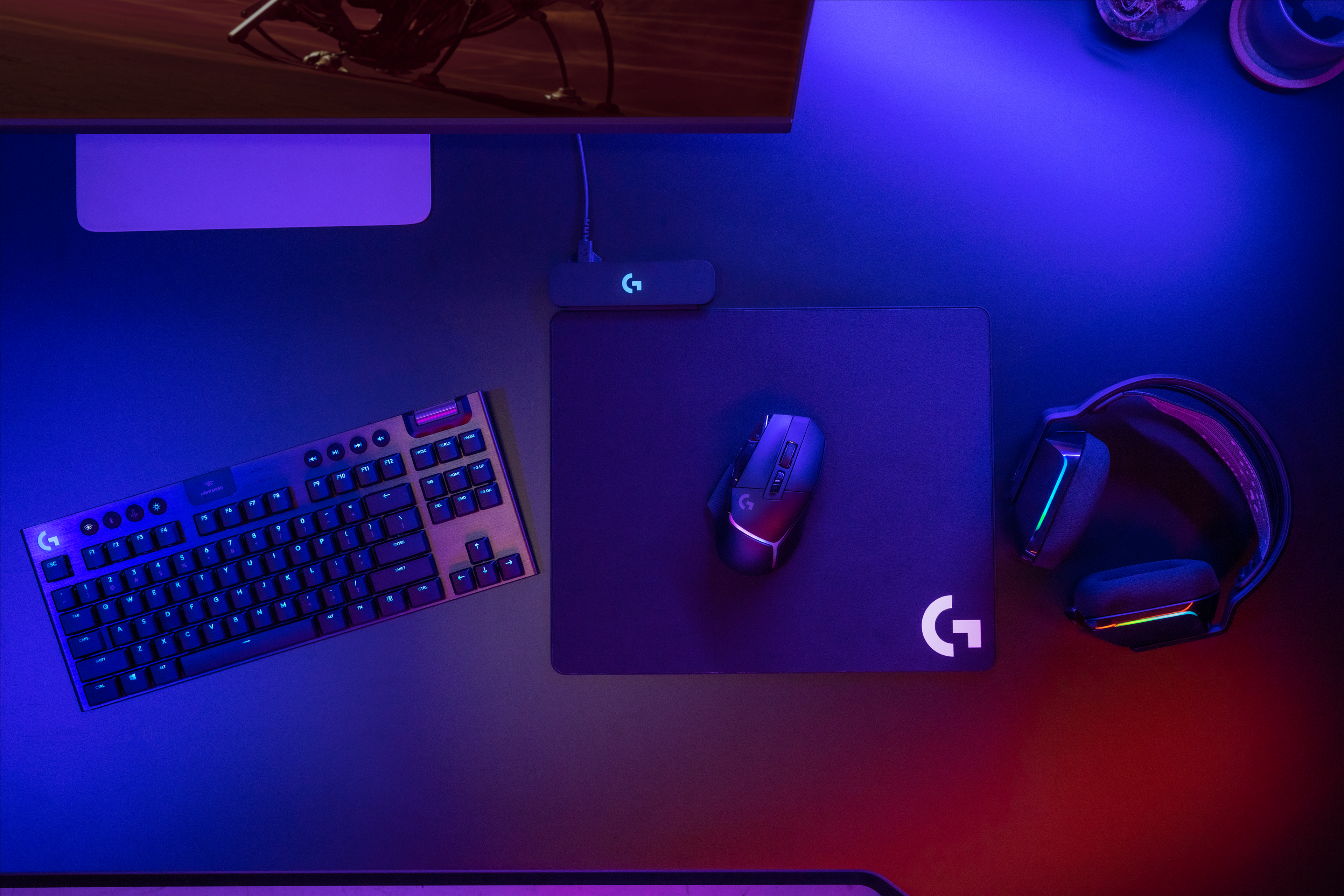
||Posted . Owned for 1 week when reviewed.This reviewer received promo considerations or sweepstakes entry for writing a review.This wireless mouse looks and feels premium. It also includes functional buttons on the body along with RBG lighting. In the box you will find this mouse, USB-C charging cable, DPI-Shift button cover, a USB-A receiver, and a receiver extension adapter (Photo 1). Design The Logitech G502 X Plus thought of almost everything for its design. Across the body and in reach of your fingers are multiple buttons for commonly used features. On the left side you will find a button for DPI-Shift. This is also called “Sniper Button”, because it lowers your cursor movement regardless of what your default DPI is to allow you to snipe more easily. To put this in non-computer terms, it would be like driving 100mph and then going to 25mph in an instant. Next to and slightly above the DPI-Shift is a forward and backwards button. You can use these Instead of having to hit the forward and back buttons on a webpage (Photo 2). At the top of the G502 X Plus is a fully functional scroll wheel with side-to-side scrolling. You can get it to free spin, or you can click the button under it and that turns the free spinning wheel into a notch type of scrolling. Then the 2nd button under the scroll wheel is for switching to different profiles. To the left of the scroll wheel is two buttons that toggle the DPI settings. Unlike the DPI-Switch, these lower it 1 level at a time between 5 ranges: 800, 1200, 1600, 2400, and 3200 DPI. On the bottom there are 4 PTFE feet for smooth gliding along with the power button and battery/storage area (Photo 3). The storage area is meant for the USB receiver, but I use it to store the DPI-Shift button cover. Regarding the battery area, if you do get the powerplay charging mouse pad for this mouse, the powerplay rechargeable battery comes in black only. Quality The G502 X Plus has a plastic body with gloss black around the front half. The wheel is also plastic but wrapped in a ridged rubber. There’s also ridged rubber on each side of the mouse along with a thumb rest on the left side providing this mouse with excellent grip (Photo 2 & 4). It weighs 108g with the Powerplay rechargeable battery and measures 5.3” (L) x 3.2” (W) x 1.5” (H). However, the grip width is only 2.5”, this is the distance on the mouse where your thumb and ring finger sit. Overall, my hand fits comfortably on the mouse (Photo 5). Concerning noise, the G502 X Plus is solid. There is no flex or any sounds coming from the mouse when in use, not even when shaking it back and forth rapidly. However, when pressing buttons or rolling the notched wheel, they do provide a clicky sound. RGB/Software You will find RGB lighting on the palm area of the mouse. The design of the RBG is like a shell slightly cracked with an orb of lights peeking through. There also is an inactive light above the scroll wheel that comes on when changing the DPI. Speaking of DPI, when changing it via the buttons on the top of the mouse, the RBG lighting changes based on the level you set it on. From lowest to highest the colors changes: white (lowest-800DPI), orange, teal, yellow (Photo 6), and purple (highest-3200). In the Logitech software you will be able to change the RBG lighting along with reprogramming any of the buttons on the mouse. The mouse allows you to fully customize it to optimize the best layout for each user. Downsides Due to the design of the mouse this is meant to be used with only your right hand. However, my biggest disappointment is that this device can only be connected to one device at a time. The only available connection is using the USB-A receiver as the mouse does not have Bluetooth to connect to other devices simultaneously. If you have another computer, you will have to either keep switching the USB-A receiver or buy another mouse.
I would recommend this to a friendNice mouse
||Posted . Owned for 1 week when reviewed.This reviewer received promo considerations or sweepstakes entry for writing a review.Mouse seems to be working fine. I downloaded the software since it comes with a little extra features for customizing the rgb effects. I bought warranty just in case.
I would recommend this to a friendGreat mouse
||Posted . Owned for 1 week when reviewed.This reviewer received promo considerations or sweepstakes entry for writing a review.Super smooth and worth every penny. I really enjoy how good it feels in my hand and how light it is for the size.
I would recommend this to a friendGreat
||Posted . Owned for 1 week when reviewed.This reviewer received promo considerations or sweepstakes entry for writing a review.I love this mouse. It's my first wireless mouse and I've always wanted one. This one is definitely a very top tier mouse
I would recommend this to a friendNice flow, and easy to move
||Posted . Owned for 1 week when reviewed.This reviewer received promo considerations or sweepstakes entry for writing a review.It amazing, I use for call of duty or Geometry Dash
I would recommend this to a friendBrand response from Logitech
Posted .Hey there! We're thrilled to hear you're loving the G502 X PLUS LIGHTSPEED for both high-octane games like Call of Duty and fast-paced adventures like Geometry Dash. The HERO 25K sensor and LIGHTSPEED wireless are perfect for those lightning-quick reflexes, and the customizable weight system lets you fine-tune it for your playstyle.
Fast gaming mouse
||Posted . Owned for 2 weeks when reviewed.This reviewer received promo considerations or sweepstakes entry for writing a review.My favorite gaming mouse plug and play works great. My favorite feature is how clicky it is.
I would recommend this to a friendOne of the best!
||Posted . Owned for 6 months when reviewed.This reviewer received promo considerations or sweepstakes entry for writing a review.One of the best mice on the market wireless or wired! Super smooth and responsive for any task!
I would recommend this to a friendHuge Upgrade
||Posted . Owned for 2 months when reviewed.This reviewer received promo considerations or sweepstakes entry for writing a review.wanted to see what all the hype was about. switched from razer mice and yeah pretty good.
I would recommend this to a friendExcellent
||Posted . Owned for 3 weeks when reviewed.This reviewer received promo considerations or sweepstakes entry for writing a review.Love all the buttons and all the colors. It works great!! Also have the keyboard and its great as well!!!!
I would recommend this to a friendCool lighting effects
||Posted . Owned for 1 month when reviewed.This reviewer received promo considerations or sweepstakes entry for writing a review.Love it! I can customize the lighting through a program and i can customize the buttons on it
I would recommend this to a friendGreat gaming mouse!
||Posted . Owned for 2 weeks when reviewed.This reviewer received promo considerations or sweepstakes entry for writing a review.Light, accurate, and the battery last days no problem.
I would recommend this to a friendBest Gaming Mouse
||Posted . Owned for 3 weeks when reviewed.This reviewer received promo considerations or sweepstakes entry for writing a review.Excellent weight & feel while gaming absolutely brings the heat while gaming
I would recommend this to a friendMouse
||Posted . Owned for 5 months when reviewed.This reviewer received promo considerations or sweepstakes entry for writing a review.Bought this mouse and now I have a house, car, wife, and child. 10/10 would recommend.
I would recommend this to a friendGreat mouse
||Posted . Owned for 1 month when reviewed.This reviewer received promo considerations or sweepstakes entry for writing a review.Lightweight, fast response time wireless mouse, rgb, and great battery life.
I would recommend this to a friend.
||Posted . Owned for 2 months when reviewed.This reviewer received promo considerations or sweepstakes entry for writing a review.bought it after my last mouse broke. havent had any issues, works great
I would recommend this to a friendAmazing upgrade
||Posted . Owned for less than 1 week when reviewed.This reviewer received promo considerations or sweepstakes entry for writing a review.Coming from the G502 hero, this mouse has a great clicking input and much lighter then the G502.
I would recommend this to a friend