Customer Ratings & Reviews

- Model:
- 920-008149
- SKU:
- 5592420
Rating by feature
- Value
Rating 4.6 out of 5 stars
- Quality
Rating 4.7 out of 5 stars
- Ease of Use
Rating 4.7 out of 5 stars
Customers are saying
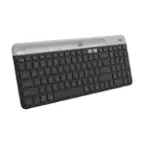
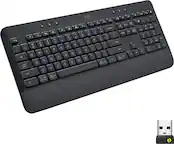
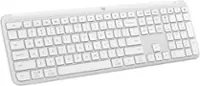
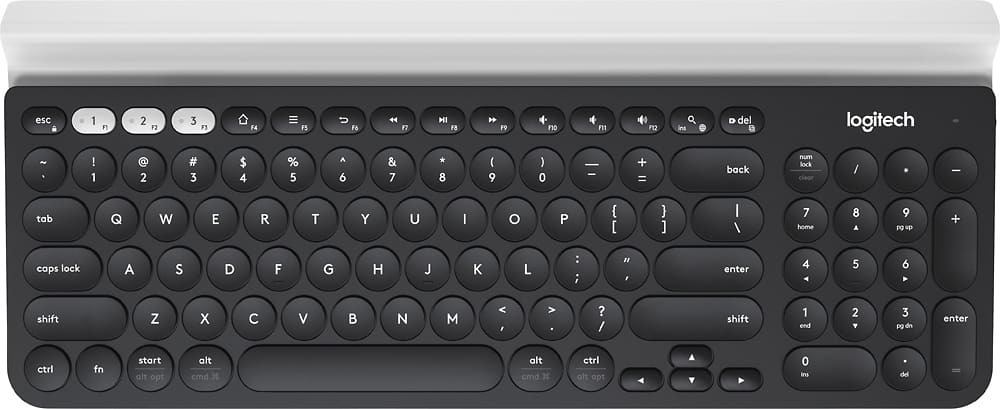
Customers are delighted by the K780 Full-size Wireless Scissor Keyboard's quality, ease of use, and key feel. Many appreciate its compatibility with multiple devices, convenient size, long battery life, appealing design, and ideal weight. However, some customers have reported occasional connectivity issues, and a few find the product to be expensive.
This summary was generated by AI based on customer reviews.
- Pros mentioned:Keyboard quality
Sweet Spot Between Functionality, Style, and Price
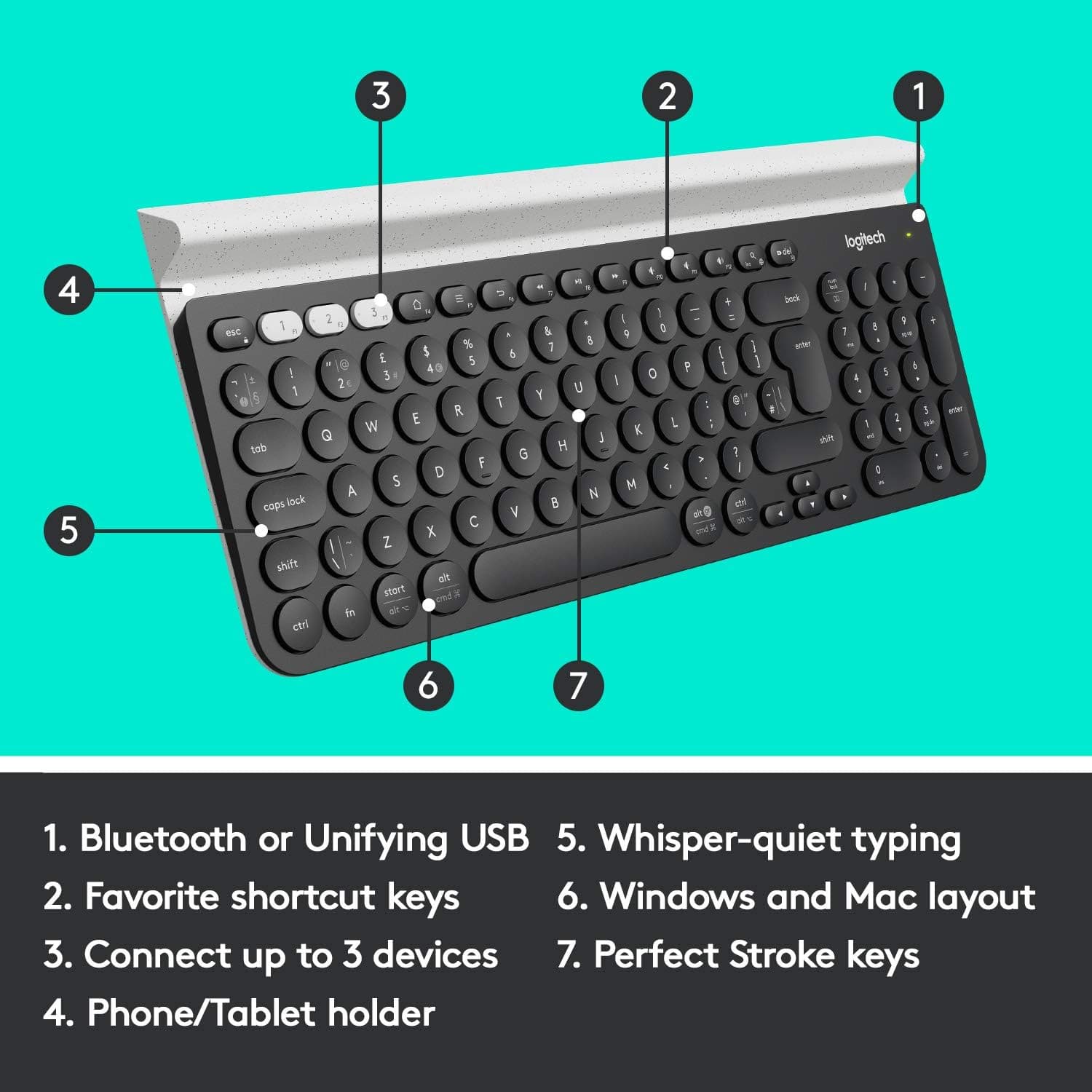
||Posted . Owned for 1 month when reviewed.This reviewer received promo considerations or sweepstakes entry for writing a review.I was searching for a keyboard with the following functionality and statistics: 1) Three distinct Bluetooth connections switchable on the fly; 2) keys that didn't feel too mushy; 3) a full layout, with dedicated Home/End/Page Up/Page Down buttons; 4) a brand I can trust; and 5) not spending an arm and a leg. Although the K780 does not meet all of this criteria, its sweet spot between price and quality/durability was what made the sale for me. 1) Three Bluetooth connections? Check. 2) Keys are slightly mushy, but not terribly so. 3) No full layout, but I can get used to holding an extra modifier key to page up and down in large documents. 4) I've never had issues with Logitech products in the past. This keyboard has a wonderful heft to it, looking chic while feeling durable. And it has a dedicated power switch, which is a plus. 5) Less expensive than Logitech's MX line of keyboards, but more stylish than their lower end of models. Having a built-in rail to rest a phone or tablet on the keyboard wasn't a determining factor for me, but I've found it to be quite useful. Note that this rail comes in two colors, off-white and marbled/speckled something or another. The solid off-white looks infinitely better than speckled, but your opinion may differ. I ended up pairing this with a Logitech M720 Triathlon mouse, and didn't break the bank. Thanks Logitech!
I would recommend this to a friendBrand response from Logitech
Posted .Thanks for the review! Glad the K780 fits your needs with great connections and value. We appreciate the feedback on the layout. Enjoy the combo with the M720!
- Pros mentioned:Keyboard quality
Great Little Keyboard
||Posted . Owned for 2 months when reviewed.This reviewer received promo considerations or sweepstakes entry for writing a review.This is actually the third time I purchased this keyboard. It works great, has amazing battery life and feels really good to type on for such a low profile keyboard. The keys have an almost tactile feel to them. That said.. The durability could be better. Like I mentioned, this is my third one in about 5 years due to spilled drinks. It would be perfect if they could seal the keys to where no liquid would damage the keyboard. Honestly, not much liquid got on it, it's just very vulnerable to shorting out.
I would recommend this to a friendBrand response from Logitech
Posted .Thank you for your feedback on the K780 Full-size Wireless Scissor Keyboard. We appreciate your continued loyalty to our product. Your insights regarding durability and potential improvements are valuable. We'll consider your suggestions for future designs to enhance the keyboard's resistance to liquid damage.
- Pros mentioned:Ease of use
Almost great. Love it but needs a little more.
||Posted . Owned for 1 month when reviewed.This reviewer received promo considerations or sweepstakes entry for writing a review.Pros-connect three devices easily for maximum utilization of typing whether it’s a tablet, iPad, iPhone or smartphone, Mac or PC. Ease of use transferring to each device once programmed. Low volume typing, no clicks. Noise is generated by how hard you hit the keys. Area to place iPhone is secure. Fits iPad also but I haven’t used it for a iPad yet to see stability. Replaceable battery great and it last awhile. On/off switch saves more power. Cons- no backlit keys, no LED to indicate if your caps locks and numeric lock is on. Cannot access extra functions on numeric pad with Mac products but still works as a numeric keypad for calculations. Not water proof. Just some basic water resistance to a coffee spill would be great.
I would recommend this to a friend - Pros mentioned:Compatibility, Keyboard quality
Great keyboard for multi-device users
||Posted . Owned for 3 weeks when reviewed.This reviewer received promo considerations or sweepstakes entry for writing a review.If you use more than one computer for work/life, this keyboard is a dream. If you have a MX Master mouse, get this keyboard! The one-button switching is incredibly fast and fluid, and Logitech Options is magic. I never thought Flow was useful until I had to use a PC for work and a Mac for life, with constant switching. When this keyboard and my MX Master 3 are both paired to both computers, switching between the two is as easy as moving the mouse over the edge of one computer, and voila, BOTH and mouse AND the keyboard are now connected to the other computer. Just brilliant. Also, using this Keyboard with a MX Master mouse, you can press on the fn key and suddenly you have a full suite of new customizability with all of the buttons on your mouse. This keyboard has told me that Logitech has an ecosystem as well, given how well its product works together.
I would recommend this to a friend fantastic keyboard
||Posted . Owned for 6 months when reviewed.This reviewer received promo considerations or sweepstakes entry for writing a review.Fantastic keyboard. can connect to 3 different devices without having to pair over and over. Nice weight to it can be used with phones and tablets, but I do wish the gap to use tablets and stuff was bigger to accommodate device cases.
I would recommend this to a friendBrand response from Logitech
Posted .We appreciate your support and are happy to hear the product is serving you well. Your feedback helps us improve every step of the way.

- Pros mentioned:Key feel, Keyboard quality
Great for professional's home office
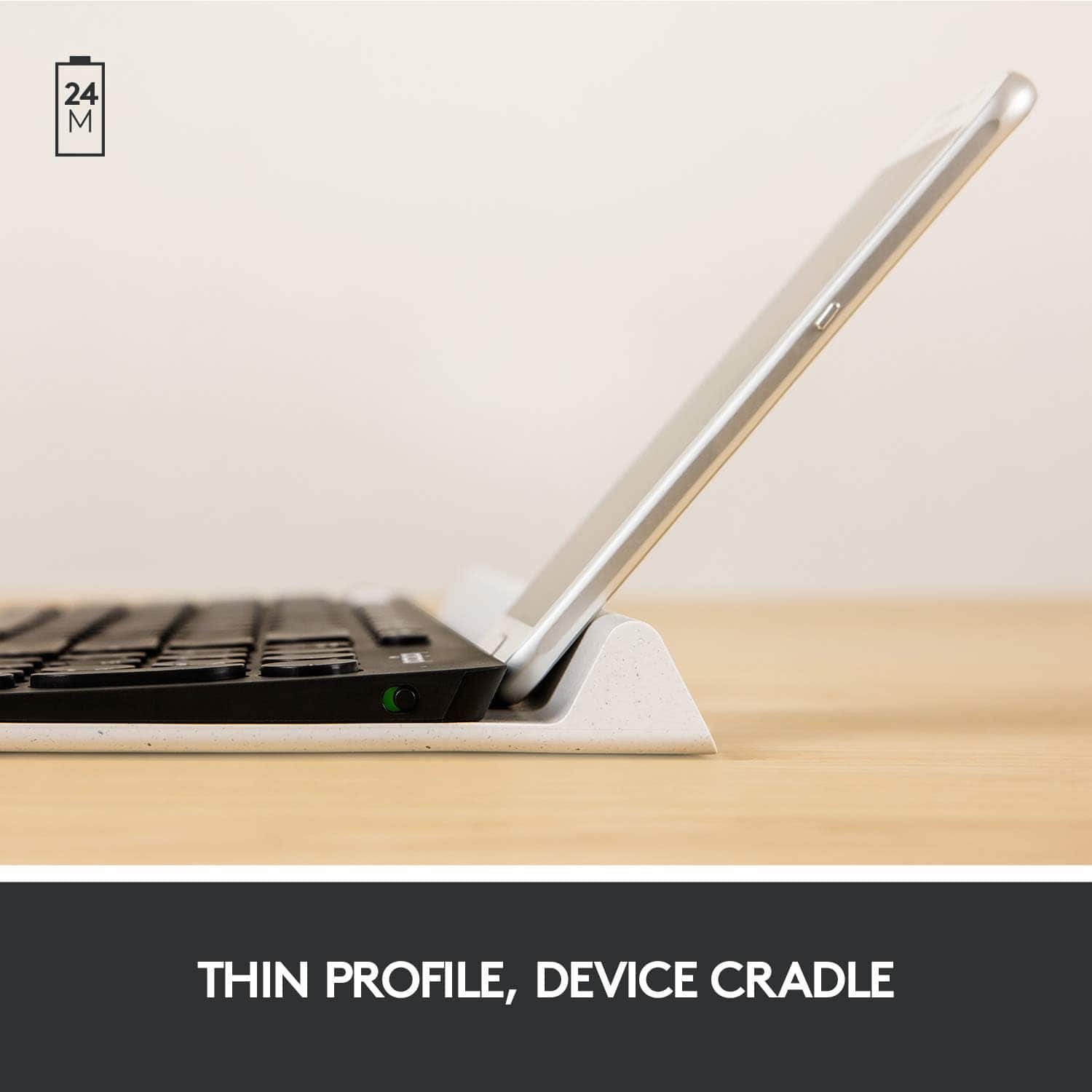
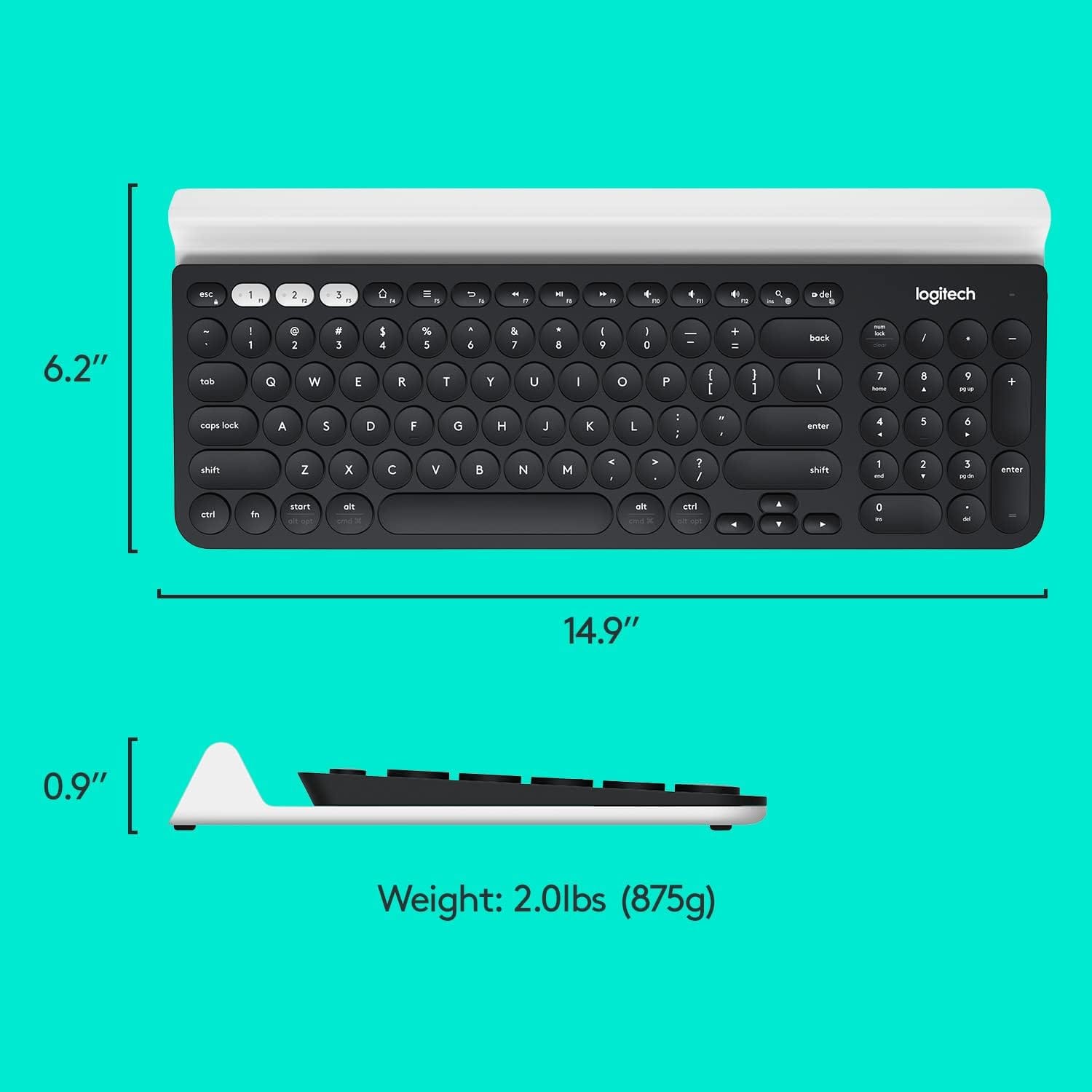
||Posted .This reviewer received promo considerations or sweepstakes entry for writing a review.I've been using this full-sized keyboard for a little over 1 month and it is everything I anticipated: easy multi-device setup and switching using the 1-2-3 buttons, sturdy built-in rubber cradle for holding my slimly encased iPad at viewing angle, and the bluetooth connection is stable between my MacBook Pro, iPad, and iPhone. I type notes/work between my iPad and laptop daily, so this keyboard makes the entire process more efficient. Because the keys are rounded and indented, I can type comfortably and quickly. The keyboard also performs Apple shortcuts, so it'll complement any Mac system. Space-wise, the built-in rubber cradle comfortably holds both my 9.7" iPad (in landscape view) and iPhone 6s (in portrait view). The keyboard doesn't look cheap, is sturdy, and is slightly heavy - which pleases me because it's doing a great job of supporting my iPad (aka doesn't tip over). Overall, this keyboard represents a thoughtful design and solid construction.
I would recommend this to a friend - Pros mentioned:Size
solid keyboard with unifying wifi
||Posted . Owned for 3 weeks when reviewed.This reviewer received promo considerations or sweepstakes entry for writing a review.nice compact keyboard, good replacement for k360 appreciate using unifying receiver not bolt or bluetooth keys are round, which is mildly odd but not a problem in practice. Wireless unifying connection has been solid. Wish that the home key homing humps were a bit more prominent. phone/ipad holder quite nice. able to switch setups for 3 devices, but I've not used it
I would recommend this to a friendBrand response from Logitech
Posted .Thanks for the detailed review. We're glad the K780 is serving as a solid replacement and that the Unifying receiver is working well for you. Your feedback on the key design and homing bumps is appreciated—we’ll keep that in mind as we continue refining our keyboards.
- Pros mentioned:Ease of use, Keyboard quality
Awesome
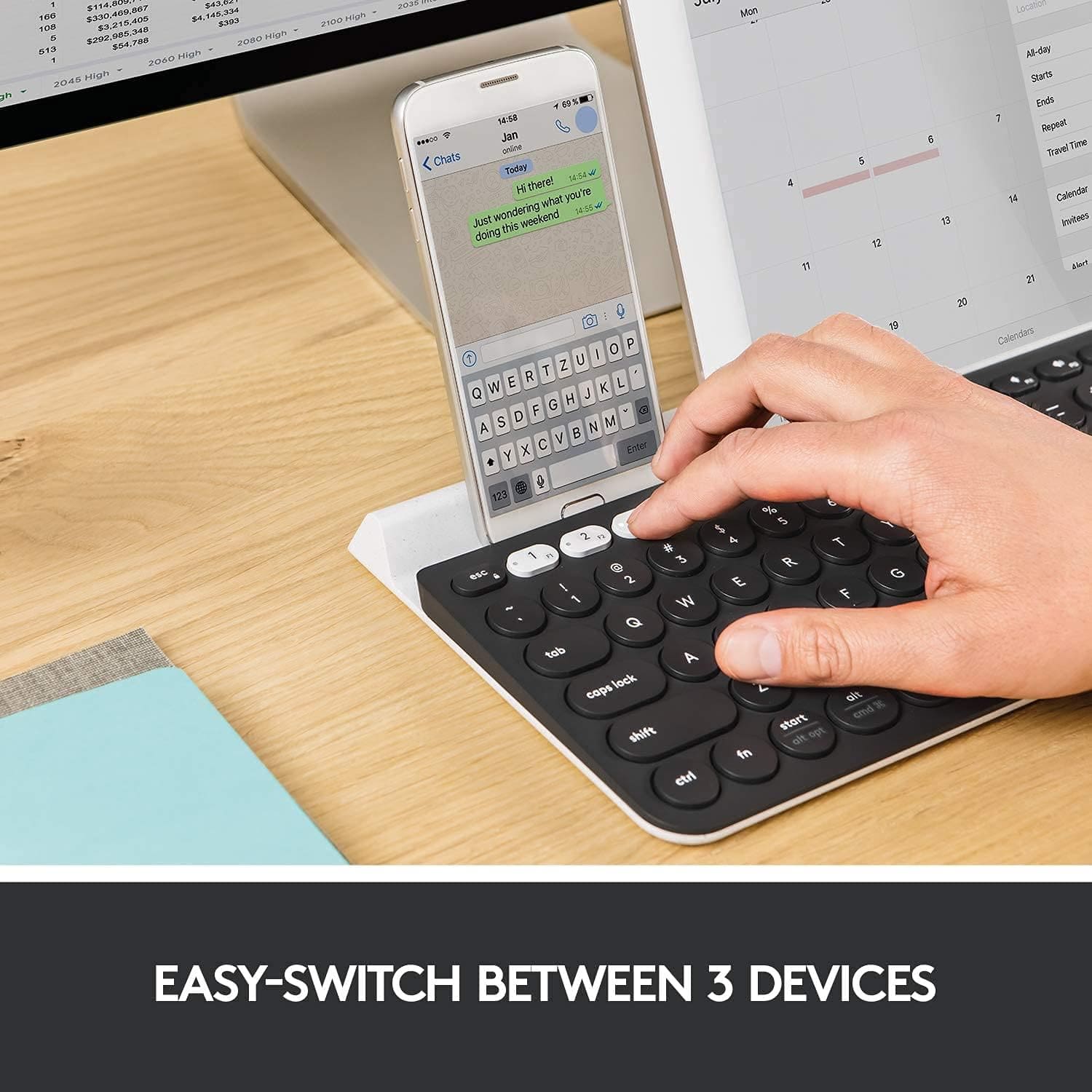
||Posted . Owned for 1 month when reviewed.This reviewer received promo considerations or sweepstakes entry for writing a review.This is a great silent keyboard. I had some Issues trying to pair with my Mac but he eventually got her done. I can even hook it up to my iPhone and iPad and multitask if needed to. The keyboard has three buttons 1,2 & 3 to to switch your keyboard to the device. You can hook up with any order to the devices. So for example me if I push button 1 use it with my Mac. Button 2 switch to my iPhone, and button three will go to my iPad. This is a very user-friendly silent keyboard. It would be great if it came with the matching mouse. But overall I have no complaints. This was an upgrade because I’ve been working from home due to the pandemic. My Mac keyboard does not have the keypad to the right so I am happy with this purchase and I can get more work done. Great buy always at Best Buy.
I would recommend this to a friend - Pros mentioned:Compatibility, Key feel
solid keyboard, needs caps and num lock indicator
||Posted . Owned for 3 weeks when reviewed.This reviewer received promo considerations or sweepstakes entry for writing a review.This is a very nice keyboard. I played with several keyboards and really liked how quiet and solid the keys felt on the board. I wasn't sure about the round keys, but they make no difference in typing and look cool. Its been handy to have the little display holder for my ipad and phone, and cool to be able to connect the keyboard to my phone and type out texts super fast. I've only had it for 3 weeks, so I haven't been able to see how long the batteries last, but so far so good. They keyboard is solid, and doesn't move around on my desk at all. Its amazing fast at switching between different displays, and I have had no problems connecting to a PC, iMac, sumsung phone, and ipad pro. My only complaint is that there is no indicator to help you know when caps lock or numbers lock are on. It would be helpful to have a little light that turned on, like with the "F1, F2, and F3 buttons and the power button, to let you know when those buttons are engaged. There has been several times not that I've messed up a pasword login because the num lock wasn't pressed.
I would recommend this to a friend - Pros mentioned:Key feel, Keyboard quality
Solid wireless keyboard
||Posted .This reviewer received promo considerations or sweepstakes entry for writing a review.I wanted a wireless keyboard with a small form factor that had a good touch/feel to the keys. If cost were not a factor, I loved the feel of the Logitech Craft keyboard. But the feel of this keyboard is almost as good, it has a smaller footprint than the Craft and it costs half as much. I have used the multi-device feature of this keyboard and was impressed with how well it worked. This just wasn't the main reason I purchased this keyboard. I only have two complaints: 1) I wish Logitech would release a windows-specific and apple-specific version of their keyboards. There are some shortcuts that are lost (such as the ability to do a screenshot of an individual window) 2) I wish there were a small kickstand to raise the back of the keyboard a little more. If I had the choice I'd give this a 4.5 star rating, but overall I very happy with the keyboard, so I'm bumping it up to a 5.
I would recommend this to a friend - Pros mentioned:Ease of use, Keyboard quality
Really nice keyboard
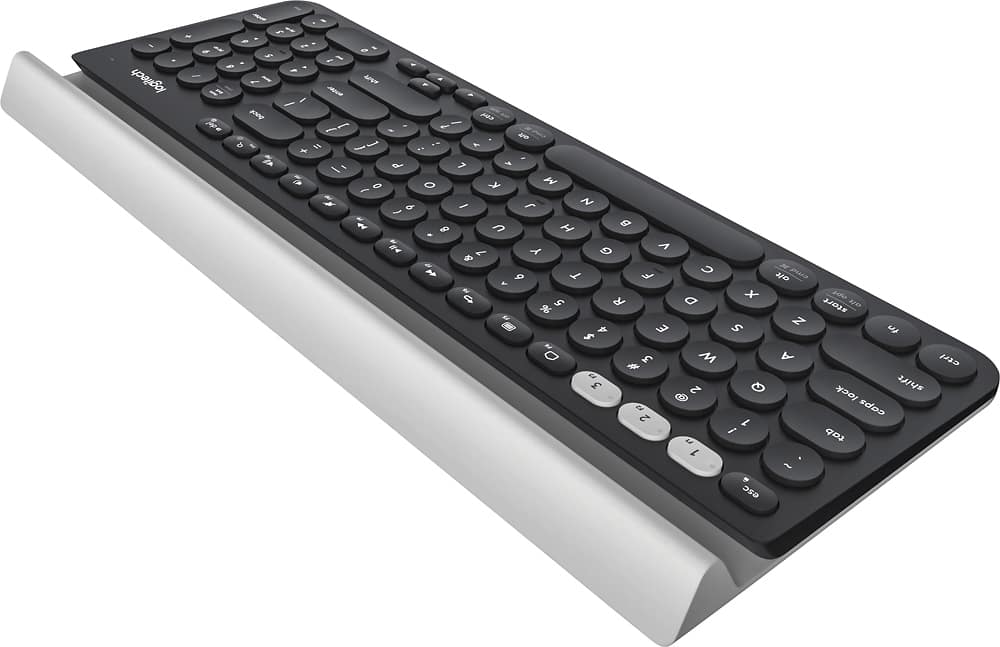
||Posted . Owned for 1 week when reviewed.This reviewer received promo considerations or sweepstakes entry for writing a review.Love this keyboard. The tactile feel of the keys is really nice. Quiet- no loud clicky sound. Easy to use. Has a nice ditch along the back that can prop your phone up or hold pens.
I would recommend this to a friend - Pros mentioned:Ease of use, Keyboard quality
Excellent quality & comfort
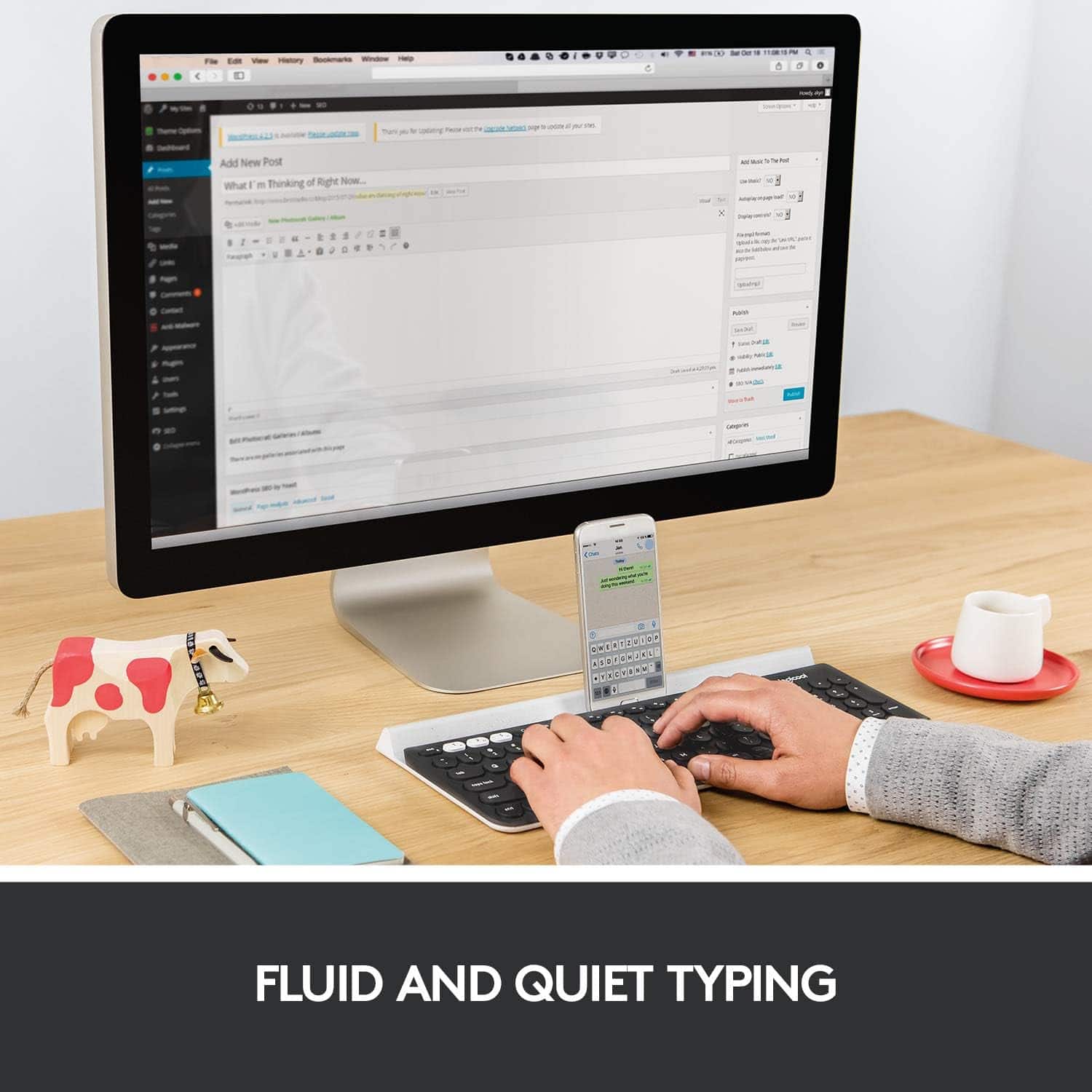
||Posted . Owned for 5 months when reviewed.This reviewer received promo considerations or sweepstakes entry for writing a review.This is, by far, one of my favorite Best Buy purchases. I purchased this keyboard for use at the office, as typing on my small work laptop was inconvenient while using dual monitors. I wanted something that would keep my desk wire-free and clutter free, and this keyboard was the perfect solution. It pairs extremely easily with multiple devices. The round keys are extremely comfortable and have a satisfying 'click' to them, without being either loud or spongey. The keyboard is very responsive and I have noticed no lag whatsoever. Besides this, I love that I can pair a Logitech wireless mouse using the same USB connector! The ease of use, build quality and comfort of this device make me wish I'd purchased a spare... just in case.
I would recommend this to a friend - Pros mentioned:Ease of use
Love it!
||Posted . Owned for 1.5 years when reviewed.This reviewer received promo considerations or sweepstakes entry for writing a review.Bough this almost two years ago. Easy set up for multiple devices and clean look. Convenient back stand for holding other devices. Light weight to carry around.
I would recommend this to a friend - Pros mentioned:Key feel, Size
In love with the keyboard!
||Posted .This reviewer received promo considerations or sweepstakes entry for writing a review.Its slick and discreet. Does not take up space and looks good. You can connect it to multiple devices and switch by pressing ONE button on a keyboard. Even though not a mechanical keyboard, it is clicky enough which makes it a joy to use.
I would recommend this to a friend - Pros mentioned:Key feel
Great keyboard for Apple environment
||Posted .This reviewer received promo considerations or sweepstakes entry for writing a review.I have MBPr 2017, iphone 7, ipad pro and were using Apple extended keyboard (wired) and magic mouse gen1 only on MBP. However, after recent purchase of ipad pro, I also wanted to use keyboard on it. Did not want two keyboard on my desk so did some research on multi device and found this. I was looking for black or gray keyboard (to much space grey) with stylish design keyboard but also with equal or better typing experience than the apple keyboard. I am very satisfied with this keyboard. Unique design is appealing and typing is similar to apple extended keyboard but more quieter. No issue with blind touching despite the irregular circle shaped keys. So far working perfectly with MBPr and iPad pro without hiccups. Only concerns are that there is no led indicator for cap lock and num lock (doesn't matter for apple) and integrated "rubberized" tablet stand is only rubberized for mobile device's rear side and not the front. I have a feeling repeated use of the stand will create some wearing on the tablet/phone's screen and front edge of the casing.
I would recommend this to a friend - Pros mentioned:Key feel
What A Awesome Keyboard.
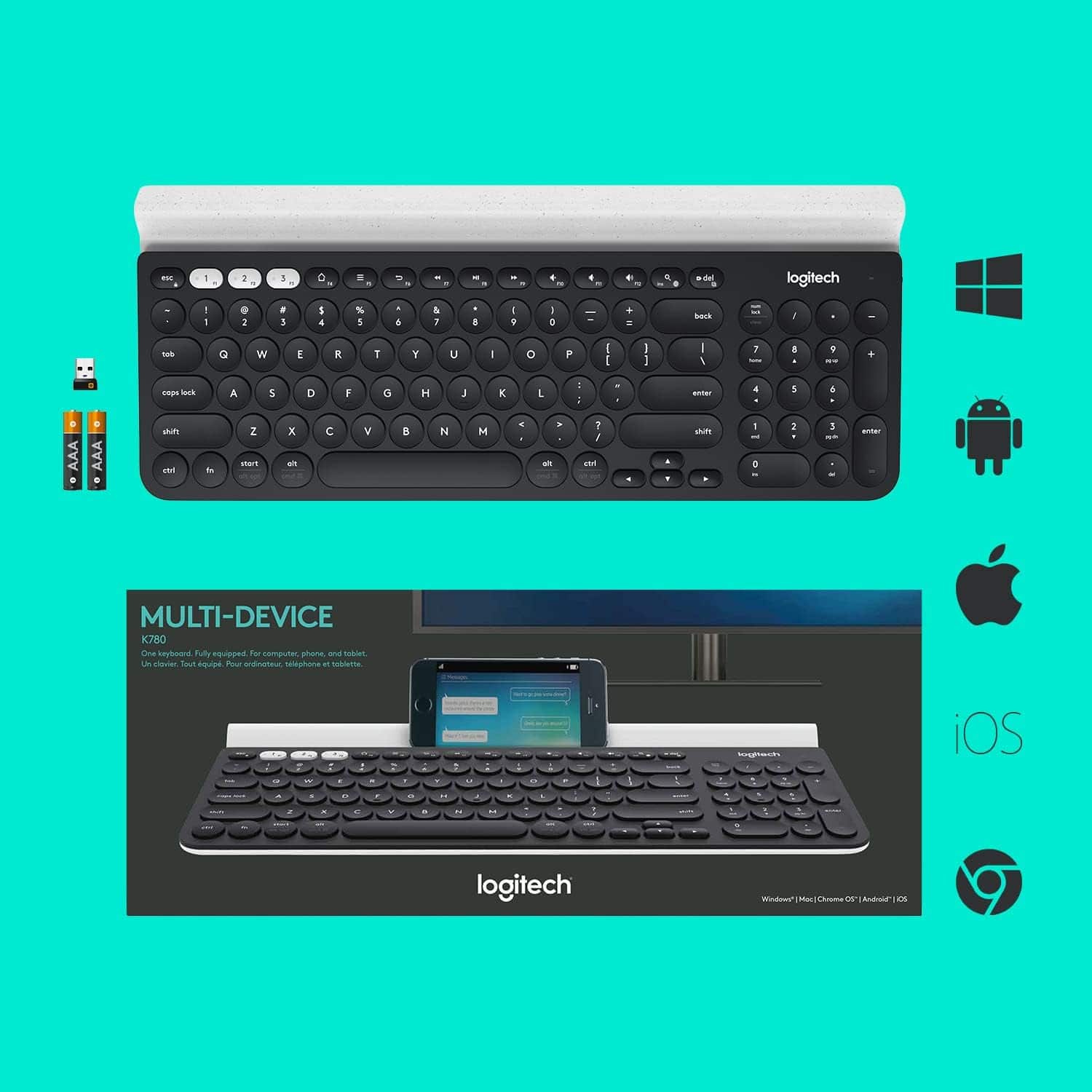
||Posted .This reviewer received promo considerations or sweepstakes entry for writing a review.Wow what a grrreat! Bluetooth Keyboard no fuss easy link it took about 5 seconds for each device.. Phone . PC And Tablet..And comes with a USB dongle..Nice quiet keys and smoooth concaved feel. Number pad and multi directional functions.. Easy volume controls for your devices.. I say make your life easier BUY THIS ONE... I Recommend it Highly.. Great price!! $60. At Best Buy the only flaw... its not Backlit .. Doesnt Matter its Definely worth the money. They said theres a two year battery life with this unit.. And oh YES Batteries Are Included.. Awesome Thanks Logitech.. RC Crazy hey i wonder if will link to a drone..
I would recommend this to a friend - Pros mentioned:Ease of use
Great buy, super useful for multiple devices
||Posted . Owned for 1 year when reviewed.This reviewer received promo considerations or sweepstakes entry for writing a review.Great piece of equipment. I have two computers for work, plus a tablet I use when travelling, and the ease with which I switch between these devices is fantastic. My only wish (and this is just preference) is that it had a separate HOME/END button. I know they are available on the number pad (which I am glad this has) but I don't love switching off NUMLOCK. But that's super minor, and just a matter of preference. On the whole, I think this is a great product, and I haven't even had to replace the batteries yet, even though I use it every day, and have for over a year now.
I would recommend this to a friend Logitech K780 Excellence
||Posted .This reviewer received promo considerations or sweepstakes entry for writing a review.I really LOVE the Logitech K780 because I can switch between my iPad, laptop, and iPhone very easily. This option is a true time saver and allowing the iPad and iPhone to rest on the back edge of the keyboard seals the deal.
I would recommend this to a friendBrand response from Logitech
Posted .We appreciate your support and are happy to hear the product is serving you well. Your feedback helps us improve every step of the way.
Great keyboard
||Posted . Owned for 2 weeks when reviewed.This reviewer received promo considerations or sweepstakes entry for writing a review.So much more quiet than my prior keyboard. It was quick getting used to the rounds buttons. Toggling between my work Dell and personal MacBook is a pleasure.
I would recommend this to a friendBrand response from Logitech
Posted .We’re so happy to hear that our product is working well for you. Your review helps us understand what we’re doing right and where we can grow. Thank you for being part of the Logitech community and for taking the time to share your thoughts.
- Pros mentioned:Keyboard quality
Good keyboard, but missing features and keys
||Posted . Owned for 1 week when reviewed.This reviewer received promo considerations or sweepstakes entry for writing a review.This is a very good keyboard, but it falls short in several ways. First, the good. 1. I like the feel, both overall and of the keys themselves much more than I thought I would. They have a good feel, and even though it's smaller than a full-size keyboard, MOST of the keys don't feel like they're squished together like on many miniature or laptop keyboards. I can comfortably touch-type with this keyboard using MOST of the keys. 2. It's wireless and can connect to up to 3 devices. I'm connected to 2 Windows machines, and that has been flawless. 3. The shelf or ledge that can hold phones or tablets is a nice touch. My phone feels secure perched in the nook, though I don't see myself parking it there very often. 4. There's an on/off switch that's easy to get to so one can reasonably expect that if you get in the habit of turning the keyboard off when not in use, the batteries should last longer. Things I do not like: 1. I'd like the keyboard to have backlighting so the keys are illuminated. Yes, that uses battery power, but Logitech keyboards like the wireless K800 have had this feature for years. For those who don't need it or want to conserve battery power, backlighting could be configurable either through software or an on/off switch. That's a feature I want, though. 2. Keys! Kudos for having the inverted T arrow keys, though small and placed in an odd spot. But foul for not having dedicated PrintScr, Home, Pause, Ins, Del, Home, End, PgUp, PgDn. While most of those keys are available somewhere on the keyboard, I'm missing the PrintScr key I use for screen captures. Also, no LED showing when CapsLock or NumLock are on. There are LEDs for keys showing if you're currently connected to device 1, 2, or 3, but they only light up for a couple of seconds when you press the keys. There's no way to know which device you're currently connected to just by looking. And the default is that function keys are non-standard commands unless you hold the Fn key. That is, you have to press Fn+F1 to get F1, the opposite of how most keyboards work. Thankfully, you can change that behavior using Logitech Options software, but it's an odd default setting. Overall, while a good keyboard, I'd have much preferred it to be truly full-size keyboard instead of the cross between a miniature and full-size that doesn't have all the advantages of either. A full-sized version with all the missing keys and with backlighting would be about perfect!
I would recommend this to a friend