Customer Ratings & Reviews








- Model:
- 910-006556
- SKU:
- 6502577
Rating by feature
- Value
Rating 4.6 out of 5 stars
- Quality
Rating 4.8 out of 5 stars
- Ease of Use
Rating 4.8 out of 5 stars
Customers are saying
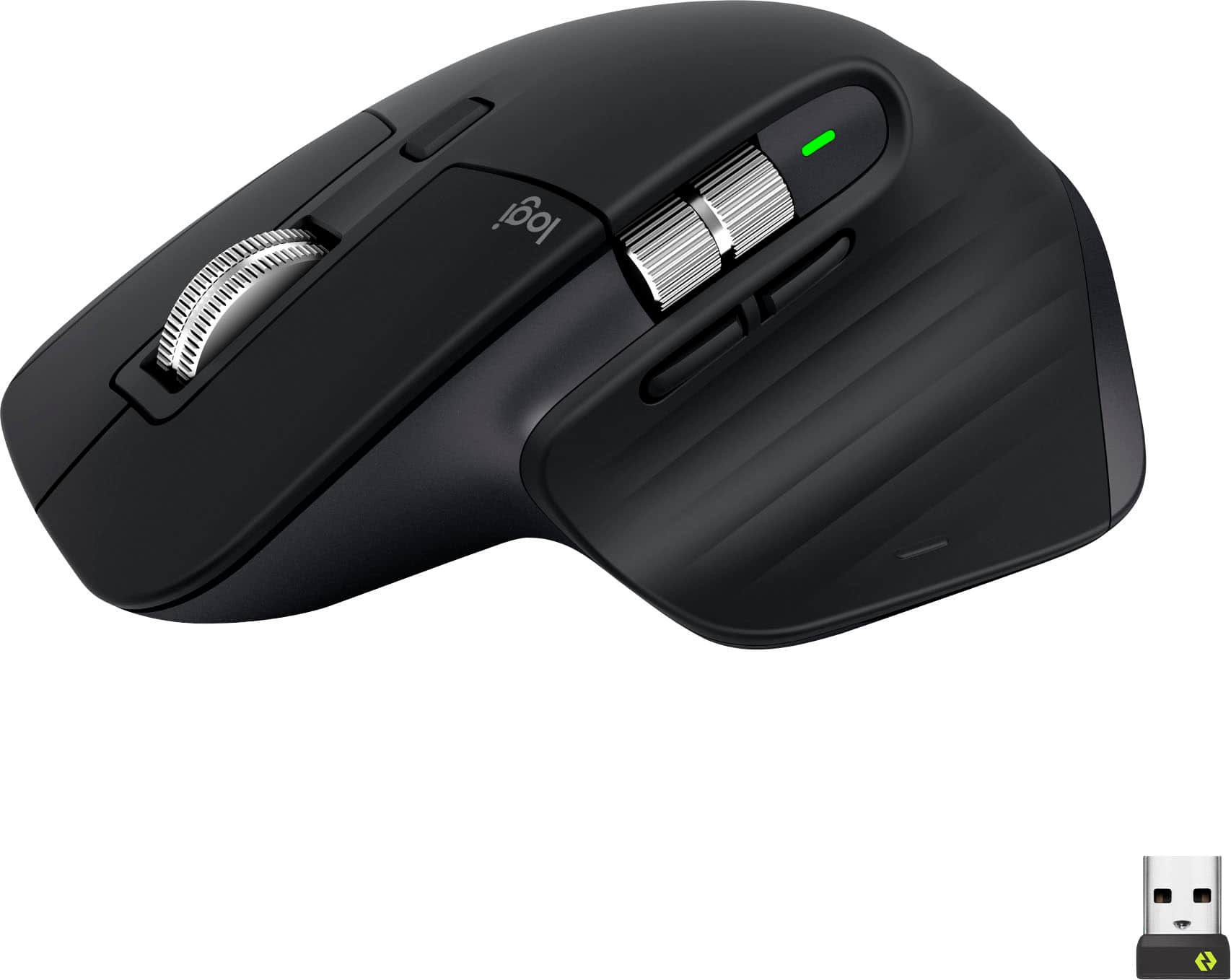
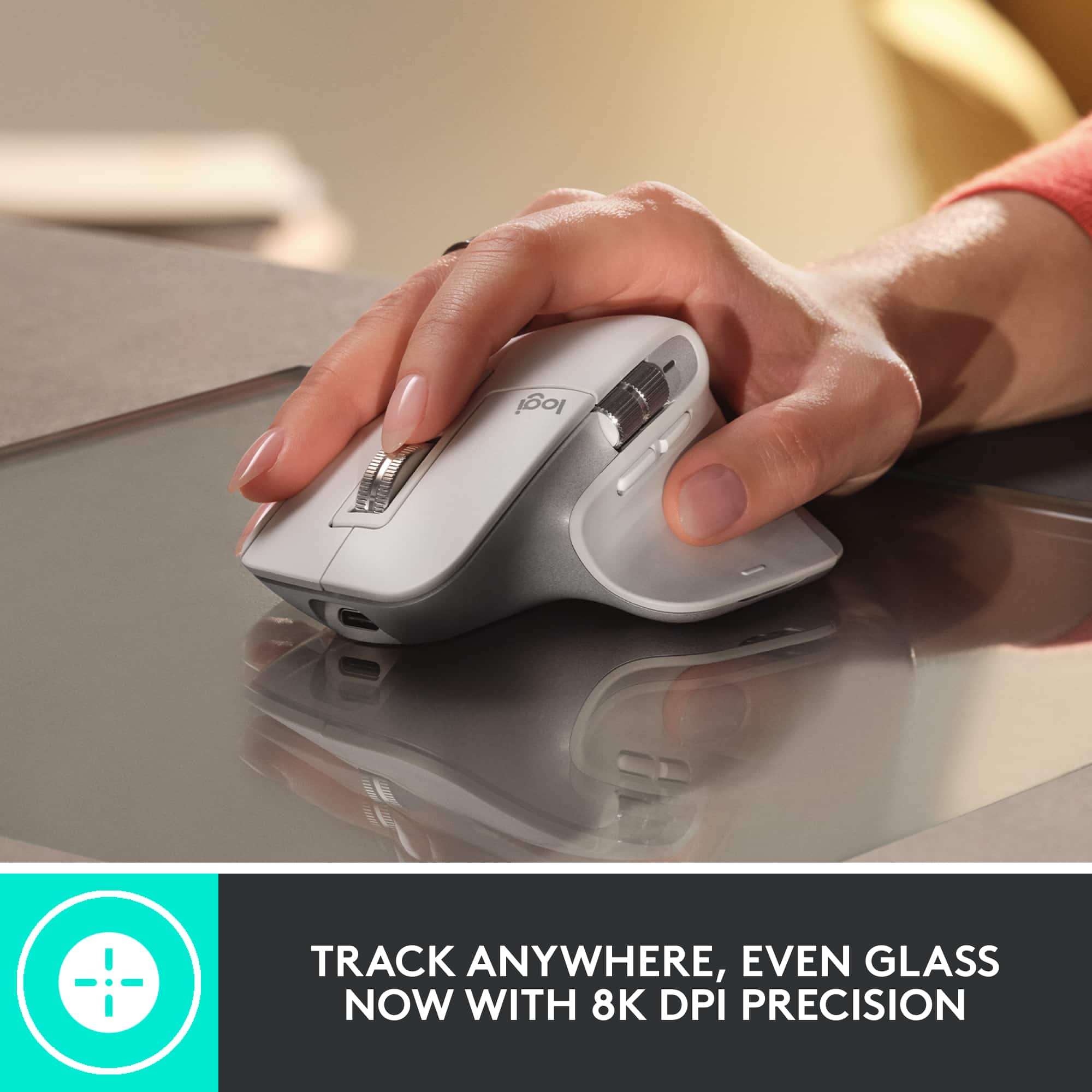
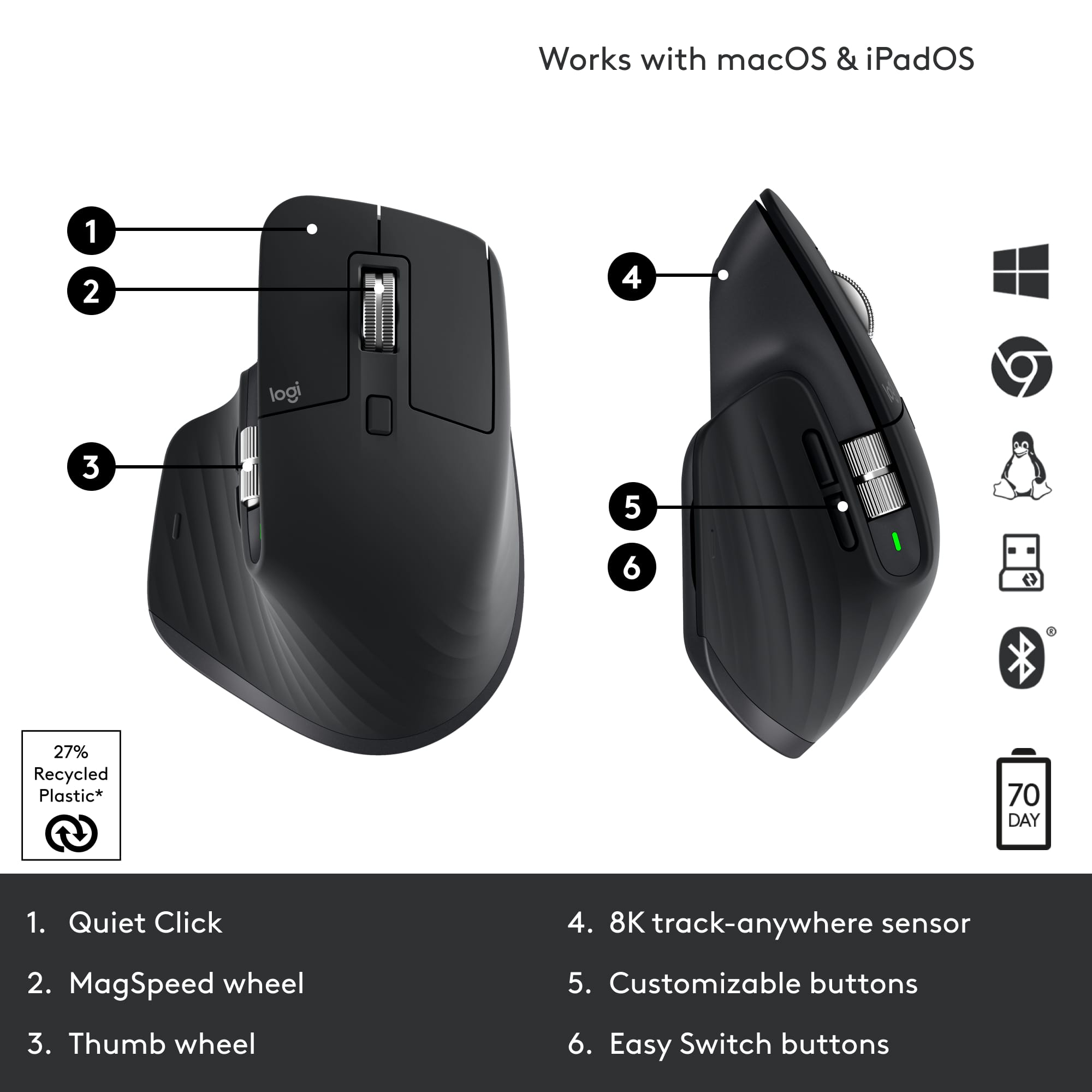
Customers value the comfort, long battery life, and smooth scrolling of the MX Master 3S mouse, frequently praising its high-quality build and extensive customization options. Many appreciate the quiet clicks and responsive buttons, along with the convenience of Bluetooth connectivity. However, some users noted concerns about the mouse's color being prone to staining and its relatively heavier weight.
This summary was generated by AI based on customer reviews.
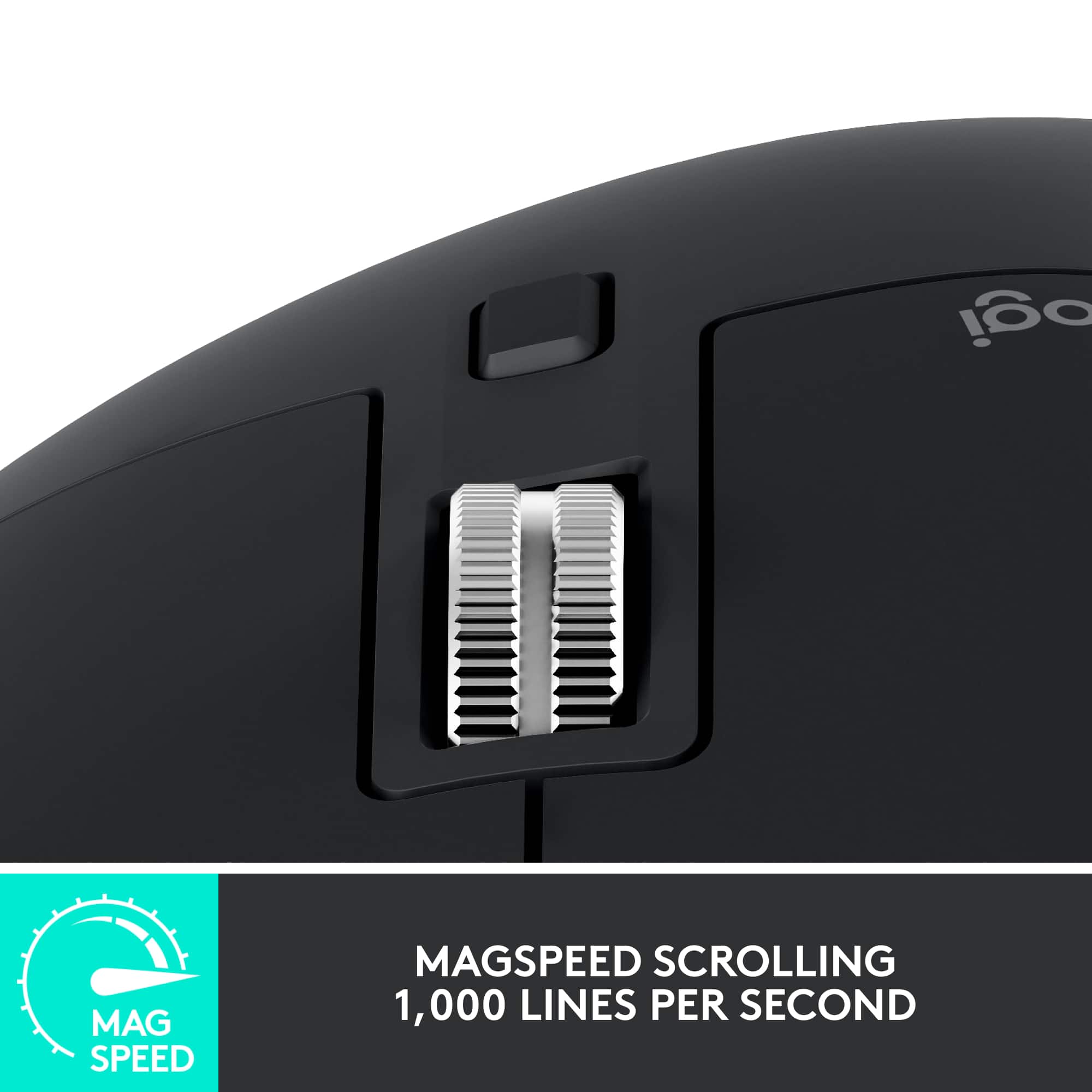
- Pros mentioned:Scroll wheel
Get one
||Posted . Owned for 1 week when reviewed.This reviewer received promo considerations or sweepstakes entry for writing a review.Works great, feels great, and the extra buttons make work easier to do. The ultrafast scrolling feature is perfect for document reviewers like myself.
I would recommend this to a friend - Cons mentioned:Size
Great mouse but big
||Posted . Owned for 3 weeks when reviewed.This reviewer received promo considerations or sweepstakes entry for writing a review.I love almost everything about this mouse. Tracking awesome, customizable buttons, multi point Bluetooth, usb-c and side scroll (main reason I wanted this mouse). All great, just a little taller than I'm used to. Sometimes when moving from keyboard back to mouse my hand hits the top of the mouse and pushes it away, not a huge concern but takes some getting used to. That's my only complaint, if you're stepping up from a cheap Logitech keyboard and mouse bundle it takes a couple weeks to get used to.
I would recommend this to a friend - Pros mentioned:Overall performance
A must Must
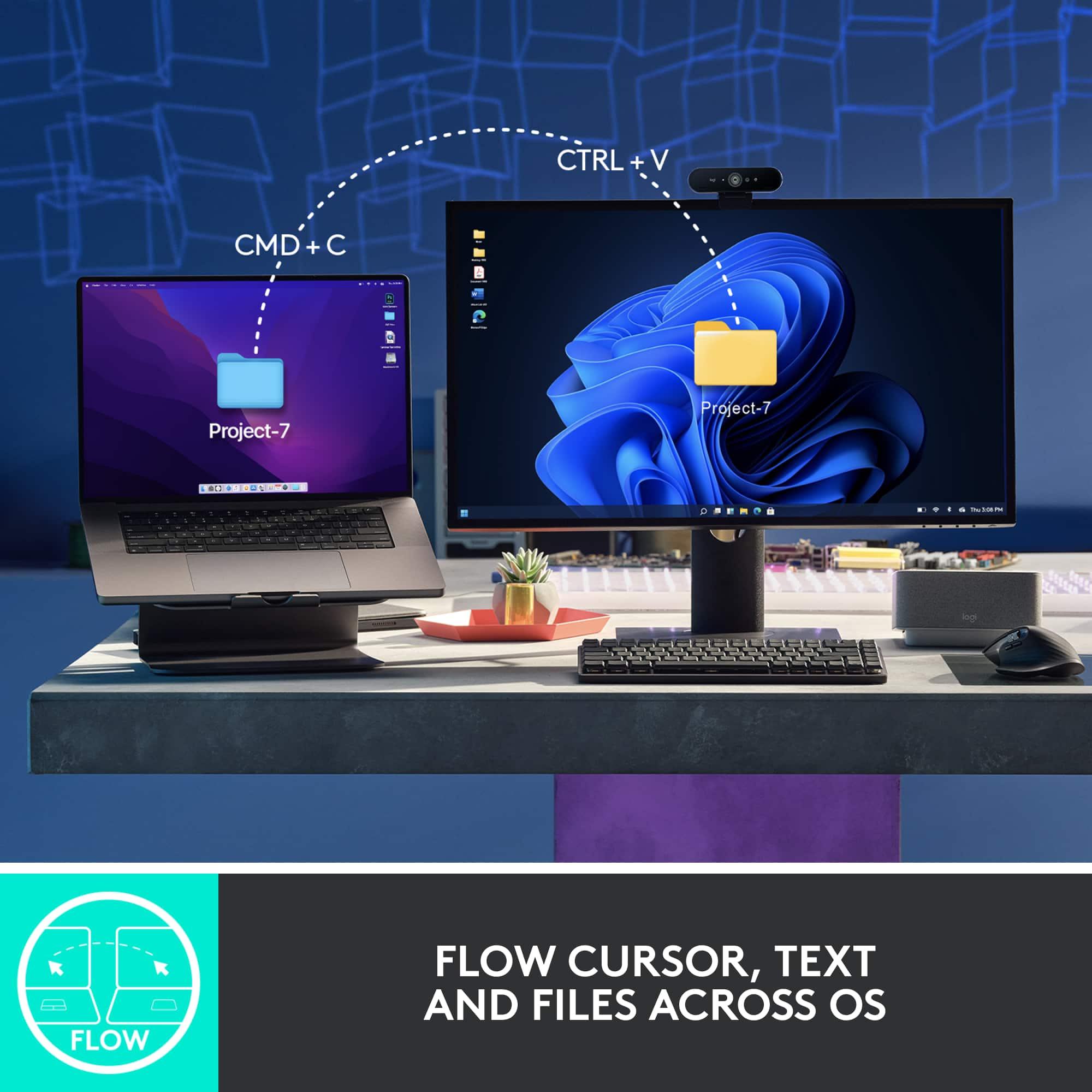
||Posted . Owned for 2 months when reviewed.This reviewer received promo considerations or sweepstakes entry for writing a review.The best mouse you can have, it’s a must must. I use it a lot and split the connections between my 2 machines.
I would recommend this to a friend Mostly great
||Posted . Owned for 3 weeks when reviewed.This reviewer received promo considerations or sweepstakes entry for writing a review.Comfortable and customizable. Occasional software issues that could be caused by windows 11 (which is rubbish). I typically get about 2 years of use before the dreaded left click failure.
I would recommend this to a friendBrand response from Logitech
Posted .Thank you for your valuable feedback on the MX Master 3S. We understand your concern regarding the left-click longevity and are continuously working to improve the durability of our products for a more consistent experience.

- Pros mentioned:Scroll wheel
Great build
||Posted . Owned for 1 month when reviewed.This reviewer received promo considerations or sweepstakes entry for writing a review.Really good build quality love the scroll wheel the metal and magnet mechanism for the clicking and also smooth simulation is like nothing else
I would recommend this to a friend - Pros mentioned:Comfort
Excellent
||Posted . Owned for 2 months when reviewed.This reviewer received promo considerations or sweepstakes entry for writing a review.Very smooth on windows or even for mac, It feels comfortable for work or for gaming
I would recommend this to a friend - Pros mentioned:Battery life
Logitech mx master 3s
||Posted . Owned for 3 weeks when reviewed.This reviewer received promo considerations or sweepstakes entry for writing a review.Flawless mouse with excellent battery and it fits perfectly in hand.
I would recommend this to a friendBrand response from Logitech
Posted .Thank you for your positive feedback on the Logitech - MX Master 3S! We appreciate you highlighting both the ergonomic design and long battery life. We hope you continue to enjoy using your mouse.
The Mac Daddy of Laser Mice!
||Posted . Owned for 2 months when reviewed.This reviewer received promo considerations or sweepstakes entry for writing a review.This is the Mac daddy of laser mice. I'm beyond happy and can't recommend it enough. You can use it on any service, and set up is very easy. This mouse is super smooth and a joy to use.
I would recommend this to a friendBrand response from Logitech
Posted .Thank you for your kind words. We're pleased you're finding the MX Master 3S to be an exceptional and enjoyable mouse. We appreciate your enthusiasm and recommendation.
- Pros mentioned:Comfort
A great product
||Posted . Owned for 1 month when reviewed.This reviewer received promo considerations or sweepstakes entry for writing a review.Its a good product, It helps with the soreness in my wrist when I work. The best feature is the thumb area where i find theost comfortable.
I would recommend this to a friendBrand response from Logitech
Posted .We're delighted to hear that the MX Master 3S Wireless Laser Mouse has been helpful in alleviating wrist soreness and providing a comfortable typing experience. Thank you for sharing your positive experience with us!
Great productivity mouse
||Posted . Owned for 3 weeks when reviewed.This reviewer received promo considerations or sweepstakes entry for writing a review.Great productivity mouse, super quiet click compares to MX Master 2S.
I would recommend this to a friend- Pros mentioned:Overall performance
Amazing highly recommend
||Posted . Owned for 1 month when reviewed.This reviewer received promo considerations or sweepstakes entry for writing a review.Amazing device like all Logitech products super happy
I would recommend this to a friendBrand response from Logitech
Posted .We're absolutely thrilled to hear that you're loving the Logitech MX Master 3S Wireless Mouse! It's fantastic to know that it's meeting your expectations and that you're super happy with it.
Thank you for your amazing review. We're so glad you're enjoying your new mouse.
Manufacturing Engineers Mouse of Choice
||Posted . Owned for 2 weeks when reviewed.This reviewer received promo considerations or sweepstakes entry for writing a review.Manufacturing engineers require some of the best technology on the market; the LOGITECH MX MASTER 3S is the perfect tool to get the job done. With ultra lightening scrolling speeds the LOGITECH MX MASTER 3S allows you to scroll between Drawings and specs with ease. This sleek design is perfectly designed to fit in the palm of your hand and soft to the touch. I love this product and recommend a 5-STAR rating.
I would recommend this to a friendWould I buy again? YES, I did.
||Posted . Owned for 1 month when reviewed.This reviewer received promo considerations or sweepstakes entry for writing a review.I have the original MX Master 3, I was on the road, laptop only, no mouse. O needed a mouse more than I realized so I purchased the 3S, but in white. Now I have both on my desk and the both work great! Please note, the 'MAC' version is the same as the non 'MAC' both come with the USB device, but you actually do not need. Best, responsive with the most button functions. Would I buy again? YES, and I did!
I would recommend this to a friendGreat Product
||Posted . Owned for 3 weeks when reviewed.This reviewer received promo considerations or sweepstakes entry for writing a review.This is my third one only mouse I ever use very easy and convenient to use.
I would recommend this to a friendBrand response from Logitech
Posted .Wow, a third MX Master 3S! That really speaks to how much you value its ease of use and convenience. It sounds like it's become an indispensable part of your daily setup.
- Pros mentioned:Customization
Mx3s
||Posted . Owned for 2 months when reviewed.This reviewer received promo considerations or sweepstakes entry for writing a review.Great mouse love it for video editing and the customization of buttons
I would recommend this to a friend - Pros mentioned:Comfort
Worth its price
||Posted . Owned for 4 months when reviewed.This reviewer received promo considerations or sweepstakes entry for writing a review.Expensive one but is worth its price. Very comfortable to use for many hours.
I would recommend this to a friend - Pros mentioned:Battery life
New mouse in town!
||Posted . Owned for 1 month when reviewed.This reviewer received promo considerations or sweepstakes entry for writing a review.Very smooth and responsive mouse. Great battery life.
I would recommend this to a friend Best Mouse
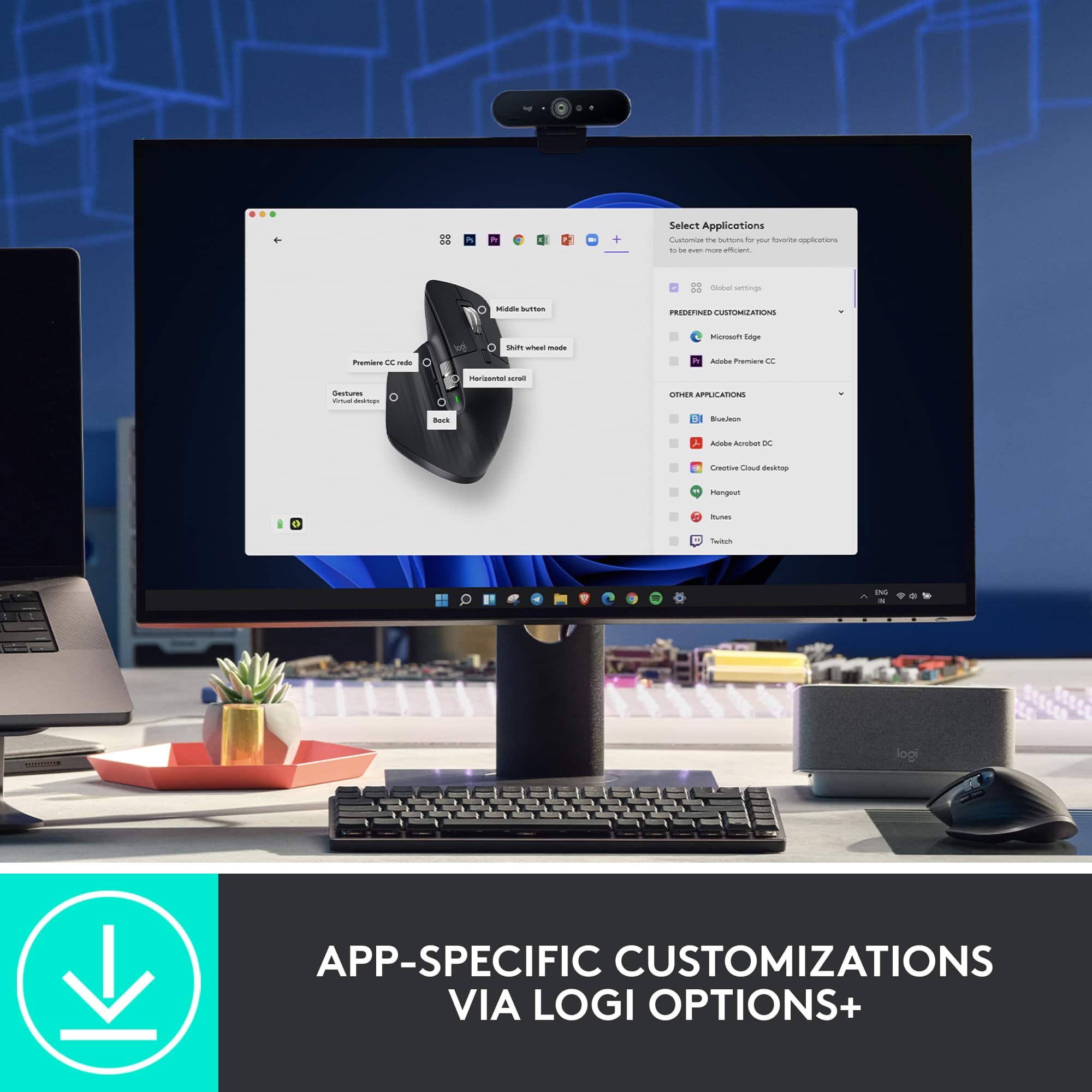
||Posted . Owned for 1 month when reviewed.This reviewer received promo considerations or sweepstakes entry for writing a review.Amazing mouse for work! The side scroll is a must if you use excel a often. When not using excel, I use the side scroll as a volume scroll, but it can also be used to zoom in and out. each button is programable with the Logitech Options+ program. You can connect up to 3 computers to switch between. 10/10 mouse.
I would recommend this to a friendFantastic wireless mouse for photographers
||Posted . Owned for 1 month when reviewed.This reviewer received promo considerations or sweepstakes entry for writing a review.Great mouse! Wireless with zero lag and fantastic button functions. This is my 2nd Logitech MX Master 3S and they both are the best devices I've bought for my two PCs. I don't really game much but I do a lot of photography and video editing and these mice are great at the detail work required for these tasks.
I would recommend this to a friend- Pros mentioned:Battery life
The Maverlois Moise
||Posted . Owned for 3 weeks when reviewed.This reviewer received promo considerations or sweepstakes entry for writing a review.Excellent perfomance, long life battery, reasonable size. Stylish.
I would recommend this to a friend