Customer Ratings & Reviews
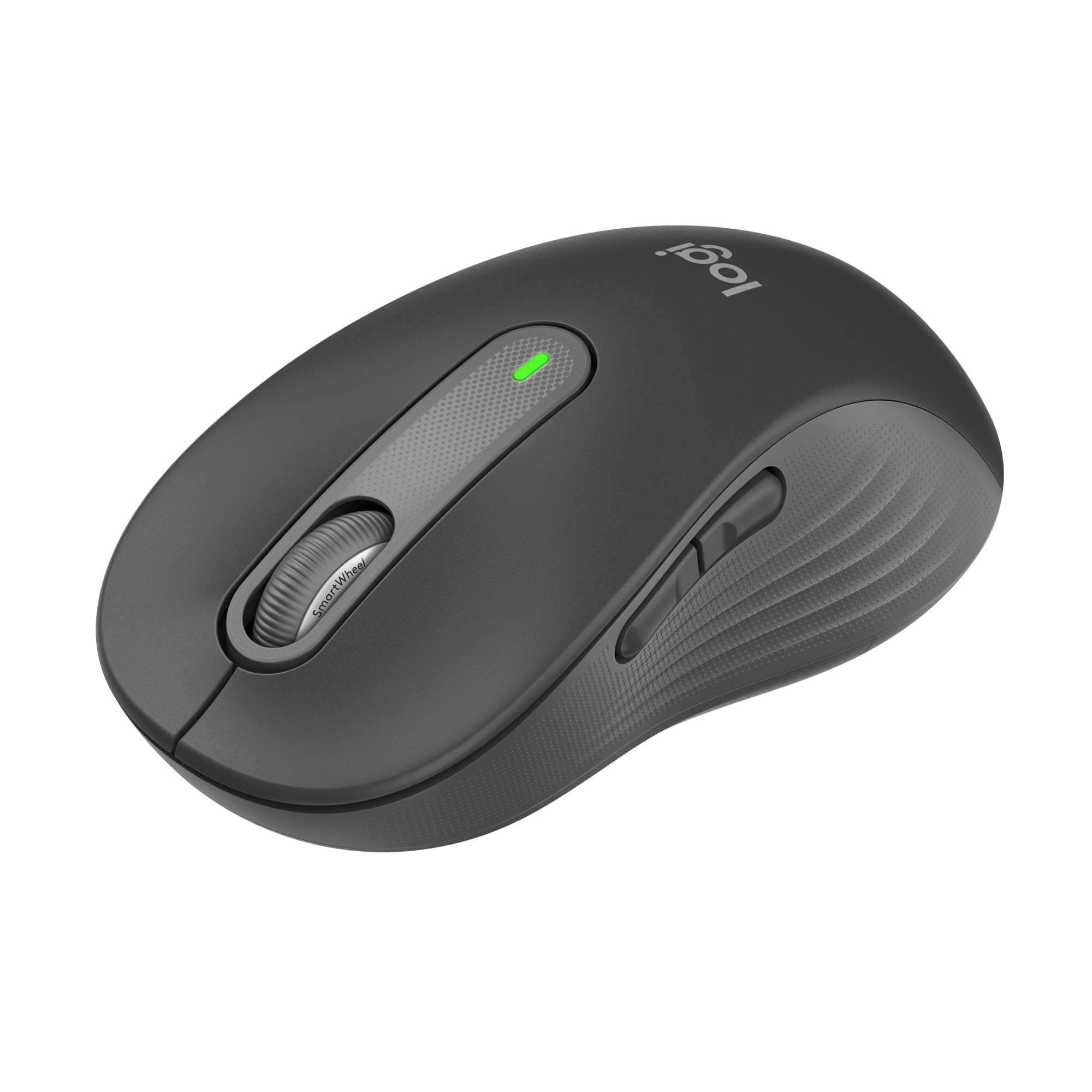
- Model:
- 910-006231
- |
- SKU:
- 11654393
Customer reviews
Rating 4.8 out of 5 stars with 1143 reviews
(1,143 customer reviews)Rating by feature
- Value4.8
Rating 4.8 out of 5 stars
- Quality4.8
Rating 4.8 out of 5 stars
- Ease of Use4.8
Rating 4.8 out of 5 stars
to a friend
Rated 5 out of 5 stars
Excelent Mouse
||Posted . Owned for 1 year when reviewed.This reviewer received promo considerations or sweepstakes entry for writing a review.Excelent Mouse. Totally silent and easy to handle.
This review is from Logitech - Signature M650 L Full-size Wireless Optical Scroll Mouse with Silent Clicks - Wireless - Graphite
I would recommend this to a friendRated 5 out of 5 stars
Awsomeness
||Posted . Owned for less than 1 week when reviewed.This reviewer received promo considerations or sweepstakes entry for writing a review.This priduct i found to be an excellent purchase aooth and soundless.
This review is from Logitech - Signature M650 L Full-size Wireless Optical Scroll Mouse with Silent Clicks - Wireless - Graphite
I would recommend this to a friendRated 5 out of 5 stars
Mouse
||Posted . Owned for 1 month when reviewed.This reviewer received promo considerations or sweepstakes entry for writing a review.Spectacular mouse, have zero complaints about it since day 1.
This review is from Logitech - Signature M650 L Full-size Wireless Optical Scroll Mouse with Silent Clicks - Wireless - Graphite
I would recommend this to a friendRated 5 out of 5 stars
Nice mouse
||Posted . Owned for 1 month when reviewed.This reviewer received promo considerations or sweepstakes entry for writing a review.Great mouse.fits nicely in my hand and buttons see perfect
This review is from Logitech - Signature M650 L Full-size Wireless Optical Scroll Mouse with Silent Clicks - Wireless - Graphite
I would recommend this to a friendRated 4 out of 5 stars
nice a big O_O
||Posted . Owned for 1 week when reviewed.This reviewer received promo considerations or sweepstakes entry for writing a review.I had trouble getting the unifying receiver to work but all I had to do was download Logitech options+
This review is from Logitech - Signature M650 L Full-size Wireless Optical Scroll Mouse with Silent Clicks - Wireless - Graphite
I would recommend this to a friendRated 5 out of 5 stars
You Won’t Hear a Squeak from this Mouse
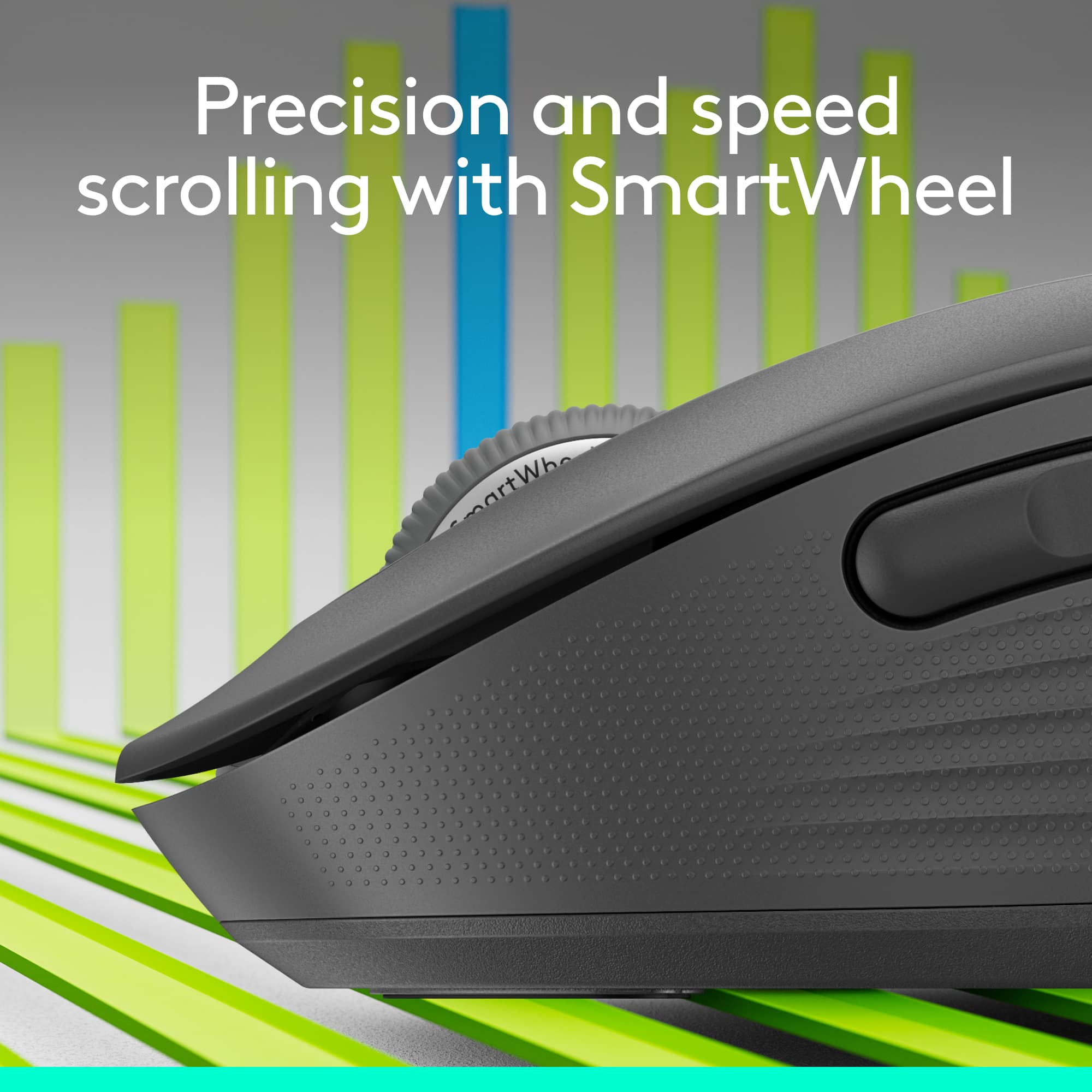
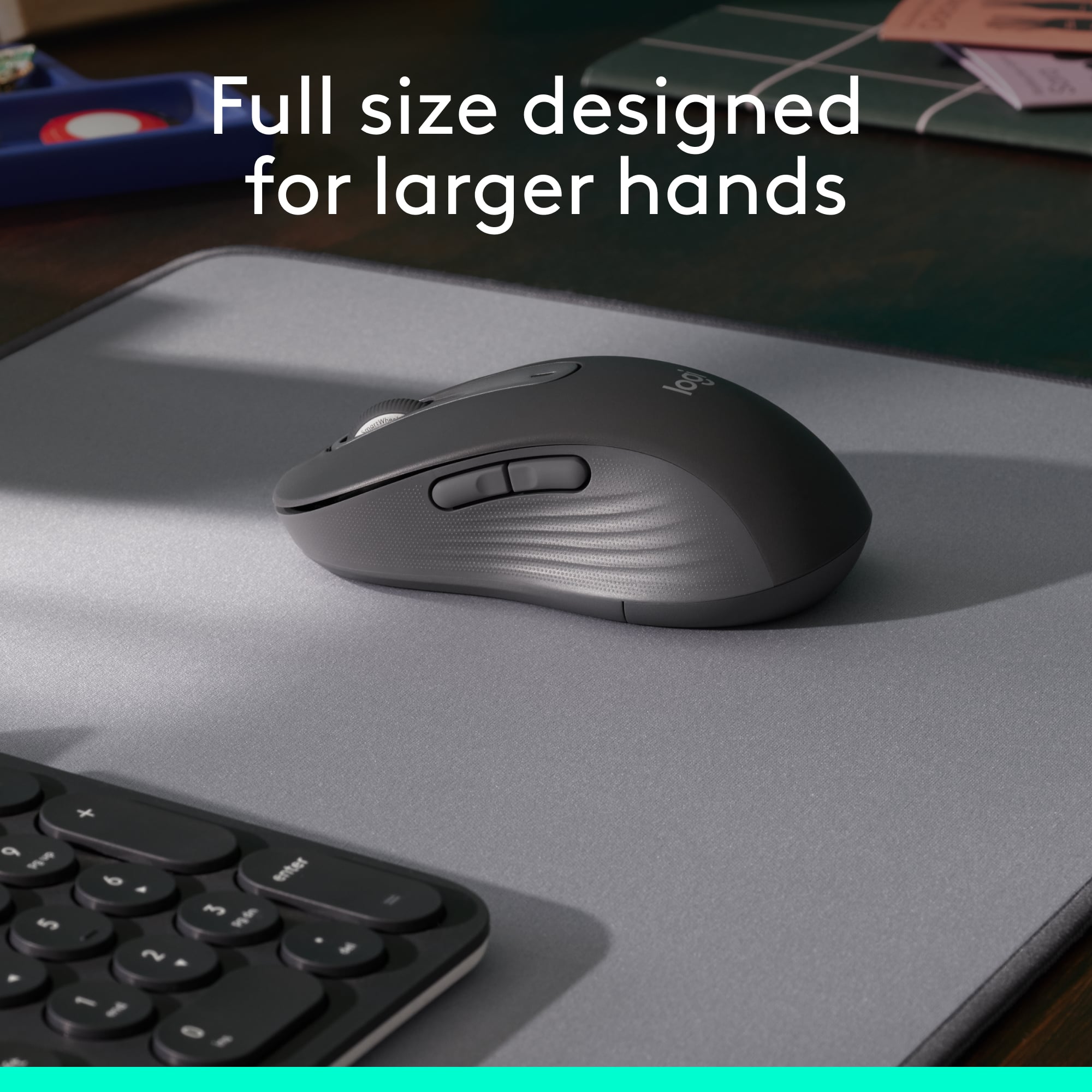
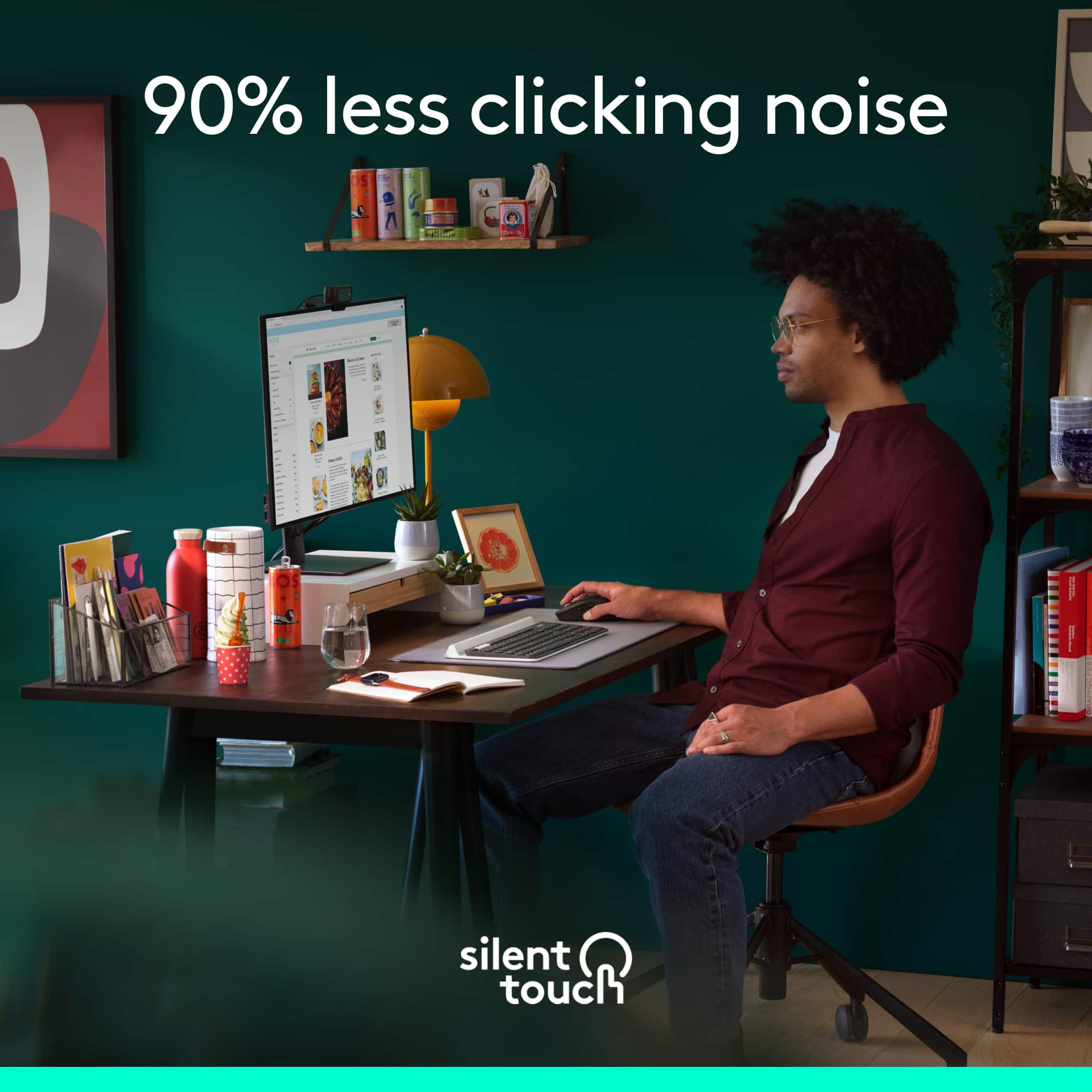
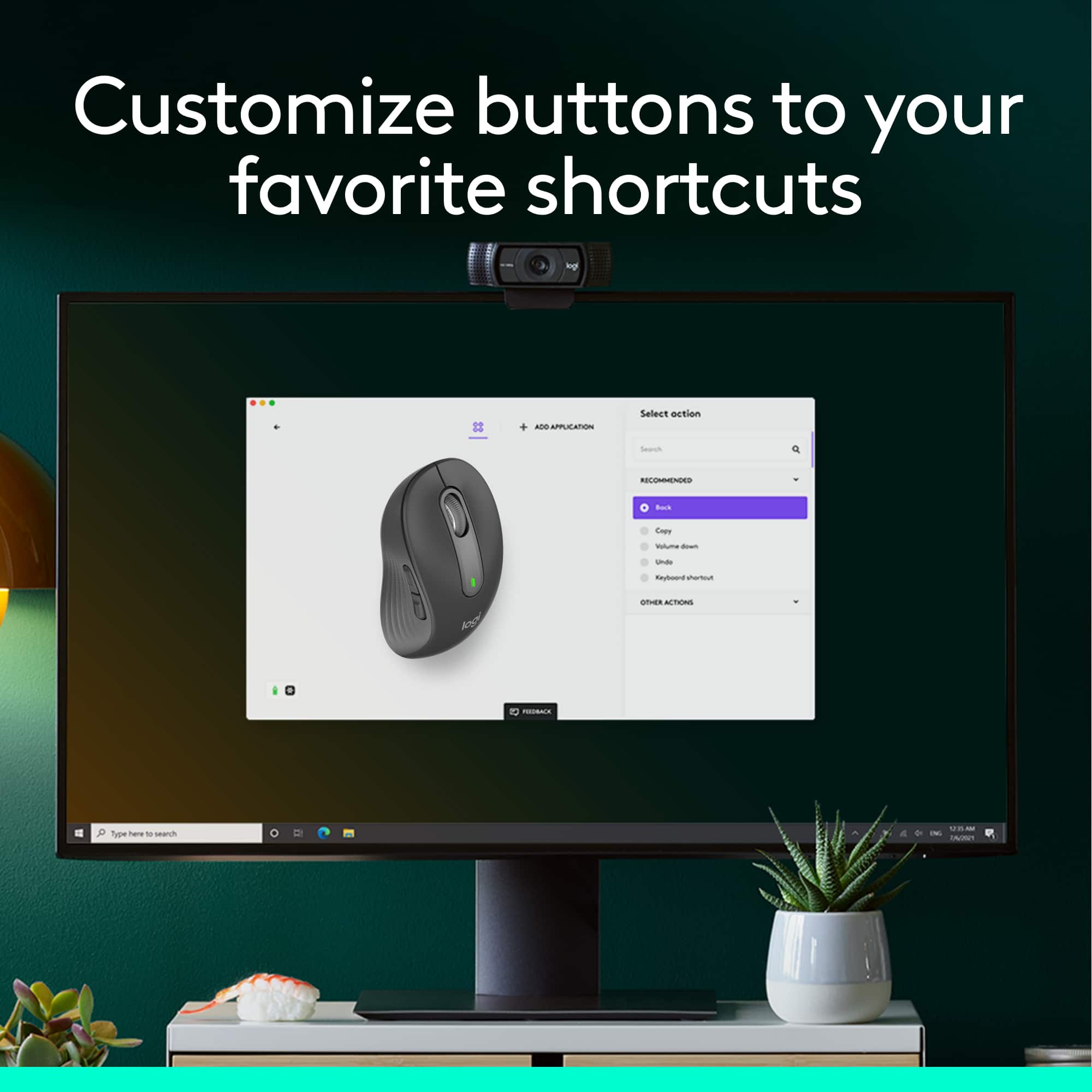
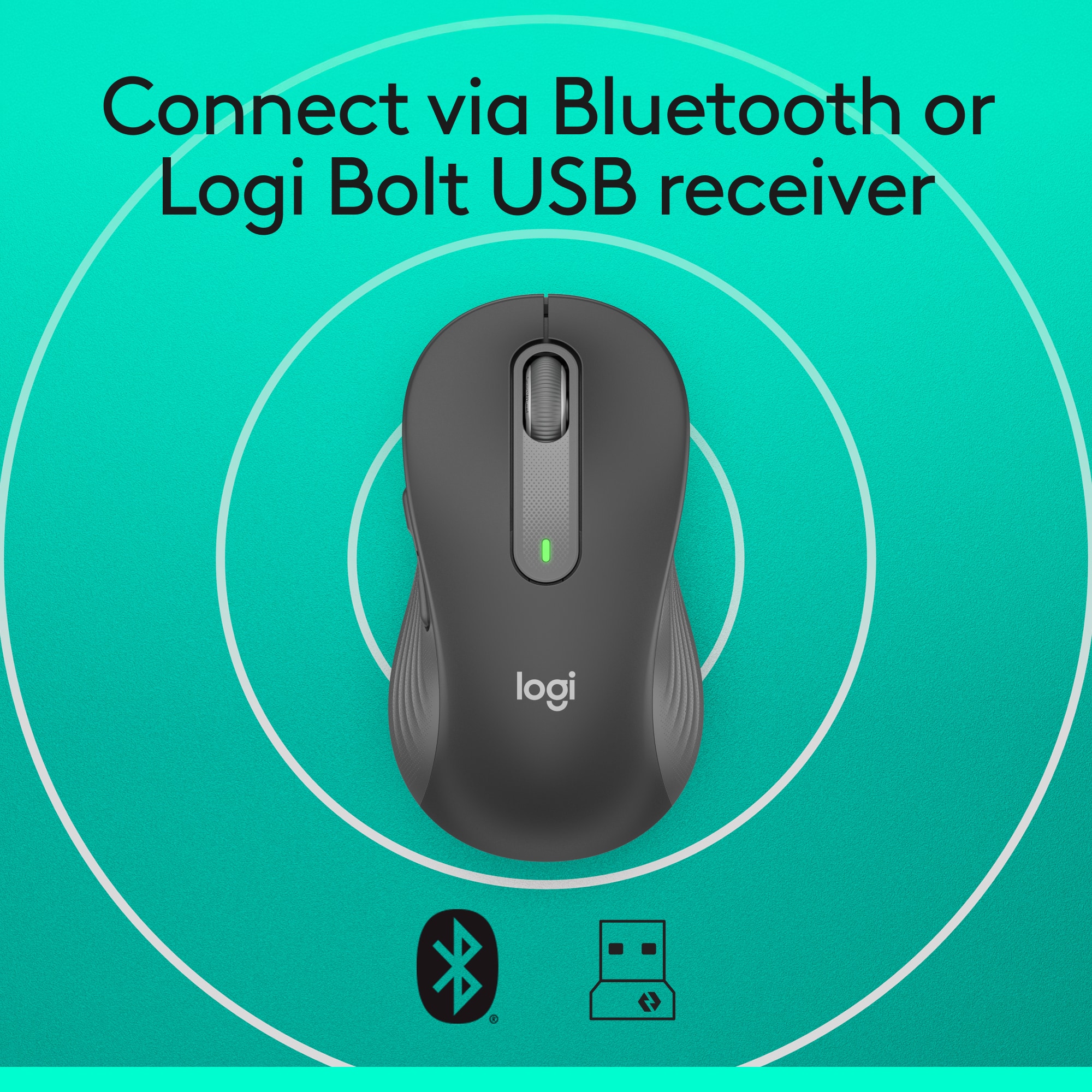
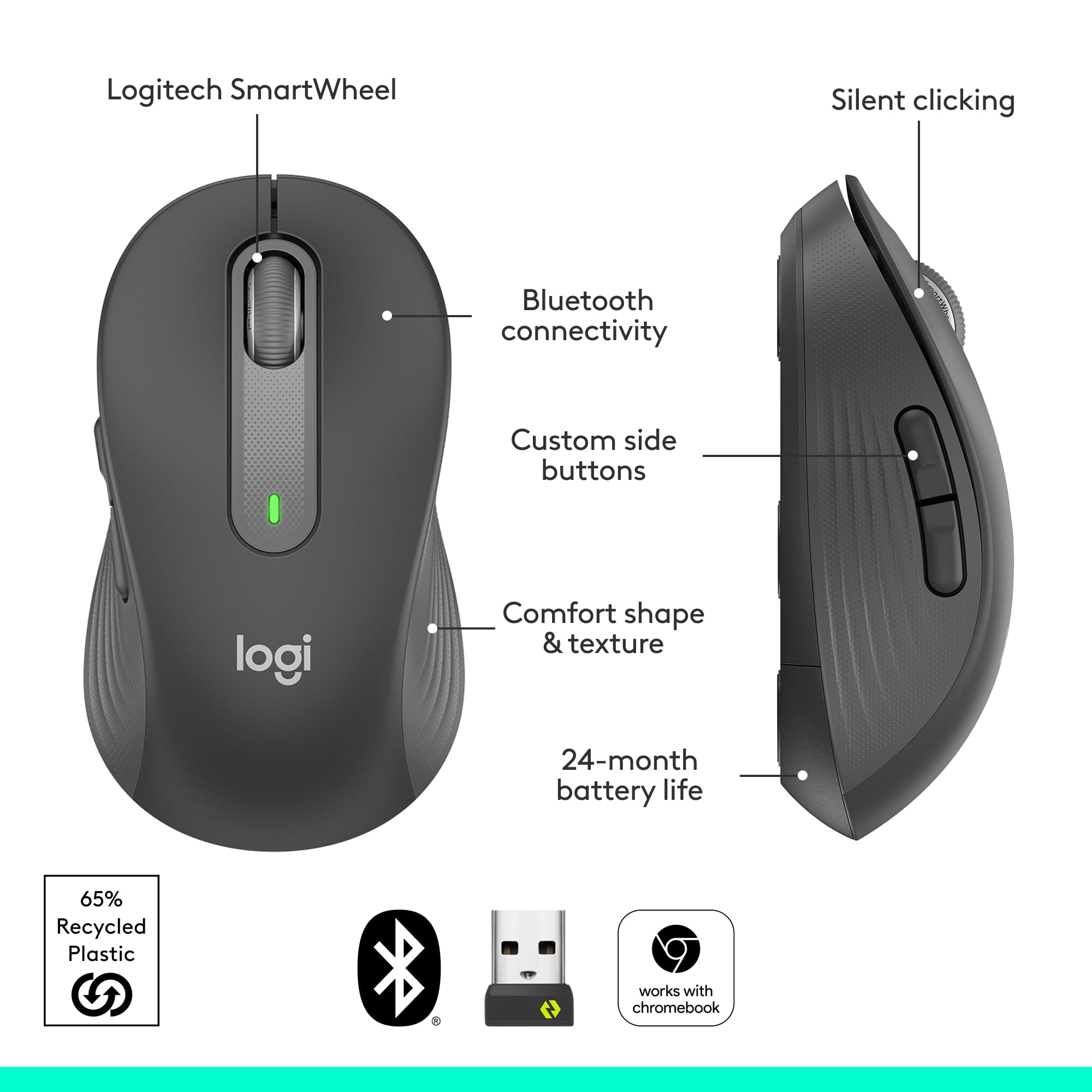
|Posted .This reviewer received promo considerations or sweepstakes entry for writing a review.The Logitech Signature M650 L wireless mouse is marketed as a mouse for larger hands, but honestly it is so well contoured and curved that folks with smaller hands would equally benefit from using it. In fact, even my eight year old daughter, who by no means has large hands, easily cupped her hand around it and had no issue clicking the side buttons and using the scroll wheel. I think Logitech should simply just categorize these mice as regular sized mice, and everything else as their compact line up. The M650 L wireless mouse is comfortable to hold. The top curve of the mouse gently cradles the palm of my hand while the sides have a tactile, soft rubbery grip for the thumb and fingers. No problem here with using it hours on end during a long haul work day. But what drew me to the M650 L is that it is a near silent mouse. Logitech’s SlentTouch technology is at work here. The clicks are dampened to be nearly inaudible to anyone more than a foot or two away. Unless you are in a super quiet environment, nobody will hear you using the mouse. Even the scroll wheel is silent. This is great for times when you don’t want to disturb others. Let’s talk about the scroll wheel. Logitech calls it a SmartWheel. It features precise line-by-line scrolling that automatically switches to super fast scrolling by flicking your finger to quickly spin the wheel. This will allow you to scroll down long web pages or scroll quickly through pages of a long document. Once you flick the scroll wheel with your finger, the wheel spins quickly, but is also just as quick to slow down and stop. The spinning wheel activates the super fast scrolling, and the scrolling stops when the wheel stops spinning or when the end of the webpage or document is reached. The faster you flick, imparting greater angular acceleration to the wheel, the longer and farther it will scroll. The super fast scrolling works for both scrolling down a page or scrolling up. You may be wondering about that other way of scrolling quickly through long web pages or documents where you click down on the center scroll wheel and a little directional cursor appears on the screen to allow you to move the mouse up or down in the direction of movement for hyper-scrolling. That feature is still available on this mouse if that is what you prefer to use for hyper-scrolling. Logitech is moving in new directions with the introduction of the new line up of mice. For one thing, the usb-a receiver is now called the Logi Bolt Usb receiver. It’s more than a simple change in the naming of the receiver. There is a whole new enterprise wireless secure encryption level protocol built into the mouse and receiver to allow better, more secure, and faster communication between the wireless mice/keyboards and the receivers. I don’t understand much of this technology and it probably takes an advanced degree to fully grasp the beauty of it, but you’ll need to be aware of what this means in practice if you have a bunch of existing Logitech wireless mice and keyboards lying around your house or business like I do. I would make a guess that for the majority of folks, you still have Logitech’s wireless products that use the Unifying receiver. Before you make the leap to upgrade to Logitech’s new products utilizing the Logi Bolt Usb receiver, you need to be aware that the new Logitech products that use the Bolt receiver are not compatible with Logitech’s products that use the Unifying receiver, and vice versa. It’s an entirely new ecosystem! For instance, you won’t be able to connect the new M650 L mouse to the unifying receiver that you are using for your Logitech wireless keyboard. The M650 L will have to be paired with new and upcoming Logitech wireless keyboards that use the Bolt receivers. Let me be clear. This is not to say that the new M650L will not work simultaneously while you are using the wireless keyboard on the computer with a unifying receiver. It’s just that you cannot connect it to the incompatible unifying receiver. You actually do not need to use the Bolt receiver if you don’t want to. The M650L can also be connected by bluetooth, so this will eliminate the need to use two wireless dongles (one Bolt, one Unifying) if you are planning to also use a Logitech wireless keyboard with a unifying receiver. With the new Bolt receiver, comes a new software platform as well. The familiar Logitech Options software is being replaced with the new Logitech Options Plus software for the products that are using the Bolt receiver. Just like the previous software, the Options Plus software allows customizations to the M650L mouse. You can customize the two side buttons and the middle button using the software. One new feature of the software is that now it enables app specific button customizations. This means that you can set the buttons to perform specific actions while in the Chrome browser (example forward or backward to a webpage), but have entirely different functions while working on your Microsoft Word document (example cut and paste). That is a cool feature. Here’s some other things to note about the M650 L in case you’re wondering. It uses a single AA battery and has a slot in the battery to store the Bolt receiver. Logitech claims the battery will last up to two years, but I always take these figures with a grain of salt since it will depend entirely on how much you use it. Finally, for those of you who already own Logitech’s M510 wireless mouse, you will feel right at home with the new M650 L. It has an uncanny resemblance, nearly down to the physical dimensions, contours, and curves as the M510. It appears that the Logitech engineers used the M510 as their basis for design. Do I recommend the M650 L? Yes, of course. Logitech crafted a mouse that will have a comfortable feel for the vast majority of users with the added bonus of having silent clicking and scrolling. On top of that, the SmartWheel scrolling works well and provides great control while scrolling through long documents and webpages. And if you’re not ready to give up your unifying receiver in favor of the new Bolt receiver, Logitech says that’s perfectly fine, too. You can still use the new M650 L with your good ole’ favorite Logitech unifying wireless keyboard, since you have the option to connect the M650 L to your computer using bluetooth. As Logitech introduces new products that use the Bolt receiver, we’ll probably start embracing the Bolt receiver. Until then, I’ll be placing my Bolt receiver where it belongs - tucked away in the battery compartment.
This review is from Logitech - Signature M650 L Full-size Wireless Optical Scroll Mouse with Silent Clicks - Wireless - Graphite
I would recommend this to a friendBrand response from Logitech
Posted .Hey lambda100, thanks for this great review! If you have any issues in the future, please feel free to visit our support site for troubleshooting tips and tricks as well as warranty information. Thank you for choosing Logitech! -Weston from Logitech.
Rated 5 out of 5 stars
Logitech Signature M650 L, the right mouse
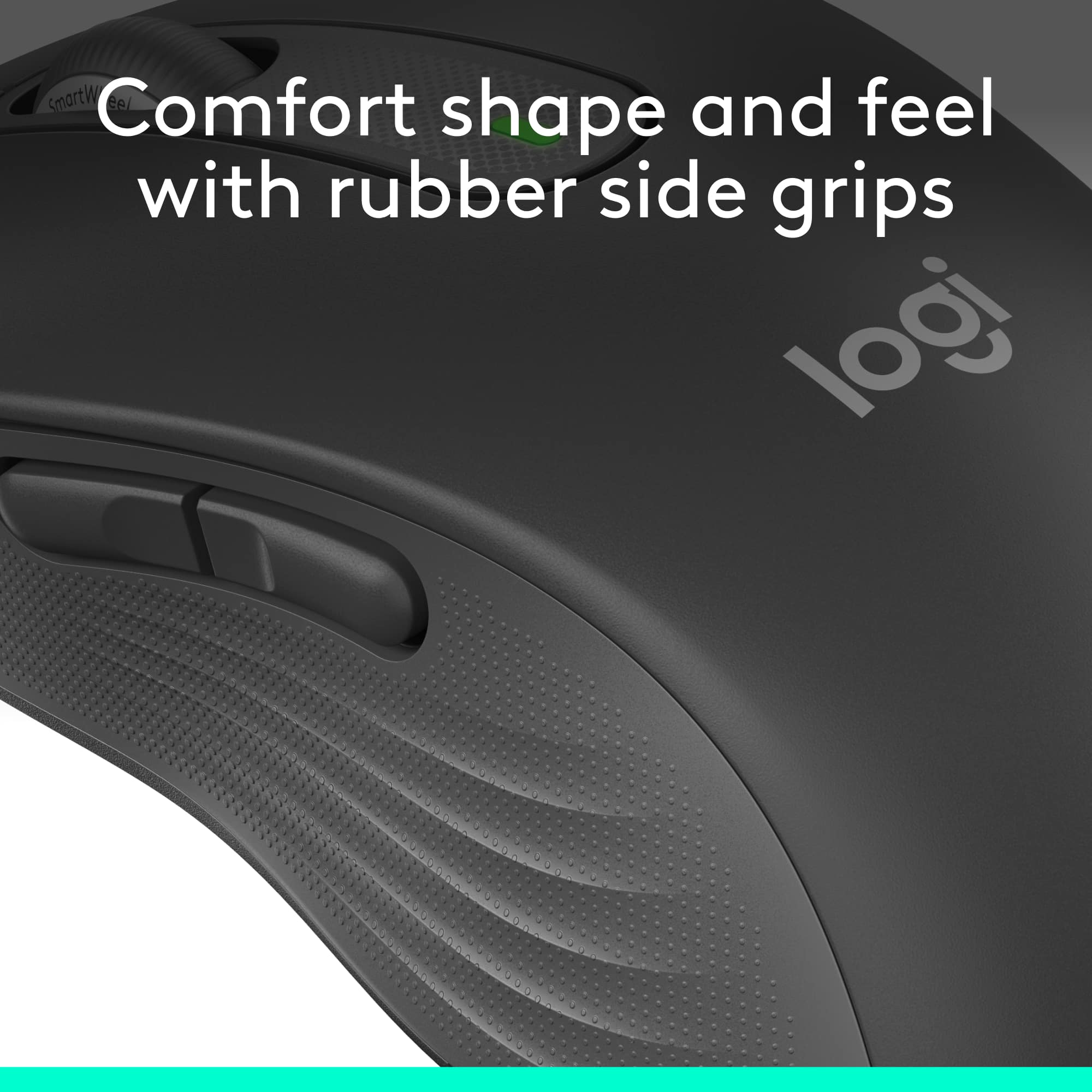
|Posted .This reviewer received promo considerations or sweepstakes entry for writing a review.No messing, er, mousing around, the Logitech M650 L is the right fit for everyday use for most hands. Why do I mention its size? Logitech pitches this model, the “L” is for Large, for large hands, but I must respectfully disagree. My hands are not gargantuan. In the hands of two male friends and two female friends, none commented that this mouse is too large. On the contrary, everyone commented on its just-right size. Compared with others in my Logitech mouse collection, some are tagged as portable, in that they are smaller and said to be ideal for travel. Travel mice lack some of the features and technology of larger mice in addition to the size differential associated with their lower cost. This M650 L features typical Logitech all-day comfort with its contoured shape and soft area where the thumb rests on the left side along with rubber side grips on the opposite side. As ports are at a premium on many newer PCs and laptops, it features dual connectivity options via Bluetooth Low Energy wireless technology as well as conventional plug-in dongle. In fact, the supplied Logi Bolt USB dongle is Logitech’s unified one so it can serve a dual role with both this mouse and a compatible Logitech keyboard. In other words, there would be no need for two dongles if the user has such a compatible keyboard. Another word about the “L” for large. Logitech offers this wireless mouse for righties as well as southpaws AND a smaller model for more dainty sized hands. With one for just about every user, Logitech has another winner. The side buttons are customizable for a variety of the user’s favorite shortcuts, including Copy/Paste and app launch, all through downloadable Windows and Mac software called Logitech Options Plus. Device basic functions are supported without software on Chrome OS and most popular Lunux distros. The Logitech SmartWheel scroll wheel is also newly designed. Unlike other models that feature a click to release the line-by-line motion in favor of freewheeling spin, the M650 works as follows. Scroll slowly, silently, line-by-line or flick to spin for super-fast scrolling up or down. With up to two years use on one AA alkaline battery (supplied) it is easy to see how well Logitech engineers designed this mouse to squeeze every ounce of performance out of the least amount of energy. **WHAT’S IN THE BOX** • M650 L, with included battery and USB dongle • Documentation **THE SETUP** Open the blister pack along perforated lines and remove the cardboard backing and the mouse. Remove the paper tab from the battery well. Read the simplified instructions, directing the user to remove the battery cover. Here, users have the choice to remove the dongle and insert it into a USB-A spot on the desktop or laptop, Windows, Mac or Linux computer OR connect using low-voltage Bluetooth. Using Bluetooth, this mouse is also compatible with iPad OS 13.4 and later and Android 5.0 and later. Download the and install Logitech Options Plus software using the provided link. Connect the mouse. Customize the buttons, if interested. Start mousing. Now, it’s time to . . . **PUT IT TO THE TEST** The Logitech M650 L is, at once, as easy to use as any other mouse, even easier, and can be customized with side button special features. Operation is as smooth and quiet as promised. It fits quite comfortably in the hand with no sign of fatigue the entire first day of use. On subsequent days the M650 L has been just as comfortable. The buttons are pre-programmed to jump forward and back in a browser. No modifiers were employed. The scroll wheel’s operation and the R and L clicker are virtually silent. Though the mouse is largely plastic, there is no feeling that this mouse is cheaply made. **CONCLUSION** Using the Logitech M650 L has been without any finding of, “I wish . . .” Logitech has delivered as expected, a modestly priced, full featured and high quality new mouse that is sure to please users for many years. Logitech’s excellent reputation in this category is well deserved. Highly recommended! **WARRANTY** One year manufacturer’s warranty.
This review is from Logitech - Signature M650 L Full-size Wireless Optical Scroll Mouse with Silent Clicks - Wireless - Graphite
I would recommend this to a friendRated 5 out of 5 stars
Quiet and comfortable
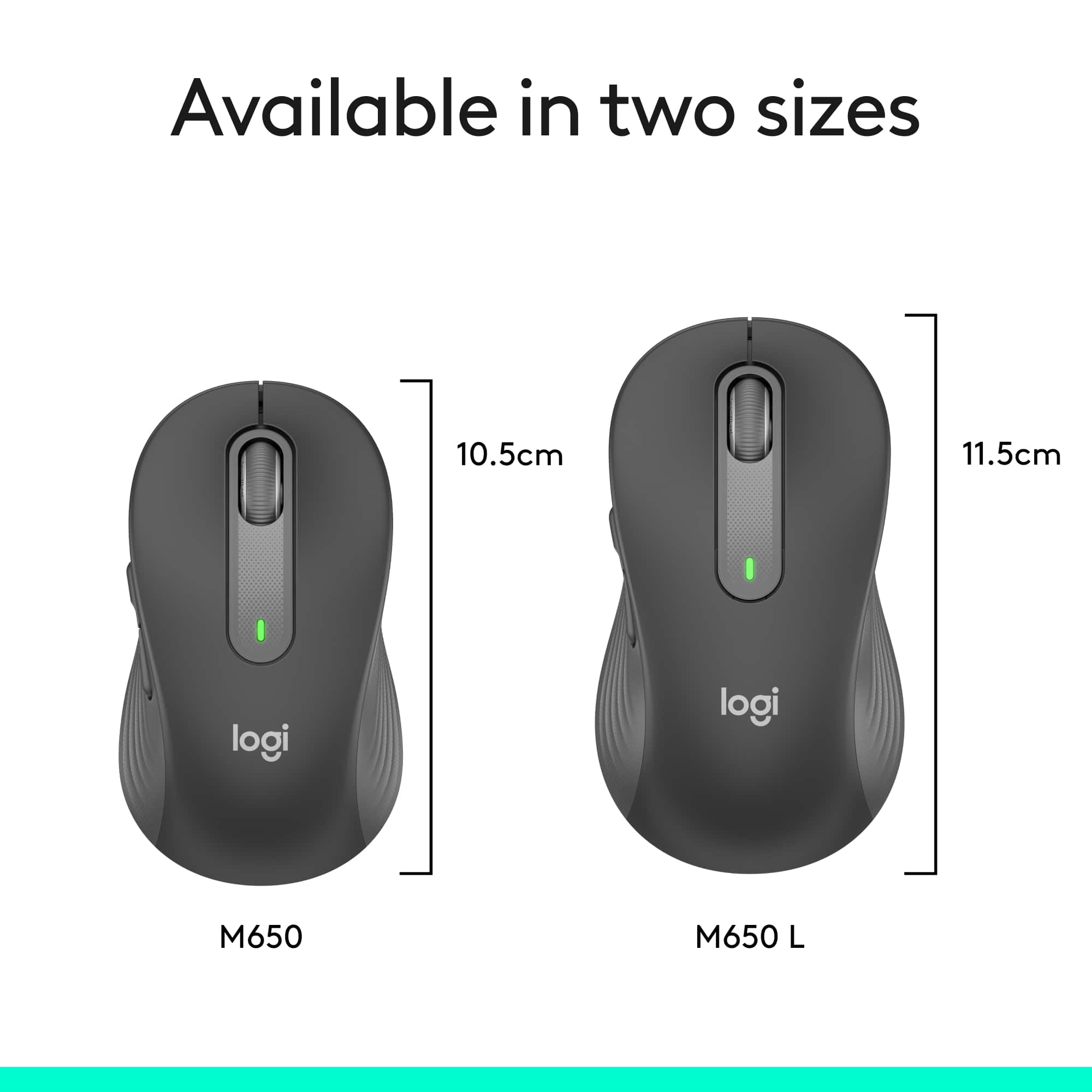
|Posted .This reviewer received promo considerations or sweepstakes entry for writing a review.## Design Although this particular mouse is labeled as “Large - for large-sized hands”, it seems like a “regular” sized mouse to me. Many wireless mice are too compact and uncomfortable for me to use as a permanent fixture on my desk. Therefore, I was happy to find that this supposedly “large” mouse is the same size as the Logitech M190 (which does not have a “large” designation). Please refer to the picture attached to this review for a size comparison of the m650 and m190. ## Performance This mouse is very quiet! Clicking any of the buttons on the mouse makes almost no sound. The scroll wheel is also fairly quiet and smooth to use. You can download software to customize the side buttons, but I found that the basic functions of the mouse work without the software, and, by default, the side buttons work as forward and back buttons while browsing through web pages. Since I’m fine with this functionality, I didn’t load the software. The wireless signal works fine and I've had no issues with skipping or lag when it is plugged in directly to my laptop, but depending on your computer, you may find that your WiFi or Bluetooth chipset is too close to the USB port. In that case, I've found that using a USB 2.0 extension cord solves any issues caused by interference from internal wireless chips and USB 3.0 ports. So if you run into trouble with the mouse pointer jumping across the screen or hesitating, try using a USB 2.0 (note the “2”) extension cord with the nano receiver. You can find them fairly cheap online. The mouse can also connect via Bluetooth if your laptop has Bluetooth built-in and you don’t want to lose a USB port to the nano receiver. Also worth noting that the included nano receiver is USB-A. If your laptop only has USB-C ports, you’ll either need to use Bluetooth or a USB-C to USB-A adapter. ## Battery Life Logitech claims that this mouse can last up to 2 years on a single AA battery, which is included! I have yet to use the mouse that long, but I like the fact that it only requires one AA battery as this keeps the mouse lightweight and it glides easily across my desktop. Logitech notes that Bluetooth somewhat shortens battery life from 24 months down to 20. ## Summary Overall, the M650 L (for “Large”, not to be confused with the left-hand version) is full-sized and comfortable to use as your everyday mouse. The mouse buttons are very quiet and would be ideal for late-night clicking.
This review is from Logitech - Signature M650 L Full-size Wireless Optical Scroll Mouse with Silent Clicks - Wireless - Graphite
I would recommend this to a friendBrand response from Logitech
Posted .Hello, TechnicallyWell! I'm happy to hear that you're enjoying the M650 L mouse! Feel free to reach out to our support team here https://support.logi.com/hc/en-us/requests/new?ticket_form_id=360000621393 if you ever need any assistance or if something happens in the 1-year limited hardware warranty. Thank you for the in-depth review and for shopping Logitech! - Maggie from Logitech
Rated 5 out of 5 stars
Nicely Designed Mouse
|Posted .This reviewer received promo considerations or sweepstakes entry for writing a review.As a software engineer I’m using a computer for extended periods of time and it’s therefore critical to have mice and keyboards that are comfortable to use while also providing all the features you’d expect. Logitech has long been a company that delivers comfort as well as great features in high quality devices. The Signature M650 L is designed for people with medium to larger hands although I would expect this mouse to work well for anyone. Logitech also has a version of the mouse for those with smaller hands as well as a version tailored for left handed users. If you’re looking for a comfortable mouse with precision scrolling, look no further.
This review is from Logitech - Signature M650 L Full-size Wireless Optical Scroll Mouse with Silent Clicks - Wireless - Graphite
I would recommend this to a friendRated 5 out of 5 stars
Perfect Mouse
||Posted . Owned for 1 month when reviewed.This reviewer received promo considerations or sweepstakes entry for writing a review.I purchased this mouse and it works great! Very responsive and side buttons are great for moving back and fourth thru pages. The scroll wheel is silent but you can still feel the clicks in your finger which is great!
This review is from Logitech - Signature M650 L Full-size Wireless Optical Scroll Mouse with Silent Clicks - Wireless - Graphite
I would recommend this to a friendBrand response from Logitech
Posted .That's wonderful to hear the Signature M650 L is working perfectly for you! We're so glad you're enjoying the responsiveness, the convenience of the side buttons for navigation, and the silent yet tactile scroll wheel. Thanks for the excellent feedback!
Rated 5 out of 5 stars
Most comfortable mouse I've used
|Posted .This reviewer received promo considerations or sweepstakes entry for writing a review.This was a pleasure right from the start. The M650L comes in the traditional clamshell package, with a big difference. There are two finger openings at the rear with perforations that allow it to be opened without the need for a knife or razor blade - thank you Logitech! This was advertised to me as a left hand mouse; however, there's no text on the front or back of the packaging alluding to this. The "L" addendum on the model # refers to "large" for large hands. And that it is. The overall length of this is somewhat longer than the average mouse, but to me, the important thing is the height. It just immediately felt "right" to me. Everyone is different, but this honestly felt like it was custom molded for me. It's basically symmetrical; with additional configurable buttons on the left side. I am left handed; as such I'm long accustomed to using pointing devices with my right hand. I'm currently using it with my right hand, and it's picture perfect, so I would recommend this to anyone - that is, if you want a mouse better adapted to a larger hand. In either case, the buttons are configurable with the Logitech Options software to suit your preferences. The M650 also features silent soft click technology which works as advertised. Between that and the comfortable hand fit, I can already see the stress level on my hand/fingers reduced considerably. I've got this on bluetooth, which installed immediately; however there is also an included Bolt usb receiver if that is your preference. I've long been a user of Logitech products; the M650L is one more product I can positively recommend (that is, if you don't have a petite hand!)
This review is from Logitech - Signature M650 L Full-size Wireless Optical Scroll Mouse with Silent Clicks - Wireless - Graphite
I would recommend this to a friendRated 4 out of 5 stars
Comfortable, Silent, Modestly Priced Mouse
|Posted .This reviewer received promo considerations or sweepstakes entry for writing a review.The Logitech - Signature M650 L Full-size Wireless Scroll Mouse with Silent Clicks exceeds expectations based upon it's moderate pricing & generous offerings. PRO'S: 1- Right Hand & Left Hand Options 2- Red, White, Blue & Graphite Color Choices allow you to personalize your desktop look 3- Small, Medium & Large Hand Options for the ideal fit 4- Rubberized Coating feels comfortable to the hand 5- Silent Clicks - The quietest of any mouse I have tested 6- Ultra long life (2 Years) using economical AA battery! 7- State-of-the-Art Bluetooth Low Energy 8- USB or Bluetooth Low Energy Connectivity 9- Scroll Options: Individual line scrolling or very fast scrolling by a quick flip of the "SmartWheel" scroll wheel 10- Configurable side buttons using the free app: Logitech Options Plus CONS: 1- The M650L quoted 400-4000 DPI provides accurate cursor positioning for most users. However, moving the mouse very quickly after the mouse sits at rest results in a noticeable lag in the cursor response as it attempts to catch up with the quick hand movement. This will not represent an issue with most users, however. This mouse is not designed for gaming use, where 0 lag is required. My test computer is a Mac Pro with internal Broadcom Bluetooth Receiver with Low Energy Supported & 2.7 GHz 12-Core Intel Xeon E5 with 64 GB 1866 MHz DDR3 memory located 30" away from the M650L mouse. Your cursor response may differ, depending upon your specific Bluetooth receiver & it's proximity to the mouse. SUMMARY: The M650 L is an ideal mouse for most users. Recommended.
This review is from Logitech - Signature M650 L Full-size Wireless Optical Scroll Mouse with Silent Clicks - Wireless - Graphite
I would recommend this to a friendBrand response from Logitech
Posted .Hello, gadgetguy11! I'm happy to hear that you're enjoying the M650 L mouse! Feel free to reach out to our support team here https://support.logi.com/hc/en-us/requests/new?ticket_form_id=360000621393 if you ever need any assistance or if something happens in the 1-year limited hardware warranty. Thank you for the in-depth review and for shopping Logitech! - Maggie from Logitech
Rated 5 out of 5 stars
Great Mouse!
|Posted .This reviewer received promo considerations or sweepstakes entry for writing a review.The Logitech M650 L for large hands is actually about the same size as the Logitech M510 that I have been using for a long time. I used the M650 for several days and then switched back to my M510 for a couple of days then switched back to the M650. My first thoughts were that I liked the softer rubber grip on the M510 better, However, after switching back to the M650 again I appreciate the increased responsiveness and lightweight of the new M650. I find myself easily getting more adapted to the different side grip and favoring the ease of use of the light and nimble responsiveness of the M650. It may be slightly taller than the M510 as well. The more I use the new M650 the more I like it. That tells me Logitech has a winner on its hands with this new line of mice. If you are in the market for a full-sized mouse I would definitely recommend the new M650 line from Logitech. It has always been hard to find a better nouse than a good Logitech mouse and the new Logitech M650 line adds 3 new versions of lightweight nimble mice to their line. I love the new M650 L and I am sure the other models are great as well. If you are looking for a new mouse I would not hesitate to pick up one of these new Logitech mice. They come with good features such as programmable side buttons for shortcut actions while browsing and performing other actions. Not only that they have very quick vertical scrolling capabilities. My prediction is that it will grow on you quickly and probably become your new favorite mouse!
This review is from Logitech - Signature M650 L Full-size Wireless Optical Scroll Mouse with Silent Clicks - Wireless - Graphite
I would recommend this to a friendRated 5 out of 5 stars
Comfy mouse for larger hands
|Posted .This reviewer received promo considerations or sweepstakes entry for writing a review.I had a older M310 mouse that was showing its age. I have sorta larger hands so this large mouse seemed like a good choice. I've used numerous Logitech mice so they're great quality. This mouse is large in that it's about 1CM longer than your "normal" mouse. I wear L size glove usually so this mouse feels really good in the hand. The sides of the mouse are grippy and not smooth like most other mice. Again, feels real good in the hand. One thing I particularly like about this mouse is the ability to store the USB dongle inside the mouse. Not sure why this isn't standard for all mice but its just really nice you can do this and not have to worry about losing the dongle. I use this mouse in my work laptop primarily so I won't be moving this mouse from computer to computer. The buttons on this mouse are silent. Not a huge thing for some people but it's really nice not having to hear the click of the buttons when you're using the mouse. The side buttons are smooth and silent as well. Mouse is plug and play so no need download any software or anything however I believe there is the normal Logitech software you can download. Overall, the small size difference in this mouse really makes a nice difference. The mouse just feels better and the silent buttons on this make using this mouse easier.
This review is from Logitech - Signature M650 L Full-size Wireless Optical Scroll Mouse with Silent Clicks - Wireless - Graphite
I would recommend this to a friendRated 5 out of 5 stars
Super Comfortable & Quiet Mouse
||Posted .This reviewer received promo considerations or sweepstakes entry for writing a review.Great everyday mouse — comfortable and super quiet I’ve been using this mouse for a while now and it works perfectly for daily use. The design feels very comfortable in hand, even after long hours. The silent clicks are a big plus — no noise at all. Tracking is smooth, the battery lasts long, and setup was instant. Overall, a reliable and well-built wireless mouse. Highly recommended for work or home.
This review is from Logitech - Signature M650 L Full-size Wireless Optical Scroll Mouse with Silent Clicks - Wireless - Graphite
I would recommend this to a friendBrand response from Logitech
Posted .Hey! We appreciate your review and the insight it provides. It’s great to hear our product is working well for you. Thanks for being a valued user.
Rated 5 out of 5 stars
Quiet, comfortable, and reliable wireless mouse
||Posted . Owned for 5 months when reviewed.This reviewer received promo considerations or sweepstakes entry for writing a review.The Logitech Signature M650 L is a fantastic wireless mouse that’s both comfortable and quiet. The silent clicks are a game-changer in shared workspaces or quiet environments, letting me work without disturbing others. The full-size design fits my hand perfectly, and the scroll wheel is smooth and responsive. Setup was quick, and the wireless connection is stable with minimal lag. Battery life is impressive too — it lasts for weeks on a single AA battery. The sleek graphite color looks great on my desk and complements my setup. Overall, a reliable and stylish mouse that gets the job done with zero distractions.
This review is from Logitech - Signature M650 L Full-size Wireless Optical Scroll Mouse with Silent Clicks - Wireless - Graphite
I would recommend this to a friendBrand response from Logitech
Posted .Thank you for sharing your positive feedback about the Logitech Signature M650 L! We appreciate you taking the time to highlight its comfort, quiet operation, and reliability.
Rated 5 out of 5 stars
Great wireless office mouse that’s silent
|Posted .This reviewer received promo considerations or sweepstakes entry for writing a review.To start off, I love the way you unpack it. I always hate when you buy something and then you cannot open the package, so was nice its ready to open without scissors. Ok, packaging aside this is a nice mouse for daily office use. I like that it gives you both a dongle and Bluetooth, as I find Bluetooth can be funky but don’t want to have the dongle plugged into my laptop when I undock it. So I have the dongle in the dock, and when I walk off with the laptop turn it to Bluetooth mode and use the mouse without needing to unplug and then plug in a USB. Comparing to other mice including the gaming mouse I use at home, it does take a few hours to get use to. The soft touch is a little weird at first since I’m use to the clicking, but its pretty nice if you are in an office no one is going to hear you clicking and does feel good once you are use to it. The size is also nice, as most wireless mice I’ve used tended to be really small. Overall if you’re looking for a mouse for the office I highly recommend this one.
This review is from Logitech - Signature M650 L Full-size Wireless Optical Scroll Mouse with Silent Clicks - Wireless - Graphite
I would recommend this to a friendRated 5 out of 5 stars
Smooth, quiet, and super comfortable!
||Posted .This reviewer received promo considerations or sweepstakes entry for writing a review.This Logitech M650 L mouse is excellent! It’s very comfortable to use, even for long hours of work, and the silent clicks are a big plus — no more annoying clicking sounds. The scroll wheel is smooth and precise, and the Bluetooth connection is quick and reliable. Battery life is great, and I love that it works perfectly on different surfaces. It’s a small upgrade that makes a big difference for anyone who works on a computer daily.
This review is from Logitech - Signature M650 L Full-size Wireless Optical Scroll Mouse with Silent Clicks - Wireless - Graphite
I would recommend this to a friendBrand response from Logitech
Posted .Thanks for sharing your positive experience with the Logitech M650 L mouse! We're thrilled to hear it's comfortable, quiet, and has made a difference in your daily work.
Rated 5 out of 5 stars
Very pleased with this mouse!
||Posted .This reviewer received promo considerations or sweepstakes entry for writing a review.I am very pleased with this mouse. Bluetooth capability has freed up the USB port on my Chromebook. It is very responsive and quick. Having five buttons, you can do what you want with this mouse. I would definitely buy it again.
This review is from Logitech - Signature M650 L Full-size Wireless Optical Scroll Mouse with Silent Clicks - Wireless - Graphite
I would recommend this to a friendBrand response from Logitech
Posted .Thank you for your wonderful feedback! We're thrilled to hear that you're pleased with the Logitech Signature M650 L mouse and that its Bluetooth capability has enhanced your experience. Your satisfaction is our priority!
Rated 5 out of 5 stars
Perfect for my needs!
||Posted .This reviewer received promo considerations or sweepstakes entry for writing a review.This is the best computer mouse I've ever owned. I've had it for almost 6 months with heavy use, and the battery still has no issues. I have not noticed any latency when using the USB receiver (never tried bluetooth mode). It's also very comfortable in my larger than average hands despite my problems with tendinitis. I've never had a mouse with side buttons for navigation, but I love them and don't think I can go back to one without them. The clicks are silent as advertised. I highly recommend this, love it.
This review is from Logitech - Signature M650 L Full-size Wireless Optical Scroll Mouse with Silent Clicks - Wireless - Graphite
I would recommend this to a friend