Customer Ratings & Reviews
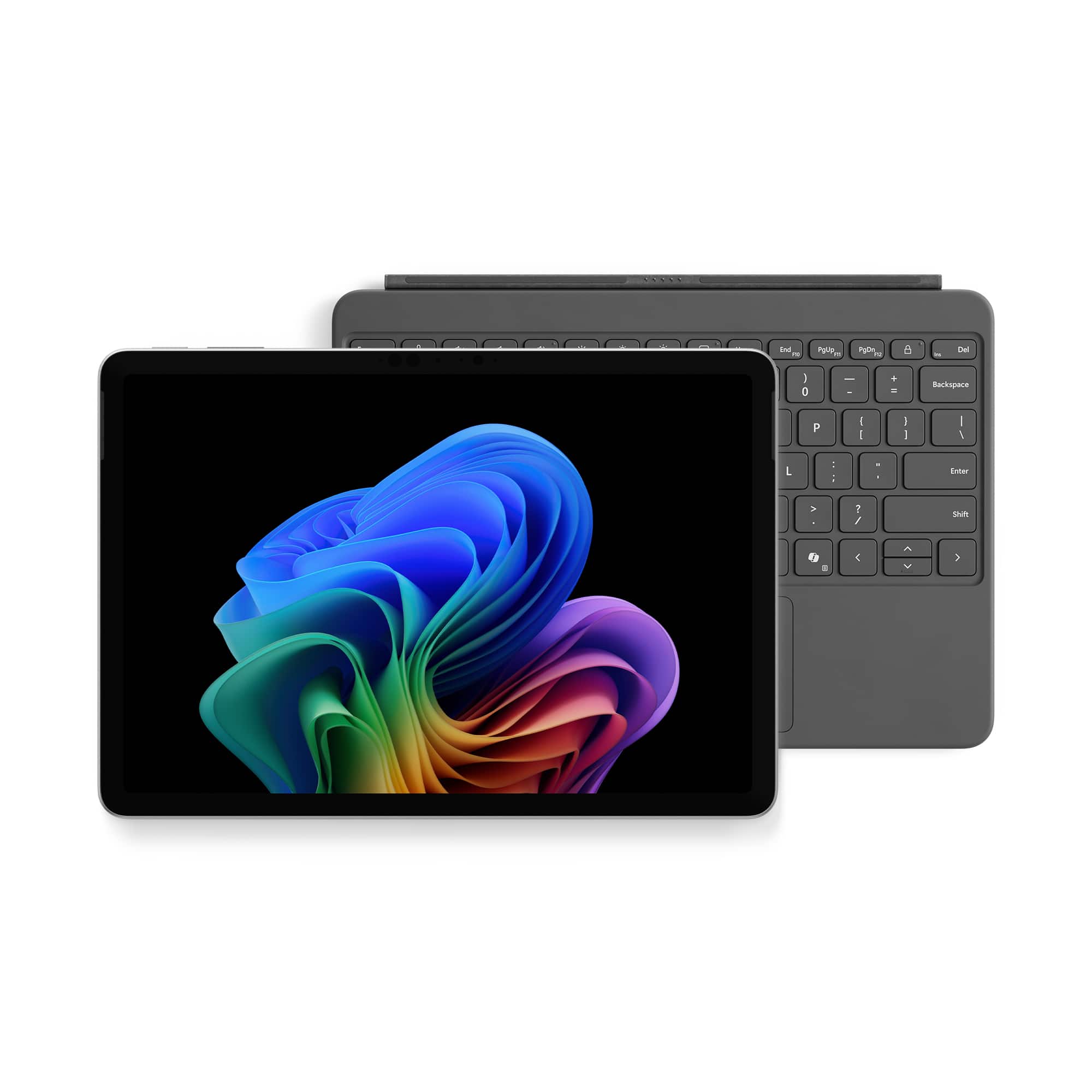
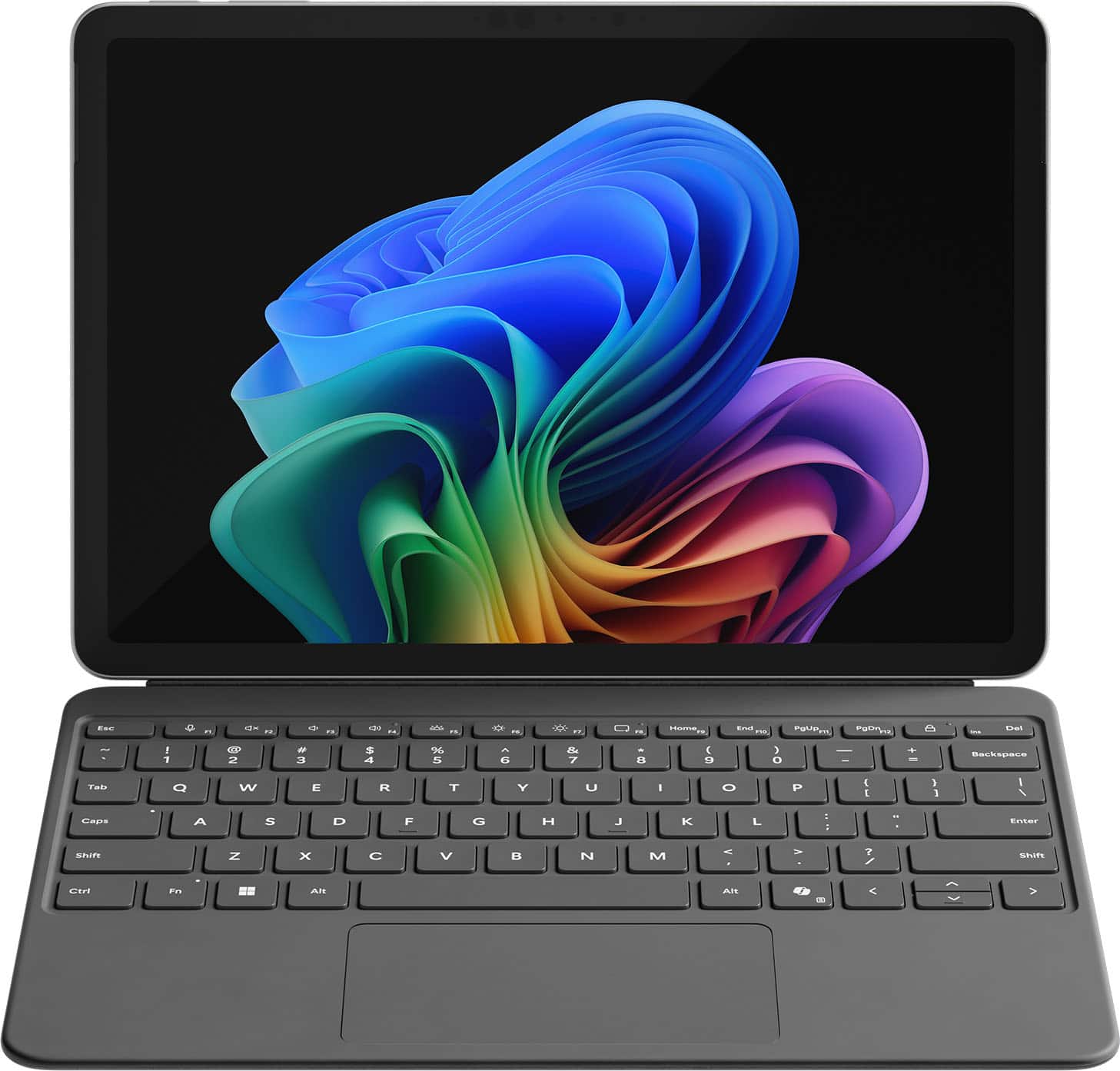
![Esc F1 F2 F3 F4 F5 F6 F7 F8 Home End PgUp PgDn Del
1 2 3 4 5 6 7 8 9 0 - = Backspace Tab Q W E R T Y U I O P [ ] \ Enter
Caps A S D F G H J K L ; ' Shift Z X C V B N M , . / Shift Ctrl Fn Alt Alt](https://pisces.bbystatic.com/image2/BestBuy_US/images/products/27bbc935-7524-4b3e-a2bb-840367427ae1.jpg)

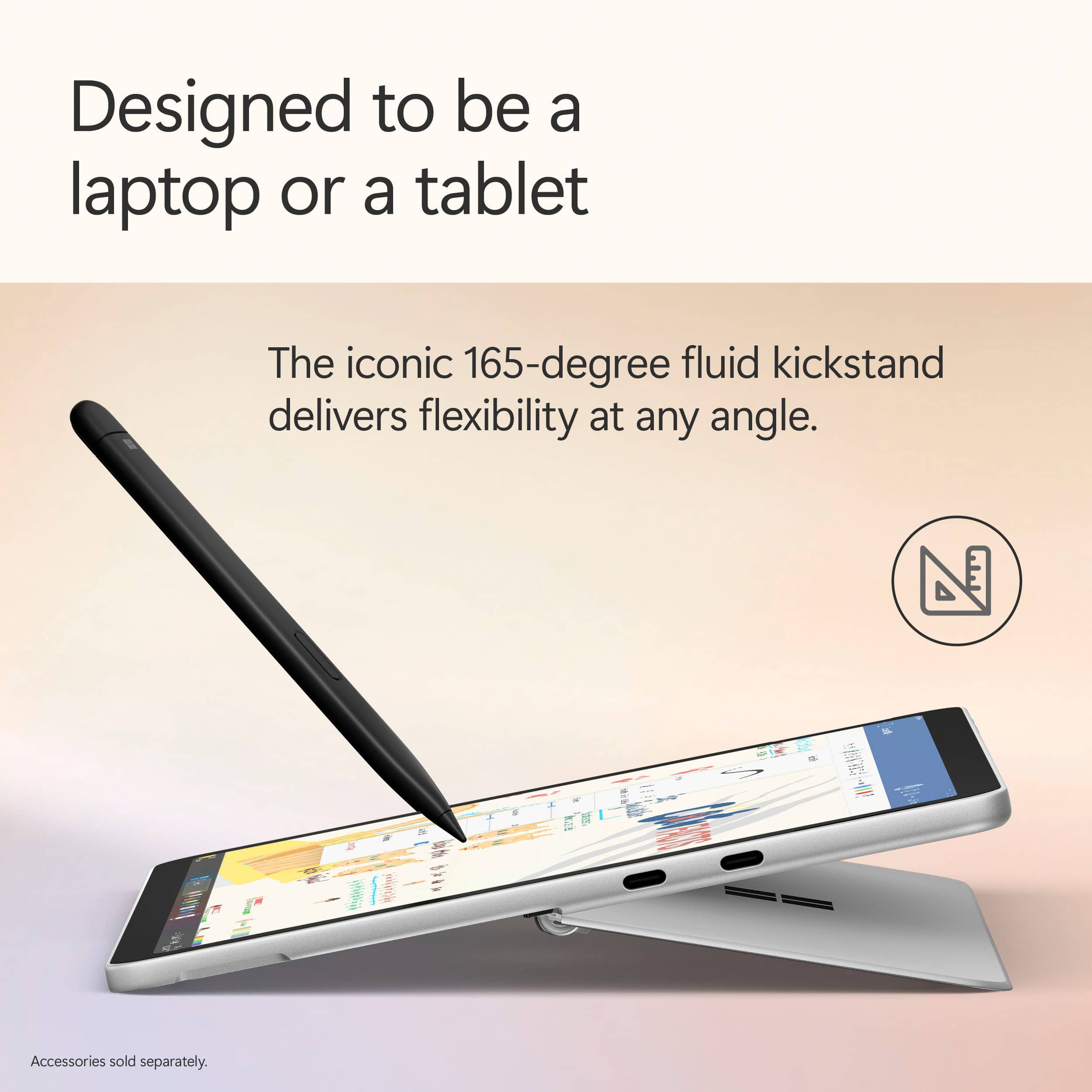
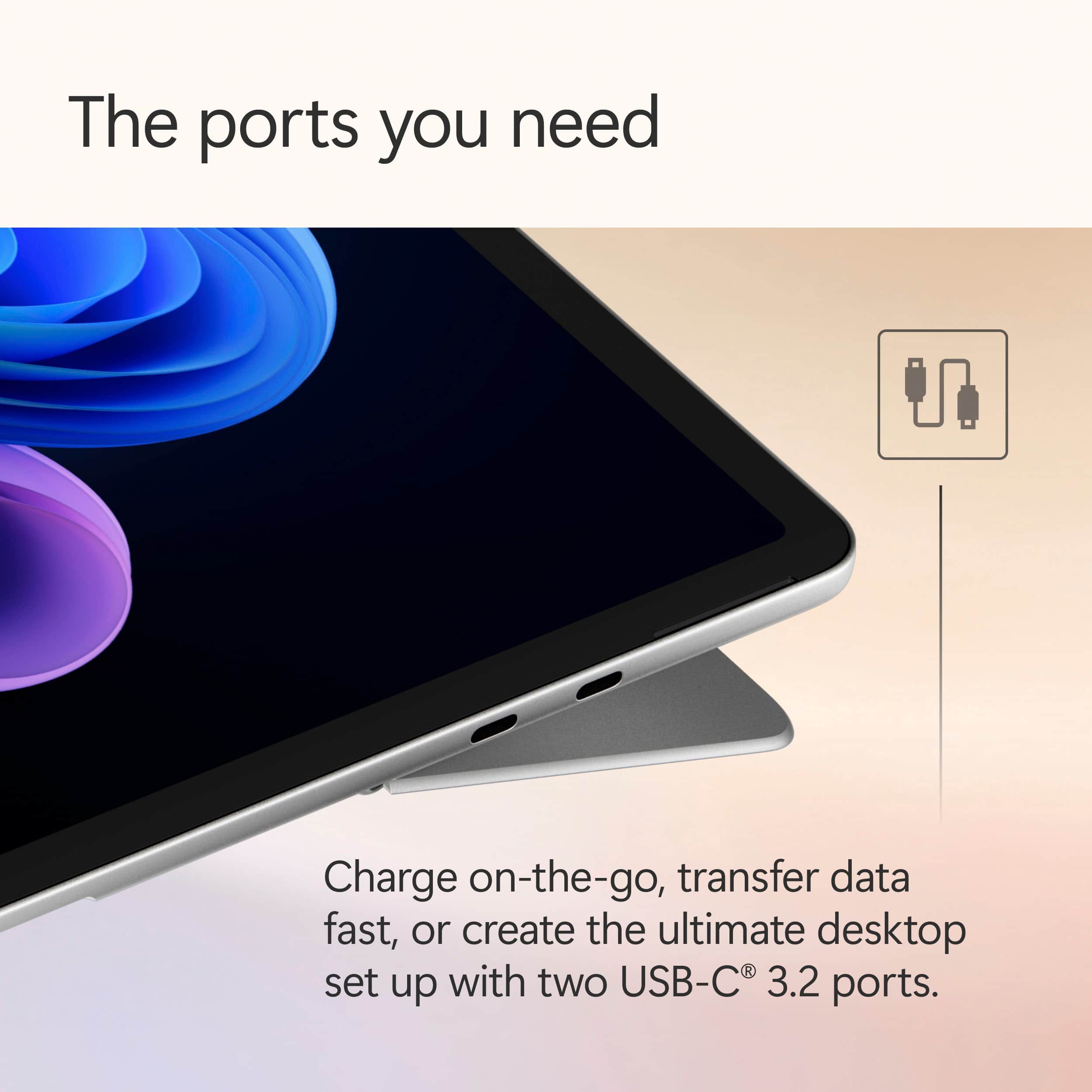
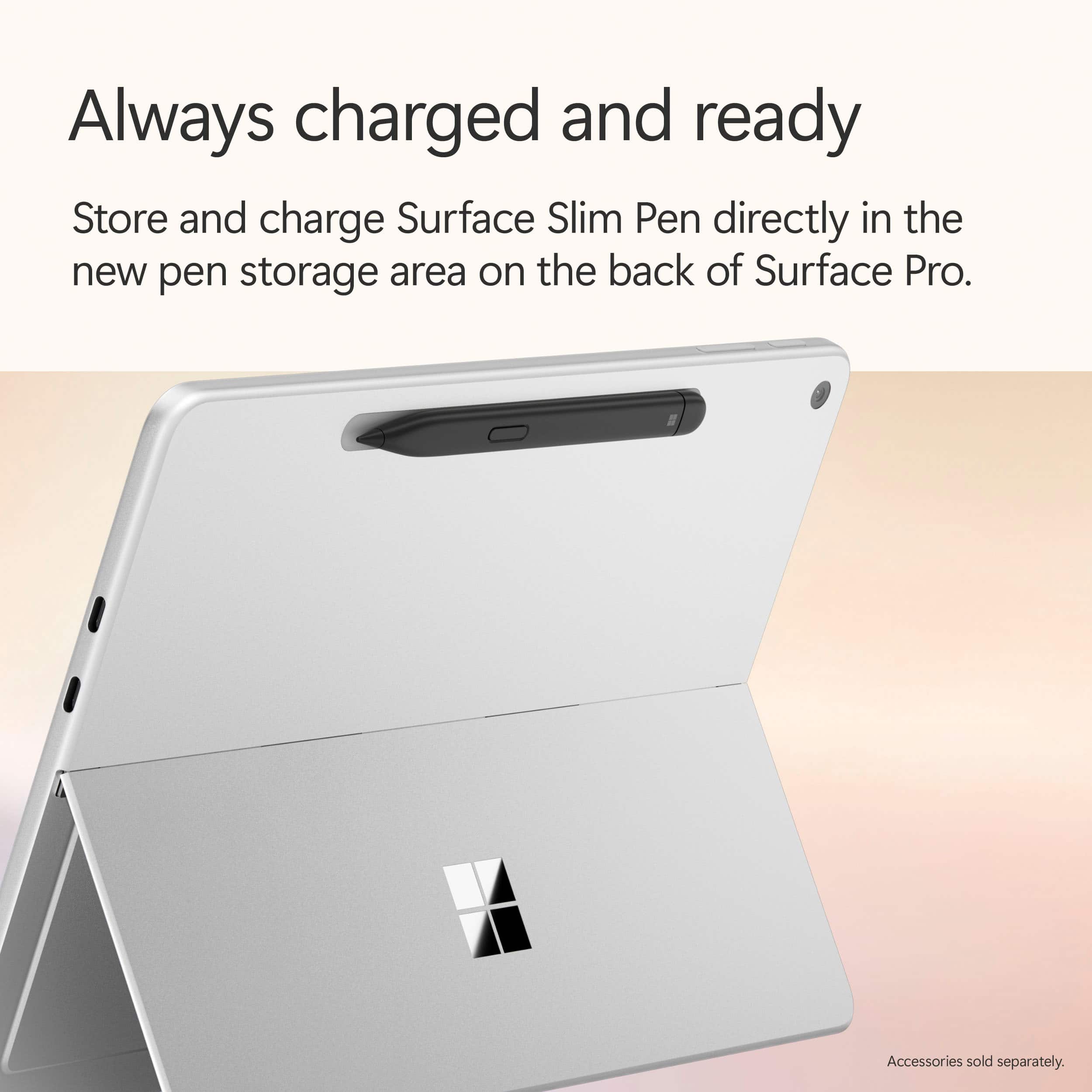
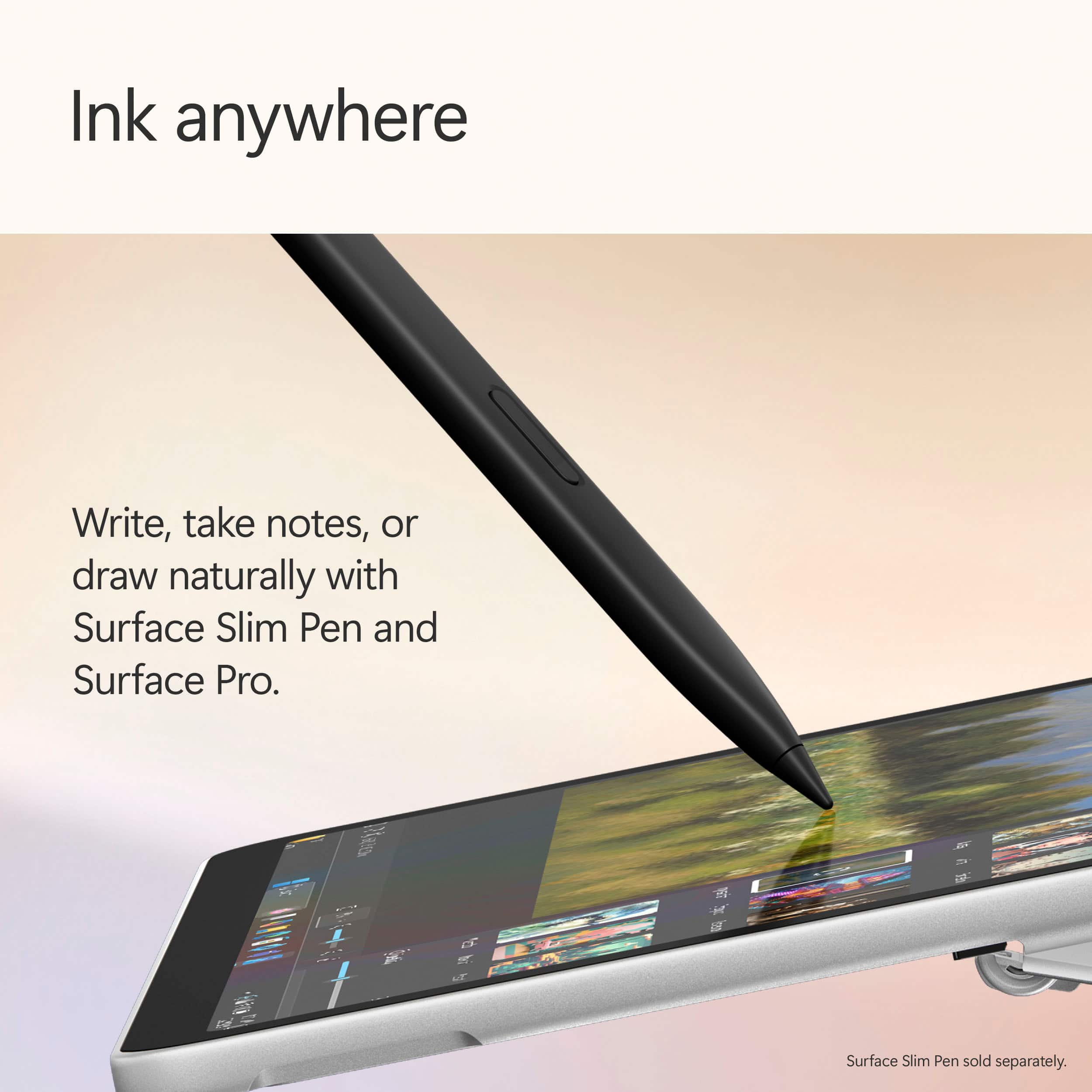
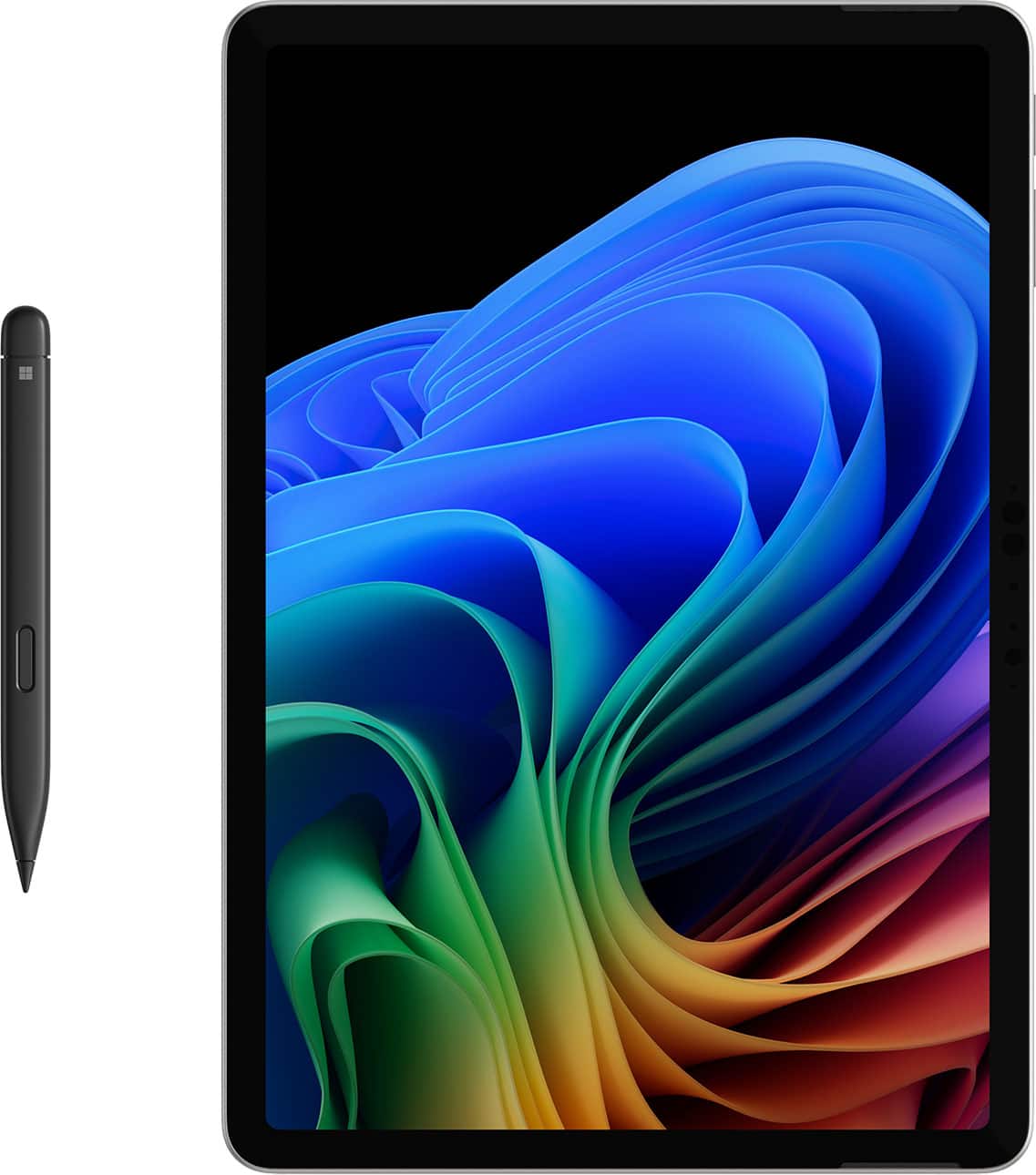
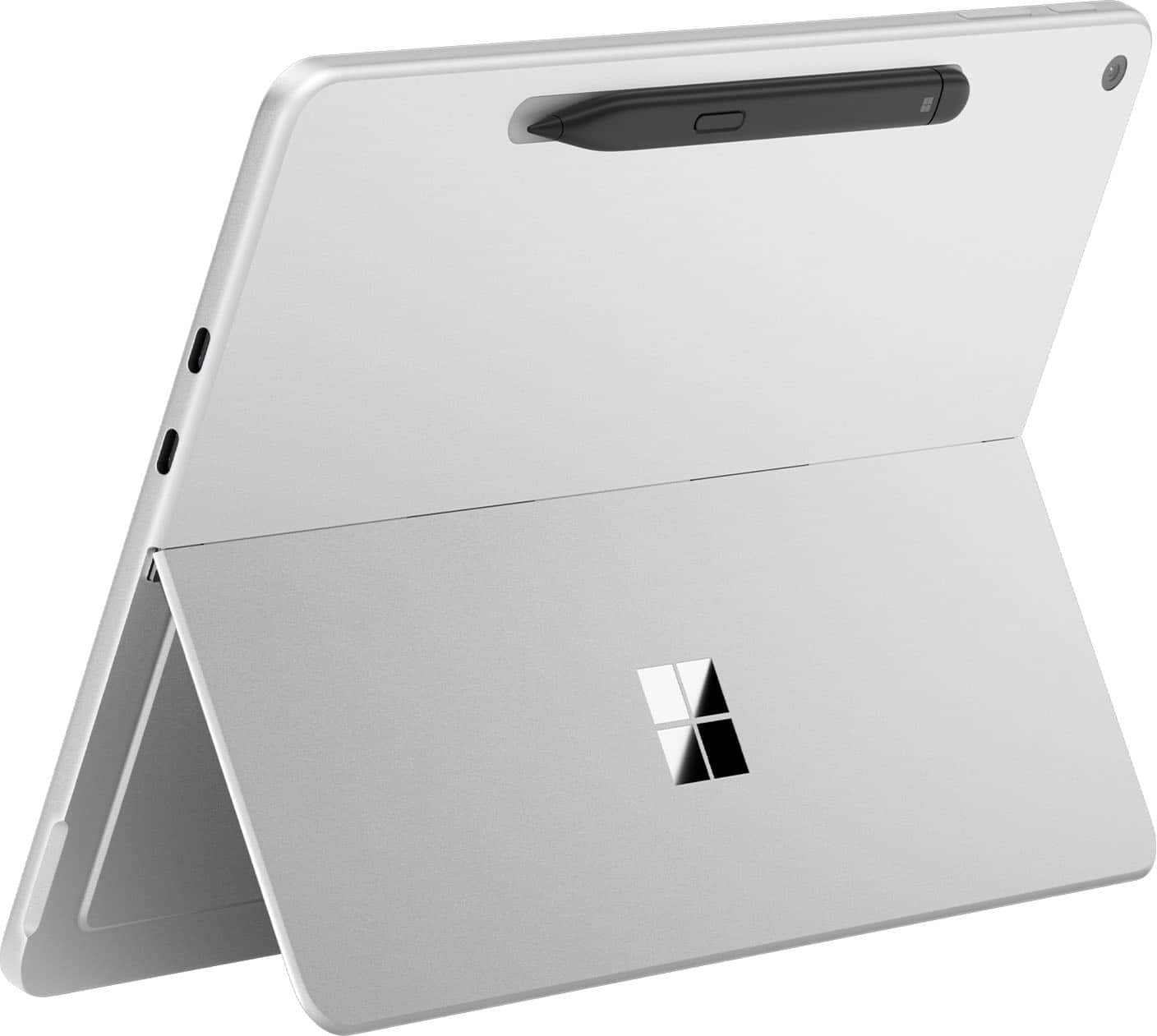

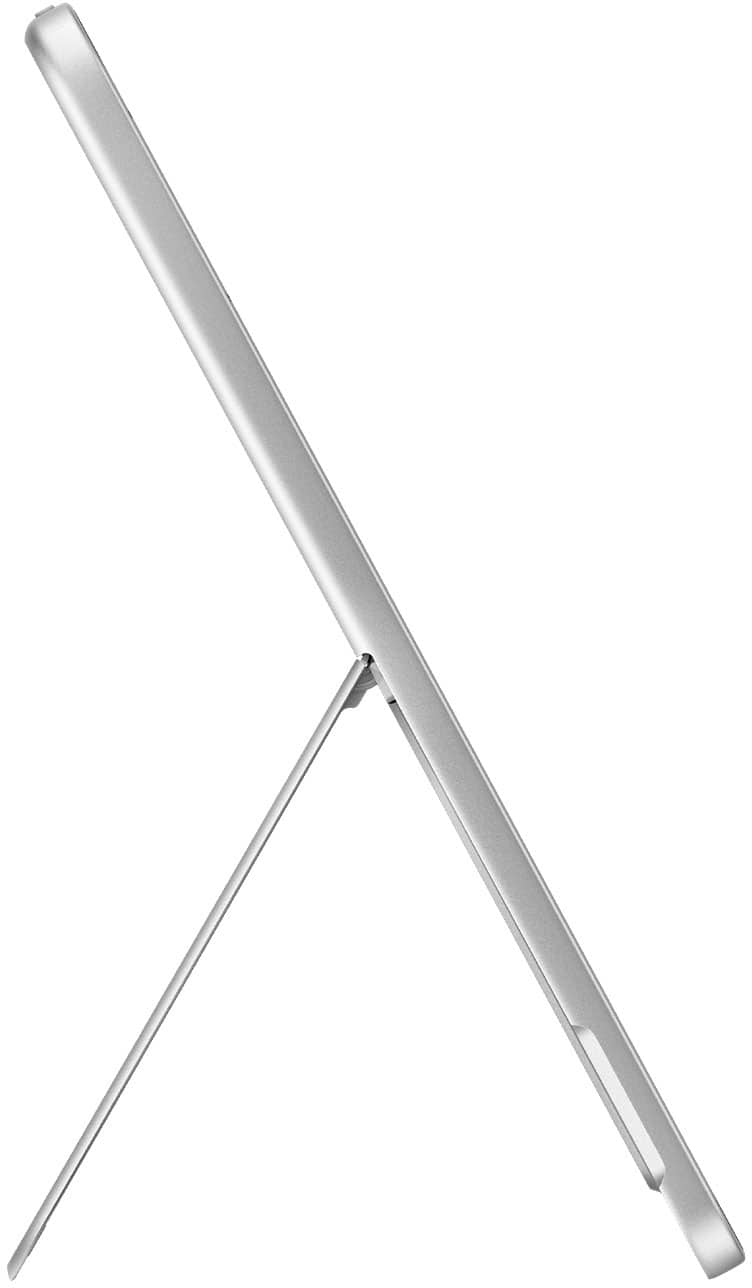
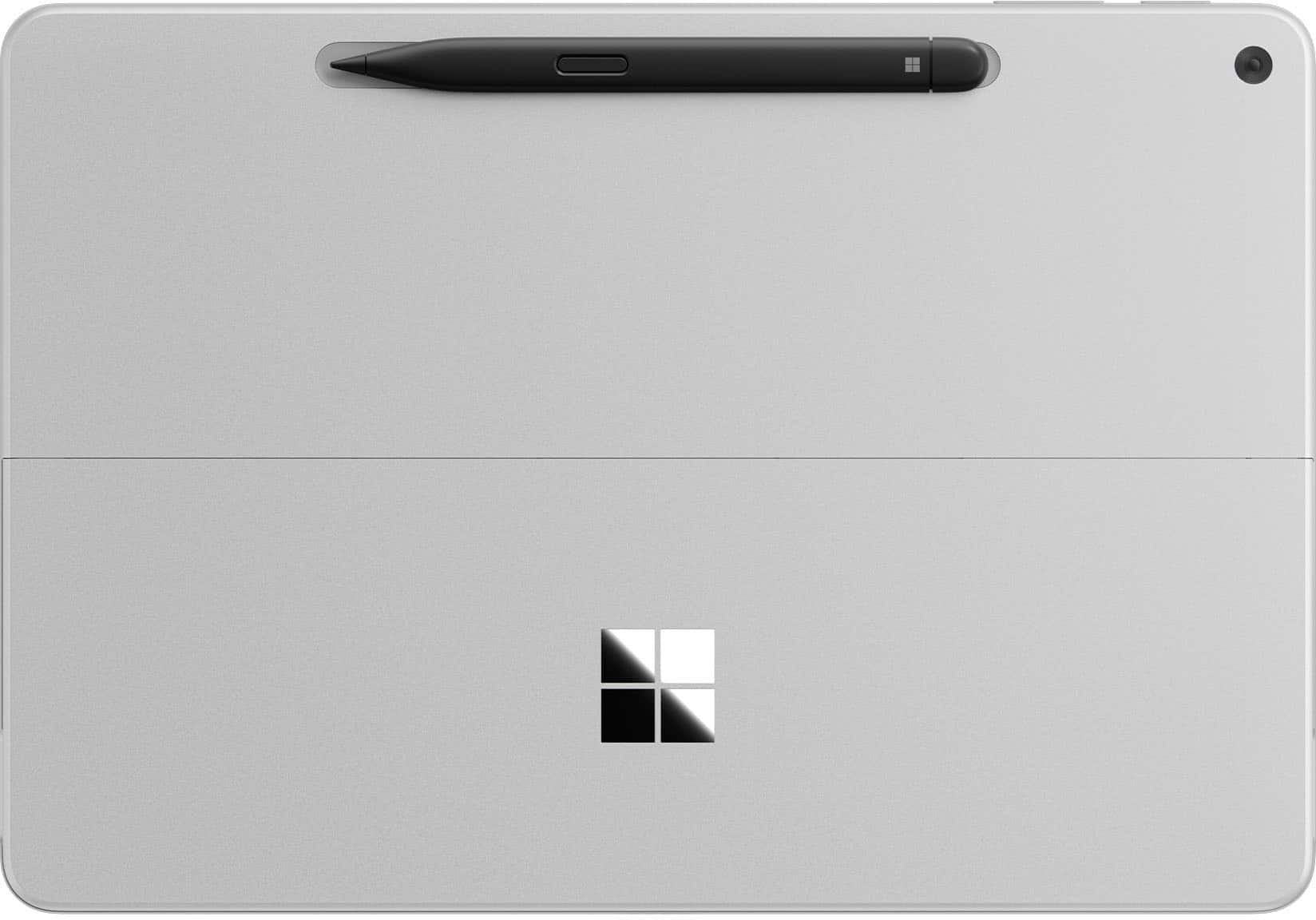


- Model:
- EP2-36695
- SKU:
- 6642121
Rating by feature
- Battery Life
Rating 4.8 out of 5 stars
- Durability
Rating 4.7 out of 5 stars
- Display
Rating 4.8 out of 5 stars
Customers are saying
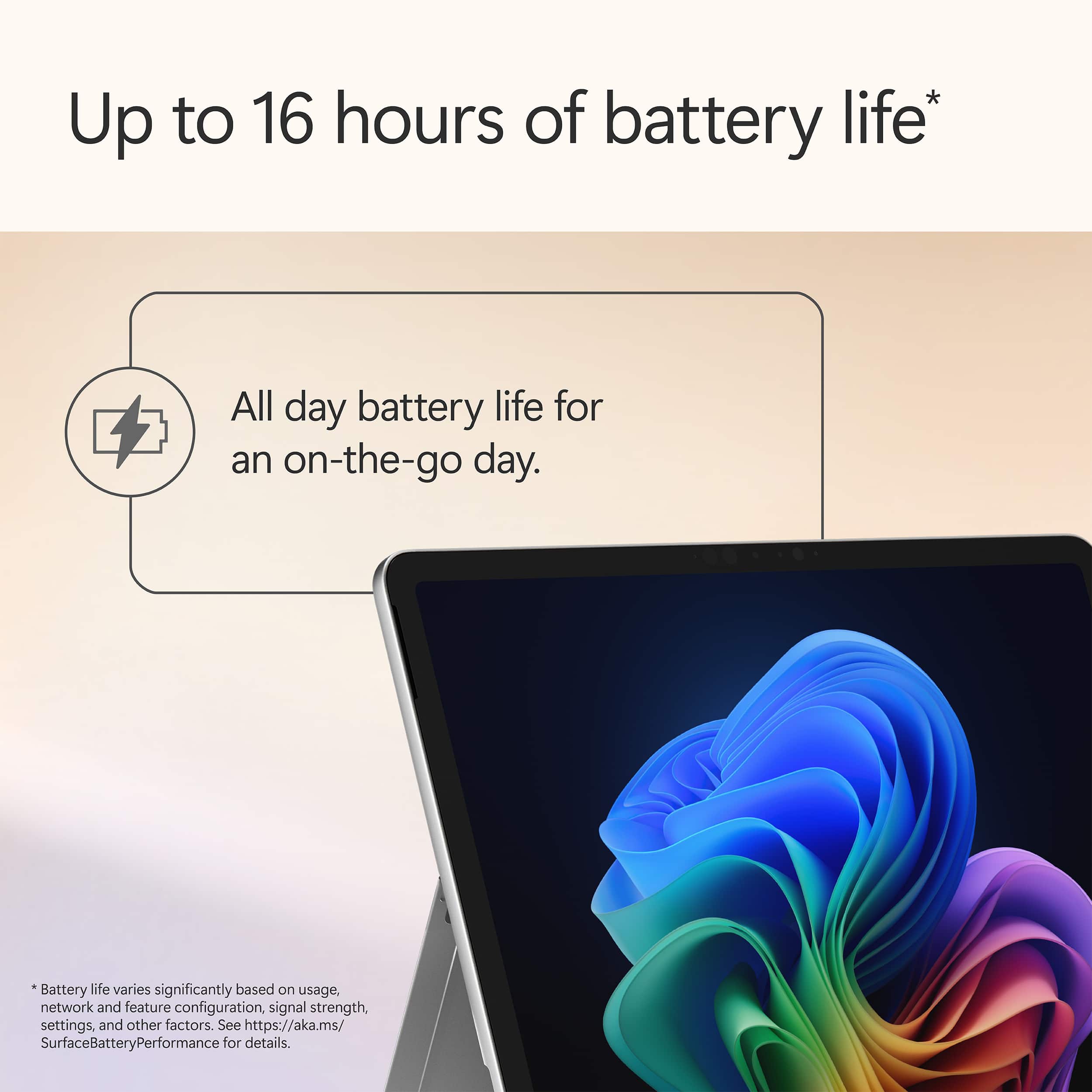
Customers are positive about the Surface Pro's portability, battery life, and build quality. Many users find the device performs well, with a fast processor and a bright screen, while remaining lightweight and dissipating heat effectively. However, some customers are negative about the limited port selection and the storage capacity. The form factor of the 12" screen is also a point of discussion.
This summary was generated by AI based on customer reviews.
- Pros mentioned:Portability
2-in-1 solution for work & personal use
||Posted . Owned for 2 weeks when reviewed.This reviewer received promo considerations or sweepstakes entry for writing a review.Coming from a Mac user, this was a leap to get back to using Windows again. I was looking for a 2-in-1 laptop that I could use without carrying a tablet and laptop altogether. The Surface Pro 12” solved that for me. This allows me to connect with my work files so I can edit Word & Excel, and I can do coloring of my artworks without switching two devices. It’s lightweight so I can carry it in my backpack when riding my motorcycle, plus it’s fanless so it’s very quiet. The battery doesn’t last long as I expected, but that’s because it’s running on full Windows OS.
I would recommend this to a friend Best Decision
||Posted . Owned for 1 month when reviewed.This reviewer received promo considerations or sweepstakes entry for writing a review.Love this product! Was a little hesitant to make such a big investment on a computer right now, but it was hands down the best personal and business decision I could’ve possibly made going into the new year. So light and easy to transport. Copilot is actually my new best friend and has saved me SO much time while running 2 businesses, working a third job, and recently becoming a first time mama. If you’re thinking about it, just do it. You won’t regret it!
I would recommend this to a friend- Pros mentioned:Battery life, Build quality, Portability

Great for those on the go & entertainment.
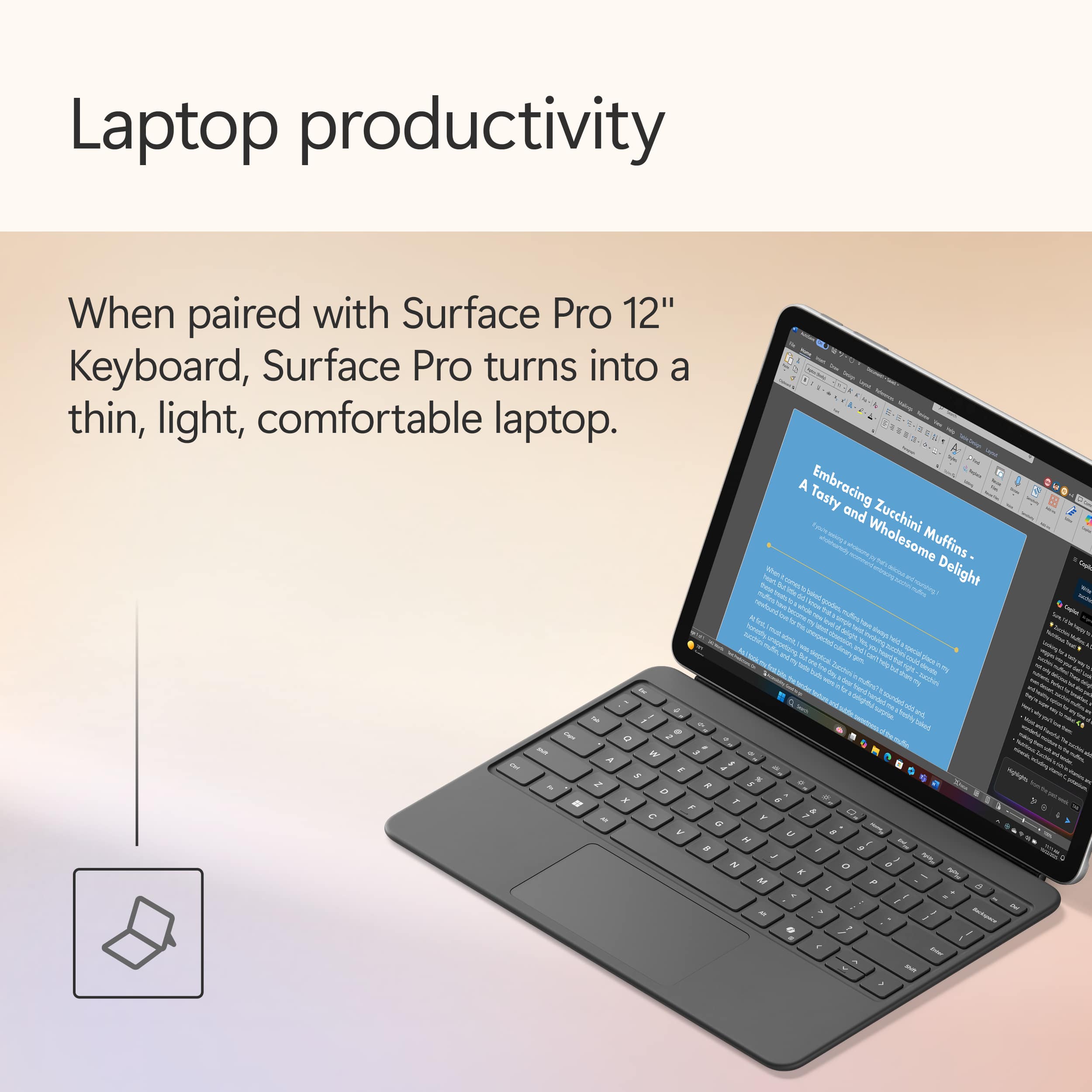
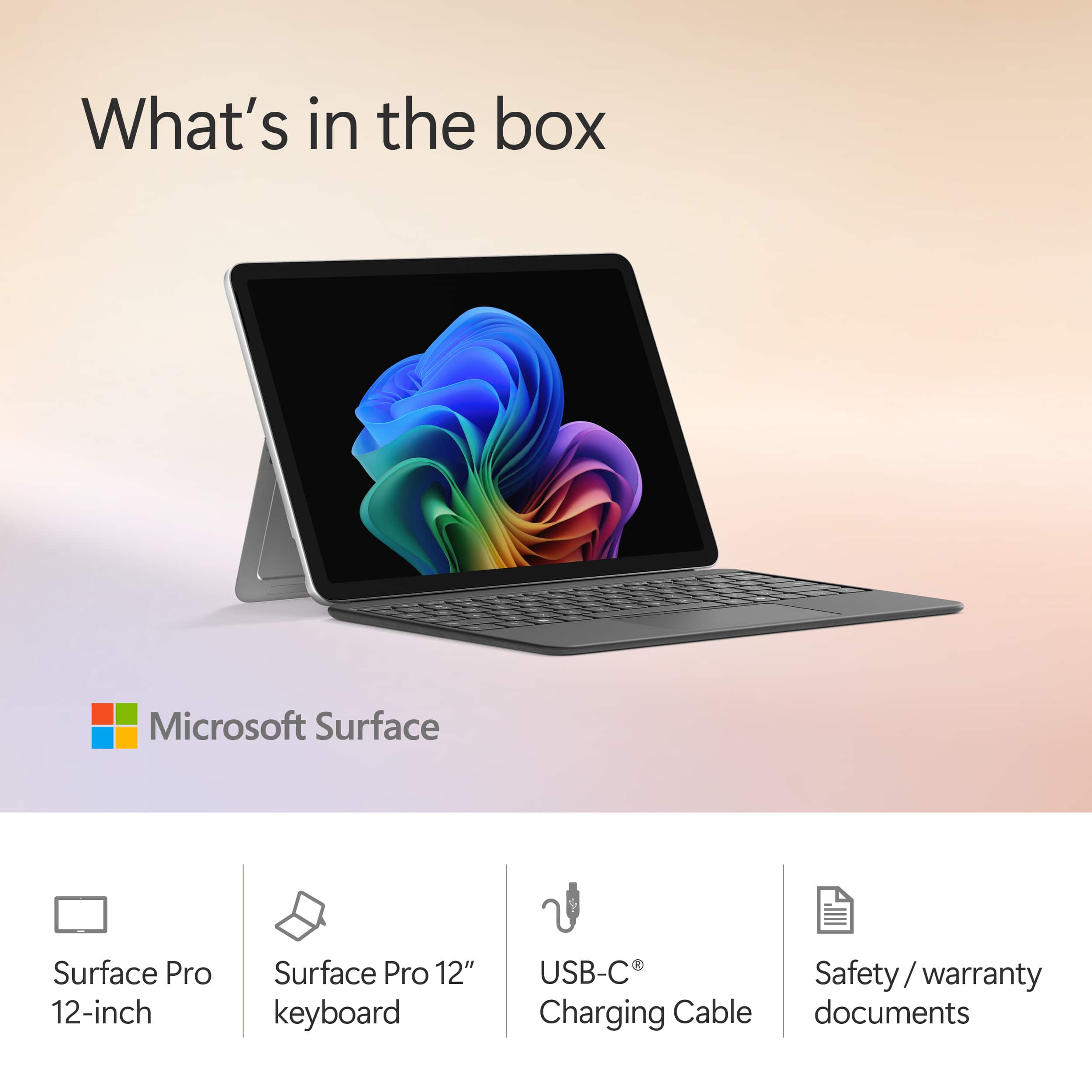
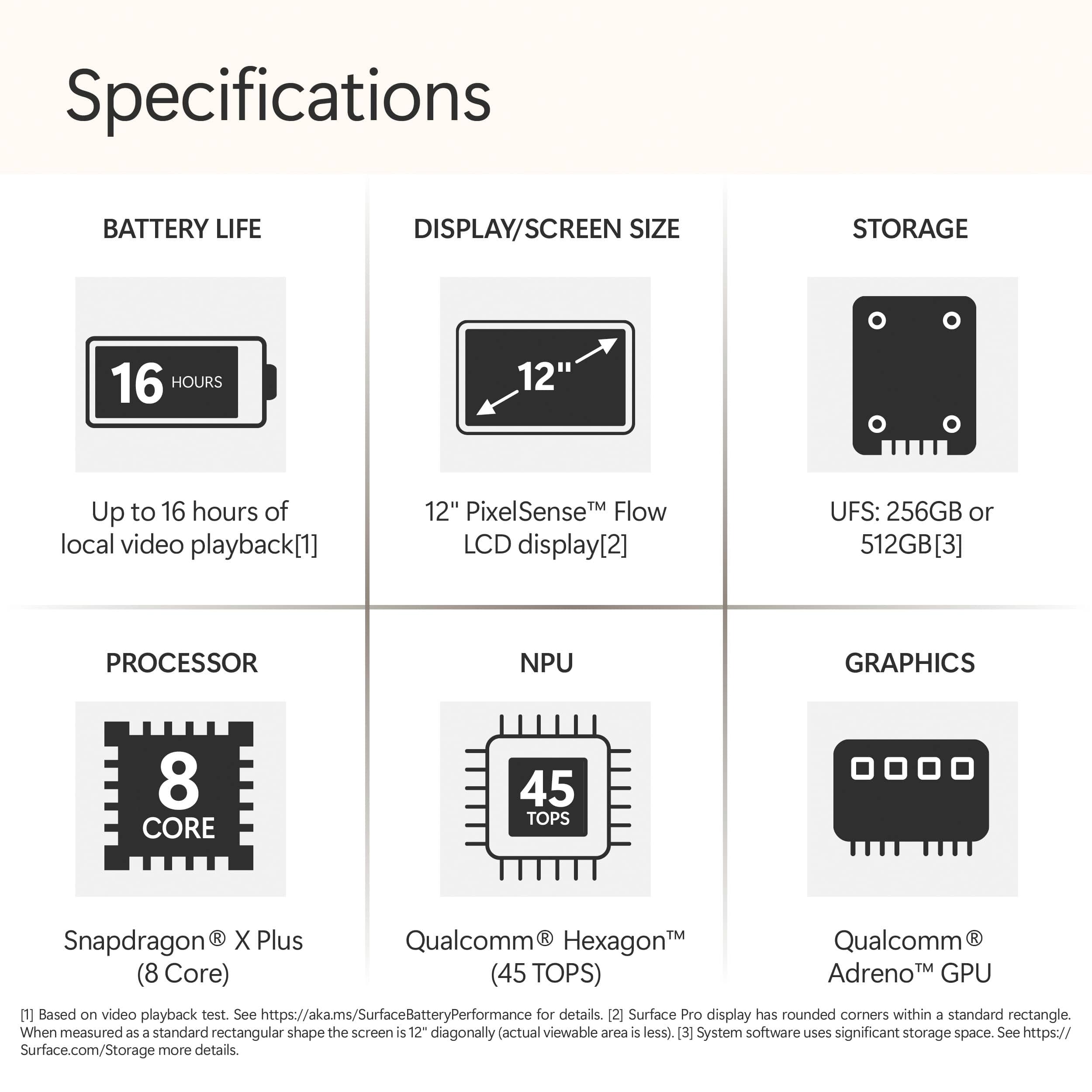
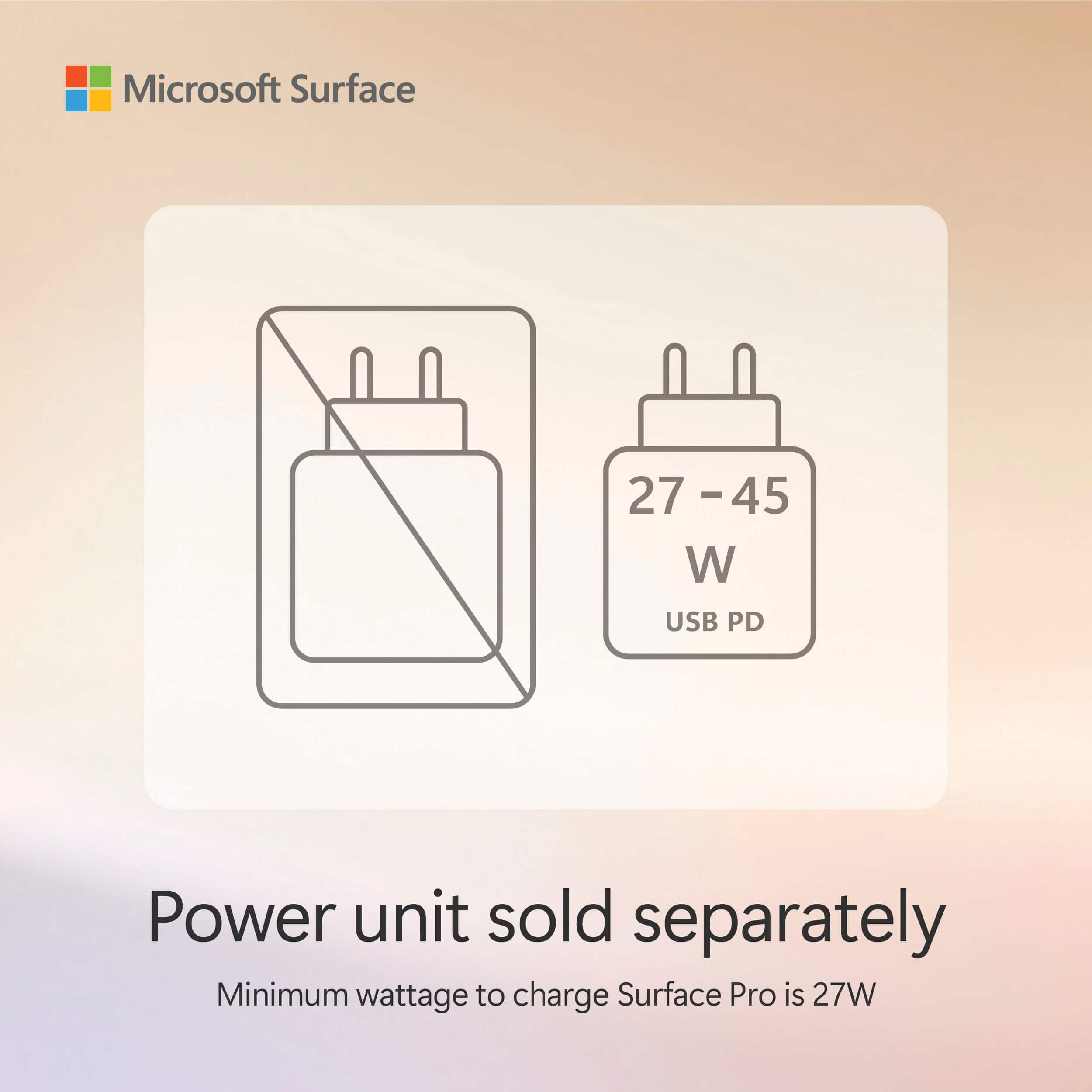
|Posted .This reviewer received promo considerations or sweepstakes entry for writing a review.This tablet/PC is great for a road warrior or anyone who has simple work and school needs with the option to use it as a tablet or full-blown PC. The upgraded form factor is much easier to hold and runs extremely quiet with great performance and battery life due to not having a fan and utilizing the Snapdragon X Plus processor. It is a portable beast! Pros: - Size - Weight - Performance - Display - Keyboard - Battery life (DAYS!) Cons: - No included AC adaptor (Microsoft recommends 27W or higher) - Non-upgradable - Only two speakers for landscape First impressions: Unboxing a surface device is always a premium experience with great packaging and attention to detail. The box comes with the laptop, a keyboard, warranty info, and a USB-C keyboard. If you want the surface pen, it is sold separately. The build quality is premium with what feels like an all-metal design, no fans for a slim form factor and weight reduction. The front has larger bezels than previous surface devices, but this is good since it makes holding it easier as a tablet. Daily use: I use my device as a tablet and a laptop. For typing, web browsing, media consumption, office or school tasks, this is the perfect device as it can handle so many things while staying cool. The Snapdragon X Plus is not Qualcomm’s fastest processor, but it still performs extremely well in everything except the toughest of tasks. Hard drive speeds and memory speeds & capacity are sufficient for most tasks. Using it as a tablet, it is perfect as it is very light and slim. The surface pen now attaches to the back which provides easy access without the keyboard. Typing with the on-screen keyboard takes some getting used to but you can keep it full screen or minimize it for one handed use. The battery will last for days with regular use. Performance takes little to no hit on battery mode. Keep in mind it only charges via USB-C (27W or higher) as there is no surface port this time around. The NPU in the Snapdragon chips allow for AI enhancements like extra camera settings and Windows Recall. If you use a lot of video calling, the AI enhancements like eye contact, automatic framing and background blur are welcome as they do not affect CPU performance or require a high end GPU. Performance: All benchmarks I utilized were taken on battery on the performance setting, the tablet never heated up in the process. - Speedometer 3.1 web benchmark: 31.8 - CrystalDiskMark: Read 3868.10 MB/s Write 672.73 MB/s - Steel Nomad Light: 1080 - Geekbench 6 CPU: Single core 2222 / Multi-core 10115 - Geekbench 6 GPU OpenCL: 9570 - Geekbench AI Onyx CPU: Single 1588 / Half 2706 / Quantized 5900 Write speeds are somewhat low but nothing to worry about as I experienced no issues in daily use. RAM is plenty speedy and 16GB is more than enough for a tablet. I would not use this for anything that needs high end graphics, video editing or heady duty programming (though I do program on it for simple Python programs with Visual Studio Code). Display: I was concerned about the use of an LCD for the screen, but it is a very good LCD which I have no complaints about. The refresh rate is great at 90hz as is the refresh time with fast moving objects like the mouse cursor with no ghosting. Colors appear to be accurate, and it is very bright. I originally saw a demo unit at Best Buy and the screen looked very bad and hazy. My concern is not applicable as my actual unit has none of that issue and I assume it was just film from what the store might have cleaned the screen with (and maybe damaged the glass). If you see this, ask to see if they have a newer demo unit to see. I am unable to see any pixels at close distance. Compatibility: A common concern with the Snapdragon X series is ARM compatibility. As the processor has been out for a while now, it is mostly a non-concern in most instances. The only issue I have personally come across is SQL databases as there are none with wide support and only lesser known or 3rd party ones that work well on ARM for Windows. Also Virtual machines are somewhat hard to use with ARM. Otherwise, all my programming tools work fine as does pretty much everything else. If you go into Task Manager and click to the “details” menu, you can sort your apps by Architecture. In my example, I only have dllhost.exe, Steam and a few minor services running on x86/x64. Everything else including 1Password, Chrome, Firefox, Office, Visual Studio Code and pretty much every other service and process is running on Arm64. Speakers: There are only two speakers, but they are very loud and clear. They are great for music and videos. They are oriented towards landscape positioning and are more than adequate, though I would like additional speakers for portrait stereo. Keyboard: The keyboard is great overall. It is backlit and precise for typing this review. The layout is not too cramped as the Surface is widescreen 3:2 allowing the keyboard to spread out sufficiently. The trackpad is diving board style, but it is precise as well. I do wish you could adjust the keyboard to make it not flat and prop it up closer to the screen like past Microsoft Surface keyboards have done. Upgradability: None. There is no ability to upgrade storage or RAM so make sure to get the capacity you need. This model I am reviewing is the 256GB model which is fine for my use as an entertainment device and light work device. I would not be running any large databases for programming on it or storing all my important documents on it though as recovery might be difficult with the non-removable SSD.
I would recommend this to a friend Best purchase!
||Posted . Owned for 2 weeks when reviewed.This reviewer received promo considerations or sweepstakes entry for writing a review.Had to upgrade my old surface to a new one and I really loved my new one best decision I made!
I would recommend this to a friend- Pros mentioned:Battery life, Build quality, PortabilityCons mentioned:Storage capacity
The workhorse for the workhorse
|Posted .This reviewer received promo considerations or sweepstakes entry for writing a review.I’ve been hauling this Surface (the new Snapdragon X Plus one) around nonstop for work trips and just daily life, and honestly? It’s kind of perfect if you’re the type who wants one device that can actually be a real computer AND a legit tablet without feeling like you’re making huge compromises. The shape is way better than the old Surfaces. It’s thinner, lighter, and because there’s no fan it’s dead silent. Like, creepy silent. Battery life is stupid good – I’m talking multiple days of real use (email, browser tabs, OneNote, Zoom calls, Netflix on planes) and I still forget to charge it half the time. It’s the first Windows machine I’ve owned where I’m not hunting for outlets in airports. What I love: - Feels premium the second you pick it up. All metal, nice heft without being heavy. - Screen is smooth, colors look right, and it gets plenty bright outside. - Keyboard is actually enjoyable - Runs cool even when I push it. What’s annoying: - Still no charger in the box. Come on, Microsoft. At least toss in a 65 W brick. - Only two speakers. They’re loud and clear, but in portrait it’s basically mono. Four speakers should be standard by now. - Keyboard lays totally flat – I miss the old kickstand hinge that let you angle it up a bit. - Storage and RAM are soldered. I got the 256 GB version and it’s fine for me (cloud + external SSD life), but pick the config you need on day one. Performance-wise it’s snappy. It obviously won’t replace a desktop for video editing or 3D work, but for most things its great ARM compatibility worries? Pretty much gone in 2025. Bottom line: If you travel a lot, hate lugging a 15-inch laptop, or just want something that flips between “serious work machine” and “couch Netflix tablet” without sucking, this thing is great. I haven’t touched my old Intel laptop since this showed up. Highly recommend – just buy the storage/RAM you need upfront and grab yourself a good 65 W USB-C charger.
I would recommend this to a friend - Pros mentioned:Battery life, Build quality, Portability
Portable and Powerful
|Posted .This reviewer received promo considerations or sweepstakes entry for writing a review.I’ve been using the new Surface Pro 12 for a little while now, and it’s quickly become my favorite device. The light-up keyboard accessory is a standout feature—not only is it comfortable to type on and easy to use in low light, but it also acts as a screen protector. I especially love how it automatically puts the tablet to sleep when I close it. That small detail makes a big difference in how seamless and intuitive the experience feels. The screen resolution is fantastic. Text is sharp, images are vibrant, and everything just looks clean and crisp. Whether I’m reading, editing photos, or watching something, the display really delivers. Performance has been smooth and reliable. The Snapdragon X Plus processor and 16 GB of RAM handle multitasking effortlessly. I can run multiple apps without any slowdown, and it boots up quickly every time. Storage is generous, 238 GB total, and even after installing all my essentials, I still have plenty of space left. The graphics card isn’t built for gaming, but it handles everyday tasks and media beautifully. One thing that really surprised me is the sound quality. For such a compact device, the audio is clear and full. I wasn’t expecting much from the speakers, but they’ve exceeded my expectations. And of course, portability is a huge win. It’s lightweight, slim, and easy to carry around. I can slip it into my bag and barely notice it’s there, which is perfect for someone who’s always on the move. Battery life has also been impressive. I’ve gone full days without needing to recharge, which makes it reliable for travel or long work sessions. If I had to mention one downside, it’s that the Surface Pen wasn’t included. For a device that’s so well-suited to creativity and note-taking, it would’ve been nice to have it bundled in. Overall, the Surface Pro 12 feels like it was designed with real-world use in mind. It’s powerful, portable, and packed with thoughtful features that make everyday tasks easier and more enjoyable.
I would recommend this to a friend - Pros mentioned:Battery life, Build quality, PortabilityCons mentioned:Screen brightness
A premium and fun to use tablet with keyboard
|Posted .This reviewer received promo considerations or sweepstakes entry for writing a review.The new Microsoft 12” Surface Pro with a Snapdragon X Plus 8 Core processor totally impressed me after switching over from my older PC business laptop. This thing is fast, lightweight, and just feels premium right out of the box. The new Snapdragon X Plus chip and 16GB memory handled every app I threw at it; admittedly, they were not demanding and consisted of MS Office Suite and other productivity apps. Now, if you want to run some more specialized or less mainstream apps they might not work well because they haven’t been optimized for the ARM architecture and still rely on Intel chipset instructions. Also, this is not meant for gaming other than casual card games and the like. The battery life really stood out, lasting all day so I didn’t have to be glued to a charger on my recent trip. The screen is super crisp and colorful, making everything pop, and the included keyboard is comfy for typing out emails while sitting on a hotel bed. The one caveat being I would have liked the screen to be just a bit brighter, but it wasn’t a deal breaker for me. You get the vibe, as a business traveler this tablet with keyboard was a dream configuration because it had the power I needed while being light weight and easy to carry in my backpack. If you’re going to buy this, definitely get the keyboard as productivity apps like Excel are not the same without it. I didn’t really use the touchscreen features much. Overall, this is the best 2-in-1 I’ve ever owned: good looking, lightweight, and ready for busy days or travel. I highly recommend it.
I would recommend this to a friend Literally a BEST BUY!
||Posted . Owned for 1 week when reviewed.This reviewer received promo considerations or sweepstakes entry for writing a review.Love it! Talk about a self explanatory laptop. Being someone with a brain injury I appreciate the tutorials and hand holding that my Surface Pro provides.
I would recommend this to a friend- Pros mentioned:Build quality, Portability, Processor speed
Microsoft Showing us How Windows Tablets are Done!
|Posted .This reviewer received promo considerations or sweepstakes entry for writing a review.I've been using the new Surface Pro Copilot+ PC for about a week now, and so far it’s been one of the best work/travel companions I’ve had in a while. I use it mostly for basic work tasks like PowerPoint and Excel, and I’ve also leaned on it pretty heavily for note-taking with a pen that I bought separately. I even brought it along on an overnight wedding trip to see how it handled travel. Right out of the gate — the size is just about perfect. At 12", it feels way more portable than the 13" Windows tablet I have, which is kind of a beast to haul around. This Surface is compact, easy to hold thanks to its rounded corners, and has that classic Surface kickstand that just works. It’s a great feeling device to use and carry, especially if you're on the move a lot. This one came with the keyboard, and I’m glad it did. Honestly, if you're buying a Windows tablet, you're probably planning to do more than just tap around with your fingers. This isn’t like a phone-style tablet where you're watching videos or scrolling social media — if that's all you want get something different. Typing on the keyboard is great with a nearly full-size layout and decent key spacing. The trackpad could be a little bigger, but I suppose with the smaller sized tablet it's a trade-off I can live with. My only gripe here is the bundling. Microsoft doesn’t always include the keyboard with the Surface, and it kind of feels like you’re getting what they had lying around that day. You don’t really get a lot of say in what color or configuration you want unless you buy things separately. So, it’s a bit of a conundrum — I like that it’s bundled, but it would be nice to have more control over the combo. I’ve been impressed with the performance from the Snapdragon X Plus. Everything feels fast and smooth, and I’m loving how cool and quiet it runs. The battery life is a huge improvement over older Surface models — I used to be lucky to get 3-4 hours out in the field, and now I can make it all day without hunting for an outlet. That said, it’s not for everyone. If you’re using older accessories or software, be careful. I ran into an issue trying to use a VCR-to-PC adapter for digitizing old family tapes — the drivers didn’t play nice with ARM, and emulation didn't help either since that's only software related - not for drivers. For most productivity apps, it’s fine, but if you’re doing anything a bit outside the norm, make sure it’s compatible. On my overnight trip, I instantly noticed how much lighter my backpack felt compared to carrying a full-size laptop or even the bigger tablet I mentioned earlier. Setting up at a table was super easy thanks to the kickstand. The only downside? Not great for using on your lap. It's not terrible, but it’s no clamshell laptop either — it can get a little wobbly. The screen is fantastic. Super crisp for spreadsheets and text, and the brightness is strong enough that I never had trouble seeing it in normal indoor lighting. No complaints here at all — it’s a solid screen for work. Just a reminder — this isn’t a gaming tablet. You can cloud game through Xbox, but you won’t be running AAA titles natively. And as a tablet, it still has some limitations. I wish Microsoft would consider supporting Android apps natively — it would make a big difference in how usable it is as a full-blown tablet. Overall I'm happy with my new powerful little machine that’s great for productivity, especially if you’re someone like me who travels or works out of different spots. The size is perfect, the keyboard makes sense, and the performance has been perfect for day-to-day use. It’s not a gaming machine and not a perfect tablet experience, but as a work-first PC you can take anywhere, it’s a winner.
I would recommend this to a friend - Pros mentioned:Battery life, Build quality, Portability
Great Buy!
||Posted .This reviewer received promo considerations or sweepstakes entry for writing a review.Honestly, I’m finally impressed. I’ve always liked the idea of the Surface Pro, but in the past, they always got weirdly hot or the battery would just tank after a few hours of Netflix or Chrome. This new one with the Snapdragon chip is a total shift. Here’s the lowdown: It’s actually quiet: Like, dead silent. No annoying fan noise while you're trying to focus. It feels much more like an iPad in that regard—it stays cool even if you’re multitasking. The battery is legit: I can finally leave my charger at home. I’m getting through a whole day of browsing, emails, and videos without that "low battery" anxiety hitting by 2:00 PM. Super snappy: Even though this is the 8-core model, it feels fast. With the 16GB of RAM, everything just snaps open instantly. Perfect for travel: It’s so thin and light. It’s my go-to for throwing in a backpack when I’m headed out. The screen is also super crisp—it looks great whether you're working or just chilling with a movie. The catch? The 256GB storage is a bit small if you download a ton of stuff, and Microsoft still makes you buy the keyboard separately (which is annoying because you definitely need it). Bottom line: If you want a Windows machine that’s actually portable and doesn’t die on you, this is the one to get. It’s the first time the Pro feels like it’s living up to the hype.
I would recommend this to a friend - Pros mentioned:Battery life
Powerful small Copilot+ laptop for everyone
|Posted .This reviewer received promo considerations or sweepstakes entry for writing a review.After trying the Microsoft Surface Pro Copilot+ 12in for a few days, I changed my initial pre-conceived assessment that its form factor and specs would appeal and be more suitable to students, and now I think this device can fulfill the needs of anyone looking for a light, tablet size, yet powerful enough Windows Copilot+ laptop for everyday use, from students to professionals, for work or for entertainment. I say powerful enough in the sense that it is not a device that has the most powerful specs, but with what it has, I’ve had no problem consuming and creating media, writing documents, among other things, Personally, I prefer bigger screens and full-size keyboards, but after a couple of days of using this device, I was surprised at how easily I got used to it, the initial small size I was presented with doesn’t bother me anymore. I can perform all the things I need in a personal laptop, and I love that I can carry it anywhere without much inconvenience. I suspect other people would have a similar experience; it is just a matter of taking the leap and trying this device. Perhaps the only problematic aspect I found is the small disk drive this if fitted with. This means that you'd need to rely on extra storage (Cloud storage) if you use a lot of it. I know some people, including myself, who prefer to keep some content locally and not post it to the Cloud, for example. >> Setup Upon pressing the power button for the first time, it looked like the screen got stuck in the Windows logo, with no progress at all. At that point, I thought I got a lemon, fortunately after waiting for a couple of minutes (I think that I even pressed the power button a couple of times) it started to boot and the “walking ants” appeared, what a relief! After the initial few setup pages, adding the Wi-Fi and adding my Microsoft account, it took about half an hour to get all the updates (it looks like there was even a firmware update). The only issue I encountered during setup was in the step to connect my Microsoft account as it wouldn’t go through when using my password. It’d give this very unusable error “You’ve tried to sign in too many times with an incorrect account or password”. So, I had to choose the email to another account option to be able to add my Microsoft account to the device. Perhaps I should have reported this issue to Microsoft in case it is a potential usability blocker for some people. For further configuring/personalizing the Surface device, I’d recommend using the Surface App. To configure the trackpad, the keyboard, the pen sensitivity, etc. >> Battery It’d be expected that this device had a very good battery life, and as far as I could experience it does have. The battery can last several days, of course depending on the workload that’s put on it. At least in my case, mixing between consuming music, watching videos, surfing the web, doing some Copilot stuff, writing documents for several hours a day, I only had to recharge it on the third day. To give a little more concrete example, I was writing some documents while watching online videos on a side-to-side configuration, and the battery went from 80% to 65% in about an hour or so. This could count as a heavy use scenario, and I think the Surface Pro Copilot+ 12 in did very well with just a 15% battery reduction in one hour. >> AI capabilities I haven’t tried the AI capabilities of this machine extensively. I only tried a few video and image effects that come as part of the Surface configuration options and saw some NPU activity. This means that if you want to see the NPU in action, go to the camera settings and apply some of the filters. I plan on spending more time on how to make more use of the NPU since it is still a mystery to me. >> Some hardware points - Processing units: the CPU is a Snapdragon X Plus 8-core, meaning you’d be running an ARM64 OS. The GPU has only 128MB of memory but can use up to 8GB of shared memory. The NPU also shares 8GB of memory. I don’t see this as a gaming laptop, but yes, you can play some games and create media to some degree. - Storage: This comes with a 256GB SSD which is a little small. Take for example that after the last set of Windows updates, free space is about 60%. So, it is expected that you will keep your files in some storage in the Cloud or perhaps on a peripheral storage device. - Touchpad: very easy to use, the default settings are just fine for me; I like the fact that the track pad is very sensitive. You can feel that the button is pressed, so that is a nice touch compared with other laptops I’ve owned. If you’d need to customize its settings, you can do so with the Surface App. - Memory: it has 16GB of RAM, which would seem more than enough; however, the memory is shared with the GPU and the NPU. So, I always see the memory usage to be over 10GB. - Sound and video: nothing to complain on either aspect. Superb audio with some intriguing 3-d effects. The video is crisp and clear. I was gladly surprised by both. >> Hardware backward compatibility Having owned a couple of Surface products, all of them bigger versions than this one, I wondered whether the peripherals I already have could be used with this 12in Surface Pro Copilot version. Unfortunately, the keyboard connector is incompatible with my old Surface X keyboard (the ones that come with a pen). In addition, having only two USB-C ports, it was evident that I couldn’t use the Surface docking station with its power adapter. Which means I’d need to buy a USB-C docking station as that’d be the most appropriate way to extend my Monitor and viewing surface, plus adding the mouse and the full-size keyboard. Good news is that the pen coming on my older keyboard is compatible, so at least I won't need to buy an extra pen (although on second thoughts, it looks like I'll end up buying one so that the device feels "complete"). Not a deal breaker if you cannot use older Surface peripherals. Now, if you migrate to the bigger Surface Pro Copilot+, that one seems to come with a Surface port (for attaching the usual Surface power adapter). >> Software compatibility Take note that this is an ARM64 based device, and so older software, x86 or x64, won’t work natively. I haven’t tried this time, but in the past, I’ve had no issues running some old software under ARM64, but your mileage might vary. So, if you are heavily dependent on some old software and would want to use it on this device, I’d do some research on whether said software runs with no issues, just to be extra careful.
I would recommend this to a friend - Pros mentioned:WeightCons mentioned:Storage capacity
Fine Addition to Surface table line-up
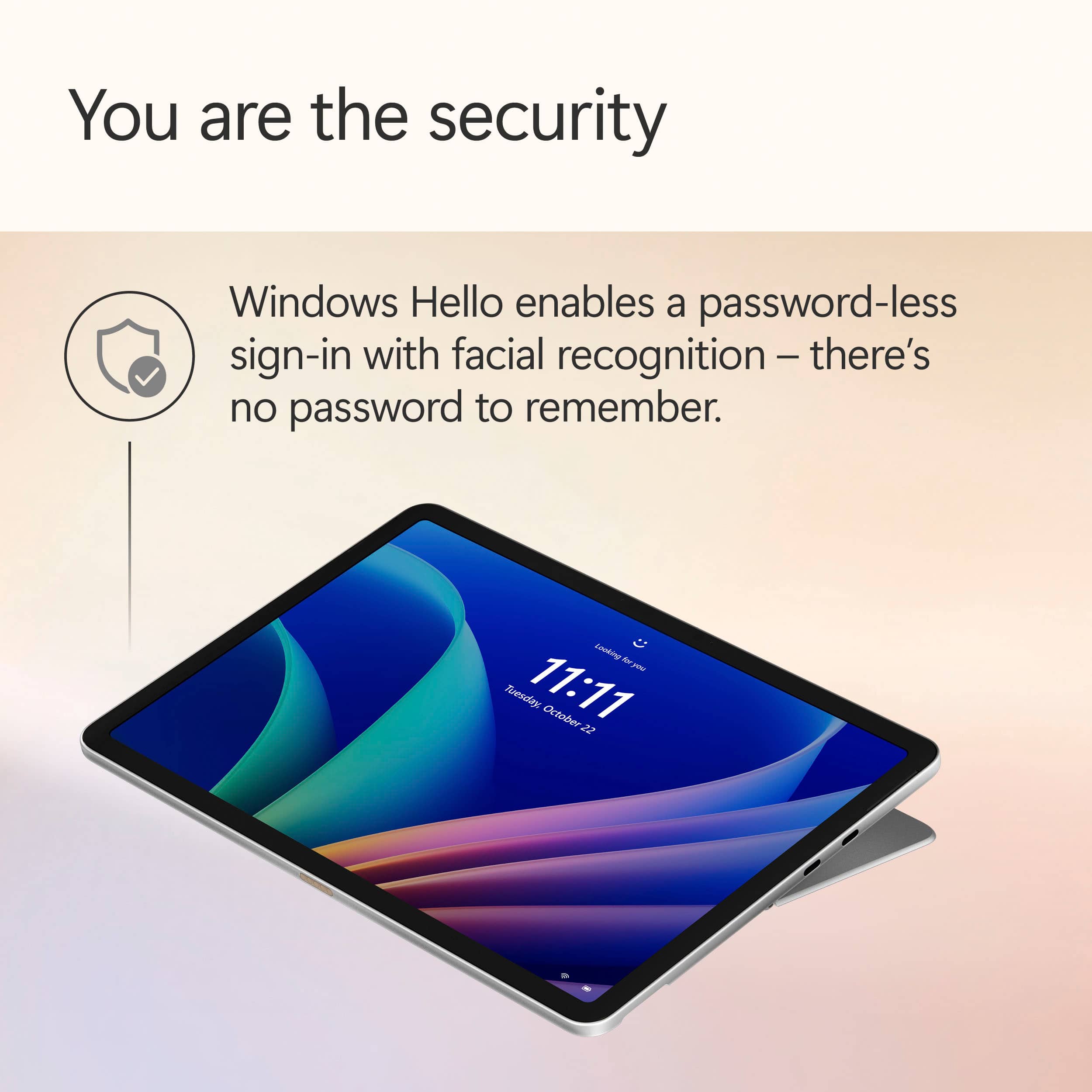
|Posted .This reviewer received promo considerations or sweepstakes entry for writing a review.Surface Pro - Snapdragon X Plus 8 Core - 16GB RAM - 256GB Summary: Fine Addition to Surface Line-Up Use: We have owned a few Microsoft Surface tablets over the years going way back to the original Surface! It's been an adventure seeing Microsoft iterate and attempt to pack as much utility into their tablet offerings in that time. There are myriad form factors for PCs these days from desktops, to tiny hand held boxes. The Surface fills a niche of practical and useful mobile computing - the sort that unapologetically keeps its "PC Windows" roots, while ushering in greater utility on-the-go in a slim and light form factor. Attach a compatible Surface Keyboard, pair with a USB Microsoft Arc Mouse, or scribble down notes and designs using a Microsoft Pen - you can capture anything you need to do in almost any method you prefer - or you can use just it as a tablet with its sensitive and beautiful touch-screen display. This unit was designed for use with "Windows AI" via Copilot. What does that mean? Find documents, summarize information, and/or create images and content using on-device AI. It is another tool Microsoft avails to its Windows users that helps us with menial and complex tasks. The unit is 12" and is equiped with a display sporting a 2196x1464 resolution. The on device storage is 256 GB and included 16 GB of memory. This device can handle homework, office work, and casual browsing with ease. It can even handle some less demanding games - thought that isn't what it is designed to do. Microsoft did something surprising for us... they got rid of the weird and proprietary Surface port. They also reengineered the Surface Keyboard. The premium fabric was always nice, but it got dirty - it would get terribly dirty no matter how neat we were. It was difficult to clean. Now, it seems that there is a fine microfiber feeling fabric reserved for the backside of the keyboard with a more practical material used as the keyboard surface (where the palms would rest). It feels nice and seems like it will be much easier to keep clean. They keyboard itself is back-lit and feel great to type on. In typical form, Microsoft worked out the placement so that the learning curve going between another (larger) keyboard to the Surface is minimal. The unit's front and rear facing cameras are a modest 10 MP - which should be fine for most every use case I could imagine for our family. Most importantly, it processes Windows Hello facial biometric log-in quickly. The unit also features the usual connectivity options: - 2 x USB-C 3.2 ports (for charging and accessories such as DisplayPort 1.4 displays) - Bluetooth and Wi-Fi Pros: * Light weight mobile computing tablet. * Svelt design. This unit fits right at home with modern clean looking devices. * Screen is bright and responsive to touch. * Performance. The unit can handle modest games, excels at browsing, generates content with ease (via Copilot and Windows AI), or working on documents. * Power. USB-C 3.2. Minimum required output to charge the Surface is 24 Watts up to 45 Watts. * Battery life is acceptable - though I'm not sure it's precisely 16 hours. Cons: * Power. Now that the silly Surface Port is gone, there is only USB-C. That's okay, a cable is included. But a charger is not. * Power. Given the processor, I expected better power use. Leave it on the counter all week, unused, and it will need to be topped off most definitely. * Storage. No MicroSD slot. With a slim 256 GB of onboard storage, I am still surprised Microsoft has opted not to include a hidden Micro SD slot present on former models and that offered great flexibility for transfering/working with external data. Overall, if you have mobile needs and the flexibility of having a true table experience - you can never go wrong with Microsoft Surfaces. This unit is no different. The bundle includes the Keyboard and that makes this the perfect all-in-one solution.
I would recommend this to a friend - Pros mentioned:Battery lifeCons mentioned:Port selection, Storage capacity
Solid device but not exceptional
|Posted .This reviewer received promo considerations or sweepstakes entry for writing a review.I really really want to like this device. "Surface" has long been synonymous with high quality Windows devices with cutting edge designs. I was thrilled to get the opportunity to pickup this device, and I was eager to see what new functions and features Microsoft had added with this iteration of the Surface Pro line. Unfortunately, this device isn't as "Pro" as the name would suggest. My biggest issue is that the storage isn't replaceable OR explandable. I'm a big fan of installing micro-SD cards to supplement internal storage, but this device has completely done away with the SD card slot. The internal hard drive is soldered on and can't be replaced by the user. The default storage simply isn't adequate for my needs. I'll need to supplement this with a USB-C flash drive or hard drive to make this device work for my needs. That's a huge blow to my workflow as I have lots of image asset and project files that I like to keep handy and offline (I do graphic design work). The device has two USB-C ports, and that's it. There are no legacy type-A ports, SD card slots, Surface Connector ports, or any other ports. The Snapdragon processor seems to work just as well as CPUs from other manufacturers. I didn't encounter any noticeable issues with software compatibility or performance. They changed up the Surface keyboard. It's no longer raised at an angle and now sits flat against the desk. Whether or not you'll like this is more a matter of personal taste. It's not as ergonomic as it had been, but it does feel more stable. Battery life was impressive but not epic. Working at the coffee shop for an hour and a half a day over three days without charging, my battery dipped to about 25% by the third day. The device does not come with a charger. I found that extremely odd. I understand that phones are shipping without chargers at this point, but a tablet / laptop requires more power than a phone and takes a more specialized type of charger. Fortunately, I still have a couple USB-C laptop chargers from previous devices that I can use. My biggest takeaway from this device is that it's a little boring. The device works well enough, but it feels very stripped down and simplified. It's extremely reliable, but it's really only suitable for word processing, light photo and video editing, social media, internet browsing, and light media consumption. This would be an excellent device for a student or writer, but I don't know that it really meets the needs of a business professional or graphic designer.
No, I would not recommend this to a friend - Pros mentioned:Portability, Processor speed
Beauty of a PC tablet combo
|Posted .This reviewer received promo considerations or sweepstakes entry for writing a review.It has been so wonderful not having to lug around a full 15-inch Windows laptop and still be able to get most of my work done! This Surface Pro 12 CoPilot+ PC is compact and lightweight and I can easily fit it in my everyday tote bag. It has a built-in kickstand, and the detachable backlit keyboard is comfortable to use. You use one of the 2 USB-C ports to charge it with the included cable, but you have to get your own power brick because Microsoft does not include one. Setup was a little buggy, which in my experience has been typical of Windows products, and the updates took around 45 minutes, but after that, performance has been smooth sailing. The 16 GB RAM and Snapdragon X Plus processor has been letting me handle multiple tasks seamlessly without any lag. It has 256 GB of storage, which isn’t ideal for me because I have large files to manipulate, but should be fine for most uses. I hate that Microsoft didn’t include a MicroSD slot and that they soldered the hard drive so there’s no way to expand internal storage. Not everyone wants or has everything stored in a Cloud. The screen display is pretty great! Images and videos are really sharp, vibrant, and clear, and text is clean and unblurred. It’s not designed for gaming, but it does okay for the more basic games you might play on a PC or tablet. Audio sound quality is surprisingly good for the two speakers this Surface Pro 12 has. The downside is that the speakers are in landscape so sound gets diminished when in portrait mode. Microsoft should have designed it with four speakers. Battery life gets 5-stars all on its own. I make it through a couple of days’ use before needing to charge it. That’s with a combination of office work, online meetings, internet browsing, and watching videos. Other than my issue with the storage, the Surface Pro 12 is a sleek beauty of a PC tablet combo that actually exceeded my expectations overall.
I would recommend this to a friend - Pros mentioned:Battery life, Portability, Weight
Daughter loves it
||Posted . Owned for 3 weeks when reviewed.This reviewer received promo considerations or sweepstakes entry for writing a review.Bought this for my daughter. She loves the portability of it. She loves how thin and light it is which makes it easier to carry it for classes. She also loves that it becomes a tablet. She loves the battery life on it. So far she has loved everything about it.
I would recommend this to a friend - Pros mentioned:Build quality, Portability, Processor speed
High satisfied pablrt pc
||Posted . Owned for 1 week when reviewed.This reviewer received promo considerations or sweepstakes entry for writing a review.I recently purchased the Surface Pro 12-inch and am highly satisfied with its performance. The device is exceptionally lightweight, making it ideal for daily commuting and business travel. Its processing speed and display quality are impressive, ensuring high productivity anywhere. I strongly recommend this model to professionals seeking both portability and power.
I would recommend this to a friend - Pros mentioned:Battery life, Portability, Processor speed
Surface Pro 12"
||Posted . Owned for 1 week when reviewed.This reviewer received promo considerations or sweepstakes entry for writing a review.The Surface Pro 12" is an excellent device. The processor is fast, the screen is bright, Windows Hello works great, and battery life is excellent. All my modern software installed just fine on Arm. It's light weight, and a joy to use. Keyboard works great. Best portable Windows laptop I've owned so far.
I would recommend this to a friend - Pros mentioned:Portability
Great portable device for work and travel
||Posted . Owned for 2 weeks when reviewed.This reviewer received promo considerations or sweepstakes entry for writing a review.I purchased the Surface Pro 12 from Best Buy and I’m very happy with it. It is lightweight and extremely easy to carry, which makes it perfect for daily use and business trips. Even though it’s compact, it has full PC functionality, so I can comfortably use it for work tasks such as emails, documents, and online meetings. It’s very convenient to have a device that works both as a tablet and a laptop. This is a great option for anyone who travels frequently or needs a powerful yet portable computer. Highly recommended.
I would recommend this to a friend - Pros mentioned:Battery life, Portability, Processor speed
Happy customer
||Posted .This reviewer received promo considerations or sweepstakes entry for writing a review.I works almost like a laptop. Battery last twice as long as my laptop. And it is 4 times faster than a galaxy tablet
I would recommend this to a friend - Pros mentioned:Portability, Processor speed
Better than I expected!
||Posted . Owned for 3 weeks when reviewed.This reviewer received promo considerations or sweepstakes entry for writing a review.Great! I am a designer so I have used Mac my whole career. I realized that getting an iPad would not fit my professional needs (iPad OS is limited) and this Surface is perfect! It's very reliable, fast, portable. I connect to my monitor and it's a full functioning work station.
I would recommend this to a friend