Customer Ratings & Reviews
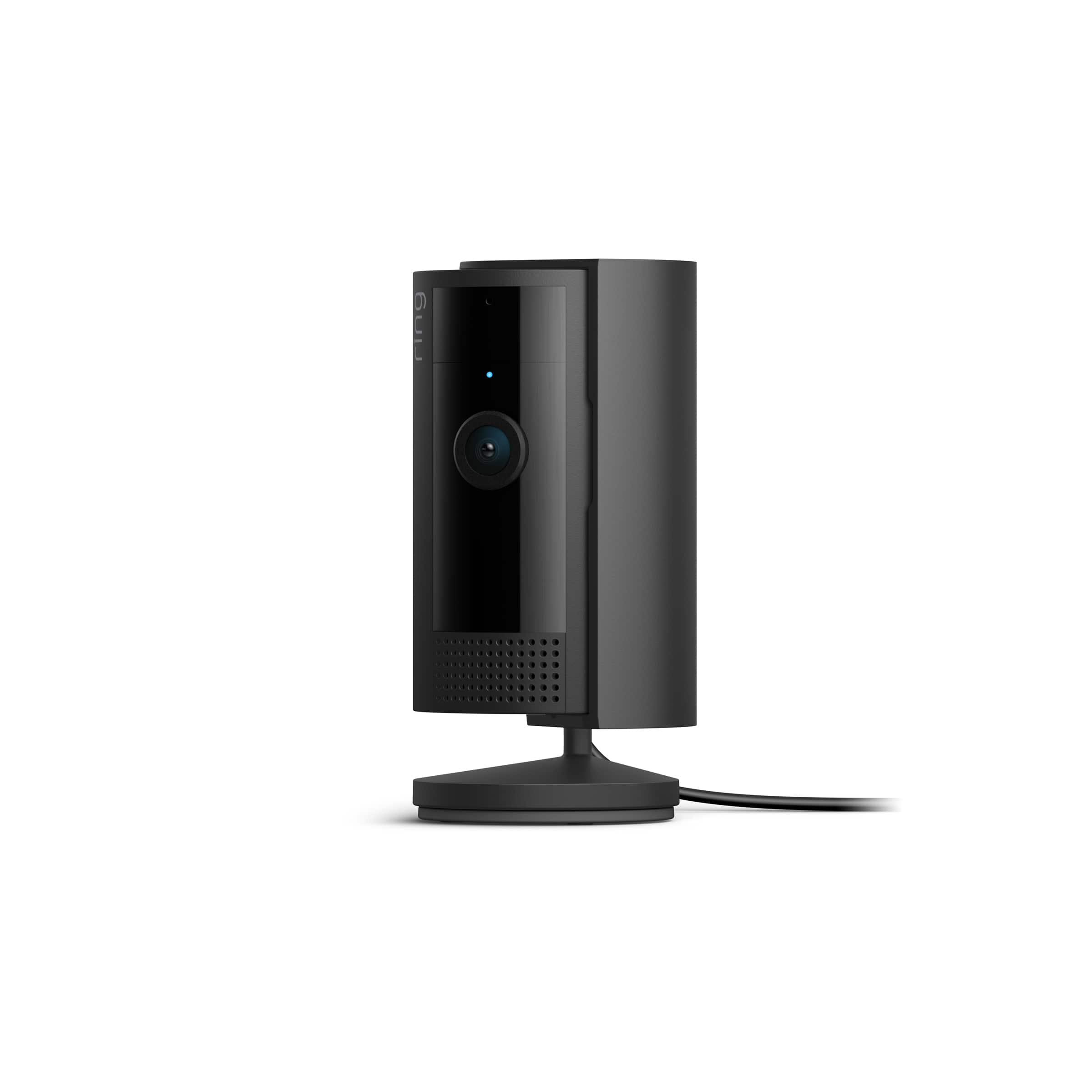
- Model:
- B0B6GJBKRK
- SKU:
- 11064836
Rating by feature
- Value
Rating 4.8 out of 5 stars
- Quality
Rating 4.8 out of 5 stars
- Ease of Use
Rating 4.8 out of 5 stars
Bedroom
||Posted . Owned for 1 month when reviewed.This reviewer received promo considerations or sweepstakes entry for writing a review.Great product to have and it makes you feel safe. The product is reliable.
I would recommend this to a friendAddition
||Posted . Owned for 1 month when reviewed.This reviewer received promo considerations or sweepstakes entry for writing a review.Added to our current Ring security. It's workings great.
I would recommend this to a friendGreat Product
||Posted . Owned for 1 month when reviewed.This reviewer received promo considerations or sweepstakes entry for writing a review.This is a Christmas present so have not installed as yet, but our friends have shared their experience with us and I am sure we will love it also.
I would recommend this to a friendPerfect indoor camera
||Posted . Owned for 3 months when reviewed.This reviewer received promo considerations or sweepstakes entry for writing a review.Perfect camera to set up indoors to secure your home
I would recommend this to a friendGreat
||Posted . Owned for 3 weeks when reviewed.This reviewer received promo considerations or sweepstakes entry for writing a review.Works just like I need it too, keeping thieves out of my rooom
I would recommend this to a friendGreat camera
||Posted . Owned for 3 weeks when reviewed.This reviewer received promo considerations or sweepstakes entry for writing a review.Great camera, the clarity is great and the response time is amazing.
I would recommend this to a friendIndoor camera
||Posted . Owned for less than 1 week when reviewed.This reviewer received promo considerations or sweepstakes entry for writing a review.Quality is amazing. Love it, wish it was wireless.
I would recommend this to a friendCamera
||Posted . Owned for 3 weeks when reviewed.This reviewer received promo considerations or sweepstakes entry for writing a review.Set-up was easy and the camera is better than I expected
I would recommend this to a friendRing camera
||Posted . Owned for 1 month when reviewed.This reviewer received promo considerations or sweepstakes entry for writing a review.This camera is great for home surveillance. I have several.
I would recommend this to a friendNew Camera
||Posted . Owned for 1 month when reviewed.This reviewer received promo considerations or sweepstakes entry for writing a review.Camera works as expected in all aspects, but for some reason i cannot get the camera to integrate with samsung smart things.
I would recommend this to a friendBrand response from Ring
Posted .Hi JohnW.
Thank you for taking the time to share your Ring experience with us and other consumers. We believe in keeping people close to what’s important. That is why we are driven to create products that help you protect what matters most at home and empower you to connect with your visitors from wherever you are. Together, we’ll make neighborhoods safer!
For more information on integrating your Ring Indoor Cam (2nd Gen.) with Samsung Smart Things, we recommend visiting the Smart Things website and reading the article called "Works With Smart Things."
We invite you to reach out to our community if any additional information is needed regarding your Ring Indoor Cam (2nd Gen.). The Ring Community is our first peer-to-peer community forum, giving our customers the ability to help one another by sharing their feedback and experiences with each other.
Thank you,
Melissa from Ring.
Home camera
||Posted . Owned for 3 weeks when reviewed.This reviewer received promo considerations or sweepstakes entry for writing a review.Wouldnt recommend this camera it runs off 2.4ghz internet which some internet providers wont work on this also is slow and not that great of quality the membership you need for it to work is also a downside
No, I would not recommend this to a friendBrand response from Ring
Posted .Hi Ab04.
Thank you for taking the time to share your experience with us. We understand the importance of having a consistent wifi signal on the Ring Indoor Cam (2nd Generation). Having a solid connection ensures you do not miss any activity around your home. We are here to provide you with some information to resolve the connection issue you mentioned in your review.
It sounds like the device is not operating as intended. Ring devices require high-speed internet to bring you crisp, clear video and audio. Poor network connectivity can affect the performance of your Ring device. Identify and troubleshoot what is causing connectivity issues for Ring devices to give you the best possible video and audio experience.
To determine whether or not the problem is caused by poor upload speed, run a speed test to determine if your network can support Ring devices. The Ring Indoor Cam (2nd generation) requires a minimum upload speed of 2 Mbps for optimal performance. In addition to ensuring that you have sufficient wifi speeds, you will also want to check the signal strength of your device. A poor wifi signal can cause connectivity with your Ring device to be unreliable. Check the Device Health section of your Ring app to ensure the device’s RSSI is within an acceptable range. The recommended range for optimal performance is 0 to -60 for the RSSI.
Ring products provide their standard features such as instant alerts, live view, and two-way talk without any subscription. Ring Home Plans offer downloading and sharing video capabilities and additional features for those who want them.
For more information on your Ring Indoor Cam (2nd Generation), we invite you to reach out to our community. Ring Community is our first peer-to-peer community forum, giving our customers the ability to help one another and share their personal feedback and experiences with Ring. We look forward to hearing from you if we can be of any further assistance!
Thank you,
Amilia from Ring.
Ring indoor gen 2
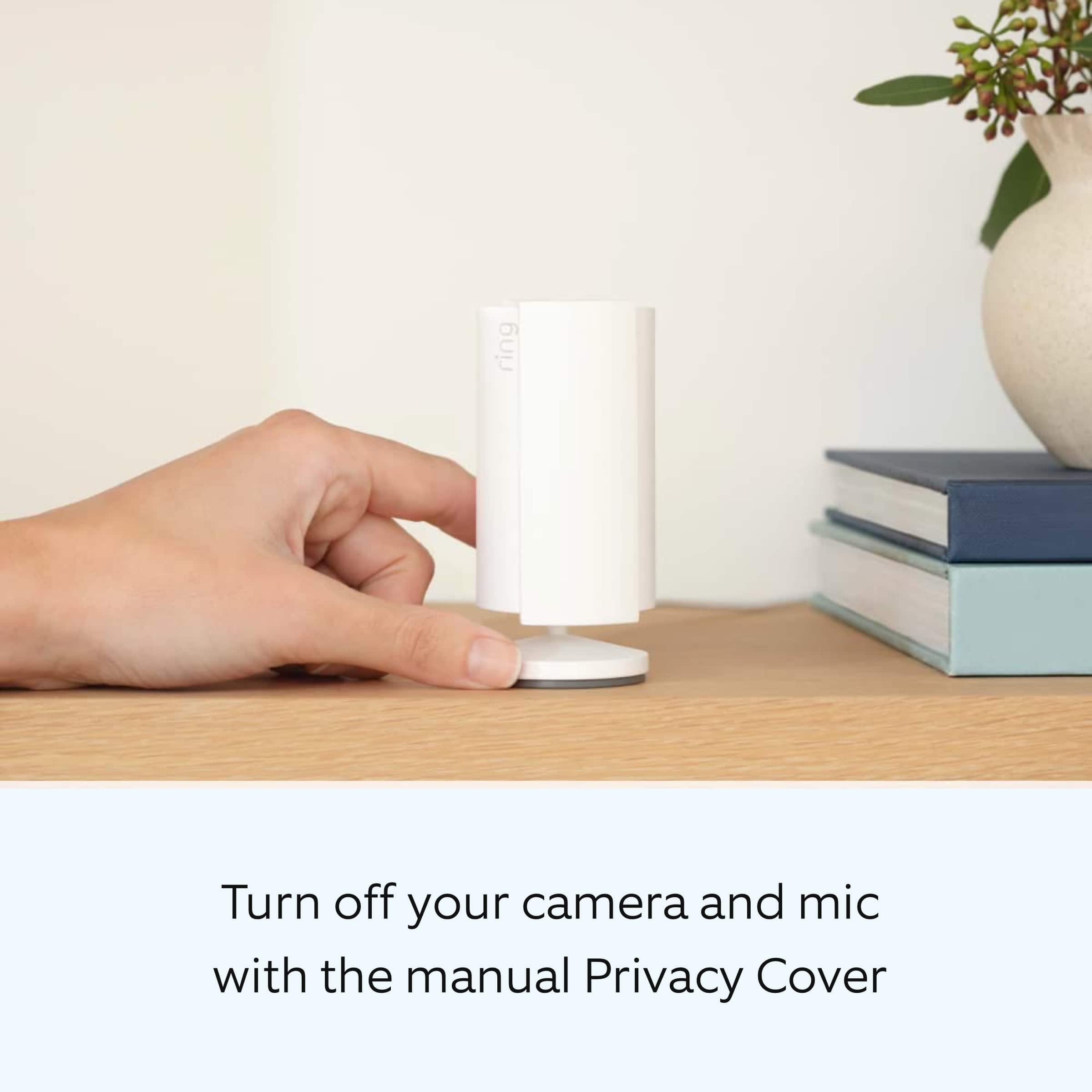
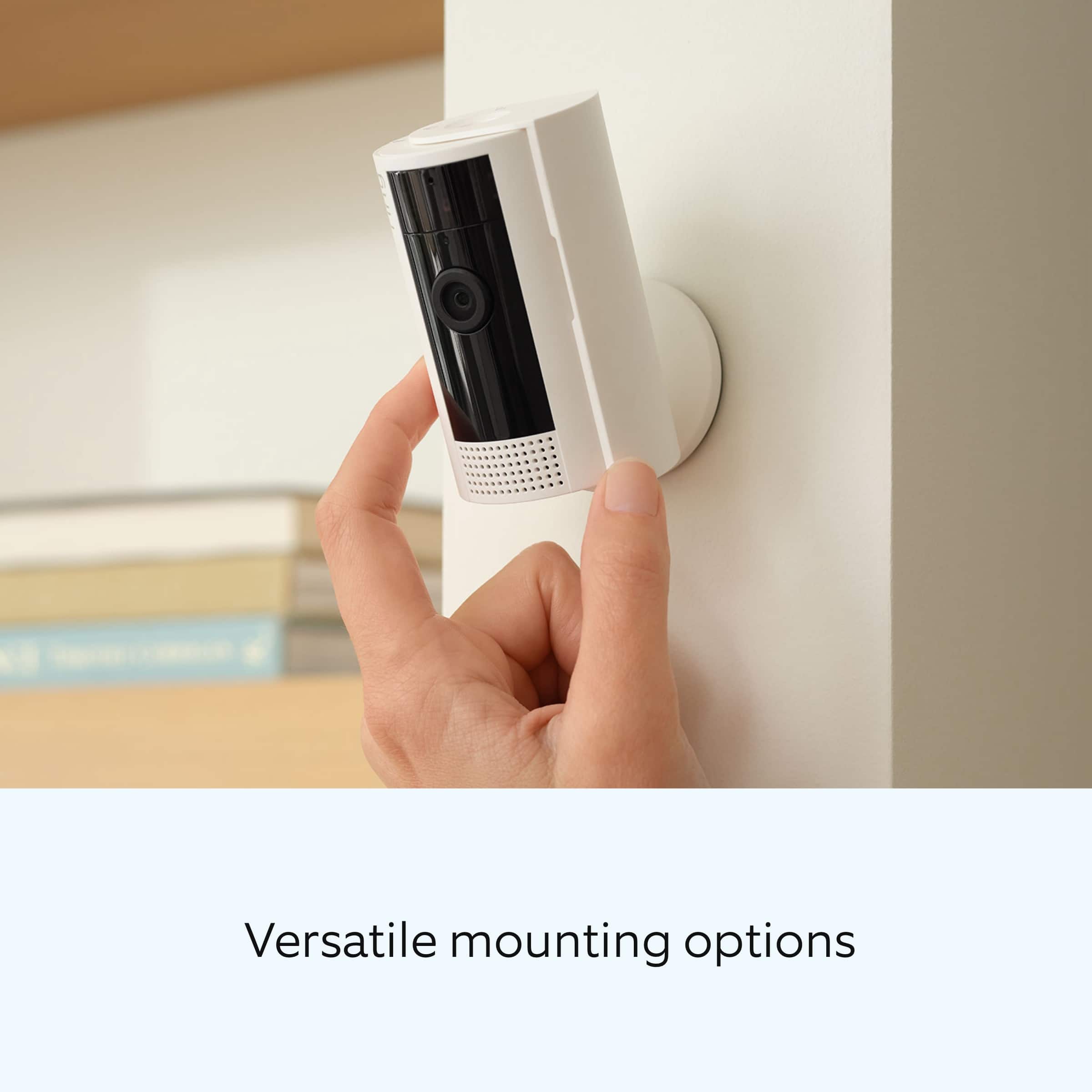
||Posted . Owned for 3 weeks when reviewed.This reviewer received promo considerations or sweepstakes entry for writing a review.The camera functions as intended but Ring should have stuck with the gen 1 design. The privacy door is pointless if you mount/place it high on a wall or shelf.
I would recommend this to a friendBad audio
||Posted . Owned for 5 months when reviewed.This reviewer received promo considerations or sweepstakes entry for writing a review.Great night vision features but audio is shotty…..
No, I would not recommend this to a friendBrand response from Ring
Posted .Hi HollyH.
Thank you for taking the time to share your experience with us. We understand how important it is for your Ring Indoor Cam (2nd Gen.) to record clear and concise videos so that you can effectively monitor your home. The features and technology provided by the Ring Indoor Cam (2nd Gen.) are incredibly valuable and help provide you with peace of mind about your home security. We want to ensure that your device is working as intended by providing you with solutions to resolve the audio concern you mentioned in your review.
It sounds like the device is not performing as expected in regards to audio. We are happy to share some tips with you to help you troubleshoot why your Ring device may be experiencing warped sound or no audio. Make sure the external volume is up on your mobile device (on the device where you're viewing your Ring videos or "Live View"). If your phone or tablet has poor service or internet, it could be affecting "Live View" or your video downloads. Try turning Bluetooth off, then open "Live View" or view a recorded Ring video.
We also recommend making sure that the area around the device is open. If you have the Ring Indoor Cam (2nd Gen.) on a shelf or in a corner where it may be surrounded, move it so that there are no obstacles blocking the area around the device.
Poor wifi can often cause Ring device issues, including capturing audio. We recommend following these steps in the Ring app: Tap the top menu (☰), then Devices. Choose your Ring Video Doorbell Wired. Tap "Device Health." Under the "Network" section, you'll see your device's "Signal Strength." If your "Signal Strength" (RSSI) is amber or red, your Ring device likely has a poor connection to your location's wifi. Try moving your wifi router closer to your Ring device. Open "Live View" in the Ring app and see if your Ring device's microphone is enabled. Open the Ring app. Tap the top menu (☰), then "Devices." Choose your Ring Video Doorbell Wired. Tap the "Live View" button. Check to make sure the microphone icon is enabled. You can also press the green phone icon. If you have a Ring Protect subscription, you can view the recording to see what the audio sounds like.
We invite you to reach out to our community if any additional information is needed regarding your Ring Indoor Cam (2nd Gen.). The Ring Community is our first peer-to-peer community forum, giving our customers the ability to help one another by sharing their feedback and experiences with each other.
Thank you,
Melissa from Ring.
Camera
||Posted . Owned for 1 month when reviewed.This reviewer received promo considerations or sweepstakes entry for writing a review.A leaf will move outside and it will go off Would recommend
I would recommend this to a friendWorks, better than battery, but only buy on sale
||Posted . Owned for 2 months when reviewed.This reviewer received promo considerations or sweepstakes entry for writing a review.I got mine for $35 on sale, i love it for $35, but not much more. Does what it needs to and I never have to worry about charging it.
I would recommend this to a friendMust buy
||Posted . Owned for 3 weeks when reviewed.This reviewer received promo considerations or sweepstakes entry for writing a review.Easy to use and adds piece of mind with the privacy cover.
I would recommend this to a friendDecent built camera
||Posted . Owned for 1 month when reviewed.This reviewer received promo considerations or sweepstakes entry for writing a review.Not so much updates compared with the old model. However the head of the camera can swivel which gives much more flexibility in terms of angle adjustment.
I would recommend this to a friendMust have
||Posted . Owned for 2 weeks when reviewed.This reviewer received promo considerations or sweepstakes entry for writing a review.Love this camera and the customer service of ring is great
I would recommend this to a friendMy thoughts
||Posted . Owned for 1 month when reviewed.This reviewer received promo considerations or sweepstakes entry for writing a review.It is very good. I did not give it 5 stars because the cover is a little hard to close but overall I think it’s worth 4.8 stars
I would recommend this to a friendBrand response from Ring
Posted .Hi MichaelO.
Thank you for taking the time to share your feedback with us. We are always looking for ways to improve our neighbor's experience, and your feedback is an invaluable part of this process. That is why we are dedicated to offering devices that help you safeguard what is most important at home, while also allowing you to connect with your neighbors from anywhere. We’re glad to read that you are finding the provided features useful.
Ring Community launched in March 2019 to help deliver the most current news and educational information to our customers. You can find tips and tricks from other Ring users in our community. This peer-to-peer forum allows our neighbors to share their feedback and experiences.
Thank you,
Melissa from Ring.
Camera
||Posted . Owned for 1 month when reviewed.This reviewer received promo considerations or sweepstakes entry for writing a review.Great product and great value. Can be used anywhere.
I would recommend this to a friend