Customer Ratings & Reviews
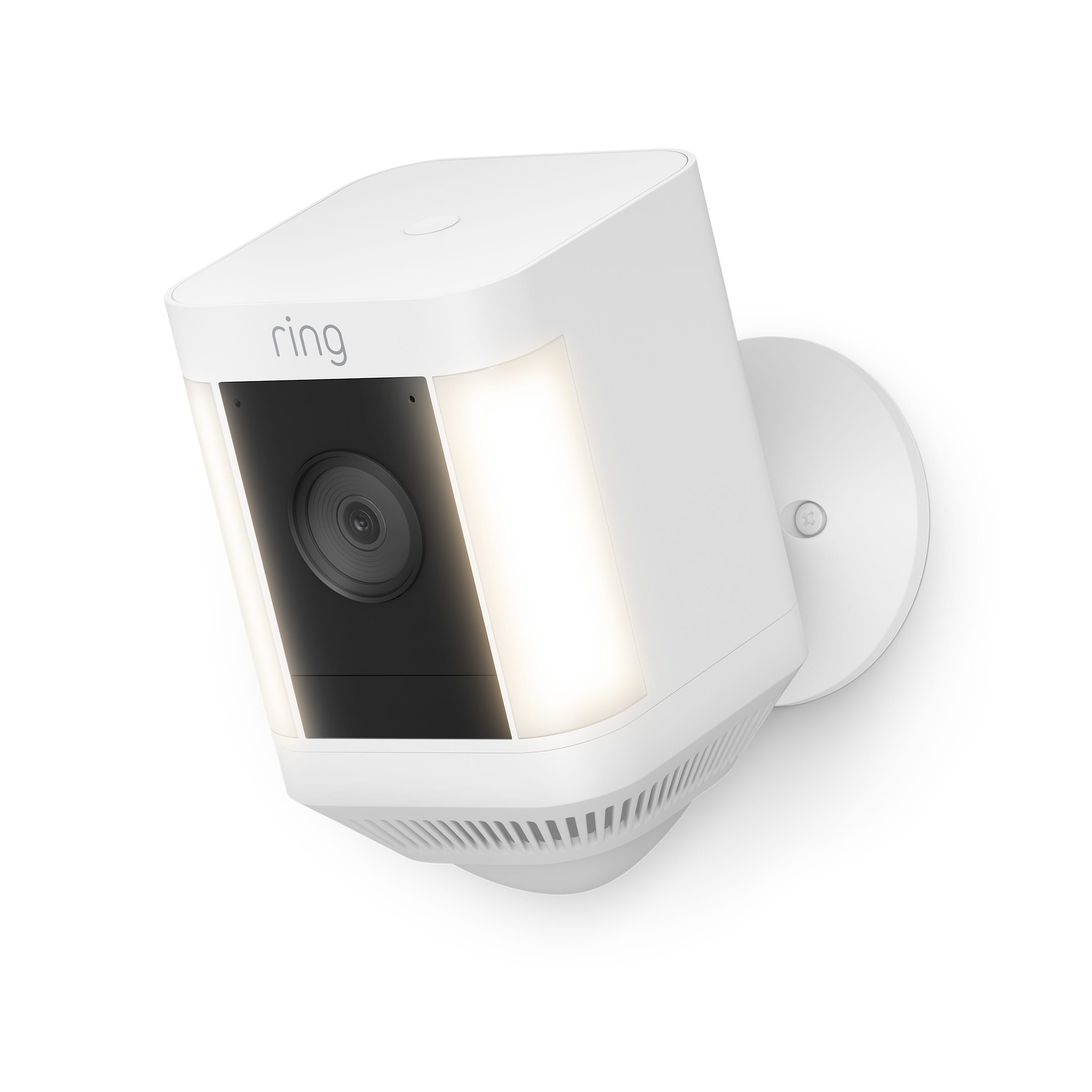
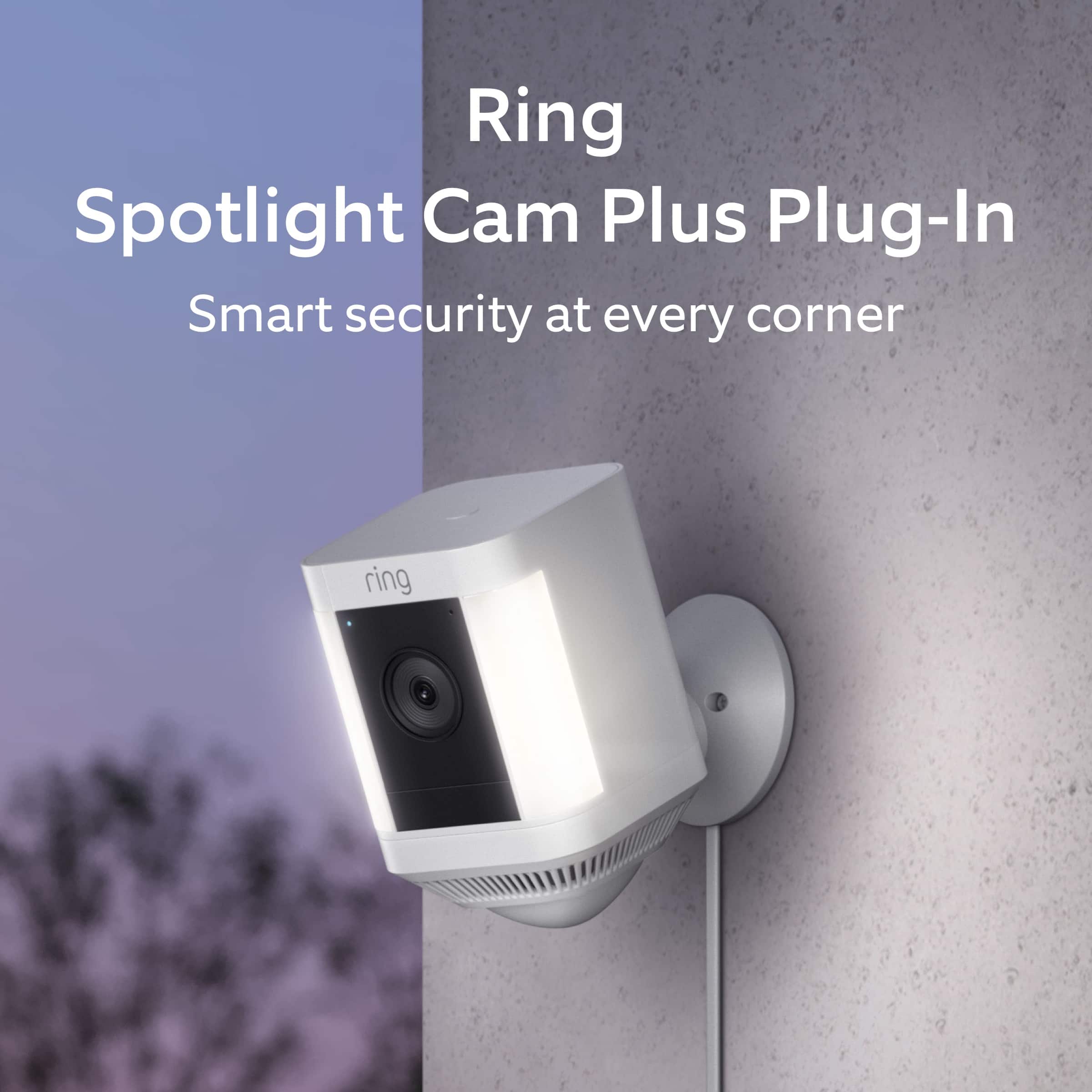


- Model:
- B09JZ5BG26
- SKU:
- 12481235
Rating by feature
- Value
Rating 4.7 out of 5 stars
- Quality
Rating 4.7 out of 5 stars
- Ease of Use
Rating 4.7 out of 5 stars
Best camera ever!
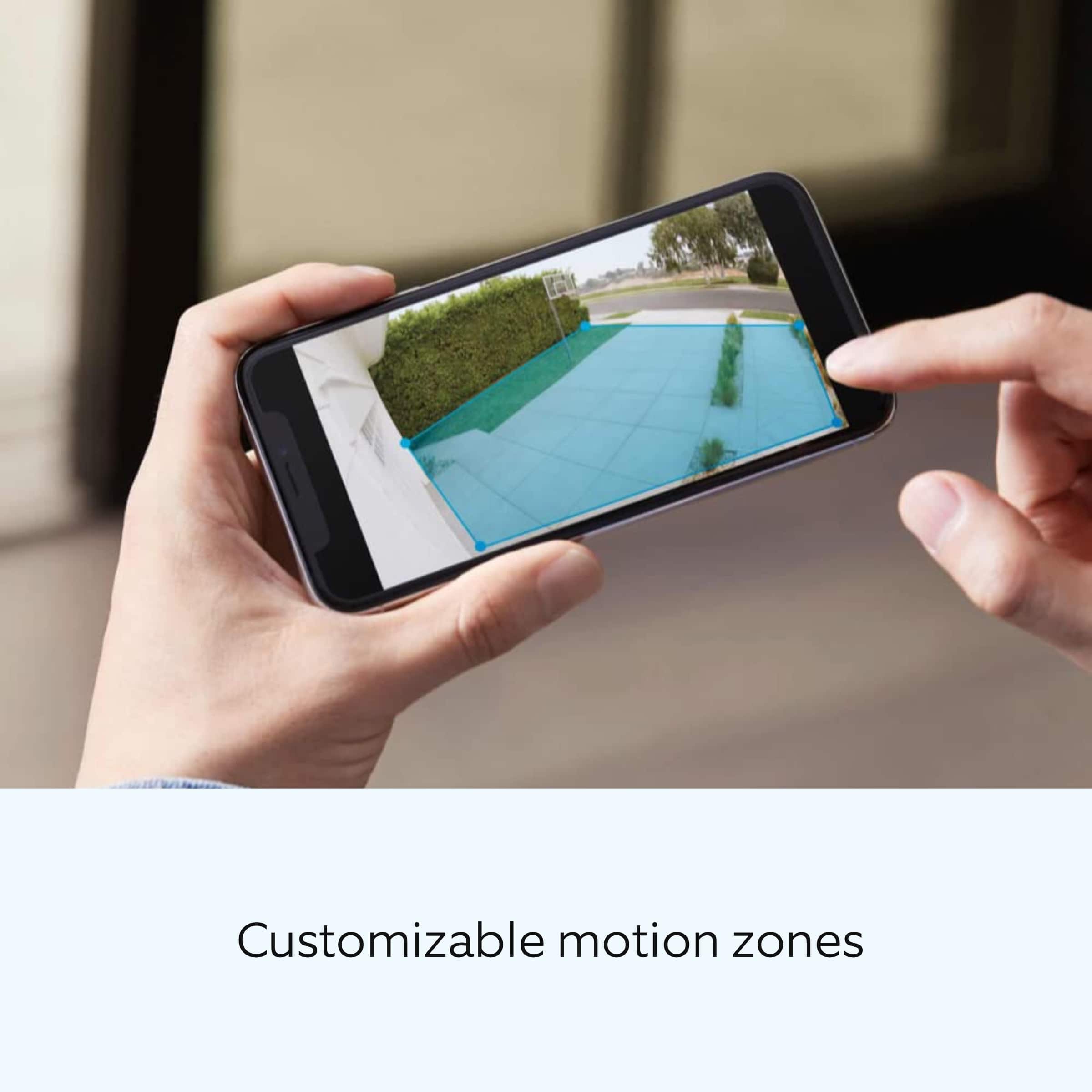
||Posted . Owned for 1 year when reviewed.This reviewer received promo considerations or sweepstakes entry for writing a review.Clarity of this cam is top notch. You also can draw a grid of what you want visible.
I would recommend this to a friendKeeps the family safe
||Posted .This reviewer received promo considerations or sweepstakes entry for writing a review.Good buy and durable. Amazing how itvworks in any weather condition
I would recommend this to a friendPeace of mind
||Posted . Owned for less than 1 week when reviewed.This reviewer received promo considerations or sweepstakes entry for writing a review.Peace of Mind to have good security camera that works with no issues.
I would recommend this to a friendGreat camera for your home
||Posted . Owned for 3 weeks when reviewed.This reviewer received promo considerations or sweepstakes entry for writing a review.This ring camera works very well. Very simple and easy to set up. I ordered it online and the pick up process was very simple and quick. Great video quality as well. Really like how there is a light that comes on at night when there is motion.
I would recommend this to a friendEasy Installation
||Posted . Owned for 3 weeks when reviewed.This reviewer received promo considerations or sweepstakes entry for writing a review.Easy to mount. Looks great with dark gutters. Easy installation. Using with Solar Cam/Panel.
I would recommend this to a friendVery Good Camera
||Posted . Owned for 4 months when reviewed.This reviewer received promo considerations or sweepstakes entry for writing a review.These are very good cameras. I can make it so they link with my other cameras when they are triggered. The only reason I gave it a 4 star is because of the yearly fee. Therefore I recommend the eufy cameras. They’re better quality already have built in solar panels and n expandable hard drive with no xtra fee.
I would recommend this to a friendWebcam
||Posted . Owned for 5 months when reviewed.This reviewer received promo considerations or sweepstakes entry for writing a review.Great product and nite vision is a plus cripe videos of the outside .
I would recommend this to a friendRing Outdoor Camera
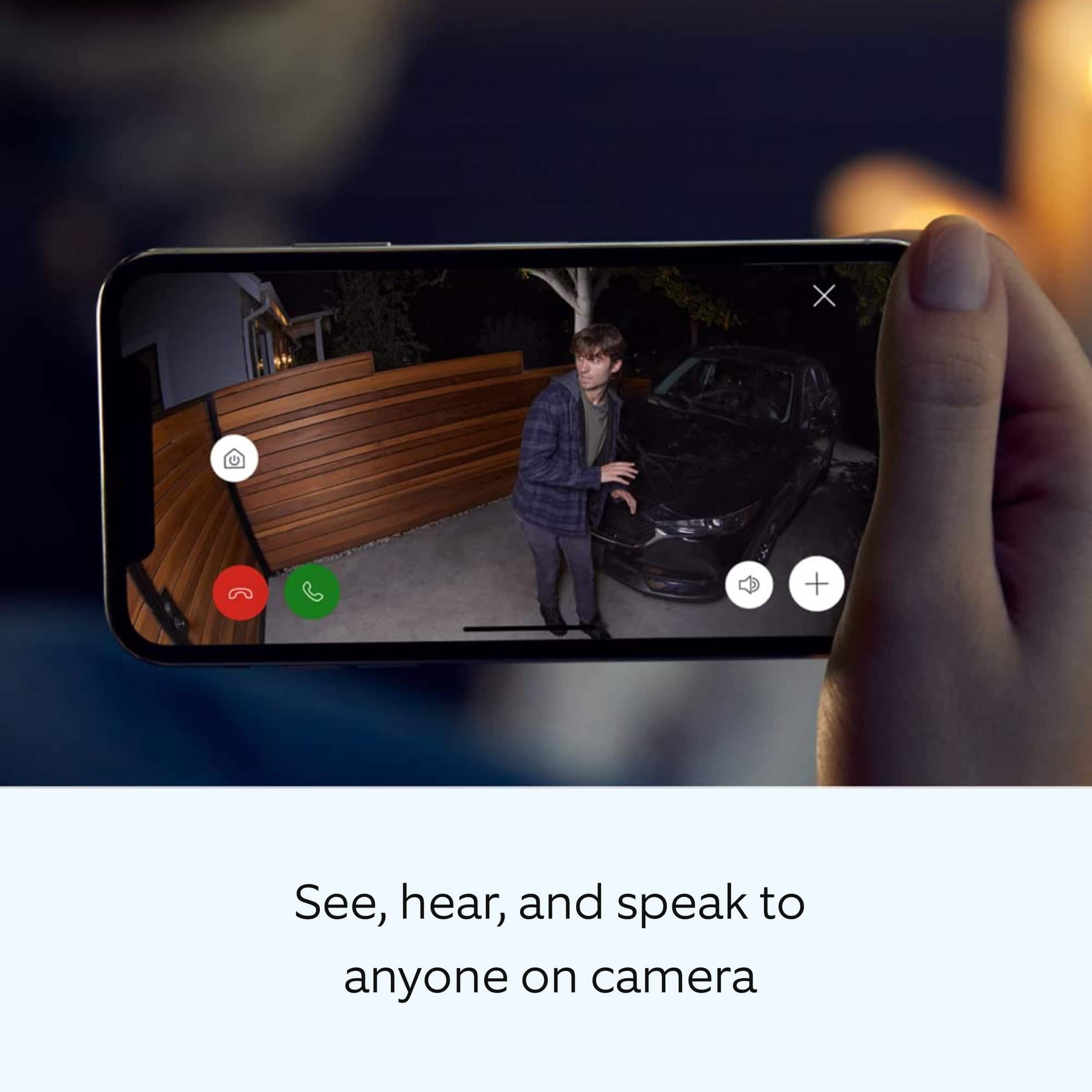
||Posted . Owned for 3 weeks when reviewed.This reviewer received promo considerations or sweepstakes entry for writing a review.Great product, works as described. Does not only motion but can identify a person in the motion zone. Security lights are bright. The camera also has the great opetion to speak or sound ab alarm
I would recommend this to a friendGreat cameras for a driveway
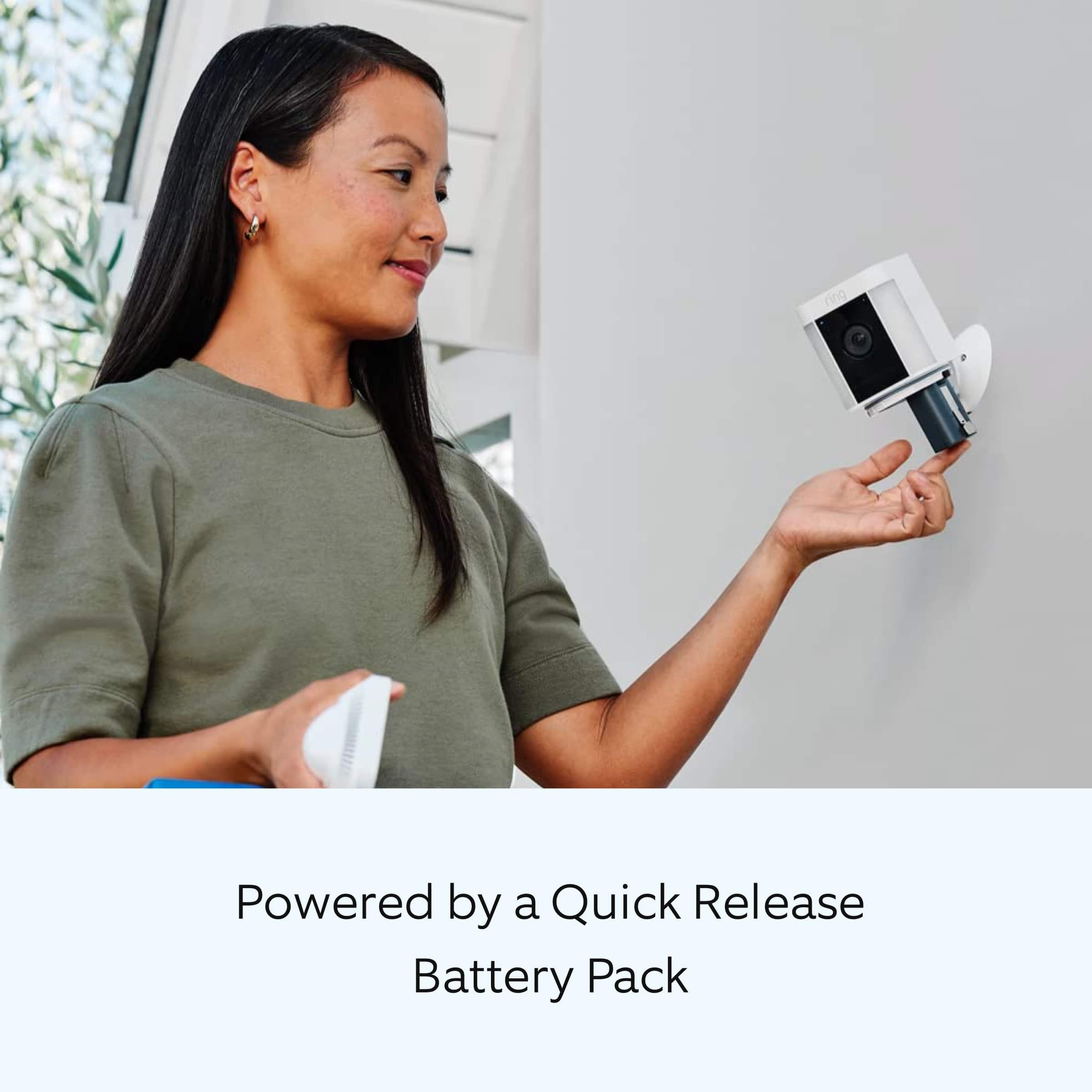
||Posted . Owned for 1 week when reviewed.This reviewer received promo considerations or sweepstakes entry for writing a review.Easy to add on to and existing system. comes with a wall or ceiling mount. Comes with one battery but can have two batteries for long term usage. Check out ring's website for additional mounting accessories (gutter or pole mount).
I would recommend this to a friendGood camera for being battery powered
||Posted . Owned for 1 month when reviewed.This reviewer received promo considerations or sweepstakes entry for writing a review.Set up can be a pain if you are going through vinyl siding. But besides that point it is nice for the fact you can use two batteries and forget about it for a while, the motion sensor works real well, i haven't tried the siren yet but thats all. The lights are semi bright and can illuminate my back deck.
I would recommend this to a friendGreat camera Ring
||Posted . Owned for 1 month when reviewed.This reviewer received promo considerations or sweepstakes entry for writing a review.Definitely happy with this camera! It was so easy to get it hooked up on phones great plans, and easy to install! Nothing better to keeping myself, family, and our home safe!
I would recommend this to a friendgood blind spot camera
||Posted . Owned for 1 month when reviewed.This reviewer received promo considerations or sweepstakes entry for writing a review.this camera works well, clear picture. Converted mine to power instead of battery only.
I would recommend this to a friendRing Products
||Posted . Owned for 4 months when reviewed.This reviewer received promo considerations or sweepstakes entry for writing a review.Ring has been very reliable! I have had 4 different ring cameras and each have been great.
I would recommend this to a friendLove it
||Posted .This reviewer received promo considerations or sweepstakes entry for writing a review.Easy to buy, Fastest delivery, love to shop at best buy
I would recommend this to a friendIsaac
||Posted . Owned for 3 weeks when reviewed.This reviewer received promo considerations or sweepstakes entry for writing a review.Ring is great product, great quality of the technology what provided. Very clear view, recording and voice command. So far has been great. Ring and Best Buy and John Defonce for a great work. Everyone keeps the great work. Thank you.
I would recommend this to a friendGreat camera
||Posted . Owned for 1 month when reviewed.This reviewer received promo considerations or sweepstakes entry for writing a review.Works very good and easy to install. Little suggestion when putting it up make sure you turn it to area you want it to show as it has expanded area.
I would recommend this to a friendoutdoor light
||Posted . Owned for 2 weeks when reviewed.This reviewer received promo considerations or sweepstakes entry for writing a review.Looking forward to getting this installed and working
I would recommend this to a friendRing Spotlight Cam Pro
||Posted . Owned for 1 week when reviewed.This reviewer received promo considerations or sweepstakes entry for writing a review.Needed some lighting in the backyard. Easy solution since we already had a ring doorbell. Easy install and configuration.
I would recommend this to a friendSpotlight Camera
||Posted . Owned for 2 weeks when reviewed.This reviewer received promo considerations or sweepstakes entry for writing a review.I like the spotlight with the camera, i like the camear can hold a extra battery in it, the extra battery is under $40 and charges with the same usb
I would recommend this to a friendRing solar powered camera
||Posted . Owned for 1 month when reviewed.This reviewer received promo considerations or sweepstakes entry for writing a review.The purchase of the cameras at Best Buy was seamless. Sales associate that helped me was knowledgeable and accommodating. The solar cameras were easy to install and initial assessments are that they’re efficient with maintaining their power levels. The quality of the images are not particularly good, but this subscription package is reasonable. If the image quality was better, I would get a five star rating.
I would recommend this to a friendBrand response from Ring
Posted .Hi DeniseS.
Thank you for taking the time to share your experience with us. We understand how important it is for your Ring Spotlight Cam Plus to record clear and concise videos so that you can effectively monitor your home. The features and technology provided by the Ring Spotlight Cam Plus are incredibly valuable and help provide you with peace of mind about your home security. We want to ensure your device is working as intended by providing you with solutions to resolve the video quality concern you mentioned in your review.
It sounds like the device is not performing as expected. Ring devices require high-speed internet to bring you crisp, clear video and audio. Poor network connectivity can affect the performance of your Ring device. We are happy to share some troubleshooting steps to help you diagnose and fix common video issues that you may experience with Ring doorbells and cameras.
Ring devices with 1080p video require at least 1 Mbps upload and download speeds, though 2 Mbps is recommended for optimal performance. In addition to ensuring that you have sufficient wifi speeds, you will also want to check the signal strength of your device. A poor wifi signal can cause connectivity with your Ring device to be unreliable.
Check the Device Health section of your Ring application to ensure the device’s RSSI is within an acceptable range. The recommended range for optimal performance is 0 to -60 for the RSSI. Turn off your mobile device's cellular data and connect to the same wifi network as your Ring device. Open the Ring app. Tap the menu (☰). Tap “Devices.” Select your device. Trigger an event on your Ring device. This could mean pressing the button on a doorbell or activating the motion sensors on a camera. Answer the event and examine the resulting video.
We have listed some possible outcomes from this test here:
1. The footage is crisp and clear.
If your video appears good when next to the router, the issue may be caused by a disruption in between your router and your Ring device’s normal location. To fix this, try moving your device closer to the router or extending your wifi signal with a wifi extender like the Ring Chime Pro.
2. The footage is heavily pixelated.
If you’re seeing heavy pixilation, even next to the router, this may be due to slow wifi speeds.
3. There are severe pauses in live video.
If your video pauses, stutters, or gets frozen and your wifi speed meets the minimum standards, try rebooting your router. Unplug your router, wait 30 seconds, and then plug it back in. It should take three to four minutes to reboot. Then, test your Ring device again and see if there's any difference.
4. There is a long delay before your video starts.
This is also caused by slow wifi speeds. Assuming you have high-speed internet, reboot your router and the mobile phone, tablet, or PC you're accessing the video feed on. Test an event when it's back online to see if there's any difference.
For more information on your Ring Spotlight Cam Plus, we invite you to reach out to our community. Ring Community is our first peer-to-peer community forum, giving our customers the ability to help one another and share their personal feedback and experiences with Ring. We look forward to hearing from you if we can be of any further assistance!
Thank you,
Miyuki from Ring.