Customer Ratings & Reviews


- Model:
- B09JZ5BG26
- SKU:
- 12481235
Rating by feature
- Value
Rating 4.7 out of 5 stars
- Quality
Rating 4.7 out of 5 stars
- Ease of Use
Rating 4.7 out of 5 stars
Mrs Patton
||Posted . Owned for 1 month when reviewed.This reviewer received promo considerations or sweepstakes entry for writing a review.My ring system work good, the cameras word around the house,
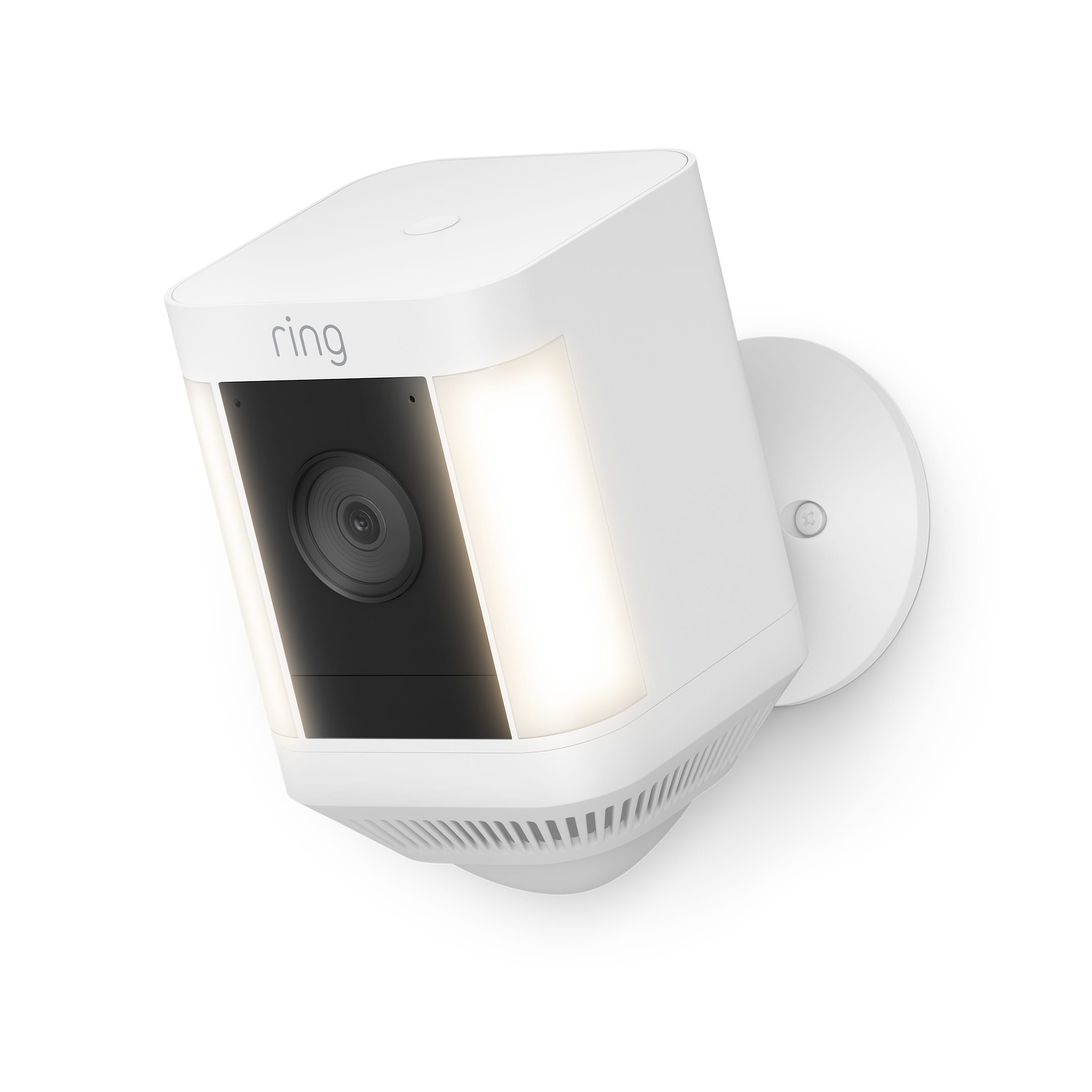
I would recommend this to a friendRing spotlight cam Plus
||Posted . Owned for 3 weeks when reviewed.This reviewer received promo considerations or sweepstakes entry for writing a review.Easy to assemble, install and connect to my Ring system
I would recommend this to a friendOutdoor camera
||Posted . Owned for 3 weeks when reviewed.This reviewer received promo considerations or sweepstakes entry for writing a review.Great product, clear camera view during day and night!
I would recommend this to a friendNow you can use 2 batteries.
||Posted . Owned for 1 month when reviewed.This reviewer received promo considerations or sweepstakes entry for writing a review.Very nice pictures, easy to use. Option for 2 Batteries
I would recommend this to a friendowner
||Posted . Owned for 3 months when reviewed.This reviewer received promo considerations or sweepstakes entry for writing a review.misses some movement but picture quality is good. great value
I would recommend this to a friendBrand response from Ring
Posted .Hi AsterD.
Thank you for taking the time to share your feedback with us. We are pleased to read that you are finding value in your Ring Spotlight Cam Plus. At Ring, we believe in keeping people close to what’s important. That is why we are driven to create products that help you protect what matters most at home and empower you to connect with your visitors from wherever you are. Together, we’ll make neighborhoods safer!
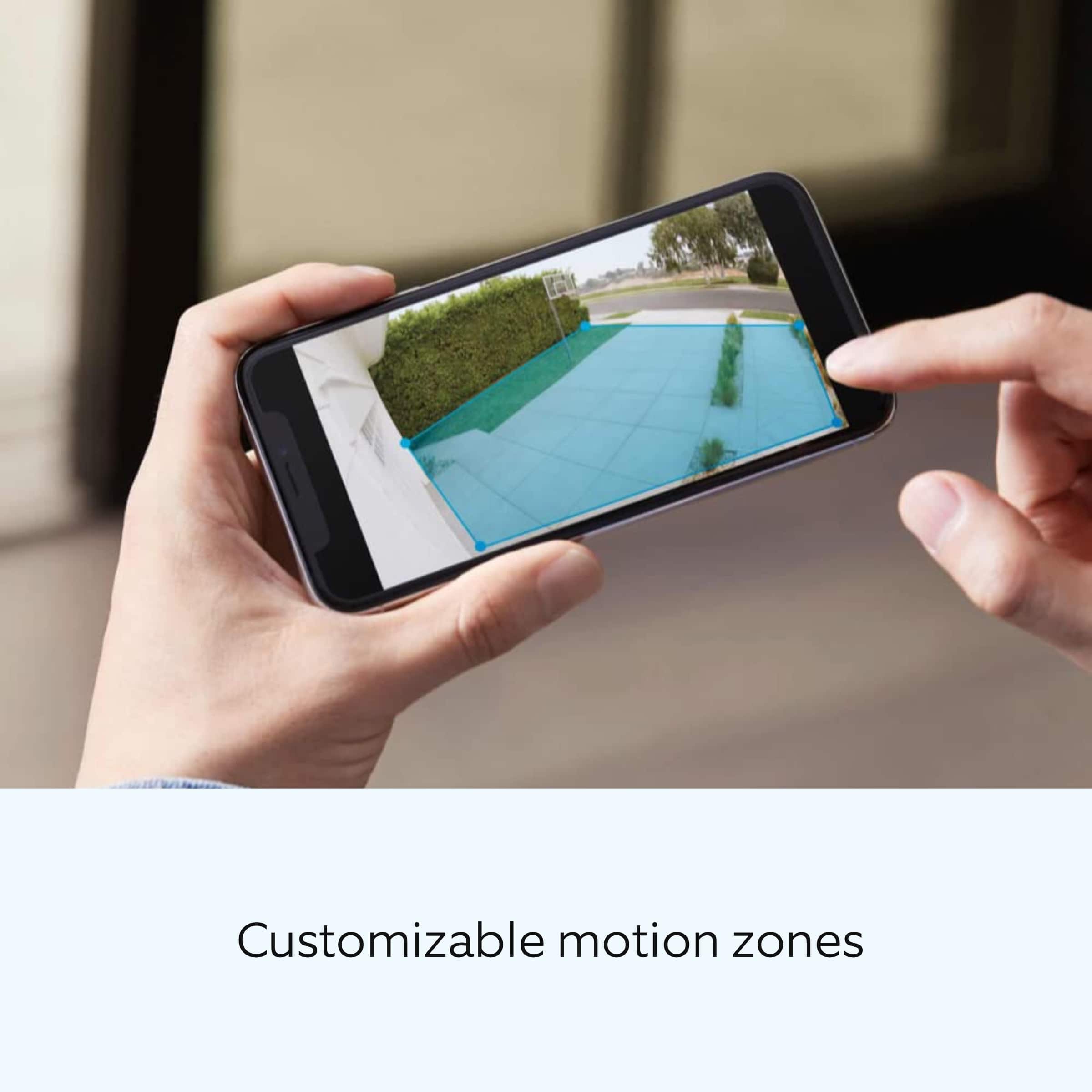
We are happy to provide you with more information on the motion detection concern that you mentioned in your review. This camera uses adjustable motion detection and runs on passive infrared sensors. The system identifies visitors via a moving heat signature and sends a notification to your smart device when one is detected. You can adjust three preset motion zones and their distances under the "Motion Settings" tab on the device's page in the Ring app. Additionally, you can choose how often the camera checks for movement in those predefined zones via the "Motion Frequency" setting. If you find that your camera is missing some motions, please set the motion frequency to "Frequently."
Accuracy in motion detection can also be improved by enabling the "Smart Alerts" feature for people only in your Ring app. To enable "Smart Alerts," please follow these steps:
Tap the menu (≡) on the top left.
Tap "Devices."
Tap the device that you want to adjust.
Tap "Motion Settings."
Tap "Smart Alerts."
Tap "Enable Feature."
Tap "Continue."
Select the notification options that you want for "Person" and "Other Motion."
You'll see a video camera where you can select or de-select recording and a bell icon to represent alert notifications.
After you've adjusted your settings, tap "Done."
Ring Community is our first peer-to-peer community forum, giving our customers the ability to help one another and share their feedback and experiences with Ring. We invite you to reach out to our community if any additional information is needed regarding your Ring Spotlight Cam Plus.
Thank you,
Melissa from Ring.
Ring spotlight
||Posted . Owned for 1 month when reviewed.This reviewer received promo considerations or sweepstakes entry for writing a review.Works great. Just wish it had local storage option with SD card to skip cloud storage
I would recommend this to a friend.
||Posted . Owned for 3 weeks when reviewed.This reviewer received promo considerations or sweepstakes entry for writing a review.Works great. Havent had any issues with itcas of yevt.
I would recommend this to a friendGreat
||Posted . Owned for 2 weeks when reviewed.This reviewer received promo considerations or sweepstakes entry for writing a review.Great feel much safer! Easy connection and installation
I would recommend this to a friendExcellent wireless solution
||Posted . Owned for 1 week when reviewed.This reviewer received promo considerations or sweepstakes entry for writing a review.Good robust video, great when paired with solar panel.
I would recommend this to a friendGood camera
||Posted . Owned for 1 month when reviewed.This reviewer received promo considerations or sweepstakes entry for writing a review.Work really good. No issues and the light on it is alright
I would recommend this to a friendI'm here
||Posted . Owned for 1 month when reviewed.This reviewer received promo considerations or sweepstakes entry for writing a review.I love it. I put it at my side door and every time someone enters or leaves im notified.
I would recommend this to a friendOutstanding
||Posted . Owned for 2 weeks when reviewed.This reviewer received promo considerations or sweepstakes entry for writing a review.Great quality!! Could not be happier with this purchase!
I would recommend this to a friendSecurity cameras
||Posted . Owned for 2 weeks when reviewed.This reviewer received promo considerations or sweepstakes entry for writing a review.Very good product with a clear picture day or night
I would recommend this to a friendGreat for security system
||Posted . Owned for 2 months when reviewed.This reviewer received promo considerations or sweepstakes entry for writing a review.Easy to work and understand. Feel safe knowing it's there
I would recommend this to a friendGood after setup
||Posted . Owned for less than 1 week when reviewed.This reviewer received promo considerations or sweepstakes entry for writing a review.Feels a little flimsy when installing actual mount. Overall good quality once it is setup
I would recommend this to a friendCustomer Service & Items #1
||Posted . Owned for 1 month when reviewed.This reviewer received promo considerations or sweepstakes entry for writing a review.Appreciate the customer service we received by a young gentleman. He made it possible for us to select the proper items for our surveillance cameras. Price was affordable, and set-up instructions were easy. Thank you!
I would recommend this to a friendRing
||Posted . Owned for 3 weeks when reviewed.This reviewer received promo considerations or sweepstakes entry for writing a review.Love the ring camera just wish it would stay on longer
I would recommend this to a friendEasy setup
||Posted . Owned for 3 weeks when reviewed.This reviewer received promo considerations or sweepstakes entry for writing a review.I liked the ease of setup as well as the ease with which it got connected to my network
I would recommend this to a friendKassy
||Posted . Owned for 1 month when reviewed.This reviewer received promo considerations or sweepstakes entry for writing a review.This camera give great coverage and exceptional lighting.
I would recommend this to a friendRing is the camera bling
||Posted . Owned for 7 months when reviewed.This reviewer received promo considerations or sweepstakes entry for writing a review.I absolutely love Ring. I switched to another company and am extremely disappointed. The door camera fogs up alot, of which I am disgusted over. I bought four new Ring cameras and can hardly wait for my son to put up.
I would recommend this to a friend