Customer Ratings & Reviews
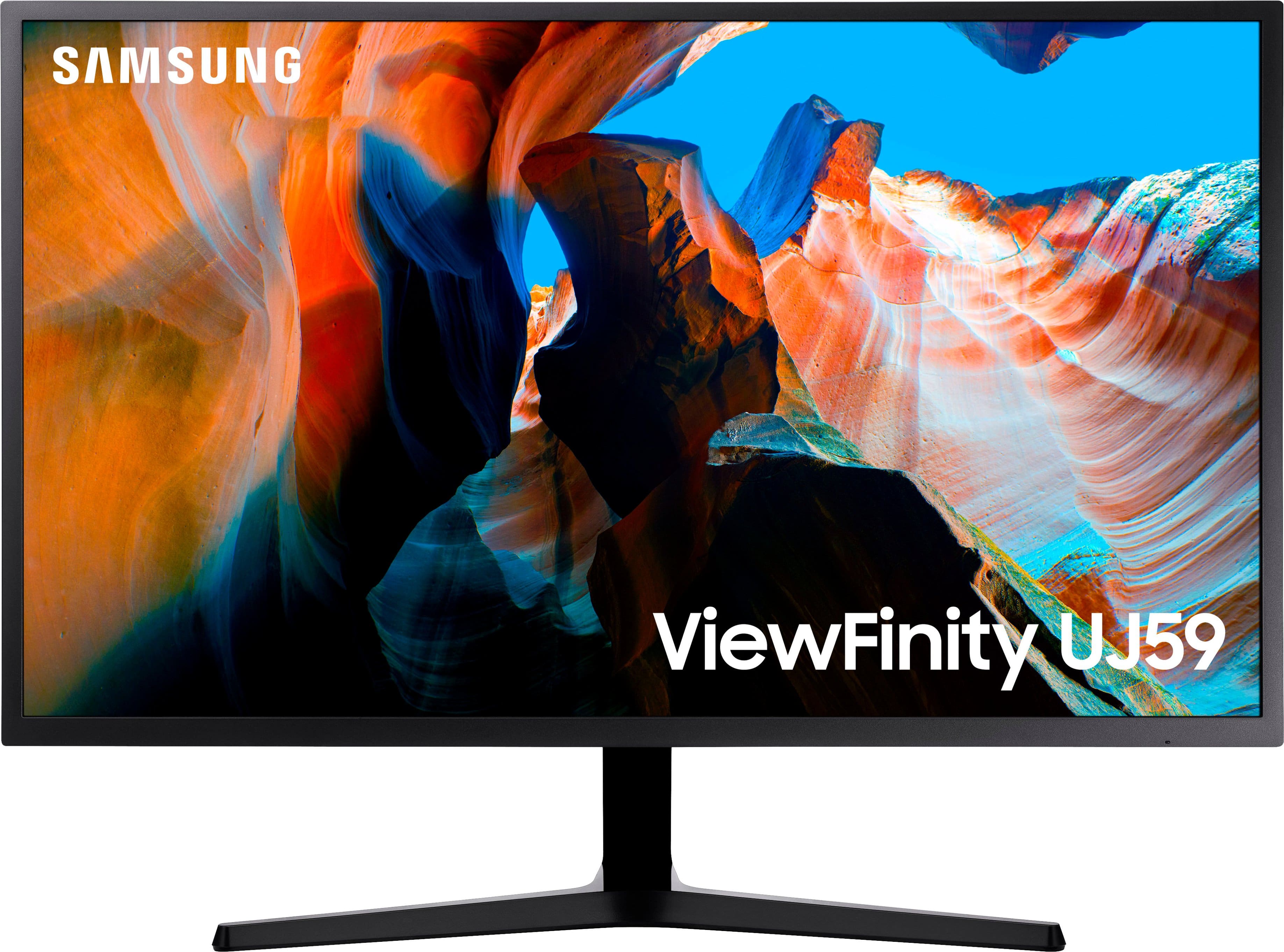
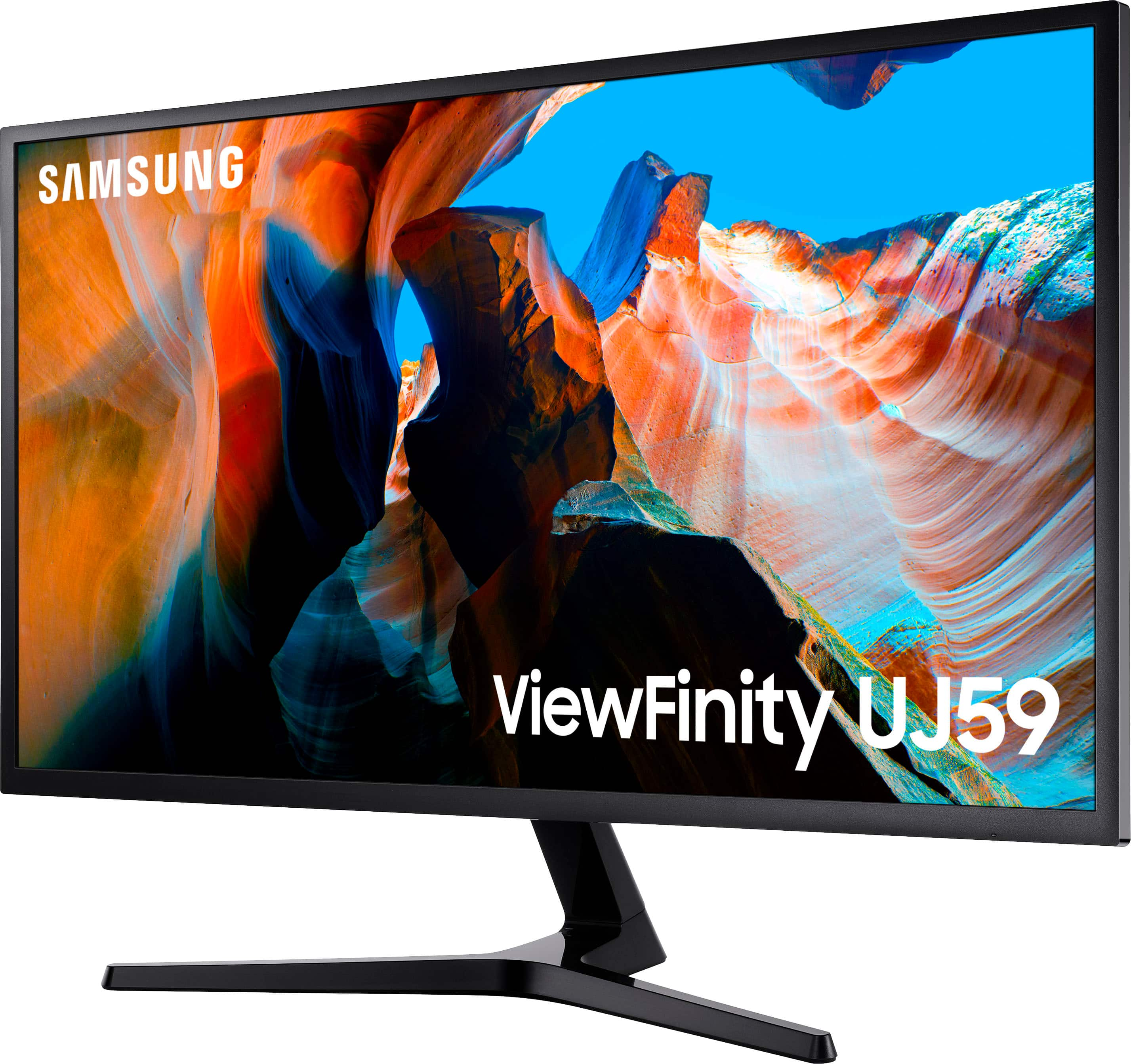
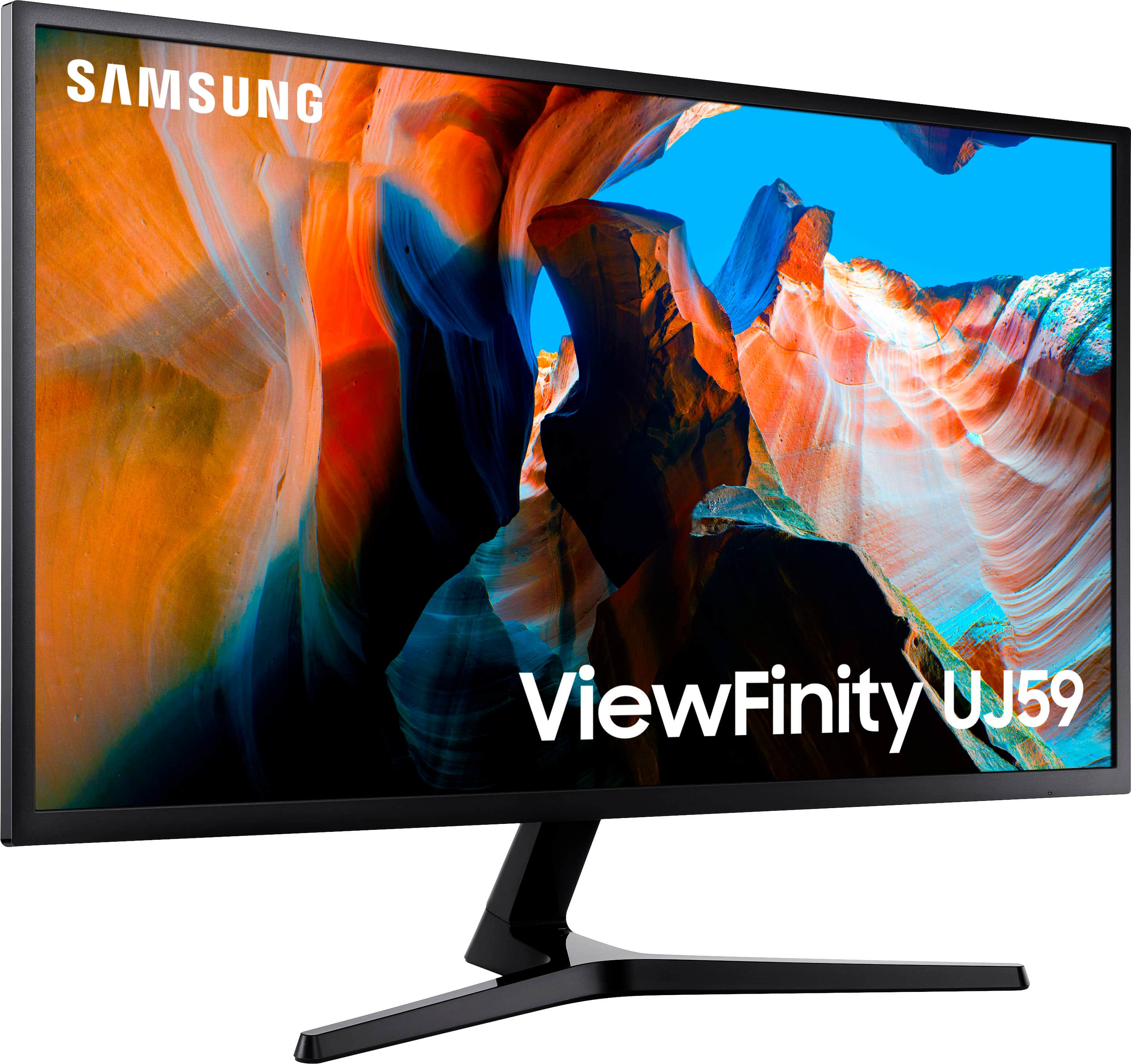
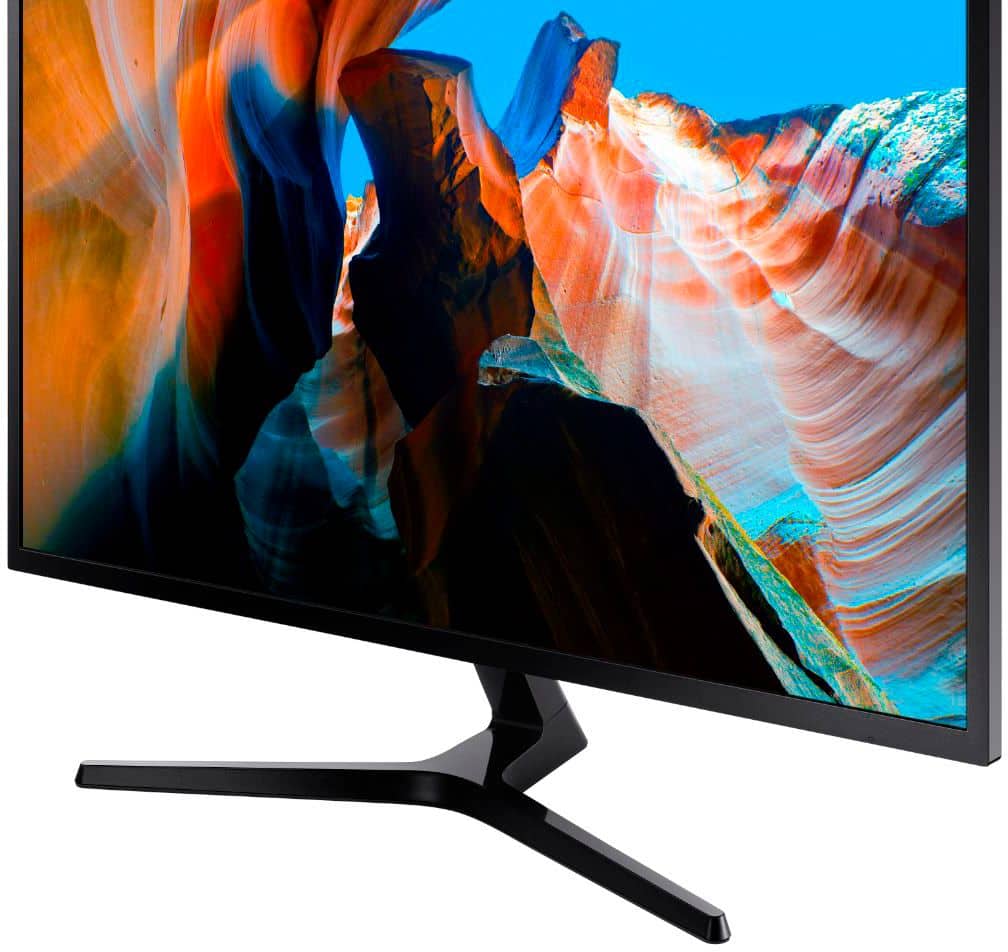
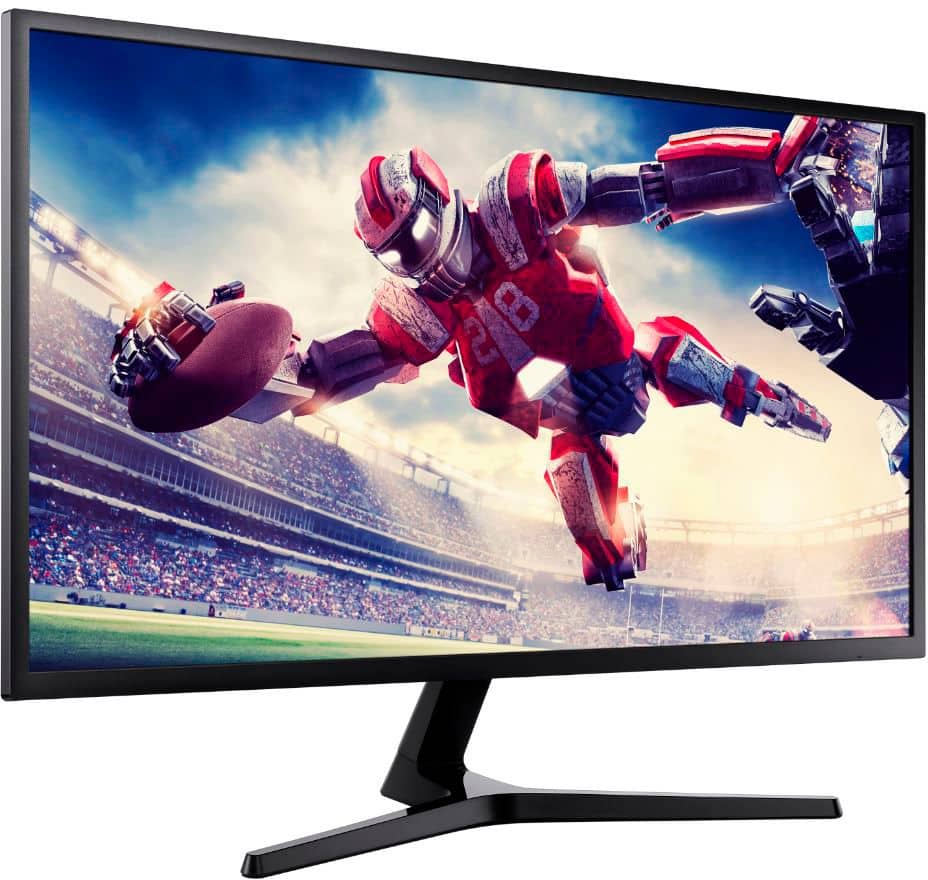
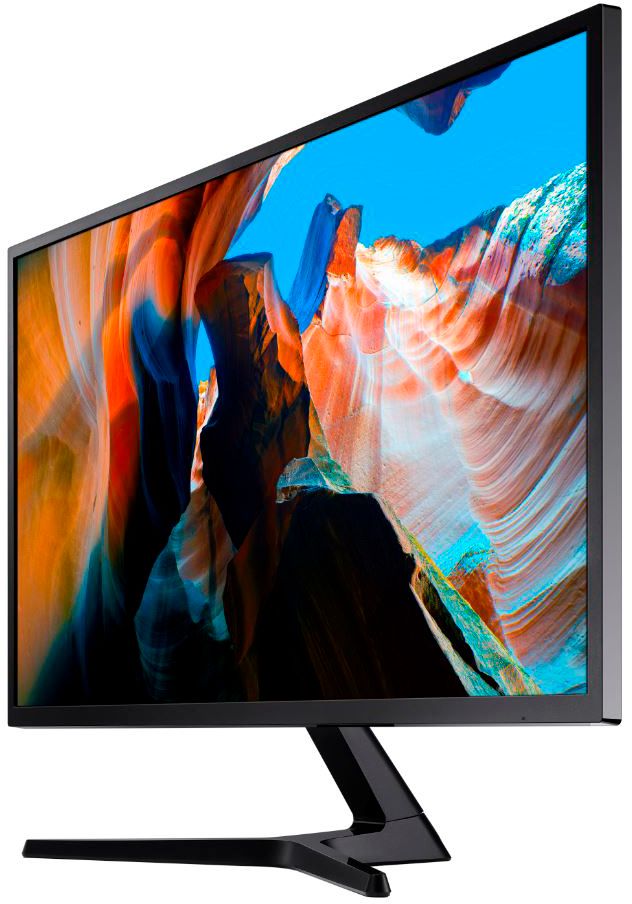
- Model:
- U32J590
- SKU:
- 11279817
Rating by feature
- Display Quality
Rating 4.6 out of 5 stars
- Ease of Use
Rating 4.5 out of 5 stars
- Features
Rating 4.5 out of 5 stars
Works well with Surface Laptop Studio
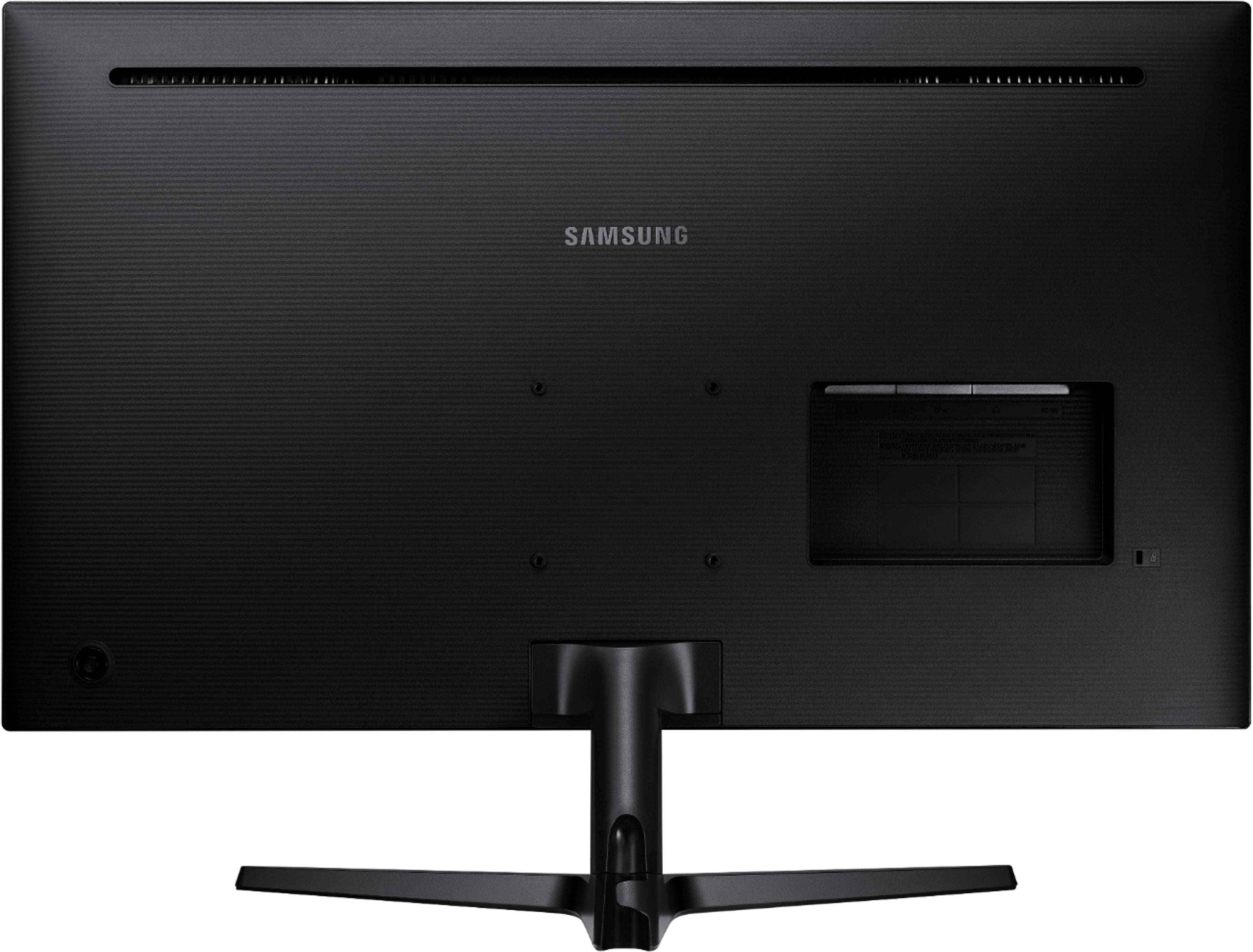
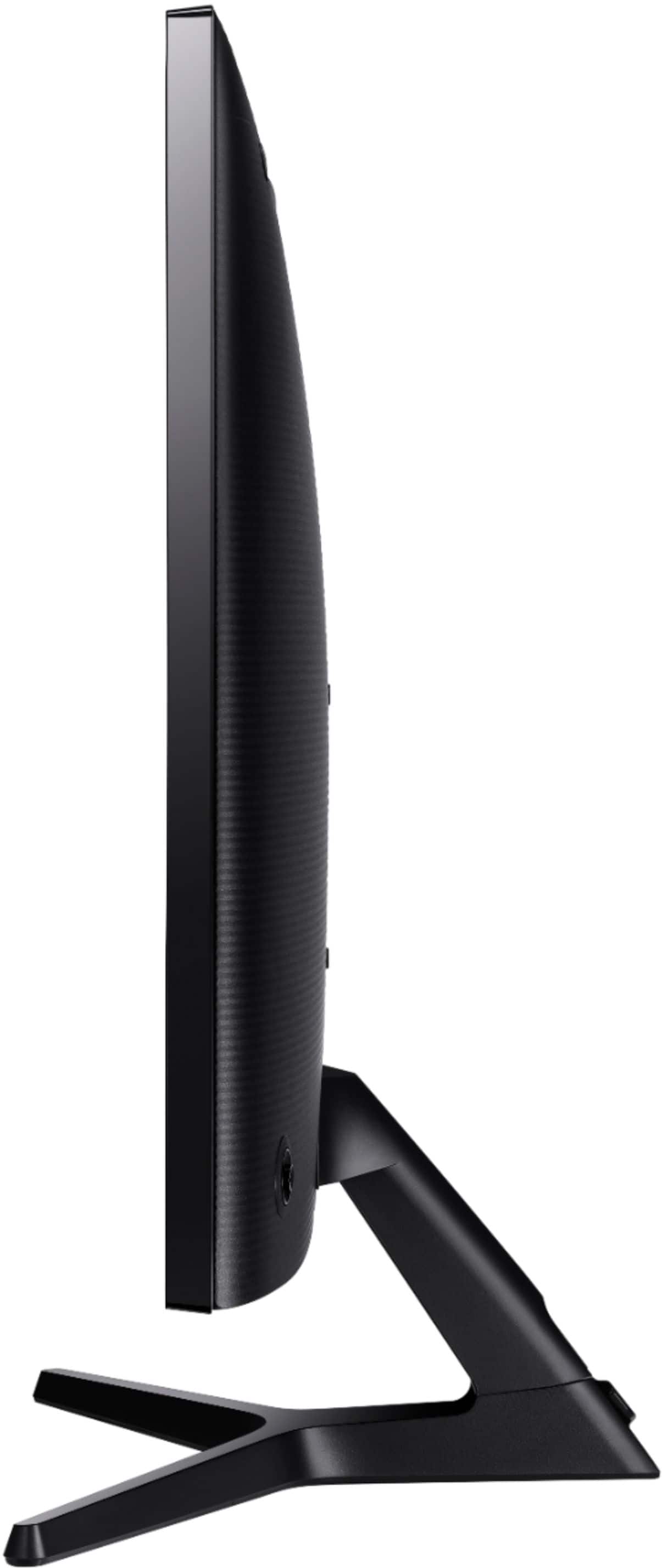
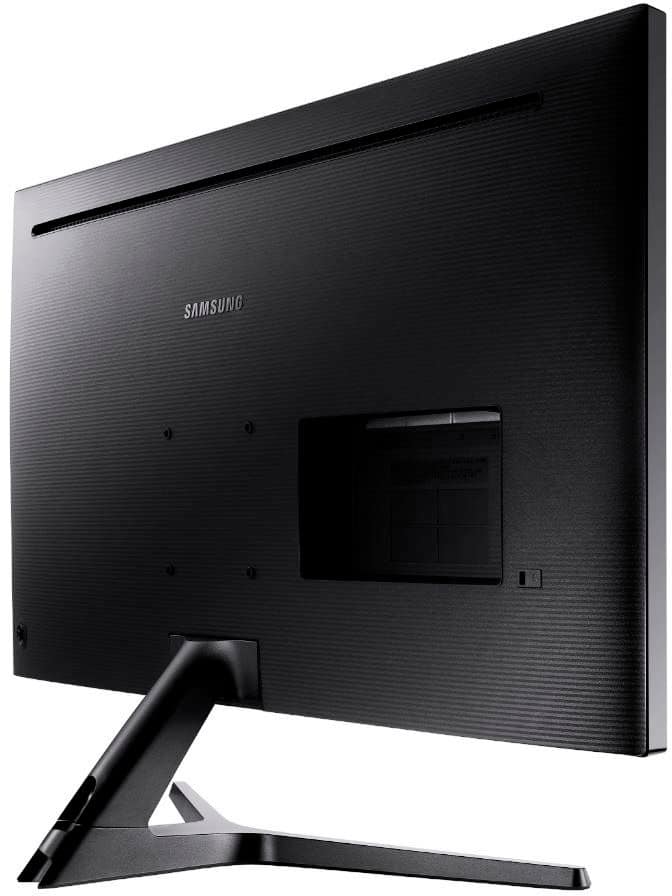
||Posted . Owned for 1 month when reviewed.This reviewer received promo considerations or sweepstakes entry for writing a review.I'm using the monitor with a Surface Laptop Studio, an Anker Thunderbolt 4 docking station to get 4K at 60 hz resolution and an older AOC monitor. They all work well together. FYI, follow the directions carefully when installing the stand. I'm not a fan of the JOG control on the back side of the monitor.
I would recommend this to a friendSatisfied
||Posted . Owned for 3 weeks when reviewed.This reviewer received promo considerations or sweepstakes entry for writing a review.Very Good quality, Price acceptable, and easy to use.
I would recommend this to a friendGoes black intermittently
||Posted . Owned for 10 months when reviewed.This reviewer received promo considerations or sweepstakes entry for writing a review.I loved the resolution and color quality of this monitor right from the start. But before long, the monitor started intermittently going black for a few seconds multiple times per day. Sometimes a few minutes would pass; sometimes a few hours. But in a regular workday it would go black 4-20 times. It seemed quite random and unconnected to different operations on my laptop. Very distracting and frustrating. Using a verfifiably good HDMI cable didn't help. Updating video drivers didn't help. Samsung support wasn't very helpful. Finally after 10 months of frustration, I bought a Viewsonic 32" 4K monitor. It has had zero problem, even using the same laptop and HDMI cable. I hooked the Samsung monitor to a PC that gets little use. The family member that uses that PC hasn't reported a problem, but that could be due to low usage. Other than the blackout problem, the monitor seemed pretty decent. All manipulations occur through a small joystick control built into the back of the monitor. That might work well for some, but I found it difficult to use.
No, I would not recommend this to a friendBrand response from Samsung
Posted .ScoutH,
Thank you for purchasing the Samsung U32J590UQN UHD Freesync Monitor. I am very sorry to hear that you experienced difficulties with your display.
I see that you have already tried some roubleshooting. The following may help to solve the issue of the monitor randomly going into sleep mode.
1) Check if your graphics card has any updates available. If updates are available, install them. If you require help installing your graphics card updates, please contact your graphics card manufacturer.
2) Perform a Windows Update. Visit Microsoft's online update page, and then follow all on-screen prompts.
3) Check that your monitor has the latest software by visiting [insert link to specific model]
4) Check your signal cable. Try using a different cable to verify if your cable is defective.
For further assistance, please contact Samsung Customer Support at:
1) Phone: 1-800-SAMSUNG
2) LiveChat: https://www.samsung.com/us/support/#contact_us_for_support
3) Facebook Messenger: http://m.me/samsungsupport
4) Twitter: https://twitter.com/messages/compose?recipient_id=18768513
5) The Samsung Members Community is also a great resource for getting help from Samsung moderators and customers: https://us.community.samsung.com
Samsung is committed to providing the best possible product experience, quality, and value, and we are always here to help with any of your questions or concerns.
Samsung Monitors
Perfect LED 4k Monitor for Budget.
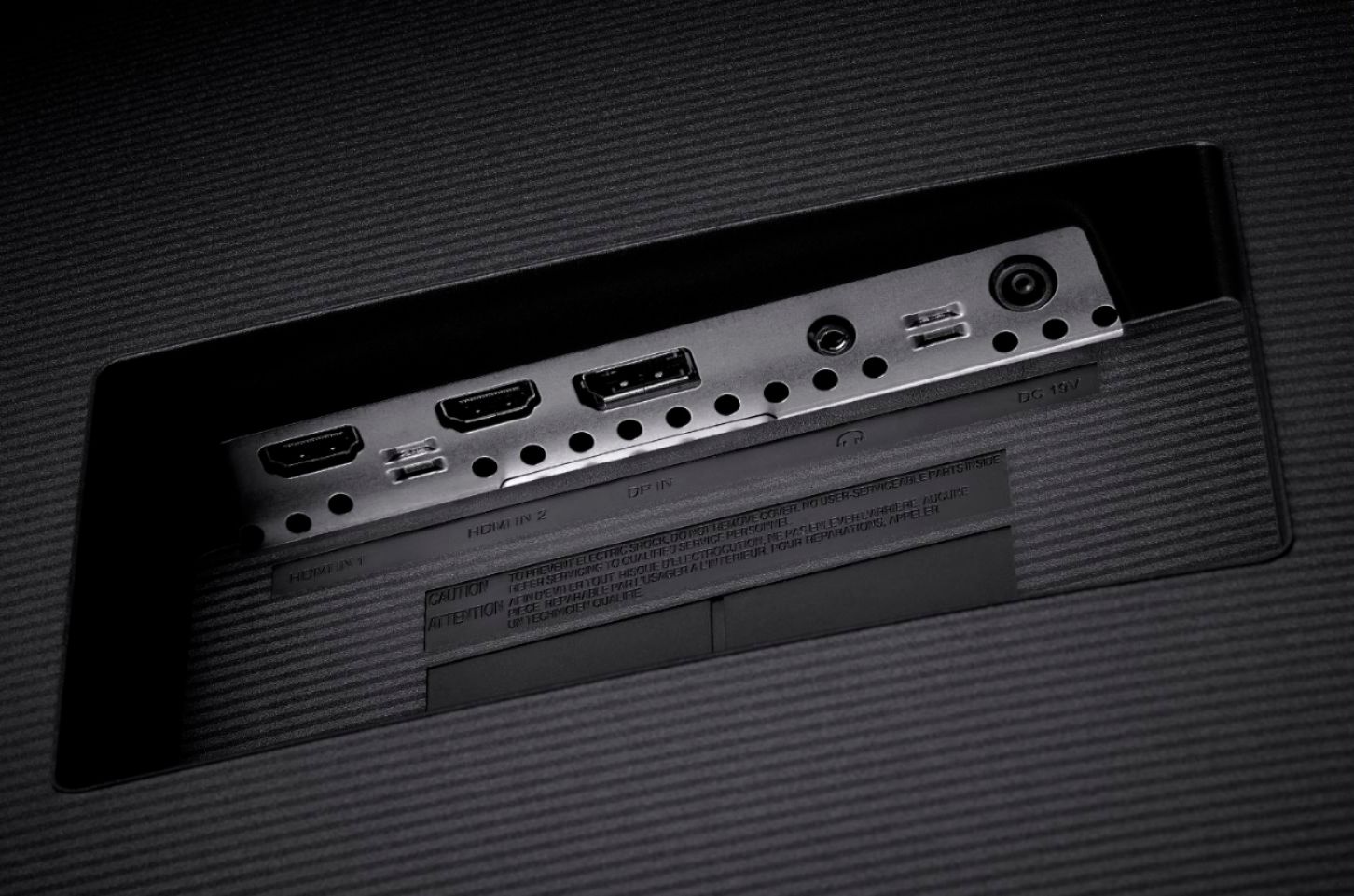
||Posted . Owned for 2 months when reviewed.This reviewer received promo considerations or sweepstakes entry for writing a review.I have been using it a while and never have any issue with it. The 4k image quality is amazing. I would love both of hdmi ports are 4k 60hz, but DP port and one hdmi seem good to me for now. Please use hdmi 2.0 or dp cable in order to see the outstanding performance of this monitor. Otherwise, you are wasting money.
I would recommend this to a friendGood enough
||Posted . Owned for 1 month when reviewed.This reviewer received promo considerations or sweepstakes entry for writing a review.I bought this monitor for the purposes of software development. Large screen, many windows, high resolution. For this purpose it is an excellent value for the price. If I was looking for a graphics based or gaming monitor it would be OK if you were on a budget but it would be worth spending more if you had the wherewithal. For my purposes, good value
I would recommend this to a friendGood Monitor
||Posted . Owned for 9 months when reviewed.This reviewer received promo considerations or sweepstakes entry for writing a review.Enjoy this monitor. The picture is sharp and responsive. I am not a gamer so I do not know how it is for gaming use. The only personal preferences that I do not care for is the control/adjustment/on/off button. I just fine them awkward to use. Also I did not realize that there are no on board speakers. My fault.
I would recommend this to a friendJim E
||Posted . Owned for 1 month when reviewed.This reviewer received promo considerations or sweepstakes entry for writing a review.I purchased 2 of these to use for a dual monitor set up for work. They perform as expected, with flawless operation and great resolution. It was easy to configure the desired screens I wanted, and moving programs from one monitor to the other is simple. Very happy with my purchase. I think there are numerous applications for these.
I would recommend this to a friendGreat for the money
||Posted . Owned for 1 week when reviewed.This reviewer received promo considerations or sweepstakes entry for writing a review.This monitor isn't loaded with options. If you're a photographer and care about RBG and color accuracy, obviously you're not going to waste your time. If you're a gamer, there are better monitors out there. BUT if you're using this for office use and recreational use, this monitor is great. This is actually my 2nd monitor. I use them with monitor arms b/c the stands that come with this monitor only tilt. I can't attest to the sound quality b/c I don't even bother with monitors and their sound. The only downside about this monitor is that it is a VA panel, so if you're looking for an IPS monitor, this aint it.
I would recommend this to a friendGreat monitor for the money
||Posted . Owned for 3 weeks when reviewed.This reviewer received promo considerations or sweepstakes entry for writing a review.There is plenty of hype about which monitor is the best visually. Is it VA, IPS, TN? Well you know what there is probably a difference technically but for most uses any of the formats will work well. Unless you have a specific need for a specific type this monitor will work fine for what you use it for. I use it for photos and editing with Lightroom and Photoshop. This monitor is a bit of a wide gamut monitor, which I wasn't aware of, at least that is what my color calibration device and software told me. That is a plus for the photo community. It also provides me with more real estate to view my large megapixel images and lets me keep them sharp even when getting it tight to edit them. Overall it looks good and the 4ms refresh time isn't an issue for my needs and even if I watch a movie or trailers things look fine with no noticeable artifacts. As with anything this is something that personal preference will dictate how someone feels about the specifications but they really aren't that important in my opinion. As long as the monitor does what you need it to do and looks good it is good. The one small quirk I found was the refresh rate, you have to be sure to use the HDMI 2 port if that is how you're connecting it to get the 60hz refresh rate.
I would recommend this to a friendExcellent value on an excellent product
||Posted . Owned for 1 month when reviewed.This reviewer received promo considerations or sweepstakes entry for writing a review.This monitor is excellent. I needed a quick replacement for my home office when my earlier monitor died a partial death. I wanted a 32 inch that would give me high resolution for working in my Covid hovel. The Samsung was recommended by the team at Best Buy and it works extremely well for my needs. I would buy it again for any computer set up.
I would recommend this to a friendNice Monitor
||Posted . Owned for 3 months when reviewed.This reviewer received promo considerations or sweepstakes entry for writing a review.This was a really nice monitor that I stumbled upon. It had really good specs for a display and the price is reasonable. The unit does both HDMI and display port. One of the best features is that I can switch back and forth between two different PCs using the source button. Settings are easy to use and unit has worked very well for me.
I would recommend this to a friendOverall good monitor
||Posted .This reviewer received promo considerations or sweepstakes entry for writing a review.This item was great to wall mount in my smaller room. I am able to lay down and watch Netflix on it, and it also delivers great quality while gaming. I use it for both pc and console with no problems. One thing I did wish it had was it’s own speakers for when I am watching Netflix. (I had to get a soundbar so I could play movies and tv on it). Other than this one small detail it was great!
I would recommend this to a friendGood value, but blacks could be better.
||Posted . Owned for 2 weeks when reviewed.This reviewer received promo considerations or sweepstakes entry for writing a review.The monitor works well. It is a good size for the price. Seems to match the quality of our smaller TV. You'll want to make sure you check all of your graphics settings for best color. The blacks are much more washed out than I expected even after adjusting the settings.
I would recommend this to a friendExcel Spreadsheets, here I come
||Posted . Owned for 1 month when reviewed.This reviewer received promo considerations or sweepstakes entry for writing a review.I purchased this monitor for the sole purpose of using it as a second monitor for my laptop while working on different reports in Microsoft Excel. Having most of the columns and rows visible at once is very convenient. It's worth every single penny for the time that it saved me at work. It's not that great for gaming though,
I would recommend this to a friendGreat value for the money
||Posted .This reviewer received promo considerations or sweepstakes entry for writing a review.I bought this monitor several years ago an love it. It is a great value for the money! Just finished building a new PC so I bought another one on sale! I plan to connect both to the new PC in a dial monitor setup!
I would recommend this to a friendExcellent bare bones 4K 60Hz monitor
||Posted . Owned for 2 weeks when reviewed.This reviewer received promo considerations or sweepstakes entry for writing a review.Excellent monitor, great picture quality. Could use more adjustment in the stand and lacks HDR, but overall very satisfied. Wouldn’t buy this to game on, but for general browsing, media consumption, and workstation use, it’s excellent! One pet peeve, they include 2 x HDMI but only one of them is HDMI 2.0, and the other is HDMI 1.4, neither of which are labeled on the monitor itself (refer to the manual). So if you want full 4K 60Hz make sure you use the HDMI 2.0 port! The HDMI 1.4 port will only work up to 4K 30Hz. Cost cutting measure that shouldn’t be there in my opinion, but it is what it is. Still a massive upgrade over the Insignia 32” 1080p HDTV it replaced!
I would recommend this to a friendGood monitor for general purpose
||Posted . Owned for 3 weeks when reviewed.This reviewer received promo considerations or sweepstakes entry for writing a review.Got this fir my laptop. It’s quite large. Graphics are good. Refresh rate is fast enough. Wuality fir price is good. All around a good monitor. Only slight setback is its limited brightness. I have Dell monitors that appear to be a little brighter. Although I did not place them side by side to compare.
I would recommend this to a friendGreat quality and resolution
||Posted . Owned for 1 year when reviewed.This reviewer received promo considerations or sweepstakes entry for writing a review.I've had it for over two years now and the quality is amazing. I have it mounted on vesa and use it mostly for work with my 16" MacBook Pro. 4K resolution is great. My small regular monitor looks really blurry next to this one. I'm thinking about purchasing one more to have two matching monitors.
I would recommend this to a friendgood monitor for work
||Posted . Owned for 3 weeks when reviewed.This reviewer received promo considerations or sweepstakes entry for writing a review.Very good monitor for work. For what I am doing it's perfect and move from 24' to 32' is really great with lots more space to work with. Unfortunately, only do 60hz through HDMI 2, it will be better if both HDMI port support 60hz. I think for the price point, it is a good value, great Size and resolution
I would recommend this to a friendDecent 4K monitor for a home office
||Posted . Owned for 1 month when reviewed.This reviewer received promo considerations or sweepstakes entry for writing a review.I mainly use this for software development during the work day and watching Hulu, Prime Video, and Netflix in the evenings. For my particular usage cases, this monitor is more than adequate. After finally having a 4K display for software development, I cannot say enough about how amazing it is to get more space on a single screen to view merge conflicts, compare files, check db schemas along side code, and have other reference material on the same screen as my editor!! This monitor works great as a second display (used as primary display) with a docked laptop or tablet. The only thing I don't like too much about it is the weird "joystick" style button on the back that controls everything. It's not horrible, but it would be nice if the video source could be changed with one press.
I would recommend this to a friend