Customer Ratings & Reviews








- Model:
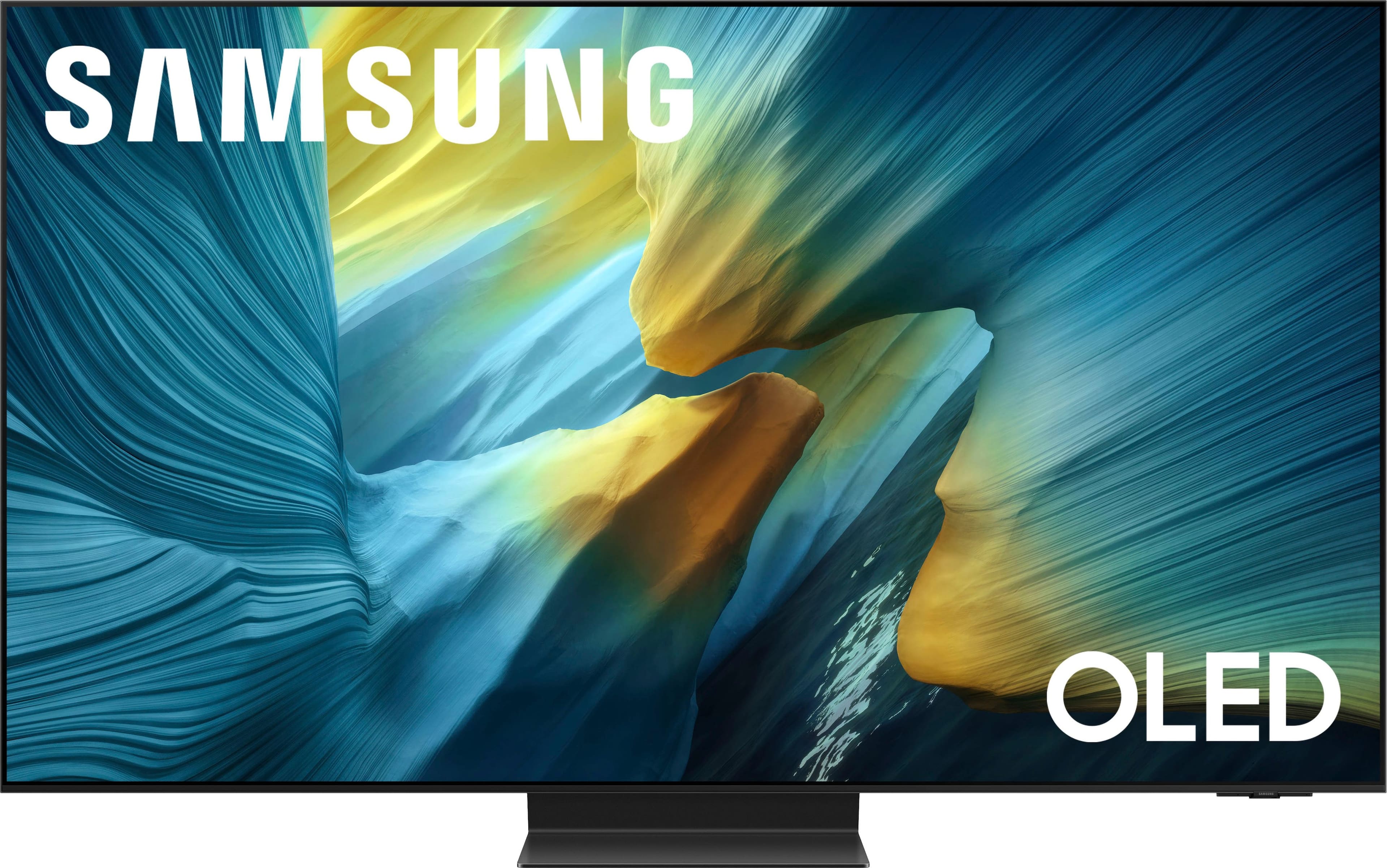
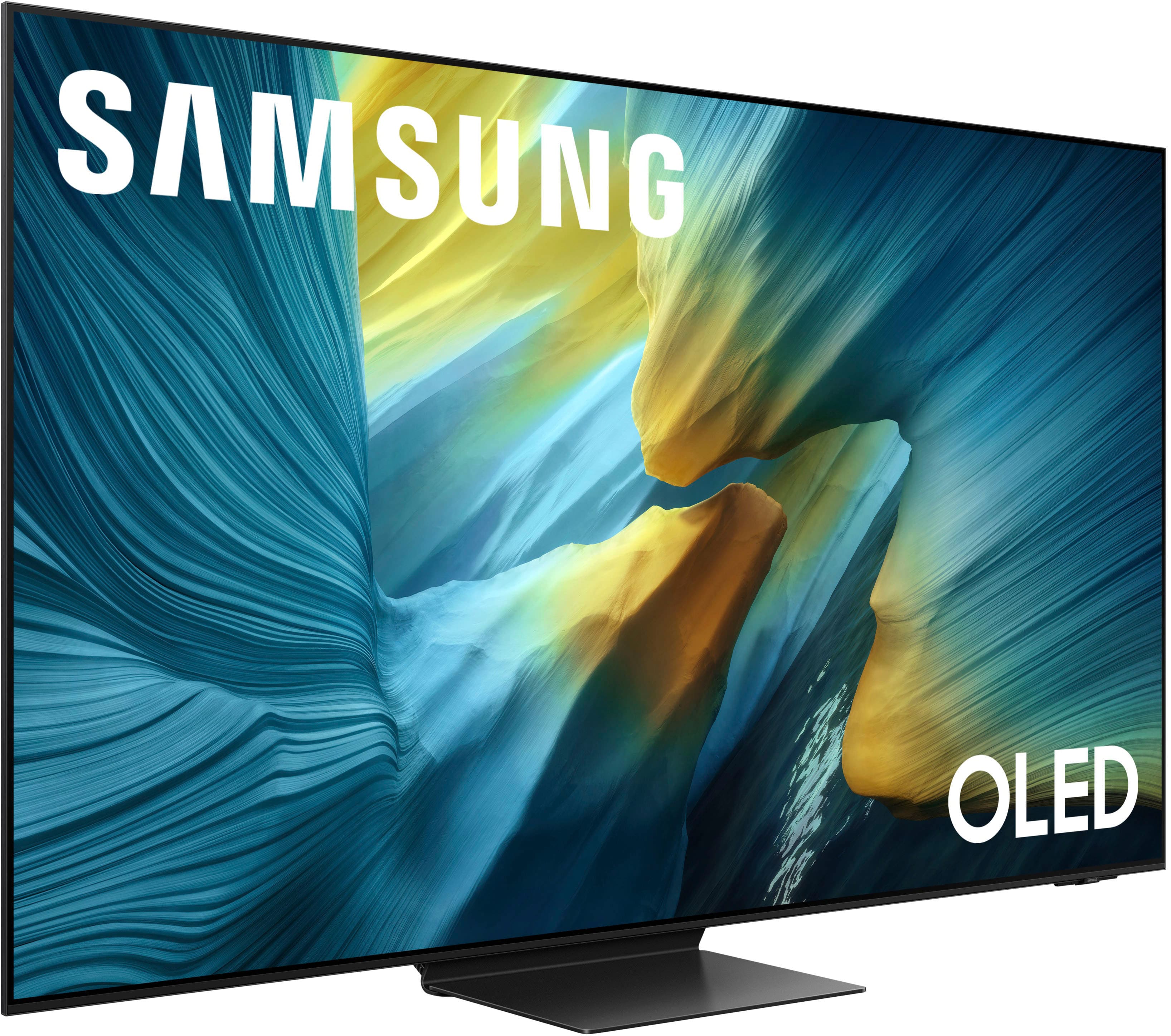
- QN55S95FAFXZA
- SKU:
- 10313307
Rating by feature
- Picture Quality
Rating 4.9 out of 5 stars
- Sound Quality
Rating 4.6 out of 5 stars
- Brightness
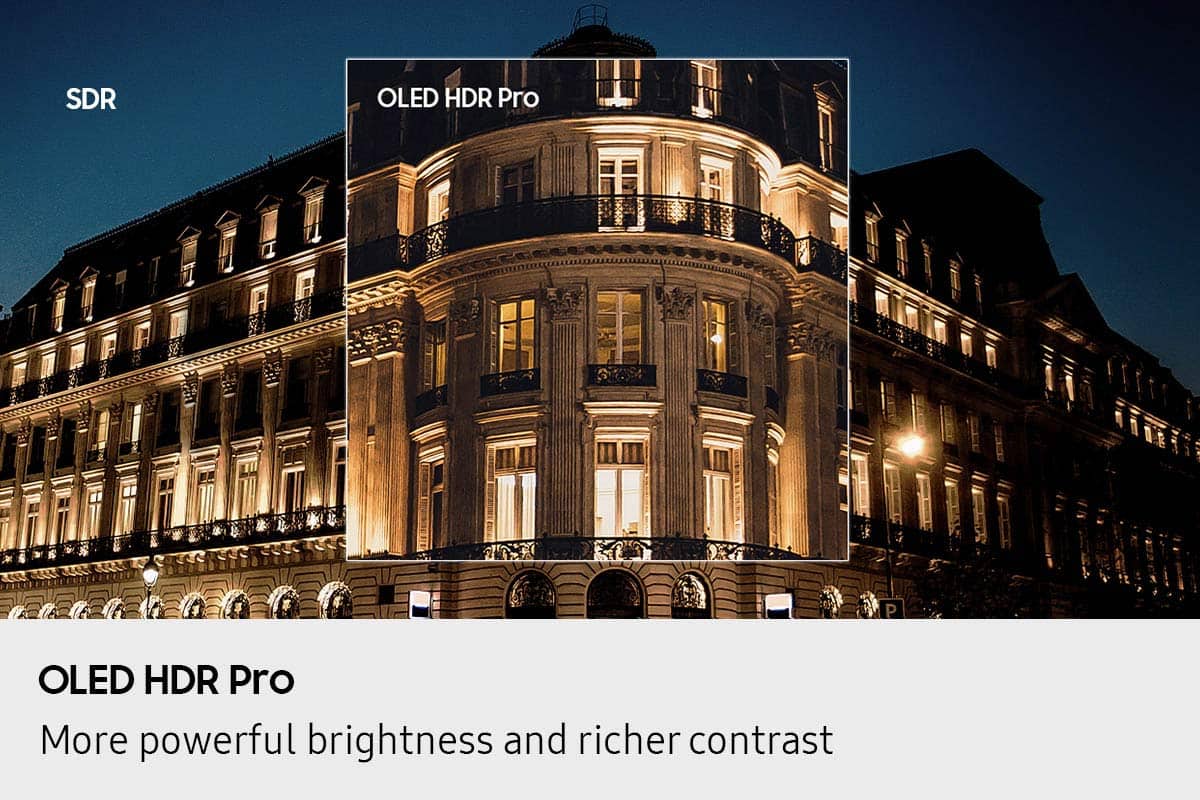
Rating 4.9 out of 5 stars
Top of the line TV.
||Posted . Owned for 3 weeks when reviewed.This reviewer received promo considerations or sweepstakes entry for writing a review.You can literally have any kind of picture you want with this TV, the adjustments and things that you can do with this TV are endless, actually, it is more of a computer than a TV, it has the best picture that I've ever seen on any TV, and the sound is also very good, I'm very pleased with this TV, about the only thing that I would like to see changed is the remote that comes with the TV, it has a solar panel and is rechargeable via a type C USB cable, I prefer the batteries that you can change out, but, in spite of that the TV easily pairs with just about any other remote, I highly recommend this TV.
I would recommend this to a friendAmazing TV
||Posted . Owned for 3 weeks when reviewed.This reviewer received promo considerations or sweepstakes entry for writing a review.This Samsung TV is great. I didn't completely understand OLED until I saw it demonstrated on the wall. The clarity is amazing. The picture is as clear as you can possibility ask for. I watched a sporting event and the colors really stood out. Once you turn it on, set up was fairly simple.
I would recommend this to a friendWow! What a difference!
||Posted .This reviewer received promo considerations or sweepstakes entry for writing a review.Wow! What a difference between the new OLED technology and my 15 year old plasma TV. So bright. Such vivid colors. And a great viewing angle. Love Samsung because of the Samsung TV channels that are included. Sound is ok, but paired up with my receiver for better sound when watching movies.
I would recommend this to a friendNo glare and great picture!
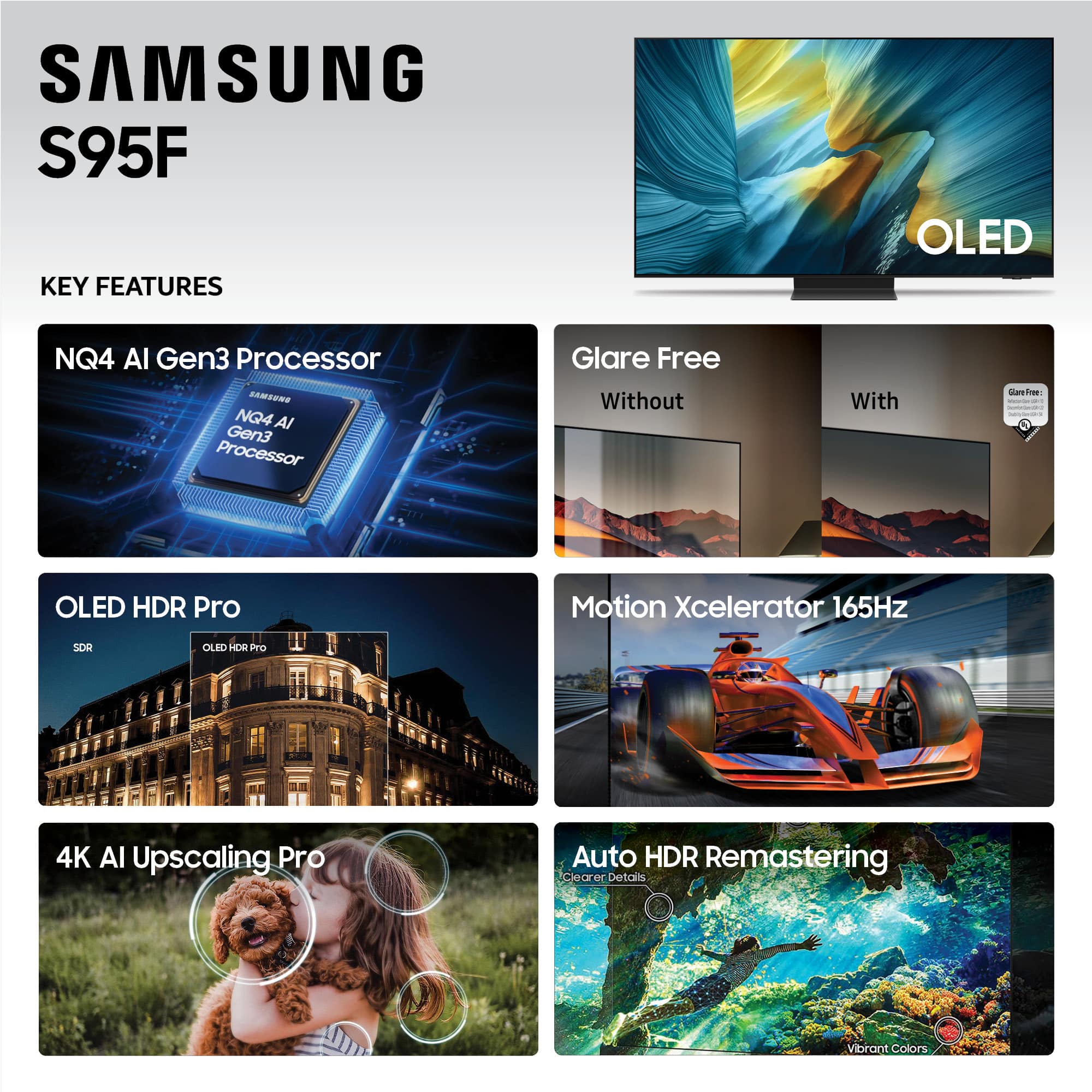
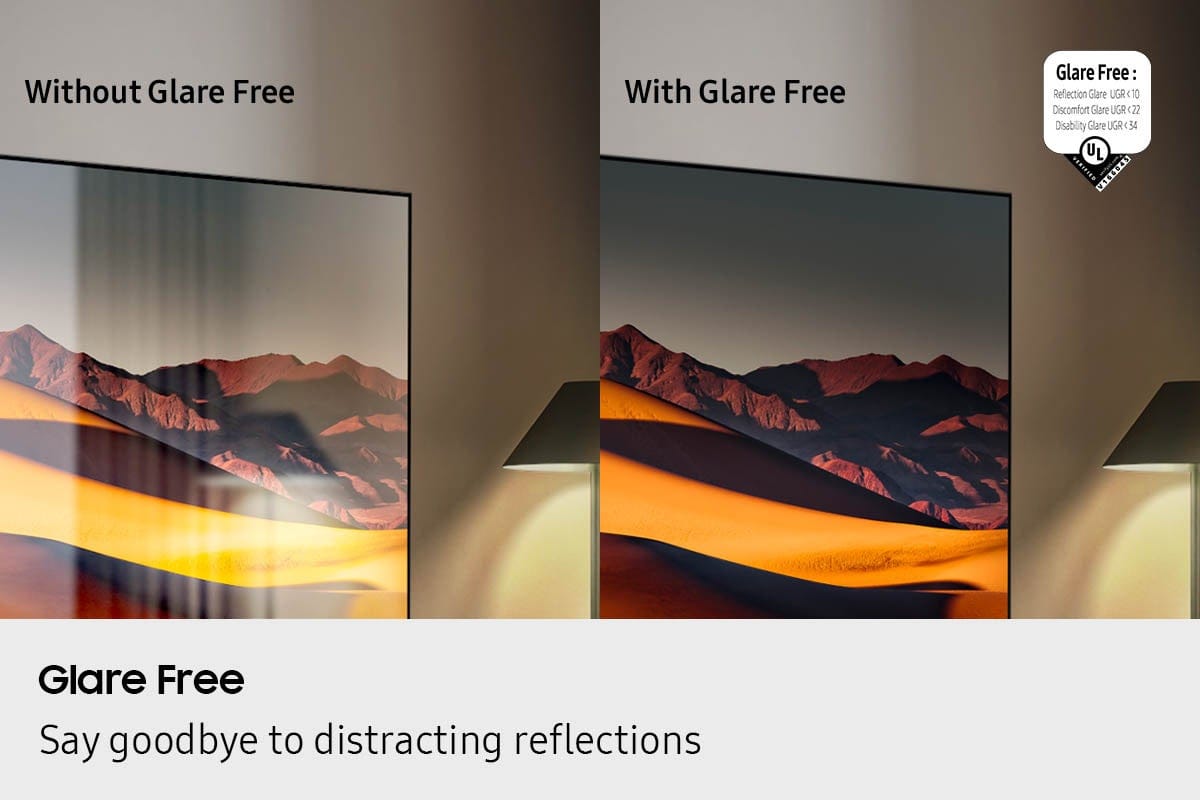
||Posted .This reviewer received promo considerations or sweepstakes entry for writing a review.This television is everything I had hoped for. It’s the perfect size for my space, beautiful picture. I especially appreciate that in my sunny room there is no glare.
I would recommend this to a friendFlawless
||Posted .This reviewer received promo considerations or sweepstakes entry for writing a review.The Samsung S95F is flawless -- picture quality, design, and ease of use. I purchased the additional installation service and the two young men on the Geek Squad were delightful -- knowledgeable, efficient, with impeccable customer service skills. This was a most pleasant experience.
I would recommend this to a friendDELIGHTED CUSTOMER
||Posted . Owned for 1 month when reviewed.This reviewer received promo considerations or sweepstakes entry for writing a review.Just when you thought your TV picture was great, Samsung brings much greater viewing/colors/contrast... This OLED series 95 viewing and sound is GREAT!!
I would recommend this to a friendSamsung OLED TV
||Posted . Owned for 1 week when reviewed.This reviewer received promo considerations or sweepstakes entry for writing a review.My Samsung S95F 55” OLED TV is awesome. The colors just pop out with amazing clarity. And the sound bar I also purchased is top notch stereo. The service and advice o received from Best Buy were first class.
I would recommend this to a friendAmazing image
||Posted . Owned for 1 month when reviewed.This reviewer received promo considerations or sweepstakes entry for writing a review.Amazing image and love the glare free screen. I have lots of windows and now the light does not bother me. Highly recommended. V
I would recommend this to a friend55” Samsung TV
||Posted . Owned for 3 weeks when reviewed.This reviewer received promo considerations or sweepstakes entry for writing a review.Love this tv! Great pic, great sound! Has no glare! No lamps, lights showing in tv while watching!
I would recommend this to a friend
Love this TV
|Posted . Owned for 1 month when reviewed.This reviewer received promo considerations or sweepstakes entry for writing a review.Phenomenal tv, had the 55" and 77" for a few months with the 990f soundbar solid sound experience with qsymphony. Got some music frames to go along with my 55" with the S60D soundbar so far the only thing I've notice is they struggle when not paired with a 2.4ghz network first then transfered to the 5ghz. But far as the TVs no complaints at all. Crystal clear quality at 4k, stable 4k upscaling, bring the QD-OLED to all Models except the S85 Samsung.
I would recommend this to a friendGreat TV
||Posted .This reviewer received promo considerations or sweepstakes entry for writing a review.Great picture, thin, easy to setup up. Menus take a little learning but easy enough.
I would recommend this to a friendAwesome Tv
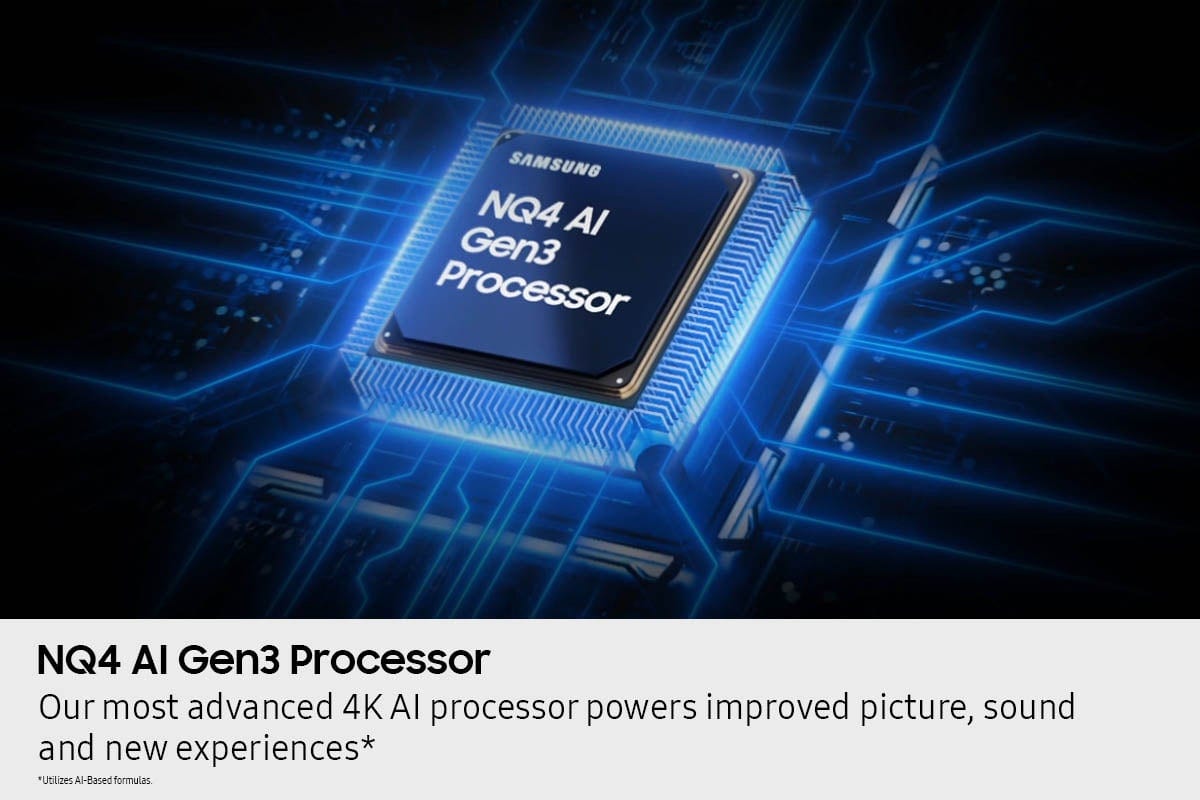
||Posted . Owned for 2 weeks when reviewed.This reviewer received promo considerations or sweepstakes entry for writing a review.The improved Anti-Glare is amazing. I also turned off all the AI features (personal choice) I found the AI features to be a little heavy handed.
I would recommend this to a friendAwesome Picture Quality
||Posted . Owned for 3 weeks when reviewed.This reviewer received promo considerations or sweepstakes entry for writing a review.Purchased this unit to replace my 15 year old Samsung. It was a little hard to pay this amount but the color and picture quality are outstanding. Even old DVD movies seem to look better with upscaling. I like being able to pair headphones to not disturb anyone at night. I’m old fashioned but I like the older remote with the buttons accessible there vs menu searching. I’m still learning some of the features that can be used. The Samsung live TV streaming has several good channels as we cut cable 15 years ago.
I would recommend this to a friendMatte screen saves the day
||Posted .This reviewer received promo considerations or sweepstakes entry for writing a review.Opposite our TV is a very large picture window (approx 6’x8’) facing west, so we get a lot of sunlight. Previously it was challenging to watch TV or game during the day. Matte screen baby! Problem solved. Gaming now with curtains fully open. My only complaint so far: shadow detail could be better in very dark scenes. But, we saw this on other high end OLEDs that we had considered.
I would recommend this to a friendSamsung 55'' Smart TV
||Posted . Owned for 1 month when reviewed.This reviewer received promo considerations or sweepstakes entry for writing a review.Love the product. Am still learning everything it has to offer. The remote and I are having some difficulty, however, I'm sure it's the user and not the piece of equipment. Picture clearness is fantastic and I use it on antenna at times and it is still super in clarity.
I would recommend this to a friendBest upgrade available
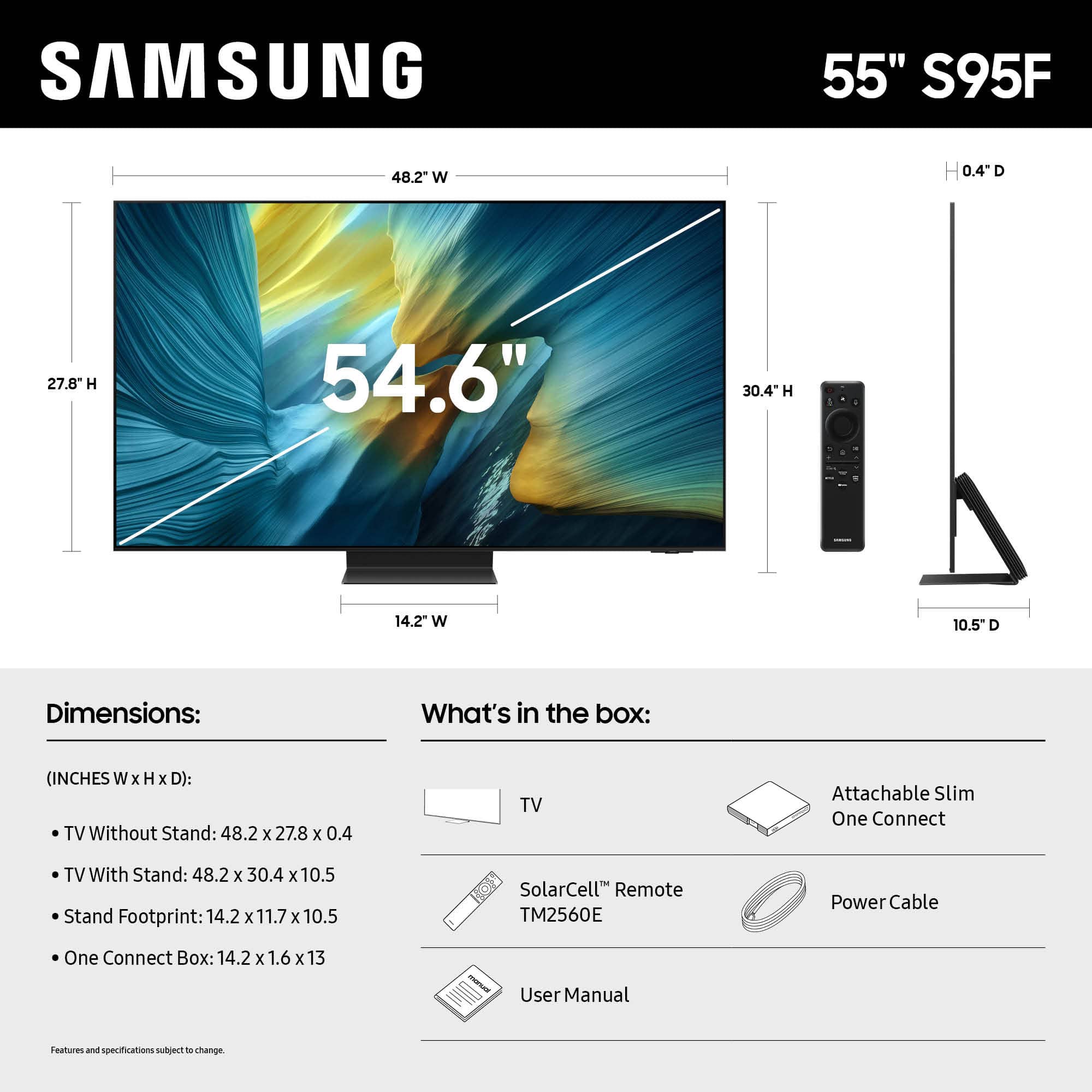
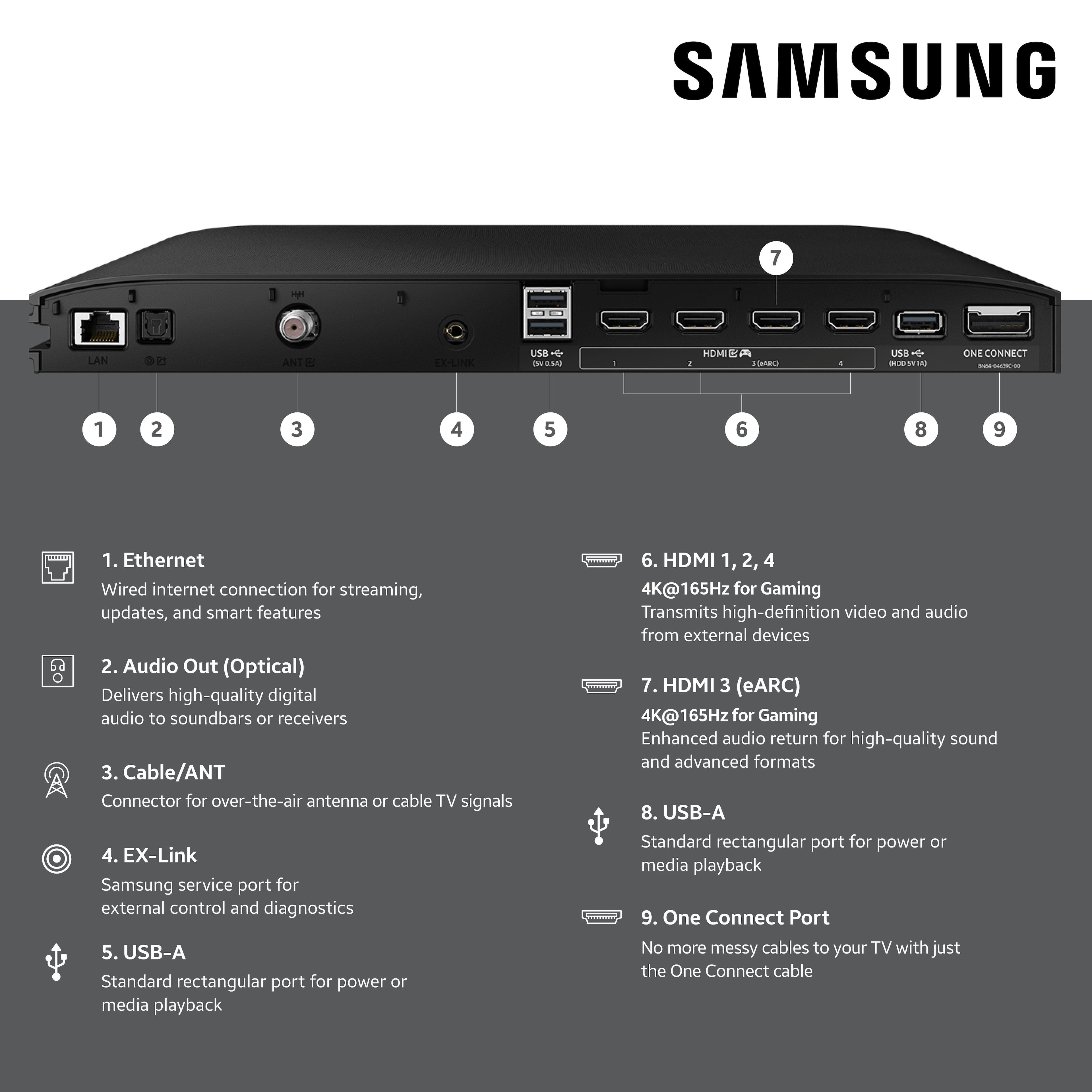
||Posted . Owned for 3 weeks when reviewed.This reviewer received promo considerations or sweepstakes entry for writing a review.Colors are great. Interface is a little annoying with no input button on the remote itself so youre forced to navigate the menus to swap around inputs. The setup was okay? I had to find a video on youtube because the stand came in 3 pieces maybe not an issue if youre wall mounting. Overall good tv great picture quality. I use it for gaming and netflix so far so good.
I would recommend this to a friendBrand response from Samsung
Posted .Hi,
We appreciate you sharing your experience. To help you get the most from your TV and remote functions, you can download the full e-Manual and more by visiting Samsung’s website then navigating to: Support > Manual & Software > TVs & Home Theater. From there, you can search for and select your S95F TV model to view or download the available guides.
The e-Manual & Remote Control Guide are also conveniently built into your TV: Settings > Support > Tips and User Guides.
For additional guidance, your TV also includes Accessibility features designed to assist with navigation and remote use.
• Learn Menu Screen provides audio guidance for on-screen menus by announcing the name and function of each item as you scroll – without making any changes. This is especially helpful for users who are visually impaired or new to Smart TV menus. Enable via: Settings > All Settings > General & Privacy > Accessibility > Learn Menu Screen. To exit, press the Return key twice.
• Learn TV Remote helps users become familiar with the layout and function of each button on the Samsung remote. Pressing a button (other than Power) will prompt the TV to announce its name and purpose, again without affecting TV operation. Enable via: Settings > All Settings > General & Privacy > Accessibility > Learn TV Remote. To exit, press the Return key twice.
If you’d like more assistance with these features, please reach Samsung Support at 1-800-SAMSUNG, available 8AM – 12AM EST, 7 days a week. LiveChat agents are also available through the ‘Support’ link on our website.
~ Samsung Specialist
Best Buy - Continuing Quality & Service
||Posted .This reviewer received promo considerations or sweepstakes entry for writing a review.Just wanted to mention that my recent Samsung tv purchase, performance, Best Buy Black Friday pricing and customer home delivery were just as great and reliable as my purchase of the same top-of-line model 15 years ago!
I would recommend this to a friendBuy it, You'll like it.
||Posted . Owned for 1 month when reviewed.This reviewer received promo considerations or sweepstakes entry for writing a review.Really great color, brightness and ease of diff apps. Good price for the quality.
I would recommend this to a friendGreat Customer Service
||Posted . Owned for 1 week when reviewed.This reviewer received promo considerations or sweepstakes entry for writing a review.The Bestbuy team always does a great job of offering low pressure advice and guidance on all purchases. I have purchased many different appliances and AV equipment. This purchase was for a new OLED TV. The explanation and comparison of the different products we perfect. We were able to purchase a great product at a great price. Thank you Best Buy.
I would recommend this to a friendOUTSTANDING
||Posted .This reviewer received promo considerations or sweepstakes entry for writing a review.Unbelievably clear picture!! Beautiful and makes you feel like you are there. So bright
I would recommend this to a friend