Customer Ratings & Reviews
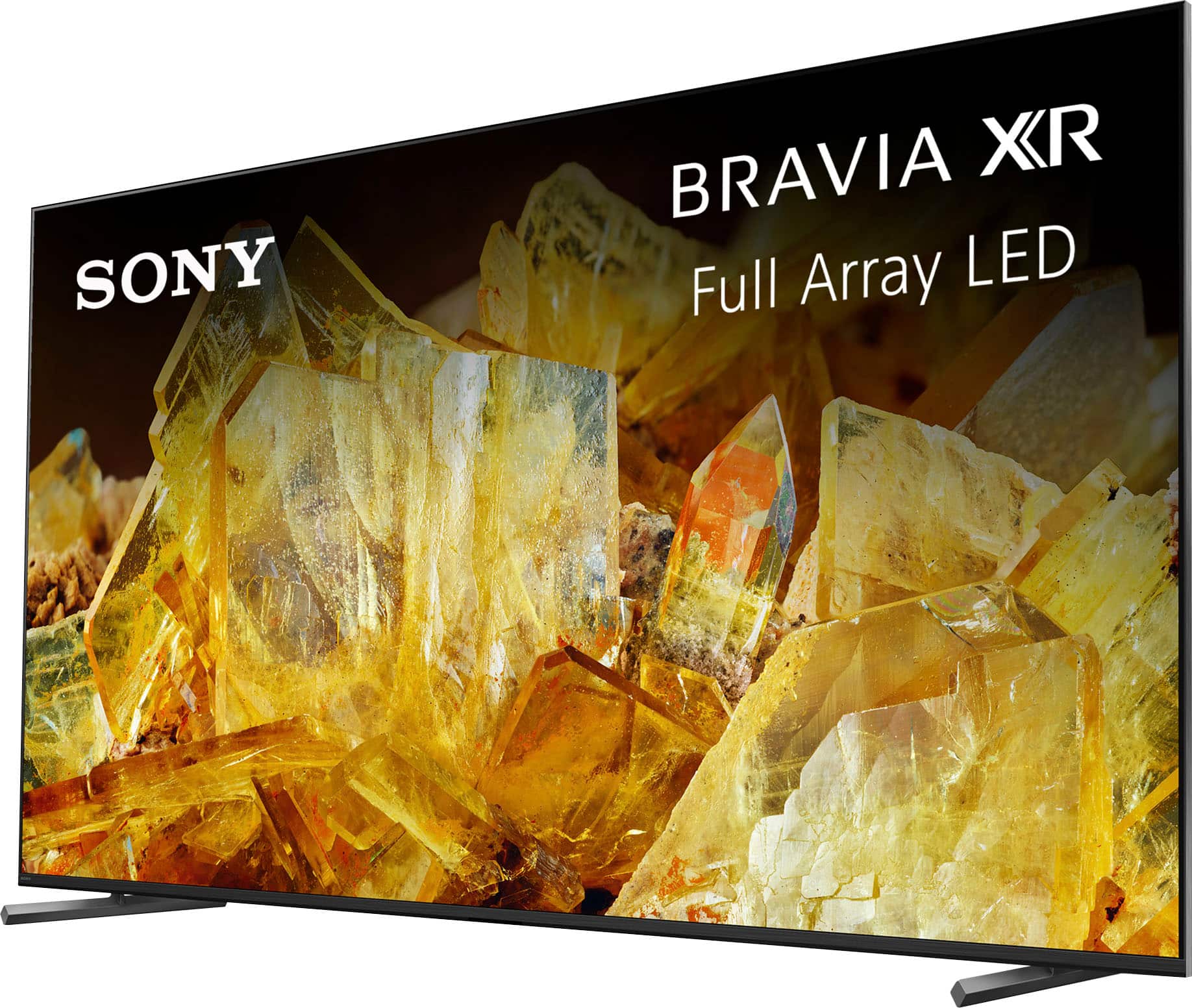
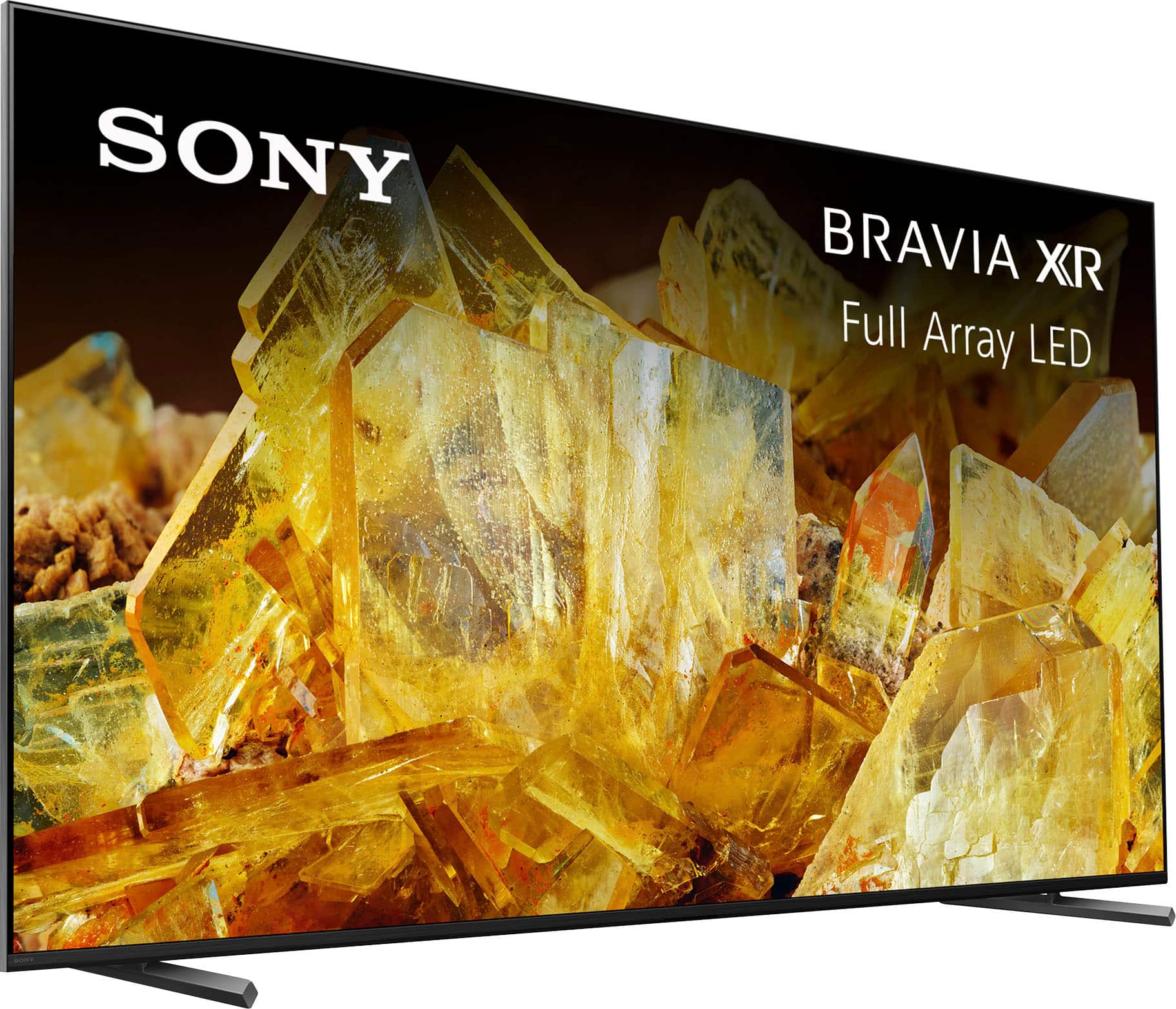
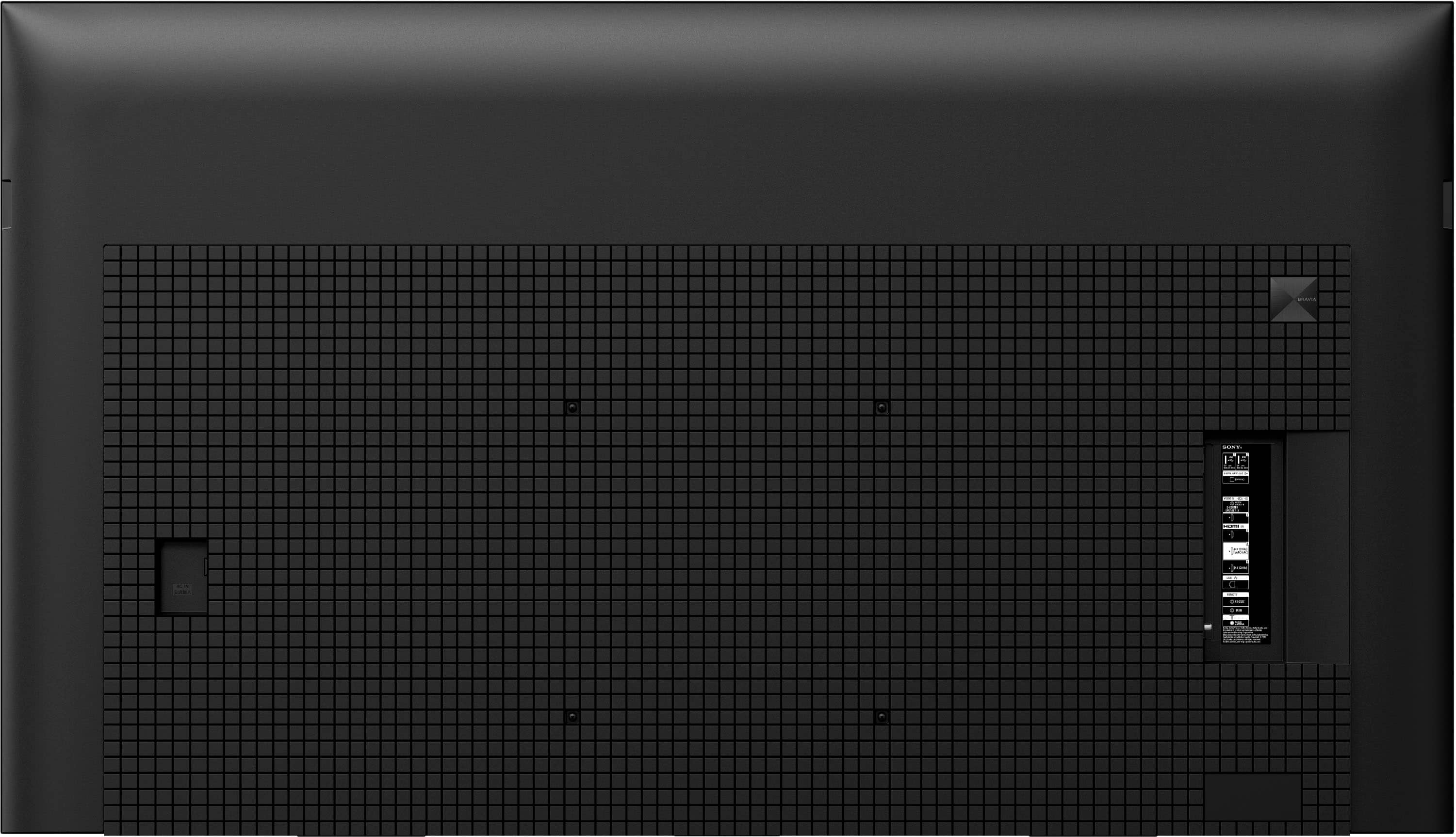
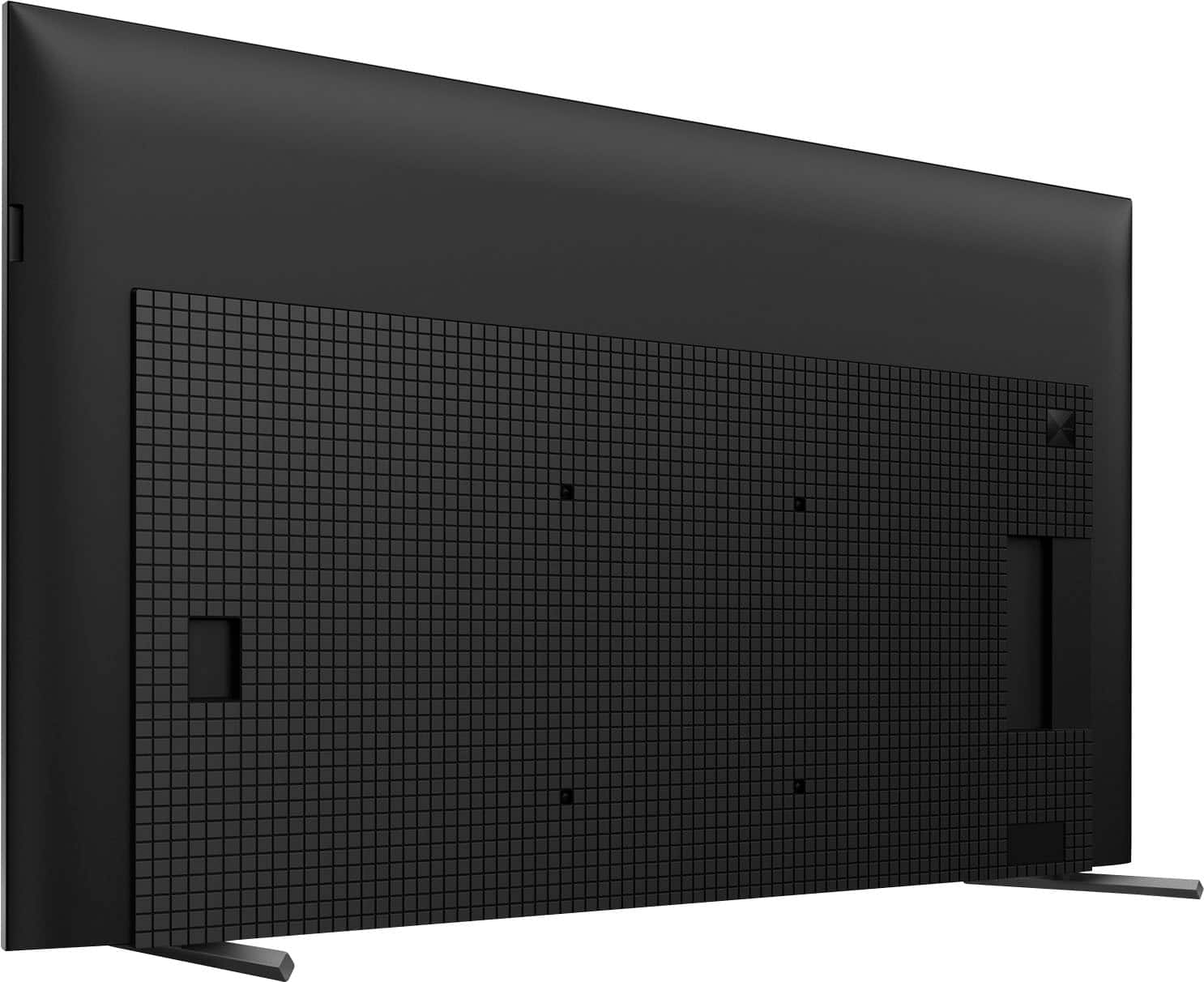
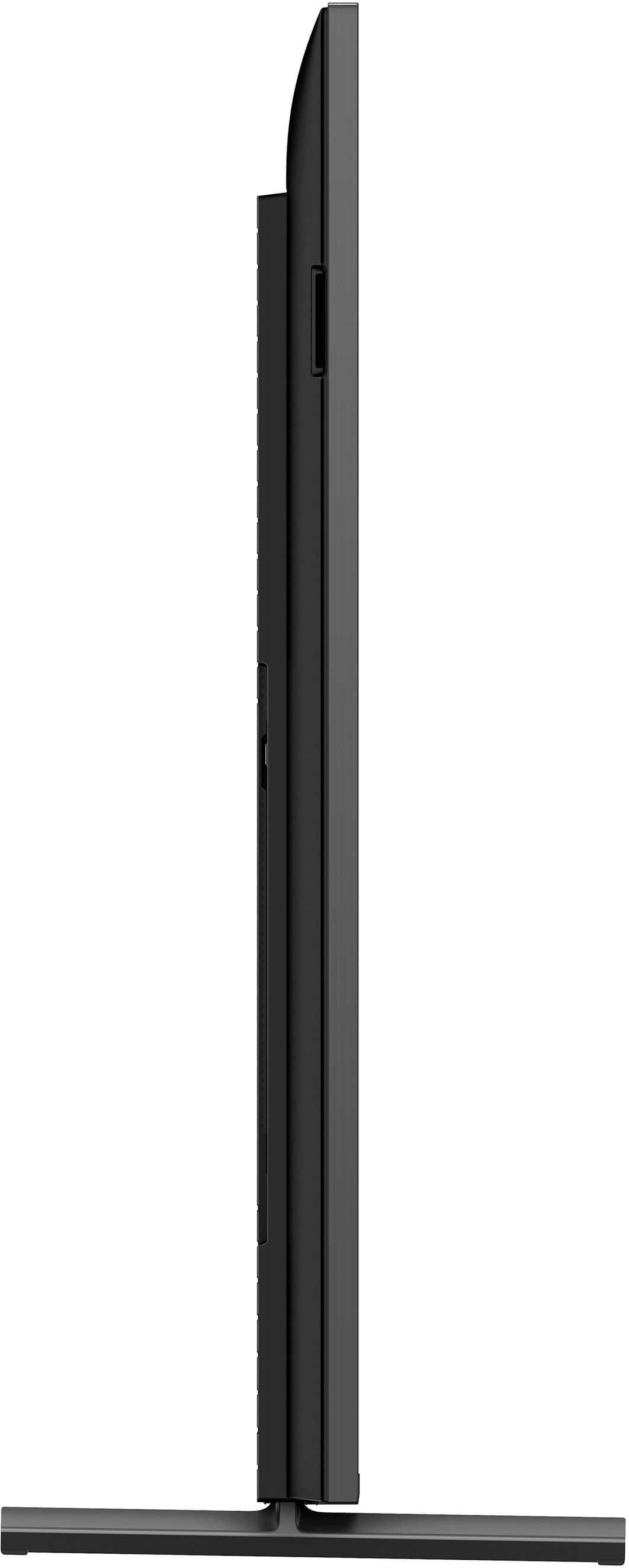
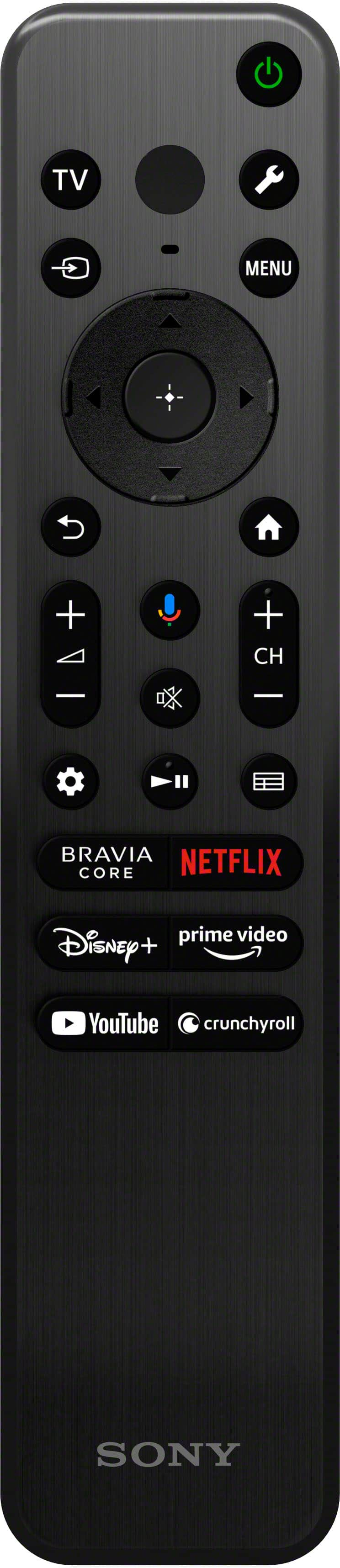
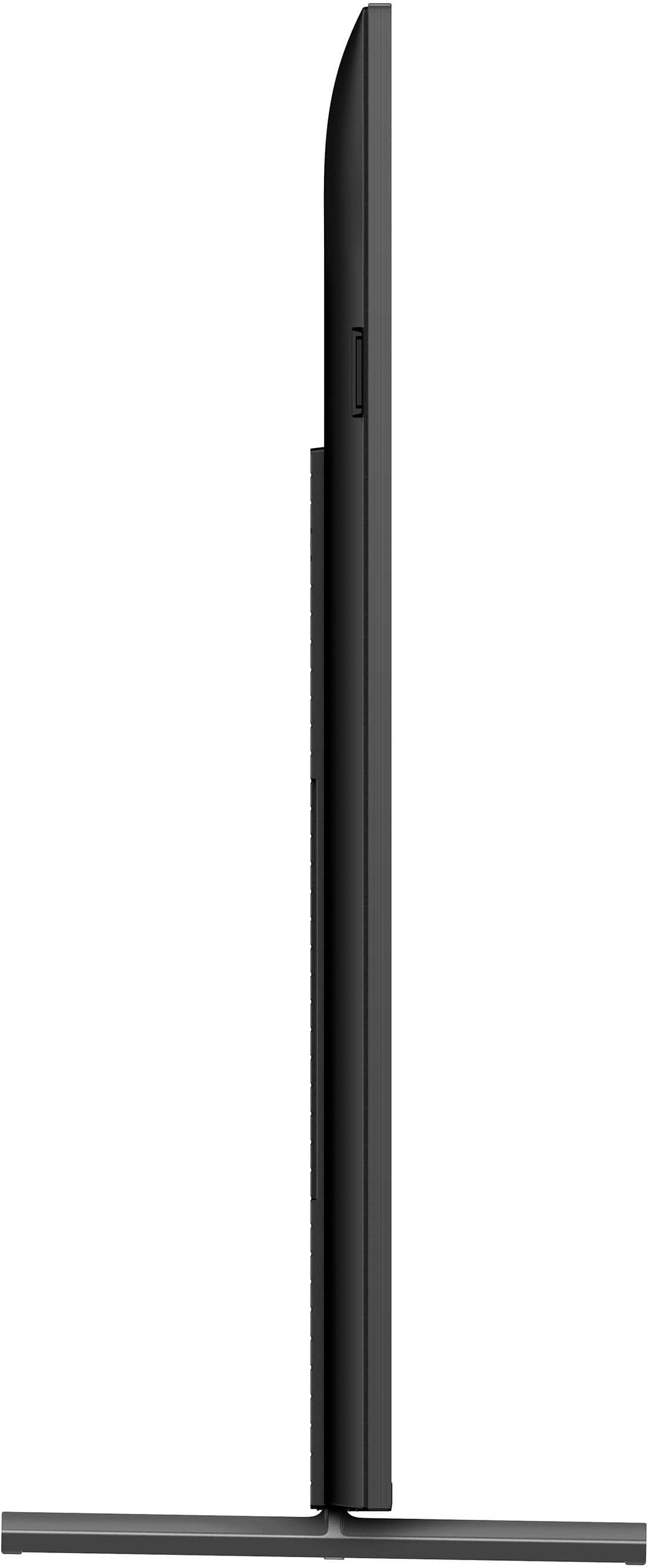












- Model:
- XR75X90L
- SKU:
- 6544735
Rating by feature
- Picture Quality
Rating 4.9 out of 5 stars
- Sound Quality
Rating 4.6 out of 5 stars
- Brightness
Rating 4.9 out of 5 stars
Customers are saying
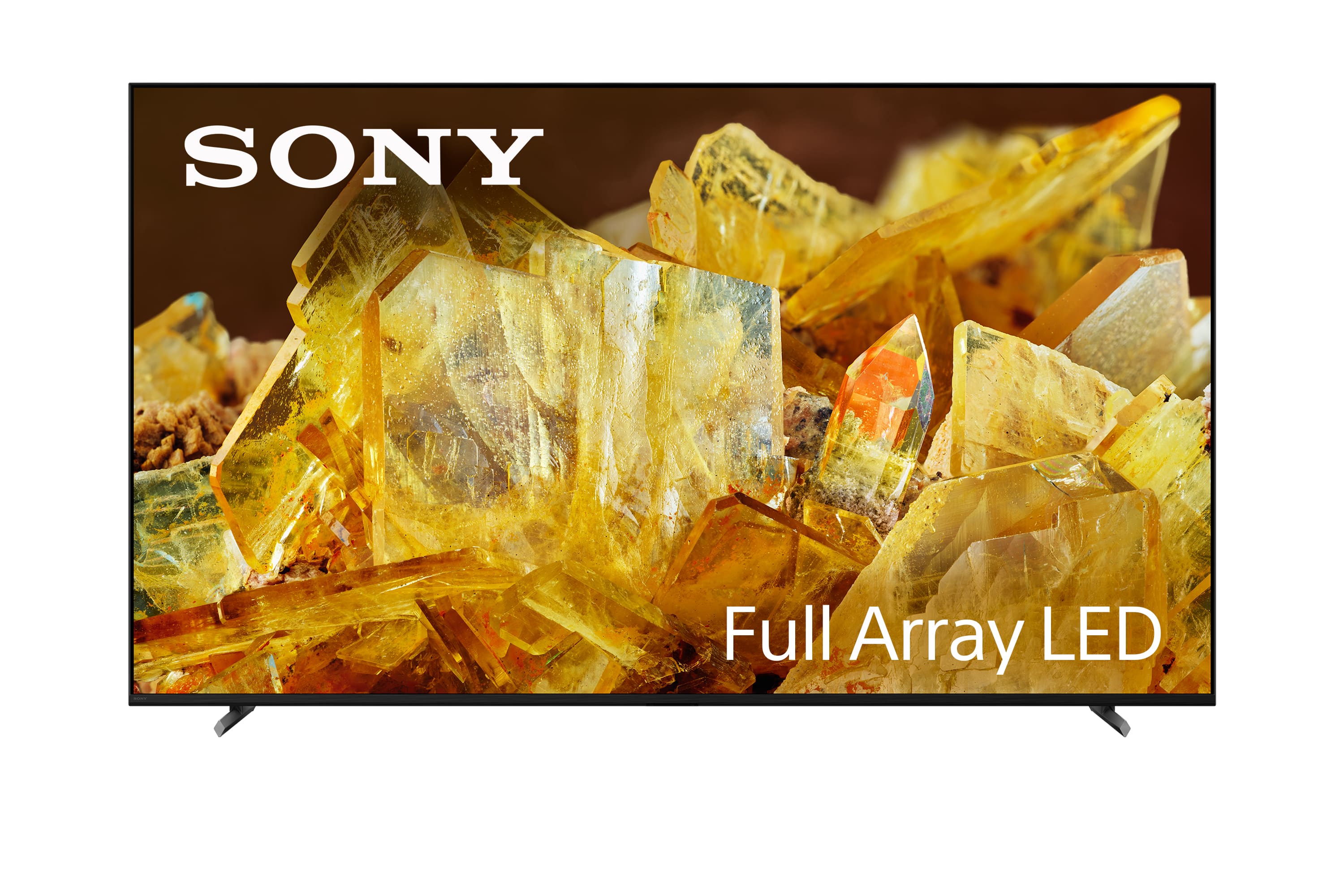
Customers regard the 75" Class BRAVIA XR X90L as having incredible picture quality, vivid color, and ease of use. Some appreciate the TV quality and price, especially when on sale, as well as the refresh rate. However, some customers have noted the TV is a bit heavy, and the remote control could be more user-friendly. Additionally, a few have mentioned blooming and concerns about viewing angles.
This summary was generated by AI based on customer reviews.
Worth it!
||Posted . Owned for 1 month when reviewed.This reviewer received promo considerations or sweepstakes entry for writing a review.Works perfectly fine. I love playing my games on it.
I would recommend this to a friendBrand response from SonyListens
Posted .Hi ShakiraP,
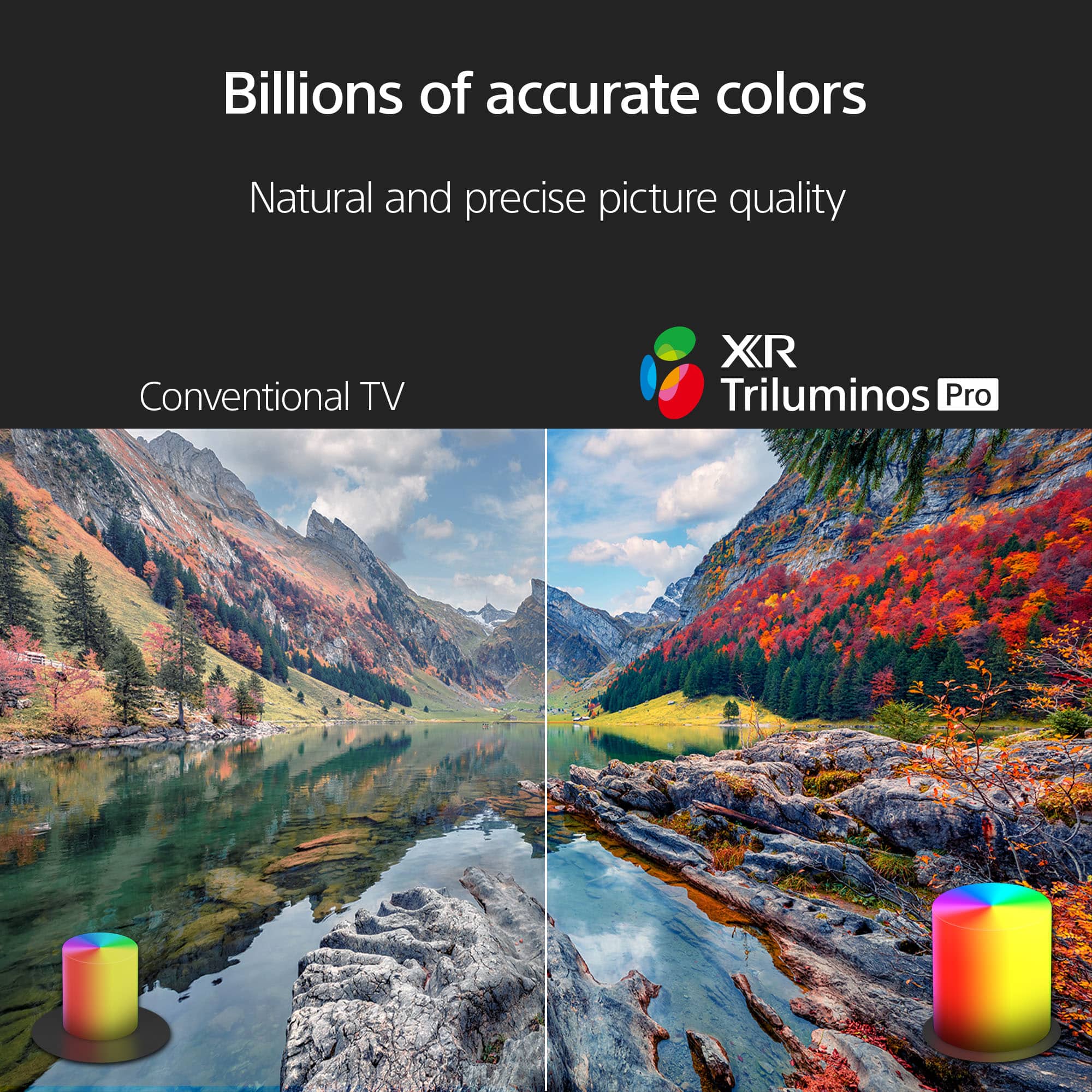
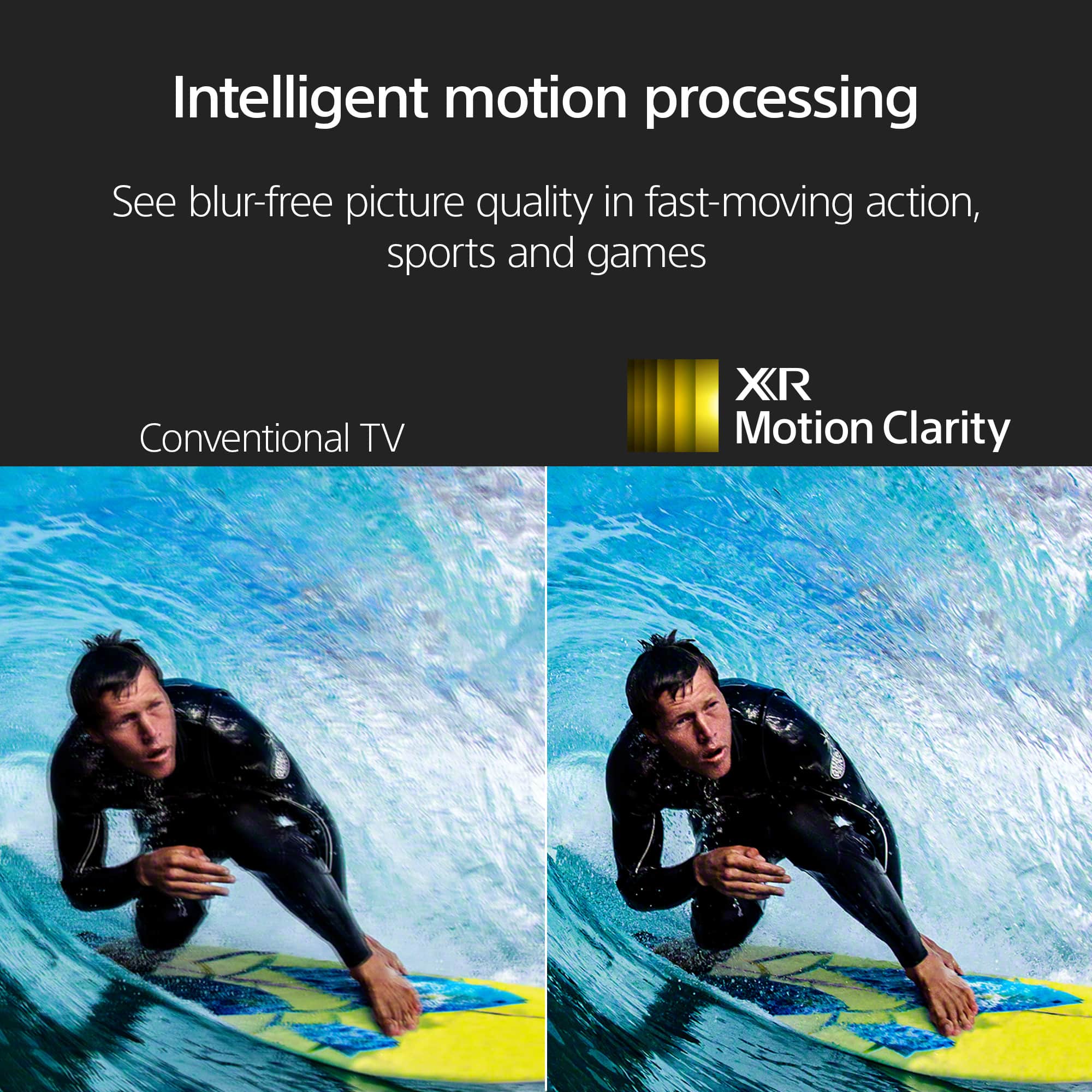
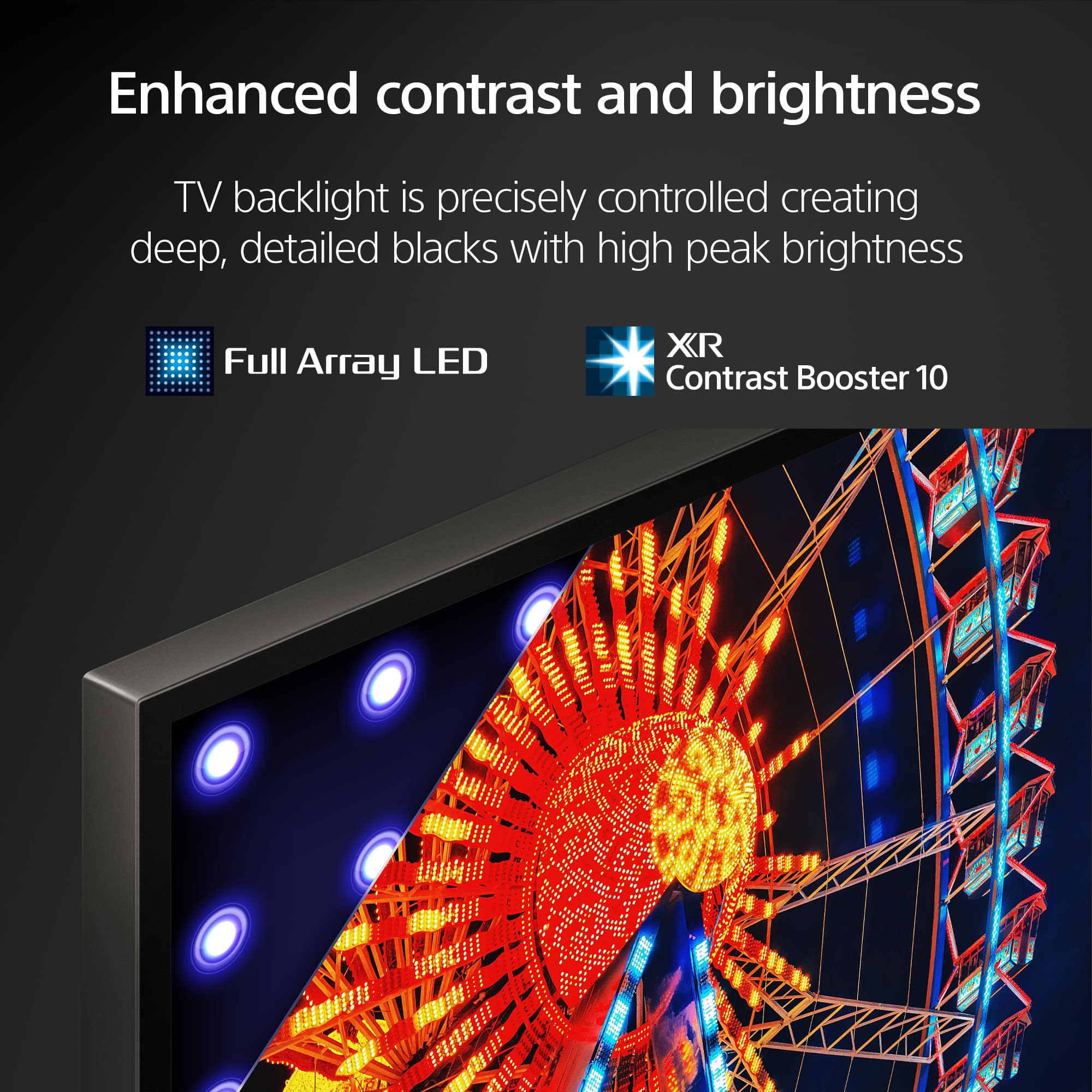
Awesome! We're glad we were able to give you a good match for your viewing and gaming needs. With Sony X90L, see breathtakingly beautiful pictures full of realistic depth on our Full Array LED screen powered by Cognitive Processor XR. Hear sound straight from the screen, perfectly matching the action. Cognitive Processor XR™ turns any sound immersive with more precise sound position. And with 4K/120fps, a Variable Refresh Rate and Auto Low Latency Mode, our TVs give you smooth and clear movement for responsive gameplay. Thank you for choosing Sony! - Kris
Great experience
||Posted . Owned for 1 month when reviewed.This reviewer received promo considerations or sweepstakes entry for writing a review.Fabulous installation. Yiur guys were polite and efficient
I would recommend this to a friendBrand response from SonyListens
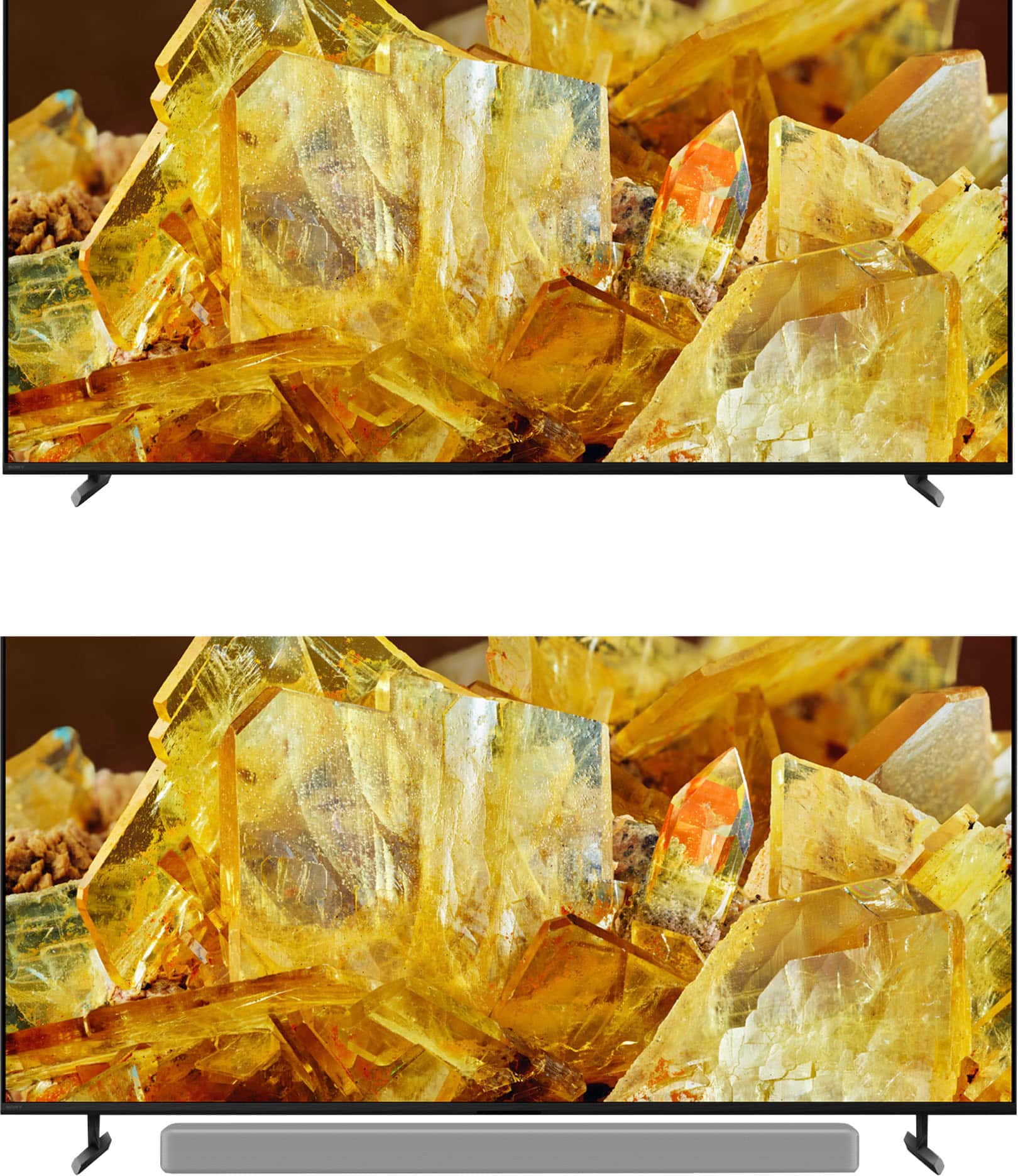
Posted .Hi Phone, we're glad you had a wonderful experience with your purchase! Enjoy your new TV! See a vivid, crisp picture while you watch and game, all enhanced by Full Array LED and powered by the intelligent Cognitive Processor XR. Hear sound straight from the screen, perfectly matching the action. Cognitive Processor XR™ turns any sound immersive with more precise sound position. Our minimalist One Slate design fuses screen and bezel into a single slate, minimizing noise and maximizing your viewing experience. Seamless Edge, available for the first time in this class of BRAVIA™, gives the TV an extremely slim, sophisticated look. Thanks for choosing Sony! ~Earl
- Cons mentioned:Blooming
X90L
||Posted . Owned for 2 weeks when reviewed.This reviewer received promo considerations or sweepstakes entry for writing a review.Picked this TV up during black Friday after doing my research and was underwhelmed. It suffers from a lot of blooming. It always disconnects from the WiFi. The picture isn’t all that great. I owned for a week and returned it for the Samsung S90d for $100 more.
No, I would not recommend this to a friendBrand response from SonyListens
Posted .Hi Mike,
Thank you for sharing your feedback, and we are sorry to hear that your Sony BRAVIA XR X90L TV didn't meet your expectations. For your concern like blooming, Wi-Fi issues, and optimizing picture quality, you may visit the links below for the troubleshooting steps:
1. Cloudy, white shadows, vertical bands or uneven bright areas when there's no input or when viewing very dark scenes: https://www.sony.com/electronics/support/articles/00030311
2. The Android TV Wi-Fi signal drops or intermittently disconnects from the internet: https://www.sony.com/electronics/support/articles/00184183?utm_source
3. Adjust the picture settings on your Android TV: https://www.sony.com/electronics/support/articles/00190409?utm_source
We hope these steps improve your experience. If you continue to have issues, Please email the below information to [email protected].
Apologies if you disclosed some of this information in your review and to customer service, we just want to ensure that we have your accurate details at the time of communication.
Full Name:
Best Buy Username:
Telephone Number:
Sony TV Model Number:
Additional Information regarding your experience with your BRAVIA TV:
Thank you for your patience, and we look forward to improving your experience!
Sincerely,
Maria
Sony Bravia XR
||Posted . Owned for 1 year when reviewed.This reviewer received promo considerations or sweepstakes entry for writing a review.The only major problem with this TV is that I have a hard time streaming/mirroring from my phone. Sometimes it work and sometimes it don't. To inconsistent. Other than that everything else is good
No, I would not recommend this to a friendBrand response from SonyListens
Posted .Hi Stower820, Thank you for sharing us your experience! We'd like to apologize for the issue you were encountering with streaming or mirroring on your Sony BRAVIA XR X90L. This is not the experience we expect you to have, and want to make things better for you. For more information on how to use the Screen mirroring feature on my BRAVIA TV, you may visit this link: https://www.sony.com/electronics/support/articles/00044548?utm_source. On the other hand, we're glad to hear that you are enjoying your viewing experience. Thank you for choosing Sony! Happy viewing! -Maria
the big one
||Posted . Owned for 3 weeks when reviewed.This reviewer received promo considerations or sweepstakes entry for writing a review.i love my new tv everyone should have one and enjoy it
I would recommend this to a friendBrand response from SonyListens
Posted .Hi CorrineS,
Great! We're glad that you love and enjoying your new Sony - 75" Class BRAVIA XR X90L Full Array LED 4K UHD HDR Google TV. See a vivid, crisp picture while you watch and game, all enhanced by Full Array LED and powered by the intelligent Cognitive Processor XR. Hear sound straight from the screen, perfectly matching the action. Cognitive Processor XR™ turns any sound immersive with more precise sound position. Our minimalist One Slate design fuses screen and bezel into a single slate, minimizing noise and maximizing your viewing experience. Seamless Edge, available for the first time in this class of BRAVIA™, gives the TV an extremely slim, sophisticated look. Thanks for choosing Sony! Enjoy! - Marco
$5 RCA adapter not included
||Posted .This reviewer received promo considerations or sweepstakes entry for writing a review.Nice TV. I can't beleive $5 RCA adapter is not included... that's cheap
I would recommend this to a friendBrand response from SonyListens
Posted .Hi Superhik, thanks for choosing and purchasing our product. We hope you are enjoying your new TV. We're sorry to hear your concern regarding the supplied accessories of your Sony unit. Unfortunately, the XR75X90L does not comes with an RCA adapter.
Thanks for choosing Sony.
~Earl
Frustrated
||Posted . Owned for 2 weeks when reviewed.This reviewer received promo considerations or sweepstakes entry for writing a review.We had to return the 1st TV and get a new one within 10 days. The picture just went away. We had volume but the screen was black. Very frustrating. Hoping this one will be better
I would recommend this to a friendBrand response from SonyListens
Posted .Hi Frustrated,
Thank you for your time writing this review. We're sorry to hear the issue that you've experience with the original TV. This does not happen often and definitely not the buying experience we want you to have. Sony's commitment to customer satisfaction is our top priority. We really do apologize for the inconvenience and rest assured that we will help you in case there will be a problem with the TV. We appreciate your feedback and thanks again for purchasing Sony. - Kris

Awesome
|Posted . Owned for 1 month when reviewed.This reviewer received promo considerations or sweepstakes entry for writing a review.Awesome TV HDR and Dolby Vision looks great Love this television
I would recommend this to a friendBrand response from SonyListens
Posted .Hi Mr4k2160p,
Certainly, we enjoyed reading your remarkable review and truly appreciate your efforts! We're delighted to hear your enjoyable experience with the exceptional picture quality and features of your X90L TV. Your satisfaction with our product means the world to us. Thanks for choosing Sony! - Kris
It’s okay
||Posted . Owned for 1 month when reviewed.This reviewer received promo considerations or sweepstakes entry for writing a review.Was hoping for a better picture quality from Sony but alas it disappoints on that side. Menu is easy to navigate and the pairing with PS5 isn’t all it’s cracked up to be.
No, I would not recommend this to a friendBrand response from SonyListens
Posted .Hi RyanA,
Thank you for your time writing this review! While we are glad you had an easy time navigating the menu and pairing the X90L TV to your PS5 gaming console, we're sorry to hear that we were not able to meet your full expectations with the picture quality. Allow us to help turn this to a better experience.
TV display may also vary depending the source, connection, and content you are watching. The X90L TV has picture settings which allow a wide array of changes to color, contrast, motion settings, and brightness that can improve the viewed content on your TV. For more information on how to adjust the picture settings and enhance your viewing experience, please check these links below:
Adjust the picture settings on your Google TV
https://www.sony.com/electronics/support/articles/00190409?utm_source=glean
Experience high quality picture with your 4K TV
https://www.sony.com/electronics/support/articles/00245141?utm_source=glean
May we contact you to help? If so, please email the below information to [email protected]:
Name:
Best Buy Username:
Telephone Number:
Model Number:
Issue:
We are sorry for the inconvenience and hope to speak to you to resolve this matter. - Kris
Broken after 3 months.
||Posted . Owned for 5 months when reviewed.This reviewer received promo considerations or sweepstakes entry for writing a review.They're probably not going to show this rating. But this tv's soundboard or motherboard or something internal broke after just 3 months of use and now the TV is completely broken. Best Buy is not going to provide a replacement or any repairs. I spoke with Sony and thankfully it is covered under warranty - but the repairman is scheduled for almost a full month out. And they still may not replace the TV. So if you want a working TV or any kind of customer support, stay far away from this.
No, I would not recommend this to a friendBrand response from SonyListens
Posted .Hi Frustratedcustomer,
We are so sorry to hear about the issues you've experienced with your TV and the frustration this has caused. A product failure so soon after purchase is not the experience we want for any of our customers, and we sincerely apologize for the inconvenience and the long wait time for service. For us to better assist you, please email us at [email protected] with the following details:
Name:
Best Buy Username:
Model Number:
Issue:
Telephone Number:
One of our technical specialists will call you back within 2 business days.
Sincerely,
Eliab
Sony Social Support
75 inch Sony
||Posted . Owned for 3 weeks when reviewed.This reviewer received promo considerations or sweepstakes entry for writing a review.TV worked fine for three weeks then had a problem with the picture called Sony and they tried to remotely fix it yesterday I had problems again
I would recommend this to a friendBrand response from SonyListens
Posted .Hi DanR,
Thank you for sharing your experience, and we're sorry to hear about the ongoing issues with your TV. We understand how frustrating this must be. Please don't hesitate to reach out again so we can further assist you and ensure your Sony BRAVIA XR X90L gets back to working perfectly. We're committed to resolving this for you.
Please email the following information to [email protected]. Apologies if you've already shared this information with customer service — we just want to ensure we have your most accurate details:
Full Name:
Best Buy Username:
Telephone Number:
Additional Information regarding your experience with the BRAVIA XR X90L.
Thank you for your patience, and we look forward to improving your experience!
Sincerely,
Maria
Speakers quit, Sony replaced lesser quality TV
||Posted . Owned for 4 months when reviewed.This reviewer received promo considerations or sweepstakes entry for writing a review.TV started out great, great picture and sound. However, three months in and the speakers completely quit. There was no sound whatsoever. After contacting Sony customer support, a third party came to replace the motherboard. That did not fix the issue. To compound the problem, the third party damaged the side of the television housing. After many many emails and calls, Sony agreed to replace the television, supposedly with the same television. However, the replacement television picture is not quite the same quality and sharpness as the original one. Sony refuses to take this television back and refund our money.
No, I would not recommend this to a friendBrand response from SonyListens
Posted .Hi CHESH, We are apologize for the inconvenience. This is definitely not the experience we wanted you to have. May ask for your case ID so we can review?
You may reach us at [email protected] with the following details :
Full Name:
Best Buy Username:
Telephone Number:
Sony Model Number:
Additional Information regarding your experience with the unit:
We are sorry for the inconvenience and hope to speak to you to resolve this matter.
Sincerely,
-Craig
Disappointment AND Frustration!!!
||Posted . Owned for 2 months when reviewed.This reviewer received promo considerations or sweepstakes entry for writing a review.This is our second Sony after returning the X95J and we were immediately disappointed. This tv does not have the anti-glare that our 95J had which was crucial for our room - a well-lit living room with 20 foot ceilings. Yes, unpopular but we did not want to buy an OLED tv, but were forced to take this tv after returning our X95J which kept freezing. Best Buy literally replaced us with a tv LOWER than the one we initially purchased. Now, we have this X90L which is continually requiring a re-boot almost daily. It freezes doing the simplest of tasks, like streaming a movie. We have to get on a ladder and unplug it! Though we have spoken with Best Buy representatives, no one has been any help. We will only buy Sony, but have been terribly disappointed after two lemons - and we miss our 95J! Sony - you can do better!
No, I would not recommend this to a friendBrand response from SonyListens
Posted .Hi TribeBB,
Thank you for your time writing this review. We understand how frustrating it can be when your viewing experience is interrupted. This is definitely not the experience we want you to have with our products. Your needs and satisfaction is our top priority. Allow us to help make this a better experience.
For best picture quality, we recommend not exposing the screen to direct illumination or sunlight and avoiding installing the TV in a room with reflective walls and floor materials.
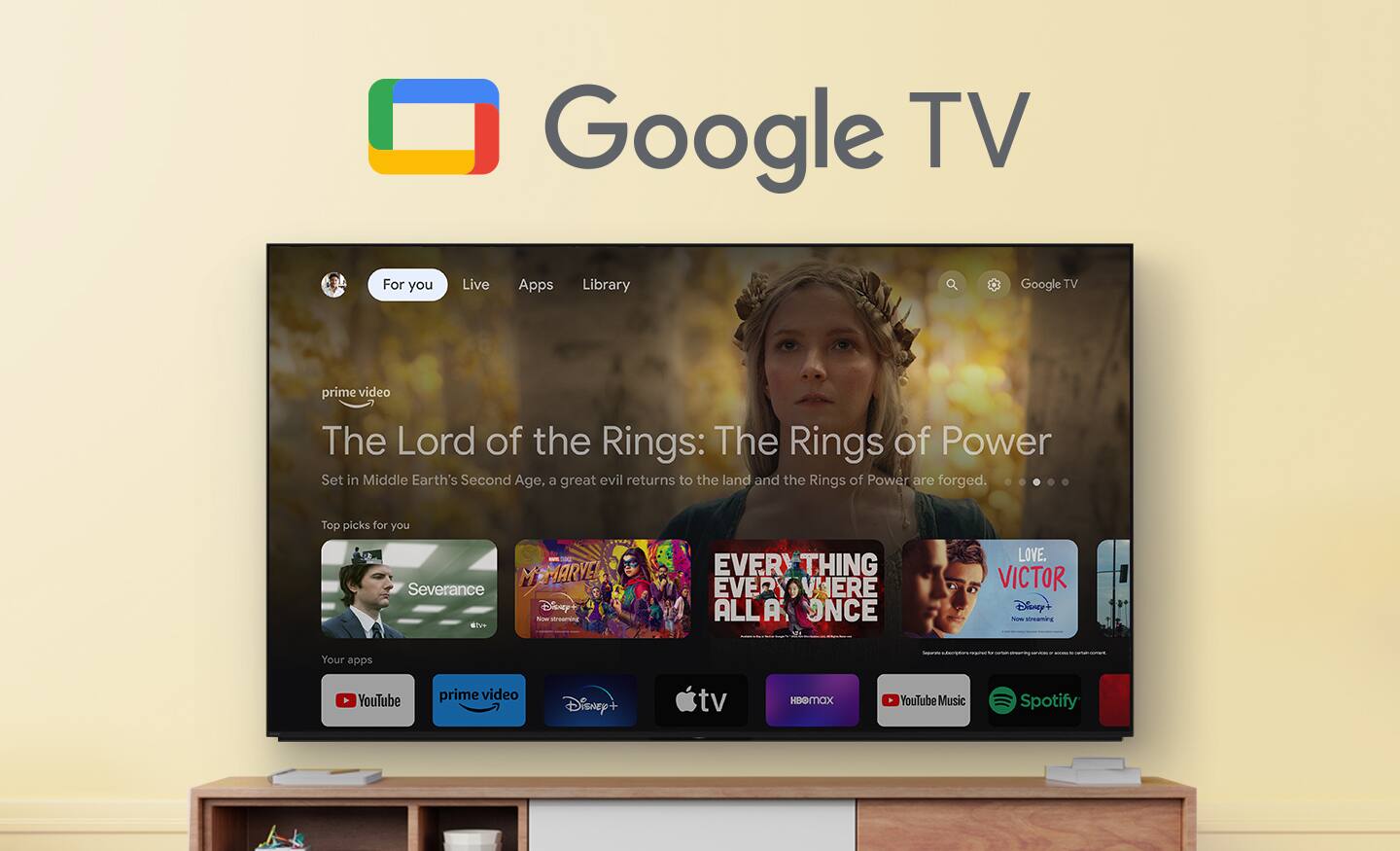
To make sure you get the most out of your Android TV or Google TV, you should always keep the TV up to date with the latest firmware and software updates. Updates for your TV can include enhancements, new features, and applications, as well as bug fixes and feature improvements.
If the TV freezes or displays a blank screen when streaming video on Android TV or Google TV, try some solutions below:
Power reset the Android TV™/Google TV.
Install all pending updates from Google Play Store.
Clear the data and cache of the app.
If the issue still occurs, perform factory data reset.
For reference: https://www.sony.com/electronics/support/articles/00141896?utm_source=glean
May we contact you to help? If so, please email the below information to [email protected]:
Name:
Best Buy Username:
Telephone Number:
Model Number:
Issue:
We are sorry for the inconvenience and hope to speak to you to resolve this matter. - Kris
Stopped working within a year of purchase.
||Posted . Owned for 11 months when reviewed.This reviewer received promo considerations or sweepstakes entry for writing a review.If I could give this TV and Best Buy a ZERO star review, I would. The TV stopped working 1 year after purchasing. Because it was exactly 1 year and 2 weeks from purchase, there is no warranty. It is a ridiculous amount to spend on a TV that will stop working within a year.
No, I would not recommend this to a friendBrand response from SonyListens
Posted .Hi ROAG,
That is deeply frustrating, and we sincerely apologize for this unacceptable failure of your high-end XR X90L TV right after the warranty period. We take hardware issues on our premium models seriously. Please email us at [email protected] with the following details:
Name:
Best Buy Username:
Model Number:
Issue:
Telephone Number:
One of our technical specialists will call you back within 2 business days.
Sincerely,
Eliab
Edge to Samsung
||Posted . Owned for 6 months when reviewed.This reviewer received promo considerations or sweepstakes entry for writing a review.Good picture but have continued issue with screen locking in solid green screen… requires tv to be hard re started or unplugged.. happens about 2-3 per month. Should have stuck with Samsung.
No, I would not recommend this to a friendBrand response from SonyListens
Posted .Hi RandyH,
Thanks for sharing your review and experience with the X90L. We're glad that you like the picture quality of the TV. It's unfortunate that you are experiencing green screen on the TV. For optimum performance, make sure that the software version of the TV is up-to-date. Aside from performing a power reset, resetting the TV to factory settings may also help resolve the issue. For more information, please refer to these links:
https://www.sony.com/electronics/support/articles/00028577
https://www.sony.com/electronics/support/articles/00159487
Hope this helps. If still not resolved or you need further assistance, please email us at [email protected] with the following details:
Name:
Username:
Model Number:
Issue:
Telephone Number:
Or contact our product support team via phone call or chat through this link:
https://us.esupport.sony.com/support/s/support-contact?language=en_US&category=tv
Sincerely,
-Ralph
Disappointing
||Posted .This reviewer received promo considerations or sweepstakes entry for writing a review.I bought this TV because I have had the same one for a few years and it is great. The picture on this one is not as good.
No, I would not recommend this to a friendBrand response from SonyListens
Posted .Hi SusanH, thank you for sharing your experience, and we're sorry to hear that you're having issues with the picture quality on your new Sony - BRAVIA X90L. We know how important picture performance is, and we'd love to help you get the most out of your new TV with some simple steps:
1- Please make sure your TV software is fully up to date, as updates often include picture and performance improvements. You can check for an available by going to settings > system > about > software update > update your TV software.
2- It's also a good idea to compare the image across different sources to see if the issue is isolated to one of them. Try different streaming apps directly on the TV and also test any external devices you may be using.
3- You can also fine-tune your viewing experience by adjusting the picture settings. You can check this guide on how to do it:
https://www.sony.com/electronics/support/articles/00190409?utm_source=glean
If you need further assistance, our technical team is available through the link below:
https://us.esupport.sony.com/support/s/support-contact?language=en_US&category=tv
Thank you for considering Sony!
Regards,
Dominick
Awful
||Posted . Owned for 1 month when reviewed.This reviewer received promo considerations or sweepstakes entry for writing a review.Terrible TV. Always freezes on us. Screen goes black. Sometimes takes about 5 to 10 minutes to get it to go back on. Wish I never purchased this Sony! Would never buy again.
No, I would not recommend this to a friendBrand response from SonyListens
Posted .Hi SamL,
Thank you for reaching out and bringing this matter to our attention. We’re truly sorry to learn about the challenges you’re facing with your XR75X90L TV. This is not the experience we intended for you.
To help resolve these issues, we recommend trying the troubleshooting steps outlined below:
• Software update - To fully experience the capabilities of your X90L, we highly recommend updating its firmware to the latest version. This software update includes essential features, applications, bug fixes, and enhancements. For further details, please visit the link below:
https://www.sony.com/electronics/support/televisions-projectors-lcd-tvs-android-/xr-75x90l/downloads
• To refresh your TV's content, please perform a Restart/Power Reset. For guidance on how to do this, refer to the following article:
ref: https://www.sony.com/electronics/support/articles/00159487
• If the power reset does not resolve the issue, you may consider a factory data reset. Please note that this will return your TV to its original settings, so be sure to record any personal configurations beforehand. Instructions can be found here:
https://www.sony.com/electronics/support/articles/00159487
If the problem persists or if you need further assistance, please send the following information to [email protected] so we can provide you with the best support possible:
- Full Name:
- Username:
- Telephone Number:
- Model Number:
- Issue/Concern:
We apologize if you've already shared some of this information in your review or with customer service; we just want to ensure we have the most accurate details to assist you effectively.
Your feedback is invaluable to us, and we are dedicated to enhancing our products based on our customers’ experiences. Thank you once again for bringing this to our attention.
Best regards,
Romeo
Sony Social Support
Rr sony tv
||Posted . Owned for 4 months when reviewed.This reviewer received promo considerations or sweepstakes entry for writing a review.Tv is nothings but problems screen just goes black and constantly have to do factory reset sony is no help they just act like they have never experienced the problem or give any kind of fix or replacement
No, I would not recommend this to a friendBrand response from SonyListens
Posted .Hi RobertR, thank you for taking the time to share your feedback regarding your experience with the X90L TV. We sincerely apologize for the frustrations you've encountered, particularly with the screen going black and the need for frequent factory resets.
To assist you further, we kindly ask that you reach out to us via email at [email protected]. Please include the following information in your message:
- Full Name
- Username
- Telephone Number
- Model Number
- Issue/Concern
Thank you for considering Sony products and for bringing this to our attention.
Best regards,
Stephanie
Don't buy a large TV from Best Buy!!
||Posted . Owned for less than 1 week when reviewed.This reviewer received promo considerations or sweepstakes entry for writing a review.I recently purchased this 75" Sony Bravia XR X90L TV from Best Buy, expecting a smooth transaction and professional service. Unfortunately, my experience was far from satisfactory. The first TV delivered had operational issues, and there was a significant mix-up with the service teams. Instead of the installation team, a delivery team was dispatched who left the TV uninstalled in the middle of my living room. After contacting Best Buy, their solution was to send another delivery team, but only a week later. Due to these complications and the lack of prompt, professional service, I have decided to return the TV and opt for a more reliable retailer. Based on my experience, I advise potential customers to be cautious when considering large TV purchases from Best Buy.
No, I would not recommend this to a friendStill no refund
||Posted . Owned for 1 month when reviewed.This reviewer received promo considerations or sweepstakes entry for writing a review.Order was cancelled on 20 September 2025 and my best buy card still has not been refunded.
No, I would not recommend this to a friend