Customer Ratings & Reviews
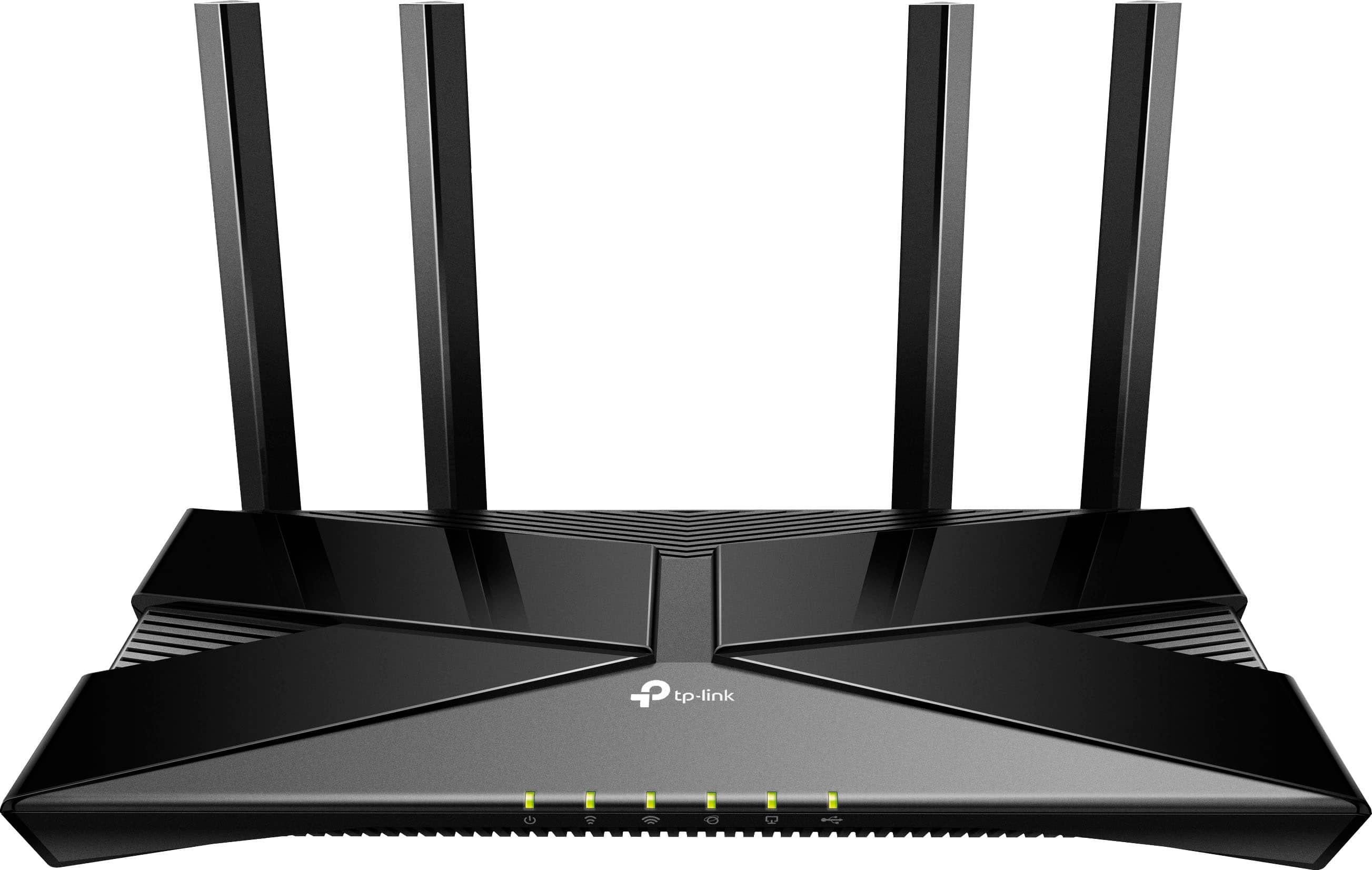
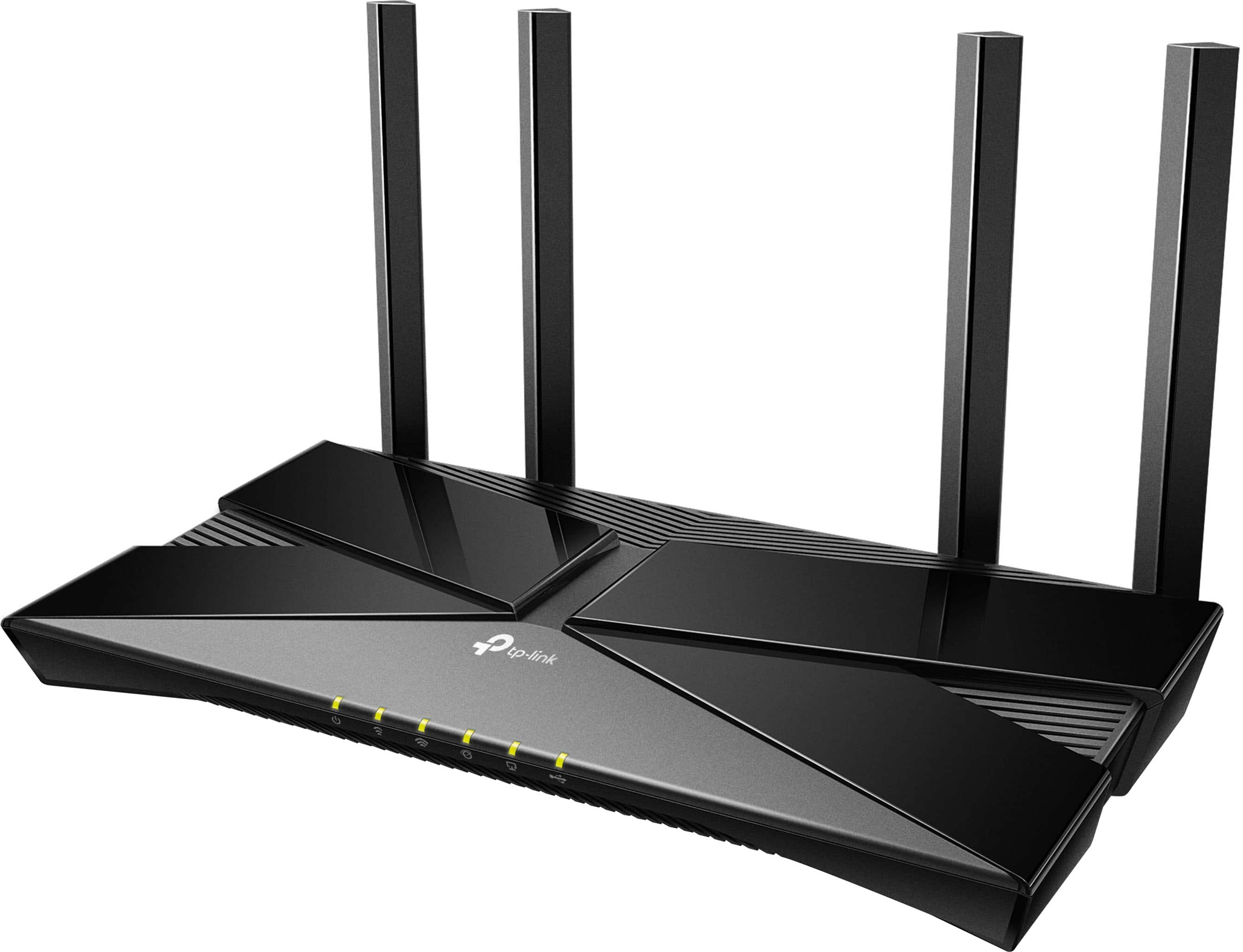
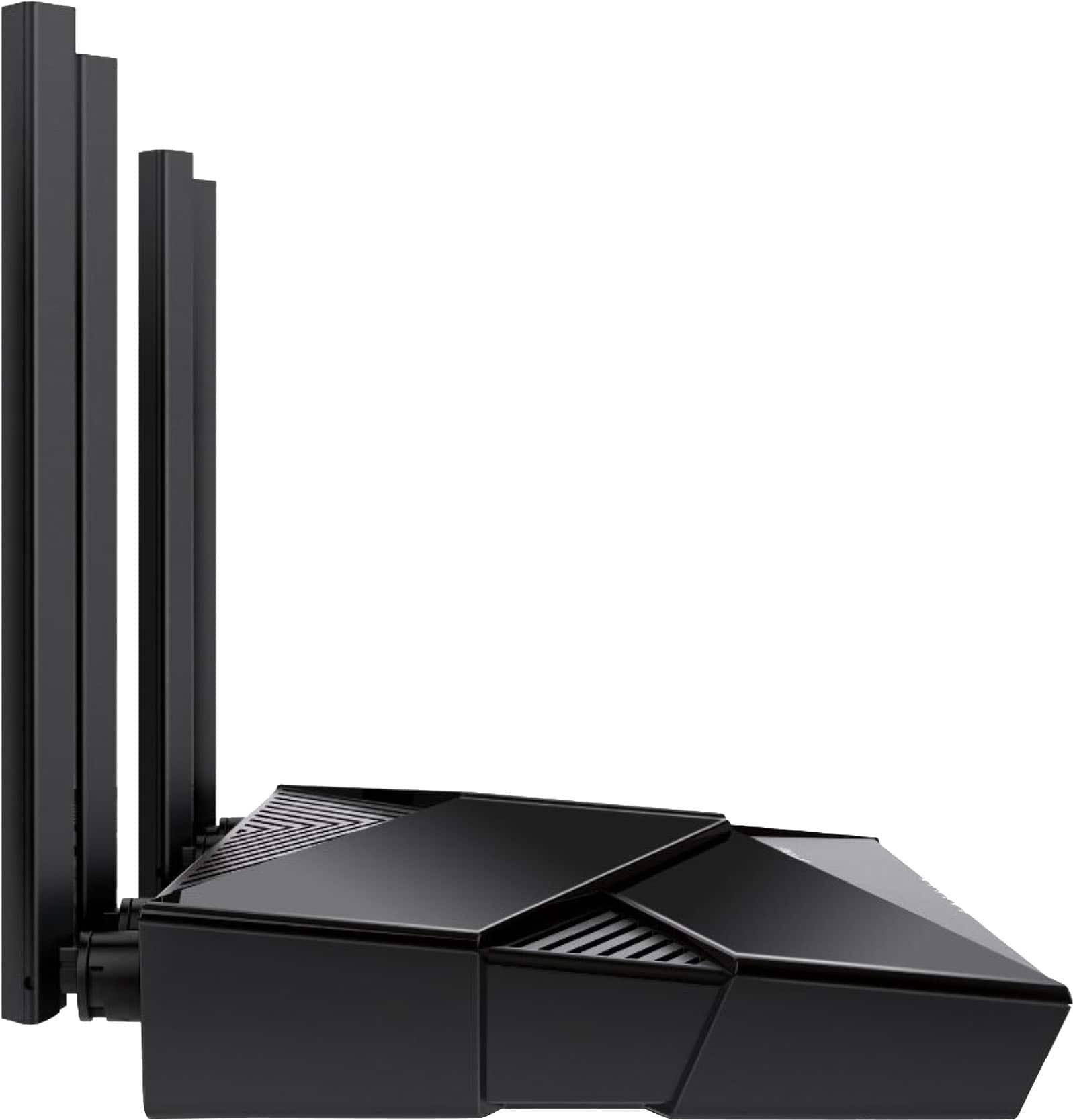

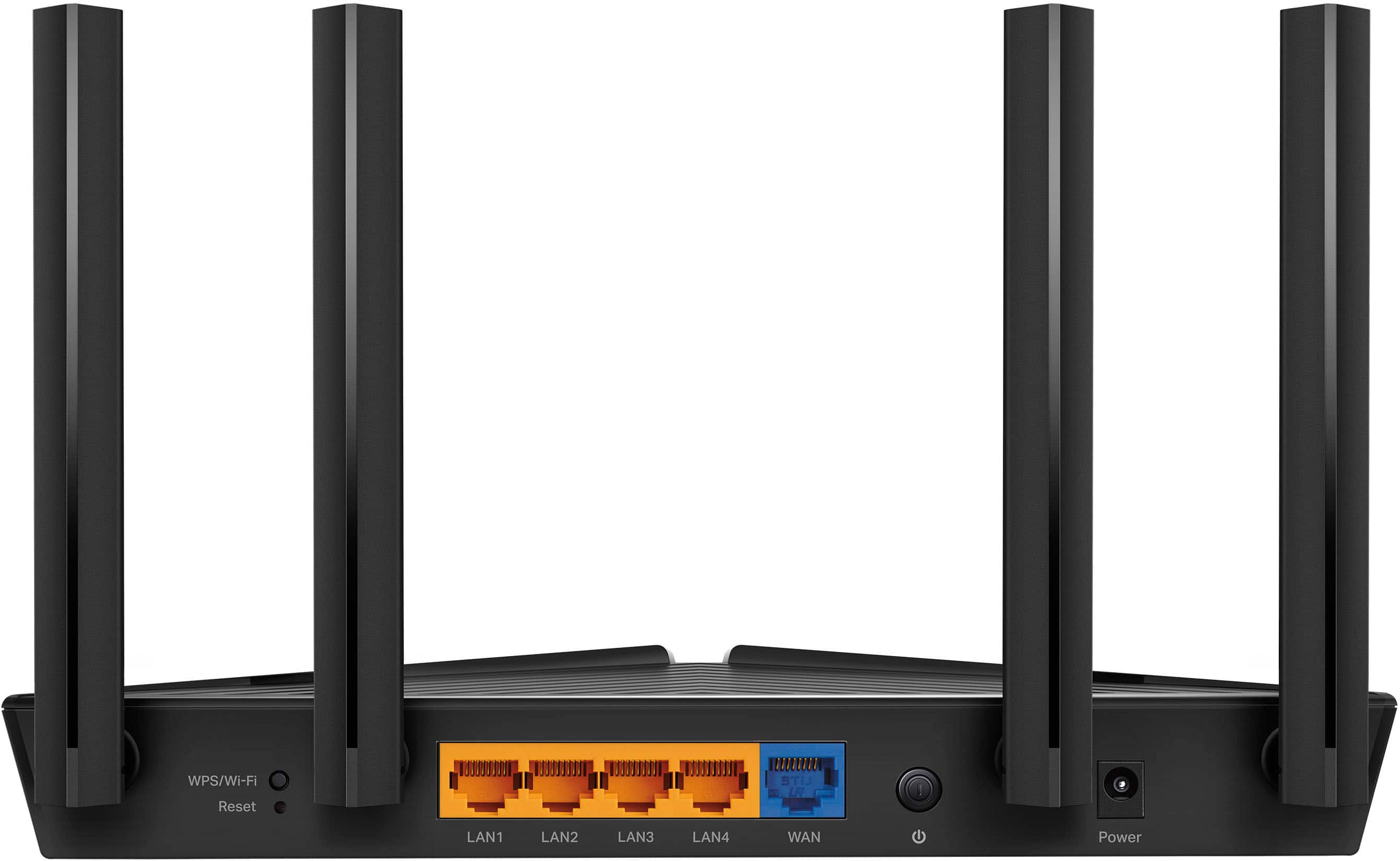
- Model:
- Archer AX20
- SKU:
- 12239261
Rating by feature
- Setup
Rating 4.7 out of 5 stars
- Range
Rating 4.6 out of 5 stars
- Signal Strength
Rating 4.7 out of 5 stars
Router Review
||Posted . Owned for 2 weeks when reviewed.This reviewer received promo considerations or sweepstakes entry for writing a review.This new router provided dramatic increases in bandwidth for our home wifi. Also enabled us to connect main PC to internet with a wired connection. Geek Squad tech Rennier was also very good in setting it all up.
I would recommend this to a friendRouter
||Posted . Owned for 3 weeks when reviewed.This reviewer received promo considerations or sweepstakes entry for writing a review.Good size, light weight and reasonably priced. Good buy.
I would recommend this to a friendWi-Fi Router
||Posted . Owned for 3 weeks when reviewed.This reviewer received promo considerations or sweepstakes entry for writing a review.Did a lot of research and this seems to be the best value.
I would recommend this to a friendGraphic Designer
||Posted . Owned for 3 weeks when reviewed.This reviewer received promo considerations or sweepstakes entry for writing a review.Since purchasing this item, I have had no issues at all. I work remotely and stream TV shows with no problems. I would recommend this product to anyone.
I would recommend this to a friendIt works, if you don't mind a habit of resetting
||Posted . Owned for 5 months when reviewed.This reviewer received promo considerations or sweepstakes entry for writing a review.Mostly garbage router, consistently loses connection somehow requiring full resets on the router. I need to constantly do this every few weeks when it decides to totally drop all connections. It works fine outside of this
No, I would not recommend this to a friendBrand response from TPLinkSupport
Posted .Hello ASDF,
This is not a common concern for the Archer AX20. We would request that you reach out to support for assistance. You can call 866-225-8139 or email [email protected]. Support is free and available 24 hours a day.
Best Regards
TP-Link Systems Support
Powerful consistent speeds.
||Posted . Owned for less than 1 week when reviewed.This reviewer received promo considerations or sweepstakes entry for writing a review.Powerful router with consistent connection and speeds
I would recommend this to a friendGreat product
||Posted . Owned for 3 weeks when reviewed.This reviewer received promo considerations or sweepstakes entry for writing a review.The best i use it for work to connect to the house wifi so it can reach the other side of the land and these does the job overall a great product and does what it needs to be done
I would recommend this to a friendRouter
||Posted . Owned for 3 weeks when reviewed.This reviewer received promo considerations or sweepstakes entry for writing a review.The router was easy to set up and link with the modem.
I would recommend this to a friendExcellent!
||Posted . Owned for 3 weeks when reviewed.This reviewer received promo considerations or sweepstakes entry for writing a review.Got this for the significant other so she could gave 5 more ports in her room on top of good wifi to extend to her room. 900up/900down, and 1GIG wired. Love it!
I would recommend this to a friendNot that great.
||Posted .This reviewer received promo considerations or sweepstakes entry for writing a review.It keeps dropping the wifi signal. I am not sure if it is the router or the modem and internet signal, but all I have had is trouble with this router, and I have only had it for about a month.
No, I would not recommend this to a friendBrand response from TPLinkSupport
Posted .Hi starryeyestara
Thank you for your review. To ensure the best possible signal, optimal placement is essential. Reducing obstructions and placing the router in a central location will help ensure your signal reaches the needed areas.
To ensure optimal performance of your wireless router, please check, and if needed, update its firmware using the steps outlined in FAQ 2139 on our official website https://www.tp-link.com/us/support/faq/2139/
If you would like assistance with any of these steps, please contact our support team using any of the resources included with the product or from our official website, and we'll gladly have a Support Agent follow up with you directly.
Thank you,
TP-Link Systems Support
Easy to set up
||Posted . Owned for 1 month when reviewed.This reviewer received promo considerations or sweepstakes entry for writing a review.Easy to set up. Very fast. I love it!!!!!!!!!!!!!!
I would recommend this to a friendRouter
||Posted . Owned for 1 month when reviewed.This reviewer received promo considerations or sweepstakes entry for writing a review.I don't like that you have to go online to set this item up. I got this item so I would have wifi in order to do things like that. It seems to work ok. When my internet goes out I am never sure if it is this routers fault or the modem I have from my internet provider.
I would recommend this to a friendHorrible wireless bandwidth
||Posted .This reviewer received promo considerations or sweepstakes entry for writing a review.My Asus died and I bought this just to get back online quickly. It is not made for power users but what do you expect for $70. Right? At least it's made in the USA. It'll do until my Quad Band wifi 7 router arrives.
No, I would not recommend this to a friendBrand response from TPLinkSupport
Posted .While you are waiting for the new Wi-Fi 7 router our support team may be able to help resolve some of your concerns. Please reach out to us at 866-225-8139.
Best Regards
TP-Link Systems Support
Great!
||Posted . Owned for 3 weeks when reviewed.This reviewer received promo considerations or sweepstakes entry for writing a review.Works great! Best upgrade we've made in a while! Would buy again.
I would recommend this to a friendNo AX only mode?
||Posted . Owned for 3 weeks when reviewed.This reviewer received promo considerations or sweepstakes entry for writing a review.Firmware (old and new) does not allow this modem to enter AX only mode. Only mixed modes. I tried to return the item due to my dissatisfaction in the firmware but I was outside of the return policy by a day. I now have a modem I do not need. I ended up buying an Asus that allows AX only and it works perfectly.
No, I would not recommend this to a friendBrand response from TPLinkSupport
Posted .Hello Dave,
AX only mode is available on the Archer AX20. However you cannot access it if you have Smart Connect Enabled as it would then be a feature managed by the router. With Smart Connect Disabled you will see an option at the end of each individual band's settings for 'Mode'. Here AX only should be an option.
Best Regards
TP-Link Systems Support
Review of ArcherAX20 Router
||Posted . Owned for 3 weeks when reviewed.This reviewer received promo considerations or sweepstakes entry for writing a review.Well build and able to place anywhere in your home. It doesn't look out of place. Functional able to handle several devises at once.
I would recommend this to a friendGood value
||Posted .This reviewer received promo considerations or sweepstakes entry for writing a review.Good performance per dollar, and a solid choice for general home use.
I would recommend this to a friendPerfect
||Posted . Owned for 1 month when reviewed.This reviewer received promo considerations or sweepstakes entry for writing a review.It works absolutely perfect for gaming. I use it on my ps5.
I would recommend this to a friendGreat wireless access point and router
||Posted . Owned for 11 months when reviewed.This reviewer received promo considerations or sweepstakes entry for writing a review.Using this as a wireless access point, its been great so far!
I would recommend this to a friendI liked
||Posted . Owned for 1 month when reviewed.This reviewer received promo considerations or sweepstakes entry for writing a review.It’s a great router I’m recommend for everyone thanks
I would recommend this to a friend