Customer Ratings & Reviews
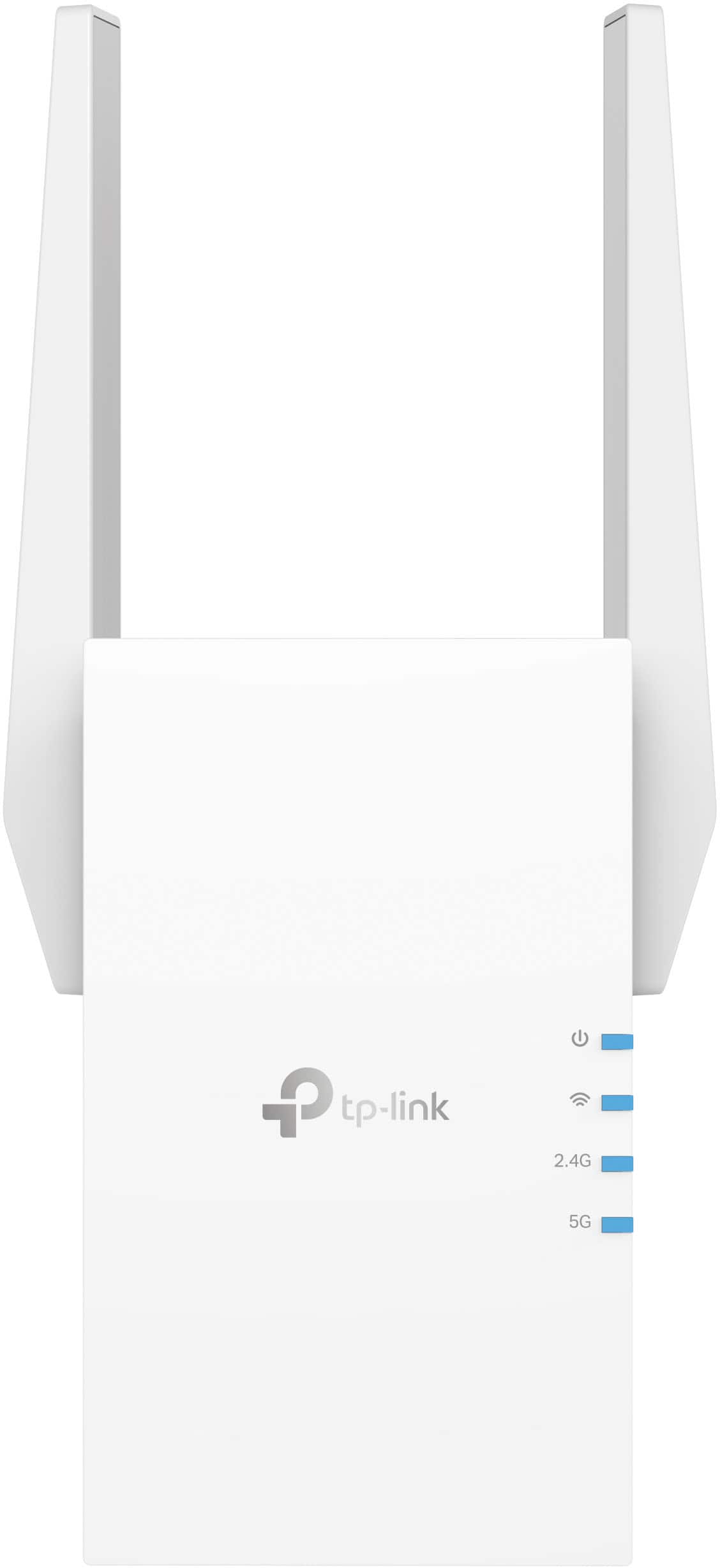
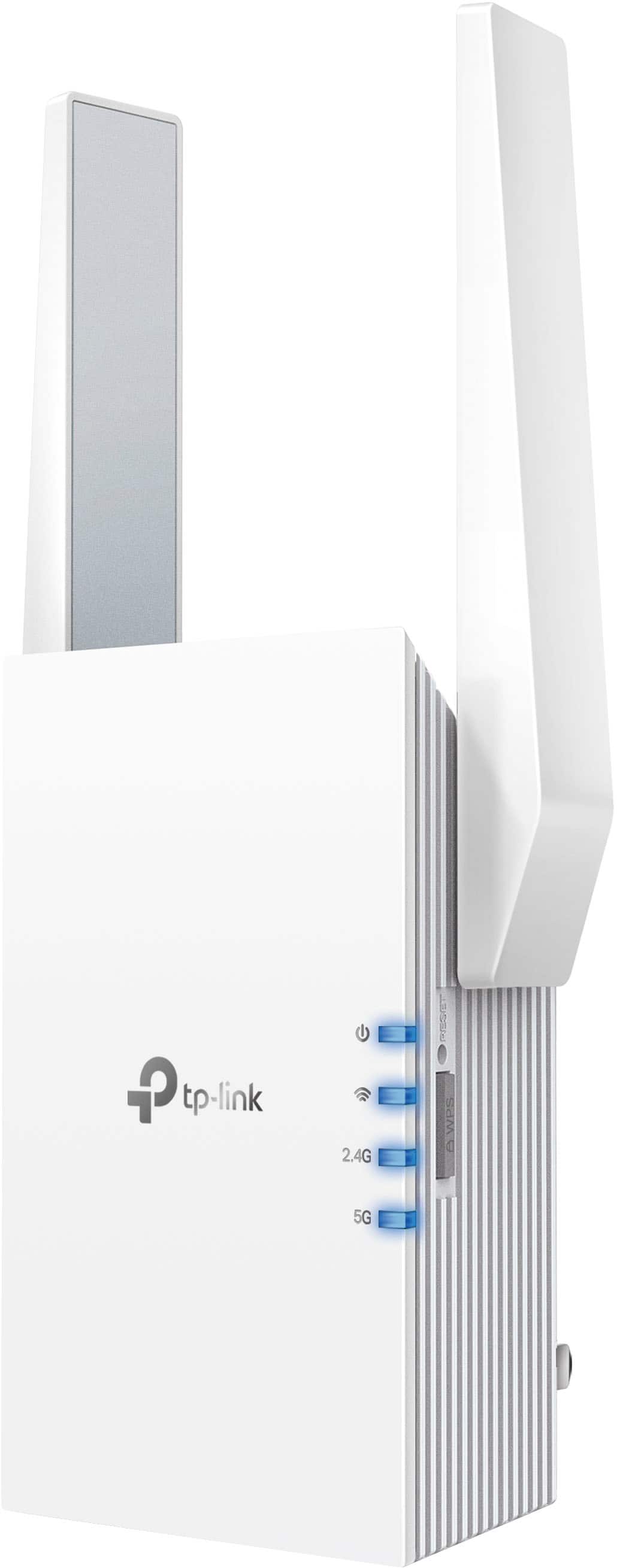
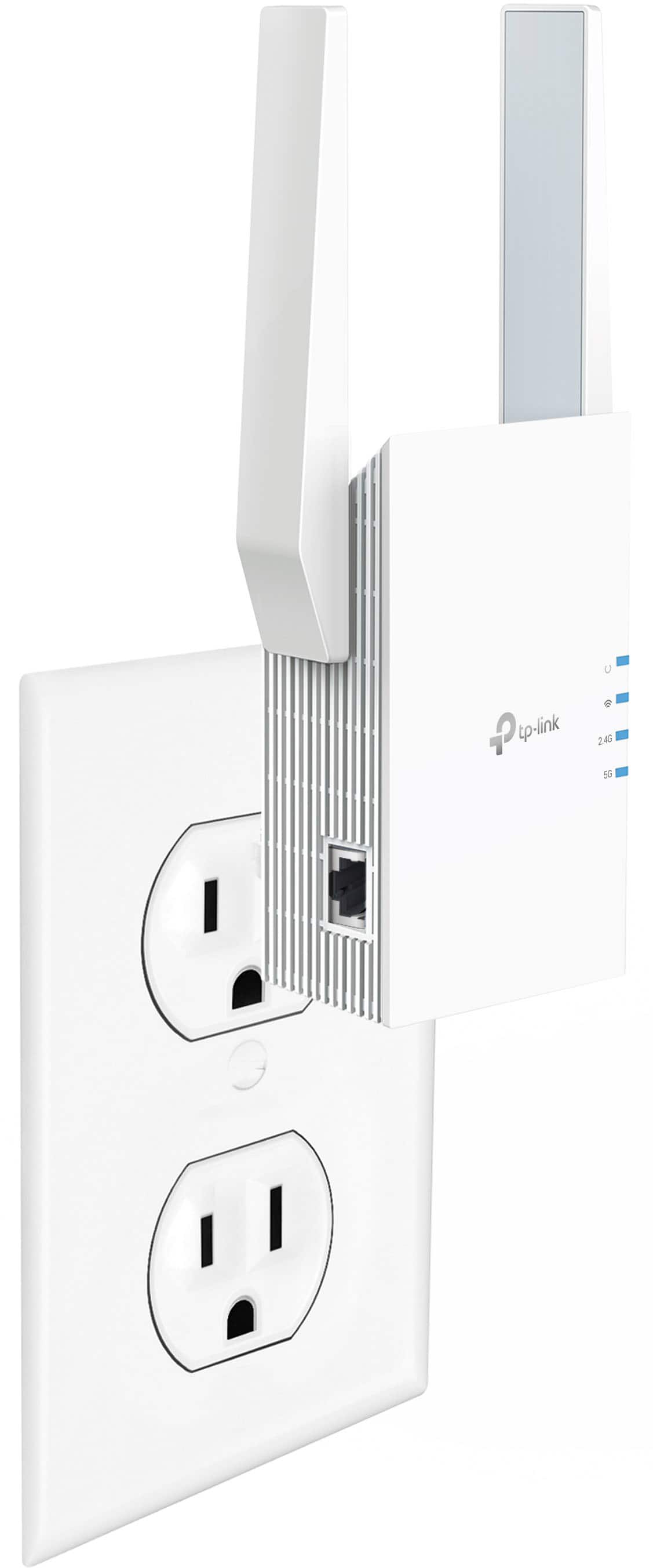

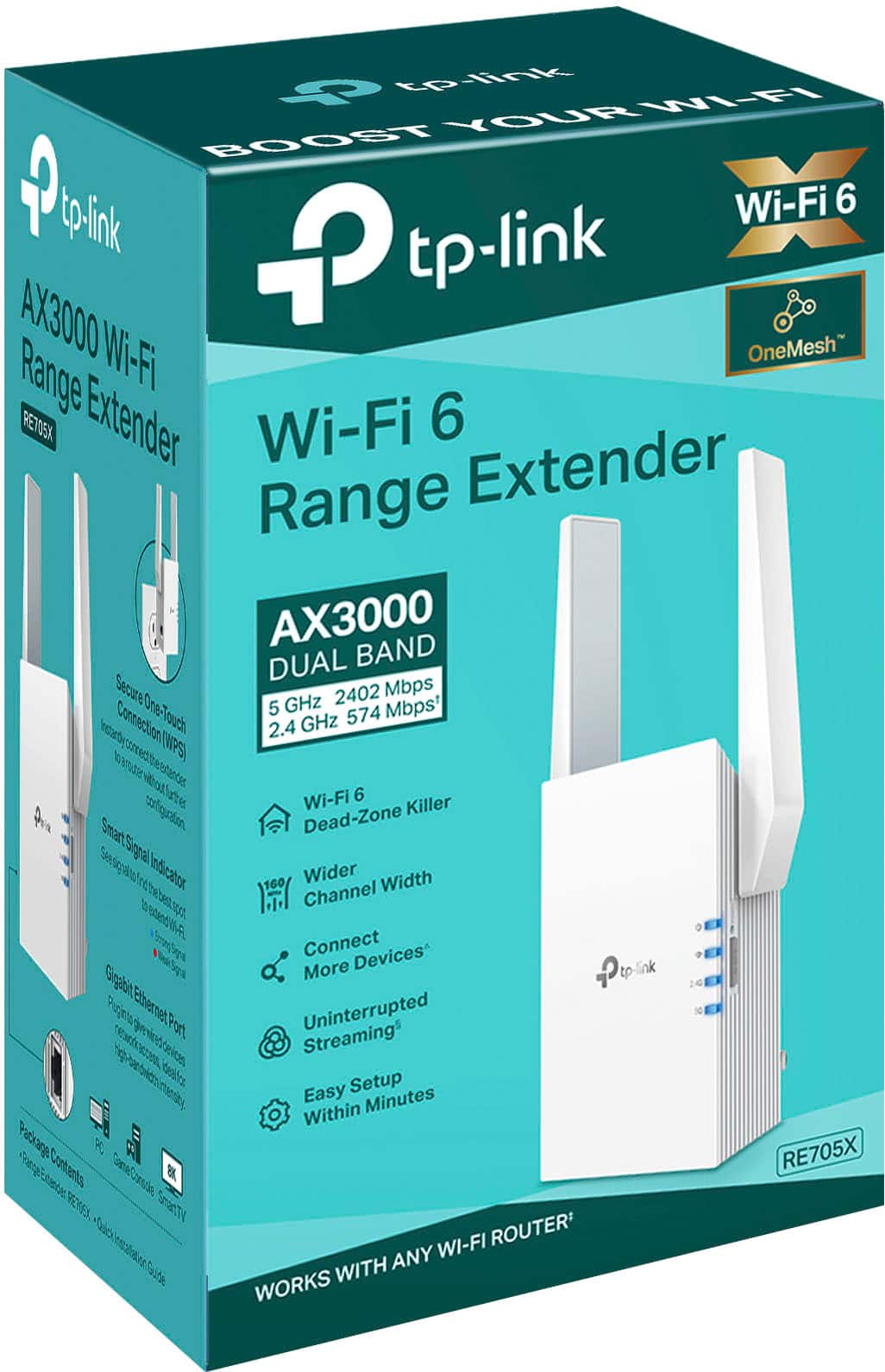
- Model:
- RE705X
- SKU:
- 6502060
Rating by feature
- Value
Rating 4.5 out of 5 stars
- Quality
Rating 4.6 out of 5 stars
- Ease of Use
Rating 4.6 out of 5 stars
Customers are saying
Customers appreciate the AX3000 Dual-Band Wi-Fi 6 Range Extender for its ease of use, extended range, and strong signal strength. Many users have found the setup process to be simple, and they are experiencing fast speeds and reliable connectivity. However, some customers have reported that the device can get warm, and a few have mentioned compatibility issues and its size being a potential concern.
This summary was generated by AI based on customer reviews.
- Pros mentioned:Ease of use
Works well after easy set up.
||Posted . Owned for 1 month when reviewed.This reviewer received promo considerations or sweepstakes entry for writing a review.Easy to follow set up instructions and it works well.
I would recommend this to a friend Wifi connect
||Posted . Owned for 3 weeks when reviewed.This reviewer received promo considerations or sweepstakes entry for writing a review.Works great needed for our security cameras to add better wifi.
I would recommend this to a friendTP-Link wifi extender
||Posted . Owned for 3 weeks when reviewed.This reviewer received promo considerations or sweepstakes entry for writing a review.It was easy to hookup to the wifi and will be great for reception outside when summer gets here.
I would recommend this to a friend- Pros mentioned:Performance, Range
Extend to the upstairs
||Posted . Owned for 4 months when reviewed.This reviewer received promo considerations or sweepstakes entry for writing a review.Does its job. Needed more range for an upstairs bedroom with the router on the main floor of an old house. This worked as advertised for our Xfinity wifi !
I would recommend this to a friend - Pros mentioned:Setup
Poor wifi fixed.
||Posted . Owned for 3 weeks when reviewed.This reviewer received promo considerations or sweepstakes entry for writing a review.Fixed a very bad wifi dead zone and it was very easy to setup.
I would recommend this to a friend WiFi Extender
||Posted . Owned for 1 year when reviewed.This reviewer received promo considerations or sweepstakes entry for writing a review.Excellent device that adds a lot of range.now my whole house has a string connection.
I would recommend this to a friendGreat product
||Posted . Owned for 1 month when reviewed.This reviewer received promo considerations or sweepstakes entry for writing a review.A Lot faster then re605x so less lag while streaming tv
I would recommend this to a friend- Pros mentioned:Range
Works well
||Posted . Owned for 1 month when reviewed.This reviewer received promo considerations or sweepstakes entry for writing a review.It Works just as described. No issues with the device
I would recommend this to a friend Ring
||Posted . Owned for less than 1 week when reviewed.This reviewer received promo considerations or sweepstakes entry for writing a review.Good product My wifi internet is much faster. Happy.....
I would recommend this to a friendWifi Extender
||Posted . Owned for 1 month when reviewed.This reviewer received promo considerations or sweepstakes entry for writing a review.Good bandwidth. Perfect for multiple device use. Greatly recommend this product.
I would recommend this to a friendPromising
||Posted .This reviewer received promo considerations or sweepstakes entry for writing a review.One of the best extenders I have bought, very fast.
I would recommend this to a friendSignal Booster
||Posted . Owned for 2 months when reviewed.This reviewer received promo considerations or sweepstakes entry for writing a review.I think this is a great signal booster. I love how it's compact and has a flat surface so it's easy to hide behind furniture. Would definitely recommend using something like this if you are a gamer or someone that uses multiple streaming devices at once!
I would recommend this to a friend- Pros mentioned:Range
Mike's extreme extension
||Posted . Owned for 3 weeks when reviewed.This reviewer received promo considerations or sweepstakes entry for writing a review.Works really good and reliable with range and signal.
I would recommend this to a friend If you want Ethernet get this
||Posted . Owned for 1 month when reviewed.This reviewer received promo considerations or sweepstakes entry for writing a review.This product is amazing for dead zone in my house. Fast WiFi allow me to download games faster through the Ethernet port it has on it side.
I would recommend this to a friendBetter reception
||Posted . Owned for 5 months when reviewed.This reviewer received promo considerations or sweepstakes entry for writing a review.Use this in my bedroom to get a better reception on the TV
I would recommend this to a friendWiFi range extender
||Posted . Owned for 3 weeks when reviewed.This reviewer received promo considerations or sweepstakes entry for writing a review.I was having trouble with dead zones in my house but not anymore. This solved my problems.
I would recommend this to a friend- Cons mentioned:Heat
Gets very hot to the touch…
||Posted . Owned for 1 month when reviewed.This reviewer received promo considerations or sweepstakes entry for writing a review.Works good but gets very hot no matter where I plug it in. Will not be using but now I’m stuck with it. Might give it away I guess. Don’t trust leaving it plugged in when I’m not home or overnight.
No, I would not recommend this to a friendBrand response from TPLinkSupport
Posted .Hi,
Thank you for your review. While it is normal for Wi-Fi Range Extenders to run relatively warm while in use, they should not be excessively hot to the touch. Your TP-Link Wi-Fi extender comes with a 2-year warranty, and we would greatly appreciate the opportunity to help address your concerns. At your convenience, please reach out to our support team using any of the resources included with the product, or from our official website, and we'll gladly have a Support Agent follow up with you directly.
Thank you,
TP-Link Support
Awesome
||Posted . Owned for 4 months when reviewed.This reviewer received promo considerations or sweepstakes entry for writing a review.Great product and definitely help with the dead zone I have living downstairs. Highly recommend.
I would recommend this to a friendNice repeater device
||Posted . Owned for 3 weeks when reviewed.This reviewer received promo considerations or sweepstakes entry for writing a review.This is a pretty nice device. I used it to repeat a lte wifi hot spot device. Some of these devices have pretty poor antennas. I then plugged a traditional access point into the rj45 on the repeater. Worked like a charm.
I would recommend this to a friendA challenge to set up
||Posted . Owned for 11 months when reviewed.This reviewer received promo considerations or sweepstakes entry for writing a review.This did not exactly do what I purchased it for. It was challenging to set up.
No, I would not recommend this to a friendBrand response from TPLinkSupport
Posted .Hi rdh45,
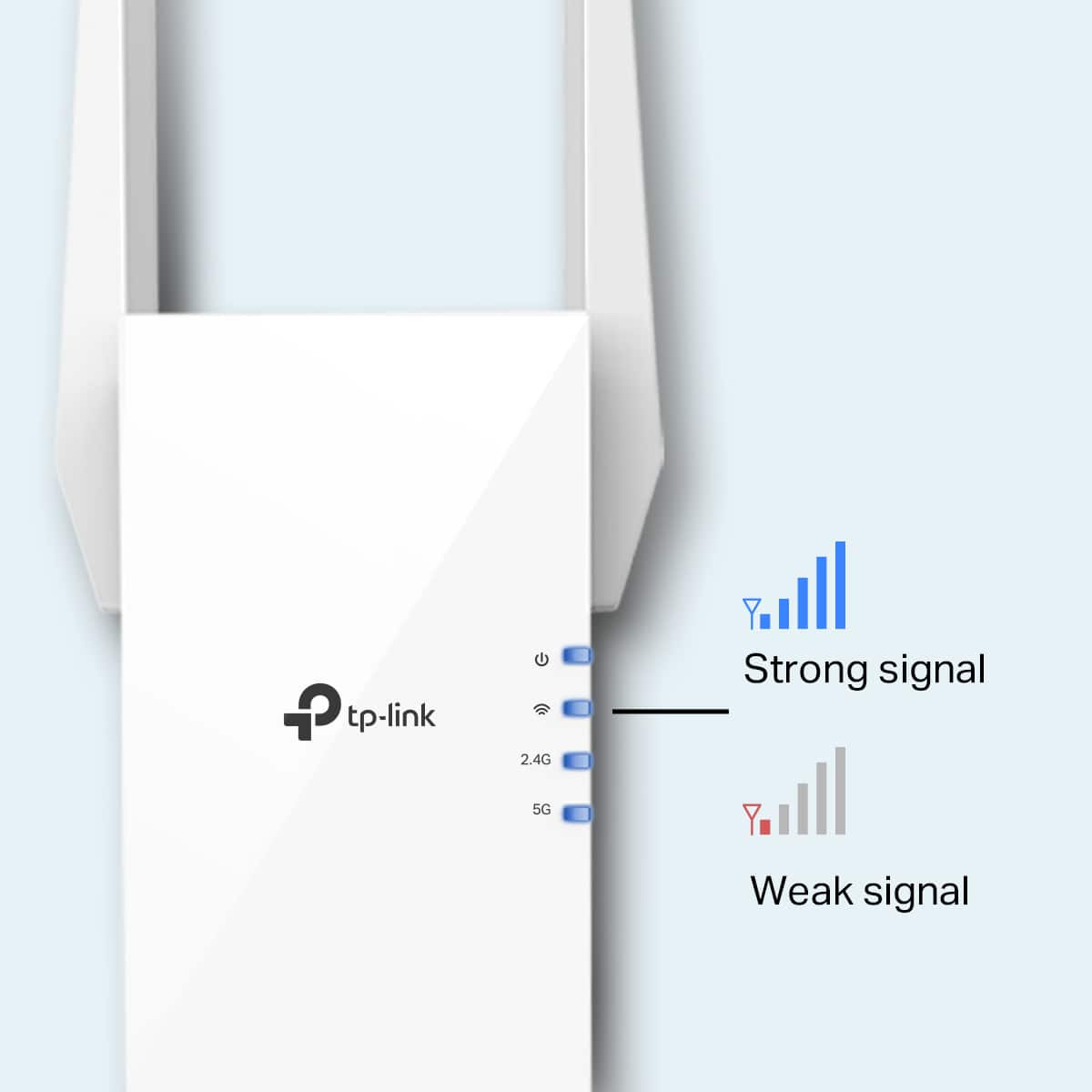
Thank you for your review. If you are experiencing difficulty connecting the extender to your router, we recommend setting up the device in the same room as your router, then relocating it after setup is complete. We also suggest re-verifying your router's Wi-Fi password during setup, or if using the WPS setup method, ensuring the WPS process is performed in the correct order. The extender's indicator LEDs will help you determine which position in your home is ideal.
We also highly recommend ensuring the extender's firmware is fully up to date using the steps outlined in FAQ 1406 on our official website: https://www.tp-link.com/us/support/faq/1406/
If you would like assistance with any of these steps, please reach out to our support team using any of the resources included with the product, or from our official TP-Link website, and we'll gladly have a Support Agent follow up with you directly.
Thank you,
TP-Link Systems Support