Customer Ratings & Reviews
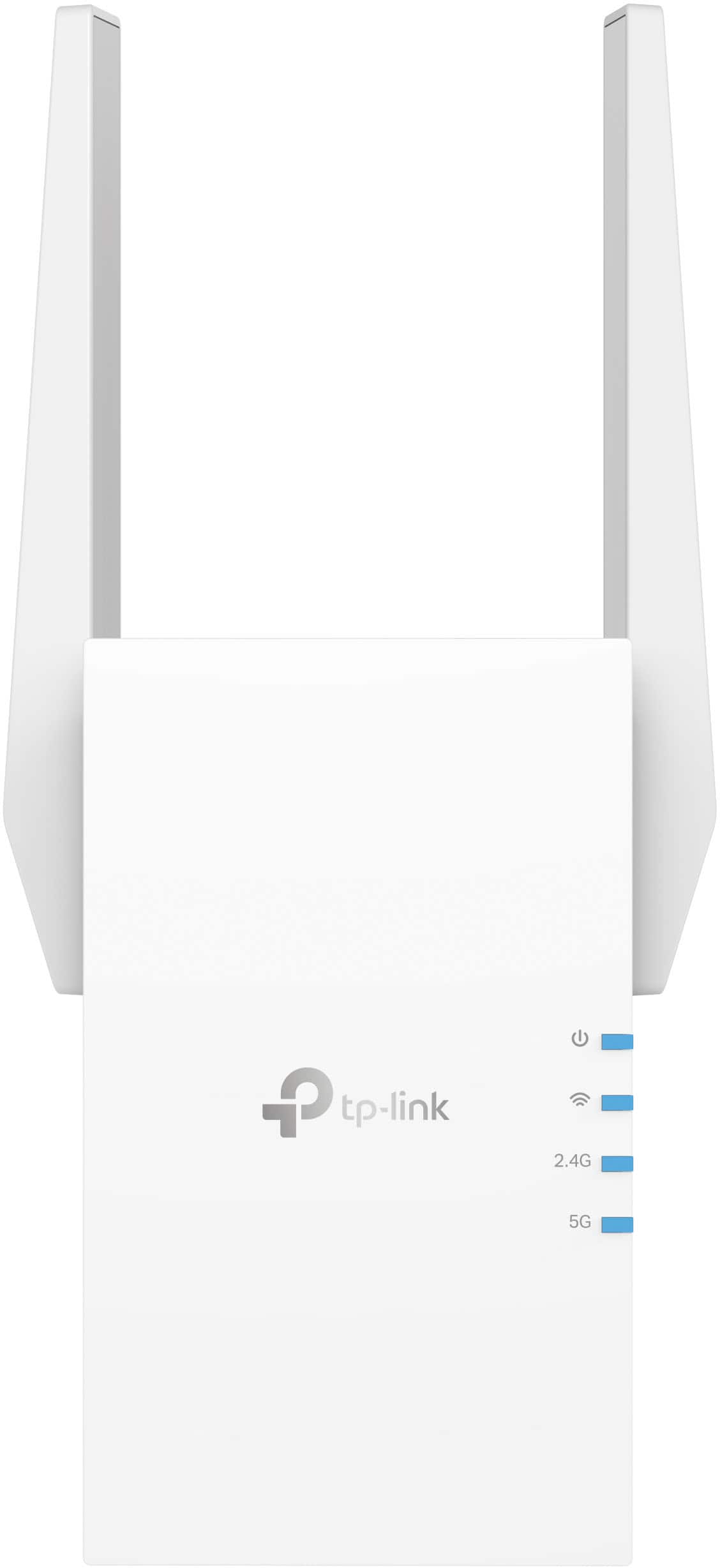

- Model:
- RE705X
- SKU:
- 6502060
Rating by feature
- Value
Rating 4.5 out of 5 stars
- Quality
Rating 4.6 out of 5 stars
- Ease of Use
Rating 4.6 out of 5 stars
Customers are saying
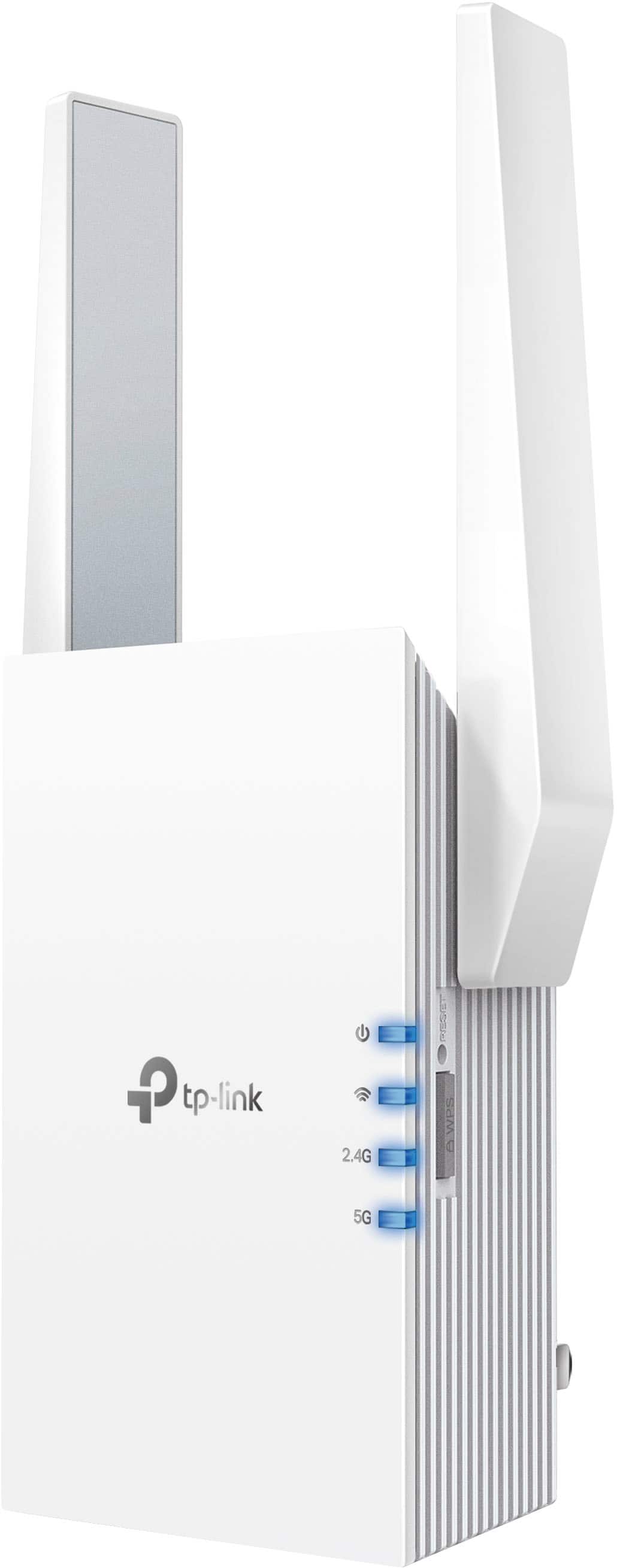
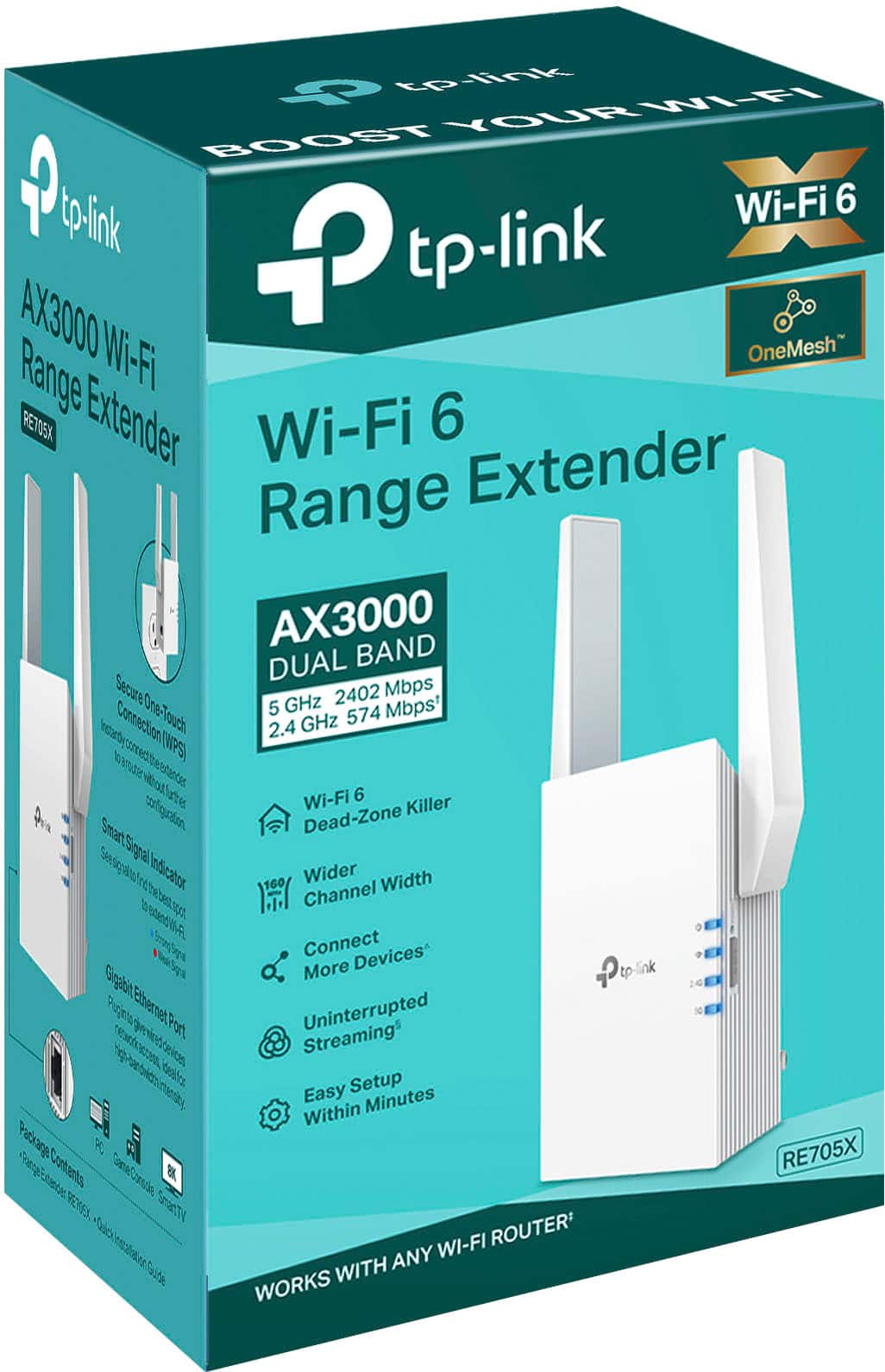
Customers appreciate the AX3000 Dual-Band Wi-Fi 6 Range Extender for its ease of use, extended range, and strong signal strength. Many users have found the setup process to be simple, and they are experiencing fast speeds and reliable connectivity. However, some customers have reported that the device can get warm, and a few have mentioned compatibility issues and its size being a potential concern.
This summary was generated by AI based on customer reviews.
Wifi extension
||Posted . Owned for 2 months when reviewed.This reviewer received promo considerations or sweepstakes entry for writing a review.Works great to boost signal. Especially in an area that was normally a dead zone for us.
I would recommend this to a friendGreat Range
||Posted . Owned for 3 weeks when reviewed.This reviewer received promo considerations or sweepstakes entry for writing a review.If you’re a gamer and looking for an extender to increase your gaming experience then get this. Its a reasonable price and works great. It may not be aesthetically pleasing to the eye but it gets the job done
I would recommend this to a friendGood range, easy setup but...
||Posted . Owned for 3 weeks when reviewed.This reviewer received promo considerations or sweepstakes entry for writing a review.Really liked how easy it was to set this up. And the signal range is perfect. One drawback. Two of my older devices were unable to connect because their hardware limitations, not the router but still.
I would recommend this to a friendGot it on sale
||Posted . Owned for 8 months when reviewed.This reviewer received promo considerations or sweepstakes entry for writing a review.Got it on sale and fast free shipping. Thank you Best Buy.
I would recommend this to a friendNot great extension through walls, but easy setup
||Posted . Owned for less than 1 week when reviewed.This reviewer received promo considerations or sweepstakes entry for writing a review.Easy setup, but doesn't extend the wifi very far. Also doesn't penetrate different surfaces well. I purchased this to extend my wifi into my garage for my irrigation control. I needed my wifi to extend an extra 10 more feet or so from where my wifi Access Point could reach. I put this midway between my AP and the irrigation controller and could connect until the garage door was closed. Not worth the $100 I spent on it for the minimal extension of range and lack of ability to penetrate walls.
No, I would not recommend this to a friendBrand response from TPLinkSupport
Posted .Hi,
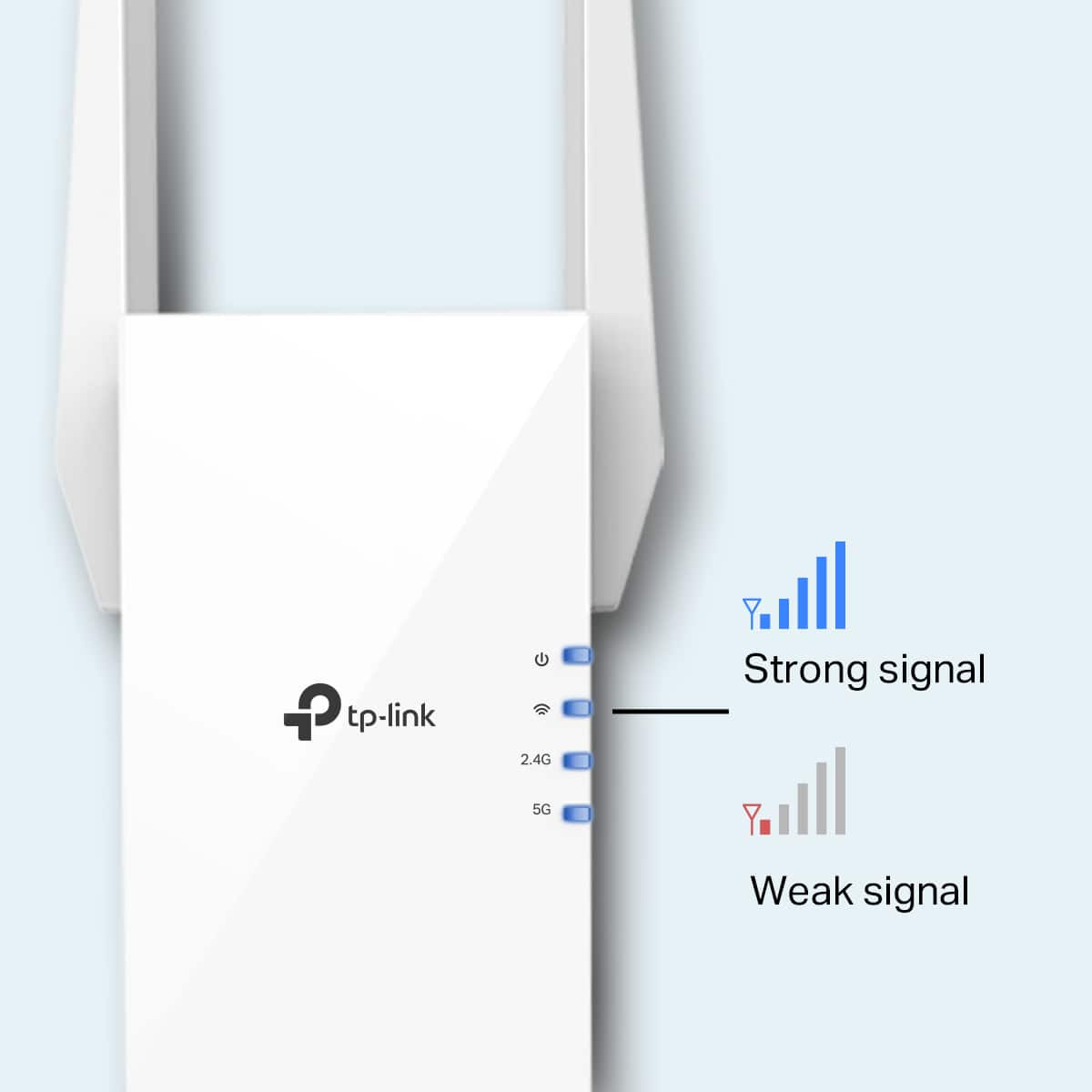
Thank you for your review. If you haven't noticed a significant improvement in Wi-Fi coverage after installing the extender, we recommend relocating the unit to a position within your home where the router's Wi-Fi signal is sufficiently strong; yet far enough from the router to effectively extend its range. Please verify the RE status LED is indicating a solid connection.
We also recommend ensuring the extender's firmware is fully up-to-date, using the steps outlined in FAQ 1406 on our official website: https://www.tp-link.com/us/support/faq/1406/
If you would like assistance with any of these steps, please reach out to our support team using any of the resources included with the product, or from our official website, and we'll gladly have a Support Agent follow up with you directly.
Thank you,
TP-Link Support
Works great
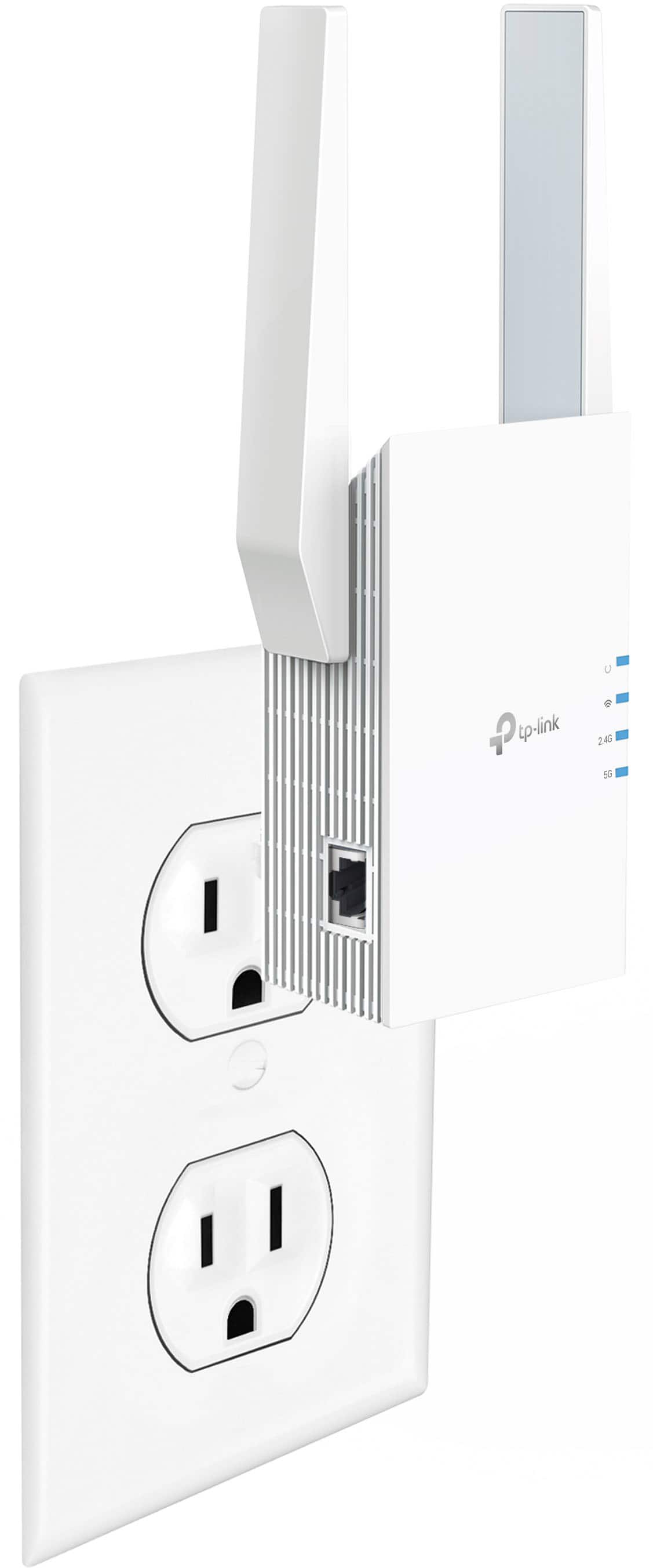
||Posted . Owned for 2 weeks when reviewed.This reviewer received promo considerations or sweepstakes entry for writing a review.Purchased to in order to have a direct Ethernet connection where wifi was very inconsistent.
I would recommend this to a friendWorked once
||Posted . Owned for 2 weeks when reviewed.This reviewer received promo considerations or sweepstakes entry for writing a review.Unfortunately this worked once and then kept losing the connection to the internet. I tried all the recommended fixes without success. But Best Buy did take it back without an issue
No, I would not recommend this to a friendBrand response from TPLinkSupport
Posted .Hi JamieT,
Thank you for your review. If you are having difficulty connecting to the Internet after setting up the Wi-Fi Extender, please first ensure the setup steps have been properly completed, such as making sure WPS was performed in the correct order, if using WPS for setup, or the root network's password is correctly entered if using the web or Tether setup options.
We also highly recommend ensuring the extender's firmware is fully up to date using the steps outlined in FAQ 1406 on our official website: https://www.tp-link.com/us/support/faq/1406/
If you'd like assistance with any of these steps, please reach out to our support team using any of the resources included with the product, or from our official website, and we'll gladly have a Support Agent follow up with you directly.
Thank you,
TP-Link Systems Support
Game Changer
||Posted . Owned for 1 month when reviewed.This reviewer received promo considerations or sweepstakes entry for writing a review.this item has changed my life . My streaming has stopped buffering and my connections in the home have stopped dropping.
I would recommend this to a friendWorking great so far
||Posted . Owned for 3 weeks when reviewed.This reviewer received promo considerations or sweepstakes entry for writing a review.Easy setup and fast connection speeds. Like the streamlined design too.
I would recommend this to a friendThis won't be for everybody, but it's great
||Posted . Owned for less than 1 week when reviewed.This reviewer received promo considerations or sweepstakes entry for writing a review.I was having a weird Wi-Fi interference issue, being able to hardwire directly into this extender, solve my problem, and the onemesh feature, really offloaded some of the devices on my network
I would recommend this to a friendGreat
||Posted . Owned for 3 weeks when reviewed.This reviewer received promo considerations or sweepstakes entry for writing a review.Great item. Now our kids dont complaining about slow internet in the basement
I would recommend this to a friendWhat title?
||Posted . Owned for 3 weeks when reviewed.This reviewer received promo considerations or sweepstakes entry for writing a review.I needed the Geek Squad to assist in the installation. The enclosed installation instructions were inadequate. Now that it is installed, it seems to be working well.
I would recommend this to a friendKeep lagging
||Posted . Owned for 11 months when reviewed.This reviewer received promo considerations or sweepstakes entry for writing a review.I bought this for my ring camera it did not have strong wifi connection
No, I would not recommend this to a friendBrand response from TPLinkSupport
Posted .Hi Reyes,
Thank you for your review. If you haven't noticed a significant improvement in Wi-Fi coverage after installing the extender, we recommend relocating the unit to a position within your home where the router's Wi-Fi signal is sufficiently strong, yet far enough from the router to extend its range effectively. Please verify the RE status LED is indicating a solid connection.
We also recommend ensuring the extender's firmware is fully up to date using the steps outlined in FAQ 1406 on our official website: https://www.tp-link.com/us/support/faq/1406/
If you would like assistance with any of these steps, please reach out to our support team using any of the resources included with the product, or from our official website, and we'll gladly have a Support Agent follow up with you directly.
Thank you,
TP-Link Systems Support
Great Value
||Posted . Owned for 3 weeks when reviewed.This reviewer received promo considerations or sweepstakes entry for writing a review.This range extender is a great value. It performs very well for a reasonably low cost.
I would recommend this to a friendSpotty wifi connectivity - SOLVED
||Posted . Owned for 1 month when reviewed.This reviewer received promo considerations or sweepstakes entry for writing a review.Works great. Just what we needed to solve our spotty wifi connectivity.
I would recommend this to a friendTP-Link Extender
||Posted . Owned for 3 weeks when reviewed.This reviewer received promo considerations or sweepstakes entry for writing a review.It takes care of my connection which needed to be connected with more bars. However, I was expecting a faster internet speed but this will be okay.
I would recommend this to a friendMeh
||Posted . Owned for 1 month when reviewed.This reviewer received promo considerations or sweepstakes entry for writing a review.Doubting that i needed range extenders at all. I have a lot of smart devices as well as 4 people in the house who actively stream. What i ended up with was frequent dropped devices, possibky from moving between receivers. I have Archer AX90, two REs in Mesh. Didnt really notice any benefit from this and recently removed them. Maybe i will try hardwiring ethernet and setting them up as APs, but i think uts a waste of time for my house.
No, I would not recommend this to a friendGood
||Posted . Owned for 2 weeks when reviewed.This reviewer received promo considerations or sweepstakes entry for writing a review.Little complicated, but works good once set up. Computer works faster and not as much pause in streaming
I would recommend this to a friendWide range connection
||Posted . Owned for 3 weeks when reviewed.This reviewer received promo considerations or sweepstakes entry for writing a review.The range extender was necessary for the best pairing for our new outdoor camera. The clarity is amazing after this was installed.
I would recommend this to a friendOK but just not for me
||Posted . Owned for 2 months when reviewed.This reviewer received promo considerations or sweepstakes entry for writing a review.ended up returning this as it did not work well for me as an extender. I did not like that it created a secondary wi-fi so any device had to have it's name added to wifi
No, I would not recommend this to a friend