Customer Ratings & Reviews
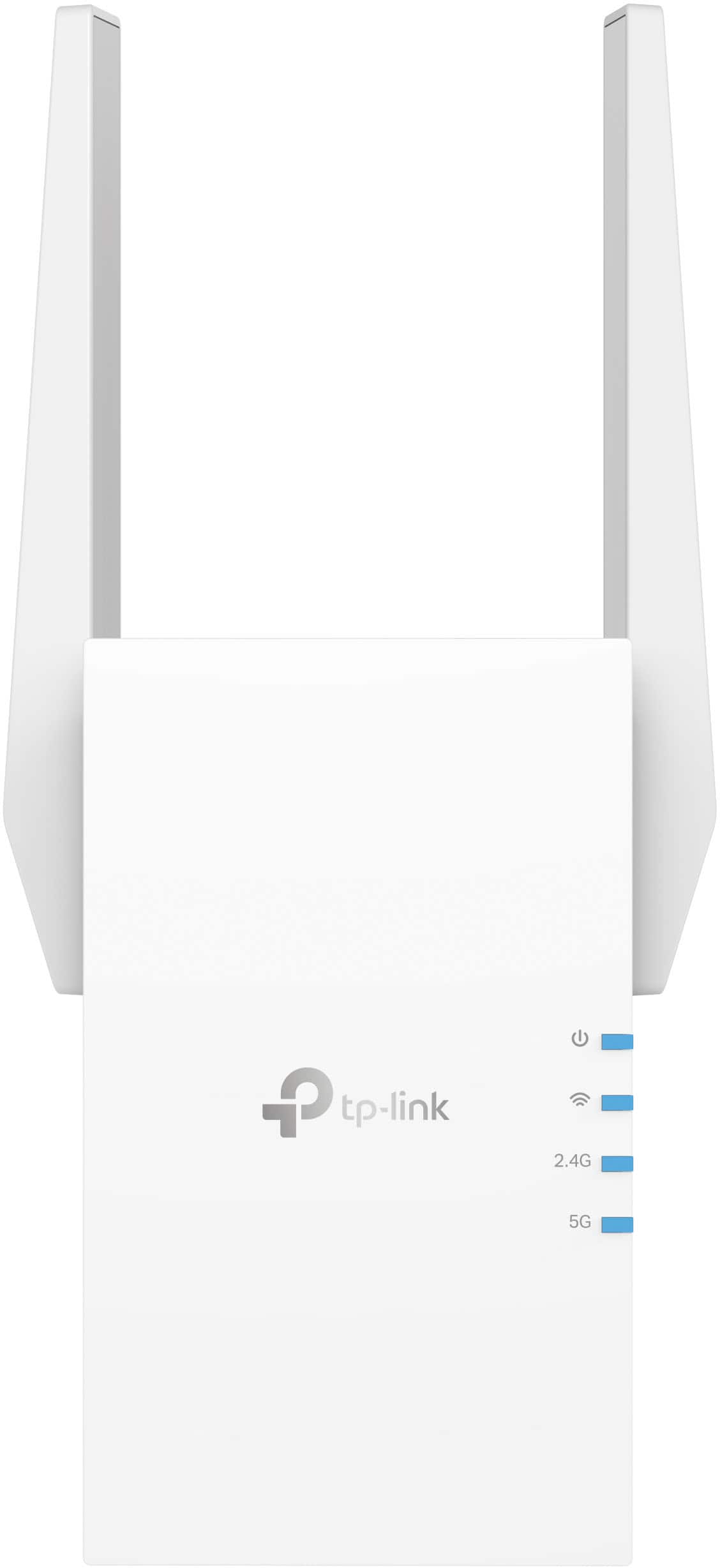
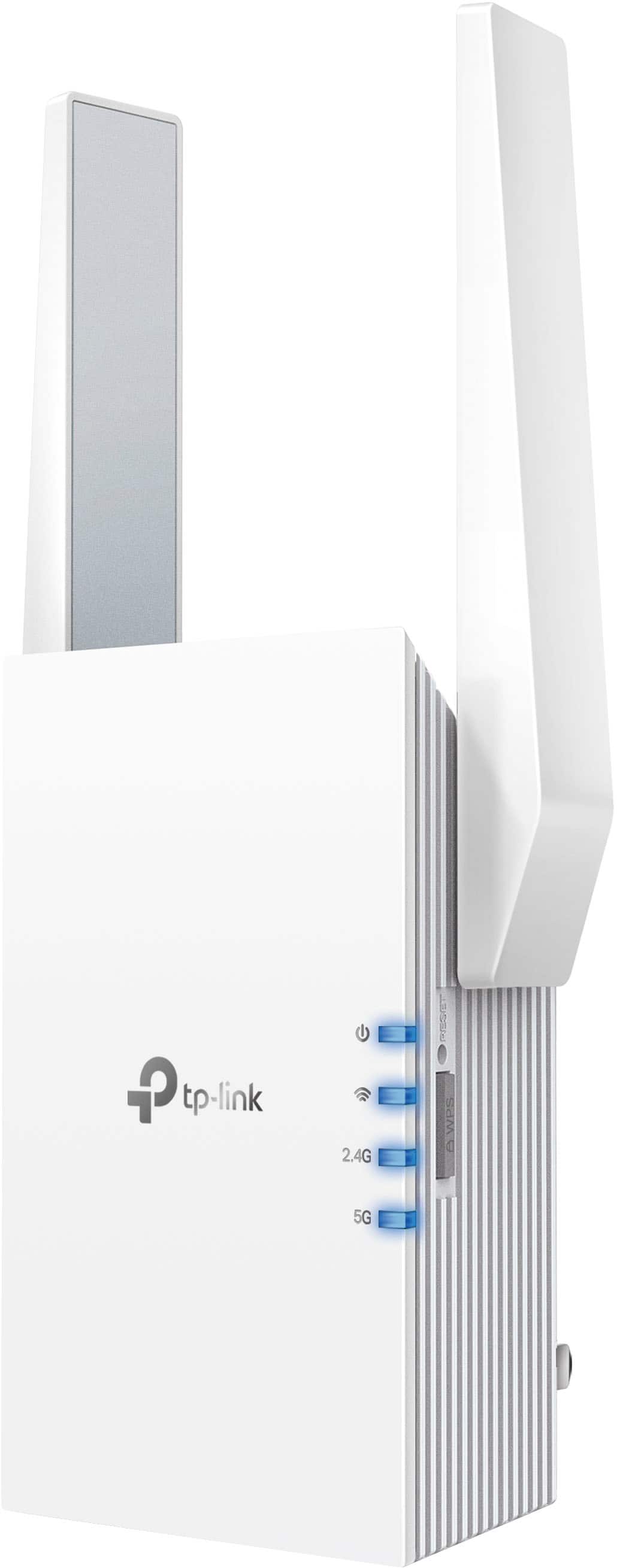
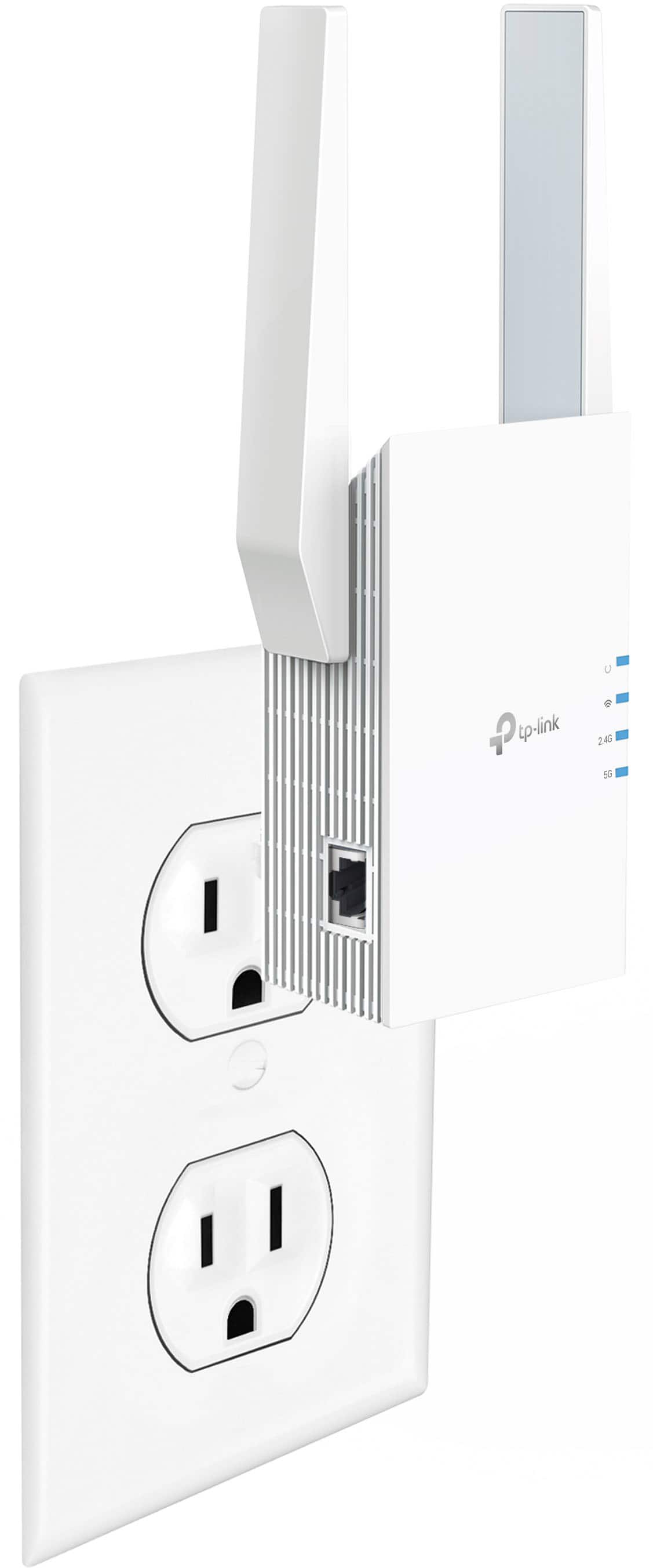

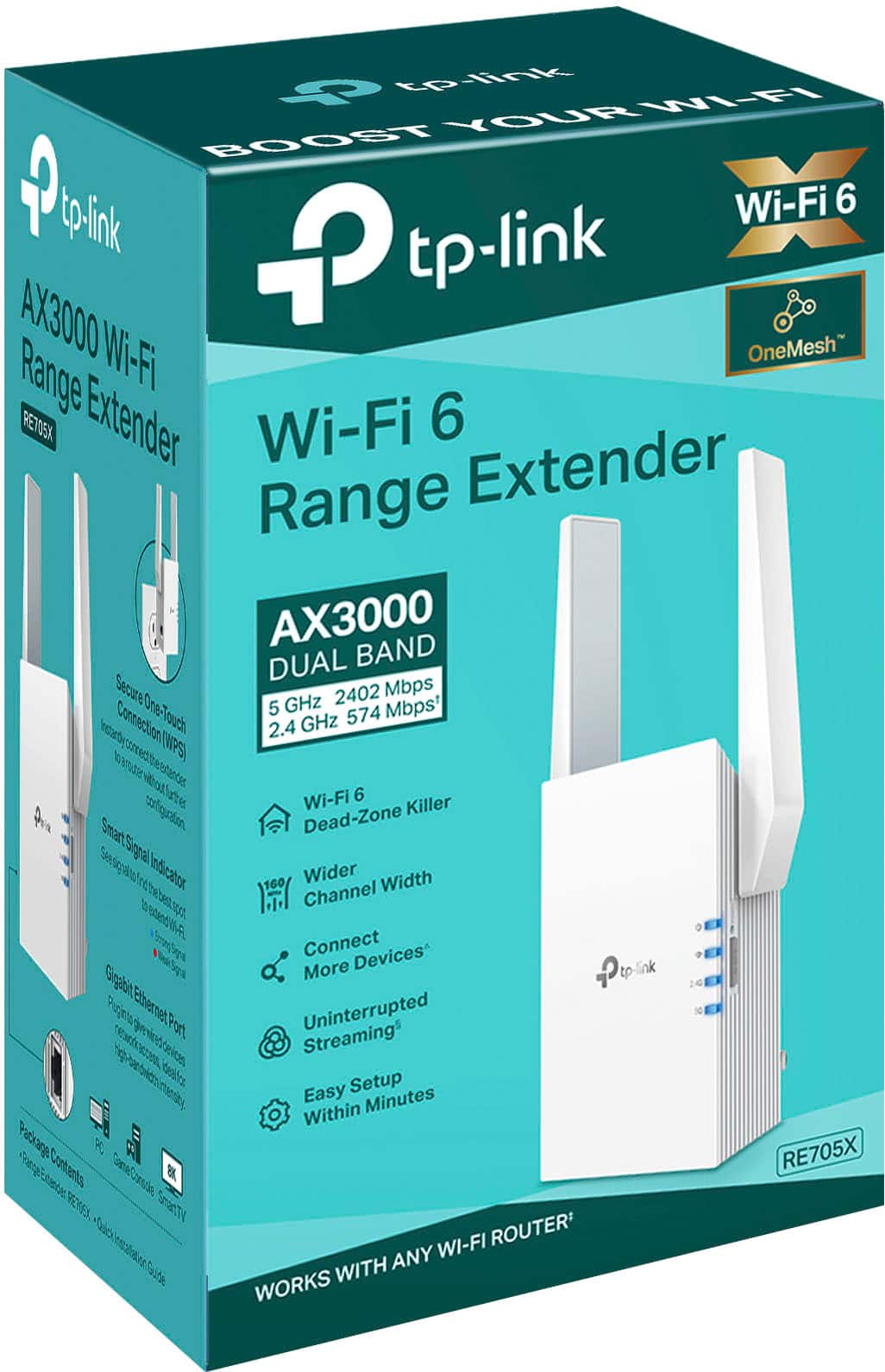
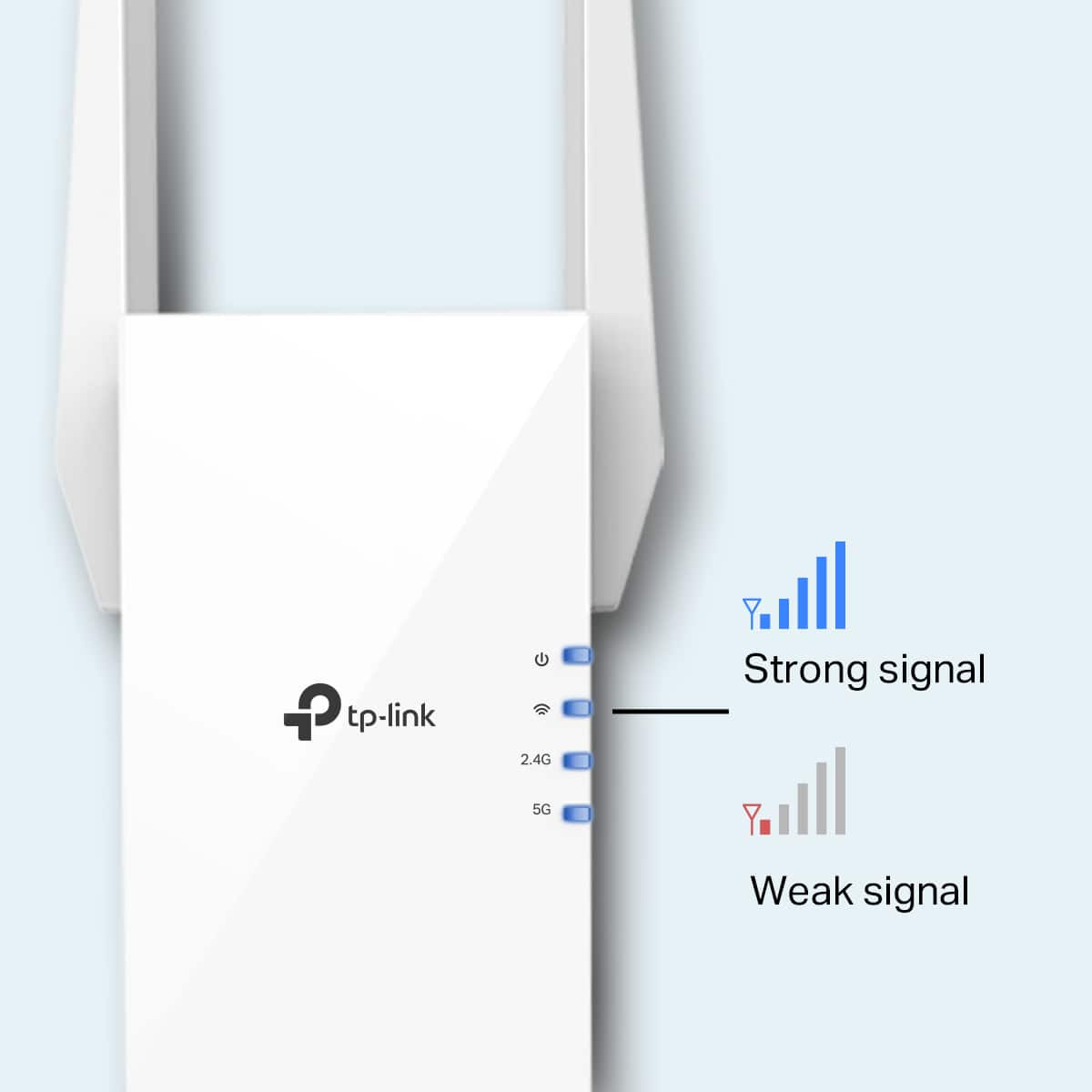
- Model:
- RE705X
- SKU:
- 6502060
Rating by feature
- Value
Rating 4.5 out of 5 stars
- Quality
Rating 4.6 out of 5 stars
- Ease of Use
Rating 4.6 out of 5 stars
Customers are saying
Customers appreciate the AX3000 Dual-Band Wi-Fi 6 Range Extender for its ease of use, extended range, and strong signal strength. Many users have found the setup process to be simple, and they are experiencing fast speeds and reliable connectivity. However, some customers have reported that the device can get warm, and a few have mentioned compatibility issues and its size being a potential concern.
This summary was generated by AI based on customer reviews.
- Pros mentioned:Ease of use

Simple to Set Up, Simple to Use
|Posted .This reviewer received promo considerations or sweepstakes entry for writing a review.I currently have a Linksys Velop Mesh Wi-Fi router in my home. I have three nodes, but the one in our master bedroom does not stay connected so the Wi-Fi in there the signal can be a little sketchy. I’ve looked at extenders in the past to try to make the connection more consistent. When I saw the TP-Link RE705X AX3000 Wi-Fi 6 Extender would work with any brand of router, I decided to give it a try. There isn’t much to the unit. Just the product itself and a set up guide come in the box. It’s easy to set up. You have two options – one is to use the Tether app, use a web browser, or via the WPS button. I had a TP-Link account already, so I chose the Tether app. Once you sign into the app, it explains each step to you. First, you’ll need to plug it in as close to your existing router as you can. Then, you wait until the LED light stops flashing (don’t be alarmed if it takes a few minutes; it did for me). After that, you can move the unit anywhere else in the house. The instructions suggest that you plug in the product somewhere halfway between your router and the dead zone you are trying to improve. My router is in my office on the main floor, while our bedrooms are on the second floor. I chose to plug in the extender in an outlet at the top of the stairs on the second floor. That was about as close to the middle as I could get. I had no issue with the extender finding the wi-fi in the new location. Once it fires back up, you’ll see steady LED lights in blue once it’s connected to your network. Sadly, it didn’t solve my node issue. I do see a nice steady wi-fi signal on my devices. It may make my node issue moot at this point. The device is simple to set up and simple to use.
I would recommend this to a friend - Pros mentioned:Setup
Every household needs this!
|Posted .This reviewer received promo considerations or sweepstakes entry for writing a review.I am impressed with this little WIFI range extender. We realized our household could really benefit from a range extender when we realized how spaced out we use our devices. We have an average sized home but it is on a larger property, and in the back of the house we have a large deck extending 33 feet out from the house, and then the pool. And you guessed it, we often use devices while relaxing in the pool to play music, read, or watch videos. In the front of the house, we of course use our phone from time to time in the driveway area, but we also use home surveillance cameras. All of these devices are very far from the router in the home and would often have a poor connection. This device was incredibly easy to set up. Press two buttons, twice for us because we have 2.4GHz and 5GHz, and that was it, it was set up and working. I do like how the extender creates two more channels differentiated with EXT, our devices have the option to connect directly to the main router still if we are near it in the house, or connect to this extended line when further out in range. I ran internet speed tests before and after installation and was very happy with the numbers. The site even said we had a strong internet connection that could handle multiple devices and streaming, while I was on the other side of the pool, connected to the extender that was located inside near the back door. You really cannot go wrong with creating a mesh system of wifi power in your house, especially if you know you have dead zones. I recommend this for any household that regularly uses devices.
I would recommend this to a friend - Pros mentioned:Range
Does the Job!
Posted .This reviewer received promo considerations or sweepstakes entry for writing a review.This extender made the difference in our large home with multiple levels. Our Wi-Fi now covers all corners of home!
I would recommend this to a friend - Pros mentioned:Setup
Works like advertised
|Posted .This reviewer received promo considerations or sweepstakes entry for writing a review.Having spent some time withthe TP-Link Wi-Fi 6 Range Extender (model RE705X), I can honestly say that is definitely helps people that may have dead zones in their house by taking your Wi-Fi signal and extending it further. Set up is relatively easy, you have to follow the instructions, first you plug it in close to your existing router, downloading the Tether app, and just follow the instructions, once synced, you can then plug it in anywhere else in the house, this range extender will then pick up the signal from the router and boost and broadcast it again, filling any dead zones you may have. Overall it works very well for me, the Wi-Fi it emmits is fast, and has low latency. Great for gaming, watching high definition videos, or just getting a Wi-Fi signal around your home that you had otherwise had trouble getting a decent Wi-Fi signal. When’s paired, the device can be connected to any wall outlet, the instructions recommend that you place it in between the router and the dead zone.
I would recommend this to a friend - Pros mentioned:Ease of use
Good but tricky to install on horizontal outlet.
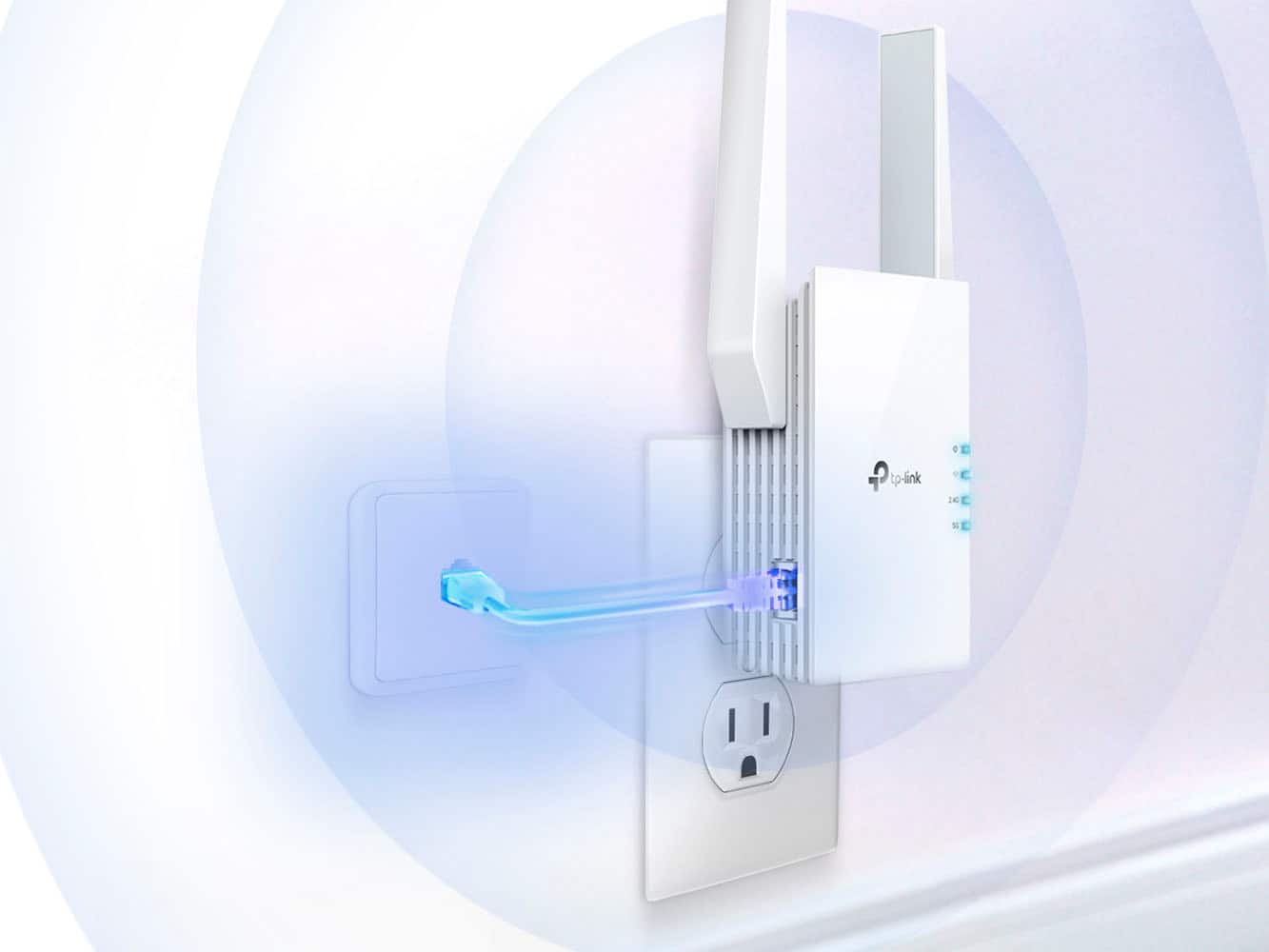
Posted .This reviewer received promo considerations or sweepstakes entry for writing a review.Easy to set up. Works fine. Had to move it around a few times to find a spot where it gets good reception. In our old house the outlets are horizontal. The plus is intended to plug into a vertical outlet. We are using a surge protector with a cord propped up temporarily and are ordering a surge protector that plugs directly into the outlet with pivoting outlets so the device will be oriented vertically. Be careful in selecting a surge protector that plugs directly into the outlet with pivoting outlets as not all will put this device vertical.
I would recommend this to a friend - Pros mentioned:Ease of use, Range
Served its purpose
Posted .This reviewer received promo considerations or sweepstakes entry for writing a review.Easy to install, helped extend the wireless to a dead spot in the home.
I would recommend this to a friend - Pros mentioned:Performance, Signal strength
Quality device at a reasonable price
Posted .This reviewer received promo considerations or sweepstakes entry for writing a review.Installation is very easy and performance is outstanding. I've seen 20-30db improvements in signal strength.
I would recommend this to a friend - Pros mentioned:Ease of use, Performance
Easy to install
Posted .This reviewer received promo considerations or sweepstakes entry for writing a review.When you find out where to best locate it, it installs easily and works beautiful.
I would recommend this to a friend - Pros mentioned:Range
Wireless signal booster resolved my issues!
Posted .This reviewer received promo considerations or sweepstakes entry for writing a review.My old wireless booster wasn't getting the job done. My router is a fairly good distance away and this new one has taken care of my weak signal issues!
I would recommend this to a friend - Pros mentioned:Range
Amazing!
Posted .This reviewer received promo considerations or sweepstakes entry for writing a review.Great worked right away using the WPS option. Did take no more than 5mins. It fixed the problem with the lag between my Playstation Portal & my PS5 so now it’s streaming effortlessly.
I would recommend this to a friend Works perfectly, easy to set up
Posted .This reviewer received promo considerations or sweepstakes entry for writing a review.I currently live in a big house so my computer had a really weak connection and my space doesn't have ethernet available. Bought this so I could game on it. Used to have moments where I'd lose connection but now that it's installed I have a near perfect connection. The installation was easy too. I was a little confused at the instructions but the best way to do it is through the app which is more intuitive and gives you more detailed instructions. Took me about 30 minutes. After all of that it's worked perfectly.
No, I would not recommend this to a friendWi-Fi Extender fix
Posted .This reviewer received promo considerations or sweepstakes entry for writing a review.The wi-fi extender has made a great impact on the my grandchildren and the speed of the way they play their Xbox. It has made a great difference and they are happy with the way they play there games.
I would recommend this to a friendwifi extender works
Posted .This reviewer received promo considerations or sweepstakes entry for writing a review.wi fie extender works, over 100-150 feet away. I have this in a separate building oaver 15-20 car lengths from the modem.
I would recommend this to a friendGreat Purchase!
Posted .This reviewer received promo considerations or sweepstakes entry for writing a review.Highly recommend! This range extender works great, I haven’t had any connection issues since I’ve connected my computer to it.
I would recommend this to a friend- Pros mentioned:Range
Works great!
Posted .This reviewer received promo considerations or sweepstakes entry for writing a review.Works great! Ive gotten so many different extenders just to return them all the time. This one so far has been the best!
I would recommend this to a friend - Pros mentioned:Signal strength
Great extender and simple setup!
Posted .This reviewer received promo considerations or sweepstakes entry for writing a review.It works great! Was having problems with wifi signal in my room since im a floor higher than the router. Helped me get an increase of 200mb!
I would recommend this to a friend - Cons mentioned:Heat
I was really hoping this would work for me
|Posted .This reviewer received promo considerations or sweepstakes entry for writing a review.I am lucking to live in a city that has invested millions of dollars in creating its own fiber optic-based ISP. The service is excellent and speeds are great. My router is located in my second-floor office but my home theater is located in my basement so coverage is weaker. The house including the basement is 4200 sq. ft. The ISP offers a solution that solved this issue however at a monthly cost. I was really hoping this TP Link extender would allow me to improve my coverage and be able to eliminate the monthly cost of my current extender. The TP Link was very easy to set up by loading their Tether app and placing the extender close to your router and following the directions in the app. Once the extender is connected you can then reposition it to improve coverage in areas where you need it. I first disconnected my existing extender so not to interfere with the TP Link. I initially installed the TP Link on my first floor and ran speed tests in both 2.4 and 5 Gig in my basement with no improvement. As a matter of fact, the speed tests showed lower speeds than not having the extender connected at all. I then installed the extender in my basement at multiple different locations and had the same experience. The app was showing the extender was getting a strong signal but no matter where I placed the extender I was getting the same results. The speed test results showed slower speeds with the extender connected. I then placed the extender in my master bedroom next to my office and router and got the same results. This extender did not provide any improvement in coverage or speed no matter how close to my router it was placed. I also noticed it got extremely warm. I don’t know if this has an impact on the performance or not. In the end I was not able to get any improvement and went back to my existing extender and will continue to pay the monthly fee. The good news is our ISP is so reasonable that the added cost of the extender isn’t really noticeable.
No, I would not recommend this to a friendBrand response from TPLinkSupport
Posted .Hi,
Thank you for your review. Wi-Fi extenders utilize half-duplex transmission. As a result, throughput when connecting to the extender may be reduced when compared to the router. This is an industry standard for Wi-Fi extenders and is not exclusive to TP-Link.
In your case, we recommend relocating the unit to a position in your home where the router's Wi-Fi signal is sufficiently strong; yet far enough from the router to effectively extend its range.
If you'd like assistance with any of these steps, please reach out to our free support team using any of the resources included with the product, or from our official website, and we'll gladly have a Support Agent follow up with you directly.
Thank you,
TP-Link Support
- Pros mentioned:Range
Easy setup
Posted .This reviewer received promo considerations or sweepstakes entry for writing a review.Did exactly what I needed and expected. Already purchased another one.
I would recommend this to a friend - Pros mentioned:Ease of use
Works great
Posted .This reviewer received promo considerations or sweepstakes entry for writing a review.Great for the deadzone in my house. Easy to setup up and enjoying it. Went from 10mbps to 200 mbps
I would recommend this to a friend Great Replacement Alternative
Posted .This reviewer received promo considerations or sweepstakes entry for writing a review.I was looking for a Dual Band WiFi Extender for our home and this product had the best reviews and value for the money. The installation was somewhat difficult being there wasn't readily available install instructions provided. The unit is top heavy and has a tendency to fall way from the outlet, so, I attached double faced tape between the extender and wall outlet and the install was more secure. Once the install was complete, the WiFi Extender works great. I would have given 5 Stars if I didn't encounter the install hardship, otherwise, I feel this unit is a good choice.
I would recommend this to a friend