Customer Ratings & Reviews
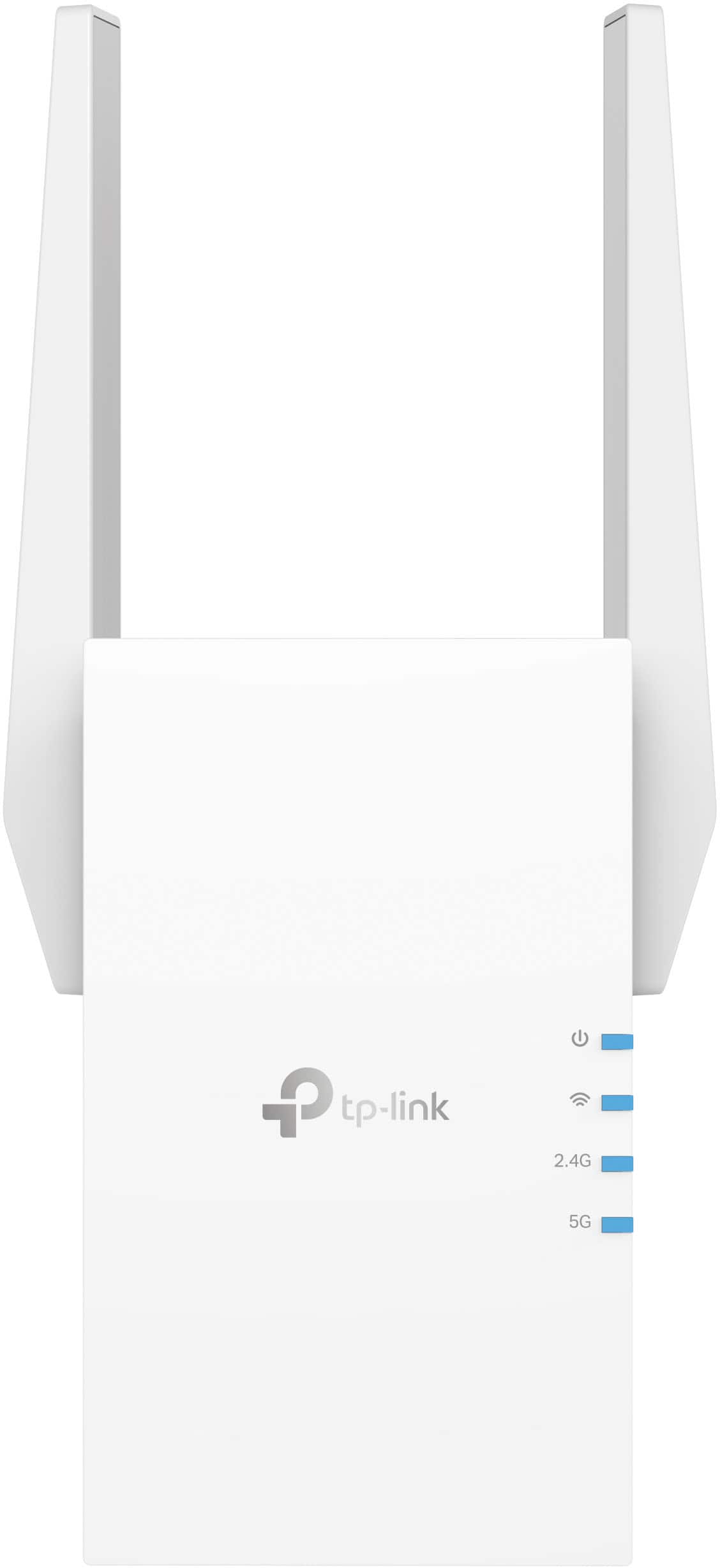
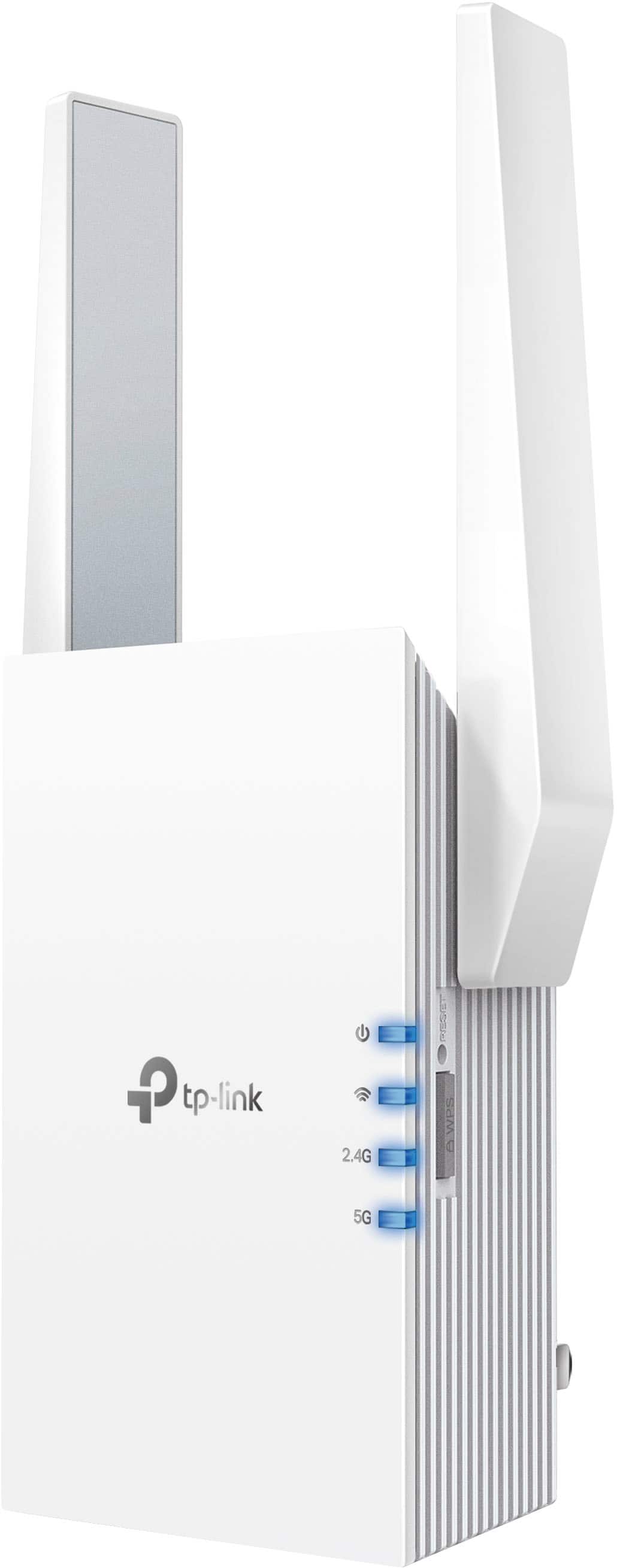
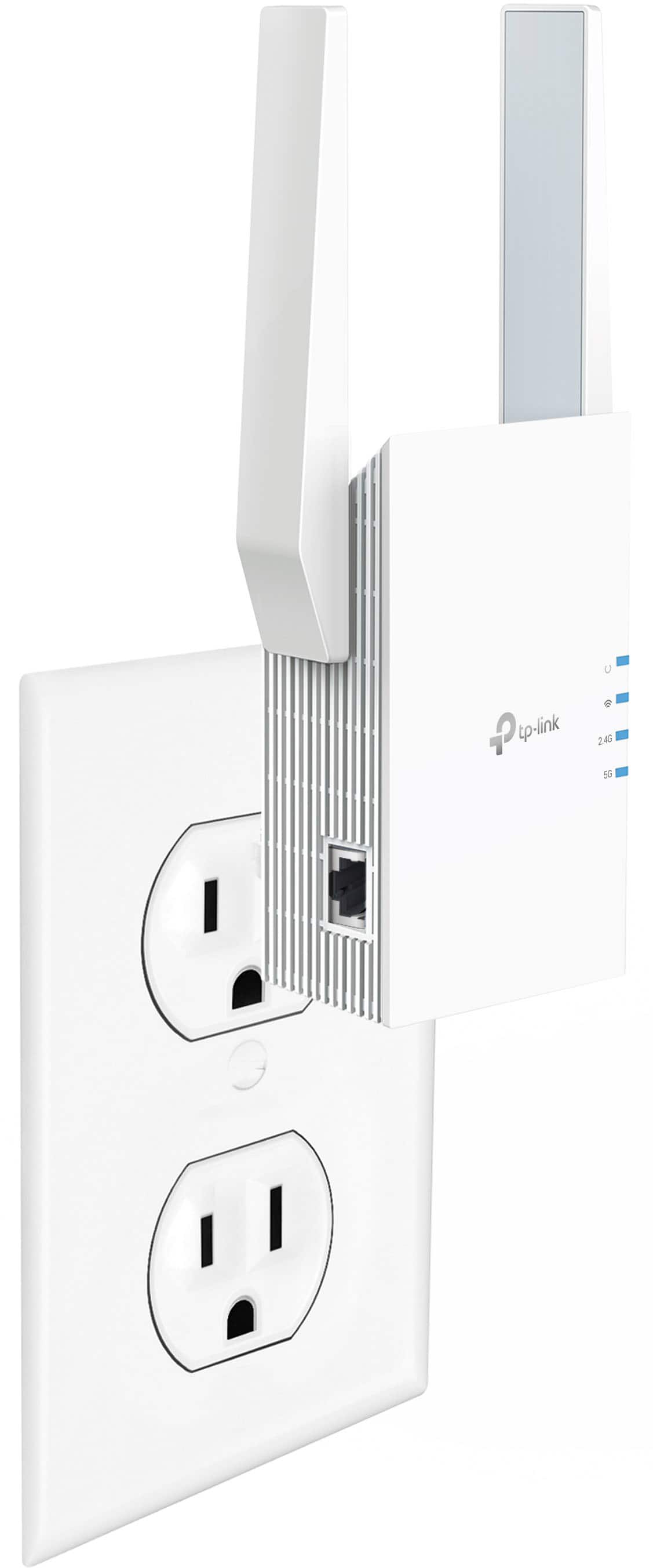

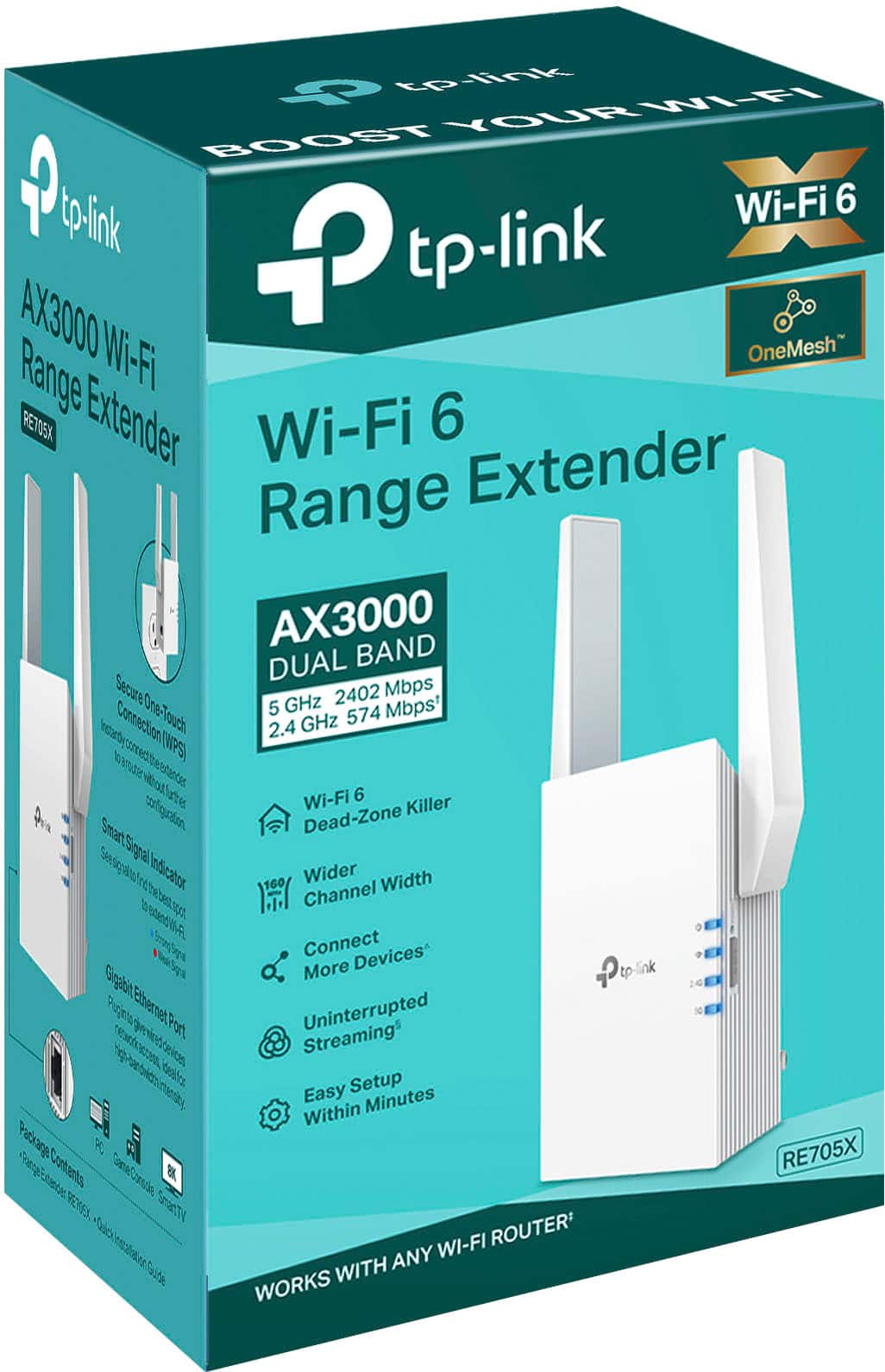
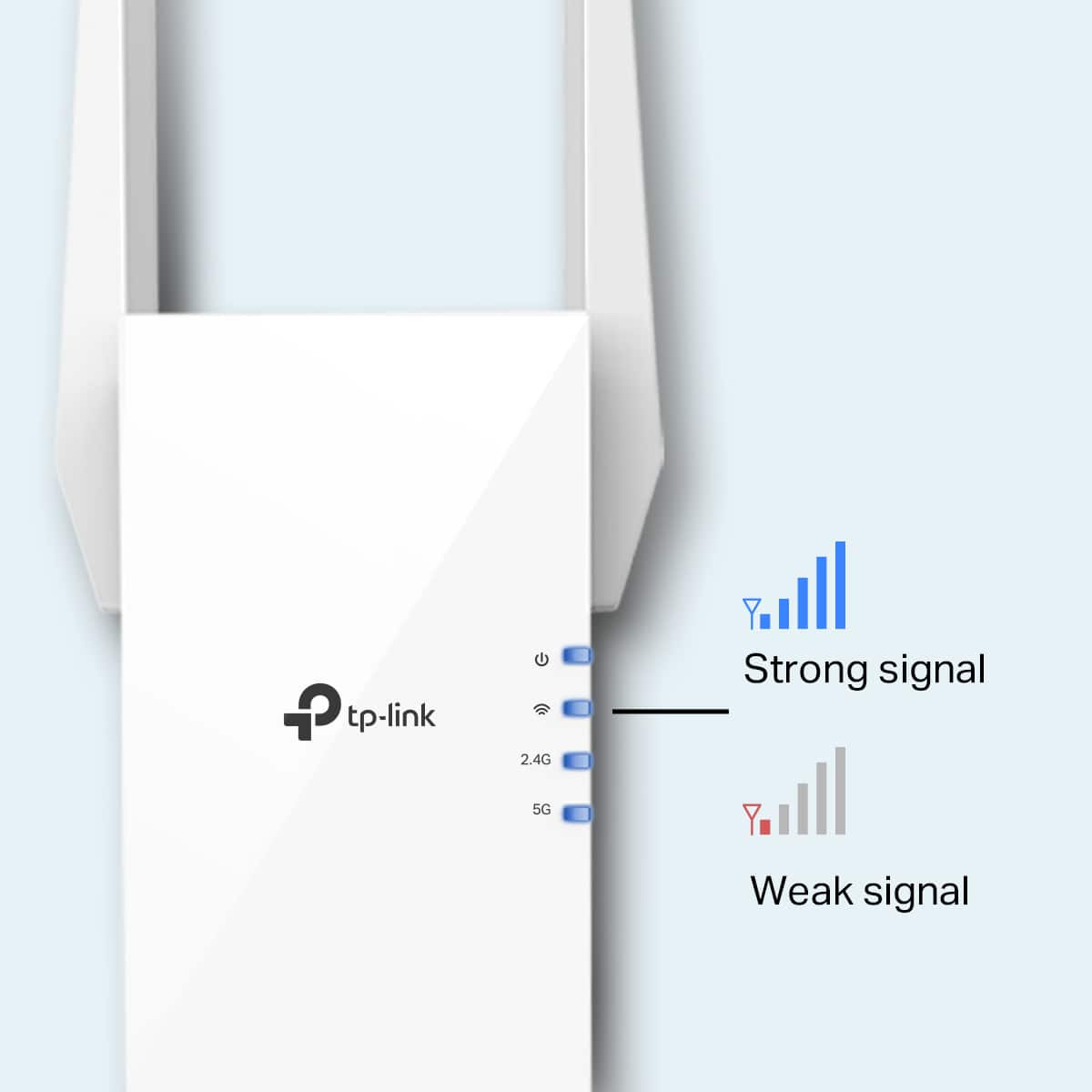
- Model:
- RE705X
- SKU:
- 6502060
Rating by feature
- Value
Rating 4.5 out of 5 stars
- Quality
Rating 4.6 out of 5 stars
- Ease of Use
Rating 4.6 out of 5 stars
Customers are saying
Customers appreciate the AX3000 Dual-Band Wi-Fi 6 Range Extender for its ease of use, extended range, and strong signal strength. Many users have found the setup process to be simple, and they are experiencing fast speeds and reliable connectivity. However, some customers have reported that the device can get warm, and a few have mentioned compatibility issues and its size being a potential concern.
This summary was generated by AI based on customer reviews.
- Pros mentioned:Ease of use
Well worth it, great coverage
Posted .This reviewer received promo considerations or sweepstakes entry for writing a review.This may seem a bit pricey, but trust me, well worth it! Simple to setup and works great. The entire house is now able to get WiFi
I would recommend this to a friend - Pros mentioned:Setup
Great add on to extend wireless coverage
Posted .This reviewer received promo considerations or sweepstakes entry for writing a review.Links with my TP-Link router and no separate SSID is needed. Easy setup and configuration.
I would recommend this to a friend Very smooth and easy set up
Posted .This reviewer received promo considerations or sweepstakes entry for writing a review.A boost in my signal stopped the glitch in reality. Happy to finally have internet all over the house.
I would recommend this to a friendHarold
Posted .This reviewer received promo considerations or sweepstakes entry for writing a review.Great product, has solved the problem i had with weak range
I would recommend this to a friend- Pros mentioned:Signal strength
Extender
Posted .This reviewer received promo considerations or sweepstakes entry for writing a review.Great product helped boost my signal through wifi.
I would recommend this to a friend - Pros mentioned:Range
Best one..
Posted .This reviewer received promo considerations or sweepstakes entry for writing a review.Fantastic. Works great. Thank you for recommending.
I would recommend this to a friend Good product
Posted .This reviewer received promo considerations or sweepstakes entry for writing a review.Works as advertised, At least 3 set-up options. Good extended coverage.
I would recommend this to a friendAmazing
Posted .This reviewer received promo considerations or sweepstakes entry for writing a review.Amazing works wonders im getting 1000mpbs+ recomend
I would recommend this to a friendDoes what it claims to do
Posted .This reviewer received promo considerations or sweepstakes entry for writing a review.It does what I needed it to do. I don’t need or want to say anything more.
I would recommend this to a friendGood Extender for household use.
Posted .This reviewer received promo considerations or sweepstakes entry for writing a review.Overall this is doing exactly what I need it too. Still have some connection issues here an there but it could be due to placement or how my device itself re-establishes connection.
I would recommend this to a friend- Pros mentioned:Ease of use
Ok but not great
Posted .This reviewer received promo considerations or sweepstakes entry for writing a review.Range is ok, but not the greatest…fairly easy to install
No, I would not recommend this to a friendBrand response from TPLinkSupport
Posted .Hi,
Thank you for your review. If you haven't noticed a significant improvement in Wi-Fi coverage after installing the extender, we recommend relocating the unit to a position within your home where the router's Wi-Fi signal is sufficiently strong; yet far enough from the router to effectively extend its range. Please verify the RE status LED is indicating a solid connection.
We also recommend ensuring the extender's firmware is fully up to date using the steps outlined in FAQ 1406 on our official website: https://www.tp-link.com/us/support/faq/1406/
If you would like assistance with any of these steps, please contact our support team using any of the resources included with the product or from our official website, and we'll gladly have a Support Agent follow up with you directly.
Thank you,
TP-Link Support
5 Stars
Posted .This reviewer received promo considerations or sweepstakes entry for writing a review.Made a HUGE difference in the coverage in my house and speeds are faster than ever!!
I would recommend this to a friendCould be good but doesn’t work for me.
Posted .This reviewer received promo considerations or sweepstakes entry for writing a review.Not good for me. Didn’t work right because of the walls.
No, I would not recommend this to a friendBrand response from TPLinkSupport
Posted .Hi JesusM,
Thank you for your review. If you haven't noticed a significant improvement in Wi-Fi coverage after installing the extender, we suggest relocating the unit to a spot in your home where the router's Wi-Fi signal is strong but still far enough away to extend its range effectively. Please check that the RE status LED shows a solid connection.
We also recommend ensuring the extender's firmware is fully up to date using the steps outlined in FAQ 1406 on our official website: https://www.tp-link.com/us/support/faq/1406/
If you would like assistance with any of these steps, please reach out to our support team using any of the resources included with the product, or from our official website, and we'll gladly have a Support Agent follow up with you directly.
Thank you,
TP-Link Systems Support
- Pros mentioned:Range
Finally something that works
Posted .This reviewer received promo considerations or sweepstakes entry for writing a review.I bought this for my apartment since my bedroom is at the complete opposite end of the apartment from my router. I tried 2 other extenders but they both constantly failed or needed to be reset. This solved the problem and consistently works well - I can now easily stream on the opposite side of the apartment!
I would recommend this to a friend Works great
Posted .This reviewer received promo considerations or sweepstakes entry for writing a review.Product works well. Setup was a little difficult, but it works!
I would recommend this to a friendGreat amplifier
Posted .This reviewer received promo considerations or sweepstakes entry for writing a review.Great amplifier for a garage, has very strong connection
I would recommend this to a friendIt works as described!
Posted .This reviewer received promo considerations or sweepstakes entry for writing a review.Easy set up with tether app. The signal to the far end was stable. It was a bit pricy though.
I would recommend this to a friend- Pros mentioned:Ease of use
Excellent product
Posted .This reviewer received promo considerations or sweepstakes entry for writing a review.I would buy this again. No regrets. Works as promised. Easy to set up. Highly recommend.
I would recommend this to a friend Not good for office
Posted .This reviewer received promo considerations or sweepstakes entry for writing a review.I put it in an office with 1 Gigabit speed uplink to the Internet and wired connect to router. It only gets ~100Mbps on wireless when no one connects to it (no so good on 1Gbps pipe). But speed drops to <10Mbps even when <20 users connected at the same time. Not good for office (~1000 sqft)
No, I would not recommend this to a friendBrand response from TPLinkSupport
Posted .Hi,
Thank you for your review. In your case, we would first recommend ensuring your Ethernet cabling is Cat5E or higher, and that devices are connecting to the faster band (5GHz) for best results. We would also suggest making sure the extender's firmware is fully up to date using the steps outlined in our FAQ here: https://www.tp-link.com/us/support/faq/1406/
Our support team is always happy to help answer any questions you may have about our products. Please feel free to reach out using any of the resources included with the product, or from our official website, and we'll gladly have a Support Agent follow up with you directly.
Thank you,
TP-Link Support
No improvement
Posted .This reviewer received promo considerations or sweepstakes entry for writing a review.This not only failed to improve the signal, the signal degraded. It had to be very close to the router to work, which defeats the purpose. It was returned.
No, I would not recommend this to a friendBrand response from TPLinkSupport
Posted .Hello DBZ1,
Range Extenders have to be placed between the router and where you want service. This area needs a strong signal from the router and should be open and unobstructed. Its always worth pointing out that Range Extenders do not generally improve speed, only Range. Some customers group speed and coverage in to the signal so we always like to point that out. I understand you have returned the product but if you would like to talk about other products support is always available.
Best Regards
TP-Link Support