Customer Ratings & Reviews
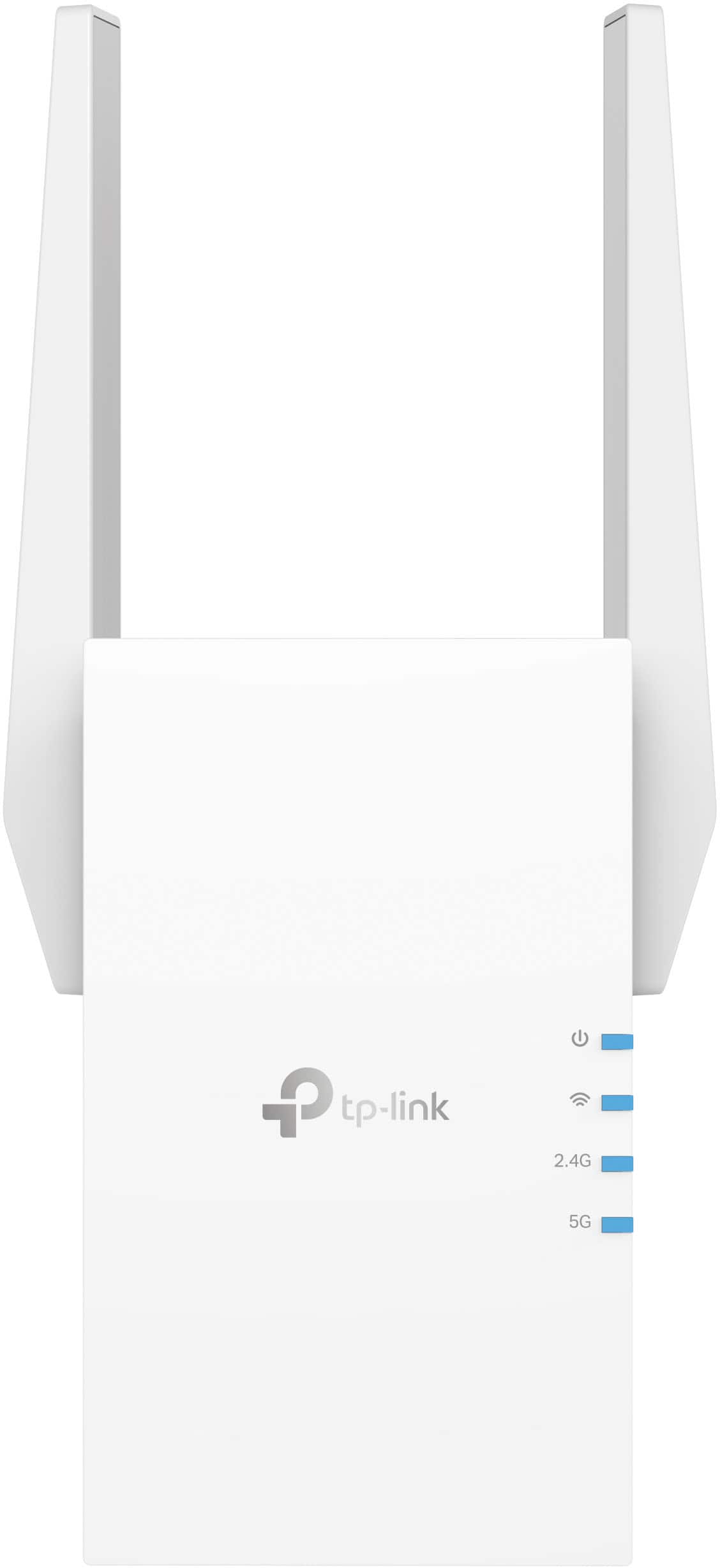

- Model:
- RE705X
- SKU:
- 6502060
Rating by feature
- Value
Rating 4.5 out of 5 stars
- Quality
Rating 4.6 out of 5 stars
- Ease of Use
Rating 4.6 out of 5 stars
Customers are saying
Customers appreciate the AX3000 Dual-Band Wi-Fi 6 Range Extender for its ease of use, extended range, and strong signal strength. Many users have found the setup process to be simple, and they are experiencing fast speeds and reliable connectivity. However, some customers have reported that the device can get warm, and a few have mentioned compatibility issues and its size being a potential concern.
This summary was generated by AI based on customer reviews.
Terrible product, decreased signal everwhere
Posted .This reviewer received promo considerations or sweepstakes entry for writing a review.Terrible product, set it up & wasted my time going to the store just to have it decrease my signal speed heavily throughout the house. Awful product
No, I would not recommend this to a friendBrand response from TPLinkSupport
Posted .Hi,
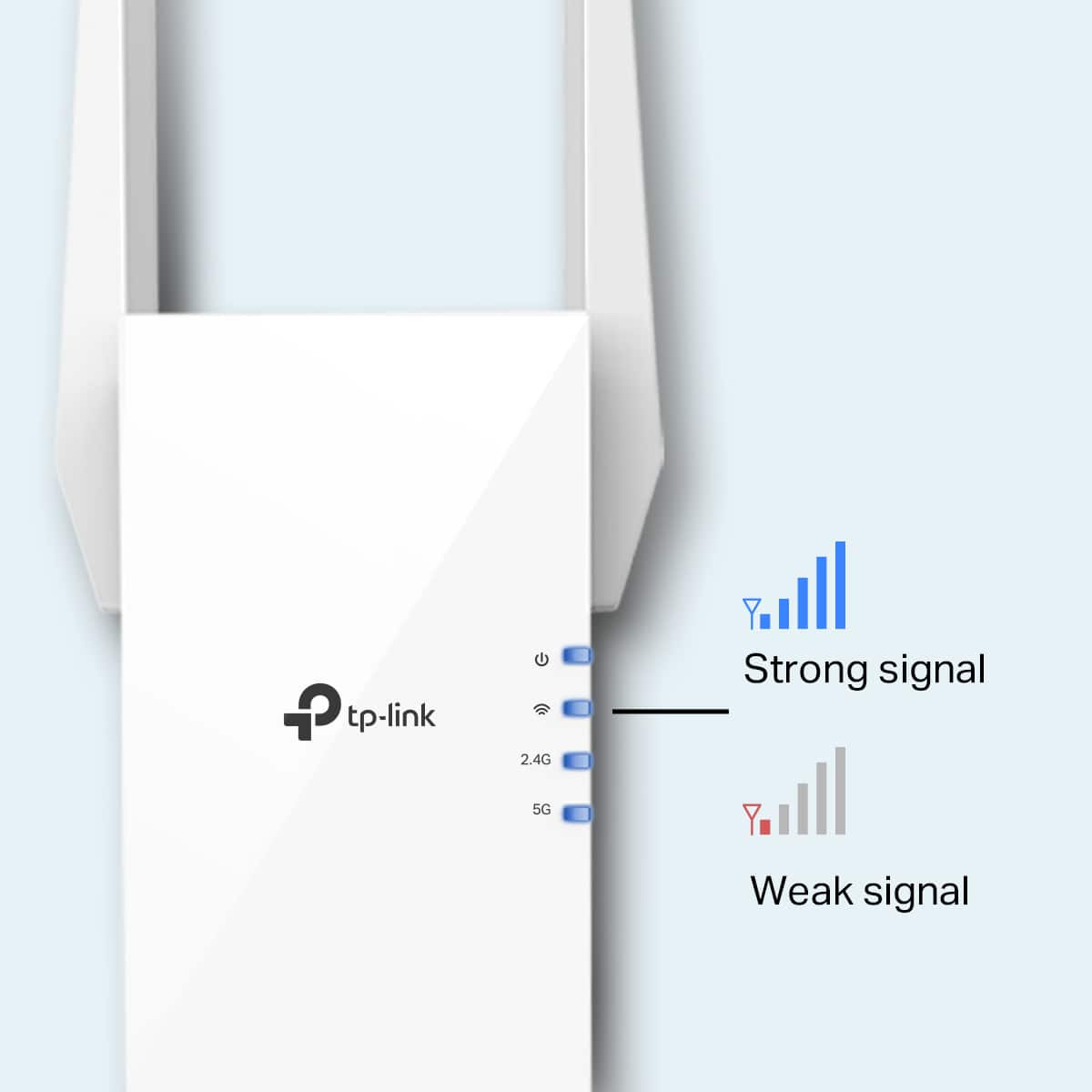
Thank you for your review. If you haven't noticed a significant improvement in Wi-Fi coverage after installing the extender, we recommend relocating the unit to a position within your home where the router's Wi-Fi signal is sufficiently strong; yet far enough from the router to effectively extend its range. Please verify the RE status LED is indicating a solid connection.
We also recommend ensuring the extender's firmware is fully up-to-date, using the steps outlined in FAQ 1406 on our official website: https://www.tp-link.com/us/support/faq/1406/
If you would like assistance with any of these steps, please reach out to our support team using any of the resources included with the product, or from our official website, and we'll gladly have a Support Agent follow up with you directly.
Thank you,
TP-Link Support