Last-Minute SavingsLimited quantities.Shop now

Skip to content
Gift Ideas
Main Content

Customer Ratings & Reviews
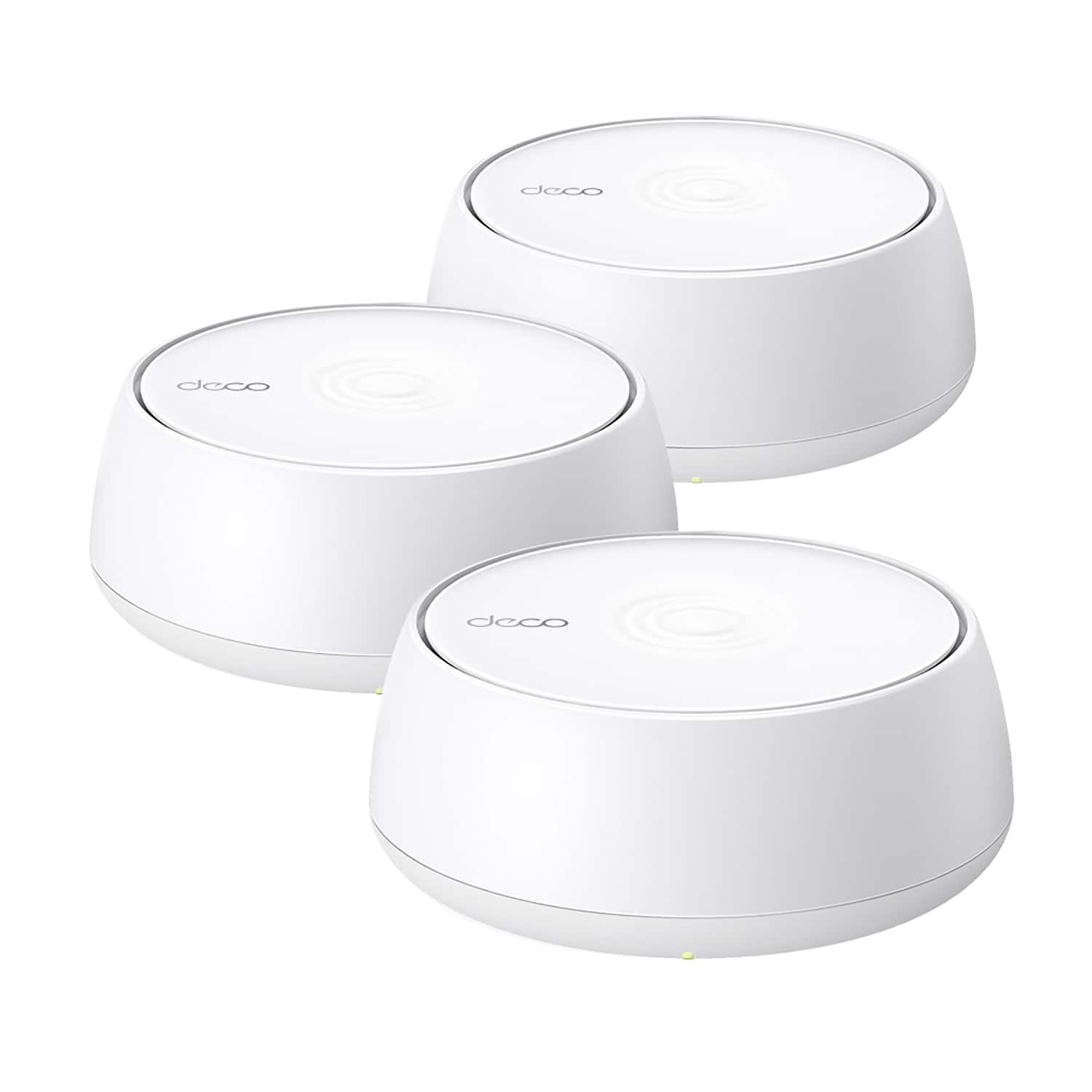
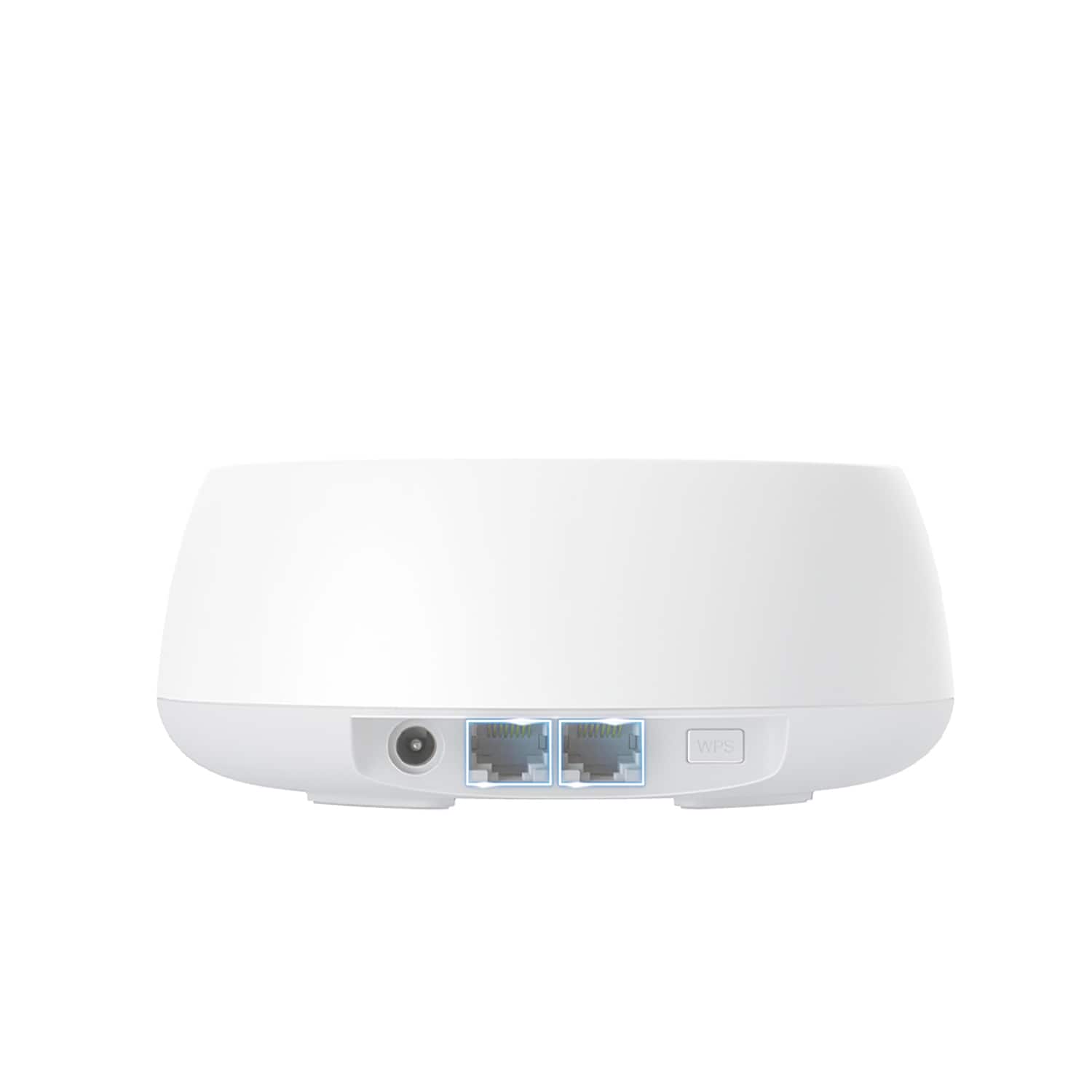
Your price for this item is $199.99
The comparable value price is $299.99

Customer reviews

Rating 4.5 out of 5 stars with 84 reviews

Rating Filter

Rating by feature

  • Setup

    Rating 4.6 out of 5 stars

  • Range

    Rating 4.3 out of 5 stars

  • Signal Strength

    Rating 4.3 out of 5 stars

Pros mentioned filter

Cons mentioned filter

There aren't enough negative mentions yet.
87%would recommend to a friend

Customers are saying

Customers frequently mention the TP-Link Deco BE5000's easy setup process, with many finding it simple and quick to install. The system's range is also praised, with users reporting strong and reliable connections even in areas further away from the main router. Additionally, customers appreciate the strong signal strength provided by the Deco BE5000, ensuring a stable and consistent internet connection throughout their homes.

This summary was generated by AI based on customer reviews.

The vast majority of our reviews come from verified purchases. Reviews from customers may include My Best Buy members, employees, and Tech Insider Network members (as tagged). Select reviewers may receive discounted products, promotional considerations or entries into drawings for honest, helpful reviews.
Page 4 Showing 61-80 of 84 reviews
  • Rated 5 out of 5 stars

    Good product—over the top support.

    |
    |
    Posted .
    This reviewer received promo considerations or sweepstakes entry for writing a review.

    Upgraded from an older technology from a competitor. Spent a lot of time choosing, and a lot of time on their support chat line. Best support chat ever.

    I would recommend this to a friend
  • Pros mentioned:
    Speed
    Tech Insider Network Member

    Rated 4 out of 5 stars

    The WiFi upgrade you didn't know you needed!

    |
    Tech Insider Network Member
    Posted .
    This reviewer received promo considerations or sweepstakes entry for writing a review.

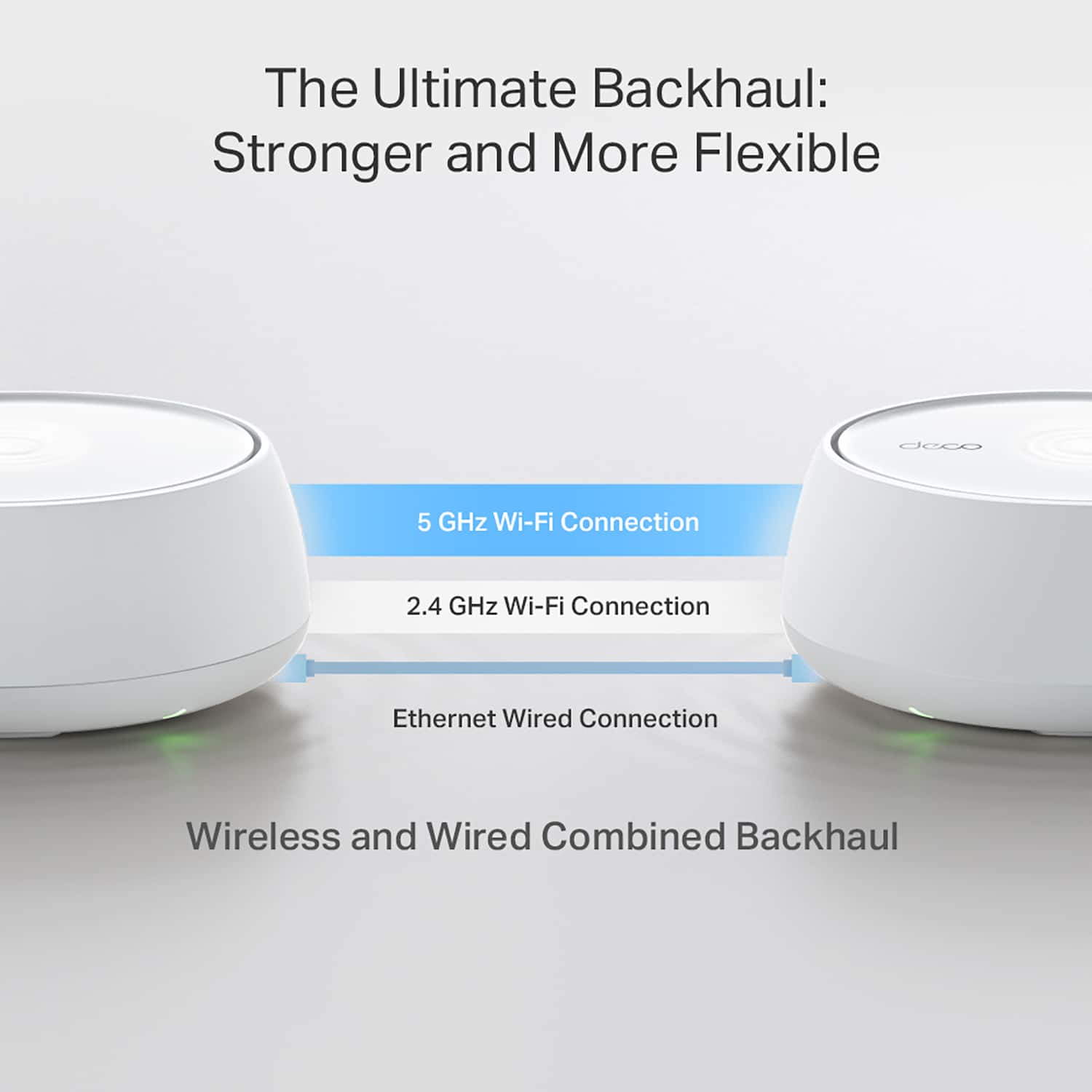
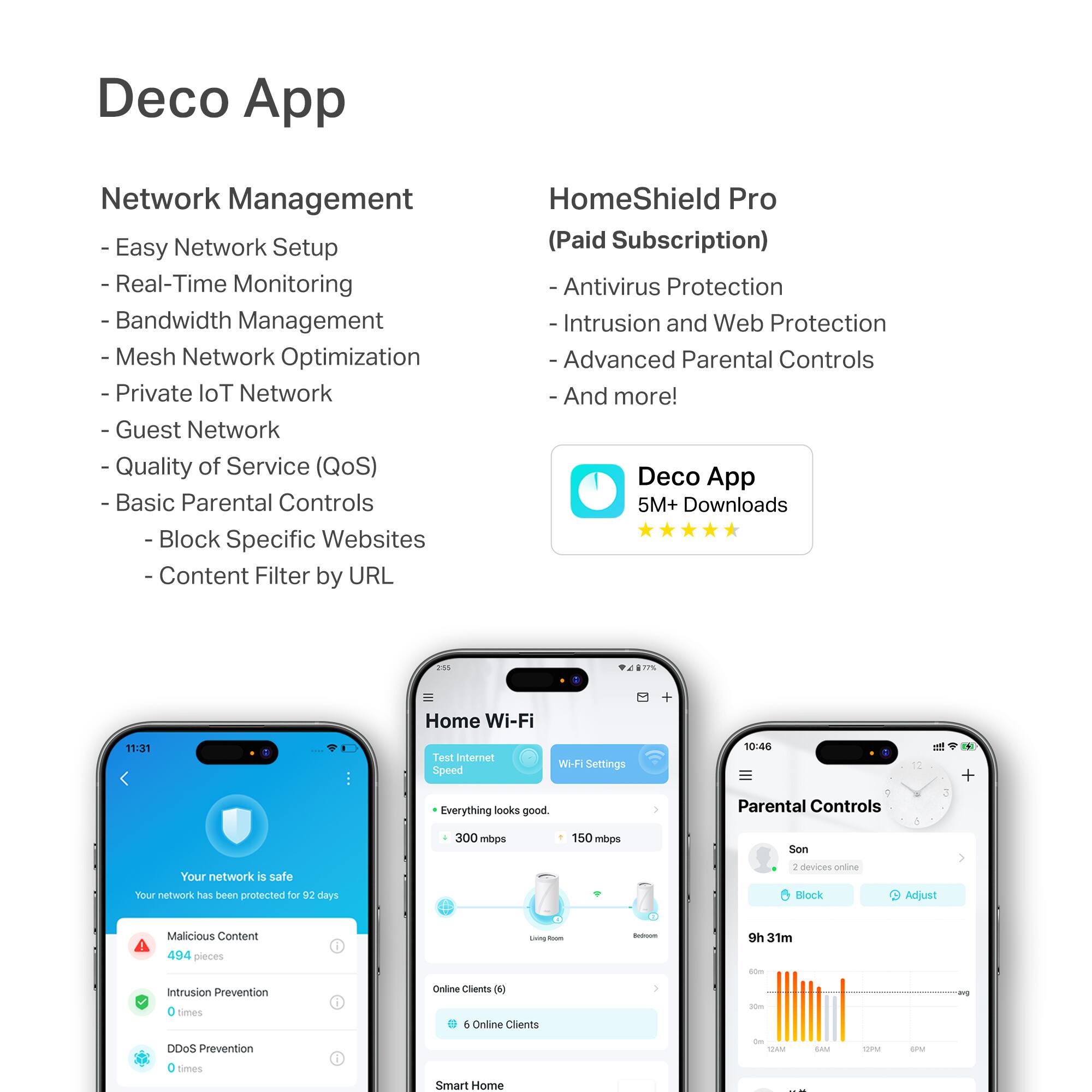
    The setup process for this mesh system was a breeze! After downloading the app, it's basically 11 steps and you're up and running: +++Pros+++ + This mesh system has excellent speeds and range. + There's a wired backhaul feature to be able to hardwire devices - this is huge because I work from home and work devices are required to be wired to minimize common WiFI connection issues like dropouts (for the record, I have yet to experience these with this system). + This system IS WiFi 7 but it's also backwards compatible (BE>AX>AC>N). Considering how slow companies adopt new wireless standards there's a chance that you'll be connecting devices that are not WiFi 7, but fret not - you're just future-proofing yourself! + The app is INCREDIBLE. It's very easy to navigate and does a good job of explaining what most of the settings do for even the greenest techies. + Parental Controls - you setup profiles (say for your child) and then it's easy to set parental controls like content filtering, blocking websites, bedtimes, time limits and off times. There's a lot of flexibility with these such as setting daily, weekdays & weekends, school nights or custom days. You can even use preset templates based on age. Afterwards, you add the devices that belong to the profile user (i.e. phones, tablets, laptops) and the settings are blanket applied to all of the associated devices. Genius and a huge time saver! You can even quickly and easily block a whole user's network access with the touch of a button. + More advanced security features like device isolation are also present which allows you to choose what devices can and can't see/communicate with other network devices for added security. + There's an option for a dedicated IOT network so all of your smart bulbs, thermostats, door locks, cameras, etc. can operate seamlessly without interference from other devices like laptops, streaming devices, gaming consoles, etc. + Remote management is available thru the app. My parents aren't as tech savvy so I would be able to get them something like this and add myself as a Manager and I'd be able to remotely view and troubleshoot their network. ---Cons--- - There are too many subscription options. There's a Pro, Security+ and Advanced Parental Controls and without digging there's not a central way to see all of these things with descriptions of what they're adding. Thru the App Store you can see all the plans but again, this is just a bunch of plans and pricing without it being really clear WHAT the value add is. - I wish there was an option for a captive portal or Acceptable Usage Policy to be displayed when connecting to the Guest Network. - My previous network system had a very detailed device monitoring where you could see how many visitors you had on your network, what devices, etc. etc. It's a very detailed level of reporting that I haven't seen any other brand match yet. Not only is this great for business usage, but it also gives you a little more security as you know about unsuccessful WiFi connection attempts, etc. ***Summary*** 4.5 stars overall. Very simple to setup and use. Reliable connectivity with great speeds and range. They do need to work on the subscription or in-app purchases though to make that just as easy to interpret as the rest of the app.

    I would recommend this to a friend
  • Rated 3 out of 5 stars

    Mr. Ed

    |
    |
    Posted . Owned for 3 weeks when reviewed.
    This reviewer received promo considerations or sweepstakes entry for writing a review.

    easy install and upgrade. I would recommend the TP-Link Deco BE5000 Dual Band WiFi 7 mesh system.

    I would recommend this to a friend
    • Brand response from TPLinkSupport
      Posted .

      Hi EdwardO,

      Thank you for your review. We are delighted to hear that you enjoyed the ease of installation and upgrade options for our Deco Mesh Whole Home Wi-Fi System, and that you would recommend it to others. If you have any questions about your experience, please don't hesitate to contact our TP-Link Support Team via phone, live chat, or email, using the Support Portal on our official TP-Link website.

      Best Regards,
      TP-Link Systems Support tplink

  • Pros mentioned:
    Performance

    Rated 5 out of 5 stars

    It’s good

    |
    |
    Posted . Owned for 2 weeks when reviewed.
    This reviewer received promo considerations or sweepstakes entry for writing a review.

    Works better than eero for my home. Set takes a bit bc you need to update each device

    I would recommend this to a friend
  • Pros mentioned:
    Speed

    Rated 5 out of 5 stars

    Very nice coverage!

    |
    |
    Posted . Owned for 1 week when reviewed.
    This reviewer received promo considerations or sweepstakes entry for writing a review.

    Amazing, high speed Mesh Wifi7 connection throughout the whole house!

    I would recommend this to a friend
  • Rated 5 out of 5 stars

    Deco system

    |
    |
    Posted . Owned for 2 weeks when reviewed.
    This reviewer received promo considerations or sweepstakes entry for writing a review.

    Easy to setup and great signal strength. Great mesh system.

    I would recommend this to a friend
  • Rated 2 out of 5 stars

    Absolute JUNK!

    |
    |
    Posted . Owned for 3 months when reviewed.
    This reviewer received promo considerations or sweepstakes entry for writing a review.

    Great at first then absolute J-U-N-K! I would constantly drop my connection, lag beyond belief, and then out of nowhere the network would disappear, the satellites would all re-boot and take about 15 minutes to come back online. I'm not saying that TP-Link is a junk company because up until this purchase I've never had an issue with the multitude of products I've purchased in the past. I'm just highly disappointed.

    No, I would not recommend this to a friend
    • Brand response from TPLinkSupport
      Posted .

      Hi Rakkasan,

      Thank you for your feedback. Our Deco Mesh Wi-Fi systems are designed to provide robust, seamless Mesh Wi-Fi for your whole home. In your case, we first recommend ensuring your Deco app and firmware are both fully up to date and your Deco units are optimally positioned within your home and in proximity to each other.

      Our support team is always available and happy to assist with any questions you may have about our products. Feel free to contact us through any of the resources provided with the product or on our official website, and a Support Agent will follow up with you directly to help address your Deco connectivity concerns.

      Thank you,
      TP-Link Systems Support tplink

  • Pros mentioned:
    Speed

    Rated 2 out of 5 stars

    BE5000 Mesh Performance on 2 Gig Internet

    |
    |
    Posted . Owned for 3 weeks when reviewed.
    This reviewer received promo considerations or sweepstakes entry for writing a review.

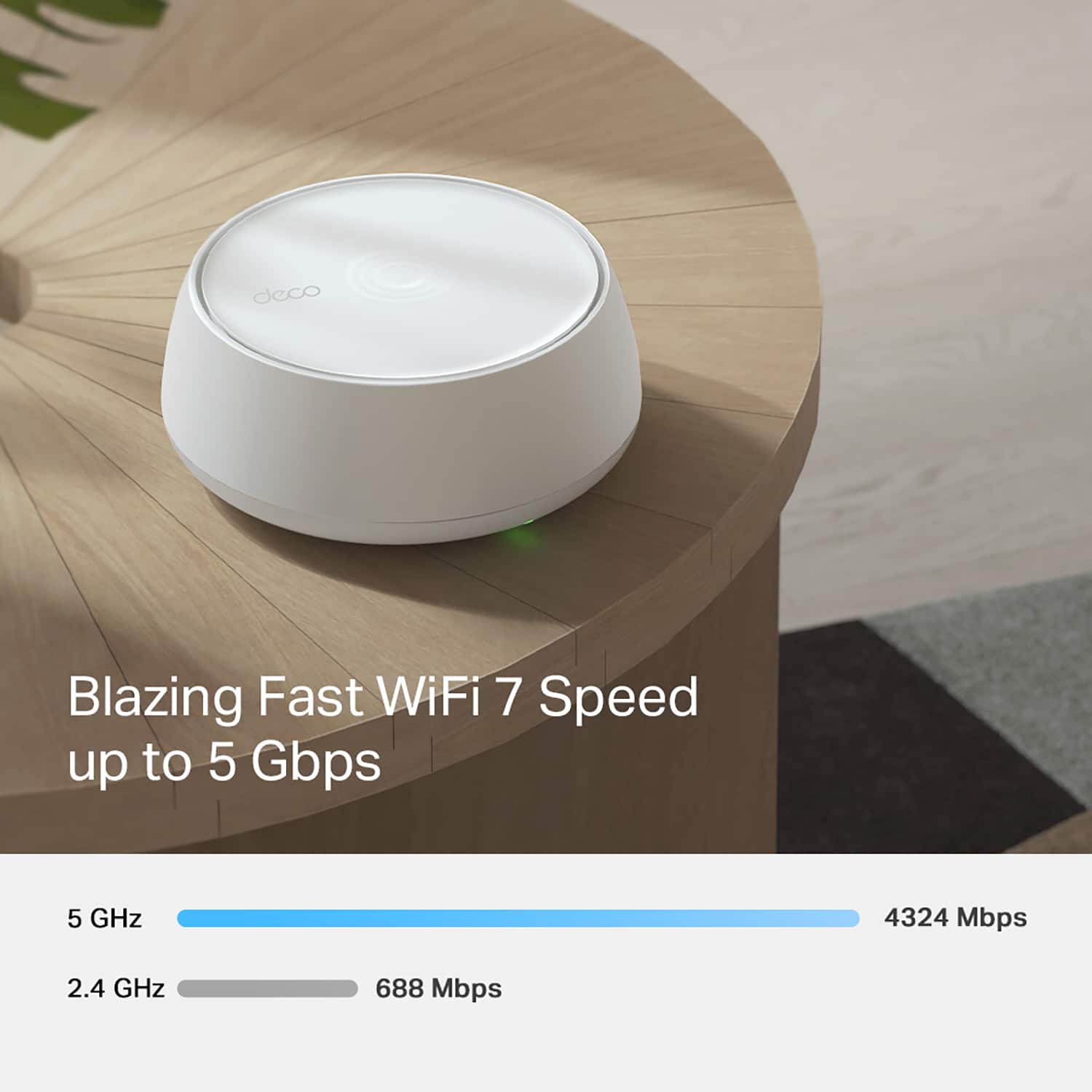
    With a 2 gig internet connection, the main BE5000 router delivered relatively high WiFi speeds at close range, but speeds dropped significantly with distance. The additional nodes showed even greater speed reductions, averaging only 200–400 Mbps compared to 1–1.5 Gbps on the main router.

    No, I would not recommend this to a friend
    • Brand response from TPLinkSupport
      Posted .

      Hi ShettyS,

      Thank you for your review. Our Deco Mesh Wi-Fi systems are designed to provide robust, seamless Mesh Wi-Fi for your whole home. In your case, we first recommend ensuring your Deco app and firmware are both fully up to date and your Deco units are optimally positioned within your home and in proximity to each other.

      Our support team is always happy to help answer any questions you may have about our products. Please feel free to reach out using any of the resources included with the product, or from our official website, and we'll gladly have a Support Agent follow up with you directly.

      Thank you,
      TP-Link Systems Support tplink

  • Rated 3 out of 5 stars

    WiFi mesh system

    |
    |
    Posted . Owned for 5 months when reviewed.
    This reviewer received promo considerations or sweepstakes entry for writing a review.

    Works what it’s attended to but didn’t make my WiFi connects better.

    I would recommend this to a friend
    • Brand response from TPLinkSupport
      Posted .

      Hi LeonardoP,

      Thank you for your review. Our Deco Mesh Wi-Fi systems are designed to deliver robust, seamless Mesh Wi-Fi throughout your home. In your case, we first recommend ensuring that your Deco app and firmware are fully up to date, and that your Deco units are optimally positioned within your home and in optimal proximity to each other.

      Our support team is always available and happy to assist with any questions you may have about our products. Feel free to contact us through any of the resources provided with the product or on our official website, and a Support Agent will follow up with you directly.

      Thank you,
      TP-Link Systems Support tplink

  • Rated 5 out of 5 stars

    Best Internet ever.

    |
    |
    Posted . Owned for 1 month when reviewed.
    This reviewer received promo considerations or sweepstakes entry for writing a review.

    And again, the Best Buy employee was beyond exceptional. Our Wi-Fi is incredible with two working adults and two teenagers maxing out our Wi-Fi with no lagging. Zero complaints.

    I would recommend this to a friend

  • Rated 3 out of 5 stars

    I'm Not Sure If These Are Better Or Not

    |
    |
    Posted . Owned for 1 month when reviewed.
    This reviewer received promo considerations or sweepstakes entry for writing a review.

    I bought these to upgrade my older Orbi system as my wifi provider told me I needed something faster. I'm not sure I notice much of a difference though TBH, and in some ways it seems worse. I even had someone from the Geek Squad come out but that made a minimal difference.

    No, I would not recommend this to a friend
  • Rated 5 out of 5 stars

    Wifi 7 nodes to great price

    |
    |
    Posted . Owned for 2 months when reviewed.
    This reviewer received promo considerations or sweepstakes entry for writing a review.

    This is the best wifi 7 nodes option for less price, very good cover area

    I would recommend this to a friend

  • Rated 5 out of 5 stars

    Easy set up and pretty cool features

    |
    |
    Posted . Owned for 2 weeks when reviewed.
    This reviewer received promo considerations or sweepstakes entry for writing a review.

    Great system so far, vpn feature for the house l if you already subcribe to a vpn

    I would recommend this to a friend

  • Rated 1 out of 5 stars

    Not worth 1gb speeds

    |
    |
    Posted .
    This reviewer received promo considerations or sweepstakes entry for writing a review.

    Slower than five year old Ubuiquiti. Hoping to speed yos as ISP goes beyond gig but actually reduced wifi speed in half. The Aliens were a great product and still using them as yet to find a replacement with better performance over 1gb.

    No, I would not recommend this to a friend
    • Brand response from TPLinkSupport
      Posted .

      Hi CPowl1234,

      Thank you for your review. Our Deco Mesh Wi-Fi systems are designed to deliver robust, seamless Mesh Wi-Fi throughout your home. In your case, we first recommend ensuring that your Deco app and firmware are fully up to date, and that your Deco units are optimally positioned within your home and in optimal proximity to each other.

      Our support team is always available and happy to assist with any questions you may have about our products. Feel free to contact us through any of the resources provided with the product or on our official website, and a Support Agent will follow up with you directly.

      Thank you,
      TP-Link Systems Support tplink

  • Best Buy Employee

    Rated 1 out of 5 stars

    Don't waste your time

    |
    Best Buy Employee
    Posted .
    This reviewer received promo considerations or sweepstakes entry for writing a review.

    Garbage Mesh system, network randomly gets deleted, and if you are on a fiber network good luck. This is not a simple plug and play Mesh System. You need to know your internet connection type prior to setup so make sure you call your ISP and get that information. Too bad was looking forward to trying this out. I have had many mesh systems and this is by far the worst setup I have experienced. The app doesn't work properly and the process fails without any reason as to why. When I called tech support for TP link they redirected me to call my ISP.....My internet works just fine with other routers except this one. For context I am on Fiber First 2gb Down and 2gb up. System doesn't work. Get a different system. For those that did get it to work with dynamic IP I am assuming are running outdated cable internet.

    No, I would not recommend this to a friend
    • Brand response from TPLinkSupport
      Posted .

      Hi Ryan,

      Thank you for your review. Our Deco Mesh Wi-Fi systems are designed to provide robust, seamless Mesh Wi-Fi for your whole home, with quick and intuitive setup using the Deco app, and compatibility with virtually any ISP. If your Internet provider supplies a Dynamic IP (most common for many providers), the Deco app will guide you through the setup process with that connection type in mind. We suggest making sure the Ethernet cable being used between your fiber ONT/modem and the main Deco is not damaged or malfunctioning, and if your ISP requires provisioning steps when switching out routers, to have them guide you through that process.

      Our support team is always happy to help answer any questions about our products. Please feel free to reach out using any of the resources included with the product or from our official website, and we'll gladly have a Support Agent follow up with you directly.

      Thank you,
      TP-Link Support tplink

  • Pros mentioned:
    Coverage, Ease of use, Performance
    Tech Insider Network Member

    Rated 5 out of 5 stars

    Works as Advertised!

    |
    Tech Insider Network Member
    Posted .
    This reviewer received promo considerations or sweepstakes entry for writing a review.

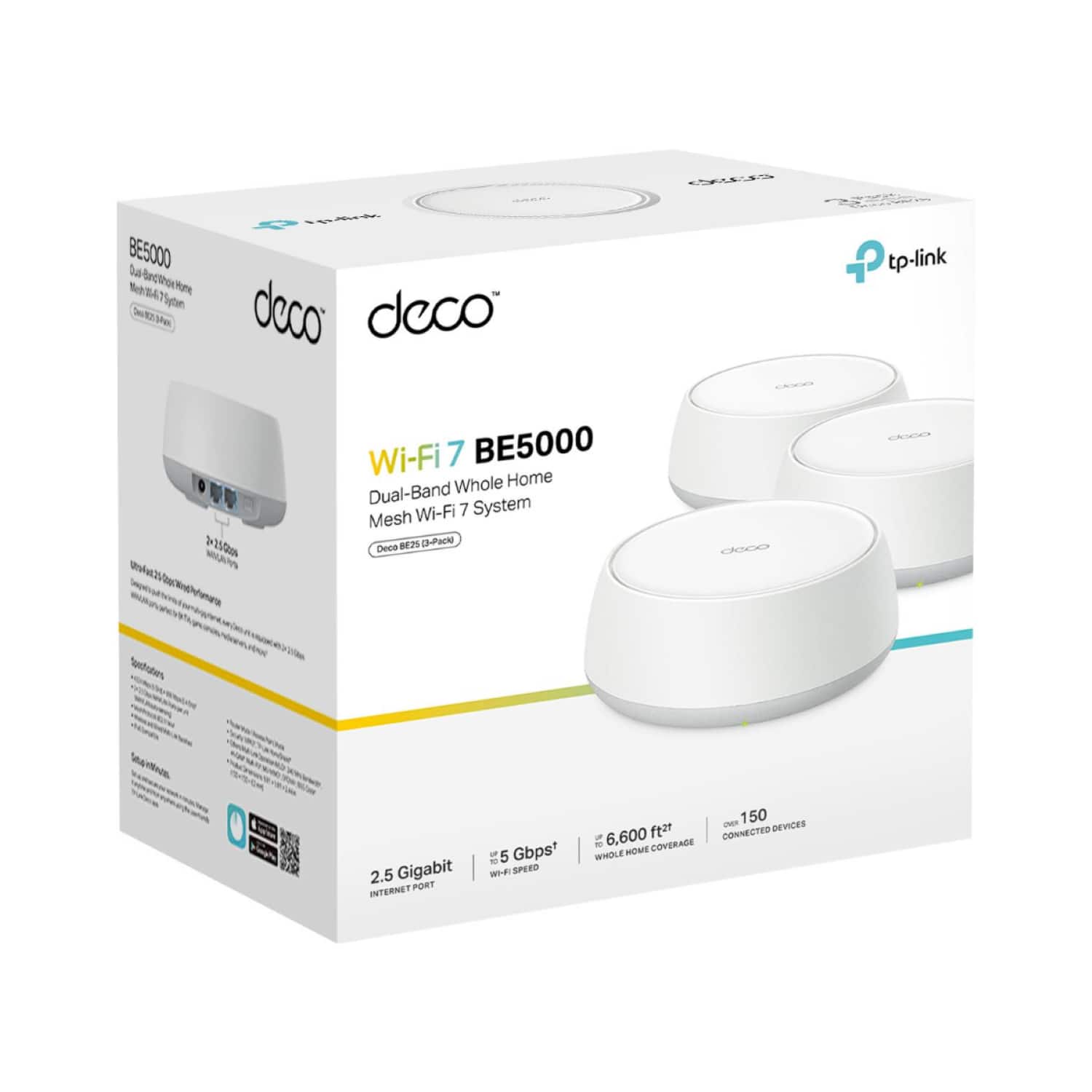
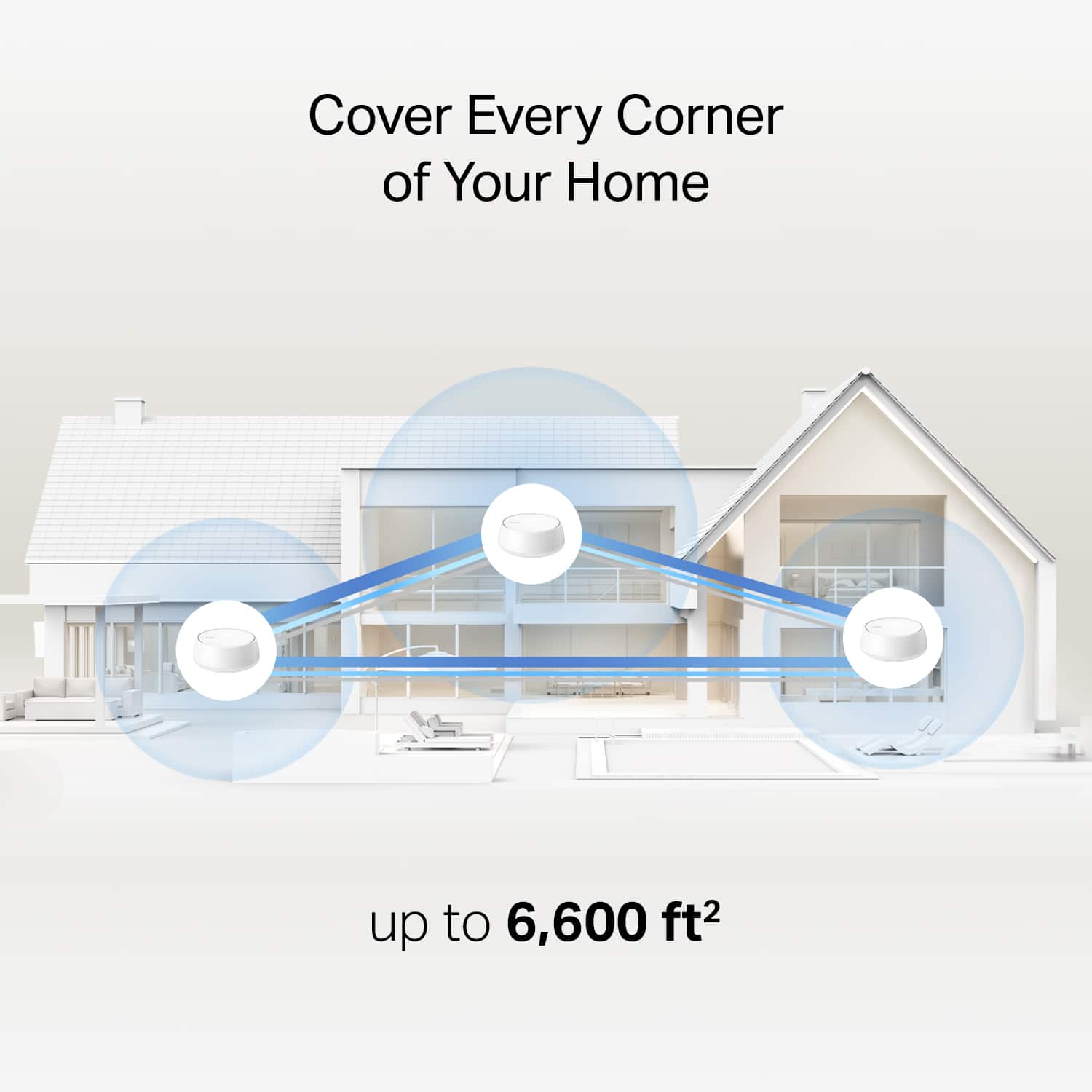
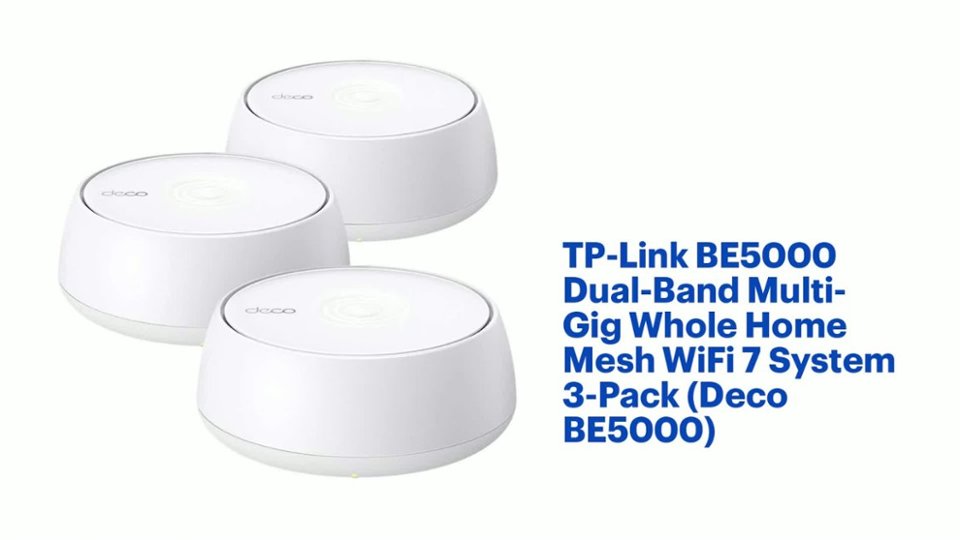
    I have been using T-Mobile for my internet access for over a year. It uses a 5G Gateway device which combines a modem and router to convert the 5G signal into WiFi. Although internet speeds can vary during the day, speeds have been acceptable for the most part. My home is a two story, 2500 sq ft above grade, with an additional 1500 sq ft finished basement space. TVs are scattered throughout the three levels and all are equipped with streaming devices. The 5G Gateway device is located in my office on the 2nd floor. Occasionally, the signal is weak for TVs on the lowest level, but usually it is ok. However, on the occasions you cannot get a strong enough signal, it can be very frustrating. After seeing a commercial about T-Mobile offering a no cost WiFi mesh internet system, I checked with my local T-Mobile store representative and found out that the mesh system will only work with the newest generation 5G Gateway. While I could upgrade to the newest Gateway, it would cost me extra each month. (They even let me try the mesh upgrade add-on, but it only confirmed what we expected in that it would not work with my present Gateway device.) The representative told me that 3rd party mesh systems should work just fine. TP-Link Deco BE5000 packaging states that it “works with any internet provider”, and provides up to 6600 sq ft of whole house coverage. Inside the package were three Deco BE5000 Units, one RJ45 Ethernet Cable, three Power Adapters, and a Quick Installation Guide. The Quick Installation Guide is 26 pages long – one page per language – that basically just said to install the Deco app on your phone and the app will walk you through the setup. Performance Test While I am not an IT Engineer, I am an analytical chemist that knows how to perform measurements. Using the Ookla Speed Test app already on my phone, I took three successive measurements of Download and Upload speeds at six different locations in my home. Even considering how much internet speeds can vary with the T-Mobile Gateway throughout the day, it was somewhat surprising how much variability there was minute to minute at each location. However, the data did confirm there was significant signal strength drop-off the farther the location was from the Gateway – which was to be expected. Having this performance baseline in hand, I decided to take a deep breath and install the Deco app on my Android phone and get started. To my surprise and relief, the app was easy to install and led me through the installation process without any problems. One Deco BE5000 unit was connected with the Ethernet Cable to the T-Mobile Gateway located on the 2nd Floor of my home, another was placed on the 1st floor with the power adapter, and the remaining unit at the basement level. Using the Speed test included in the app, measurements were made at the six locations after the installation. Additional internet speeds were checked again with the Ookla app that had been used to generate the initial data set. Conclusion Although post mesh internet installation speed test results made with the two different speed test instruments varied from each other, the results clearly demonstrated that the TP-Link Deco Mesh WiFi 7 System performed exactly as advertised. I am a happy camper.

    I would recommend this to a friend

  • Rated 1 out of 5 stars

    Don't buy this

    |
    |
    Posted .
    This reviewer received promo considerations or sweepstakes entry for writing a review.

    Awful device. Furst hour of trying to set it up and it crashed 4 times. You cant add a seprate 2.4ghz wifi, its only one connection and a "Guest" wifi. So you can choose for your main wifi to be 5 AND 2.4 or just one of them. But not dual band. Bull.

    No, I would not recommend this to a friend
    • Brand response from TPLinkSupport
      Posted .

      Hi Rexx,

      Thank you for your review. Our Deco Mesh Wi-Fi systems are designed to provide robust, seamless Mesh Wi-Fi for your whole home with quick and easy setup using the Deco app. In your case, we first recommend ensuring your Deco app and firmware are both fully up to date and your Deco units are optimally positioned within your home and in proximity to each other.

      Having a unified SSID (Wi-Fi name) for all bands is ideal for a Mesh Wi-Fi System and helps, along with Mesh Technology, to encourage seamless roaming for your wireless devices. However, the BE5000 offers additional network features such as the Guest Network and IoT network to help streamline connectivity for your devices.

      Our support team is always happy to help answer any questions you may have about our products. Please feel free to reach out using any of the resources included with the product, or from our official website, and we'll gladly have a Support Agent follow up with you directly.

      Thank you,
      TP-Link Support tplink

  • Pros mentioned:
    Coverage, Setup
    Tech Insider Network Member

    Rated 5 out of 5 stars

    Easy Setup, Great Price, Great Connectivity

    |
    Tech Insider Network Member
    Posted .
    This reviewer received promo considerations or sweepstakes entry for writing a review.

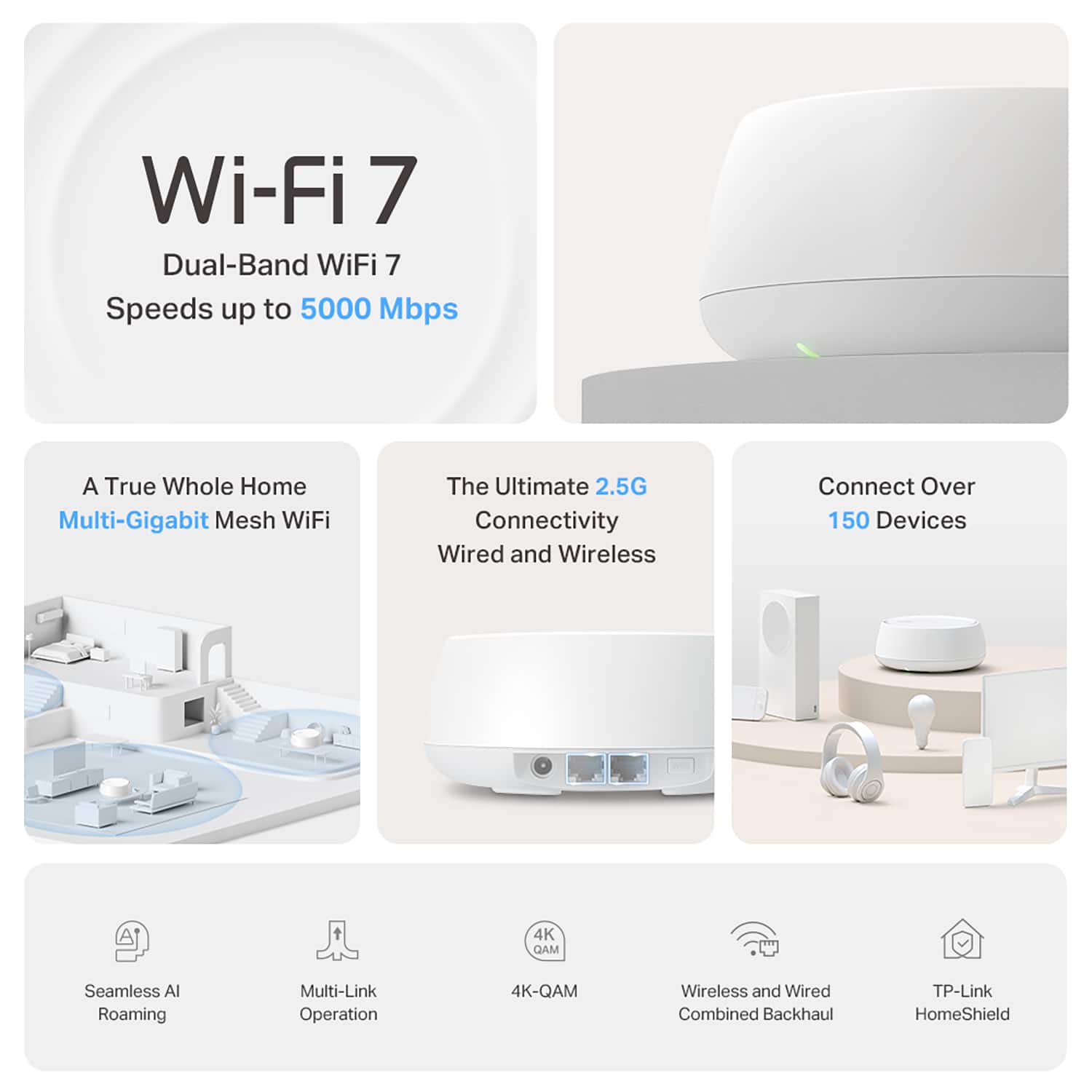
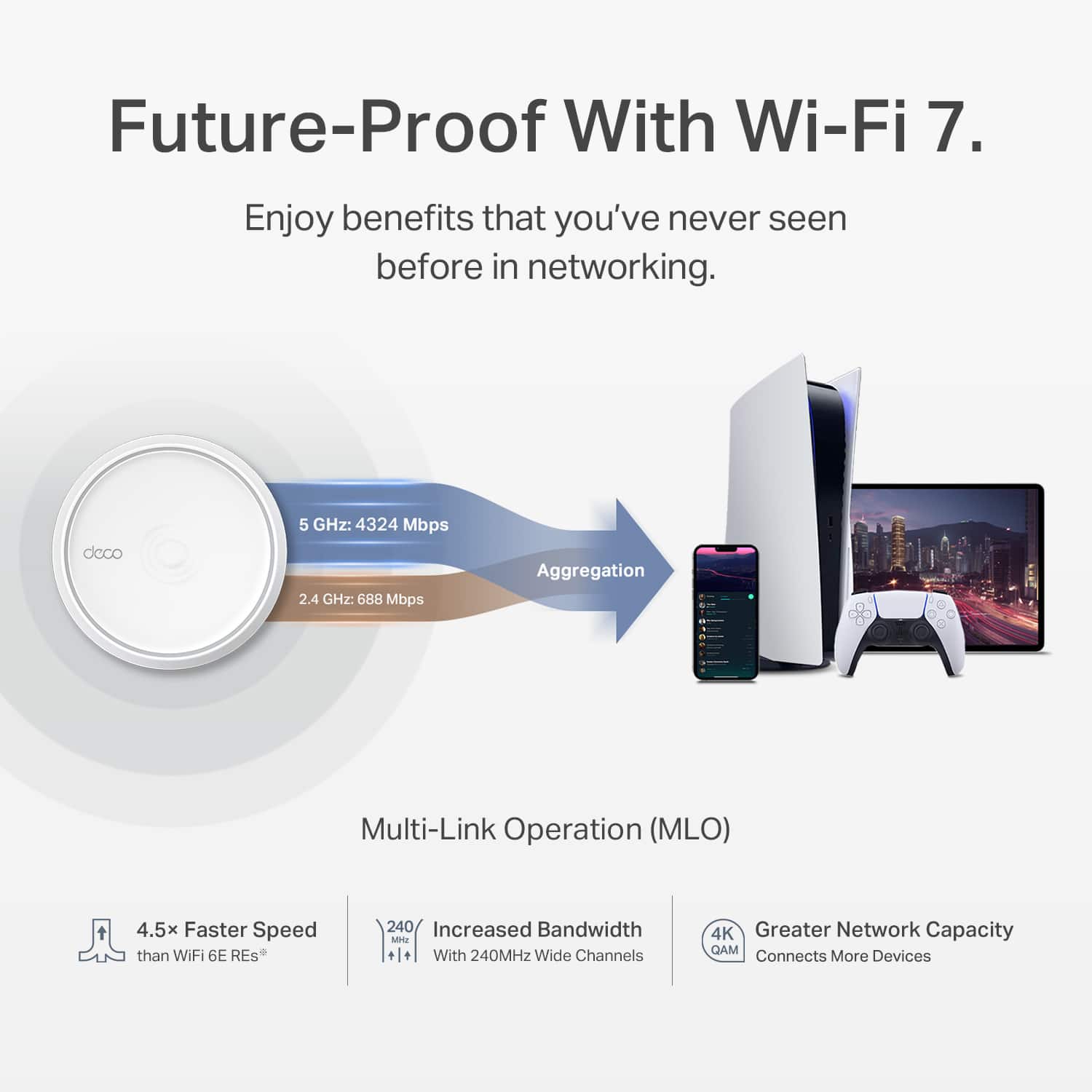
    This is my second TP Link Mesh System and it is awesome. We have MANY devices to connect and I was wanting one that would work with WiFi7. You get 3 low profile routers and power cables in the box. Set up is SUPER easy. You will need a modem (not included). You will plug one of the routers into \the modem and then download the DECO app to begin your setup. The app will walk you through the process of adding and setting up your routers. Super easy, you will scan the QR code on the bottom of each one when prompted. Some of our devices only connect to 2.4 and others connect to 5. This unit now accommodates Multi Link Operation (MLO) which allows for connection to multi bands simultaneously. Makes connecting these devices more seamless and they don’t get dropped. I noticed a significant improvement in these devices staying connected compared to my older system. Our home is two story and over 2300 sq ft. The system handles this with no problem, and I can get pretty good service expanding into the backyard as well. If you haven’t had a mesh system before this is a great price, easy setup, and great features that should have you set up in mere minutes.

    I would recommend this to a friend

  • Pros mentioned:
    Setup
    Tech Insider Network Member

    Rated 5 out of 5 stars

    Good amount of coverage for an average sized house

    |
    Tech Insider Network Member
    Posted .
    This reviewer received promo considerations or sweepstakes entry for writing a review.

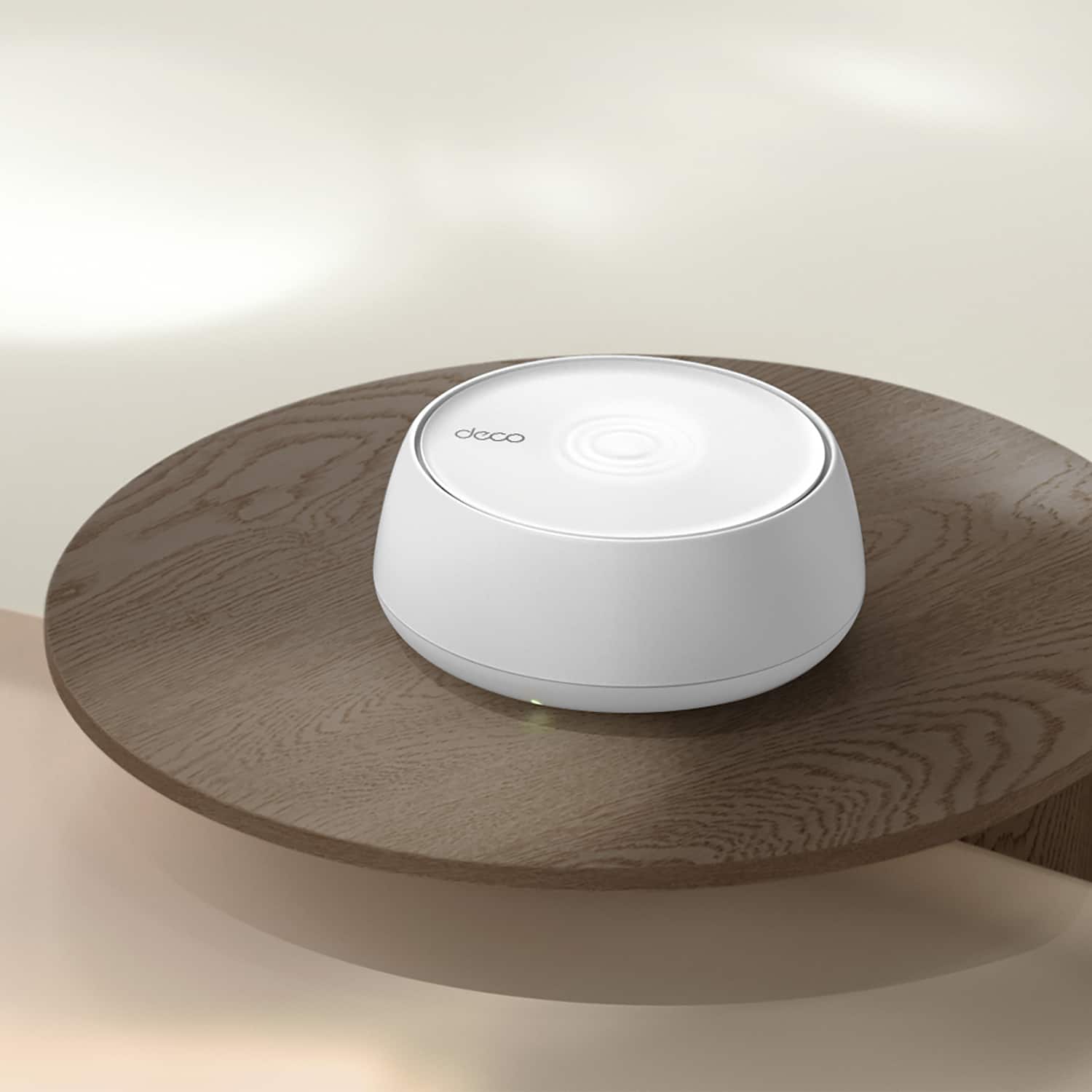
    I have these spread around my home. One in the living room, one in the master bedroom and one in my gaming "man cave." The placement, allows all my main areas of the home as well as my back patio to get full wifi coverage now where before it was spotty at best, and usually non-existent. Setup was a breeze. Connect to your router, power up the devices, download an app, and it does the majority of the heavy lifting from there. I left my legacy wi-fi5e up for things like home automation, but I have this as a side network for my devices that can use the boost, such as my PS5, gaming PCs, and tablets. These are kinda big, and not the most stylish devices. They look like smoke detectors, honestly. But they do a good job, have a fairly strong signal output, and allow me to enjoy my morning coffee and read the news on my tablet on my back patio deck. Range on these is truly phenomenal. I had similar devices years ago that were many times the MSRP of these and not nearly as easy to set up nor as solid of a signal. This doesn't have a "donut hole" of lost signal in the middle like my older system did. Highly recommend for a solid wifi 7 experience.

    I would recommend this to a friend

  • Pros mentioned:
    Speed
    Tech Insider Network Member

    Rated 5 out of 5 stars

    Maximum Coverage

    |
    Tech Insider Network Member
    Posted .
    This reviewer received promo considerations or sweepstakes entry for writing a review.

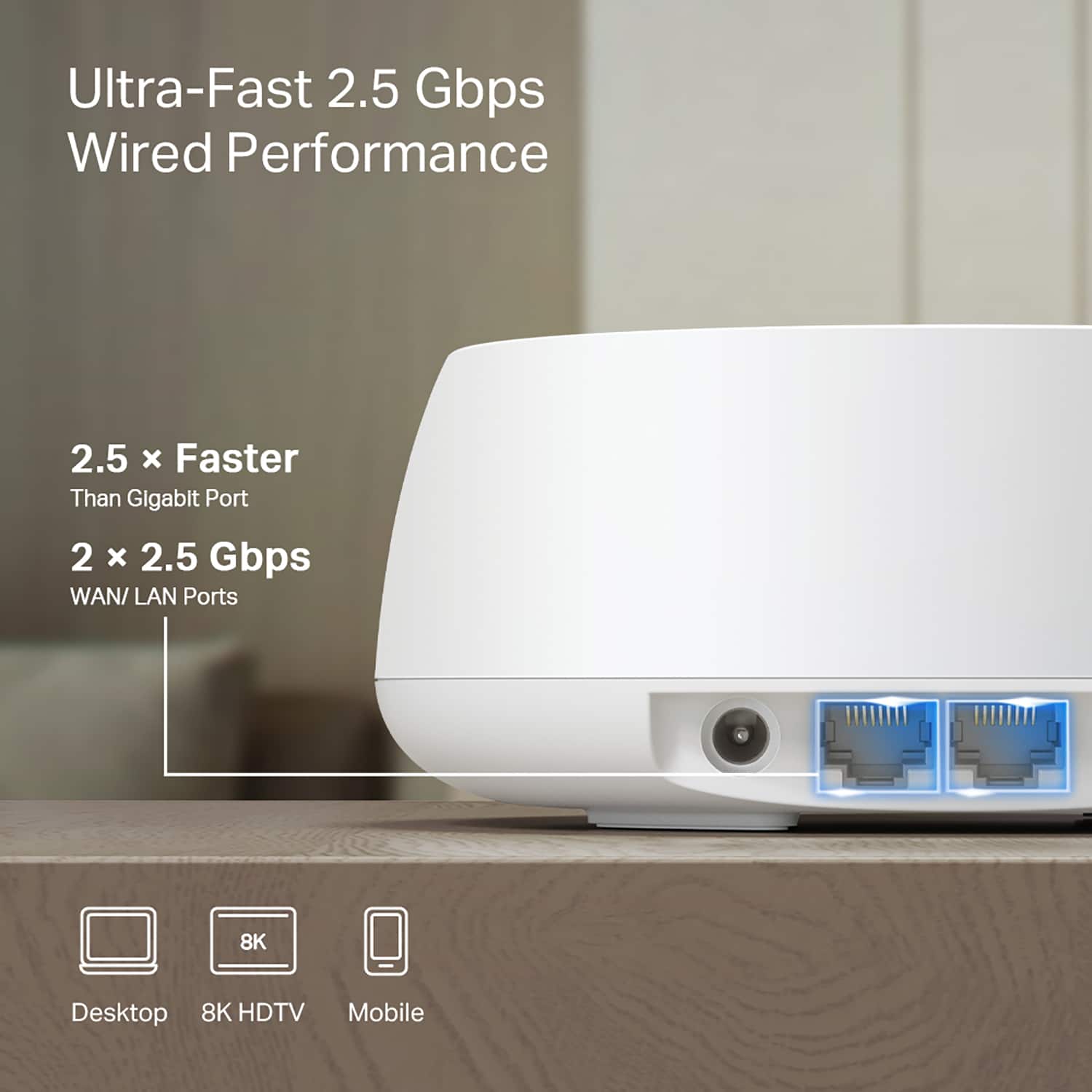
    We have been looking for a whole home mesh Wi-Fi setup to keep up with our 2 gig home internet, and the TP Link BE5000 has done an excellent job filling that need. We run several computers, TV's, tablets, and phones daily, as well as our smart home items. We have experienced no issues even though we have dozens of connected devices, and have full signal strength in our entire house, garage, and yard. Compared to our older, slower system, we have had no buffering when streaming in 4K as well, and that was something we have always struggled with. My gaming PC is able to plug into one of the Wi-fi satellites and experience excellent wired connection speeds, which is great for online gaming and especially nice when dealing with large game downloads and system updates. I also love that this system will work when we get a larger house, it has such a massive coverage area that I would feel comfortable using this across multiple floors or even reaching out to a detached garage. For the price I really don't think you can beat the TP Link BE5000, and I would highly recommend it!

    I would recommend this to a friend