Customer Ratings & Reviews


---
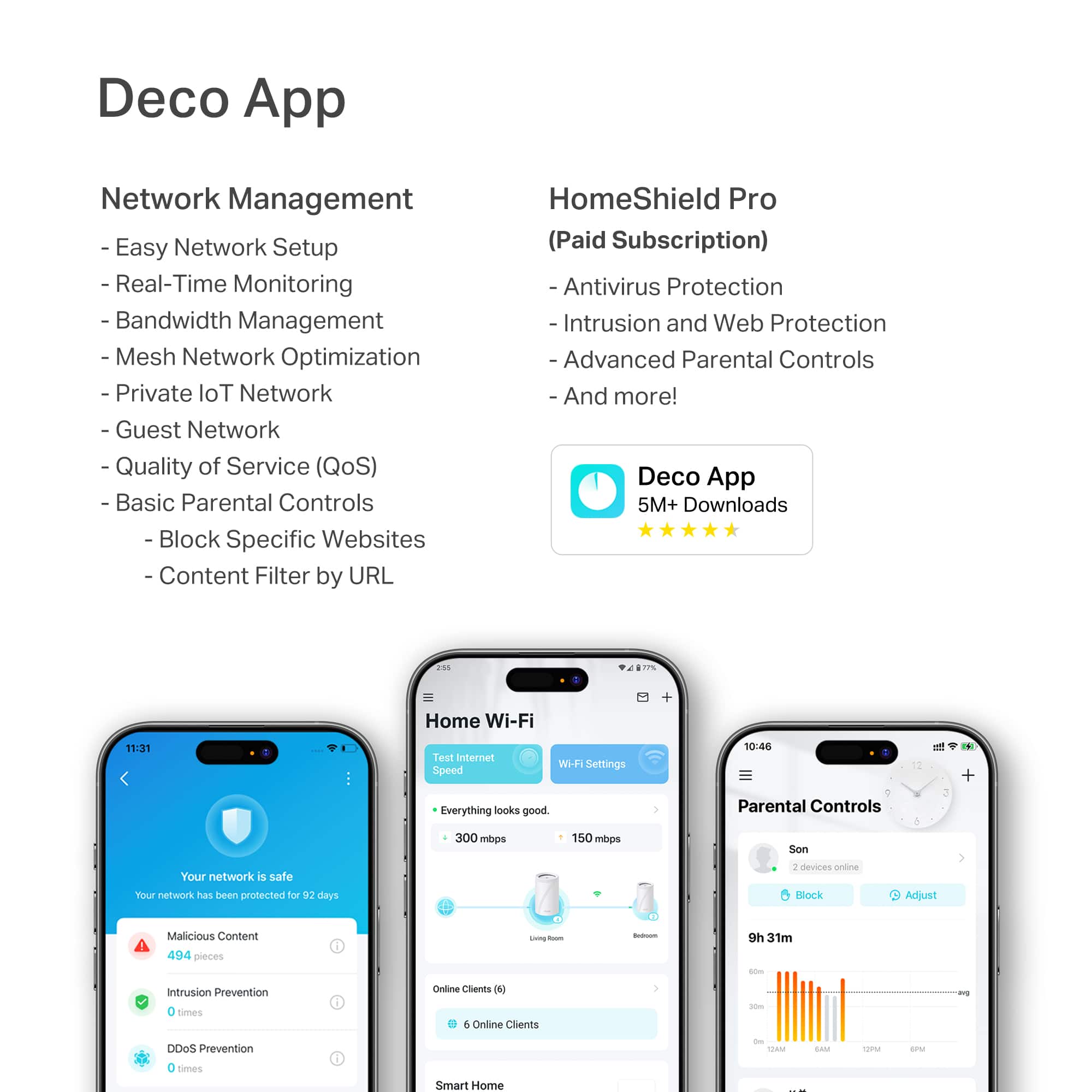
**HomeShield**
HomeShield is a built-in service, available in all HomeShield routers and Deco mesh products.
- Router Security Scan
- Wireless Security Scan
- IoT Device Identification
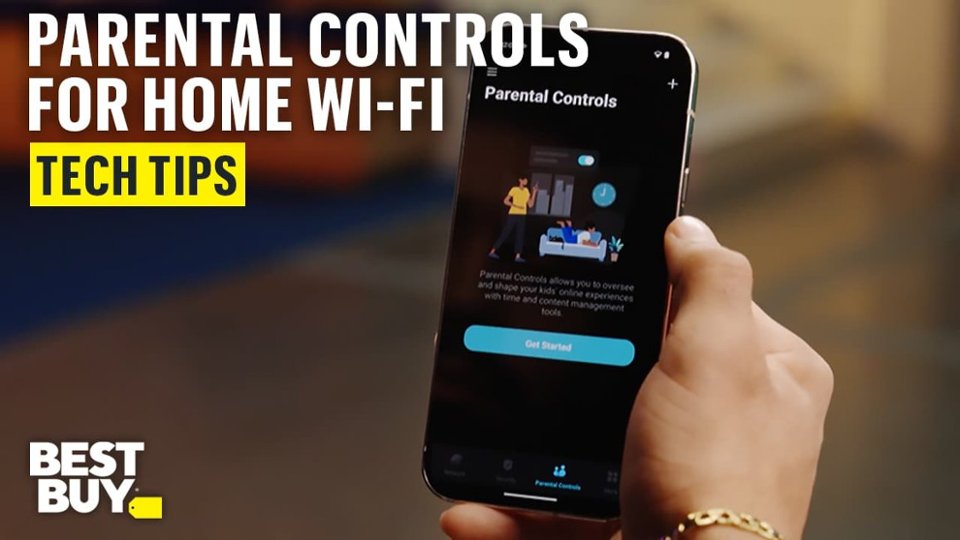
- Basic Parental Controls
- IoT Protection*
- Web Protection*
- Intrusion Prevention*
- Antivirus Protection*
*Included with HomeShield premium subscription service](https://pisces.bbystatic.com/image2/BestBuy_US/images/products/29e59d96-9e3f-47a7-92bb-86d133c84d45.jpg)

- Model:
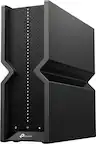
- Deco BE65 Pro(1-pack)
- SKU:
- 6582070
Rating by feature
- Setup
Rating 4.8 out of 5 stars
- Range
Rating 4.8 out of 5 stars
- Signal Strength
Rating 4.7 out of 5 stars
Customers are saying
Customers frequently mention the Deco BE65 Pro for its speed, performance, and easy setup. The system also receives positive feedback for its coverage, connectivity, and user-friendly interface. While the design is appreciated, a few customers noted that the units are quite large.
This summary was generated by AI based on customer reviews.
Review for DECO BE65 PRO (3-Pack)
||Posted .This reviewer received promo considerations or sweepstakes entry for writing a review.I am very impressed with the DECO BE65 PRO system. The three units significantly improved my internet connection throughout the house, providing excellent speed, strong coverage, and a stable signal in every room. Setup was simple, and the performance has been outstanding. Highly recommended for anyone looking to boost their home WiFi.
I would recommend this to a friend- Pros mentioned:Setup
Great product
||Posted . Owned for 3 weeks when reviewed.This reviewer received promo considerations or sweepstakes entry for writing a review.Very easy to setup. Fast and great range. Had everything up and going within 20 minutes
I would recommend this to a friend Excellent Mesh router
||Posted . Owned for less than 1 week when reviewed.This reviewer received promo considerations or sweepstakes entry for writing a review.This is my first mesh router and I could not be happier with the the BE1100. I got this in sale for $499.99 and at this price point you can't beat it. I also did research and this model was highly recommended by a number of tech websites. Set up: Prerequisites - you need to download the TP-Link Deco app to set up and configure the router. There is a GUI but offers no functionality. The second and the first thing you need to do upon set up is create a TR-Link account. There is no way to by pass. This maybe an issue for some but I have had other TP-Link product so I already had an account. As for the set up I did have a couple of issues. At first I could not get the router to join the internet. Partially this was my fault for not following the instructions. You need to reboot your modem before this the router would connect. You also must only plug in one cable initially to the 2.5 port. What I found is that the router does not have a defined LAN port. I plugged in two devices to the router at set up. This confused the router, Once I just plugged in a single cable, I connected right away. It also took a couple of tries to get the other two secondary routers to be recognized by the leader. You only need to create a single SSID. The router will determine the best band for each device automatically. Speed: First I also upgraded my cable modem to the Arris S34. I have 3 floors. I sent up the lead router in the living room and then one in the home office and bedroom. Using my cell which supports Wifi 6 & 6E Living room - 1.4 Mbps down, 350 Mbps up Bedroom - 1000 - 1.1 Mbps down and same upload Office - 900 Mbps down and 300 Mbps up Other devices depending on their network cards got lower results but still very good. Other thoughts: One of the annoying thing that was happening was my devices were switch to the router that did not have the best single strength. For example, the home office devices were connecting to the bedroom router instead of the one in the office. To fix this I manual changes the router preference for the devices to the office router and did the same with the other devices that do not move around the house. The other thing to know is if you like to tinker and configure your router than this may not be for you. You can only do minimal configurations in the app. If your looking to plug it it in and leave it alone this is for you.
I would recommend this to a friendBest home wifi system
||Posted .This reviewer received promo considerations or sweepstakes entry for writing a review.i bought this because my wifi is terrible where i live at so i wanted and upgrade and this was so helpful ive tried wifi extenders and different routers but this was by far the absolute best purchase ive made, not only does it output wifi but at a fast and stable rate and it genuinely extends wifi as well without losing any signal
I would recommend this to a friend- Pros mentioned:Setup, Speed
Easy to set up
||Posted . Owned for 3 weeks when reviewed.This reviewer received promo considerations or sweepstakes entry for writing a review.Easy set up and blazing fast speed. No complaints.
I would recommend this to a friend - Pros mentioned:Speed
TP Link Deco BE65
||Posted .This reviewer received promo considerations or sweepstakes entry for writing a review.Great overall quality. Good solid towers, easy to install with Deco App and speed in home network had a significant increase in speed and better overall connection.
I would recommend this to a friend - Pros mentioned:Performance
Great Product
||Posted . Owned for 1 week when reviewed.This reviewer received promo considerations or sweepstakes entry for writing a review.These work great. Installation was a breeze and we were up and running in less than 10 minutes. Highly recommend these for you network.
I would recommend this to a friend Good speeds, questionable mesh
||Posted .This reviewer received promo considerations or sweepstakes entry for writing a review.These are very attractive and easy to set up and use. The app works well and let me set them up how I wanted them. The speeds of this two pack are very good, the coverage is just OK. It doesn't do a very good job of moving devices from one node to the other, often leaving me with super slow speeds when I'm within feet of one node because I'm still connected to the more distant one. Even devices assigned to one of the nodes will frequently connect to the other one, requiring me to block the device in the app until it disconnects and then reenable it. It also has strange connection latency issues. It can take a minute or more for a device to actually have access to the internet after it connects to the network. Due to these issues and the need my kids have for reliable speeds for their college classes I had to go back to my old router. If they didn't have these specific issues they would be great.
No, I would not recommend this to a friendBrand response from TPLinkSupport
Posted .Hi jaethos,
Thank you for your review. Our Deco Mesh Wi-Fi systems are designed to deliver robust, seamless Mesh Wi-Fi throughout your home. In your case, we first recommend ensuring that your Deco app and firmware are fully up to date, and that your Deco units are optimally positioned within your home and in optimal proximity to each other.
Our support team is always available and happy to assist with any questions you may have about our products. Feel free to contact us through any of the resources provided with the product or on our official website, and a Support Agent will follow up with you directly.
Thank you,
TP-Link Systems Support
Works well in 10k sq feet concrete home.
||Posted .This reviewer received promo considerations or sweepstakes entry for writing a review.Live in a 10000 sq feet double storey house with concrete walls. Had a Linksys Atlas WiFi 6E router and it kept disconnecting and loosing signal even though hardwired. The TP-link BE65 hardwired has boosted my WiFi signal around the house and also has built-in ability to load nordVPN. Installation was seamless as I disconnected my previous router, plugged new router in then set my SSID with same name/password as prev router. Rebooted and everything reconnected without issues. Will definitely recommend this router.
I would recommend this to a friend- Pros mentioned:Coverage
The best
||Posted . Owned for 2 weeks when reviewed.This reviewer received promo considerations or sweepstakes entry for writing a review.You gotta get this. No more dropped signals, weak signals and dopped coverage. This provides whole house coverage and 5 bars even outside the house. This is so much better than my older Asus router.
I would recommend this to a friend - Pros mentioned:Coverage
Very fast
||Posted . Owned for 2 weeks when reviewed.This reviewer received promo considerations or sweepstakes entry for writing a review.Easy to set up. Covers all three levels of my home leaving no dead areas. With tv's, computers snd cell phones we sometimes have 14 or more simultaneous devices using wifi and we have no lag on any of them.
I would recommend this to a friend Mesh Router
||Posted . Owned for 3 months when reviewed.This reviewer received promo considerations or sweepstakes entry for writing a review.This mesh router really works well with my PS5 Pro and takes care of all my streaming needs. I highly recommend this tool for anyone looking for power and peace of mind with your home entertainment life.
I would recommend this to a friend- Pros mentioned:Performance
Home Mesh
||Posted . Owned for 2 weeks when reviewed.This reviewer received promo considerations or sweepstakes entry for writing a review.Easy install for an old person like myself and it works great!
I would recommend this to a friend Great for bigger homes
||Posted . Owned for 1 week when reviewed.This reviewer received promo considerations or sweepstakes entry for writing a review.I’ve always been into the Google stuff. But this is some serious stuff! Mesh like never before, app is intuitive and so many more options. It holds connection between each device and keeps my house (4,000 sqft) completely covered !
I would recommend this to a friend- Pros mentioned:Coverage, Speed
No issues so far
||Posted . Owned for 2 weeks when reviewed.This reviewer received promo considerations or sweepstakes entry for writing a review.So far so good. Have had this tp link mesh system for about a month and it has given me a much broader and faster coverage than previous eero 6+ system.
I would recommend this to a friend - Pros mentioned:Coverage, Setup
Best wifi system
||Posted . Owned for 3 weeks when reviewed.This reviewer received promo considerations or sweepstakes entry for writing a review.Easy set up, great for large home, excellent range
I would recommend this to a friend - Pros mentioned:Speed
Easy set up
||Posted . Owned for 2 months when reviewed.This reviewer received promo considerations or sweepstakes entry for writing a review.This has an easy set up. It is actually fast. I have a 1g plan with spectrum and this router doesn't slow it down at all.
I would recommend this to a friend - Pros mentioned:Coverage, Performance
As advertised
||Posted . Owned for 1 week when reviewed.This reviewer received promo considerations or sweepstakes entry for writing a review.So far so good. Clearly outperforms older generation Google mesh. Setup was easy and coverage is excellent. Kids are finally able to disconnect gaming systems from Ethernet cables!
I would recommend this to a friend - Pros mentioned:Coverage
Easy setup, great performance.
||Posted . Owned for 1 week when reviewed.This reviewer received promo considerations or sweepstakes entry for writing a review.Very easy to setup. Great coverage for 2500+ sqft space with multiple floors. I'm using a wired backhaul between 2 of them. I haven't used all the features yet.
I would recommend this to a friend - Pros mentioned:Performance
Nice Product
||Posted . Owned for 2 months when reviewed.This reviewer received promo considerations or sweepstakes entry for writing a review.Works as expected. Space saver compatible and nice look
I would recommend this to a friend