Customer Ratings & Reviews
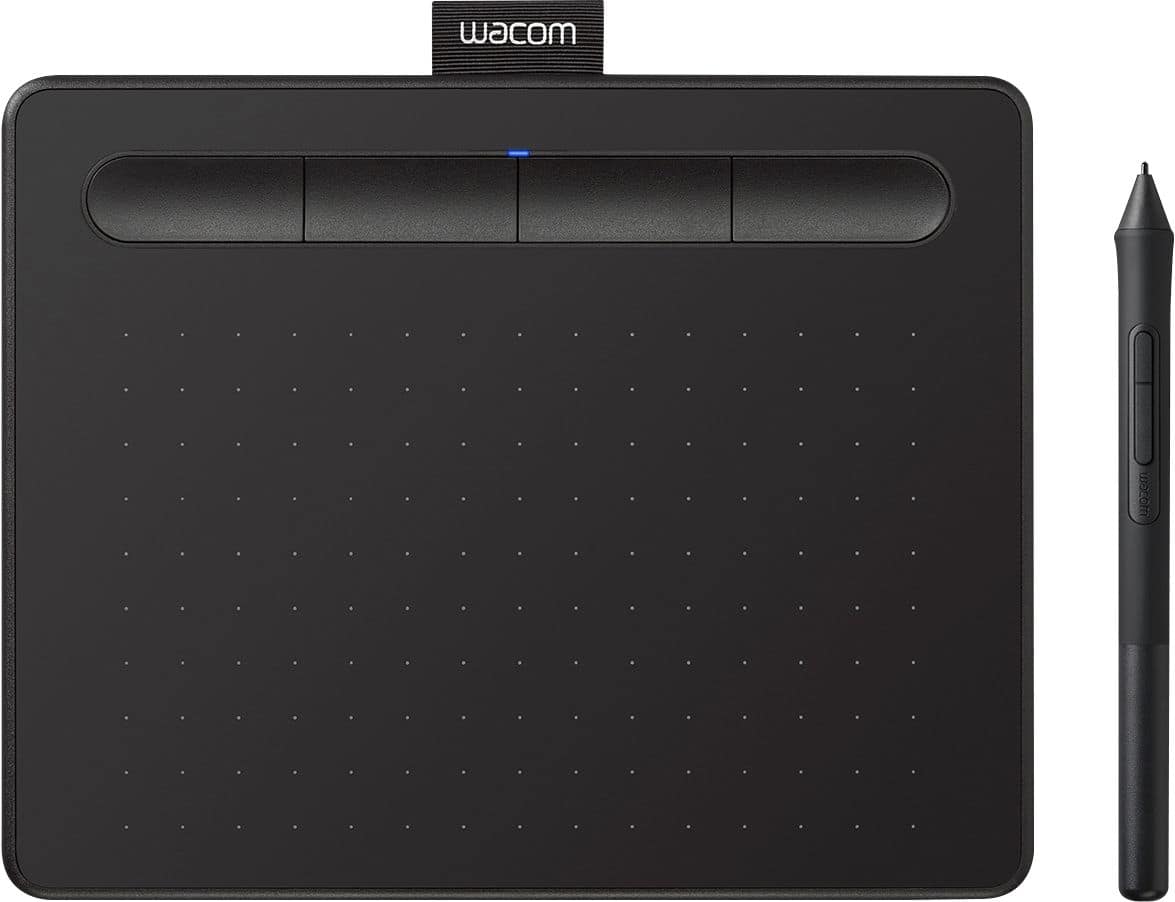
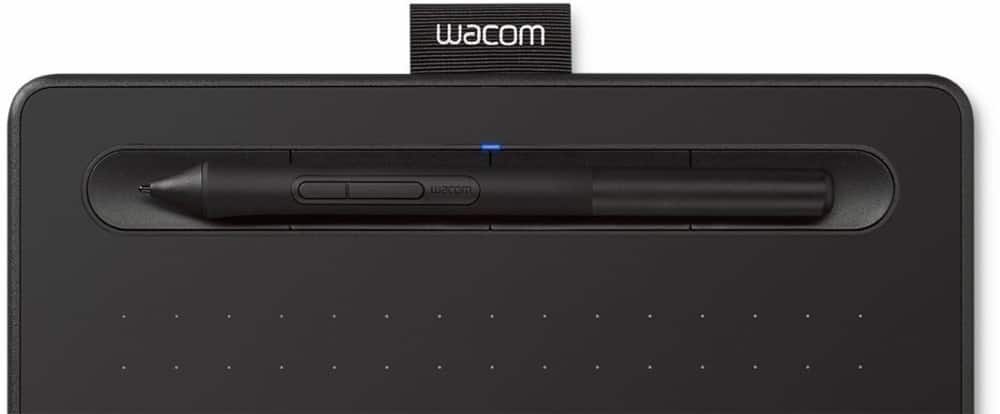

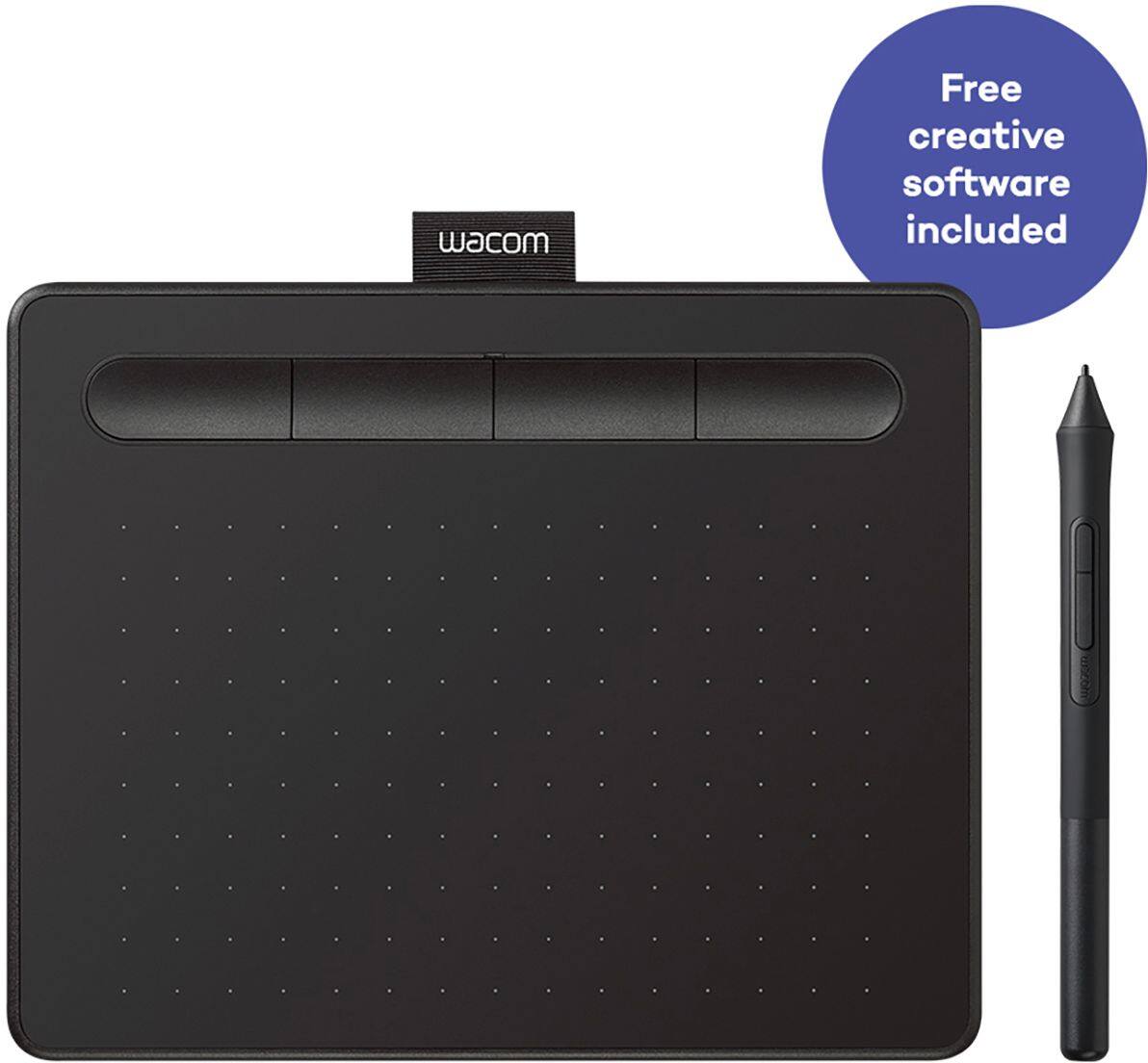

- Model:
- CTL4100
- SKU:
- 6196636
Rating by feature
- Value
Rating 4.6 out of 5 stars
- Quality
Rating 4.6 out of 5 stars
- Ease of Use
Rating 4.4 out of 5 stars
Customers are saying
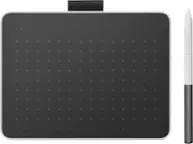
Customers appreciate the Intuos Graphic Drawing Tablet for its ease of use, compact size, and overall quality, making it a good option for drawing. The included software bundle and compatibility are also well-received. However, some users have experienced initial setup issues and mention the sensitivity takes some getting used to. A few customers would prefer a Bluetooth option or a version with a screen.
This summary was generated by AI based on customer reviews.
- Pros mentioned:Software
Solid drawing pad for the price!
||Posted . Owned for 2 weeks when reviewed.This reviewer received promo considerations or sweepstakes entry for writing a review.I was looking for an affordable drawing pad to do some creative work at home. Found this pad on sale and snagged it. Everything was as advertised. Easy setup. Plug & play. Pen is built well and feels good in the hand. Action buttons are a nice touch. Software is intuitive. Build quality all around is what I expected from Wacom. Overall, perfect for the person needing a drawing pad.
I would recommend this to a friend - Pros mentioned:Drawing
Girlfriend loves it
||Posted .This reviewer received promo considerations or sweepstakes entry for writing a review.Girlfriend loves it, perfect for gaming that requires a more detailed input, and her sister uses it for drawing.
I would recommend this to a friend 10/10 highly recommend
||Posted . Owned for 2 weeks when reviewed.This reviewer received promo considerations or sweepstakes entry for writing a review.It's been great so far I've loved the sensitivity and feel to the tablet, it takes about 5-ish minutes to set up after that it's been flawless Almost anything you can think of can be customized from what I can see it's been fun messing with. I personally use clip studio and had it already before I got this tablet and it's been easy to integrate
I would recommend this to a friendTablet is great but Pen feels cheap
||Posted .This reviewer received promo considerations or sweepstakes entry for writing a review.After trying multiple more expensive Wacom Tablets I finally settled on one I will be using for a significant amount of time. The surface is smooth and the pressure sensitivity is highly responsive for the Photoshop work that I do. Although there are larger more expensive Wacom tablets I appreciate the smooth finish on this cheaper model. The more expensive models have a rough finish that cause significant drag on the pen’s nib that interferes with allowing me to create smooth paths and make smooth strokes. The only downside to this tablet vs the more expensive ones is how cheap the pen feels. It feels largely hollow and it is a hassle to pick it up from the indent vs how convenient it was to pick it up from the pen holder the other tablets came with. Overall I would recommend this product it’s just a shame that the pen feels so cheap.
I would recommend this to a friend- Pros mentioned:Ease of use, Size
Great for Beginners to Masters!
||Posted . Owned for 2 months when reviewed.This reviewer received promo considerations or sweepstakes entry for writing a review.Been going back and forth about whether or not I needed to buy a tablet for my computer (because I was using an ipad) but this tablet has done WONDERS for my workflow for illustrations. I love how customizable the buttons are and just how straightforward it is to use. And the small size is a plus for my limited amount of space! Very great product.
I would recommend this to a friend - Pros mentioned:Ease of use, Quality, Size
Would buy again
||Posted . Owned for 2 months when reviewed.This reviewer received promo considerations or sweepstakes entry for writing a review.Very responsive, compact and sturdy. Easy learning curve
I would recommend this to a friend - Pros mentioned:Ease of use
Best quality product from best buy
||Posted .This reviewer received promo considerations or sweepstakes entry for writing a review.As described and as expected and easy to use and very helpful when you don’t have touch screen laptop
I would recommend this to a friend - Pros mentioned:Size
Great Starter Tablet
||Posted .This reviewer received promo considerations or sweepstakes entry for writing a review.This tablet gets the job done for anyone needing something small, compact, and affordable! Installation is simple enough and the button layout and the pen are incredibly receptive as well. The pen feels good to use and the tablet itself feels very nice to work with.
I would recommend this to a friend nice drawing tool
||Posted . Owned for 3 weeks when reviewed.This reviewer received promo considerations or sweepstakes entry for writing a review.Very good product. It’s been on the market for decades. The price is the best in the market as well. With some practice and a little patience, you will get used to looking at the screen while not looking at the pad. There is a cursor on the screen so you know where to place the pen with some precision. I use it for whiteboard diagrams and other simple drawings.
I would recommend this to a friend- Pros mentioned:Ease of use, Size
Do I Recommend? Yes!
||Posted .This reviewer received promo considerations or sweepstakes entry for writing a review.So far it has been working great! I thought it would be difficult to look at my laptop screen instead of my hand but it's not. If you are able to type without looking at your keyboard, I think you'll get this down pretty easy. I also love that the settings are customizable. I have been using the Corel Painter 7 that comes with it to create my own logo and to draw. For a beginner like me, it is a much cheaper option than buying a tablet with a screen. Plus I feel that for an average 15.6'' inch laptop like the Acer Nitro 5, small works just fine.
I would recommend this to a friend Must hace for beginners
||Posted . Owned for 1 month when reviewed.This reviewer received promo considerations or sweepstakes entry for writing a review.Personally im a beginner in the use of graphics tableta but man i never thought writing digitally could be so precise. Its also fun how the pressure controls other factors in the drawing or sculpting strokes. For my personal blender use l, this has helped me make my models materialize better from concept.
I would recommend this to a friend- Pros mentioned:Quality, Size
Love This Tablet
||Posted . Owned for 1 month when reviewed.This reviewer received promo considerations or sweepstakes entry for writing a review.Very happy with this tablet. First one I have owned is game changer with my art work. Very reasonable price, size is perfect. A bit of a learning curve cause never used one before but have caught on quickly. I use it for editing my drawings and cleaning up finished artwork.
I would recommend this to a friend - Pros mentioned:Ease of use, Software
Great beginner tablet
||Posted . Owned for 3 weeks when reviewed.This reviewer received promo considerations or sweepstakes entry for writing a review.Excellent beginner tablet for those just starting to learn digital drawing. I bought this for my son and he is loving it! The free software that comes with this is amazing and after only a few trial and errors getting it to install, everything seems to be working flawlessly!
I would recommend this to a friend - Pros mentioned:Ease of use, Size
Distance learning necessity
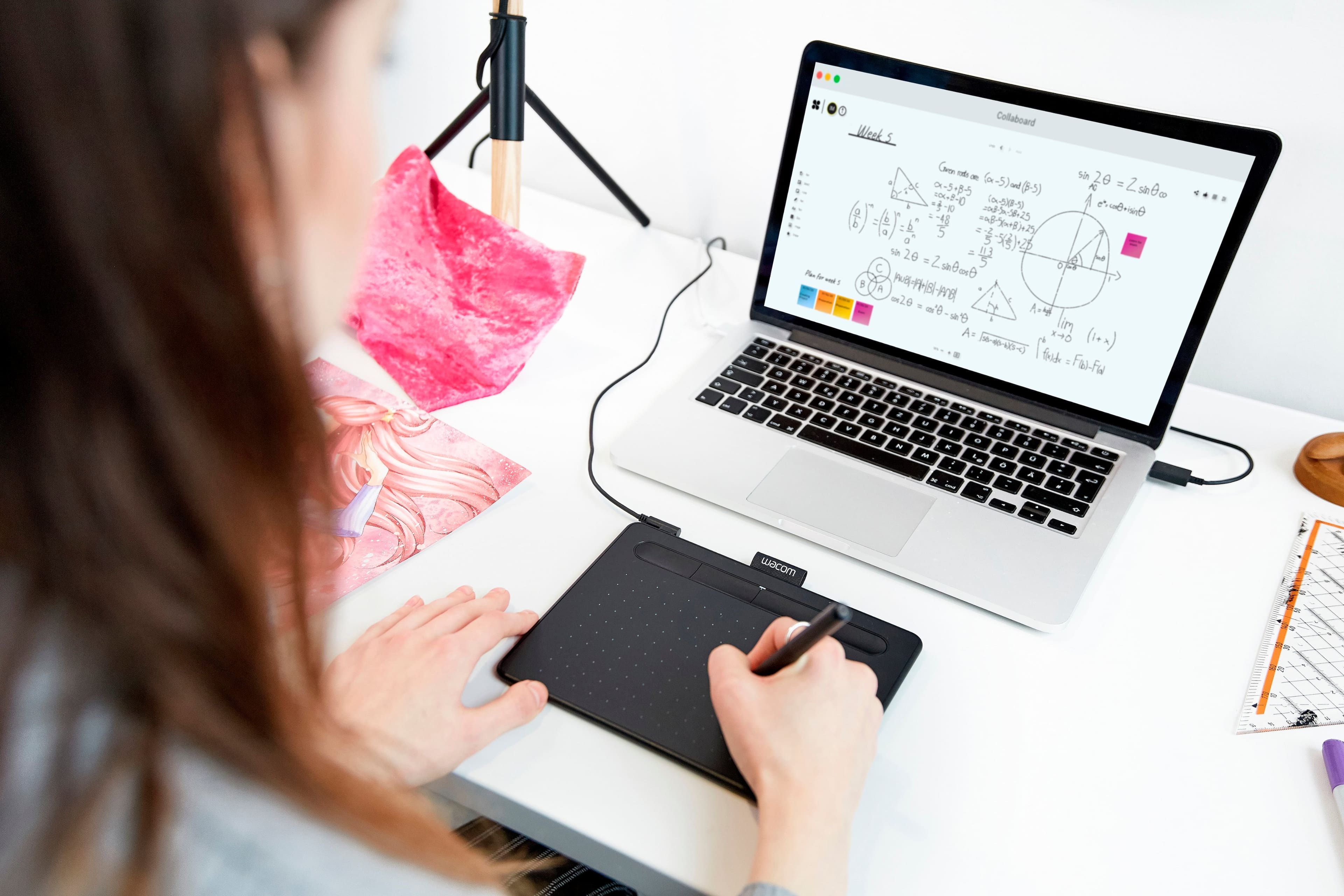
||Posted . Owned for 1 week when reviewed.This reviewer received promo considerations or sweepstakes entry for writing a review.Math teacher here...this is vital to teaching online as math is a subject that needs to be demonstrated. I have the larger bamboo tablet but wanted something smaller. Easily portable as it is smaller than my keyboard and can be tossed in my bag. Just know that wherever you take it to, you still need the software installed on the computer. This is NOT wireless but the connection is quite long.
I would recommend this to a friend - Pros mentioned:Drawing, Ease of use

Good value and entry point
|Posted . Owned for 4 months when reviewed.This reviewer received promo considerations or sweepstakes entry for writing a review.Best 50 bucks you can spend! very easy to use, and a great way to dip your toes into the drawing tablet scene, I own a higher end wacom one and this wacom intuos is still plenty usable for entry level and light use
I would recommend this to a friend - Pros mentioned:SizeCons mentioned:Bluetooth
Good for my needs
||Posted . Owned for 3 weeks when reviewed.This reviewer received promo considerations or sweepstakes entry for writing a review.I initially purchased this in the medium size. But, thought the smaller would work best and it has. Losing the bluetooth connection feature from the medium was a bummer, but having the cord to connect instead isn't bad. It takes some getting used to, but I think I'm on my way.
I would recommend this to a friend - Pros mentioned:Quality, Size
Wack em
||Posted . Owned for 1 week when reviewed.This reviewer received promo considerations or sweepstakes entry for writing a review.Great quality and a good size for beginners. The instructions aren't super clear on how to get it working, and the website you're supposed to go to is a little hard to find but once you get it working its great.
I would recommend this to a friend Easy to Use for Real Artists
||Posted . Owned for 2 months when reviewed.This reviewer received promo considerations or sweepstakes entry for writing a review.This tablet is a game changer for my daughter. I paired it with a new HP laptop for Christmas for her. It makes her digital art projects so much easier than comparable products!
I would recommend this to a friend- Pros mentioned:Drawing, Software
It opened new avenues in her artistic adventure
||Posted . Owned for 11 months when reviewed.This reviewer received promo considerations or sweepstakes entry for writing a review.I spent lots of time shopping around for a good price, but I needed good quality. I bought this for my daughter and she loves it. She's able to bring her drawing skills over to the digital world without sacrificing detail. It opened up a lot of new avenues in her artistic adventure. The device also came with licences to 3 different programs that can be used with the tablet. That in itself is worth a lot of money.
I would recommend this to a friend No complaints!
||Posted . Owned for 2 weeks when reviewed.This reviewer received promo considerations or sweepstakes entry for writing a review.I am thrilled with this pen tablet. I got it to replace another one of the same brand that was around 10 years old. Exceptional upgrade, especially for the price!
I would recommend this to a friend