Bluetooth Barcode Scanners For iPad
-
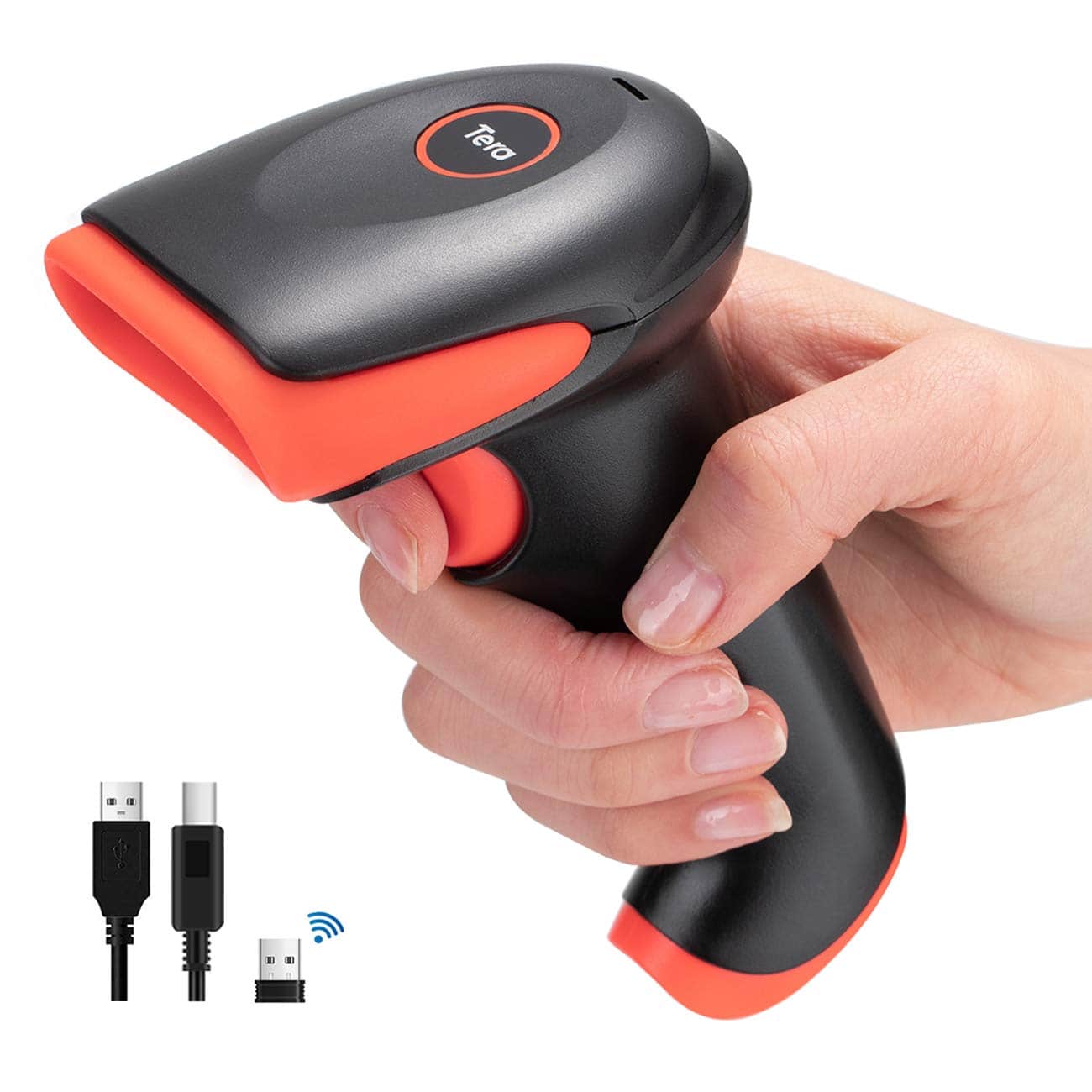
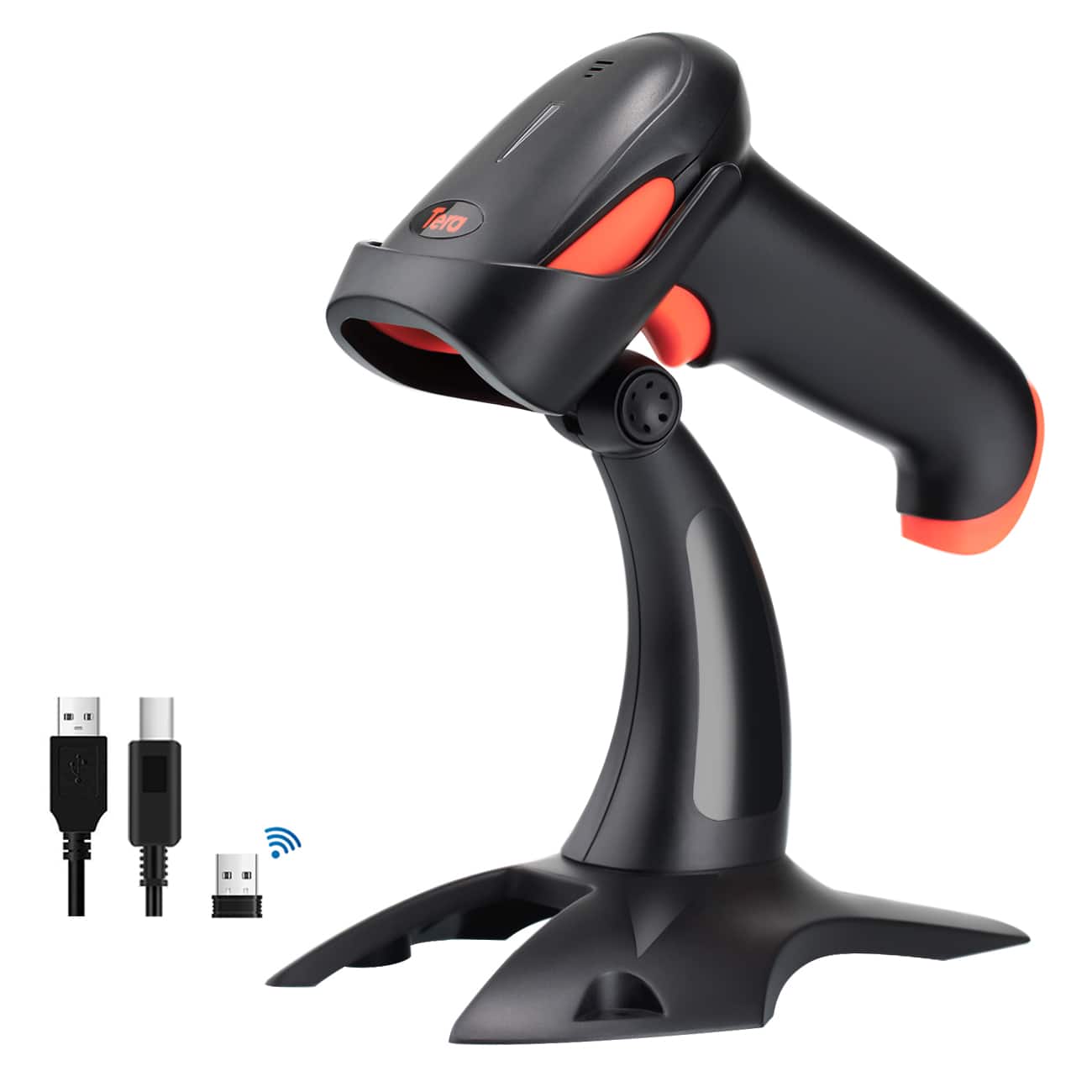
Tera - Wireless 1D/2D Barcode Scanner with Bluetooth, 2.4G, and USB Wired Connection for Phones, Tablets, and PCs HW0002-O
SKU: CCFLTK62SPSee all Scanners, Faxes & CopiersProduct Description
An orange handheld scanner offering fast, accurate 1D/2D barcode scanning with Bluetooth, 2.4G, and USB connectivity.Your price for this item is $49.99 -
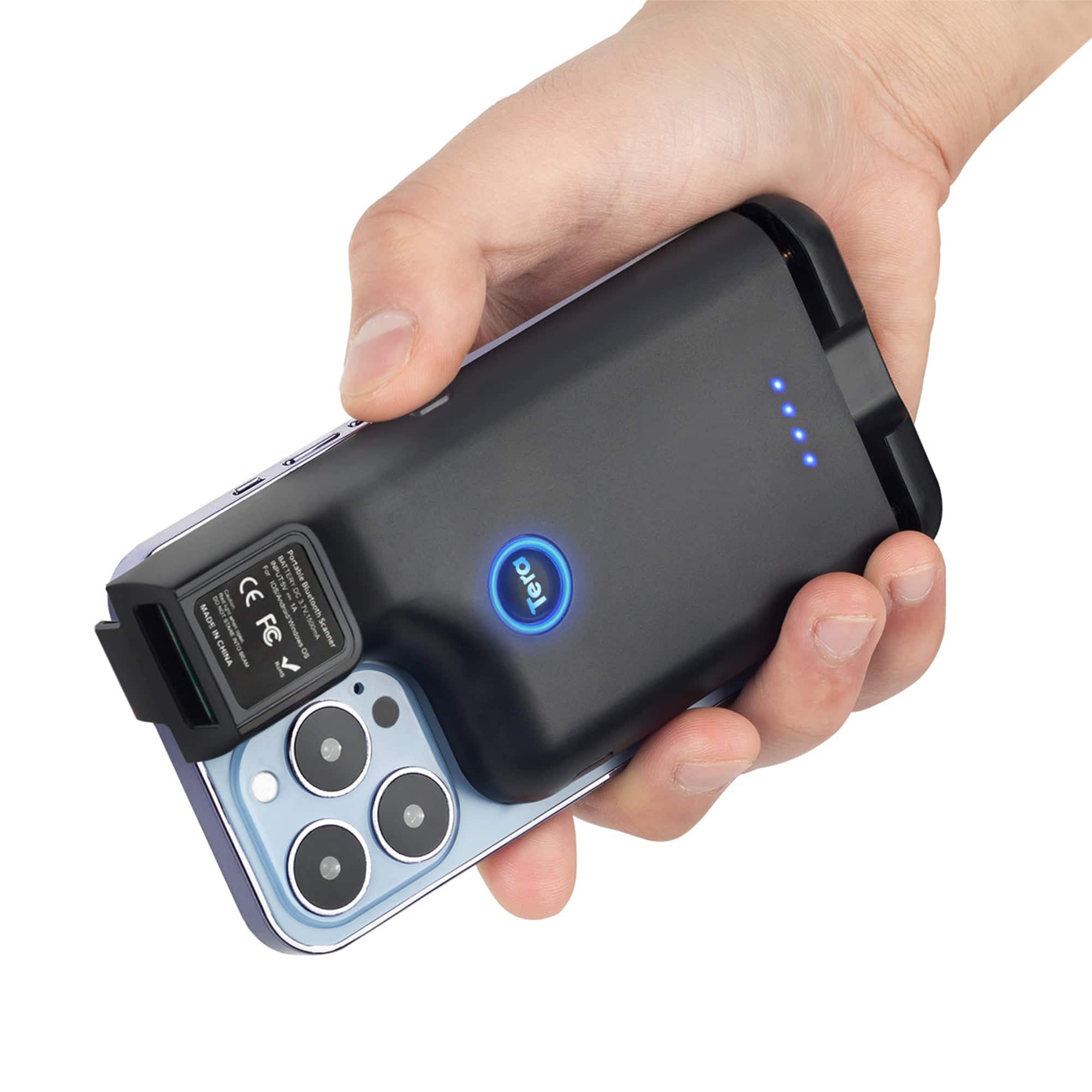
Tera - Portable Back Clip 2.4GHz Wireless & USB Wired & Bluetooth Mini Pocket for Smartphones Android Mac OS Windows 0013
SKU: CCFLTK67FWSee all Scanners, Faxes & CopiersProduct Description
A versatile wireless, USB, and Bluetooth barcode scanner with a retractable clip for smartphones and computers.Your price for this item is $39.99 -
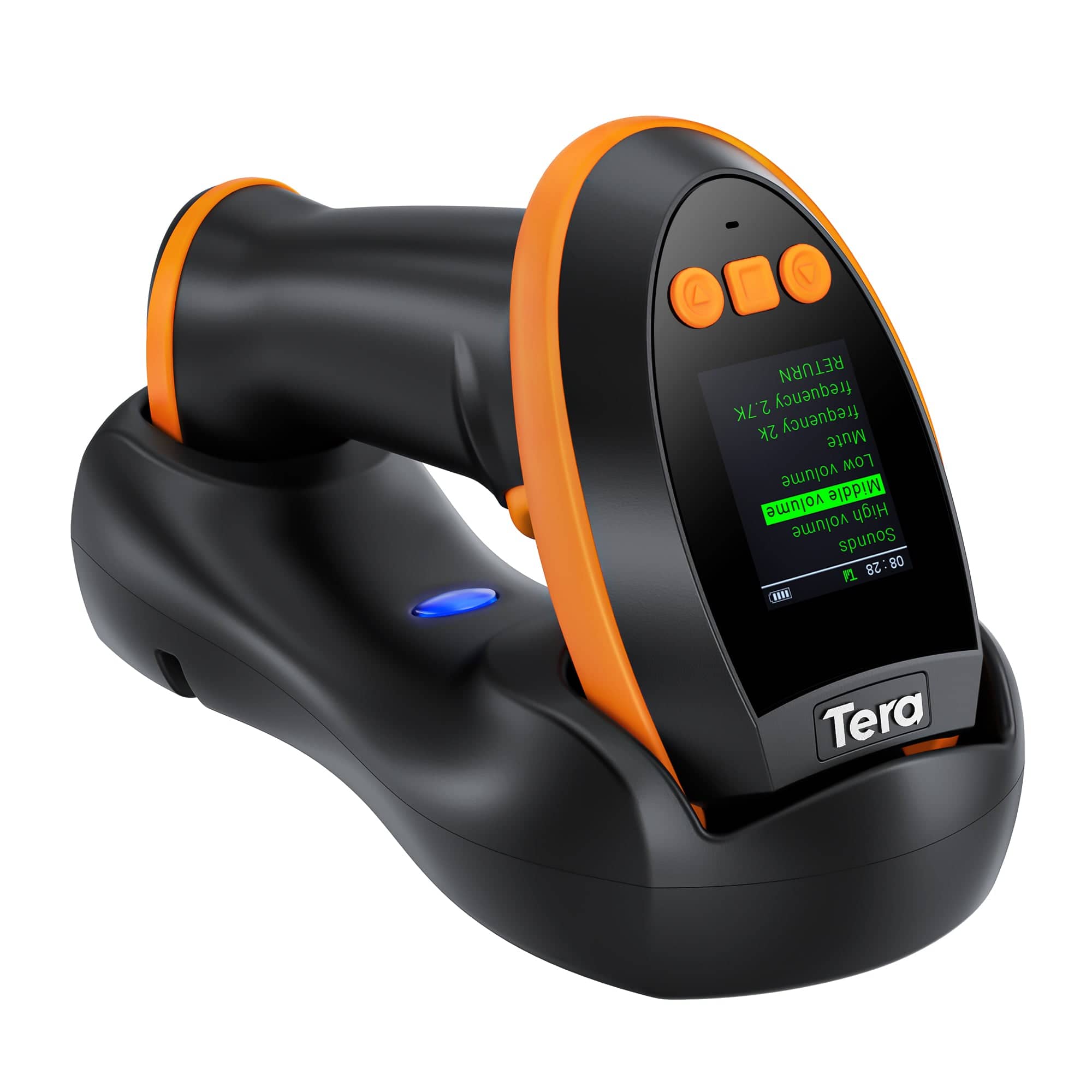
Tera - 1D 2D QR Barcode Scanner Wireless with Digital Setting Screen 3 in 1 Charging Cradle HW0009
SKU: CCFLTK6C9YSee all Scanners, Faxes & CopiersProduct Description
A wireless black barcode scanner with digital display, 3-in-1 connectivity, and high-density barcode accuracy.Your price for this item is $85.99 -
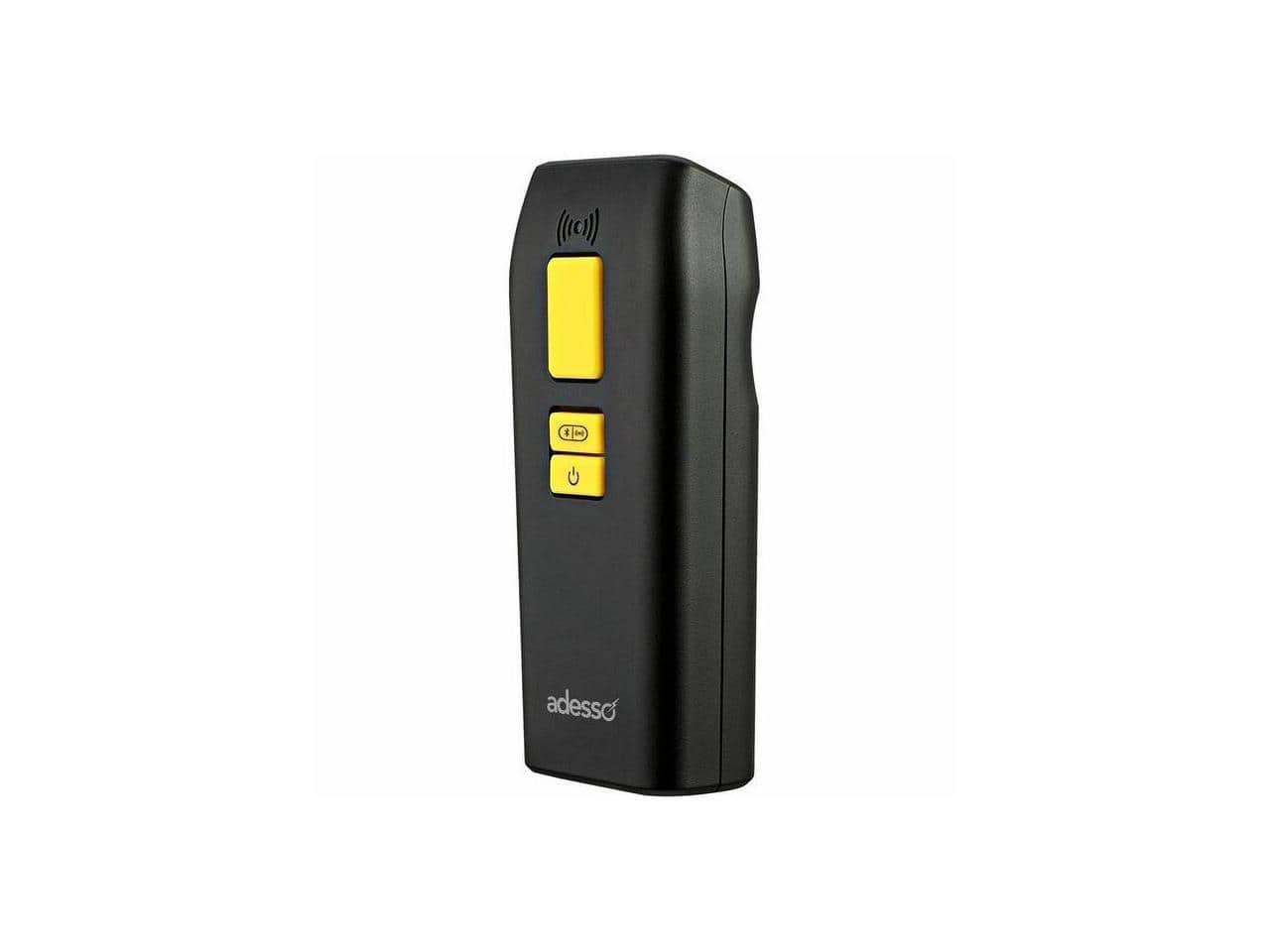
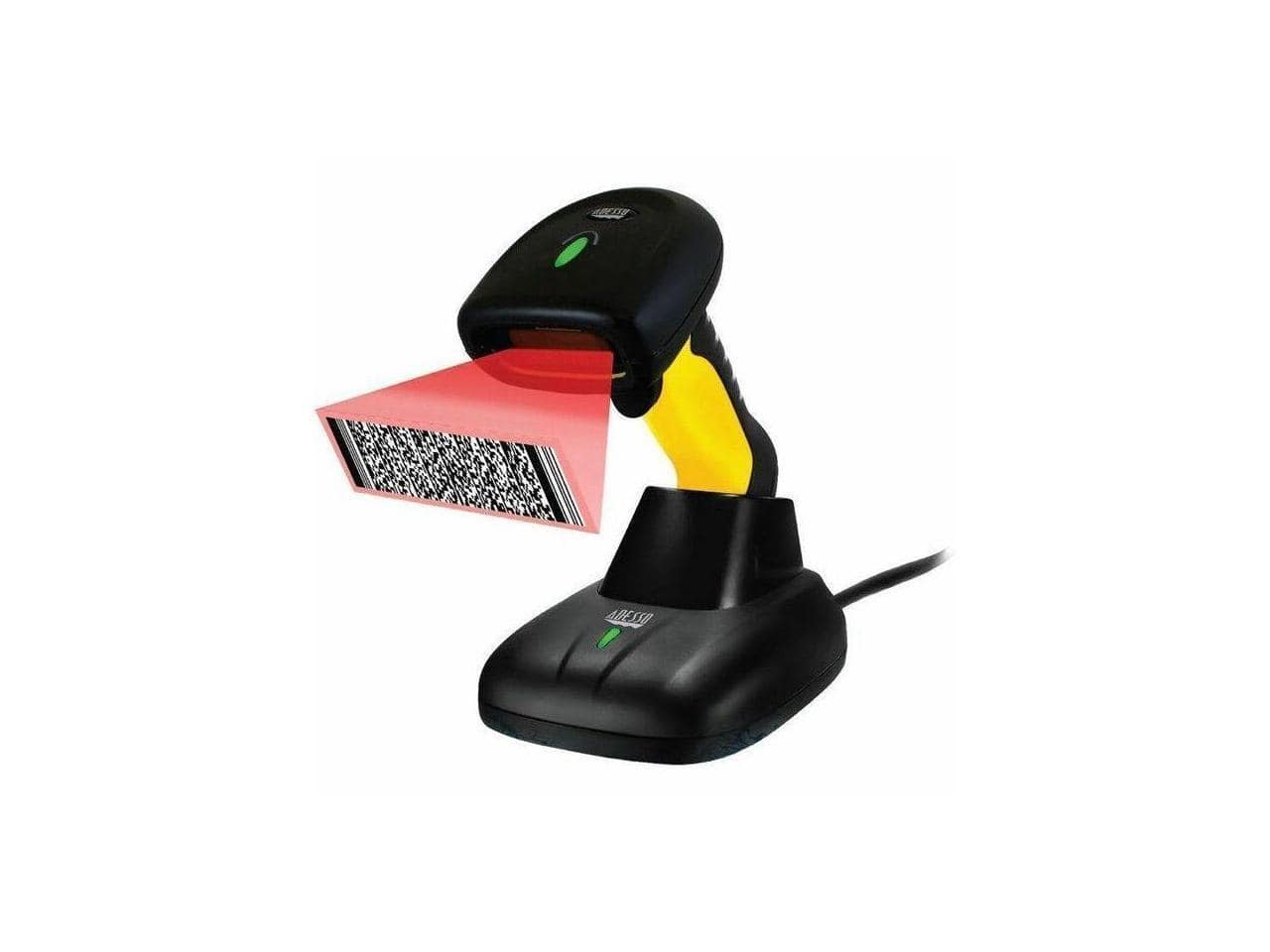
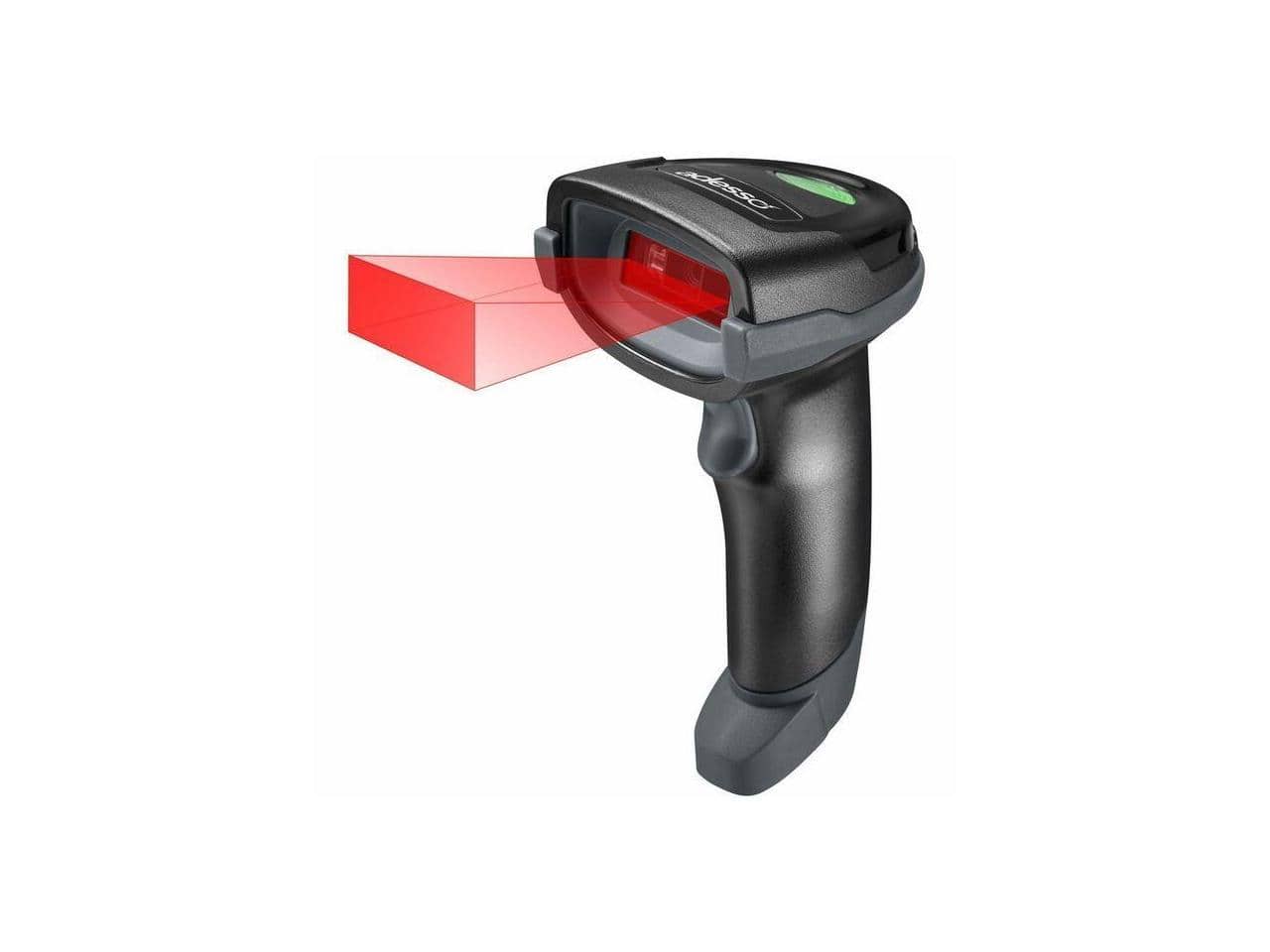
Adesso - Bluetooth & 2.4Ghz Wireless Antimicrobial & Waterproof 2D Barcode Scanner - Cable/Wireless Connectivity - 300 - Black
SKU: J32P8775SZSee all Portable ScannersProduct Description
A black antimicrobial and waterproof barcode scanner offering Bluetooth and 2.4GHz wireless connectivity for versatile scanning.Your price for this item is $176.16Save $23The previous price was $199.99 -
Adesso - Bluetooth & 2.4Ghz Wireless Waterproof 2D Barcode Scanner Nuscan5200 - Black
SKU: J32P877F8LSee all Scanners, Faxes & CopiersProduct Description
A black waterproof wireless 2D barcode scanner offering Bluetooth and 2.4GHz connectivity for versatile use.Your price for this item is $235.73Save $14The previous price was $249.99 -
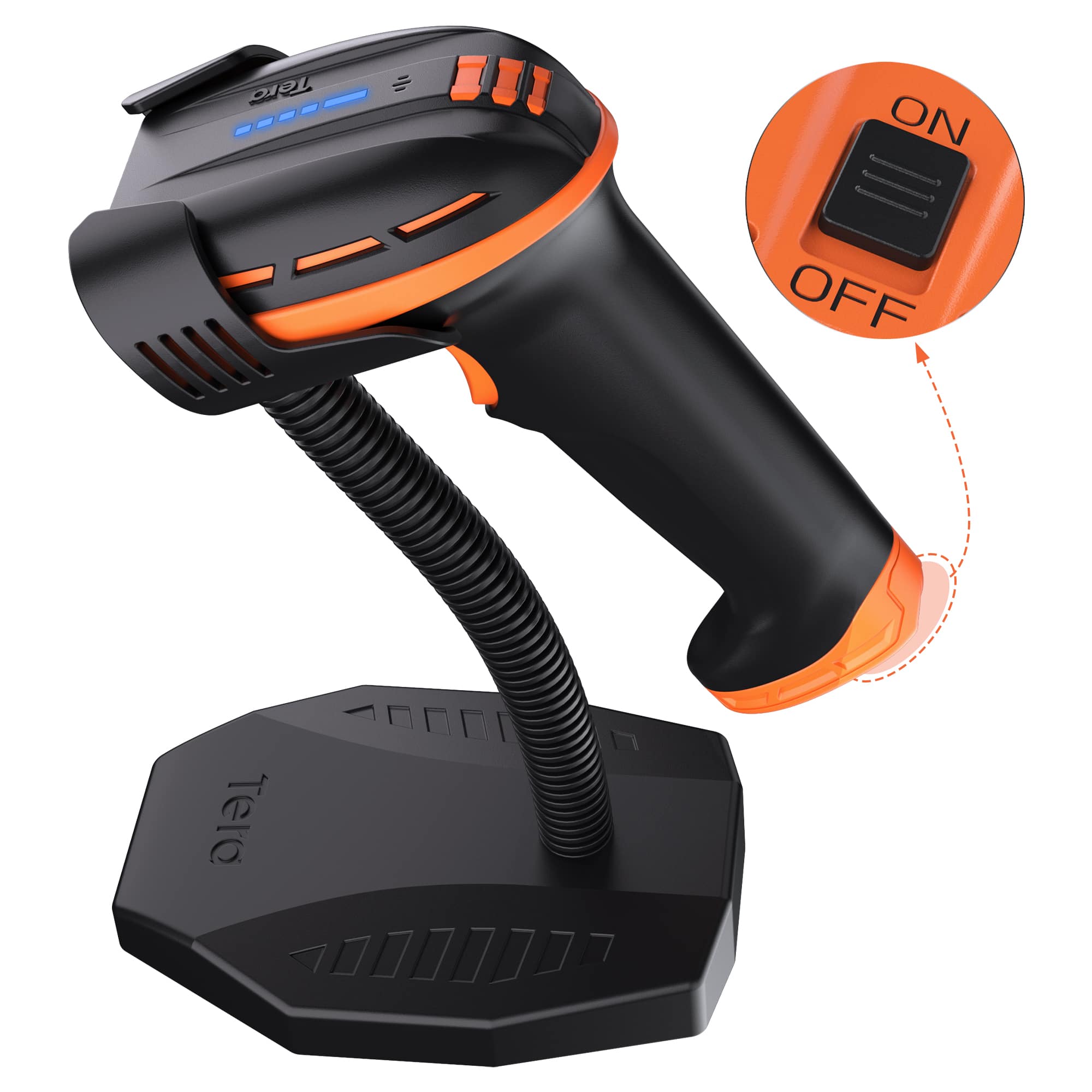
Tera - D6100 Pro 2D Wireless Barcode Scanner with Stand
SKU: CCFLTK6S35See all Scanners, Faxes & CopiersProduct Description
A versatile wireless barcode scanner with 3-in-1 connectivity, energy-saving switch, and wide device compatibility.Your price for this item is $99.99 -
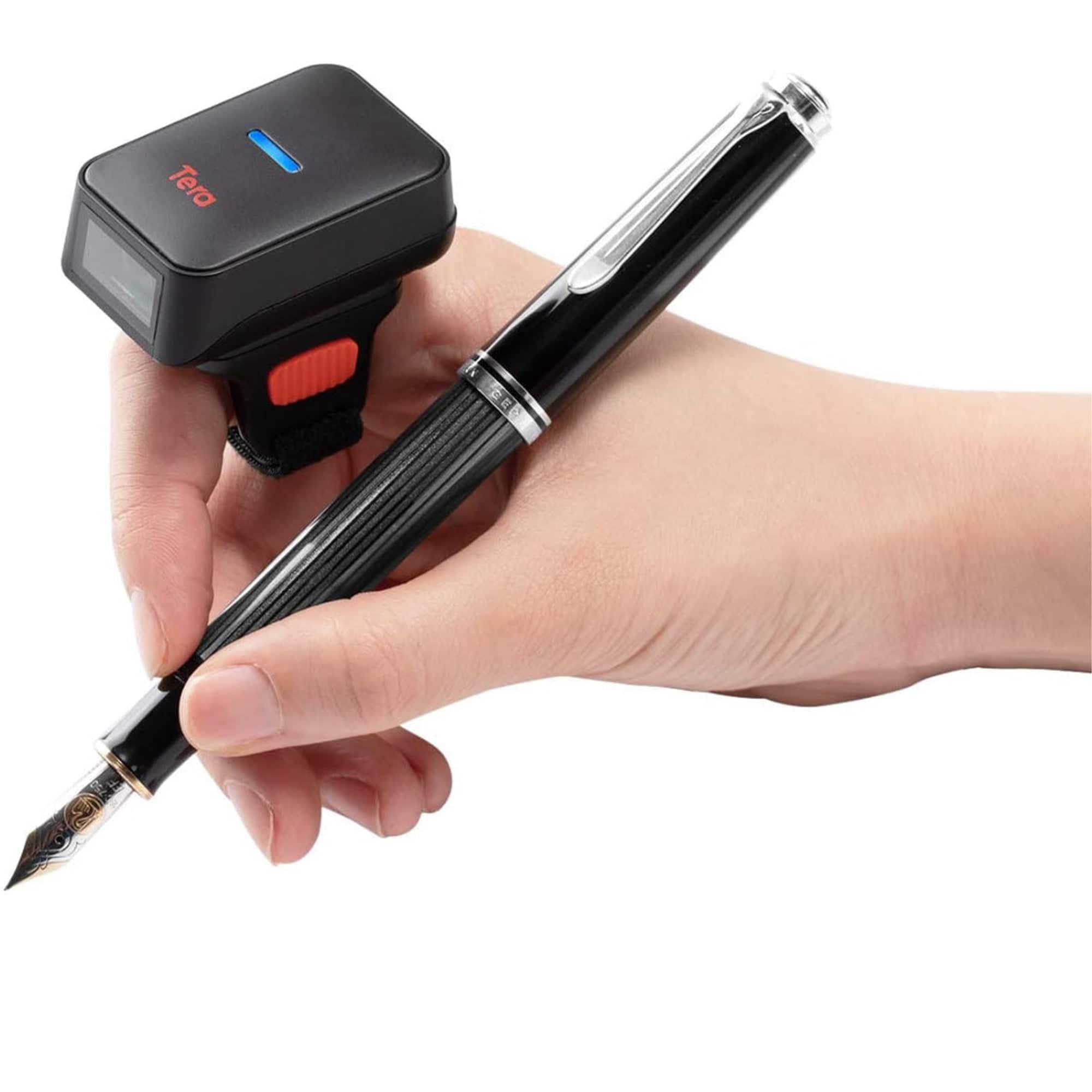
Tera - HW0010 2D Ring Barcode Scanner
SKU: CCFLTK9VJKSee all Scanners, Faxes & CopiersProduct Description
A hands-free, 360° rotatable ring scanner with 3-in-1 connectivity and 50,000 barcode storage capacity.Your price for this item is $81.99 -
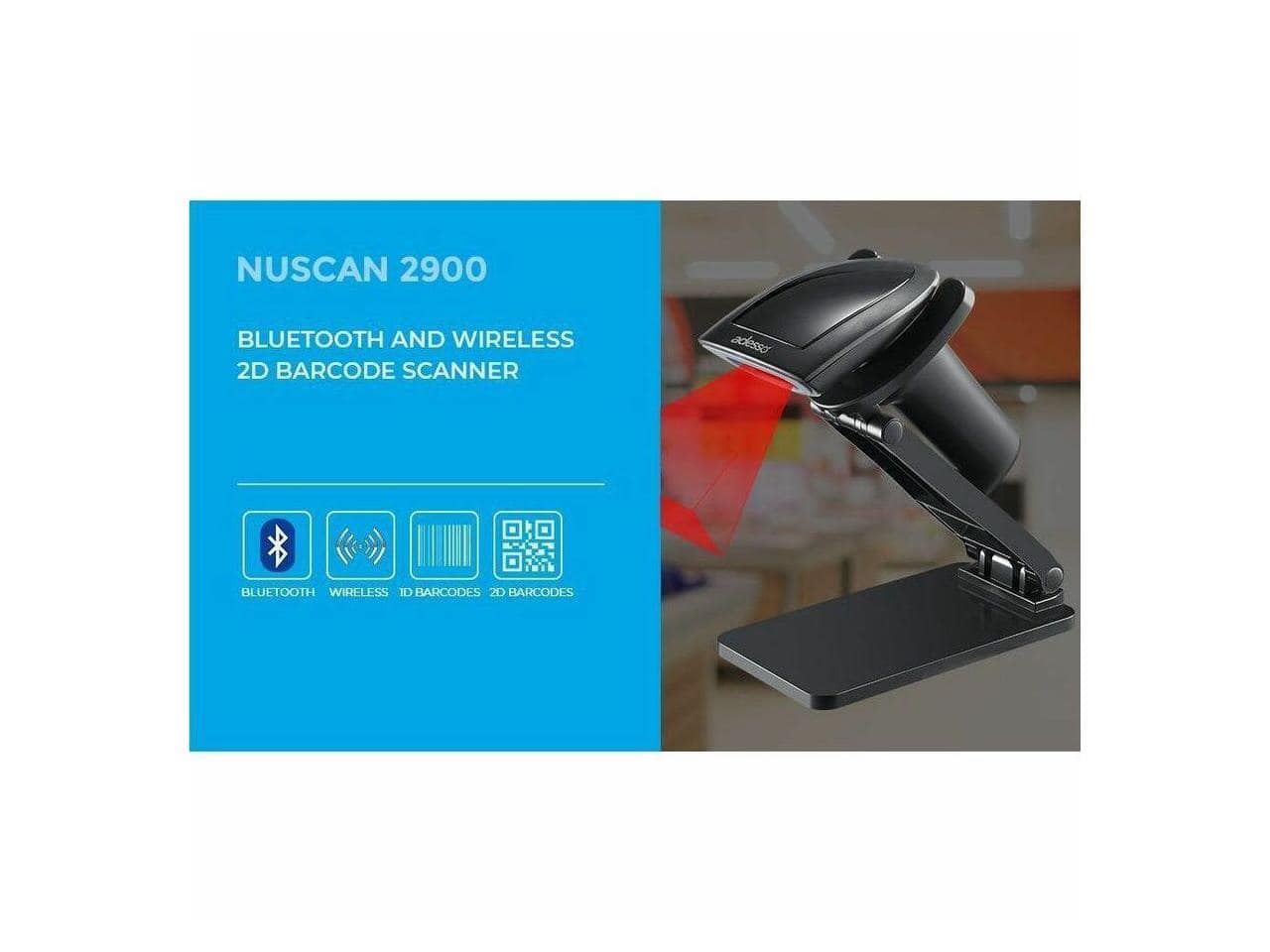
Adesso - NuScan 2900 Bluetooth Wireless 2D Scanner - IP42 - Retail, Inventory - Black
SKU: J32P8775ZTSee all Portable ScannersProduct Description
A black wireless Bluetooth 2D barcode scanner with IP42 rating, ideal for retail, inventory, and warehouse use.Your price for this item is $86.74Save $5The previous price was $92.13 -
Tera - 1D 2D QR Wireless Barcode Scanner with Battery Level Indicator and Stand HW0002
SKU: CCFLTK9FY2See all Scanners, Faxes & CopiersProduct Description
A wireless barcode scanner with real-time battery indicator, shock-resistant build, and versatile Bluetooth, 2.4G, and USB connectivity.Your price for this item is $59.99 -
Adesso - 2D Barcode Scanner - Wireless/Bluetooth/Wired - IP42 - Retail, Inventory - Black
SKU: J32P8775FPSee all Portable ScannersProduct Description
A versatile black barcode scanner offering wireless, Bluetooth, and wired connectivity for retail and inventory use.Your price for this item is $129.51
Best Sellers



Related Pages



FAQ
Most Bluetooth barcode scanners are compatible with a wide range of iPad models that support Bluetooth connectivity. However, it’s important to check the scanner’s specifications and ensure it supports your iPad’s operating system version for optimal performance.
Yes, many Bluetooth barcode scanners are designed to work seamlessly with various apps on your iPad, including inventory management, point-of-sale, and retail apps. Always verify app compatibility in the scanner’s product description or with the app developer.
To connect a Bluetooth barcode scanner, turn on the scanner’s Bluetooth mode, enable Bluetooth on your iPad, and select the scanner from the list of available devices. Follow the on-screen prompts to complete pairing. Detailed instructions are usually provided in the scanner’s user manual.
Some Bluetooth barcode scanners can transmit scanned data directly into any text field, while others may require a dedicated app for advanced features. Check the product details to see if a companion app is recommended for your intended use.
Generally, an iPad can pair with one Bluetooth barcode scanner at a time. If you need to switch between scanners, you may have to disconnect one before pairing the next. Refer to your scanner’s manual for specific multi-device support features.