Top Rated External Hard Drive for Photographers
Choosing the best external hard drive for photographers starts with your photo library, editing workflow, and backup needs. Compare external drives by storage capacity, transfer speed, and computer compatibility, and consider portability if you work on location. Allow room for a growing collection of high-resolution photos and RAW files when deciding how much storage you need.
What to look for in an external hard drive for photographers
Finding the best external hard drive for your photography workflow means balancing storage capacity, transfer speed, portability, and backup needs.
1. Storage Capacity
2. Transfer Speed And Compatibility
3. Portability And Power
4. Backup And Photo Protection
-
1

KingSpec - Z5 RGB 1TB SSD - 2100 MB/s, USB 3.2 Gen 2, Type-C, 20Gbps, External SSD for Creators & Gaming - Black
About this product
A sleek black external SSD with RGB lighting, 1TB capacity, USB 3.2 Gen 2, and 2100 MB/s speed.
(0)$169.99 Your price for this item is $169.99 -
2
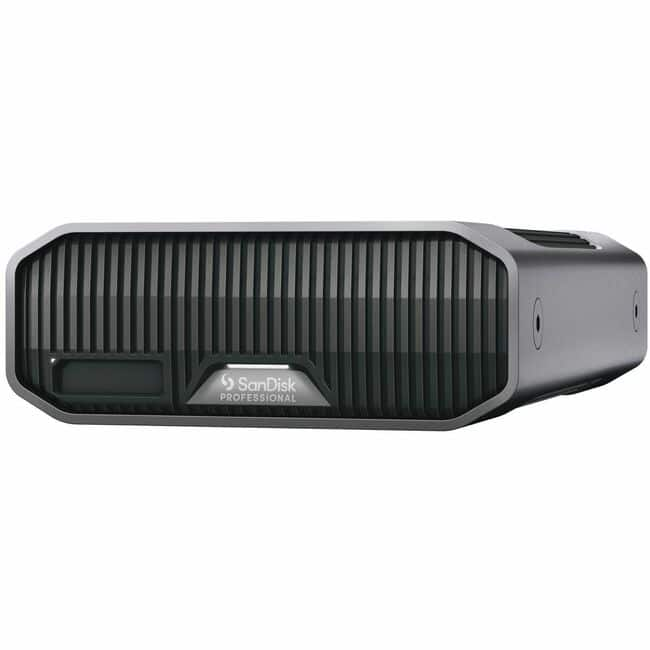
SanDisk Professional - G-DRIVE PROJECT 12 TB Portable Rugged Hard Drive - External - Gray - Camera Device Supported - USB
About this product
A rugged gray external hard drive with 12TB capacity, 7200RPM speed, and color-coded cable indicators.
(0)$895.99Your price for this item is $895.99SAVE $89.00 -
3
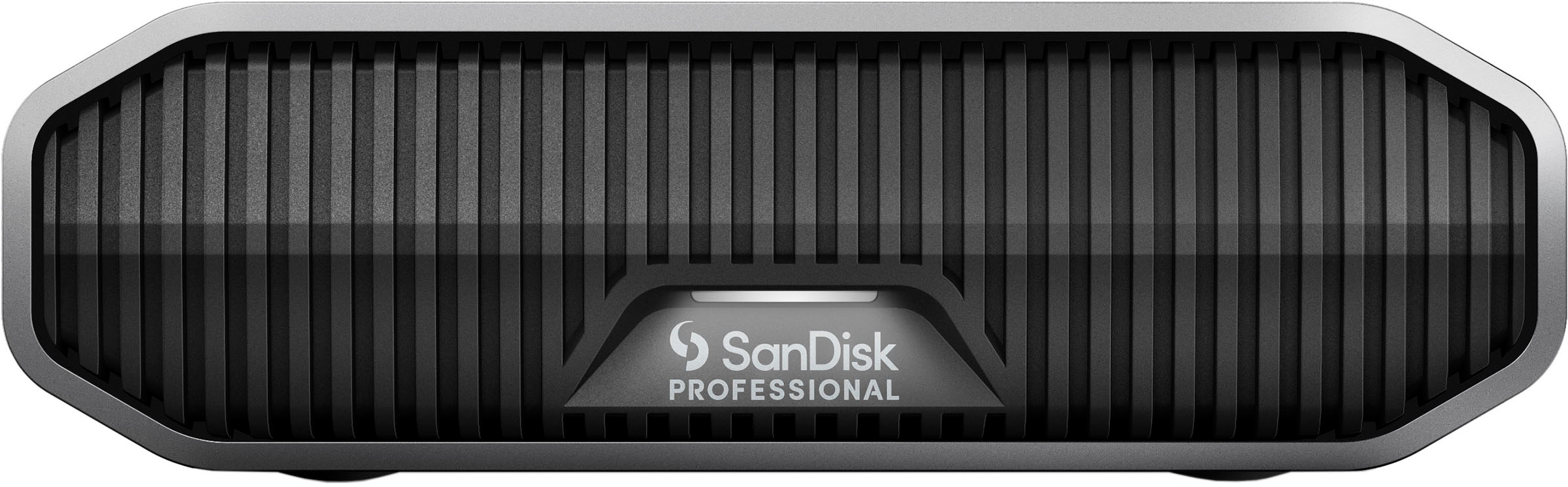
SanDisk Professional - G-DRIVE 12TB External USB-C 3.2 Gen2 Hard Drive - Black
About this product
A high-capacity 12TB external hard drive in black aluminum with USB-C 3.2 Gen2 and 7200RPM speed.
What customers like
(24)$749.99Your price for this item is $749.99SAVE $26.61 -
4

SanDisk Professional - G-DRIVE 18TB External USB-C 3.2 Gen2 Hard Drive - Black
About this product
A high-capacity 18TB external hard drive with USB-C 3.2 Gen2, 7200RPM, and durable black aluminum enclosure.
(10)$909.99 Your price for this item is $909.99 -
5
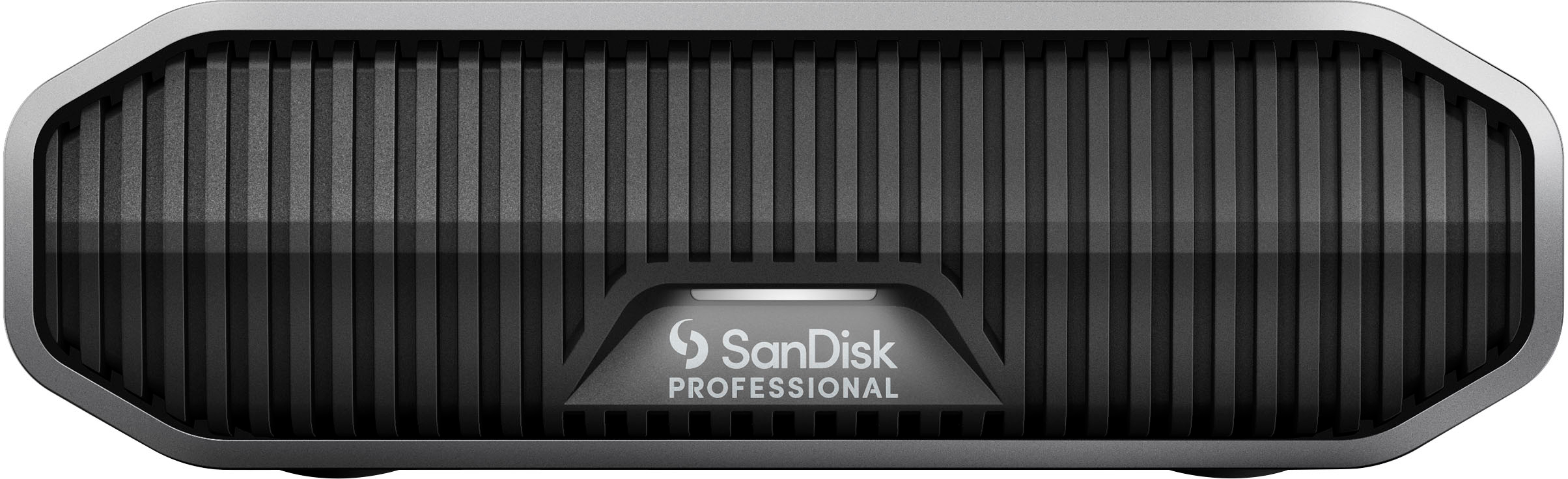
SanDisk Professional - G-DRIVE 22TB External USB-C 3.2 Gen2 Hard Drive - Black
About this product
A high-capacity 22TB external hard drive with USB-C 3.2 Gen2, 7200RPM speed, and durable black aluminum enclosure.
(19)$1,289.99 Your price for this item is $1,289.99 -
6
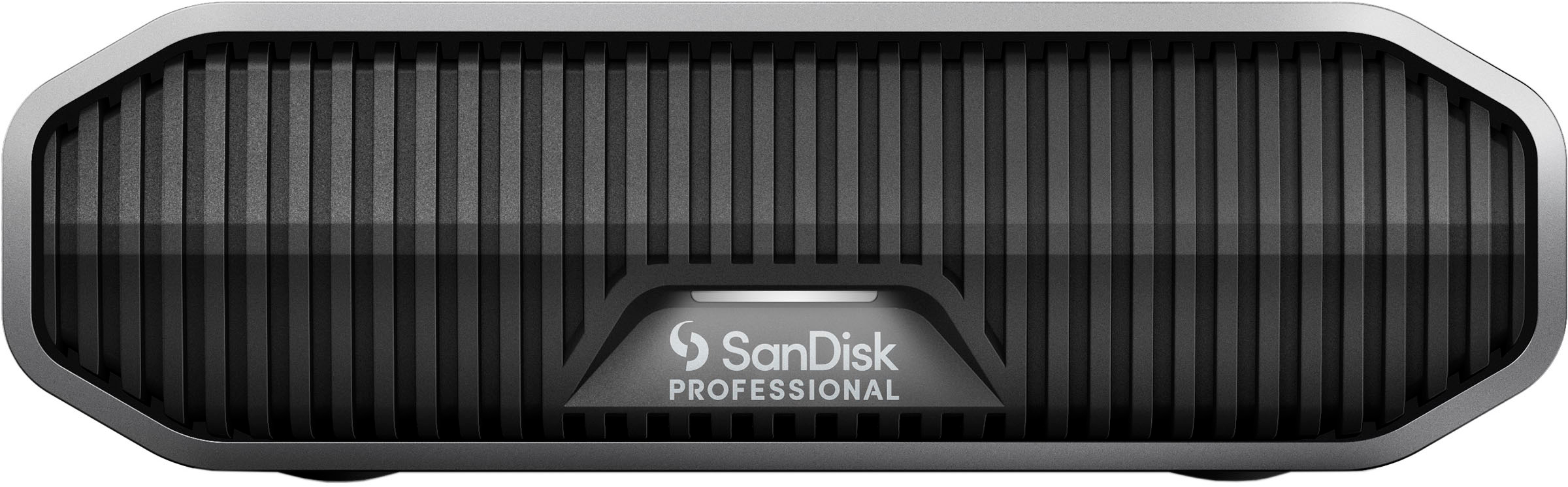
SanDisk Professional - G-DRIVE 6TB External USB-C 3.2 Gen2 Hard Drive - Black
About this product
A high-performance black external hard drive with 6TB capacity, USB-C 3.2 Gen2, and durable aluminum enclosure.
(34)$529.99 Your price for this item is $529.99 -
7

SanDisk Professional - G-DRIVE ArmorATD 1TB External USB-C Portable Hard Drive - Space Gray
About this product
A rugged, space gray portable hard drive with USB-C, aluminum enclosure, and IP54 rain and dust resistance.
(10)$194.99Your price for this item is $194.99SAVE $39.23 -
8

SanDisk Professional - 8TB G-DRIVE PROJECT Thunderbolt 3 External Hard Drive - Black
About this product
A high-capacity 8TB external hard drive in black, featuring Thunderbolt 3 for fast, reliable performance.
(0)$819.99 Your price for this item is $819.99 -
9
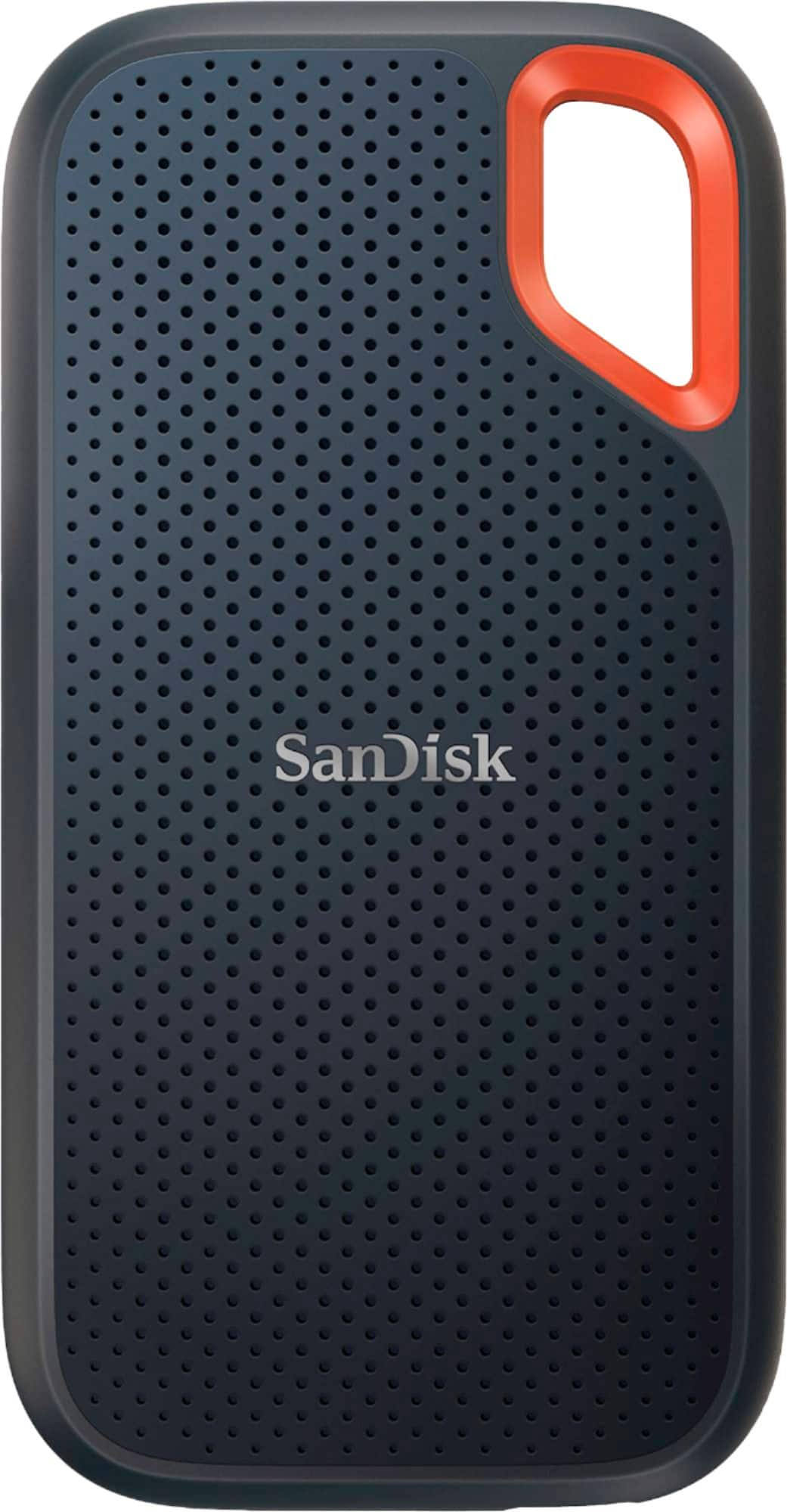
SANDISK - Extreme Portable 4TB External USB-C NVMe SSD - Black
About this product
A rugged black external SSD offering fast USB-C NVMe speeds, data encryption, and water and dust resistance.
What customers like
(644)$744.43Your price for this item is $744.43SAVE $60.56 -
10
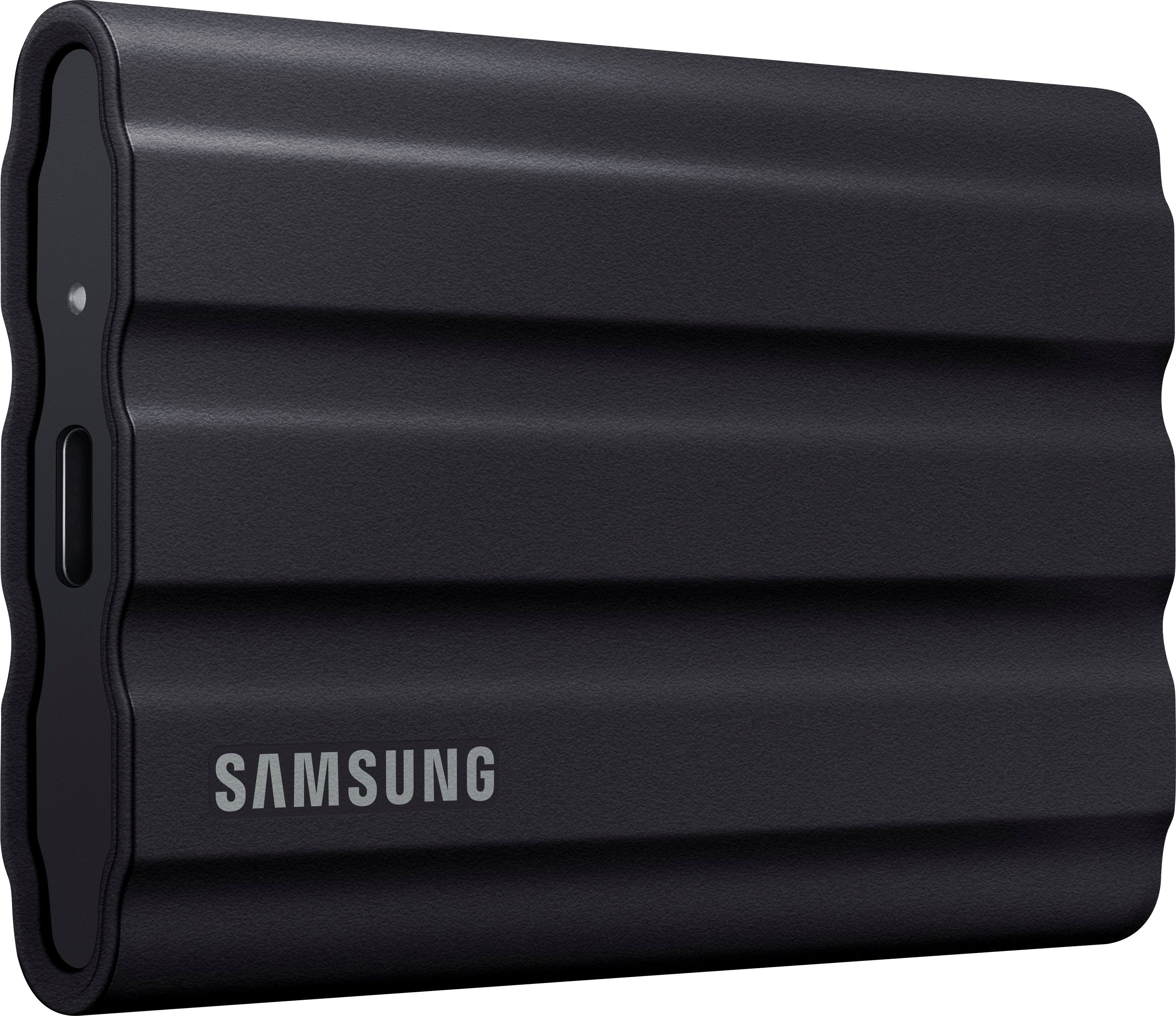
Samsung - T7 Shield 2TB External USB 3.2 Gen 2 Rugged SSD IP65 Water Resistant - Black
About this product
A rugged black external SSD with 2TB storage, USB 3.2 Gen 2, and IP65 water resistance.
What customers like
(2,104)$574.99 Your price for this item is $574.99
Top Rated External Hard Drive for Photographers
FAQs
Check the ports on your computer, the drive’s connection type, and the cable it requires. USB-C describes a connector shape, not a single connection standard, so confirm that the drive’s interface is supported by your computer.
exFAT supports reading and writing on modern versions of both macOS and Windows, making it an option for photographers who use both systems. APFS is designed for Mac use, while NTFS is native to Windows and generally requires additional software for writing files on a Mac.
Use a consistent folder structure, such as year, shoot date, and project name. Separate folders for RAW originals, edited images, and exported files can keep each stage of your photography workflow clearly labeled.
A photo catalog typically records file locations, keywords, ratings, and editing settings, while the original images can remain on an external hard drive. Catalog behavior varies by application, and moving or renaming image folders outside the app may require updating the file links.
Portable external hard drives commonly draw power through their USB connection, while desktop external hard drives typically use a separate power adapter. Check the power requirements when planning a photography setup for a desk or an on-location shoot.