Top Rated Stylus
The best stylus for you depends on your device and whether you’re taking notes, sketching, or navigating a touchscreen. Compare stylus pens by compatibility, tip design, and comfort, and check whether features such as pressure sensitivity are supported by both your device and the apps you use.
What to look for in a stylus
Finding the best stylus for your tablet, phone or touchscreen laptop starts with matching compatibility, features and comfort to how you work or create.
1. Device Compatibility
2. Writing and Drawing Features
3. Comfort and Tip Design
4. Power and Charging
-
1
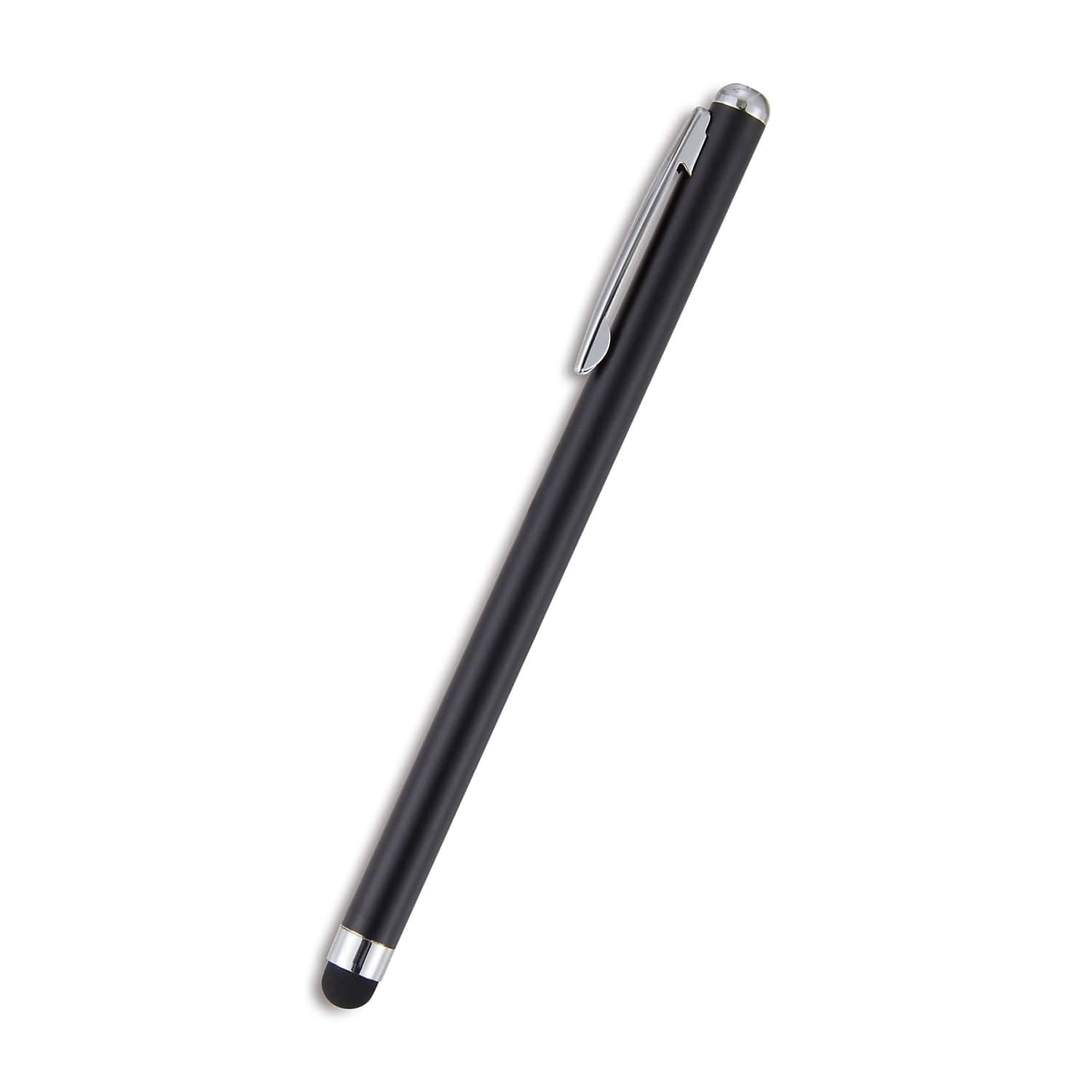
Staples TECH - Staples Universal Slim Stylus - Black
About this product
A slim black stylus with a durable rubber tip for precise, smudge-free navigation on touchscreens.
(2)$11.49 Your price for this item is $11.49 -
2
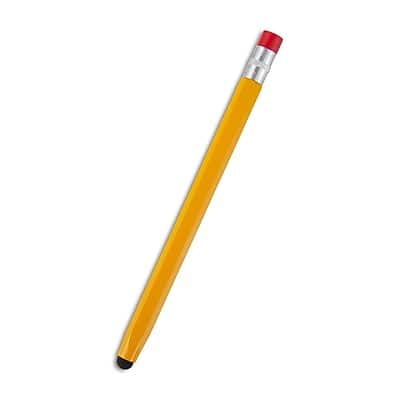
Staples - Universal Stylus, Pencil Design - Yellow
About this product
A yellow, pencil-style universal stylus with a silicone tip for precise, smudge-free touchscreen navigation.
(2)$14.31 Your price for this item is $14.31 -
3

ZAGG - Pro Stylus 2 Active, Dual-Tip Pencil Stylus with Wireless Charging - Gray
About this product
A gray, dual-tip active stylus with wireless charging, tilt recognition, and palm rejection for iPad.
What customers like
(124)$79.99 Your price for this item is $79.99 -
4
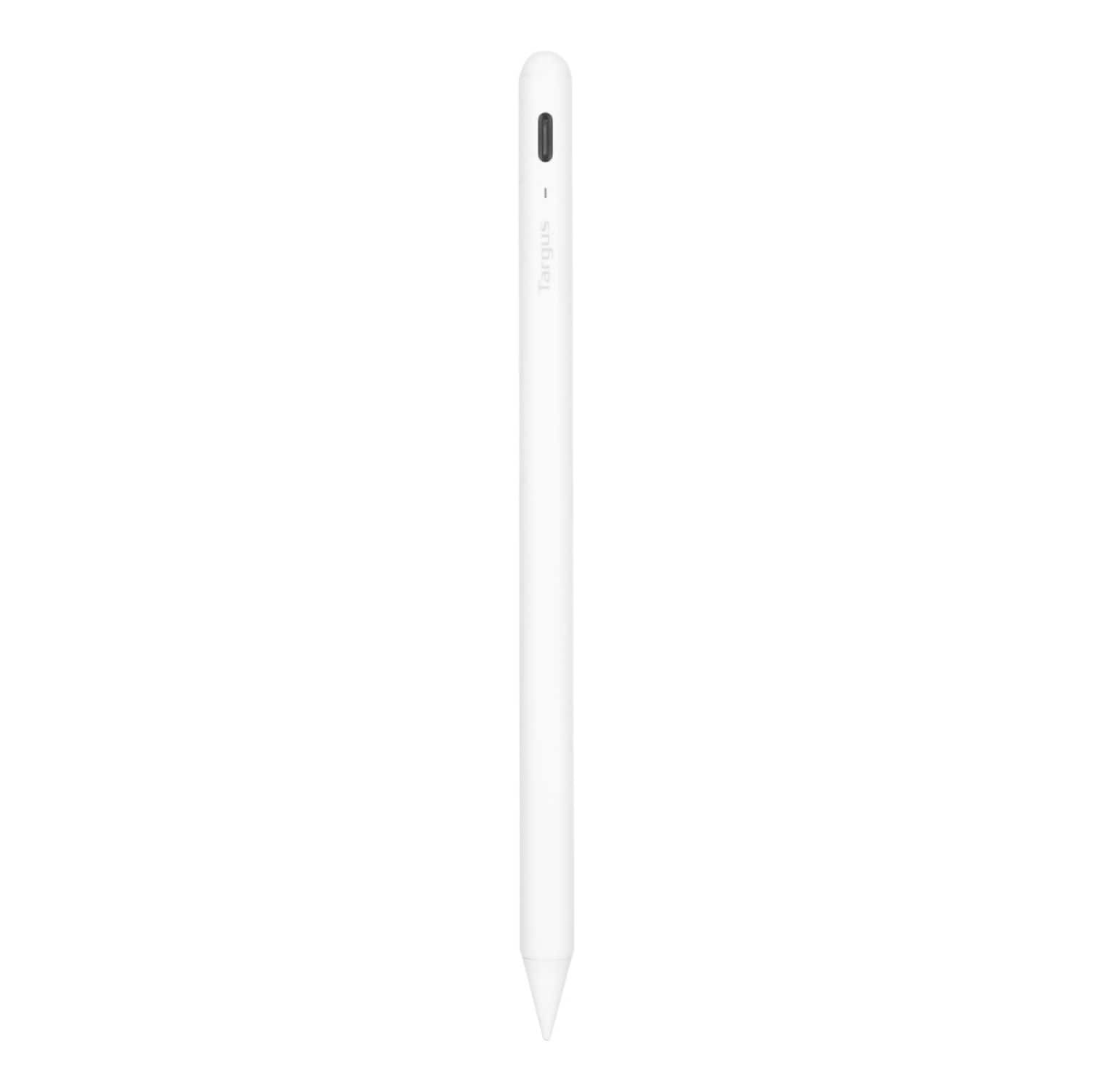
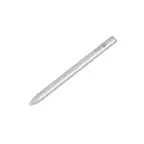
Targus - Antimicrobial Active Stylus for iPad - White
About this product
A white antimicrobial stylus with palm rejection and a durable POM tip for smooth, accurate iPad use.
What customers like
(83)$28.99Your price for this item is $28.99SAVE $41.00 -
5
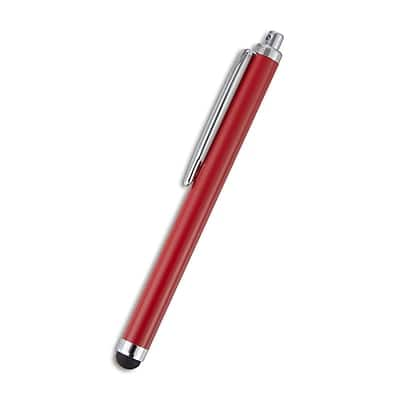
Staples TECH - Staples Universal Stylus - Red
About this product
A universal red stylus with a soft tip, compatible with all capacitive touch screens.
(2)$17.49 Your price for this item is $17.49 -
6
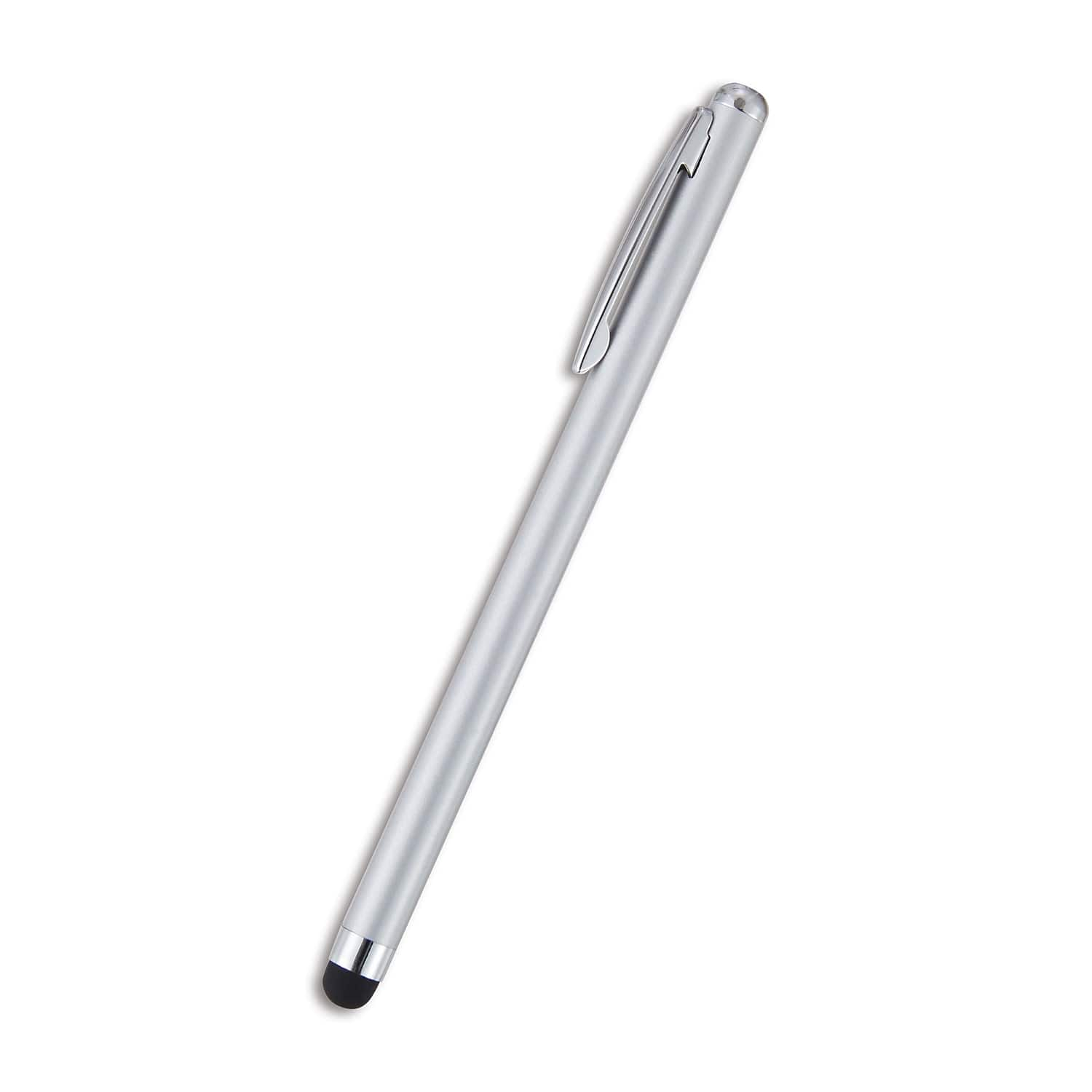
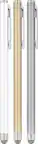
Staples TECH - Staples Universal Slim Stylus - Silver
About this product
A sleek silver universal stylus with a soft tip for precise, smudge-free touchscreen navigation and writing.
(2)$11.49 Your price for this item is $11.49 -
7
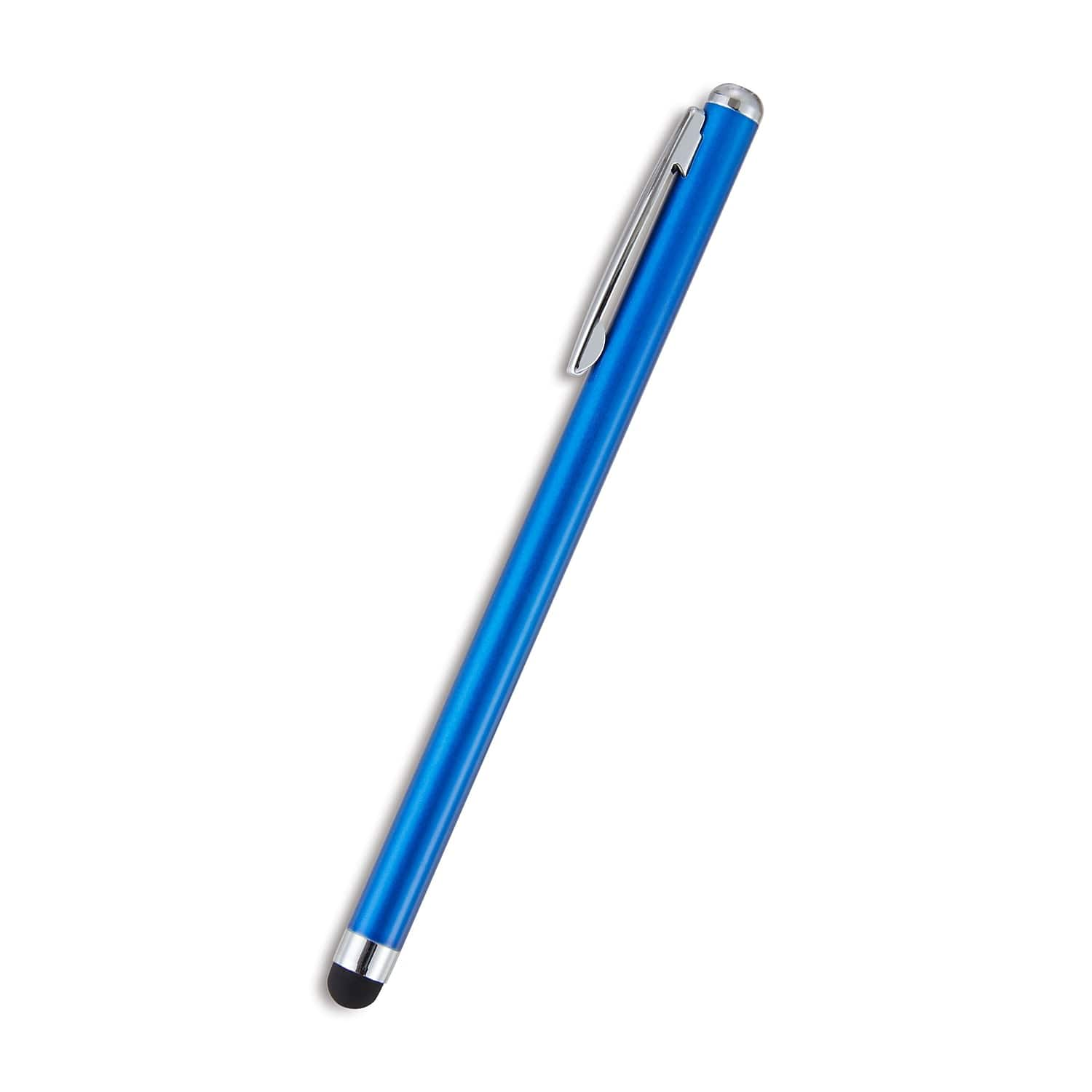
Staples TECH - Staples Universal Slim Stylus - Blue
About this product
A slim blue stylus with a soft rubber tip for precise, smudge-free use on all touch screens.
(0)$11.49 Your price for this item is $11.49 -
8

Insignia™ - Active Stylus for iPad, iPad Pro, iPad Air and iPad mini - White
About this product
A white active stylus offering precise control, tilt sensitivity, magnetic support, and fast USB-C charging for iPads.
What customers like
(669)$39.99 Your price for this item is $39.99 -
9

Audio-Technica - Audio Technica ATN3600LE Replacement Stylus - Black
About this product
An elliptical bonded black stylus that upgrades turntable sound quality and ensures reliable, easy use.
(17)$46.00Your price for this item is $46.00SAVE $3.99 -
10
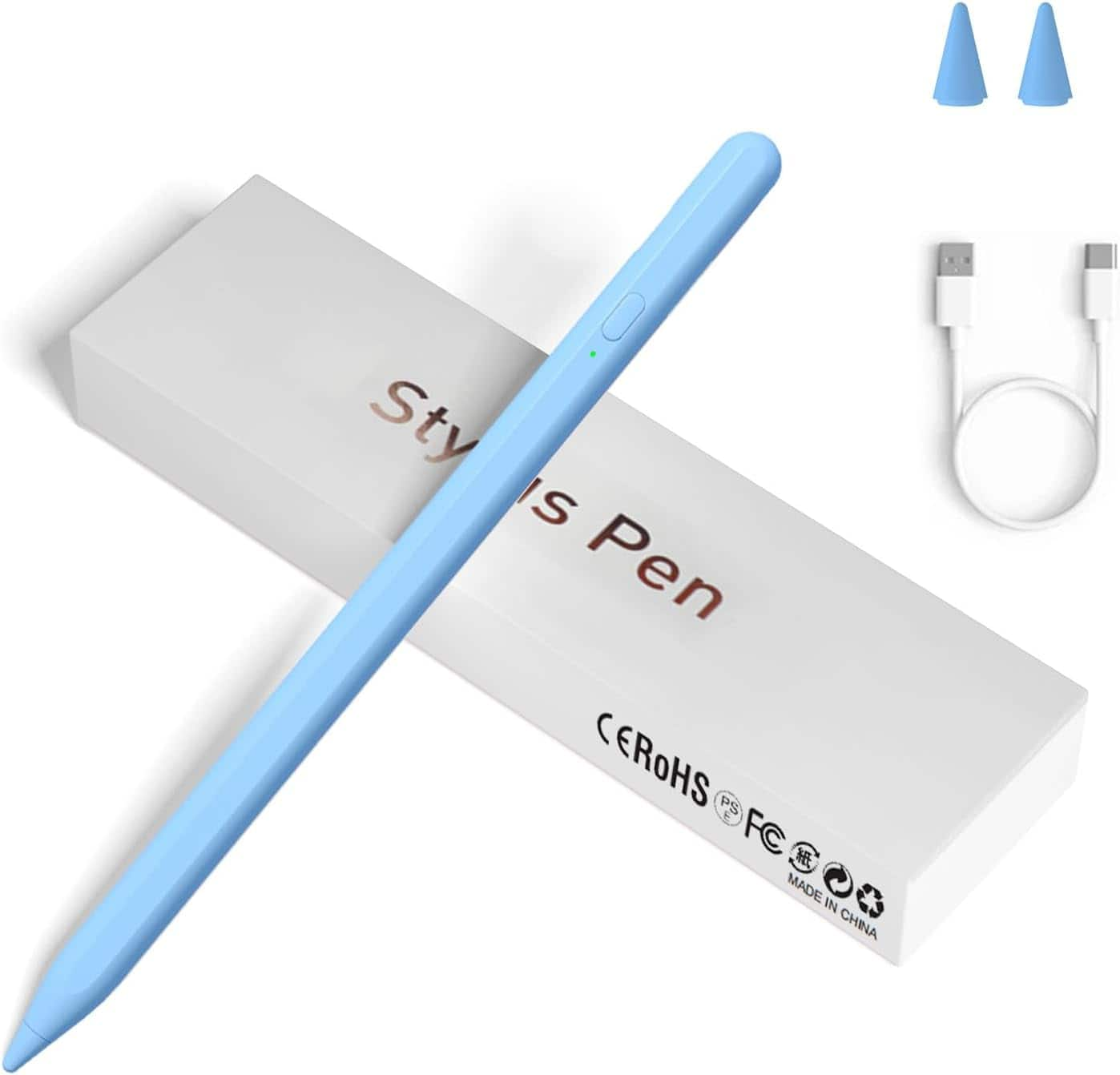
Core Tech - Universal Active Stylus Pen with Magnetic Attachment for Capacitive Touchscreen Devices - Blue
About this product
A blue aluminum rechargeable stylus with a fine 1.5 mm tip, magnetic attachment, and one-touch control.
(0)$31.99Your price for this item is $31.99SAVE $10.00
Top Rated Stylus
FAQs
An active stylus uses electronic components to communicate with a compatible device and may support features such as pressure sensitivity, tilt recognition, and shortcut buttons. A passive capacitive stylus mimics finger input on a capacitive touchscreen and typically requires no battery or pairing.
Check your device’s exact model and its supported pen technology, then compare those details with the stylus manufacturer’s compatibility information. A touchscreen alone does not guarantee support for an active stylus, and pens from the same brand may use different technologies.
Features to compare include pressure sensitivity, tilt recognition, customizable buttons, and support for your preferred drawing apps. Pressure sensitivity lets supported apps vary strokes with pen pressure, while tilt recognition lets them respond to the pen’s angle. Feature availability depends on the stylus, device, and app.
Passive capacitive styluses generally need neither batteries nor charging. Active styluses may use replaceable batteries, rechargeable batteries, or power supplied by a compatible device. Depending on the design, charging may use a cable, a charging dock, or a magnetic connection.
No. Some active styluses communicate directly with a compatible screen’s pen-sensing technology without Bluetooth pairing. Others use Bluetooth for functions such as shortcut buttons or additional controls. Check the setup requirements for both your device and the stylus.