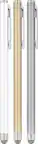
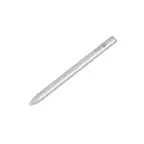
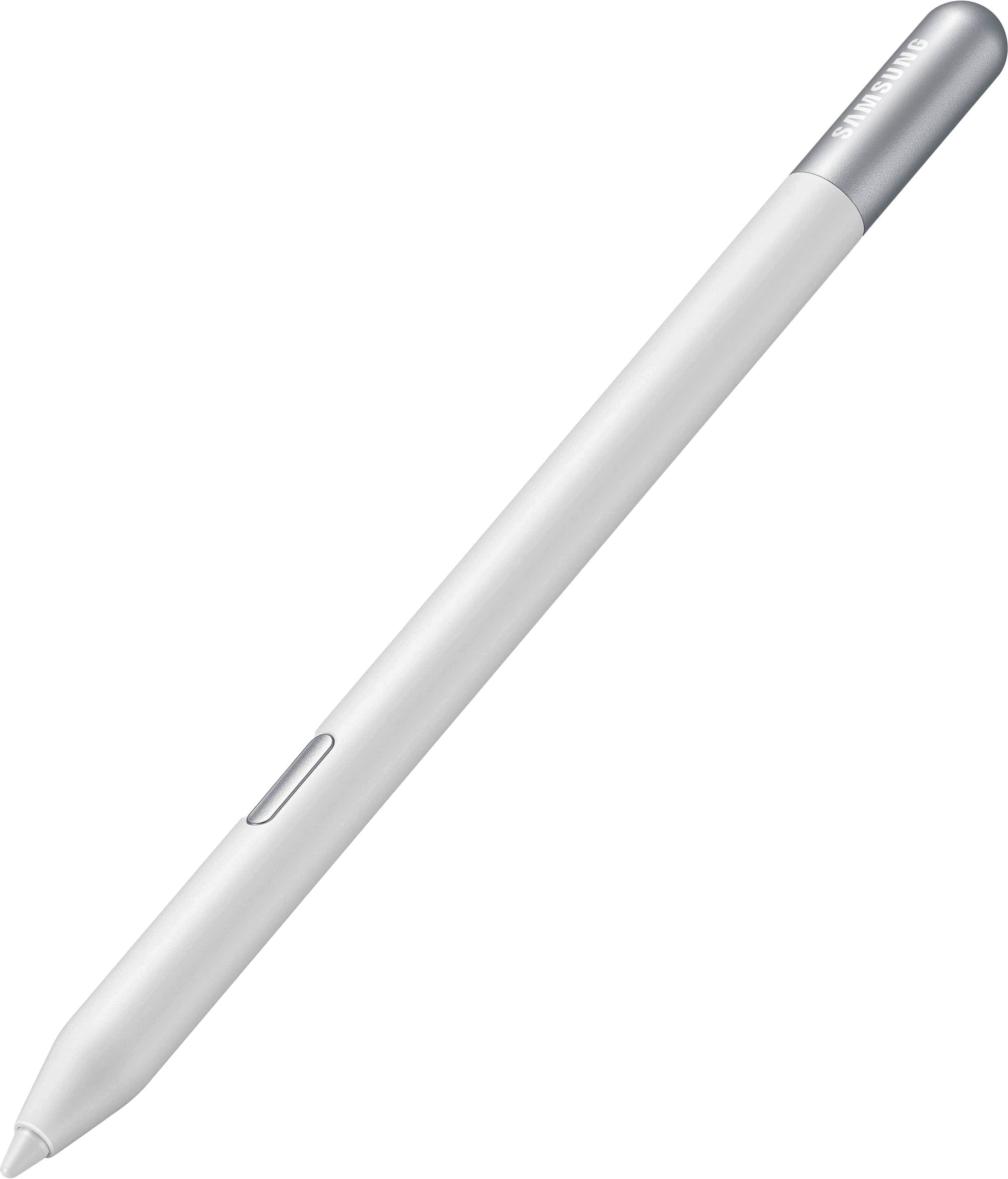
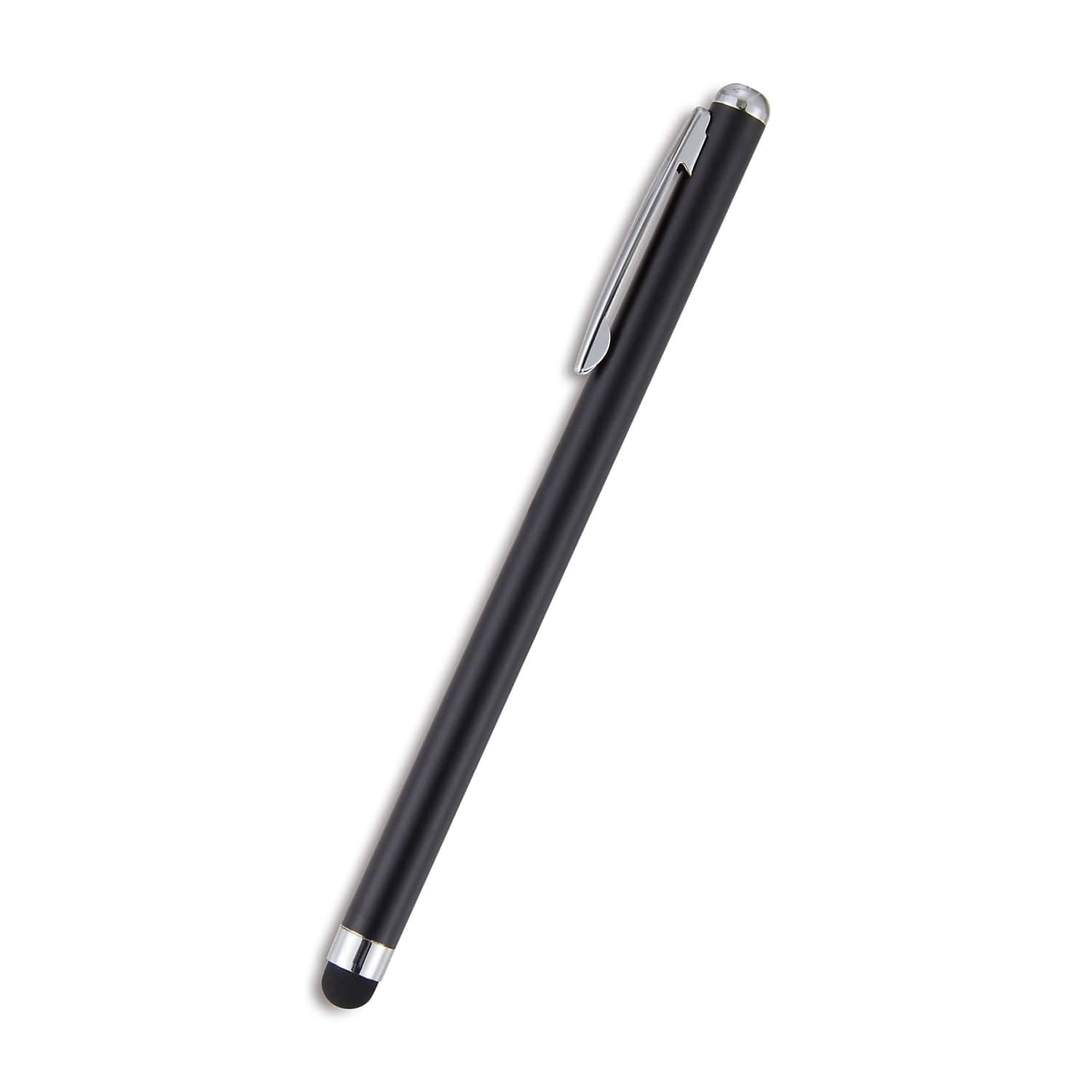
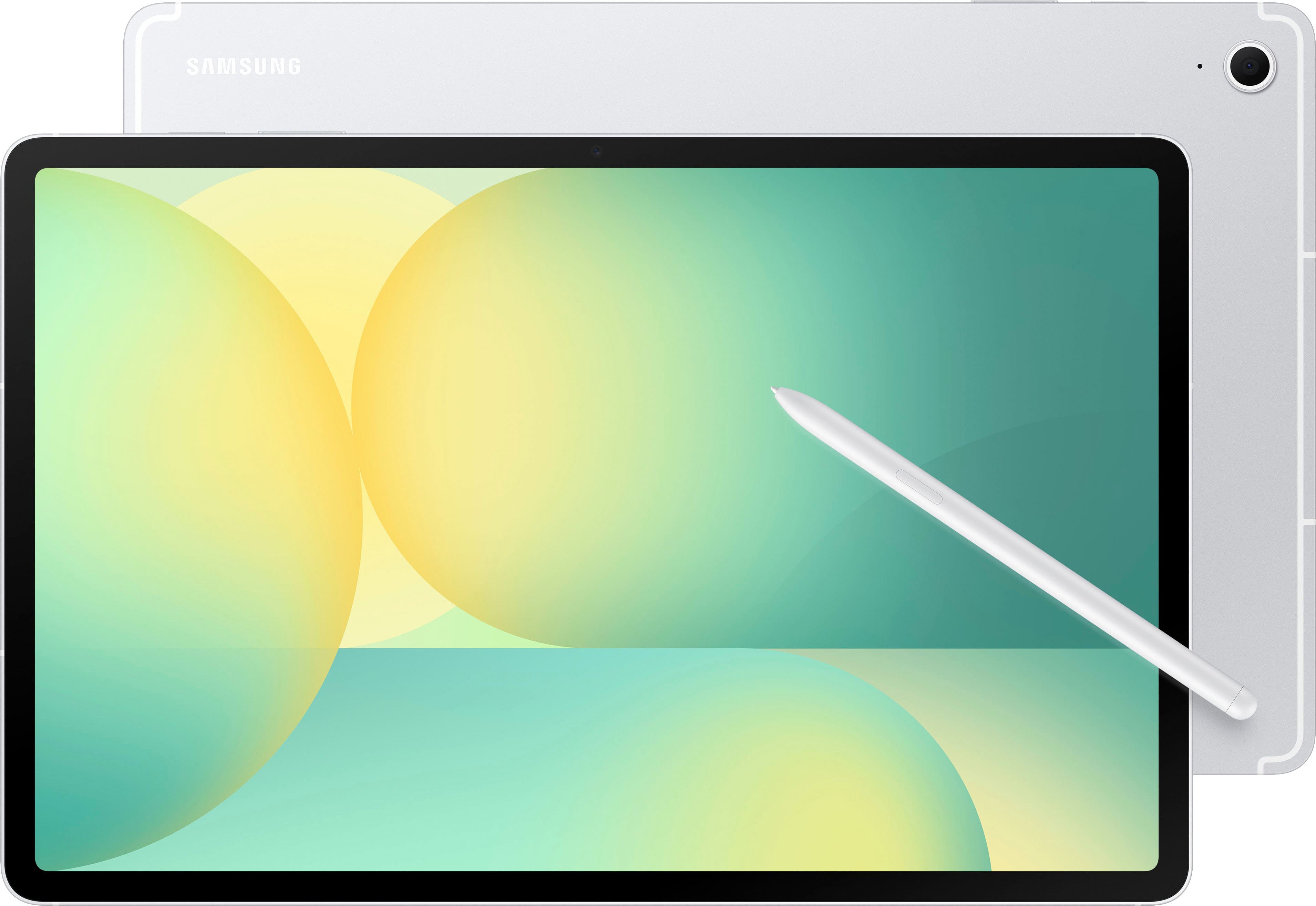
Best Stylus For Lenovo Tablet
Finding the best stylus for your Lenovo tablet starts with checking compatibility with your exact tablet model. Compare options based on how you’ll use the pen, whether for navigating apps, taking notes, or sketching. For writing and drawing, check whether both the stylus and your tablet support features such as palm rejection and pressure sensitivity.
What to look for in a stylus for your Lenovo tablet
The best stylus for your Lenovo tablet depends on your tablet’s compatibility and how you plan to take notes, draw or navigate.
1. Tablet Compatibility
2. Writing And Drawing Features
3. Power And Charging
4. Comfort And Controls
-
1

Lenovo - Digital Pen 2 - Gray
About this product
A grey stylus featuring an enhanced grip, precision elastomer tip, long battery life, and quick-access buttons.
What customers like
(220)$39.99 Your price for this item is $39.99 -
2

Lenovo - Integrated Pen 4X81M52314 - active stylus - Black
About this product
An active black stylus designed for precise input and compatibility with select Lenovo Miix 2 devices.
(1)$63.99Your price for this item is $63.99SAVE $2.86 -
3
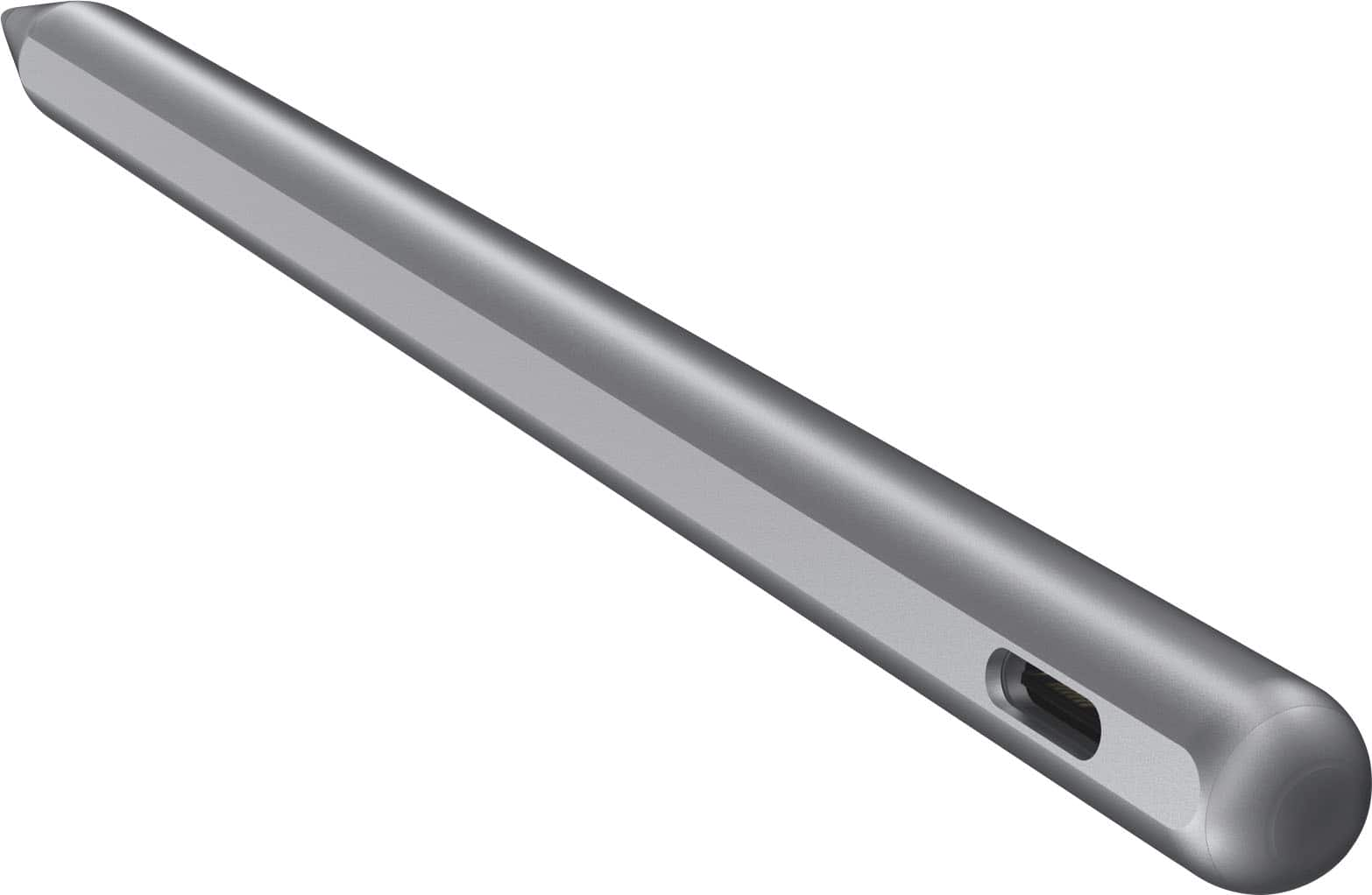
Lenovo - Tab Pen Plus - Gray
About this product
A gray stylus offering 4,096 pressure levels, palm rejection, tilt detection, and a replaceable tip.
What customers like
(84)$49.99 Your price for this item is $49.99 -
4
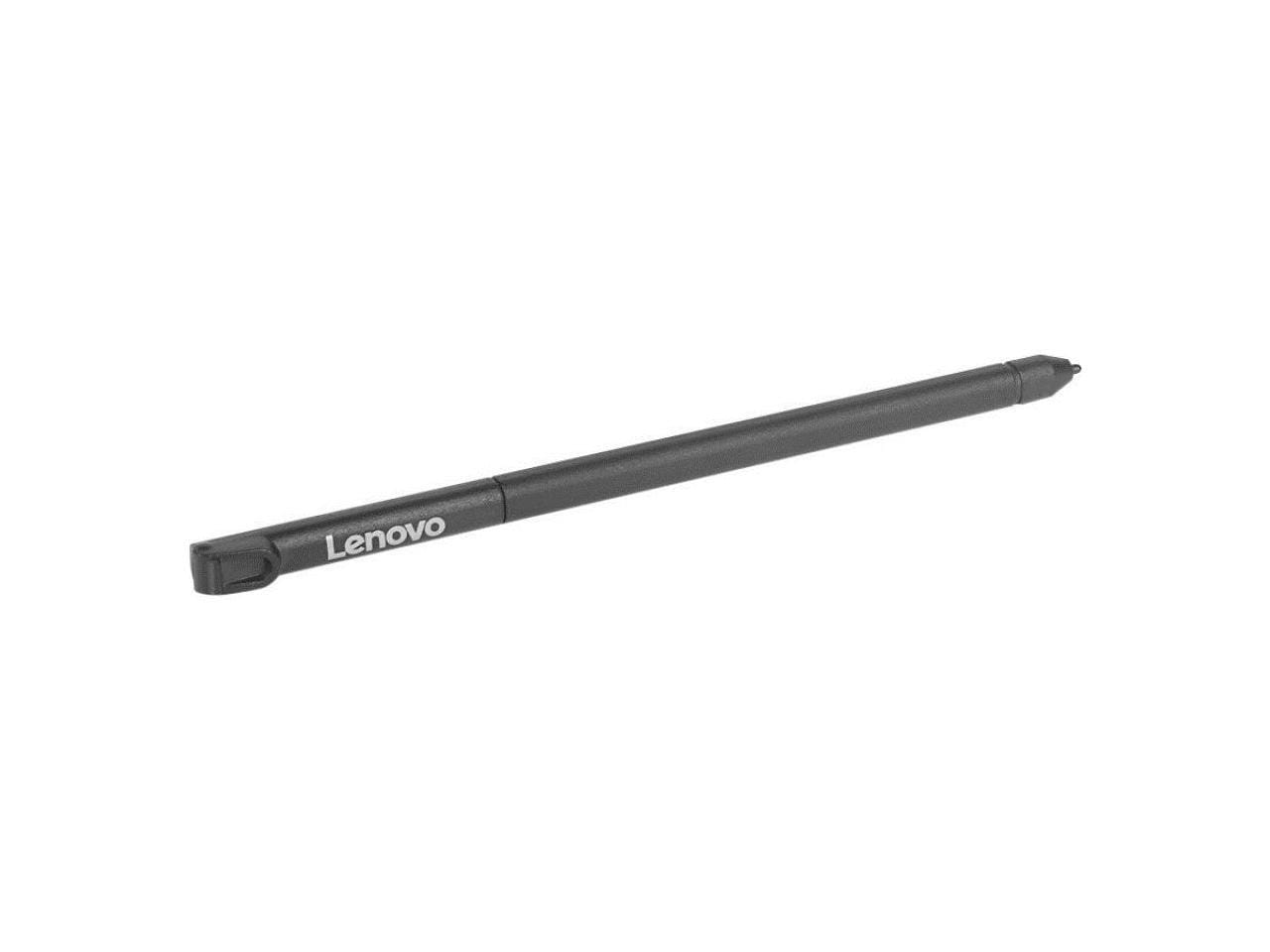
Lenovo - 500e Chrome Pen - Black
About this product
A black stylus pen with a replaceable tip, designed for compatibility with Lenovo devices.
(0)$45.49 Your price for this item is $45.49 -
5
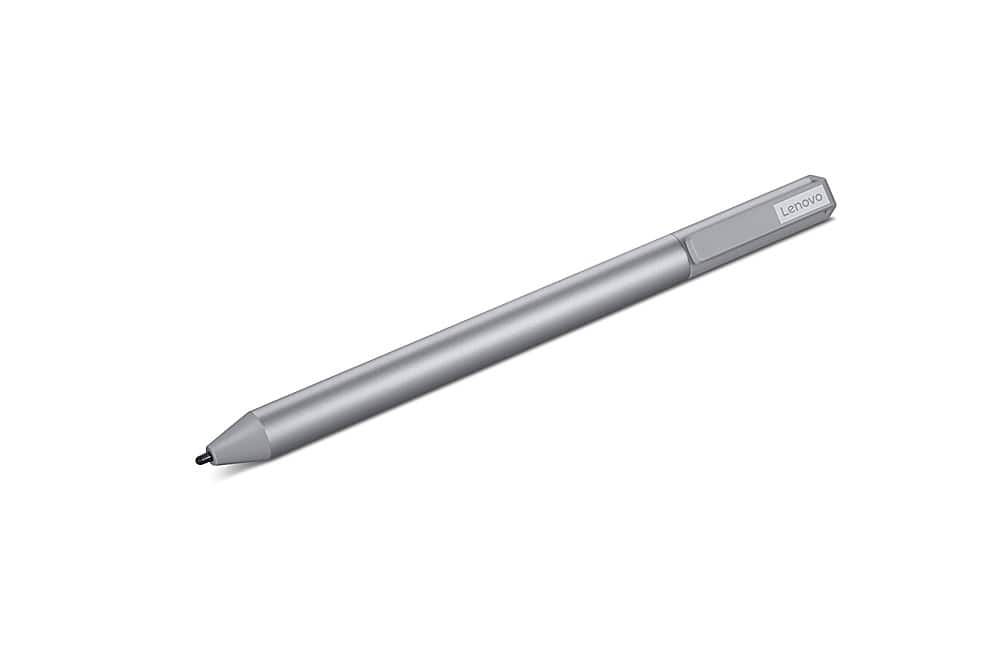
Lenovo - USI Stylus Pen 2 for Chromebook - Gray
About this product
A grey stylus pen featuring tilt functionality, refined grip, and Finer Tip technology for Chrome OS.
What customers like
(50)$40.99 Your price for this item is $40.99 -
6

Lenovo - Rechargeable USI Pen for 300e/500e Chromebook Gen 3 - Active - Notebook Device Supported - Black
About this product
A black rechargeable USI stylus pen with 4,096 pressure levels, replaceable tip, and Chromebook compatibility.
(0)$37.43Your price for this item is $37.43SAVE $32.46 -
7

Lenovo - USI Stylus Pen for Chromebook - Gray
About this product
A grey ergonomic stylus pen offering pressure sensitivity, replaceable tip, and seamless compatibility with Chrome OS devices.
(6)$49.99 Your price for this item is $49.99
Best Stylus For Lenovo Tablet
FAQs
Start with your tablet’s exact model name or model number, then check Lenovo’s documentation for supported pen technology. A stylus labeled for tablets is not necessarily compatible with every Lenovo model, so confirm support for your specific device before choosing one.
A passive capacitive stylus provides basic touchscreen input without a battery or pairing. An active stylus uses powered electronics and a compatible pen protocol, with features such as pressure sensitivity or shortcut buttons depending on the pen and tablet.
Not necessarily. Some compatible active styluses support writing without Bluetooth, while Bluetooth may be used for additional controls or shortcuts. Check the setup instructions for both your tablet and stylus to determine whether pairing is required.
Passive capacitive styluses do not require power. Active styluses may use replaceable batteries or rechargeable batteries, and charging methods vary by model. Review the stylus documentation for its power requirements and charging instructions.
Button customization depends on the stylus, tablet, operating system, and app. When supported, pen settings or app preferences may let you assign actions such as erasing, selecting content, or opening a shortcut. Check your device’s pen settings for available options.