Drawing Tablet With Screen
-
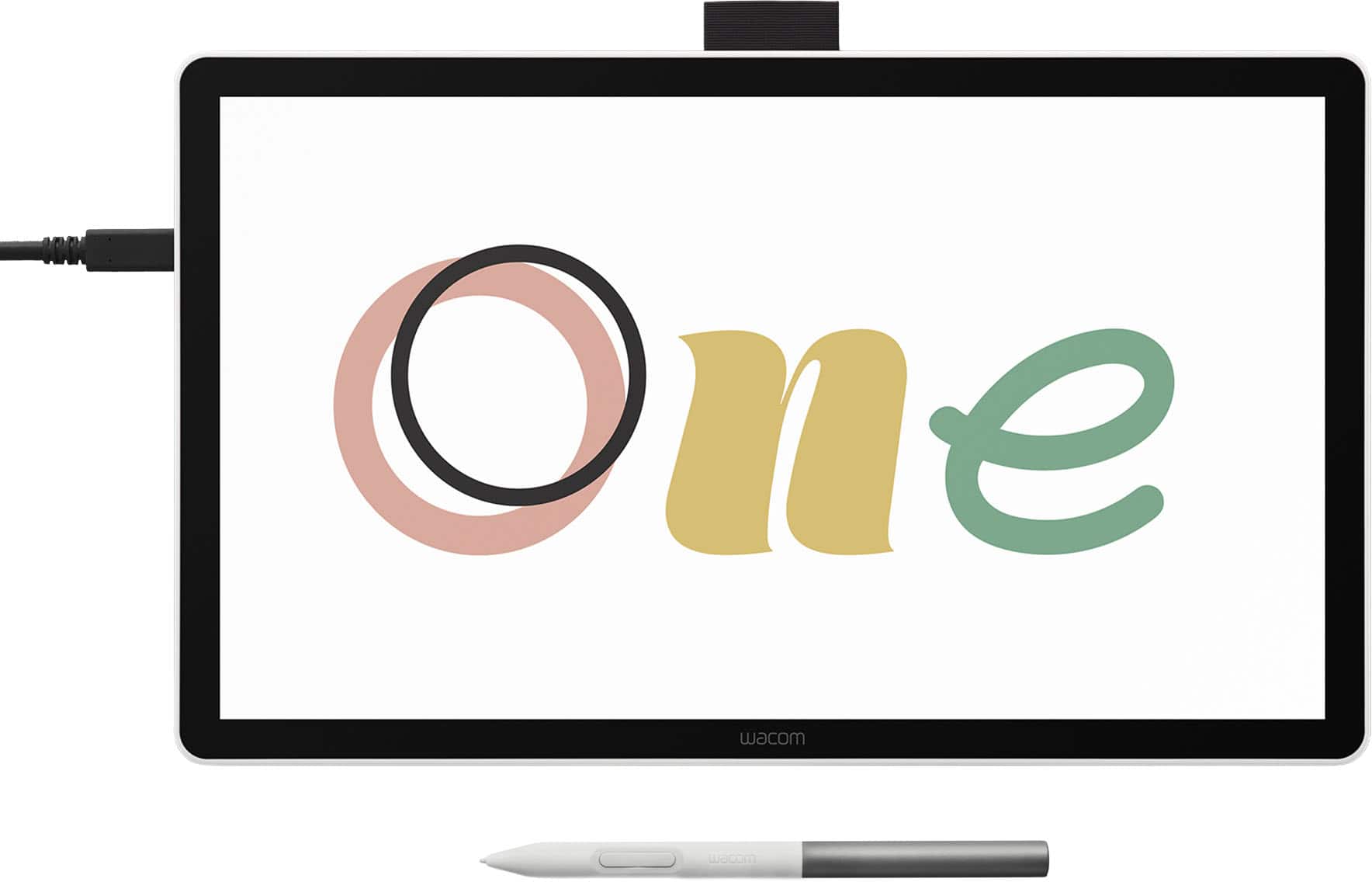
Wacom - One 14 (2025) Pen Display Drawing Tablet - White
SKU: JXFPXQRFVGSee all Drawing TabletsProduct Description
A white pen display drawing tablet featuring a 14" anti-glare LCD screen with 98% sRGB color coverage.Your price for this item is $249.95Save $50The previous price was $299.95 -
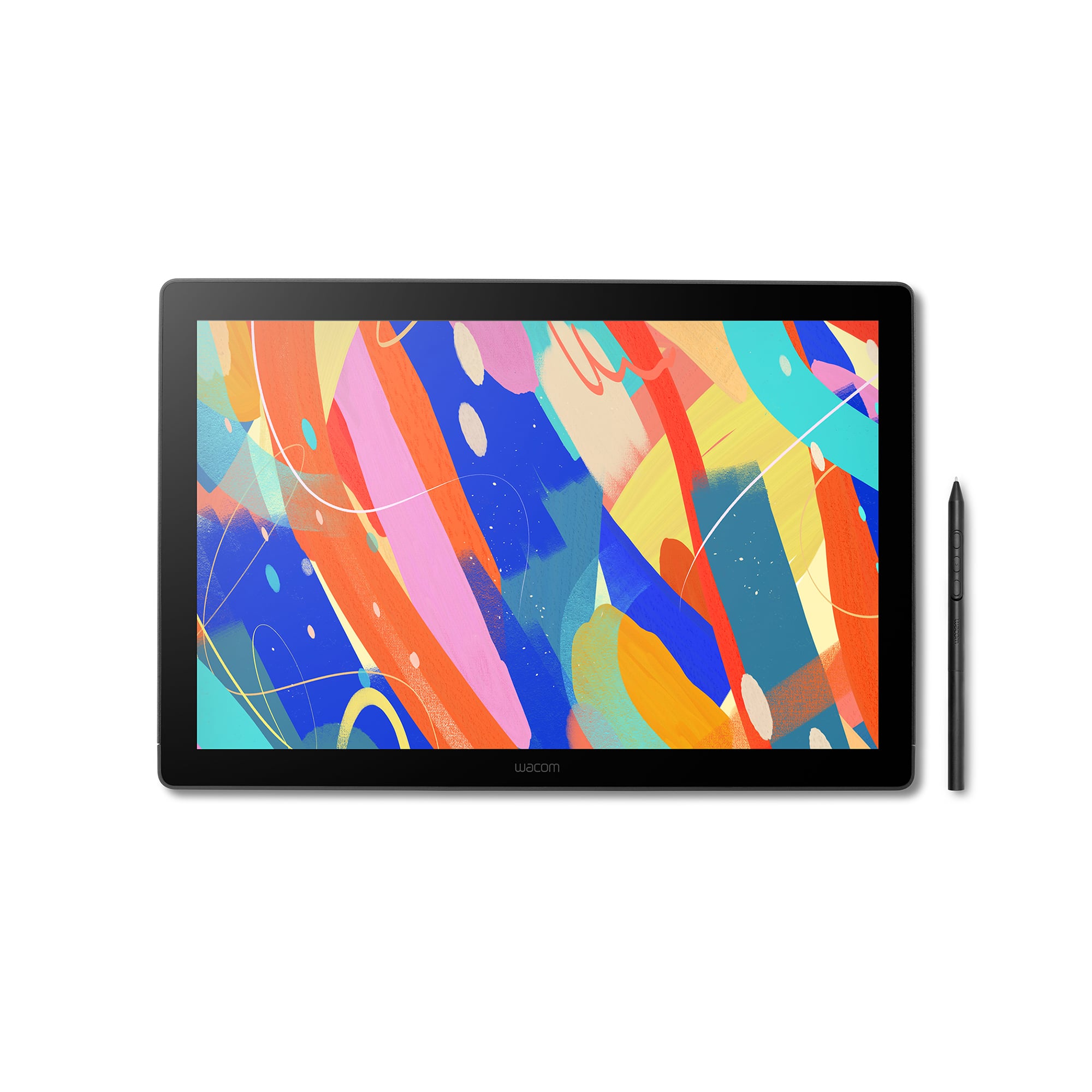
Wacom - Cintiq 16 Drawing Tablet - Black
SKU: JXFPXQRV68See all Drawing TabletsProduct Description
A black drawing tablet featuring a 2.5K display, Pro Pen 3, and vibrant, professional-grade color accuracy.Your price for this item is $649.95Save $50The previous price was $699.95 -
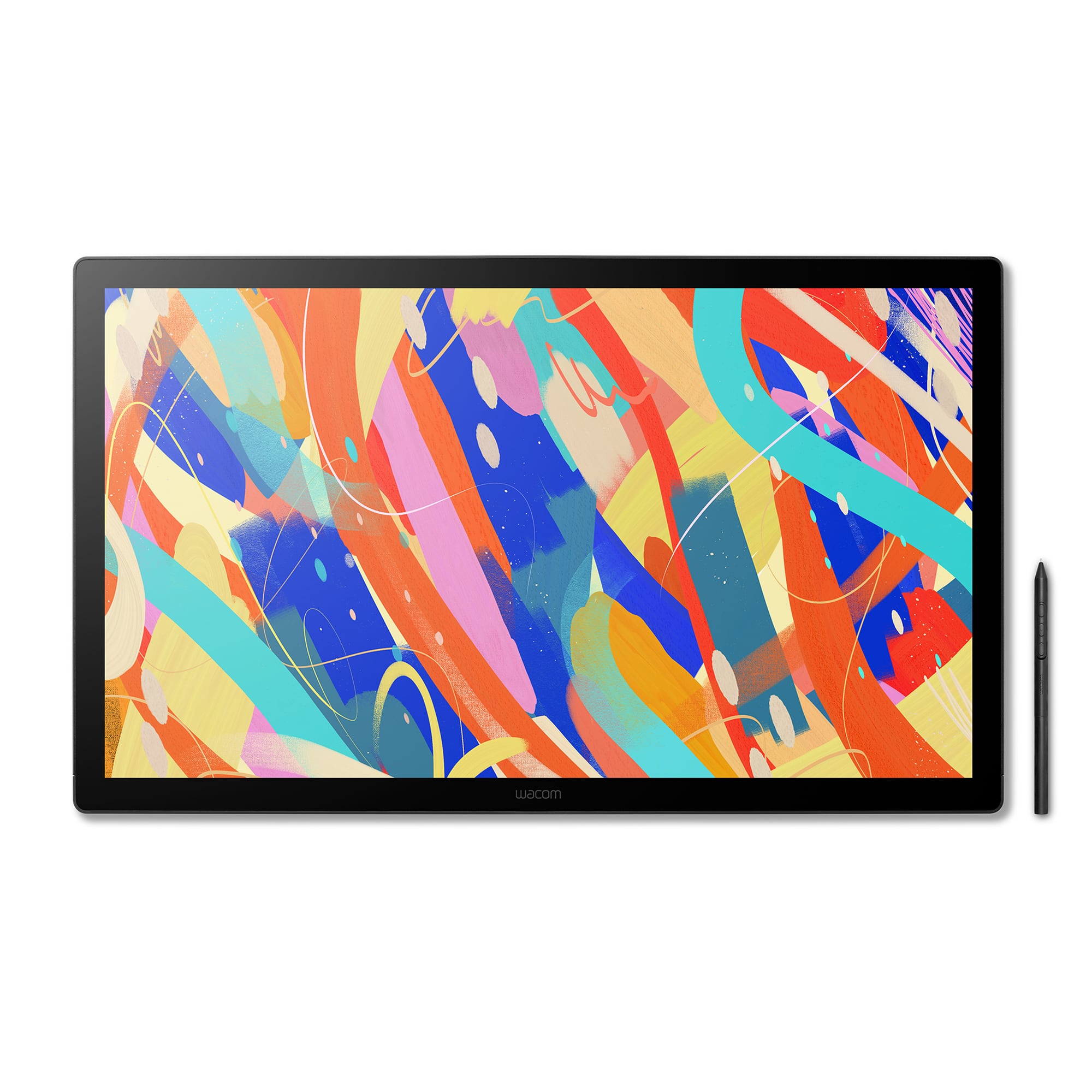
Wacom - Cintiq 24 Touch Drawing Tablet - Black
SKU: JXFPXQRV8HSee all Drawing TabletsProduct Description
A professional black drawing tablet with a 23.8" 2.5K touch display, anti-glare glass, and advanced pen support.Your price for this item is $1,499.95 -
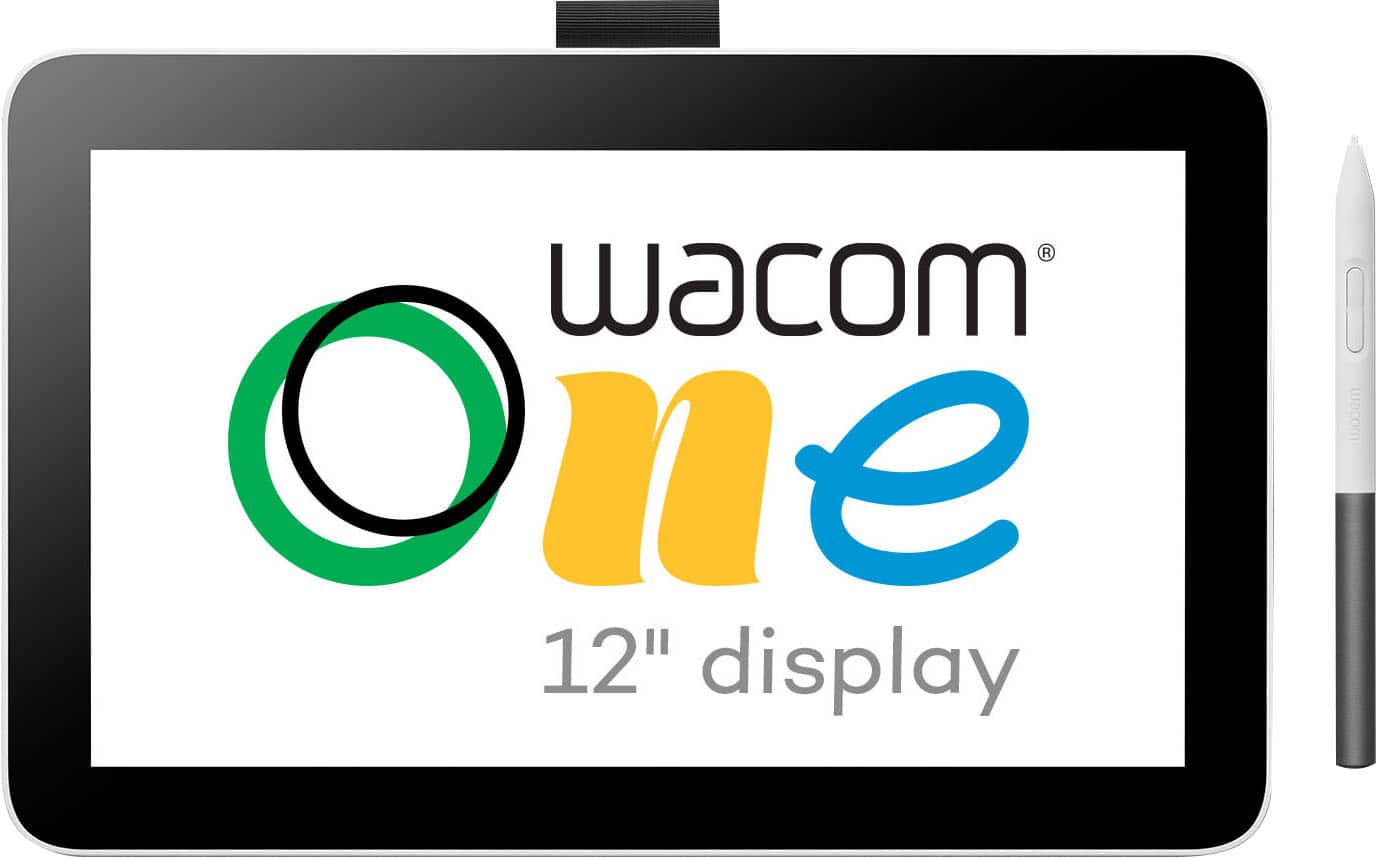
Wacom - One 12 (2023 Version) 11.6” Pen Display Drawing Tablet - White
SKU: JXFPXQQ7HHSee all Drawing TabletsProduct Description
A lightweight white pen display tablet offering a natural drawing experience on an 11.6" HD screen.Your price for this item is $299.95 -
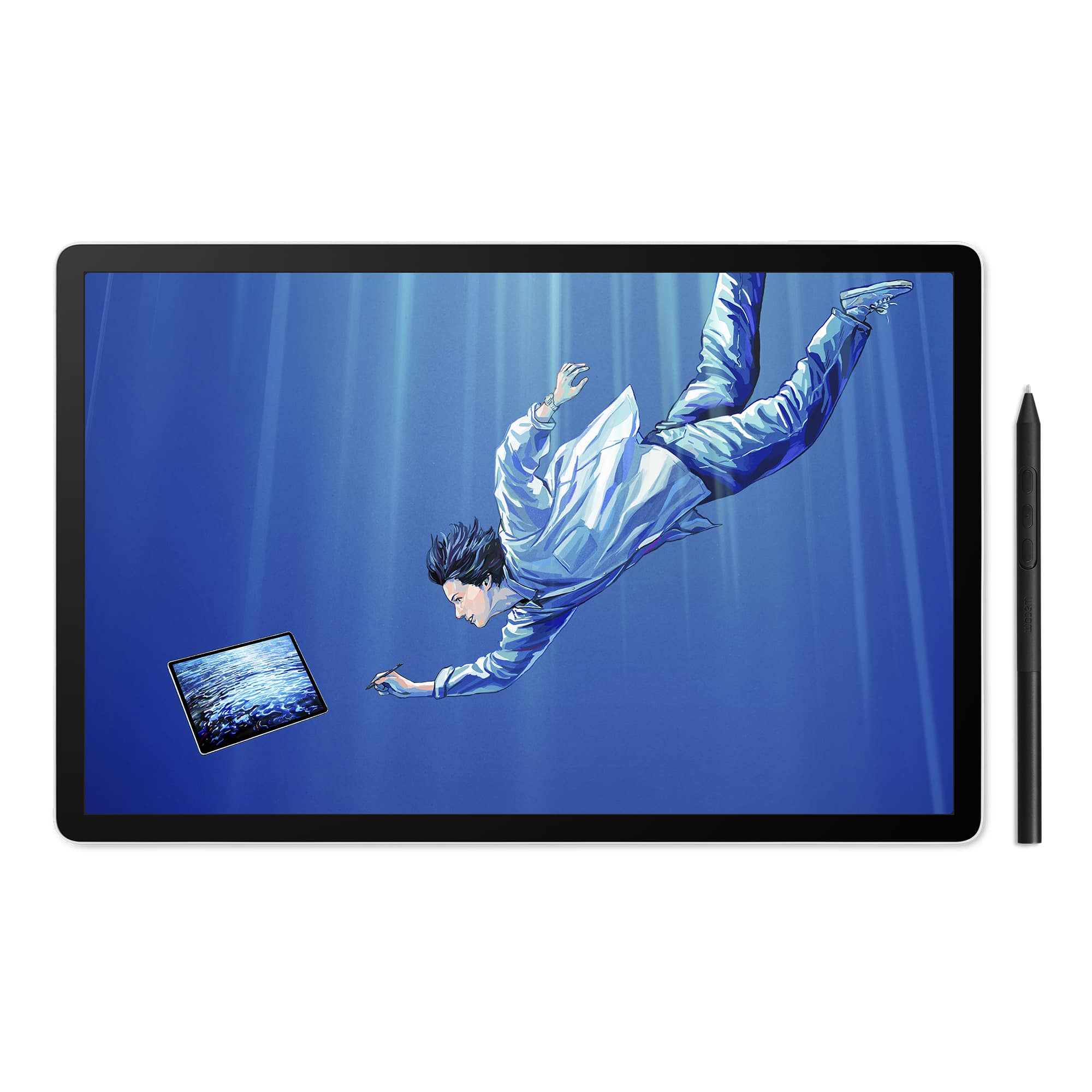
Wacom - MovinkPad 11, Android Mobile Drawing Tablet, 11.45" with Battery-Free Slim Pro Pen 3, 8GB RAM/128 GB Storage - Silver
SKU: JXFPXQRV78See all Drawing TabletsProduct Description
A lightweight silver Android tablet with 8GB RAM, 128GB storage, and a battery-free pen for effortless drawing.Your price for this item is $399.95Save $50The previous price was $449.95 -
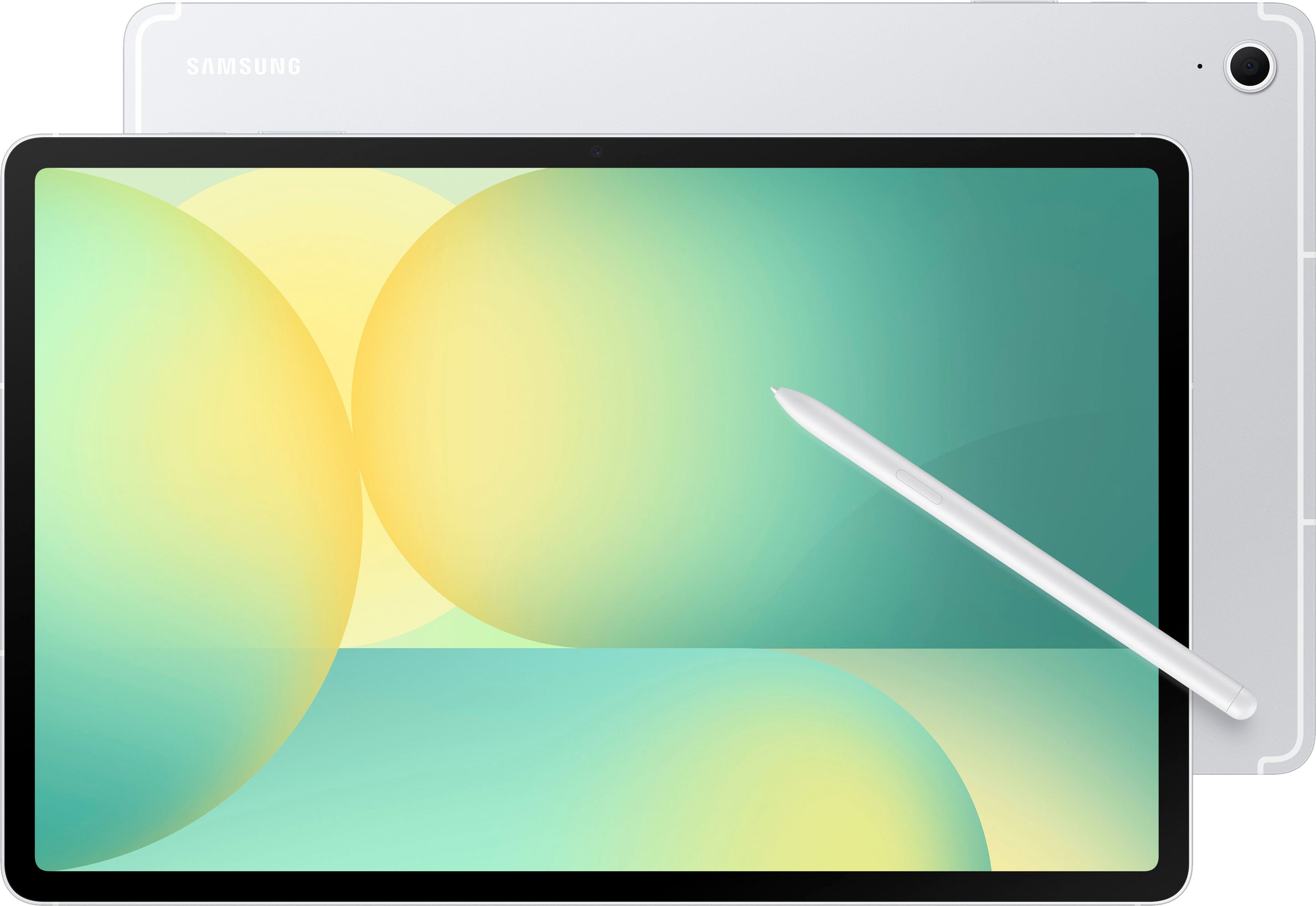
Samsung - Galaxy Tab S10 FE+ - 13.1" 256GB - Wi-Fi - with S-Pen - Silver
SKU: J3ZYGXC67WSee all All TabletsProduct Description
A silver Android tablet featuring a 13.1" LCD display, 256GB storage, S Pen, and IP68 durability.Your price for this item is $788.49Save $22The previous price was $810.99 -
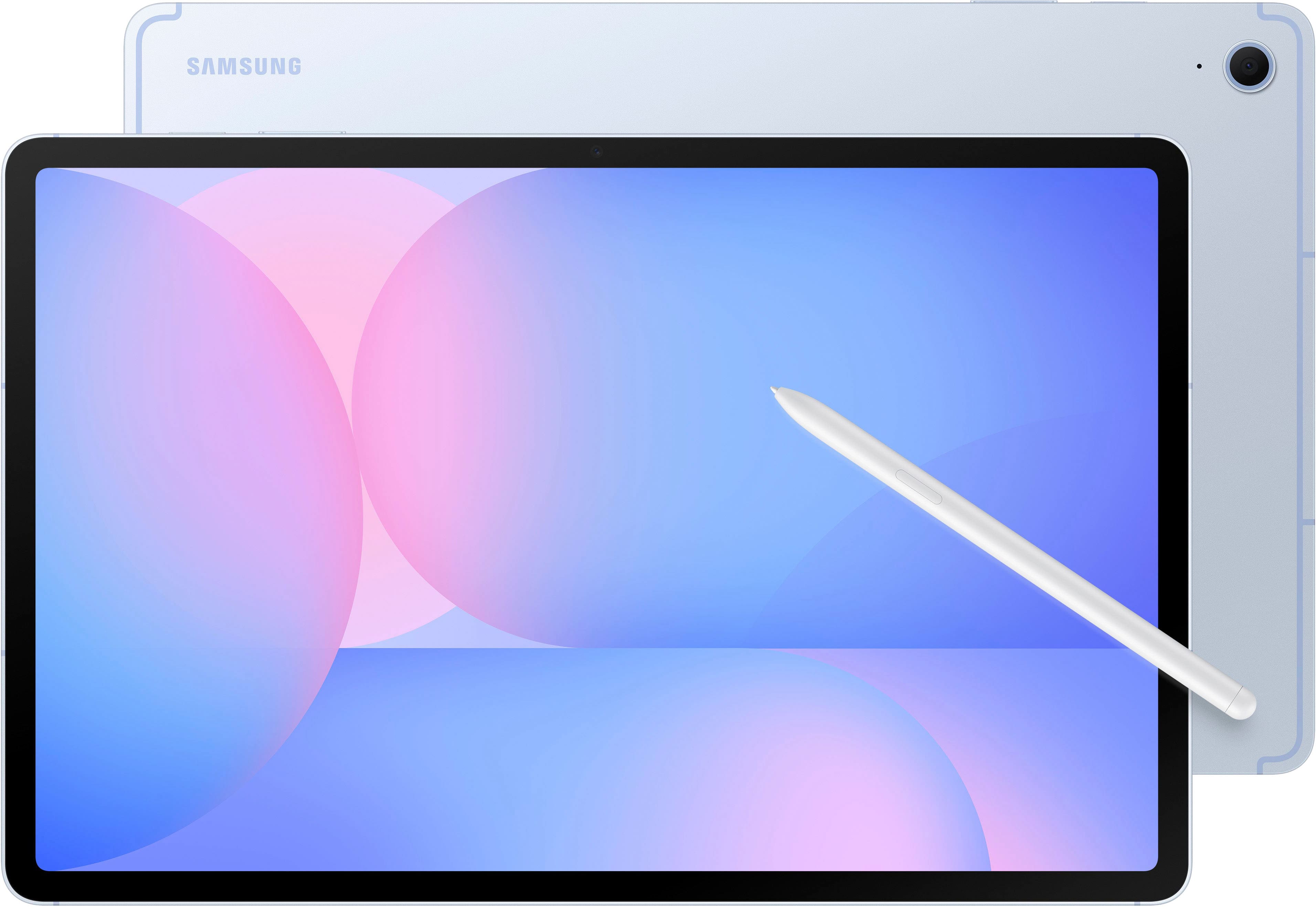
Samsung - Galaxy Tab S10 FE+ - 13.1" 256GB - Wi-Fi - with S-Pen - Blue
SKU: J3ZYGXC9VZSee all All TabletsProduct Description
A blue Android tablet featuring a 13.1" LCD display, 256GB storage, S Pen, and Exynos 1580 processor.Your price for this item is $819.99 -
Wacom - MovinkPad Pro 14 Android Mobile Drawing Tablet, 14" OLED with Battery-Free Slim Pro Pen 3, 12GB RAM/256GB Storage - Light Gray
SKU: JXFPXQRFVVSee all Drawing TabletsProduct Description
A light gray Android drawing tablet featuring a 14" OLED display, 12GB RAM, and battery-free stylus.Your price for this item is $899.95 -
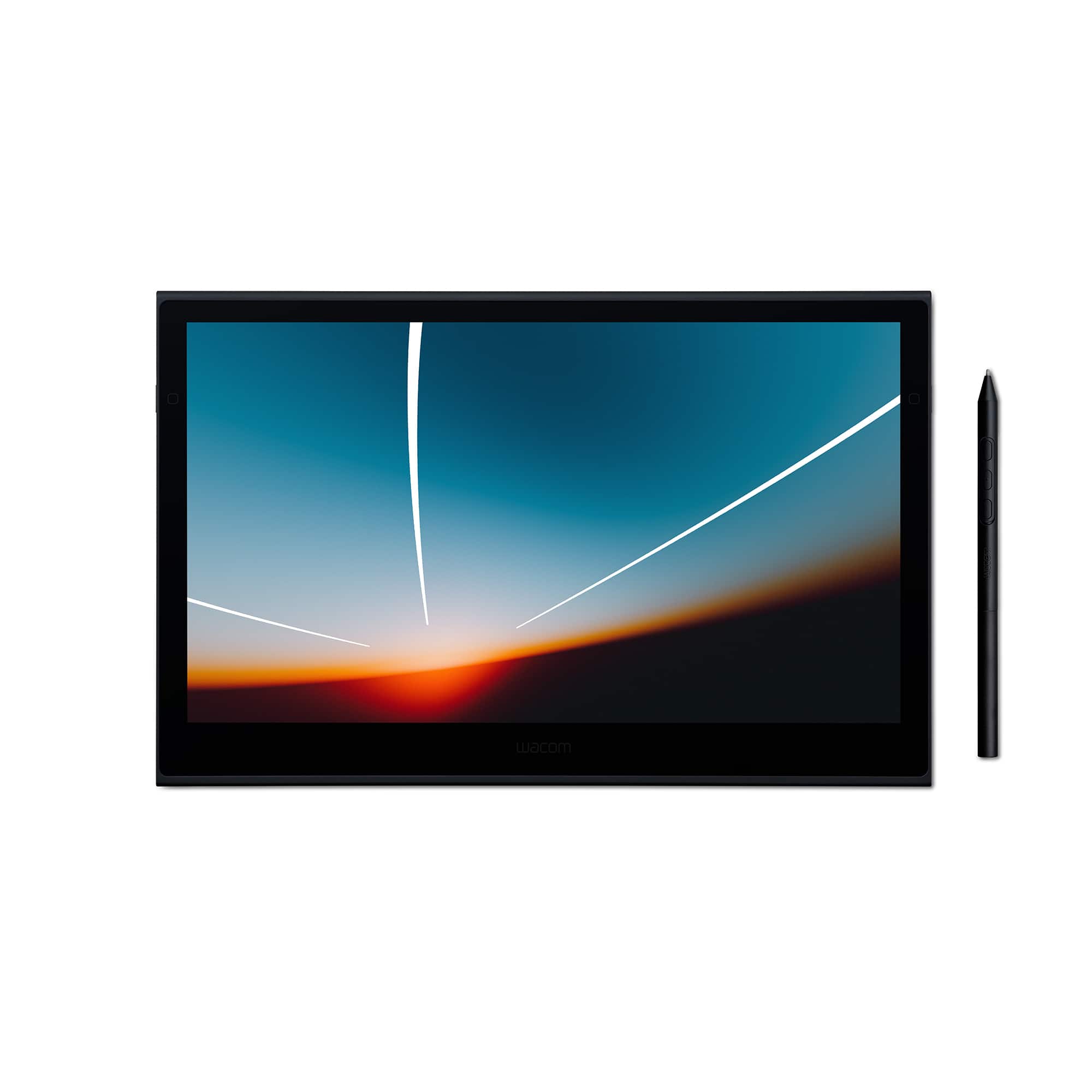
Wacom - Movink 13" Creative Pen Drawing Tablet with Touch Display - Black
SKU: JXFPXQRVQPSee all Drawing TabletsProduct Description
A lightweight black drawing tablet with OLED touch display and sturdy magnesium alloy exterior for creative professionals.Your price for this item is $599.95Save $179The previous price was $779.00 -
Wacom - Cintiq 24 Drawing Tablet - Black
SKU: JXFPXQRV8FSee all Drawing TabletsProduct Description
A professional black drawing tablet with a 23.8" WQHD display, anti-glare glass, and Pro Pen 3 support.Your price for this item is $1,299.95

Best Sellers






Related Pages

FAQ
When choosing a drawing tablet with a screen, consider factors like display resolution, color accuracy, pen pressure sensitivity, compatibility with your operating system, and available connectivity options such as USB or HDMI.
Yes, most drawing tablets with screens are compatible with popular design and illustration software such as Adobe Photoshop, Illustrator, Corel Painter, and Clip Studio Paint. Always check the product specifications for full compatibility details.
Some drawing tablets with screens are standalone devices, while others need to be connected to a computer. Check the product description to see if the tablet is a standalone model or requires a connection to a PC or Mac.
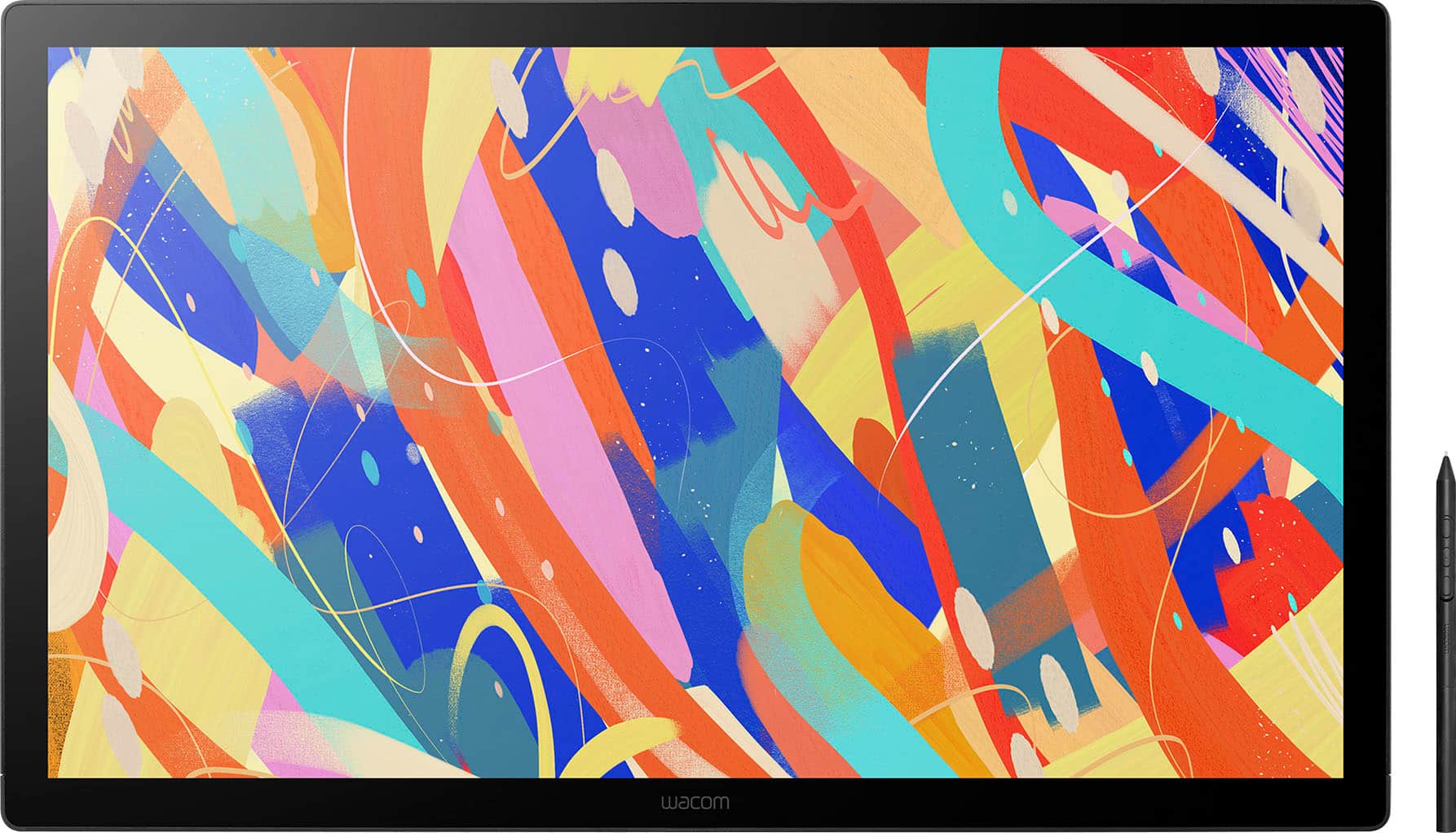
A drawing tablet with a screen allows you to draw directly on the display, providing a more intuitive and natural drawing experience. Traditional graphics tablets do not have a built-in screen; you draw on the tablet while viewing your work on a separate monitor.
Absolutely! Drawing tablets with screens can also be used for photo editing, graphic design, note-taking, 3D modeling, and even as a secondary display for your computer, depending on the model and software support.