Gaming Monitors Under $10000
-
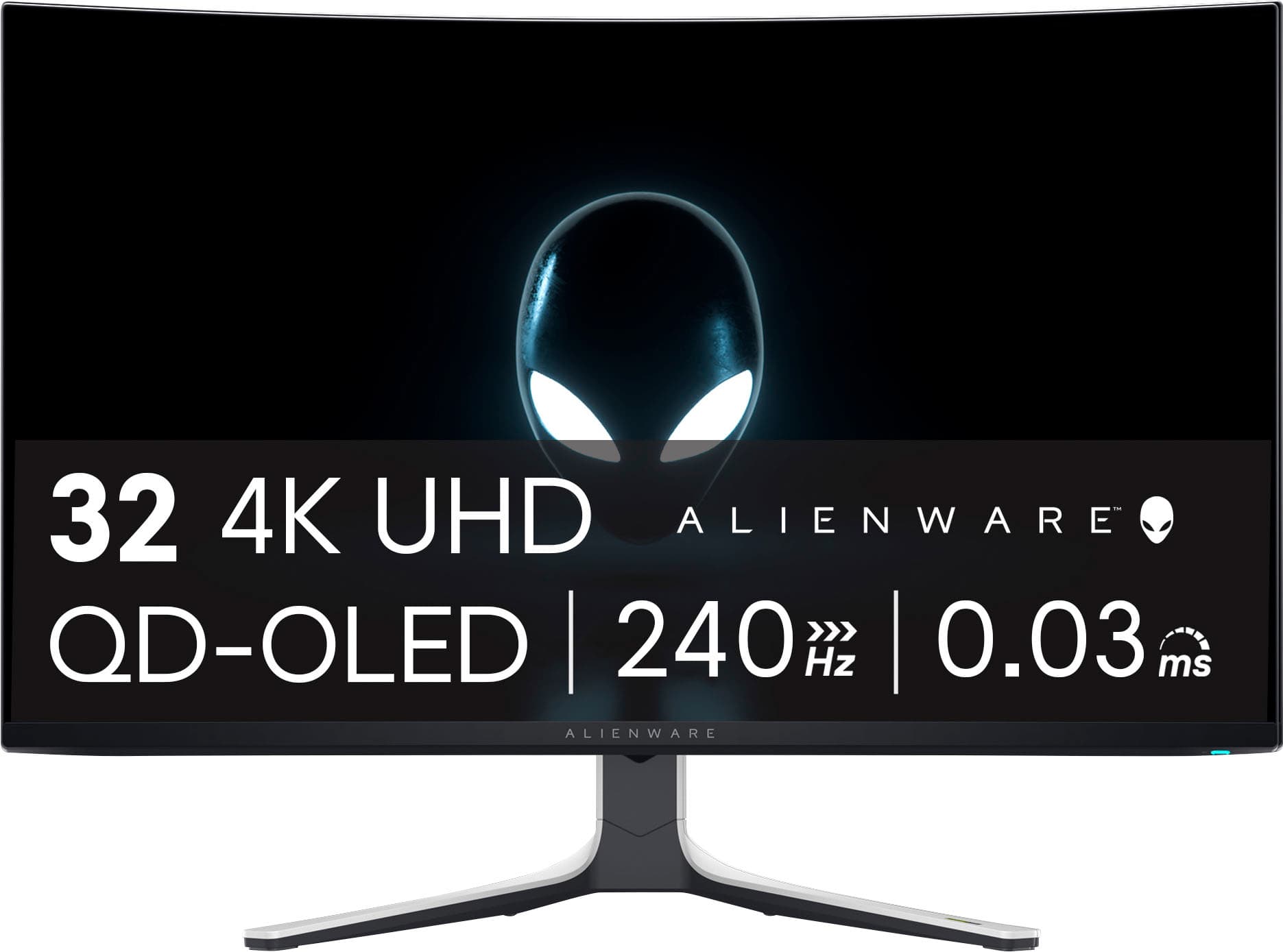
Alienware - AW3225QF 32" QD-OLED Curved 4K UHD 240Hz 0.03-ms G-SYNC Compatible Gaming Monitor with HDR (HDMI, DisplayPort. USB) - Lunar Light
SKU: J3K4L62597Maybe the best choice in monitor...Love the look and how fast it is. Best on sale. Great monitor...Best monitor for gaming. Love the oled display. Great image quality at 4k
See all Gaming MonitorsProduct Description
A curved QD-OLED gaming monitor in Lunar Light with 4K UHD, 240Hz refresh, and Dolby Vision HDR.Your price for this item is $999.99 -
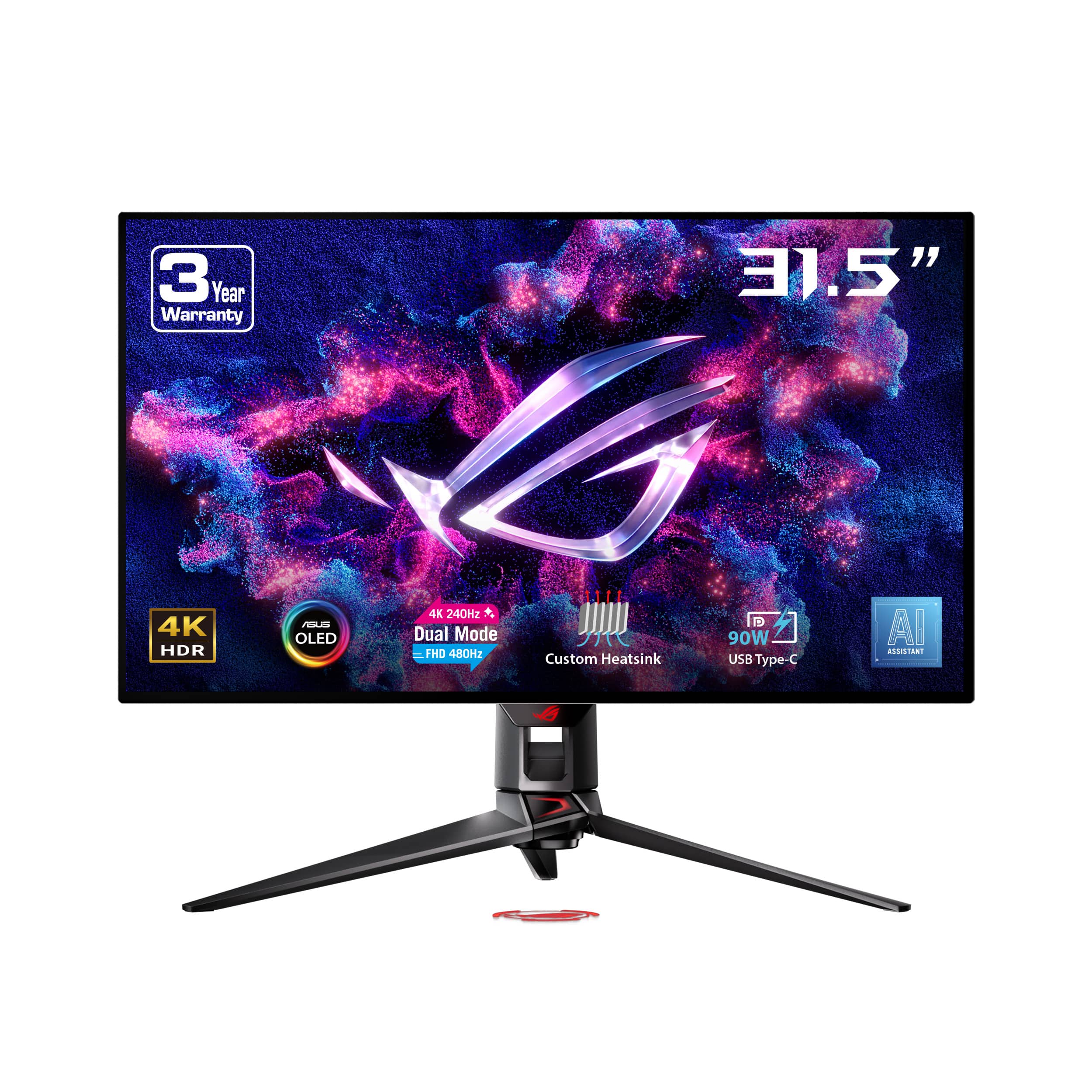
ASUS - ROG Swift 32" Dual Mode (4K 240Hz, FHD 480Hz) OLED 0.03ms Gaming Monitor with FreeSync and HDR (DisplayPort, HDMI) - Black
SKU: JJGGLR4HC4Best monitor on the market...Works great have no issues but at first it would black screen sometimes and not turn back on unless I...Best pc monitor
See all Gaming MonitorsProduct Description
A black OLED gaming monitor offering dual-mode 4K 240Hz or FHD 480Hz with HDR and FreeSync.Your price for this item is $1,104.99Save $195The previous price was $1,299.99 -
Sony - 27” INZONE M10S OLED QHD 480Hz 0.03ms NVIDIA G-SYNC Gaming Monitor with HDR400 (DisplayPort 2.1 UHBR10) - Black
SKU: J7XSRH56RPSee all All MonitorsProduct Description
A black OLED gaming monitor featuring 480Hz refresh rate, 0.03ms response, QHD resolution, and NVIDIA G-SYNC.Your price for this item is $898.00 -
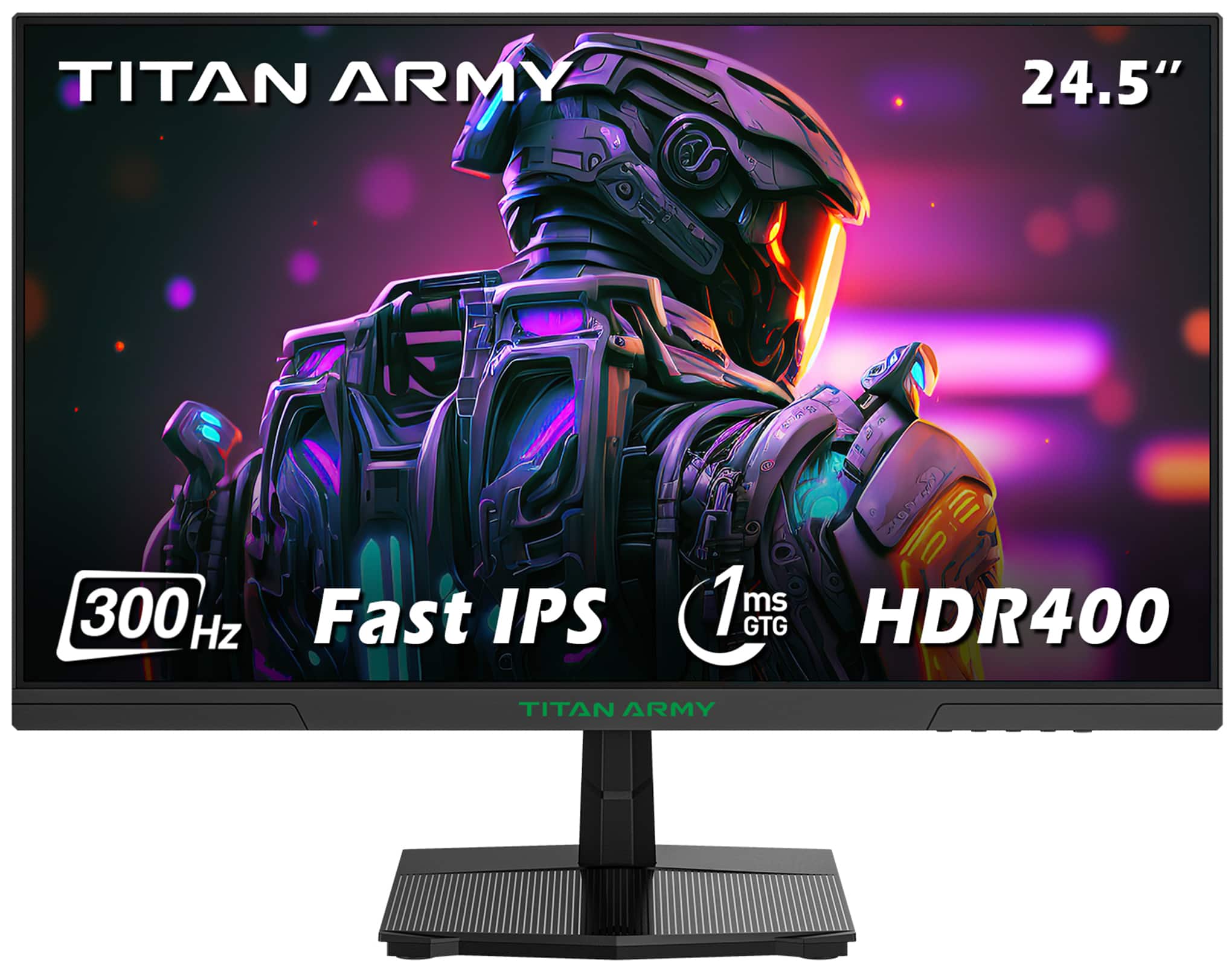
Titan-army - P2510HS 24.5 Inch 300Hz Gaming Monitor, Fast IPS 1ms GTG, 1080P FHD, FreeSync, 121% sRGB, HDR400, VESA Wall Mount - Black
SKU: CZT66RLVGQSee all Gaming MonitorsProduct Description
A black Fast IPS gaming monitor with 300Hz refresh rate, 1ms response, HDR400, and FreeSync support.Your price for this item is $149.99 -
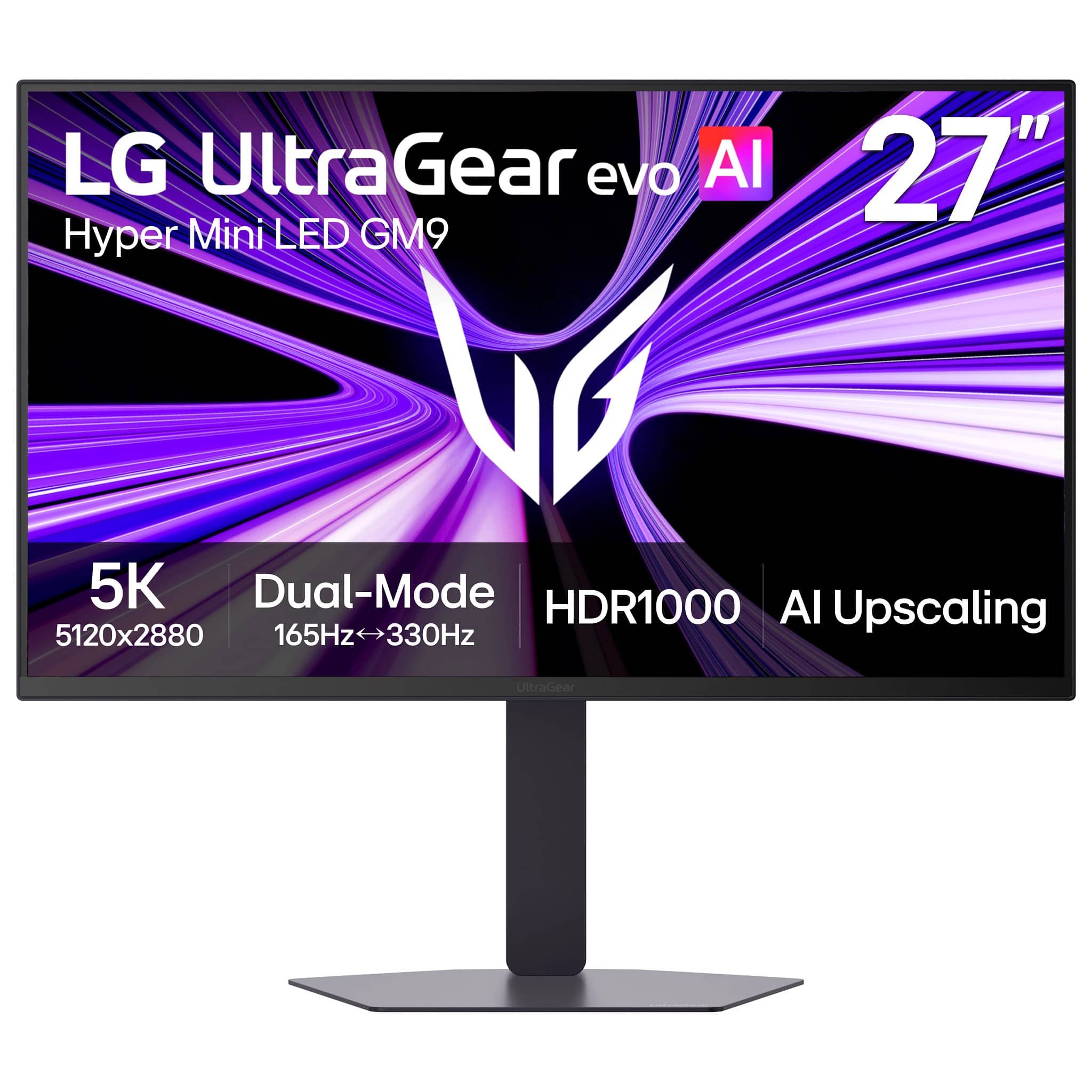
LG - UltraGear evo AI GM9 27" 5K Hyper Mini LED 165Hz 1ms G-SYNC FreeSync Premium Gaming Monitor with DisplayHDR1000 - Black
SKU: JJ8VPZZSYJI really love the picture quality for every day use. Gaming on it is great too!...One of the best matte coatings I’ve used as it’s not overly aggressive.
See all Gaming MonitorsProduct Description
A black IPS gaming monitor featuring 5K2K resolution, 165Hz refresh rate, HDR1000, and adaptive sync support.Your price for this item is $999.99Save $200The previous price was $1,199.99 -
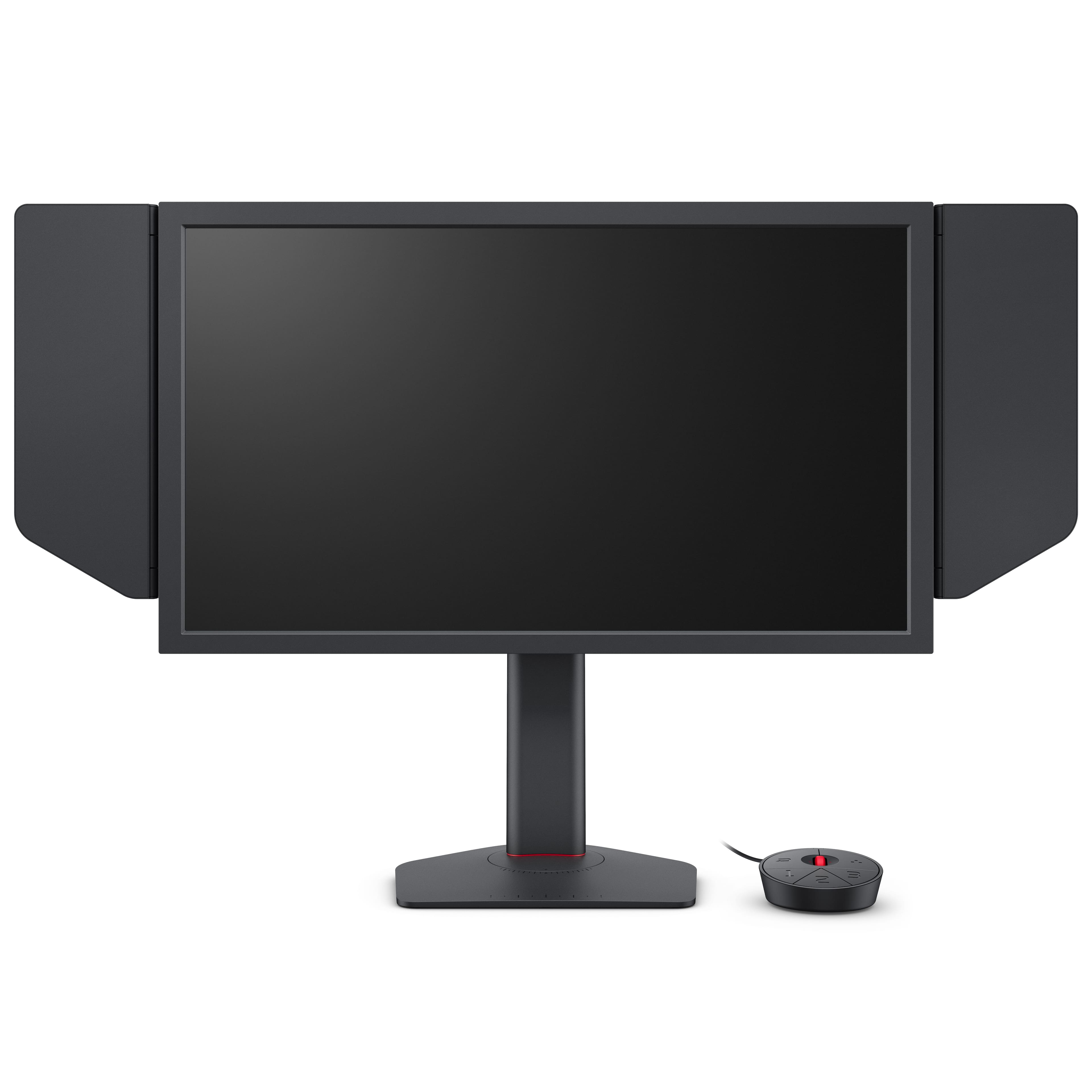
BenQ - ZOWIE XL2566X+24.1" TN LED 400Hz Gaming Monitor - Black
SKU: J39QZT53ZSGreat for CS2...Best for high FPS games like CS. This particular monitor is the professional standard....[Employee of bestbuy] It’s a great monitor for competitive gaming but if you want something that...
See all Gaming MonitorsProduct Description
A black 24.1" TN LED gaming monitor with 400Hz refresh rate, 1080p resolution, and adjustable stand.Your price for this item is $649.99 -
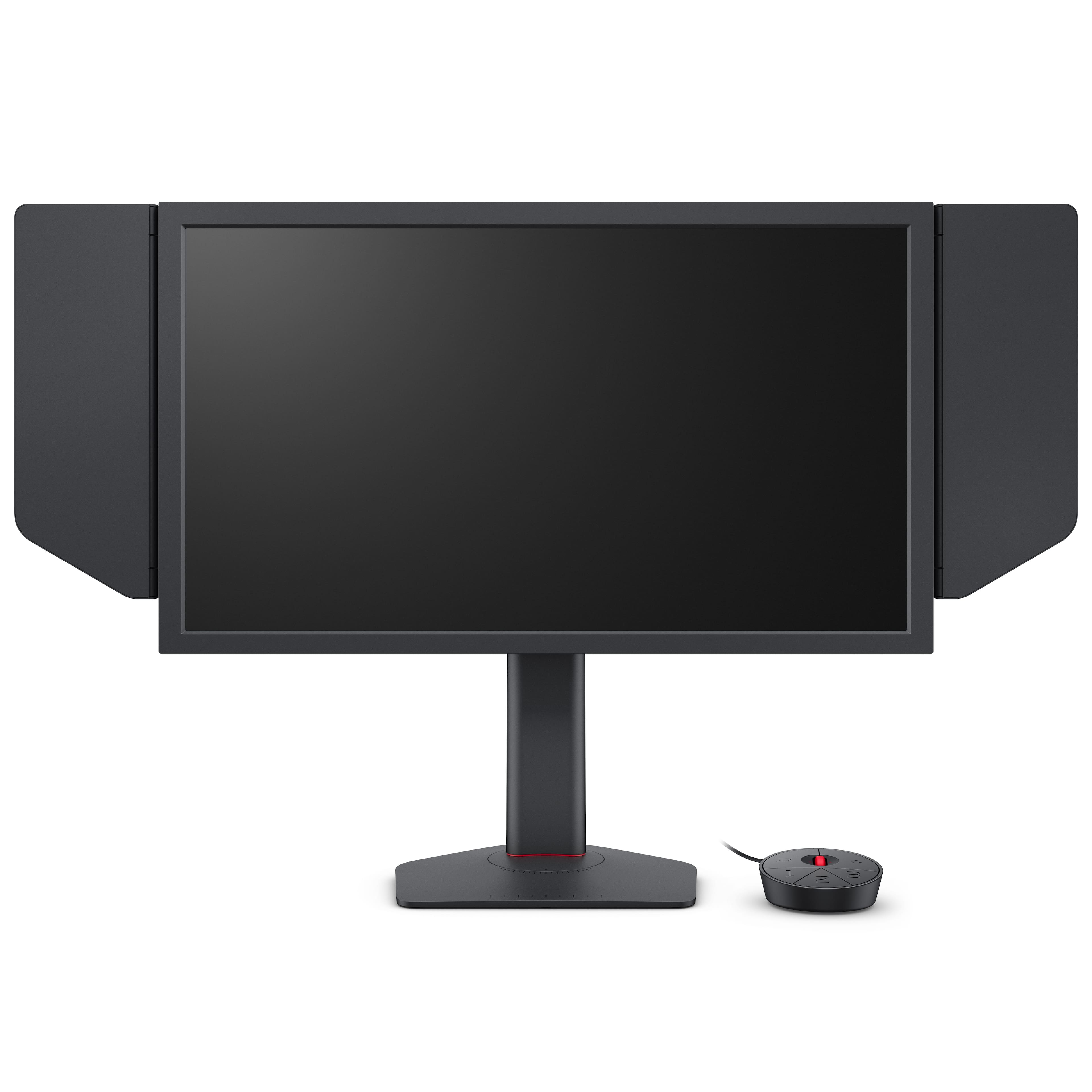
BenQ - ZOWIE XL2586X+ 24.1" TN LED 600Hz Gaming Monitor for Esports - Black
SKU: J39QZT58QZBest Monitor for FPS
See all Gaming MonitorsProduct Description
A black TN LED gaming monitor with a 600Hz refresh rate and adjustable stand, ideal for esports.Your price for this item is $999.99 -
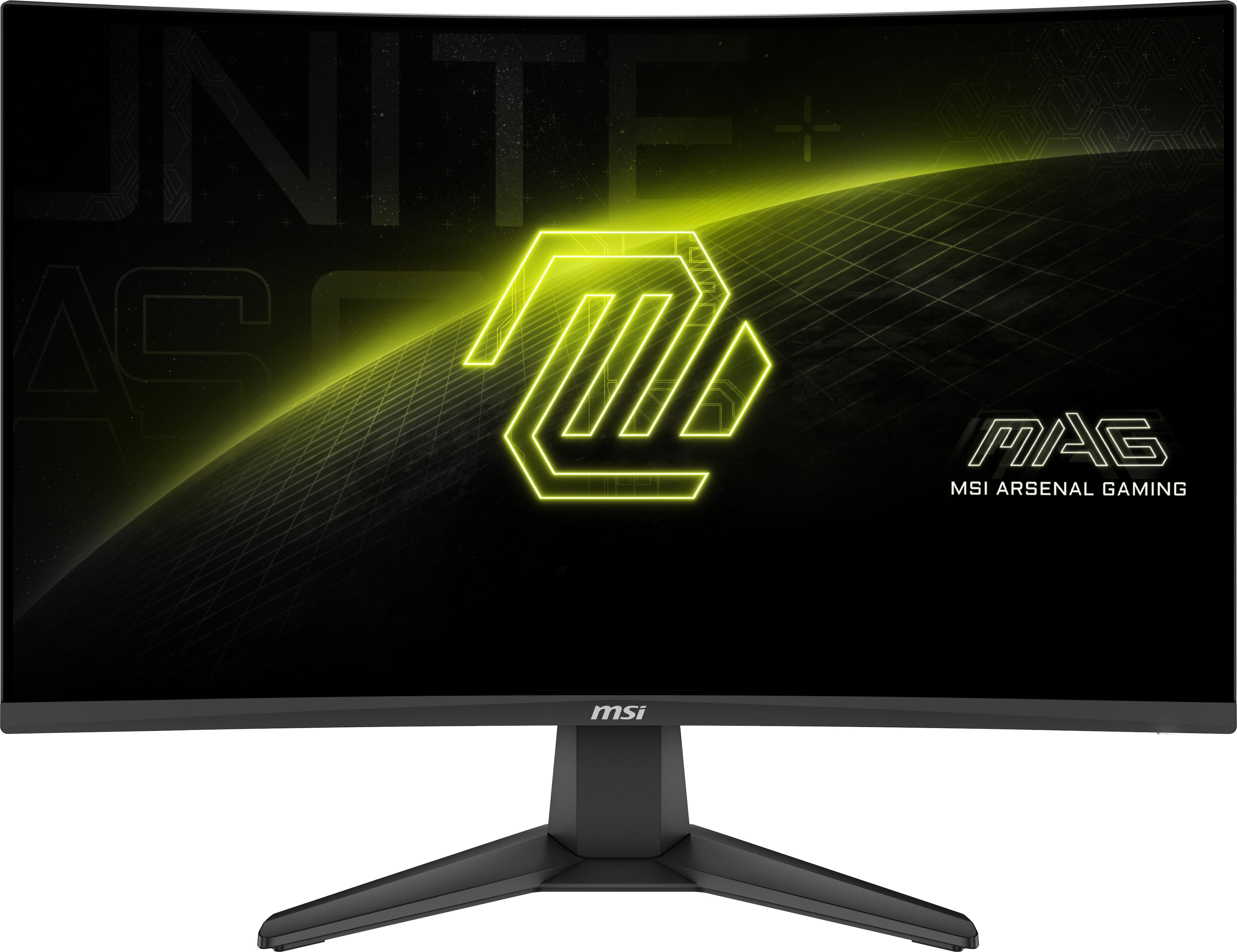
MSI - MAG 27C6F E20 27" FHD Curved Rapid VA 200Hz 0.5ms Gaming Monitor with FreeSync Premium and HDR Ready (HDMI, DisplayPort) - Metallic Black
SKU: J3P7TX62FXSee all Curved Gaming MonitorsProduct Description
A curved metallic black gaming monitor with 200Hz refresh rate, 0.5ms response, HDR, and FreeSync support.Your price for this item is $104.99Save $25The previous price was $129.99 -
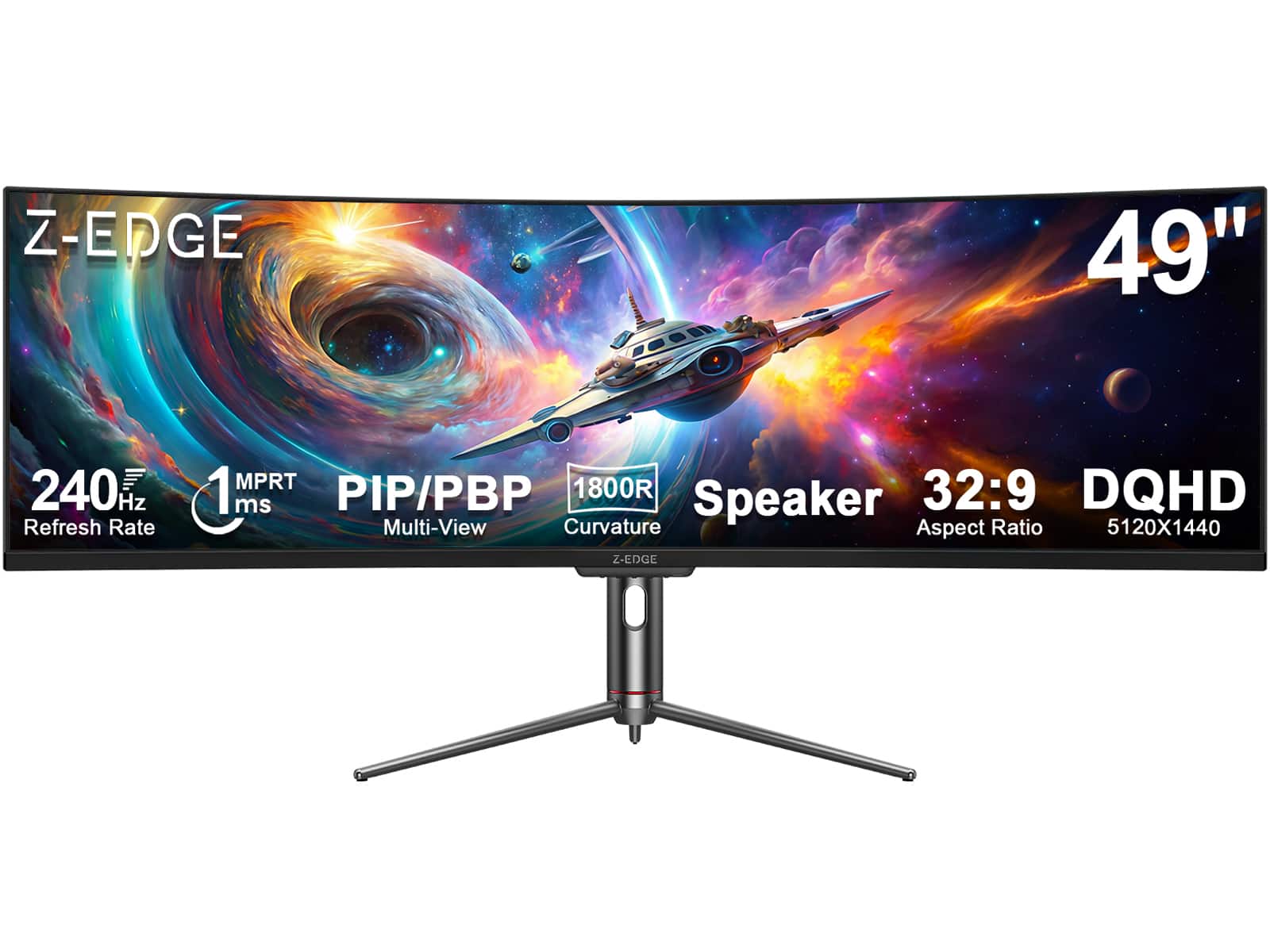
Z Z-Edge - UG49P 49" Ultra-Wide 32:9 DQHD 5120x1440 240Hz 1ms 1800R Curved Gaming Monitor, 1.07B Colors, Adjustable Base - Black
SKU: J3LH5H8WRSSee all Curved Gaming MonitorsProduct Description
An ultra-wide black curved gaming monitor with 5120x1440 DQHD resolution, 240Hz refresh rate, and HDR10 support.Your price for this item is $679.99Save $320The previous price was $999.99 -
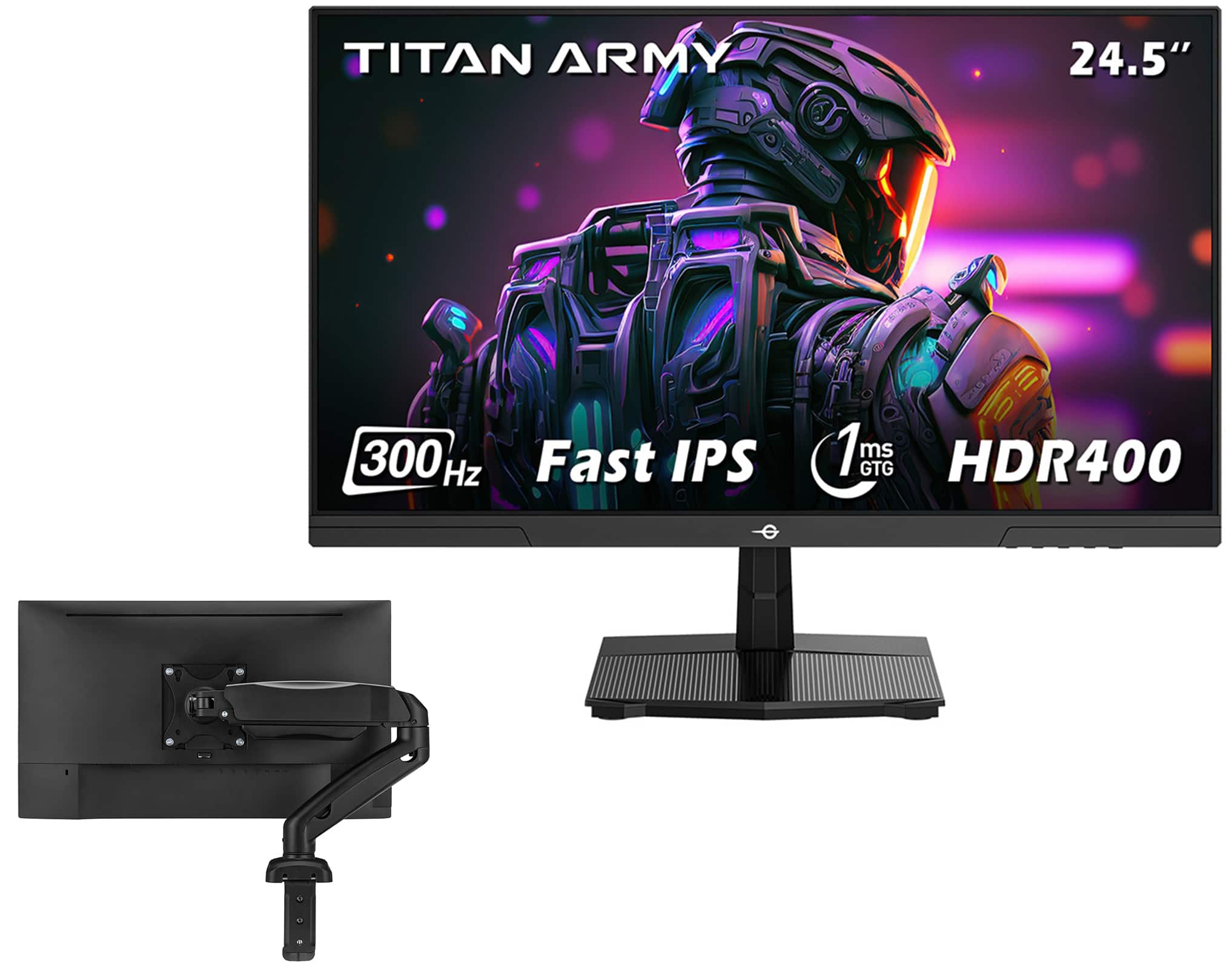
Titan-army - P2510HS 24.5'' 300Hz Gaming Monitor & Single Monitor Arm, Fast IPS 1ms GTG, 1080P FHD, FreeSync, 121% sRGB, HDR400, VESA - Black
SKU: CZWL85WKRVSee all Gaming MonitorsProduct Description
A black fast IPS gaming monitor with 300Hz refresh rate, 1ms response, HDR400, and FreeSync support.Your price for this item is $189.99Save $70The previous price was $259.99

Best Sellers






Related Pages






FAQ
When shopping for a gaming monitor under $10,000, consider features such as high refresh rates (like 144Hz or above), low response times, adaptive sync technologies (such as NVIDIA G-SYNC or AMD FreeSync), and panel types (IPS for better colors, TN for faster response). Connectivity options and ergonomic adjustability are also important for an optimal gaming setup.
Curved gaming monitors can enhance immersion by providing a more natural field of view and reducing distortion at the edges. This design can make gameplay feel more engaging, especially in racing, simulation, and first-person games. However, whether a curved screen is better depends on your personal preference and the types of games you play.
IPS panels offer superior color accuracy and wider viewing angles, making them great for visually rich games. TN panels provide the fastest response times, which is ideal for fast-paced competitive gaming. VA panels balance good color reproduction with better contrast ratios, offering deeper blacks and vivid visuals.
A higher refresh rate, such as 144Hz or 165Hz, results in smoother motion and can give gamers a competitive edge, especially in fast-paced titles. It reduces motion blur and screen tearing, providing a more fluid and responsive gaming experience compared to standard 60Hz monitors.
Yes, gaming monitors are versatile and can be used for various tasks such as graphic design, video editing, and general productivity. Their high refresh rates and quality panels also make them suitable for watching movies and multitasking.