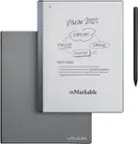
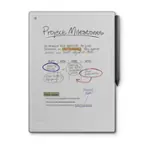
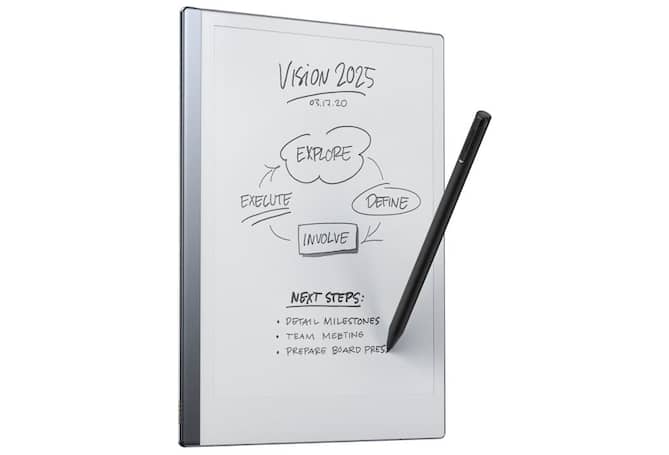
Kindle Scribe vs. reMarkable: Which Digital Notebook Is Right for You?
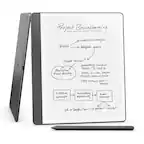
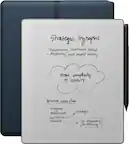
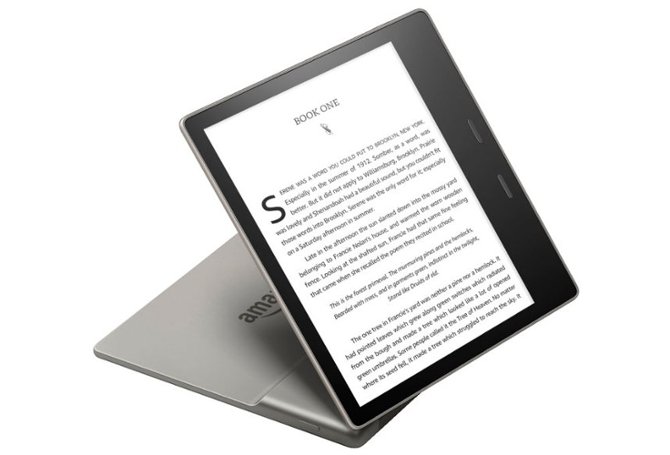
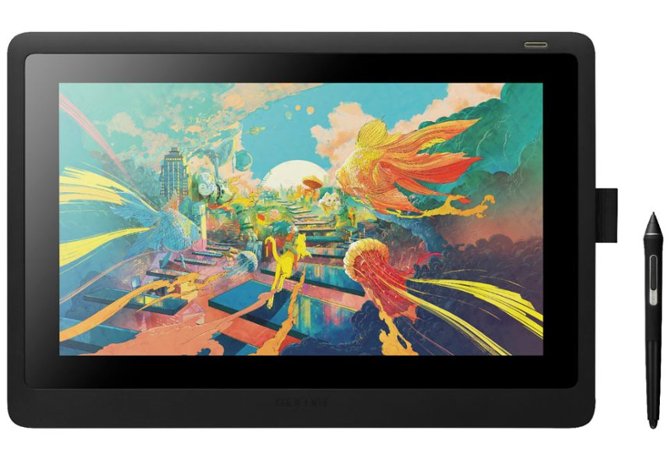
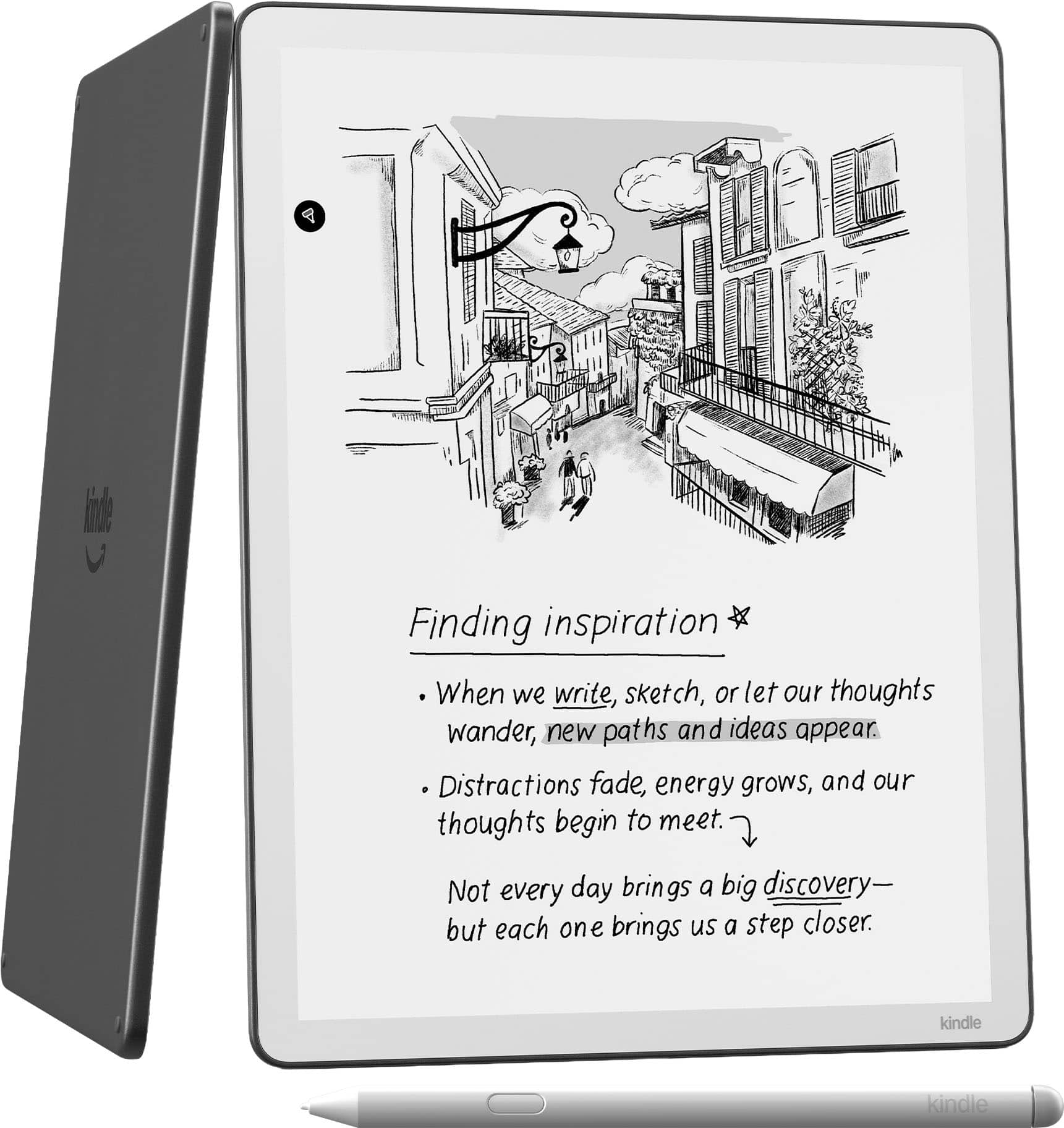
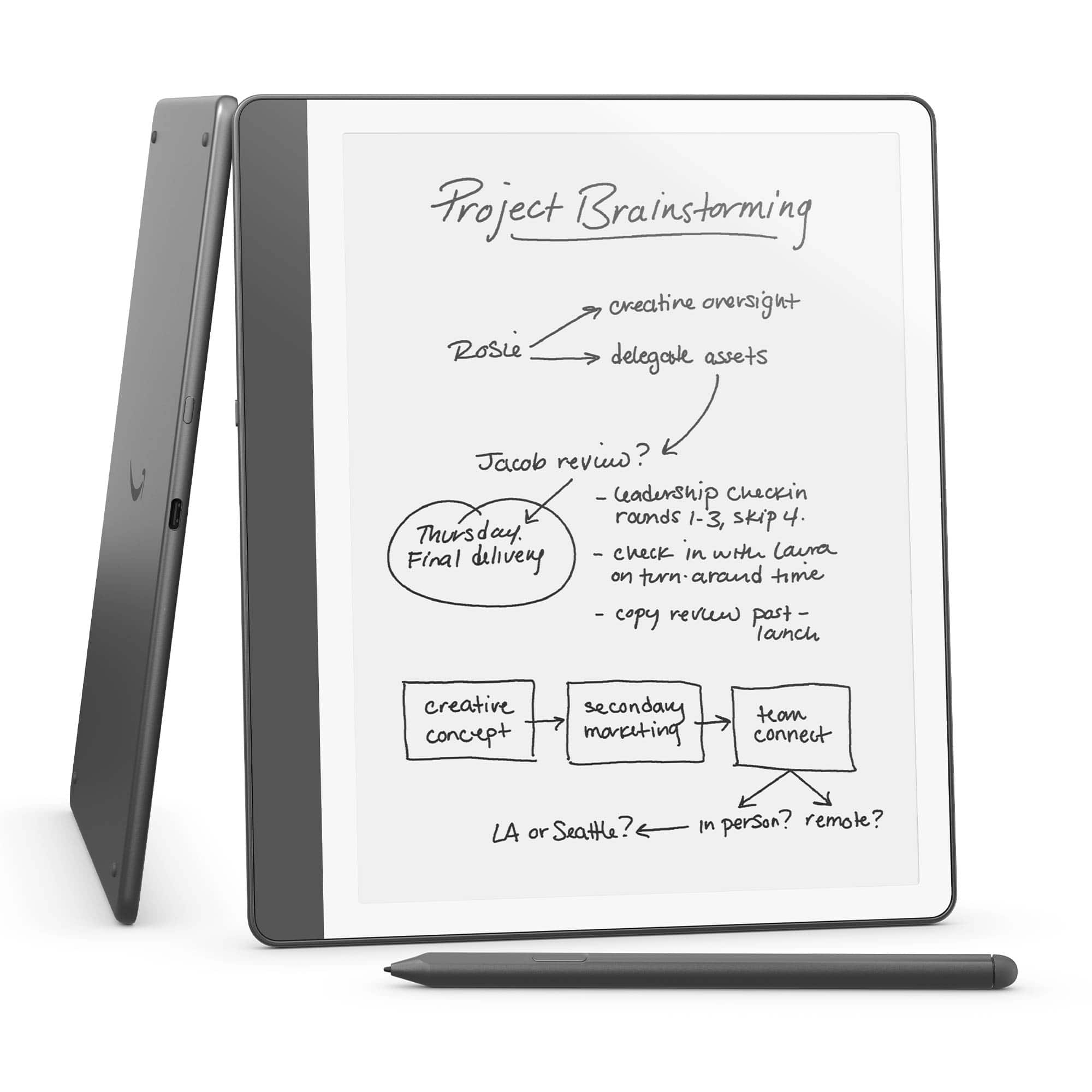
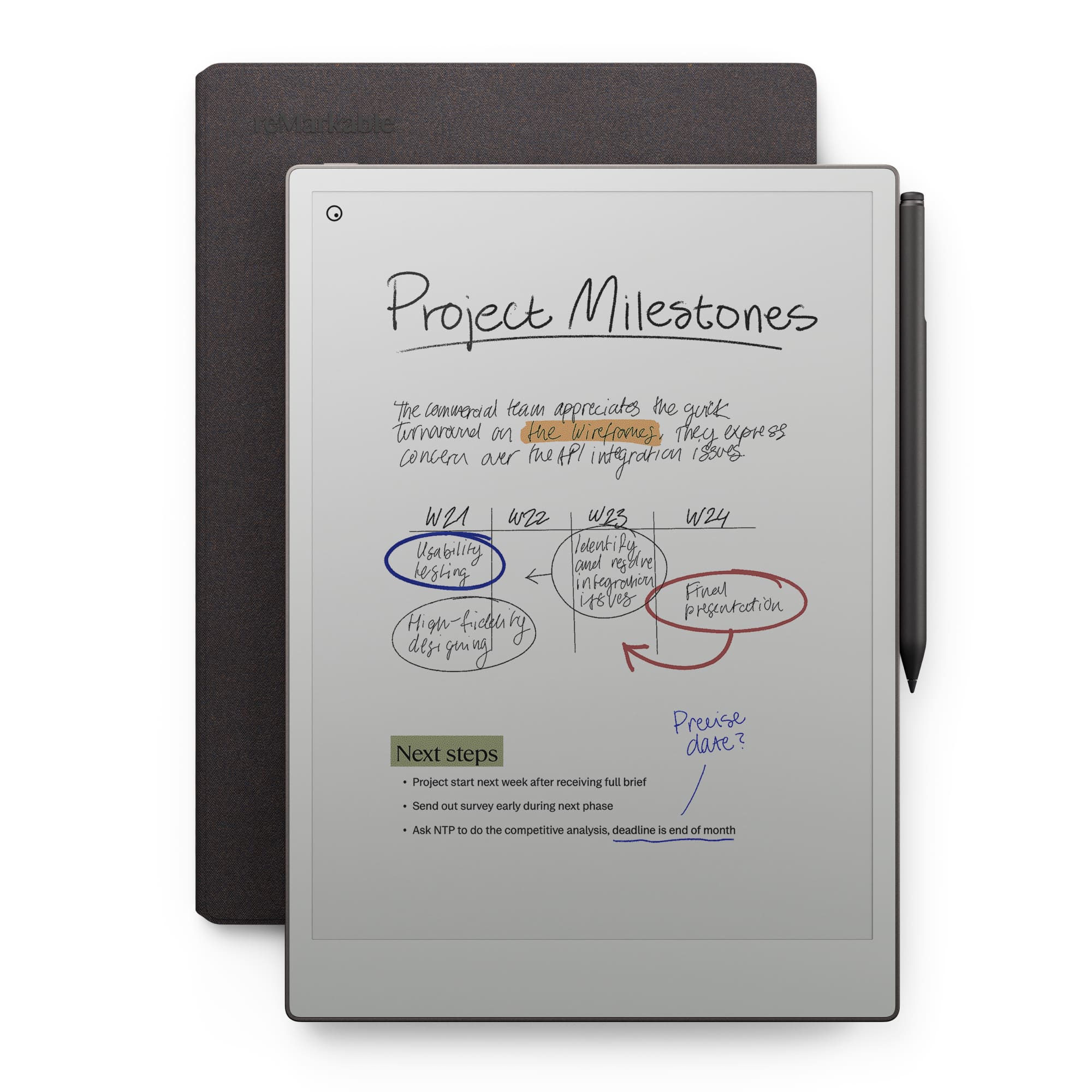
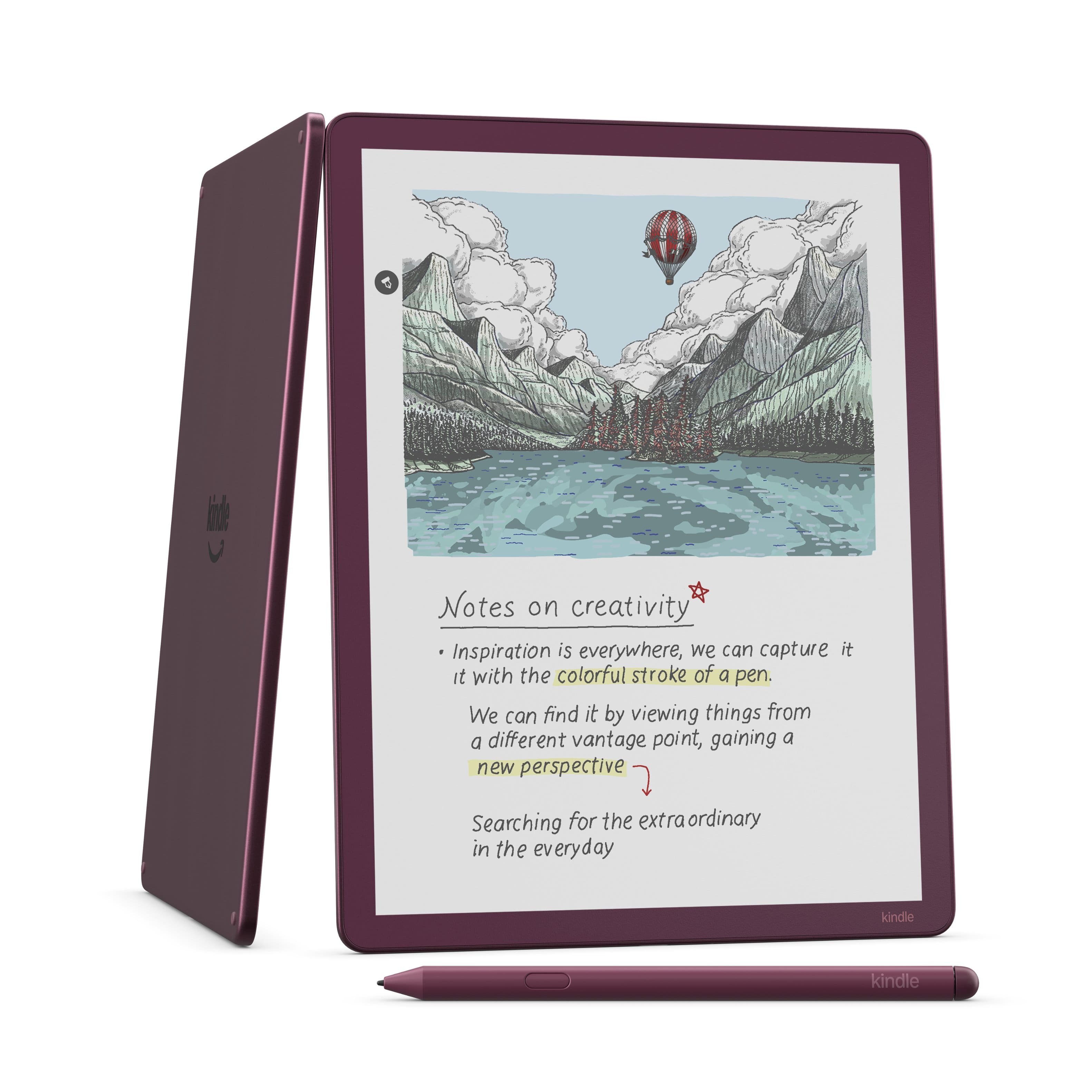
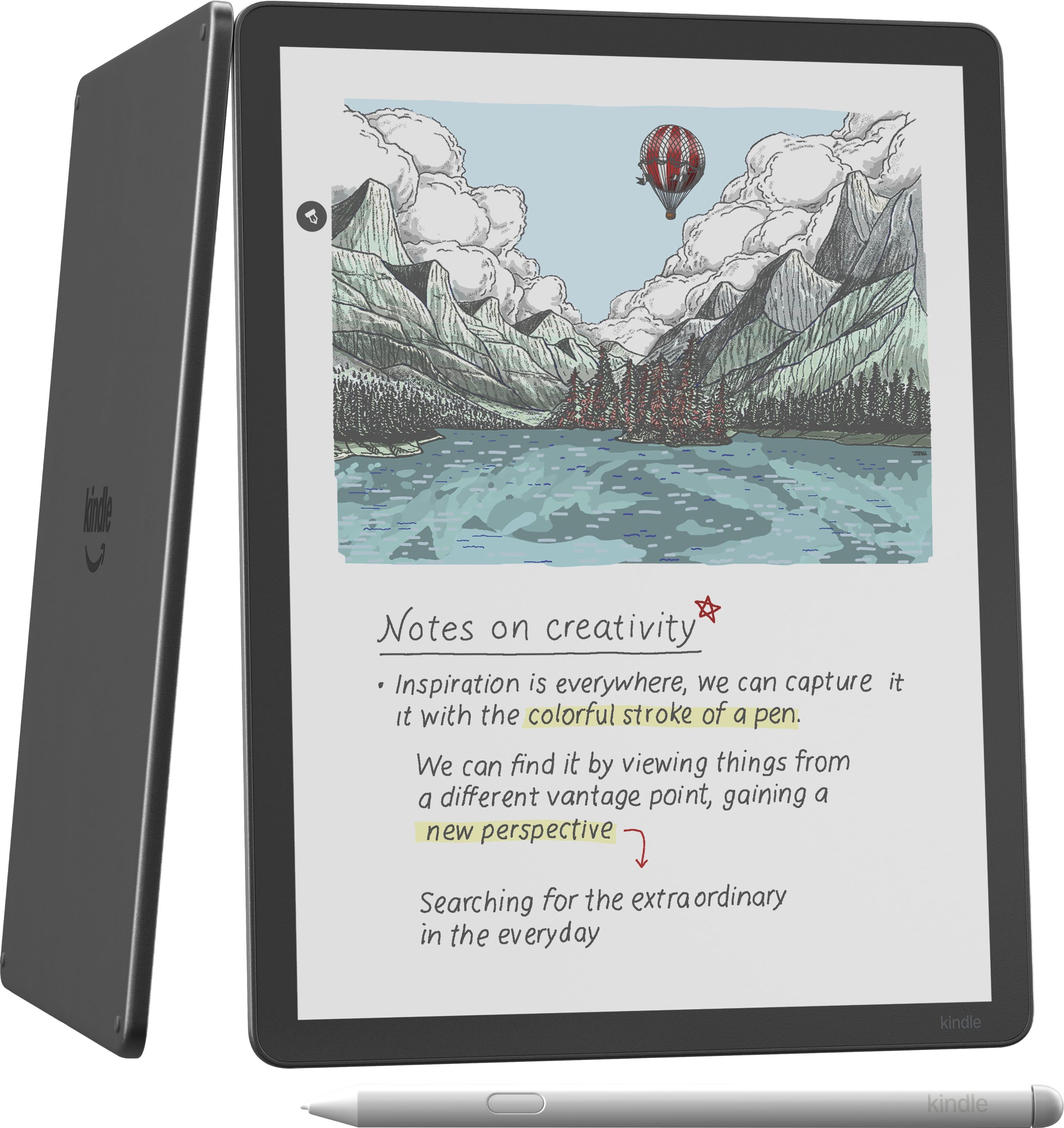
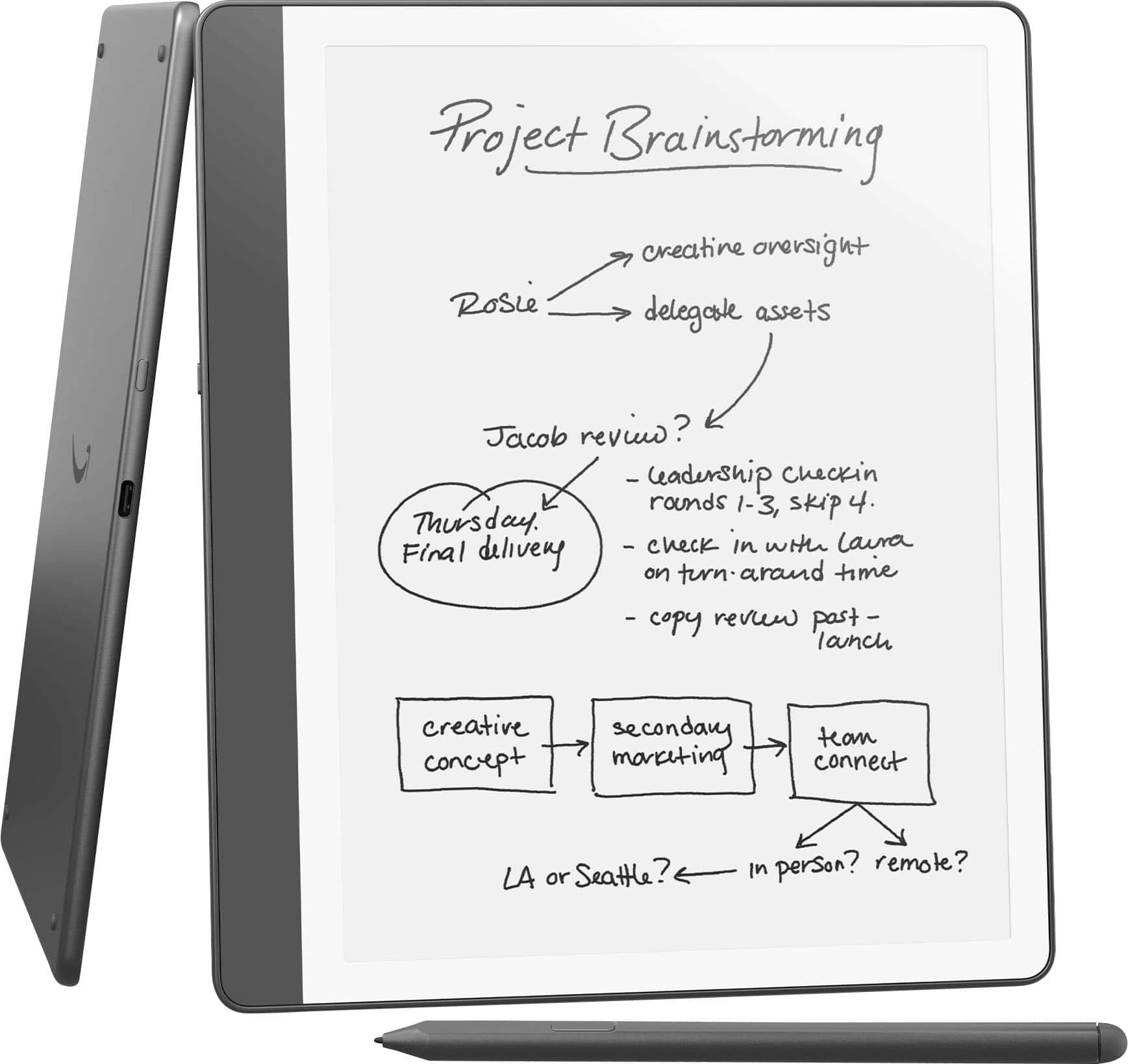
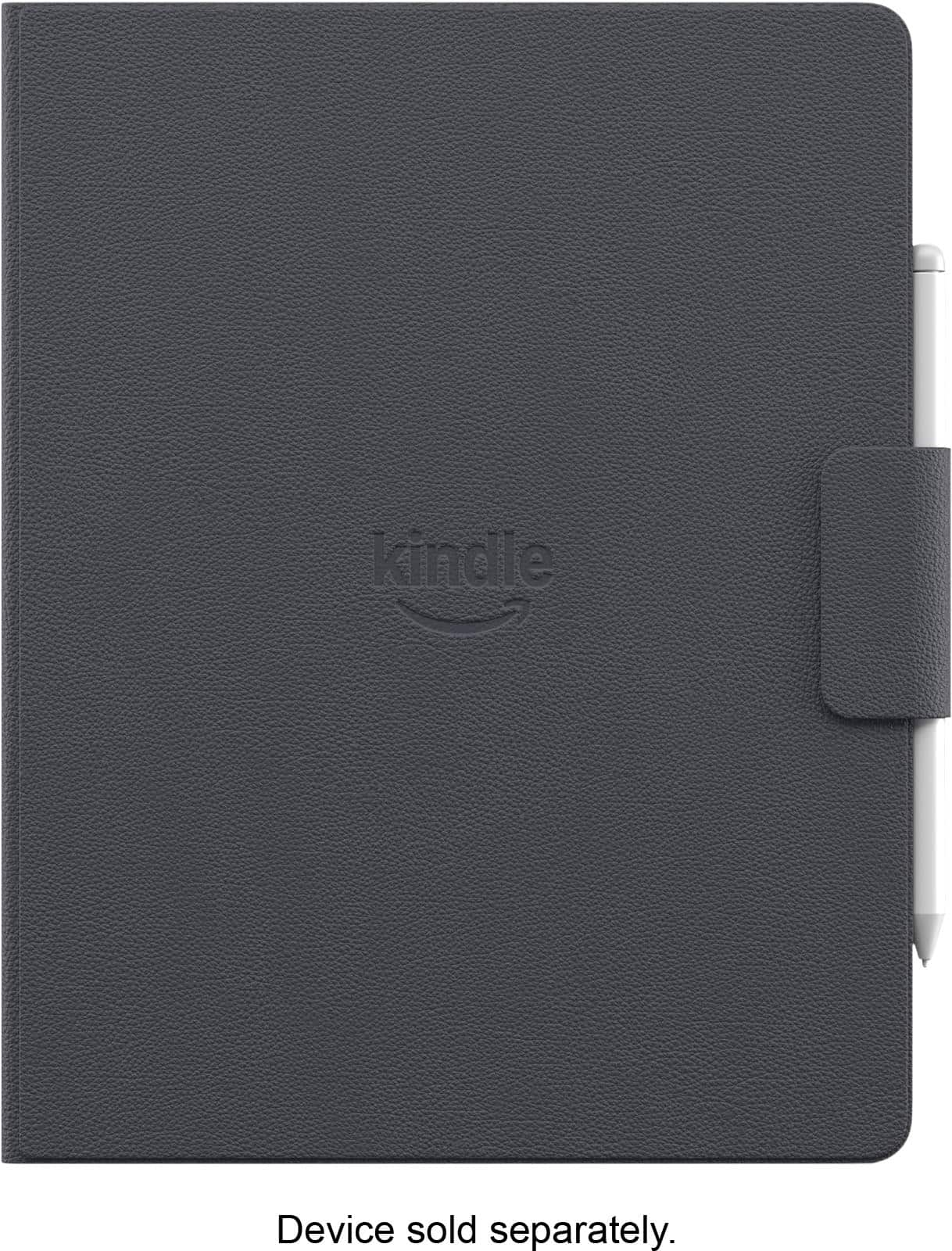
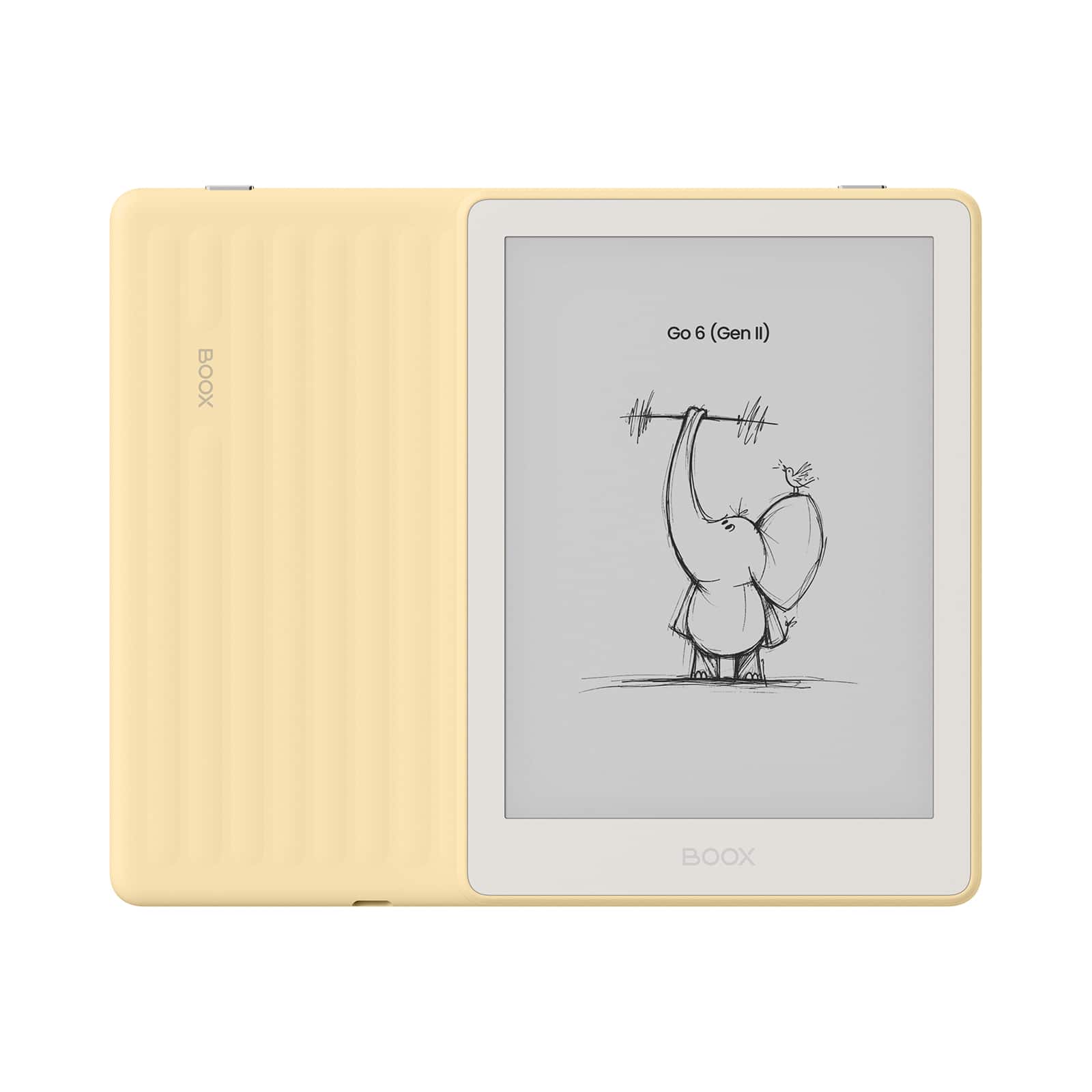
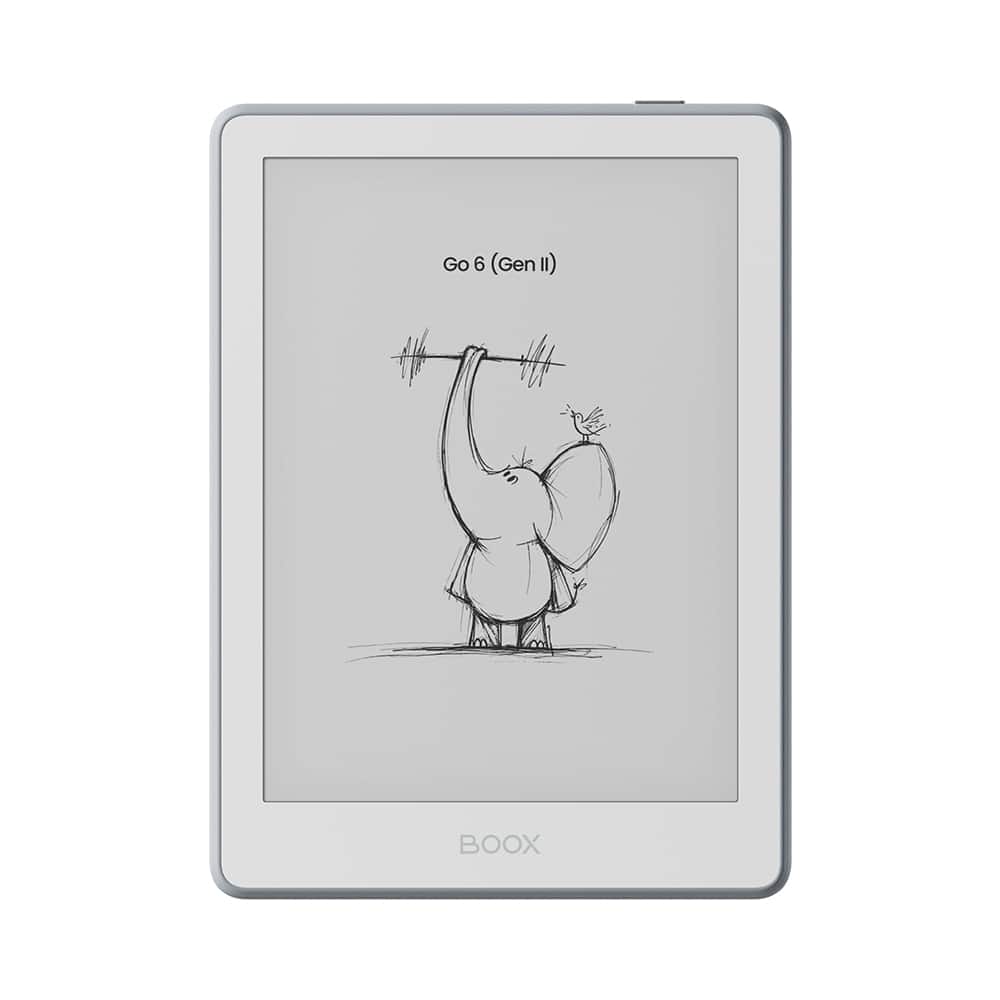
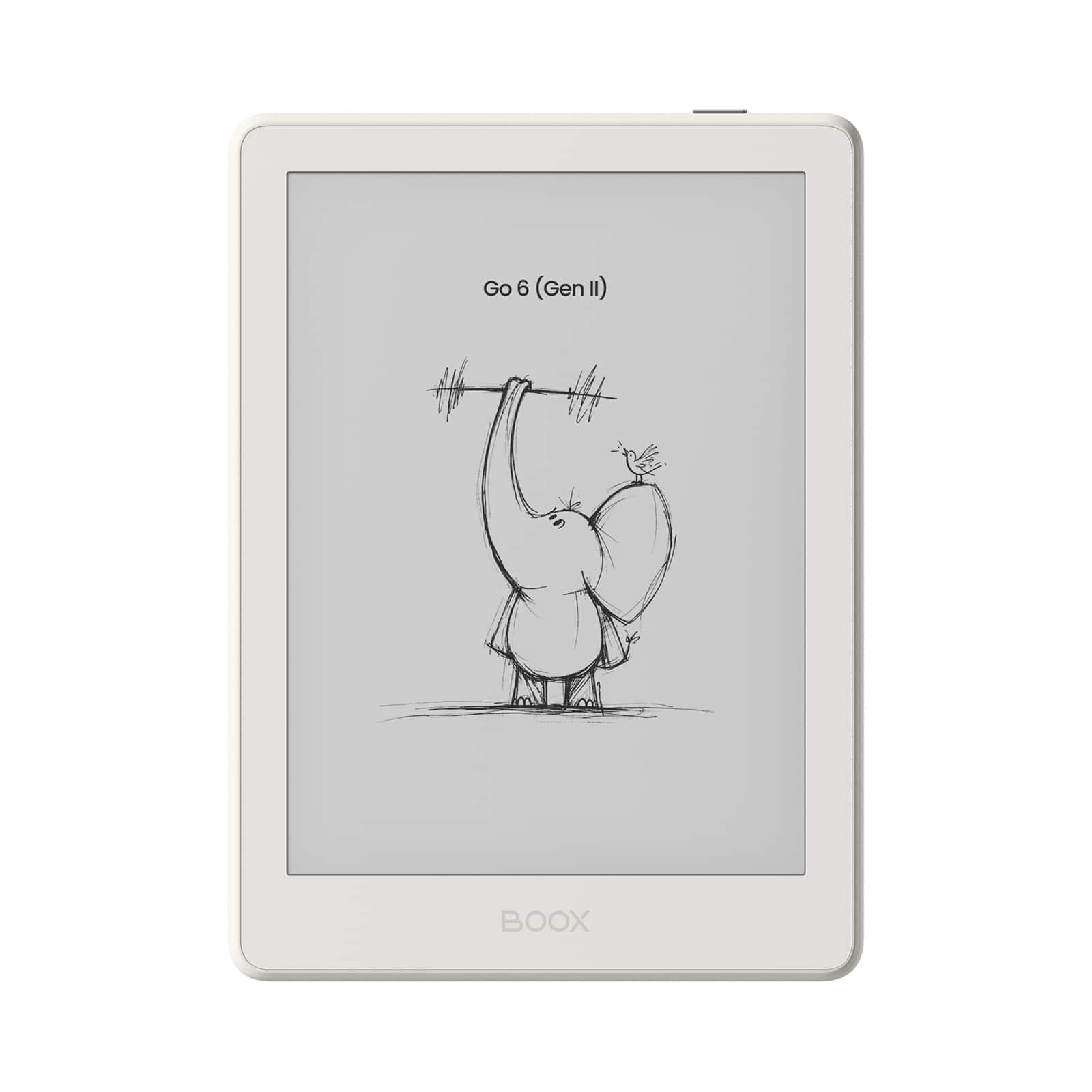
Choosing between Kindle Scribe and reMarkable starts with how you work. If you want one device for reading, annotating and handwritten notes, Kindle Scribe is a strong fit. If you want a cleaner, more paper-like writing workflow built around focused note-taking, reMarkable stands out. You can also compare BOOX options if you want more flexibility from an e-ink tablet. Explore picks for study, deep work and distraction-lighter writing, then shop more e-ink options at Best E Ink Tablet or browse more e-Reader with Note Taking devices.
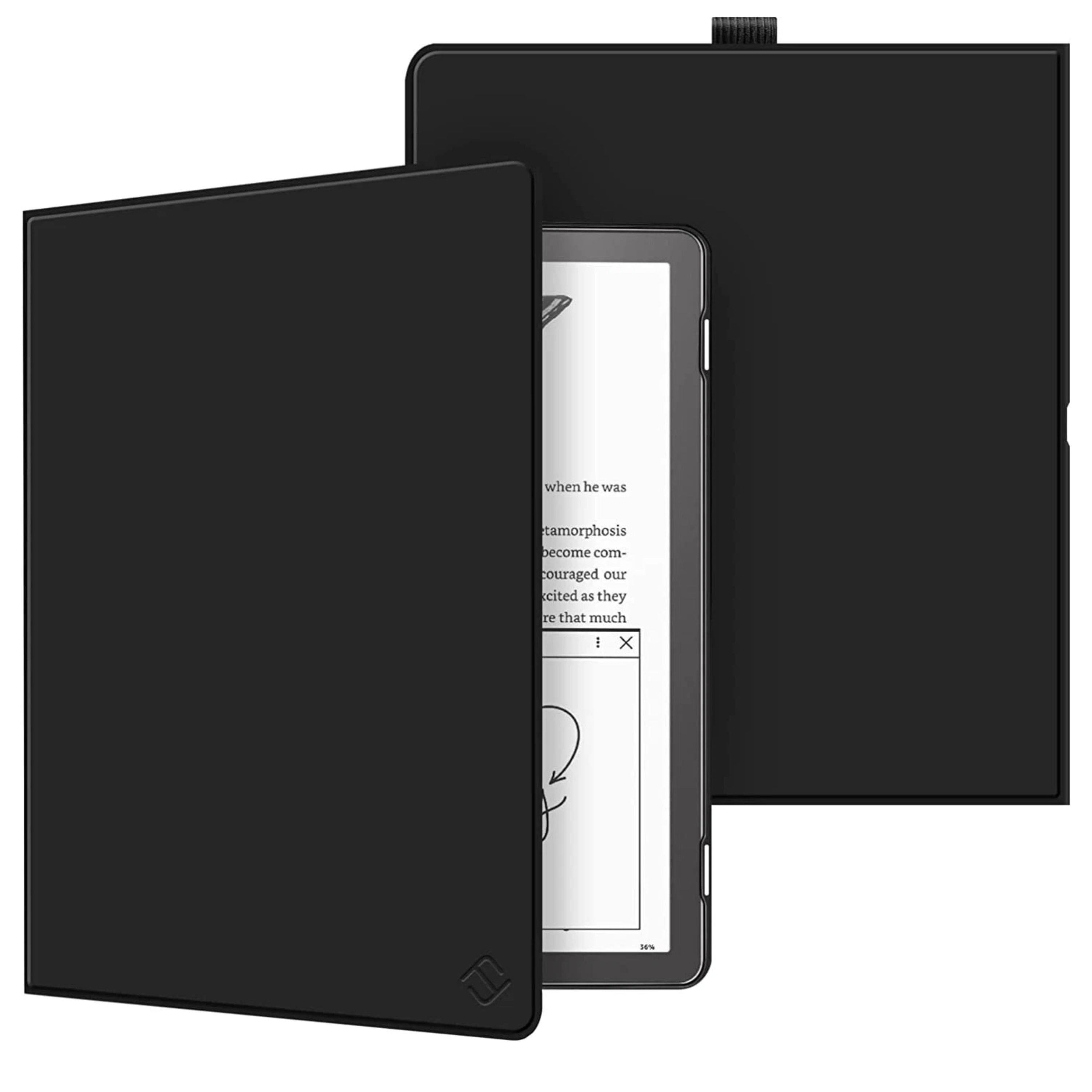
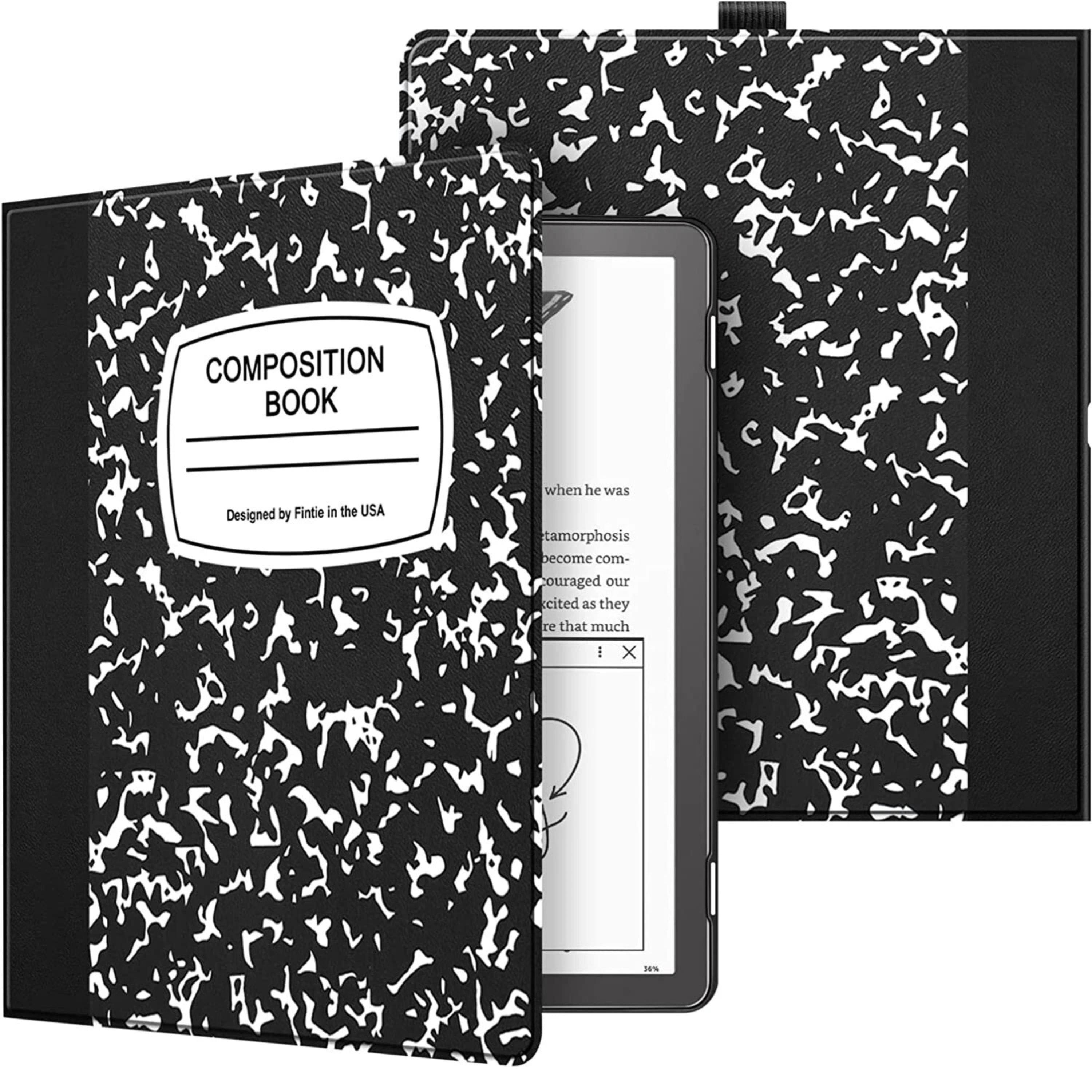
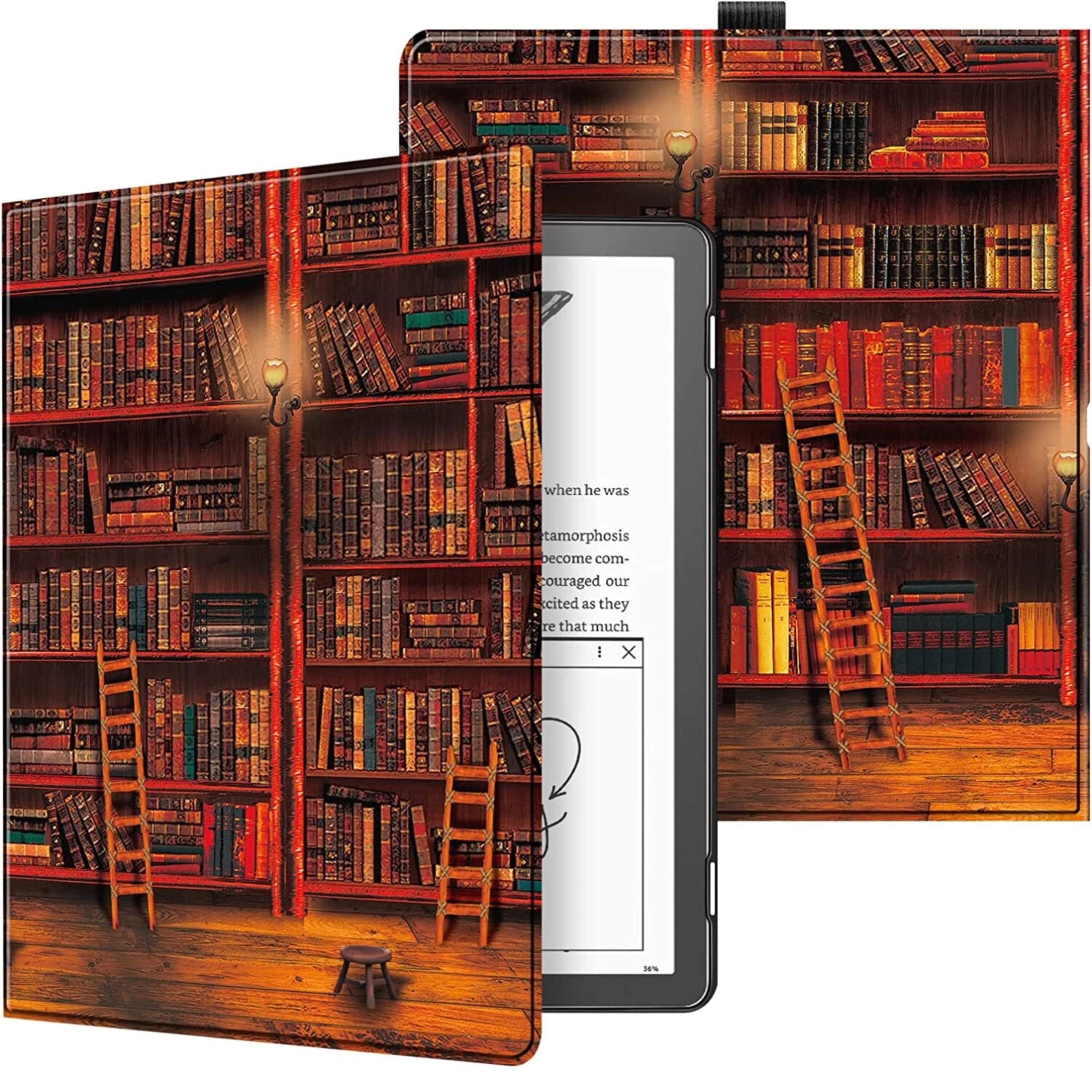
Best for reading, annotating and notebooking
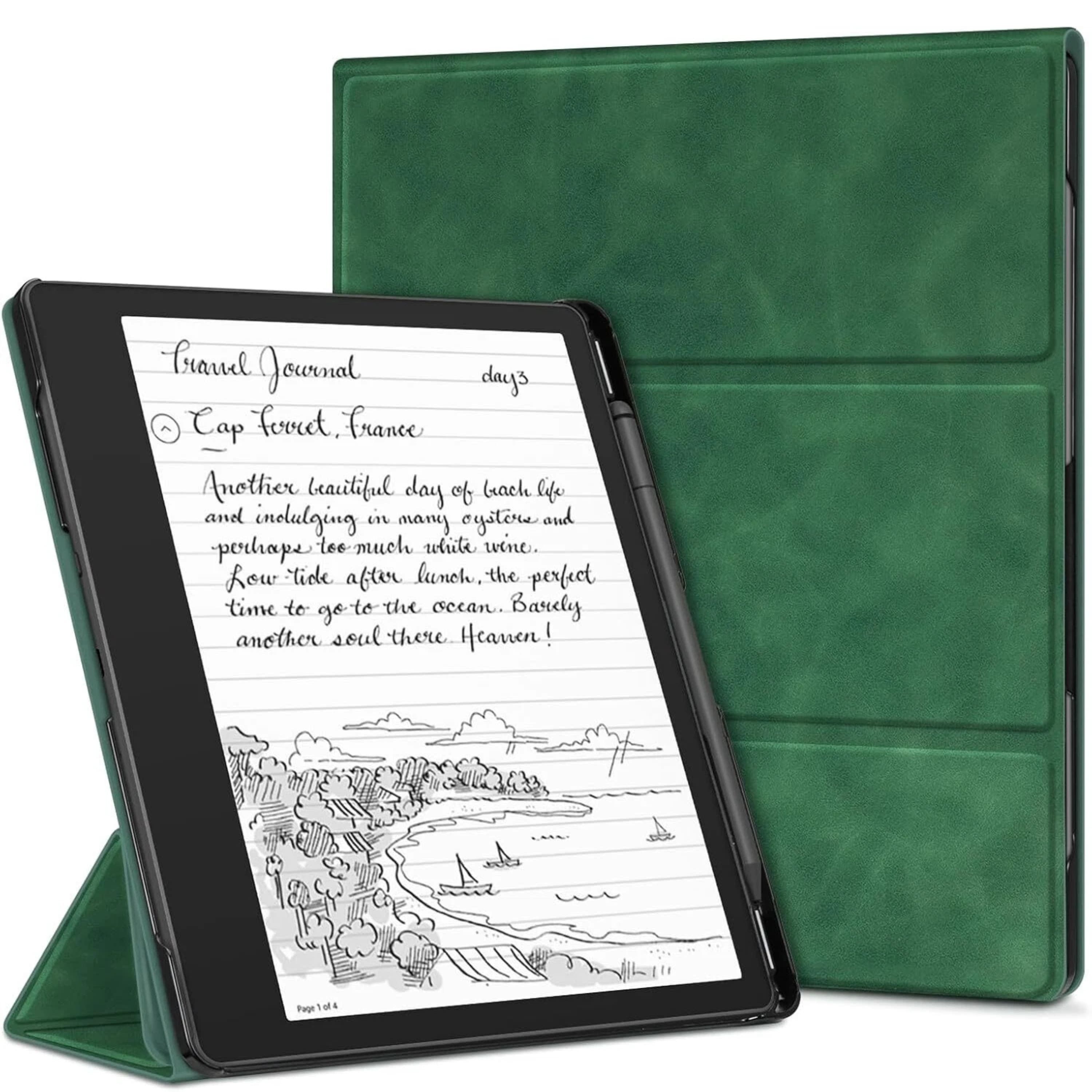
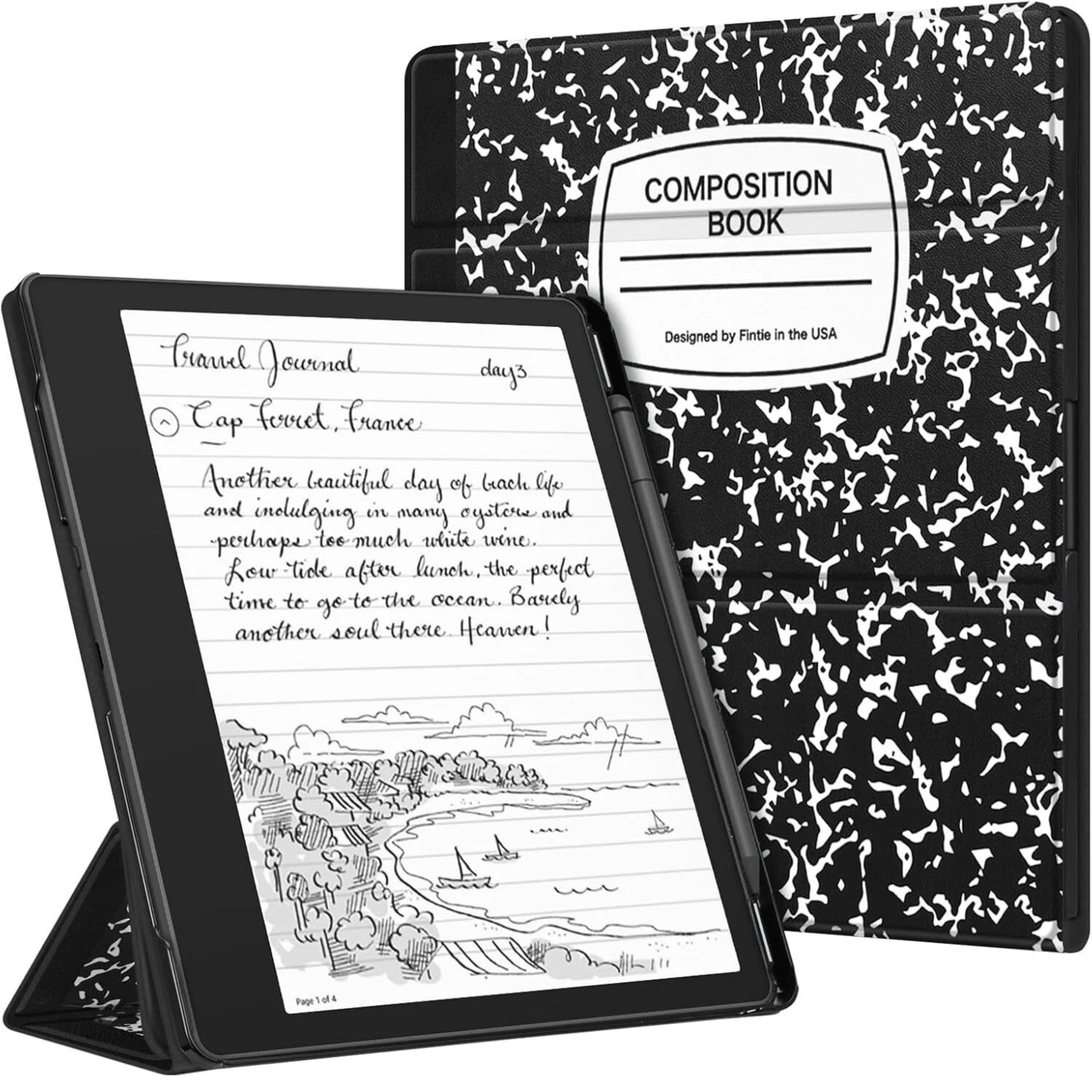
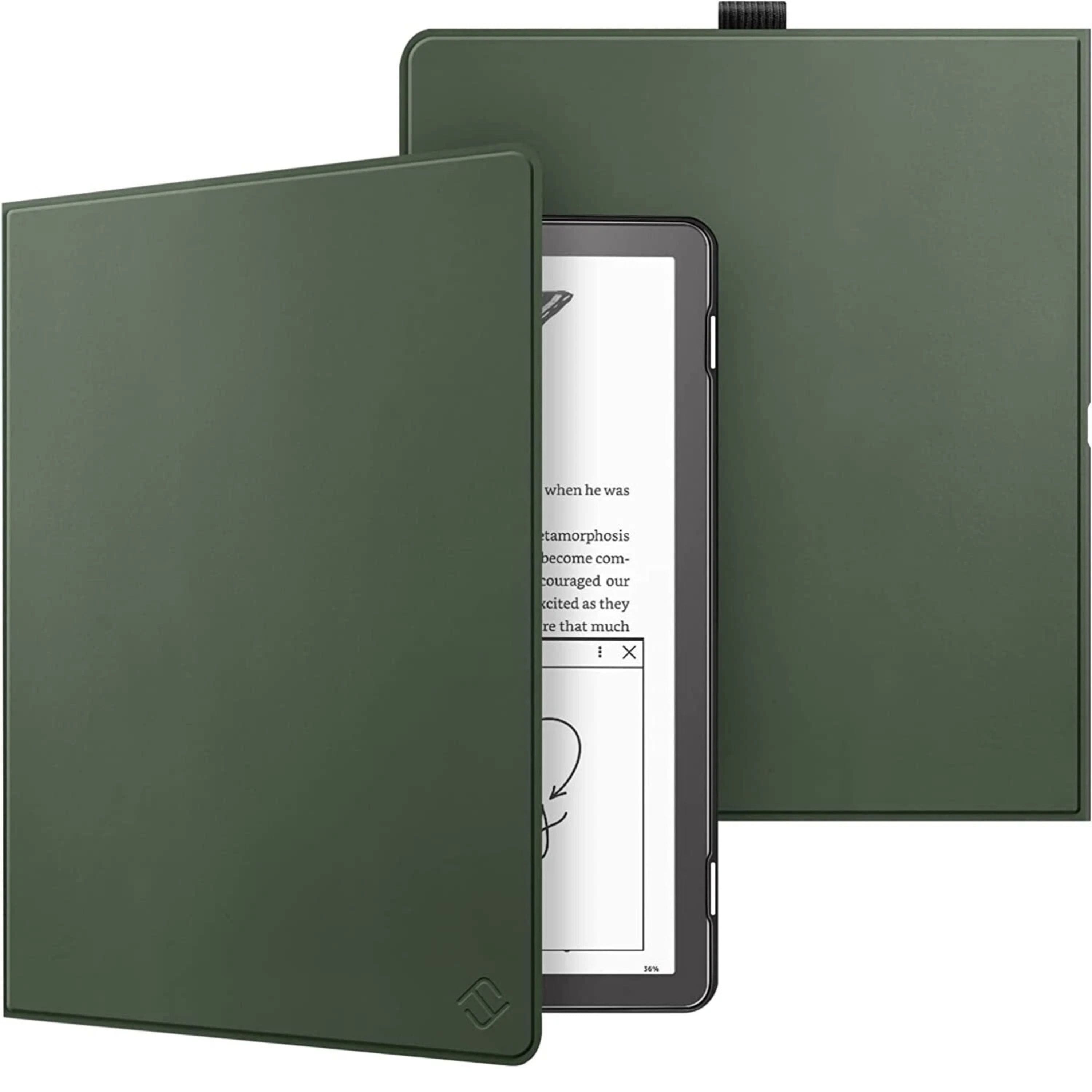

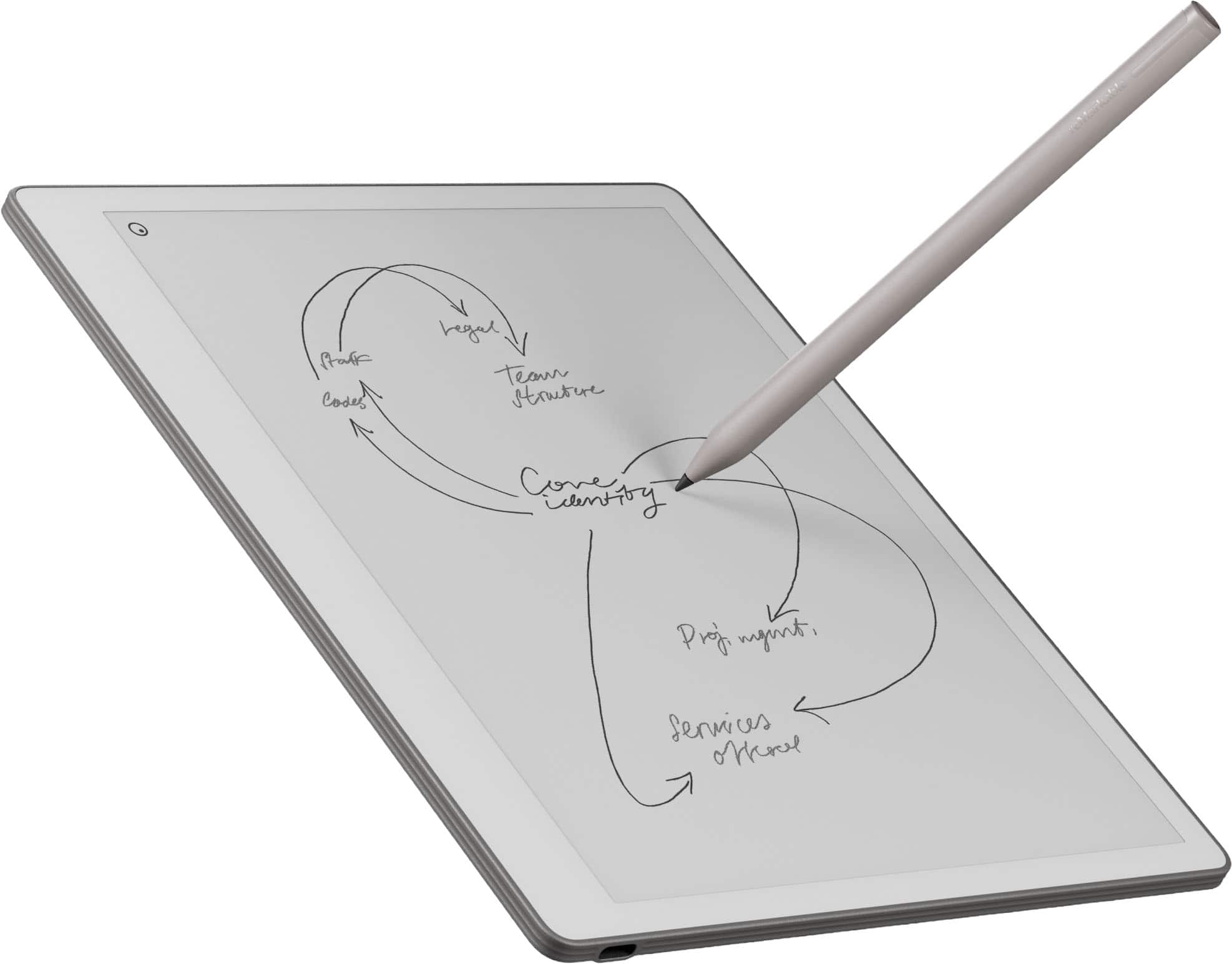
Best for focused handwritten work
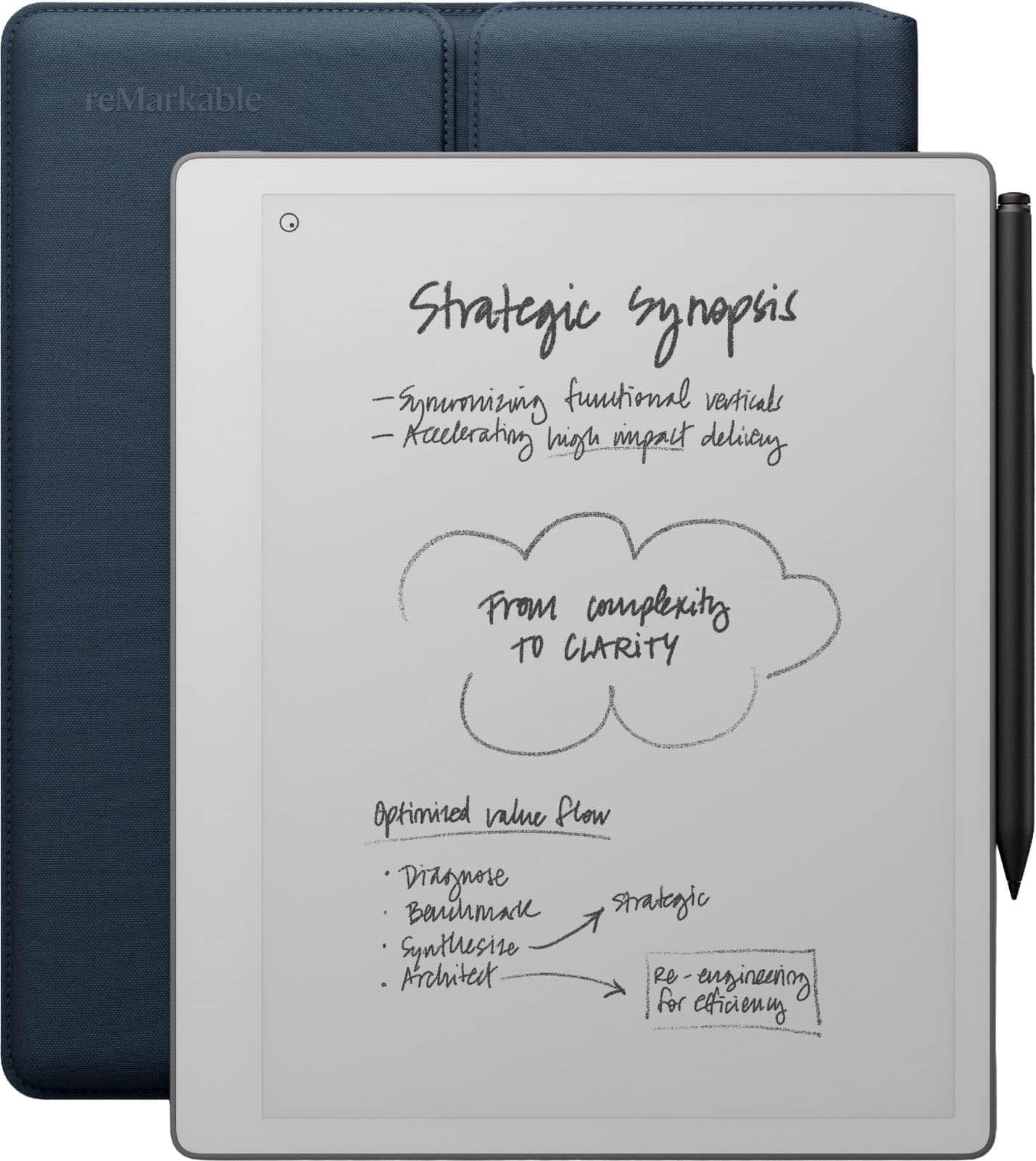
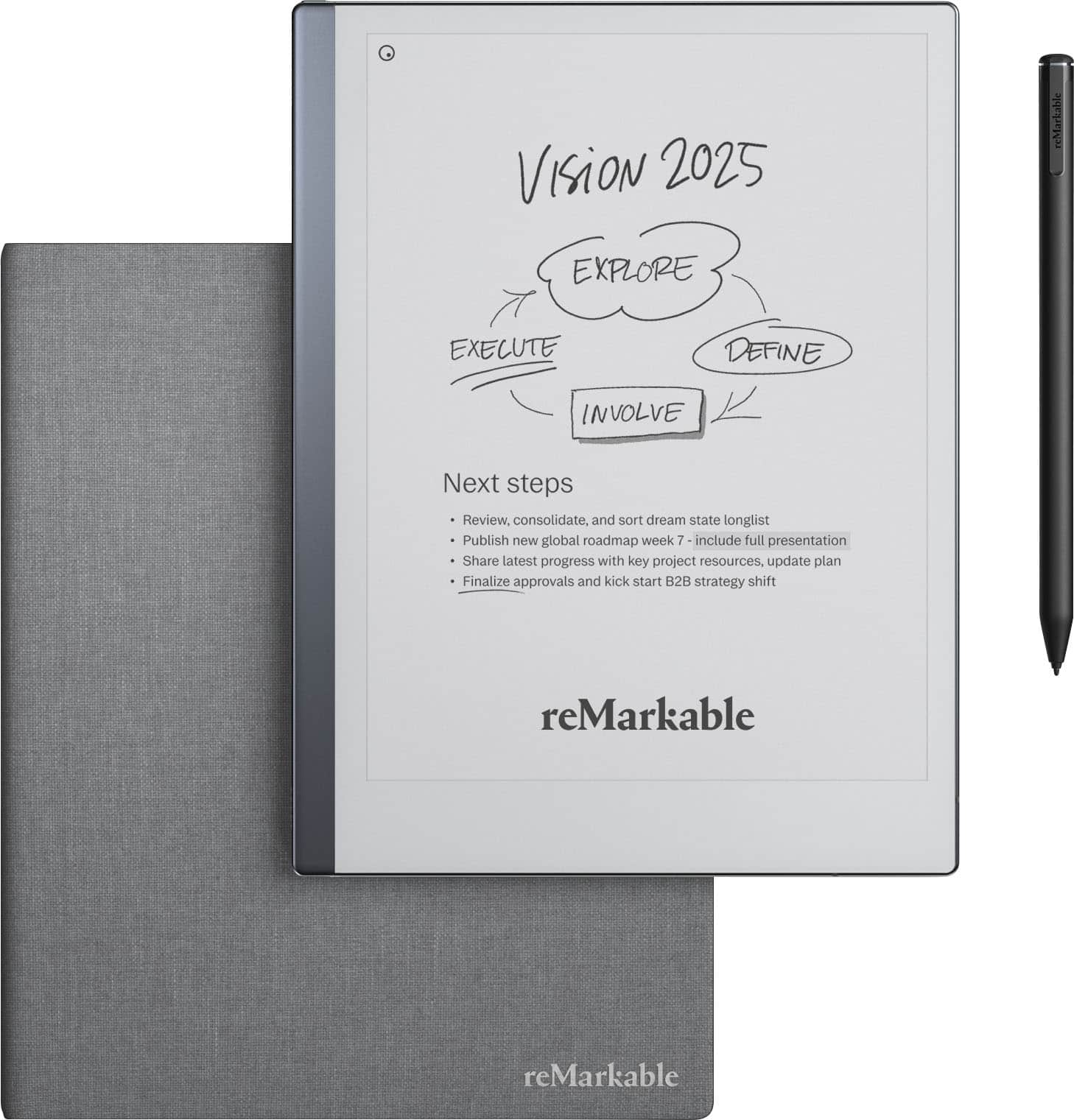
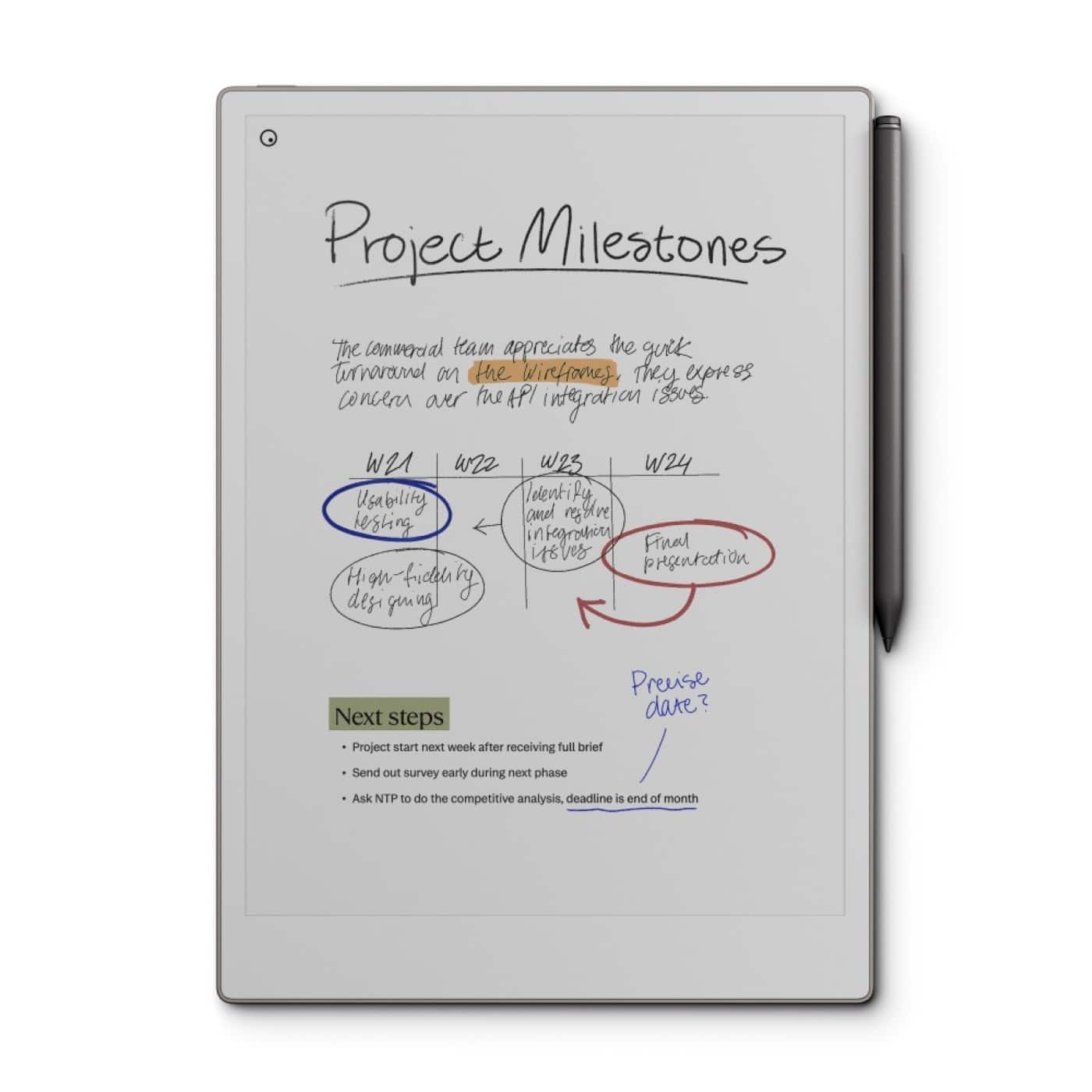
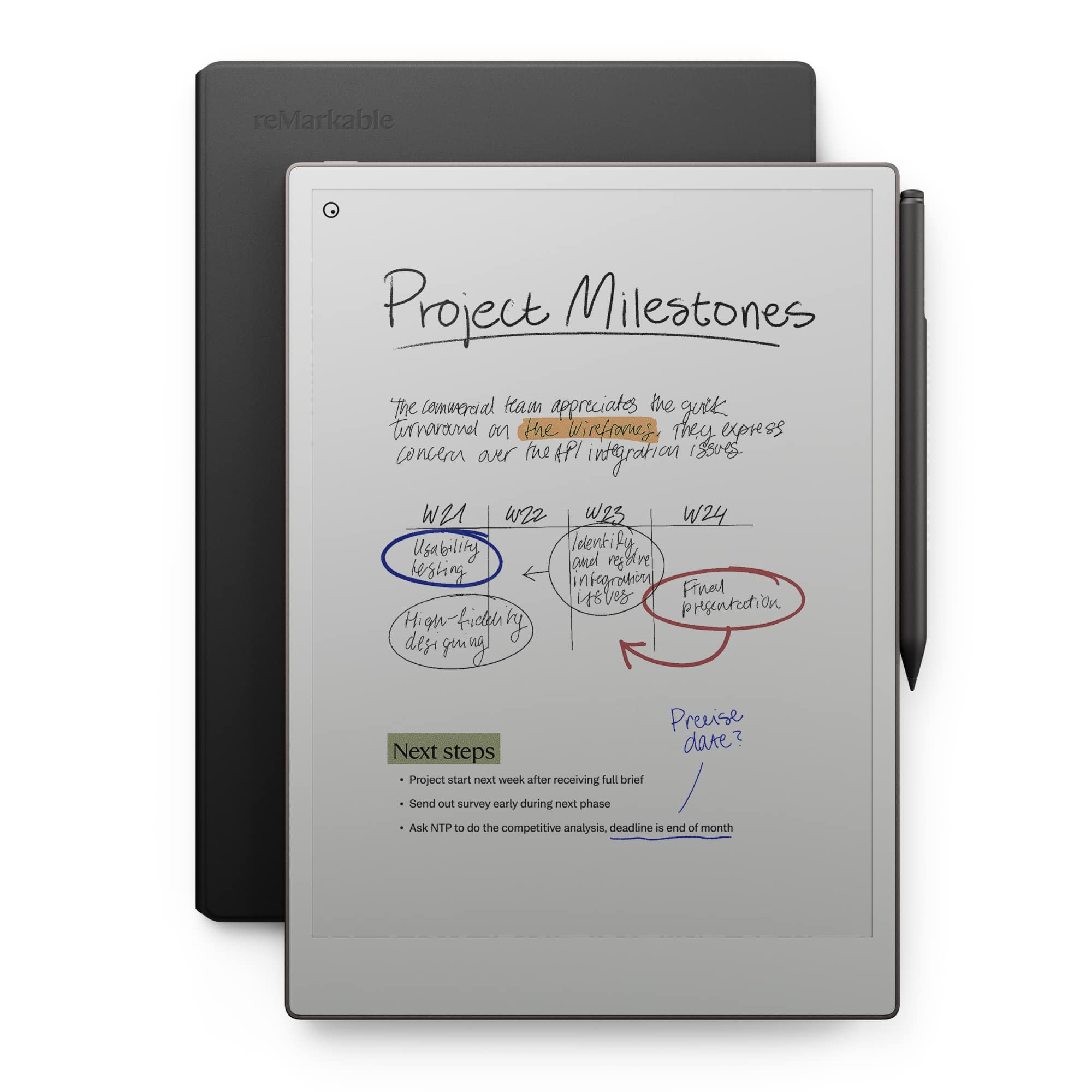
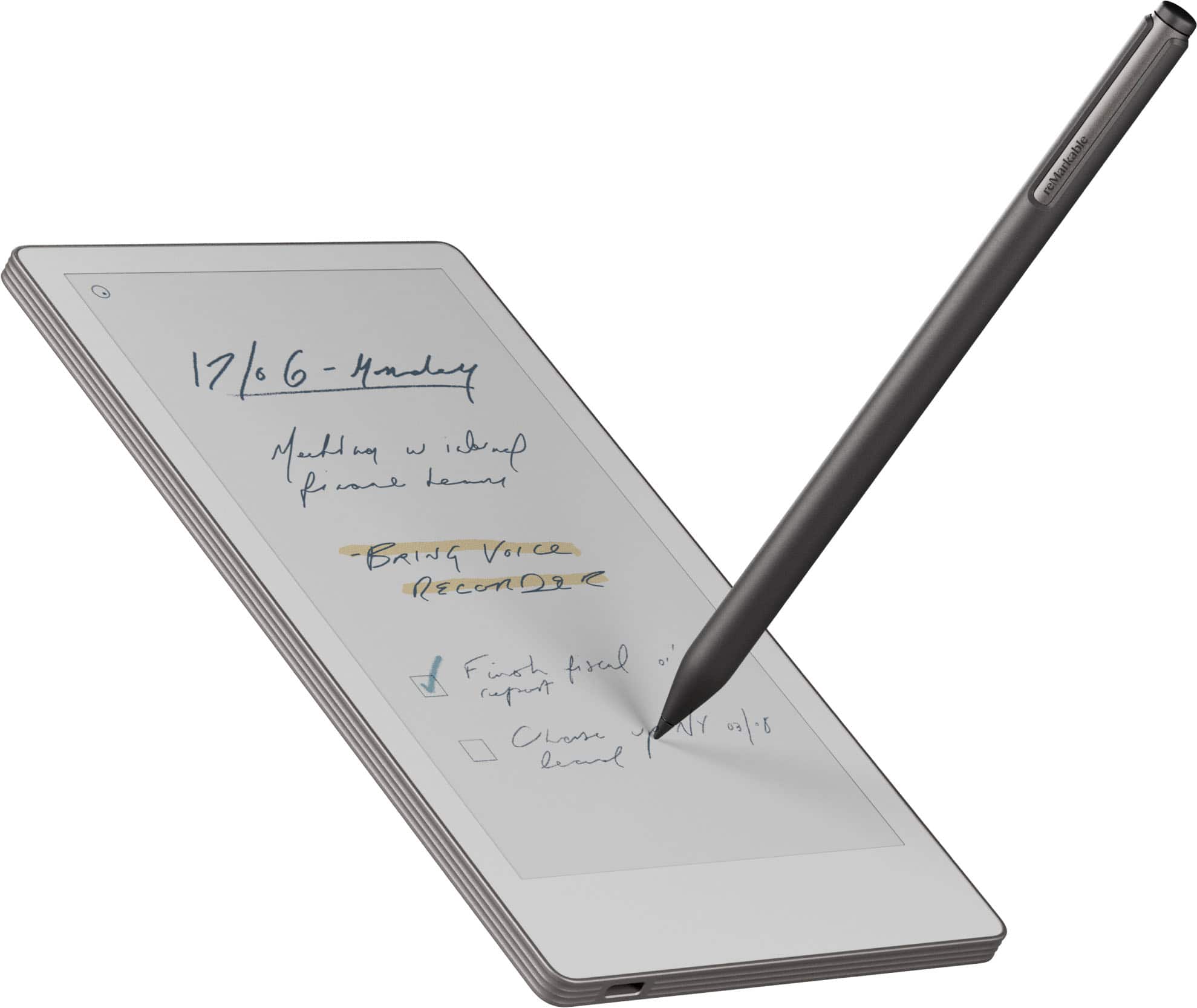
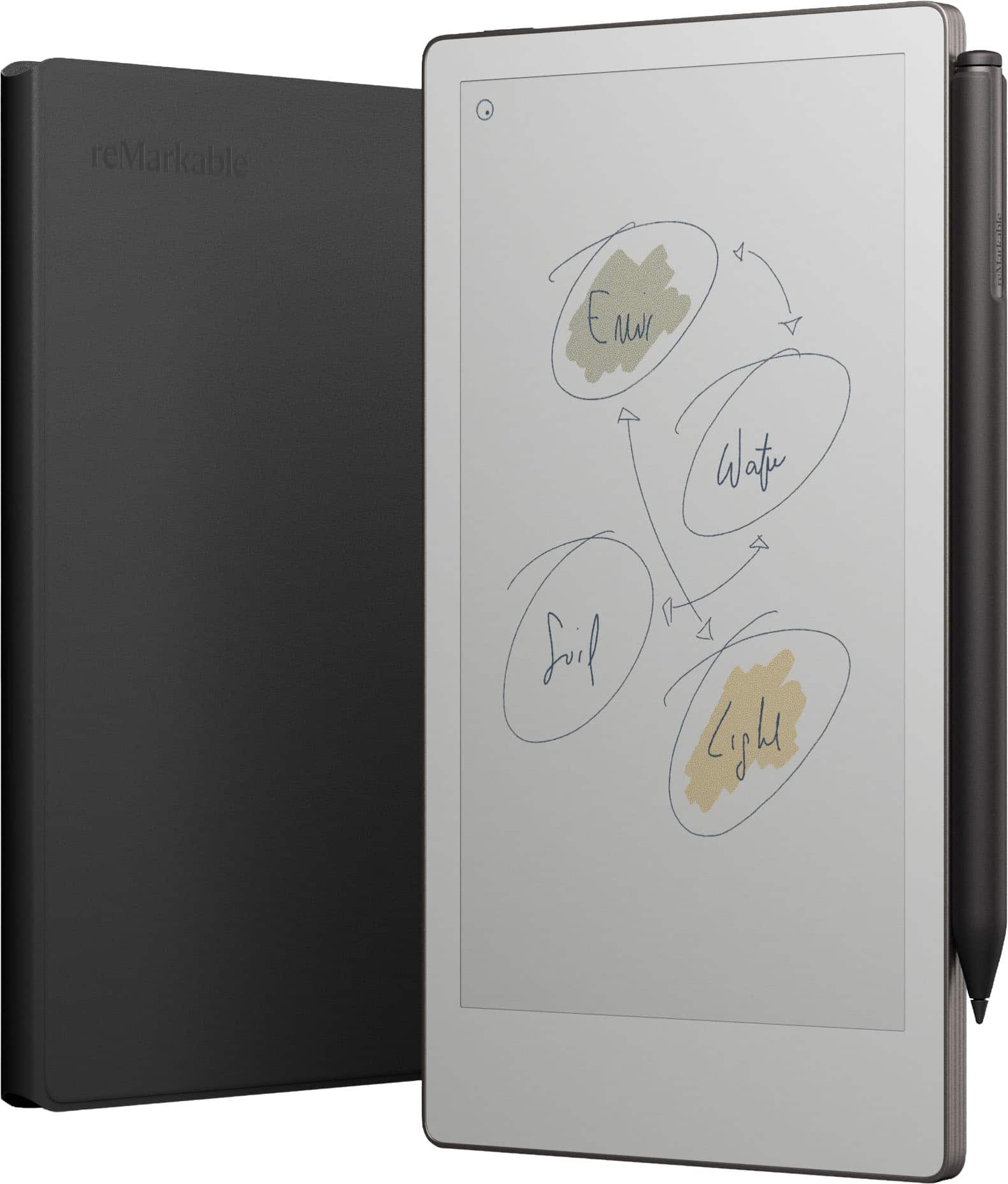
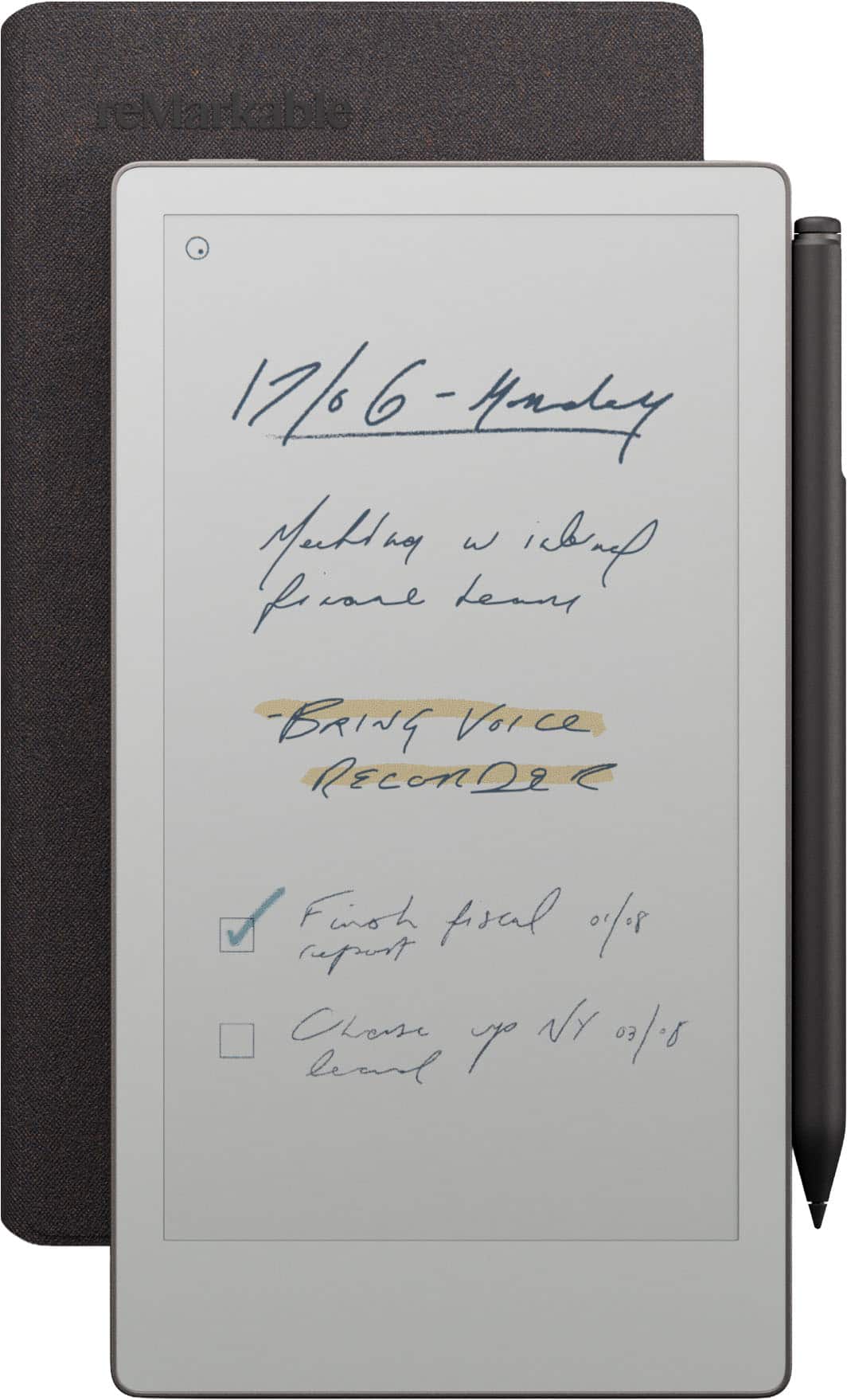
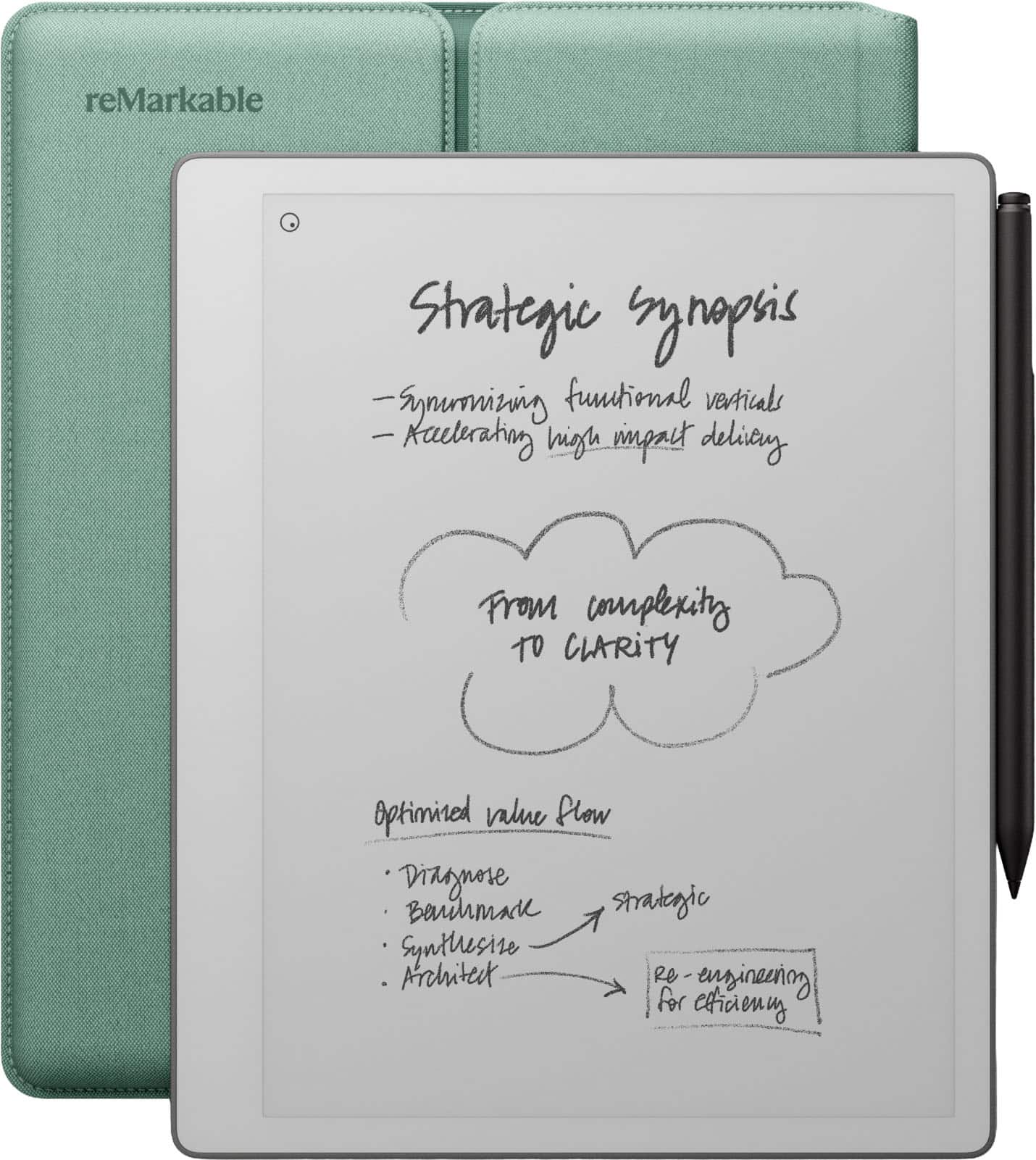
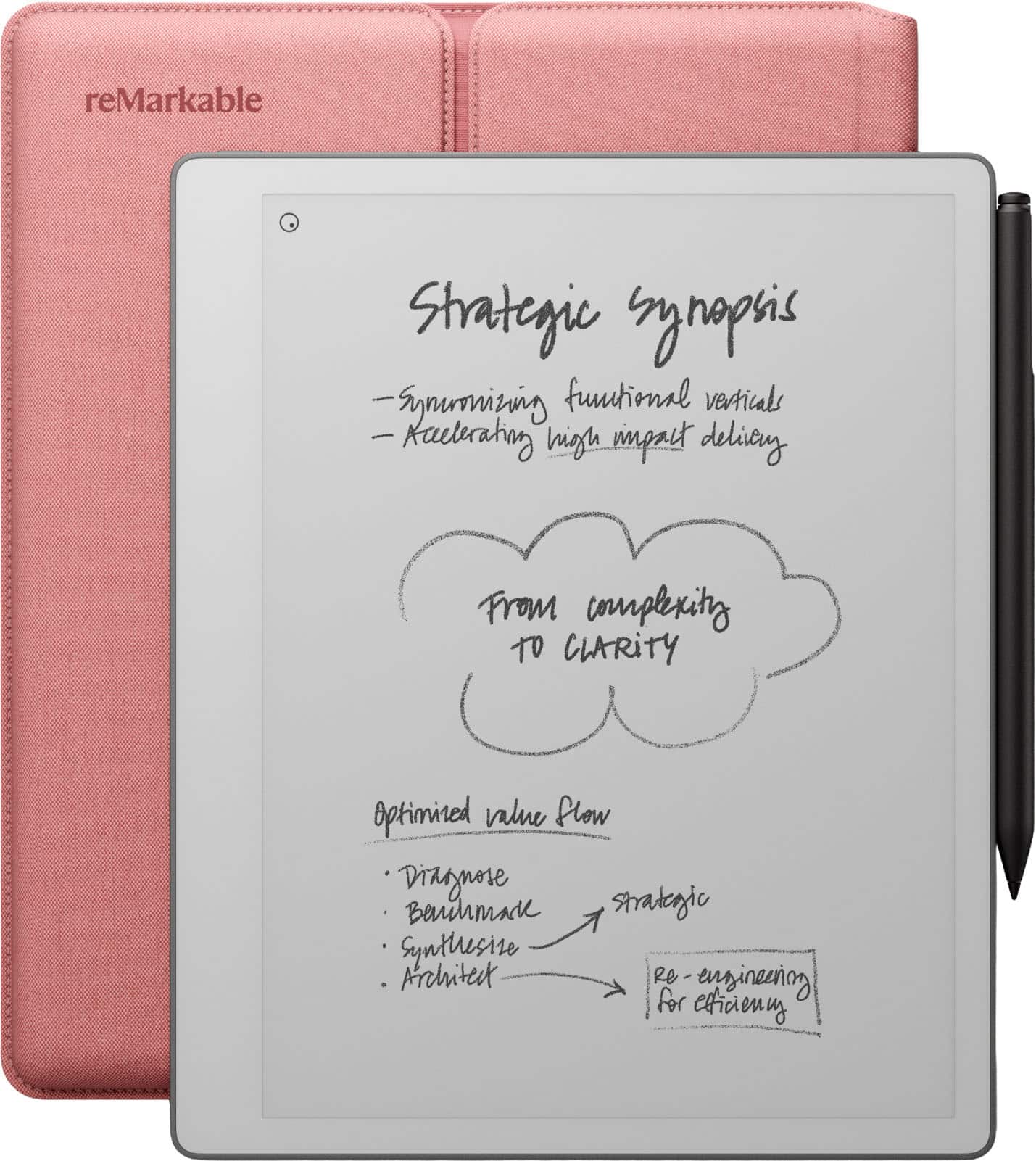
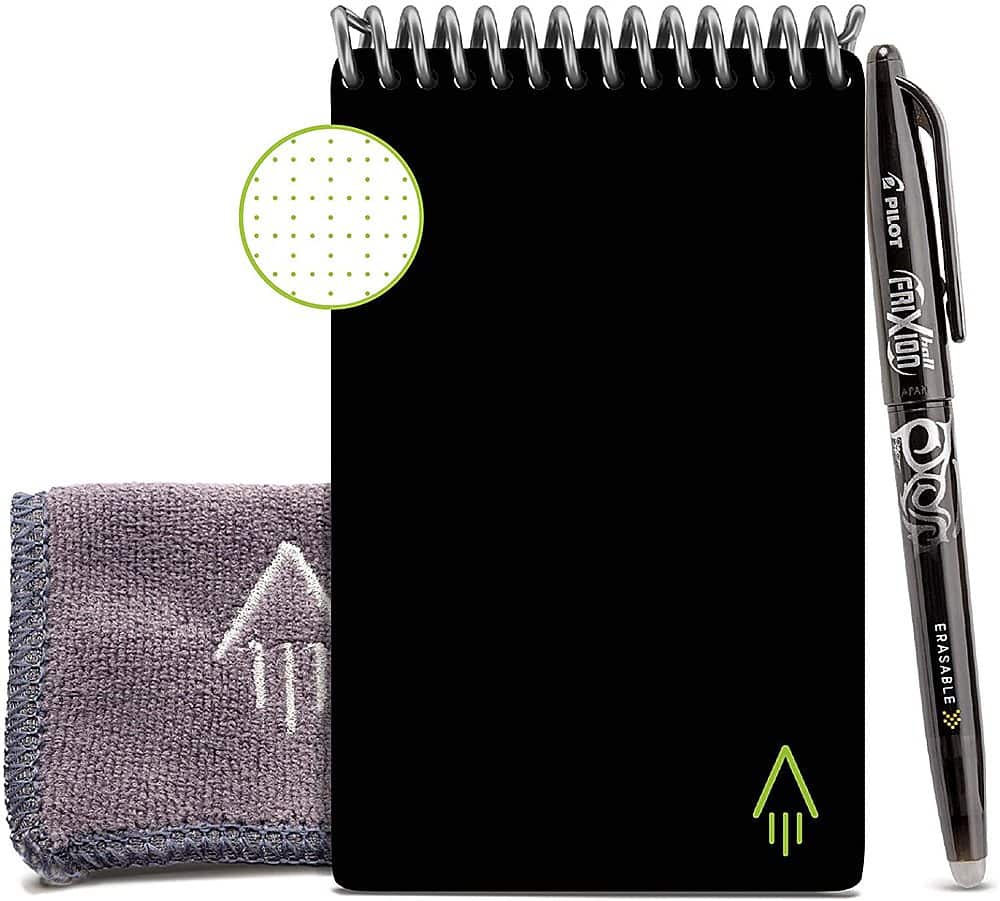
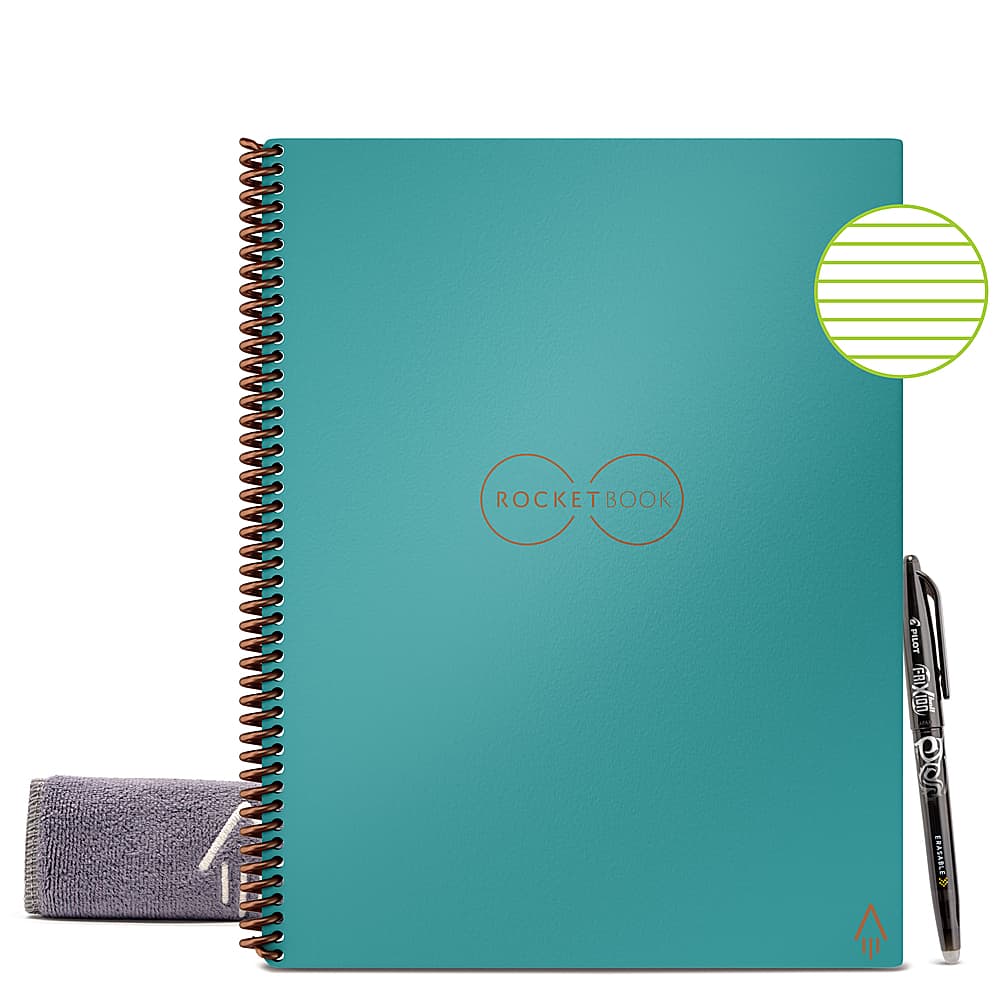
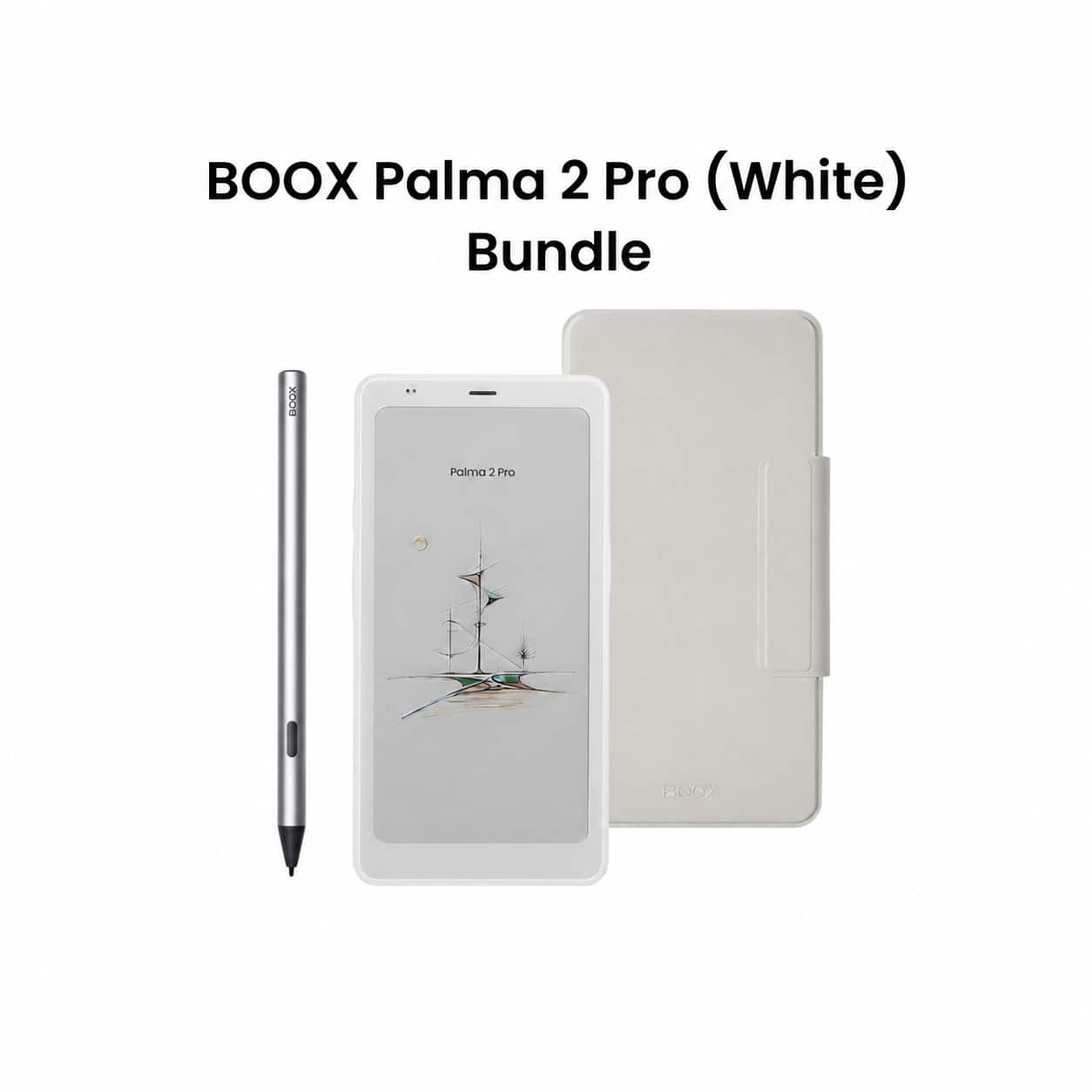
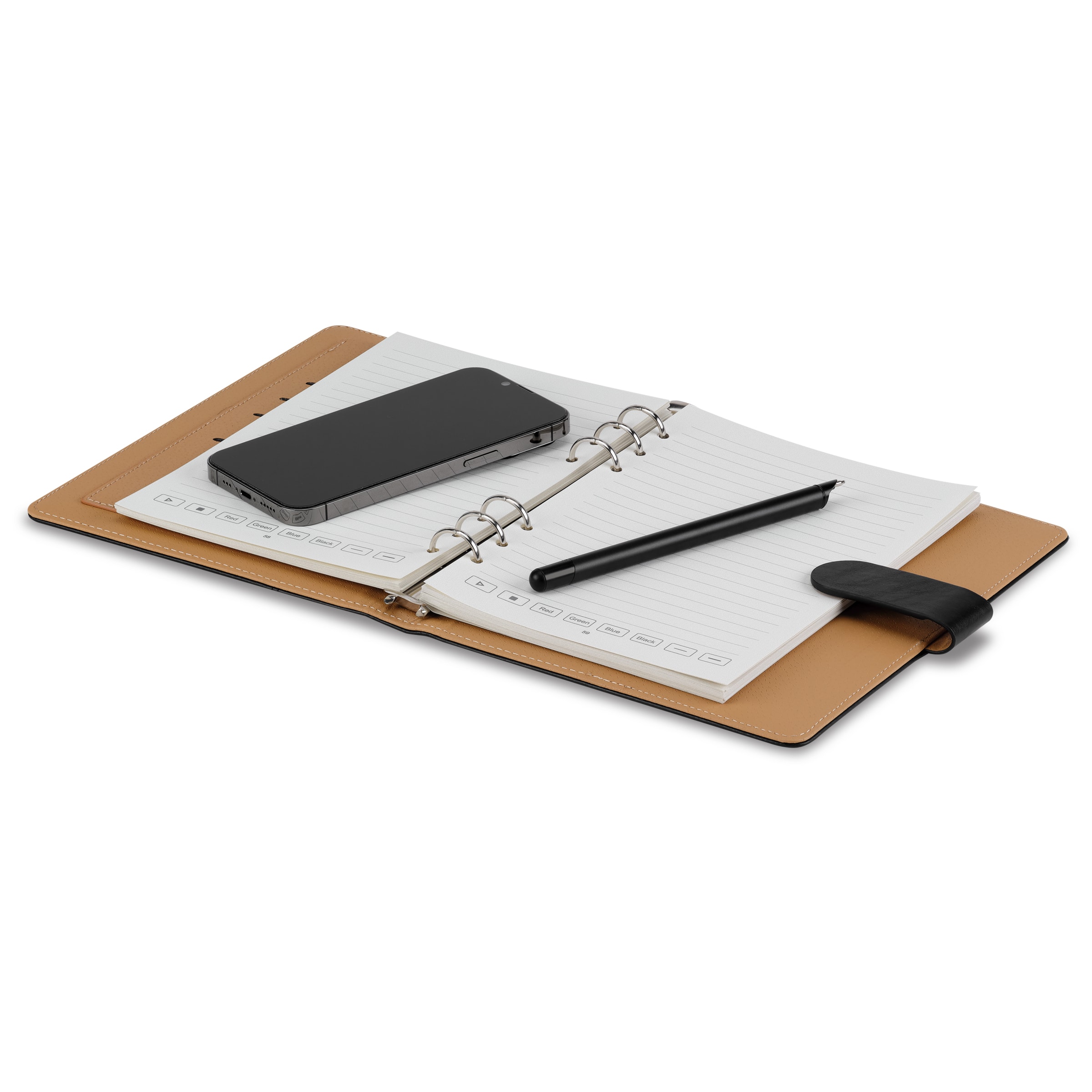
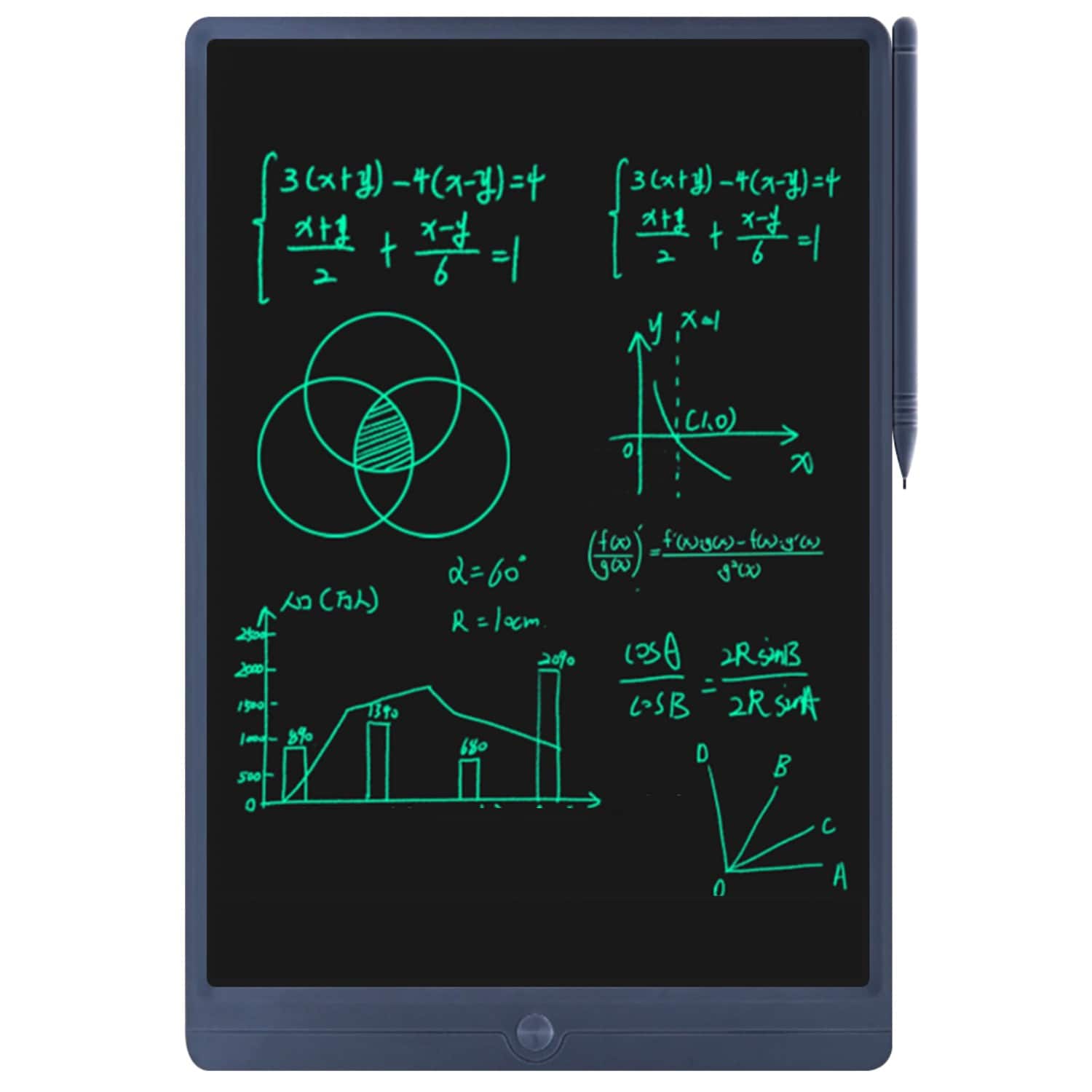
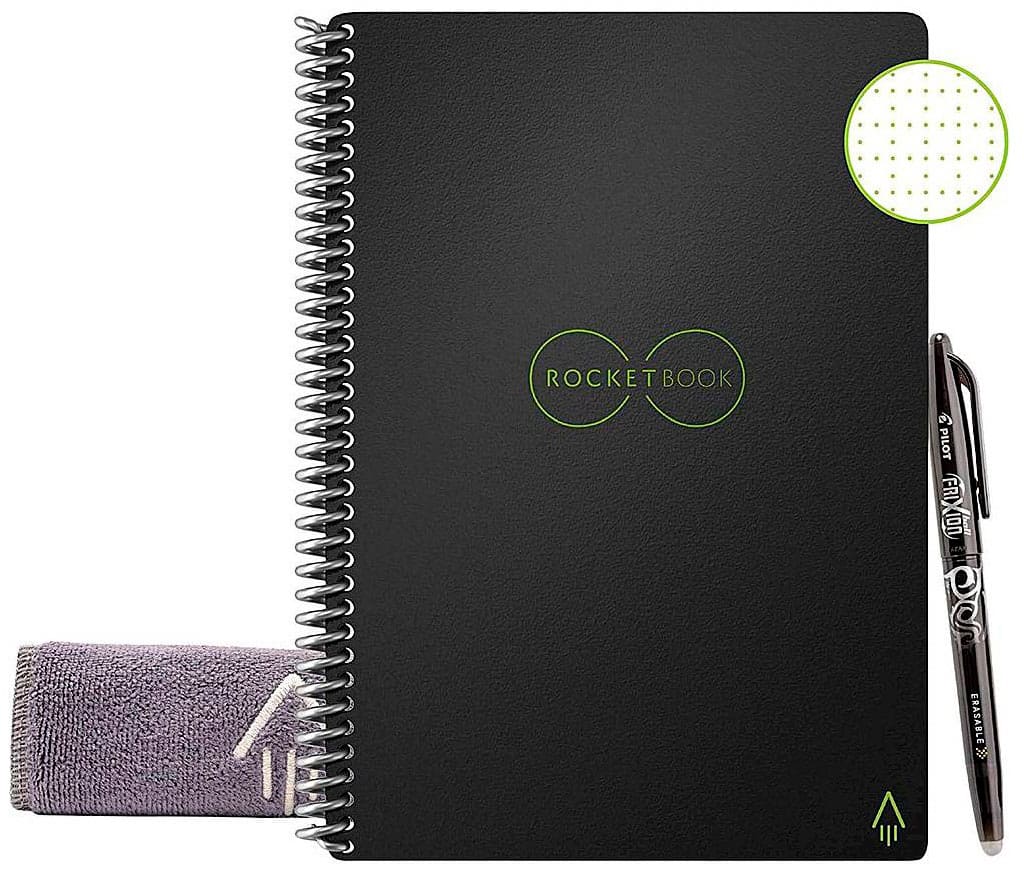
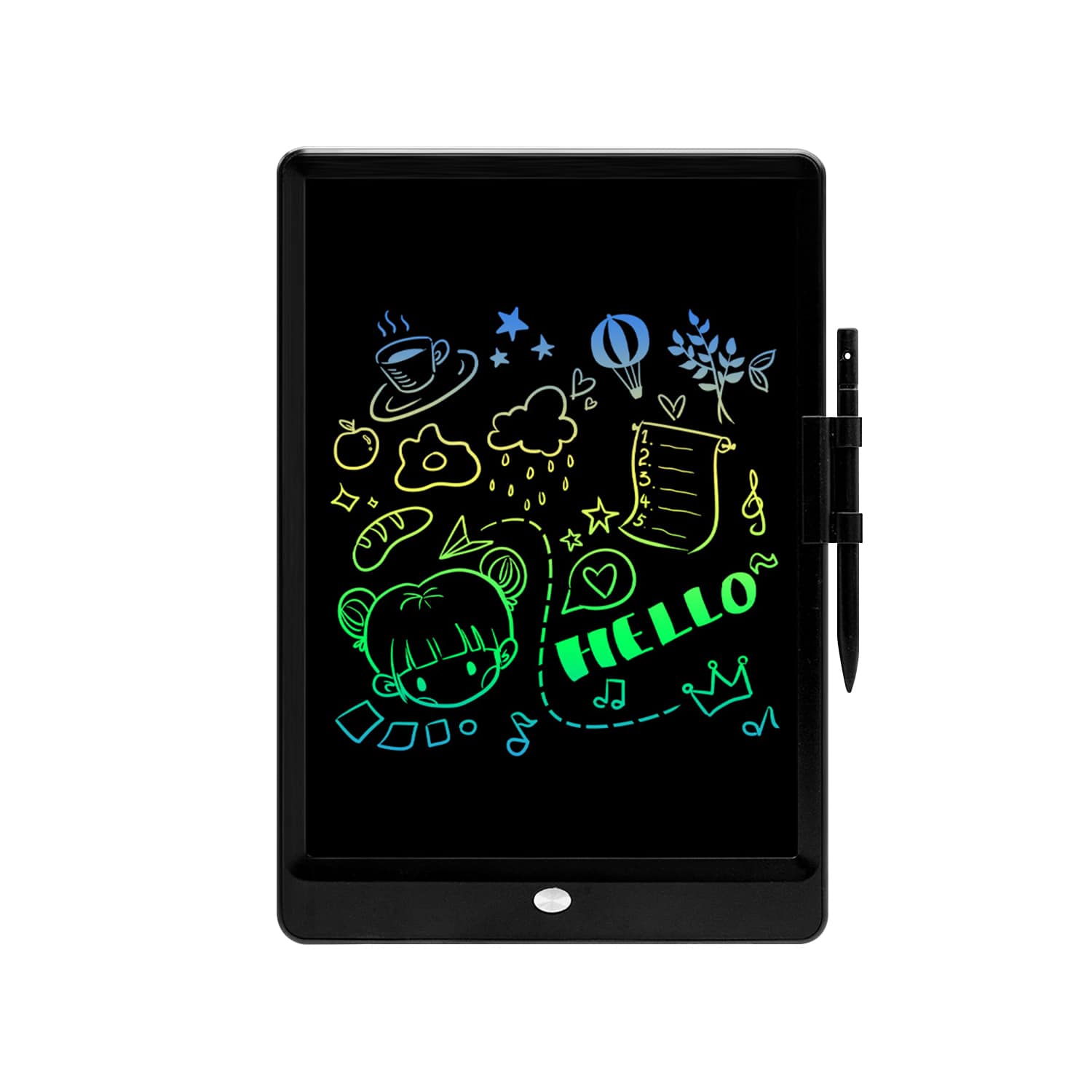
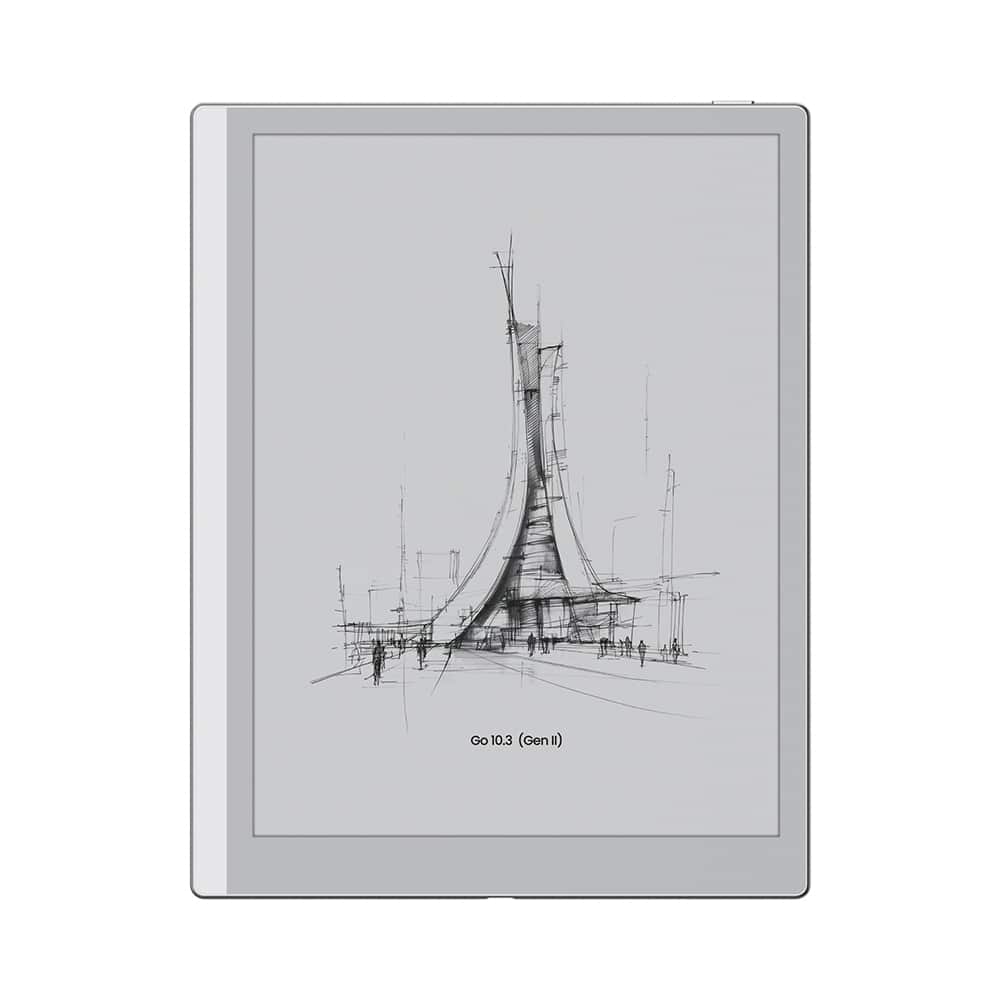
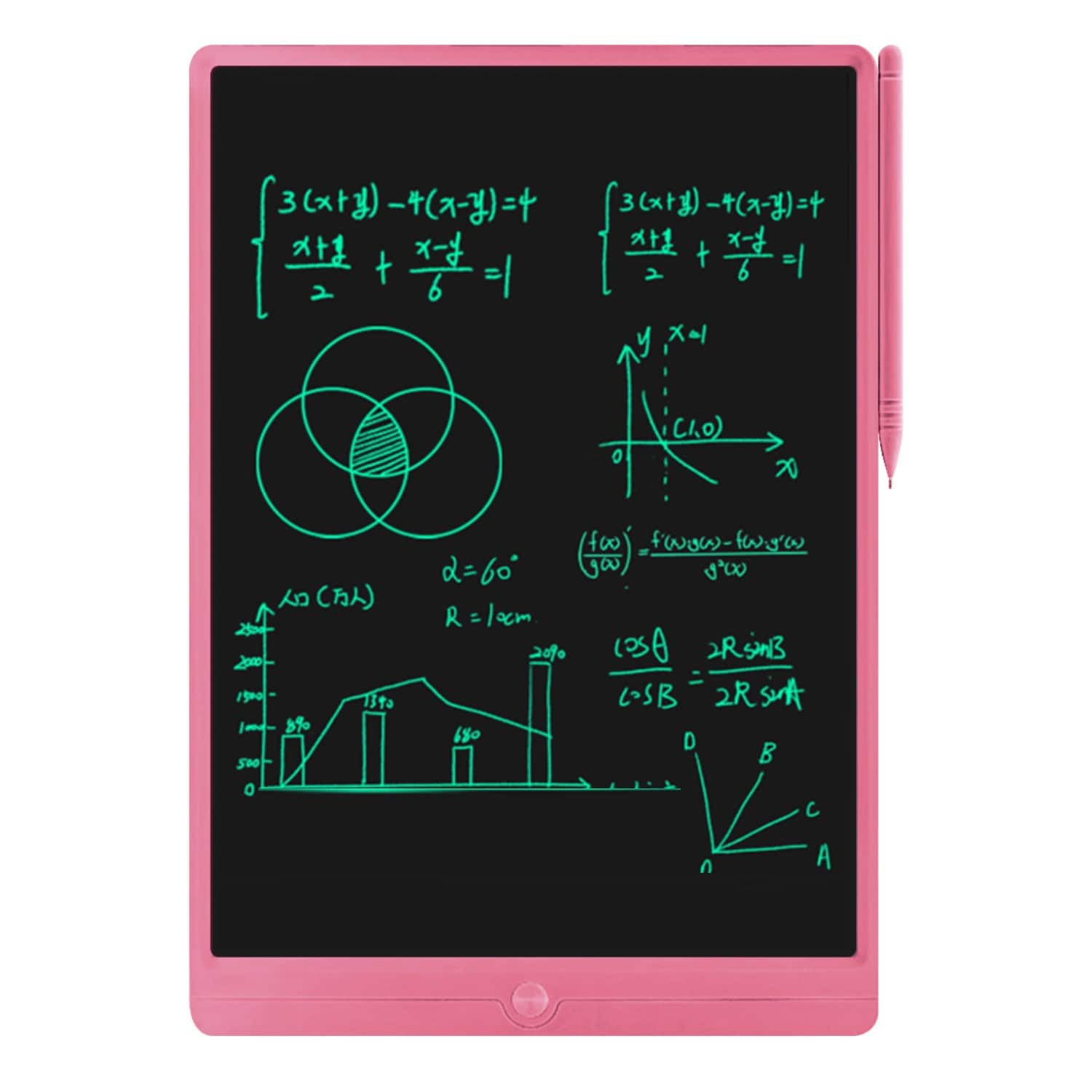
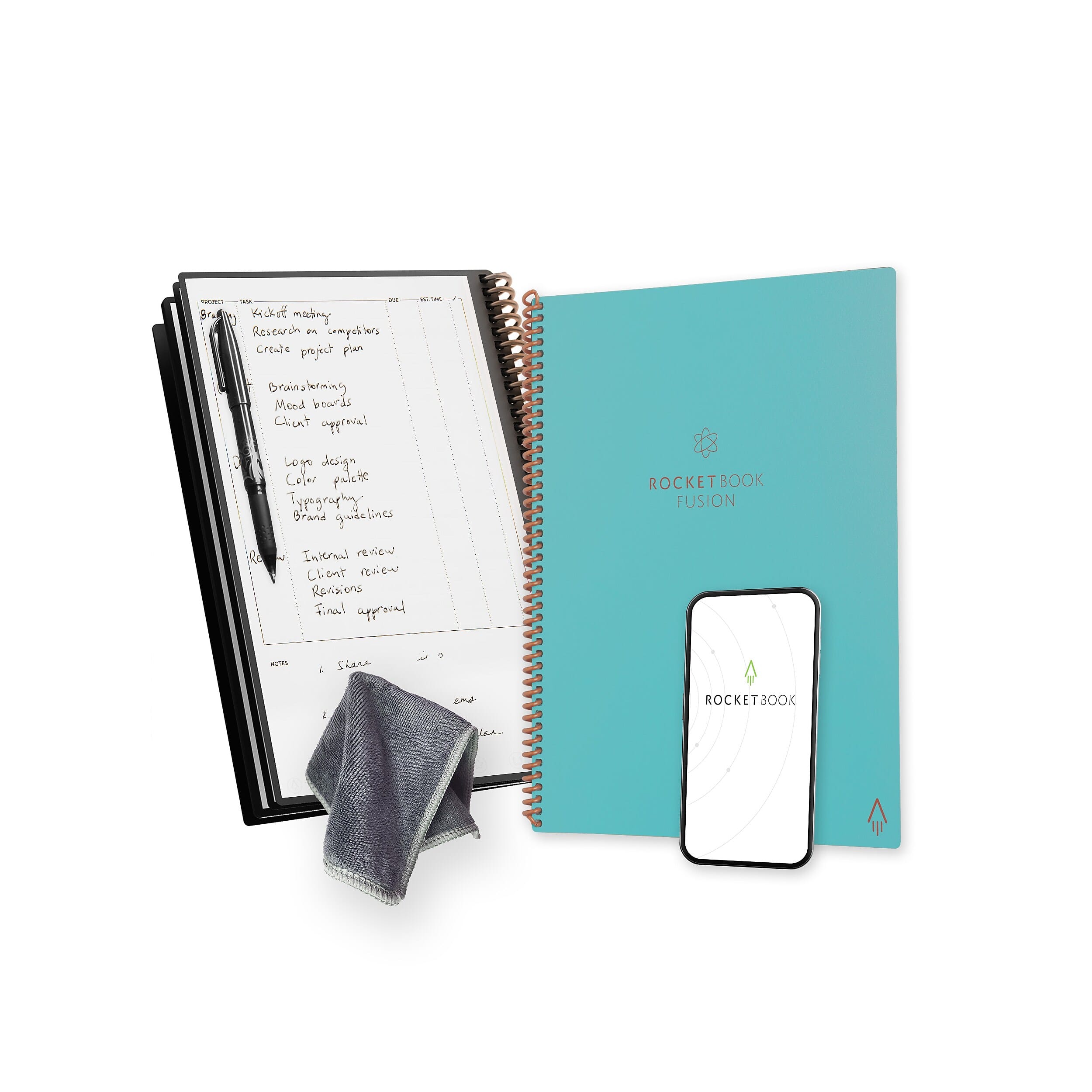
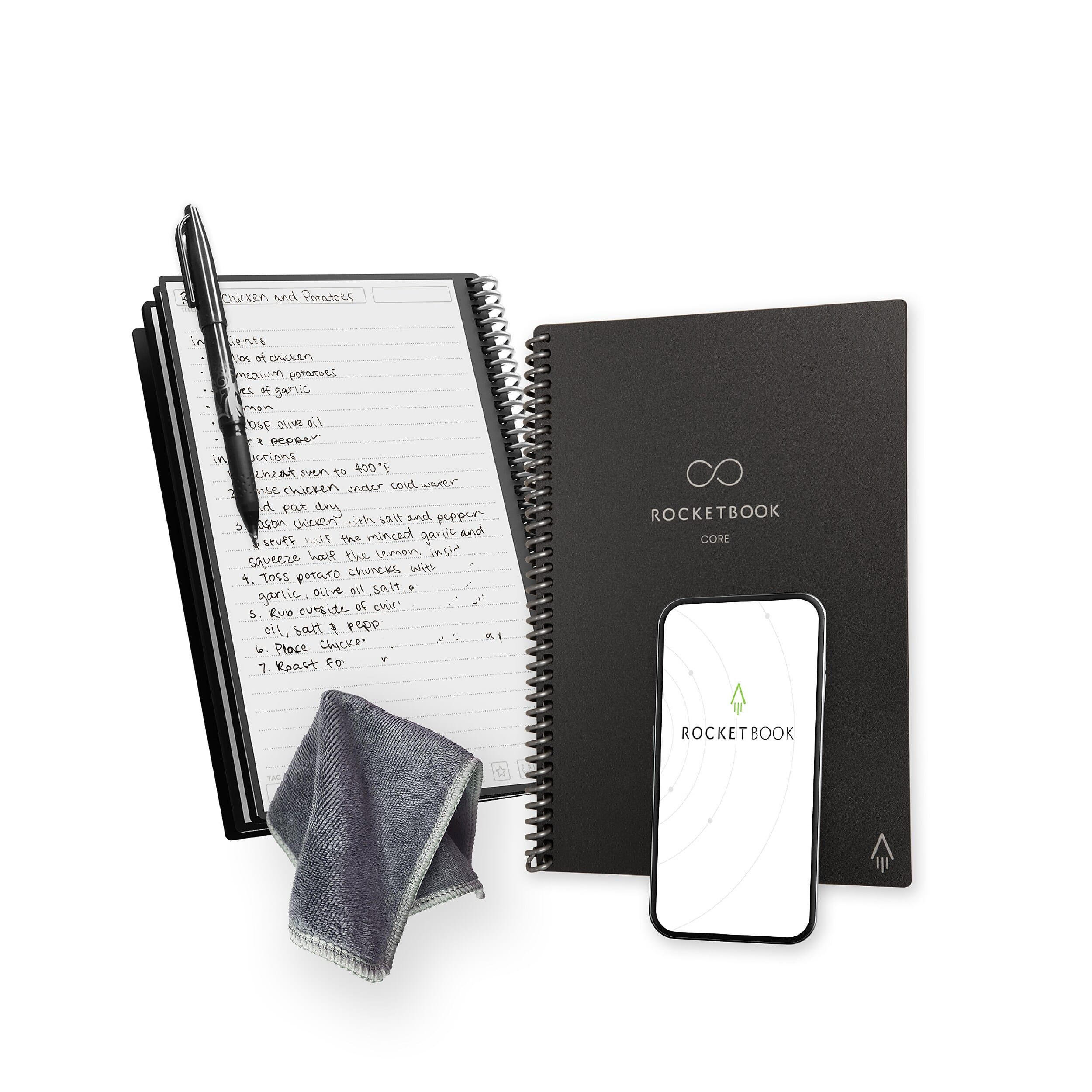
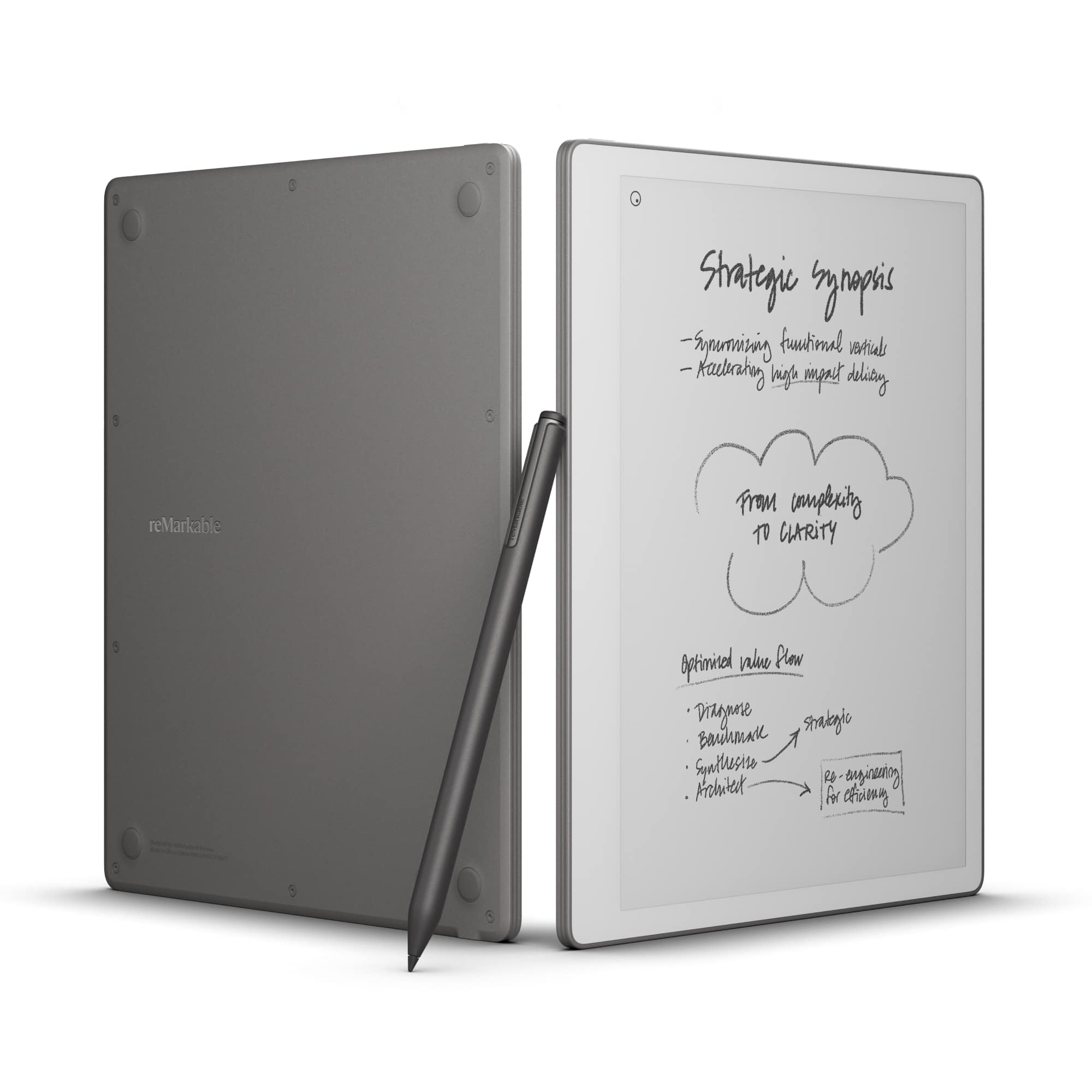
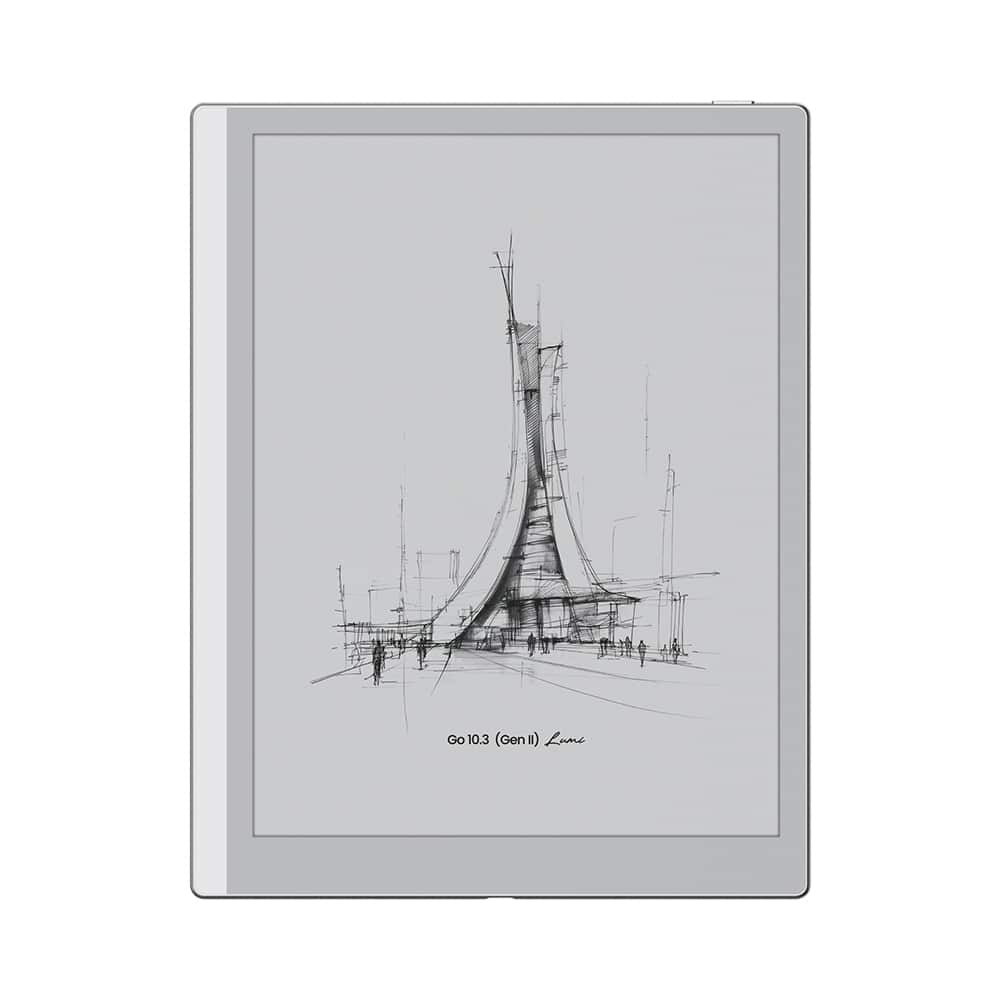
Best flexible alternatives to compare
Kindle Scribe vs. reMarkable: Which Digital Notebook Is Right for You?
FAQs
It depends on the kind of studying you do. Kindle Scribe can be a better fit if you want to read books, mark up documents and keep notebooks in one place. reMarkable can be a better fit if you want a more focused writing experience for lecture notes, outlines and draft work with fewer on-screen distractions.
For work, Kindle Scribe is a smart pick when your day mixes reading, reviewing and note-taking. reMarkable is a strong choice when your workflow is built around handwriting, brainstorming and distraction-lighter project planning. The right choice comes down to whether you lean more toward reading tasks or writing tasks.
Kindle Scribe is more naturally centered on reading and annotation within the Kindle ecosystem. reMarkable can handle documents and reading tasks, but it is typically chosen first for focused writing and paper-like note-taking rather than as a dedicated reading device.
Yes. BOOX devices are worth comparing if you want another e-ink option with a different balance of size, flexibility and everyday use. They can be appealing for shoppers who like the digital paper feel but want to explore beyond the Kindle Scribe and reMarkable approach.
Start with workflow, not just specs. Think about whether you mainly read and annotate, mainly handwrite notes, or want a more flexible e-ink setup. Also consider screen size, included writing tools, how focused you want the experience to feel and whether you want a device that behaves more like a notebook or more like an e-reader.