HDMI-To-VGA Adapter For Mac
-
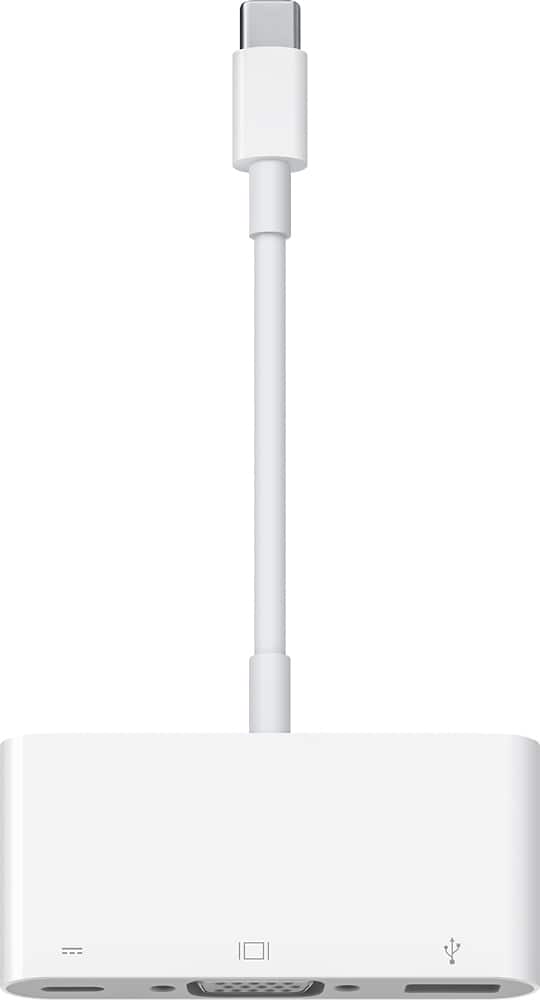
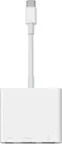
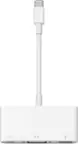
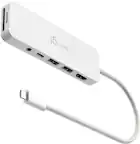
Apple - USB-C VGA Multiport Adapter - White
SKU: J3ZR295KVZLove that best buy has apple representative in store to help with iT needs....Great stuff Best Buy, I love it and recommend it !...Great
See all Monitor & Video AdaptersProduct Description
A white multiport adapter that connects USB-C devices to VGA displays, USB accessories, and charging cables.Your price for this item is $28.99Save $41The previous price was $69.99 -
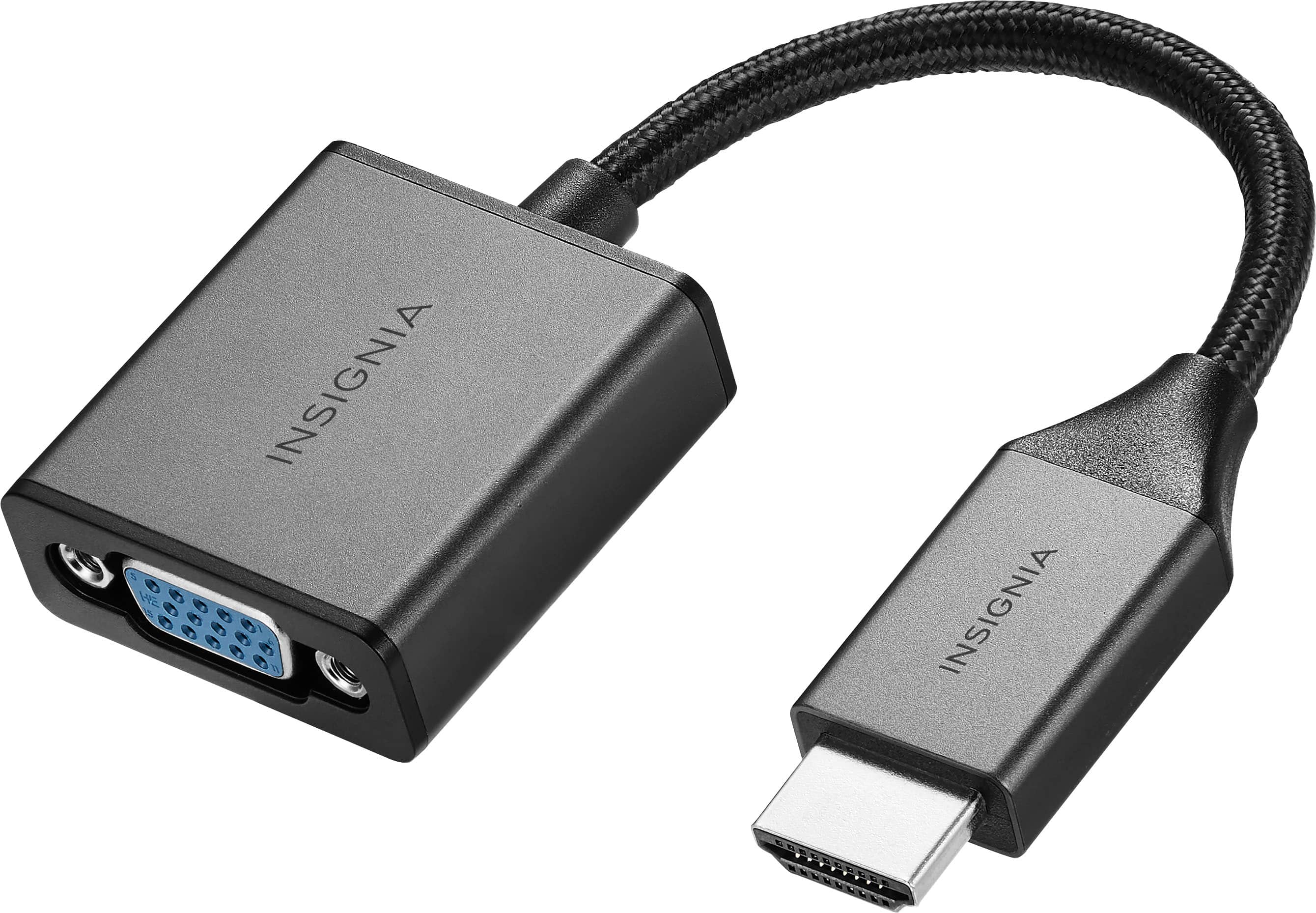
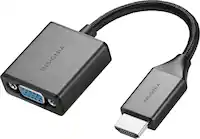
Insignia™ - HDMI to VGA Adapter - Cool gray
SKU: J2FPJK944LBest buy...It’s working great did the job,,we love shopping at Best Buy they have everything you need...Great job Best buy...Works perfectly did exactly what I had wanted to do love this device go to...
See all Monitor & Video AdaptersProduct Description
A cool gray adapter that connects HDMI devices to VGA monitors, supporting 1080p video and audio output.Your price for this item is $19.99 -
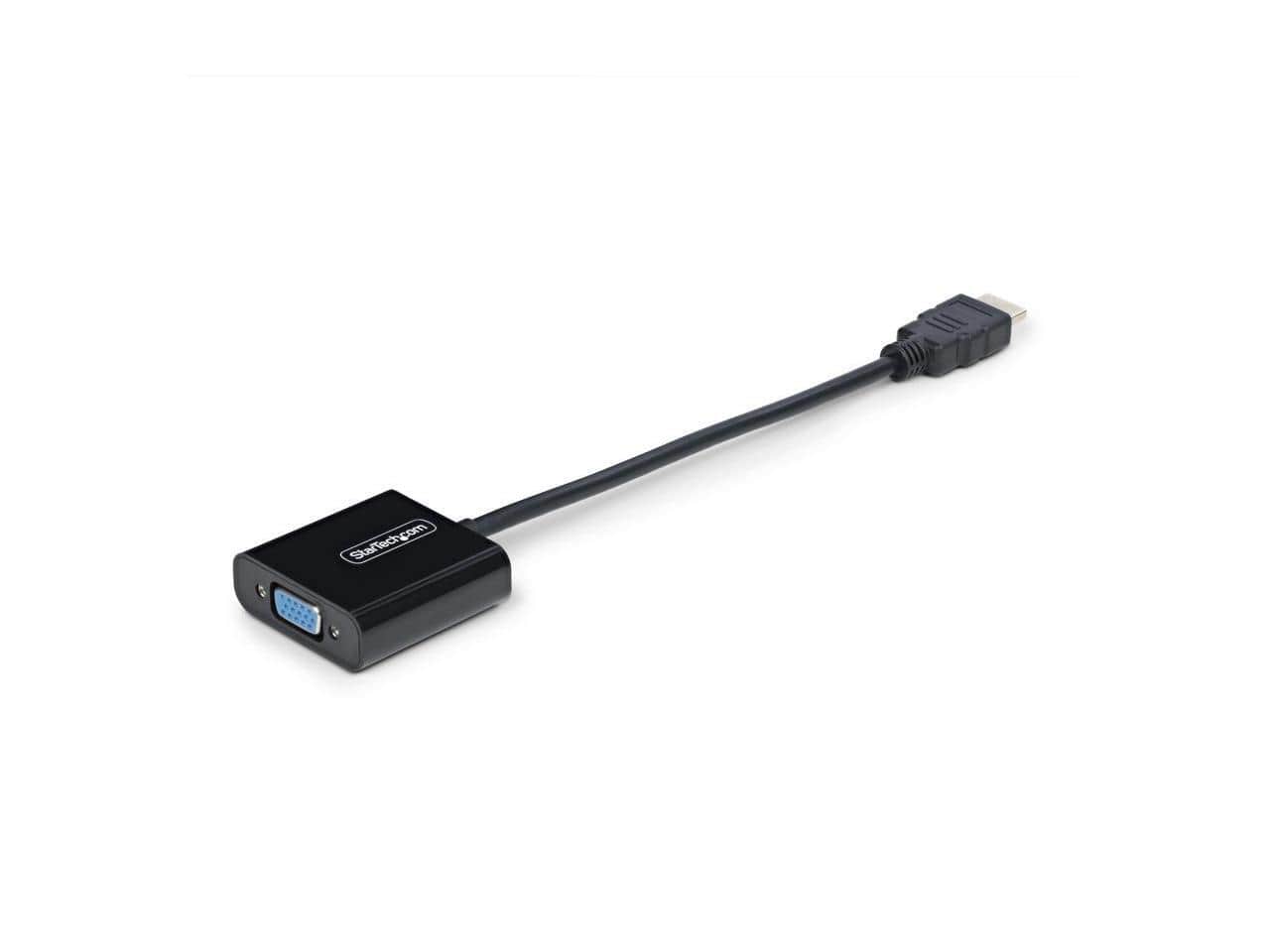
StarTech.com - StarTech HDMI to VGA Adapter, 1080p Active Converter - HD2VGAE3
SKU: J7PHYX2CYXSee all Monitor & Video CablesProduct Description
An active converter that connects HDMI devices to VGA monitors or projectors, supporting up to 1080p resolution.Your price for this item is $33.04 -
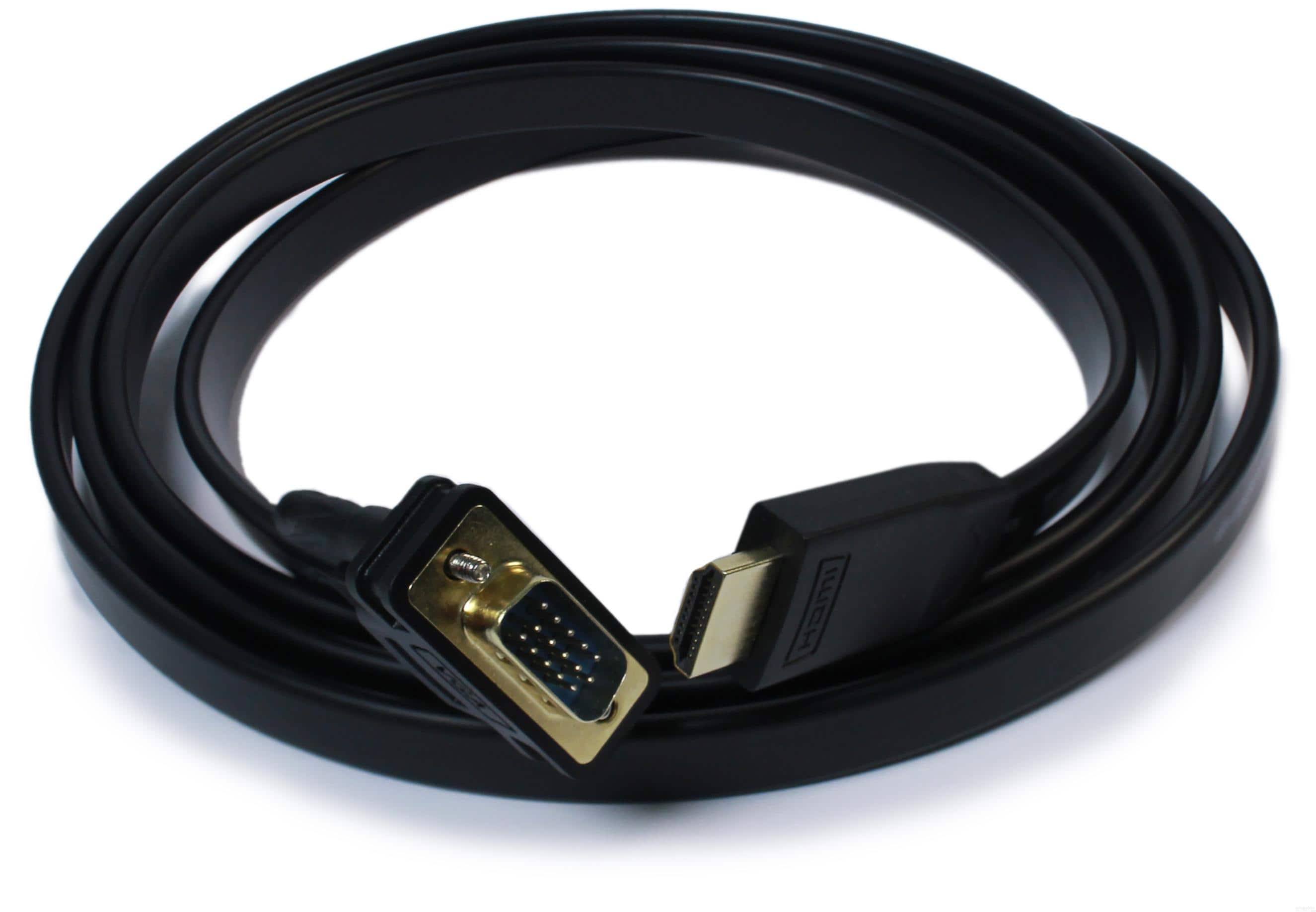
Plugable - Monitor Adapter Cable - HDMI to VGA,6ft (1.8m), Driverless - Black
SKU: J3YLP62HSRSee all Monitor & Video CablesProduct Description
A black driverless HDMI to VGA cable enabling easy video connection from modern devices to legacy monitors.Your price for this item is $19.95 -
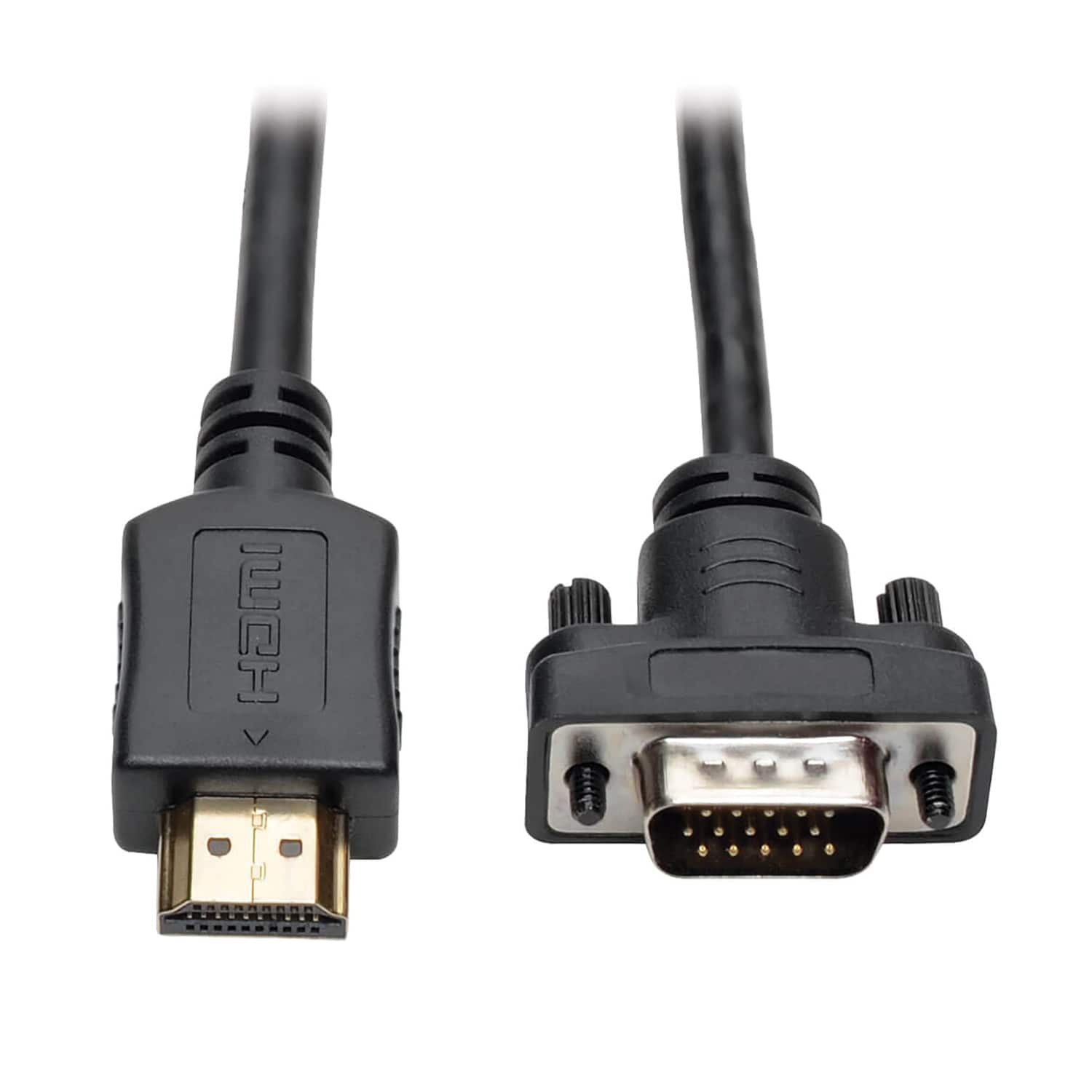
Tripp Lite - 1900 x 1200 60 Hz HDMI Male to VGA Male Low-Profile Active Adapter Cable 6 Ft P566-006-VGA - Black
SKU: J78C5ZP4KKSee all Monitor & Video CablesProduct Description
A black low-profile active adapter cable that converts HDMI signals to VGA for monitors, projectors, or TVs.Your price for this item is $39.60Save $7The previous price was $47.34 -
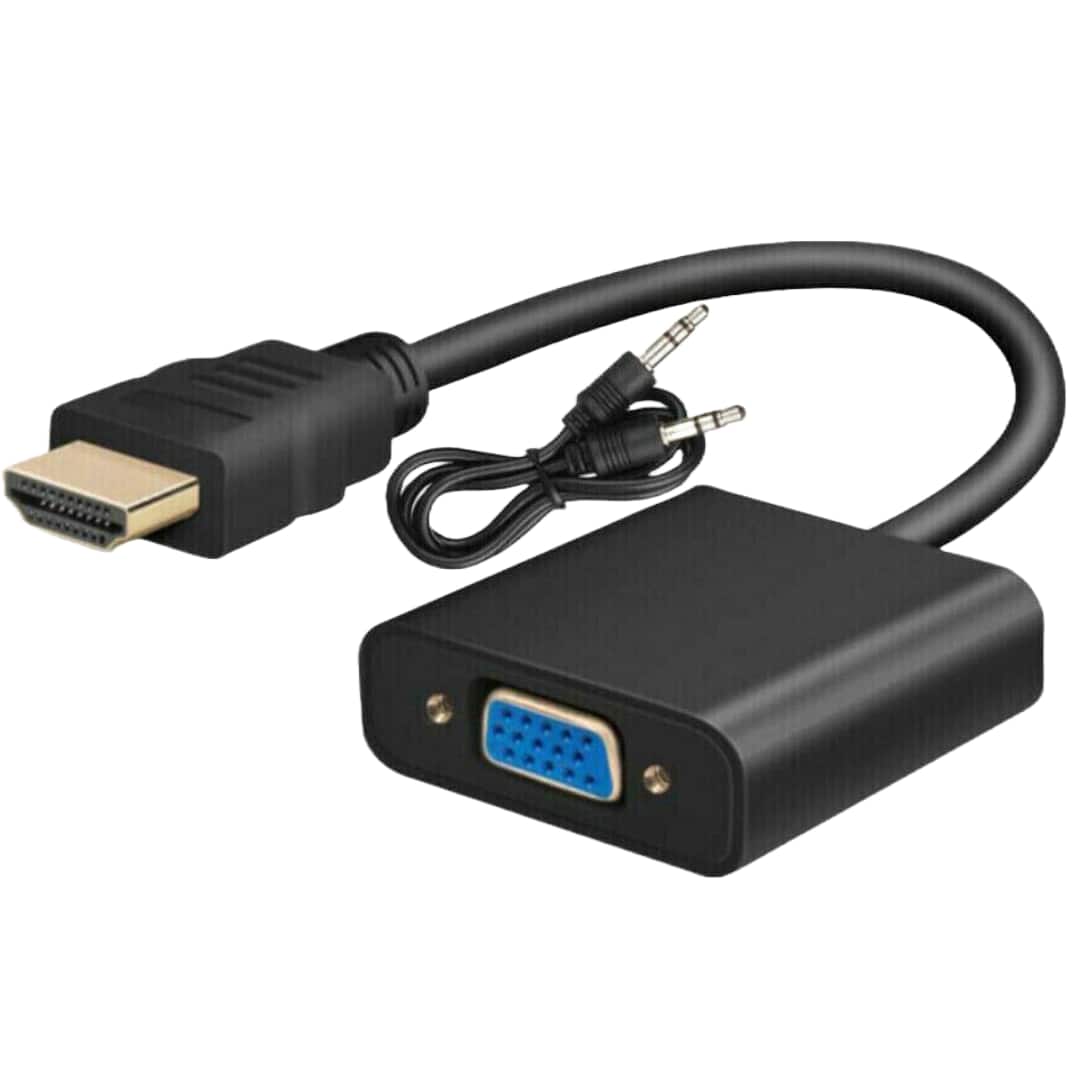
Sanoxy - HDMI TO VGA HDMI Male To VGA Female Converter Adapter With Audio 1080P Support - Black
SKU: J3HXSWWH2PSee all Monitor & Video AdaptersProduct Description
A black adapter that converts HDMI to VGA with audio support and 1080p resolution for easy connectivity.Your price for this item is $19.99 -
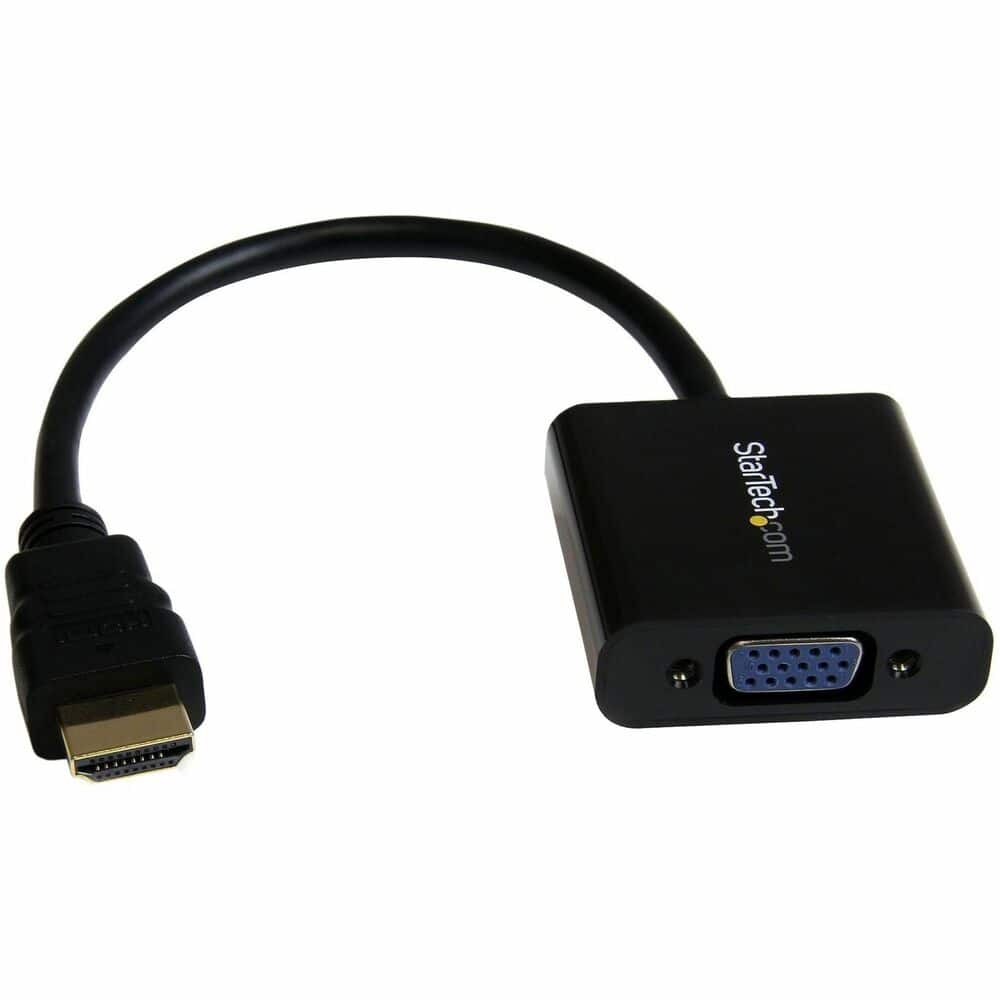
StarTech.com - HDMI to VGA Adapter - 1080p - 1920 x 1080 - Black - HDMI Converter - VGA to HDMI Monitor Adapter
SKU: J7PHY2VS9JSee all Monitor & Video CablesProduct Description
A compact black adapter that connects HDMI devices to VGA monitors or projectors with 1080p resolution support.Your price for this item is $34.99 -
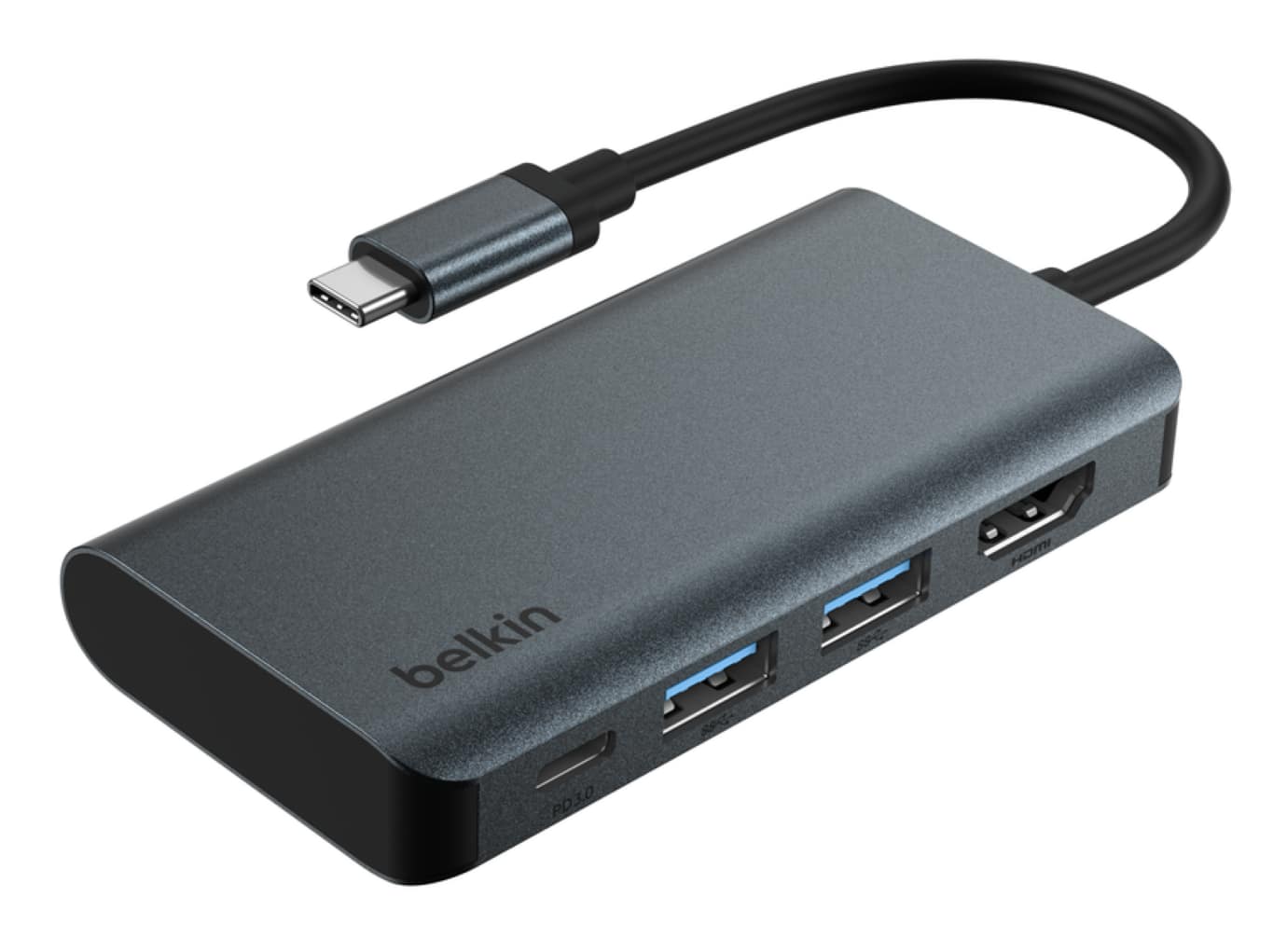
Belkin - USB-C Hub 4-in-1 Multi-Port Laptop Dock with 4K HDMI, Adapter with 100W Power Delivery - for Mac, PC, and More - Dark Gray
SKU: JX5329KYZKBest Buy , Best Deal...Great deal, works like a charm.Easy to carry around especially on the go...Love the size of this hub. Works great and connects perfect with my pc
See all Docking StationsProduct Description
A sleek dark gray aluminum hub offering 4K HDMI, two USB-A ports, and 100W USB-C power delivery.Your price for this item is $34.99 -
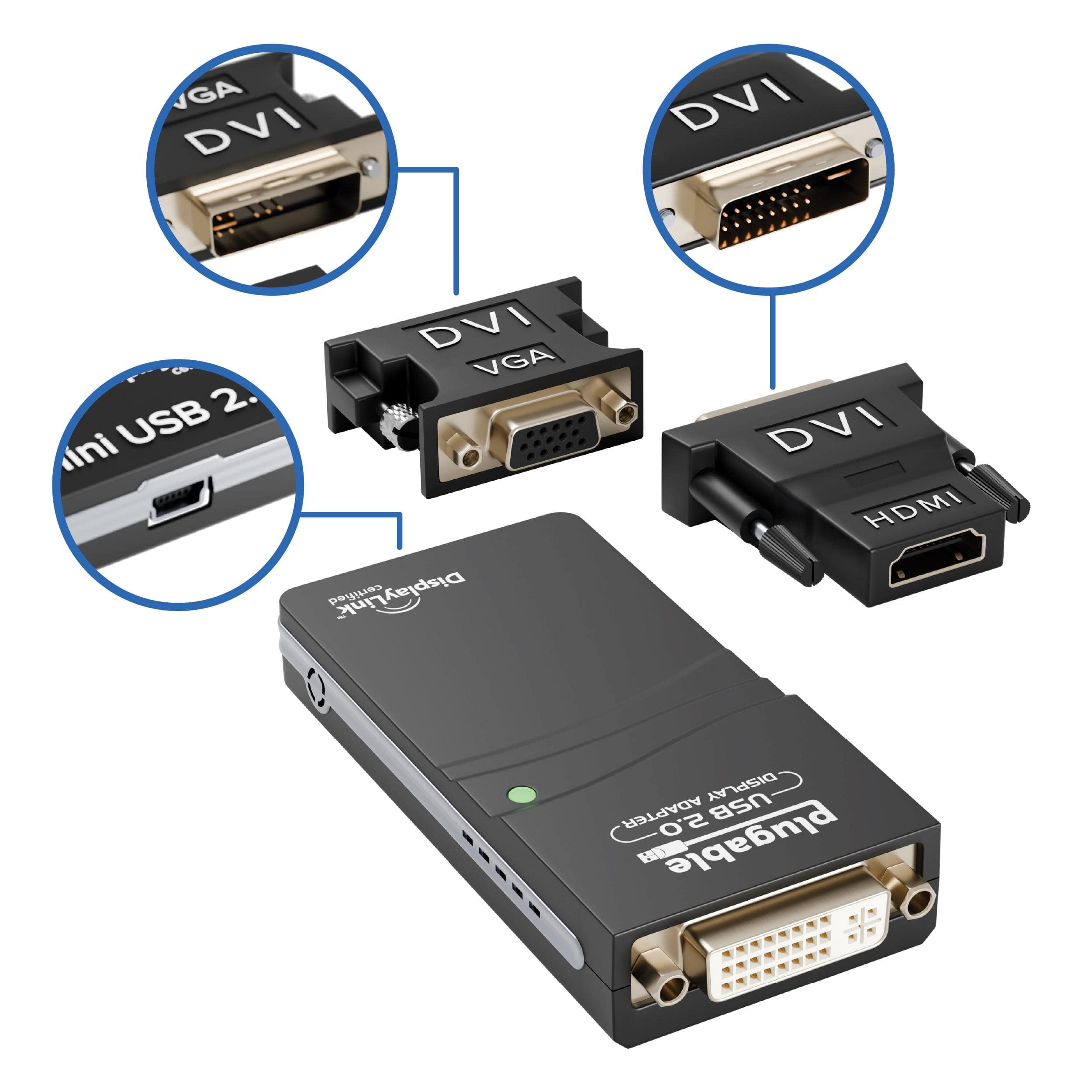
Plugable - USB 2.0 to DVI, VGA, or HDMI Multi-Monitor External Video Graphics Card Adapter up to 1920x1080 - Black
SKU: JX8YGYG3KHGreat product...This works great for connecting my laptop, tv and phone all up at the same time....Great for home business set up to help manage two screens at a time.
See all Monitor & Video CablesProduct Description
A black USB 2.0 adapter enabling multiple monitors via DVI, VGA, or HDMI on Windows and Mac.Your price for this item is $29.95
Best Sellers



Related Pages





FAQ
Yes, this HDMI-to-VGA adapter is compatible with most MacBook models that feature an HDMI output. Please ensure your MacBook has an HDMI port or use an appropriate USB-C to HDMI adapter if needed.
Absolutely! This adapter allows you to connect your Mac’s HDMI port to a VGA projector, making it ideal for presentations, meetings, and classroom use.
No, VGA connections only transmit video signals. If you need audio, you will need to use a separate audio cable from your Mac’s headphone jack or audio output.
No additional software or drivers are necessary. This adapter is plug-and-play, allowing for immediate use once connected to your Mac and VGA display.
Yes, you can use this adapter to connect your Mac to external VGA monitors for either extended desktop or mirrored display modes, depending on your display settings.