Two Button Mouse For Mac
-
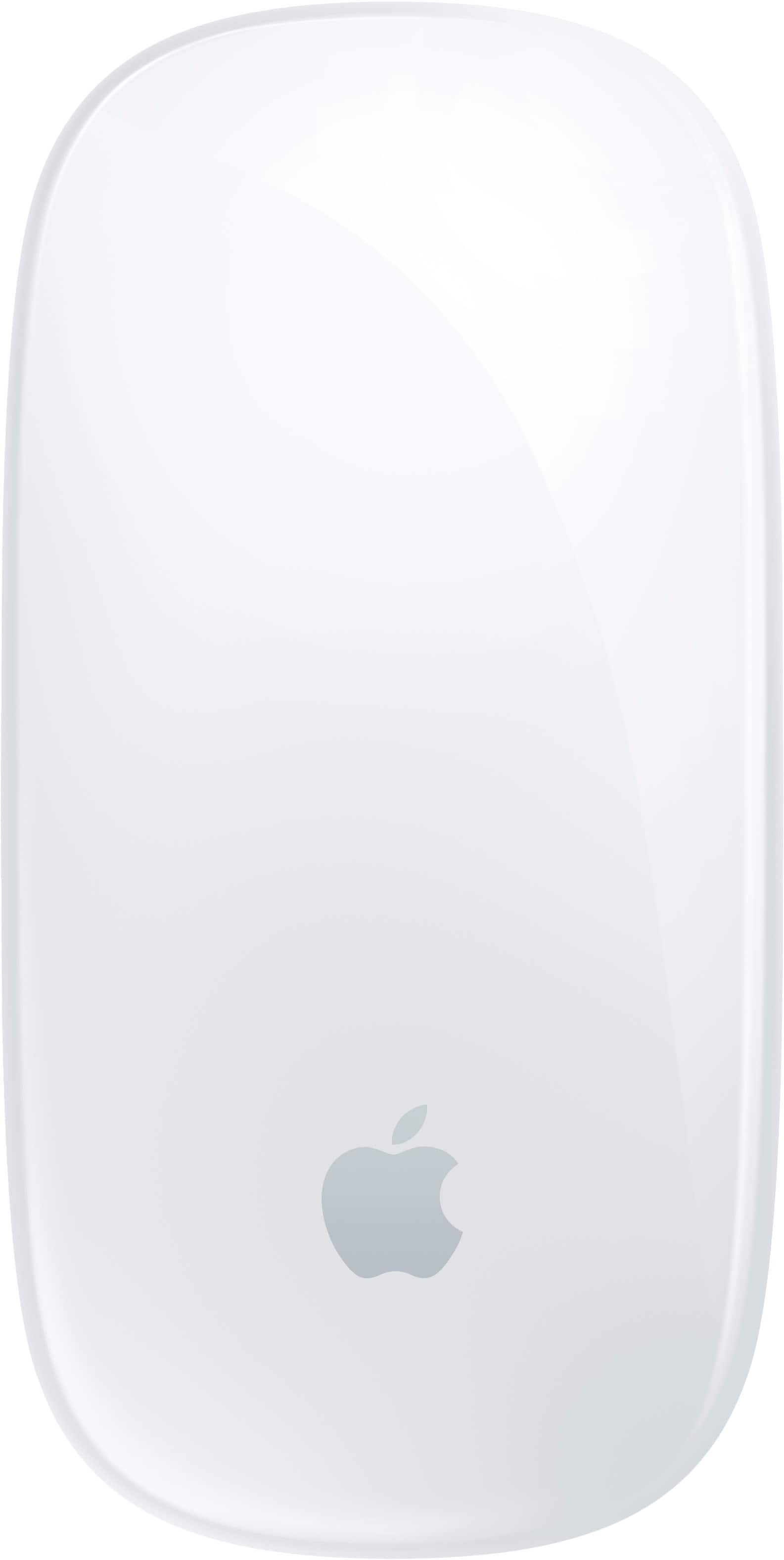
Apple - Magic Mouse - Multi-Touch Surface (USB-C) - Wireless - White Multi-Touch Surface
SKU: JJGCQ8CVPLBest mouse i use it everyday for photo editing and i love the touch system...Best mouse for my MacBook Pro or any Apple MacBook or computer...Love this mouse
See all MiceProduct Description
A wireless white mouse with a rechargeable battery and Multi-Touch surface for intuitive gesture controls.Your price for this item is $79.99 -
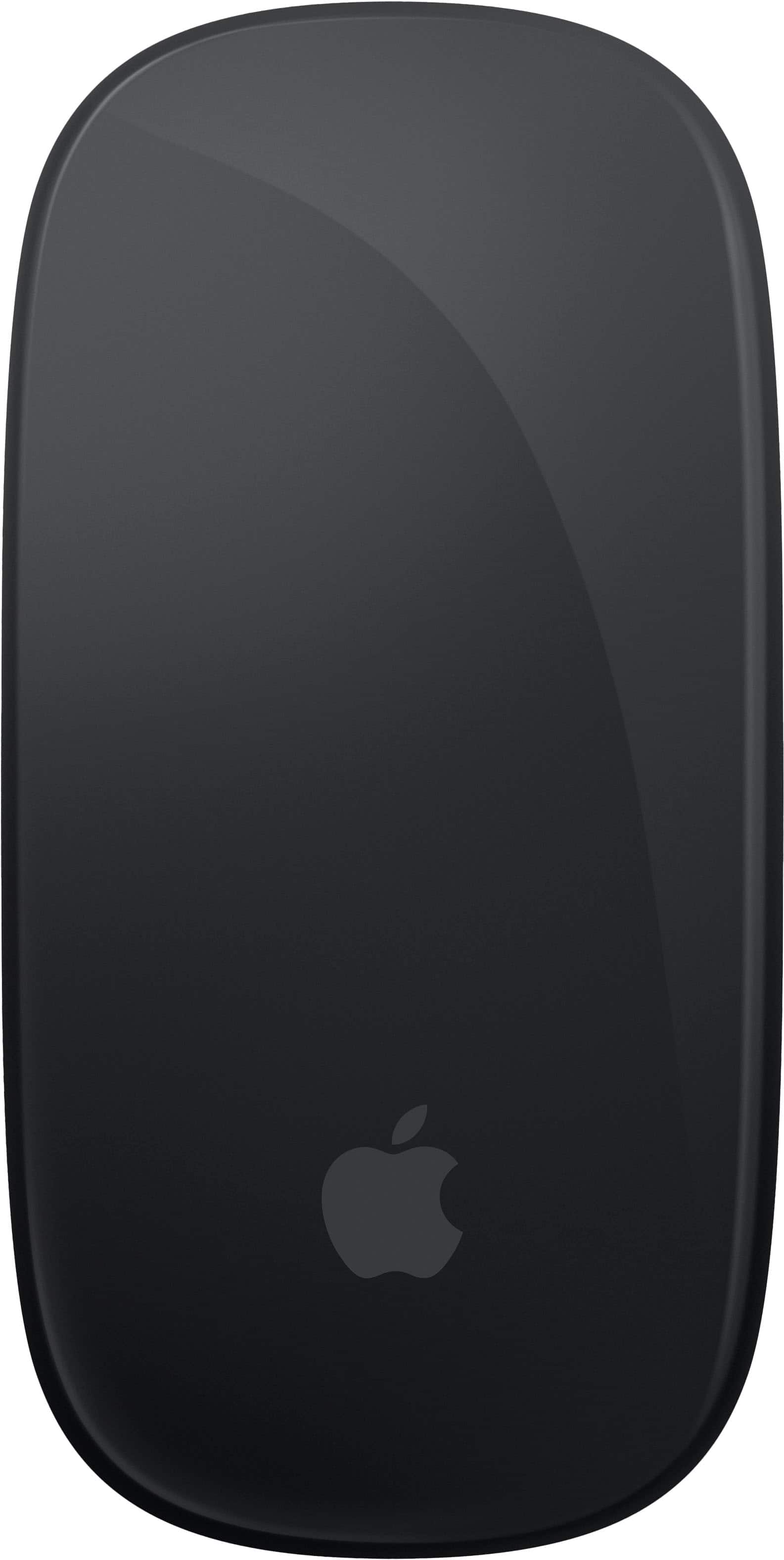
Apple - Magic Mouse - Multi-Touch Surface (USB-C) - Wireless - Black Multi-Touch Surface
SKU: JJGCQ8CVQCGreat product...This is one of my best buy at best buy..thank you for a great experience...Great...Great product. Best Buy made my shopping very easy
See all MiceProduct Description
A sleek black wireless mouse with a rechargeable battery and Multi-Touch surface for intuitive gesture controls.Your price for this item is $99.99 -
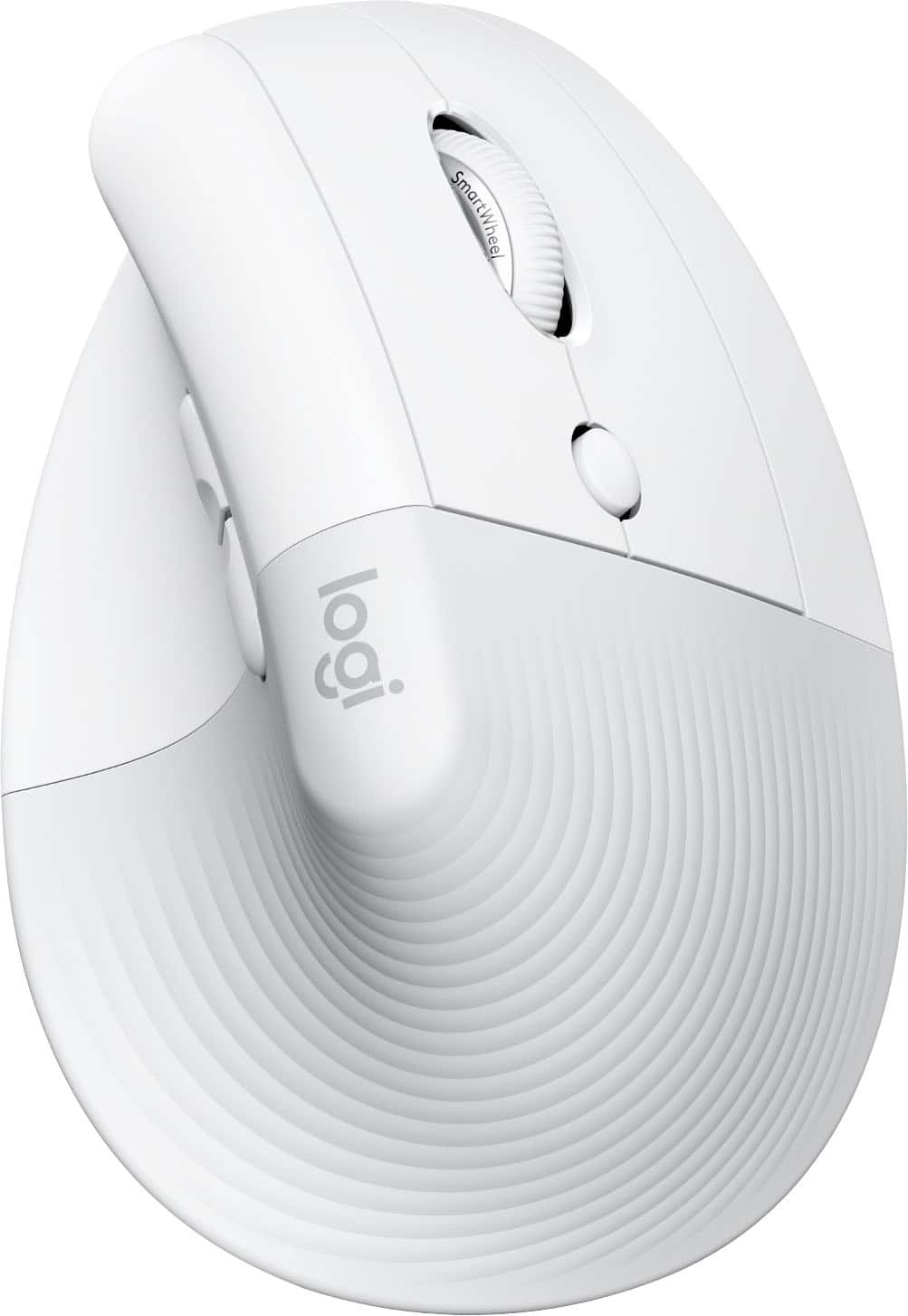
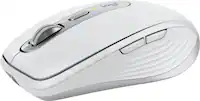
Logitech - Lift for Mac Wireless Bluetooth Optical Ergonomic Mouse with 4 Customizable Buttons - Wireless - Off-White
SKU: J7H7ZY3FQHEasy to use, great for my wrist
See all MiceProduct Description
An ergonomic off-white Bluetooth mouse with quiet clicks, four customizable buttons, and a vertical design for comfort.Your price for this item is $79.99Save $12The previous price was $92.89 -
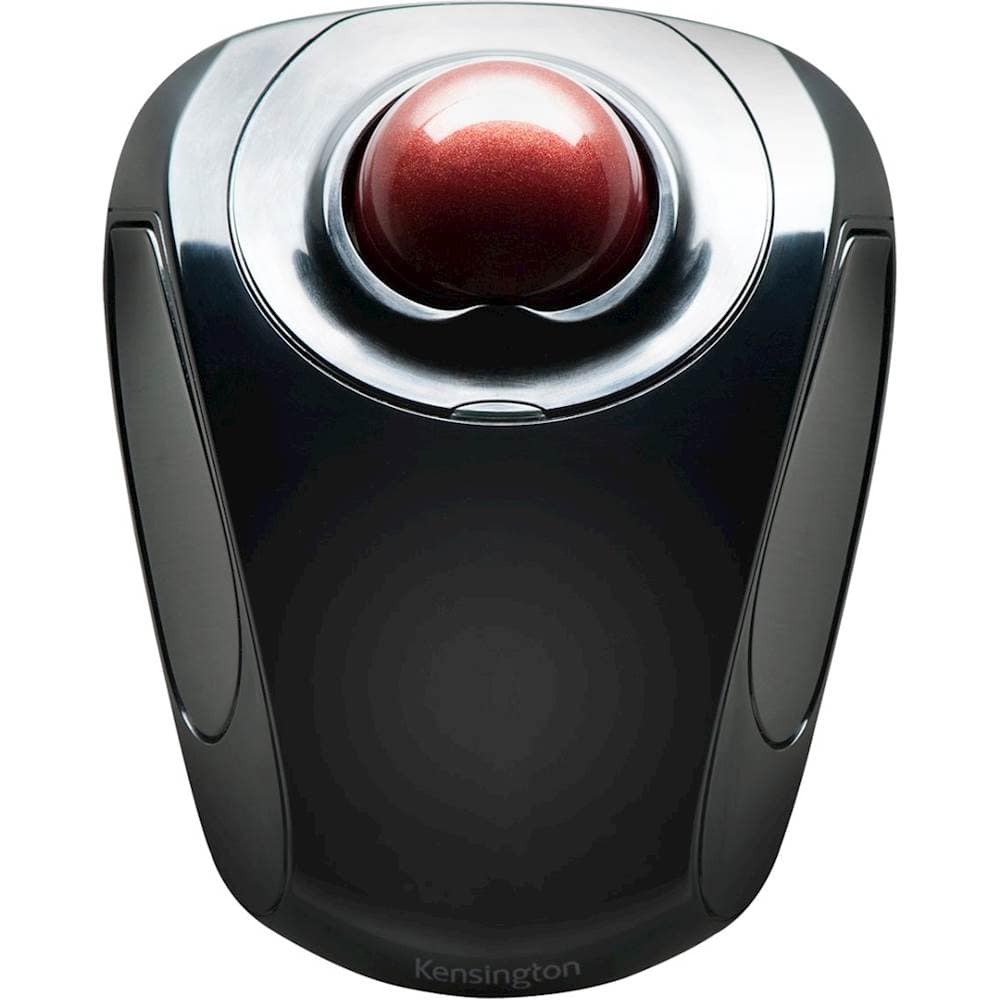
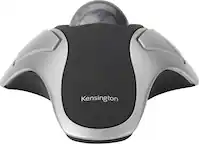
Kensington - Orbit Wireless Laser Trackball Mouse - Black
SKU: J7RJZZQGQFSee all Wireless & Bluetooth MiceProduct Description
An ergonomic black wireless trackball mouse with ambidextrous design, programmable buttons, and precise touch scrolling.Your price for this item is $49.99 -
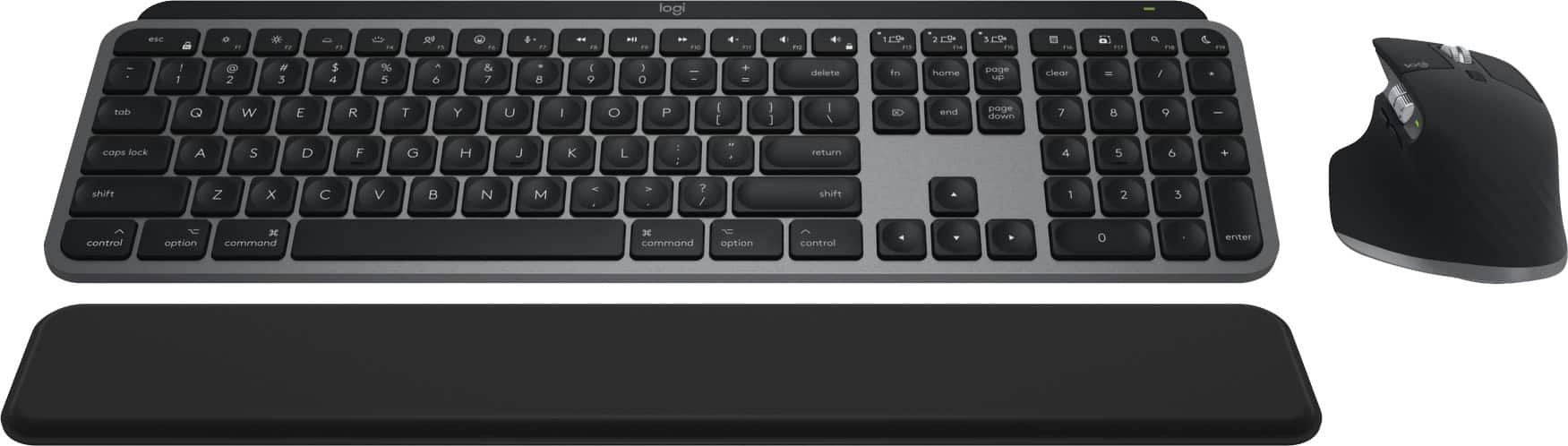
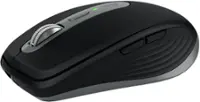
Logitech - MX Keys S Combo for Mac Full-size Wireless Scissor Keyboard and Mouse Bundle for MacBook, iMac, iPad with Palm-rest - Space Gray
SKU: J7H7ZYGPSRBest investment as a profesional for your setup...Love the mouse -super comfortable. Very happy with this purchase.
See all Mice, Keyboards & AccessoriesProduct Description
A wireless Space Gray keyboard and mouse combo optimized for macOS, featuring scissor keys and palm rest.Your price for this item is $199.99 -
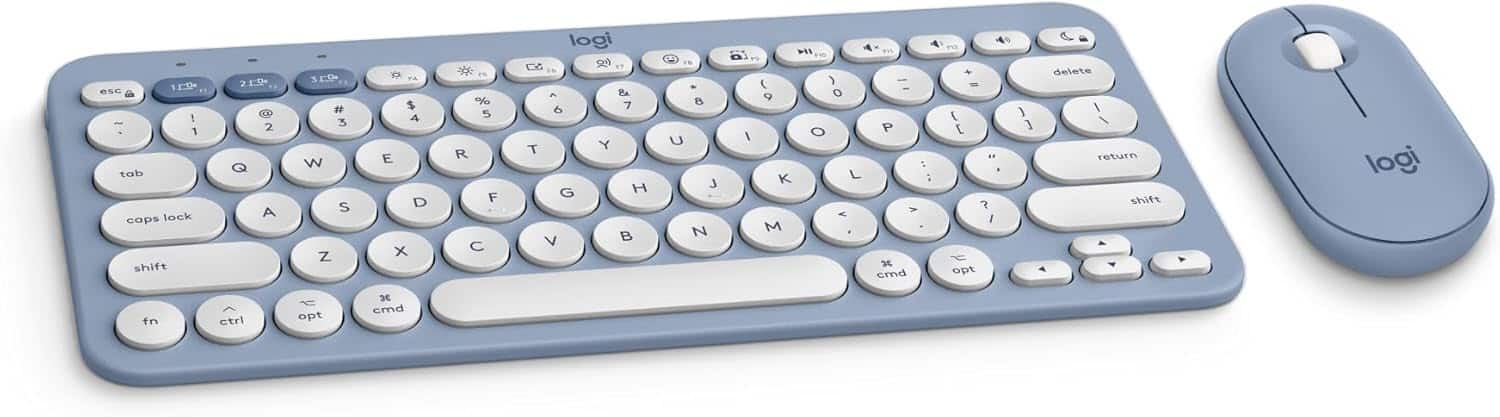
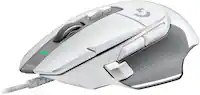
Logitech - Pebble 2 Mouse and Keyboard Combo for Mac - Tonal Blue
SKU: J7H7ZYG3F3See all Gaming Keyboard & Mouse CombosProduct Description
A slim, quiet wireless keyboard and mouse combo in tonal blue, designed for Mac with Bluetooth connectivity.Your price for this item is $72.99 -
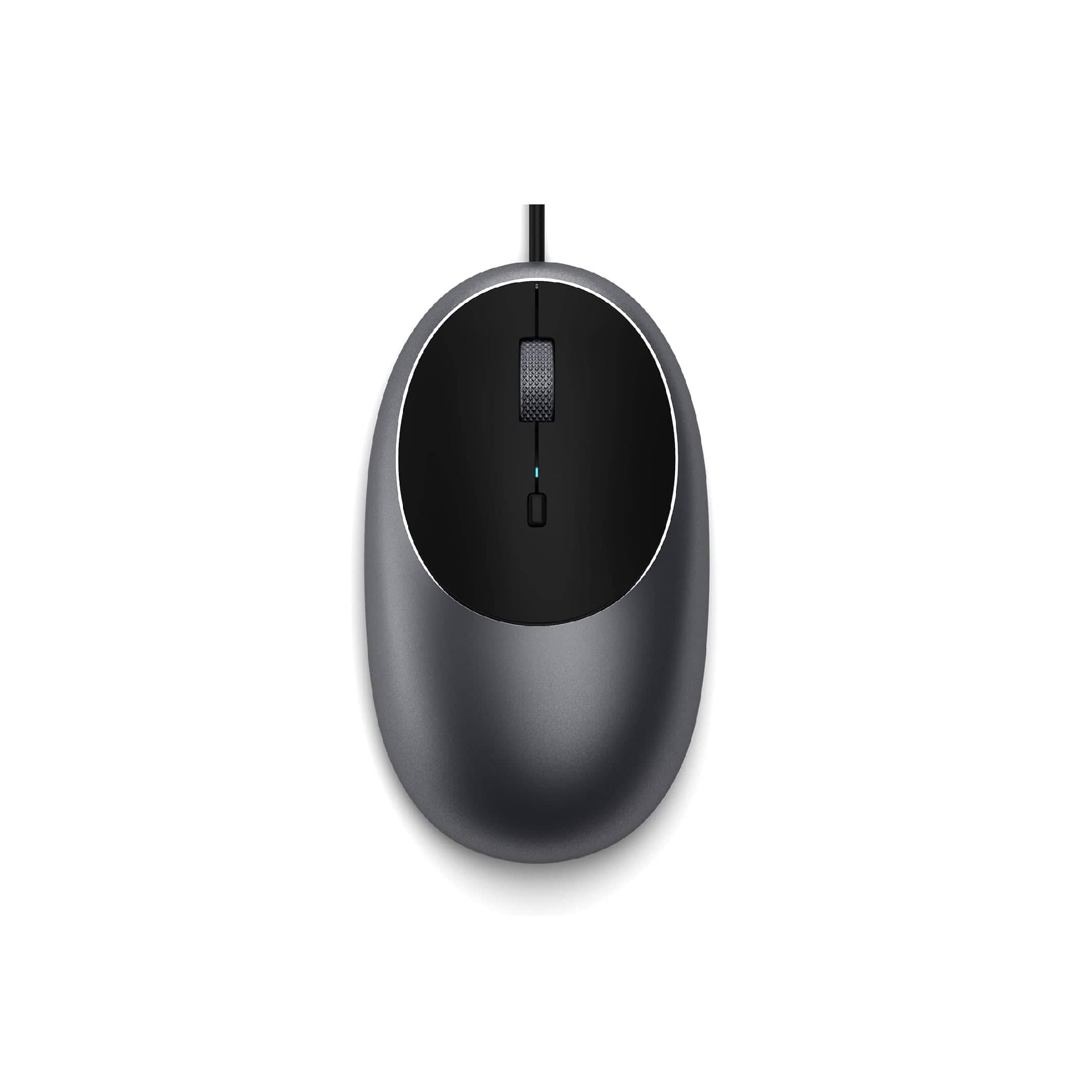
Satechi - Aluminum C1 Wired USB-C Optical Mouse for MacBook Air/Pro M5/M4, iPad Air/Pro, Mac mini, iMac - Wired - Space Gray
SKU: J3KXL7XQGRSee all USB & USB C Wired MiceProduct Description
A sleek space gray wired USB-C mouse featuring four programmable buttons and adjustable DPI up to 3200.Your price for this item is $19.99 -
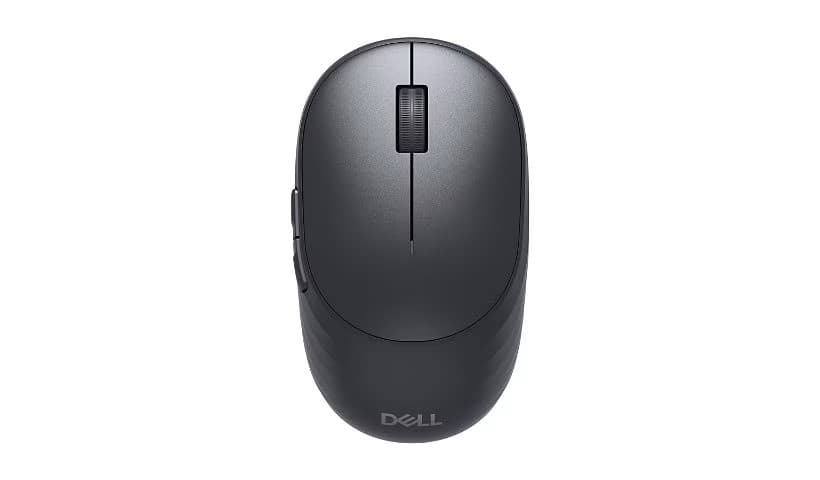
Dell - Pro 5 Mouse - MS526 - PC, Mac - Full-size Mouse - Optical - Wireless - Radio Frequency - 2.40 GHz - USB - Wireless - Black
SKU: J3K4L6W3FSSee all USB & USB C Wired MiceProduct Description
A full-size black wireless optical mouse with 6000 dpi, three programmable buttons, and USB connectivity.Your price for this item is $30.71 -
Kensington - K72355US Pro Fit USB 2.0 Wired Mid-Size Mouse for Right Hand Use - Wired - Black
SKU: J7RJZZQGTXSee all USB & USB C Wired MiceProduct Description
A black wired mouse designed for right-handed comfort, featuring plug-and-play setup and convenient navigation buttons.Your price for this item is $29.98 -
Dell - Pro 7 Rechargeable Compact Mouse - MS746 - PC, Mac - Optical - Wireless - Bluetooth/Radio Frequency - 2.40 GHz - Wireless - Unknown
SKU: J3K4L6WZZVSee all USB & USB C Wired MiceProduct Description
A rechargeable compact wireless mouse with 6000 dpi, Bluetooth connectivity, and three programmable buttons.Your price for this item is $48.01

Best Sellers





Related Pages


FAQ
Yes, most two button mice are compatible with all recent Mac models, including MacBook, iMac, and Mac Mini, as long as the Mac has a USB port or supports Bluetooth connectivity.
Absolutely! macOS allows you to customize button functions through System Settings or with third-party software, letting you assign actions like right-click, mission control, or launching specific applications.
Most two button mice are plug-and-play with macOS and do not require additional drivers. However, some advanced features may need optional software provided by the manufacturer.
Yes, a two button mouse provides precise control and additional functionality, making it a practical choice for graphic design, gaming, and other productivity tasks on Mac.
To enable right-click, go to System Settings > Mouse and ensure 'Secondary click' is turned on. This allows the right mouse button to function as a right-click, just like on Windows PCs.