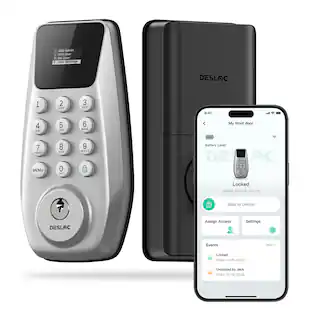
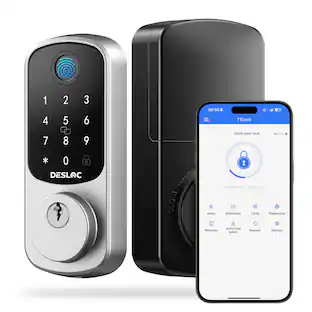
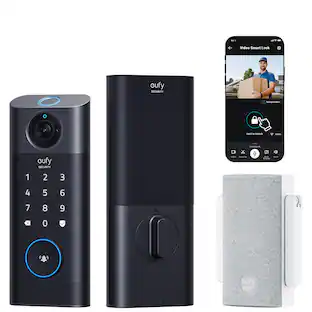
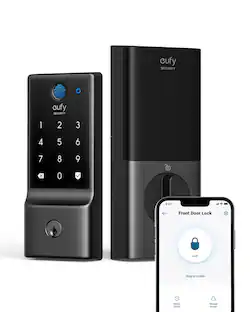
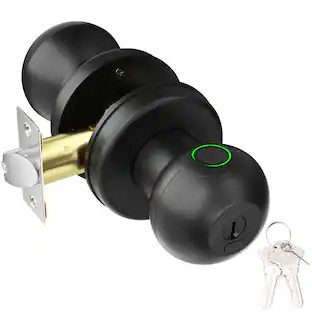
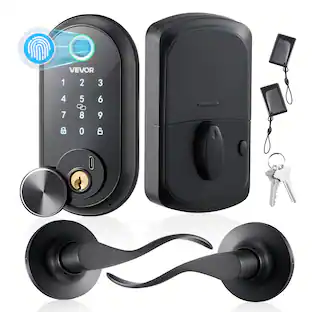
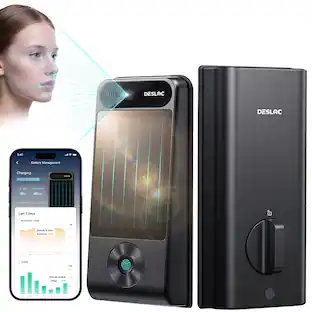
DESLOC - B200 Smart Lock Keyless Entry Fingerprint Deadbolt with Handle/Lever Set, Front Door Replacement, Bluetooth App - Silver - Knob
Reviews coming soon
About this product
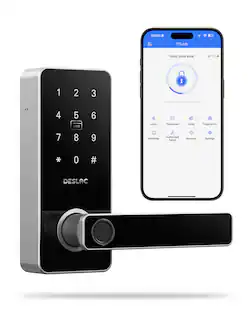
Wave goodbye to fumbling for keys. Welcome effortless entry. Unlock in 0.3s with your fingerprint – or use PIN, APP control, or voice control. Grant your friends and family instant access with no key exchange. Designed for painless DIY setup – get secured in 15 minutes, almost as easy as changing a lightbulb. Keys? Consider them retired.
Color
Silver - KnobHighlights
Features
Five Ways to Unlock
Fingerprint scan (0.3s), touchscreen keypad, App control, voice commands (Alexa/Google), or physical backup key – adapt to any situation.
Worry-Free Power
Ships with 4 AA batteries for about 12 months. Low-battery alerts and Emergency Type-C charging keeps you covered.
Share joy, Not Keys
Easily generate temporary, scheduled access codes for your friends and family – keep your personal codes VIP-only.
App Control
Bluetooth access at your door. Or use WiFi (WiFi module sold separately) for remote control and view smart lock activity logs.
Security Design
Auto-lock function, IP54 waterproof rating, and reliable operation from -22°F to 158°F. Reduce your security worries
Specifications
- Color FinishSilverLock TypeDeadboltLock/Unlock MechanismApp, Fingerprint, Key fob, KeypadPower SourceBattery-poweredInstallation TypeReplacement
Reviews
This product doesn't have any reviews yet.

Compare similar products
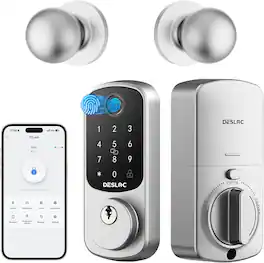
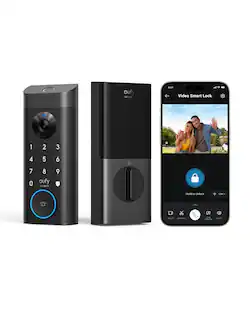
Wave goodbye to fumbling for keys. Welcome effortless entry. Unlock in 0.3s with your fingerprint – or use PIN, APP control, or voice control. Grant your friends and family instant access with no key exchange. Designed for painless DIY setup – get secured in 15 minutes, almost as easy as changing a lightbulb. Keys? Consider them retired.
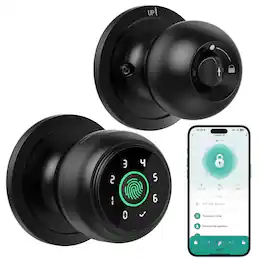
This smart lock features fast fingerprint recognition, passcode entry, app control, and a mechanical key for flexible and secure access. With 0.2-second biometric unlocking, auto-lock functionality, and app-based user management, it provides convenient keyless entry and enhanced home security for everyday use.
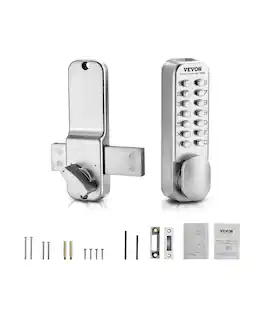
This mechanical keyless entry door lock features a sturdy, battery-free design, avoiding the need for keys or access cards. Made of durable zinc alloy, it's waterproof, rust-resistant, sun-proof, and freeze-proof, ensuring reliable performance in any weather. The lock includes multiple screws and square bolts to fit various door sizes, simplifying installation. Setup is easy with our videos and instructions.
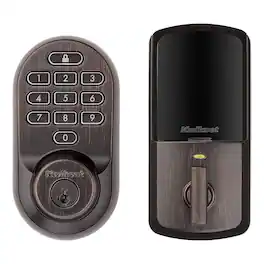
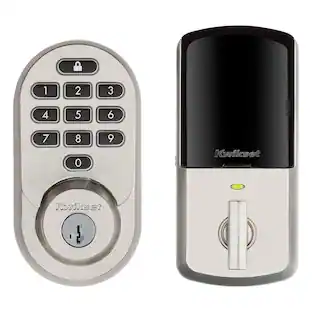
Halo Wi-Fi Smart Lock is a keyless entry electronic deadbolt featuring SmartKey. Using the Kwikset App, you can lock/unlock, program up to 250 user access codes, and receive notifications from anywhere there's an Internet connection. This single cylinder deadbolt can be locked or unlocked by using the keypad or key from the outside as well as the turn button from the inside. The Venetian Bronze finish is hand-rubbed to reveal unique bronze highlights and provides a rich and warm complement to the product's style.
Specs
Customers often buy these together
Security Camera


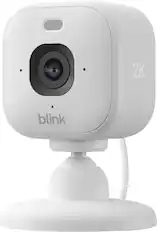
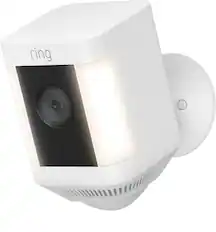

Smart Doorbell




More recommended items
 Sensors and Detectors
 Smart Speakers and Displays
 Networking
Customers ultimately bought
 $95.97The price was $184.00

Control, Comfort, Convenience Sponsored
 Top Deal$399.99The price was $499.99
Keep exploring
 $129.99The price was $169.99