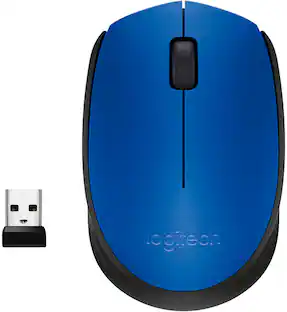
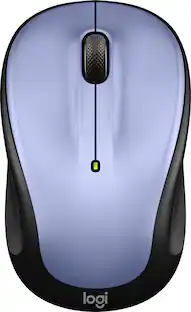
Logitech - M317 Wireless Optical Mouse - Wireless - Colt Glossy
Customers are saying
Customers are positive about the overall performance and ease of use of this mouse, frequently highlighting its simple setup process. Users also appreciate the ergonomic design and the comfortable size, which fits well in the hand. Additionally, many reviewers enjoy the silent clicking mechanism, reliable Bluetooth connectivity, and the long-lasting battery life.
Color
Colt GlossyEasy Navigation, Precise Control
Logitech M317 wireless mouse features line-by-line scrolling and smooth optical tracking for accurate cursor control on most surfaces.
Long-lasting Battery Life
This cordless computer mouse can last for a whole year without having to change the batteries. ¹
Comfortable, Compact Design
With soft rubber grips and contoured shape, this computer mouse feels comfortable in either your right or left hand.
Plug and Play Simplicity
Just plug the USB receiver into your laptop or PC and start working in seconds; the receiver provides a strong, reliable wireless connection within up to 33 feet. ²
Versatile and Compact
This small and portable external mouse is compatible with Windows, macOS, Chrome OS and Linux, and the compact size and shape fits easily in your laptop case or in a bag.
Works With Chromebook
This mouse is tested and certified as Works With Chromebook, which means it meets Google’s compatibility standards and works seamlessly with your Chromebook.³
At Home or in the Office
Small and portable, M317 is equally great for working at home, in the office, or on the go.
- Lighting TypeNoneMaximum Sensitivity1000 dots per inchNumber of Buttons (Total)3Connection TypeWireless
Reviews
Rating 4.8 out of 5 stars with 593 reviews
Customer Images
The vast majority of our reviews come from verified purchases. Reviews from customers may include My Best Buy members, employees, and Tech Insider Network members (as tagged). Select reviewers may receive discounted products, promotional considerations or entries into drawings for honest, helpful reviews.
Compare similar products

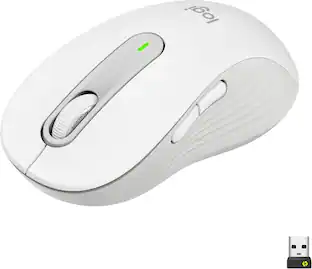
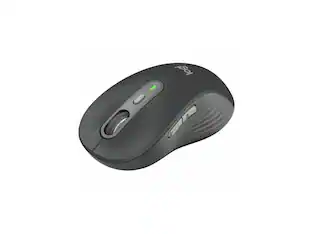
Logitech Wireless Mouse M317. The feel-good, reliable mouse that’s a smooth traveler. You can surf the Web with more comfort and ease—thanks to the contoured design with soft rubber grips. And your mouse is easy to slip into a bag when you want to take it with you.
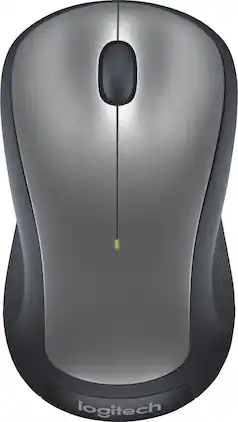
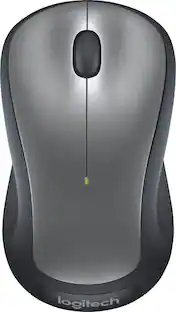
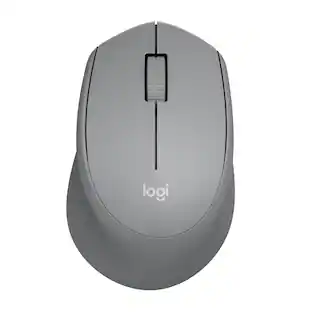
Logitech M310 Wireless Mouse is an easy-to-use, full-size mouse that feels just right. Feel comfortable for hours on end - in your right or left hand - thanks to its contoured, ambidextrous design with soft rubber side grips. M310 comes with a plug-and-forget nano USB receiver that is small enough to stay in your USB port so you won't lose it no matter where you take your laptop. Navigating on your PC or Macbook is simple, with smooth, responsive tracking and Logitech Advanced 2.4 GHz wireless connectivity. For hassle-free use and extreme reliability and durability, choose M310 wireless mouse.

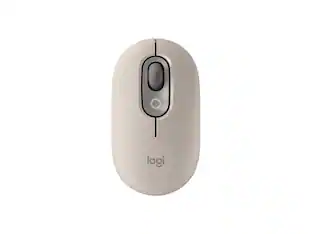
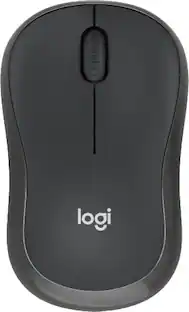
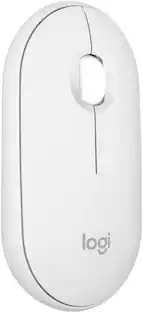
Defy Boring with Pebble Mouse 2 M350s wireless mouse made with recycled plastic. Its minimalist round shape and compact mouse design make it as iconic as you and super portable. Hop across 3 devices with the Easy-Switch button on the Bluetooth mouse. With Logi Options+ app, you can assign shortcuts to the mouse’s middle button for your favorite apps, like WhatsApp or Spotify. Work, browse, and chat with Silent Touch Technology that removes 90% of click noise. Pebble Mouse 2 M350s Bluetooth mouse comes with a 24-month battery and auto-sleep power-saving mode, to keep you going for longer, worry-free.
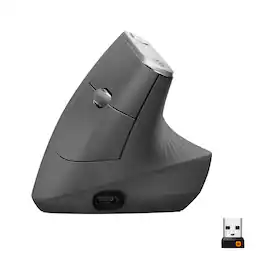
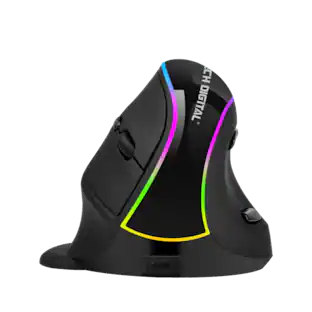
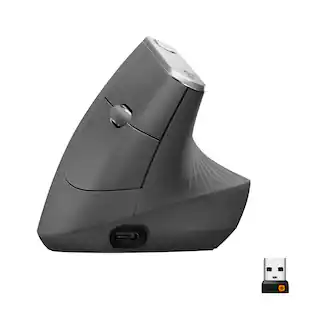
MX Vertical is an advanced ergonomic mouse that combines science-driven design with the elevated performance of Logitech’s MX series. The natural handshake position of MX Vertical reduces wrist pressure and forearm strain. The unique 57° vertical angle has been optimized for an ergonomic posture without compromising a pixel of performance. MX Vertical features a 4000 DPI high-precision sensor, resulting in 4x less hand movement and reducing fatigue. And the cursor speed switch allows you to instantly adjust DPI speed and accuracy with the touch of a button. MX Vertical stays powered for up to four months on a full charge – and gets three hours of use from a one-minute quick charge.
| Pros for Logitech - M317 Wireless Optical Mouse - Wireless - Colt Glossy | |||
|---|---|---|---|
| There were no pros for this product— | Ease of use, Overall Performance, Size, Price, Wireless | Overall Performance, Size, Portability, Connectivity, Design | Ease of use, Overall Performance, Ergonomics, Battery Life, Bluetooth |
| Cons for Logitech - M317 Wireless Optical Mouse - Wireless - Colt Glossy | |||
| There were no cons for this product— | Scroll Wheel, Lag, Weight, Sensitivity | Scroll Wheel, Click Sound | Scroll Wheel, Wrist Pain, Size, Price |
Specs
Customers often buy these together
Computer Keyboards

Logitech - Pebble Keys 2 Slim TKL Wireless Scissor Keyboard for Windows, macOS, iPadOS, Chrome - Graphite
Top Deal$33.99The price was $39.99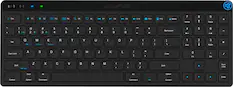
JLab - JBuds Wireless Keyboard - Black
$34.99The price was $39.99

![esc ~ ! 1 tab caps lock shift ctrl F2 Fl # 2 3 Q W A S Z start opt L F3 $ 4 E D X alt cmd3 ) FS F4 A % 5 6 R T F G V C logi 44 HI & F9 FID FB F7 F6 * ) - - & 0 8 9 7 O P U I Y K L H J > < N M 1 B PM + = { [ : I ; ? I alt cmd D 2 4 300 3 1 F12 . * page I insert home up clear backspace 8 9 + 7 page A pg up end down home } I delete ] / 6 4 5 4 enter 2 3 enter 1 dn Pg end shift = 0 del ins etrl fn opt](https://pisces.bbystatic.com/image2/BestBuy_US/images/products/6539/6539505_sd.jpg;maxHeight=232;maxWidth=233?format=webp)
![Esc F1 F2 F3 F4 F5 F6 F7 F8 F9 F10 F11 F12 Print Screen Scroll Lock Pause Break 1 2 3 4 5 6 7 8 9 0 - + = Backspace Insert Home H Page Up A Num Look 1 I Tab Q W E R T Y U I o P { [ } ] I I Delete End IN Page Down 7 Home 8 9 Pg Up Caps A Lock A S D F G H J K L ; : DE g Enter 4 5 6 Shift Z X C V N M < > ? I Shift 1 End 2 3 Pp Dn Enter Ctrl Alt Alt Ctrl 0 Ins Del](https://pisces.bbystatic.com/image2/BestBuy_US/images/products/a588d446-5678-40ae-86b8-1f15e0026e66.jpg;maxHeight=232;maxWidth=233?format=webp)






More to consider
 $107.49The price was $119.99
 Top Deal$18.99The price was $22.99
 Top Deal$29.99The price was $49.99

Explore tech essentials Sponsored
 $59.99The price was $99.99
 $149.99The price was $159.99




Discover related products
 $24.99The price was $27.99
 $12.99The price was $13.99
 $30.99The price was $32.99
 $59.99The price was $69.99
 $21.99The price was $40.66
 $16.38The price was $22.89








Keep exploring

Logitech - B100 Corded Mouse – Wired USB Mouse for Computers and laptops, for Right or Left Hand Use
$12.18The price was $20.06