Logitech - MX Master 4 Developer Edition, Ergonomic Wireless Mouse with Advanced Performance Haptic Feedback - Wireless - Yellow
Reviews coming soon
About this product
In honor of those who build our world line by line, the MX Master 4 Developer Edition transforms the tools of the trade into a wearable canvas. From syntax prompts and circuit traces to Easter eggs celebrating computing lore and open-source history, every detail holds meaning. Styled with terminal authenticity, it’s a living tribute to the craft of coding.
Features
Precision you can feel with the Haptic Sense Panel
Customizable (1) haptic feedback on specific actions, shortcuts, notifications enhancing productivity on this wireless Bluetooth mouse
Effortlessly access favorite tools with Actions Ring (2) on this MX Series mouse
A dynamic, customizable overlay adapts to each app, placing most used filters, adjustments, and shortcuts at your cursor
Scroll 1,000 lines per second and stop on a pixel with the MagSpeed scroll wheel
Logitech’s fastest (3), quietest, and most precise (4) scrolling experience
Enjoy 2X more powerful connectivity (7) with a USB-C dongle, advanced radio chip, and optimized antenna for faster, stronger, reliable performance
Or use Bluetooth for more versatility
Ergonomic mouse designed for comfort
MX Master 4 keeps you in flow with a natural tilt, intuitive buttons, and a thumb scroll wheel that reduces hand stress for fluid navigation
Quiet Clicks on MX Master 4
Reduce noise and distractions, offering a soft, satisfying feel with 90% less click noise (8)—perfect for focused workflows
Get a complimentary 1-month Adobe Creative Cloud subscription with your purchase of MX Master 4
Compatible with Googlebook laptops
Unlock the speed, precision and ergonomic comfort needed to power through your heaviest workflows
(1) Requires LogiOptions+ app, available for Windows and macOS. Haptic feedback panel customization is not supported on Googlebook laptops.
(2) Logitech Ergo Lab study (2025) with 37 MX Master mouse users tested across 8 desktop actions. Results may vary depending on assigned shortcuts. Limited Logi Options+ features available for Googlebook laptops (requires active Gemini AI features). Actions Ring customization and plugins not supported on Googlebook laptops
(3) Compared to Logitech Master 2S mouse with Logitech Options installed and Smooth scrolling enabled
(4) Compared to regular Logitech mouse without an electromagnetic scroll wheel
(7) Compared to MX Master 3S
(8) Compared to MX Master 3, MX Master 4 has 90% less Sound Power Level left and right click.
Specifications
- Maximum Sensitivity8000 dots per inchNumber of Buttons (Total)8Connection TypeWireless
Reviews
This product doesn't have any reviews yet.





Compare similar products
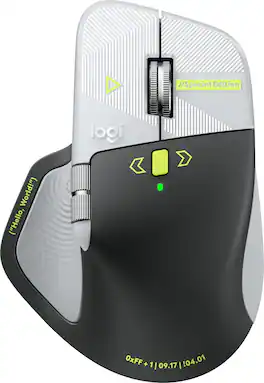
In honor of those who build our world line by line, the MX Master 4 Developer Edition transforms the tools of the trade into a wearable canvas. From syntax prompts and circuit traces to Easter eggs celebrating computing lore and open-source history, every detail holds meaning. Styled with terminal authenticity, it’s a living tribute to the craft of coding.
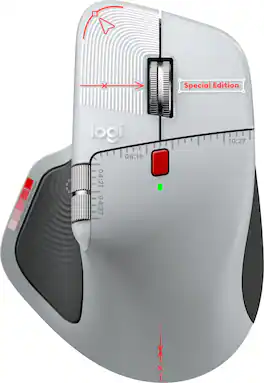
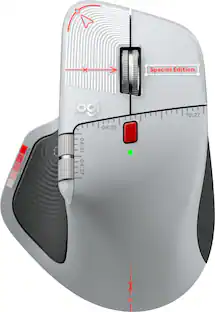
The MX Master 4 Creator Edition makes its official debut as a physical canvas for those who shape the digital world. Crafted as a quiet nod to the designers, editors, and visual thinkers behind the screen, this edition translates the rituals of the studio directly onto the shell. Every millimeter holds a hidden homage to visual craft—from alignment crosshairs and center lines that mirror precision grids, to delicate Bézier nodes and timeline stamps marking shared moments in creative history. It’s a wearable draft of the creator’s native language, designed to honor the artboard-inspired instincts and obsessive attention to detail that prove creativity has no boundaries.
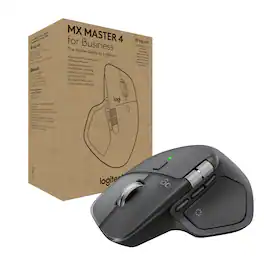
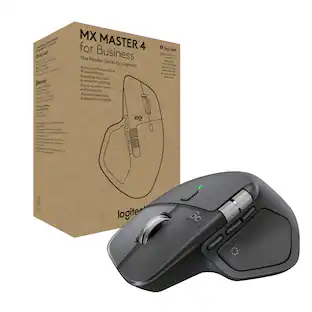
MX Master 4 for Business, our flagship mouse for business professionals, combines premium design with advanced features and enhanced connectivity. Highlights include an 8K DPI Darkfield laser sensor, Quiet Click technology, and MagSpeed scrolling. The advanced radio chip, optimized antenna placement, and Logi Bolt USB-C receiver provide 2x more powerful connectivity to improve performance in congested wireless environments. The Actions Ring, which is enabled and customized with Logi Options+, provides fast access to favorite tools and actions, including Easy-Switch. Haptic feedback enhances productivity by gently notifying the user for situations such as low battery or device disconnected.

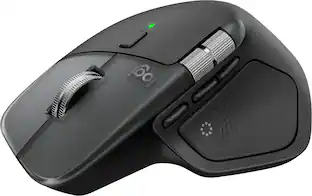
The Logitech MX Master 4 brings immersive control and precision you can feel with haptic feedback. Experience haptic feedback on specific actions, shortcuts, notifications like switching desktops, slider adjustments and more. Customize vibration intensity in Logi Options+. With Actions Ring shortcuts and MX Master 4, save up to 33% of your time by accessing tools and filters at your cursor, reducing repetitive movements by up to 63%. Experience uninterrupted performance with 2X more powerful connectivity, powered by an advanced radio chip, optimized antenna placement, and a new USB-C dongle.
| Pros for Logitech - MX Master 4 Developer Edition, Ergonomic Wireless Mouse with Advanced Performance Haptic Feedback - Wireless - Yellow | |||
|---|---|---|---|
| There were no pros for this product— | There were no pros for this product— | There were no pros for this product— | Ergonomics, Overall Performance, Haptic Feedback, Battery Life, Button Functionality |
| Cons for Logitech - MX Master 4 Developer Edition, Ergonomic Wireless Mouse with Advanced Performance Haptic Feedback - Wireless - Yellow | |||
| There were no cons for this product— | There were no cons for this product— | There were no cons for this product— | Weight, Size |
Specs
Be the first to ask a question.
We’ll try to get your question answered within 24 hours by a Best Buy customer or brand representative.
Customers often buy these together
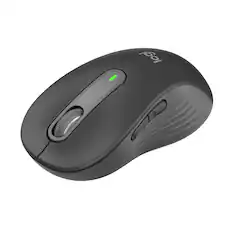
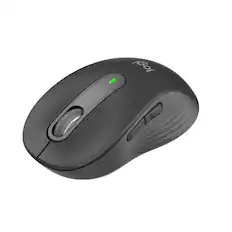
Logitech - Signature M650 L Full-size Wireless Optical Scroll Mouse with Silent Clicks - Wireless - Graphite
Top Deal$33.99The price was $39.99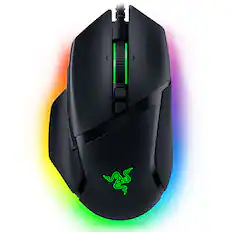
Razer - Basilisk V3 Optical Gaming Mouse with Chroma RBG Lighting - Wired - Black
$49.99The price was $69.99



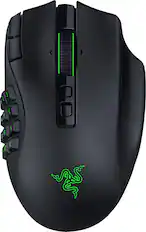

More to consider



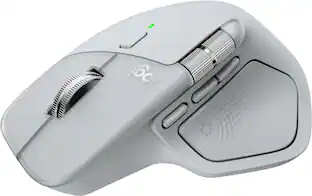
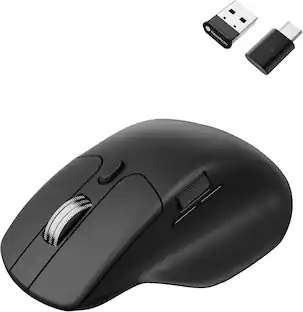
Explore tech essentials Sponsored
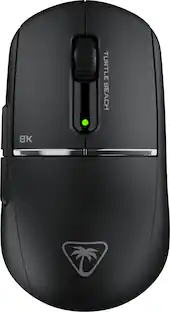
Turtle Beach Burst II Pro High-Performance Ultra-Lightweight Wireless Optical Esports Gaming Mouse
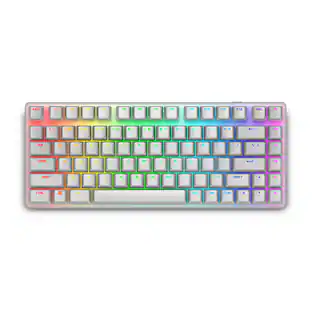
$99.99The price was $139.99Alienware Pro 75% Wireless Mechanical Gaming Keyboard with RGB Back Lighting
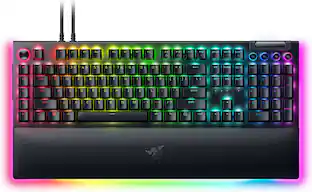
$179.99The price was $199.99Razer BlackWidow V4 Pro Full Size Wired Mechanical Green Clicky Switch Gaming Keyboard with Chroma RGB Backlighting
Top Deal$199.99The price was $249.99CORSAIR K65 PLUS RGB 75% Wireless Mechanical Pre-Lubricated MLX Red Linear Switch Gaming Keyboard with Hot-Swappable Switches
Top Deal$129.99The price was $159.99



Discover related products
Acer USB C Docking Station With 2 HDMI, 9-IN-1 Docking Hub with USB A&C 3.0, SD/Micro SD, 100W Charging
$42.99The price was $47.99Acer USB C to HDMI Cable for Home Office 6.6FT (4K@60Hz), High-Speed Type C to HDMI 2.0 Braided Cord
$12.99The price was $13.99Logitech X56 HOTAS Microsoft Flight Simulator RGB Dual-Throttle and Joystick
$247.00The price was $275.00














Keep exploring
Logitech B100 Corded Mouse – Wired USB Mouse for Computers and laptops, for Right or Left Hand Use
$13.29The price was $20.06