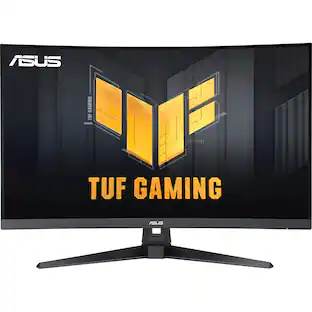
LG - UltraGear 34" Curved WQHD 240Hz FreeSync Premium Gaming Monitor with DisplayHDR400 (HDMI, DP, USB-C, USB-A) - Black
Customers are saying
Customers are enthusiastic about the monitor's amazing picture quality and its high refresh rate, which users find perfect for their needs. Many also appreciate the convenient USB-C connectivity that simplifies laptop integration. Additionally, users value the stand's versatility, noting that it allows for easy customization of height and tilt.
Highlights
Features
UltraGear: More Screen. More Speed. More Glory.
Outpace the competition with the 34" 21:9 UltraGear WQHD gaming monitor. Experience buttery-smooth 240Hz visuals, bold HDR color, and a slim, narrow-bezel design that sharpens focus and kicks distractions to the curb.
21:9 Widescreen Gaming
The 21:9 UltraGear WQHD (3440×1440) 1500R curved screen gives you extra horizontal real estate—perfect for keeping game overlays, chat, and guides in sight without alt-tabbing. The virtually borderless design keeps your focus on the action, with seamless, distraction‑free immersion—everything you need, in one epic view.
Vivid Color and HDR Brilliance
Immerse yourself in bold, vivid visuals with up to 95% DCI-P3 color gamut and VESA DisplayHDR 400. Enjoy rich hues, bright highlights, and deep dark shadows that make every game more vibrant and every scene more cinematic.
240Hz Refresh Rate for the Win
React faster and play smoother with a blistering 240Hz refresh rate¹—perfect for high-speed competitive gaming where every millisecond counts. Experience fluid motion and razor-sharp clarity, even in the most intense action.
1ms (GtG): Astounding Gaming Speed
Play with a near-instantaneous 1ms response time, which minimizes ghosting for gaming visuals that are sharp, clear and buttery smooth.
Ultimate Frame Sync: FreeSync Premium
Say goodbye to screen tearing and stutter. With AMD FreeSync Premium this UltraGear monitor delivers ultra-smooth, tear-free visuals, giving you perfect frame sync across PC and next-gen console gaming.
Unlock Your Potential with Advanced Gaming Features
Dynamic Action Sync reduces input lag for real-time response. Black Stabilizer brightens dark scenes to see what's hidden. FPS Counter shows your real-time frame rate. Crosshair enhances precision for deadly accuracy.
USB-C and More to Support Your Connections & Built-in Speakers
Versatile connectivity hub: USB‑C simplifies setup with power, video, and data in one—while dual HDMI, DisplayPort, and USB‑A ports ensure seamless connections to all your devices, from consoles and peripherals to productivity gear. Let the action surround you with built-in speakers delivering deeper, fuller sound that enhances cinematic gaming scenes.
Space-Saving Stand with Adjustable Viewing
A narrow-bezel scree on the slim stand and with compact base frees up desk space for a tidy setup, while height, tilt and swivel adjustments let you find the perfect viewing position with ease.
Specifications
- Refresh Rate240HzMaximum Resolution3440 x 1440Response Time1 millisecondsPanel TypeVASynchronization TechnologyFreeSync Premium (AMD Adaptive Sync), Not Applicable
Reviews
Rating 4.9 out of 5 stars with 58 reviews
- Overall Performance (20)
- Refresh Rate (10)
- Screen Size (9)
- Connectivity (8)
- Stand Adjustability (4)
Customer Images
The vast majority of our reviews come from verified purchases. Reviews from customers may include My Best Buy members, employees, and Tech Insider Network members (as tagged). Select reviewers may receive discounted products, promotional considerations or entries into drawings for honest, helpful reviews.

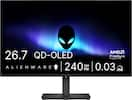

Compare similar products
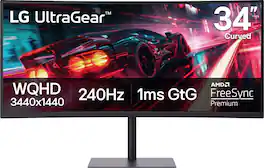
Dominate the game with the 34” UltraGear WQHD (3340x1440) Gaming Monitor, built for speed, precision, and pure visual impact. The 21:9 UltraGear curved (1500R) display gives you more room to play and multitask, with a virtually borderless design that keeps you locked into the action. React instantly with a blistering 240Hz refresh rate and 1ms response time—perfect for competitive gamers who live in the milliseconds. Vivid color pops with HDR10, DisplayHDR 400, and up to 95% DCI-P3 color gamut, while AMD FreeSync Premium ensures buttery-smooth, tear-free visuals across PC and next-gen consoles. Connectivity made easy with USB-C, HDMI (x2), and DisplayPort. Plus, hear every detail with built-in speakers. Designed for battle and built for comfort—with a slim bezel, height, tilt and swivel adjustable stand that keeps your setup clean and dialed in.
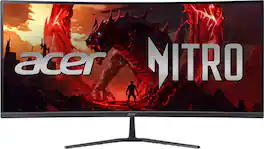
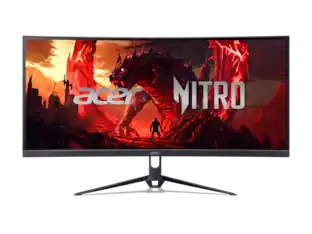
Acer's Nitro ED340CUR 34" curved panel monitor with Ultra Wide QHD resolution delivers the incredible. Through AMD FreeSync Premium technology, the game’s frame rate is determined by your graphics card, not the fixed refresh rate of the monitor, giving you a serious competitive edge. Smooth, tear-free gameplay!! Crisp, true-to-life colors come alive with the amazing 3440 x 1440 resolution, allowing you to enjoy High-Definition entertainment in the comfort of your home. The wide view angle technology lets you share what's on your screen with friends and family as colors stay true no matter what angle you're viewing from. Incredible 100,000,000:1 contrast ratio and rapid response time ensure your games, work and movies are smooth and look as epic as possible.

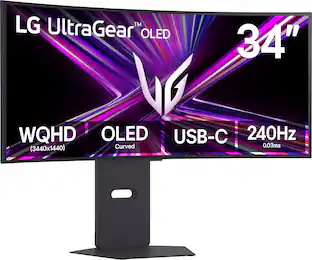
Experience stunning performance with the vast 34” curved WQHD LG UltraGear OLED gaming monitor. Stay a step ahead of the competition with an ultra-fast refresh rate up to 240Hz and .03ms response time that will bring you into the game like never before¹. And with the steep and dramatic 800R curve, you’ll feel enveloped in the action from virtually all around you. This UltraGear's ultra-thin, bezel design, height, tilt and swivel adjustability along with impressive connectivity options and make this UltraGear, ultra-essential for your battlestation setup.
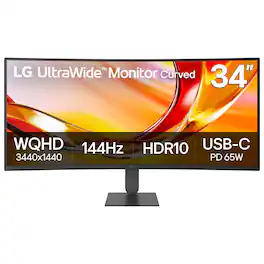
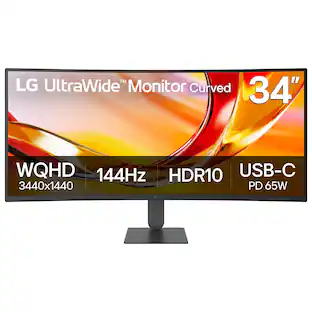
The 34U640B-B LG UltraWide monitor is built to elevate productivity, creativity, and everyday comfort. Its expansive 34" 21:9 UltraWide WQHD (3440×1440) display gives you more room to multitask across multiple windows—reducing clutter and helping you stay focused. A subtle 1800R curve and slim, virtually borderless design create a more natural, distraction-free workspace. A 144Hz refresh rate¹ and 5ms response time keep visuals smooth and clear for video calls, streaming, and gaming. AMD FreeSync Premium reduces tearing and stutter for controlled responsive motion. With up to 99% sRGB coverage and HDR10 support, content appears vibrant and consistent across documents, media, and HDR visuals. Simplify your setup with USB-C connectivity, delivering display, data, and up to 65W laptop charging through a single cable. HDMI, DisplayPort, and dual USB ports make it easy to connect multiple devices while keeping your desk clean and organized. Control two PCs with one monitor, keyboard, and mouse, and move files between systems with simple drag-and-drop—no extra hardware required. The Switch app² enhances productivity by letting you split the screen into up to six sections, customize layouts, or launch video calls instantly with a hotkey. Reader Mode reduces blue light with warmer tones for easier reading and browsing. The slim stand saves desk space, while height and tilt adjustment help you find a comfortable viewing position. One-click mounting makes setup quick and effortless.
| Pros for LG - UltraGear 34" Curved WQHD 240Hz FreeSync Premium Gaming Monitor with DisplayHDR400 (HDMI, DP, USB-C, USB-A) - Black | |||
|---|---|---|---|
| Overall Performance, Refresh Rate, Screen Size, Connectivity, Stand Adjustability | Overall Performance, Screen Size, Refresh Rate, Immersion | Refresh Rate, Color Quality, Curvature | There were no pros for this product— |
| Cons for LG - UltraGear 34" Curved WQHD 240Hz FreeSync Premium Gaming Monitor with DisplayHDR400 (HDMI, DP, USB-C, USB-A) - Black | |||
| There were no cons for this product— | There were no cons for this product— | Resolution, Aspect Ratio, Speakers | There were no cons for this product— |
Specs
Questions & Answers
Is it Mac compatible
Answered by LG Digital Customer CareHi, there! Thank you for sharing your question with us about the LG UltraGear Monitor (34G63DA-B). Yes, this model is compatible with Mac systems. You can connect your Mac directly using the built-in USB-C port (which supports display input and up to 15W Power Delivery) or via an HDMI cable / USB-C to DisplayPort adapter. You can explore the full feature list and support details here: https://www.bestbuy.com/product/lg-ultragear-34-curved-wqhd-240hz-freesync-premium-gaming-monitor-with-displayhdr400-hdmi-dp-usb-c-usb-a-black/JJ8VPZZPLP. If you need further support or assistance with setting up your Mac connection, please kindly reach out to us via email at lgdigitalcare@lg.sprinklrsupport.com so our team can assist you further. — Avril
Does the LG - UltraGear 34" Curved WQHD 240Hz FreeSync Premium Gaming Monitor with DisplayHDR400 (HDMI, DP, USB-C, USB-A) - Black Have Anti-glare?
Answered by LG Digital Customer CareThe LG UltraGear™ 34" Curved WQHD 240Hz FreeSync™ Premium Gaming Monitor with DisplayHDR400 (HDMI, DP, USB-C, USB-A) - Black, Model: 34G63DA-B, features an anti-glare (matte) surface treatment...^Ivan.
How does the monitor handle a laptop that only is 1980x1200?
Answered by LG Digital Customer CareHello, there! Thank you for sharing your question with us about the LG Monitor (34G63DA‑B). If your laptop’s maximum resolution is 1980 × 1200, the monitor will still display the image, but it will be scaled to fit the panel’s native resolution. The 34G63DA‑B is a 3440 × 1440 ultrawide monitor, so when connected to a device that outputs a lower resolution: • The monitor will accept the signal and upscale it to fill the screen. • You may notice black bars or stretching, depending on whether the laptop outputs in 16:10 (1980 × 1200) or adjusts to 21:9. • Text and graphics may not look as sharp as when running at native resolution, since scaling introduces a slight loss of clarity. • For best results, check if your laptop’s graphics card supports 3440 × 1440 output via HDMI or DisplayPort. If it does, you’ll get full native sharpness. For reference, you can check this link: https://www.lg.com/us/support/help-library/lg-monitor-troubleshooting-low-resolution-via-usbc-or-display-port-connection--20153186671558?srsltid=AfmBOop4lCIgCPIg1oGz5jl0rZDbipjwa-fsixwpZ619nX7aie-JNS5N. You can explore the full feature list and support details here: https://www.bestbuy.com/product/lg-ultragear-34-curved-wqhd-240hz-freesync-premium-gaming-monitor-with-displayhdr400-hdmi-dp-usb-c-usb-a-black/JJ8VPZZPLP. If you’d like help reviewing supported resolutions or connection options, please email us at lgdigitalcare@lg.sprinklrsupport.com. — Avril
Does this monitor support PBP?
Answered by LG Digital Customer CareHello, D! Thank you for sharing your question with us about the LG Monitor (34G63DA‑B). Yes, this model does support PBP (Picture‑by‑Picture), allowing you to view two sources side by side on the screen. You can explore the full feature list and support details here: https://www.bestbuy.com/product/lg-ultragear-34-curved-wqhd-240hz-freesync-premium-gaming-monitor-with-displayhdr400-hdmi-dp-usb-c-usb-a-black/JJ8VPZZPLP. If you need help navigating the settings or optimizing your connections, feel free to email us at lgdigitalcare@lg.sprinklrsupport.com for further support. — Avril
What is the curve radius on this monitor?
Answered by LG Digital Customer CareHello, Tim! Thank you for sharing your question to us about the LG Monitor (34G63DA-B). This monitor features a 1500R curved radius, meaning the curve forms part of a circle with a 1500 mm radius. This tighter curve compared to 1800R designs provides a more immersive viewing experience, especially for gaming and multitasking, as it keeps the edges of the screen within your natural field of vision. You can explore the full feature list and support details here: https://www.bestbuy.com/product/lg-ultragear-34-curved-wqhd-240hz-freesync-premium-gaming-monitor-with-displayhdr400-hdmi-dp-usb-c-usb-a-black/JJ8VPZZPLP. If you’d like further guidance on installation or compatibility, please email us at lgdigitalcare@lg.sprinklrsupport.com. — Avril


Customers often buy these together
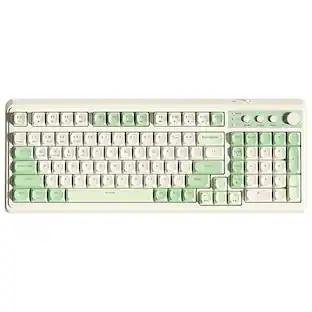
Computer Keyboards



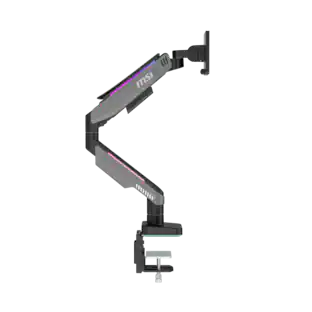
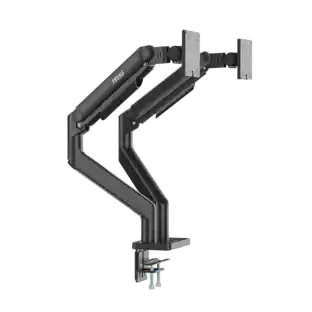
Monitor Stands
More recommended items
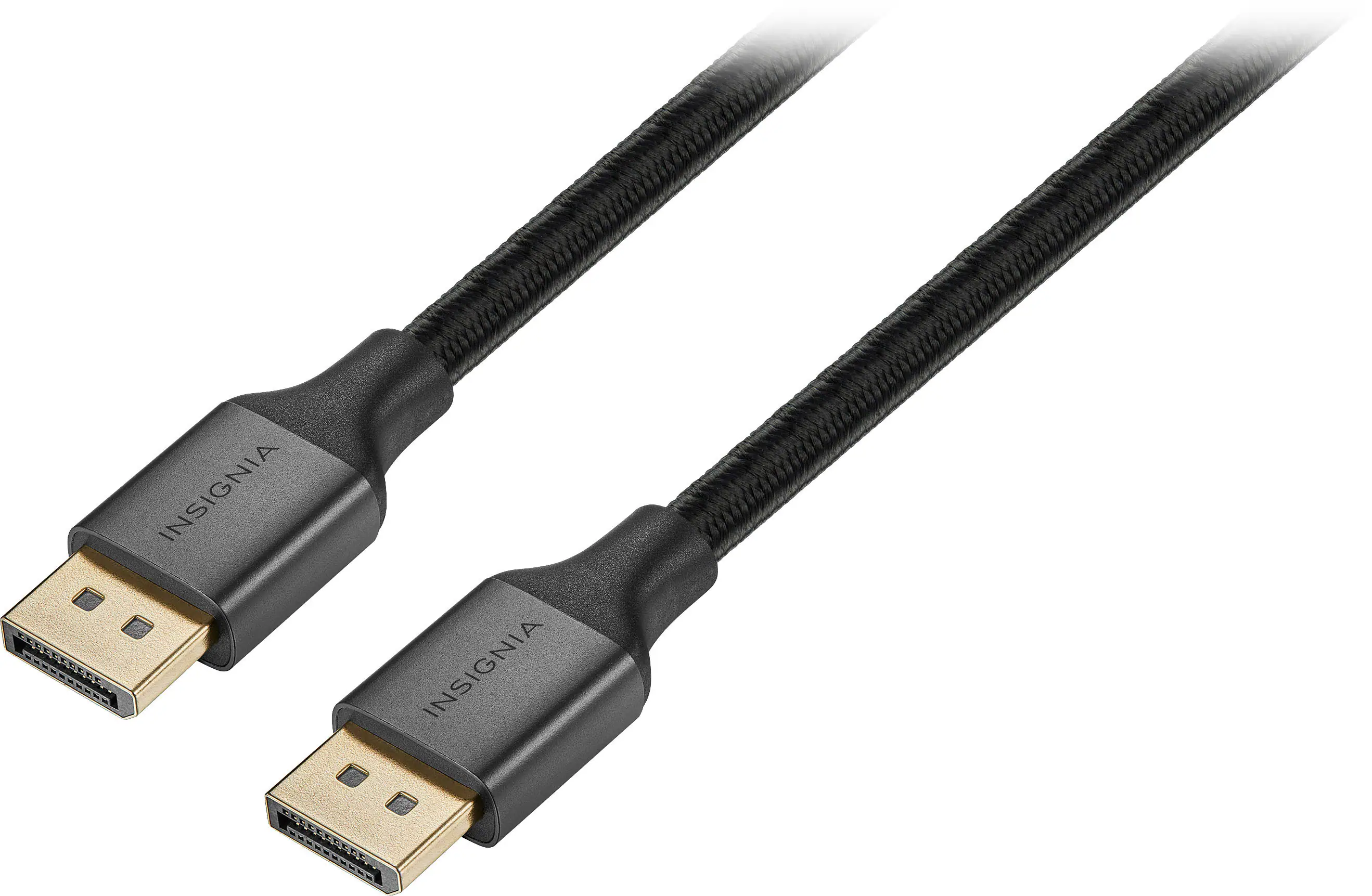 Monitor and Video Cables
 Computer Speakers
 Laptop Docking Stations
 Mice
 Cables and Adapters
 Web Cameras
 Mouse Pads
 PC Gaming Headsets
Customers ultimately bought
Acer Nitro ED340CUR Gaming 34” 1500R 21:9 Curved QHD 200Hz 1ms FreeSync Premium Gaming Monitor with HDR10 (DisplayPort, HDMI)
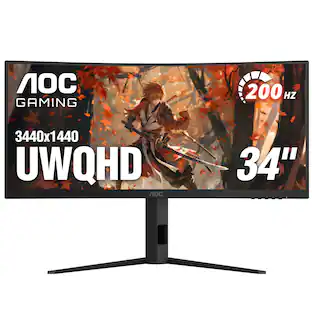
Holiday Deal$249.99The price was $349.99AOC CU34G4HV 34" VA Panel Curved Gaming Monitor, LED, WQHD (3440x1440), 200Hz, 0.5ms, Freesync
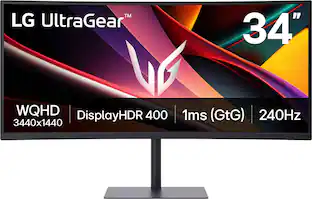
$269.99The price was $349.99LG UltraGear 34" WQHD 240Hz 1ms FreeSync Premium Gaming Monitor with DisplayHDR 400 (HDMI, DisplayPort, USB-C)
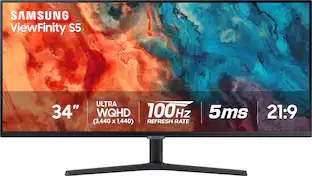
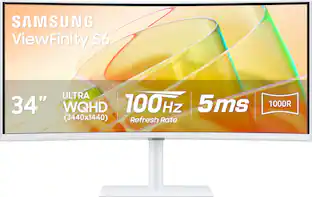
$431.99The price was $449.99Samsung 34” ViewFinity S5 Ultrawide QHD 100Hz AMD FreeSync Monitor with HDR10 (DisplayPort, HDMI)
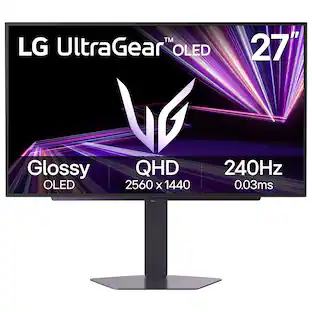
$219.99The price was $329.99LG UltraGear 27" QHD Glossy OLED 240Hz Gaming Monitor 0.03ms NVIDIA G-SYNC AMD FreeSync Premium Pro DisplayHDR TrueBlack400
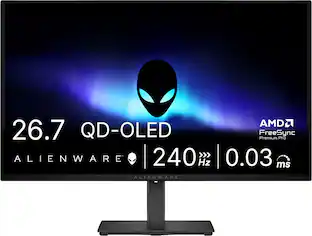
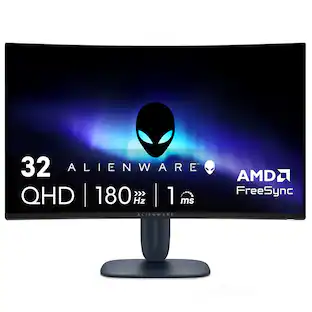
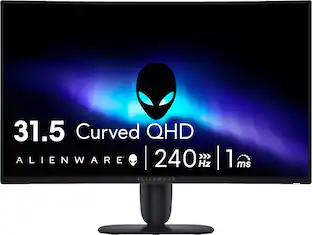
Holiday Deal$379.99The price was $499.99Alienware 32" QHD 240Hz 1ms FreeSync Premium Curved Gaming Monitor with HDR (HDMI, DisplayPort)
Holiday Deal$249.99The price was $299.99
Explore tech essentials Sponsored
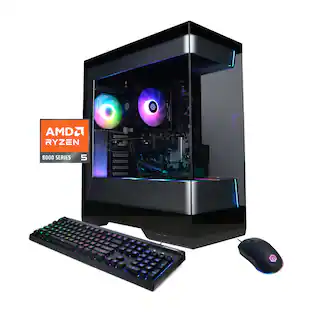
CyberPowerPC Gaming Desktop - AMD Ryzen 5 8400F 2024 - NVIDIA GeForce RTX 3050 6GB - 16GB DDR5 Memory - 1TB SSD Storage
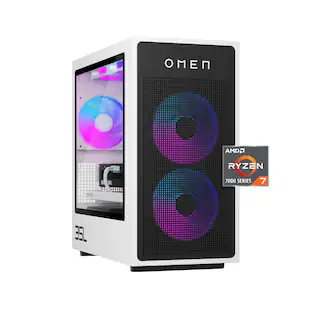
Holiday Deal$999.99The price was $1,179.99HP OMEN 35L Gaming Desktop - AMD Ryzen 7 7800X3D - 32GB DDR5 Memory - NVIDIA GeForce RTX 5060 Ti - 1TB SSD
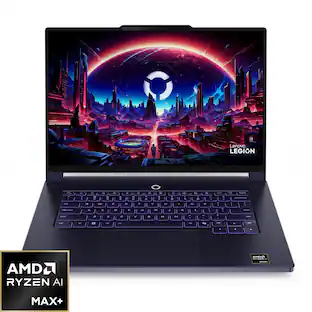
$2,449.99The price was $3,144.99Lenovo Legion 7a 15.3" 3K OLED Gaming Laptop - AMD Ryzen AI Max+ 392 2026 - Radeon 8060S Graphics - 64GB Memory - 1TB Storage
$2,299.99The price was $3,449.99LG UltraGear evo GX9 39" 5K2K OLED 165Hz 0.03ms G-SYNC FreeSync Premium Pro Gaming Monitor with DisplayHDR TRUE 500
Holiday Deal$1,599.99The price was $1,799.99
Discover related products
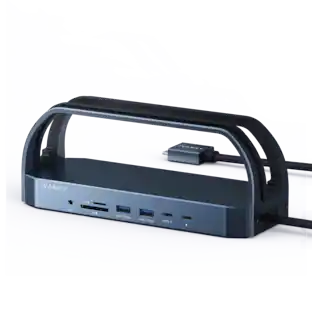
iVANKY 12-in-2 Dual 4K FusionDock Docking Station for MacBook Pro with 150W Power Adapter
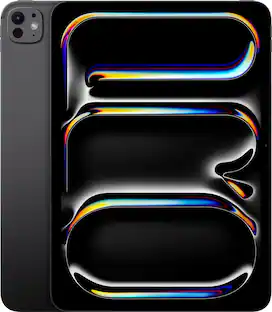
$129.99The price was $139.99Apple 11-inch iPad Pro M4 chip Built for Apple Intelligence Wi-Fi 256GB with OLED
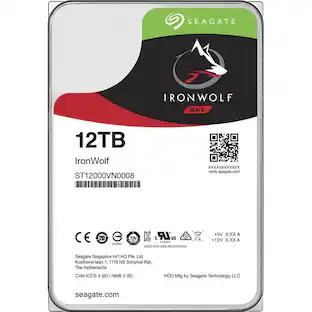
$799.99The price was $999.00Seagate IronWolf 12TB NAS Internal Hard Drive with Rescue Data Recovery Services
$449.99The price was $503.47Z Z-Edge MS05 Single Mount Stand Arm, supports 22-40" monitor, 360° adjustable, 75x75mm / 100x100mm
$49.99The price was $69.99Apple 27" iMac 5K - Intel Core i5 3.0GHz - 8GB Memory - 1TB FUSION DRIVE + 32GB SSD (2019)
$546.99The price was $659.99Apple Mac mini Desktop - M4 chip - Built for Apple Intelligence - 16GB Memory - 512GB SSD
$899.99The price was $999.00Apple Geek Squad Certified Refurbished 10.2-Inch iPad with Wi-Fi - 256GB
$399.99The price was $479.99



Keep exploring
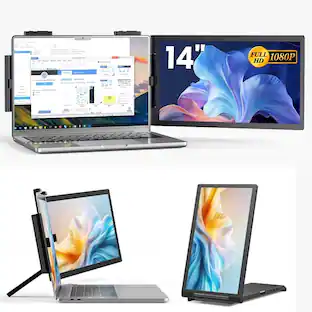
Acer PM161Q 15.6" Portable Monitor Full HD 1920x1080 IPS USB-C HDMI Refurbished
$46.34The price was $48.99Deco Gear 49" QD-OLED 240Hz Curved Super Ultrawide Gaming Monitor 5K DQHD 0.03 ms HDR400 90W USB-C
$899.99The price was $1,539.99ASUS ROG Strix 34" OLED Gaming Monitor - 3440x1440, 175Hz, 0.03ms, G-SYNC, True 10-bit
$679.49The price was $1,019.00Samsung 57-Inch Odyssey Neo G9 G95NC Dual UHD Quantum Matrix Gaming Monitor
$1,599.99The price was $2,097.99KTC H27D9 27 Inch Gaming Monitor, 2K QHD 1440P, IPS 100Hz/120Hz, Adaptive-Sync, 99% sRGB HDR10, 2xHDMI/DP, Low Blue Light
Holiday Deal$109.99The price was $199.99ASUS Zenscreen 16 inch 60Hz USB-C OLED Portable Computer Monitor MQ16FC)
$279.99The price was $294.99Acer Nitro 29.5" 1080P 200Hz AMD FreeSync 1ms 1800R Curved Gaming Monitor
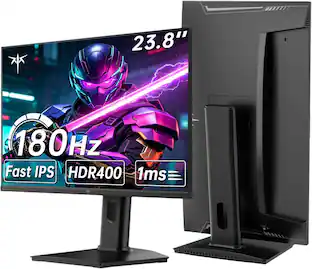
$161.99The price was $172.99KTC H24T7 24" Gaming Monitor QHD 180Hz/Up to 185Hz, Fast IPS 1440p Computer Monitor, 1ms, G-Sync/FreeSync, HDR400, HDMI/DP
Holiday Deal$139.99The price was $219.99ASUS ROG Strix 34" QHD 2K 1440p 280Hz G-Sync HDR500 0.03ms USB-C OLED Curved Gaming Monitor XG34WCDMS
$787.49The price was $971.99