Main Content
1-18 of 42 items
Sponsored

How to Work from a Home Office

What You Need for Your Home Office Setup

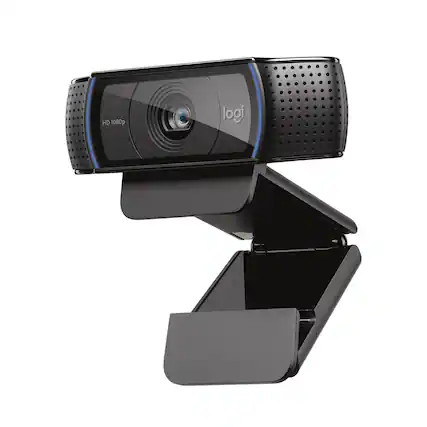
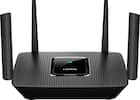
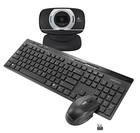
When it comes to your home office setup, first things first: get the work from home tech essentials you need. Do you have fast Wi-Fi that helps productivity at home? Make sure your at-home office router, whether it’s a wireless router or a modem and router combo, will help establish a strong internet connection when you work from home. Fast Wi-Fi helps you work remotely by making it easier to connect to video conferences and calls, for example, which are increasing in popularity. A high-quality webcam is also necessary for video calls if your computer or laptop doesn’t have one built in. Headsets and microphones are great home office accessories for optimal sound and voice quality, too, especially if you’re sharing your work space with your partner or kids.

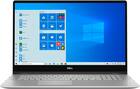
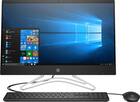
At Best Buy, you’ll also find some of the best laptops for working from home. What makes these computers a great choice for your home office work station? Many of these specially curated laptops and tablets have features like touch screens, plenty of storage capabilities, and large screen displays so your home office setup feels flexible and functional. You may also consider a new monitor for remote work, as many people are accustomed to working with large or dual screens to work more efficiently when in the office.

Home office furniture that’s set up ergonomically can improve your productivity and health when you work from home. Large office furniture, like standing desks and office chairs, all the way to small office accessories like smart LED light bulbs, can have an impact on your space. Proper lighting is often an afterthought when it comes to home offices, but you’ll want controlled light to complete your home office setup as you may be working odd hours. If you don’t have room for a new desk or chair in your home office, consider the benefits of a standing desk converter that can fit anywhere and allows you to position your laptop or computer in a healthy position whether you’re sitting or standing.

Home Office Setup: Total Tech Support

Get 24/7 support for your home office with Best Buy’s Total Tech Support. It can be tough navigating which technology is best for you and how to effectively work from home, so our friendly pros are always available to assist with any technical need as you work through your home office setup. To find the best home office products, you can stop in to your local Best Buy store or easily shop online to get all the home office setup essentials you need, shipped right to your door.

Home Office Furniture and Accessories for Remote Work

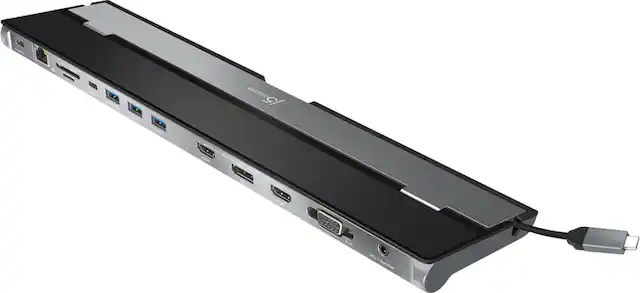
If you’re new to working from home, you may want to set up your home office with extra cables and connectors if you have different types of computers, monitors and other office accessories. An HDMI cord or a multiport adapter, for example, make it easy to display your laptop screen on a larger monitor. A wireless keyboard and wireless mouse are easy, inexpensive office accessories to make your home office setup more flexible. Even if you have a laptop with a built-in keyboard, a wireless keyboard often offers more comfort while you work, and a wireless or Bluetooth mouse is much more convenient than many built-in laptop touch pads.

Similar products from outside of Best Buy

sponsored