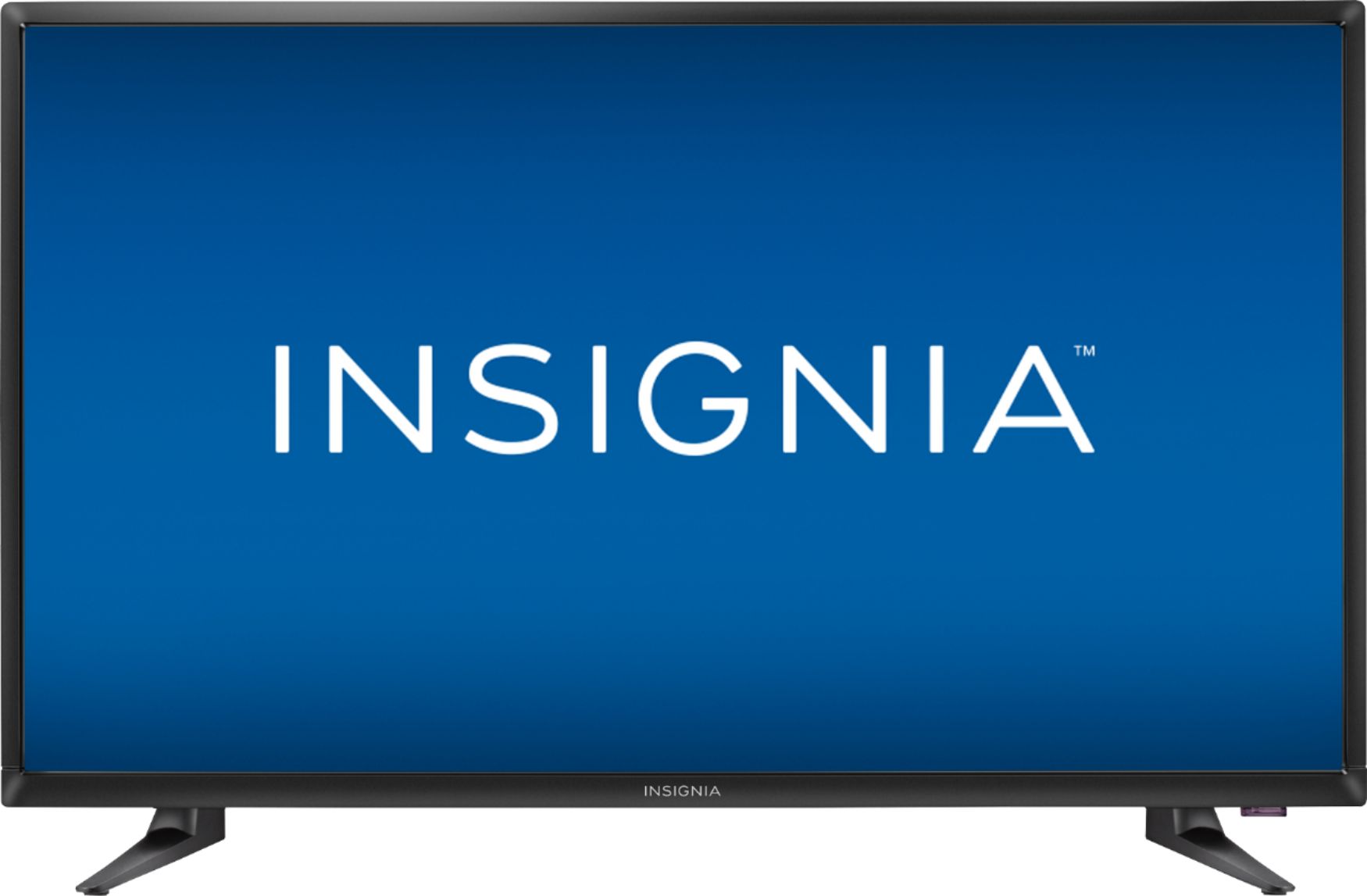
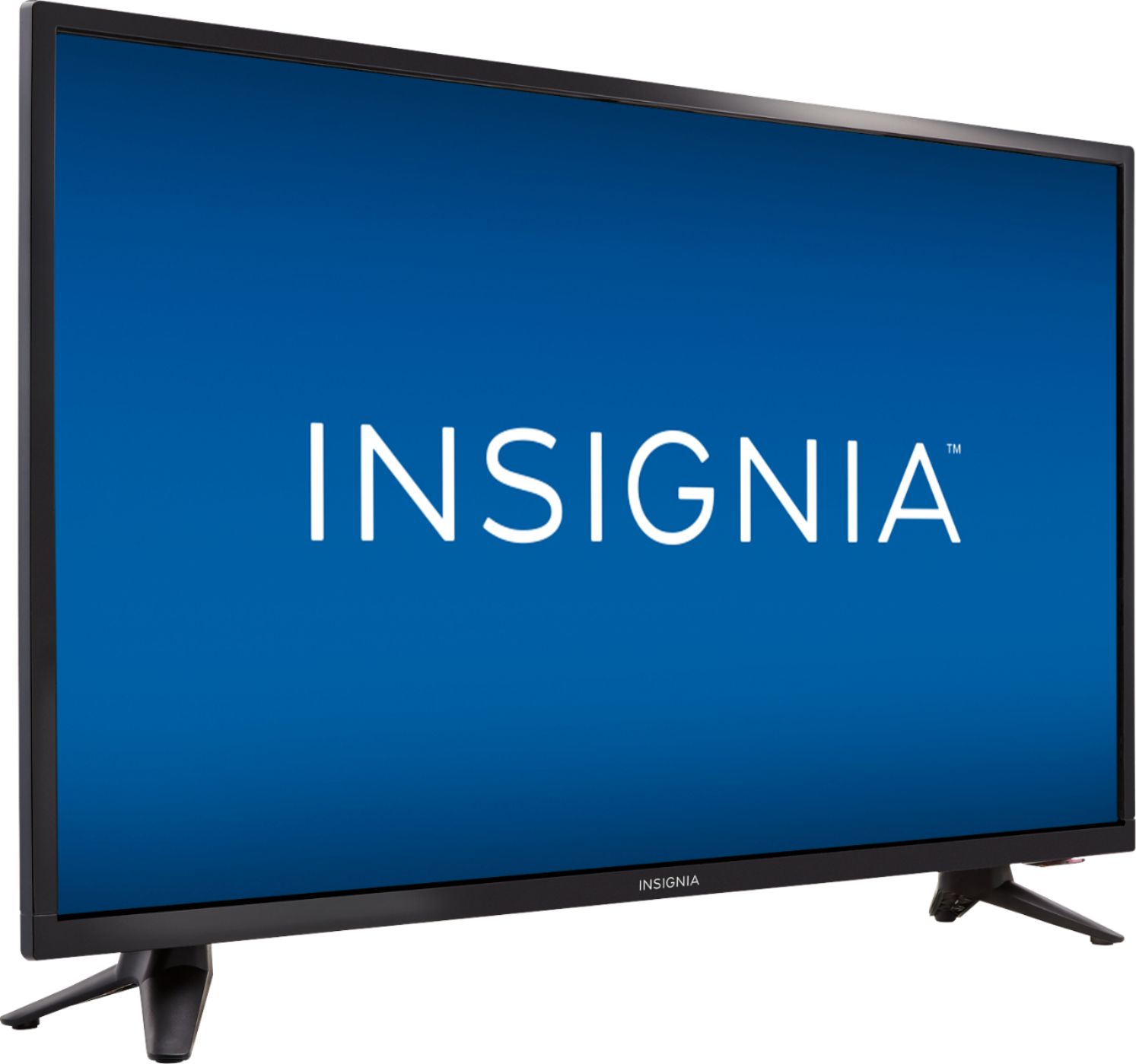
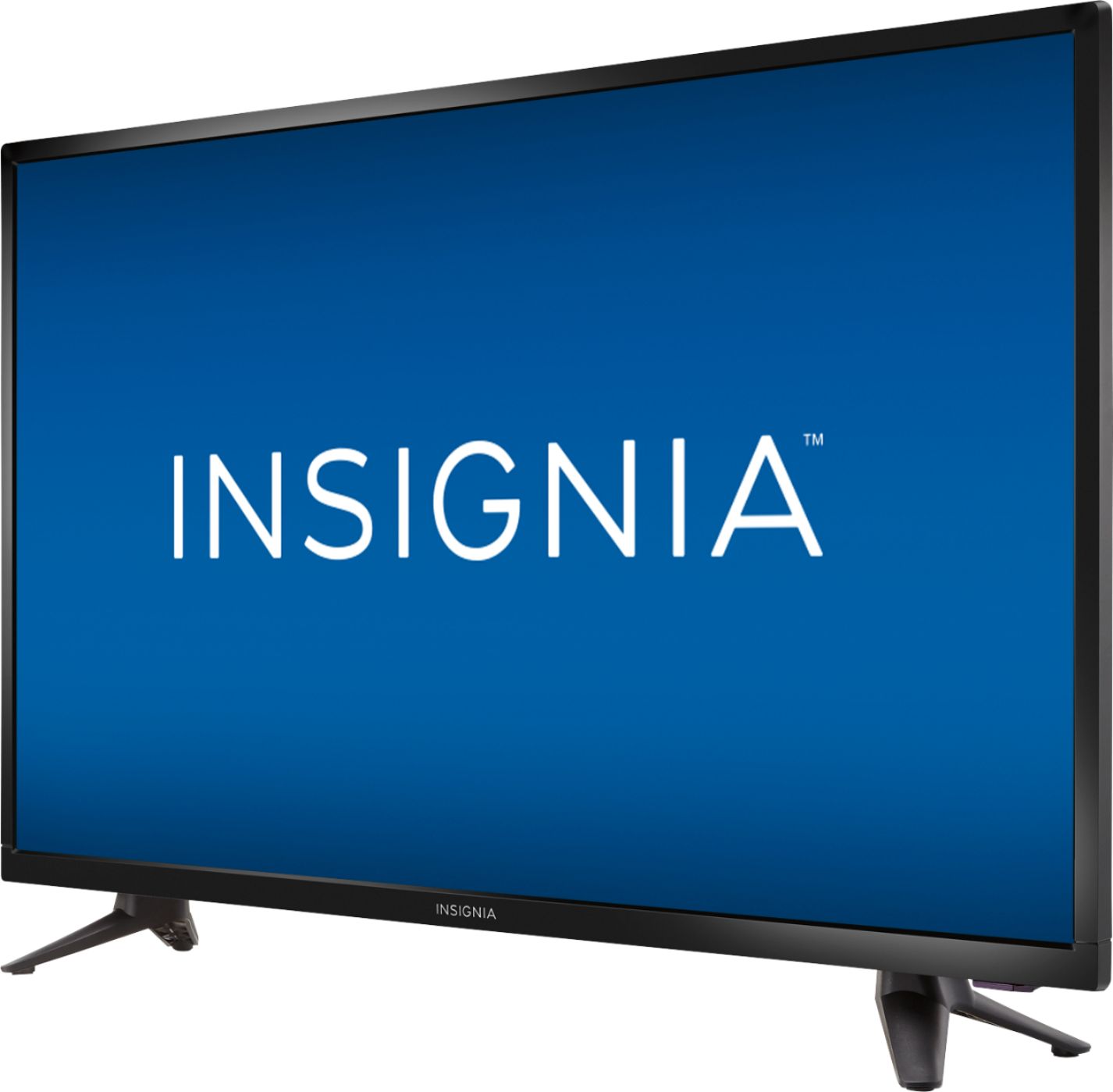
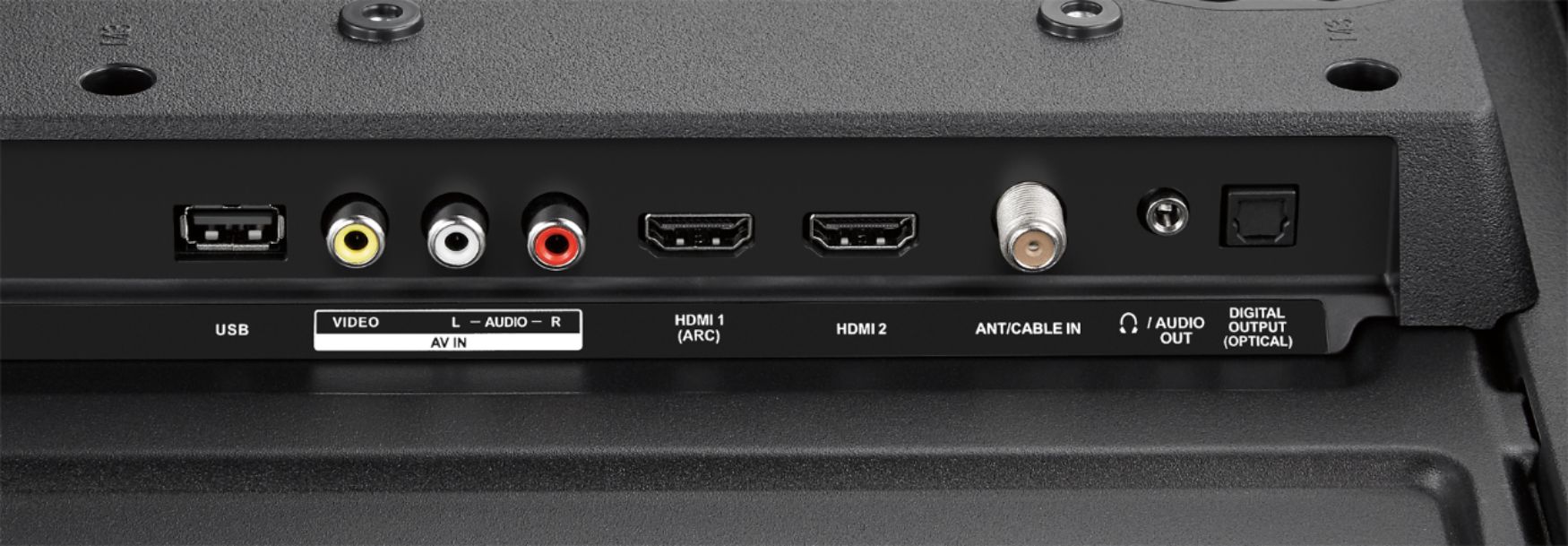
A:AnswerThe Canadian version of this model allows the TV speakers to be adjusted to be always on or switched off when the headphone jack is plugged in. Adjustment is done via the audio settings panel. I suspect the "NA" (USA) version would also have this switch. The ROKU models definitely DO NOT have this feature.
A:AnswerYou can order an HDTV box from Comcast, subscribe to HDTV via satellite, or consider receiving free HDTV stations over the air. See https://www.antennaweb.org/
A:AnswerYou will need an HDMI cable to be able to see HD , if not just plug it to your cable from your wall outlet. The picture will look better if you get an HDMI cable.
A:AnswerIt should, no reason it shouldn't. All modern TVs and modern mounts have universal mounting specs so everything should work fine. Just don't try to mount a large TV (say 50") on a mount designed to handle a small TV (say 32"). While it should work, the TV is too heavy for the mount to safely handle. You wouldn't want it falling off the wall. Your 32" TV should work fine with the 19-32" mount.
A:AnswerYou must have really bad luck, doubled! I have not had a single problem with mine and I bought it last year. Sorry about your TV, maybe three is a charm!
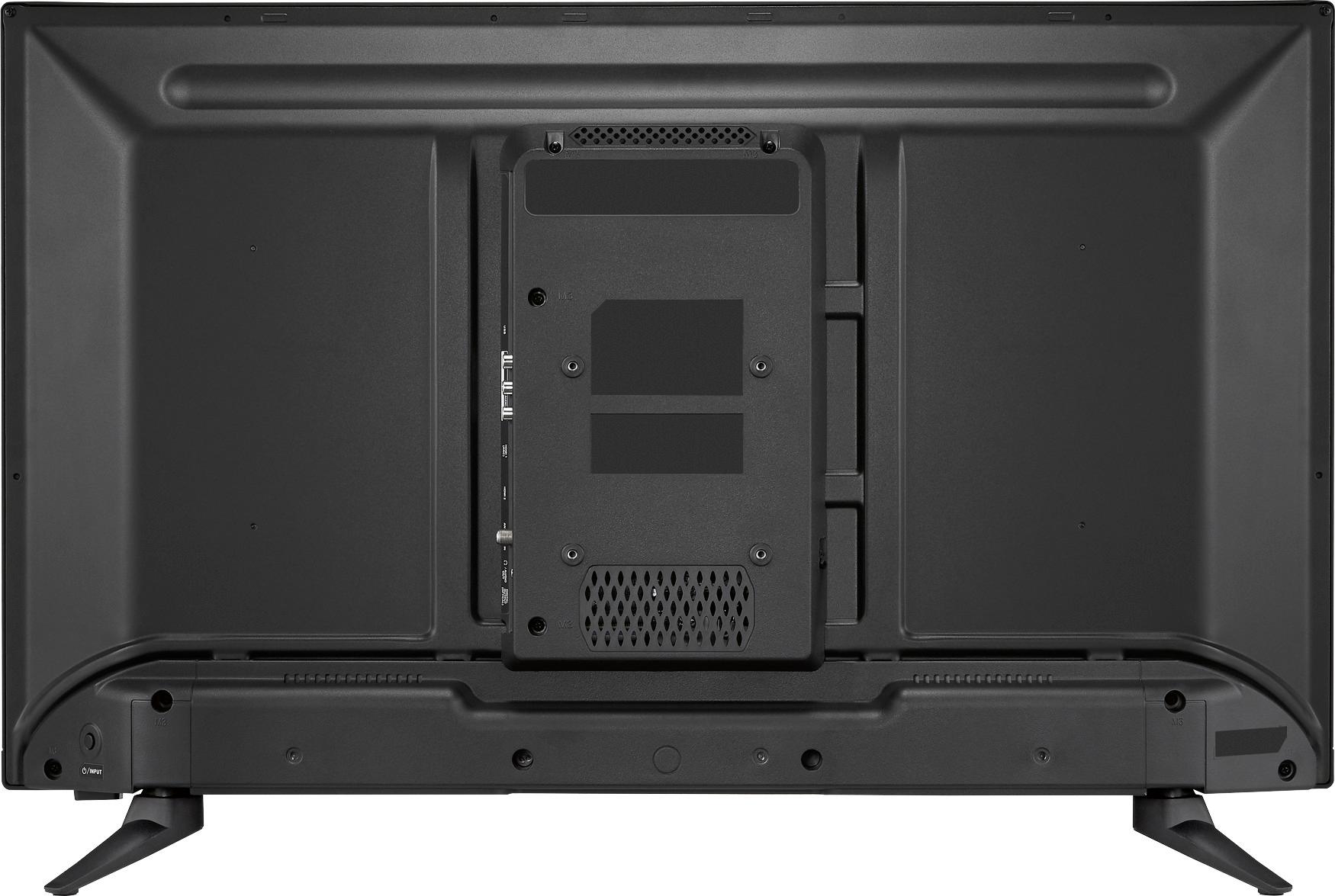
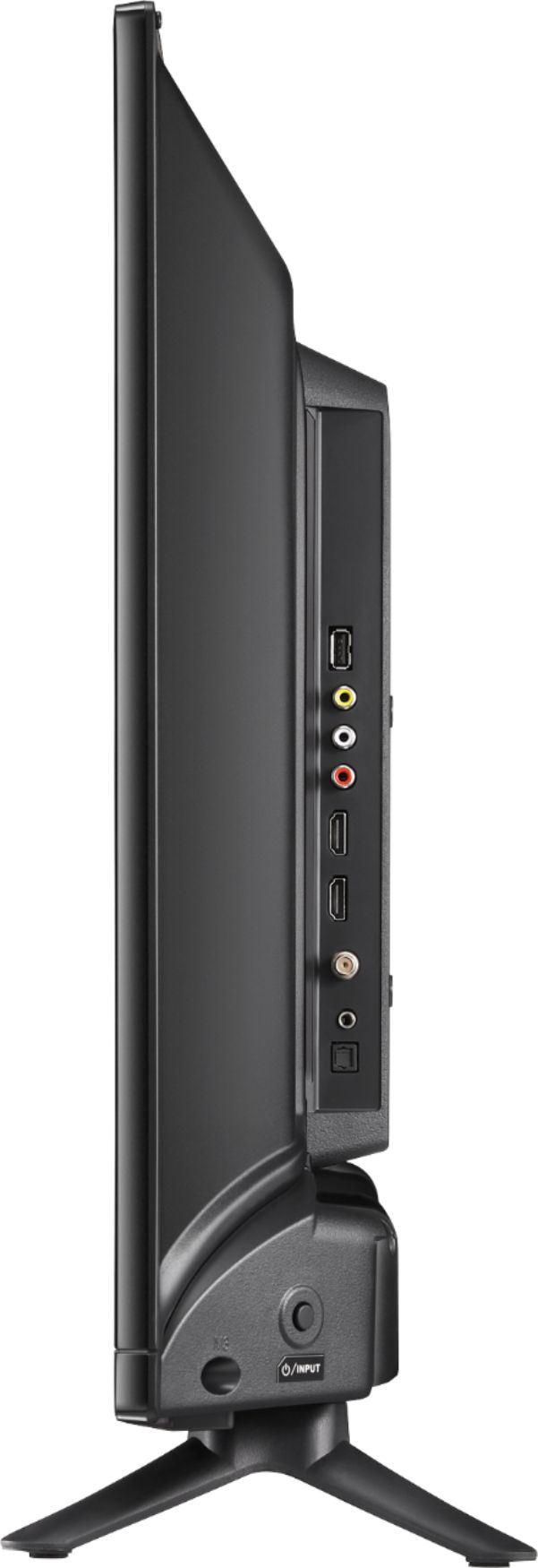
A:AnswerTap on the power button on bottom right back side of TV. Keep tapping until your input source is highlighted. release button and wait a few seconds.
A:AnswerI can change the volume and the channel with my cable remote. Did you use the correct code? It took several tries but I finally found the correct one.
A:AnswerAfter you plug in the HDMI to your TV and your PC.
You must turn off the TV and turn it back on. Ive never seen a TV need restarted before to get it to detect the connection. But it worked for me.